

The #1 Scribe Alternative. SOP + video in one take.
Record your screen, talk naturally, and get a publish-ready guide + video in 2 minutes. No manual writing.
10,000+ teams create guides with Glitter



























Why teams switch from Scribe to Glitter
Glitter captures everything Scribe misses
Glitter captures truly everything
Glitter captures natural speech - no need to stop and dictate like with Scribe. Also captures what you hover on, not just clicks.
Glitter turns any video into a guide
Upload a meeting recording, screen capture, or any video. Get a step-by-step SOP. Scribe can't do this.
Glitter costs up to 43% less
$16-20/mo vs Scribe's $25-35/mo. Even bigger savings at enterprise scale - transparent pricing, no surprise quotes.
How Glitter AI works
Record or Upload
Record a new guide with Glitter – or upload any existing video ANY VIDEO
AI Writes Your Guide
AI transcribes and captures key moments. You can edit everything.
Share
Easily share, export or embed your guide so that people can access it.
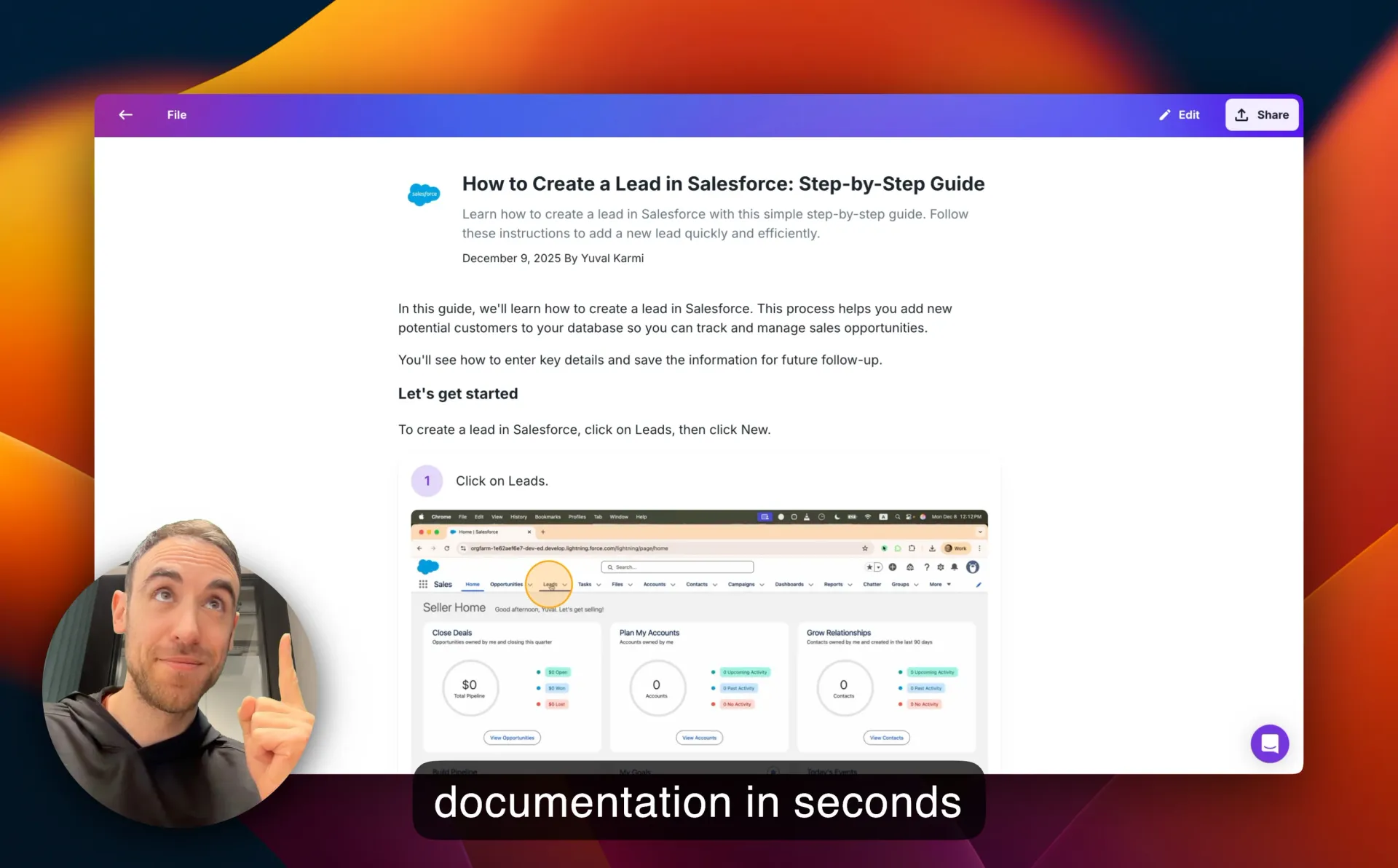
Here's a 2-minute demo of Glitter AI
See how Glitter turns a screen recording into a step-by-step guide


Glitter AI vs Scribe Software
See why teams are switching from Scribe (ScribeHow) to Glitter

Captures video + written SOP
Upload any video to create a guide
Natural speech-to-guide (just talk)
Translate guides to 99 languages
Captures hover explanations
Original video preserved
Desktop app on free plan
Mobile video capture
SOC 2 Type II certified
Never trains AI on your data
Transparent enterprise pricing
Simple pricing. No surprises.
Pay monthly, cancel anytime. 7-day money-back guarantee.

$75 / month total • includes 5 seats
Scribe Alternative FAQ
Common questions about switching from Scribe software to Glitter AI
Is Glitter AI better than Scribe (ScribeHow)?
How much does Scribe cost vs Glitter?
Can I switch from Scribe to Glitter?
What makes Glitter the best Scribe alternative?
Does the Scribe alternative work with desktop apps?
What do Scribe tool users say after switching?
Teams that switched from Scribe aren't going back

“This software is mind-blowing! After 2+ months, it's an invaluable asset to my company. The transcription quality is out of this world, and the new image editing tools are so fluid and better than [competitor name redacted]. ...you've saved me so much time; I'm elated and highly anticipate subscribing for another year!”
Tim M.
May 3, 2025
“Our company has asked each department to use AI tools to increase productivity, and this has made a huge difference. One of our leaders had originally sent a link to check out Glitter AI, and we love it! We're now using it for clients as well as internal staff.”
Kim W.
December 18, 2024
“This is exactly the documentation solution that we've been looking for. Every software system requires operating instructions, and you make them so easy to create! It's perfect for employee training purposes.”
Erez A.
January 9, 2025
“Glitter is really cool! The step-by-step guide it created was exactly what we needed for our corporate Salesforce setup, which was a literal mess. Just having a video isn't great because it's a nightmare to update all the fields for billing. This tool is saving us so much time!”
Dustin R.
March 8, 2025
“This is amazing! I just used the desktop app to make a quick guide for a Photoshop tool that I can use in my class. It would have taken me at least 30 minutes before and I just did it in about 5 minutes. Thanks for such a great tool!”
Sarah
January 28, 2025
“I tested 2 products today to solve the problem of rapidly creating 60+ articles to onboard our customers, and Glitter AI is excellent! It's really easy to use and edit. The output is so easy to import into our CMS for our Knowledge Hub; it's fantastic.”
Emily W.
February 15, 2025
“Really love this product! We use Guru for documentation at our company. With Glitter, I can do a quick walkthrough, and it creates a guide that can be pasted right into Guru, which saves us from undocumented tasks.”
Jens A.
April 12, 2025
“So far, I'm liking Glitter a great deal; it's very intuitive and useful. Our school district has an old method for online help for our student information system. Glitter is a great way to save many, MANY, person-hours of work, and our IT person is excited about it too!”
John
January 9, 2025
“This software is mind-blowing! After 2+ months, it's an invaluable asset to my company. The transcription quality is out of this world, and the new image editing tools are so fluid and better than [competitor name redacted]. ...you've saved me so much time; I'm elated and highly anticipate subscribing for another year!”
Tim M.
May 3, 2025
“Our company has asked each department to use AI tools to increase productivity, and this has made a huge difference. One of our leaders had originally sent a link to check out Glitter AI, and we love it! We're now using it for clients as well as internal staff.”
Kim W.
December 18, 2024
“This is exactly the documentation solution that we've been looking for. Every software system requires operating instructions, and you make them so easy to create! It's perfect for employee training purposes.”
Erez A.
January 9, 2025
“Glitter is really cool! The step-by-step guide it created was exactly what we needed for our corporate Salesforce setup, which was a literal mess. Just having a video isn't great because it's a nightmare to update all the fields for billing. This tool is saving us so much time!”
Dustin R.
March 8, 2025
“This is amazing! I just used the desktop app to make a quick guide for a Photoshop tool that I can use in my class. It would have taken me at least 30 minutes before and I just did it in about 5 minutes. Thanks for such a great tool!”
Sarah
January 28, 2025
“I tested 2 products today to solve the problem of rapidly creating 60+ articles to onboard our customers, and Glitter AI is excellent! It's really easy to use and edit. The output is so easy to import into our CMS for our Knowledge Hub; it's fantastic.”
Emily W.
February 15, 2025
“Really love this product! We use Guru for documentation at our company. With Glitter, I can do a quick walkthrough, and it creates a guide that can be pasted right into Guru, which saves us from undocumented tasks.”
Jens A.
April 12, 2025
“So far, I'm liking Glitter a great deal; it's very intuitive and useful. Our school district has an old method for online help for our student information system. Glitter is a great way to save many, MANY, person-hours of work, and our IT person is excited about it too!”
John
January 9, 2025
“This software is mind-blowing! After 2+ months, it's an invaluable asset to my company. The transcription quality is out of this world, and the new image editing tools are so fluid and better than [competitor name redacted]. ...you've saved me so much time; I'm elated and highly anticipate subscribing for another year!”
Tim M.
May 3, 2025
“Our company has asked each department to use AI tools to increase productivity, and this has made a huge difference. One of our leaders had originally sent a link to check out Glitter AI, and we love it! We're now using it for clients as well as internal staff.”
Kim W.
December 18, 2024
“This is exactly the documentation solution that we've been looking for. Every software system requires operating instructions, and you make them so easy to create! It's perfect for employee training purposes.”
Erez A.
January 9, 2025
“Glitter is really cool! The step-by-step guide it created was exactly what we needed for our corporate Salesforce setup, which was a literal mess. Just having a video isn't great because it's a nightmare to update all the fields for billing. This tool is saving us so much time!”
Dustin R.
March 8, 2025
“This is amazing! I just used the desktop app to make a quick guide for a Photoshop tool that I can use in my class. It would have taken me at least 30 minutes before and I just did it in about 5 minutes. Thanks for such a great tool!”
Sarah
January 28, 2025
“I tested 2 products today to solve the problem of rapidly creating 60+ articles to onboard our customers, and Glitter AI is excellent! It's really easy to use and edit. The output is so easy to import into our CMS for our Knowledge Hub; it's fantastic.”
Emily W.
February 15, 2025
“Really love this product! We use Guru for documentation at our company. With Glitter, I can do a quick walkthrough, and it creates a guide that can be pasted right into Guru, which saves us from undocumented tasks.”
Jens A.
April 12, 2025
“So far, I'm liking Glitter a great deal; it's very intuitive and useful. Our school district has an old method for online help for our student information system. Glitter is a great way to save many, MANY, person-hours of work, and our IT person is excited about it too!”
John
January 9, 2025