
Configure Client Holiday Schedules in 3CX
Learn how to access client environments, add office holidays, and configure holiday call handling rules within the 3CX administrator console.
This guide demonstrates how to configure an office holiday schedule for a client in 3CX and adjust their call handling rules accordingly. Establishing these schedules ensures that inbound phone traffic is properly routed to an answering service, message, or digital receptionist when a client's business is closed for a public holiday.
This procedure applies to MSP technicians and voice engineers responsible for managing and provisioning client phone systems. It should be performed whenever a client submits an operational holiday schedule request.
Locate 3CX Credentials in IT Glue
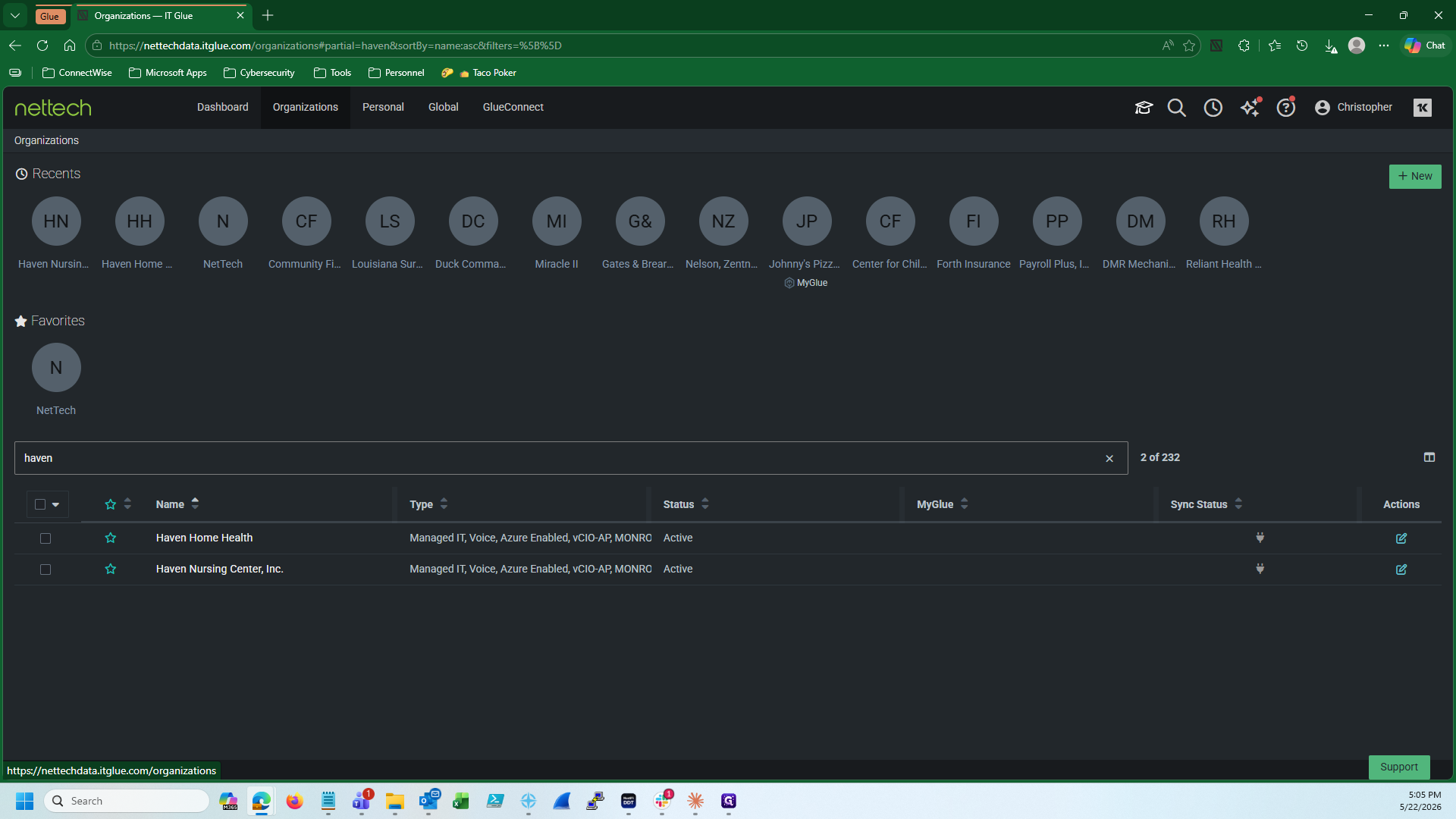
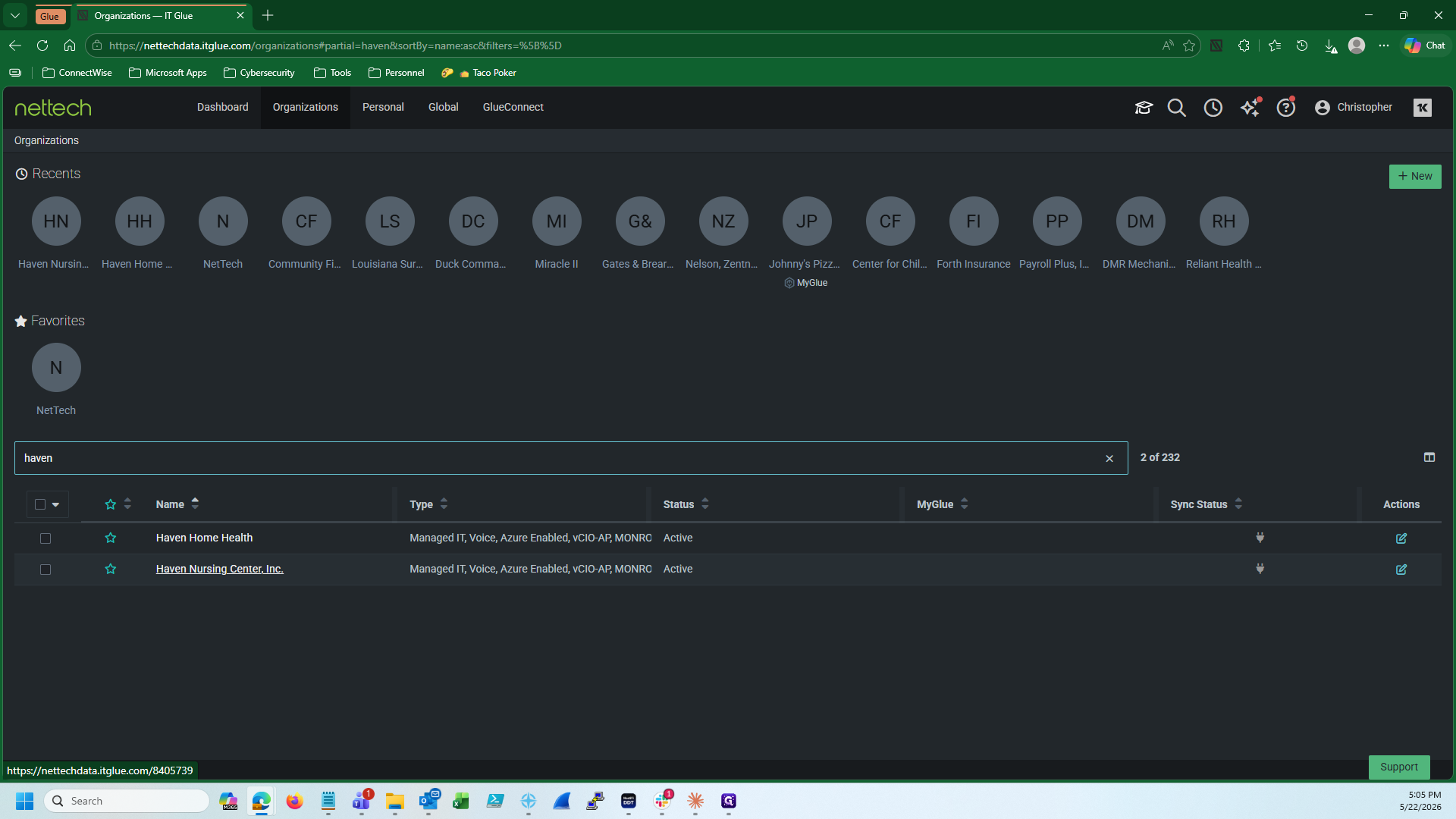
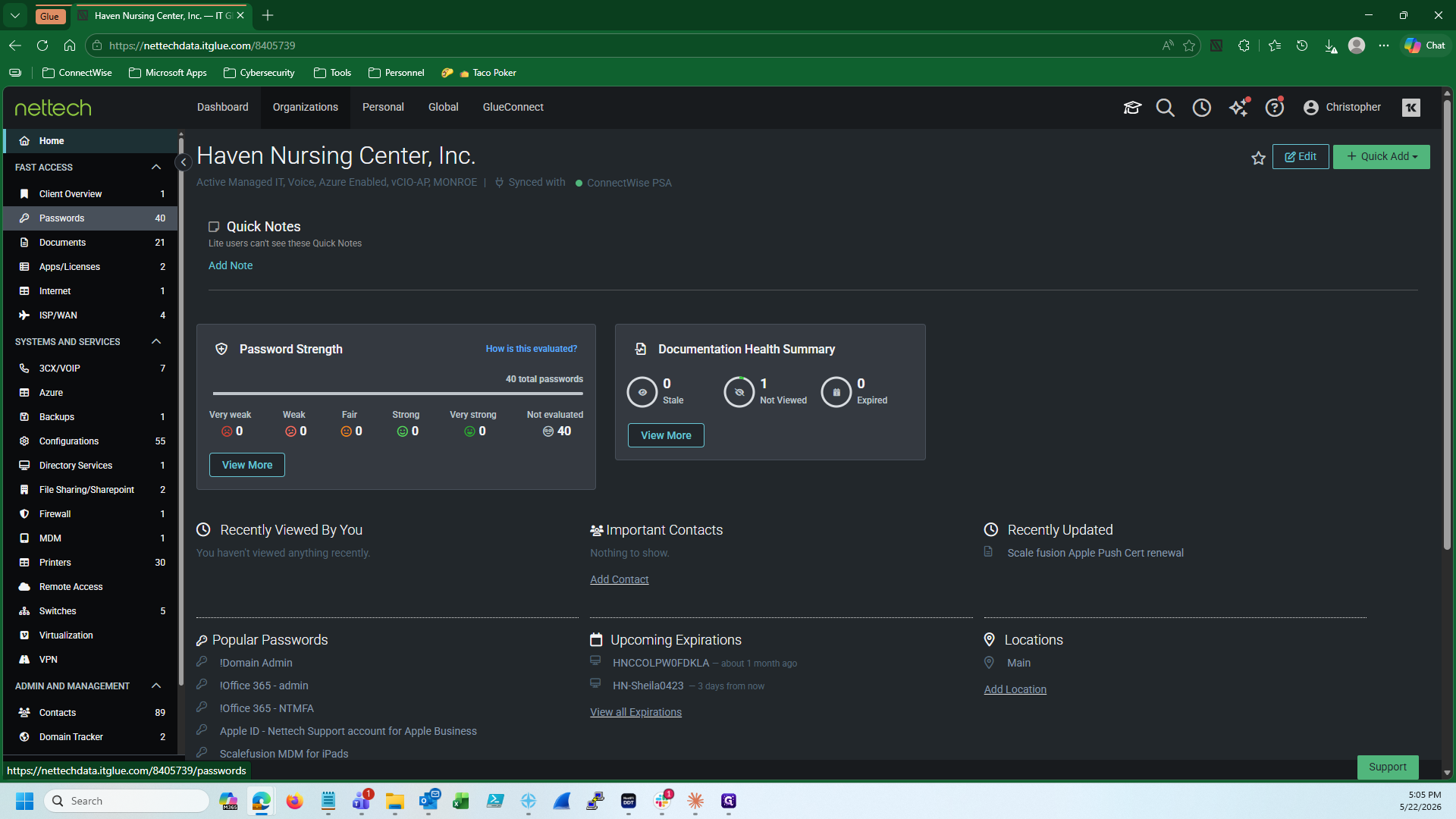
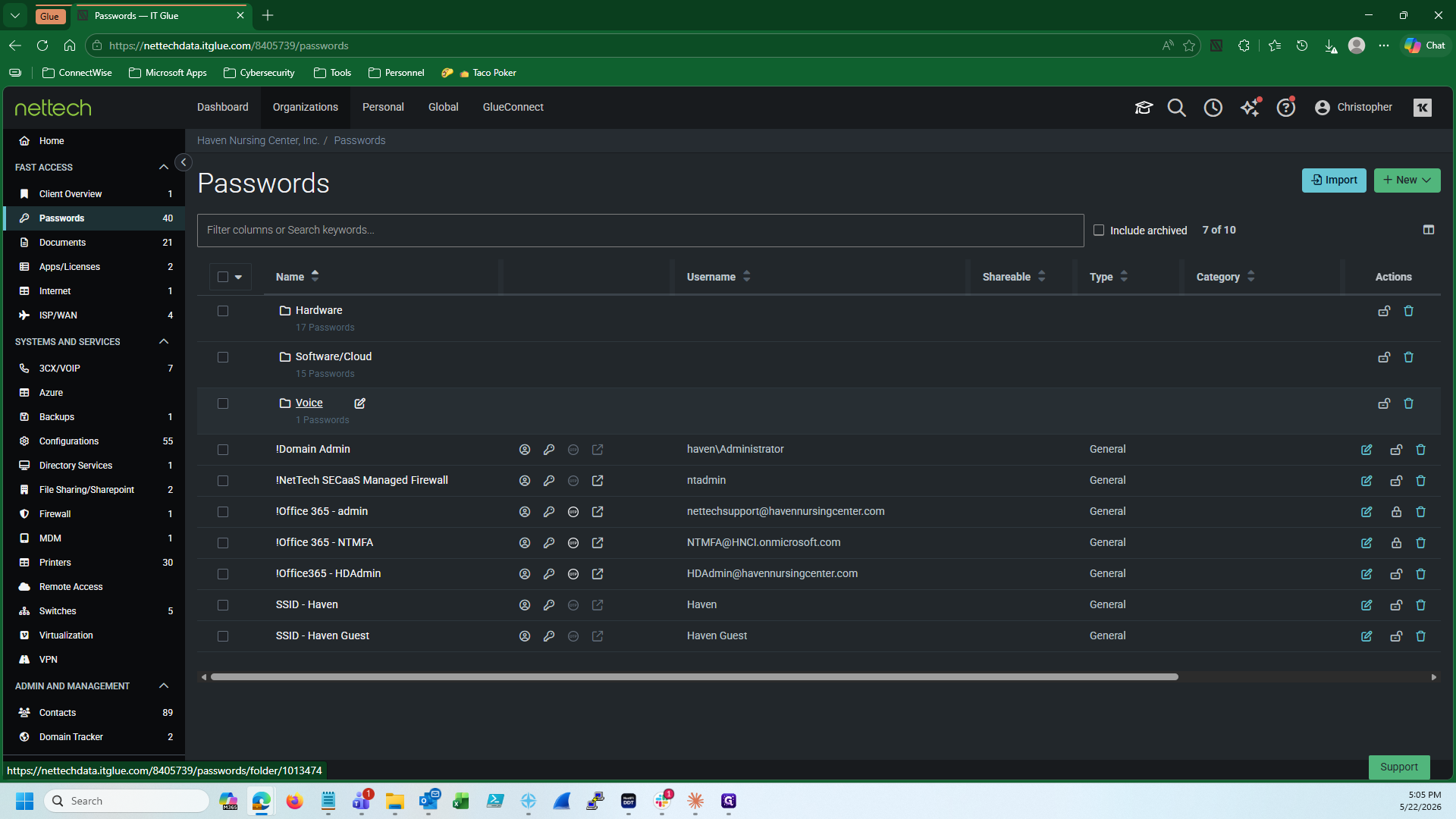
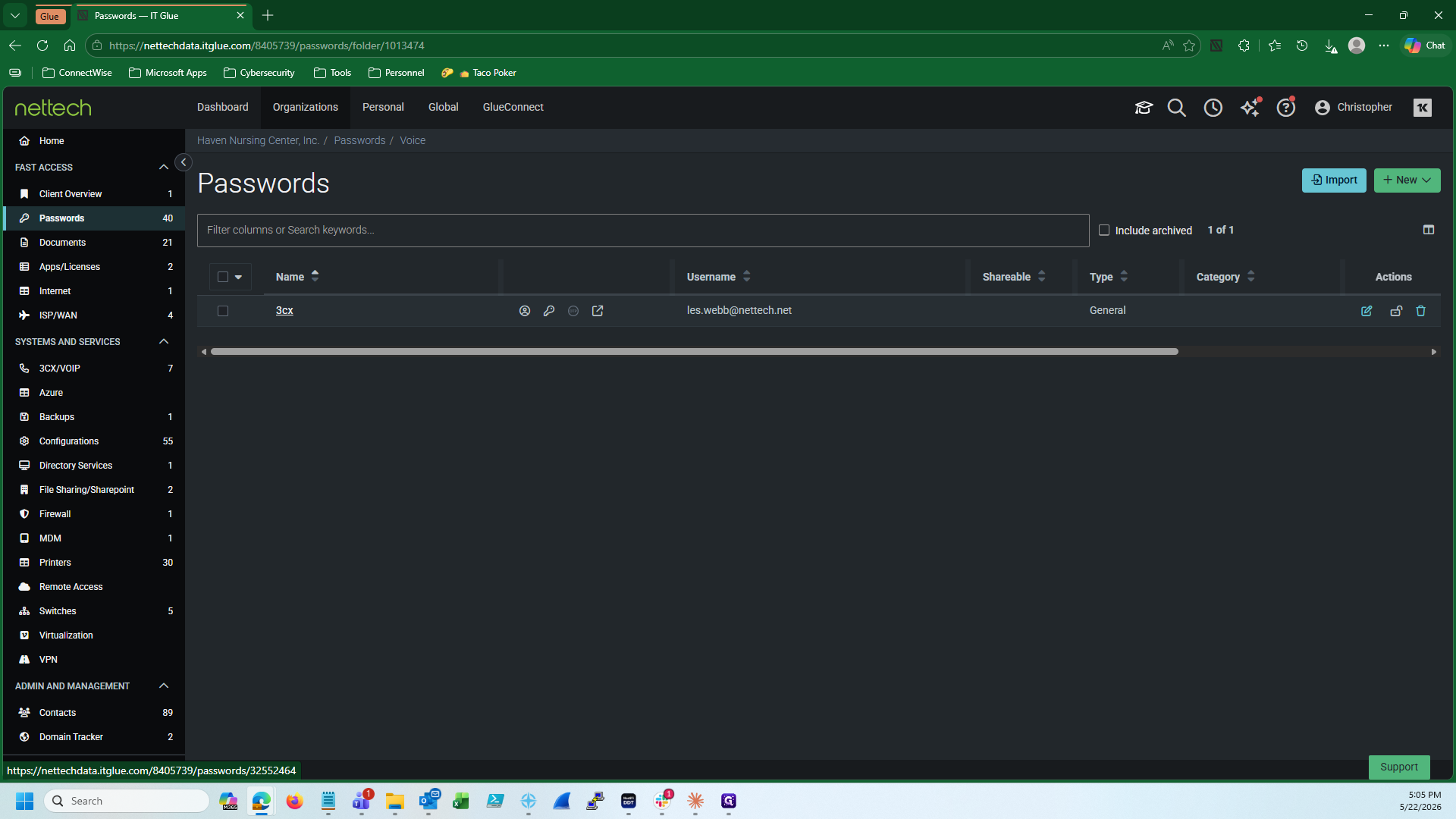
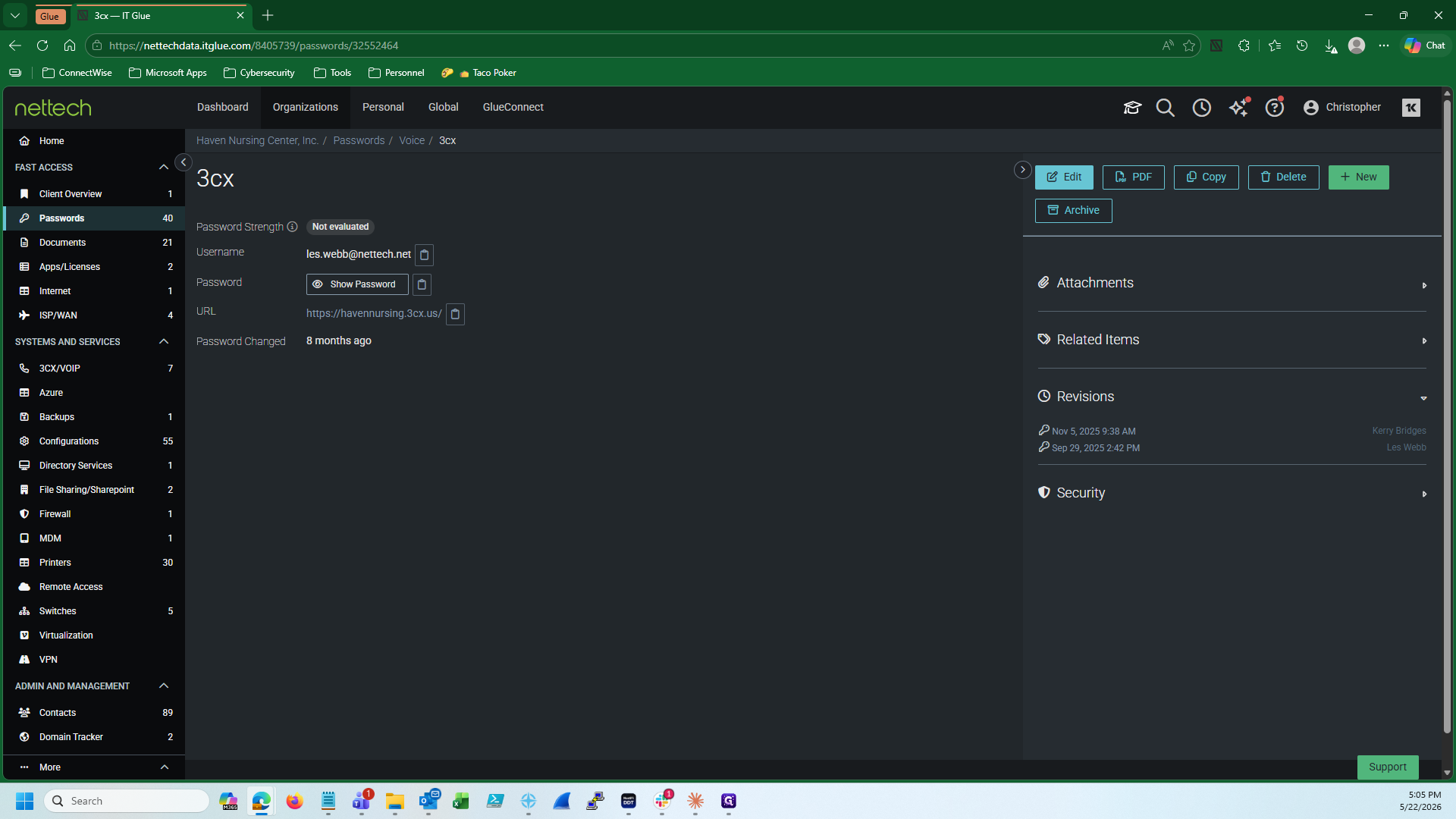
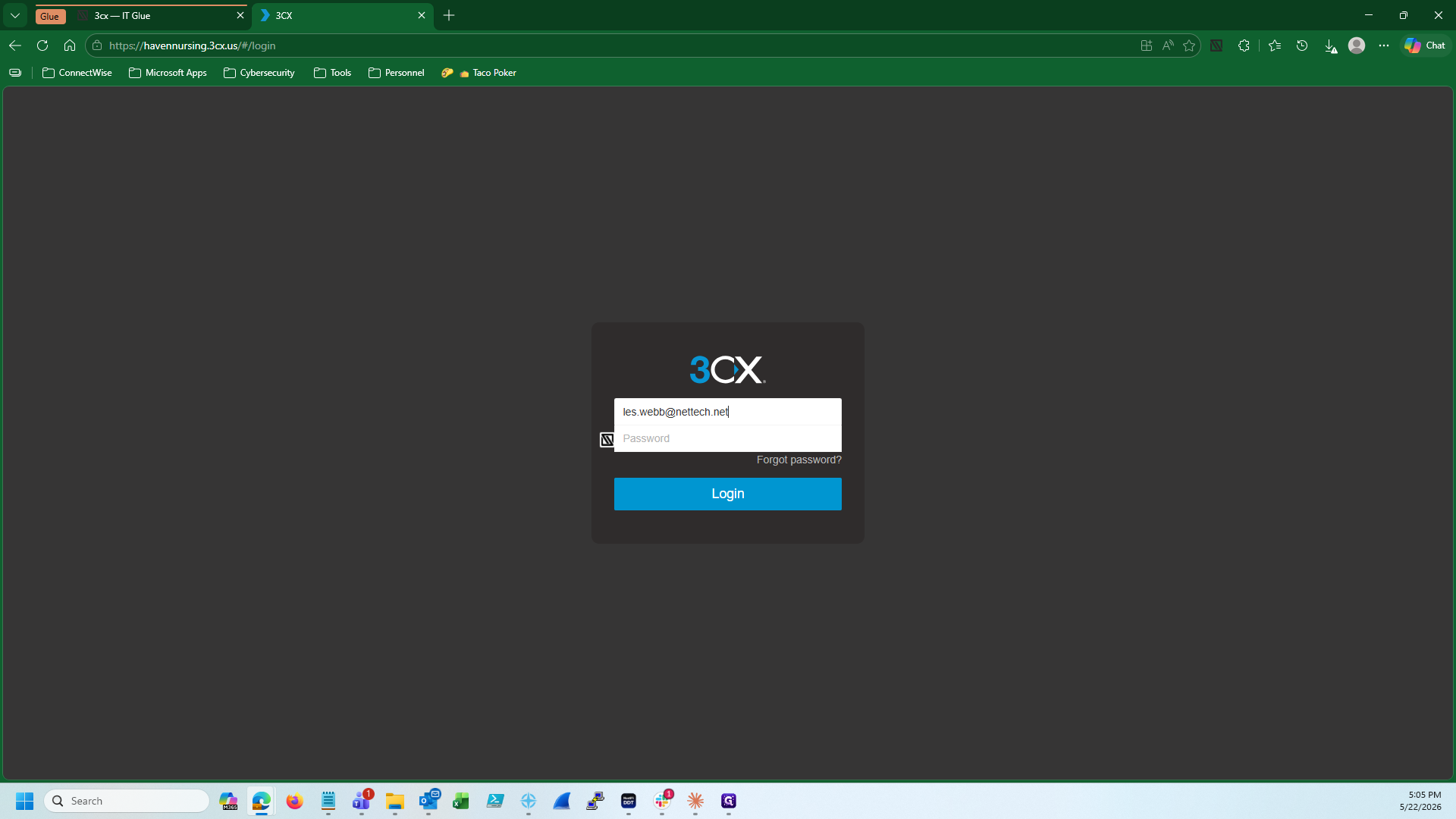
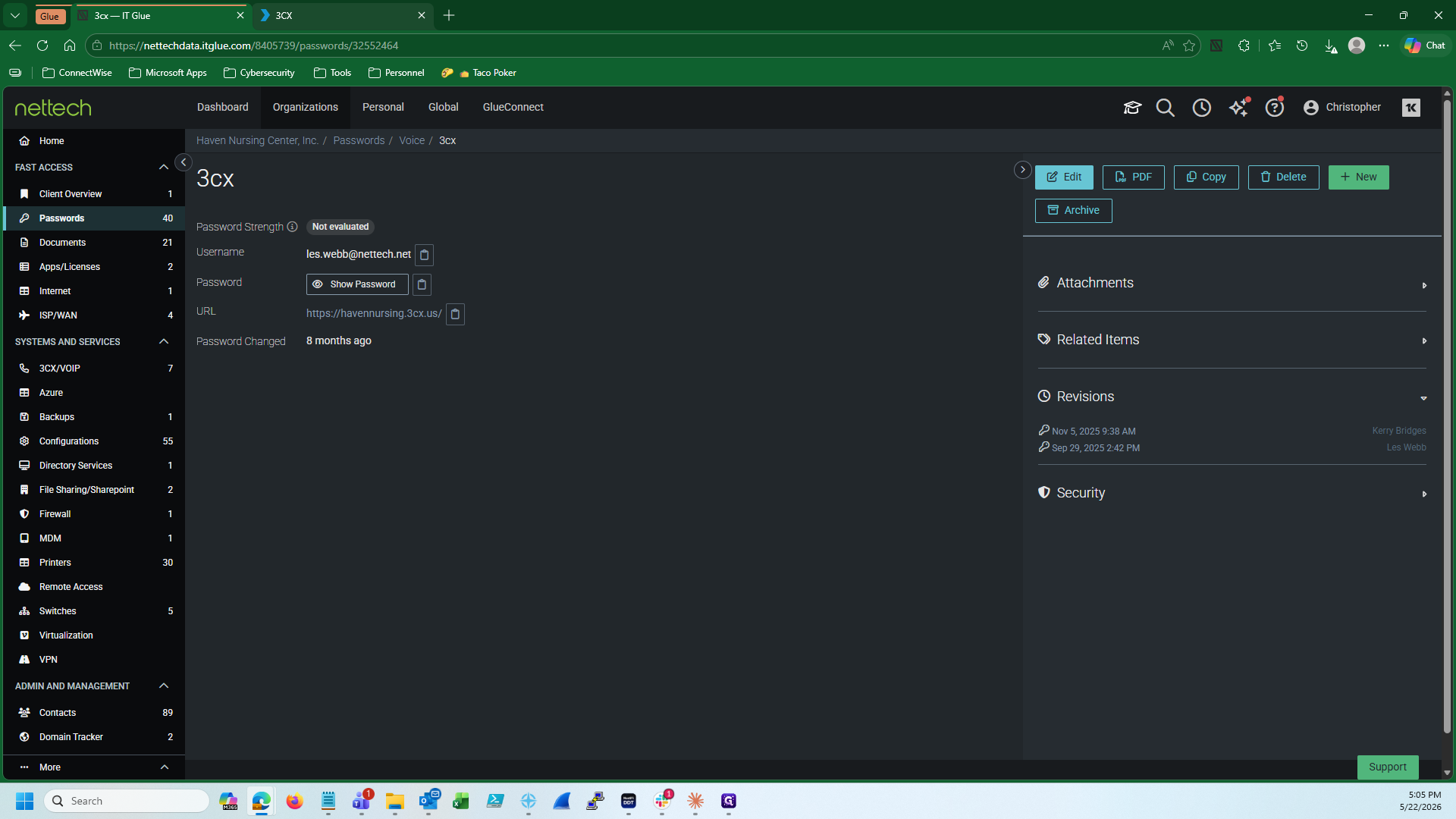
Start by locating the specific client's portal URL and credentials inside IT Glue so you can log into their 3CX instance.
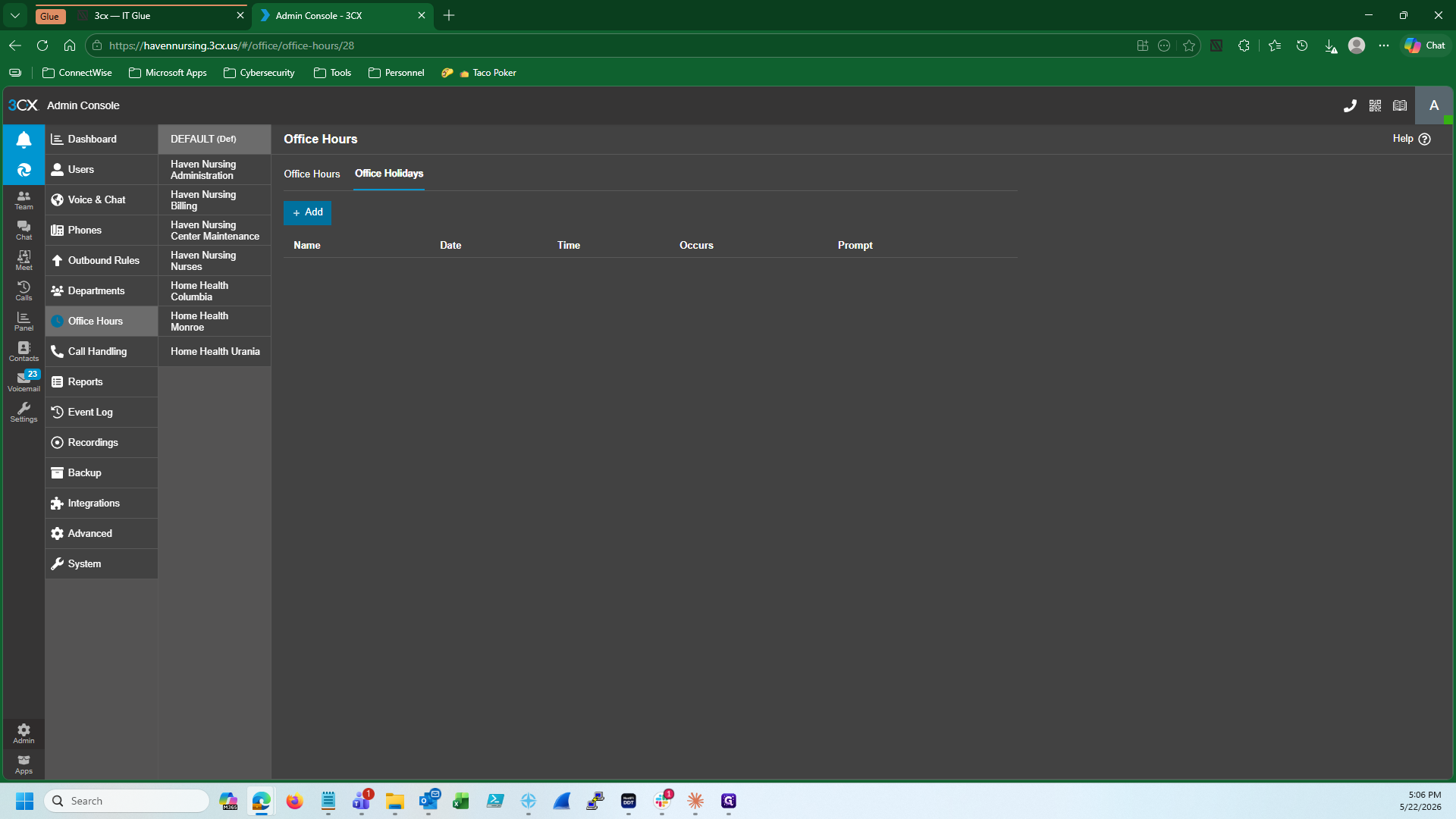
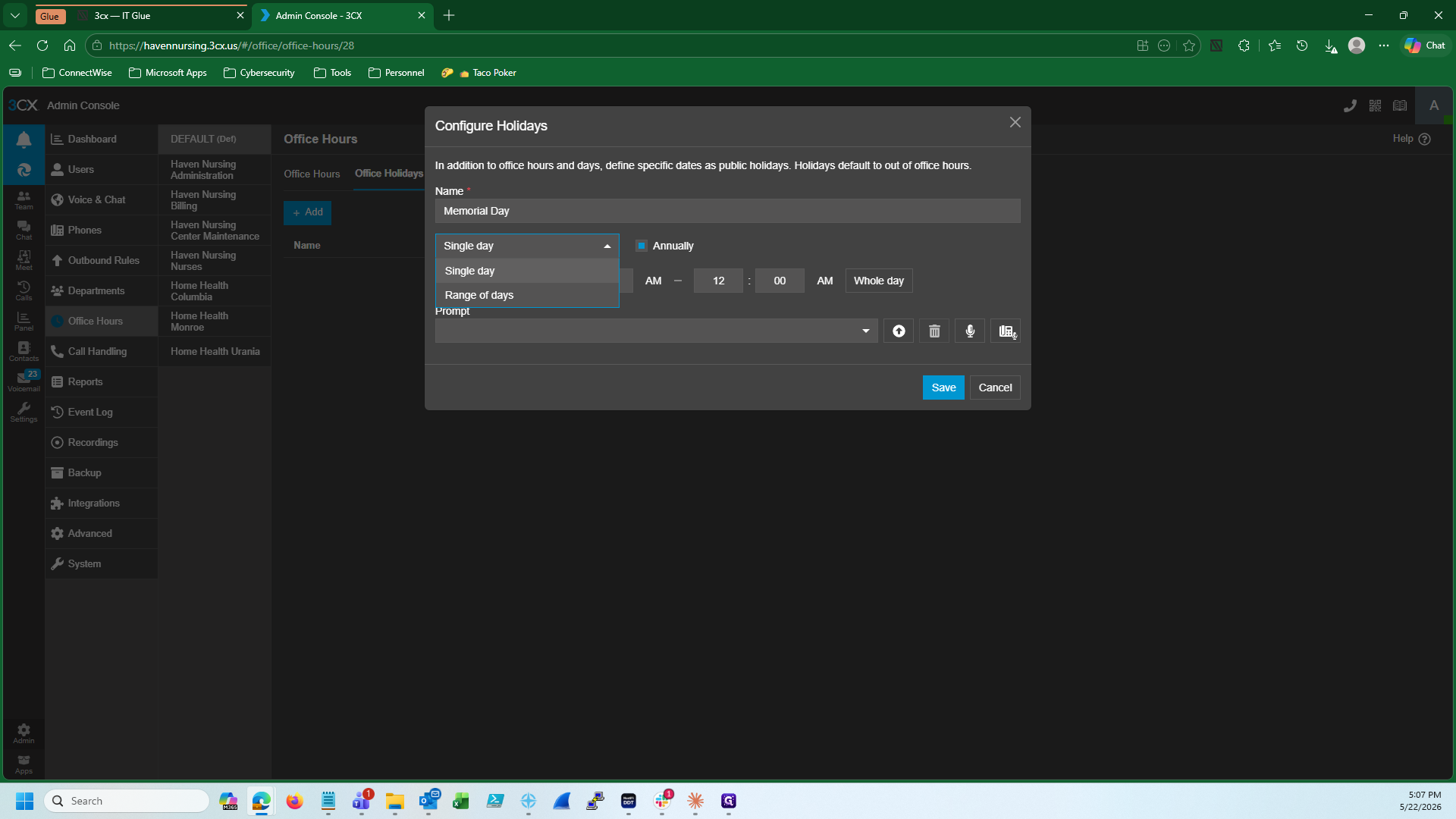
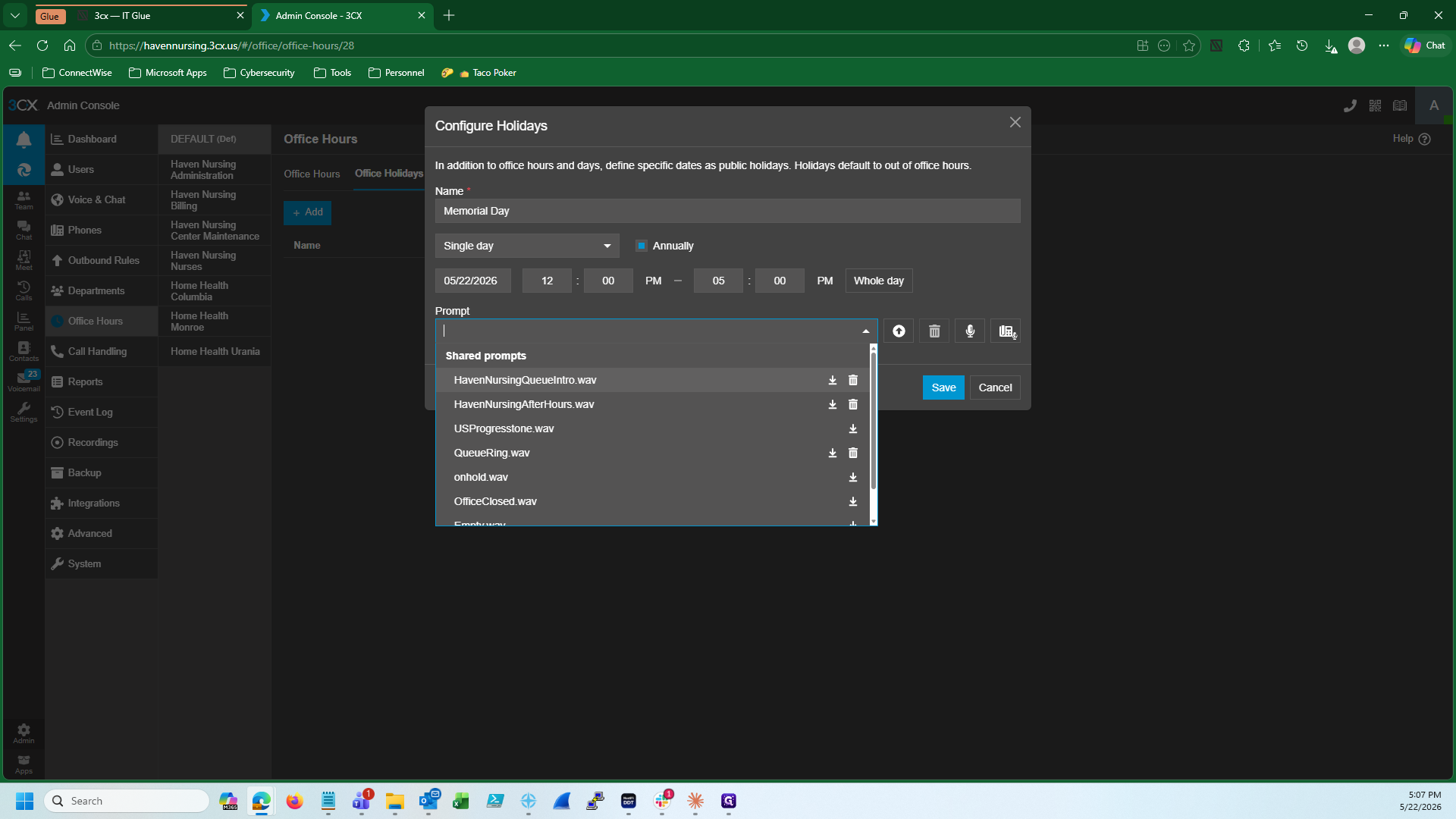
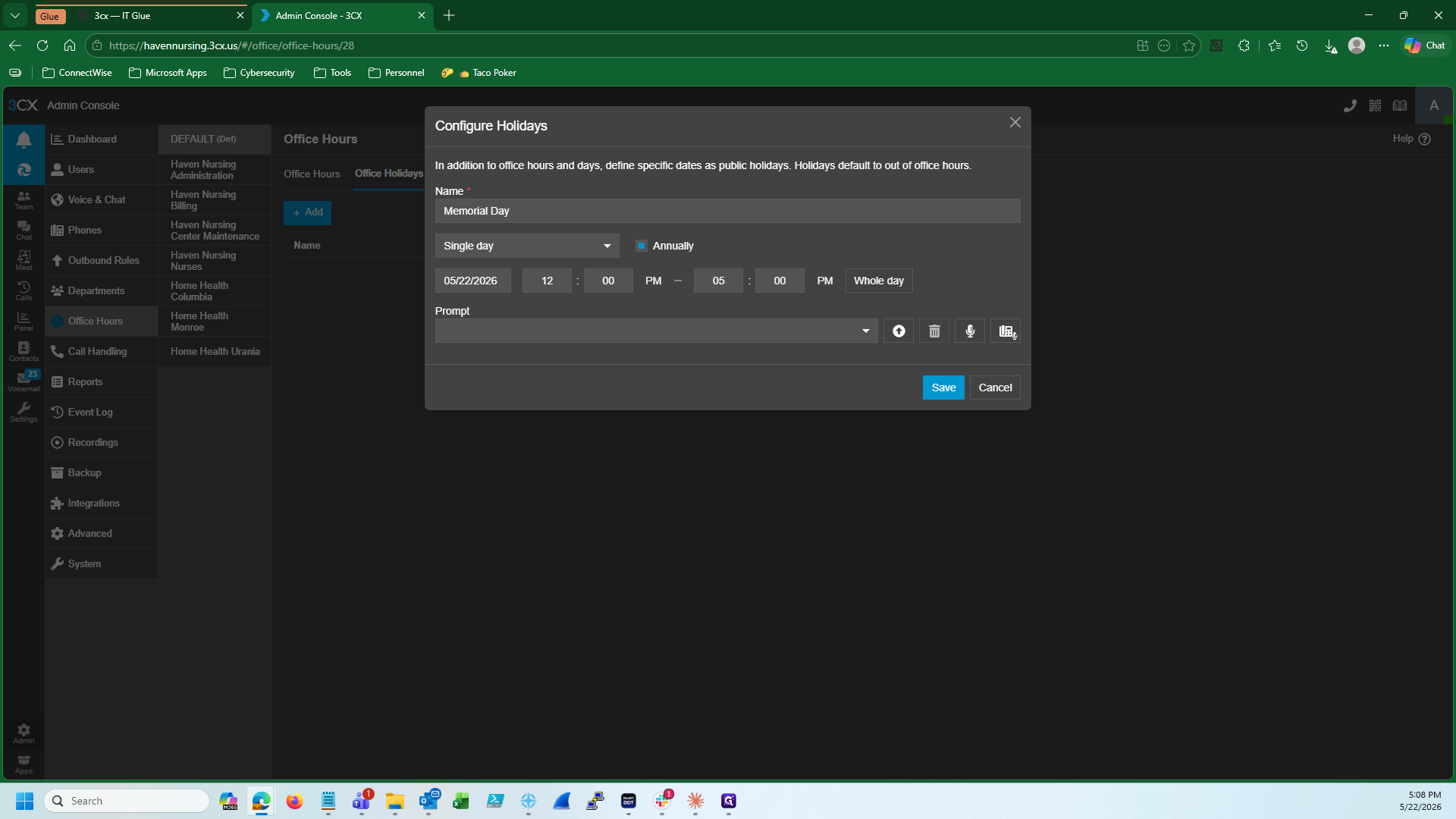
Add an Office Holiday in 3CX
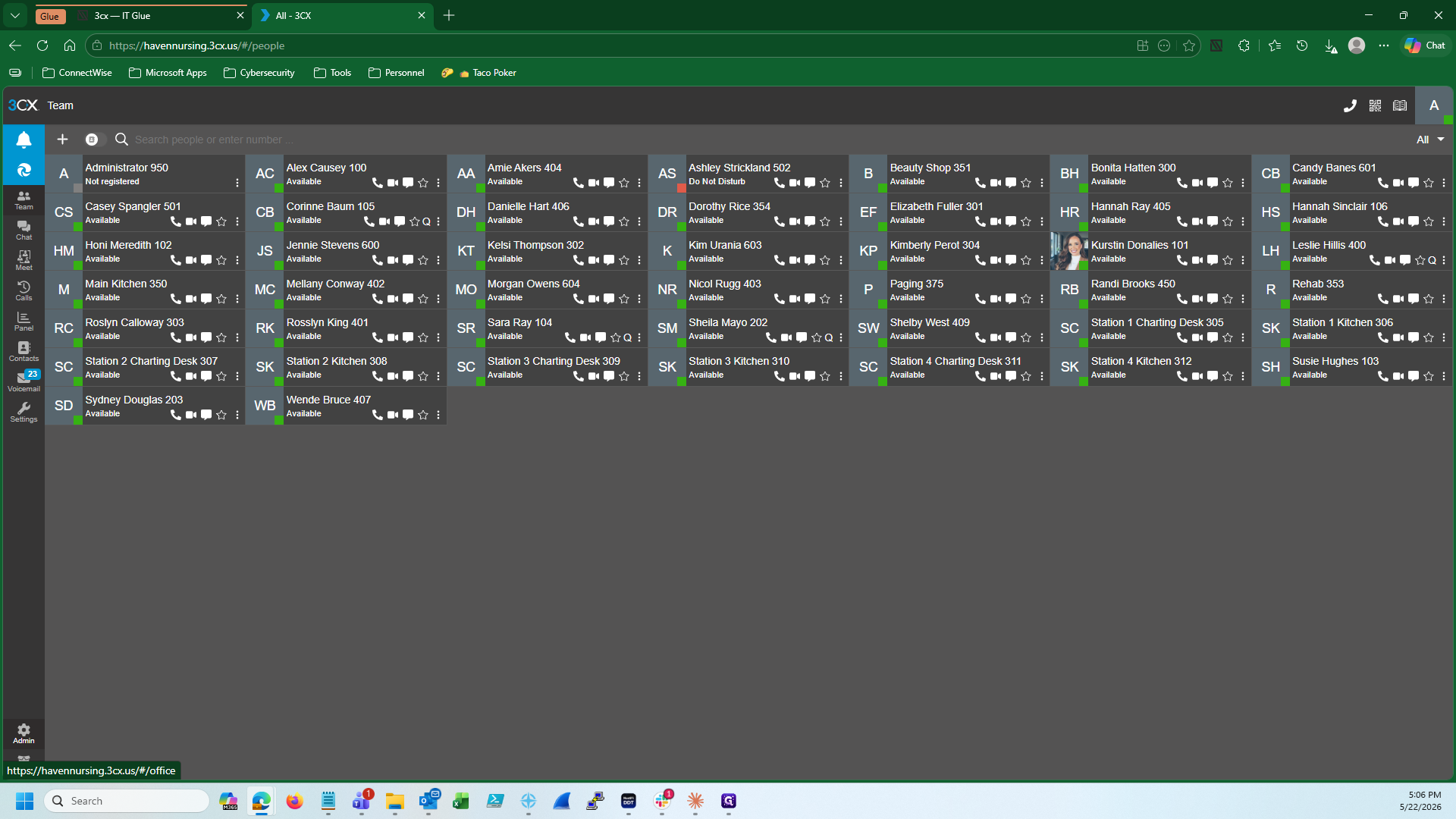
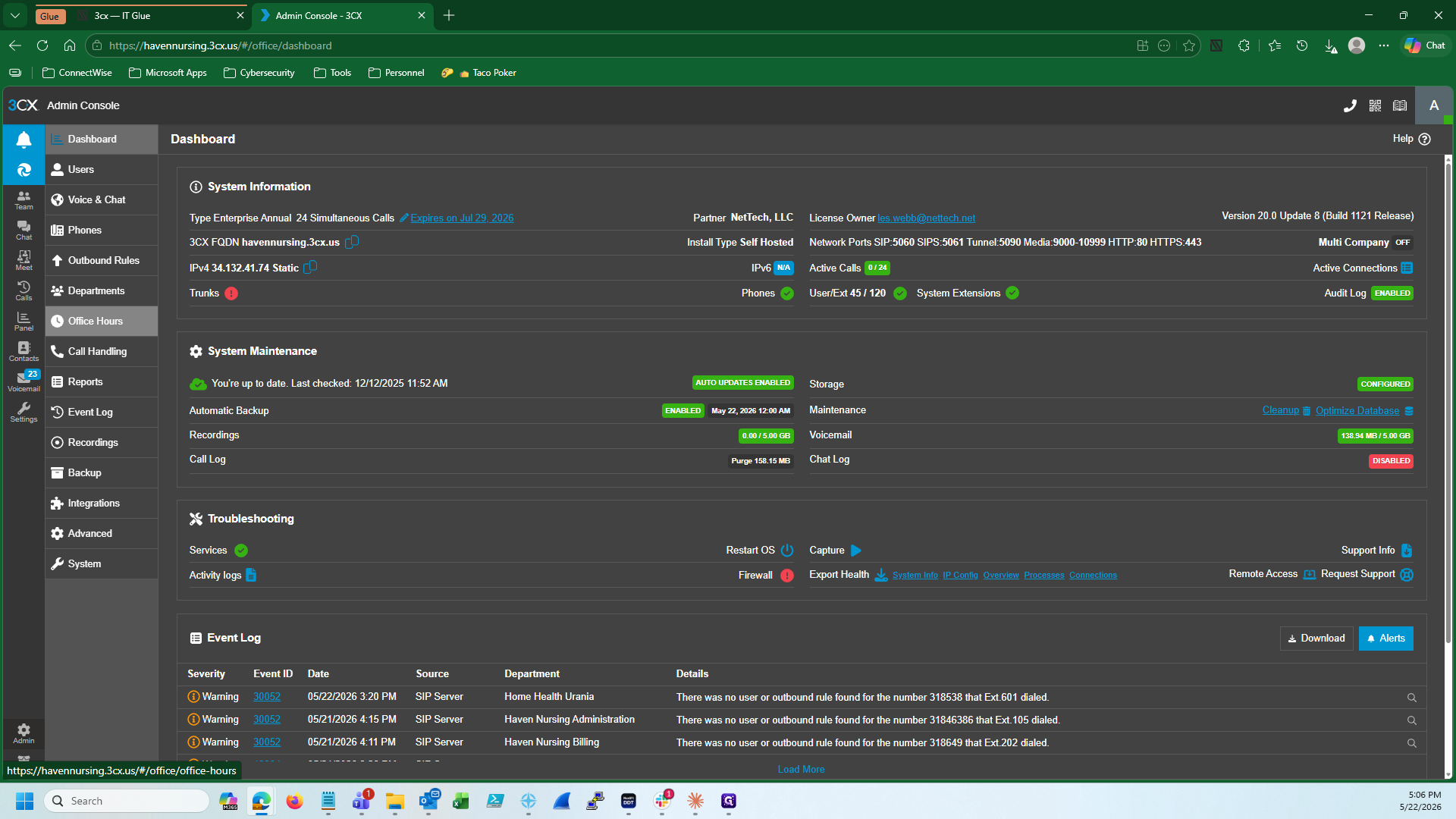
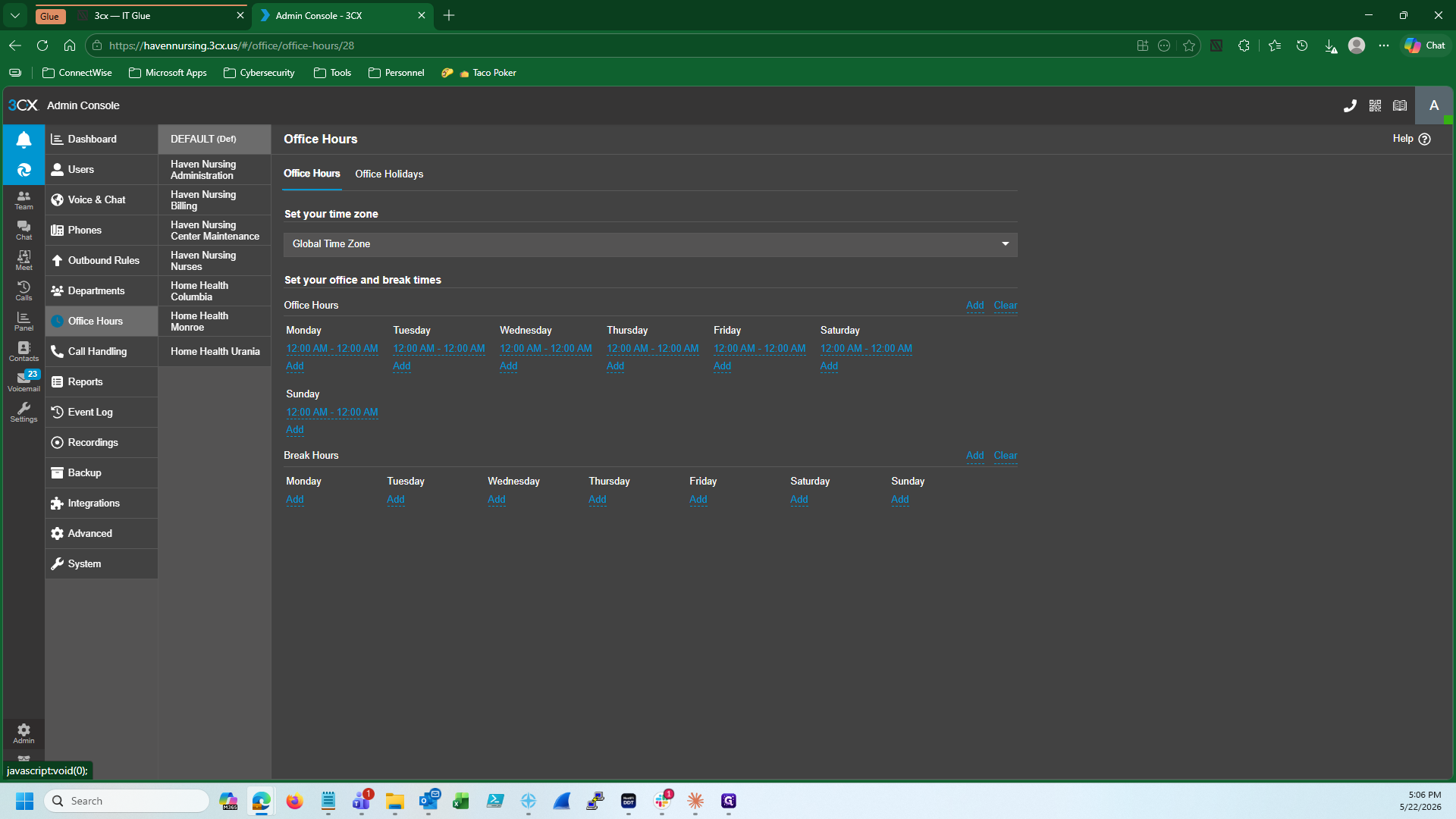
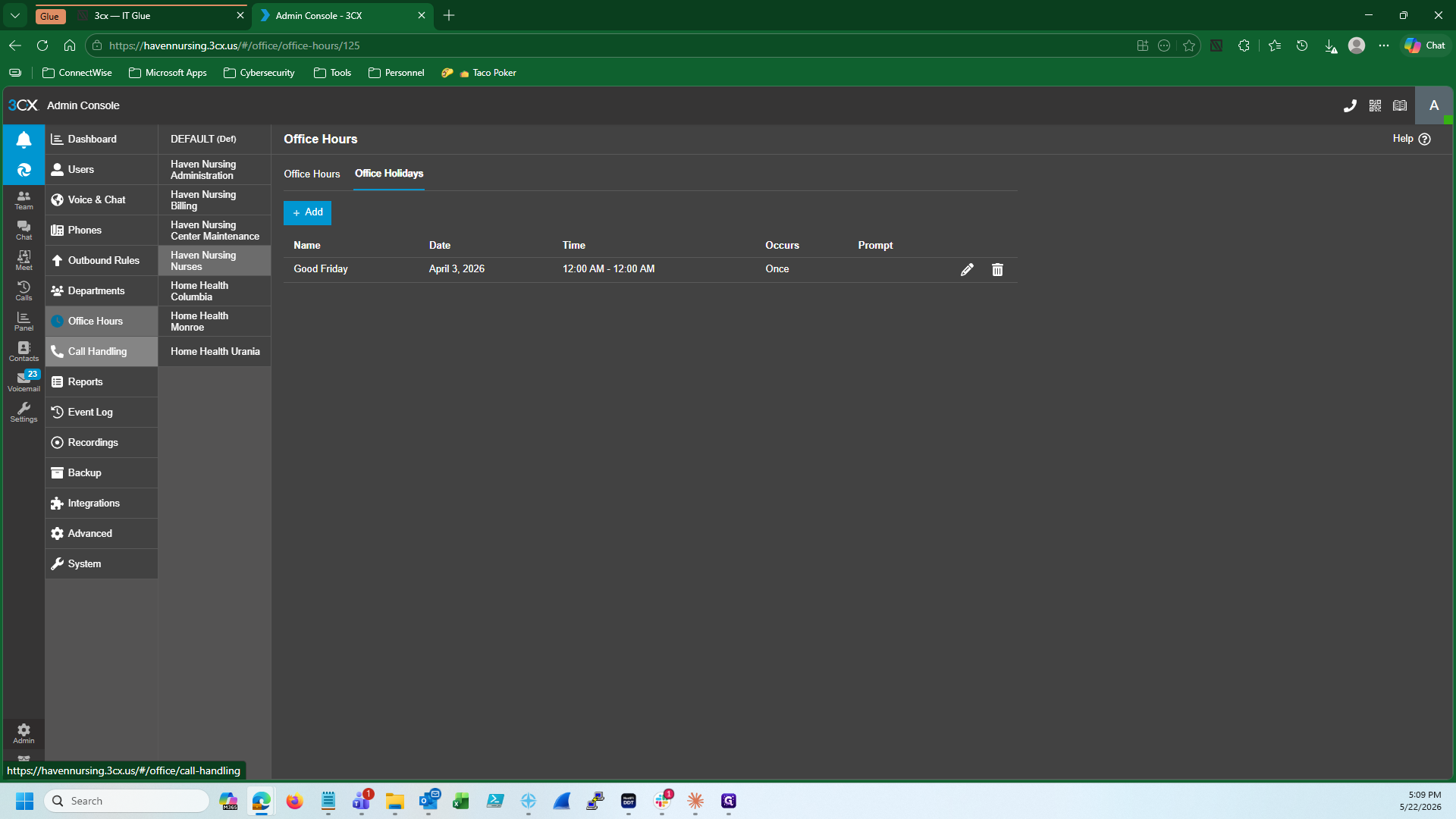
Once logged into 3CX, configure the dates and times for the requested holiday.
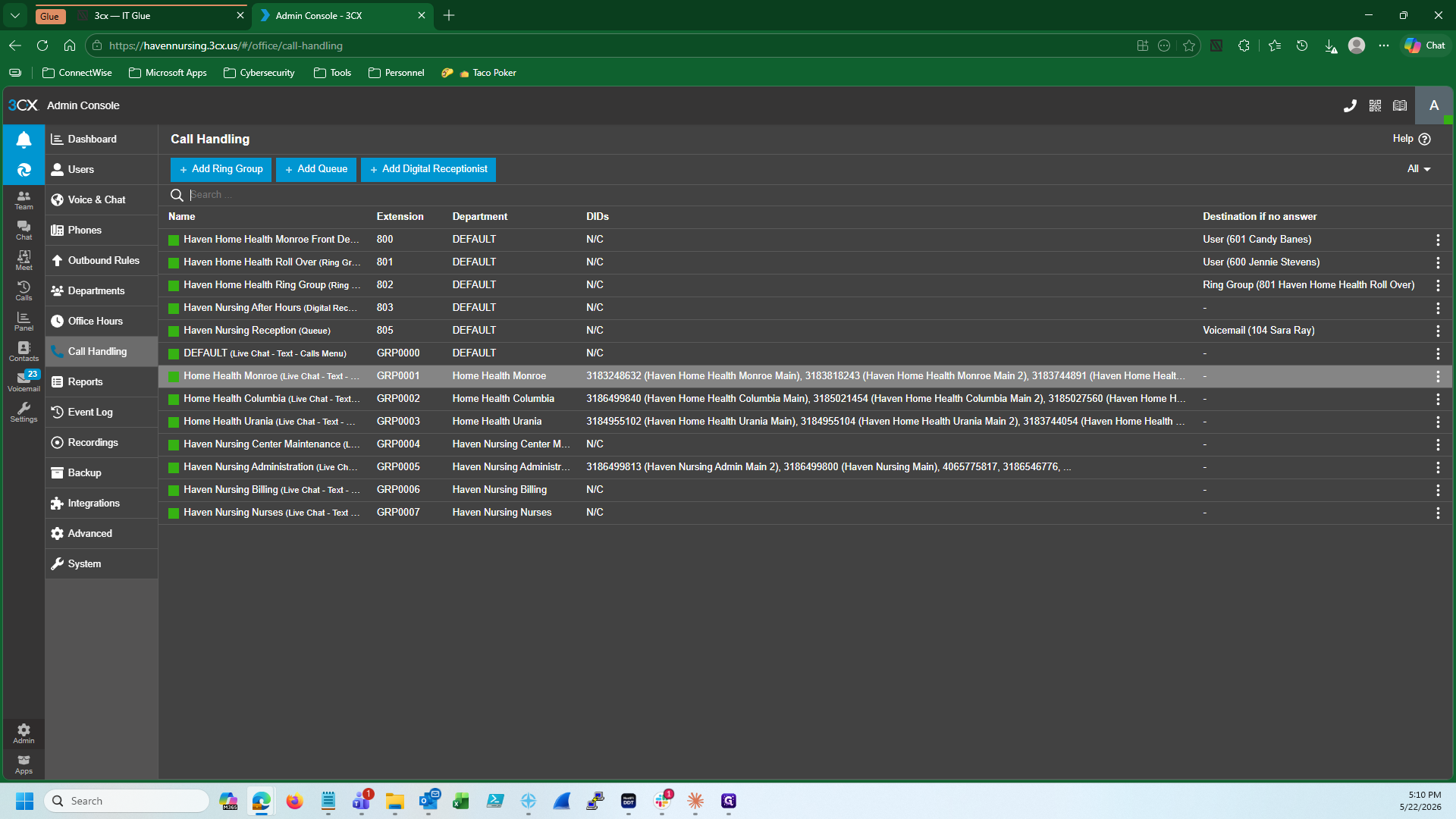
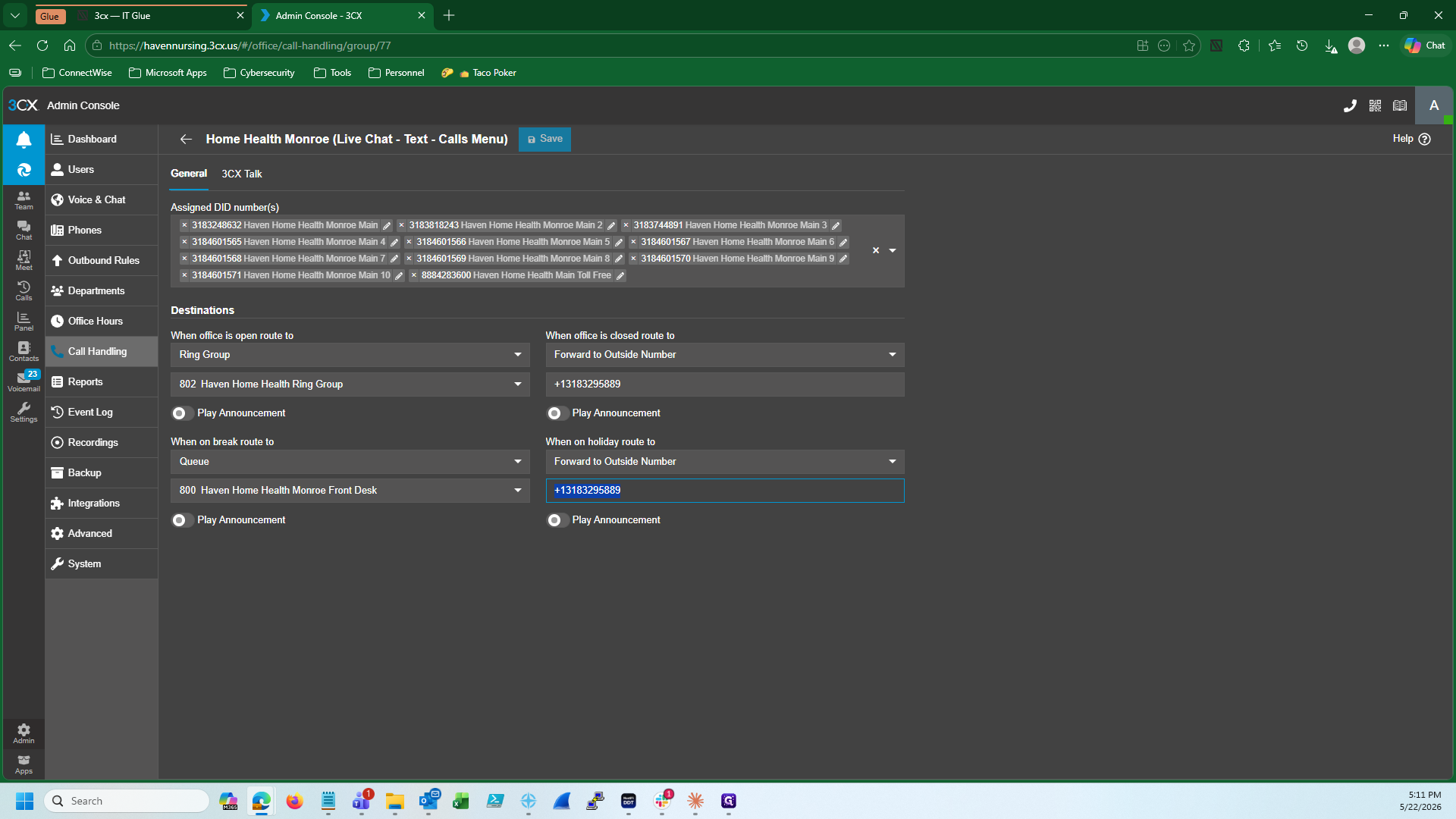
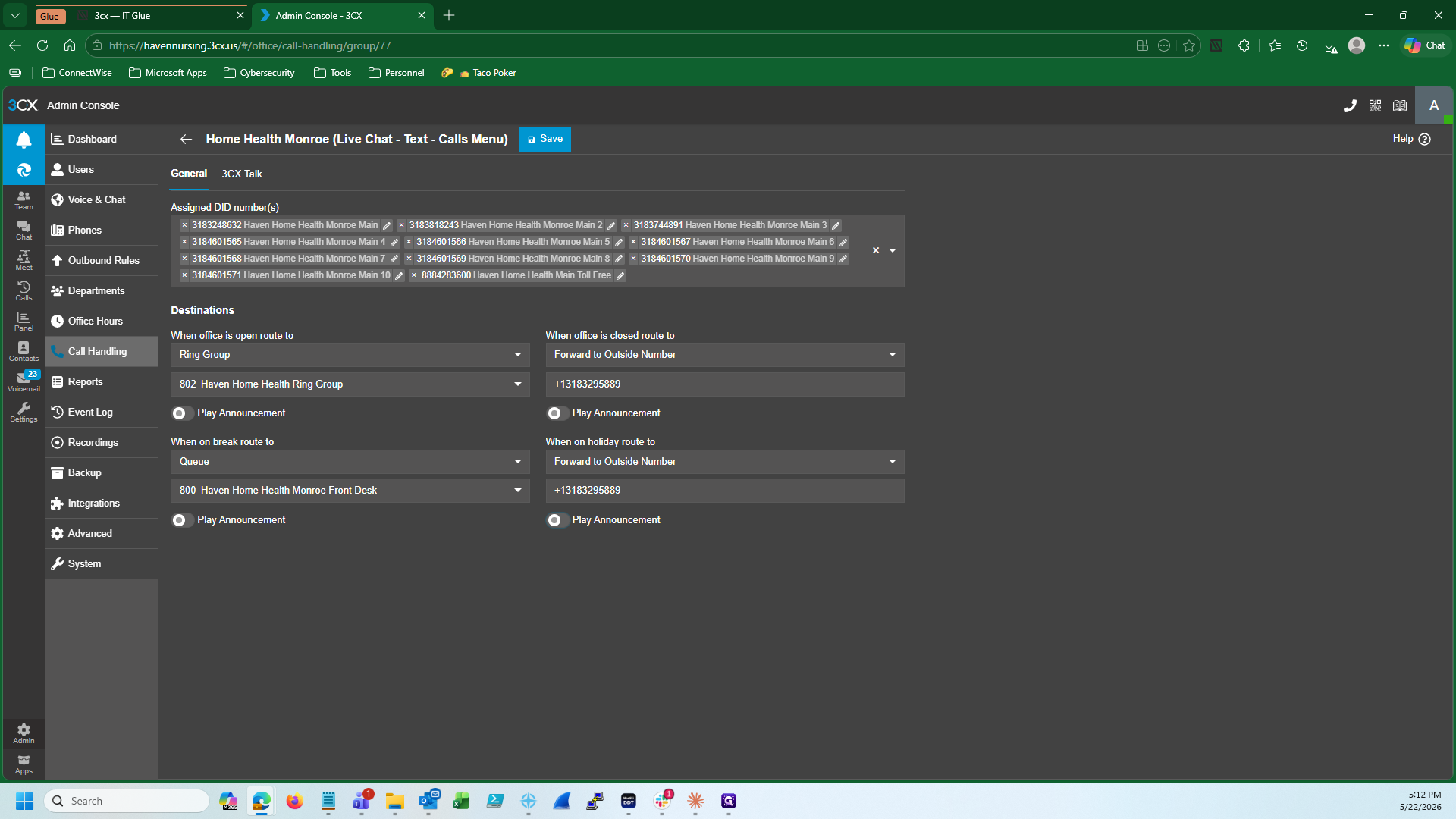
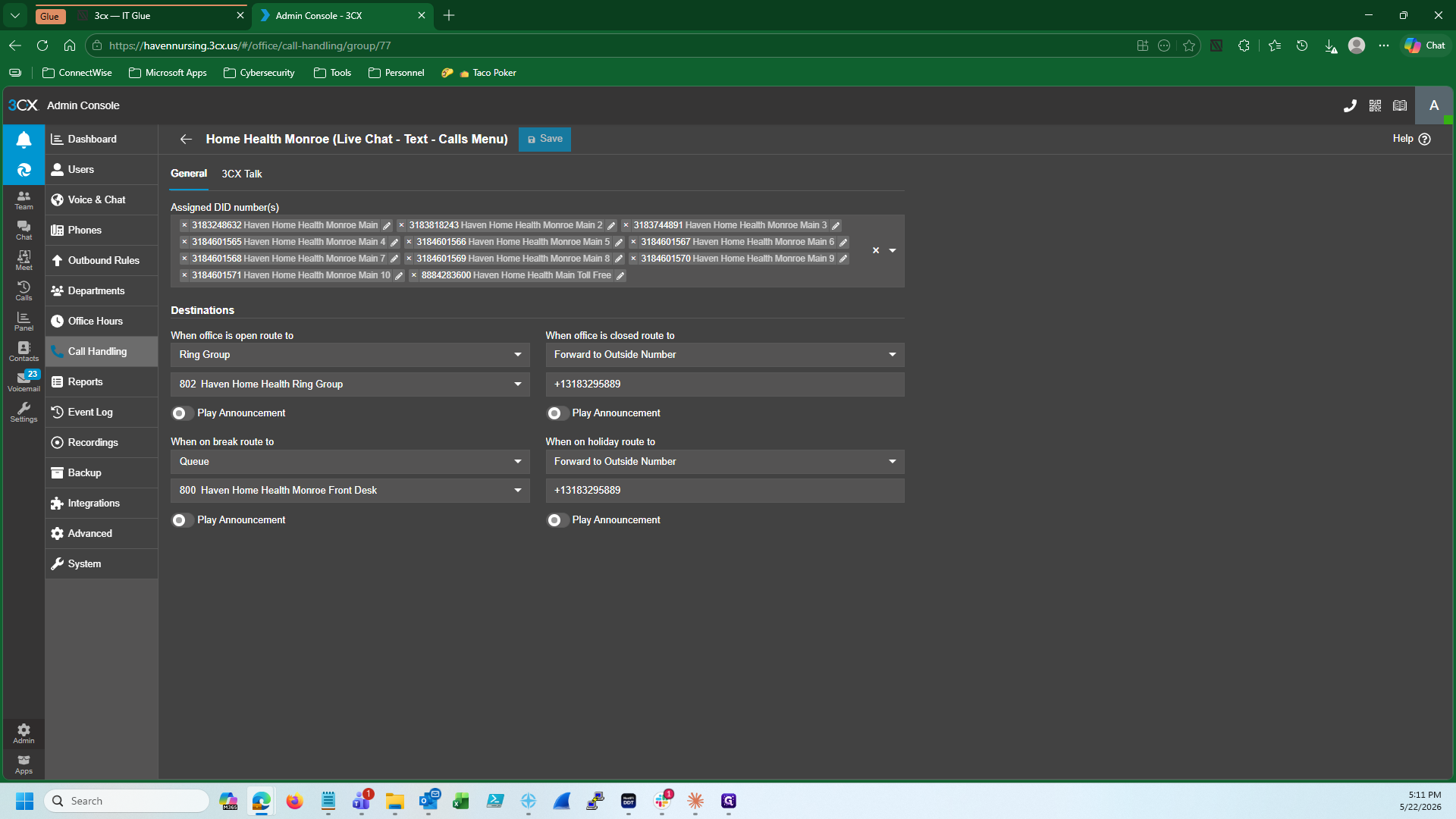
Update Holiday Call Handling Rules
After creating the holiday, determine how inbound calls are treated while the office is closed. Common holiday routing options include:
Routing Method | When to use | Configuration |
|---|---|---|
Forward to outside number | When calls should go to an external answering service or an on-call nurse hotline. | Input the destination phone number directly into the routing field. |
Play announcement | When the office is entirely closed and no calls are taken, but a courtesy message is requested. | Check the Play Announcement option and select an audio file. |
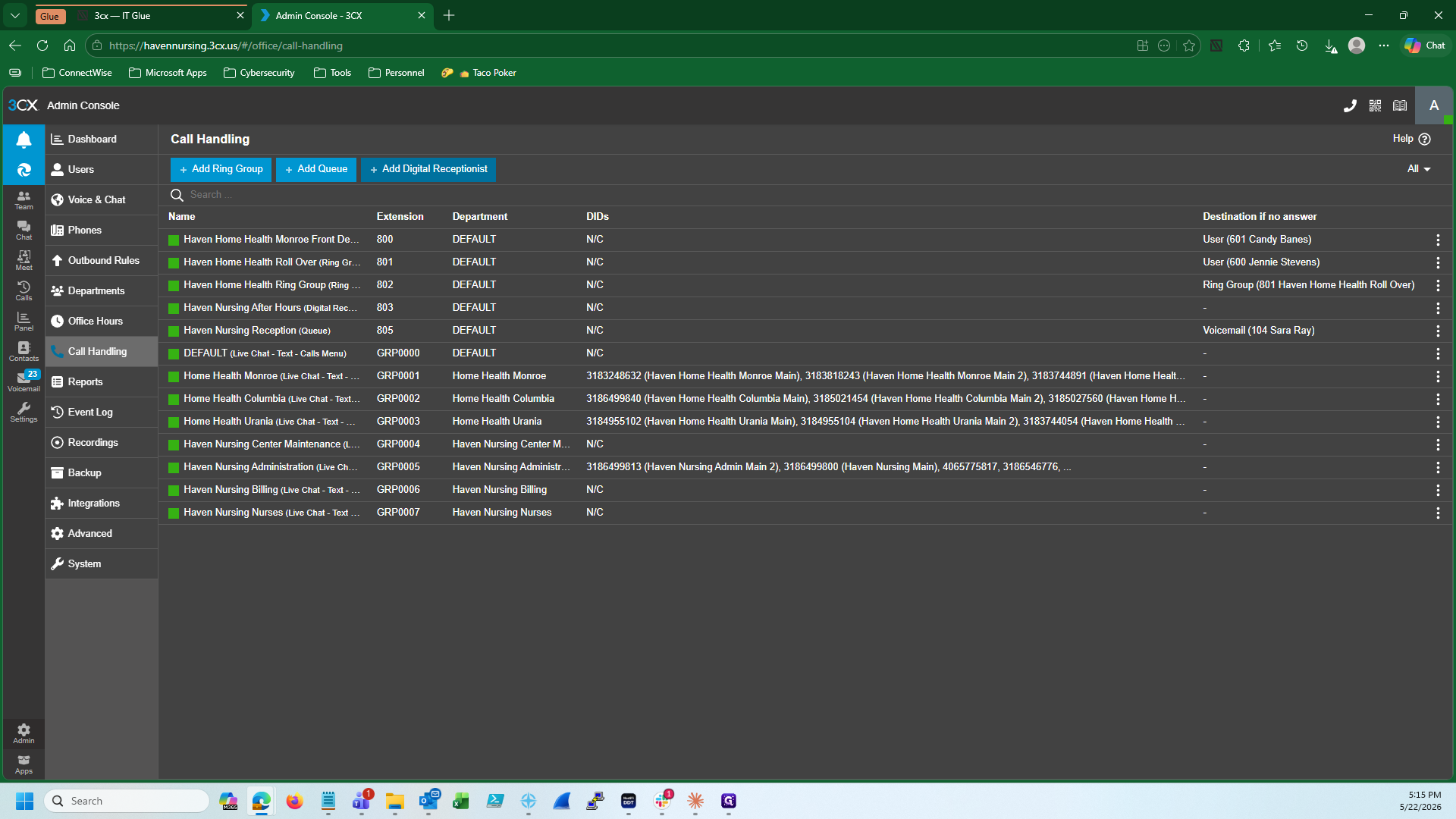
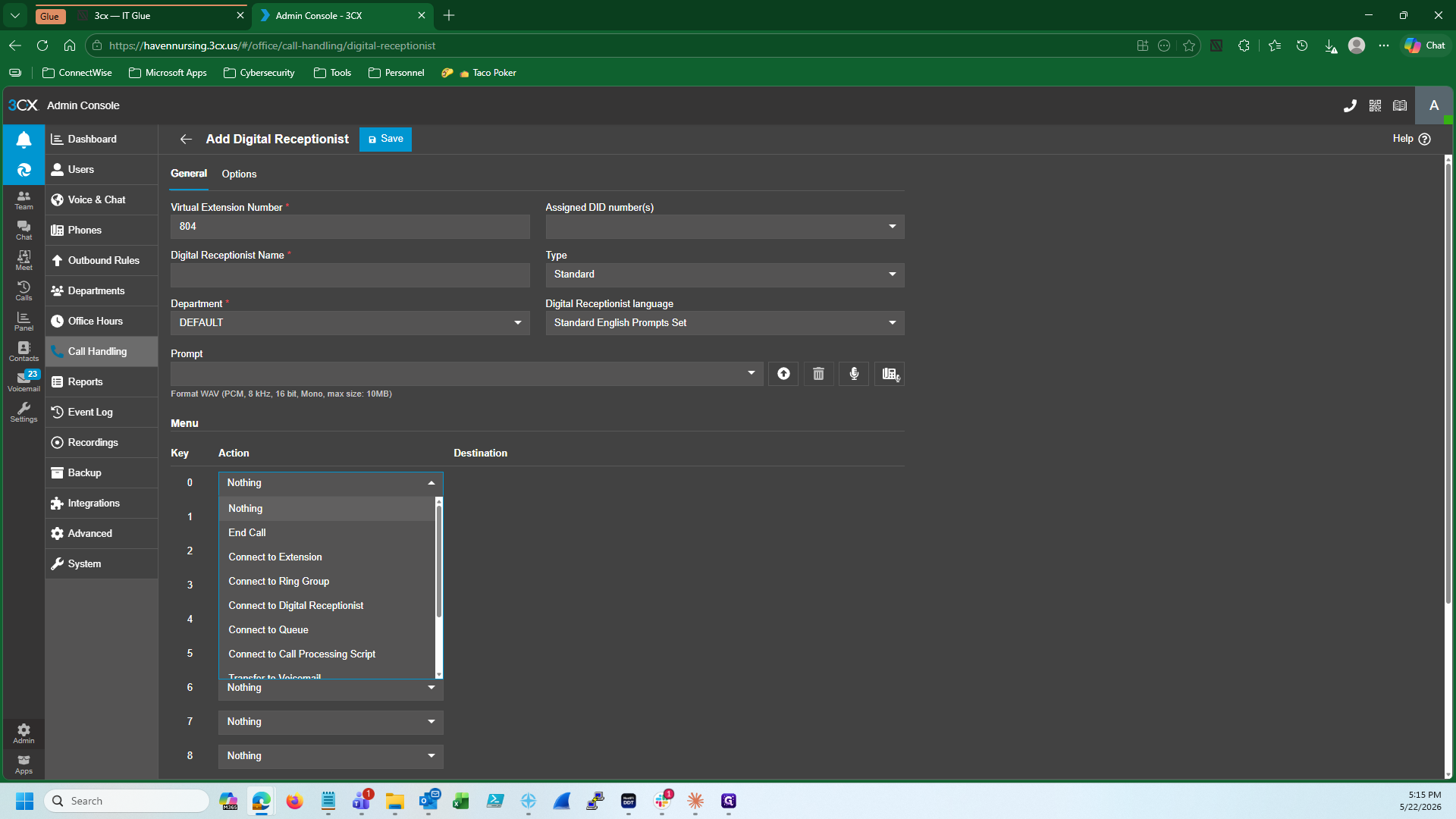
Digital Receptionist | When callers still need an interactive menu during the closure. | Map the routing to a Digital Receptionist extension and assign keypad actions. |
Digital Receptionist Prompts (Optional)
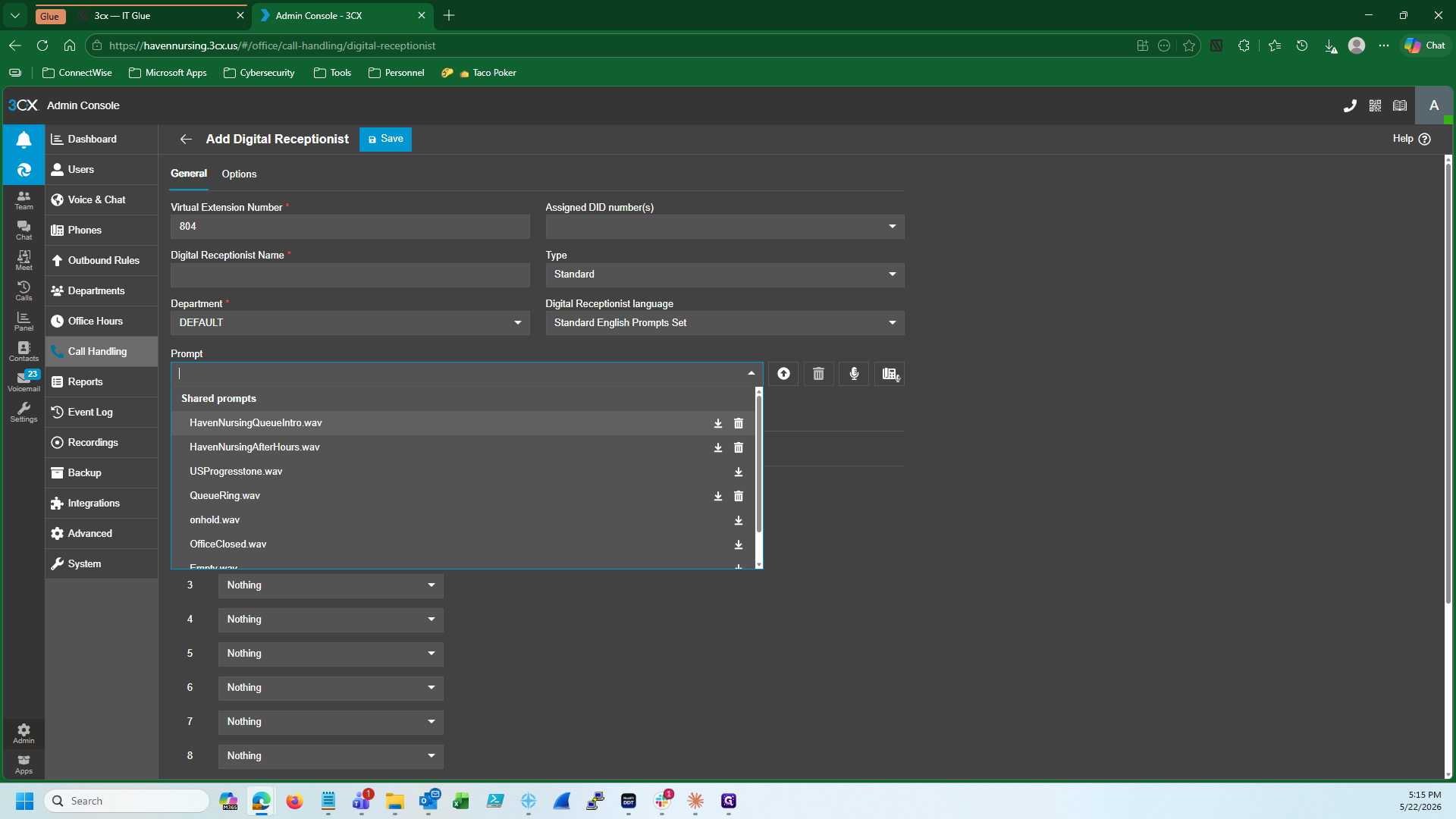
If the client's holiday routing relies on an interactive menu rather than a simple forwarding rule, configure the Digital Receptionist.
FAQ
Q: Should we automatically assign a holiday announcement to a client?
A: No. You should only assign and upload a custom holiday announcement if the client explicitly requests one.
Q: What audio file format is required for 3CX announcements?
A: All announcement audio files uploaded to 3CX must strictly be in the .wav format.
Q: What if the client's departments have different operating hours?
A: You must create and adjust the holiday schedules specifically for each department to ensure the system accurately matches their respective open and closed hours.
Glossary
Term | Definition |
|---|---|
3CX | A software-based private branch exchange (PBX) based on the SIP standard used for business voice communications. |
Digital Receptionist | An automated attendant (IVR) that answers inbound calls and provides callers with an interactive menu of options. |
Group Ring Policy | A routing rule configuration that determines how incoming calls are distributed or handled for a designated group of extensions. |