
How to Accept Your monday.com Board Invitation
Learn how to accept a monday.com email invitation, set up your guest profile, and securely log back in to access your shared boards.
Welcome to your new workspace! Follow these steps to accept your Monday.com board invitation, set up your account profile, and learn how to log back in for future access.
Accept Your Invitation
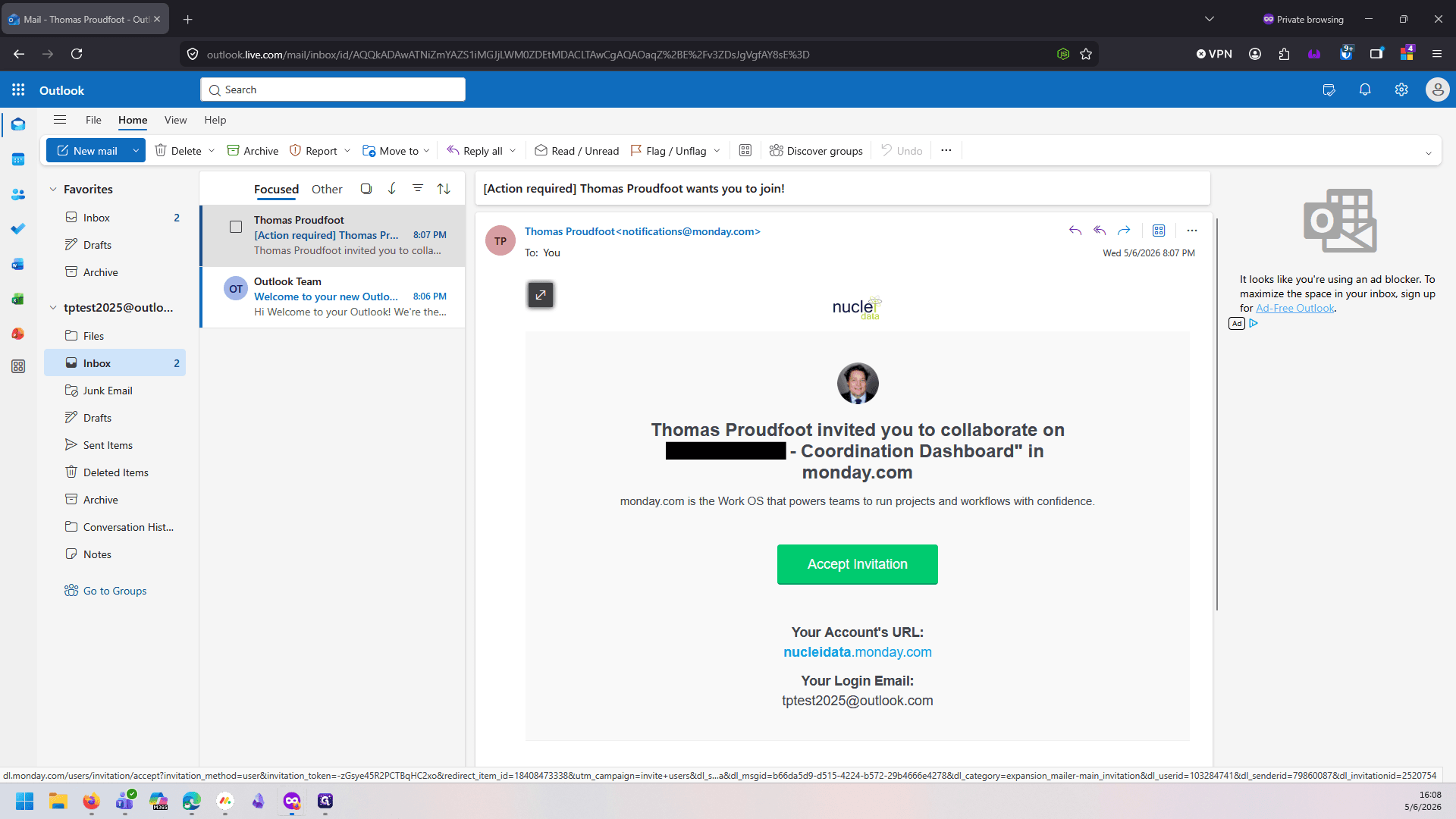
Start by checking your email inbox for the automatic invitation from Monday.com. Please note that any links to Monday.com will not function until you have completed this step.
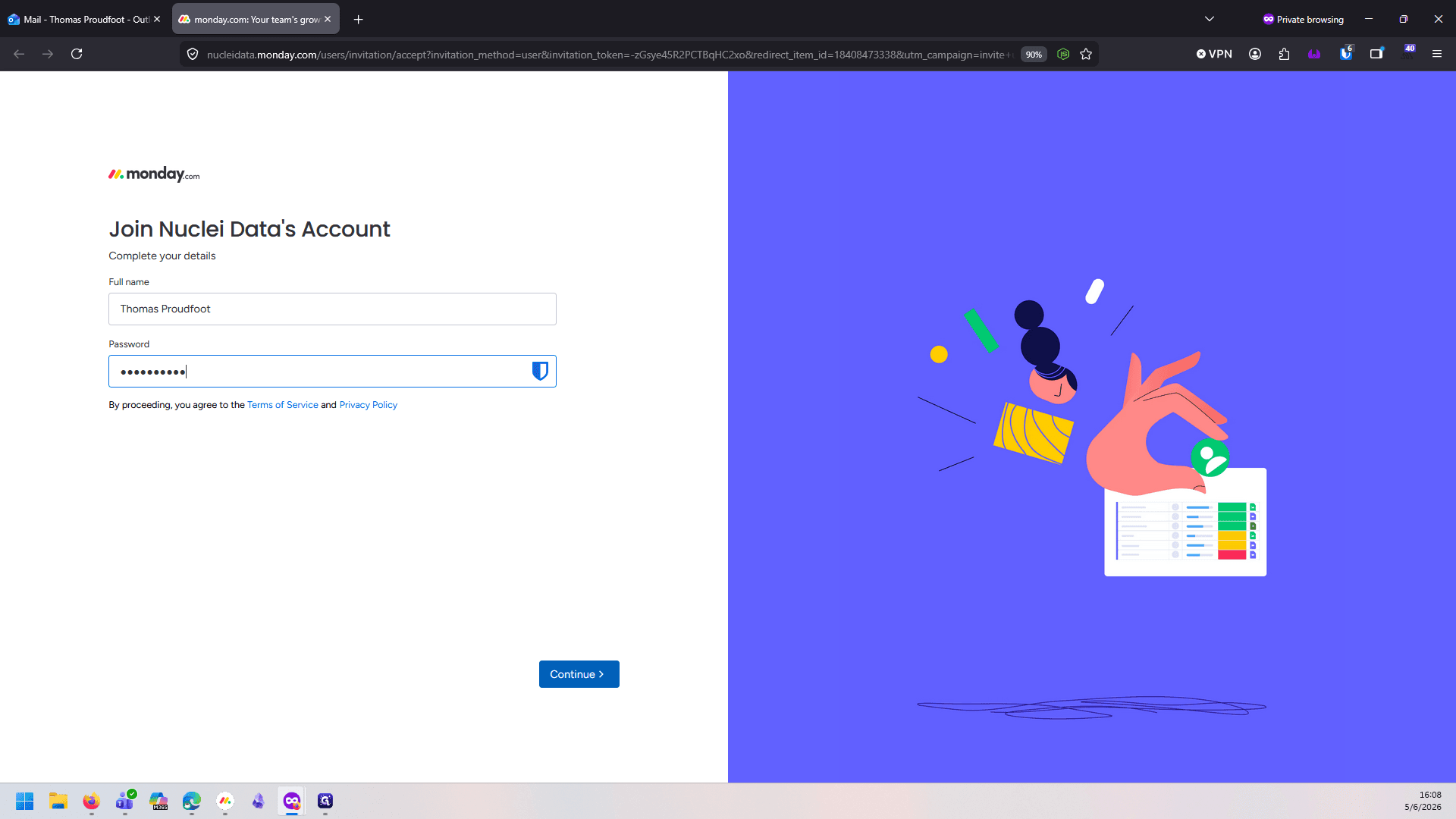
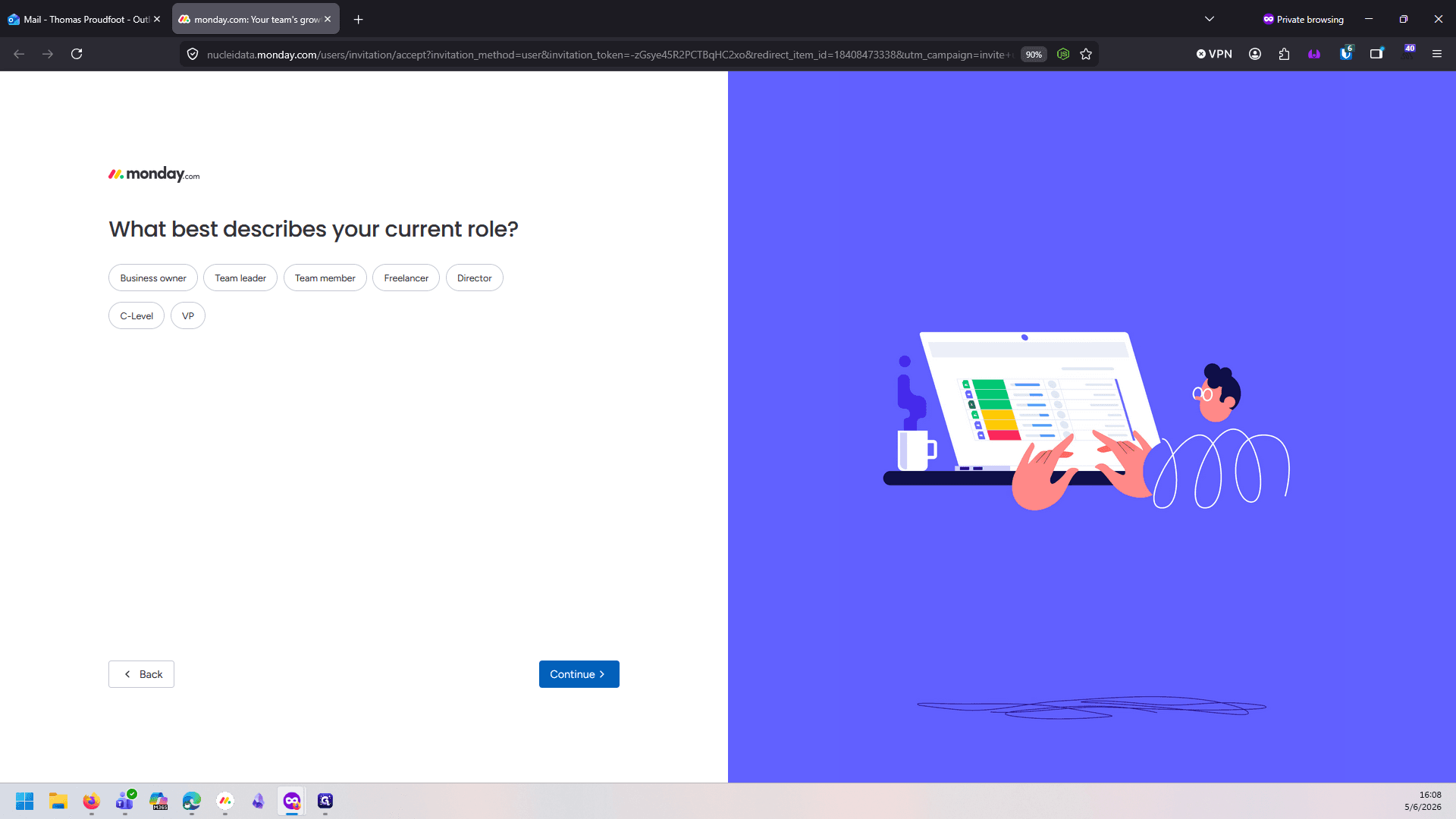
Set Up Your Profile
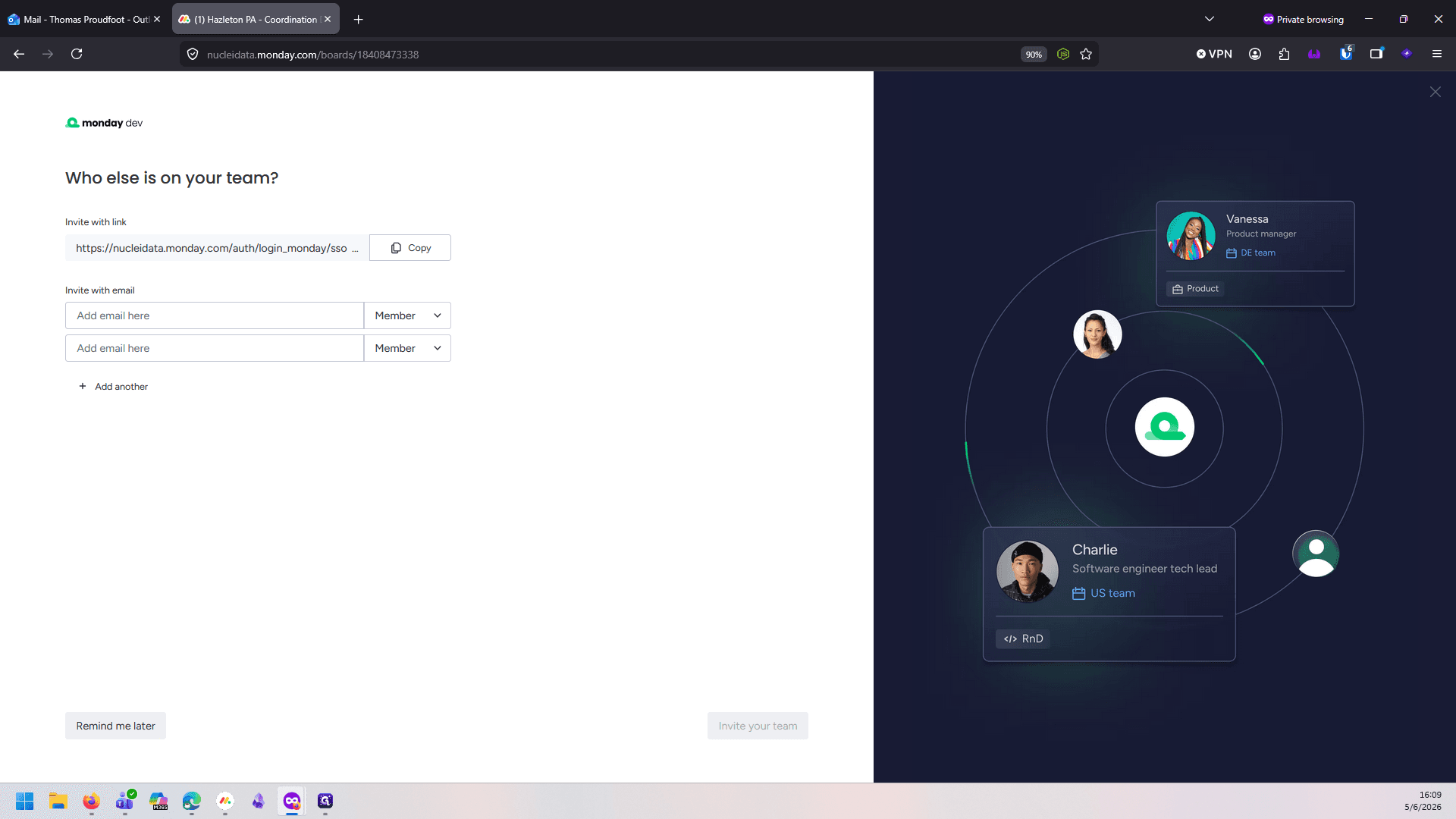
Once completed, you will see the shared board you were invited to listed on the left side of your screen.
Logging In Later
You can return to the board at any time using the link provided in the original email. When logging back in, you must use the standard email and password method.
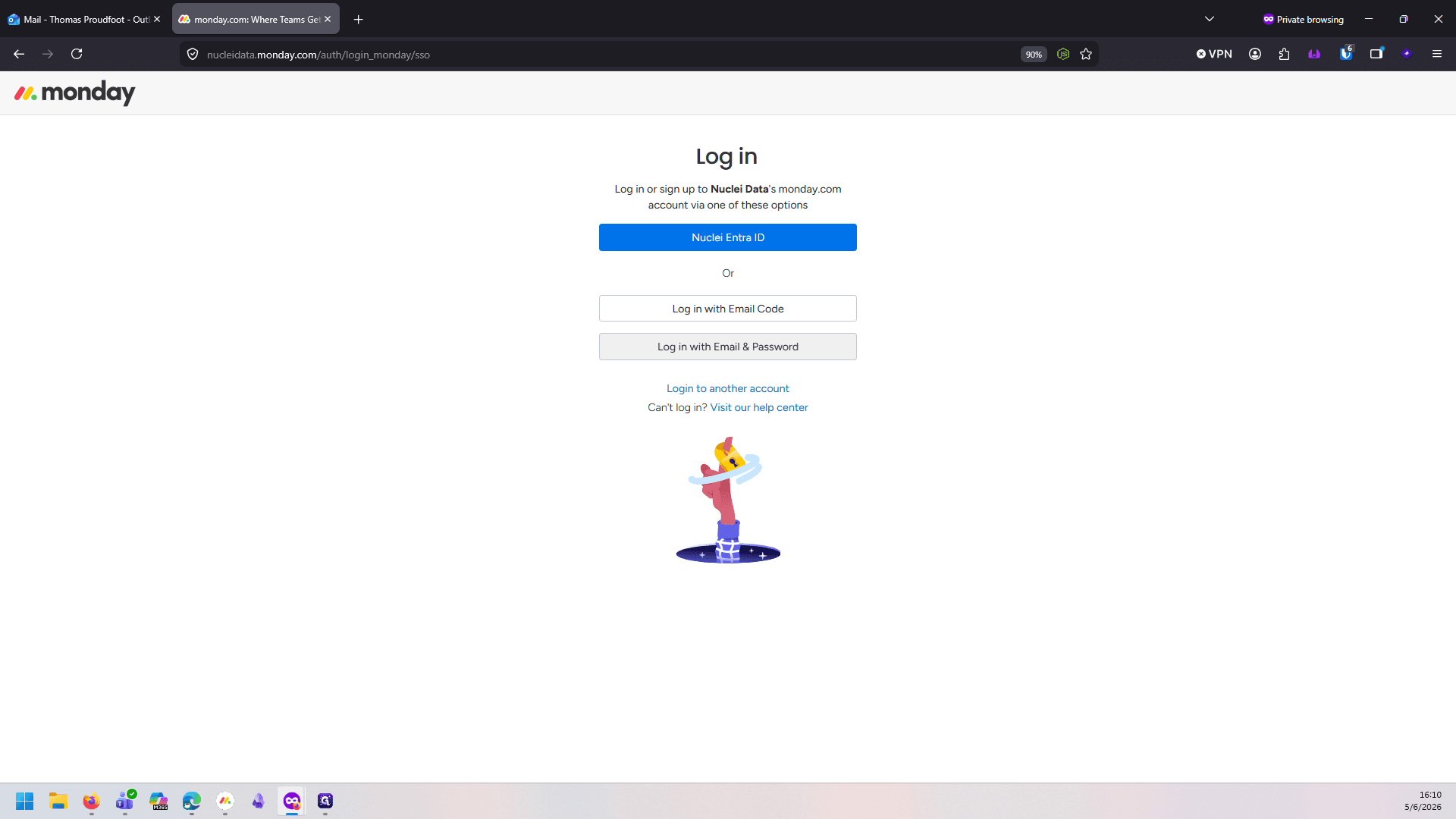
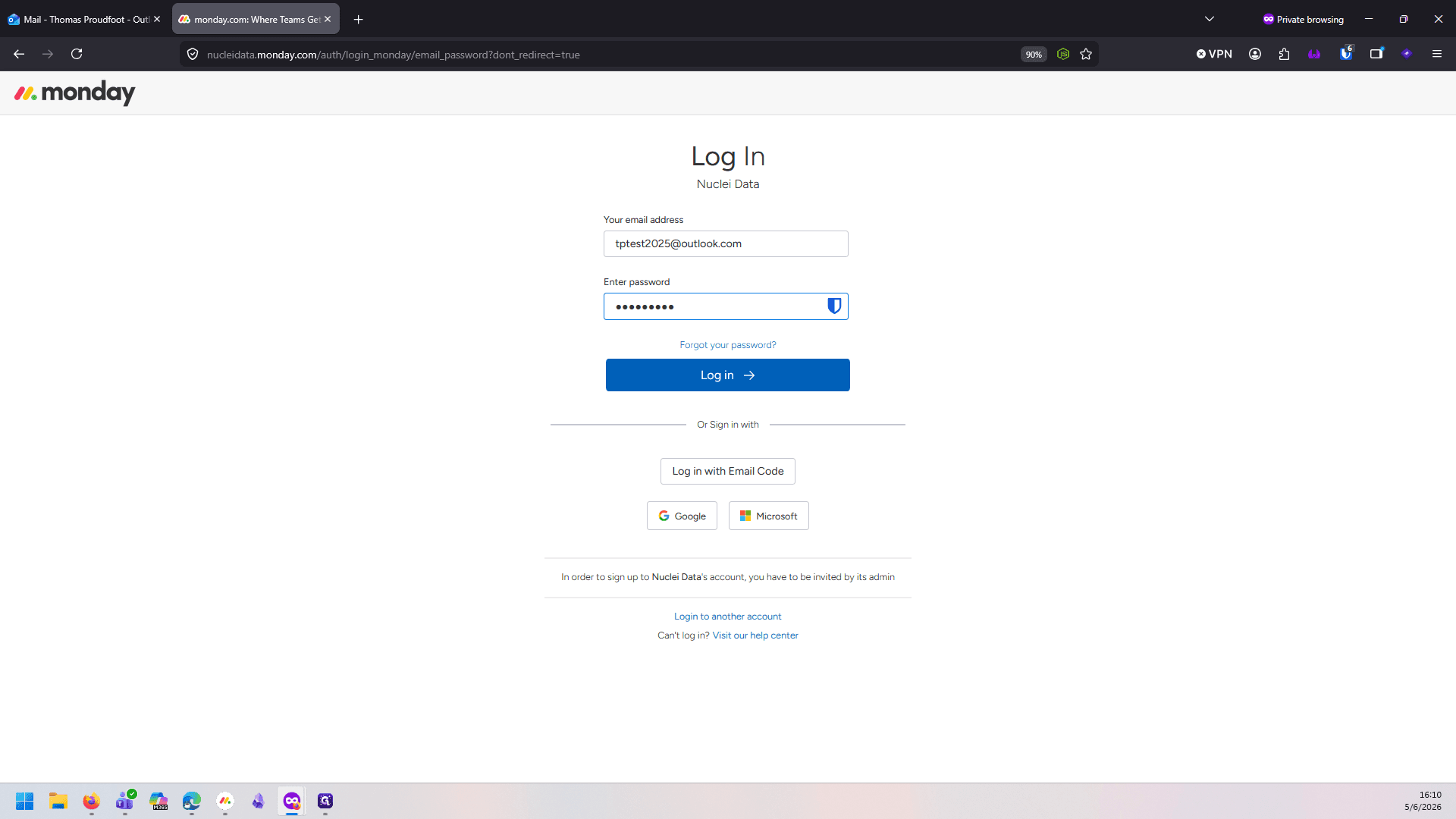
You can also use the 'Log in with Email Code' option to bypass the password entirely. Thank you for helping us keep project information secure.