Access Student Services Records & Reports in PowerSchool
Learn how to access student services records, document attachments, custom snapshot fields, support plans, and sqlReports in PowerSchool Admin.
Find student services records, manage student plans, and run division-wide student services reports in PowerSchool Admin.
This guide applies to Student Services staff, case managers, Learning Resource (LR) teachers, counselors, school psychologists, and school administrators managing student support records and reporting.
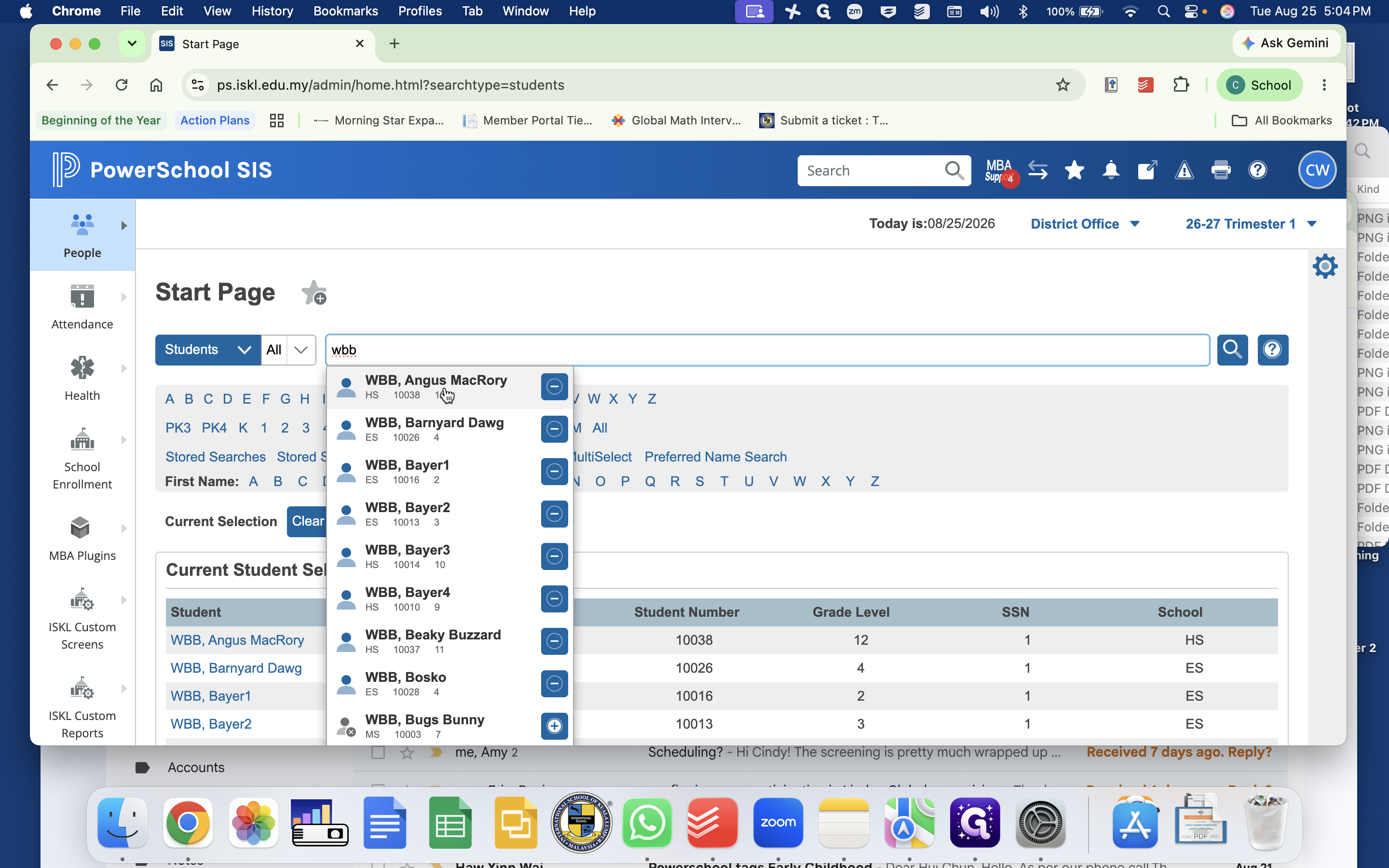
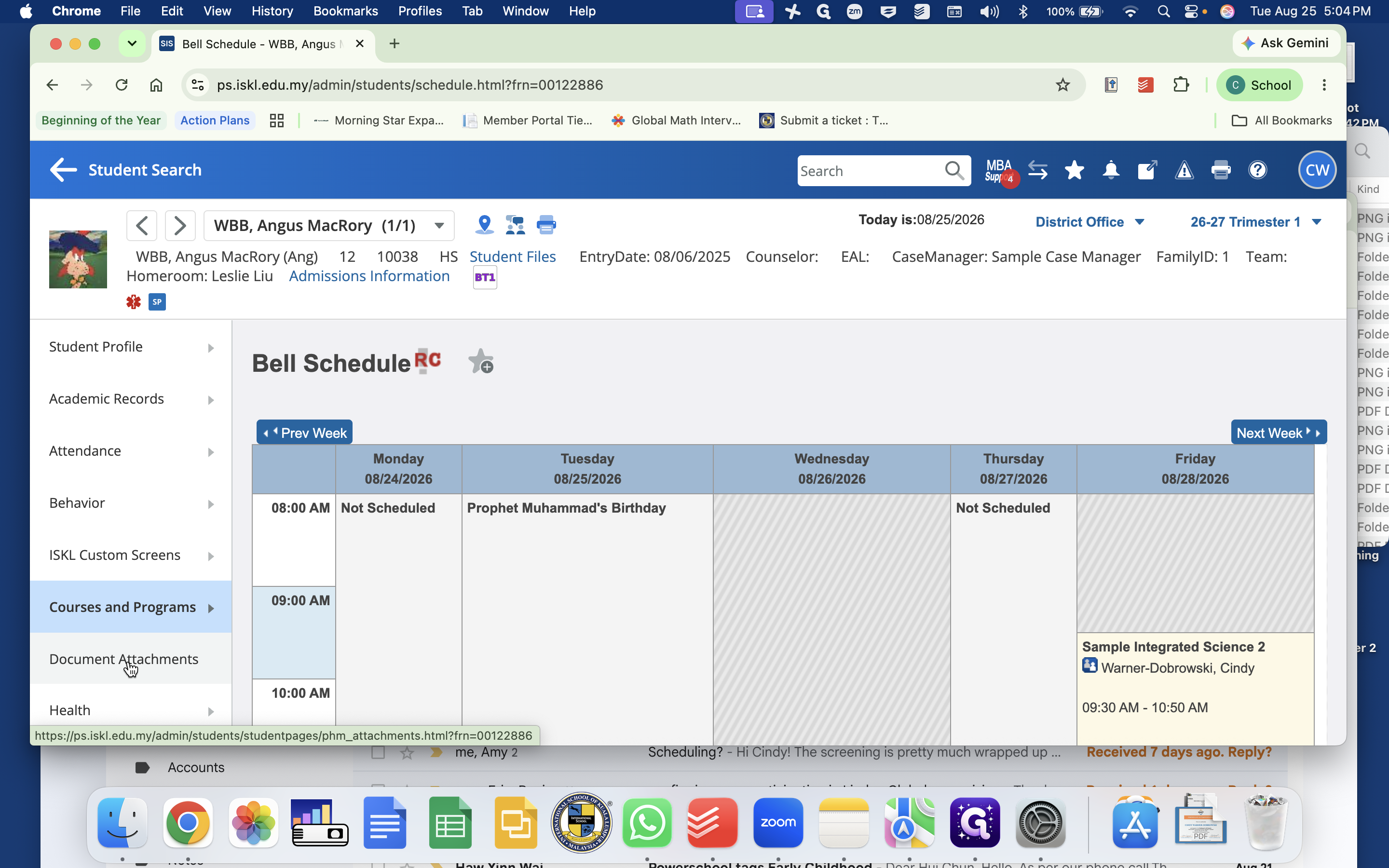
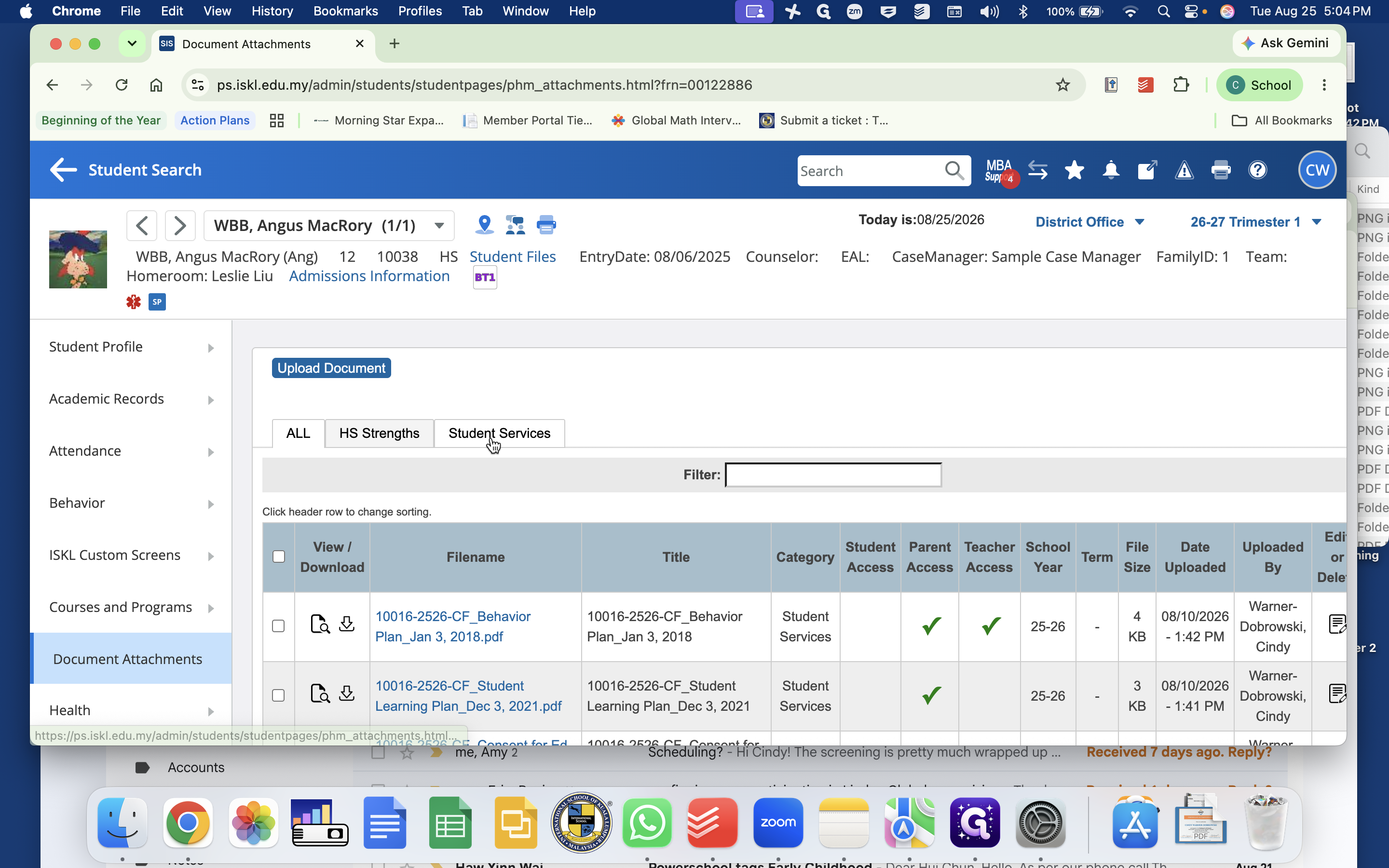
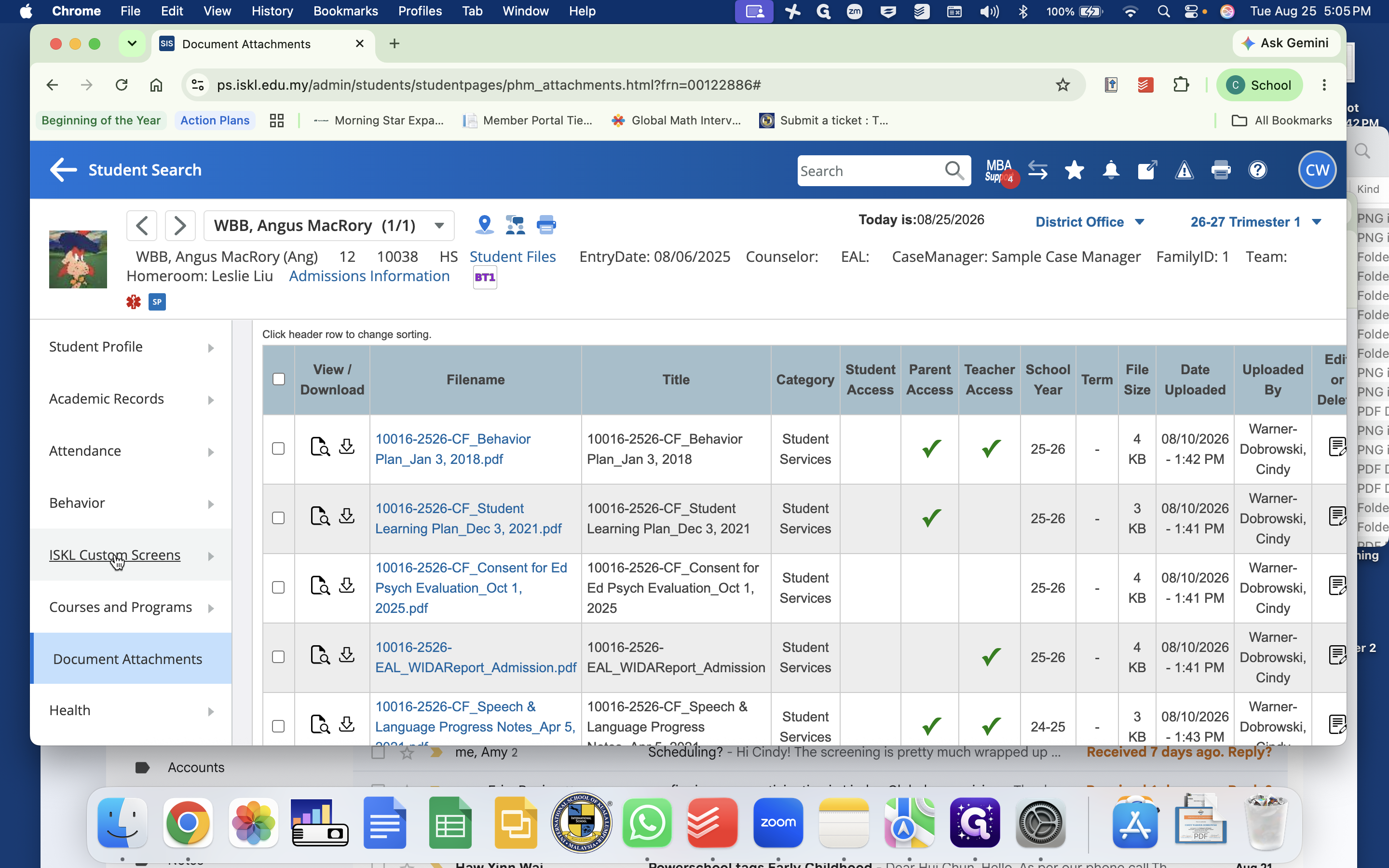
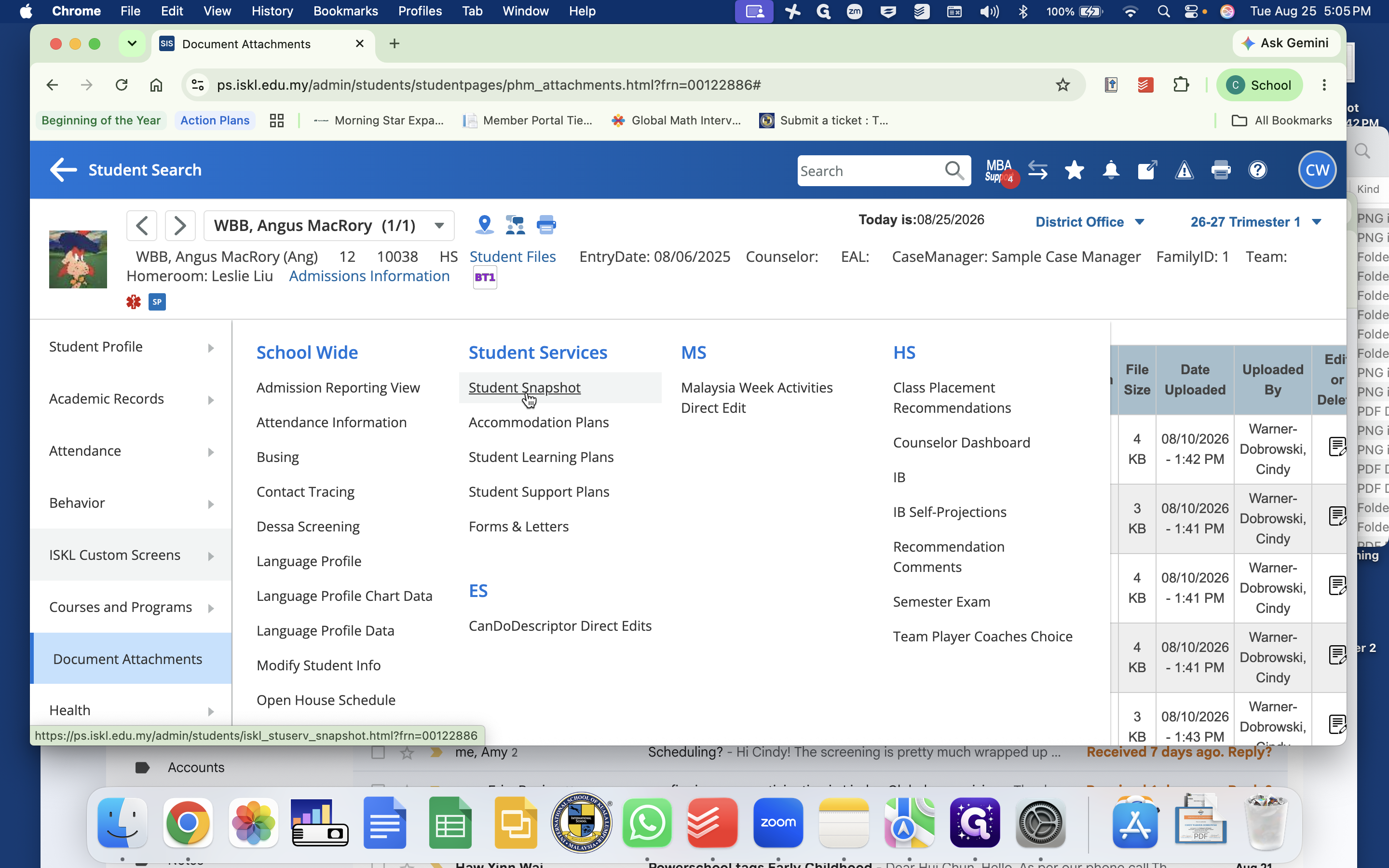
Access Student Document Attachments
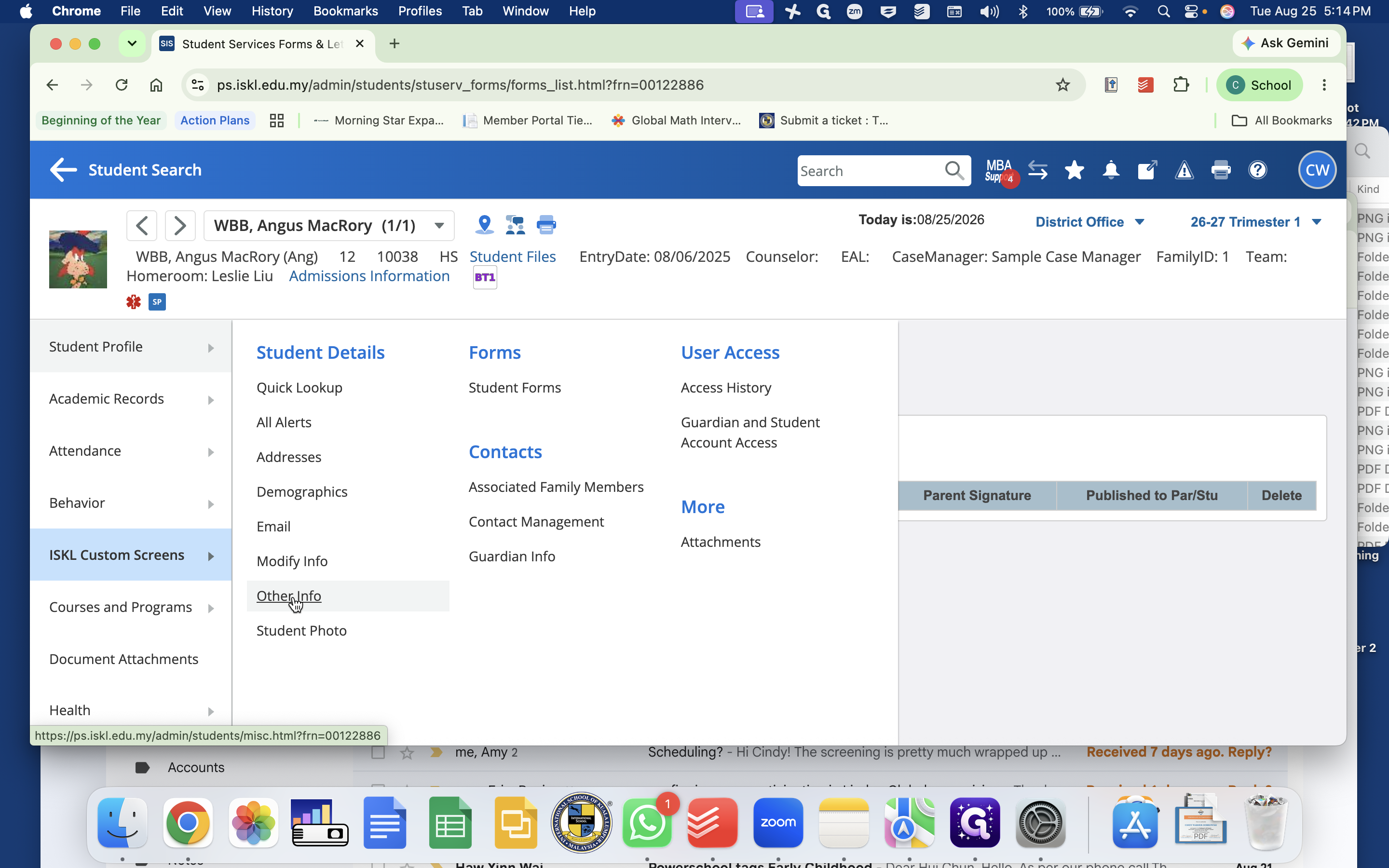
All historical records previously stored in PowerSchool Special Programs—such as consent forms, prior student plans, EAL placement forms, and WIDA test results—are archived in the student's document attachments.
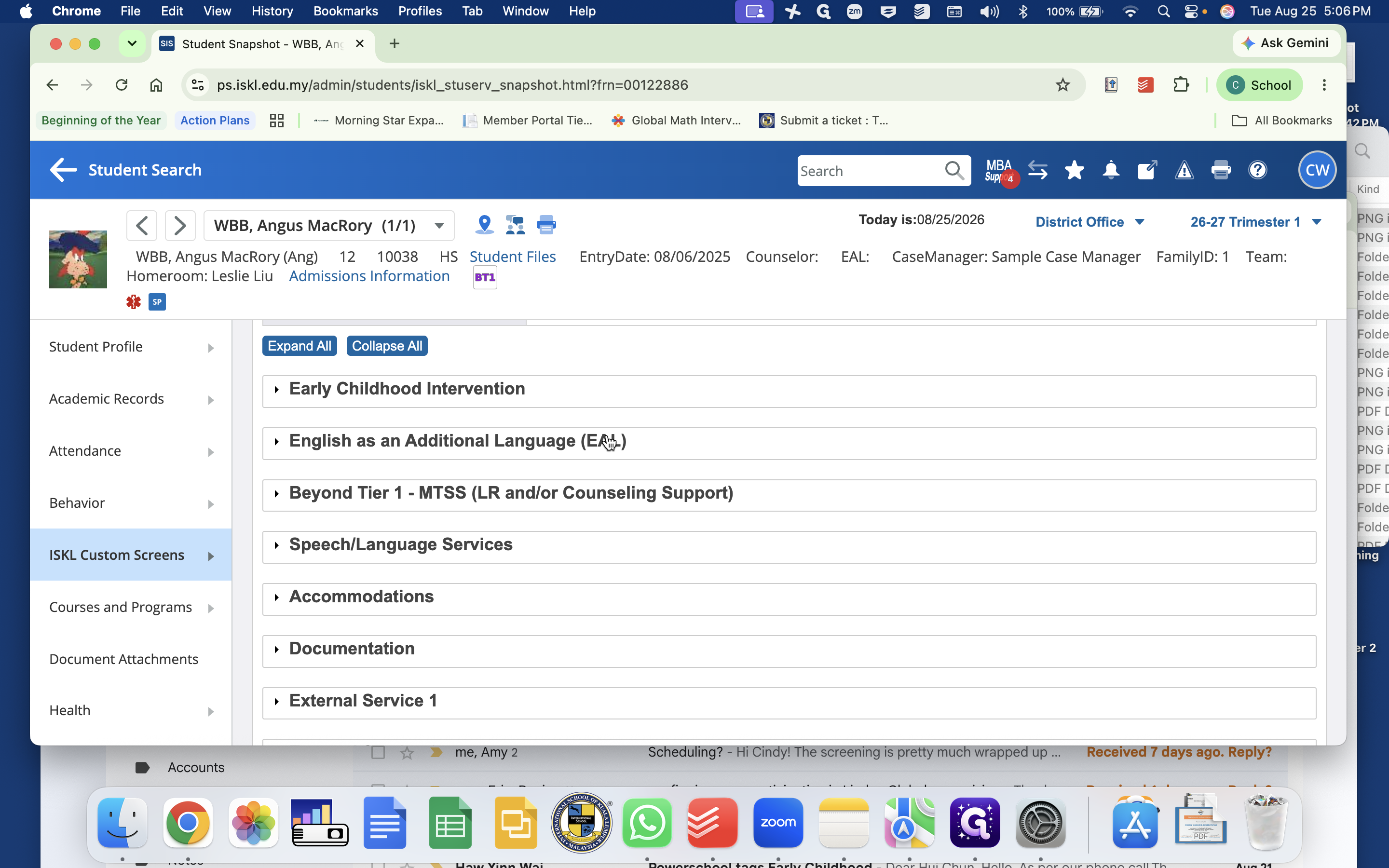
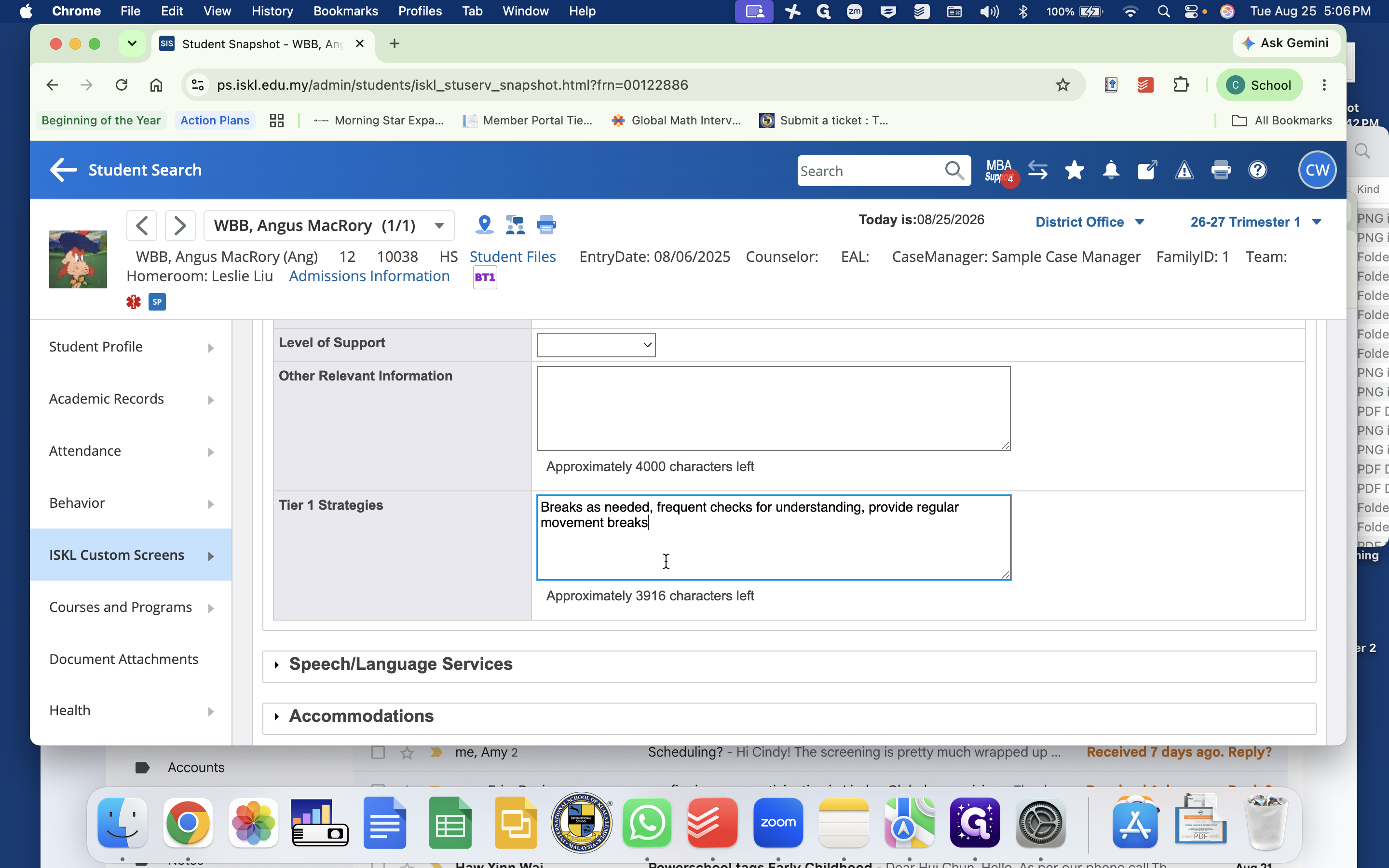
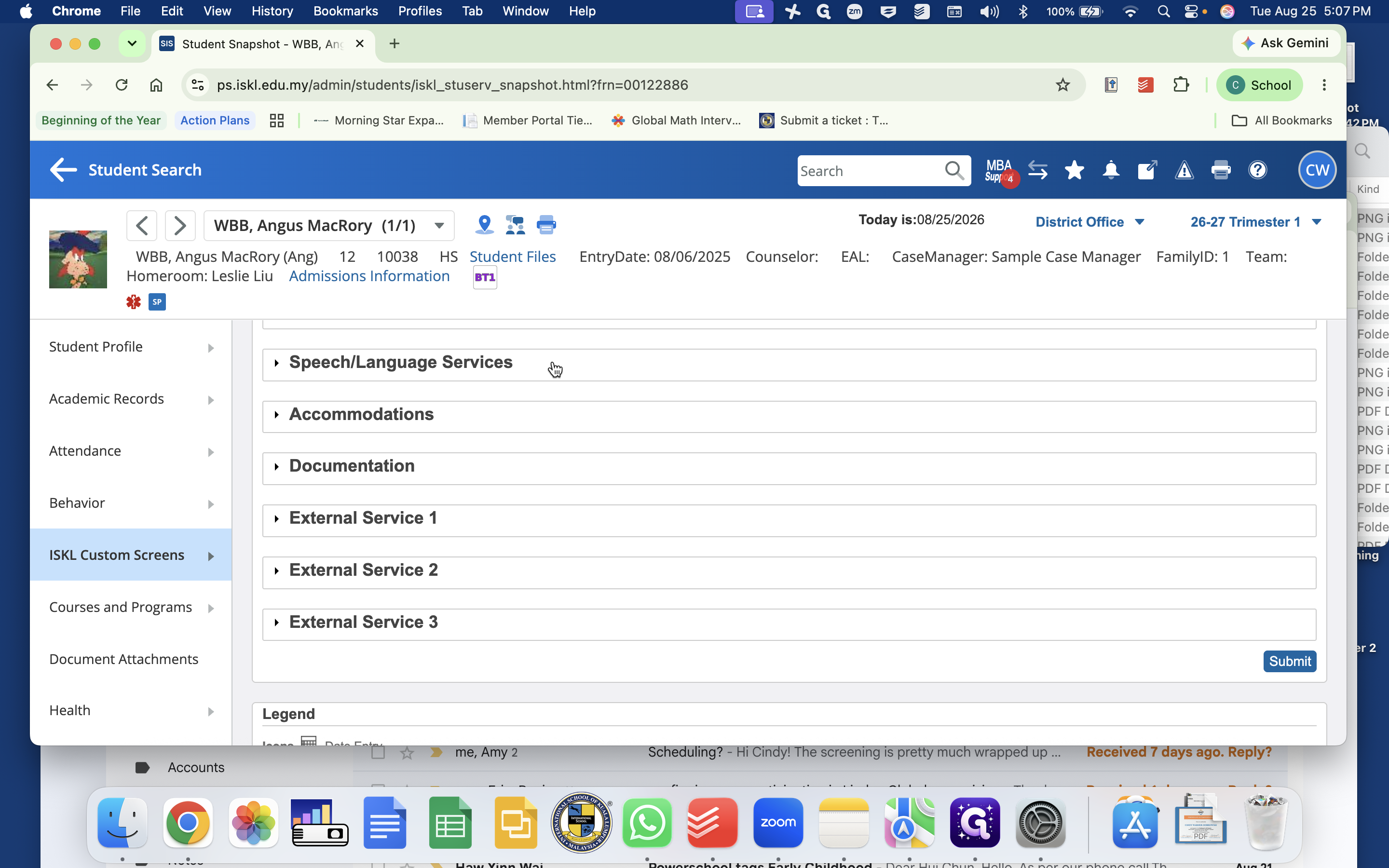
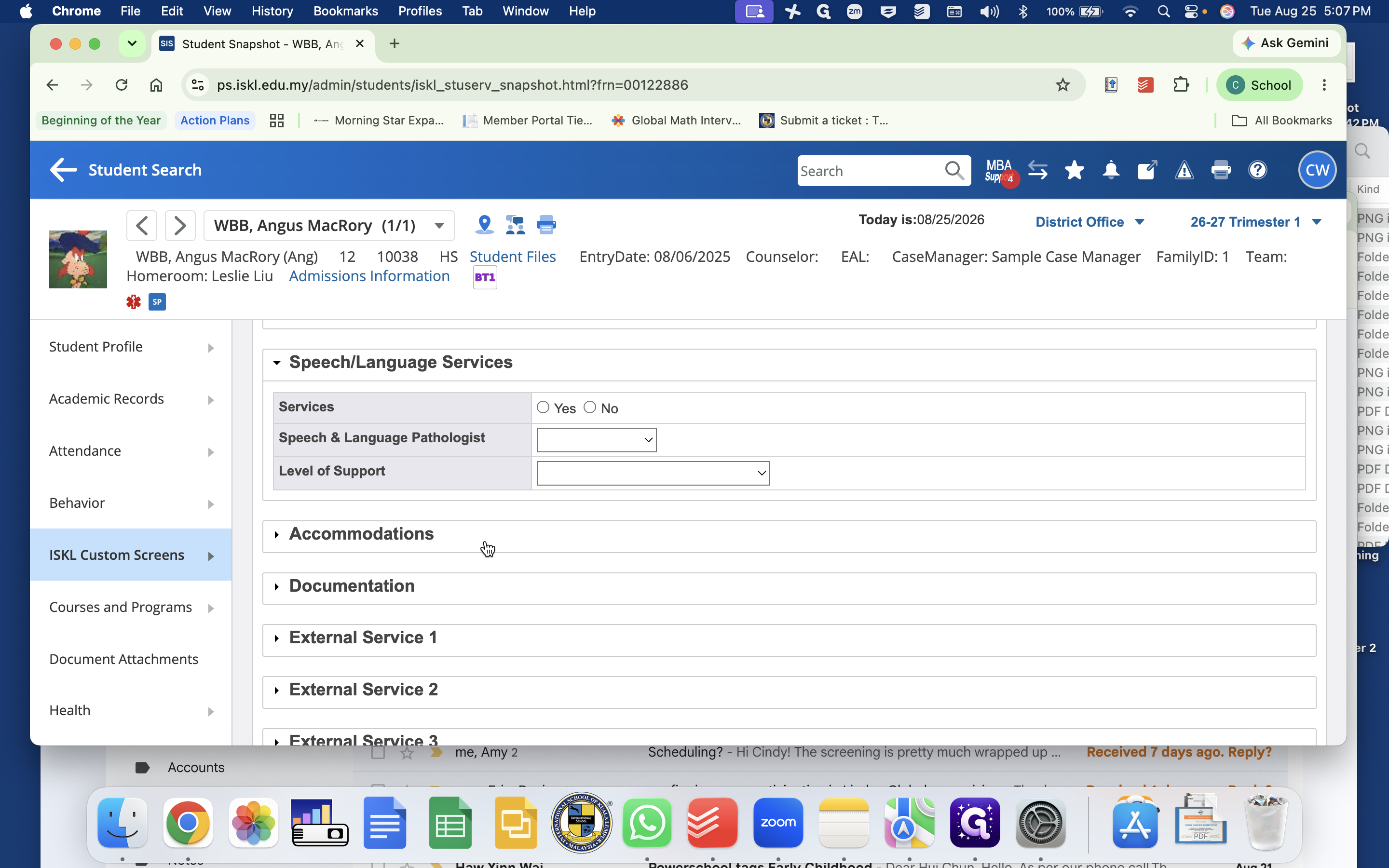
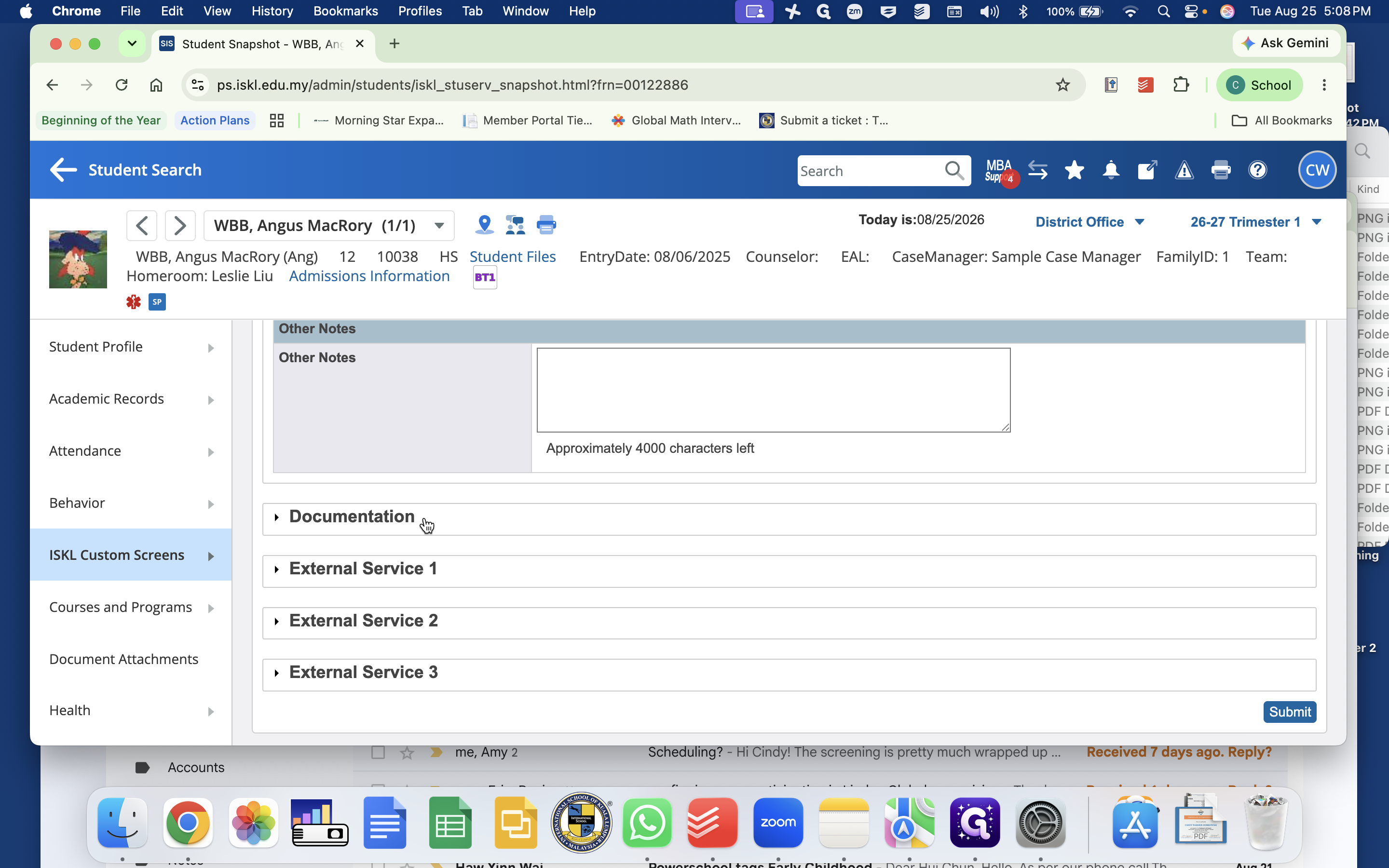
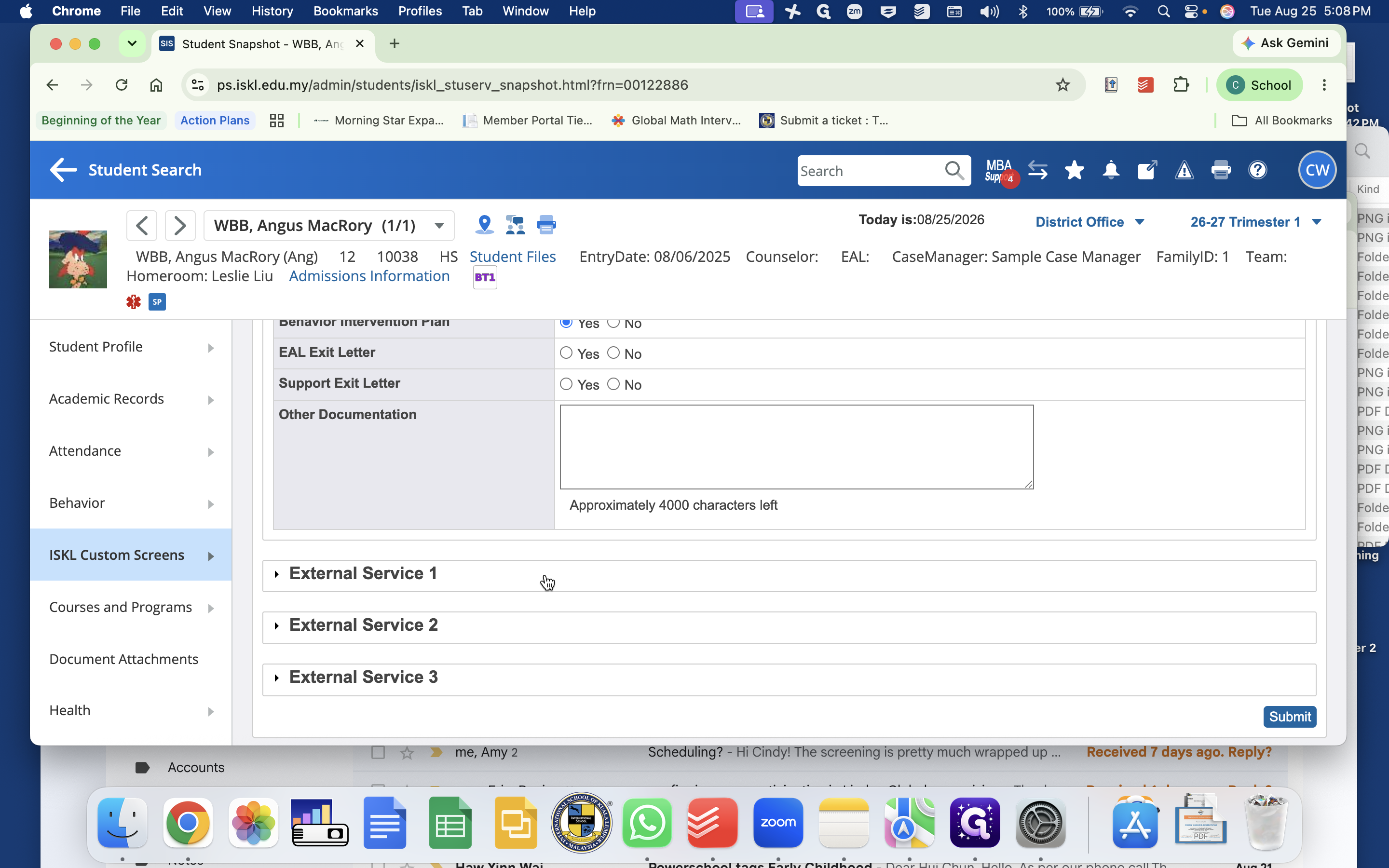
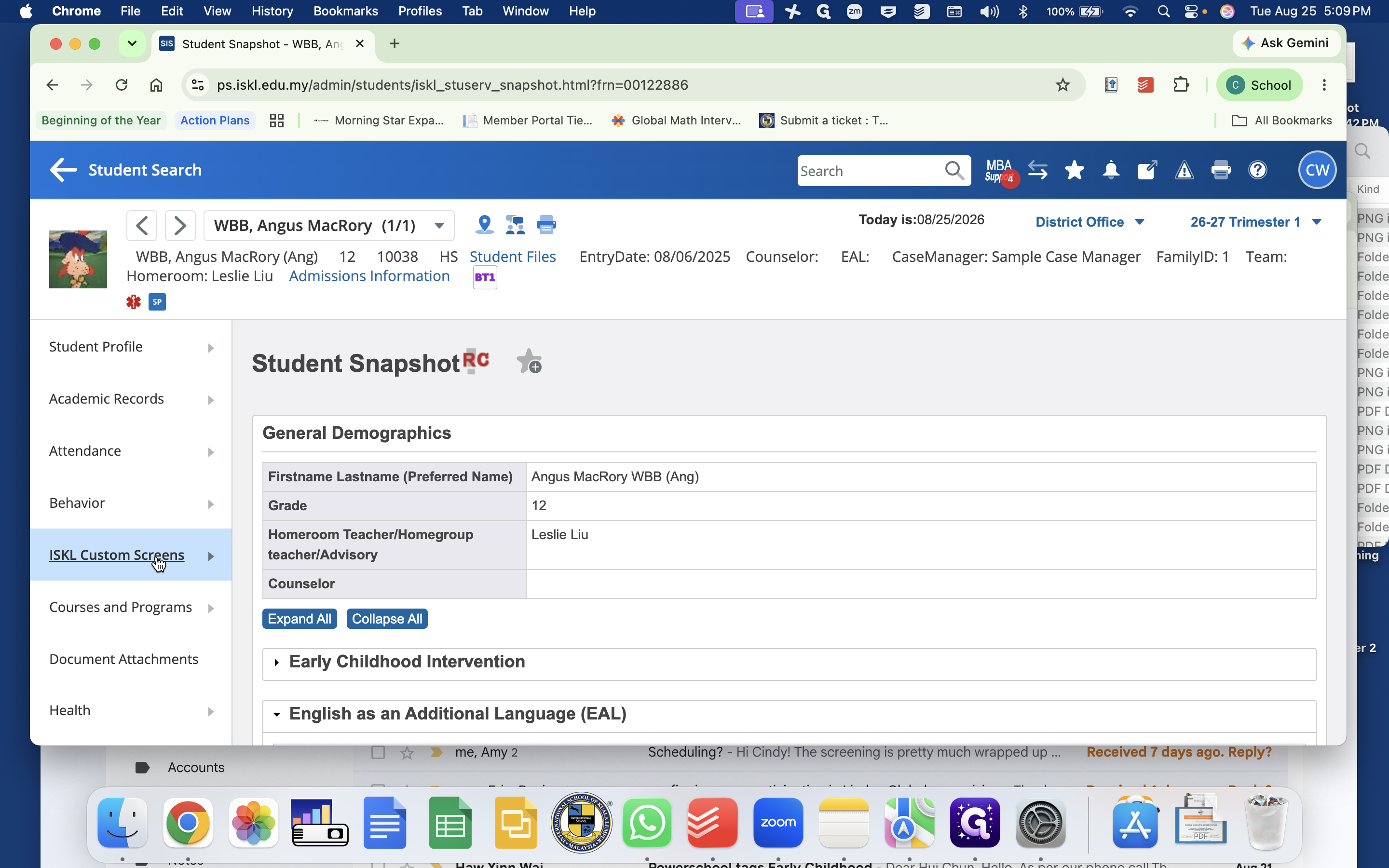
Navigate the Student Snapshot
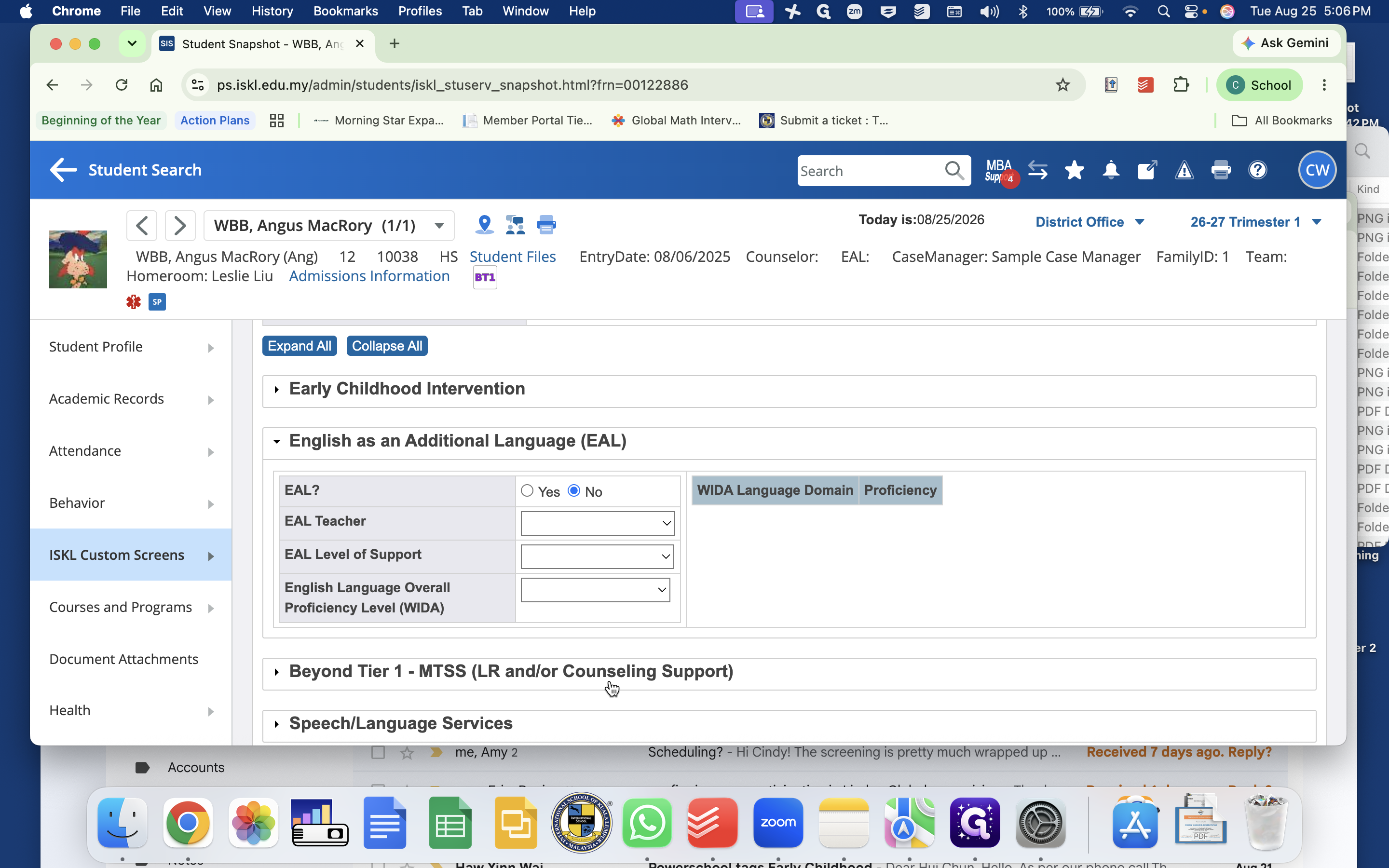
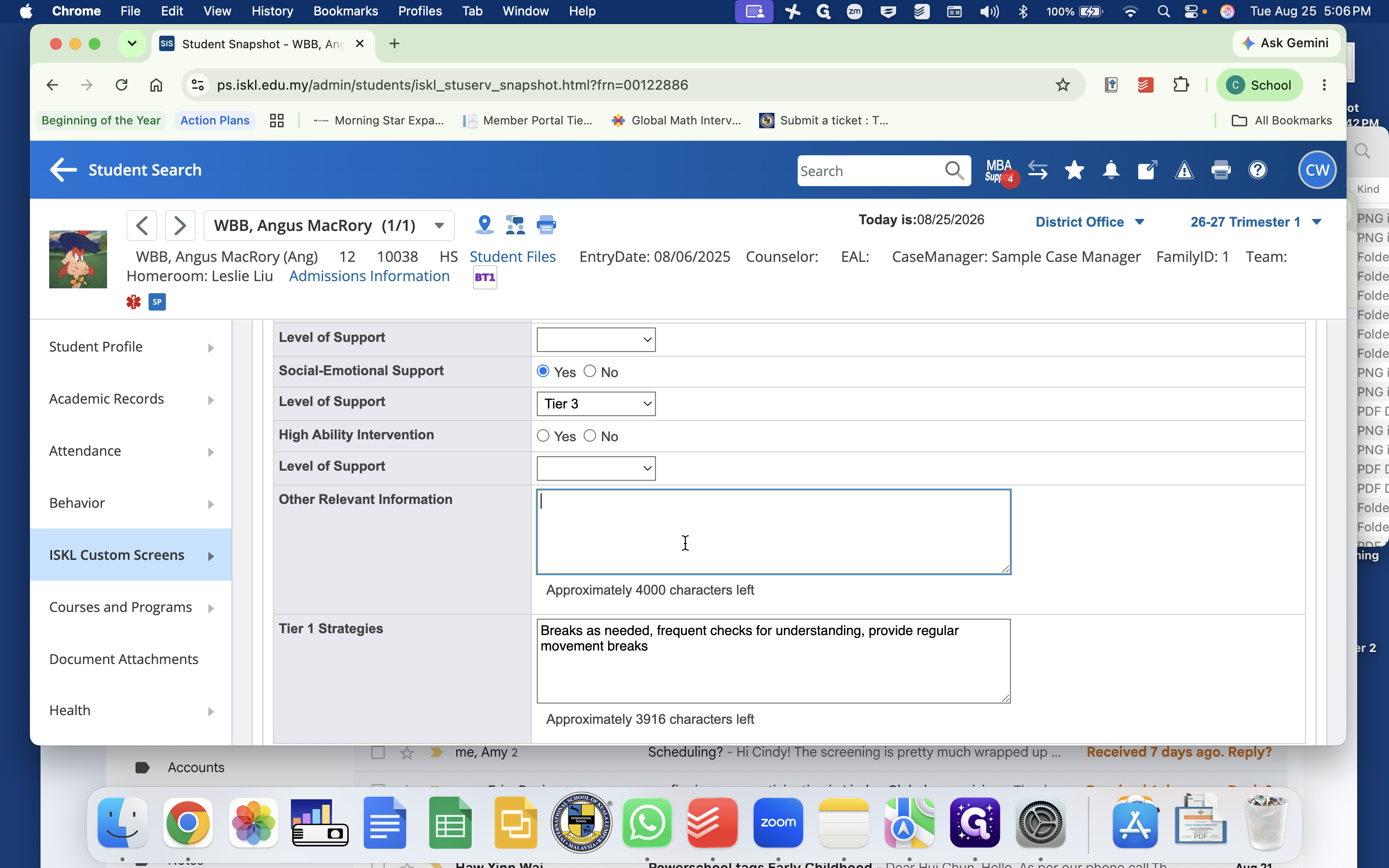
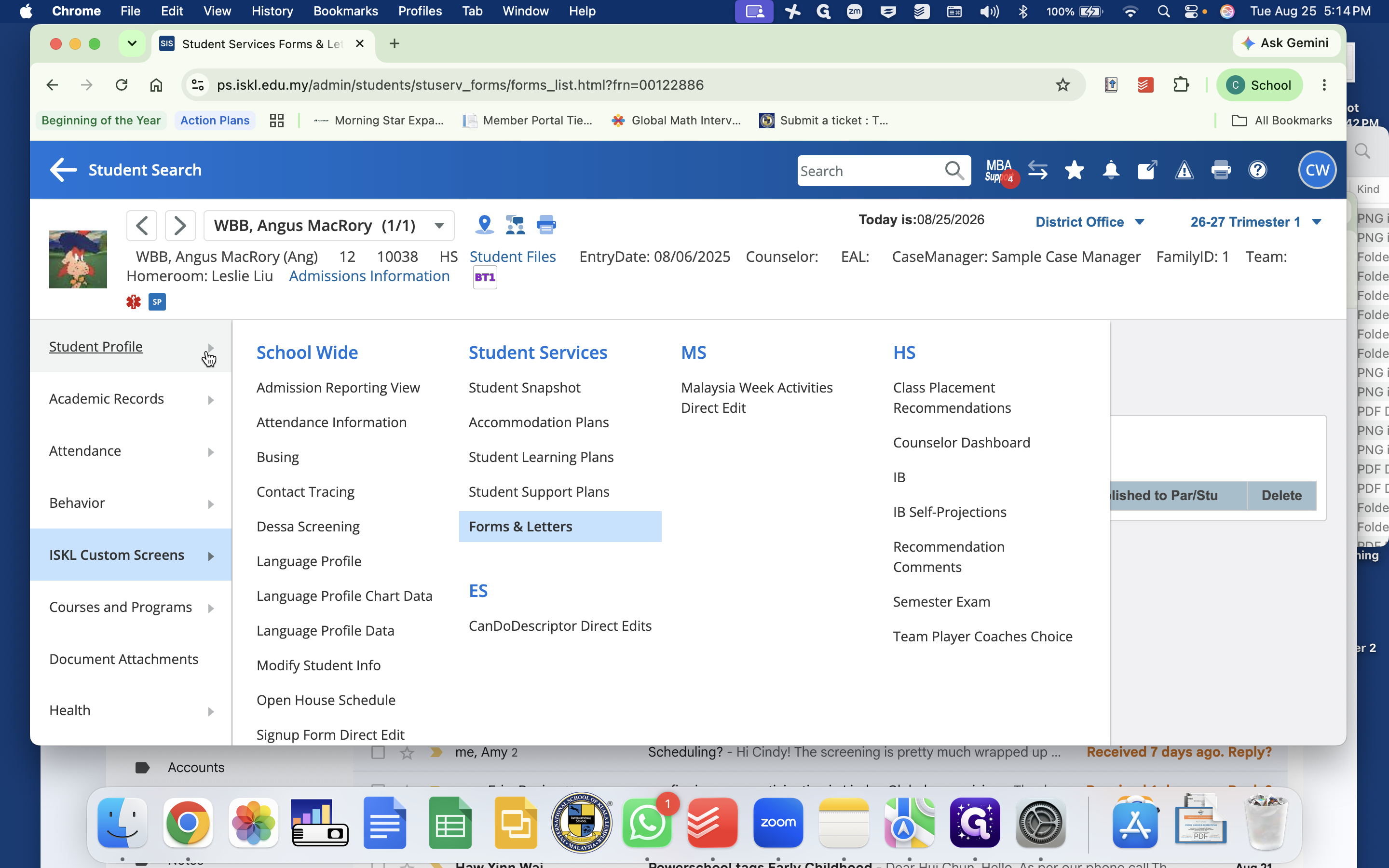
The Student Snapshot serves as the central record for all active support services. The data entered here populates the school admissions dashboard and downstream reporting.
Manage Student Support and Learning Plans
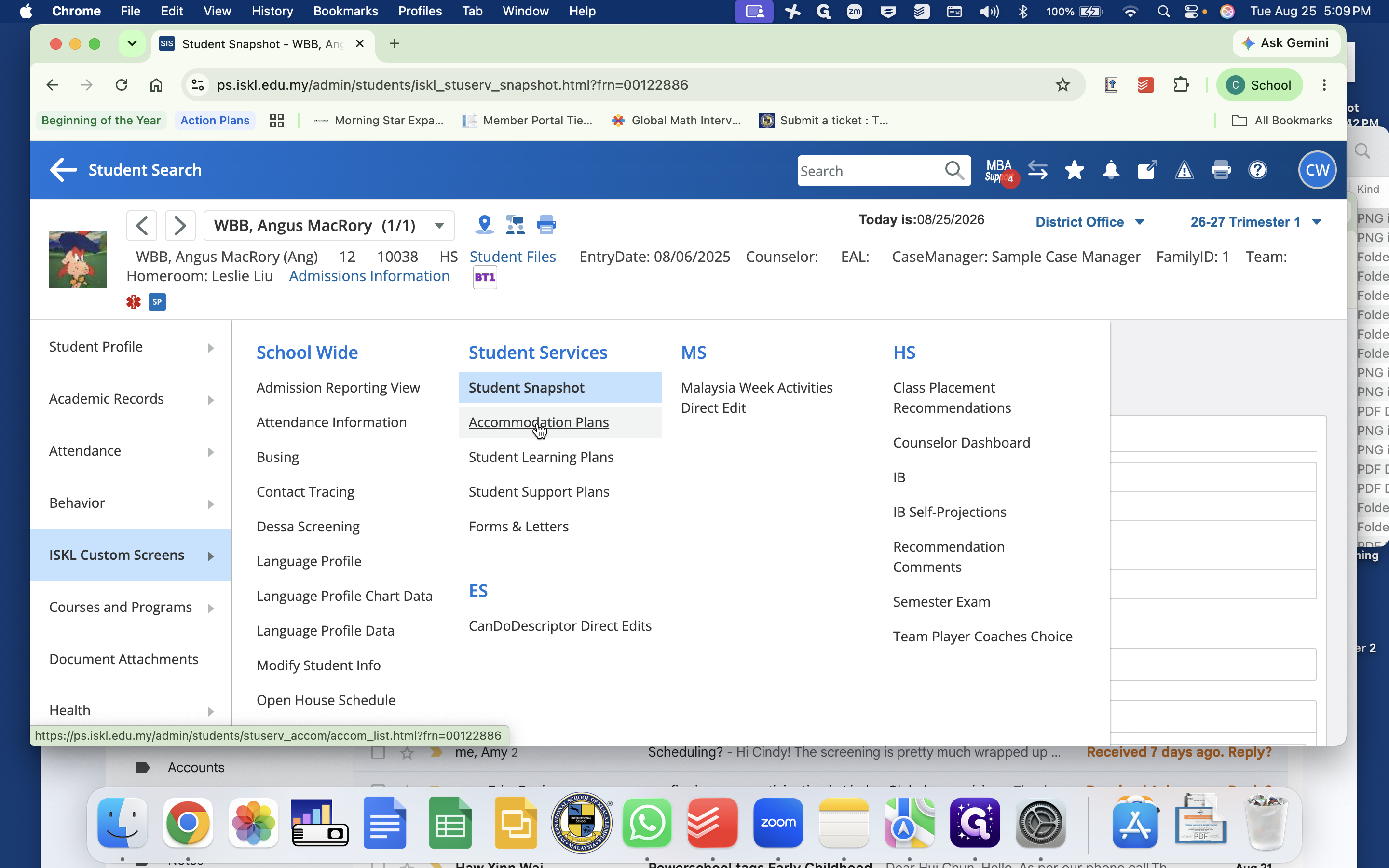
PowerSchool provides distinct modules for different levels of student documentation:
Plan Type | Purpose | Key Components |
|---|---|---|
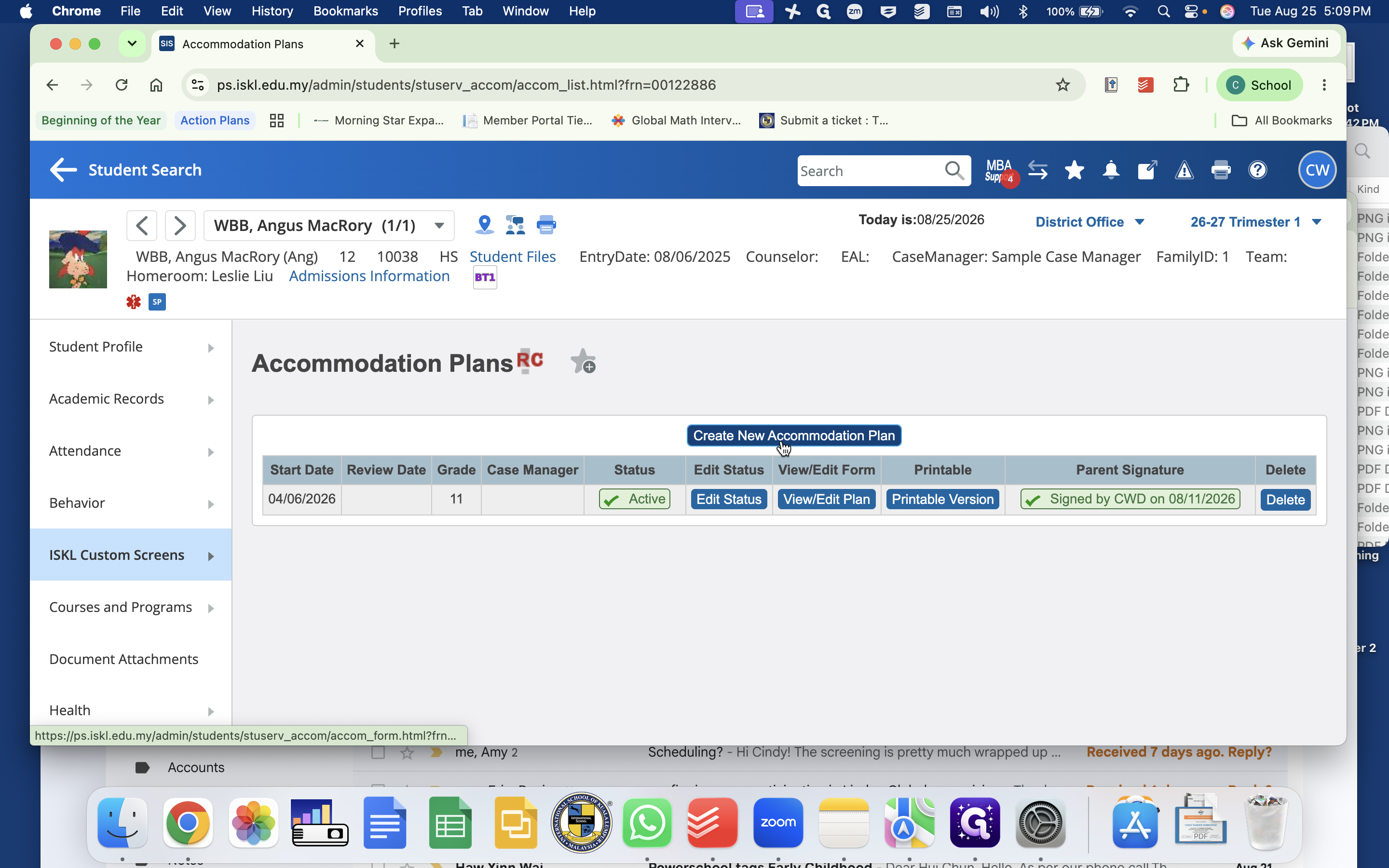
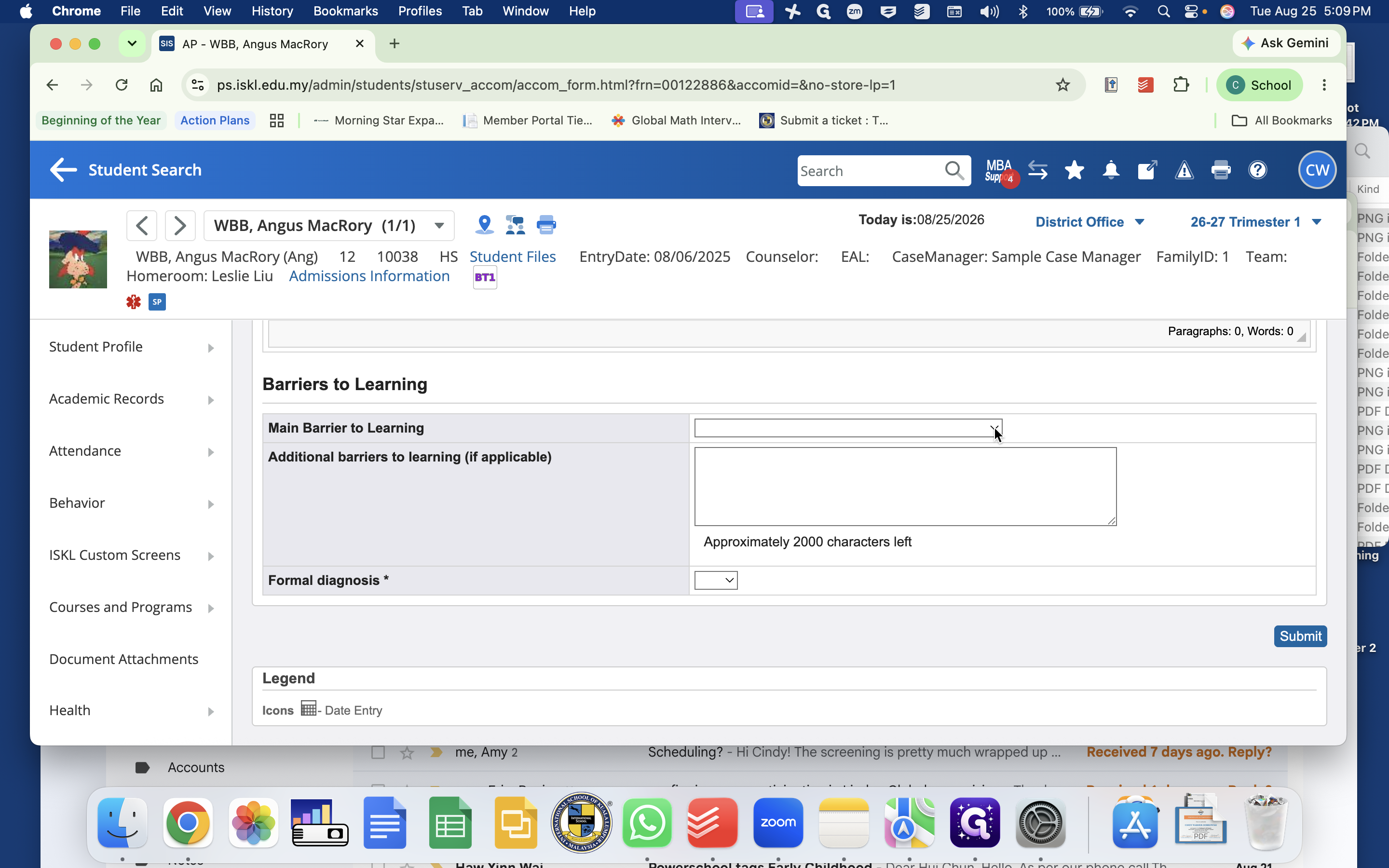
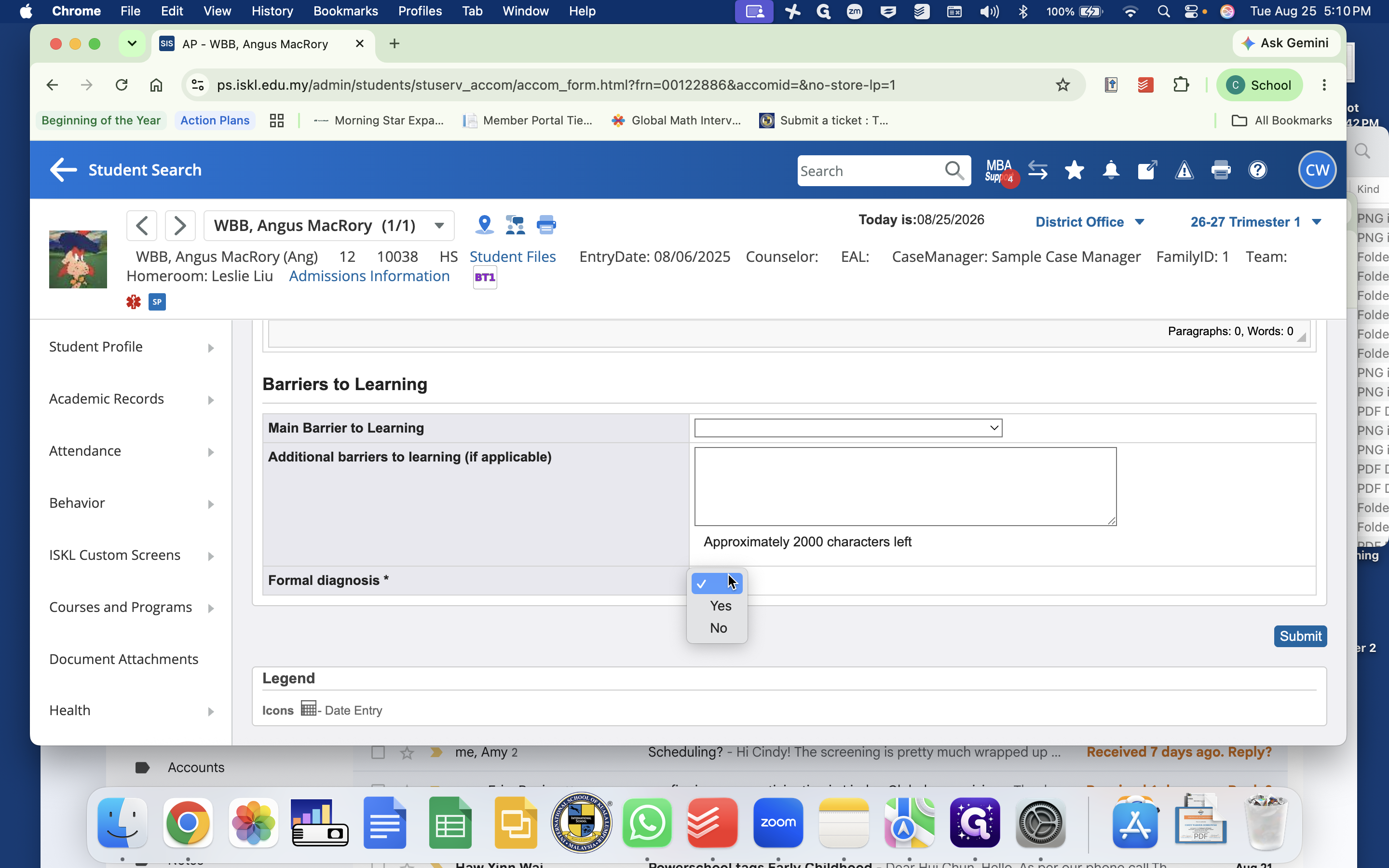
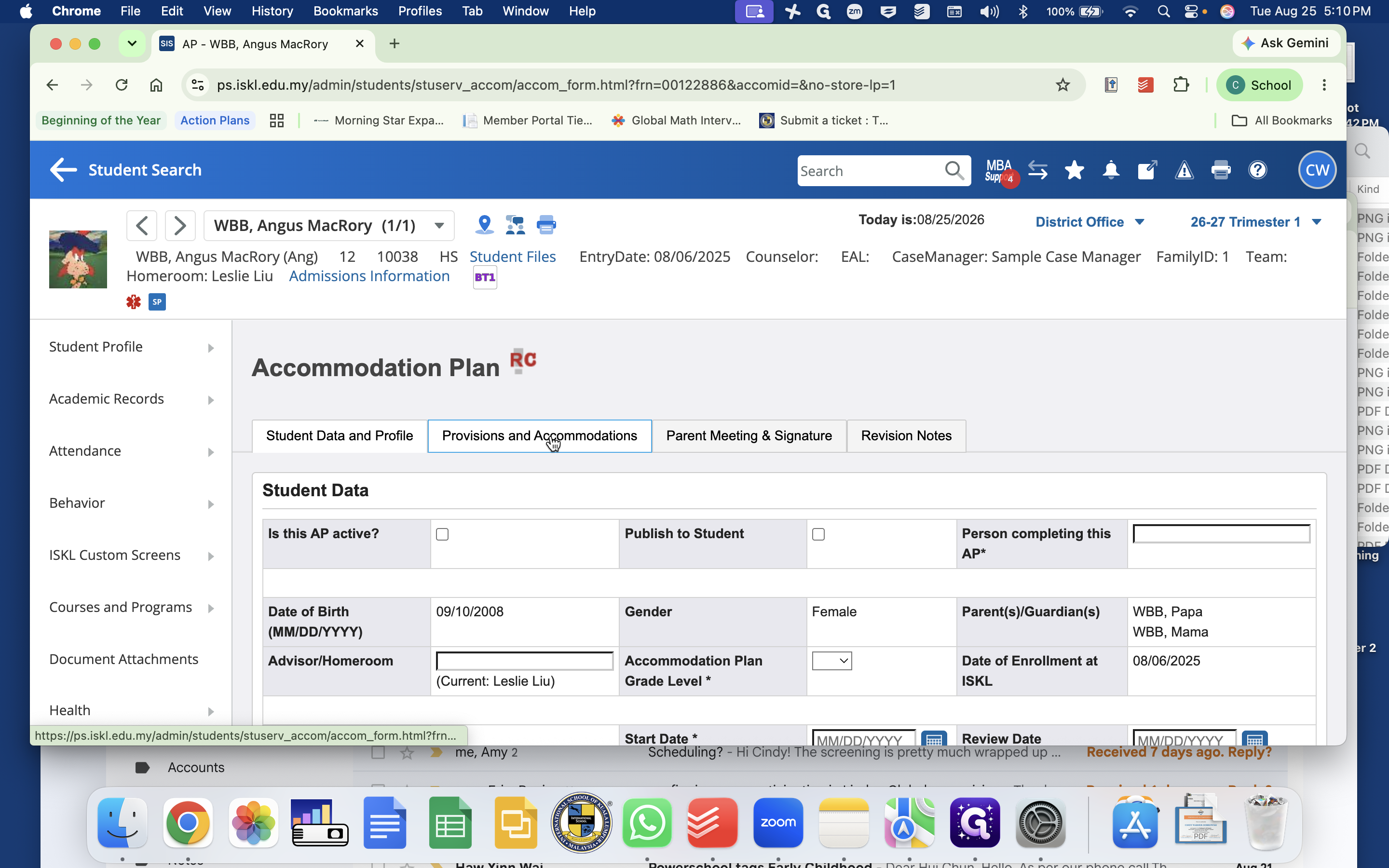
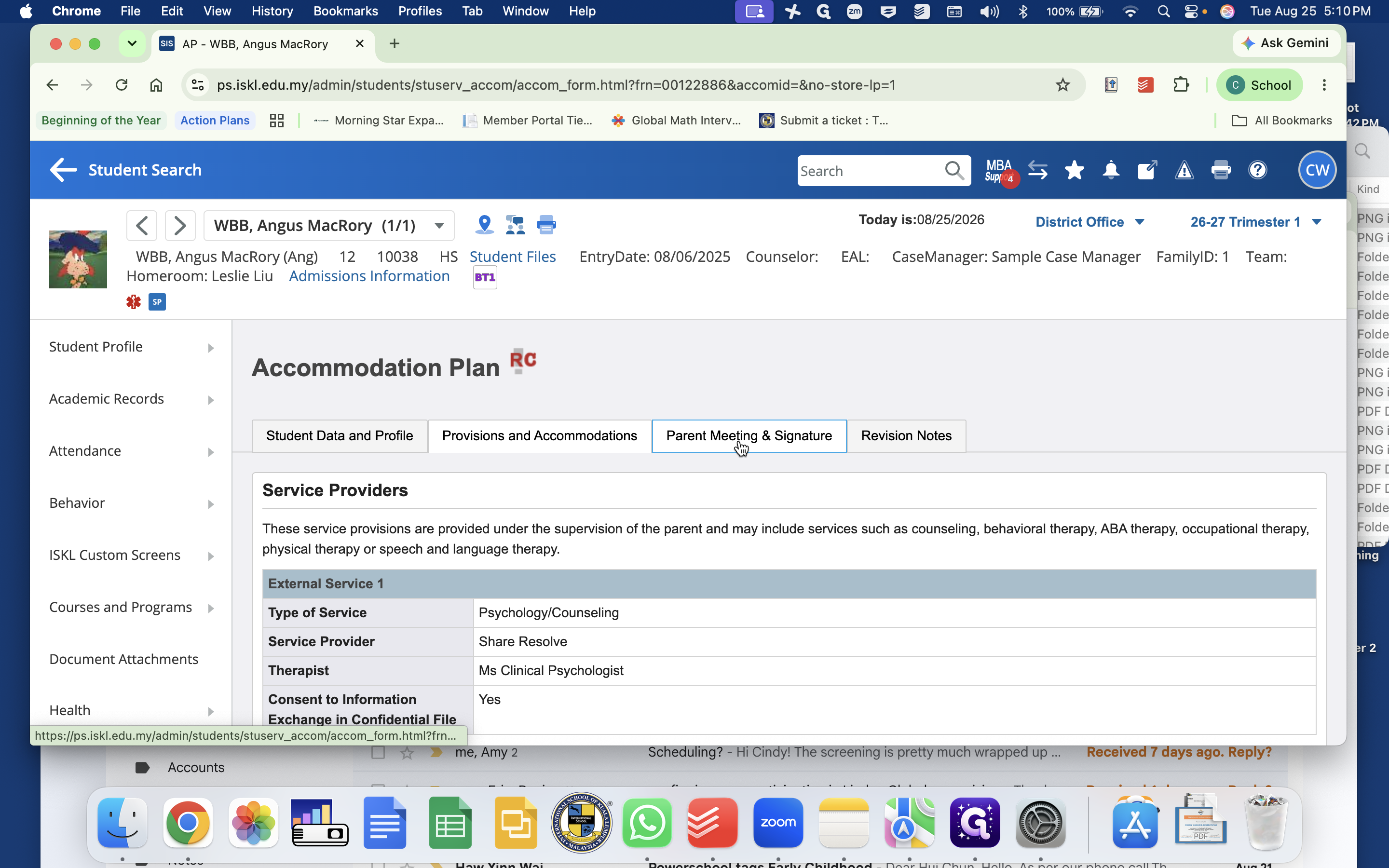
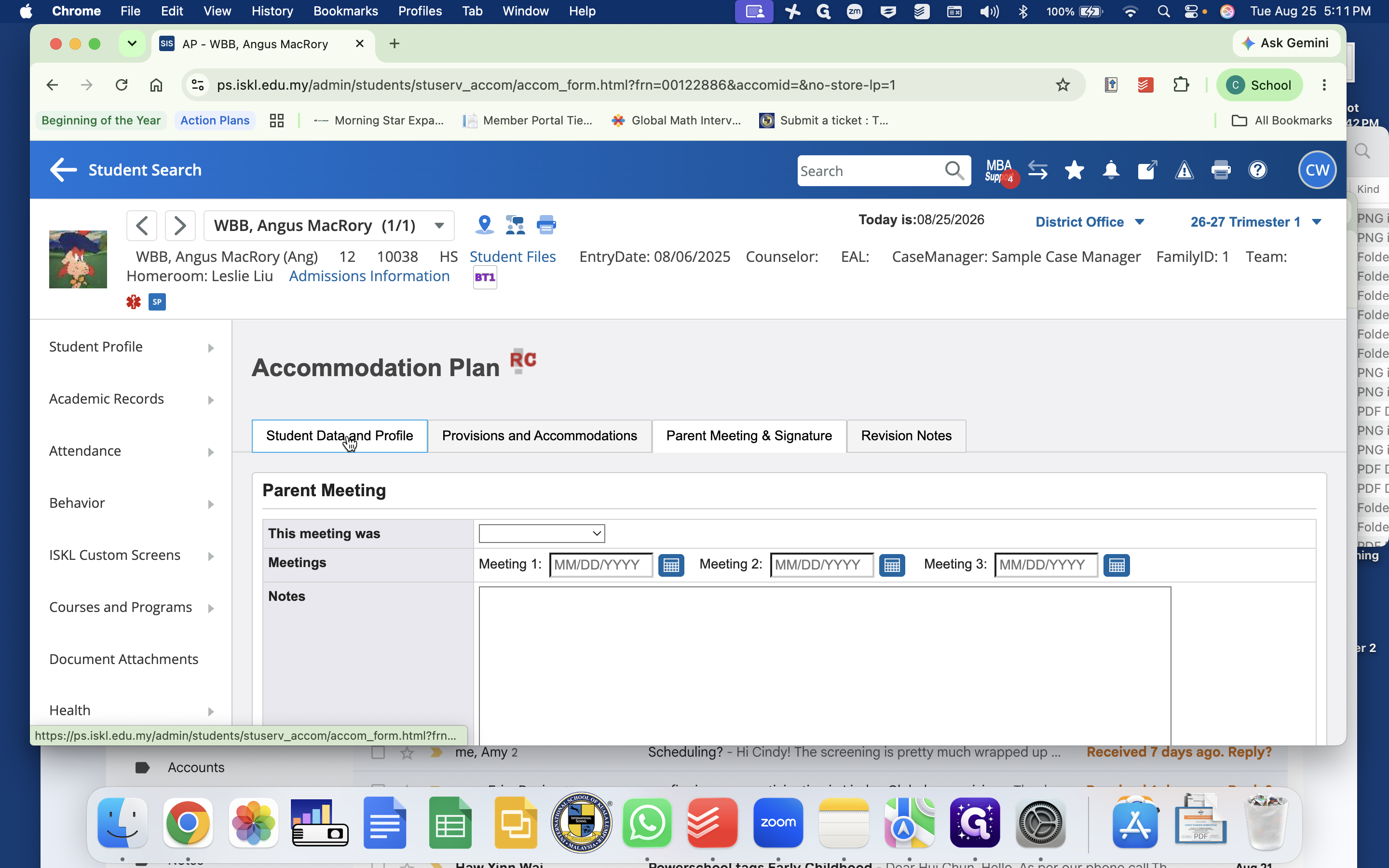
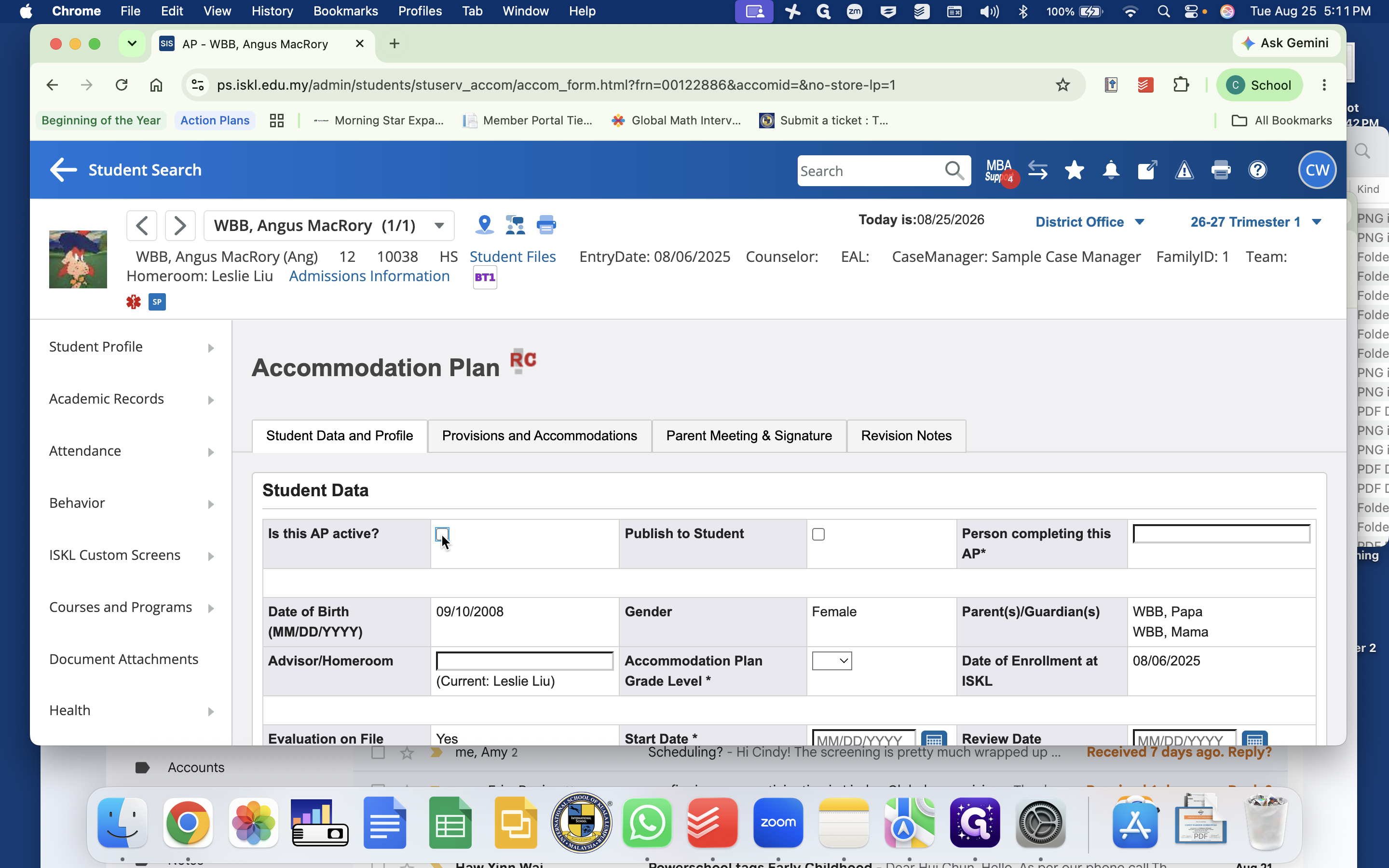
Accommodation Plan (AP) | Outlines classroom and assessment accommodations | Barriers to learning, formal diagnosis status, accommodations checklist, parent signature status |
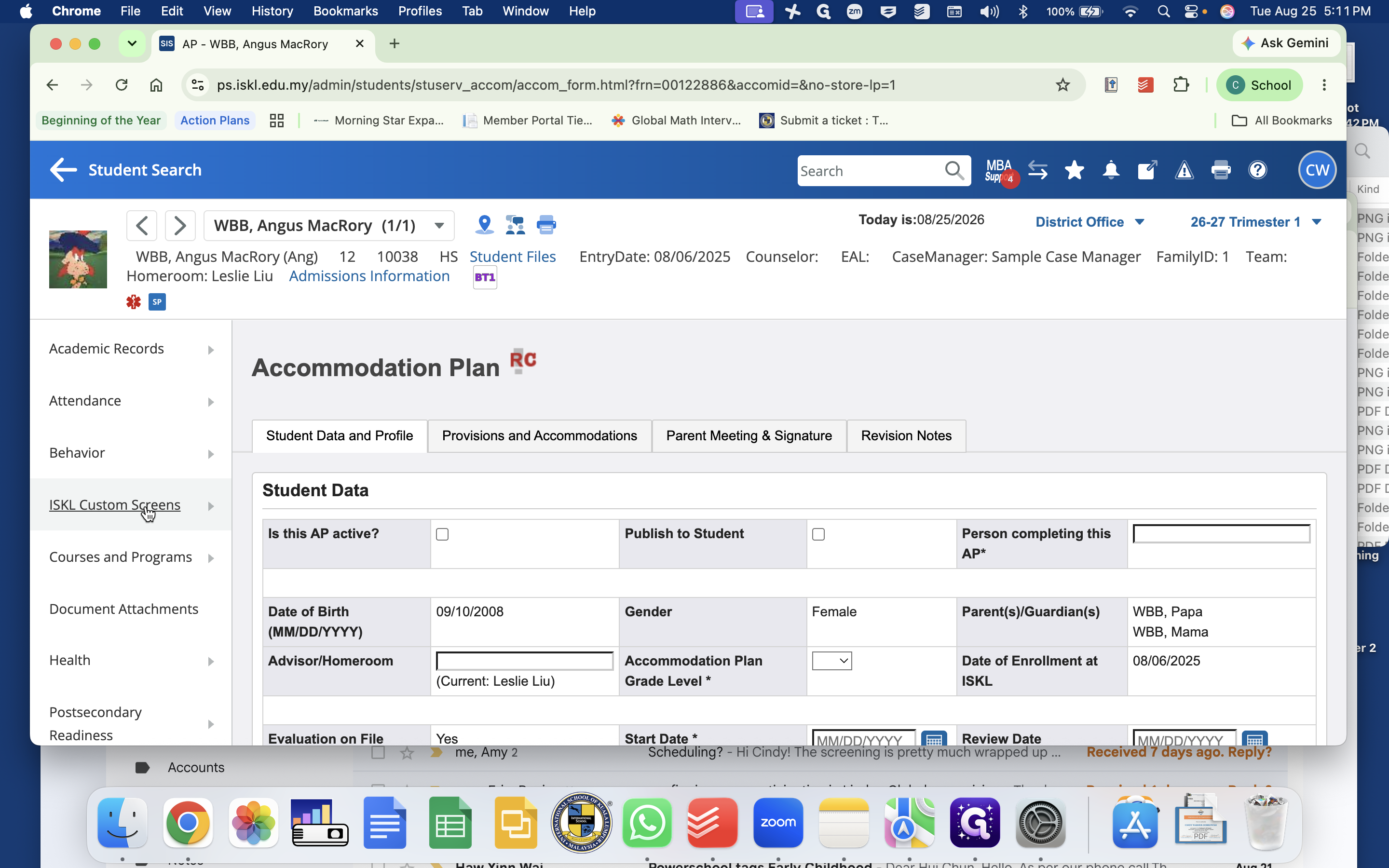
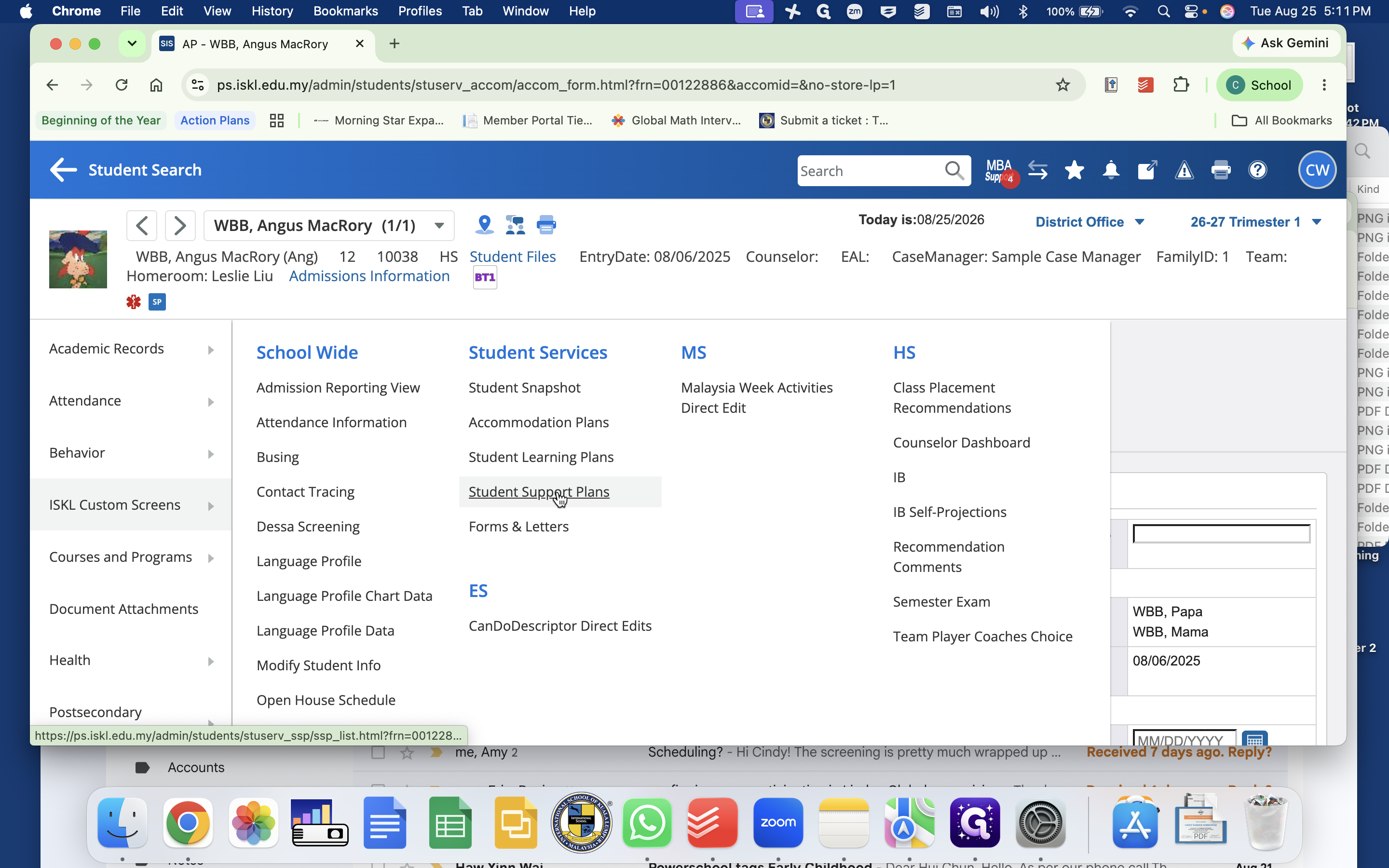
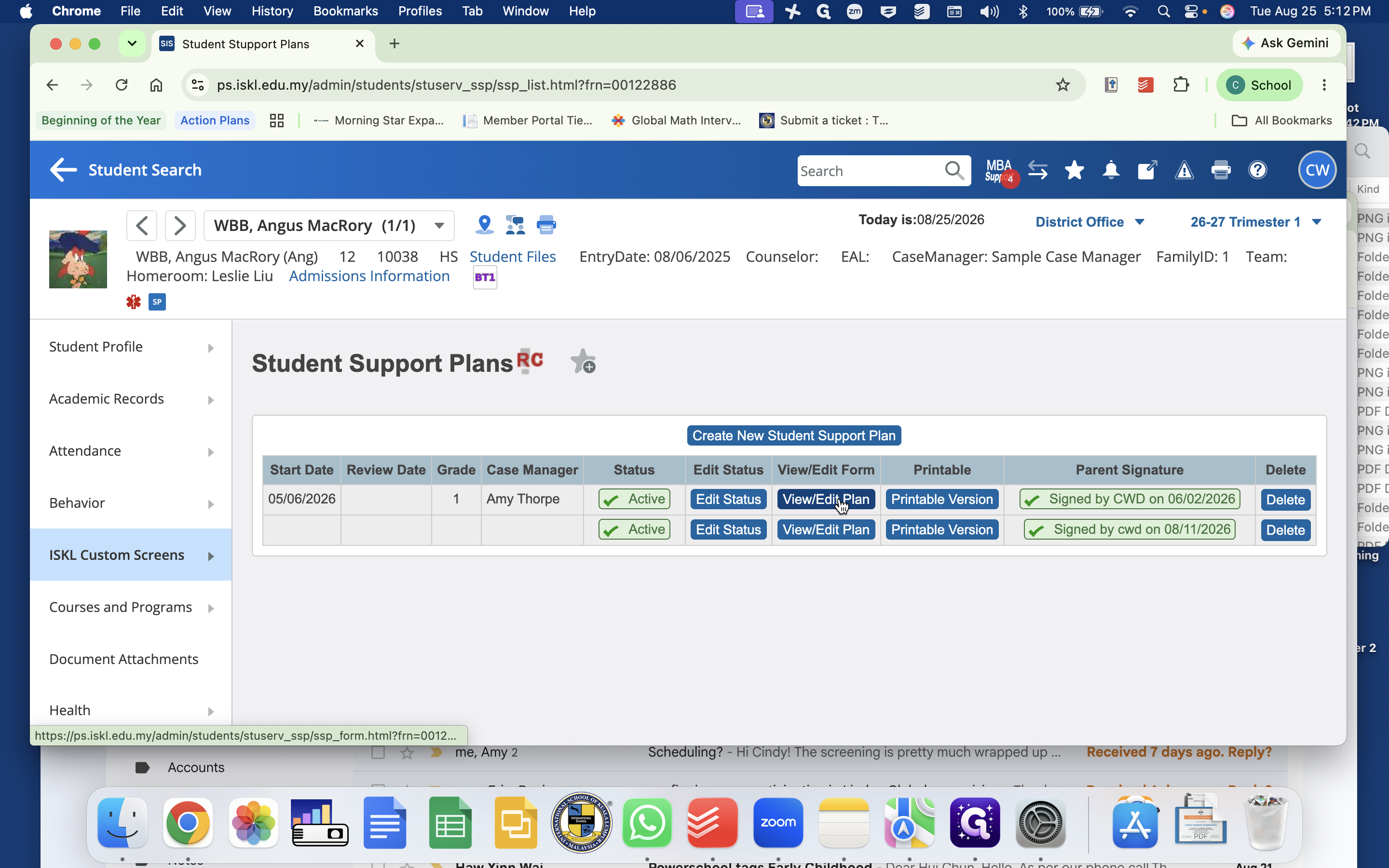
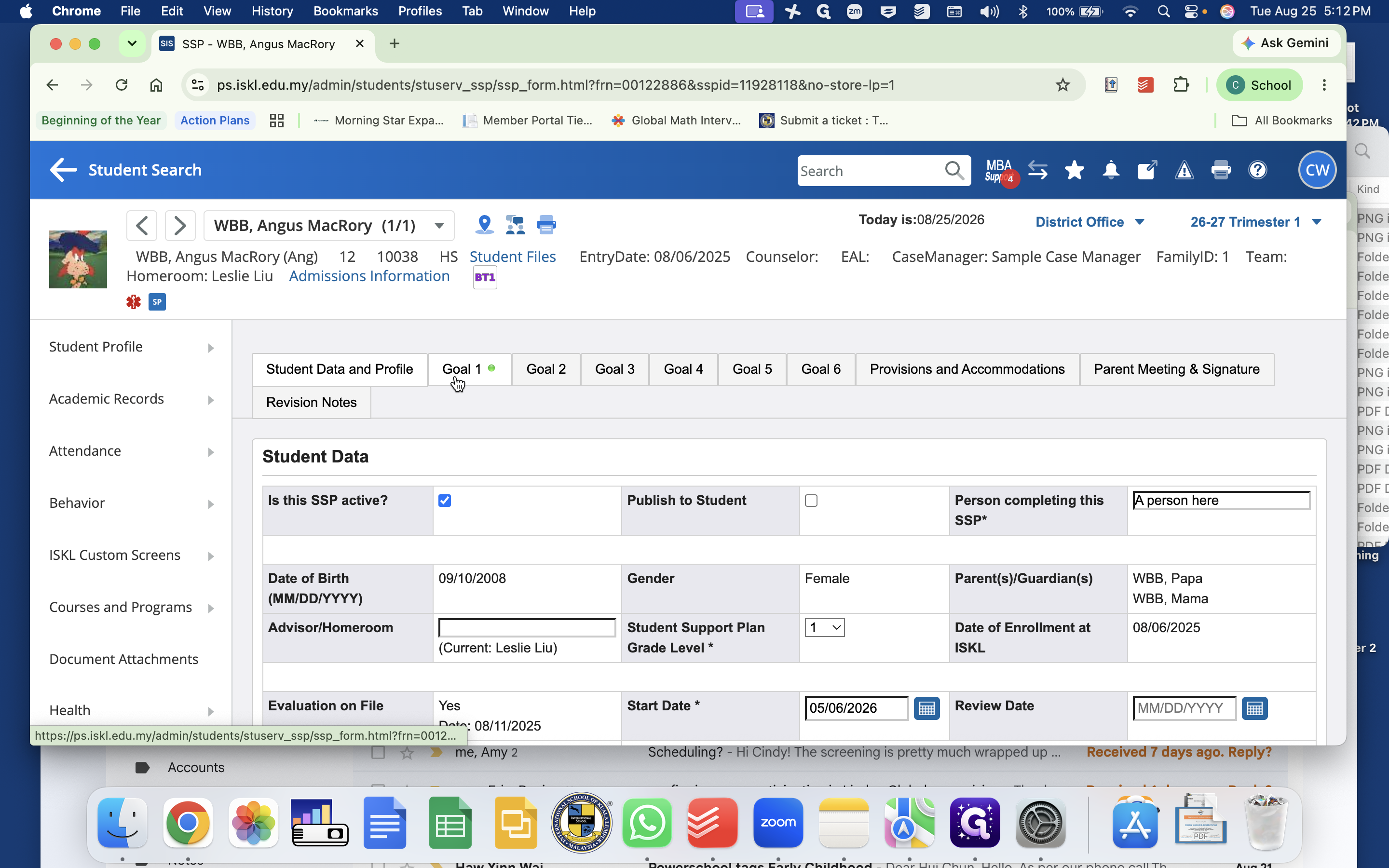
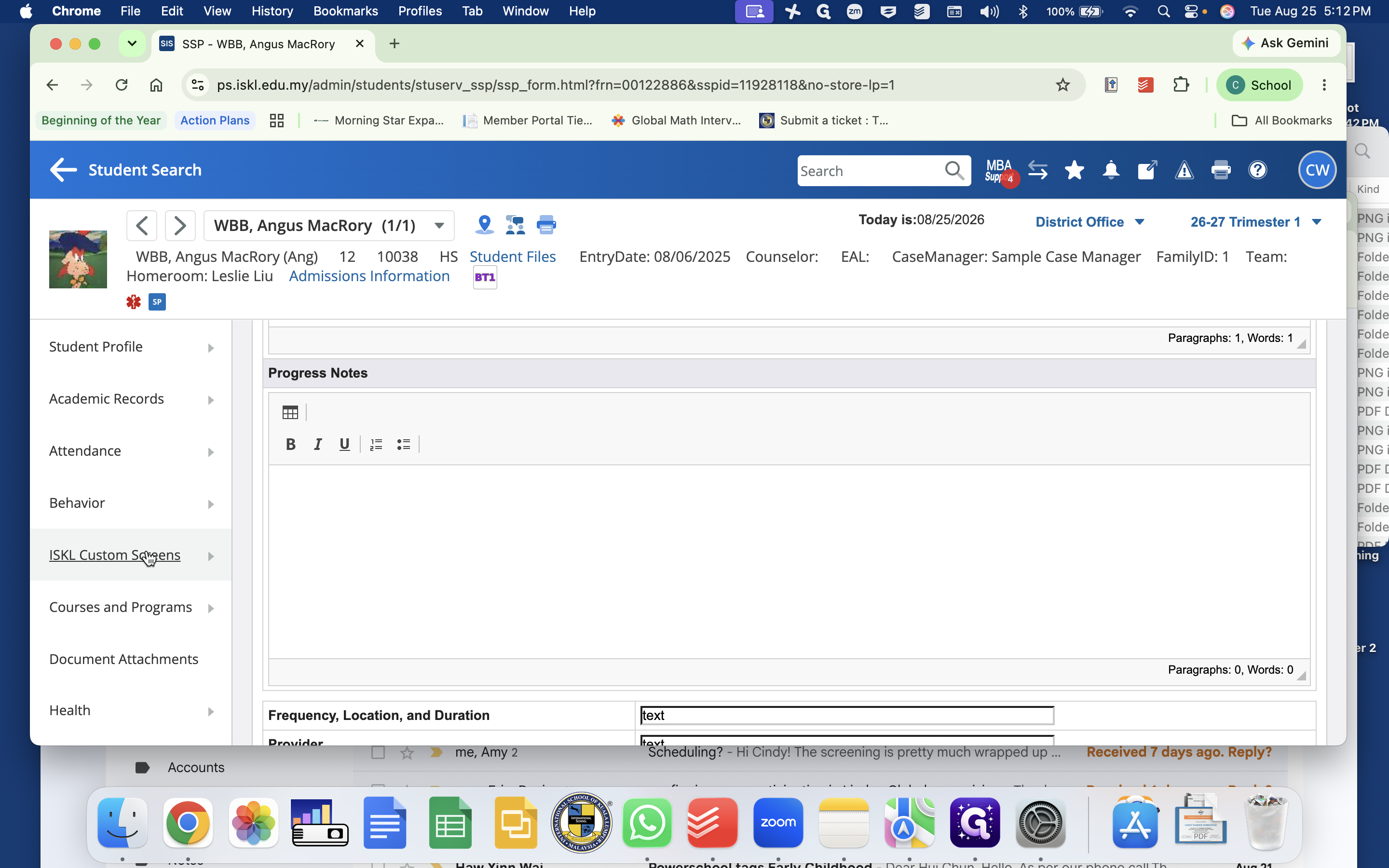
Student Support Plan (SSP) | Manages multi-tiered support with active goals | AP components plus goals, progress tracking notes, and parent signatures |
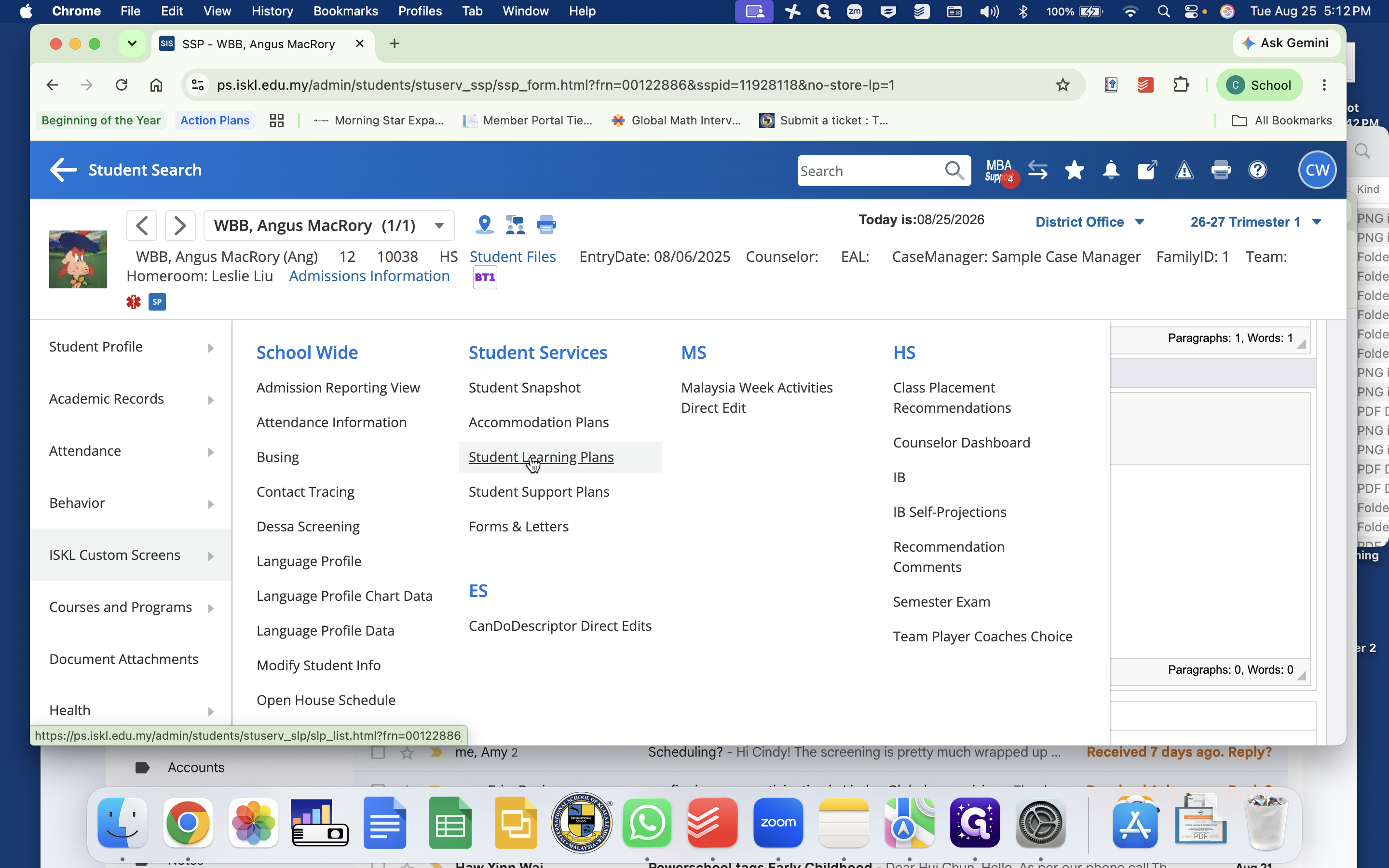
Student Learning Plan (SLP) | Tracks targeted academic or behavioral interventions | Intervention focus, baseline data, SMART goals, progress notes, and SST escalation status |
Forms & Letters | Manages official communications and authorizations | Digital consent forms, release forms, and parent portal signing |
Create or Update Accommodation Plans
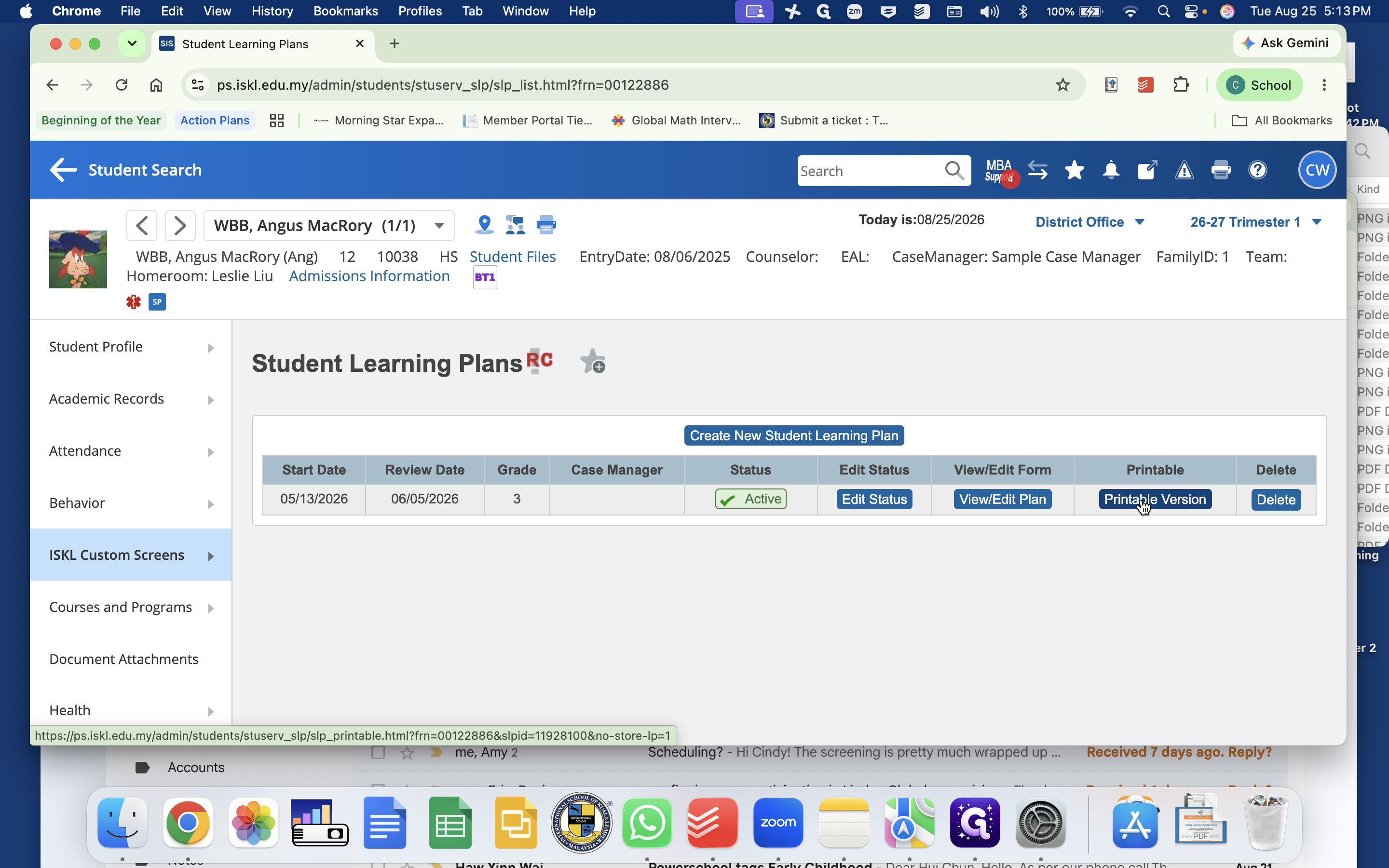
Review Student Support Plans and Learning Plans
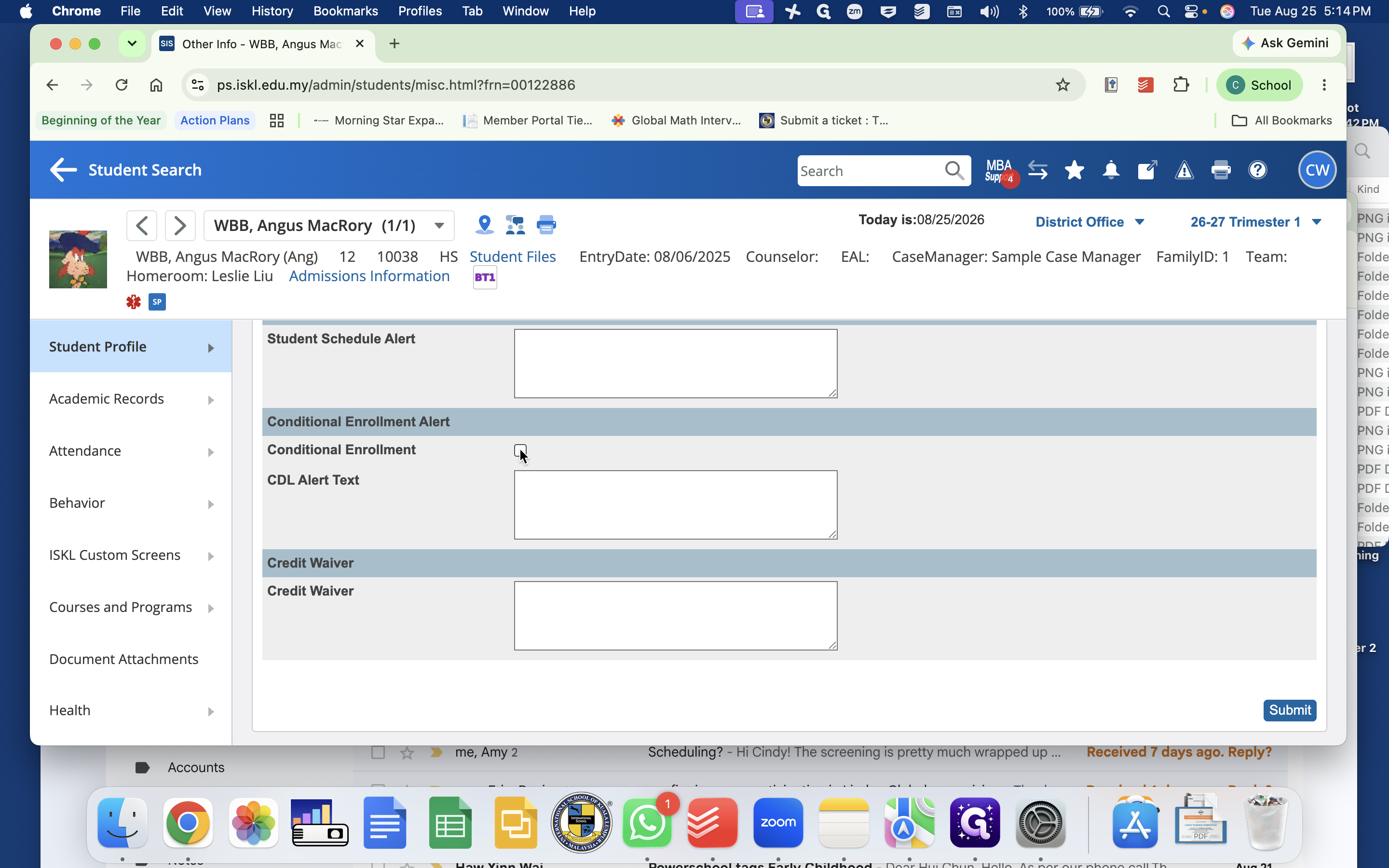
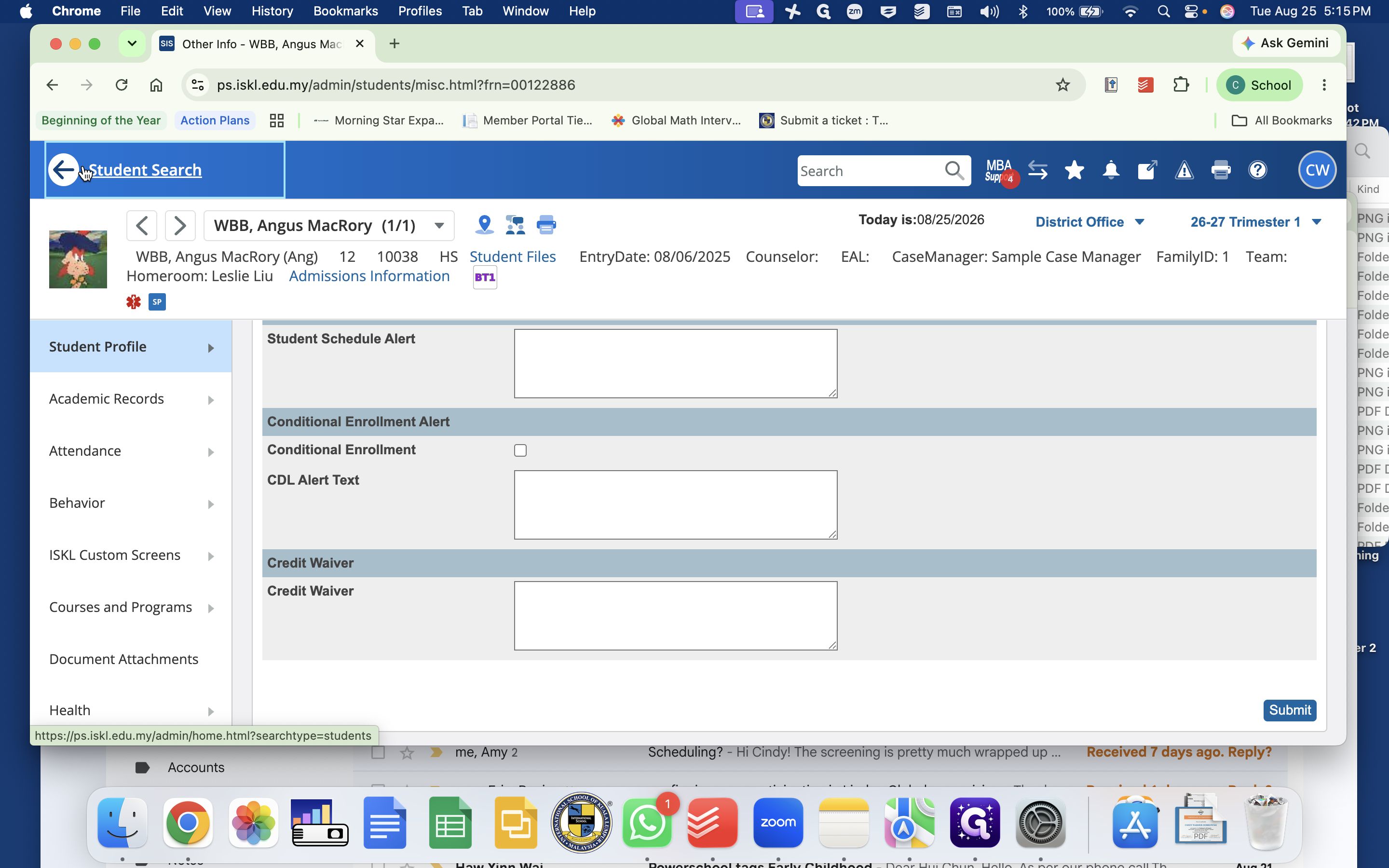
Manage Conditional Enrollment Flags
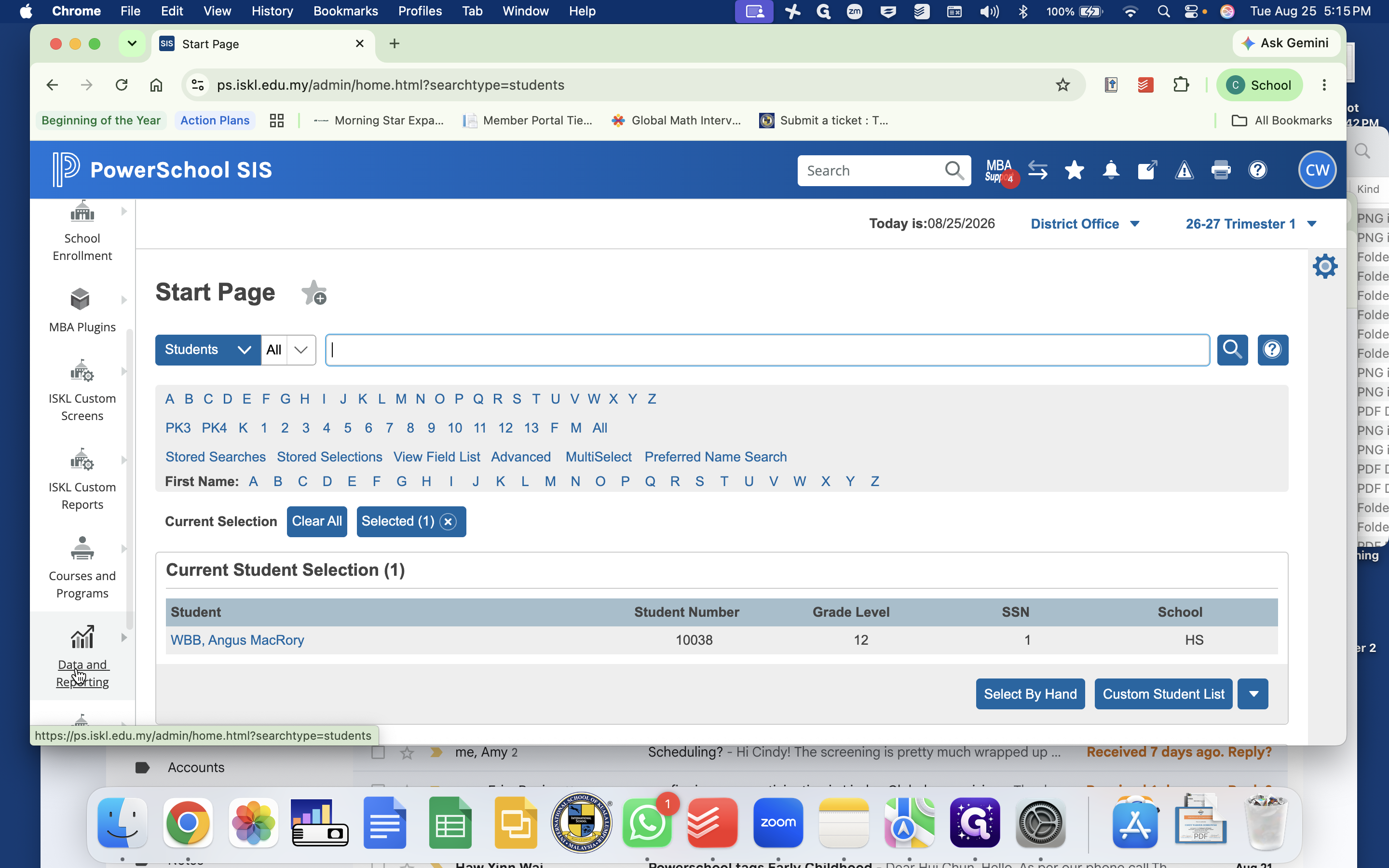
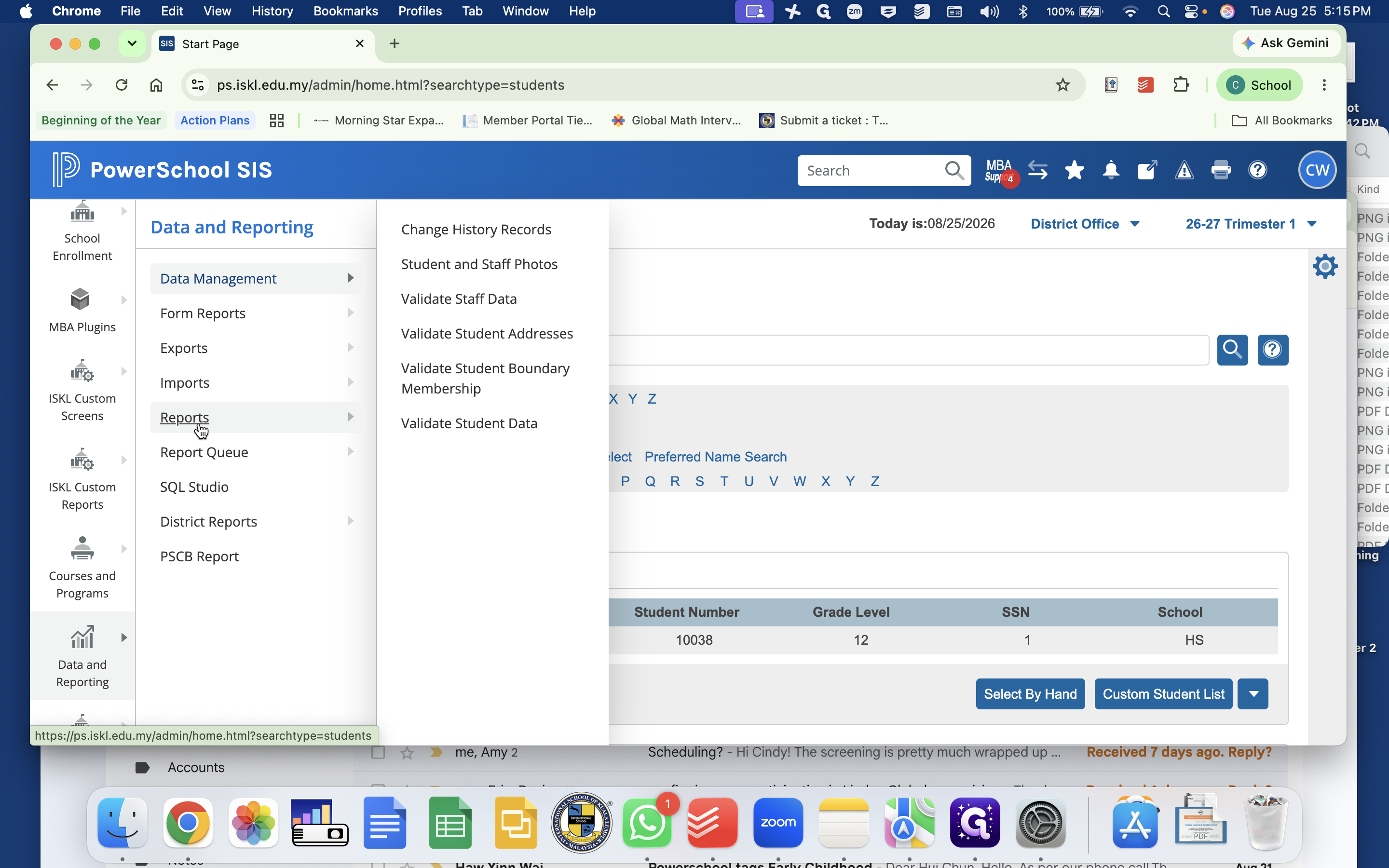
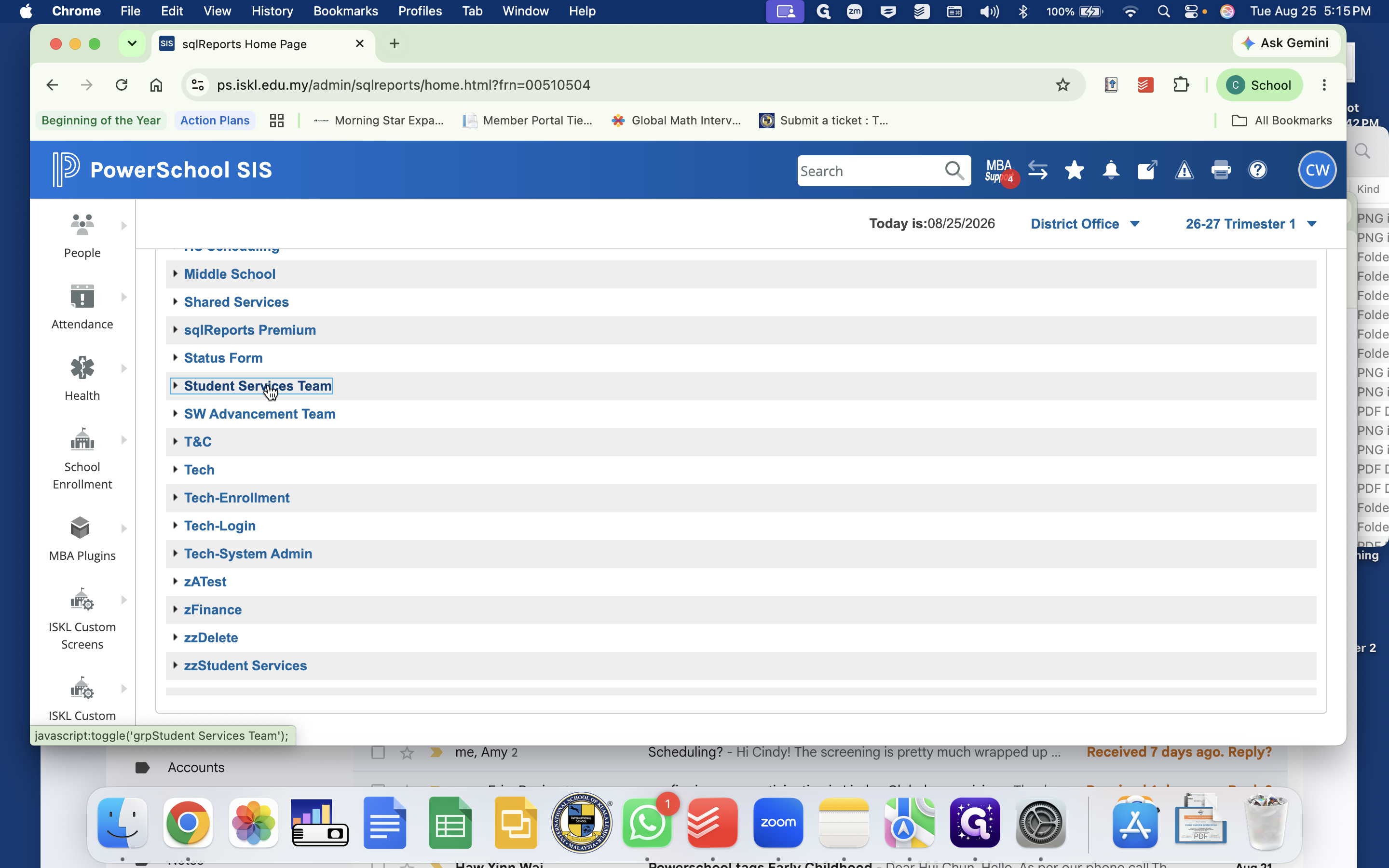
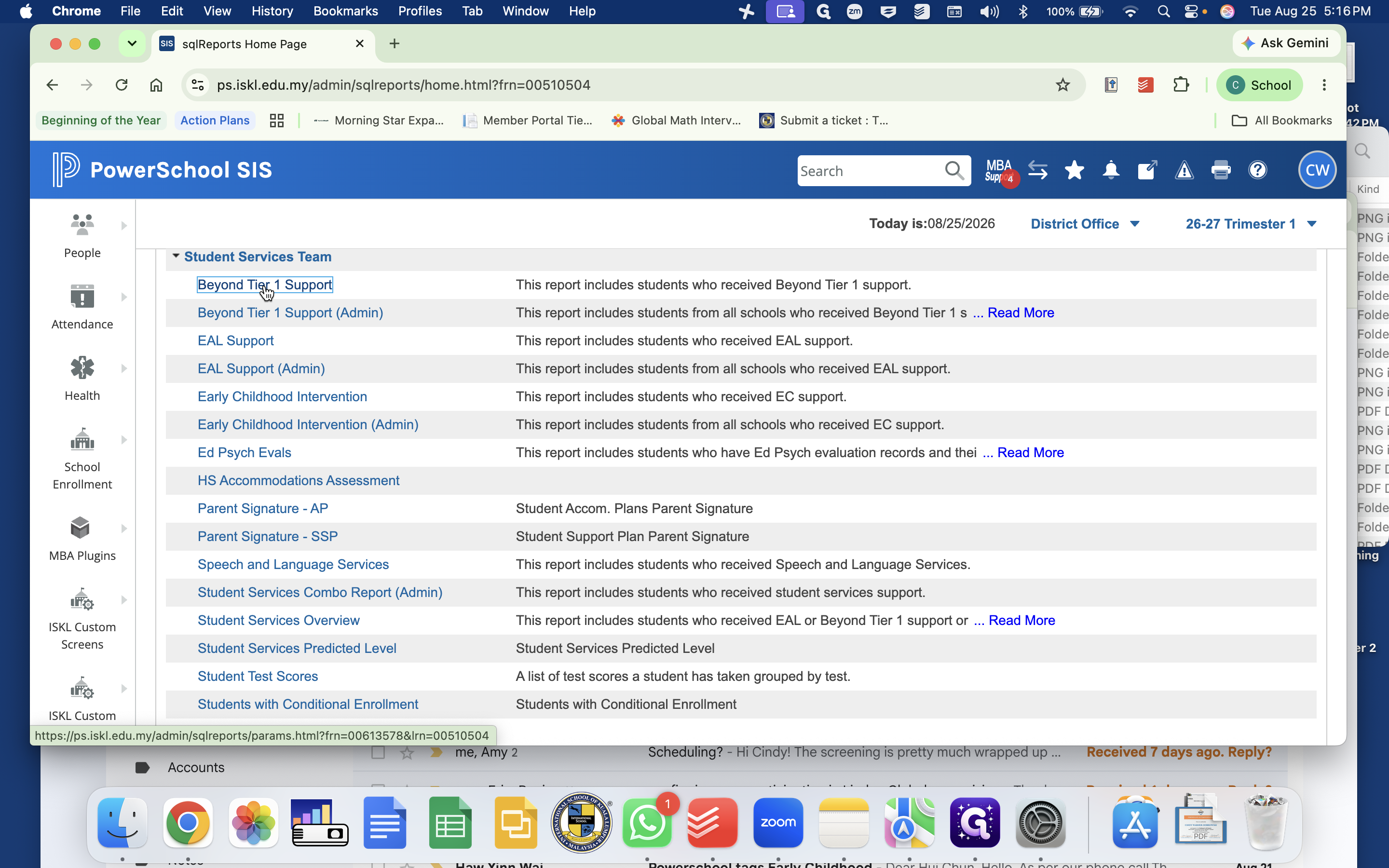
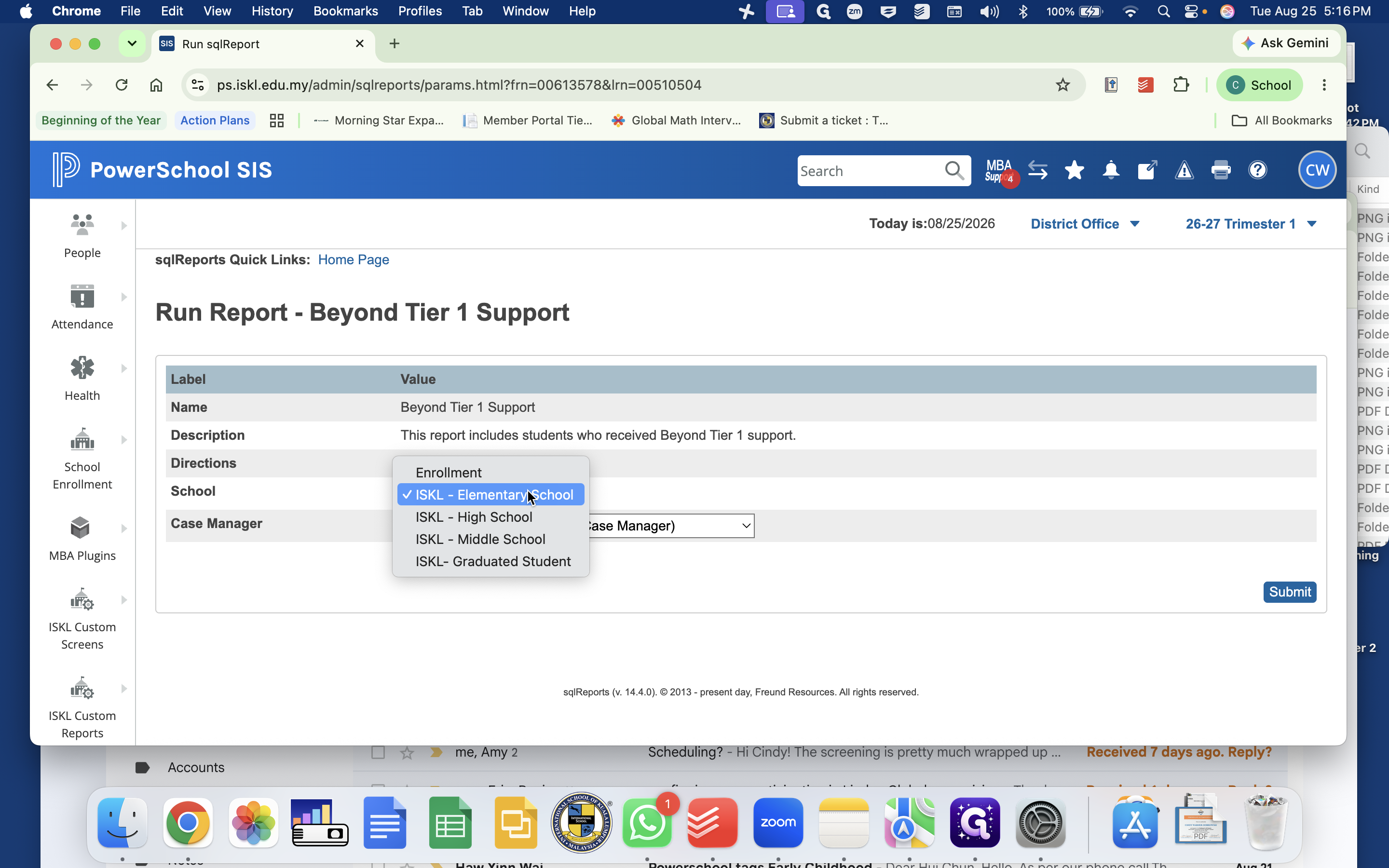
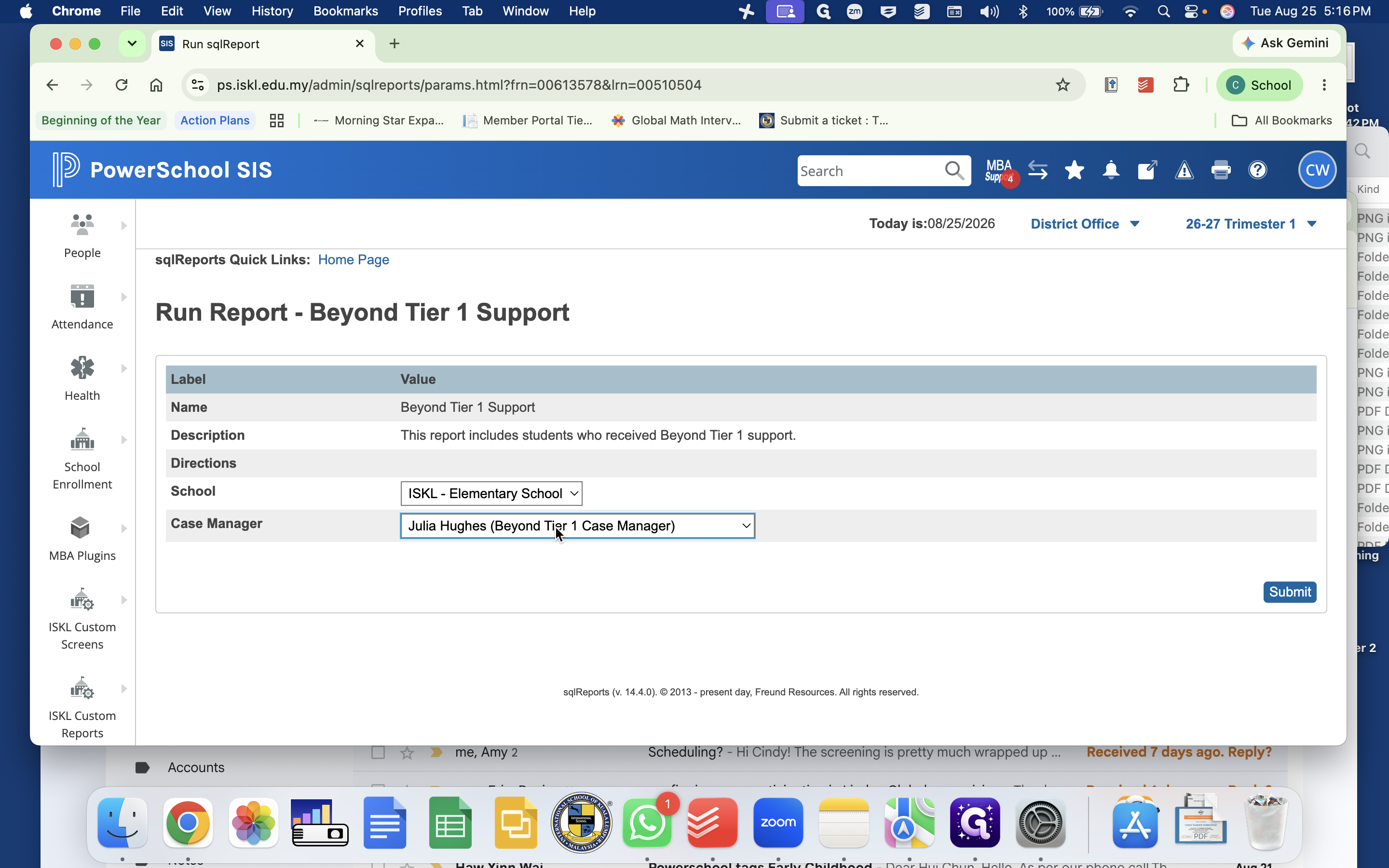
Run Student Services Reports via sqlReports
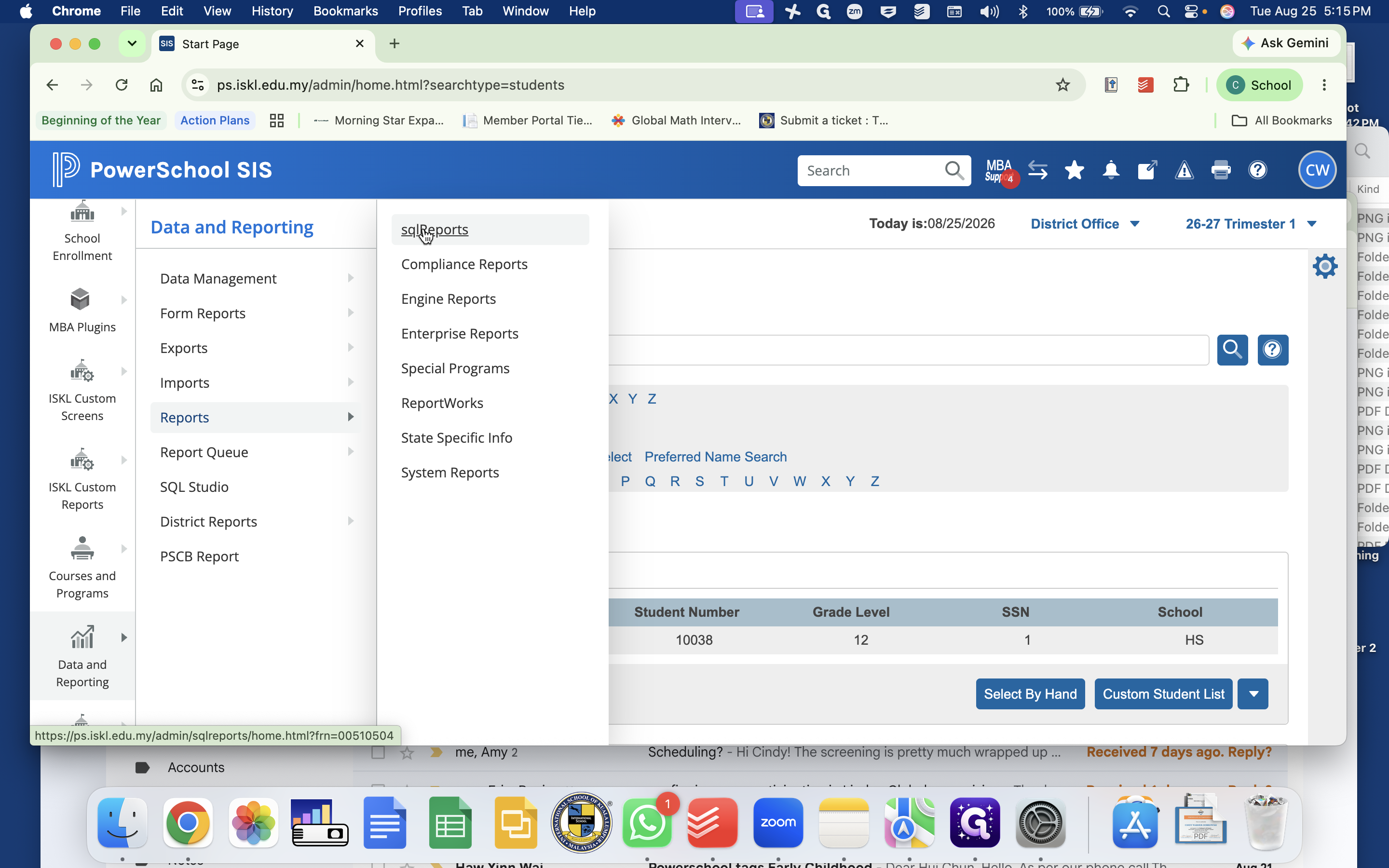
Available Student Services Reports
Report Name | Description and Use Case |
|---|---|
Beyond Tier 1 Support | Lists students receiving academic, social-emotional, behavioral, speech, or high-ability support. |
EAL Support | Displays enrolled students receiving EAL services along with their support levels. |
Early Childhood Intervention | Tracks early intervention plans for prep students. |
Ed Psych Evals | Identifies students due for psychological and educational re-evaluations. |
Accommodations Assessment | Summarizes approved assessment accommodations for exam proctoring schedules. |
Student Signature AP or SSP | Tracks which APs and SSPs have been signed or remain active/inactive. |
Speech and Language Services | Summarizes speech and language caseloads and service schedules. |
Combo Report | Aggregates multi-department student services fields for comprehensive data analysis. |
Predicted Levels | Forecasts upcoming year support needs for class placement and admissions planning. |
Student Test Scores | Displays historical and current WIDA proficiency scores. |
Students with Conditional Enrollment | Lists students flagged with conditional enrollment status. |
Students with Confidential Files | Identifies student records with restricted or confidential documentation. |
Q: When do Student Support Plans (SSPs) become active for the school year?
A: Accommodation Plans remain active during the start-of-year transition, while finalized Student Support Plans (SSPs) typically become active in October following parent-teacher conferences.
Q: How do parents sign accommodation and support plans?
A: Once a plan is marked active by the case manager, it appears in the PowerSchool Parent Portal where parents can review and digitally sign it similarly to a field trip permission form.
Q: How are permissions updated for student Google Drive folders?
A: Student Google Drive folders are automatically created and updated daily based on active PowerSchool class and section enrollments without requiring manual permission adjustments.
Q: Does a student need a formal diagnosis to record a main barrier to learning?
A: No, a formal diagnosis is not required to select a main barrier to learning, but the selection must be supported by robust assessment data and evidence.
Term | Definition |
|---|---|
Student Snapshot | A centralized custom screen in PowerSchool used to record active support services, accommodations, and reporting flags. |
Accommodation Plan (AP) | A formal plan documenting specific instructional and assessment accommodations for a student. |
Student Support Plan (SSP) | A comprehensive tiered support plan featuring individualized SMART goals, accommodations, and periodic progress notes. |
Student Learning Plan (SLP) | A targeted short-term intervention plan capturing baseline metrics, intervention strategies, and SST referral steps. |
MTSS | Multi-Tiered System of Supports, an instructional framework providing targeted tiers of academic and behavioral intervention. |
WIDA | An English language proficiency assessment framework used to monitor language acquisition and determine EAL support tiers. |
sqlReports | A PowerSchool reporting module used to generate customized divisional queries and compliance lists. |