How to Activate Call Forwarding for Dispatch Coverage
Learn how to activate call forwarding and update auto-receptionist routing to ensure seamless dispatch coverage during shift changes.
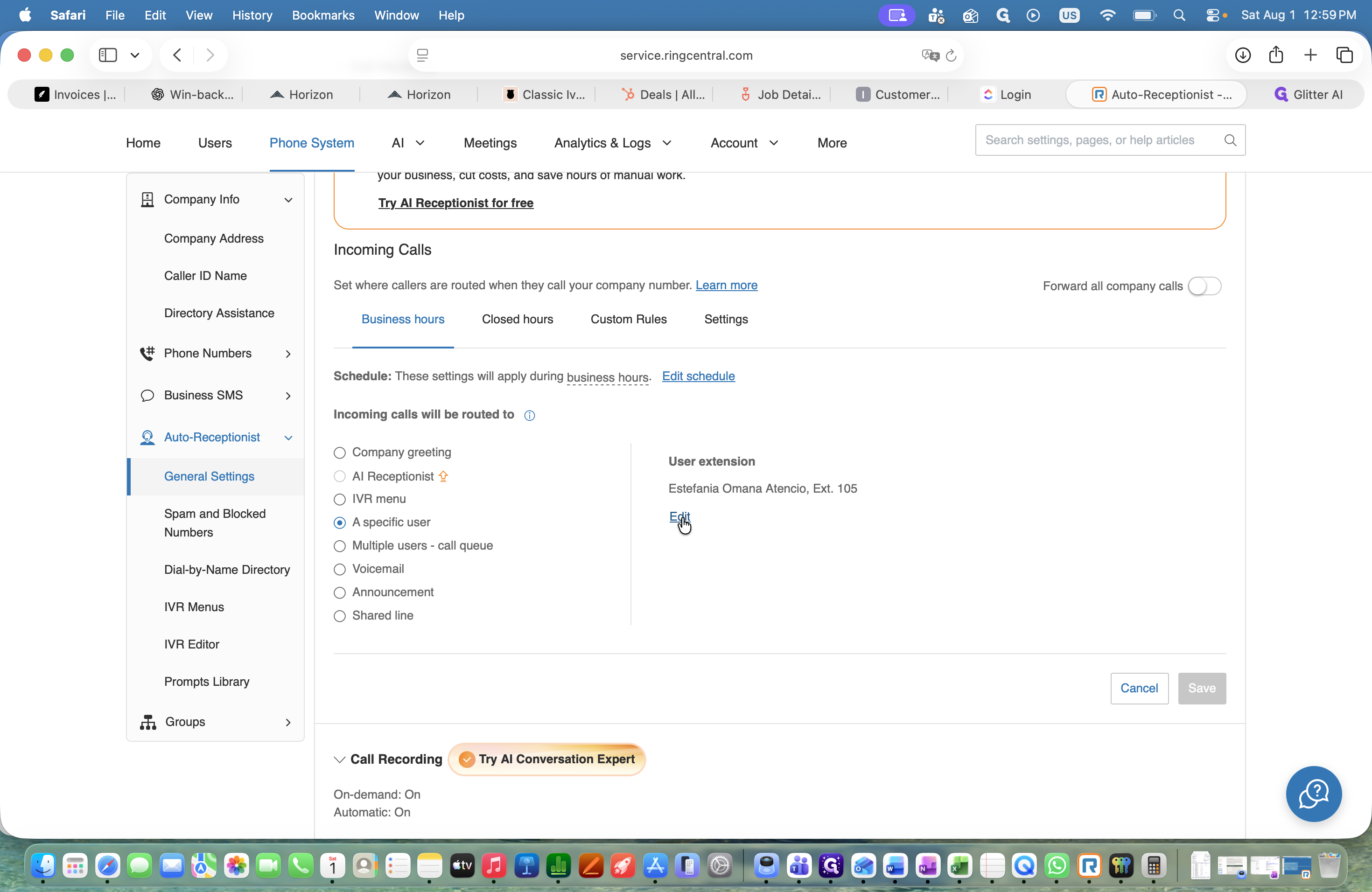
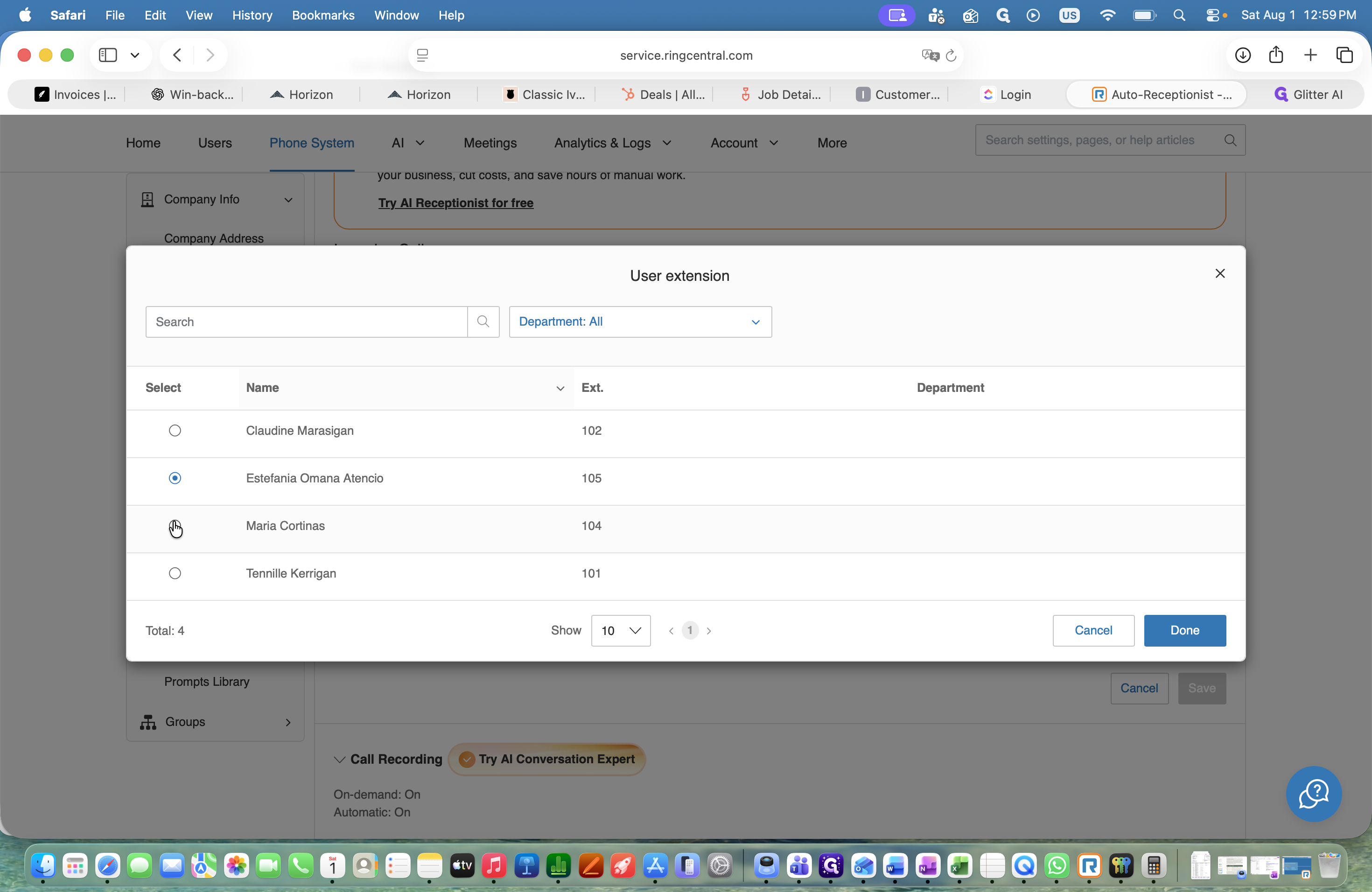
This guide explains how to activate call forwarding to route calls from a primary dispatcher to another team member. Completing these steps ensures seamless dispatcher coverage when switching agents for weekends or alternate shifts.
This workflow applies to team leads, dispatch managers, or administrators who manage phone system routing. Use this process at the start of a coverage shift to route calls appropriately, and remember to reverse it when the shift concludes.
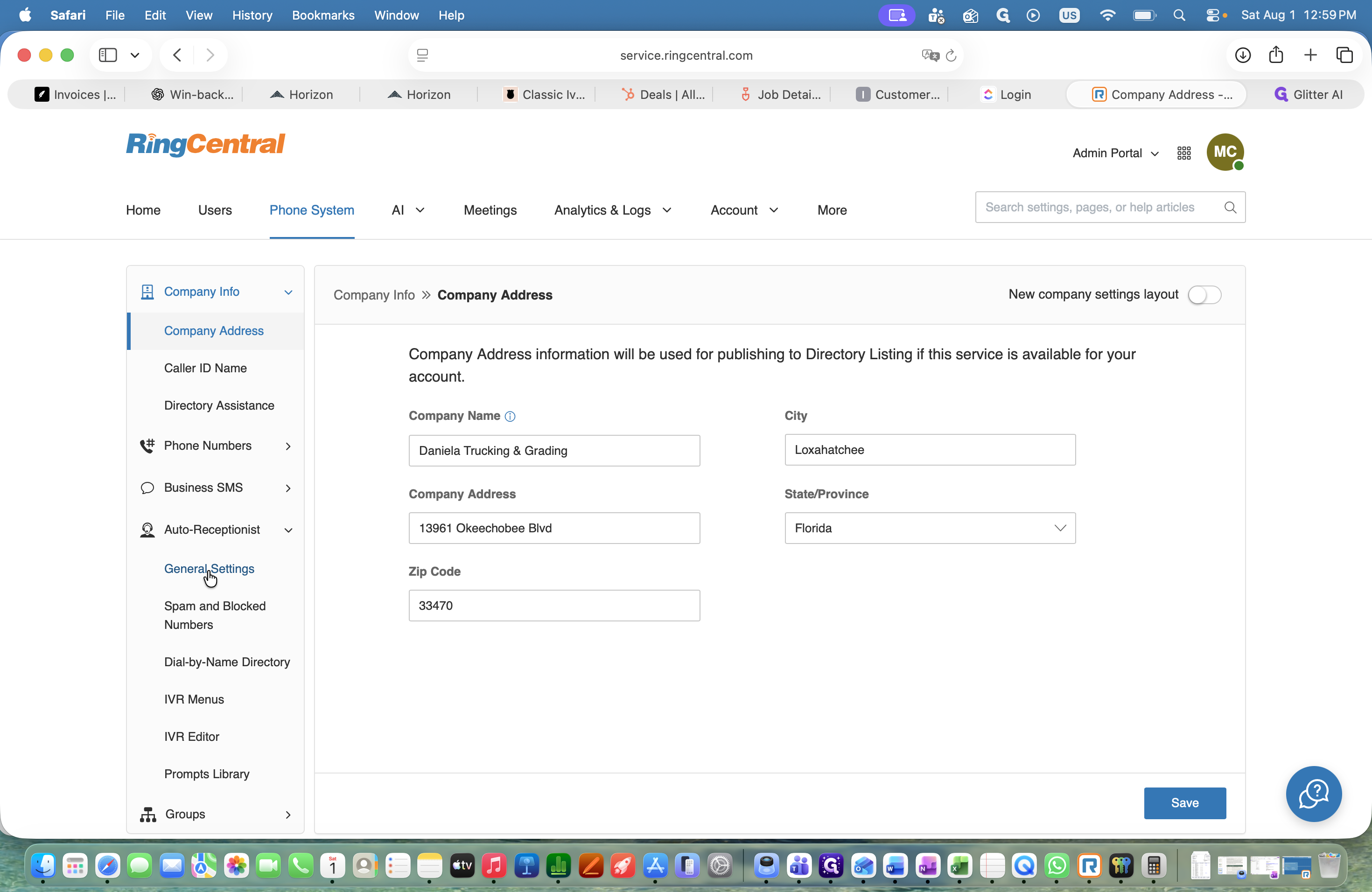
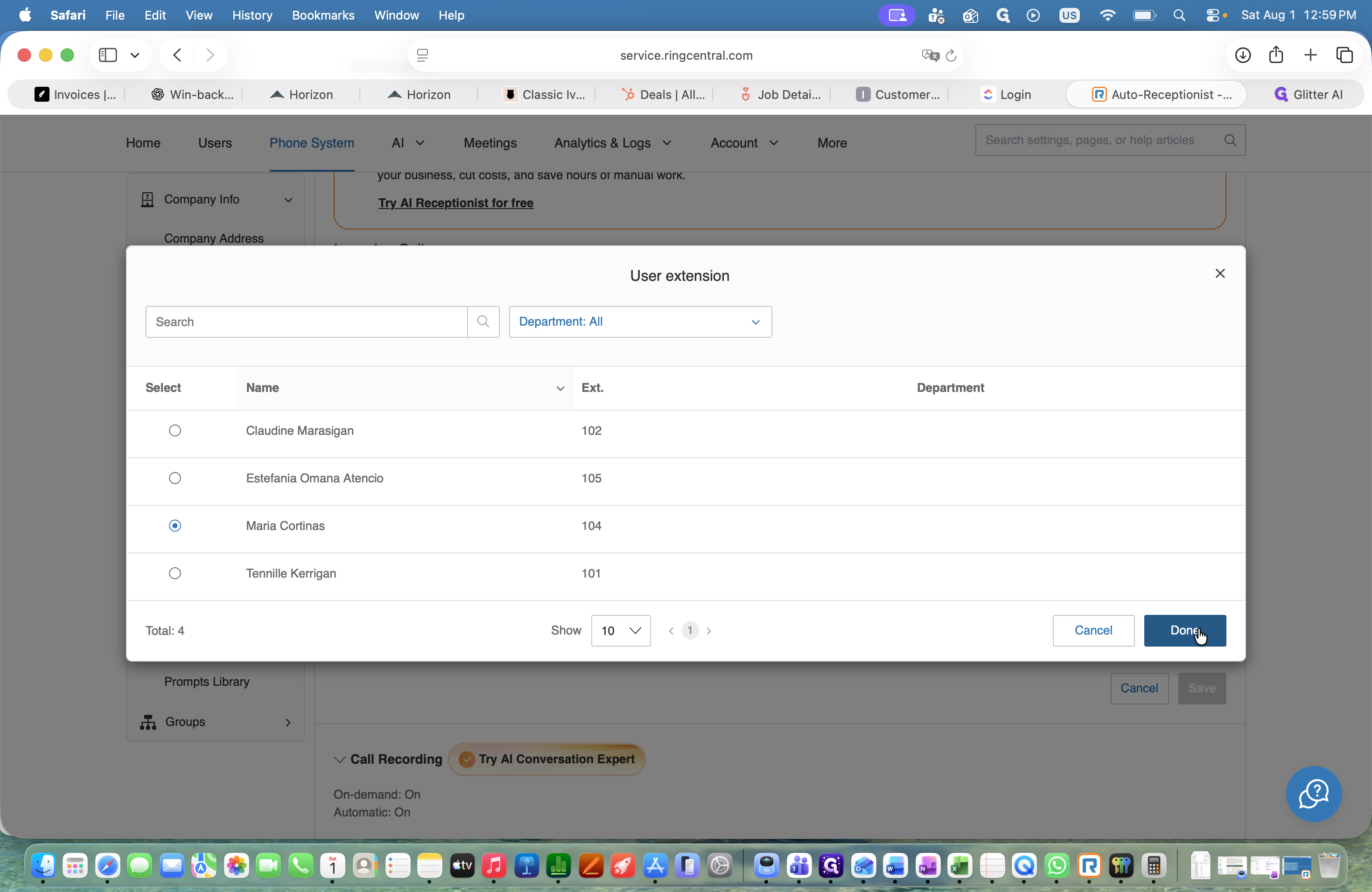
To begin, you will configure the individual call rules for the current main dispatcher.
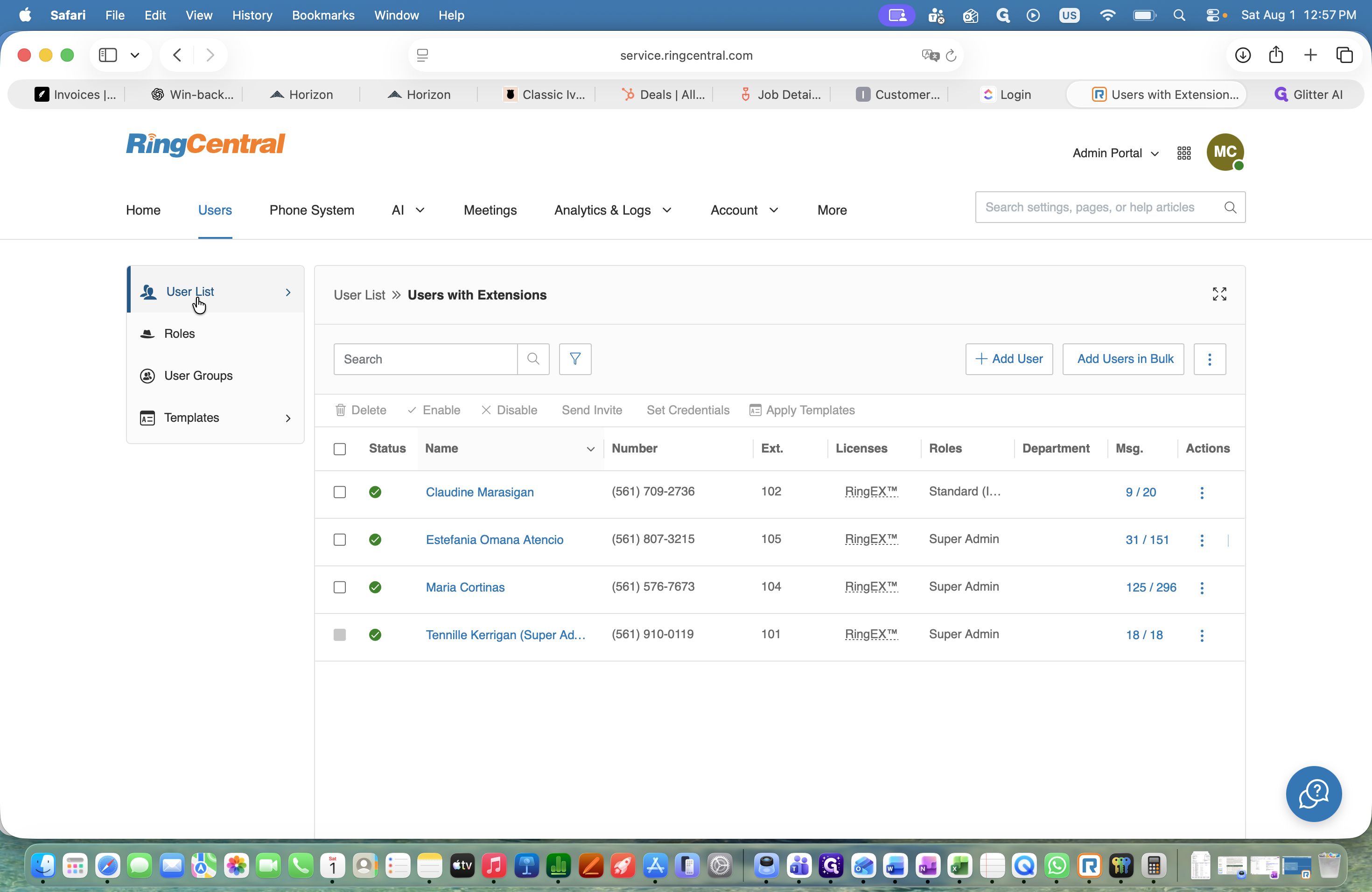
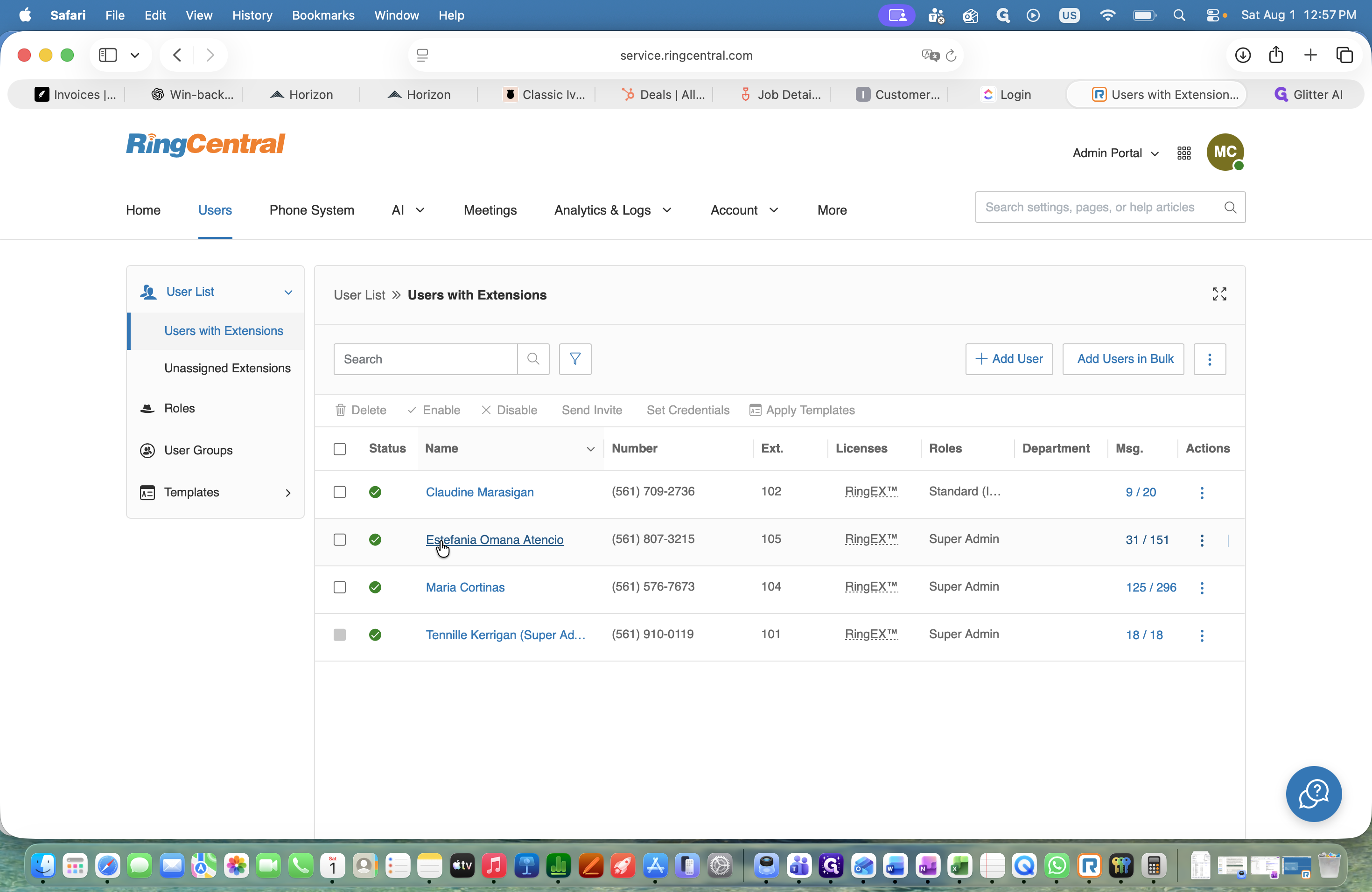
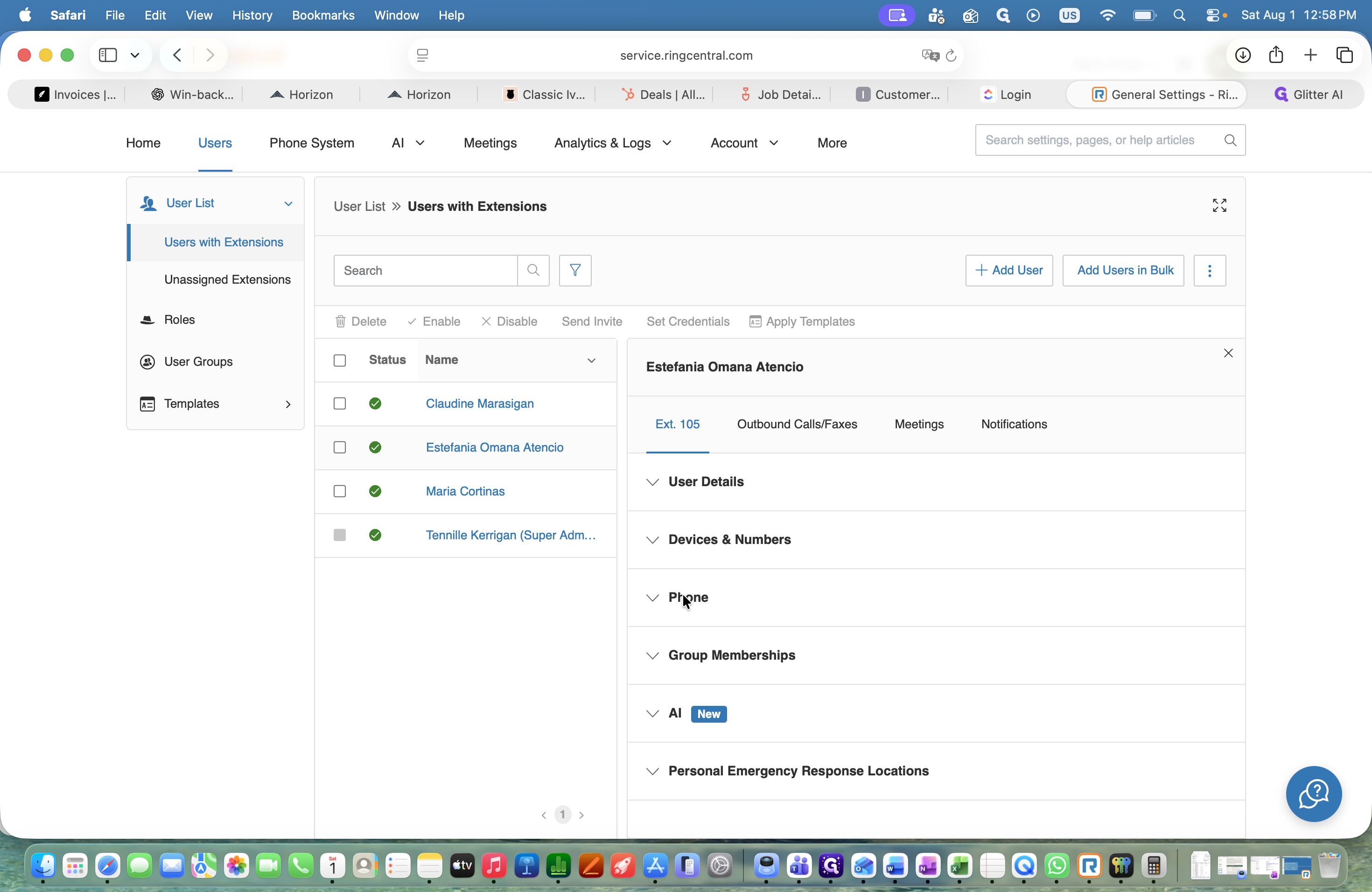
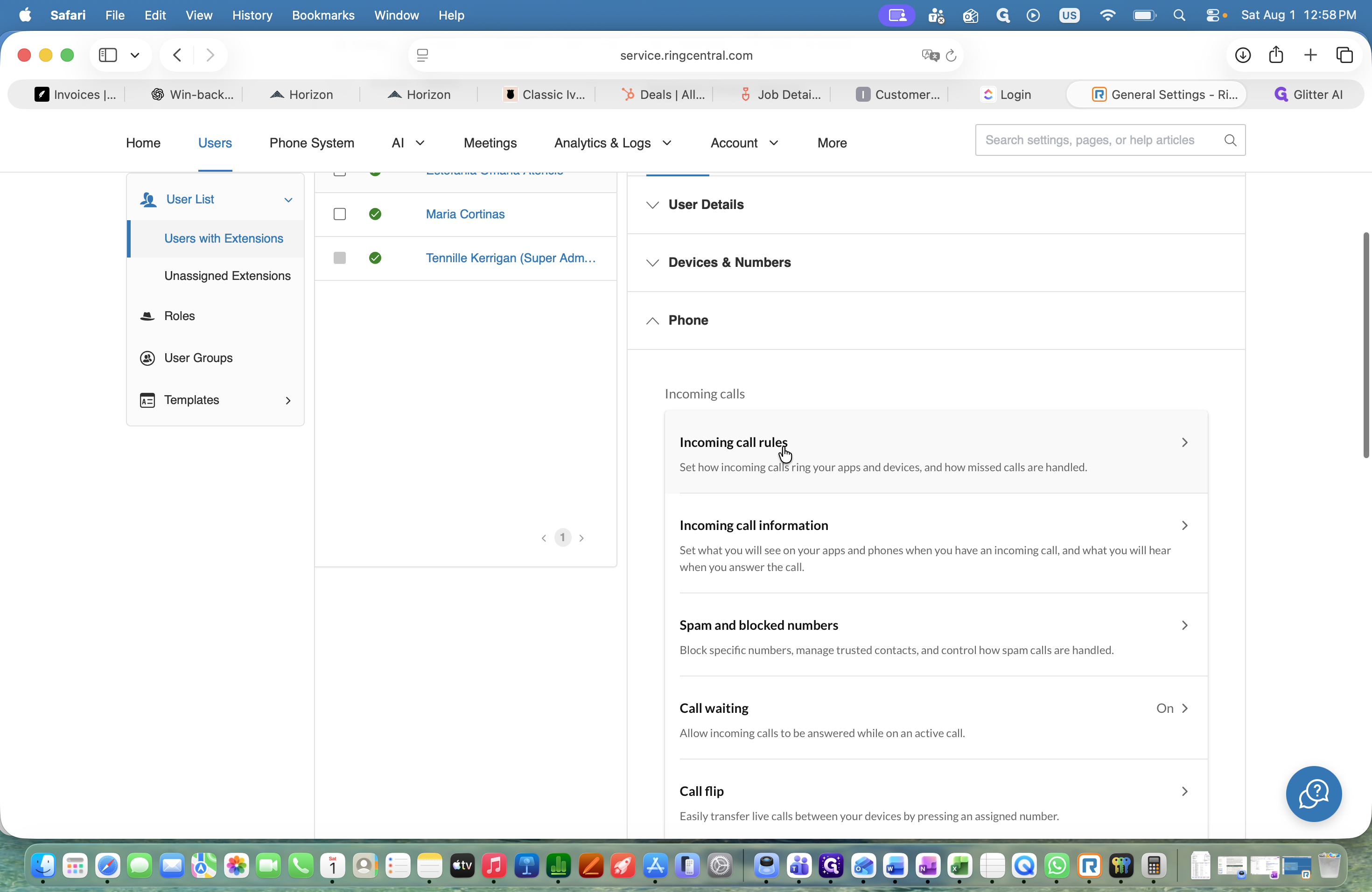
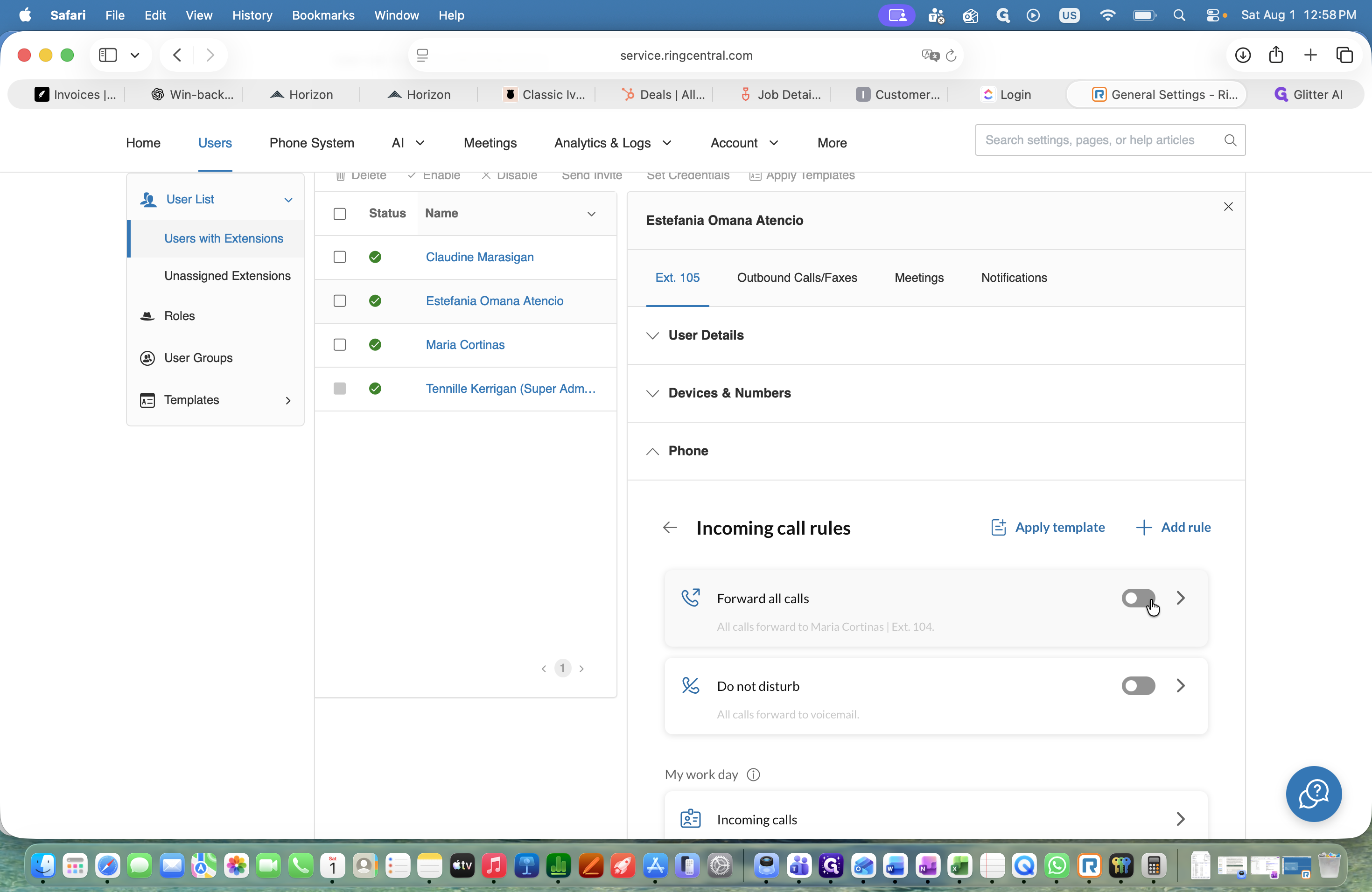
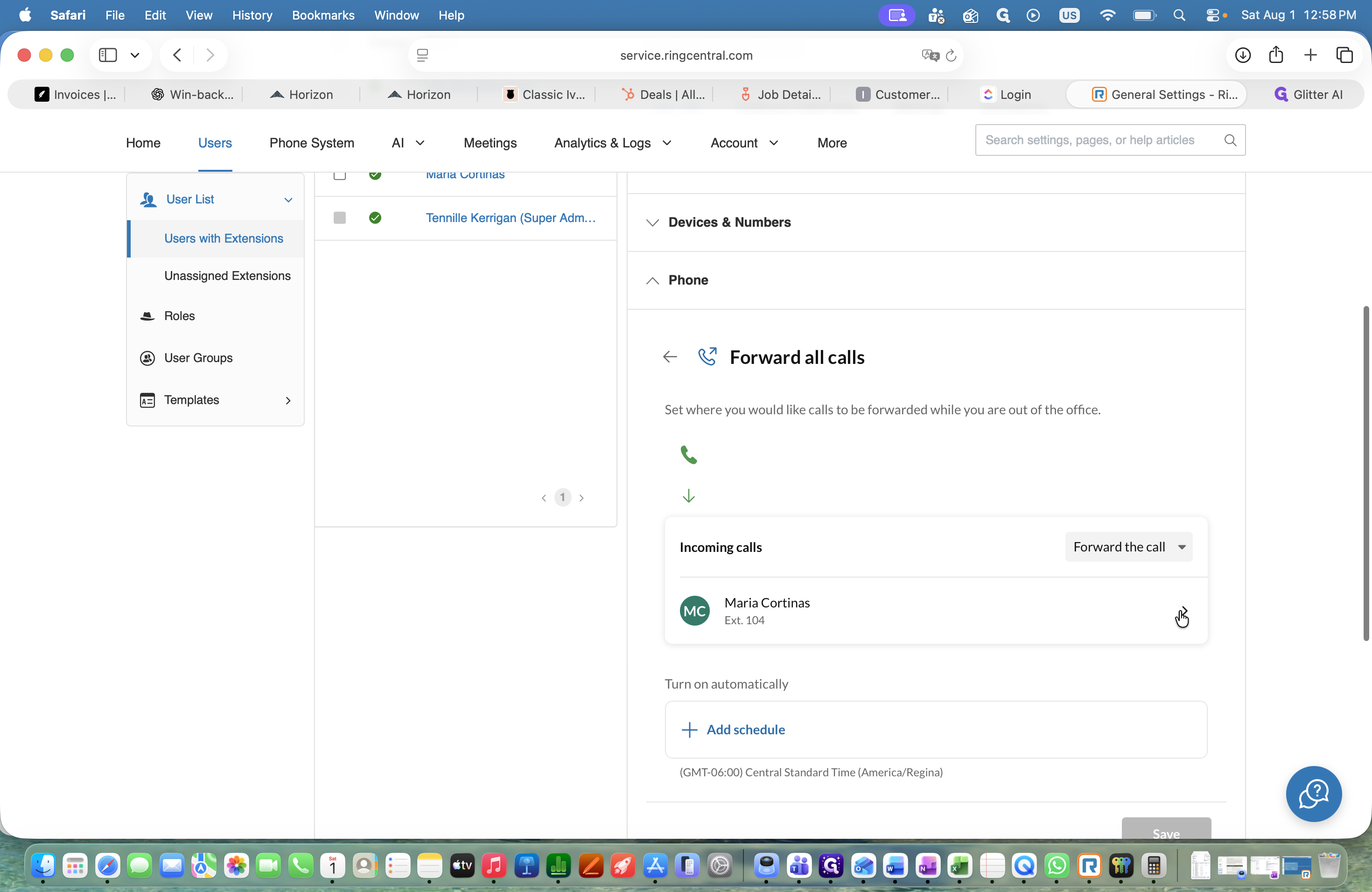
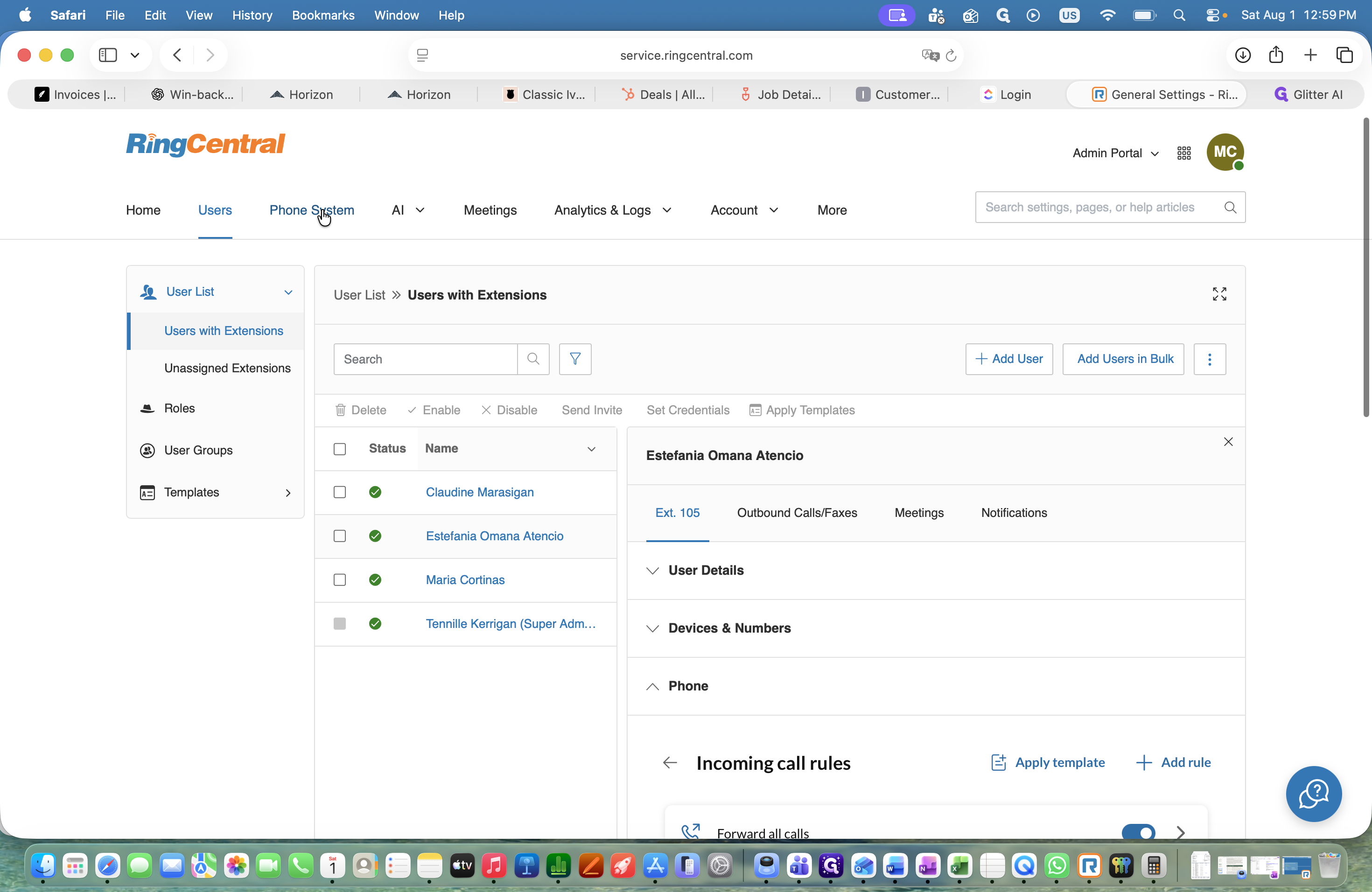
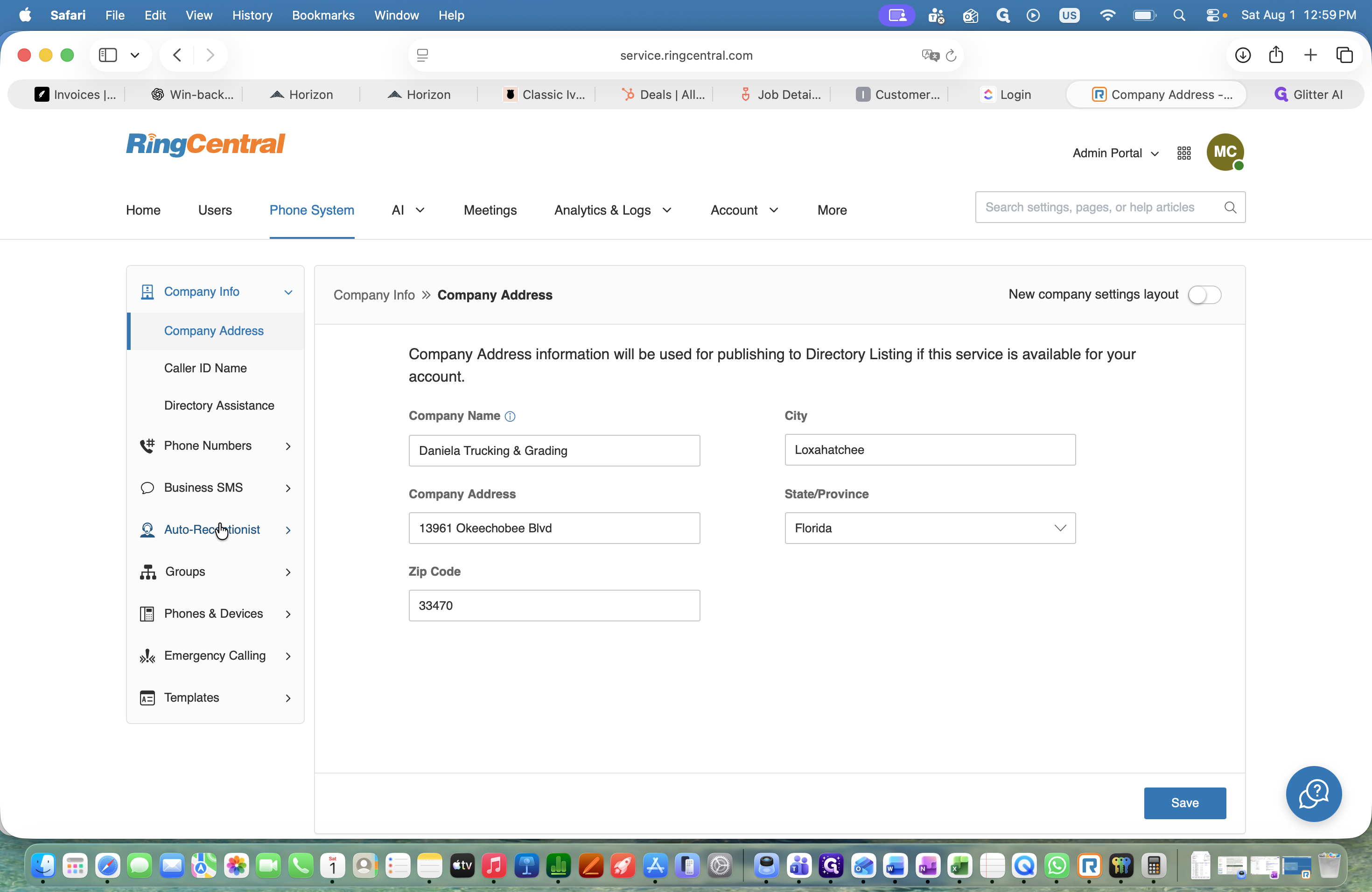
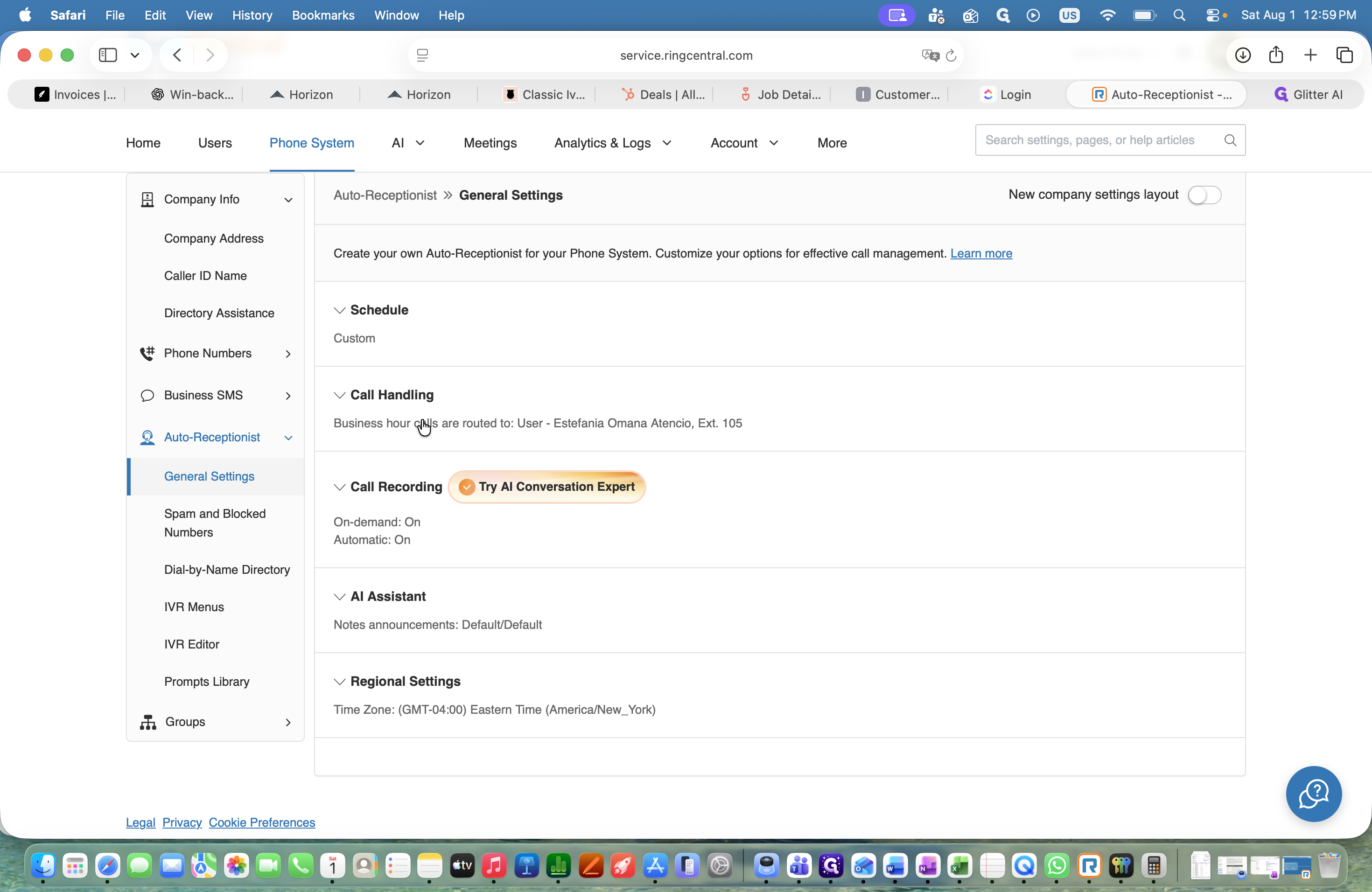
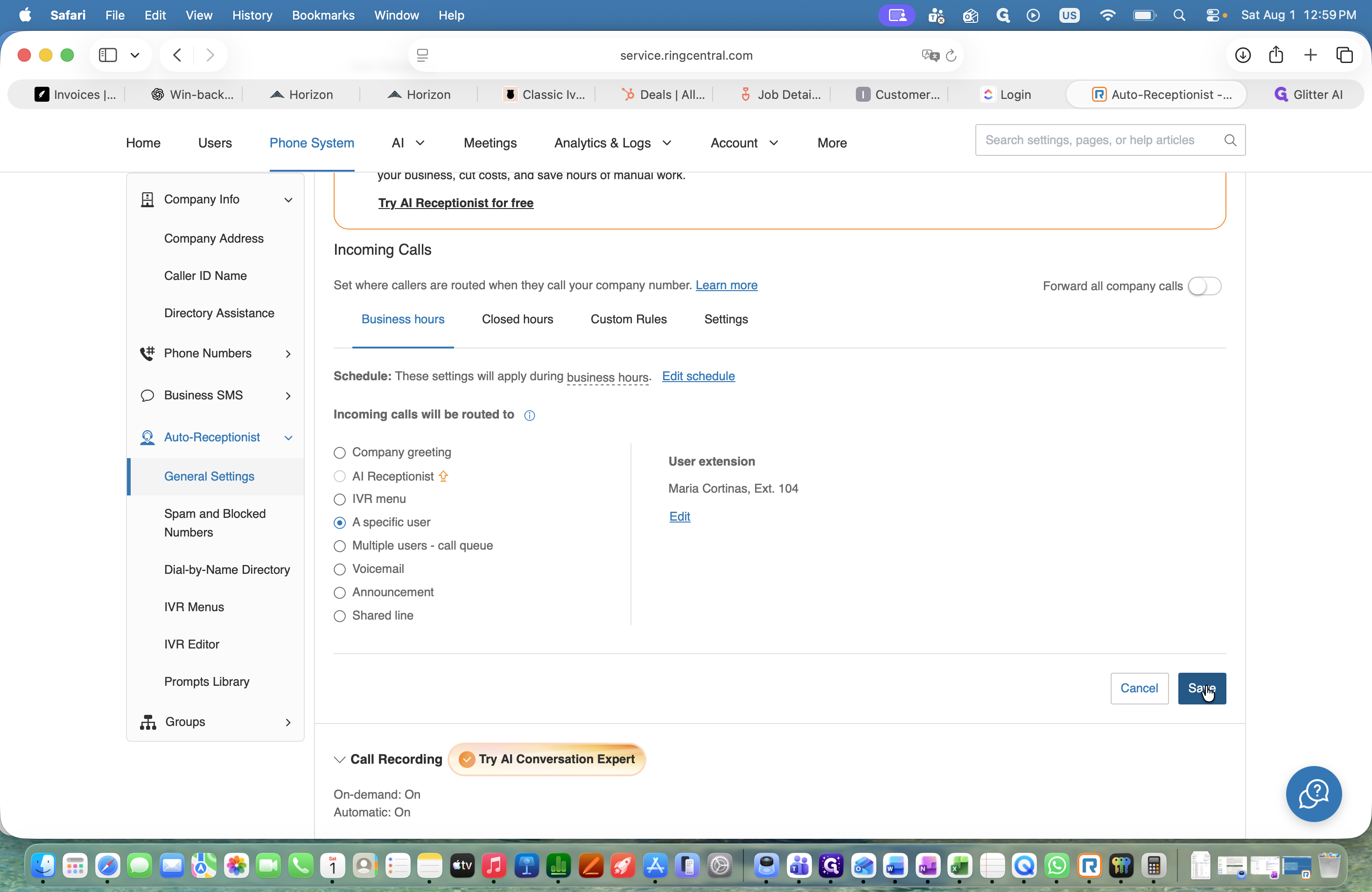
Once the call forwarding rule is active for the user, update the overall phone system routing so incoming calls hit the proper extension.
Q: Will forwarding calls affect all incoming calls to the dispatcher?
A: Yes, this feature forwards every single call directed to the main dispatcher's extension to the designated forwarding recipient.
Q: Do I need to revert these settings after my shift?
A: Yes, you must reverse all of these changes at the end of your shift to ensure the primary dispatcher receives calls normally the next day.
Term | Definition |
|---|---|
Auto-Receptionist | An automated phone system feature that answers and routes incoming calls to the appropriate extensions. |
Call forwarding | A telephony feature that redirects incoming calls from one phone number or extension to another. |
Extension | A short internal phone number assigned to an individual user or department within a company's phone system. |