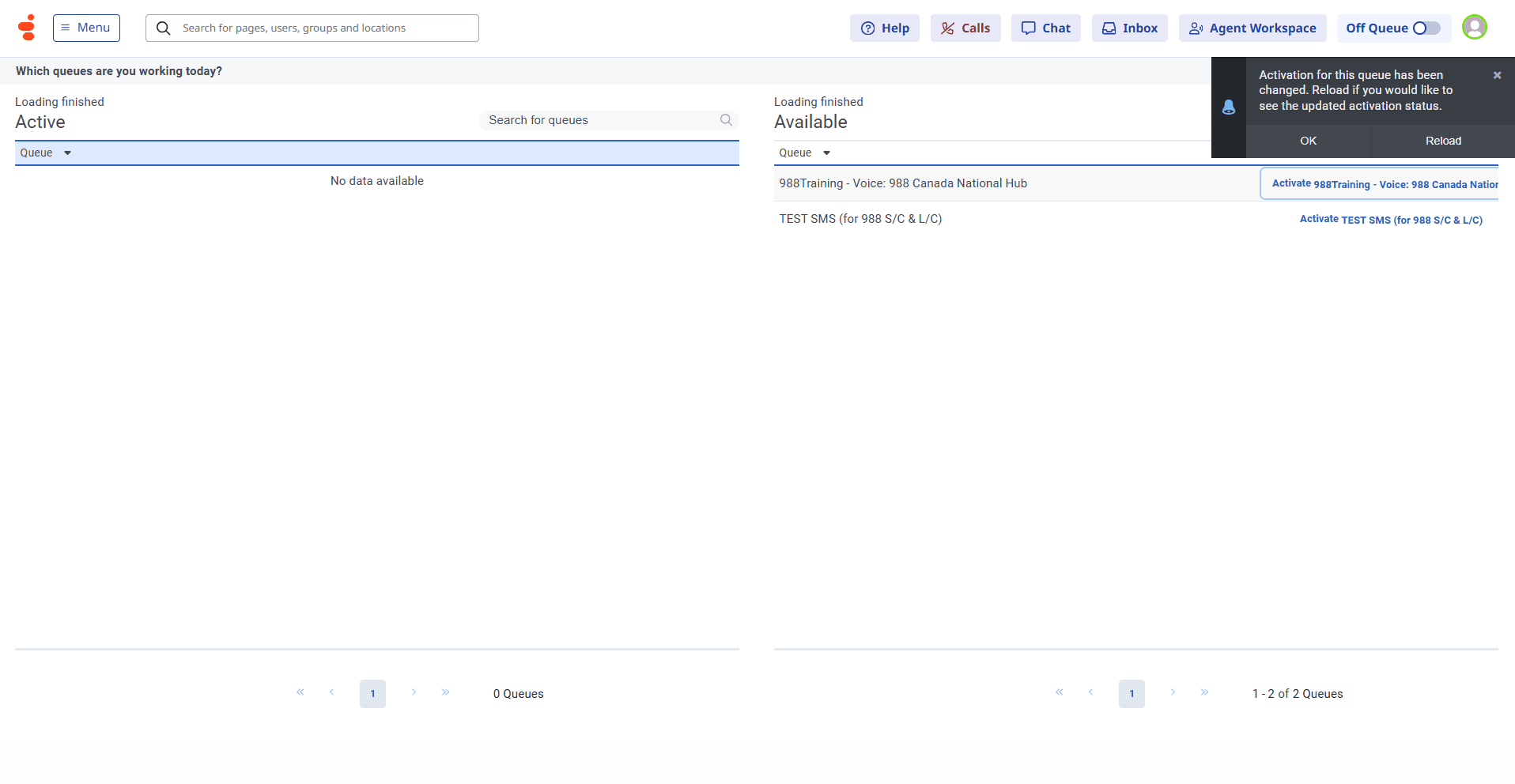
Activating queues on Genesys Cloud
Learn how to activate queues for your 9-8-8 shift in Genesys Cloud
By 9-8-8 Education
What is a queue?
A queue is where callers/texters virtually wait to interact with a responder. 9-8-8 responders are assigned queues from which they take interactions based on their location, centre and interaction type (call/text). In Genesys Cloud, responders will see only the queues for which they are approved to take interactions.
Activate a queue
1
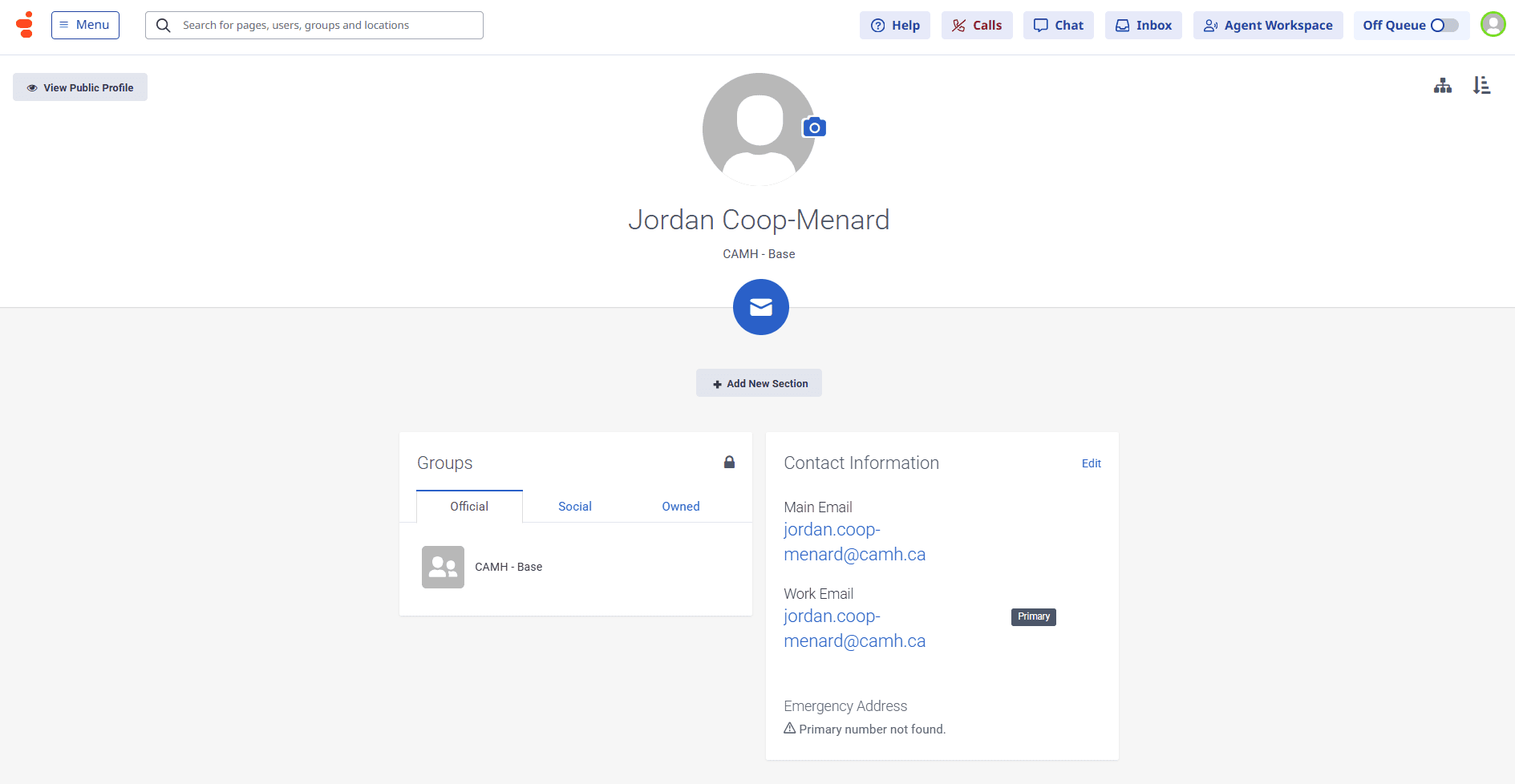
Click on your Profile icon
2
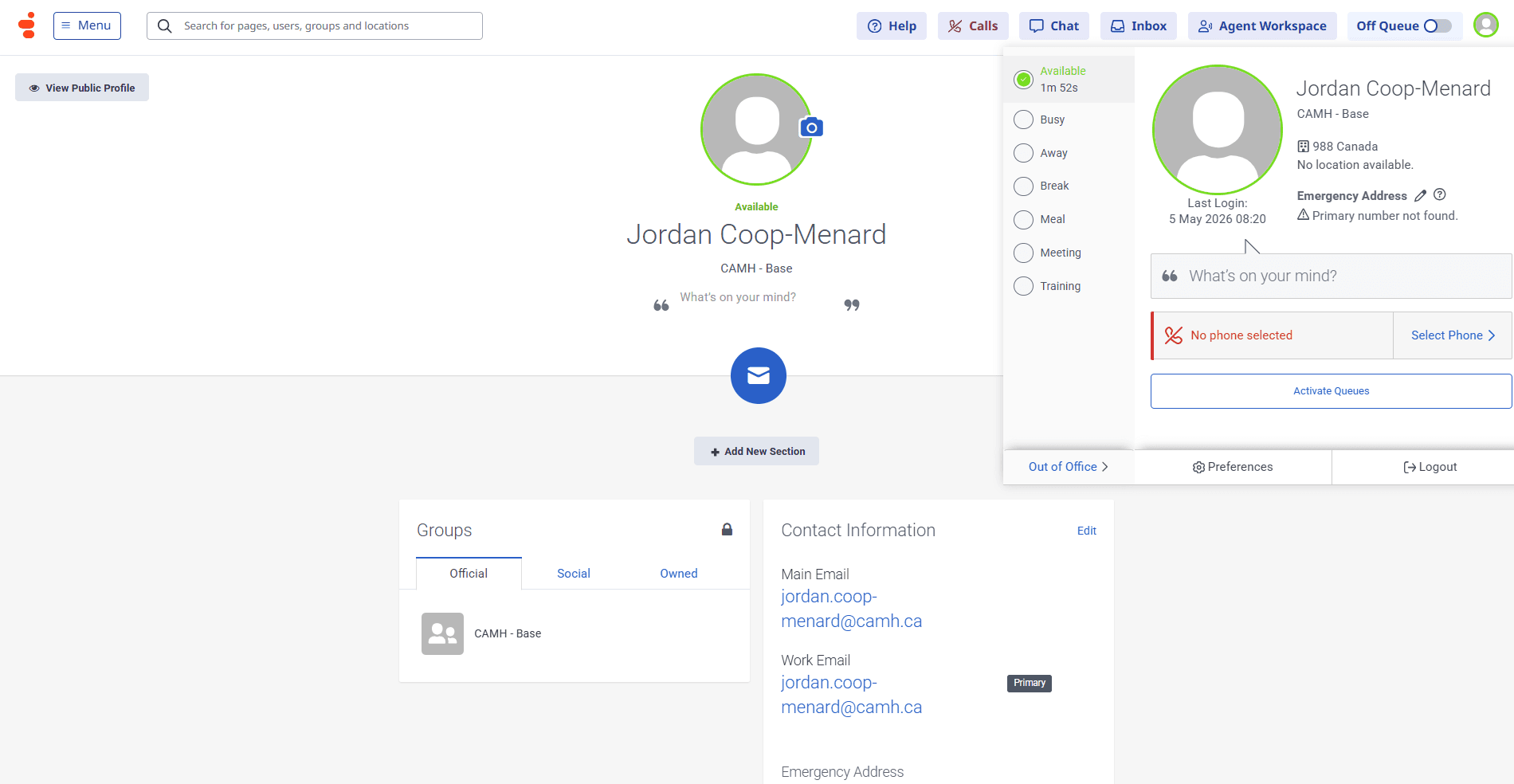
Click on Activate Queues
3
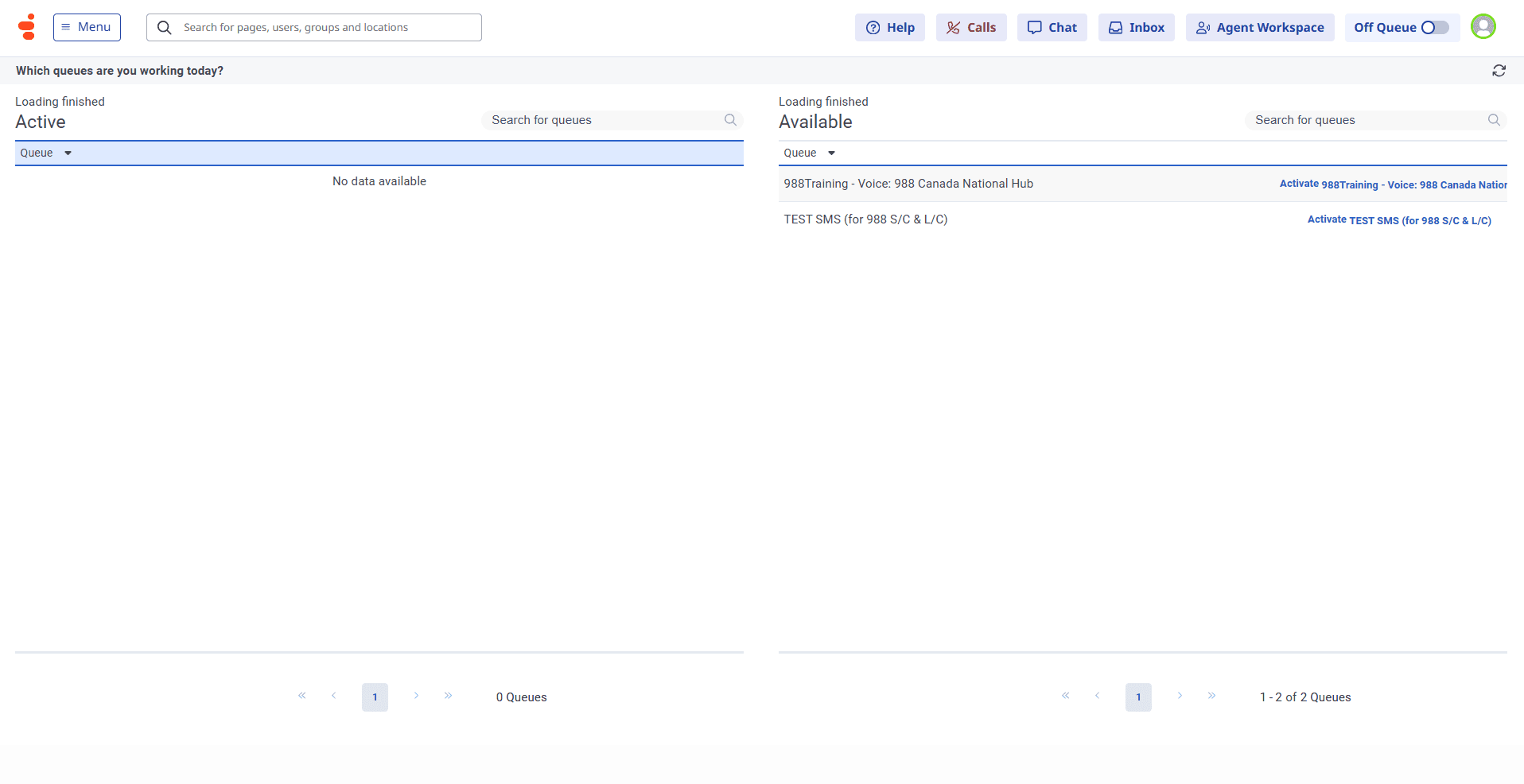
Select the queue you would like to activate if it is not in the “Active” chart
4
Click on Reload on the dark pop-up screen