
How to Add Brokerage Disclosures to Real Estate Transactions
Learn how to access and add brokerage-specific disclosures to your seller and buyer transactions using the Listing Docs and Property Docs folders.
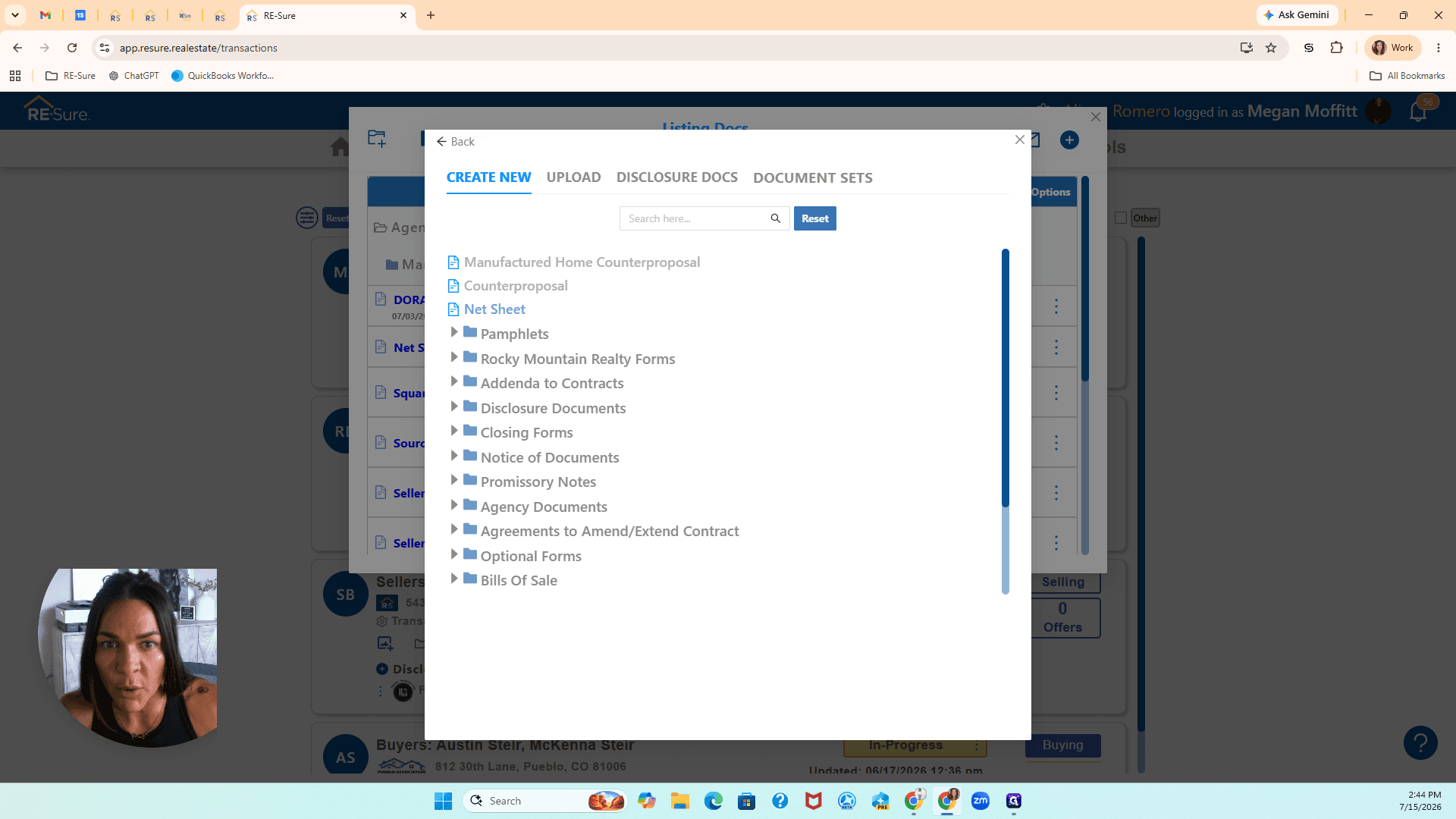
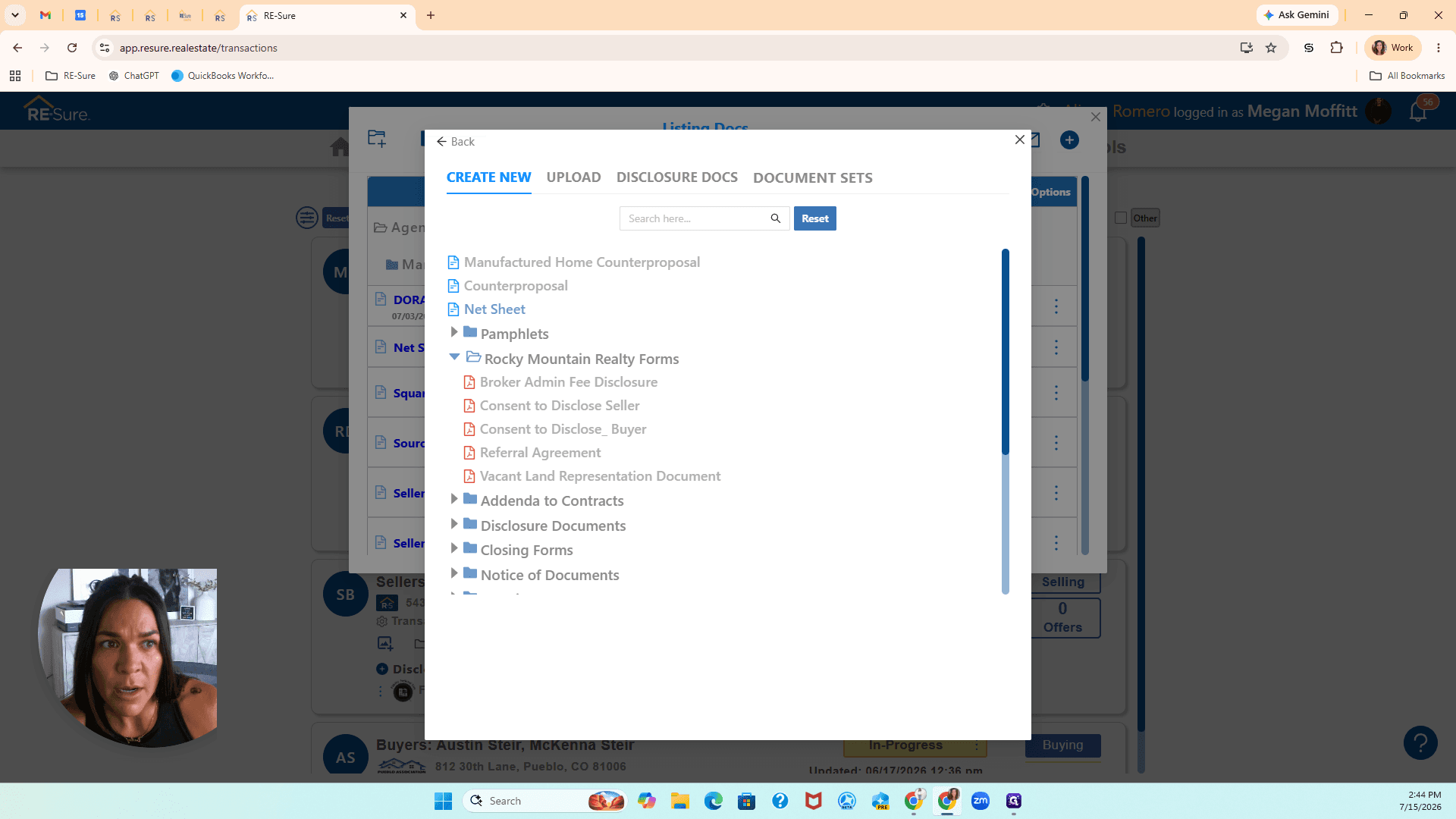
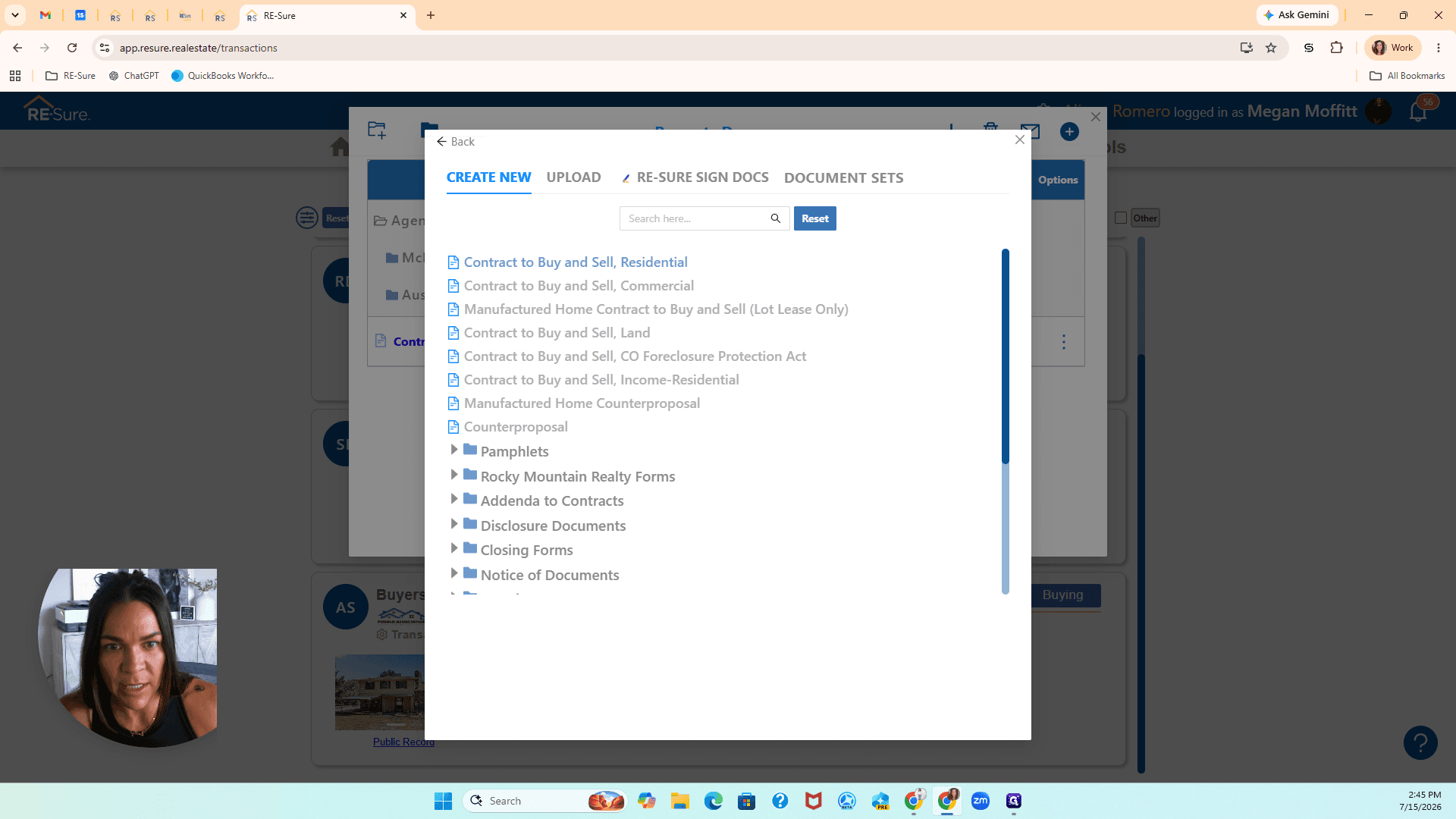
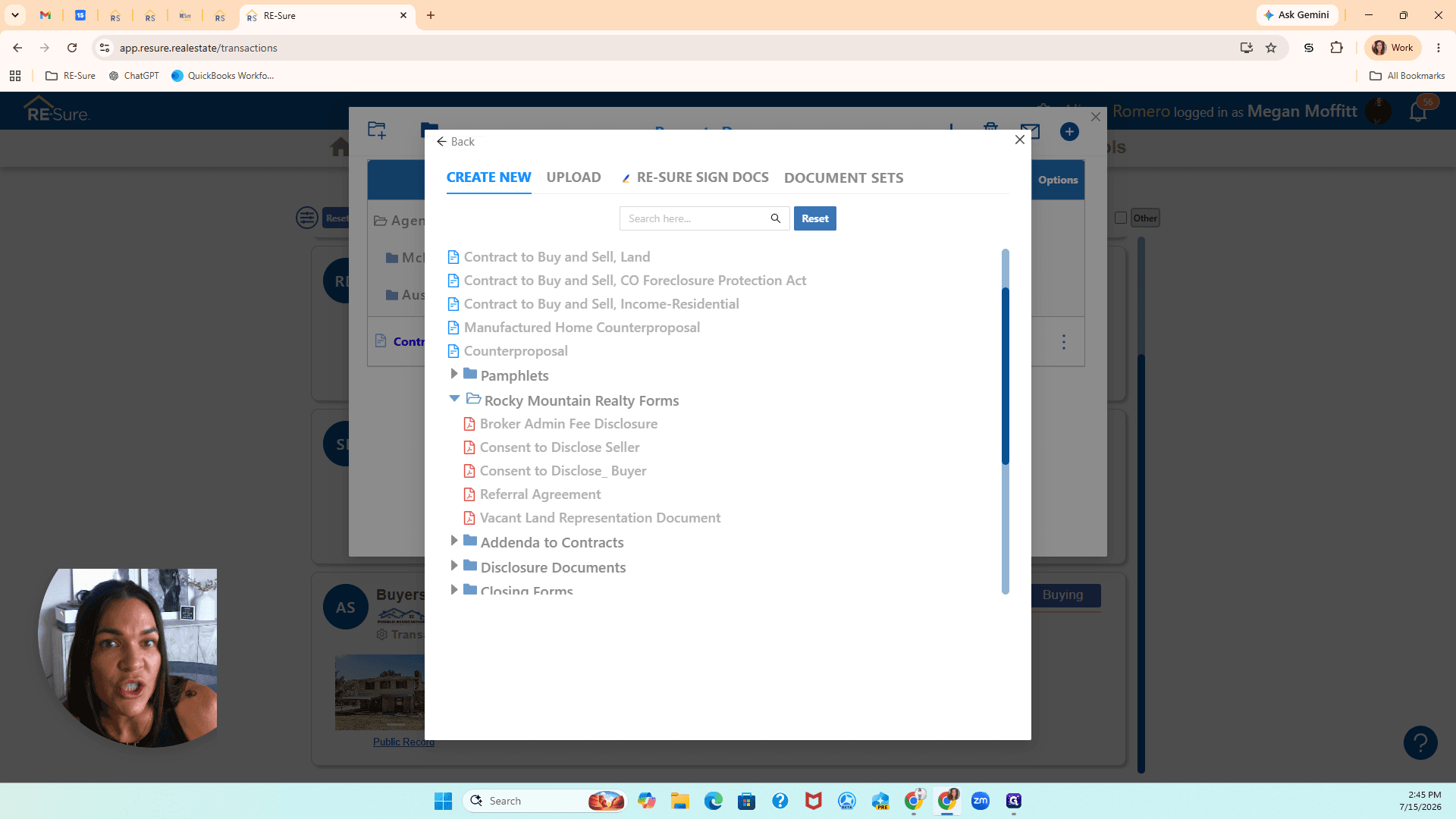
This guide explains how to access and pull brokerage-specific disclosures into your transaction folders. By following these steps, you will be able to prepare the necessary legal forms for both sellers and buyers and send them out for signature.
This guide applies to real estate agents and brokers who need to add standard disclosure templates to their active deals. It is used during the document preparation phase of working with a new buyer or seller.
Adding Disclosures for a Seller
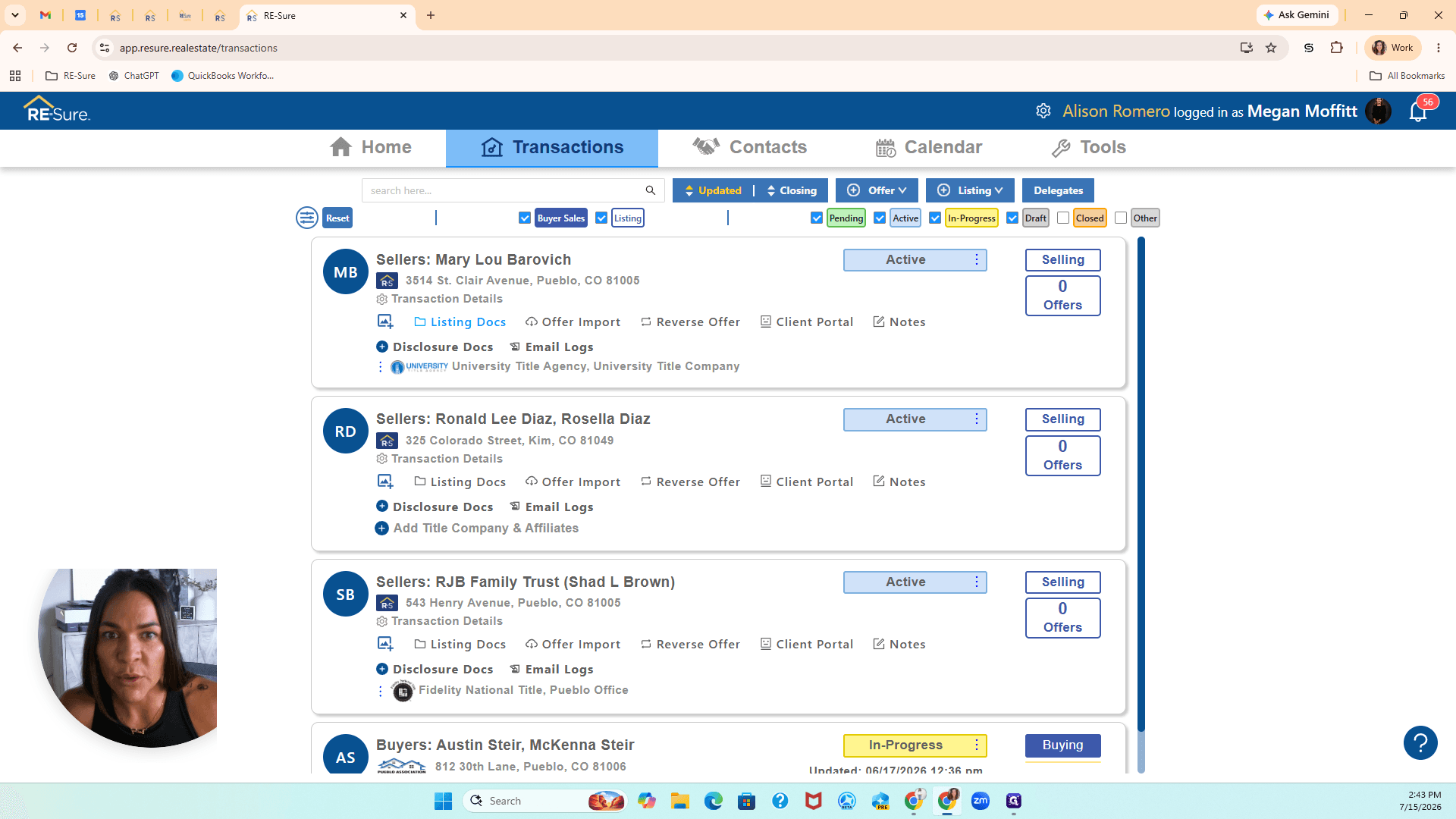
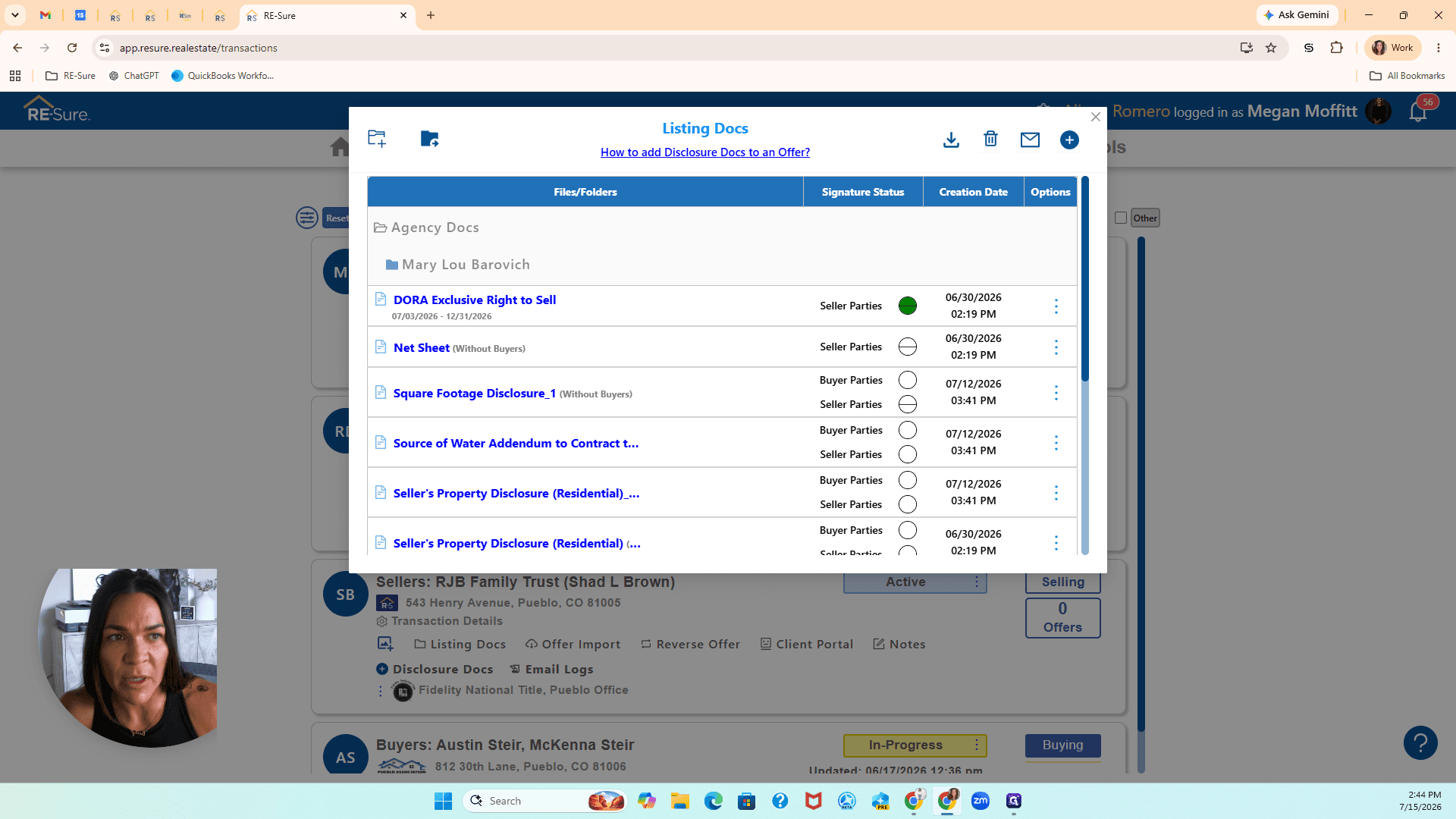
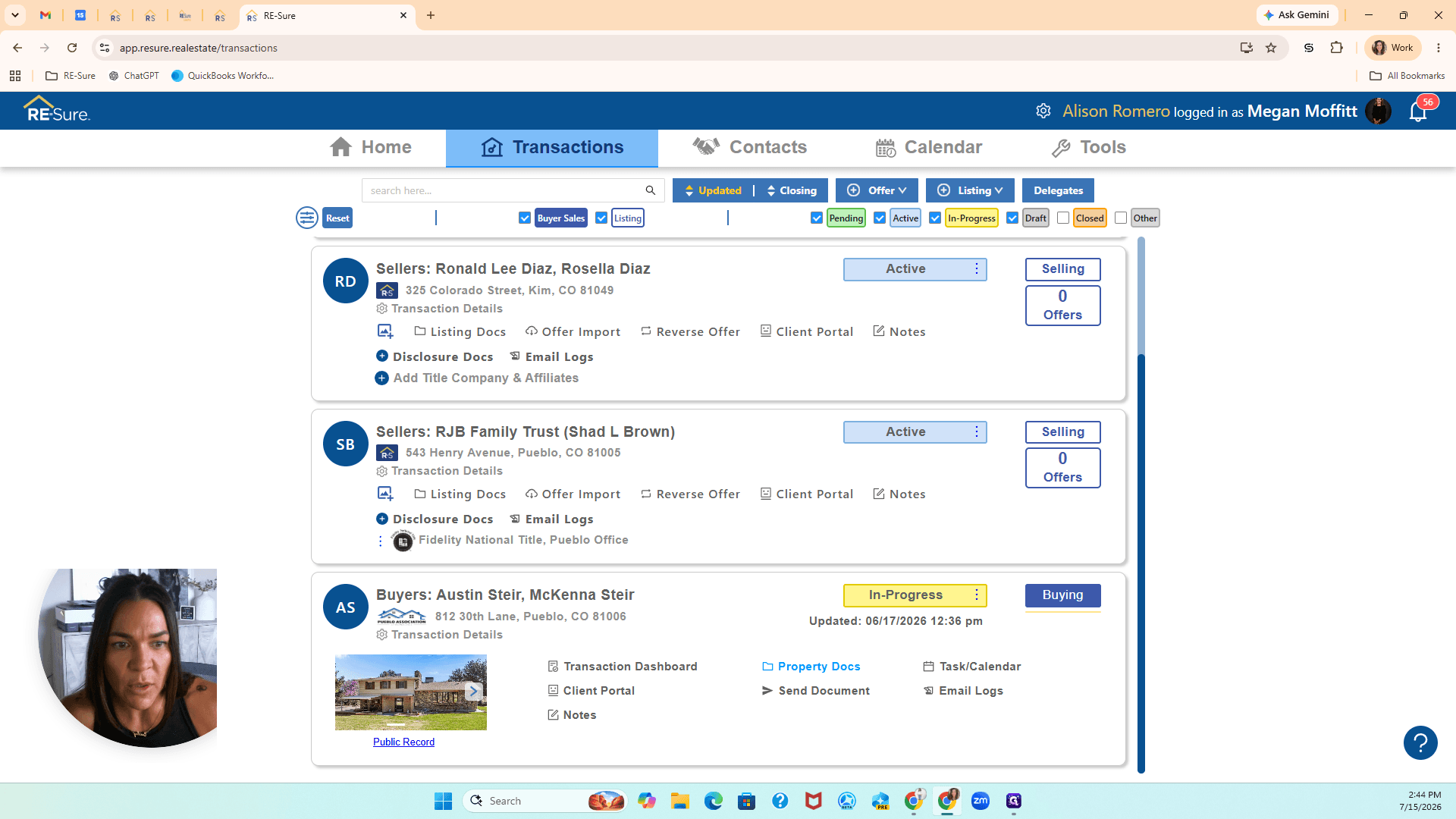
When working with a seller, access your brokerage-specific forms through the listing documentation folder.
Adding Disclosures for a Buyer
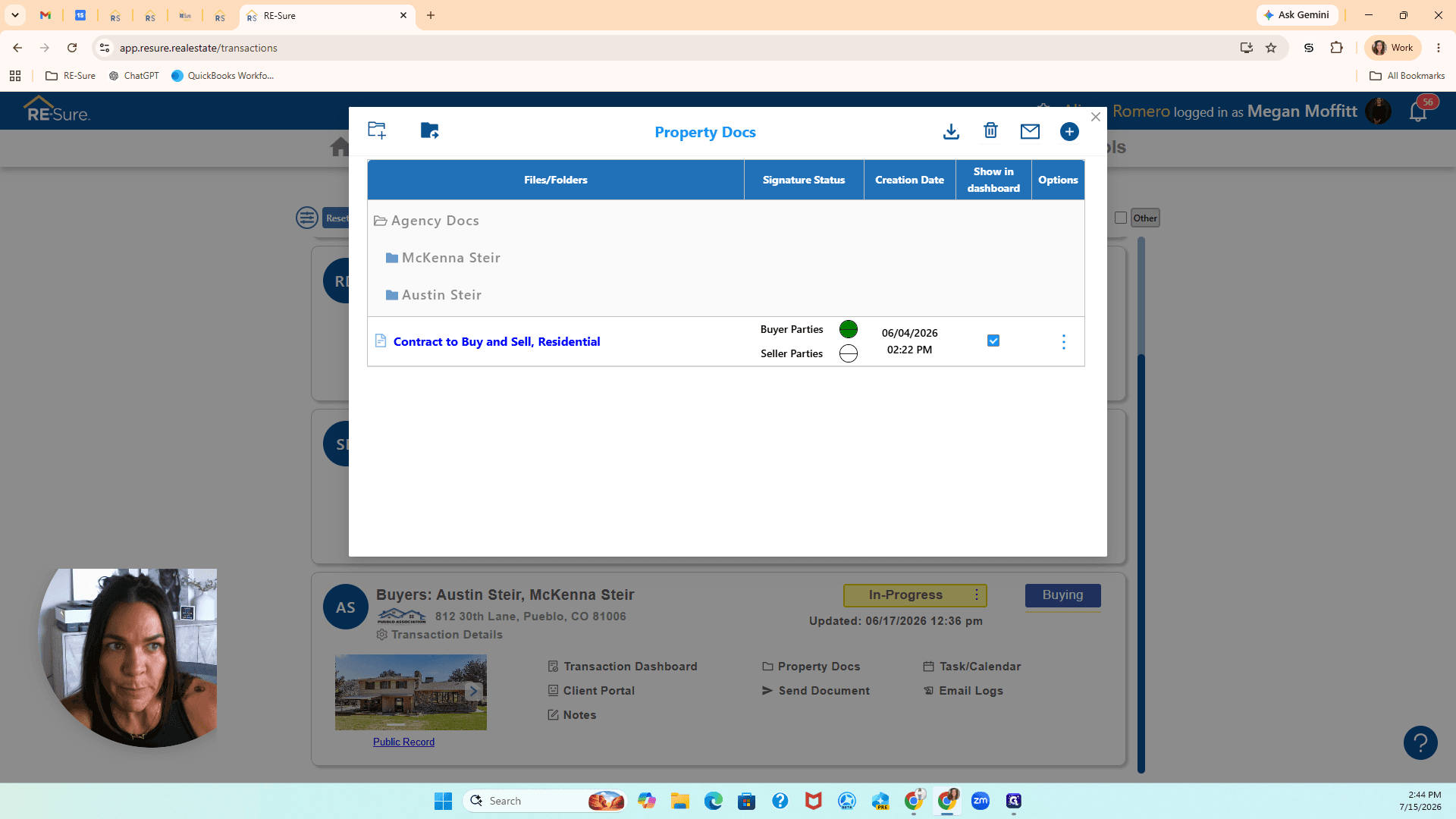
When working with a buyer, manage their required forms from the property documentation folder.
Term | Definition |
|---|---|
Listing Docs | A dedicated folder for managing documents related to a property listing and the seller's side of a transaction. |
Property Docs | A dedicated folder for managing documents associated with a buyer's side of a real estate transaction. |
Disclosure | A legal document that reveals important information or potential issues about a property or a broker's role to a client. |