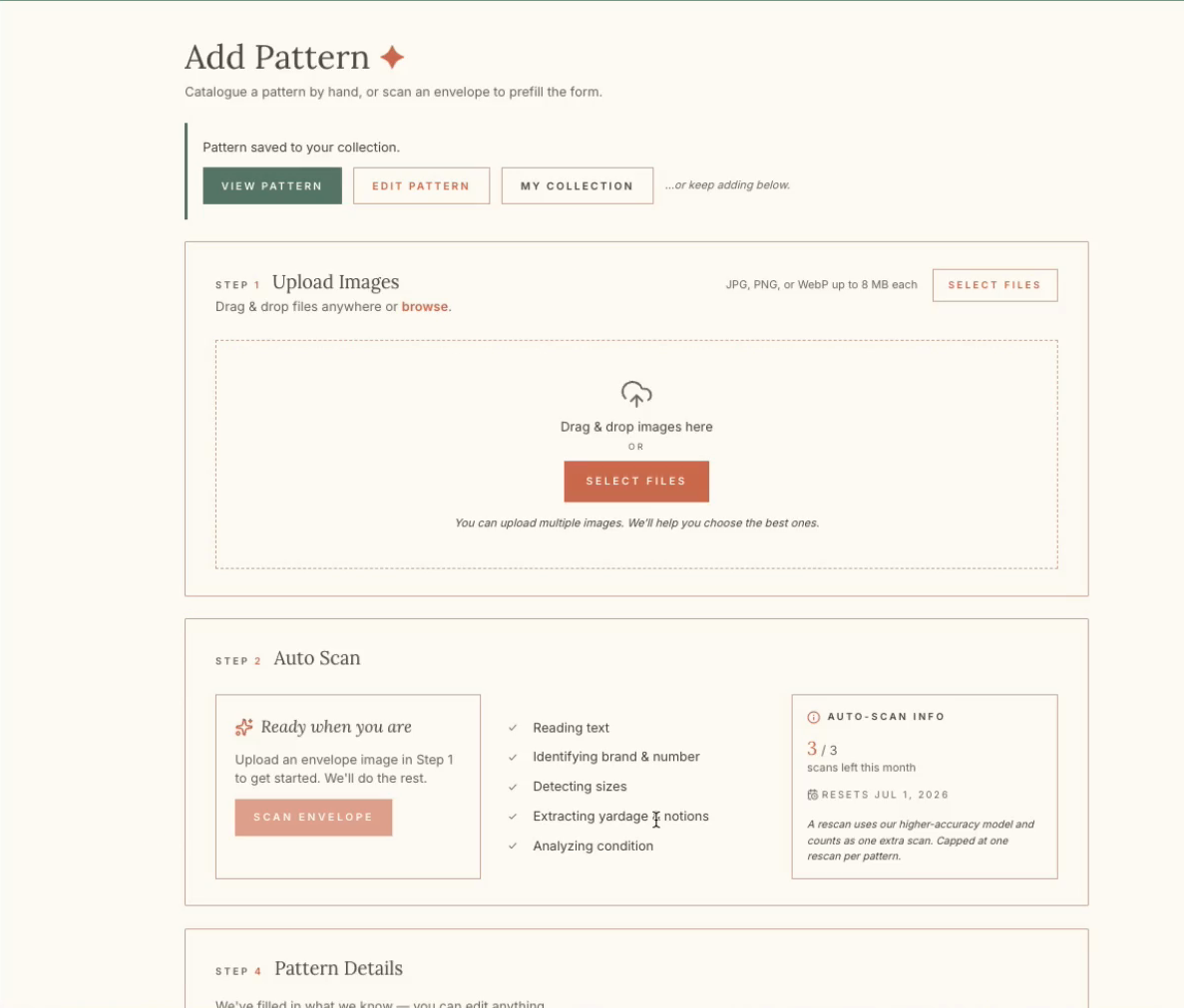
How to Add a New Pattern in Patternarium
Learn how to upload, scan, and catalog a new sewing pattern in Patternarium, including adding yardage, fabric types, and size details to your collection.
By Patternarium App
This guide explains how to digitize and catalog a new sewing pattern into your personal database. Completing this ensures your pattern inventory is accurately tracked with essential details like sizes and fabric requirements.
This guide is for sewists and crafters who manage their pattern inventory digitally. You will use this workflow whenever you acquire a new pattern that needs to be added to your collection.
Follow these steps to upload and log your sewing pattern details:
1
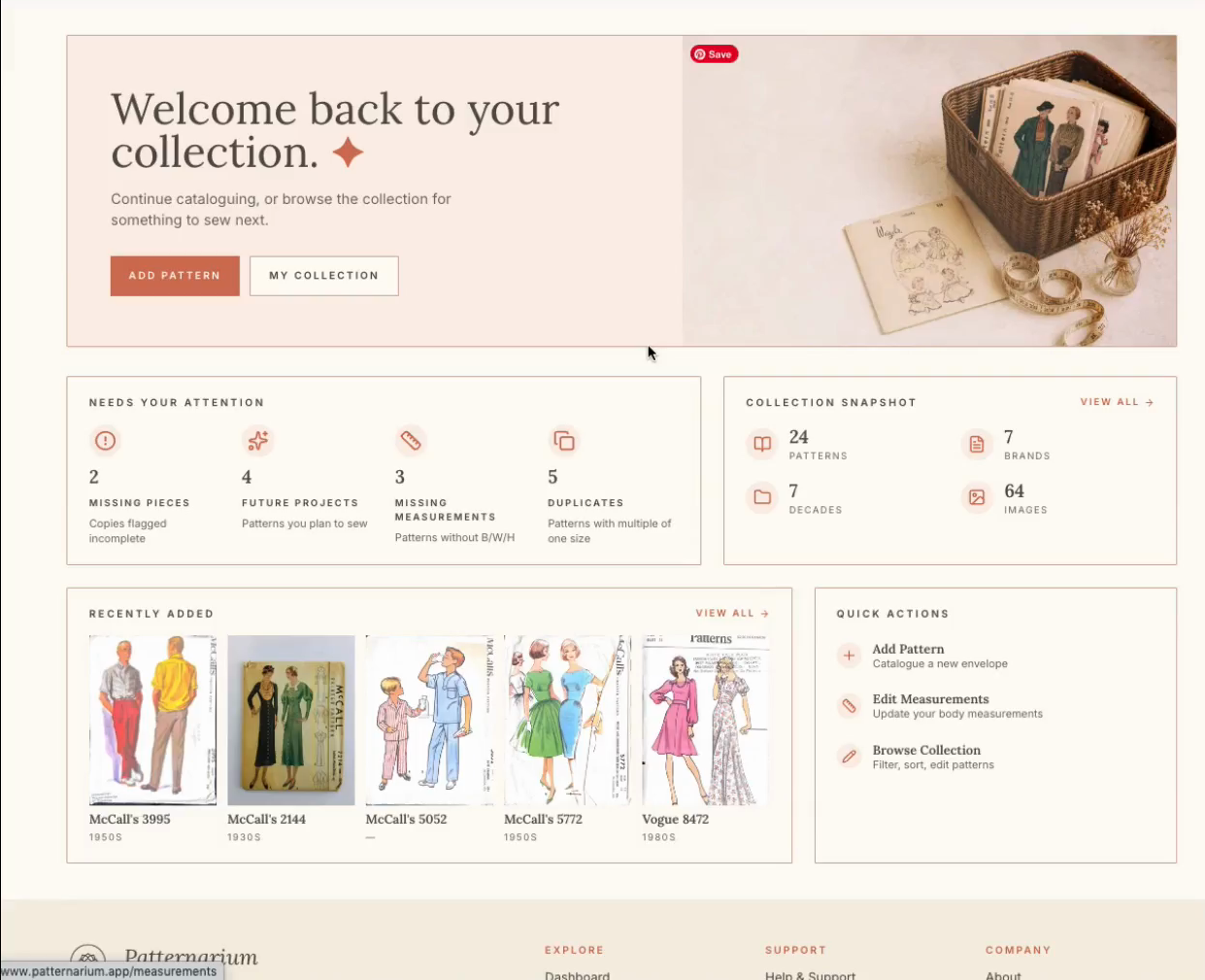
Click Add Pattern on the main dashboard.
2
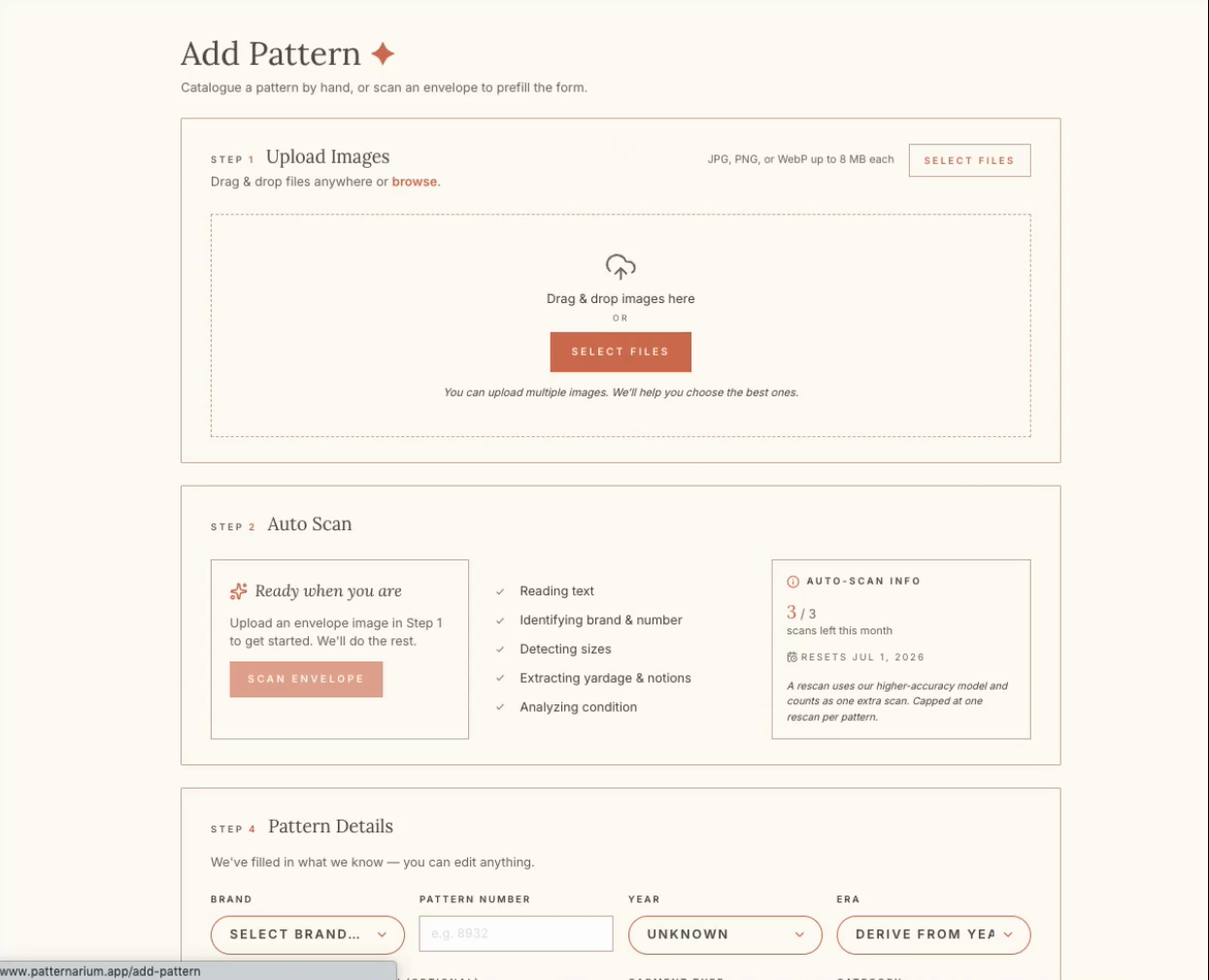
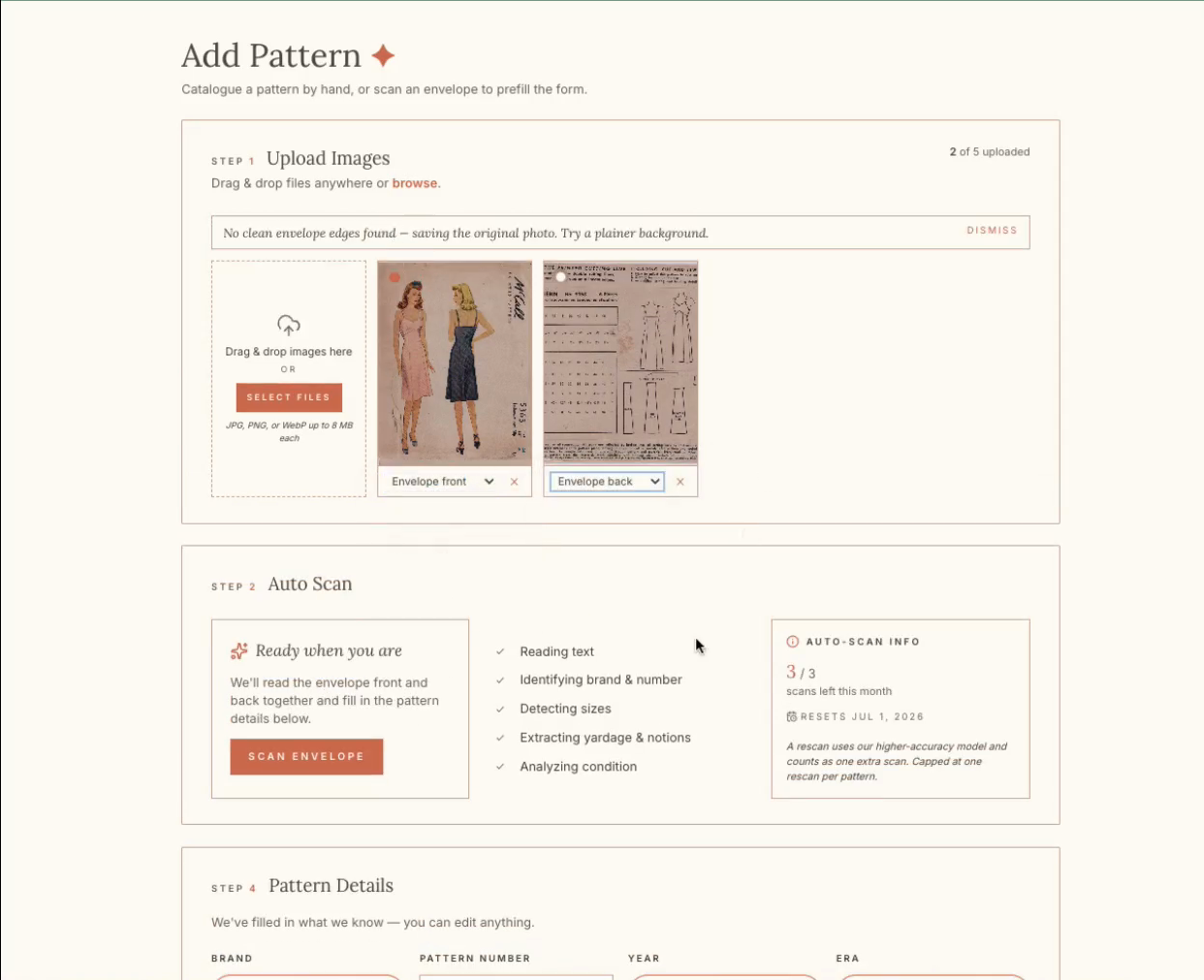
Click SELECT FILES in the Upload Images section.
3
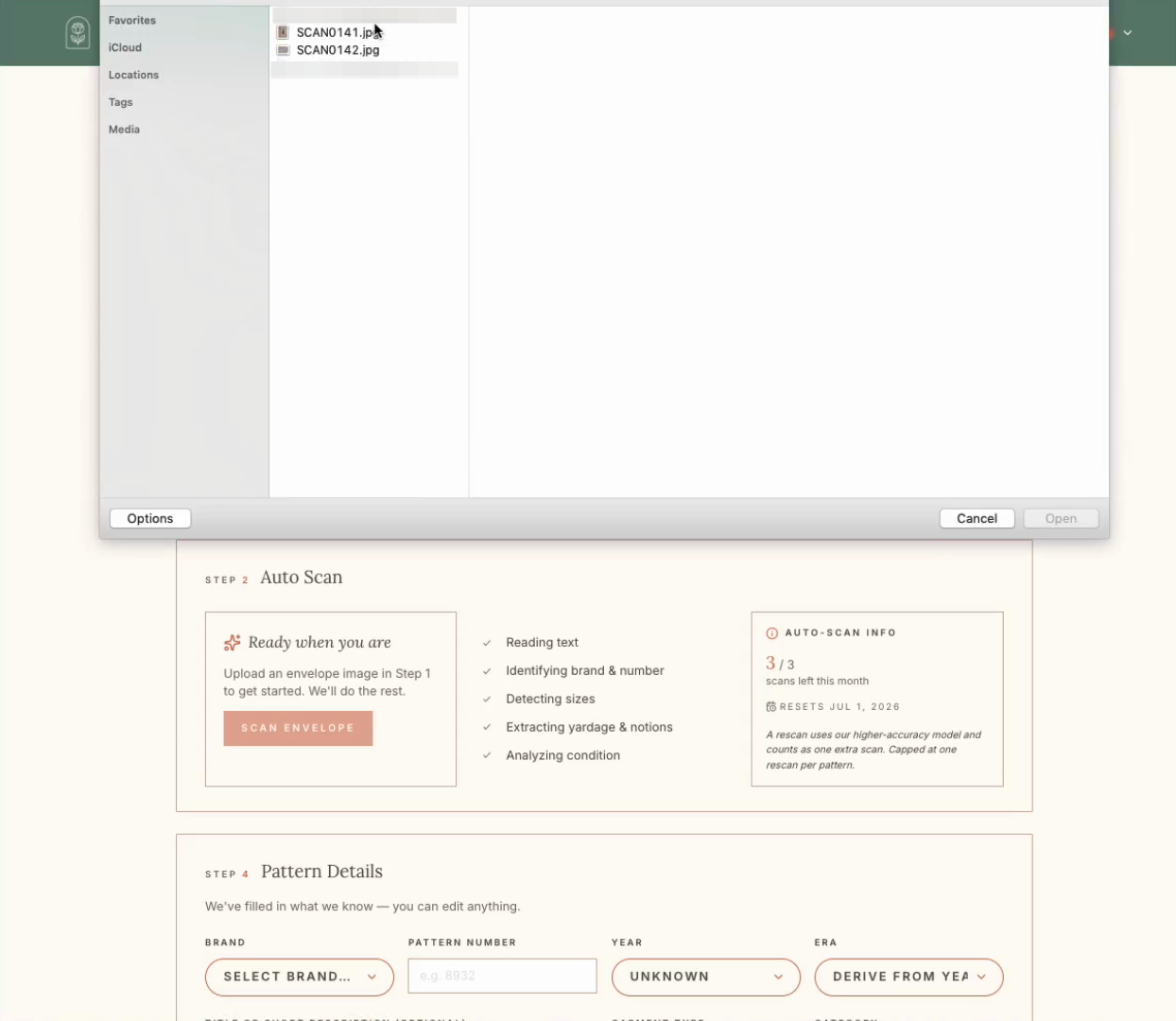
Select your pattern envelope images from your computer and click Open.
4
Click SCAN ENVELOPE to automatically extract data from your uploaded images.
5
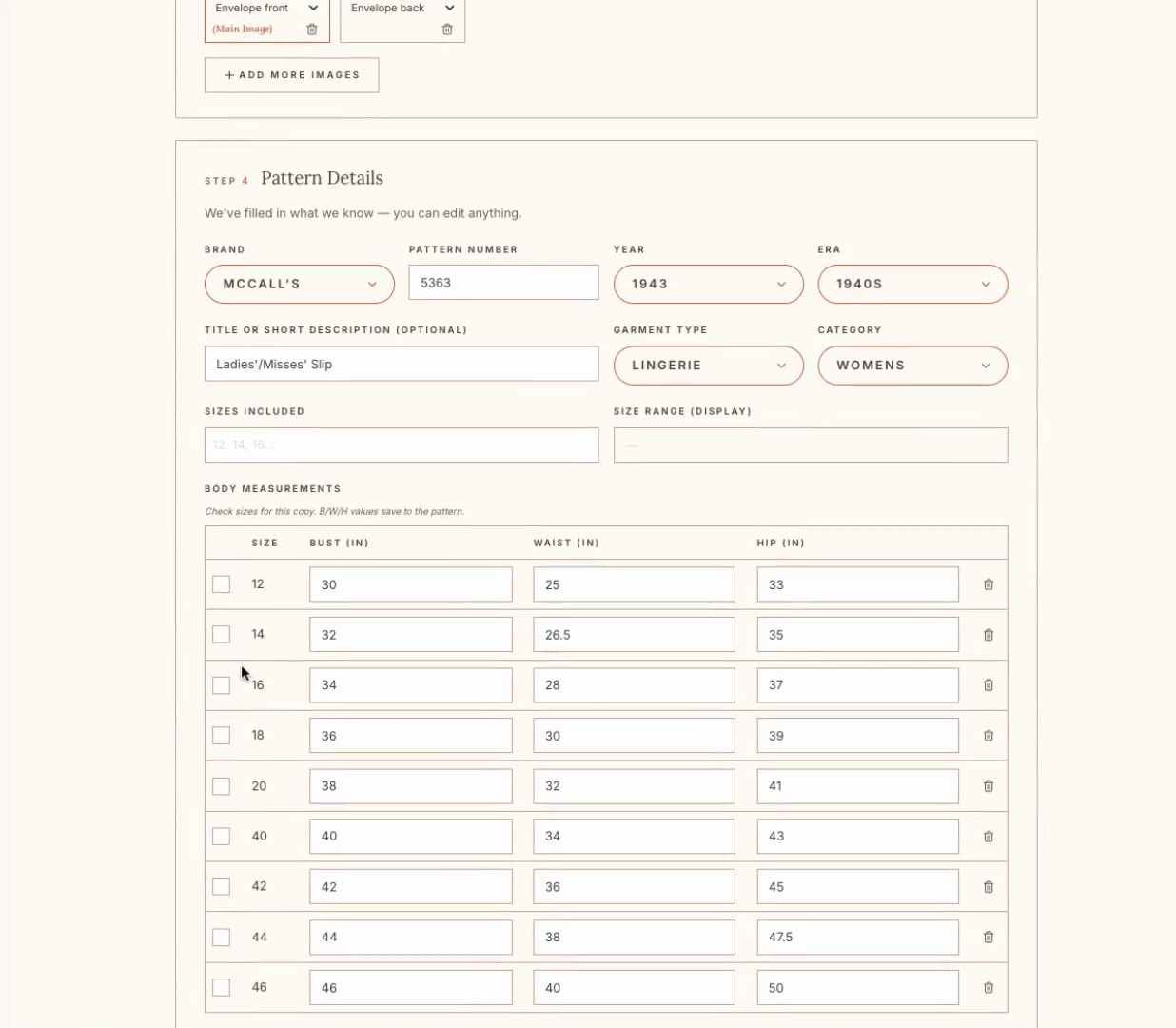
If the auto-fill missing adding the size. Check the box corresponding to the size you plan to use (e.g., size 14) to include it in the active project details.
6
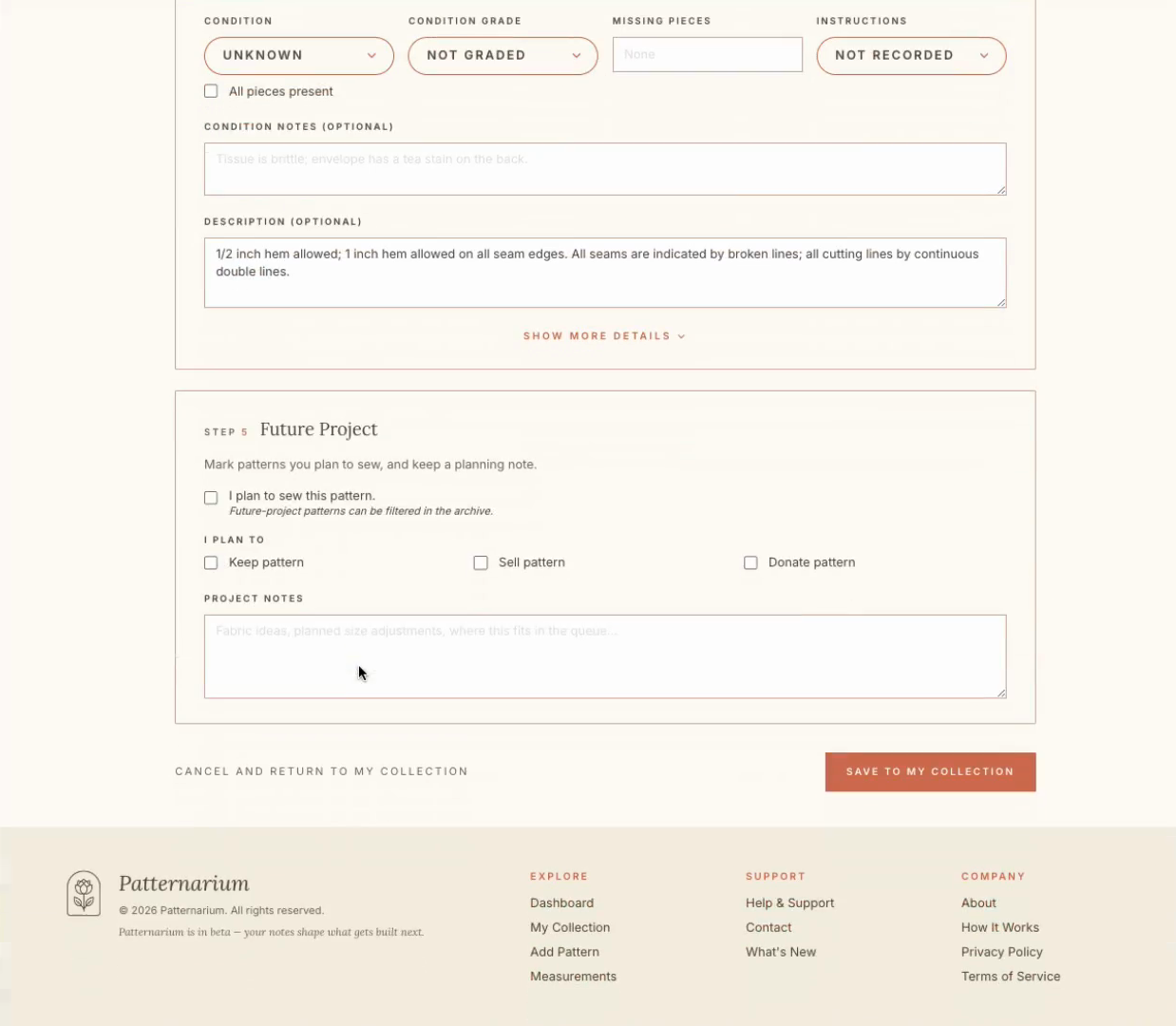
Toggle the Hide Details or Show More Details button to access detailed pattern information.
7
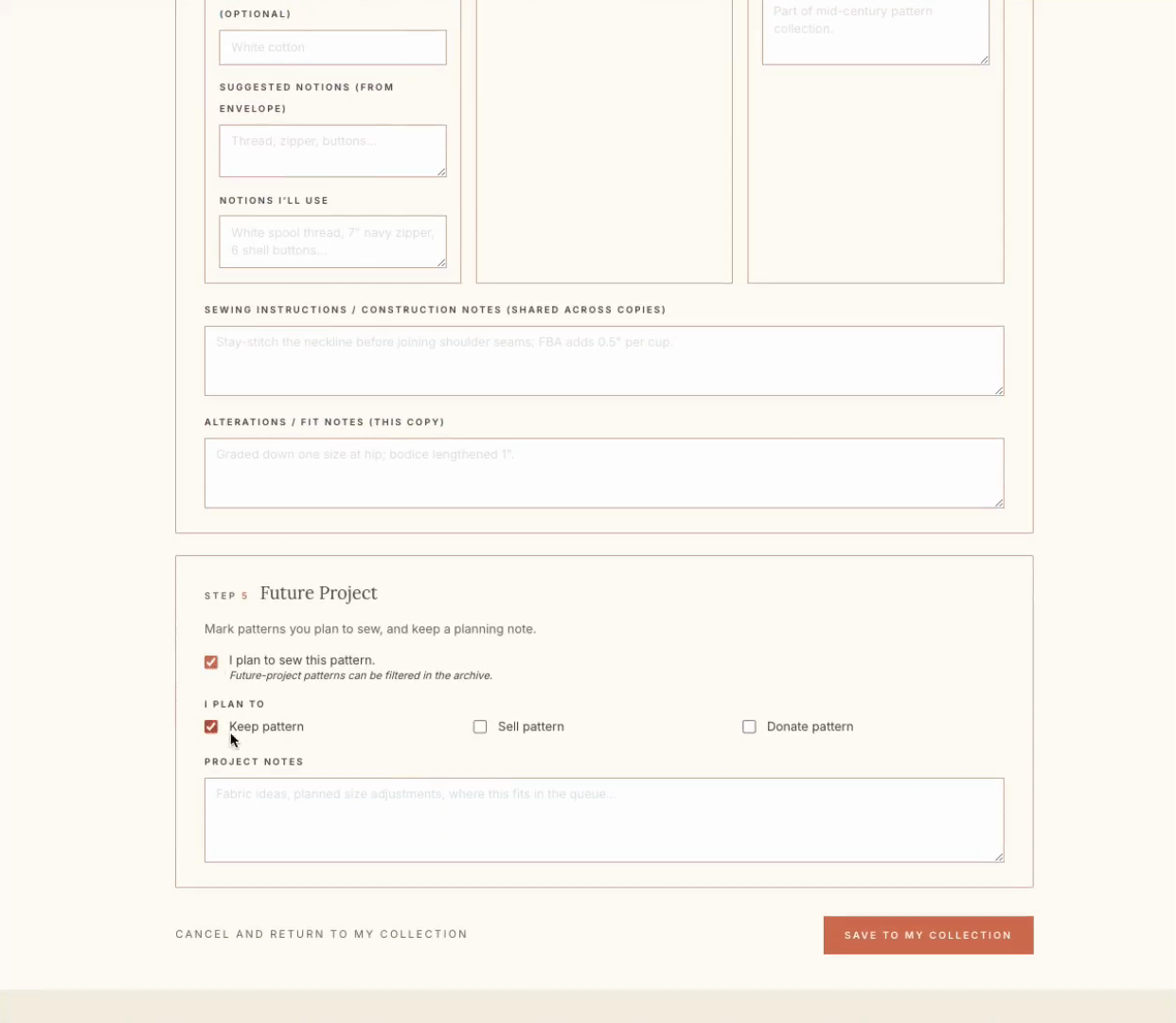
Enter the required fabric amount into the Yardage - Main Fabric field (e.g., "2 yds").
8
Type your planned material into the Fabric I'll Use - Main field (e.g., "Cotton").
9
Click Save to My Collection to finalize and store your entry.
10
Click VIEW PATTERN on the success banner to review your newly saved pattern record.