
How to Add an OpenAI API Key to Visiono Keys
Learn how to generate an OpenAI API key and add it to the Visiono Keys app to enable transcription features.
This guide walks you through generating an OpenAI API key and adding it to the Visiono Keys app. Completing this process enables the app's transcription features for your workflow.
This guide applies to Visiono Keys users who need to configure their app for transcription and AI text generation. Use this during your initial app setup or when you need to rotate your existing API key.
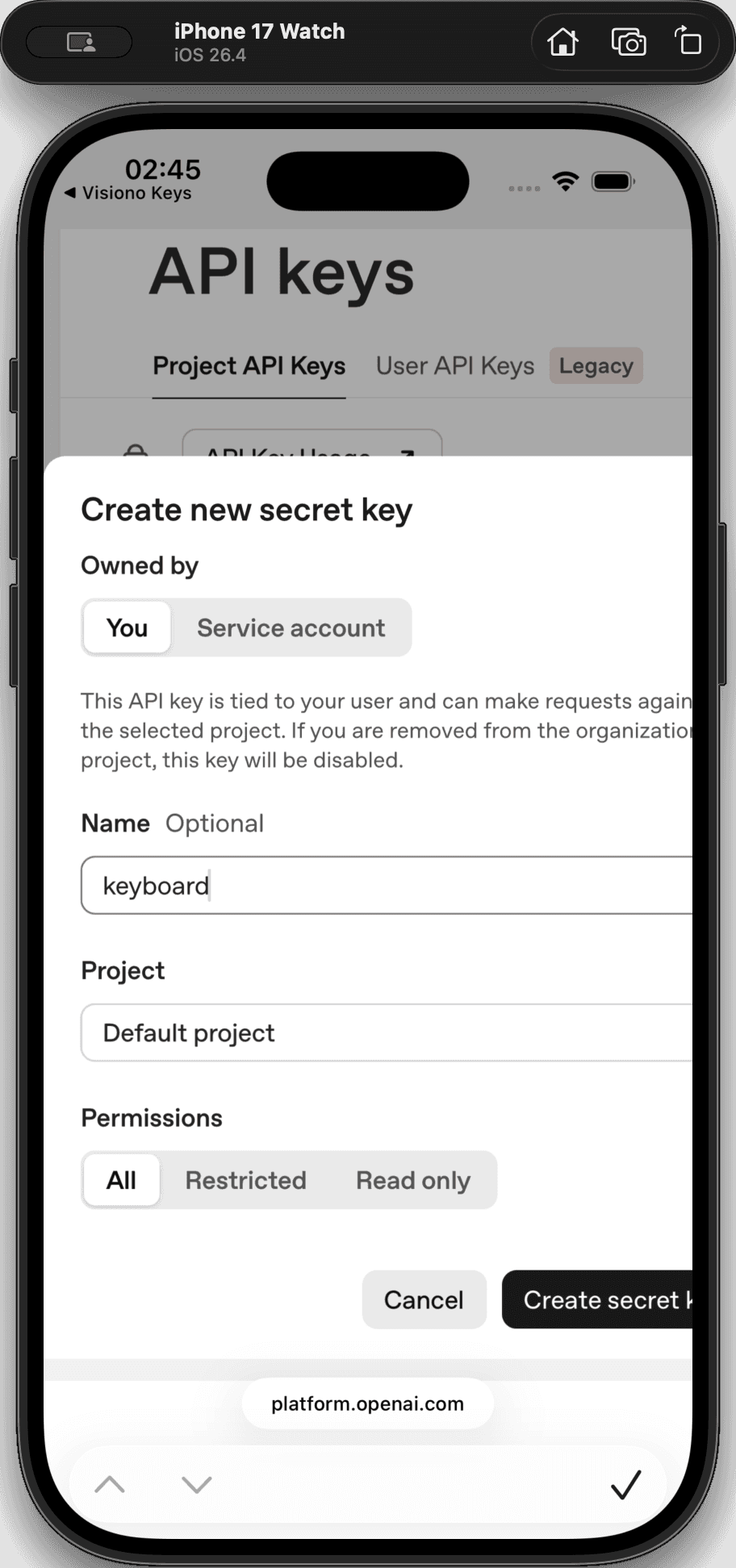
To use transcription in Visiono Keys, you need to generate a secret API key from your OpenAI developer account and securely add it to the app's settings.
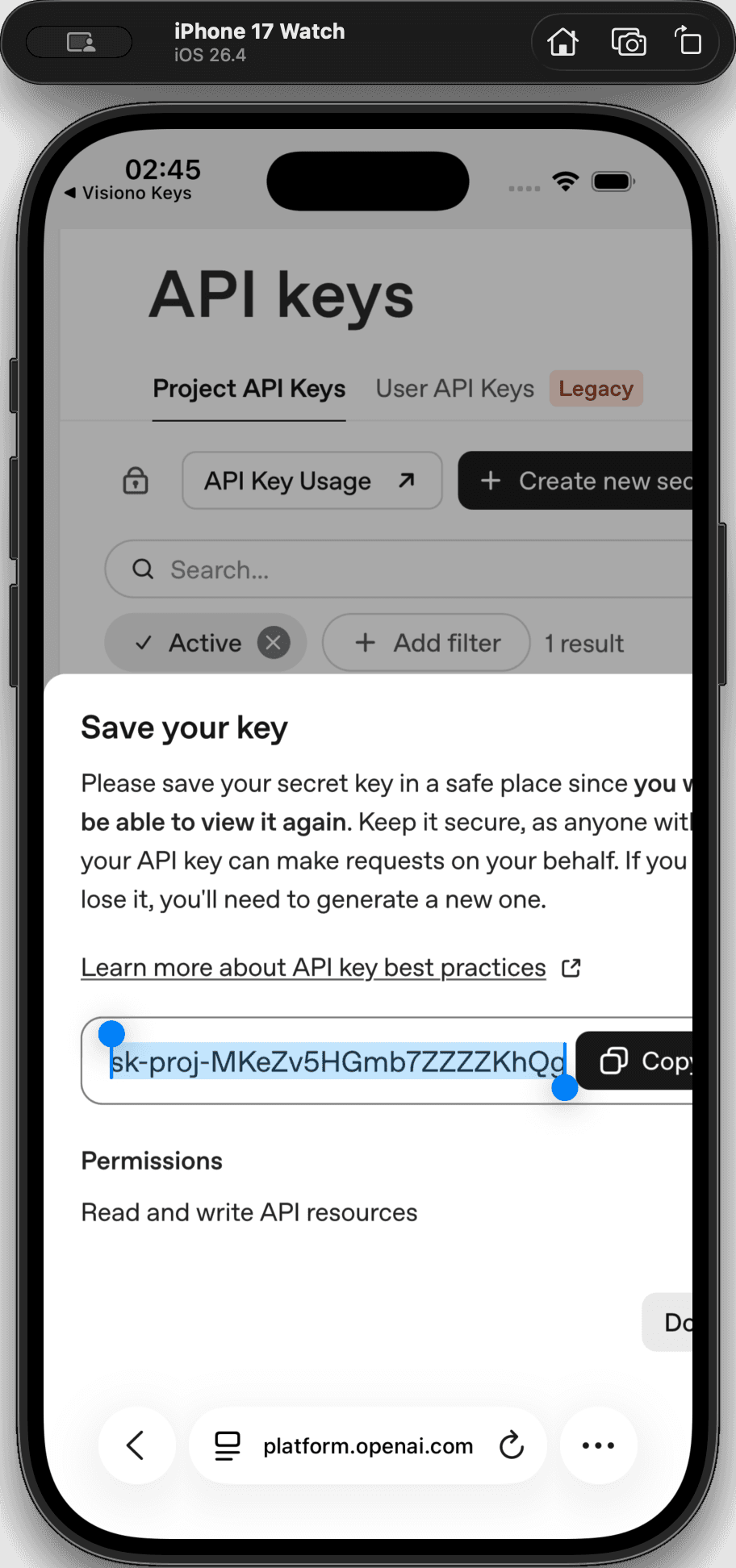
Generate Your API Key
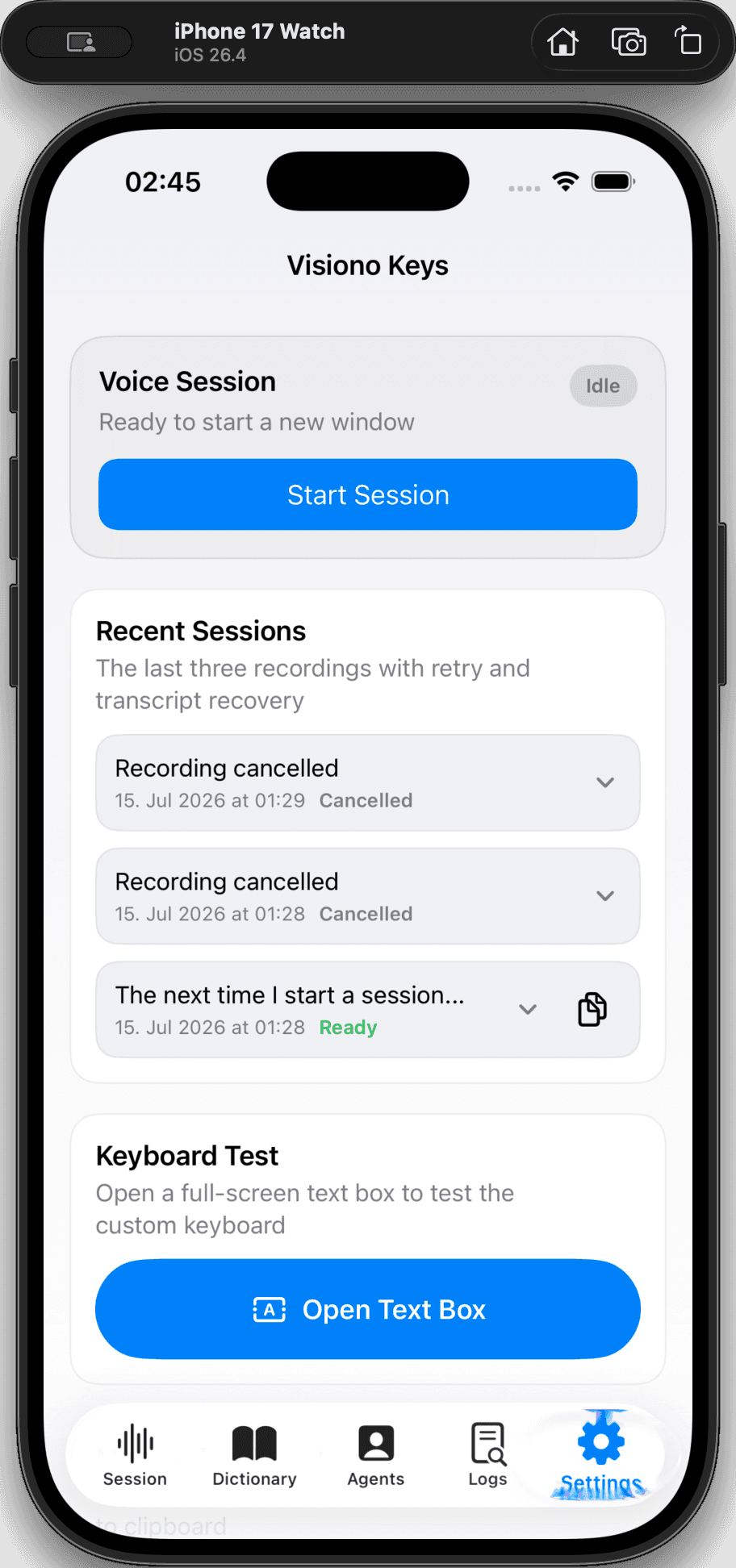
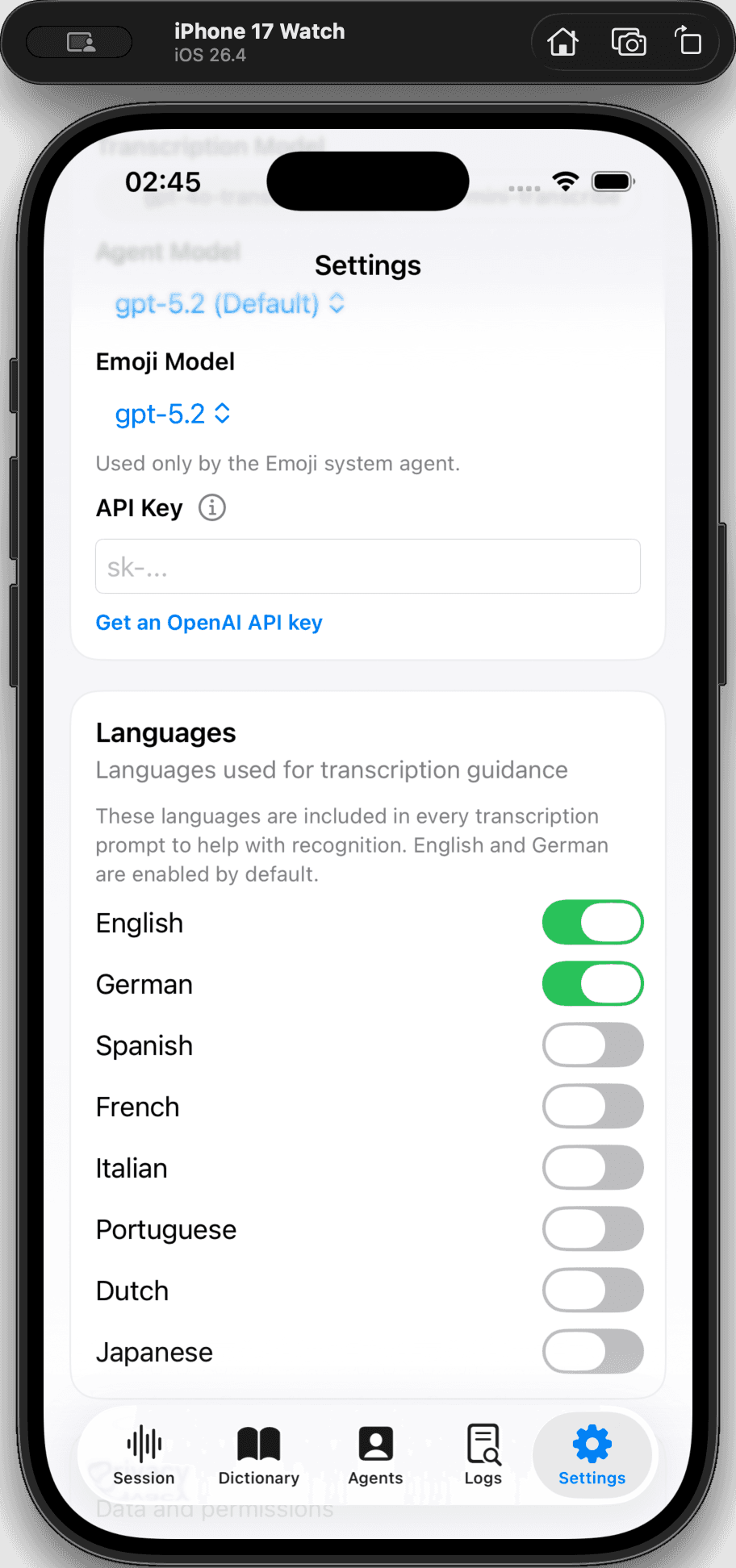
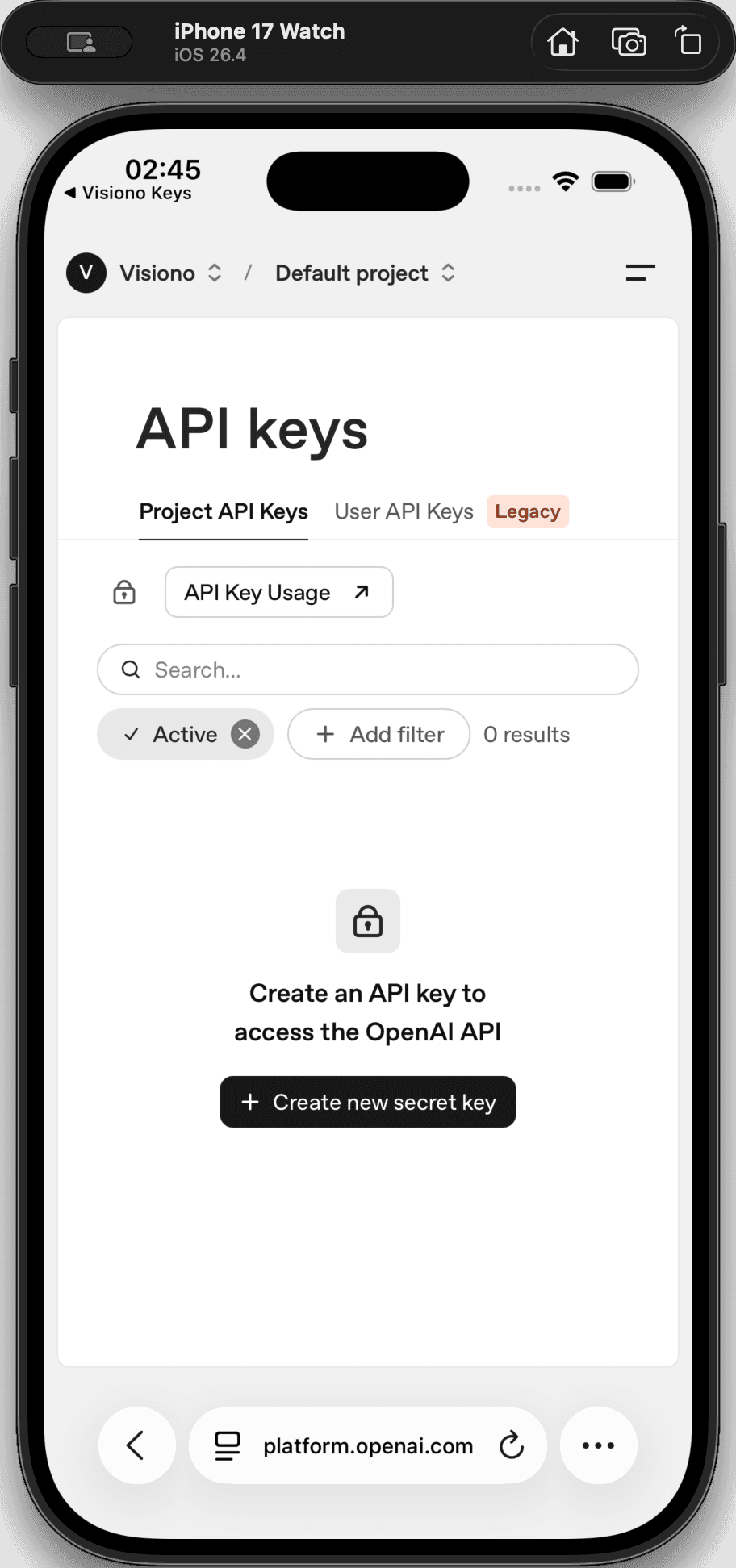
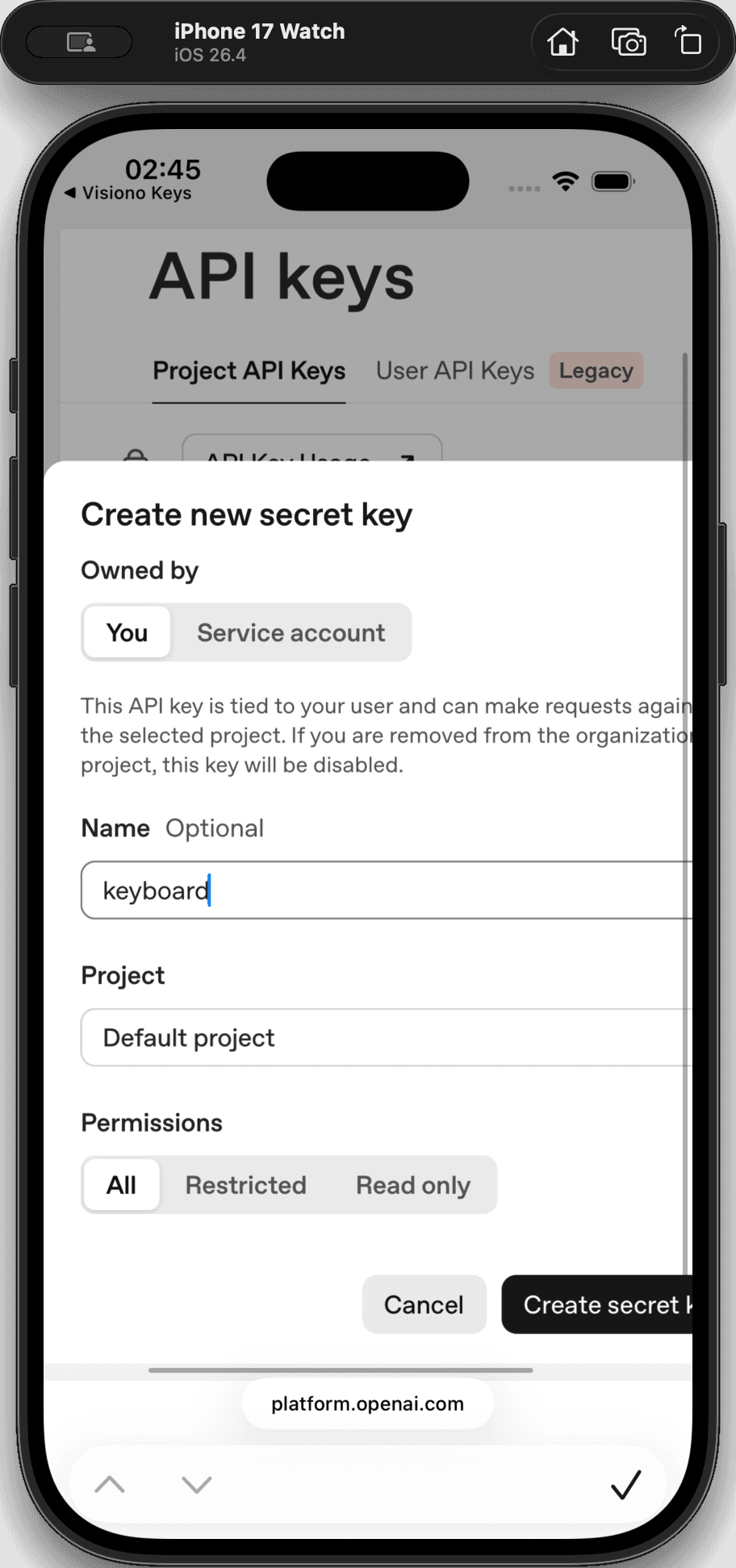
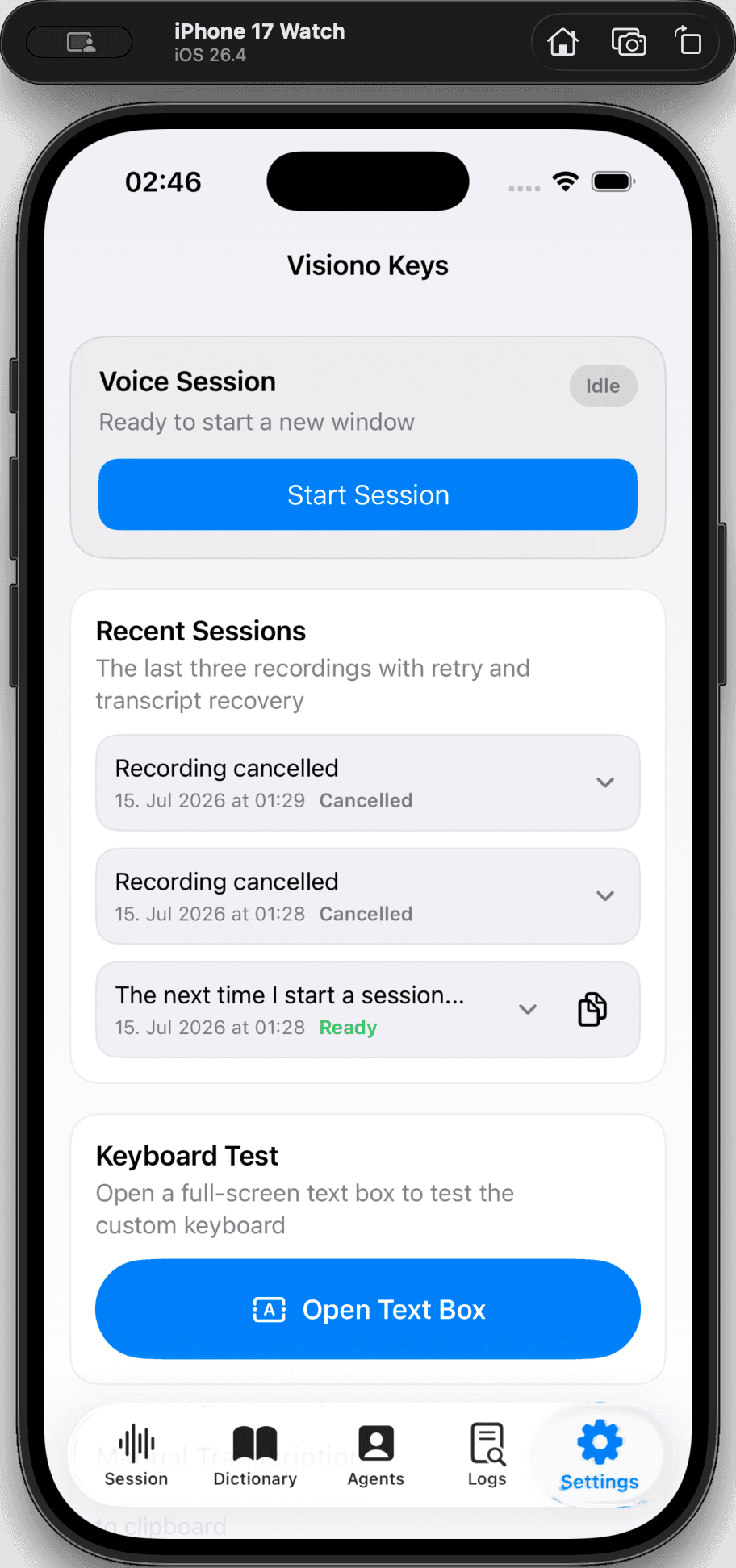
Add the Key to Visiono Keys
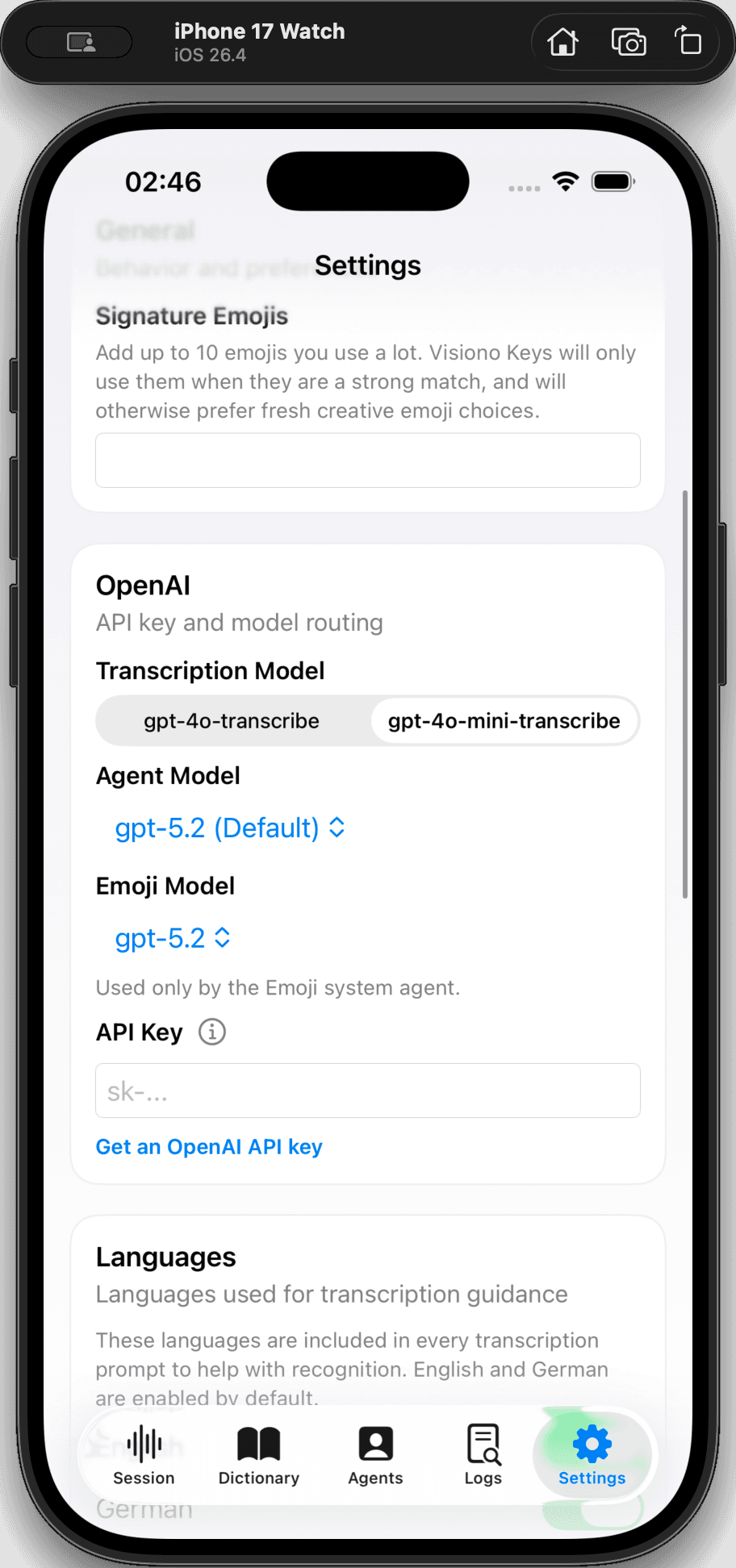
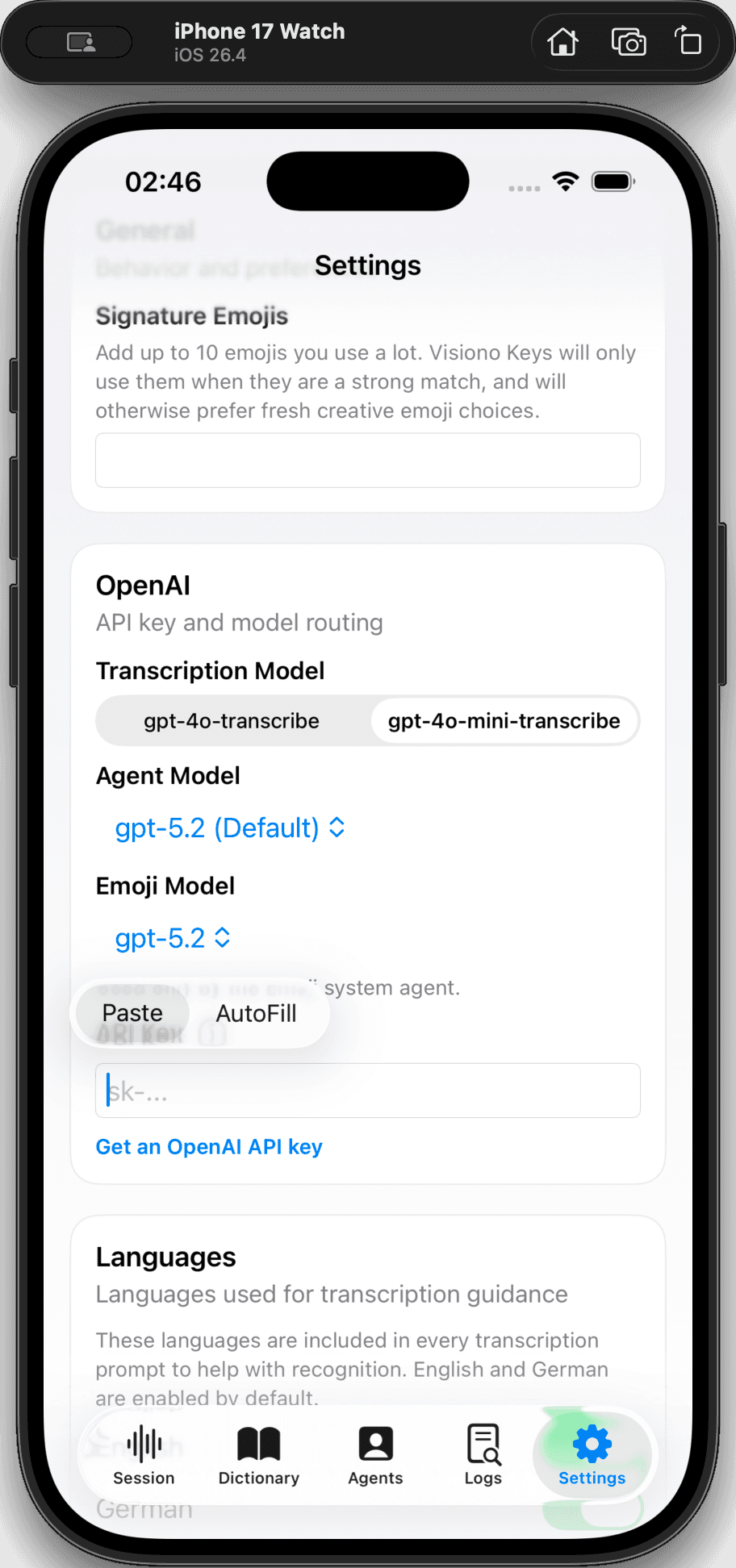
Your API key is now securely saved, and transcription features are ready to use.
Q: What if I don't have an OpenAI developer account?
A: You will need to create a new developer account on the OpenAI platform before you can generate an API key.
Q: Can I view my API key again after creating it?
A: No, the API key is only shown once for security reasons. Make sure to copy it immediately; if you lose it, you must generate a new one.