
How to Add a Premium Comparison Table to Amazon A+ Content
Learn how to add a Premium Comparison Table module to your Amazon A+ Content pages to cross-sell product variations and compare features side-by-side.
This guide demonstrates how to add a Premium Comparison Table module to Amazon A+ Content. Completing this task allows you to cross-sell different product variations and highlight their specific features side-by-side to customers.
This guide is for Amazon sellers, brand managers, and e-commerce professionals optimizing product detail pages. Use this workflow when you want to update existing A+ Content to include direct comparisons of related items within your catalog.
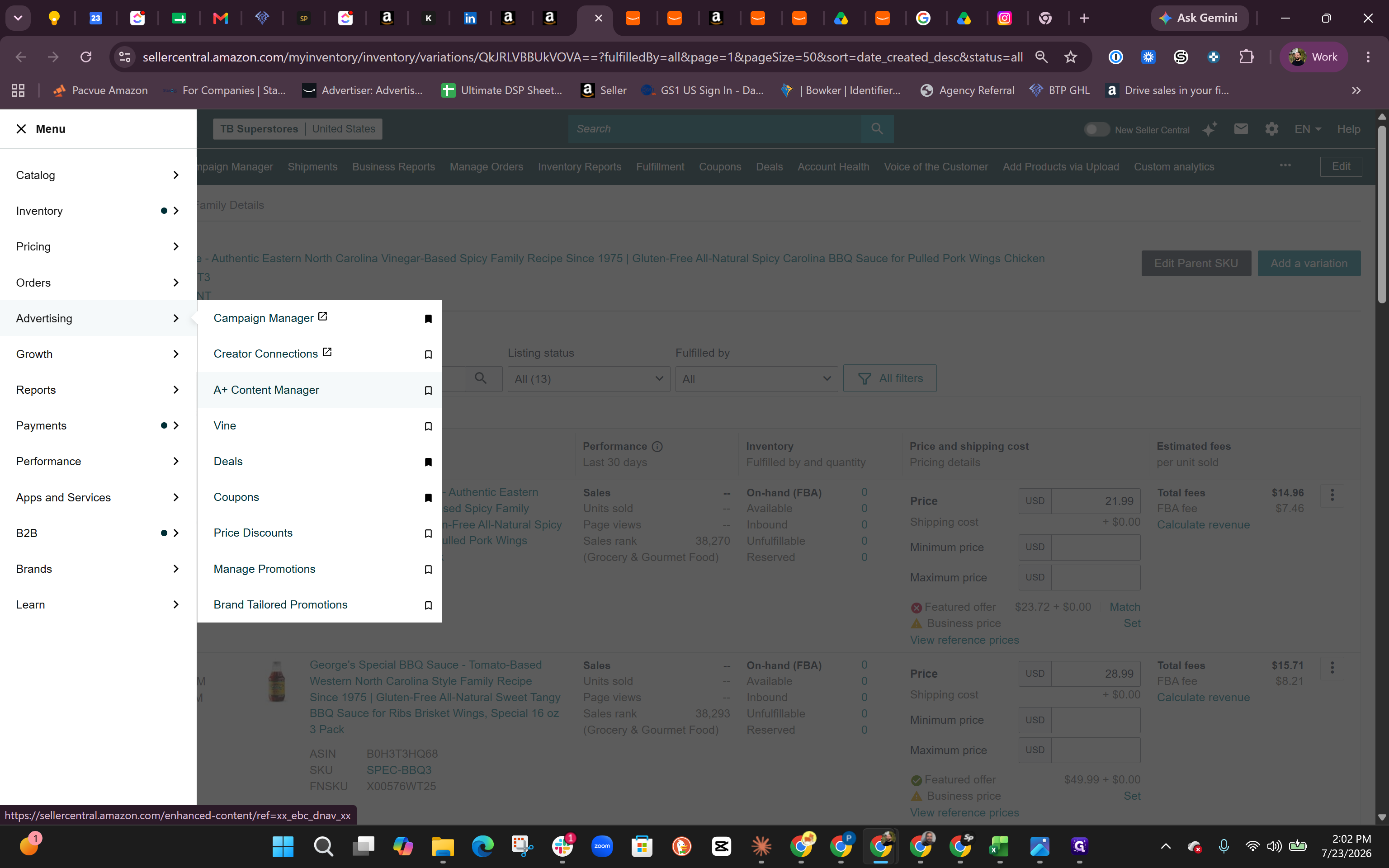
Navigate to the A+ Content Manager
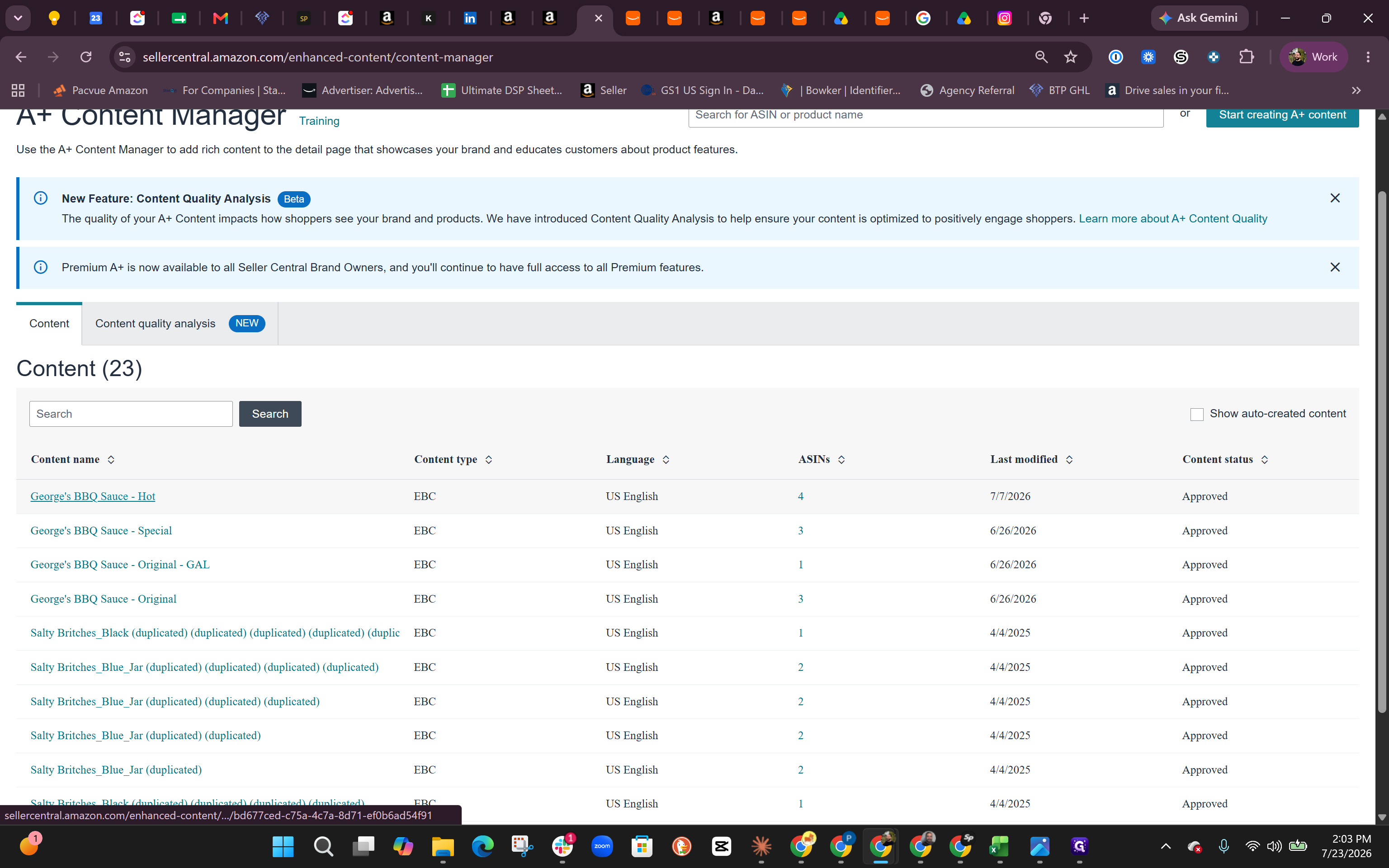
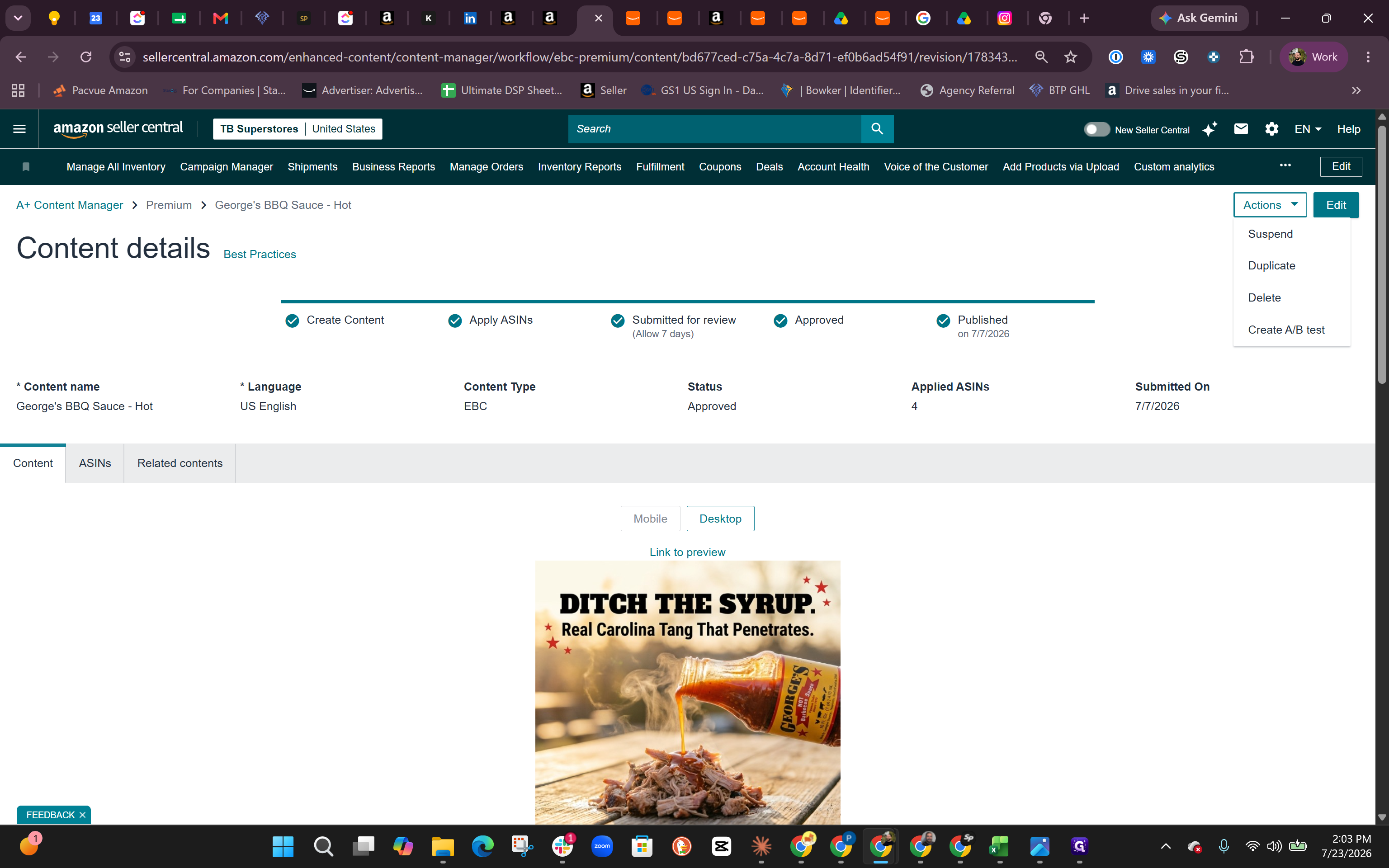
Start by opening the content editor for the ASIN you want to update.
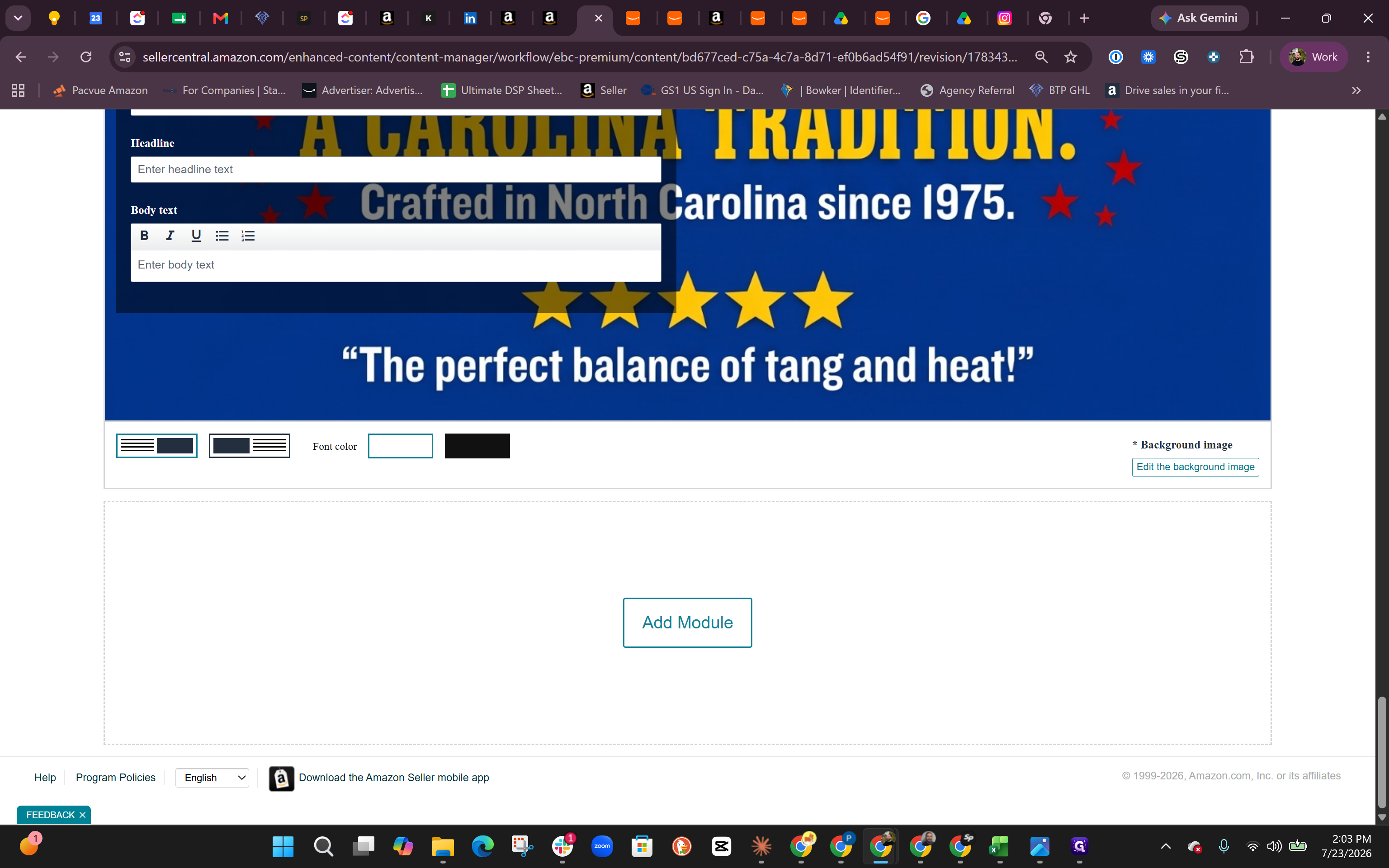
Add the Comparison Table Module
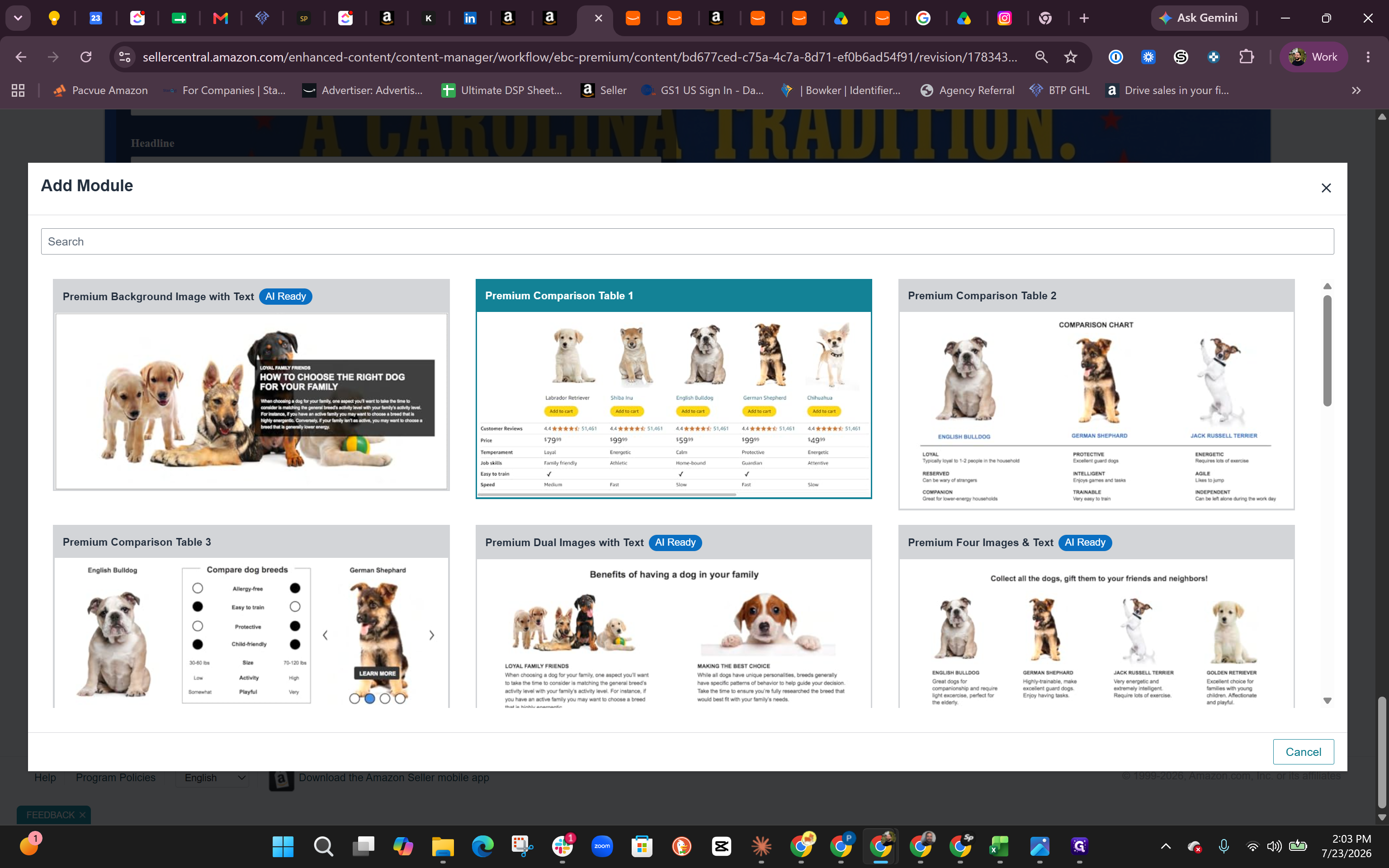
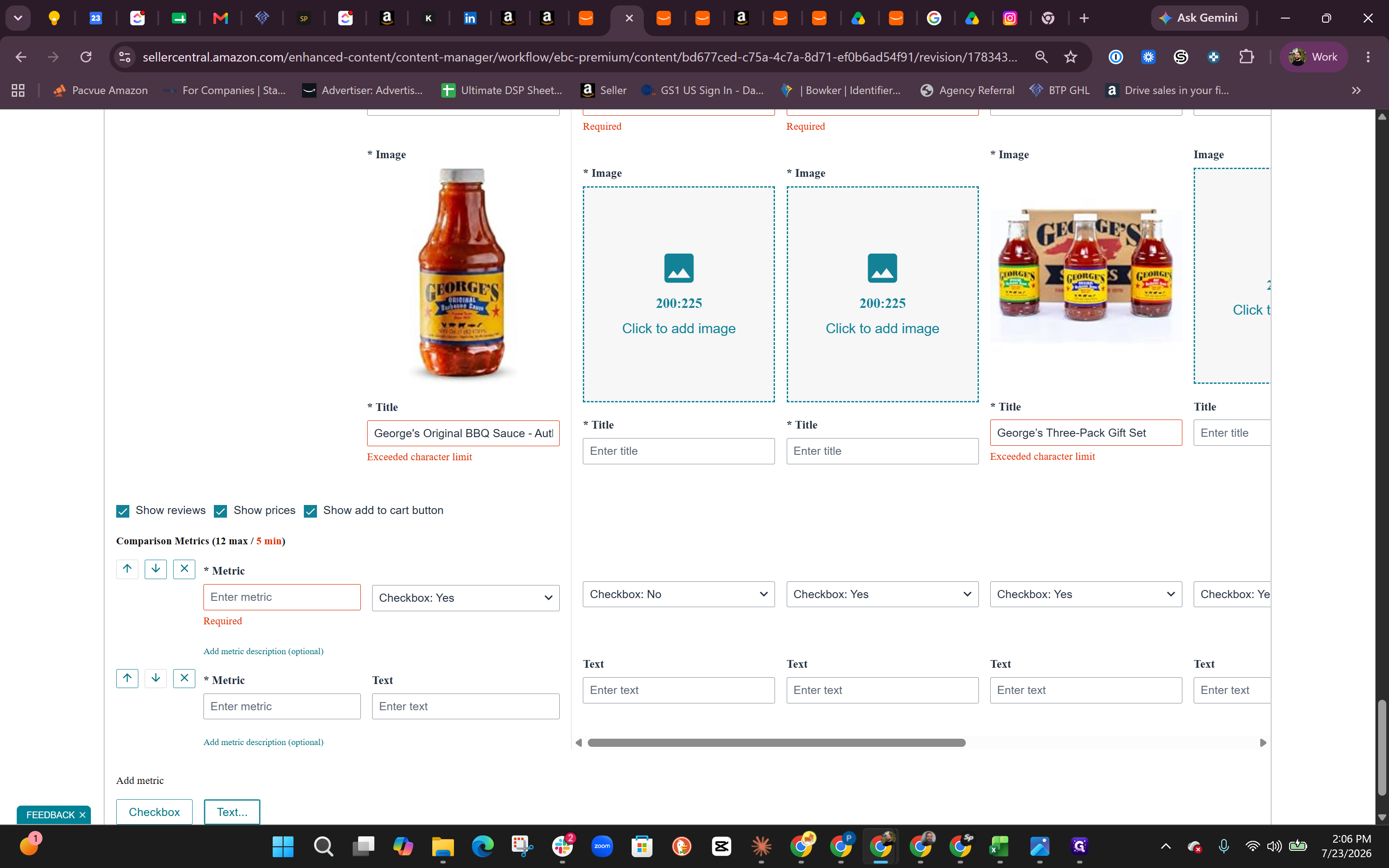
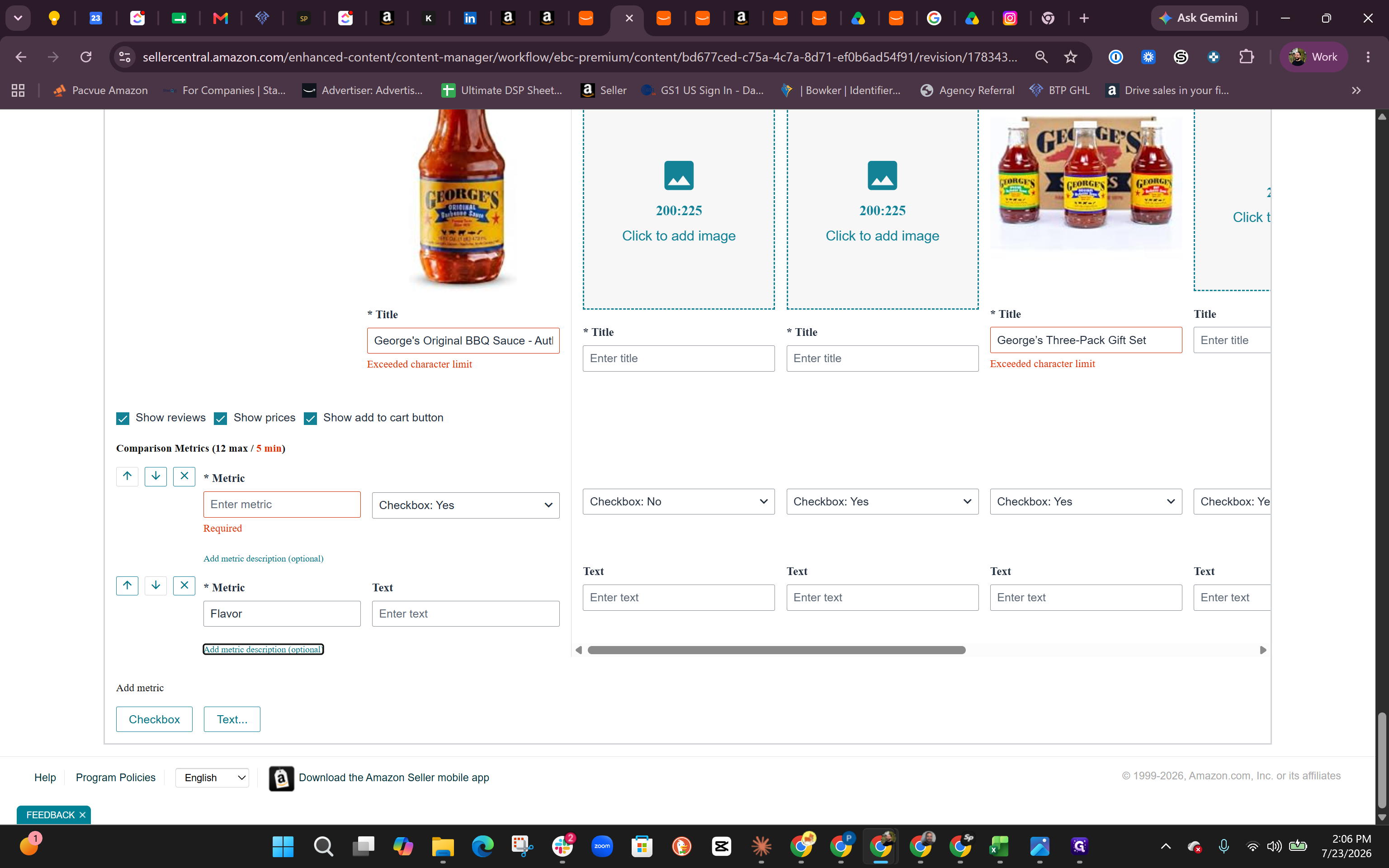
Enter the ASIN Lineup
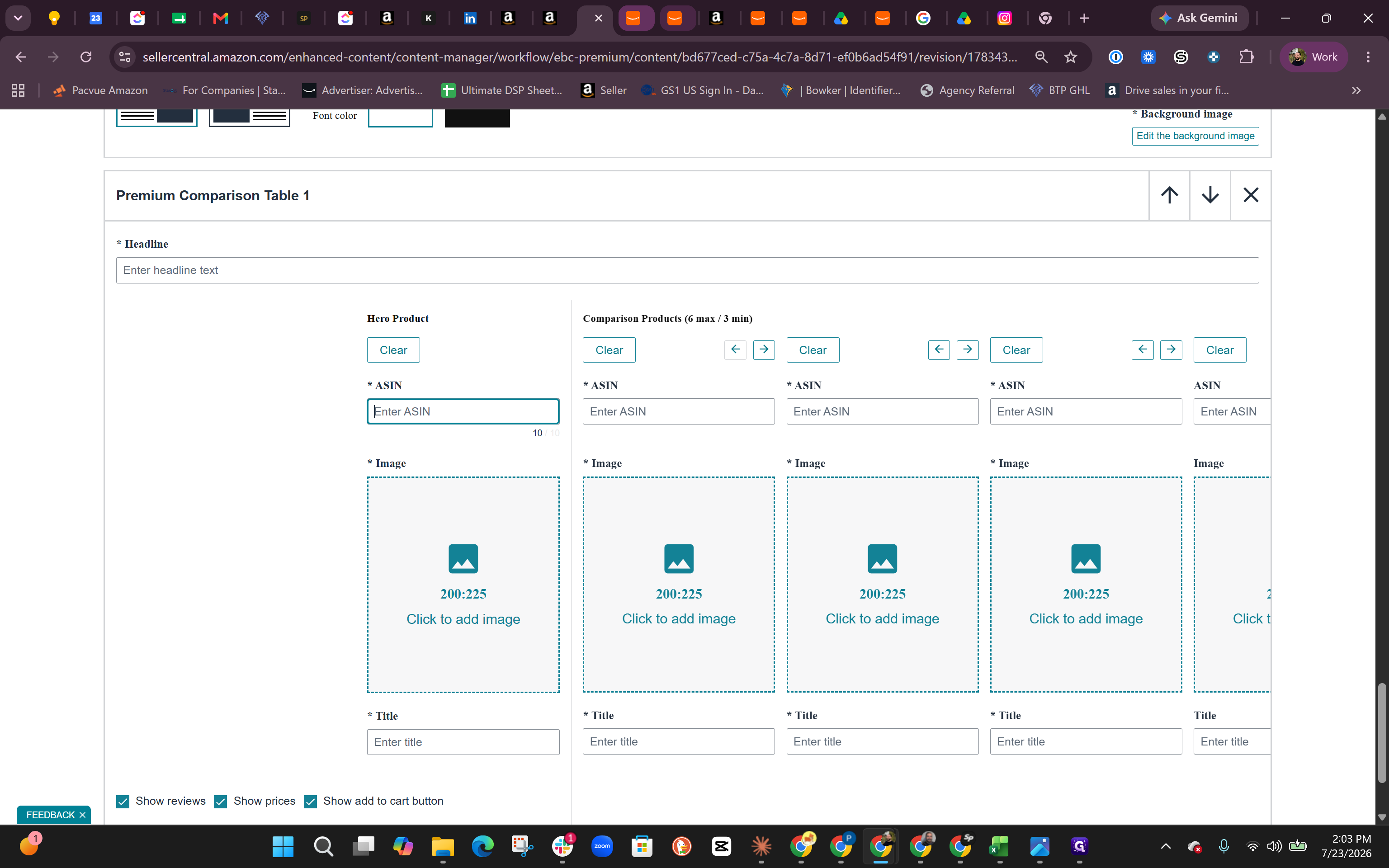
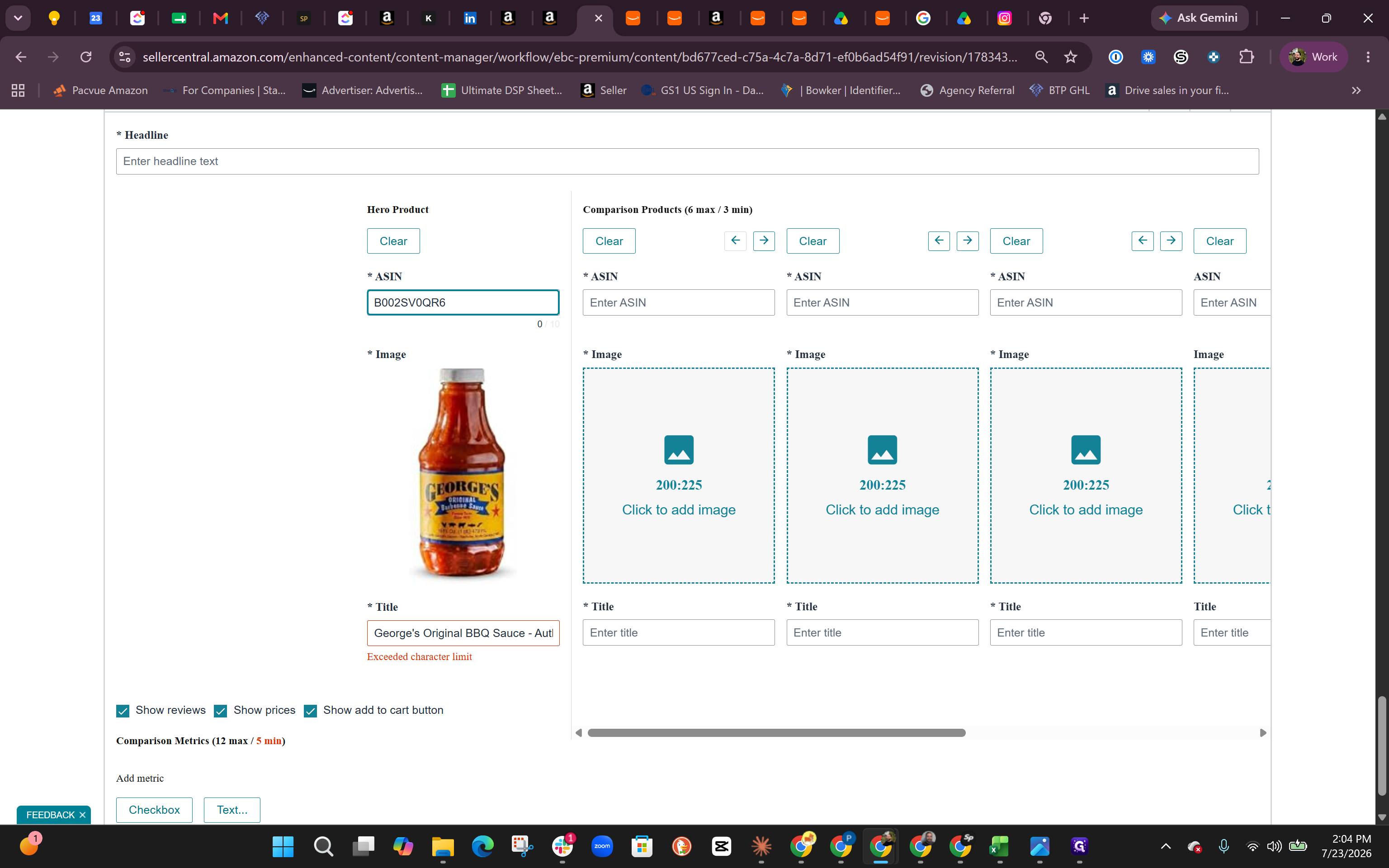
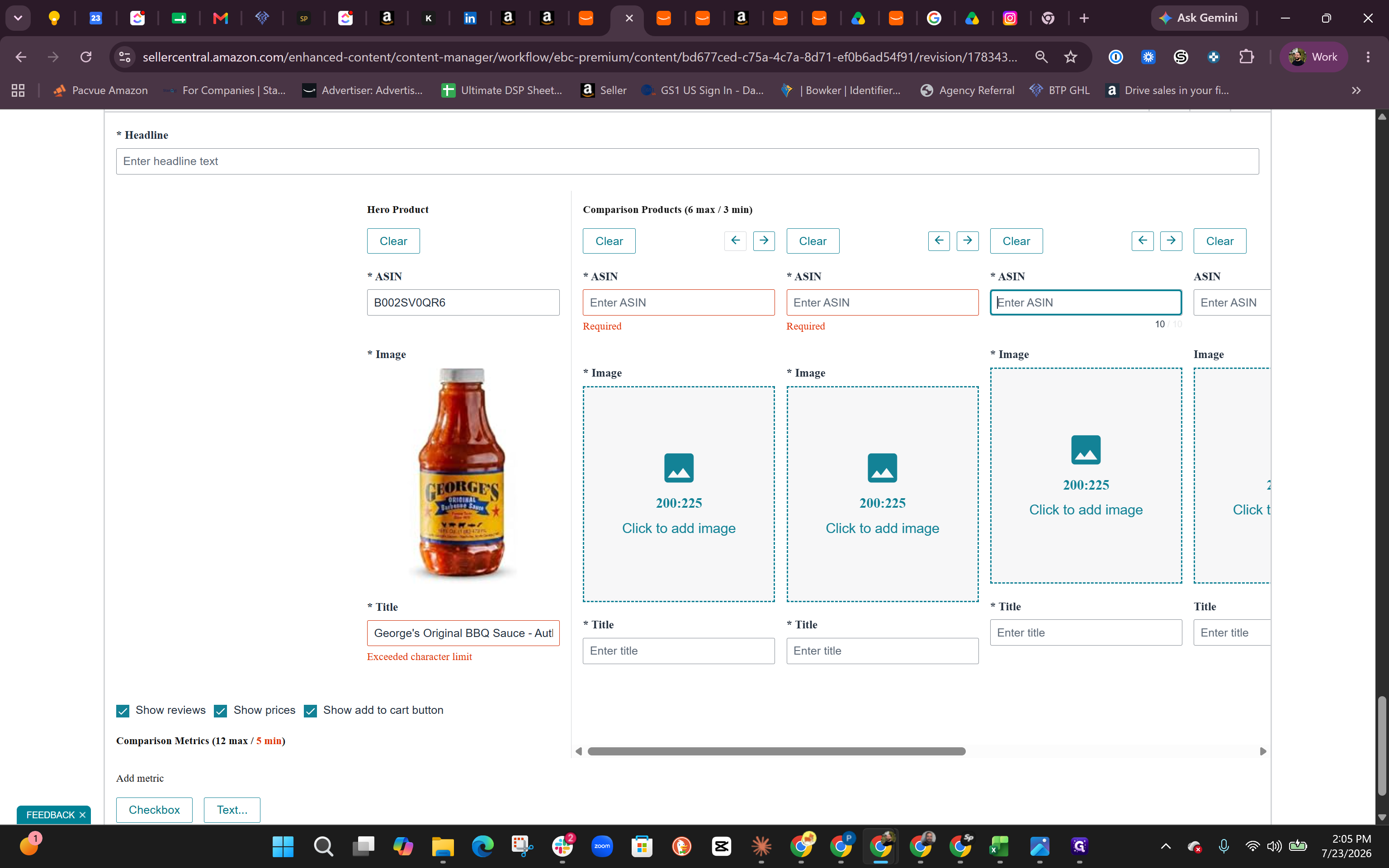
Populate the comparison table by entering the ASINs for your product variations. You must designate a primary product as the "Hero" ASIN. When building this lineup, order the products sequentially:
Product Variation | Placement Role |
|---|---|
Original BBQ Sauce (1-pack) | Hero Product |
Hot BBQ Sauce (1-pack) | Comparison Product 1 |
Special BBQ Sauce (1-pack) | Comparison Product 2 |
Three-Pack Gift Set | Comparison Product 3 |
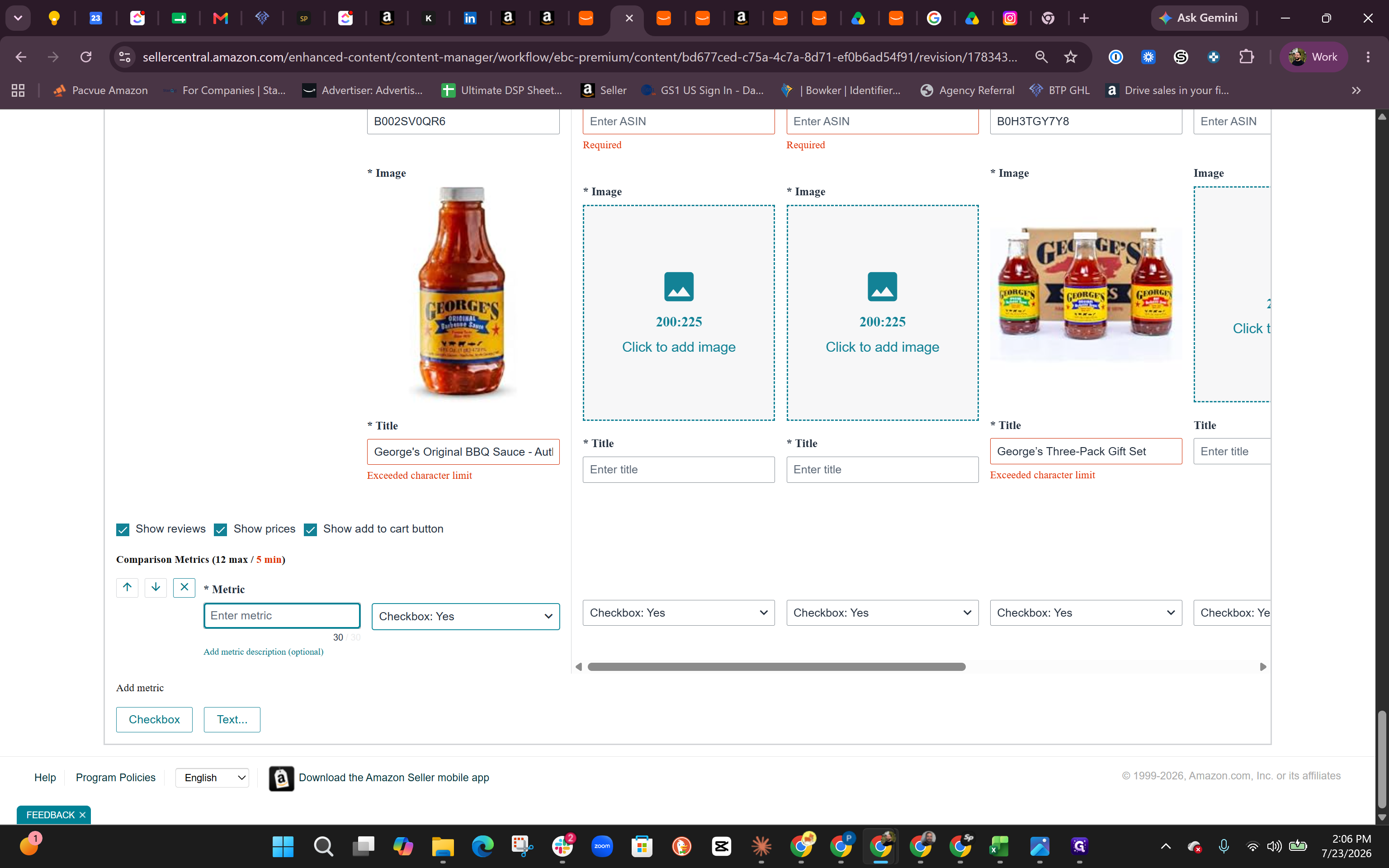
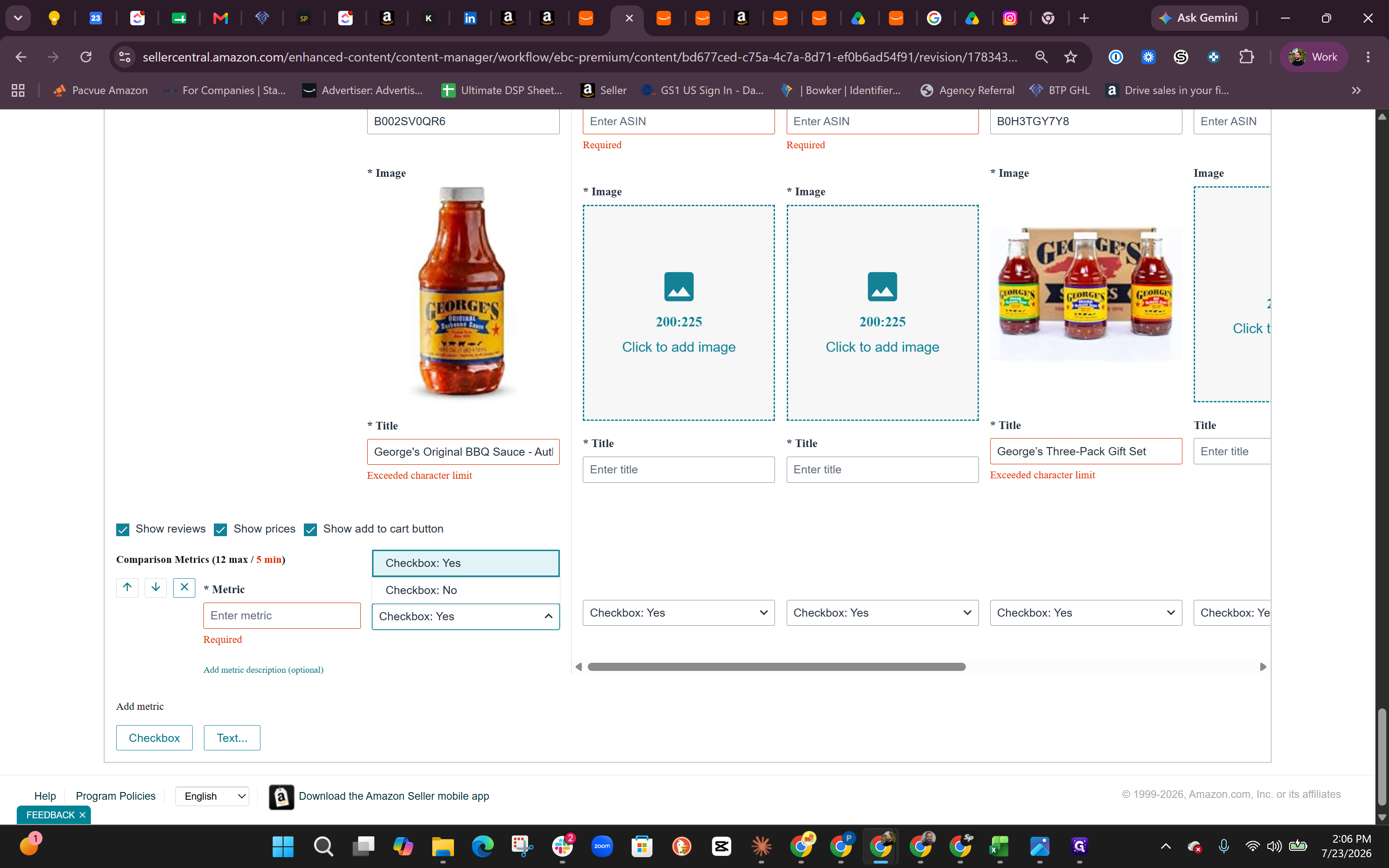
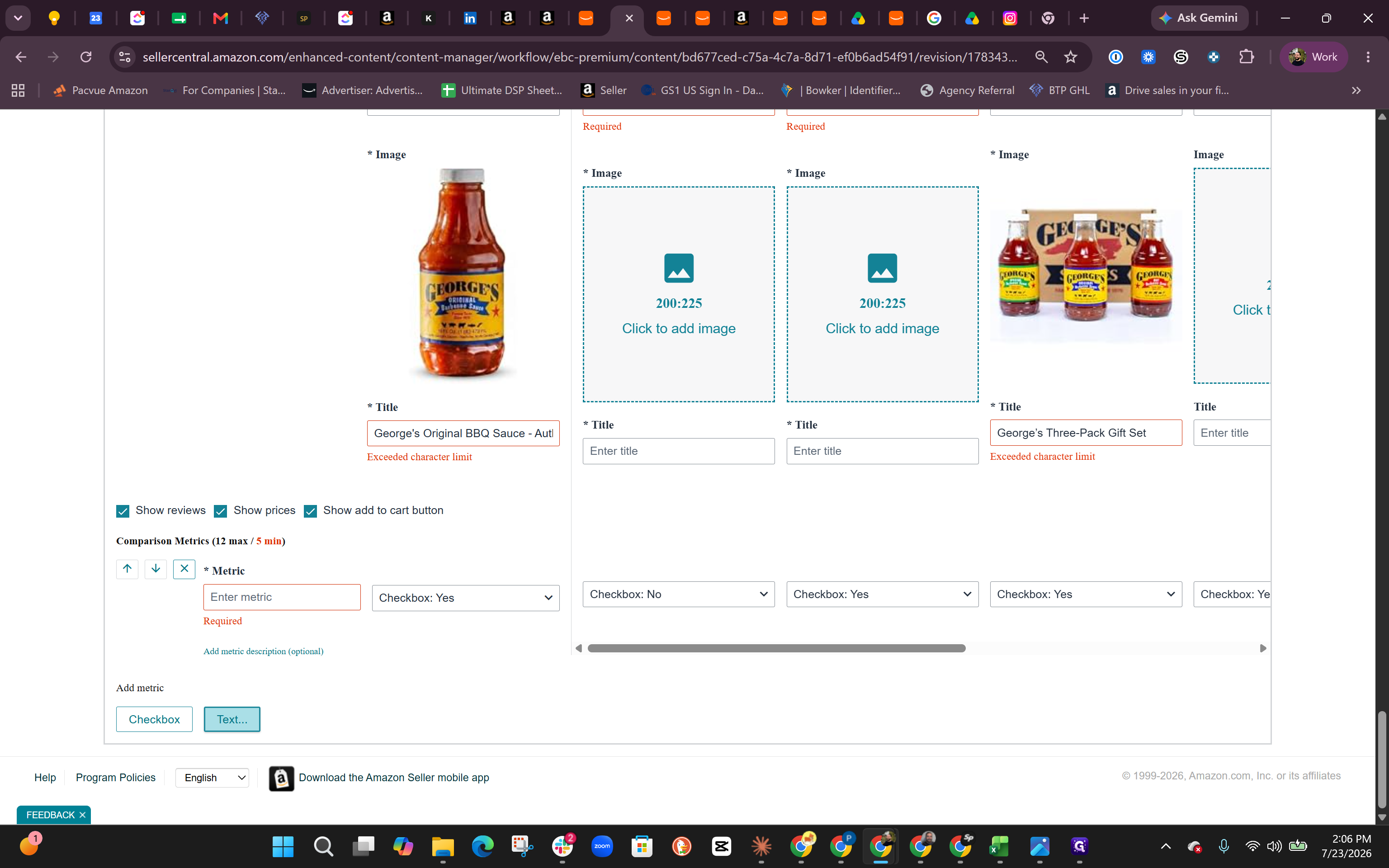
Define Comparison Metrics
Next, introduce different metrics to cross-sell and compare the specific features (like ingredients or flavor profiles) of each item.
Q: What order should I place the products in the comparison table?
A: Start with your primary variation as the "Hero" ASIN in the first designated slot. Then, add the other variations (like alternate flavors or gift packs) in the subsequent comparison slots.
Q: What kind of metrics can I use to compare products?
A: You can use "Checkbox" metrics for simple yes/no attributes (like whether a product contains sugar or vinegar) and "Text" metrics for short descriptive fields (like distinct flavor profiles).
Q: How do I figure out which metrics are best to highlight?
A: You can pull product details, ingredients, and highlights directly from your Amazon detail page or your brand's main website. Alternatively, you can feed that information into an AI assistant to have it recommend the most effective comparison points.
Term | Definition |
|---|---|
ASIN | Amazon Standard Identification Number, a unique identifier assigned by Amazon to a specific product variation. |
A+ Content | A feature in Seller Central that allows brand owners to describe product features using enhanced rich text, images, and comparison modules. |
Hero Product | The primary product featured most prominently in a marketing module or comparison table. |
Cross-sell | The practice of recommending related, alternative, or bundled products to a customer viewing a specific item. |