Advance status: Carbon Footprint - Reporting
Learn how to advance the status of the different carbon footprint sources and see how the information appears in the matching indicators.
By Soporte DATAIE
In this guide, you will learn step by step how to advance the status of the different Carbon Footprint sources, and how this progress is reflected in the Reporting module.
Advance the status of a reported source
1
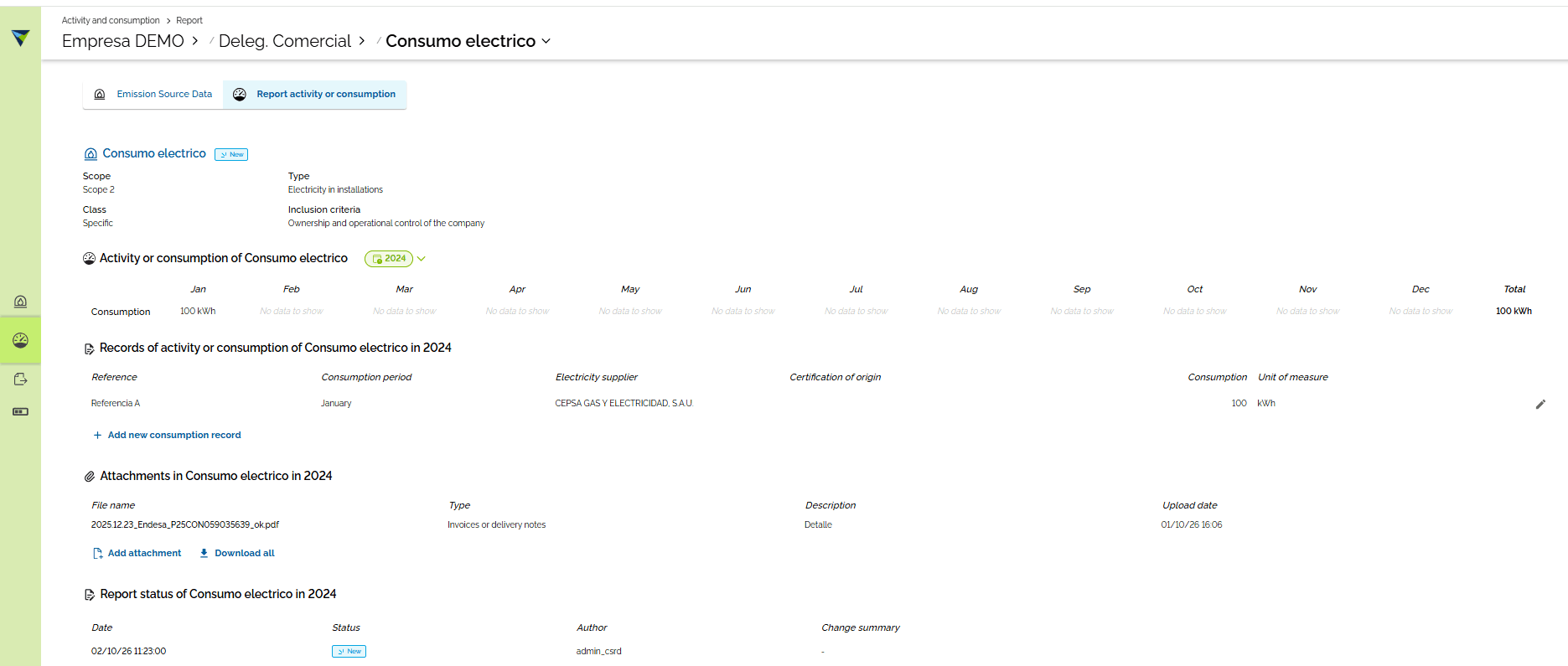
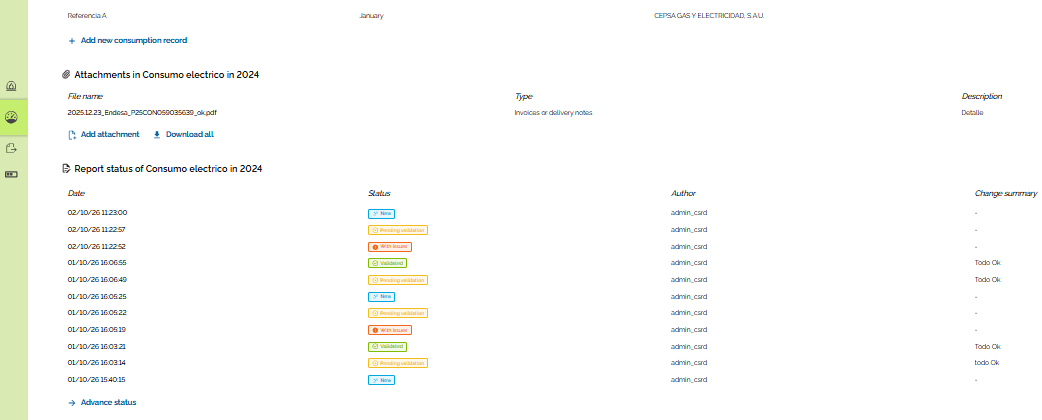
After you complete the information for the source, that is, each consumption record with its evidence, you must advance the status to "Validated".
2
Click "Advance status" to continue.
3
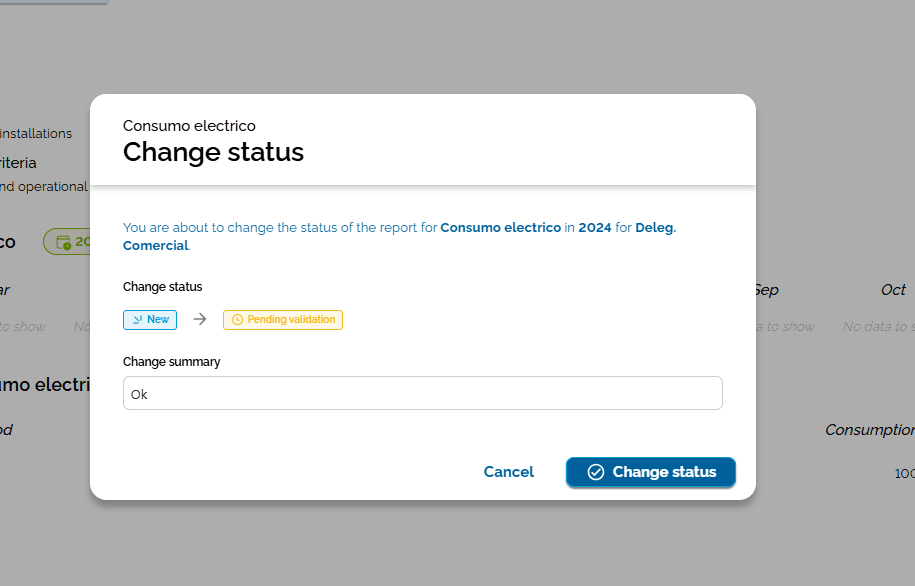
If you want, you can add a note in the "Change summary" field. Then click "Change status" to continue.
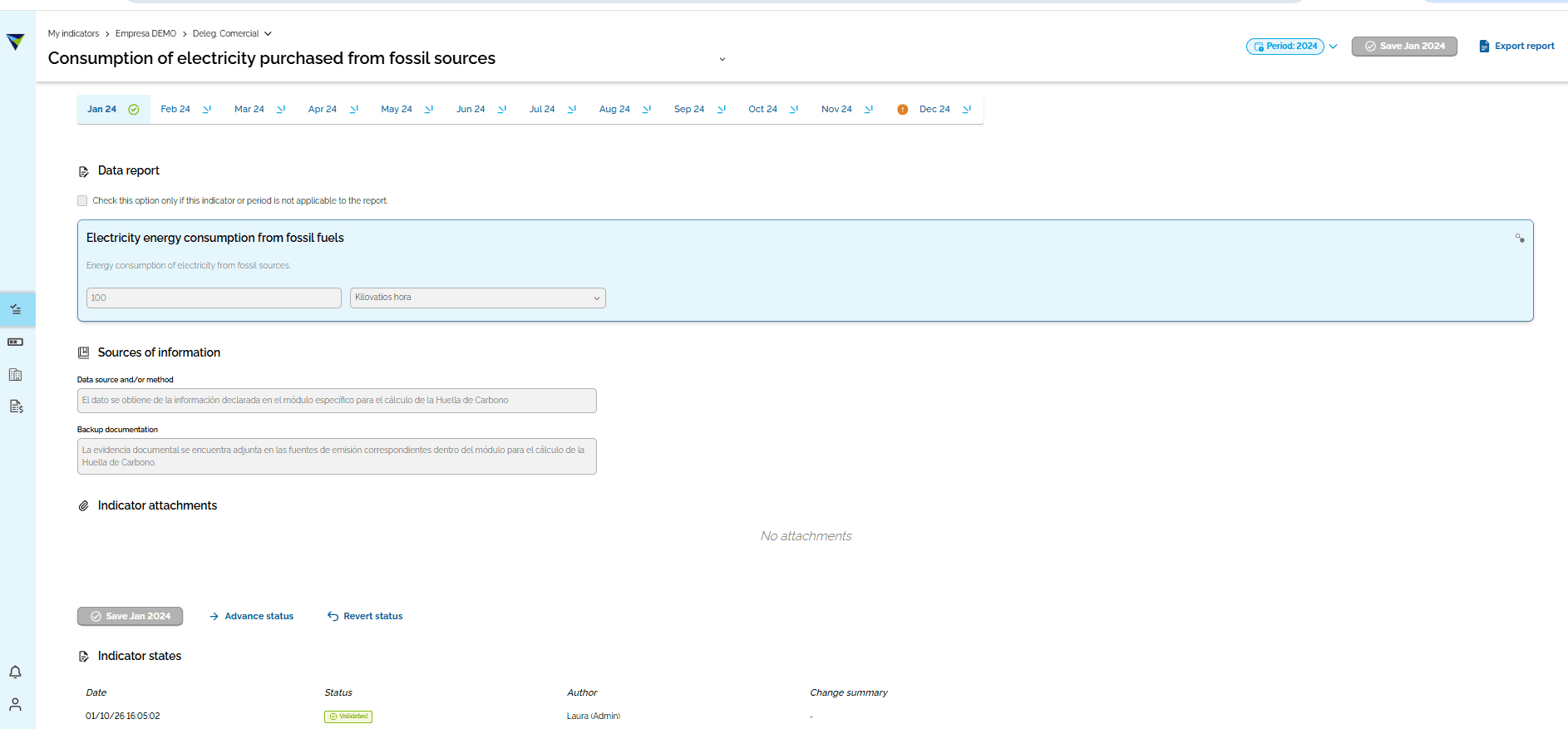
Transfer of information to the matching indicators
4
After you validate the carbon footprint sources of a reporting unit, the information is transferred to Reporting. You will see it in the matching indicator, in the right business unit and in the set period.