
How to Allocate Order Components
Learn how to manage stock allocation by order, select specific line items, and manually allocate individual product components in your inventory software.
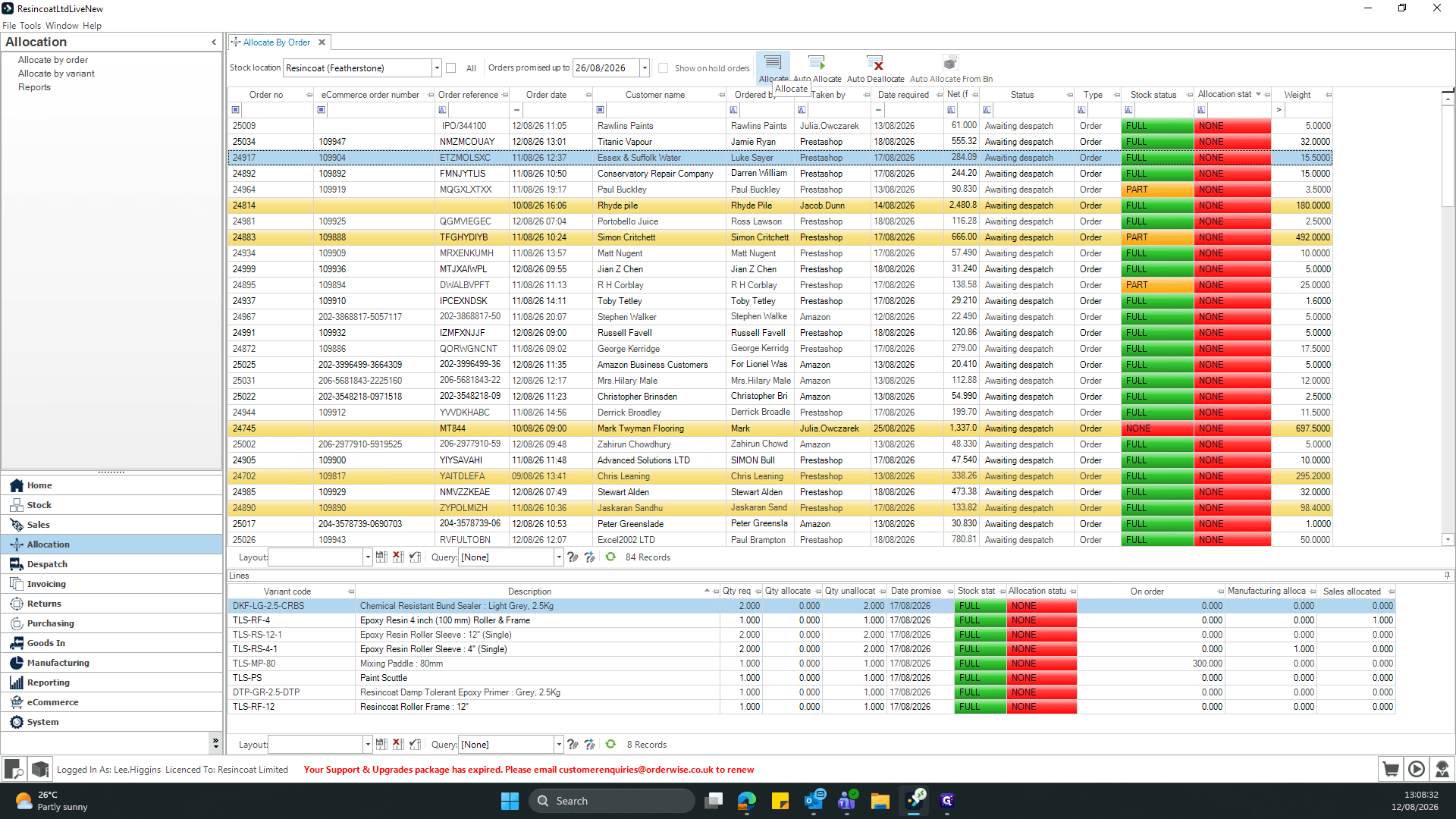
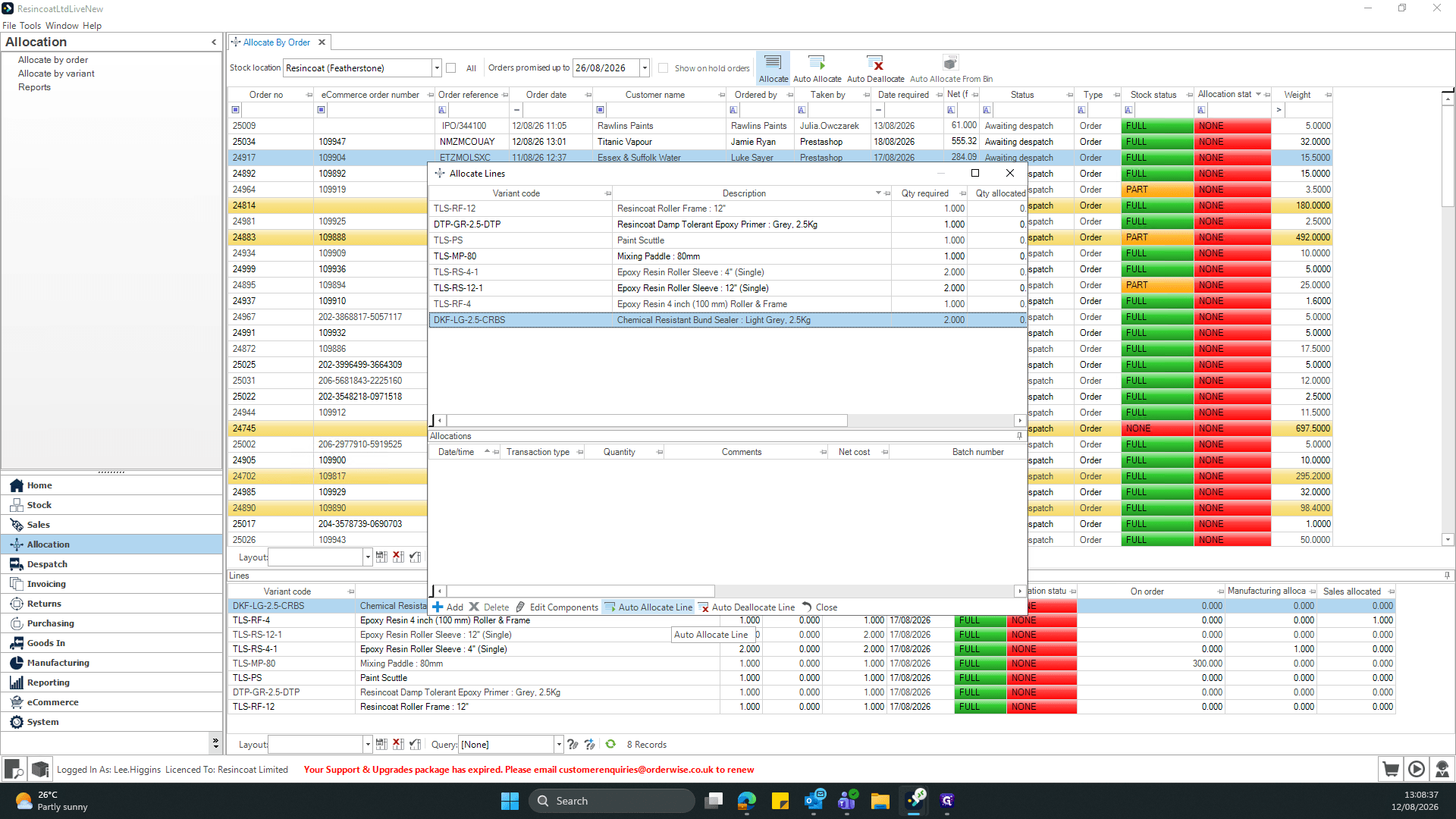
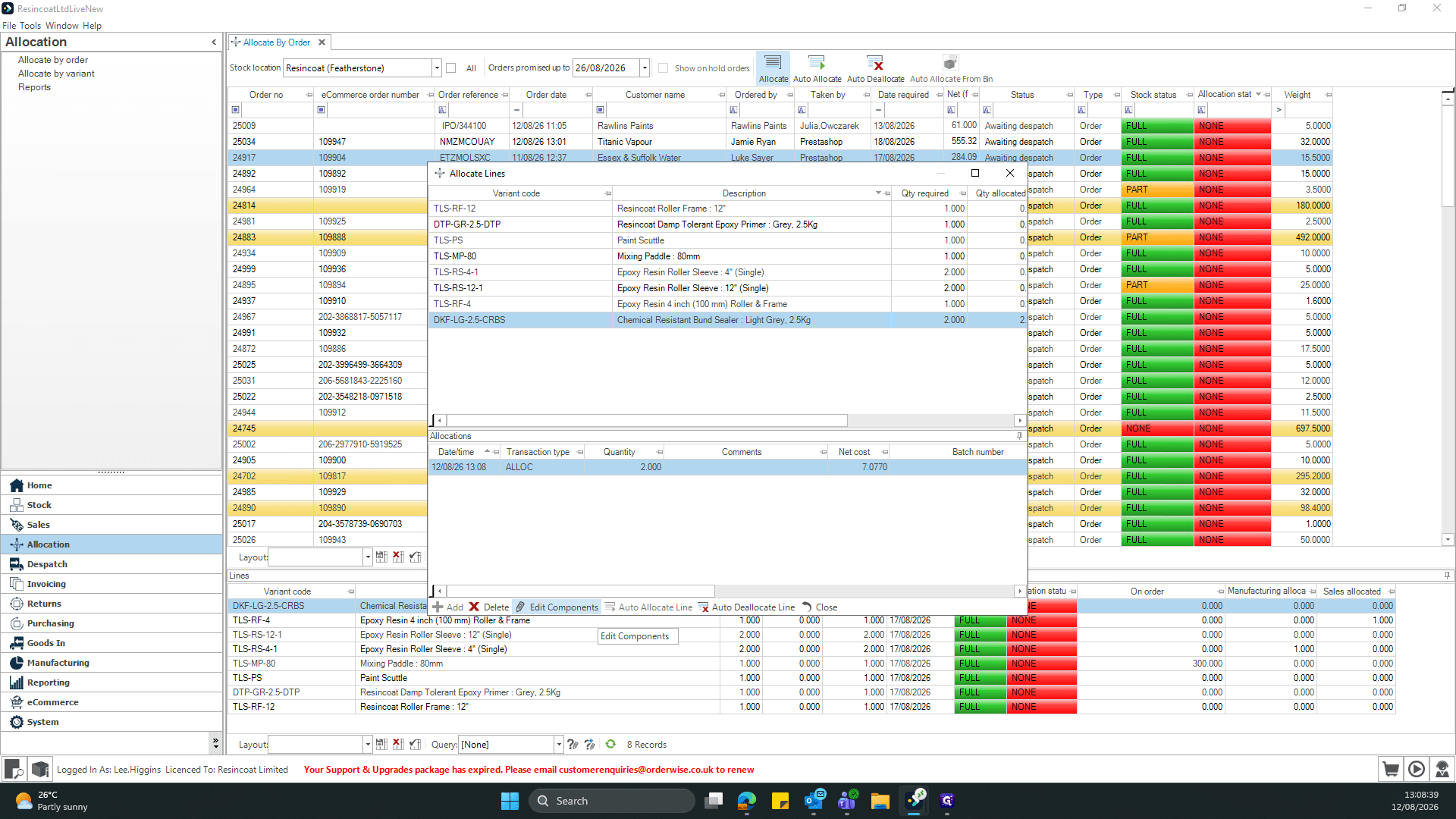
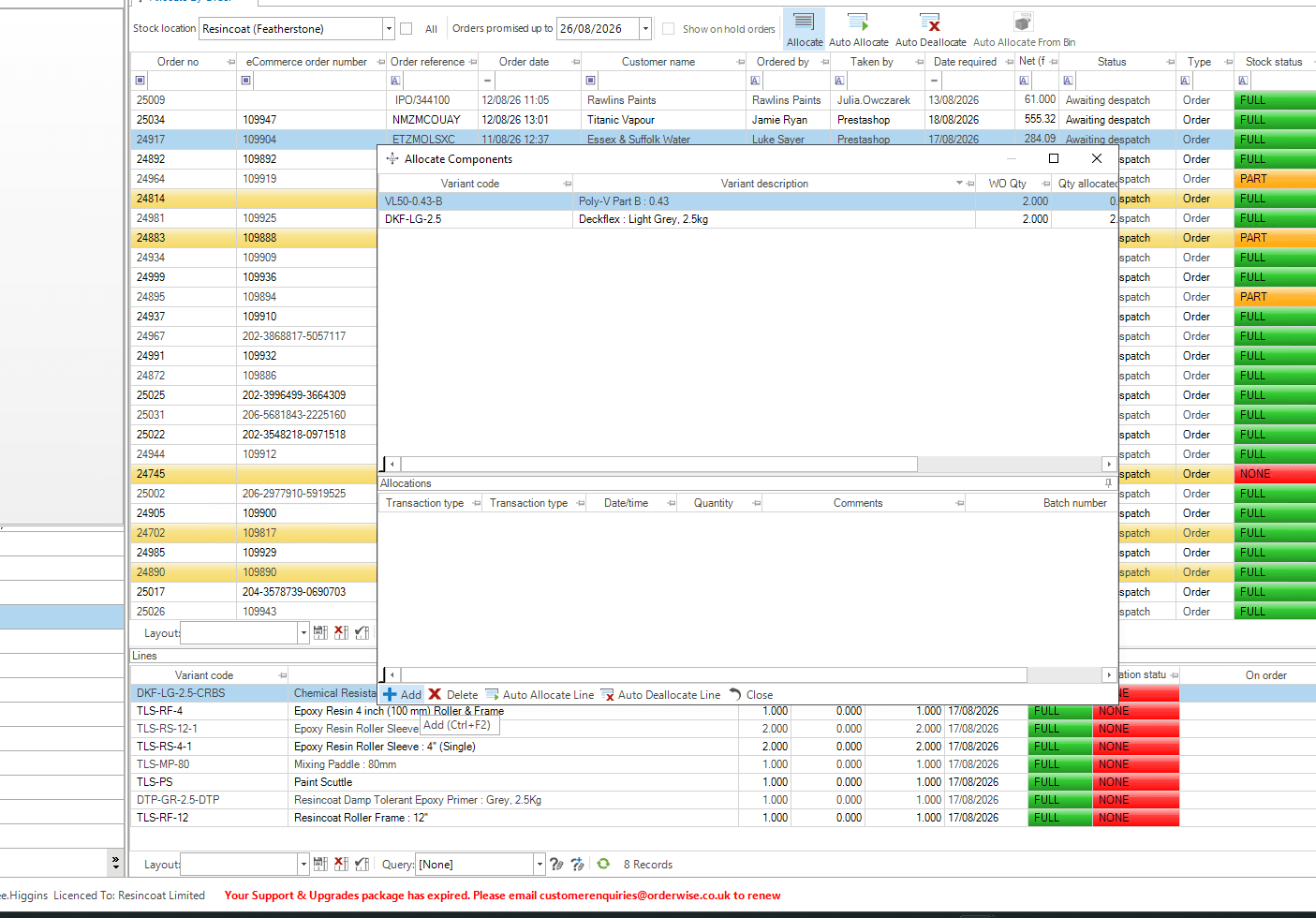
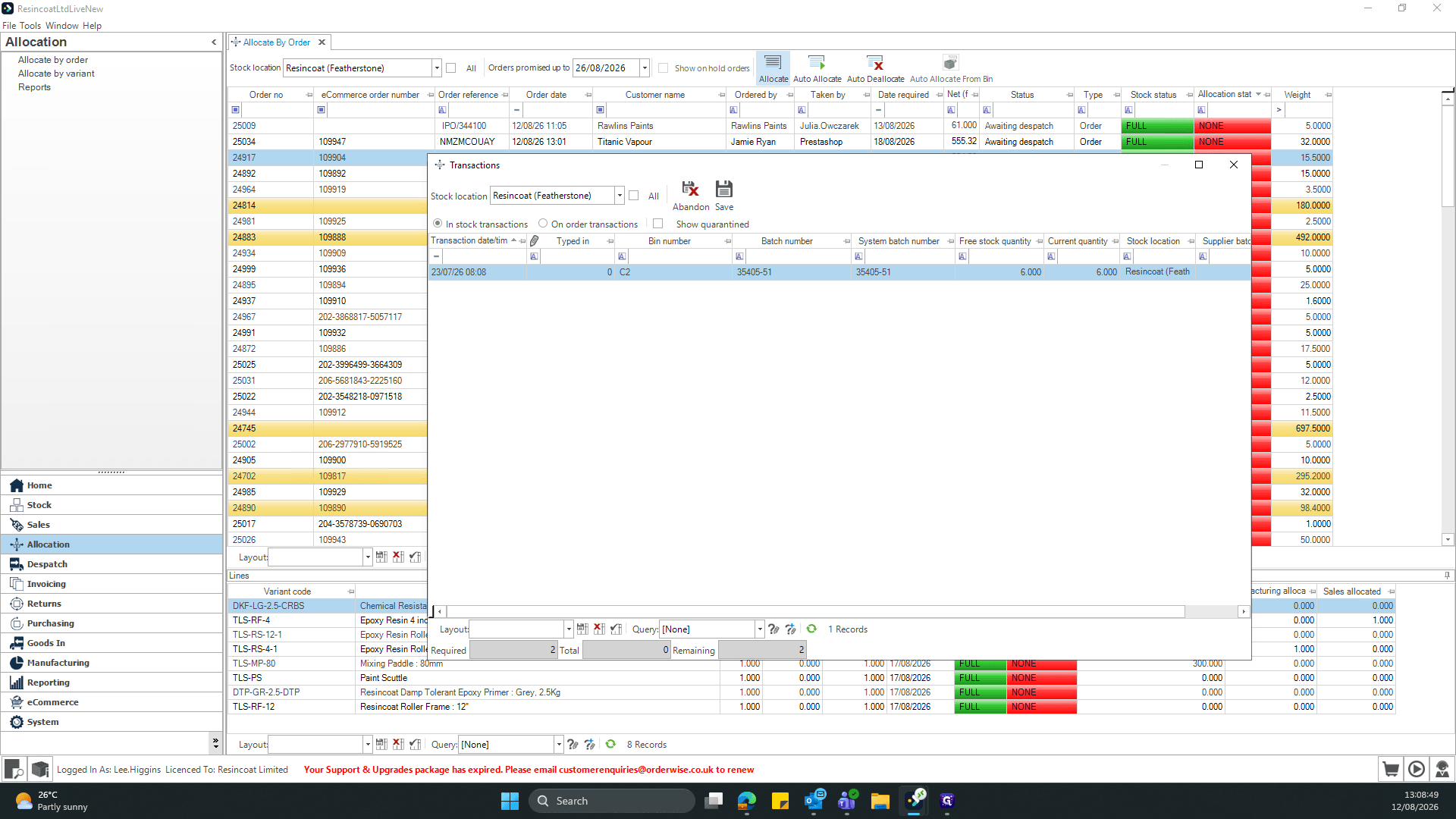
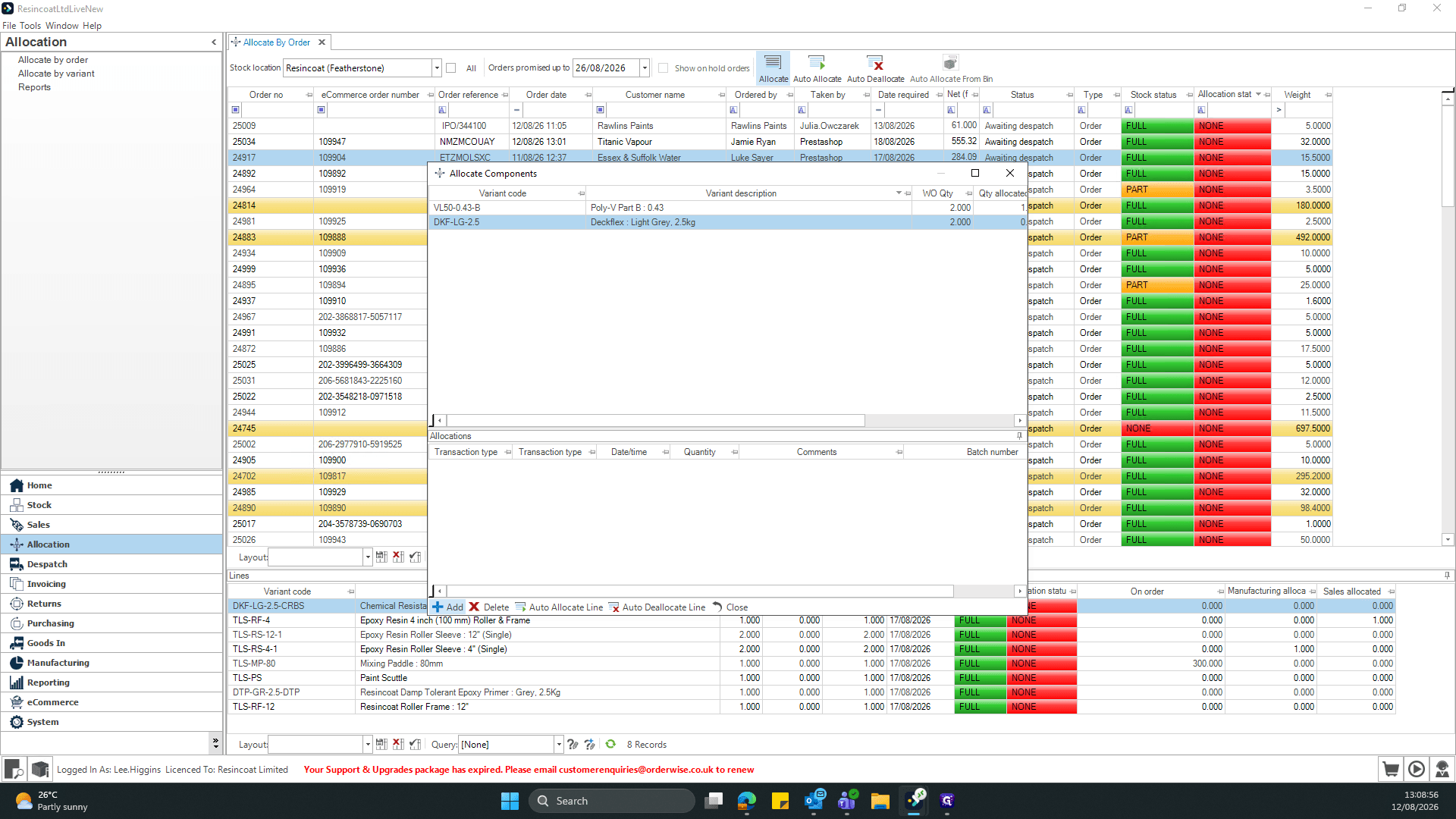
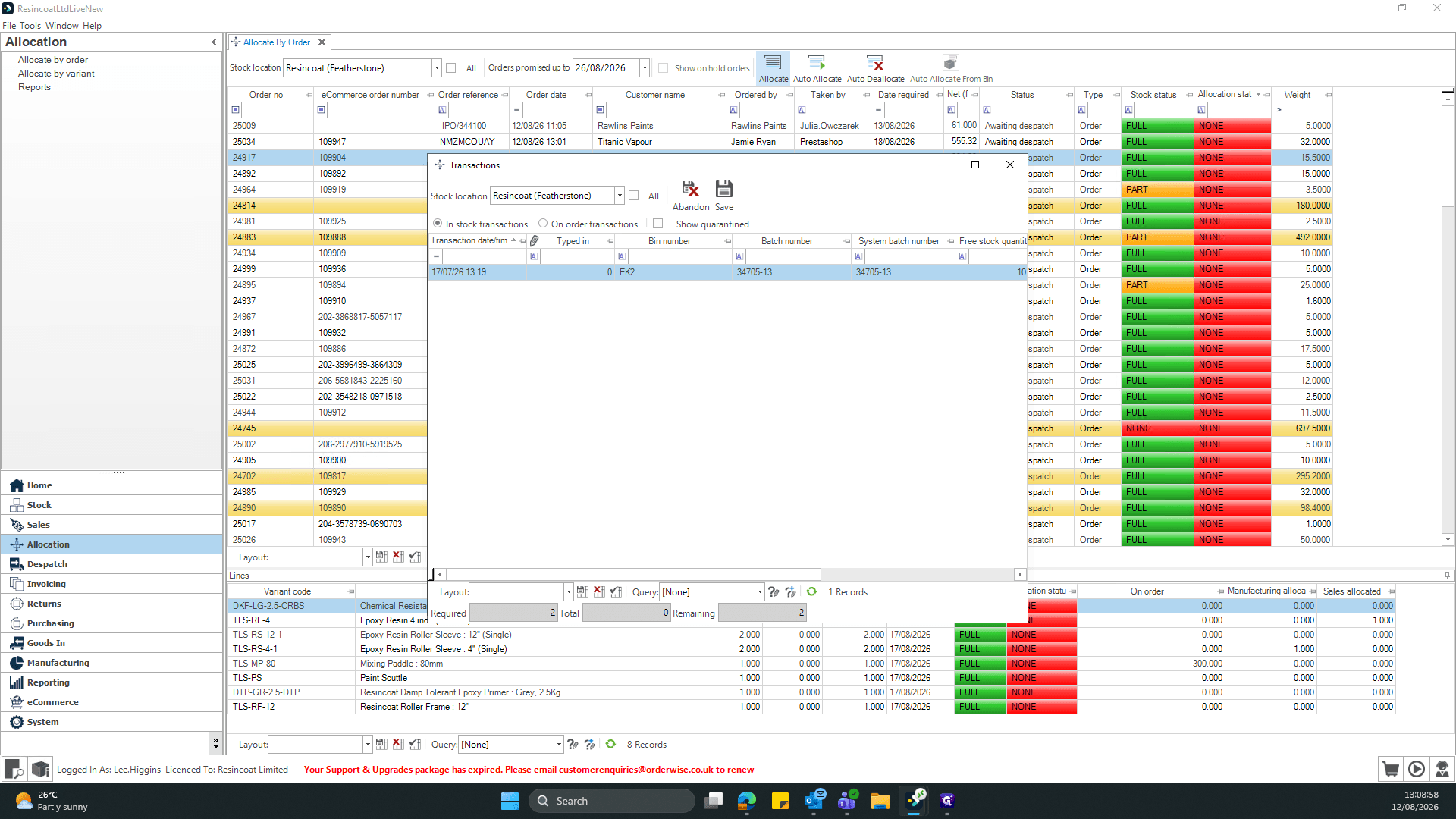
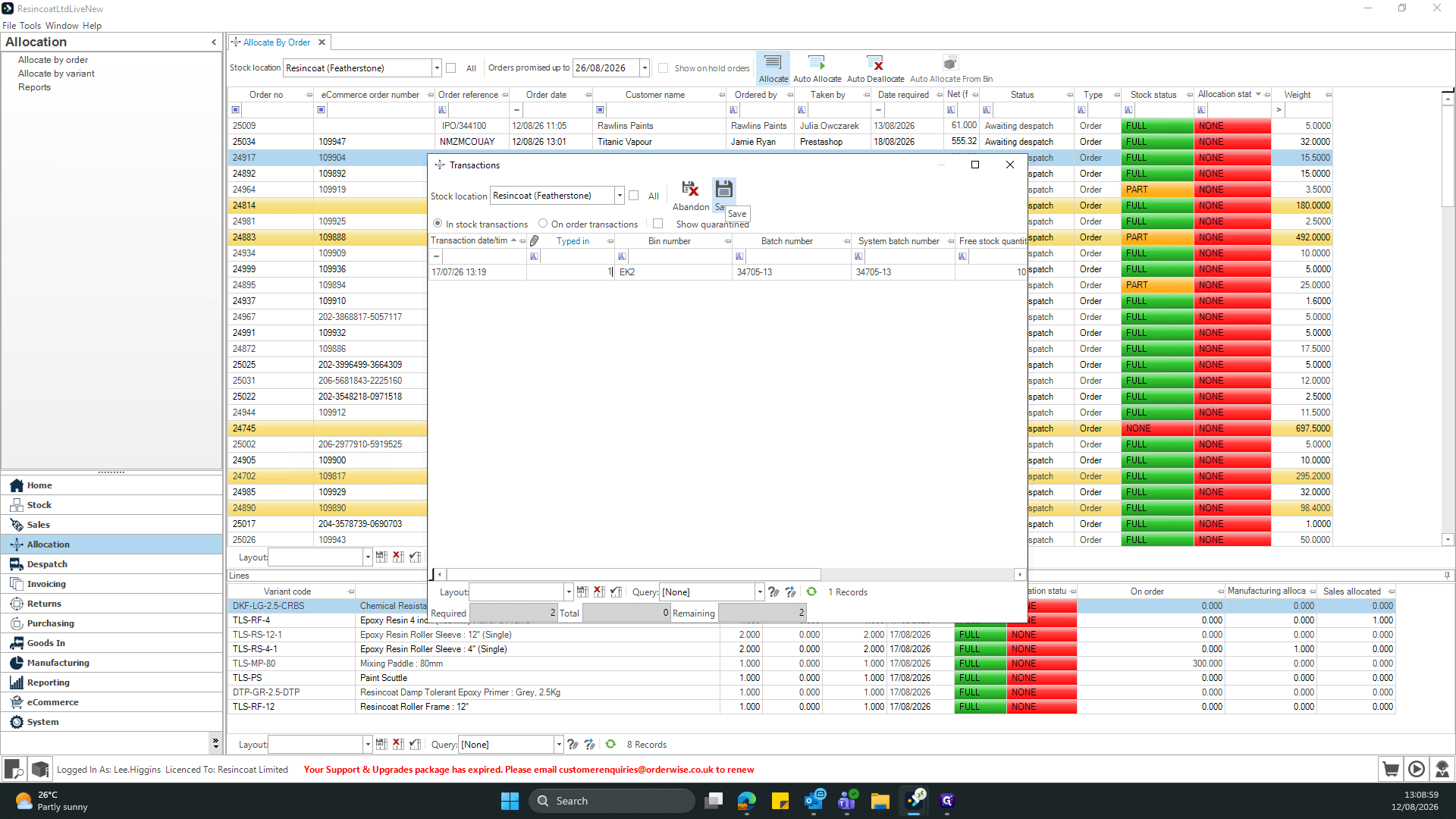
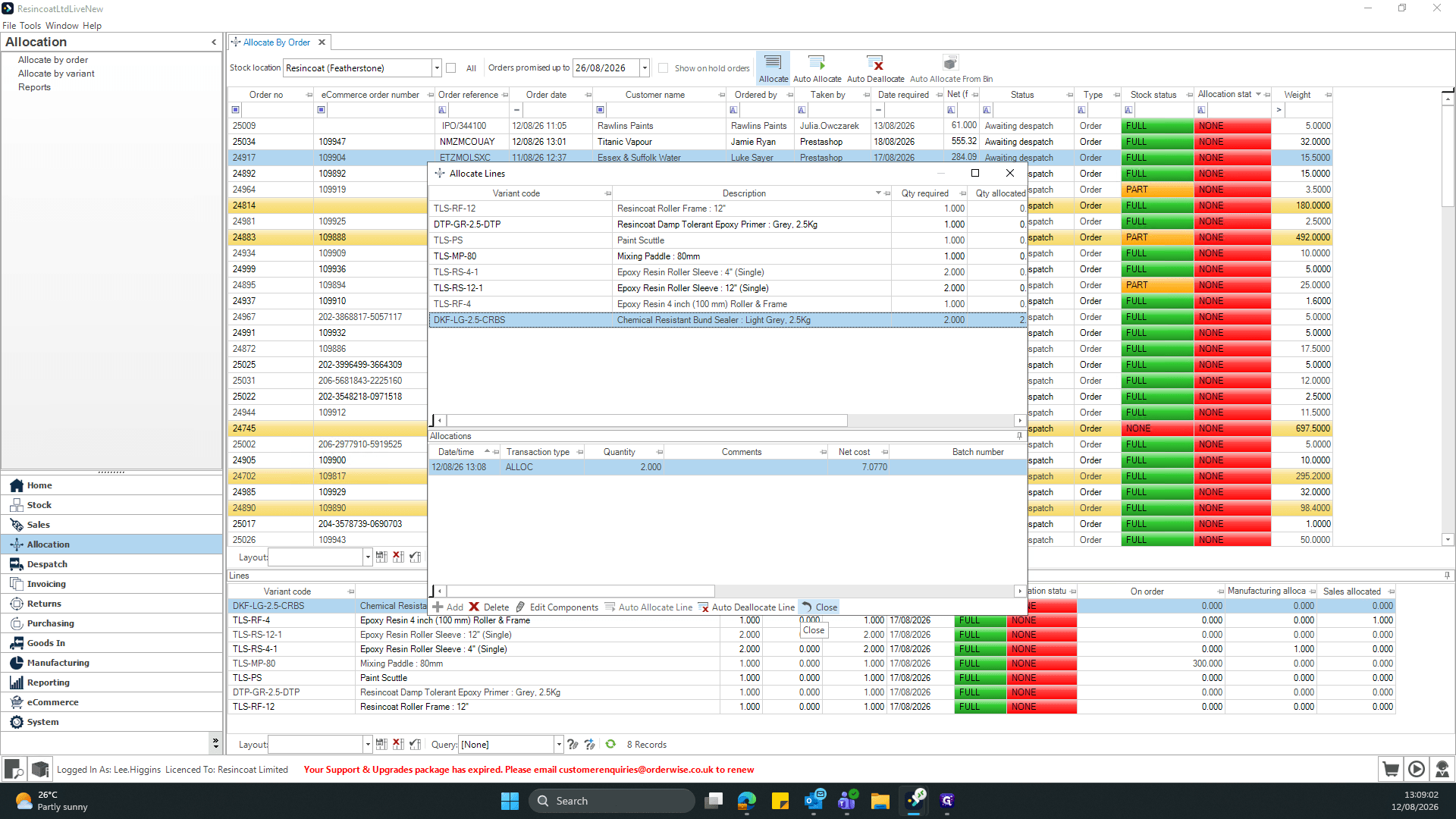
This guide walks you through the process of manually allocating stock components to a specific customer order. Completing these steps ensures that the correct inventory batches are reserved and ready for dispatch.
This workflow is primarily for inventory managers and warehouse staff responsible for order fulfillment and stock control. Use this process when you need precise control over which specific batches or components are allocated to a pending order.
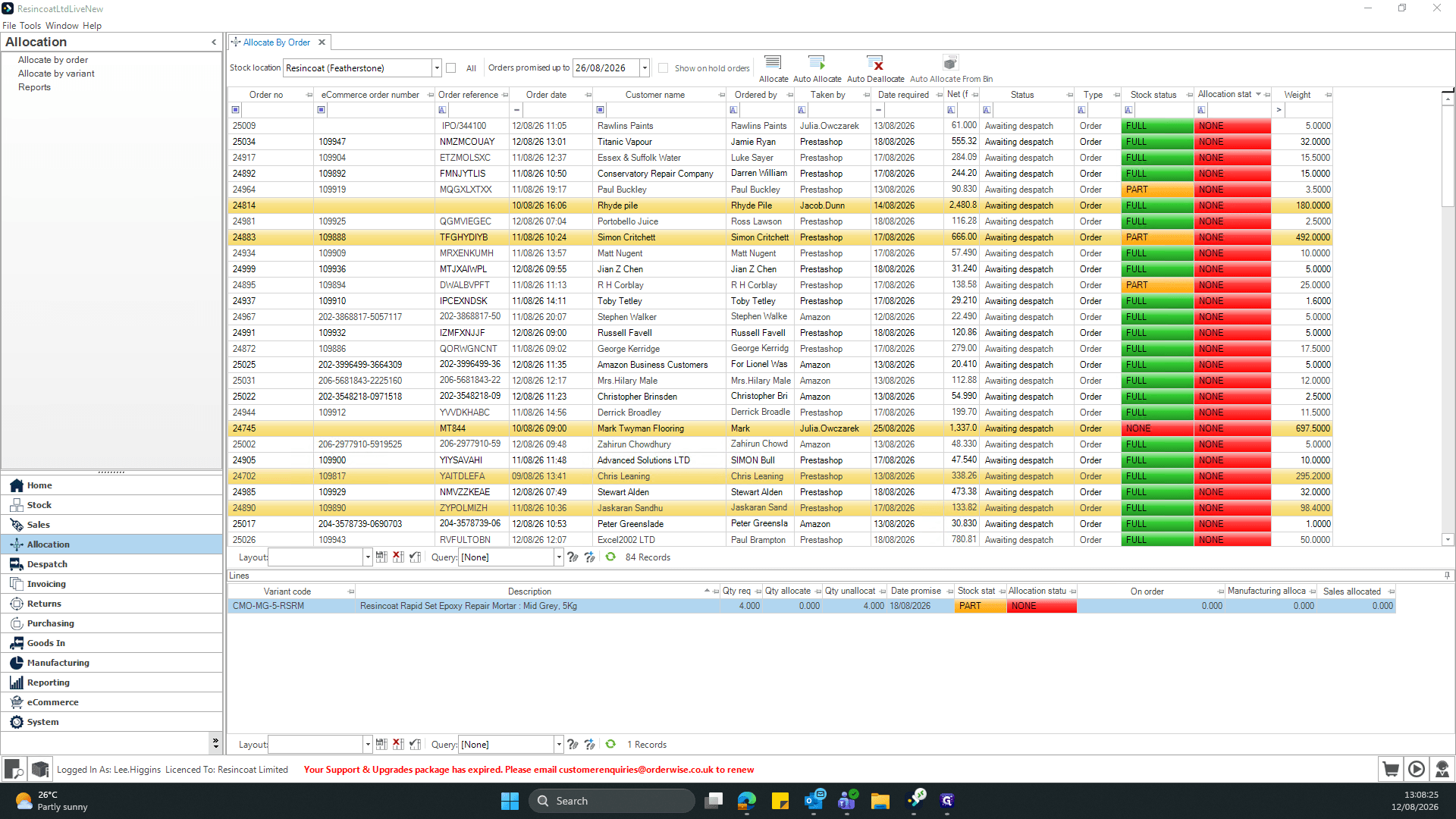
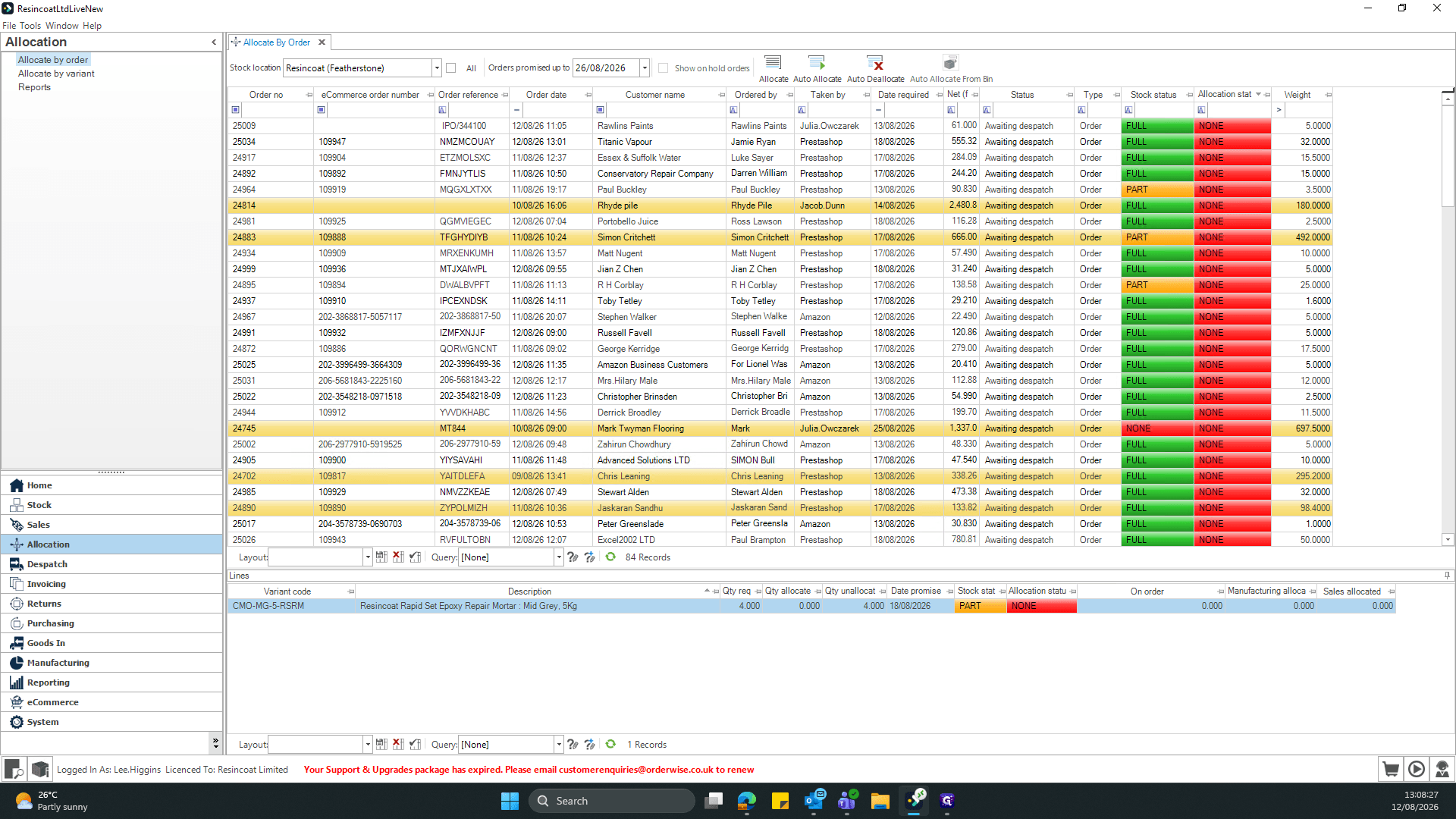
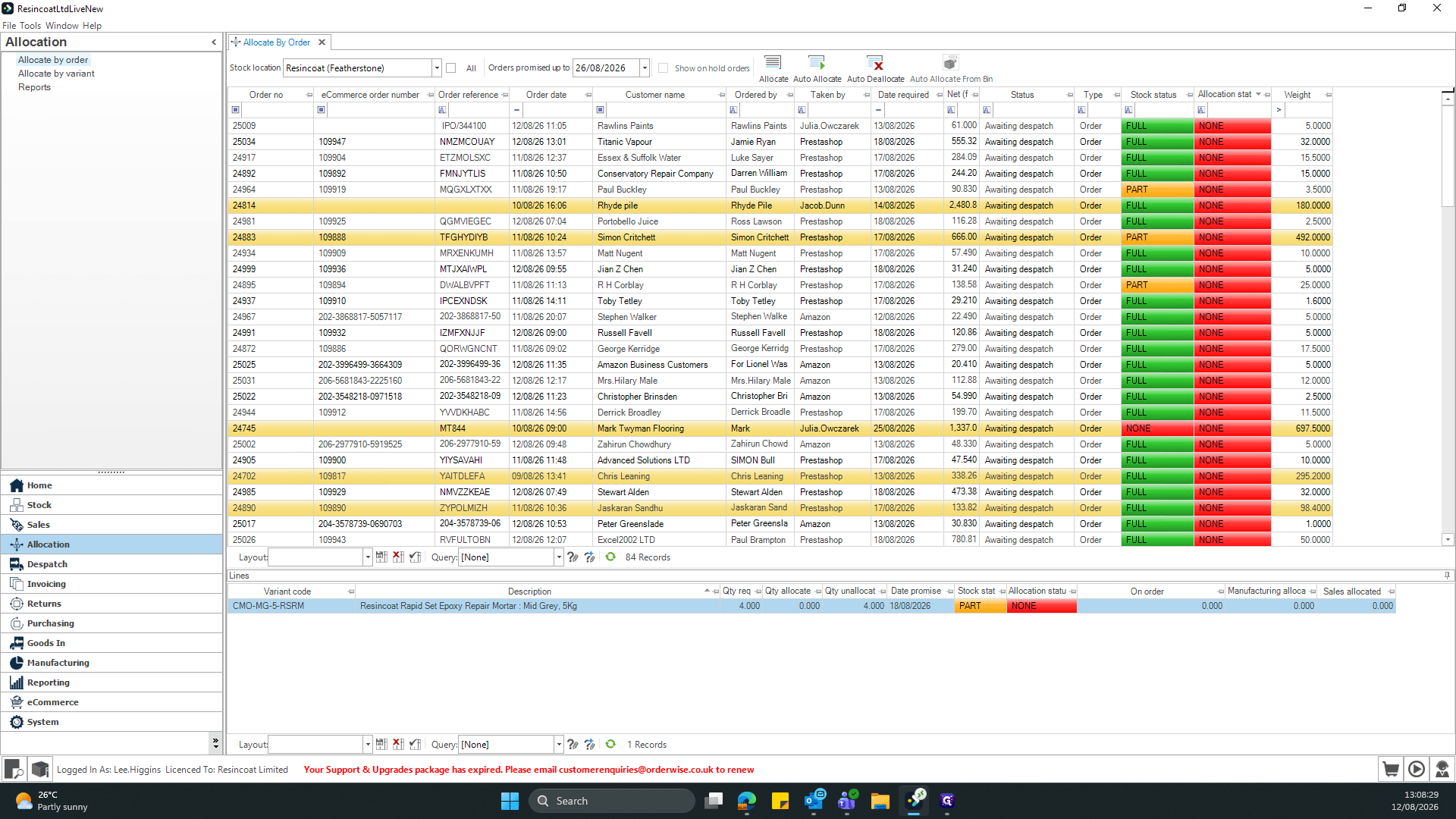
Navigate to the main allocation menu to begin processing your pending orders.
Term | Definition |
|---|---|
Allocation | The process of reserving specific inventory quantities for a particular customer order. |
Line Item | A single product variant or component listed within a larger customer order. |
Batch Number | A unique identifier assigned to a specific production run of inventory for tracking purposes. |