
Analytics - Viewing of Analytics of Completed Courses in the Membership-Client Portal
Learn how to track course progress, export assessment results, view member engagement, and monitor revenue in the GoHighLevel membership portal.
This guide explains how to access and review analytics within the membership client portal. By reviewing these metrics, you can track student progress, evaluate quiz performance, and monitor course revenue to ensure your educational content is effective.
This process is essential for agency owners, course creators, and administrators managing e-learning products. It should be used during routine audits of student engagement and sales performance.
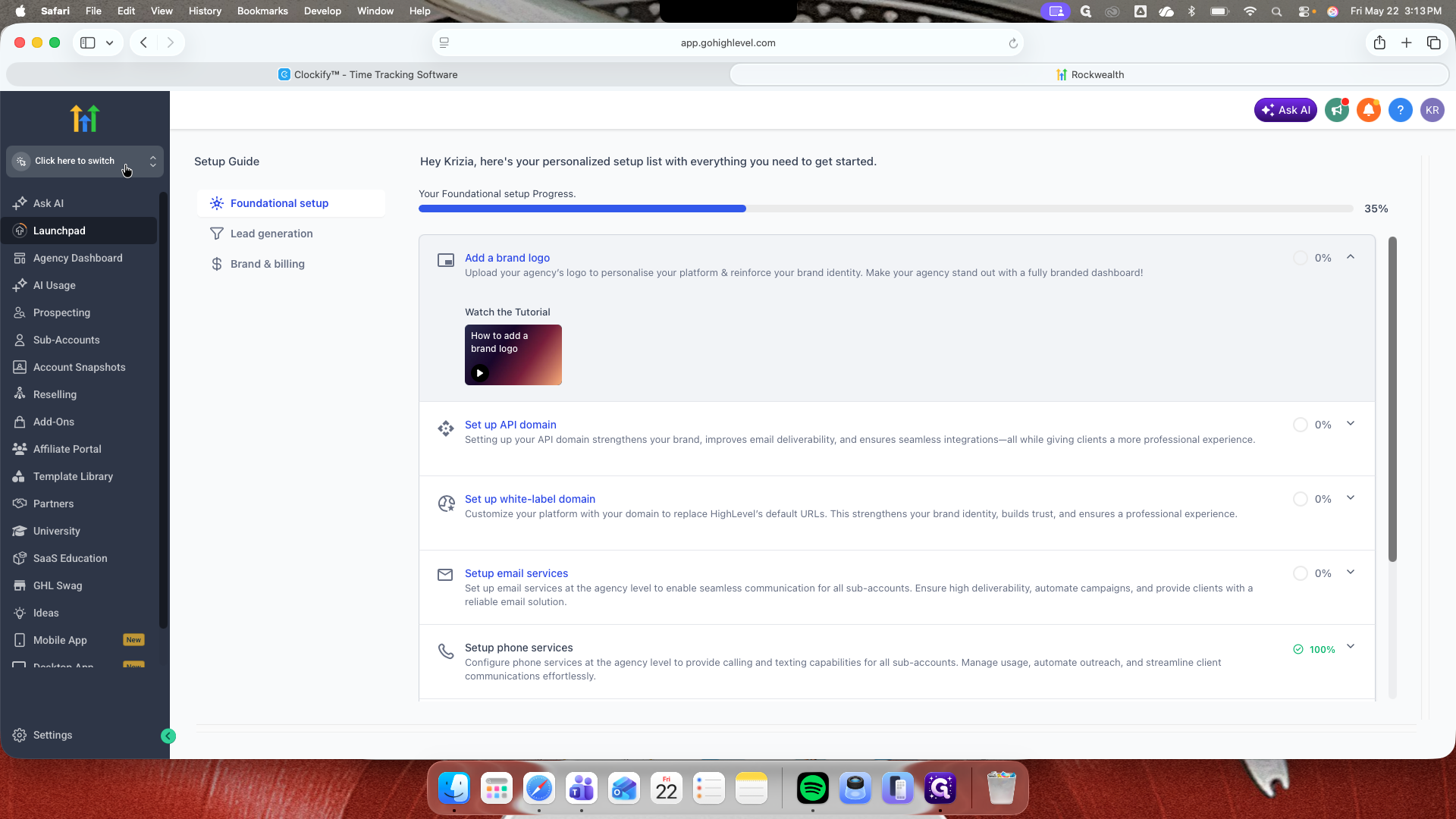
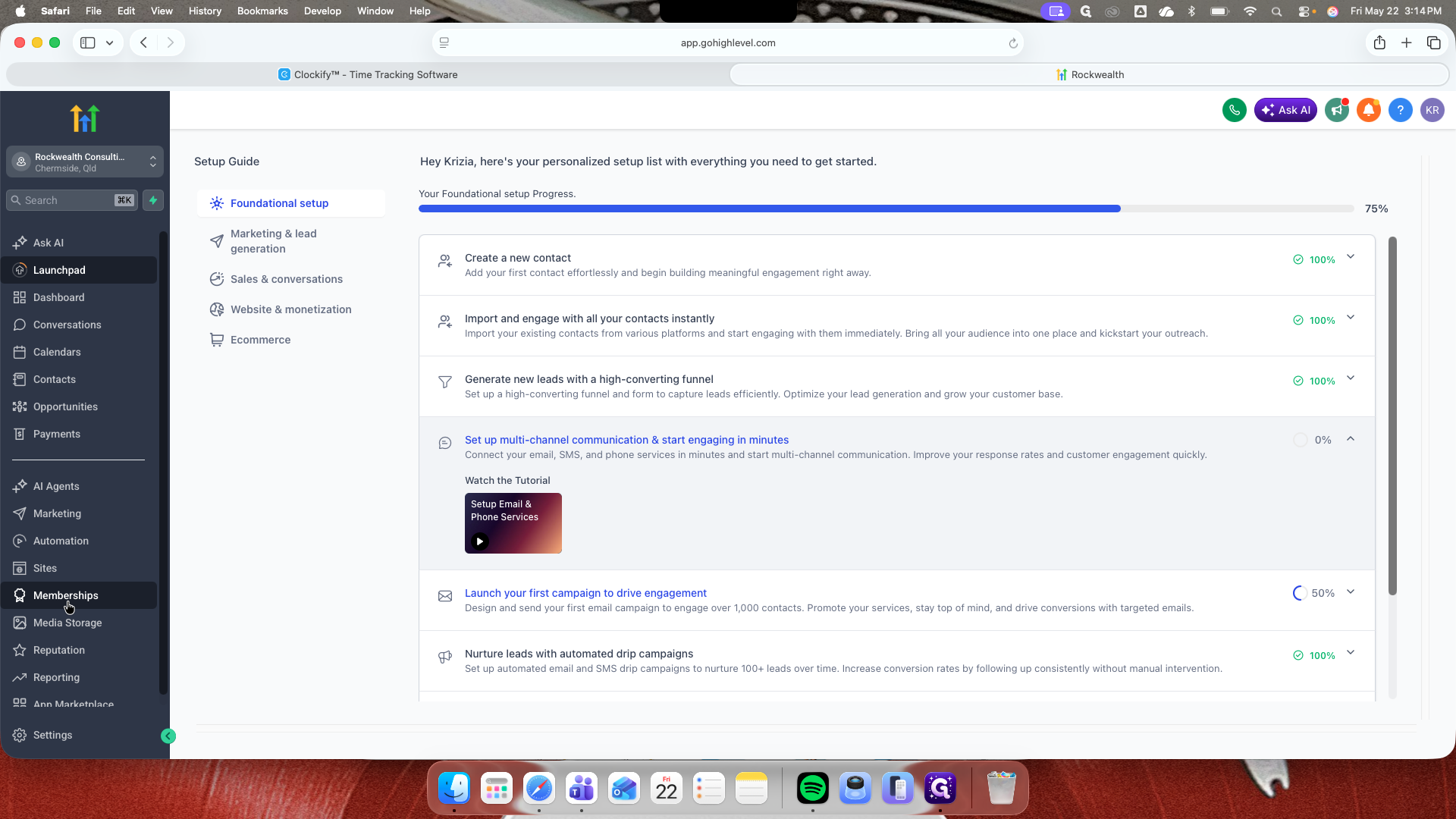
Accessing the Analytics Dashboard
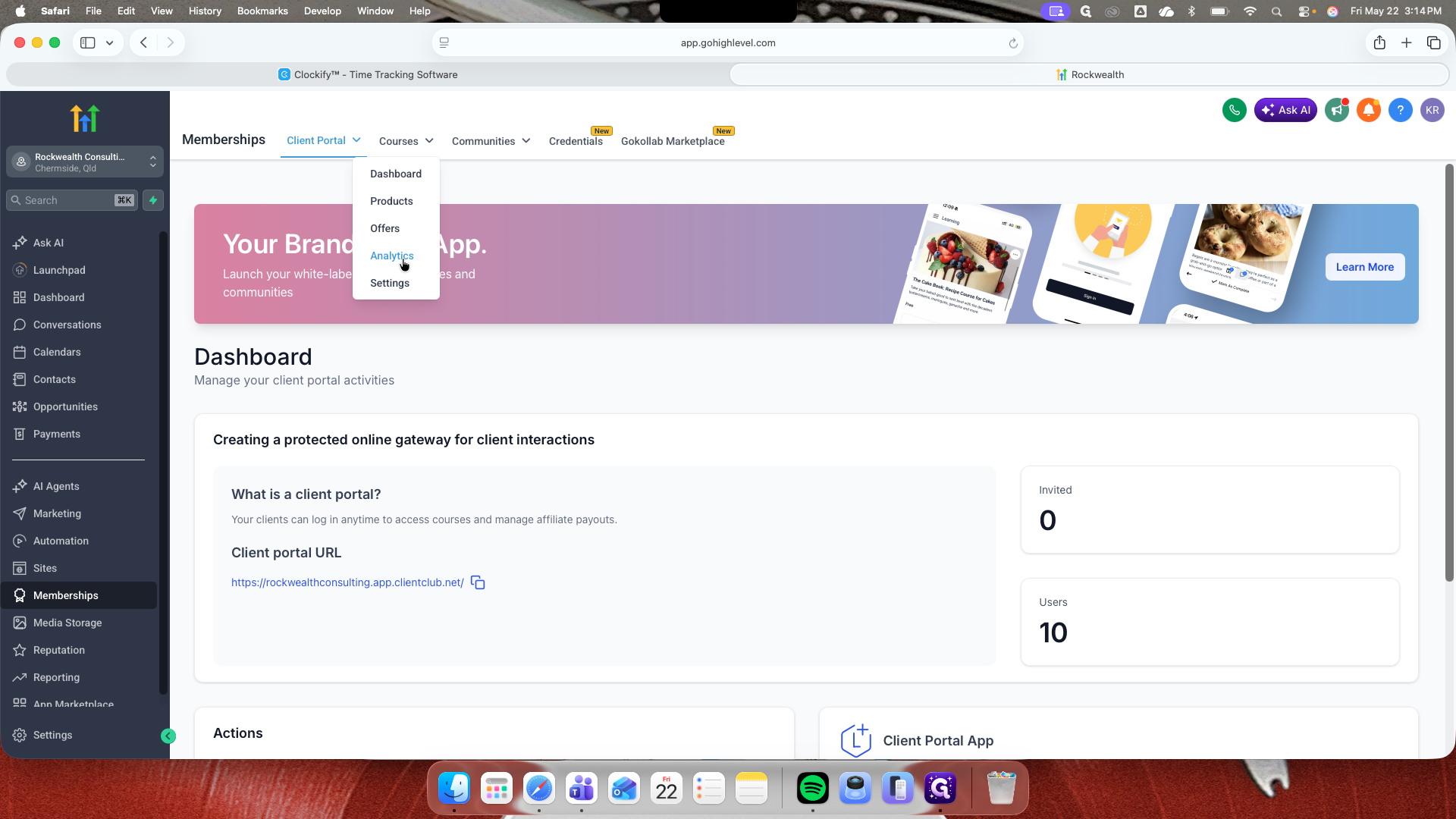
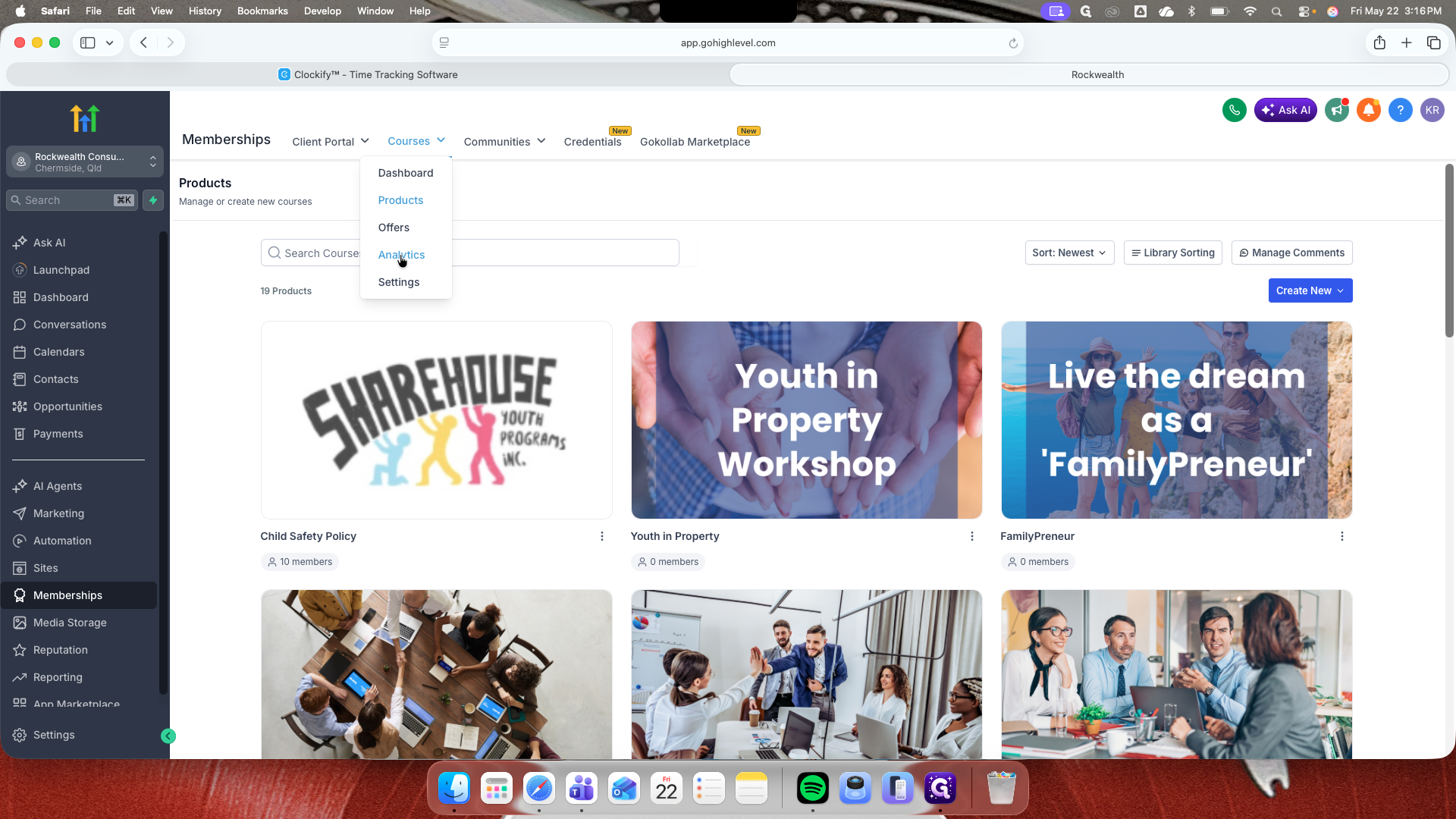
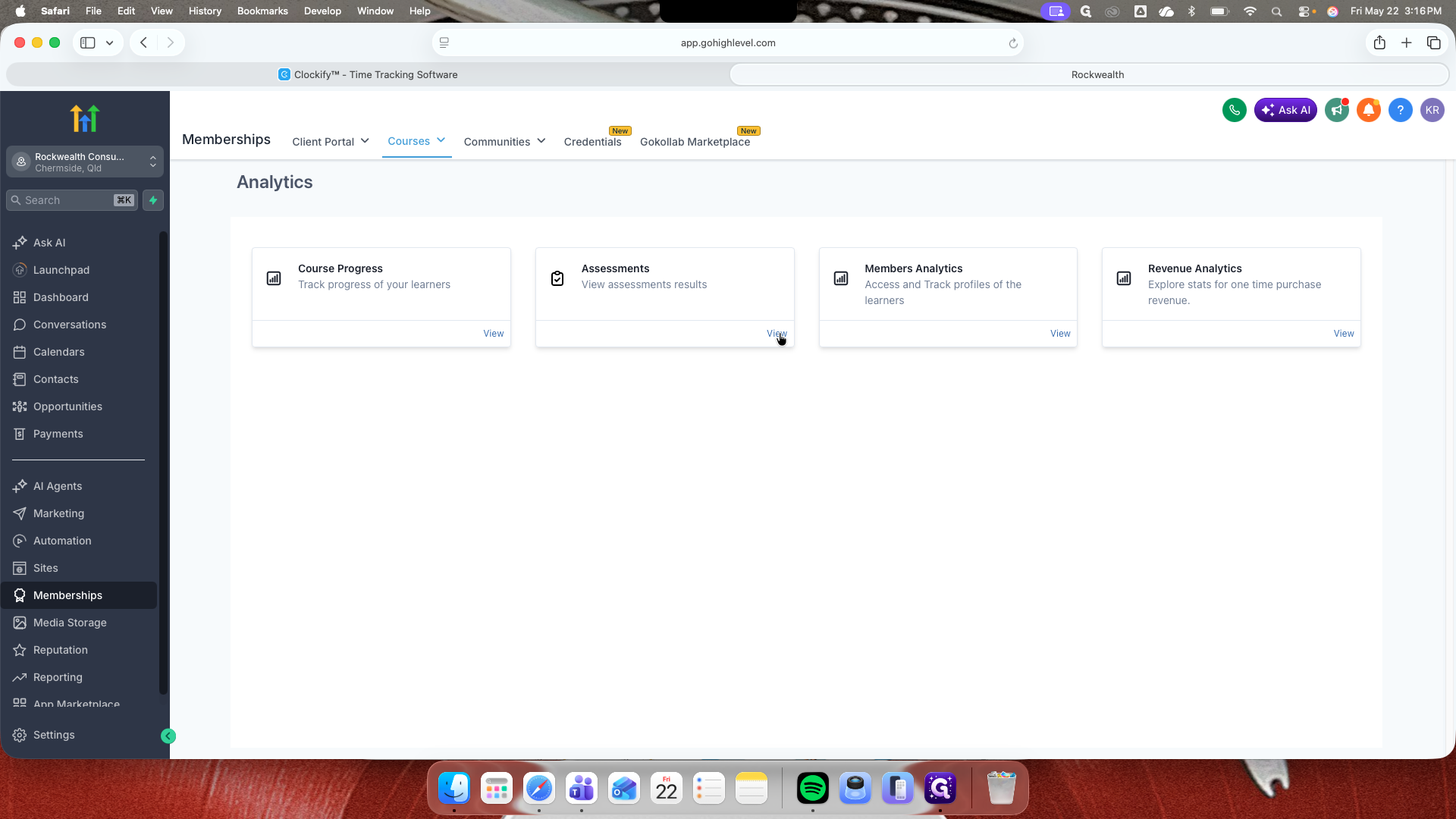
Understanding the Analytics Modules
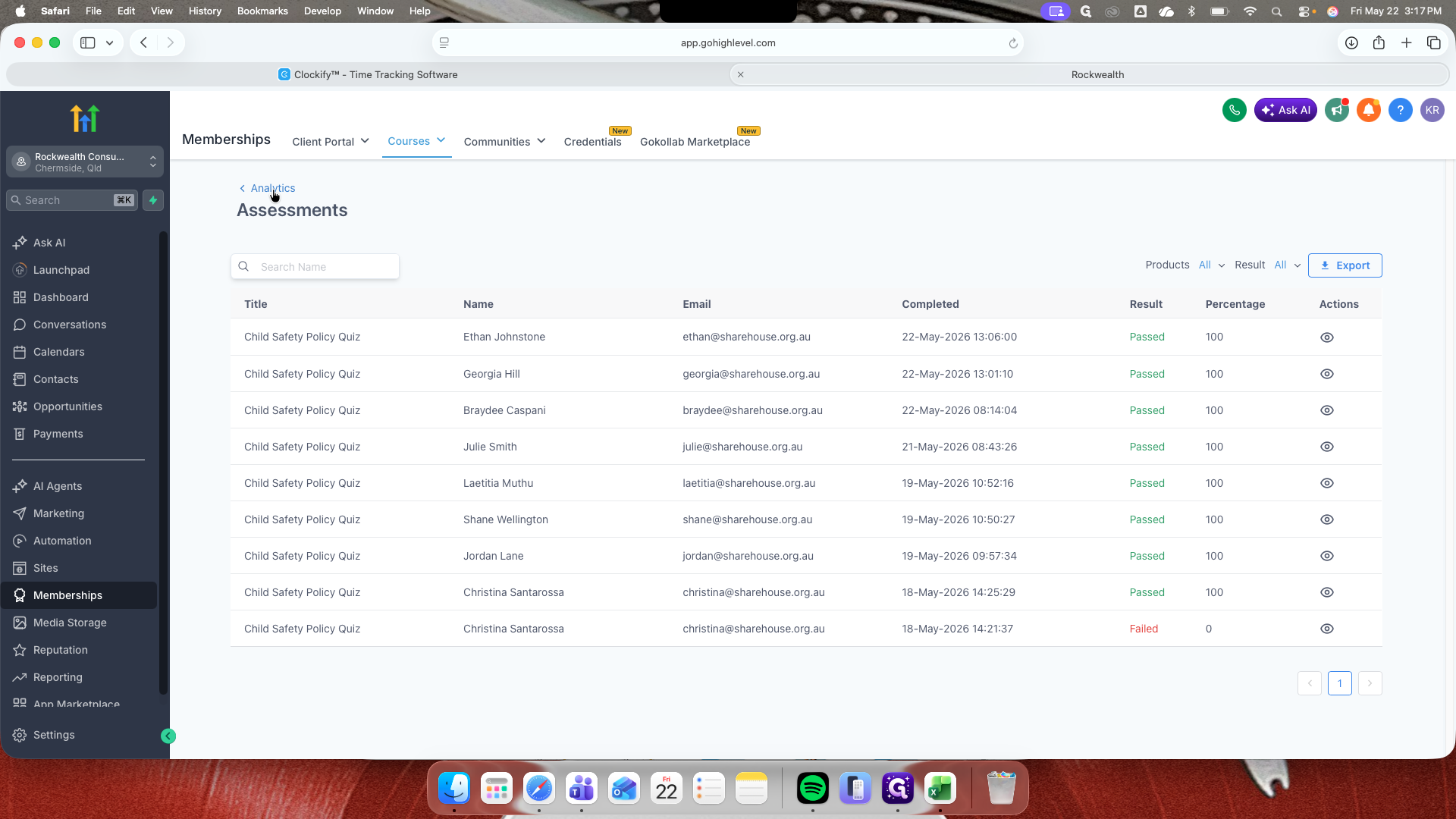
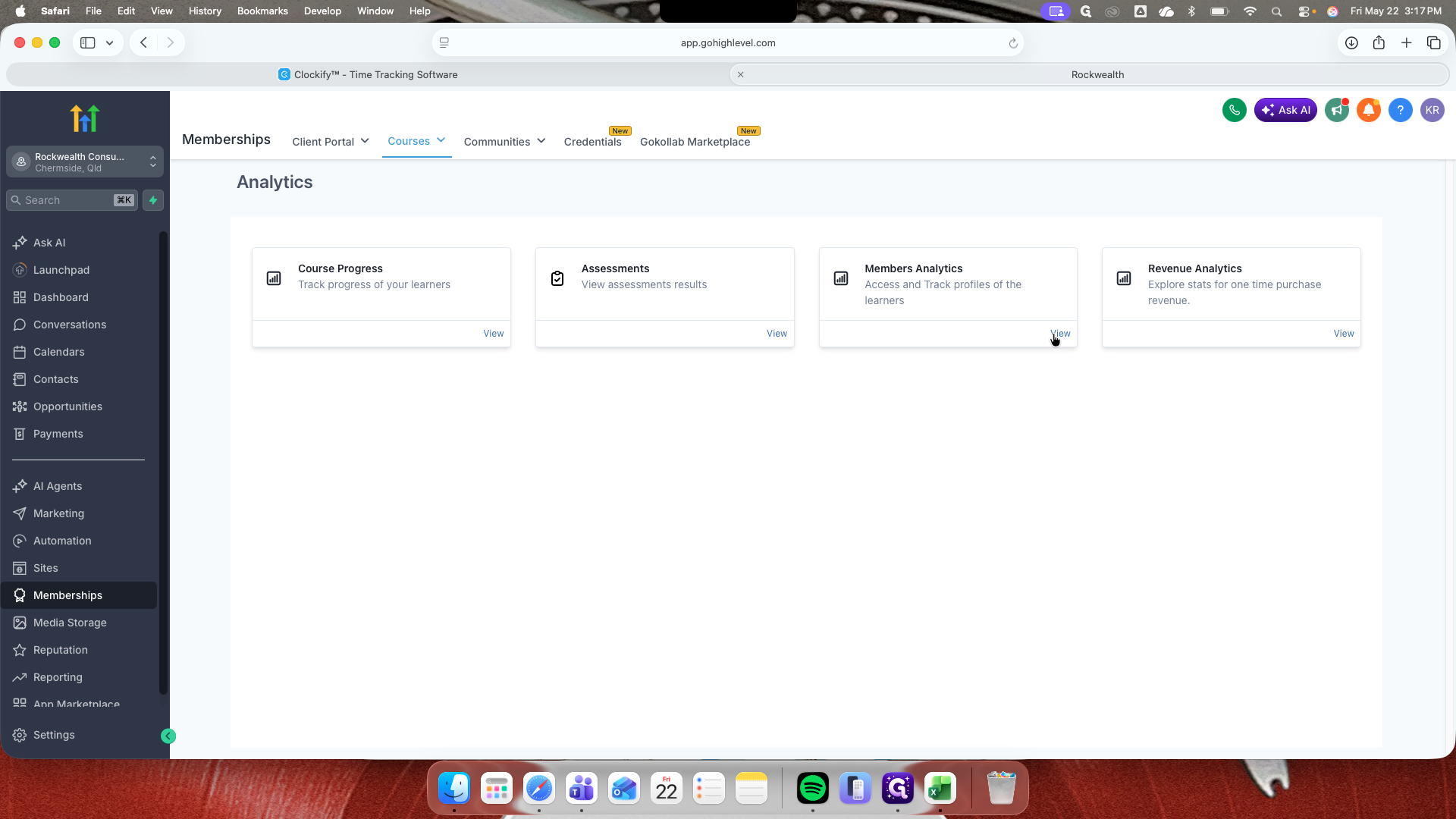
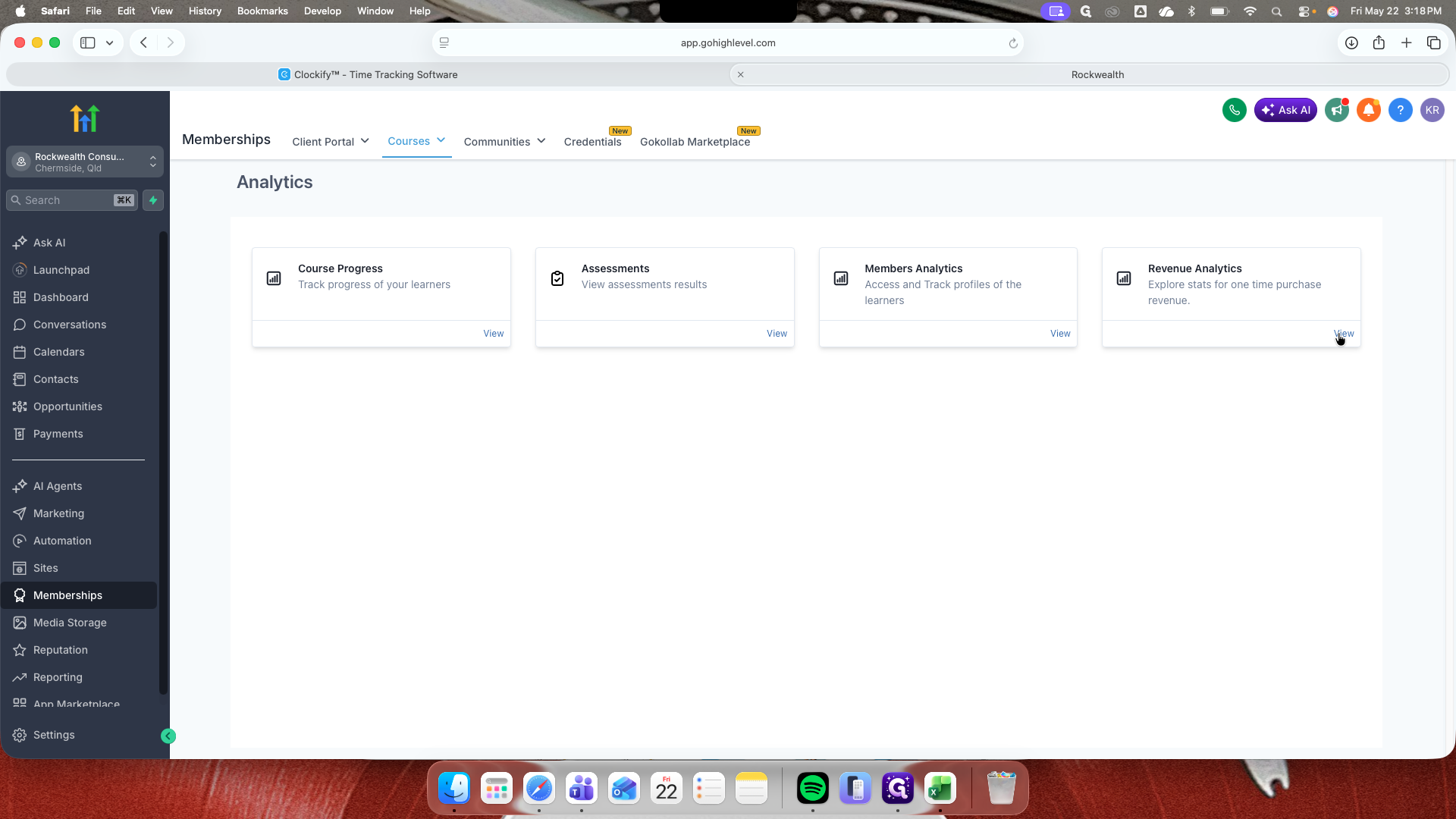
The main dashboard provides four distinct areas of insight into your membership performance. Choose the module that aligns with the data you need to review:
Analytics Module | What it tracks | When to use it |
|---|---|---|
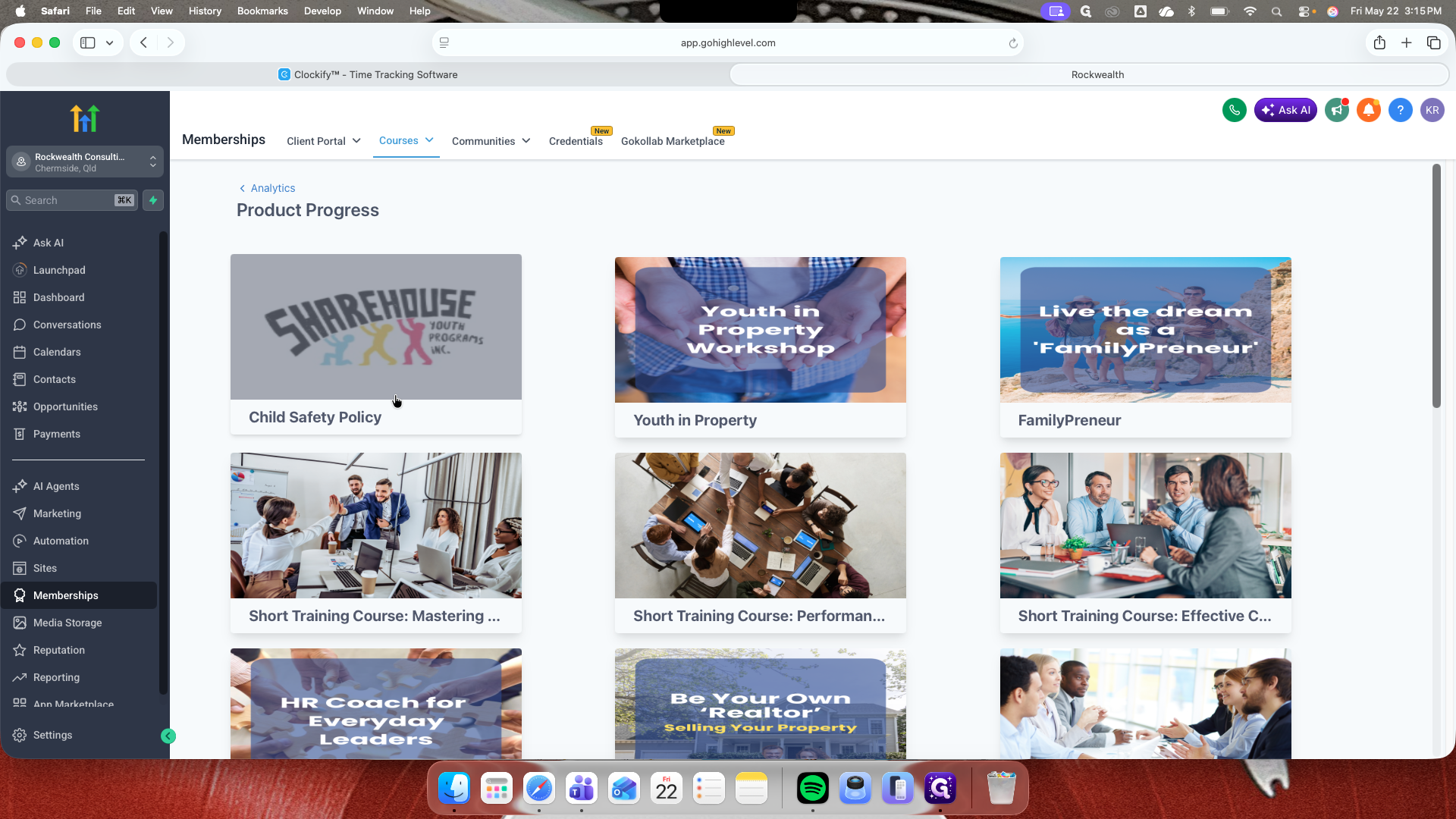
Course Progress | Completion percentage, start date, last login, and login count per student. | To monitor individual student advancement through a specific course. |
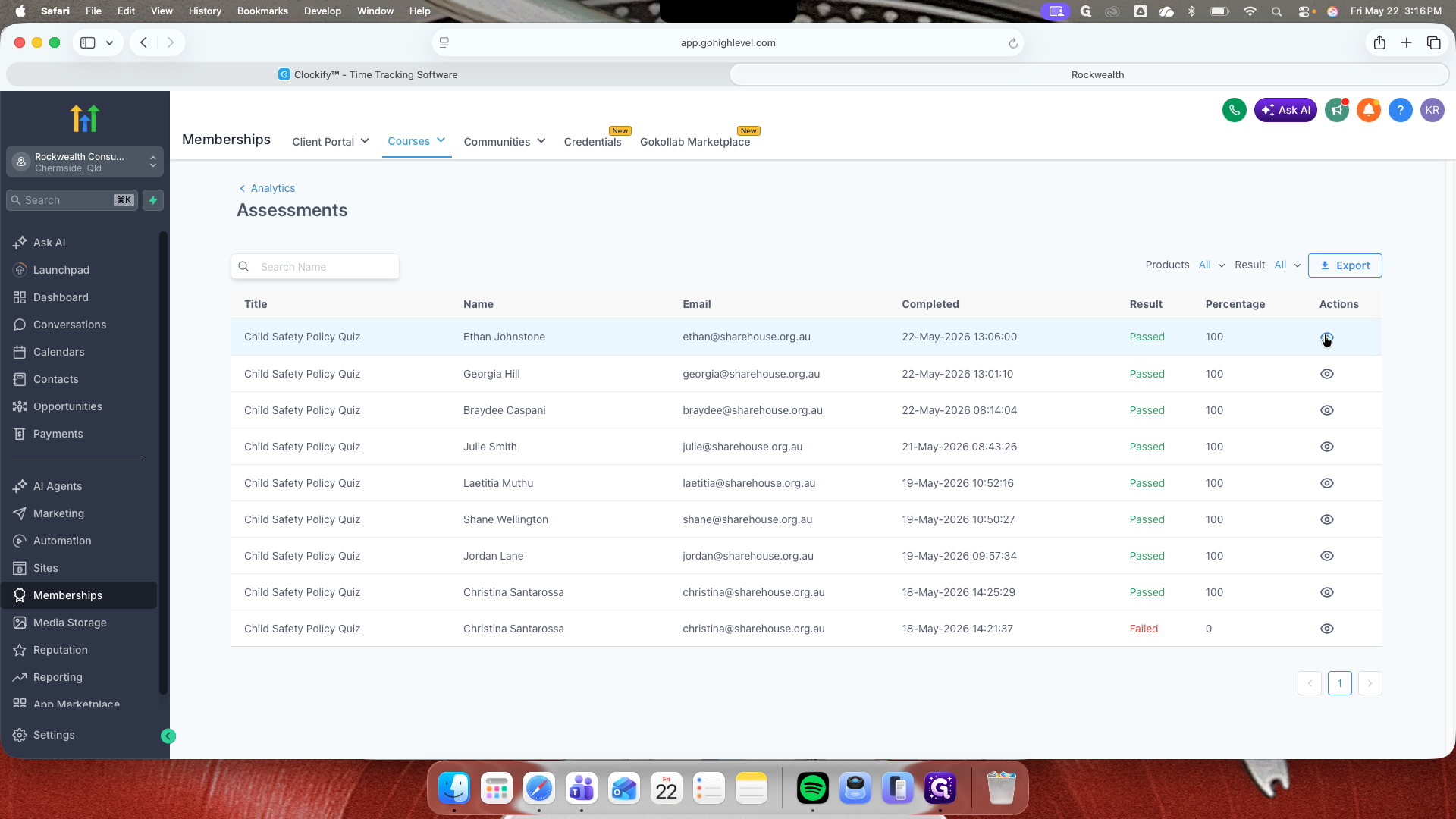
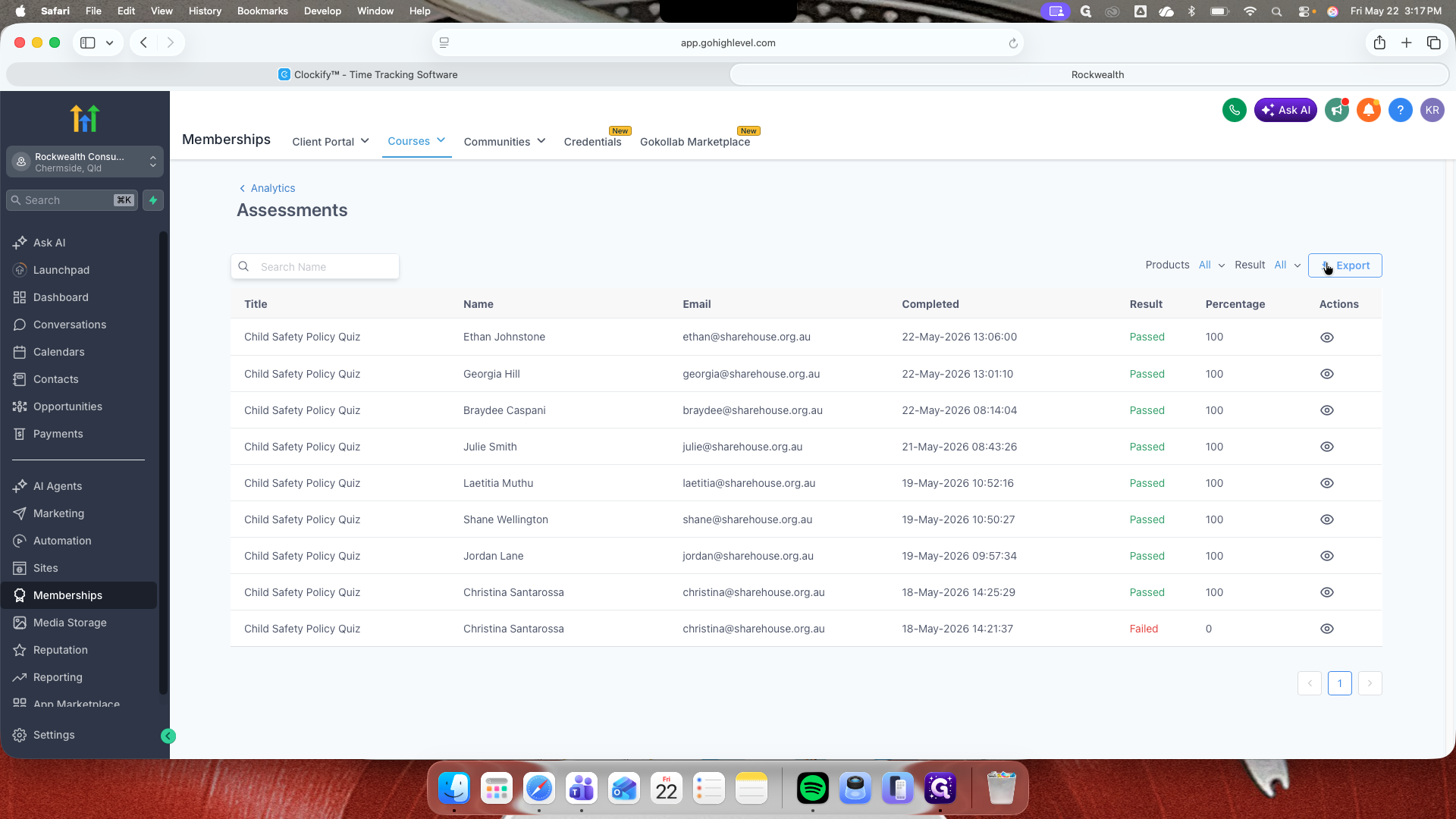
Assessments | Quiz results, pass/fail status, and individual scores. | To review student comprehension and export quiz data for external reporting. |
Members Analytics | Total courses accessed and overall login history per member. | To evaluate high-level engagement across your entire membership portal. |
Revenue Analytics | Financial income generated by paid course offerings. | To track sales and measure the financial success of your paid products. |
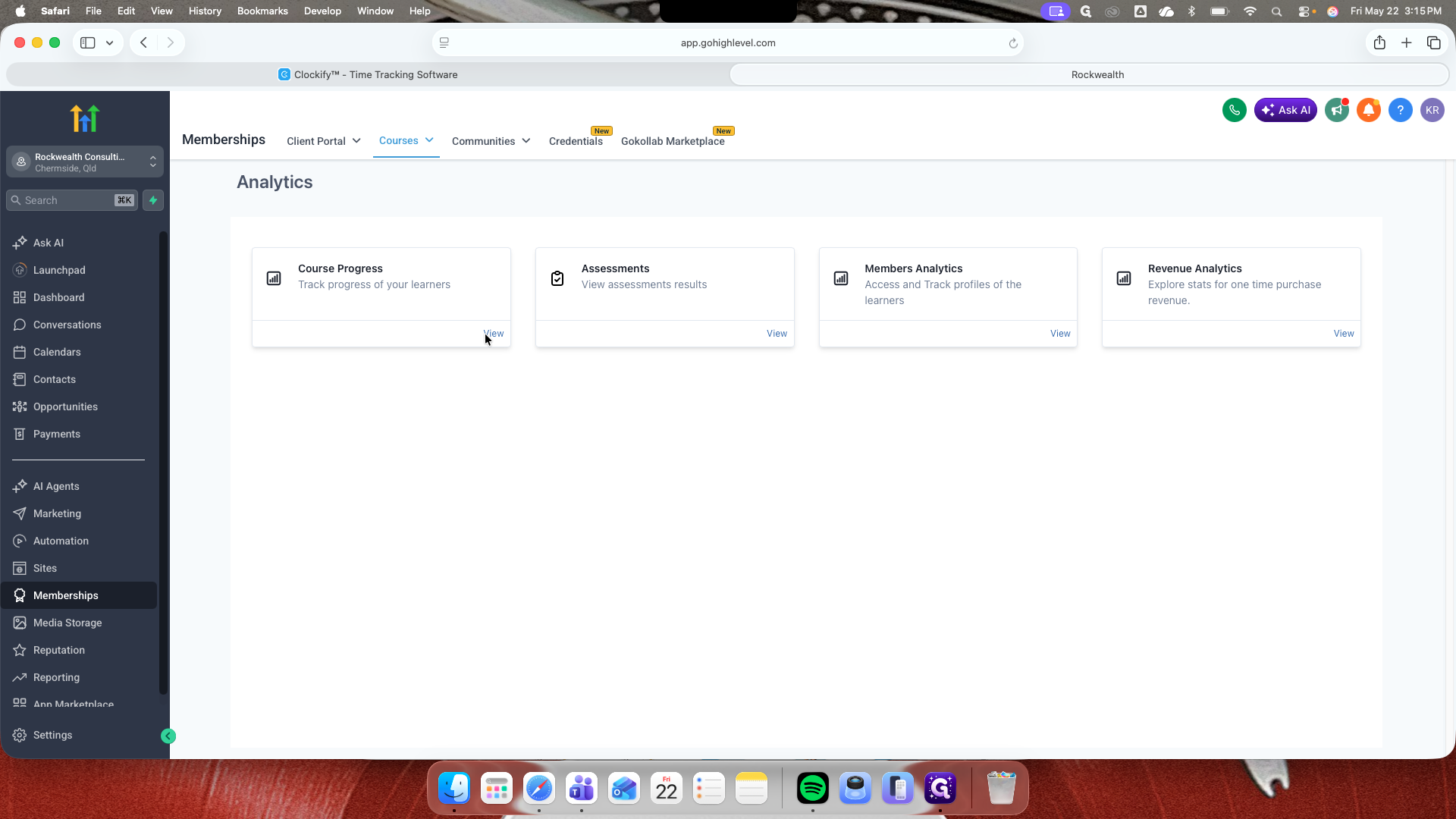
Viewing Course Progress
Reviewing and Exporting Assessments
Checking Member Activity and Revenue
FAQ
Q: Why is my Revenue Analytics dashboard showing "No data found"?
A: Revenue Analytics only tracks income from paid course purchases. If all your courses are offered for free, this section will remain empty as no financial transactions have occurred.
Glossary
Term | Definition |
|---|---|
Sub-account | A distinct workspace within the platform used to manage a specific client, location, or business entity independently. |
Client Portal | The front-end interface where members log in to access all their enrolled courses, communities, and content. |
Assessment | A quiz or test embedded within a course module used to evaluate a student's understanding of the material. |