
Analyze Aged FBA Inventory and Storage Surcharges
Learn how to review Amazon FBA inventory age buckets, evaluate surcharge costs, and plan promotional or removal actions.
Review Amazon FBA aged inventory reports in Google Sheets to identify high-cost excess inventory and decide whether to run price promotions, increase advertising, or create removal orders.
This guide applies to Amazon e-commerce managers, inventory planners, and operations teams during monthly FBA storage fee reviews and excess inventory audits.
Reviewing Sales Velocity and Pricing History
Before taking action on aged items, evaluate recent sales volume and pricing trends to forecast future demand.
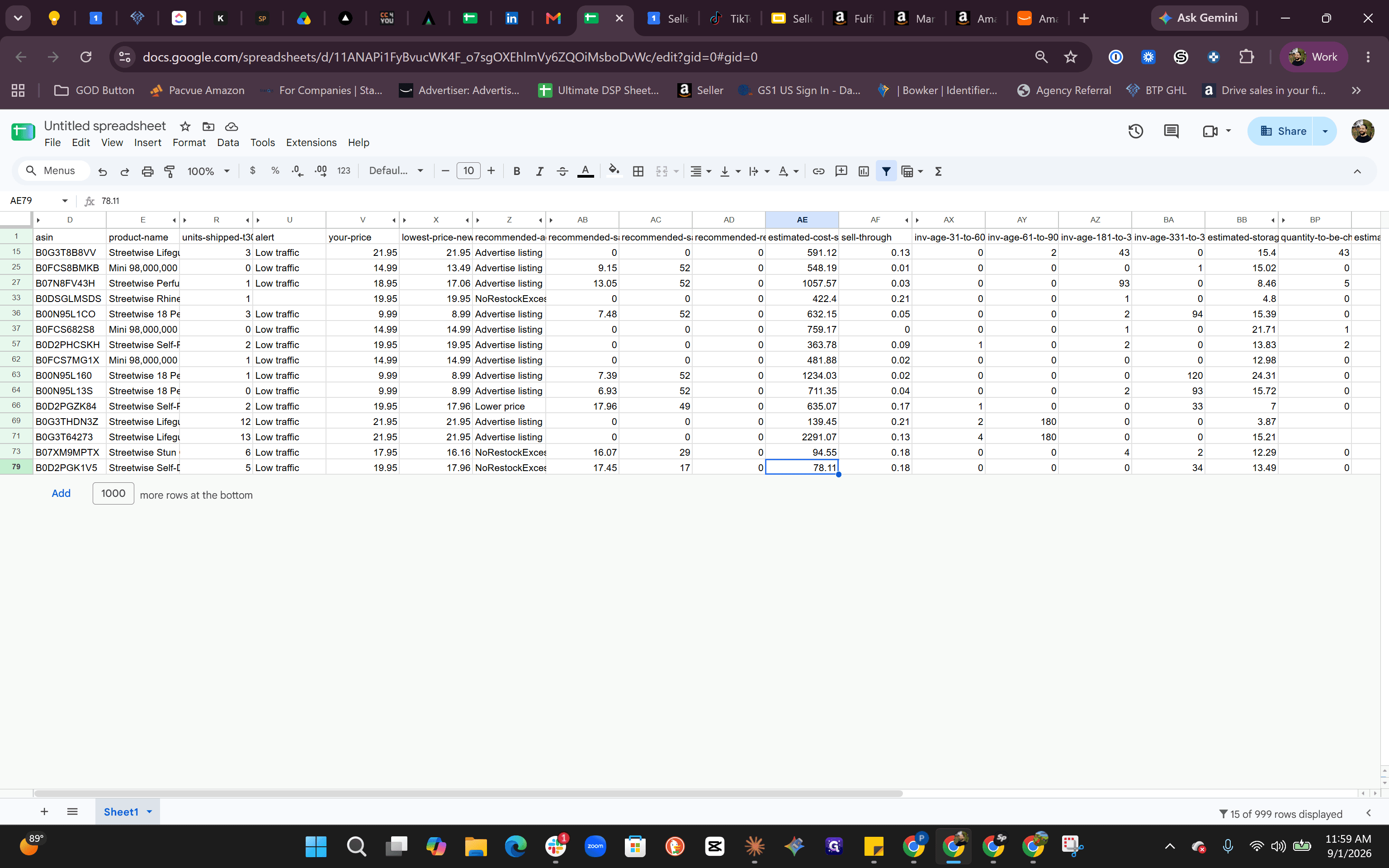
Review the 30-day unit sales to establish a baseline sales forecast. For instance, if an item sold 12 units in the last 30 days, anticipate a similar trajectory for the upcoming month when calculating how much excess stock remains.
Compare the current price against the lowest price recorded over the past 30 days to check if past promotional discounts were already applied.
Evaluating Amazon Recommended Actions
Amazon provides automated recommendations including suggested sales prices, duration, and inventory removal quantities to mitigate holding costs.
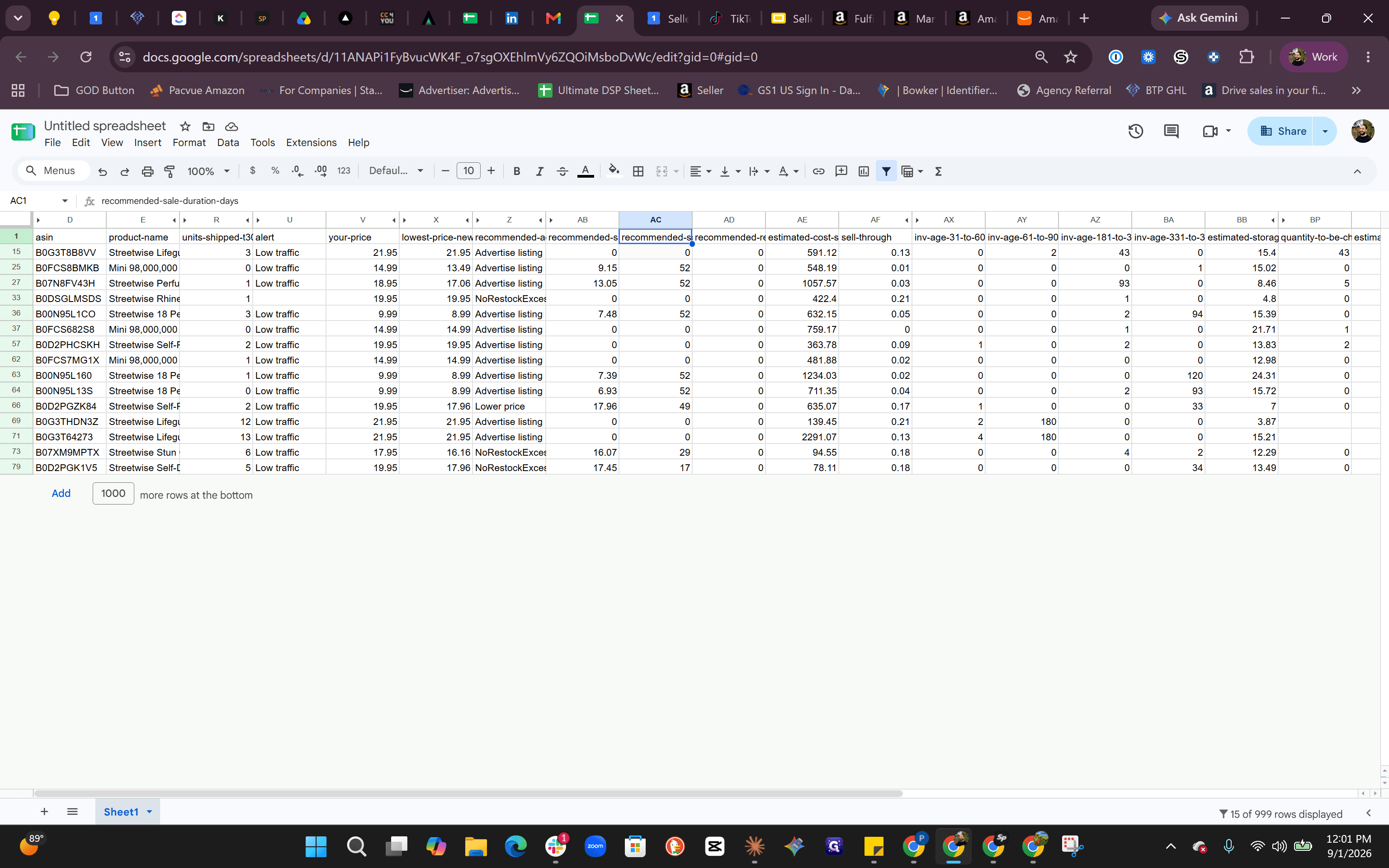
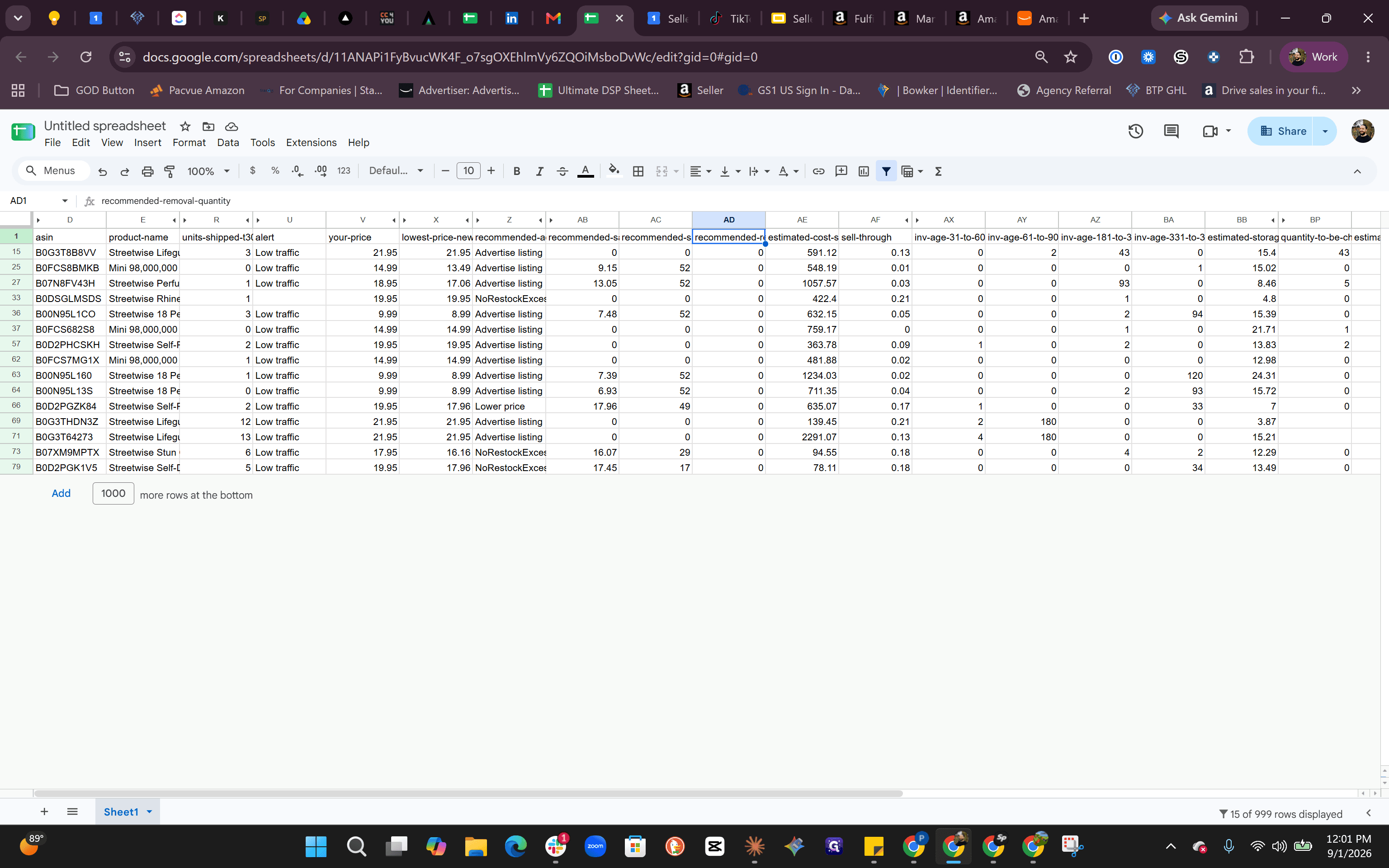
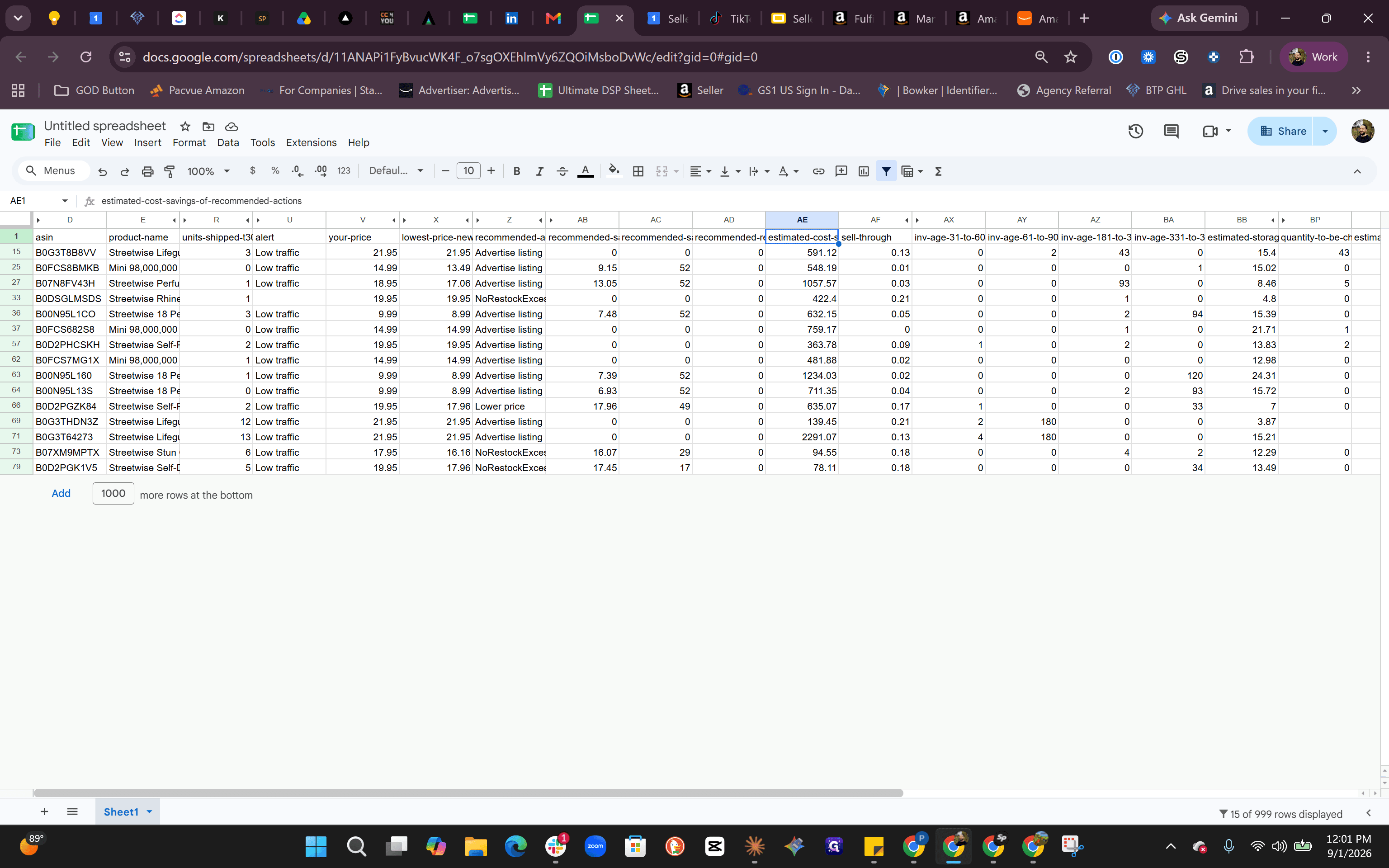
Filtering Aged Inventory Surcharge Buckets
To focus on items accumulating the highest fees, hide non-urgent age ranges and target units sitting for 331 days or longer.
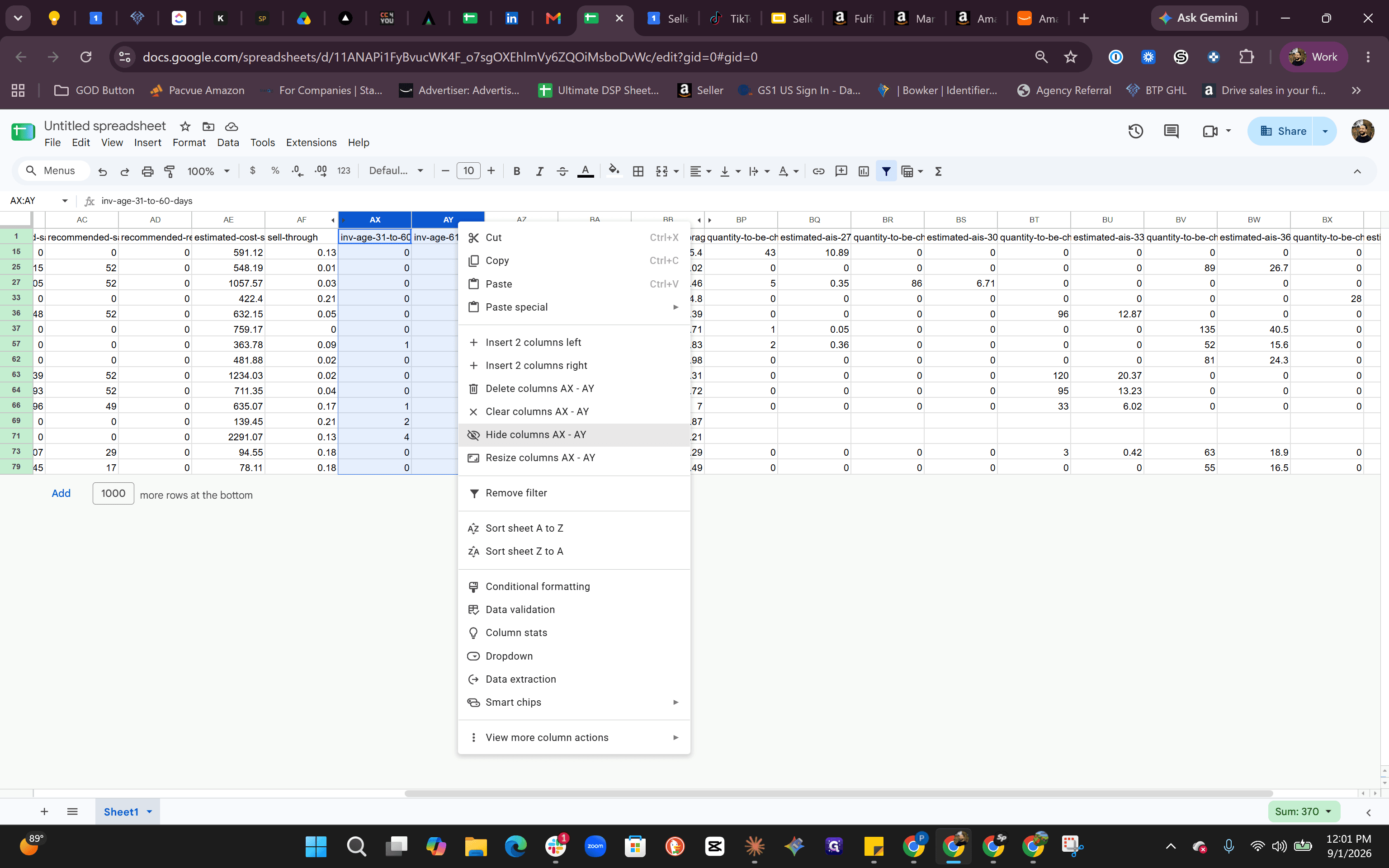
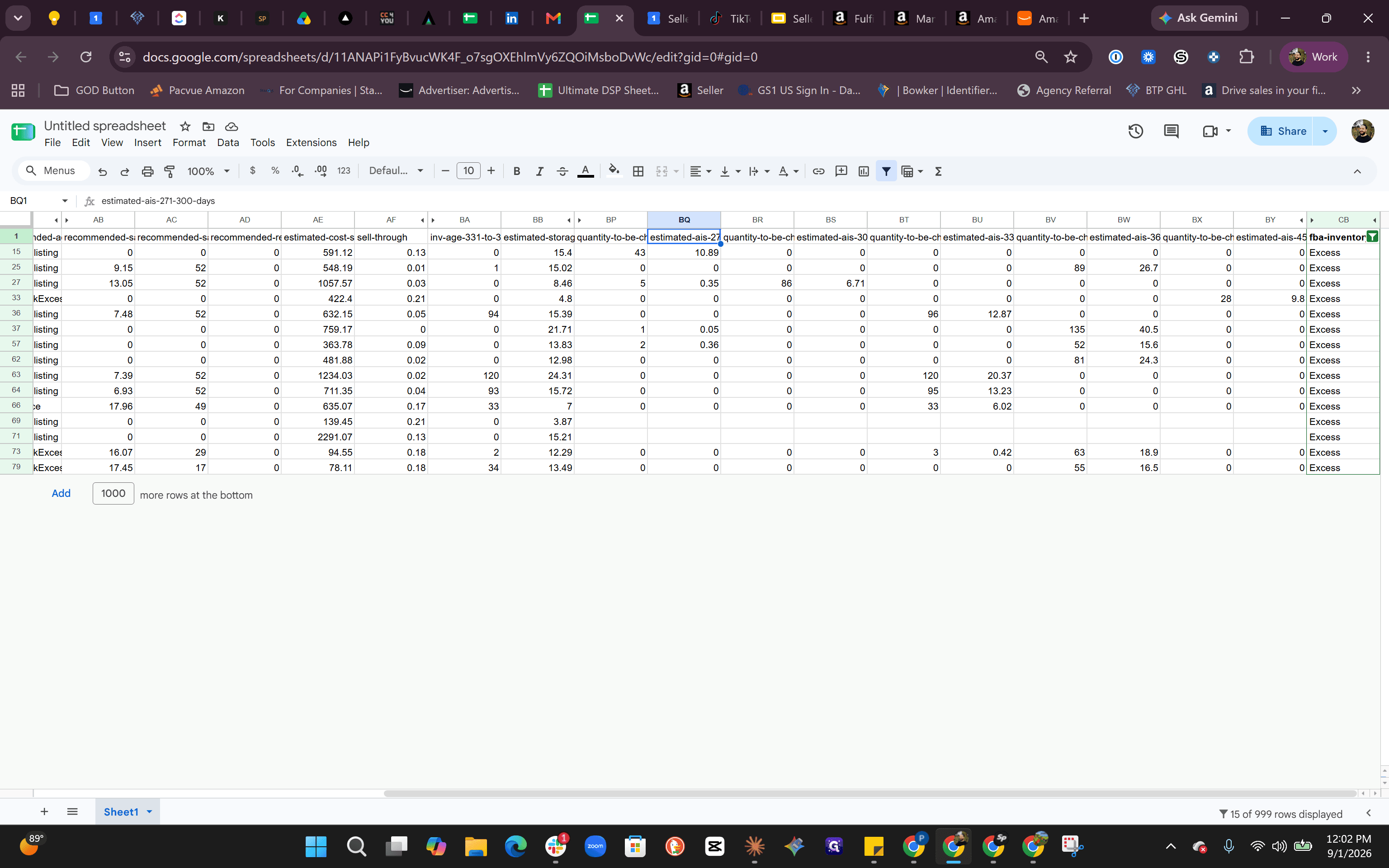
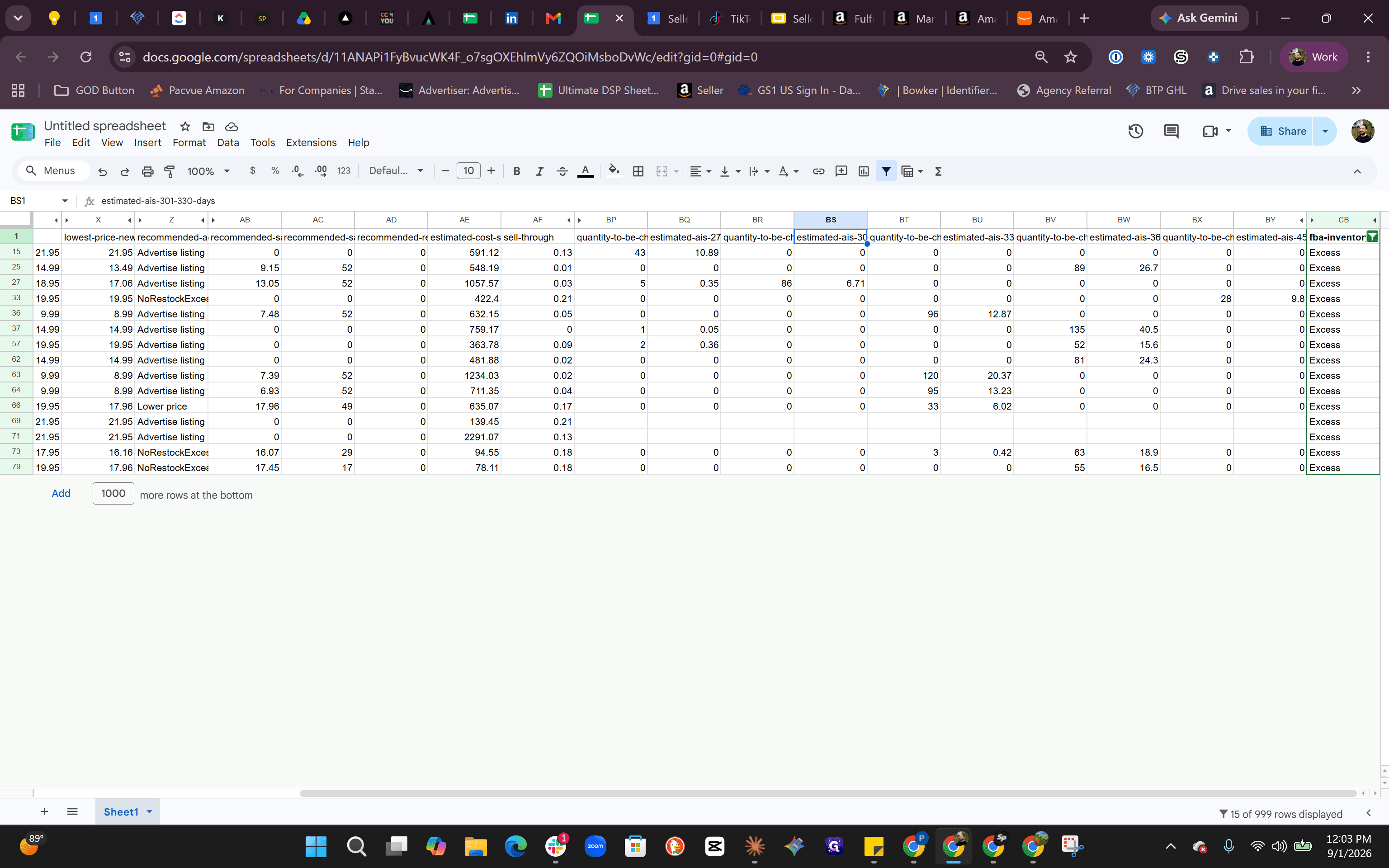
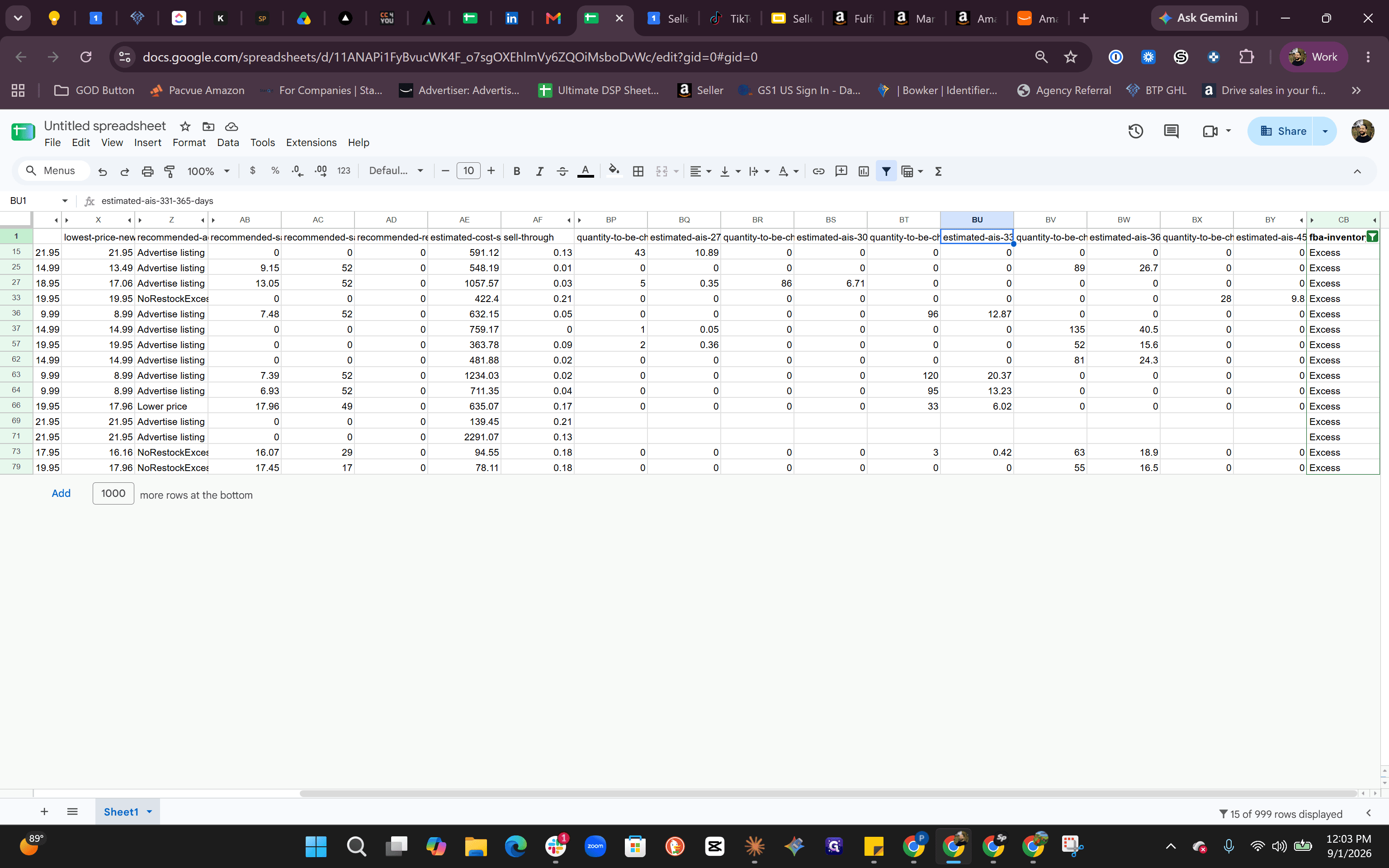
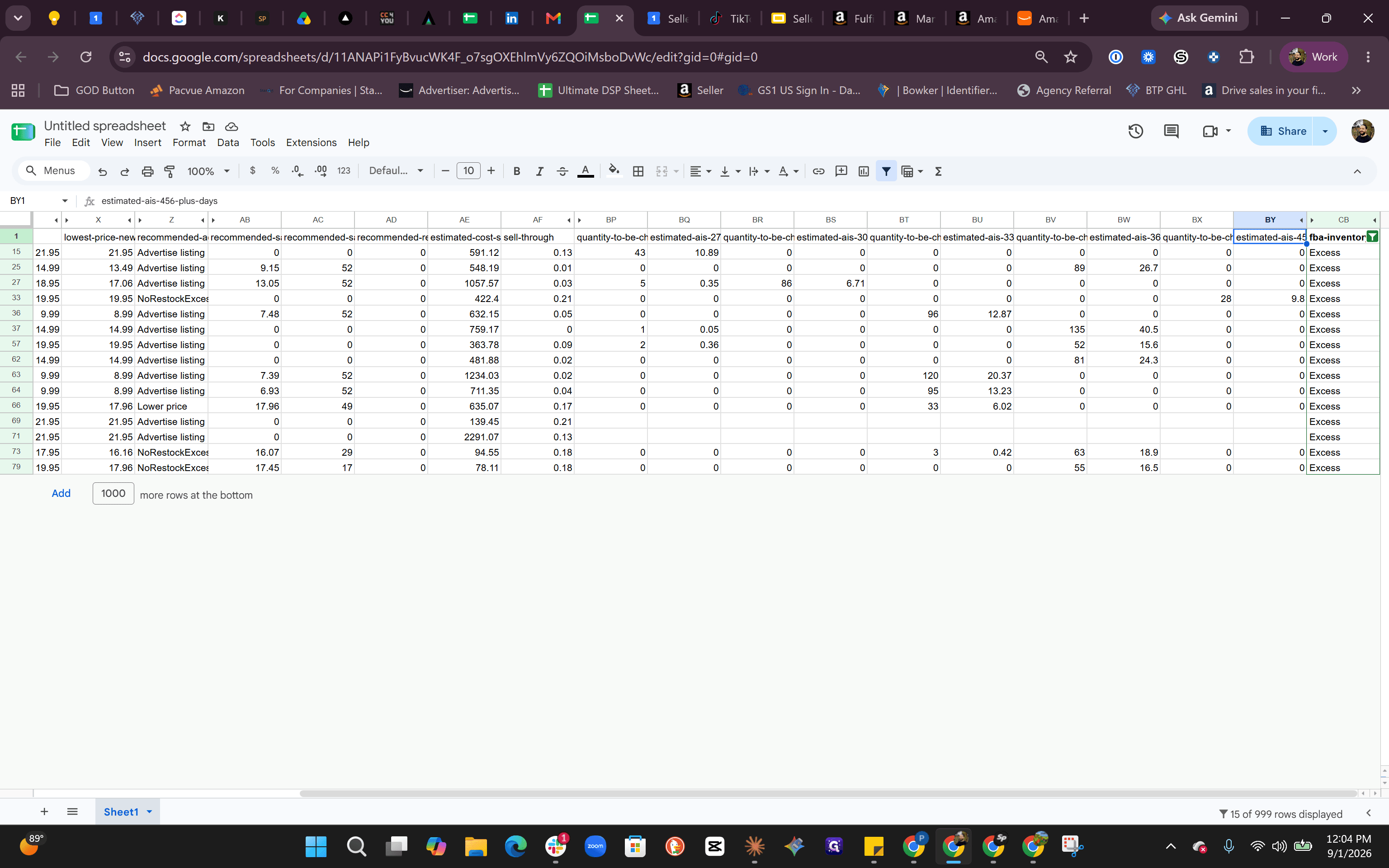
Action Plan Comparison for Excess Inventory
When choosing a strategy for aged units, evaluate potential paths based on unit margins and monthly fee exposure:
Action | Best Used When | Cost / Margin Impact | Execution Risk |
|---|---|---|---|
Price Discount / Sale | Margin allows price reduction above COGS | Reduces gross margin per unit, stops recurring storage fees | Potential brand dilution or racing to the bottom |
Advertising Push | Listing has good conversion and healthy margins | Incurs ad spend, but protects unit sales price | May not convert if product demand is low |
Removal Order | Storage fee exceeds profit margin or item will not sell | Costs ~$1.00 per unit to return inventory | Logistics handling and lost sales channel availability |
Q: How should we choose between running a sale and submitting a removal order?
A: Compare your unit COGS and gross margin against storage surcharges. If discounting the product still generates positive margin, running a promotional sale or ad campaign is preferable; if the unit would sell at a net negative margin, submitting a removal order at approximately $1.00 per unit is the more cost-effective option.
Q: What inventory age tier should be prioritized during an audit?
A: Focus primarily on inventory aged 331 days and older (particularly the 331–365 day and 456+ day buckets), as these units accumulate the highest monthly aged inventory surcharges.
Term | Definition |
|---|---|
ASIN | Amazon Standard Identification Number, a unique 10-character alphanumeric identifier assigned to products on Amazon. |
FBA | Fulfillment by Amazon, a service where Amazon stores, picks, packs, and ships seller inventory while handling customer support. |
Aged Inventory Surcharge (AIS) | A monthly fee charged by Amazon on inventory units stored in fulfillment centers for extended periods, typically beginning after 181 or 271 days. |
Removal Order | A request submitted to Amazon to return or dispose of excess or unsellable inventory stored in FBA fulfillment centers. |
Sell-Through Rate | The percentage of inventory sold within a given timeframe relative to the total inventory available. |
COGS | Cost of Goods Sold, representing the direct costs attributable to the production or acquisition of the goods sold. |