How to Analyze and Optimize Your Investments in PortfolioPilot
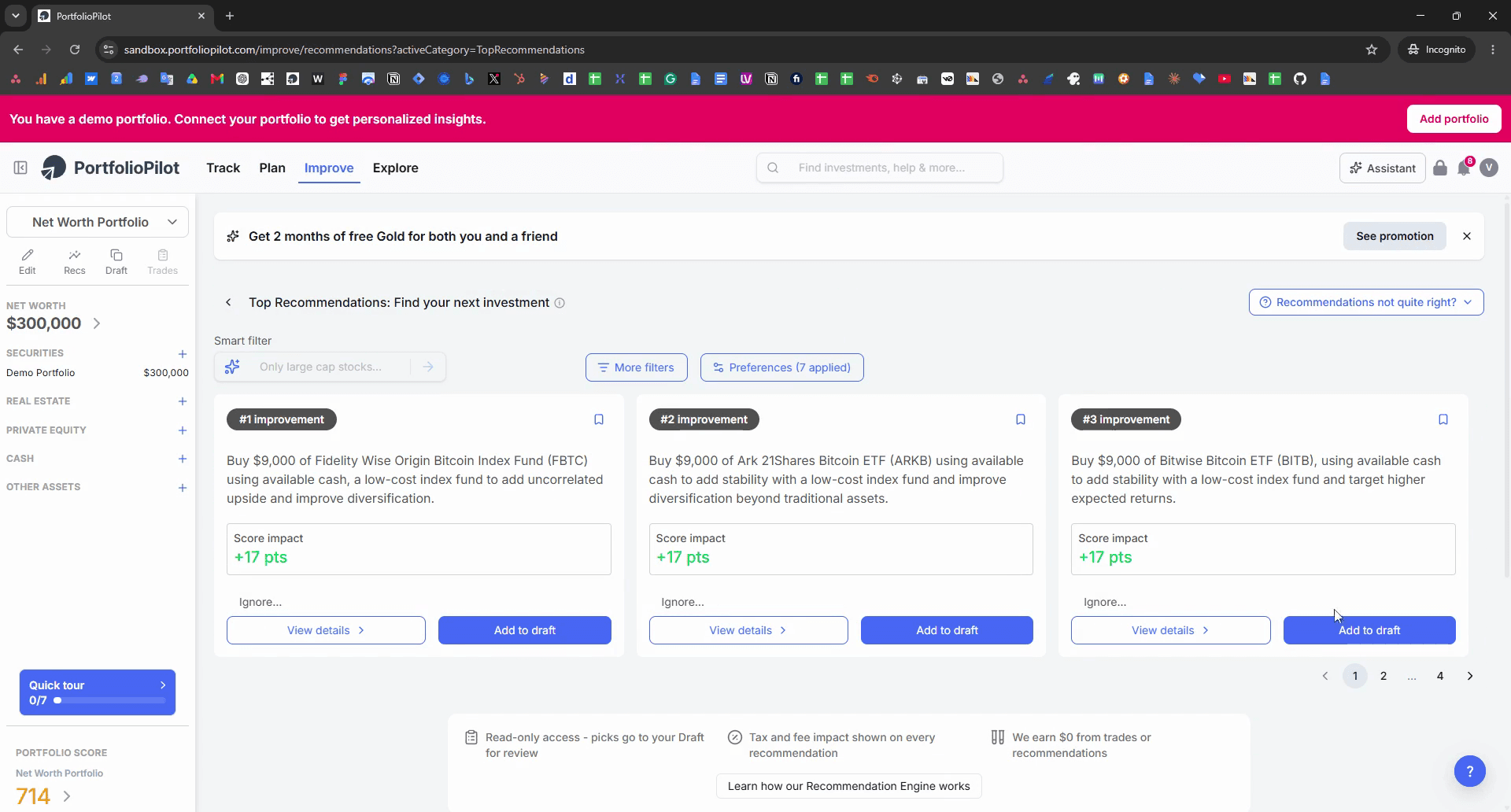
Learn how to navigate PortfolioPilot to discover investment recommendations, adjust financial plan parameters, and use the AI assistant to check your diversification.
This guide shows you how to navigate PortfolioPilot to view personalized investment recommendations, explore your financial plan settings, and use the AI assistant to analyze your portfolio's diversification.
This guide is useful for investors and financial planners using PortfolioPilot who want to optimize their asset allocation and review their overall financial strategy.
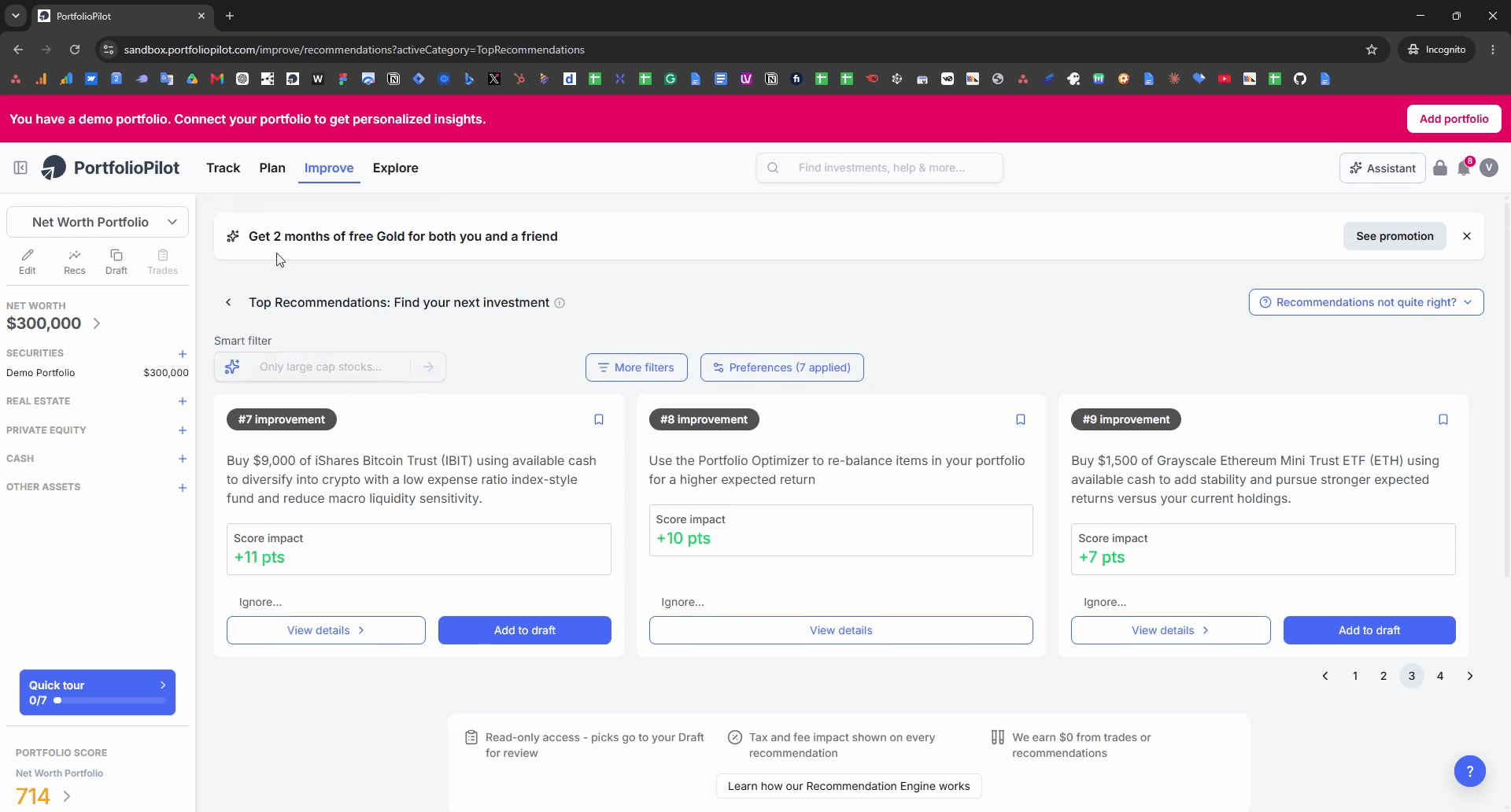
View Top Recommendations
Review Financial Plan Settings
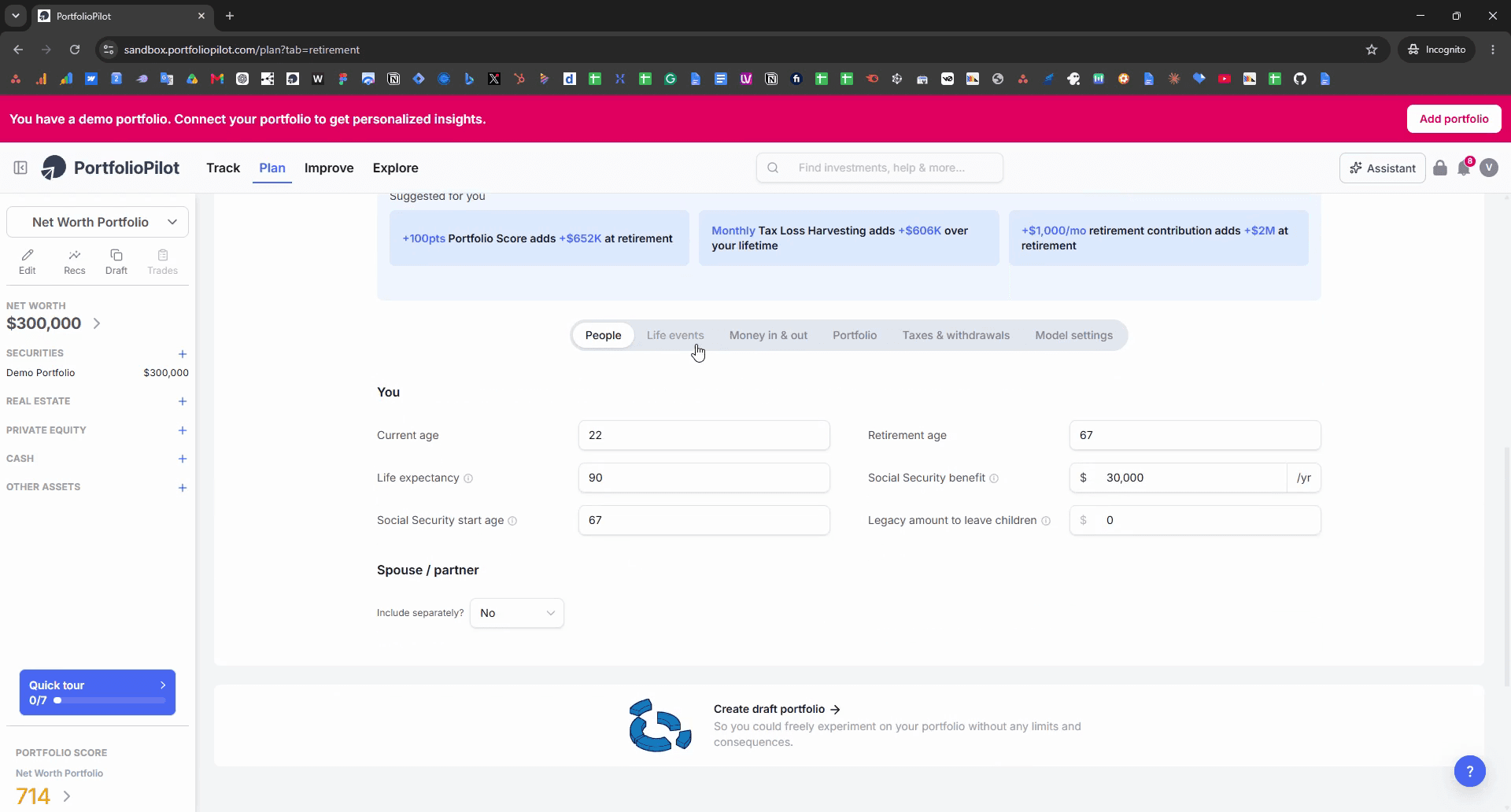
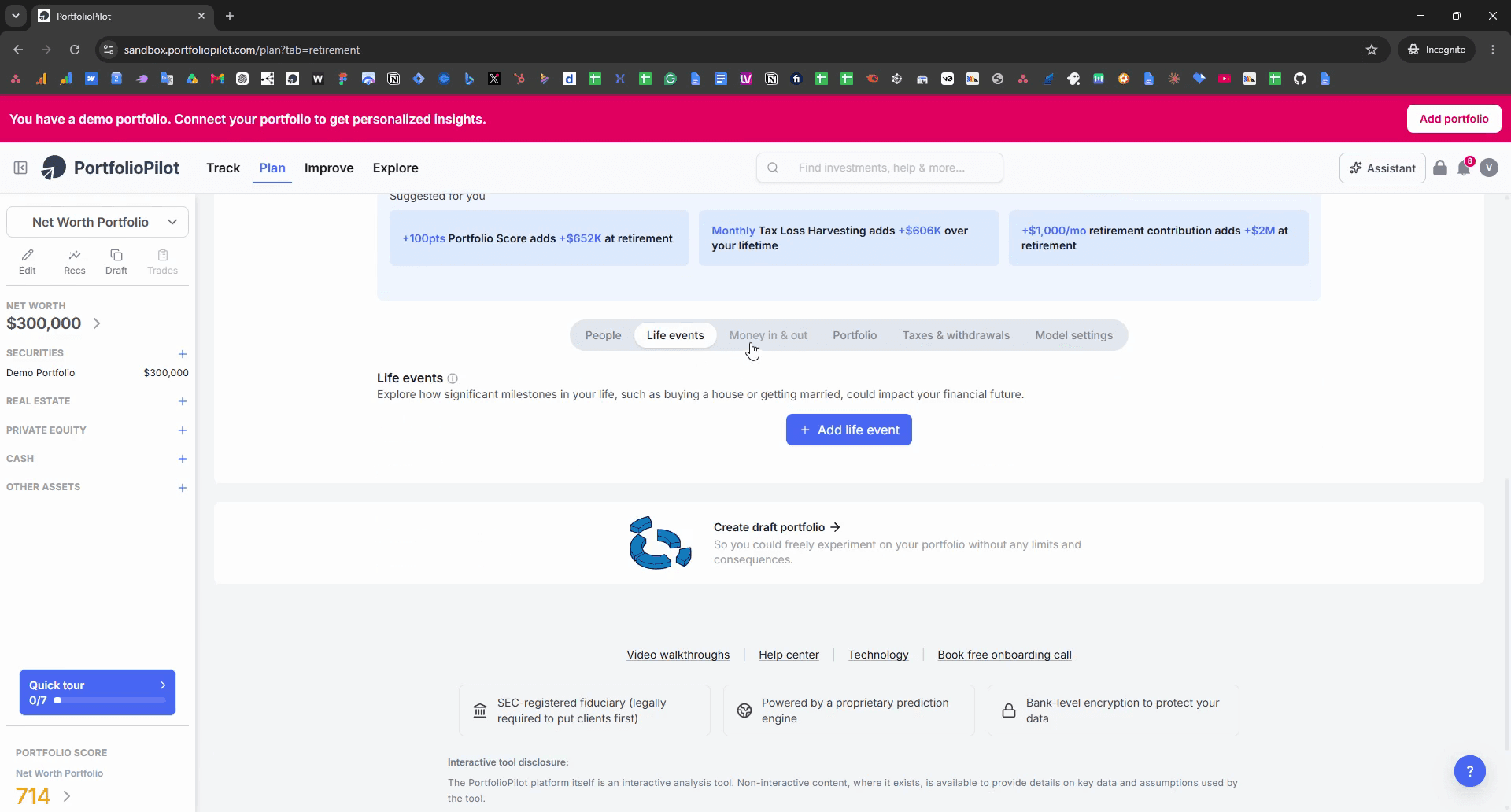
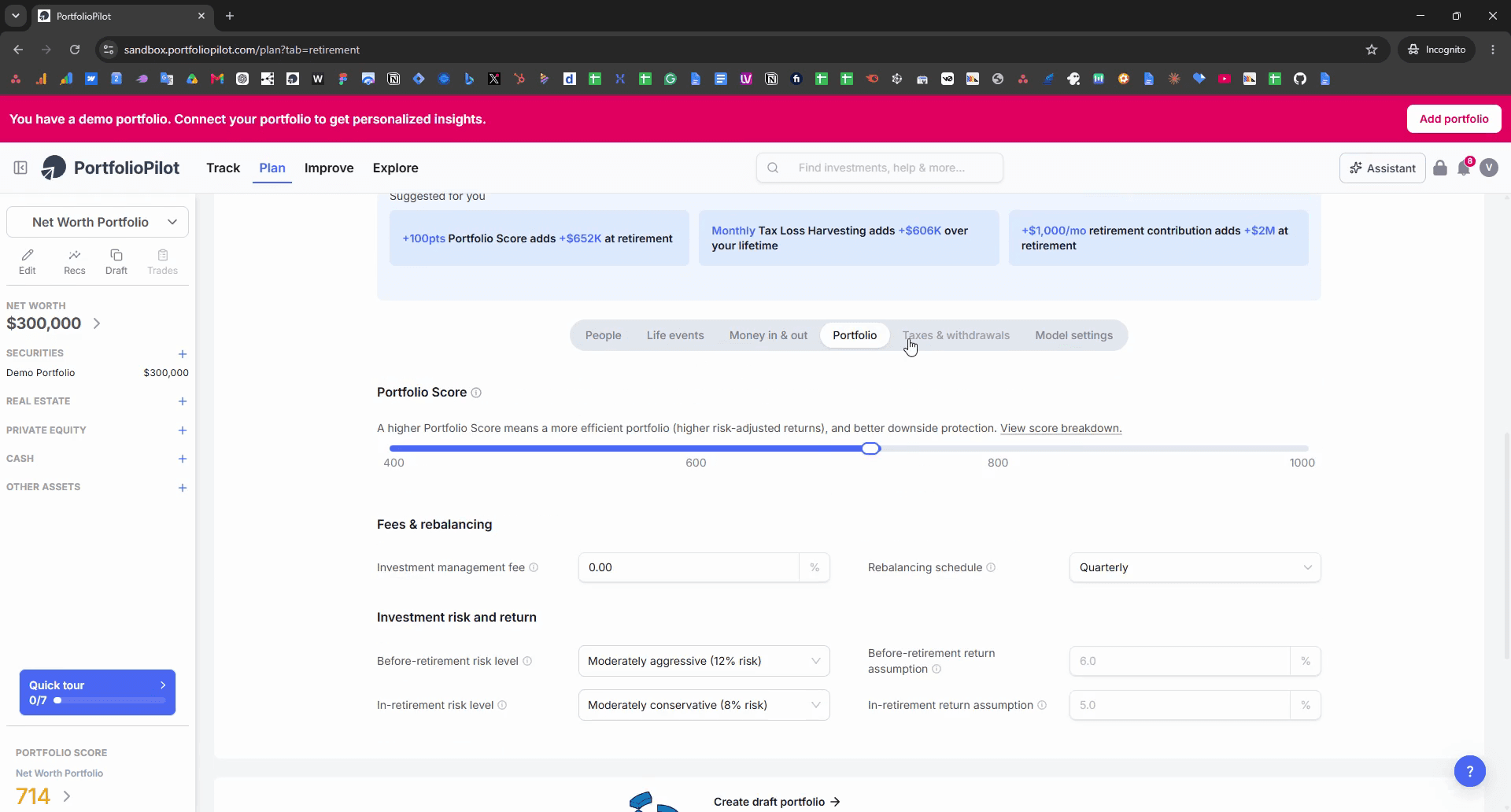
The Plan section contains several tabs for managing the underlying variables of your financial model.
Planning Tab | Description |
|---|---|
Money in & out | Track your deposits, ongoing income, and planned expenses. |
Portfolio | Review your current asset allocation and overall balances. |
Taxes & withdrawals | Configure your tax bracket and future withdrawal strategies. |
Model settings | Adjust the broad economic assumptions powering your financial model. |
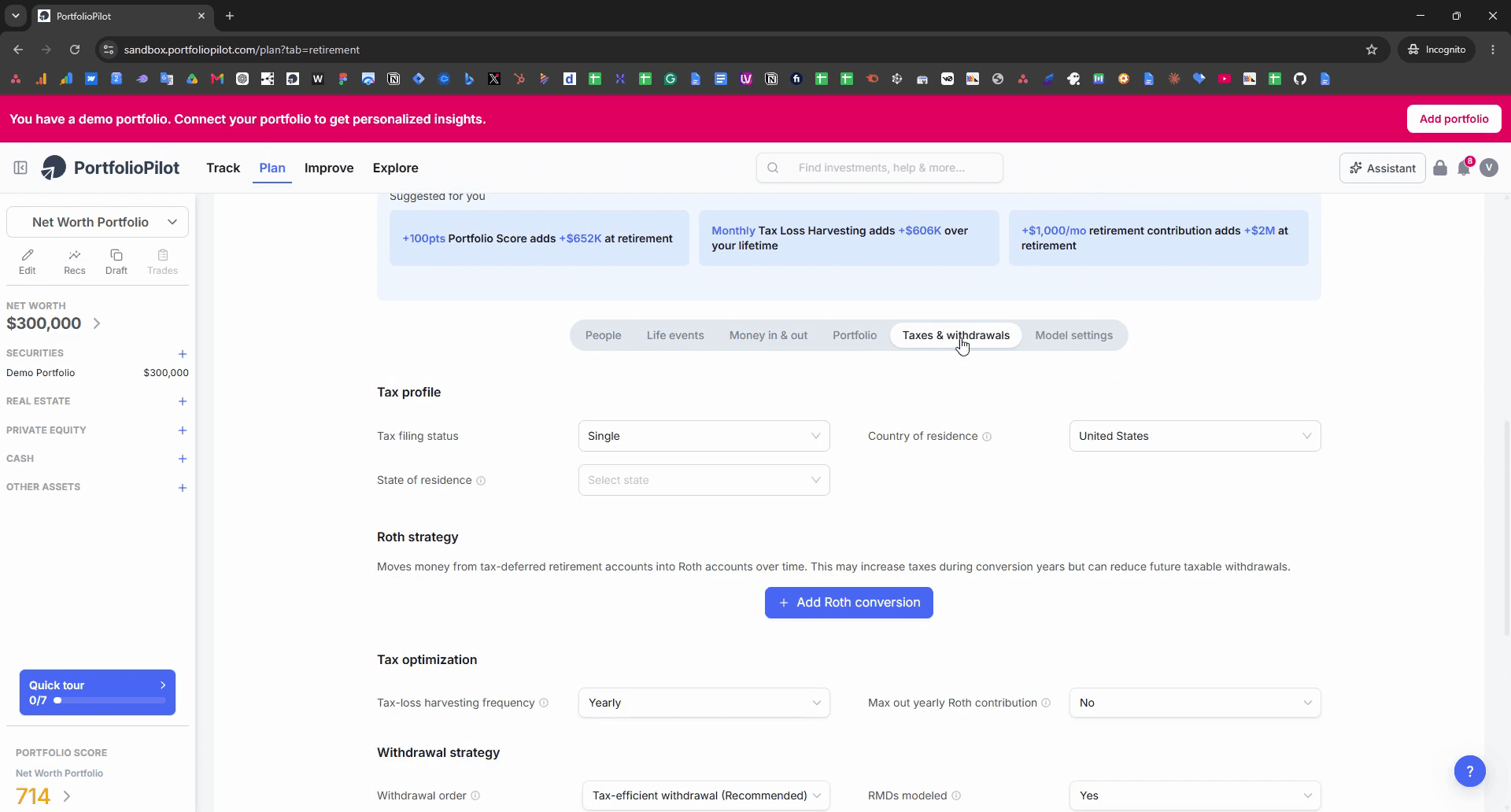
Analyze Diversification with the Assistant
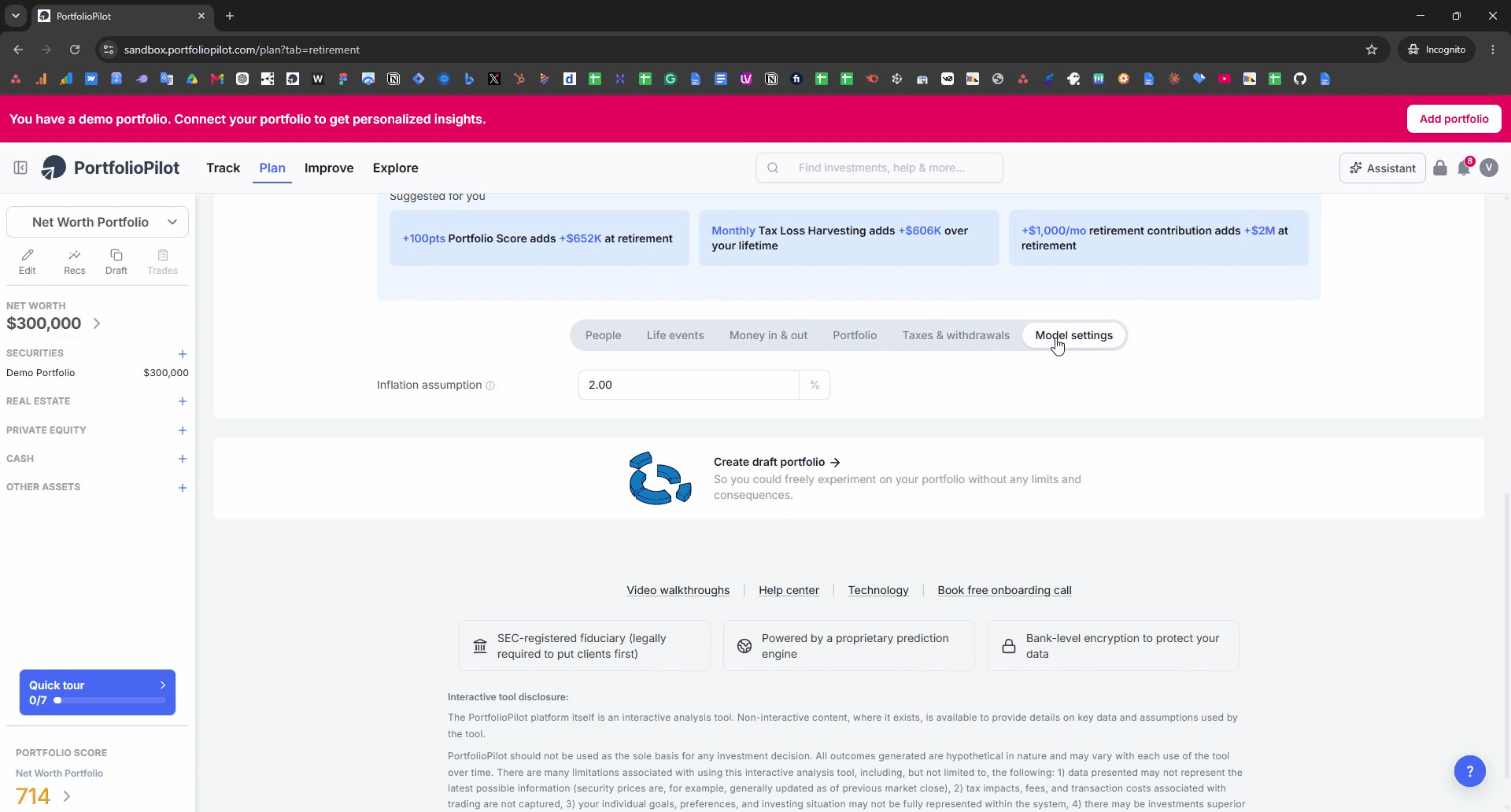
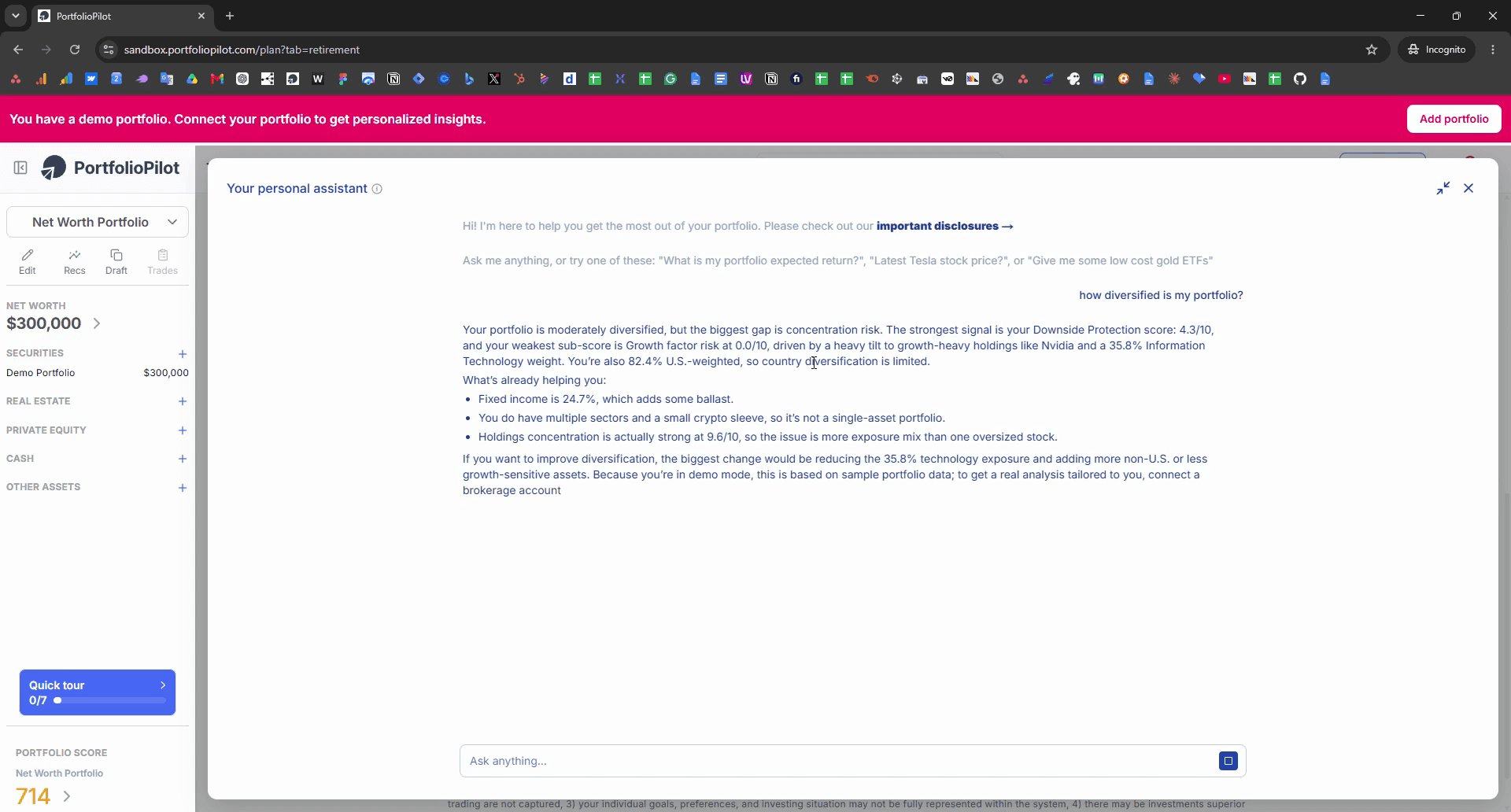
how diversified is my portfolio? into the chat text area.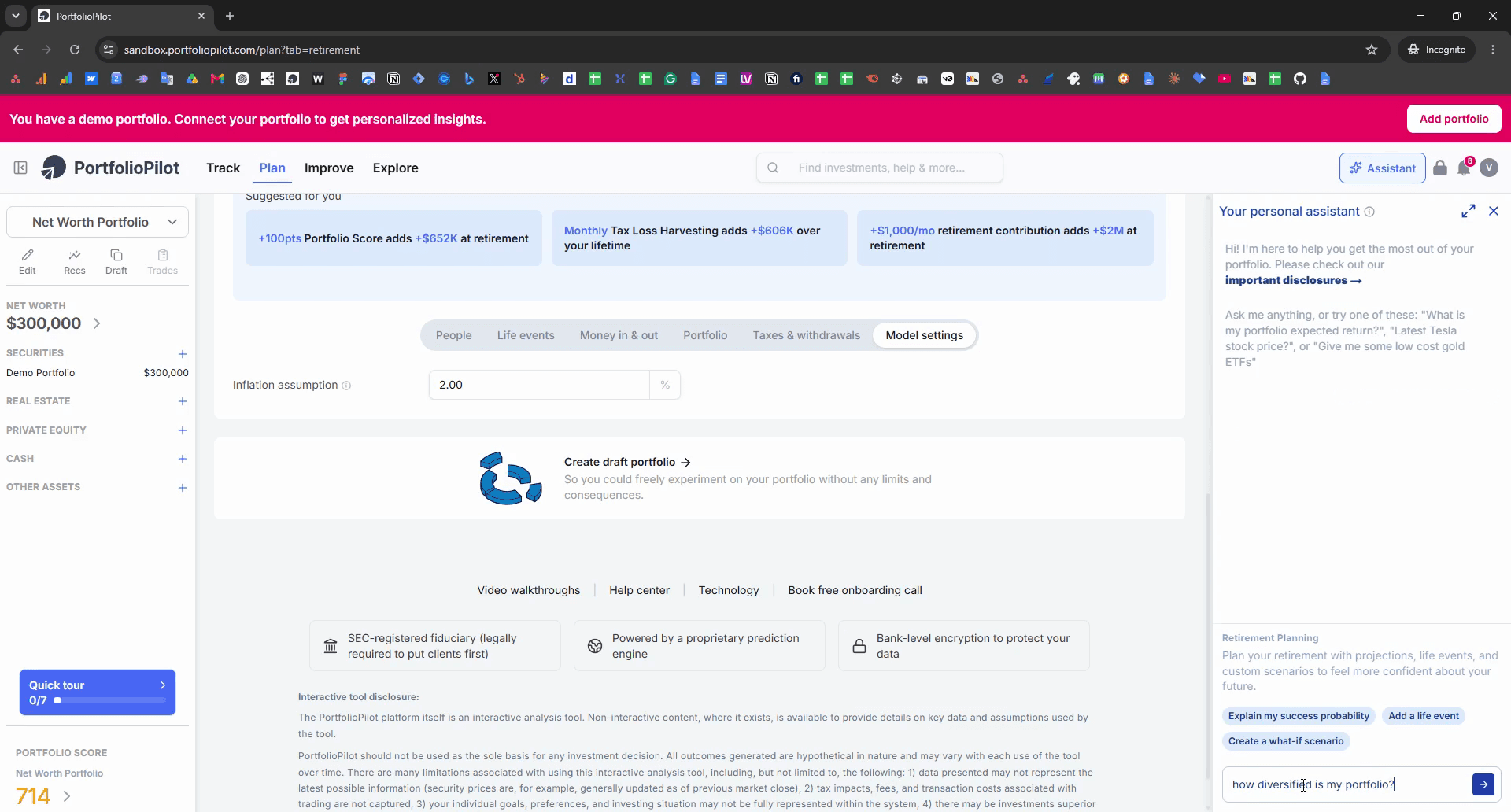
Add a New Portfolio
Q: Can I get personalized investment suggestions?
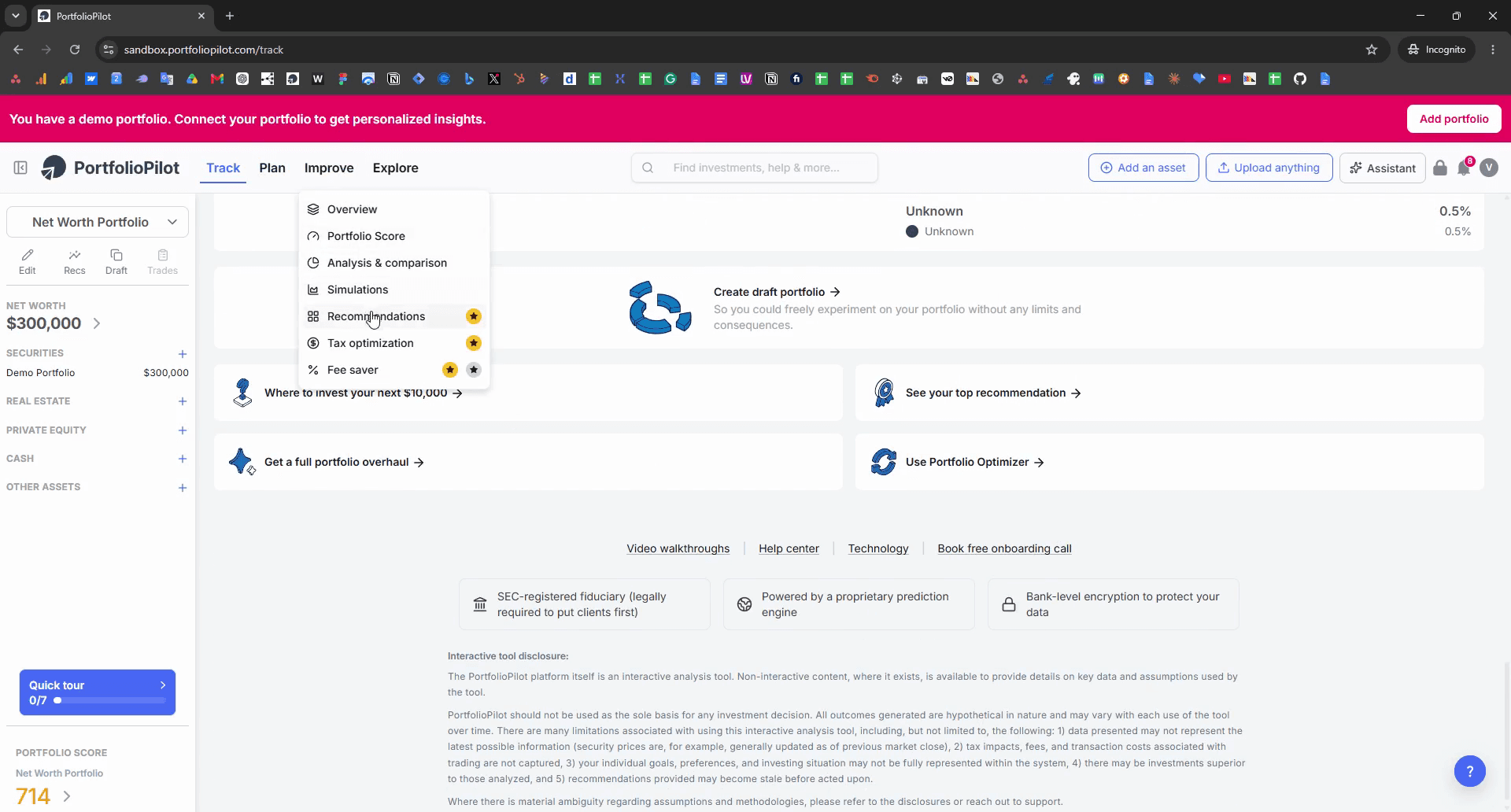
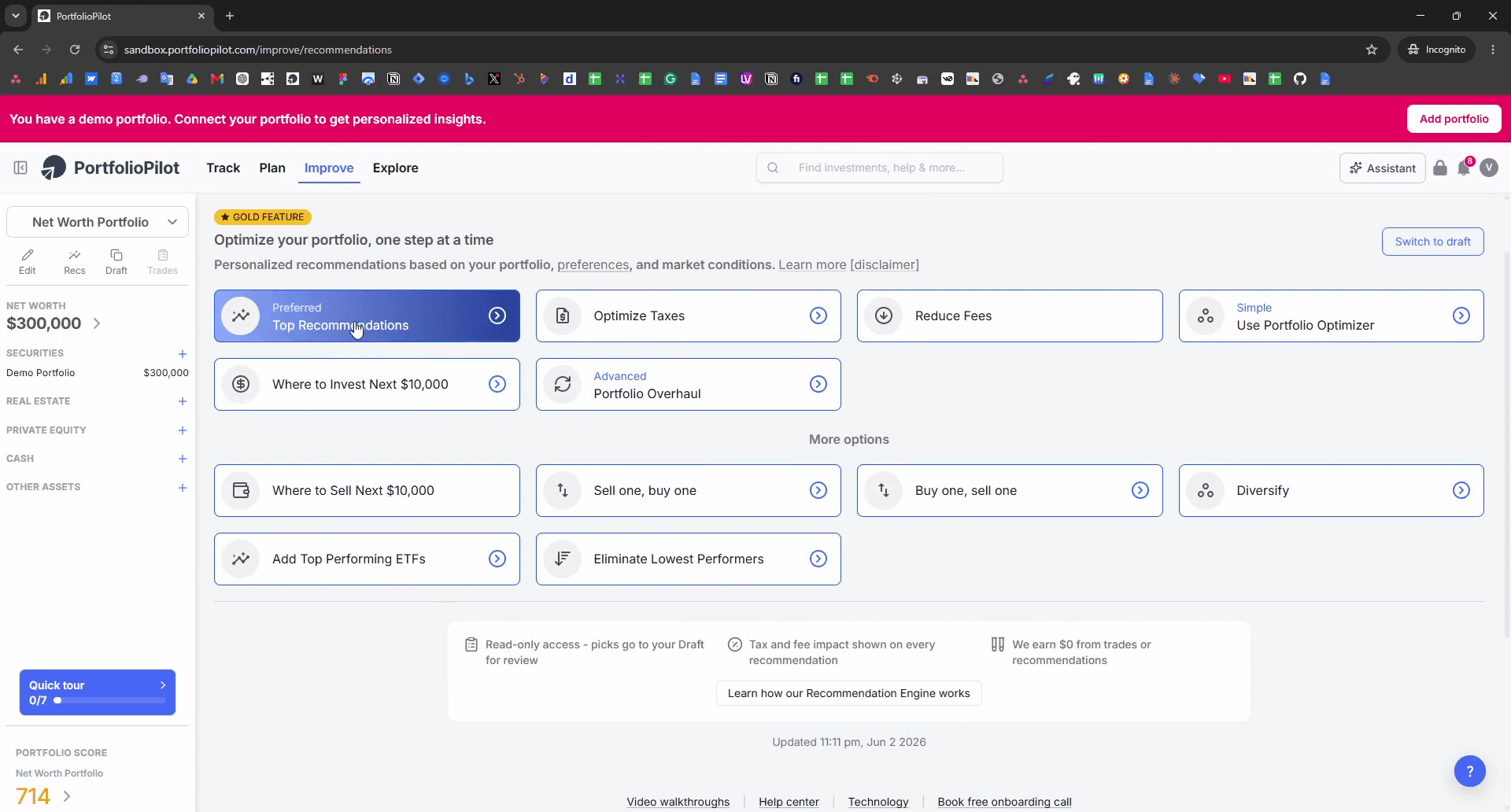
A: Yes, you can view tailored suggestions by navigating to the Improve tab and selecting Top Recommendations.
Q: How do I evaluate the diversification of my current assets?
A: You can use the built-in AI Assistant to ask specific questions about your holdings, such as "How diversified is my portfolio?".
Term | Definition |
|---|---|
Diversification | A risk management strategy that mixes a wide variety of investments within a portfolio. |
Asset Allocation | The implementation of an investment strategy that attempts to balance risk versus reward by adjusting the percentage of each asset in an investment portfolio. |