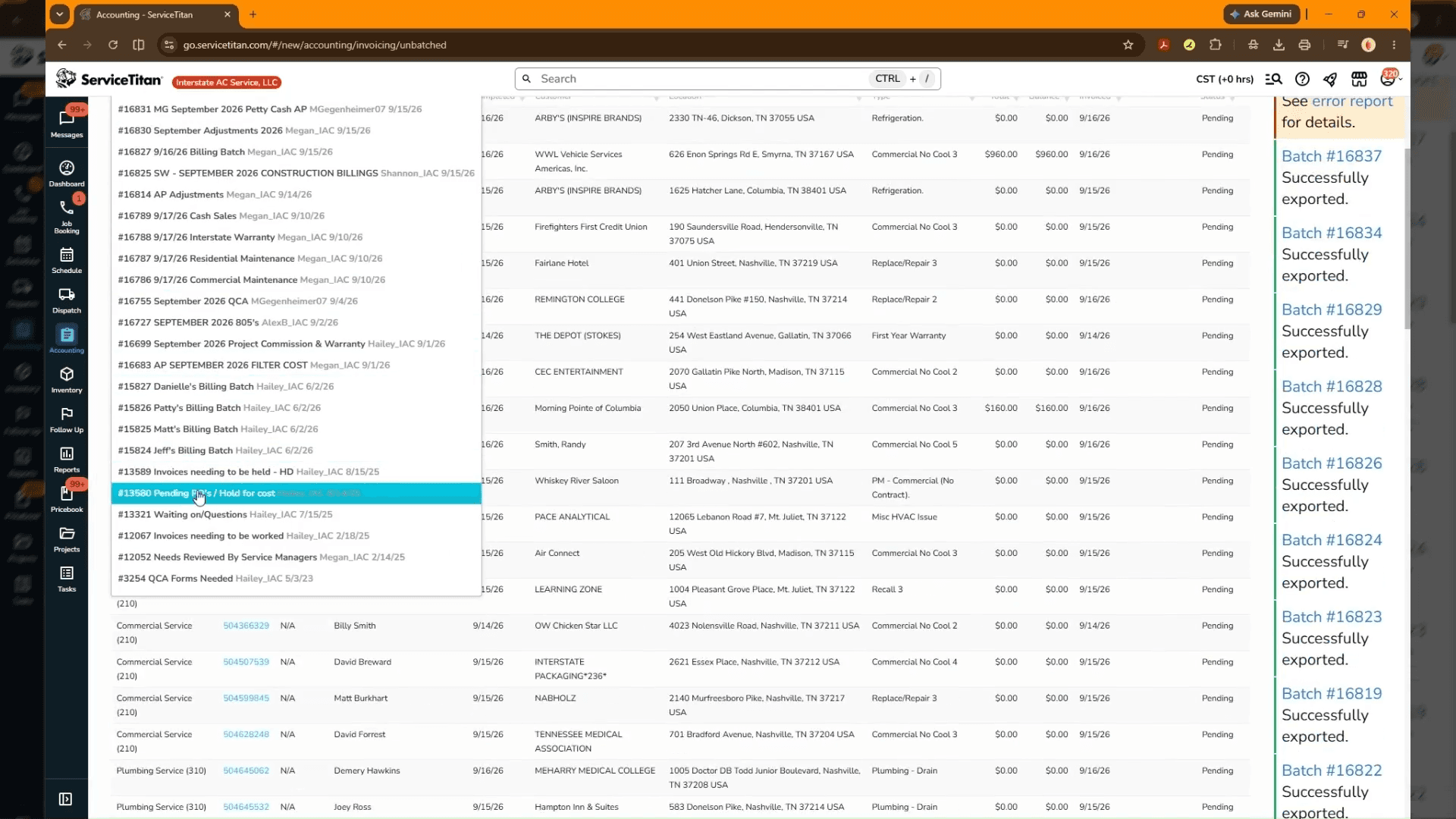
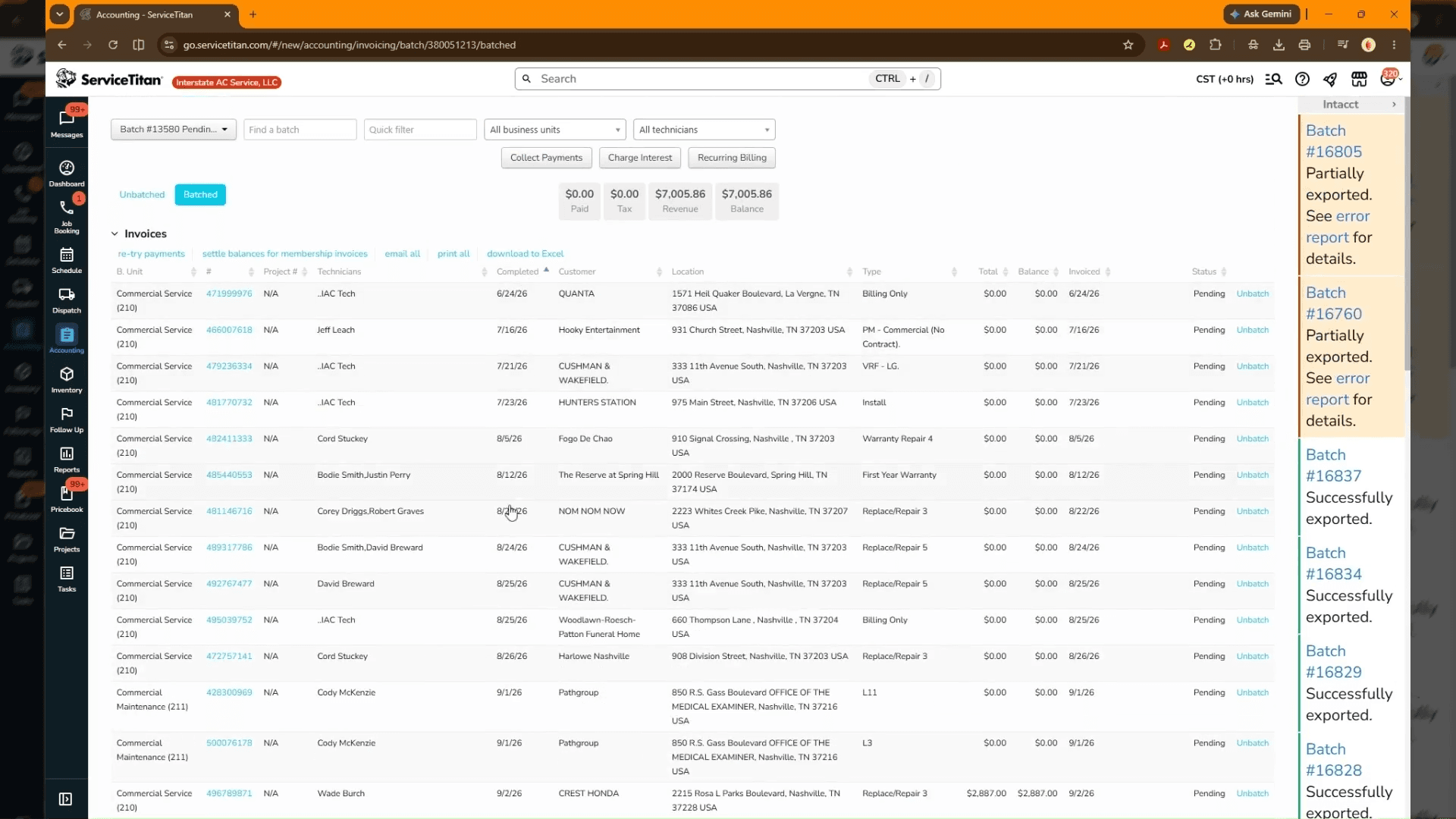
AP: Batch 13580 HFC/PP Batch
Learn how to access accounting records and review invoice details, purchase orders, and job summaries in ServiceTitan.
Purpose
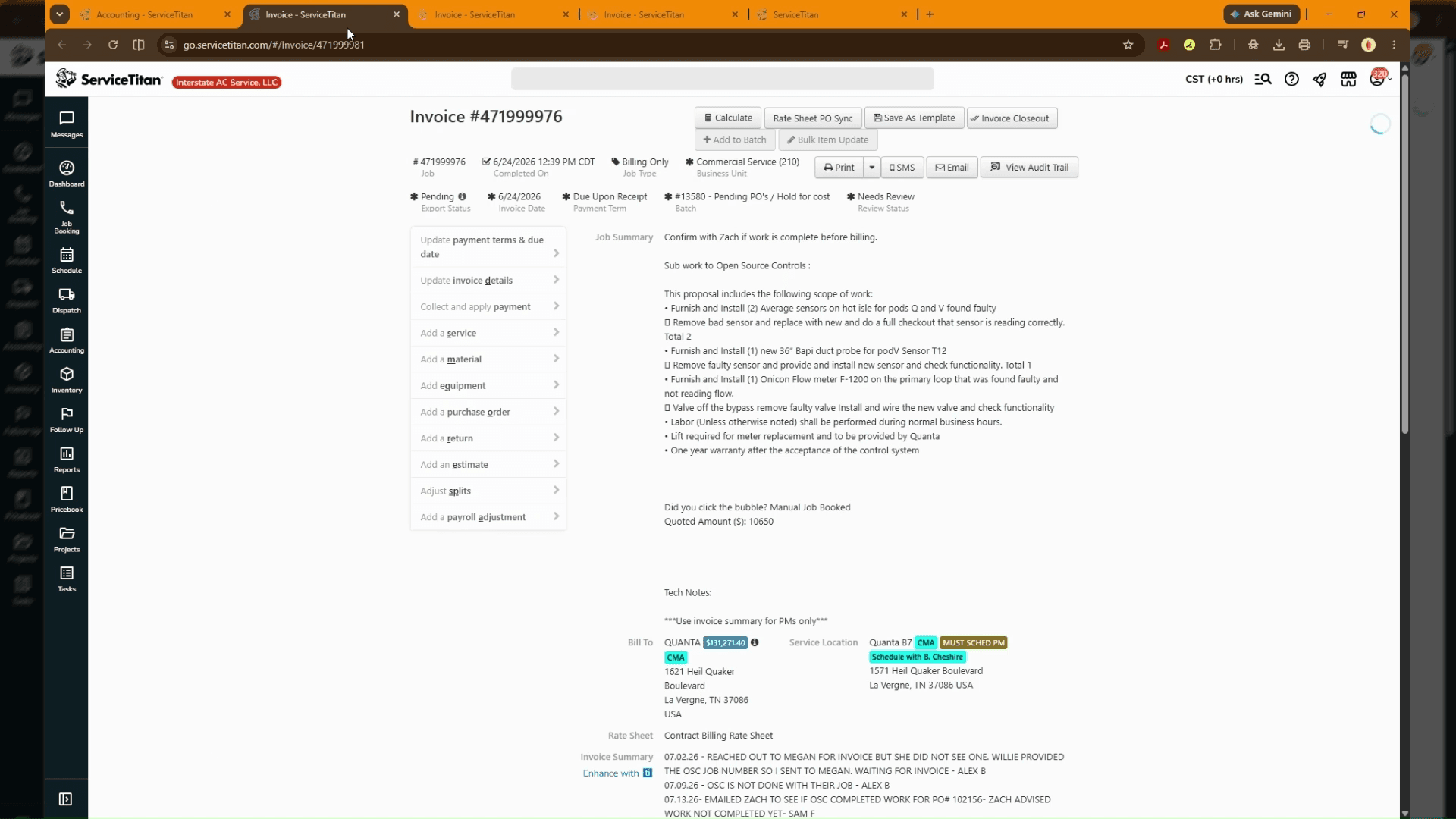
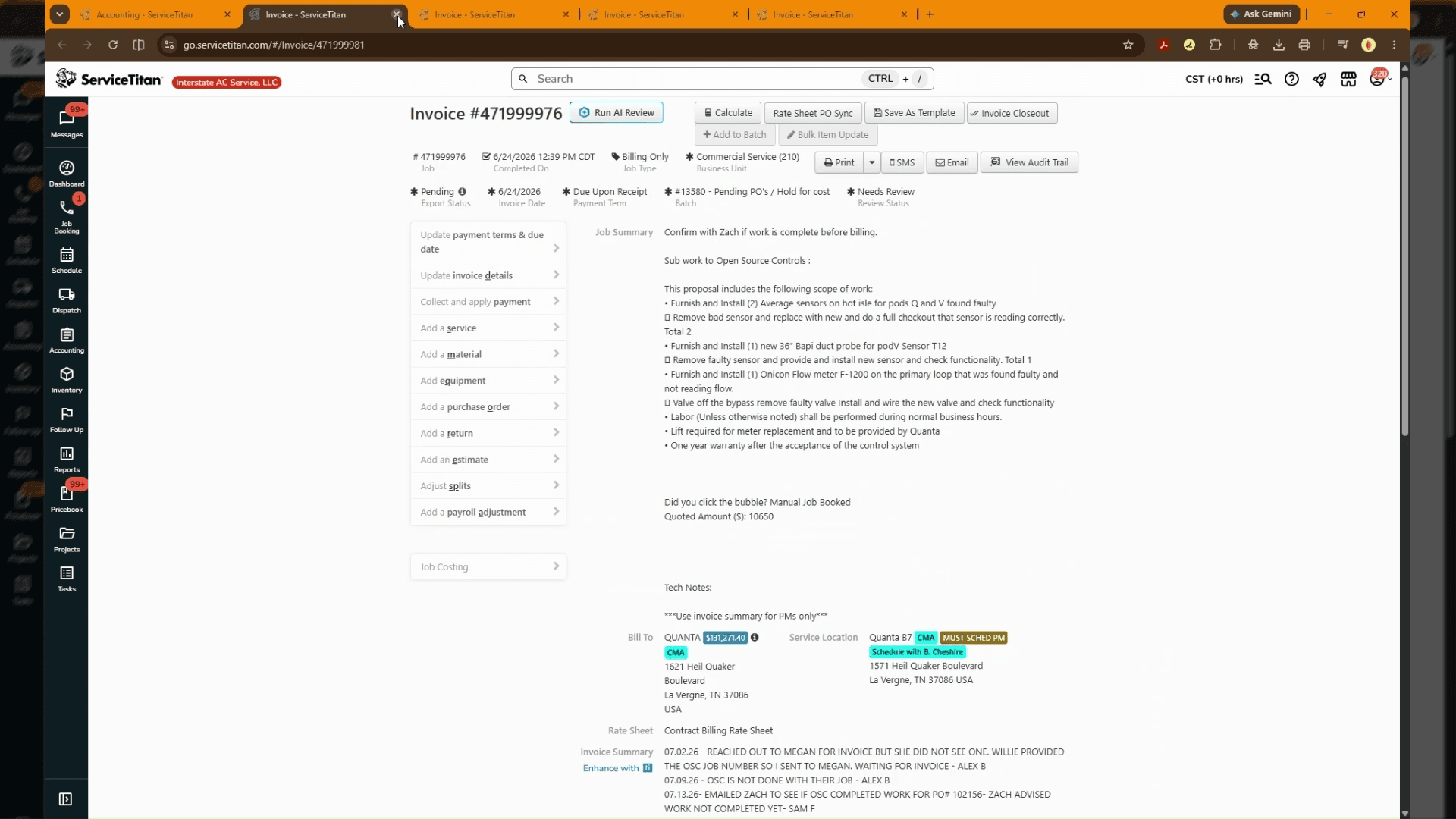
This guide outlines the steps to navigate to and review customer invoice with pending purchase orders. We contact vendors to request invoices and or credit memos.
Scope
This procedure applies to accounting personnel, billing specialists, and service managers working within the ServiceTitan platform. It covers accessing the accounting section, opening specific invoice records, and reviewing line items and job summaries prior to final batching or export. Modifying posted general ledger entries or batch exporting transactions is outside the scope of this document.
Navigate to Invoice Records
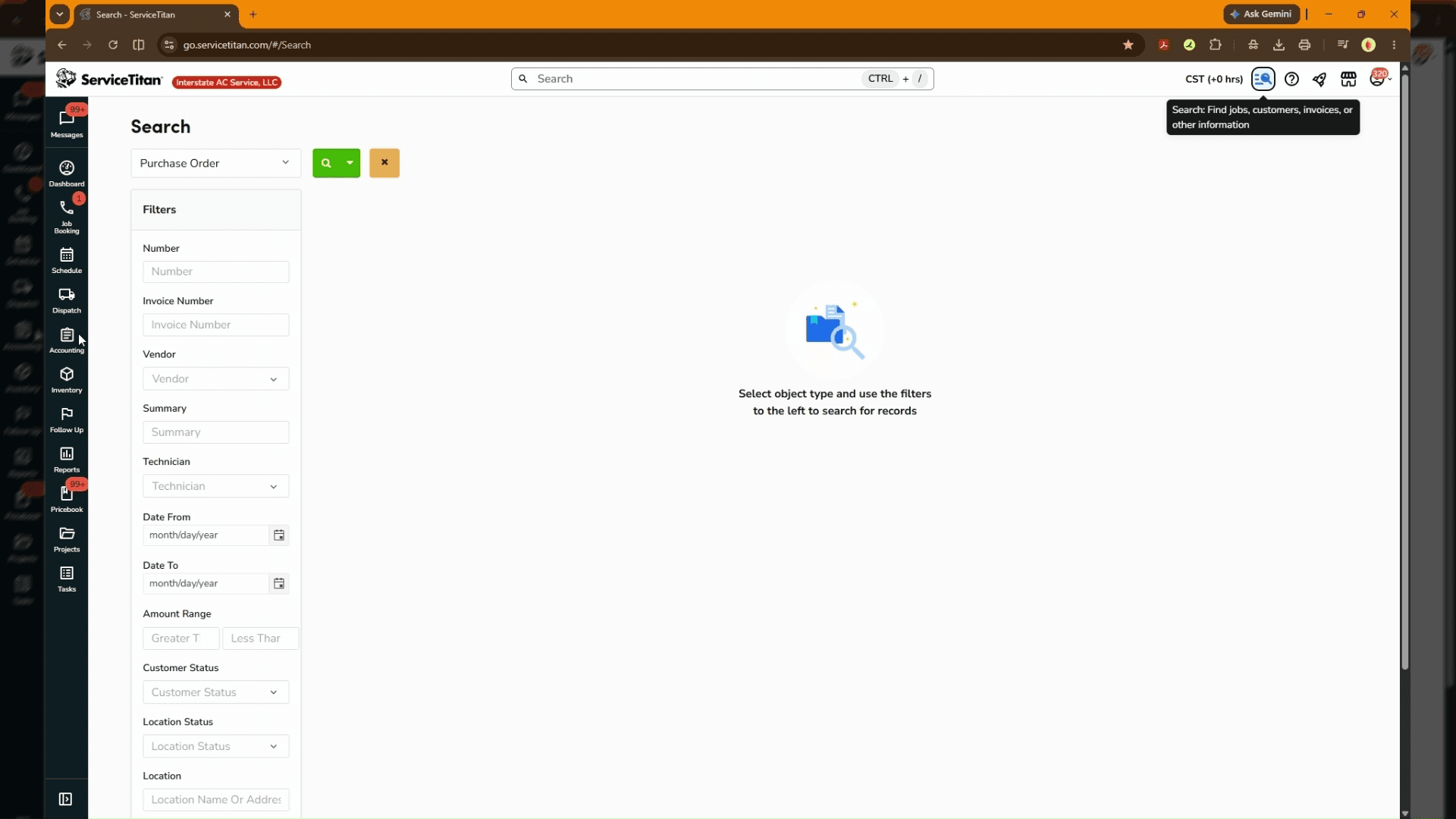
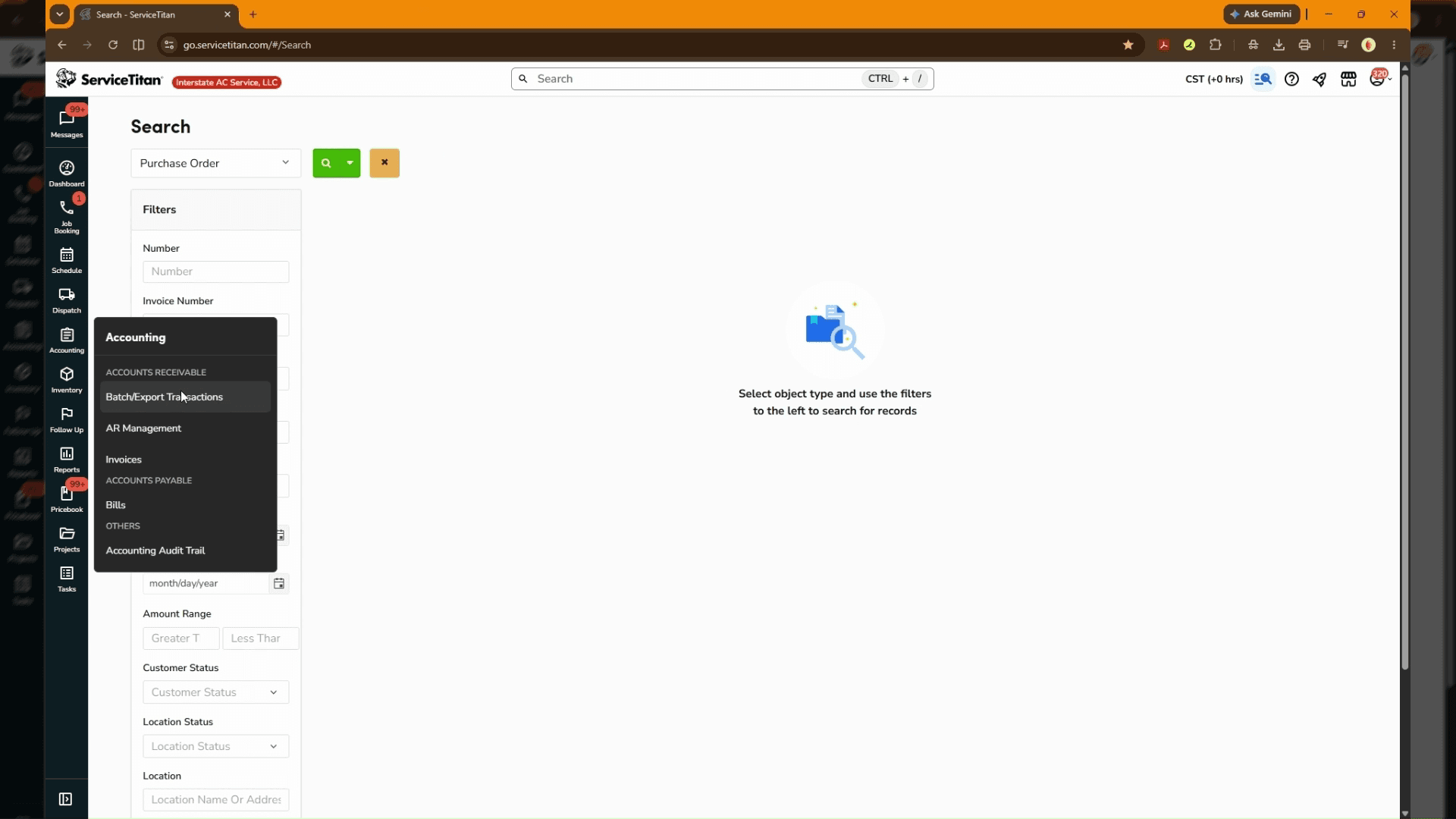
Access the accounting workspace to locate customer invoices needing review.
Review Invoice Details and Summary
Examine the invoice content, associated purchase orders, and job summary details.
FAQ
Q: Where can I find associated purchase orders on an invoice?
A: Purchase orders and item breakdowns are visible directly on the central invoice details screen alongside line items and services.
Q: Which menu section contains customer invoice records in ServiceTitan?
A: Customer invoices and billing records can be accessed via the Accounting module under Accounts Receivable.