Assign a user permissions template in DATAIE via the software platform
Find out how to assign a permissions template to a user.
By Soporte DATAIE
Purpose
This guide explains how to update the user permissions template on the DATAIE platform. Following this procedure ensures that each user has the correct access profile and that the settings are saved correctly.
Scope
This guide is intended for DATAIE implementers and consultants responsible for managing user accounts. It covers how to modify a user’s permissions template via the Administration console.
Assign user permissions
1
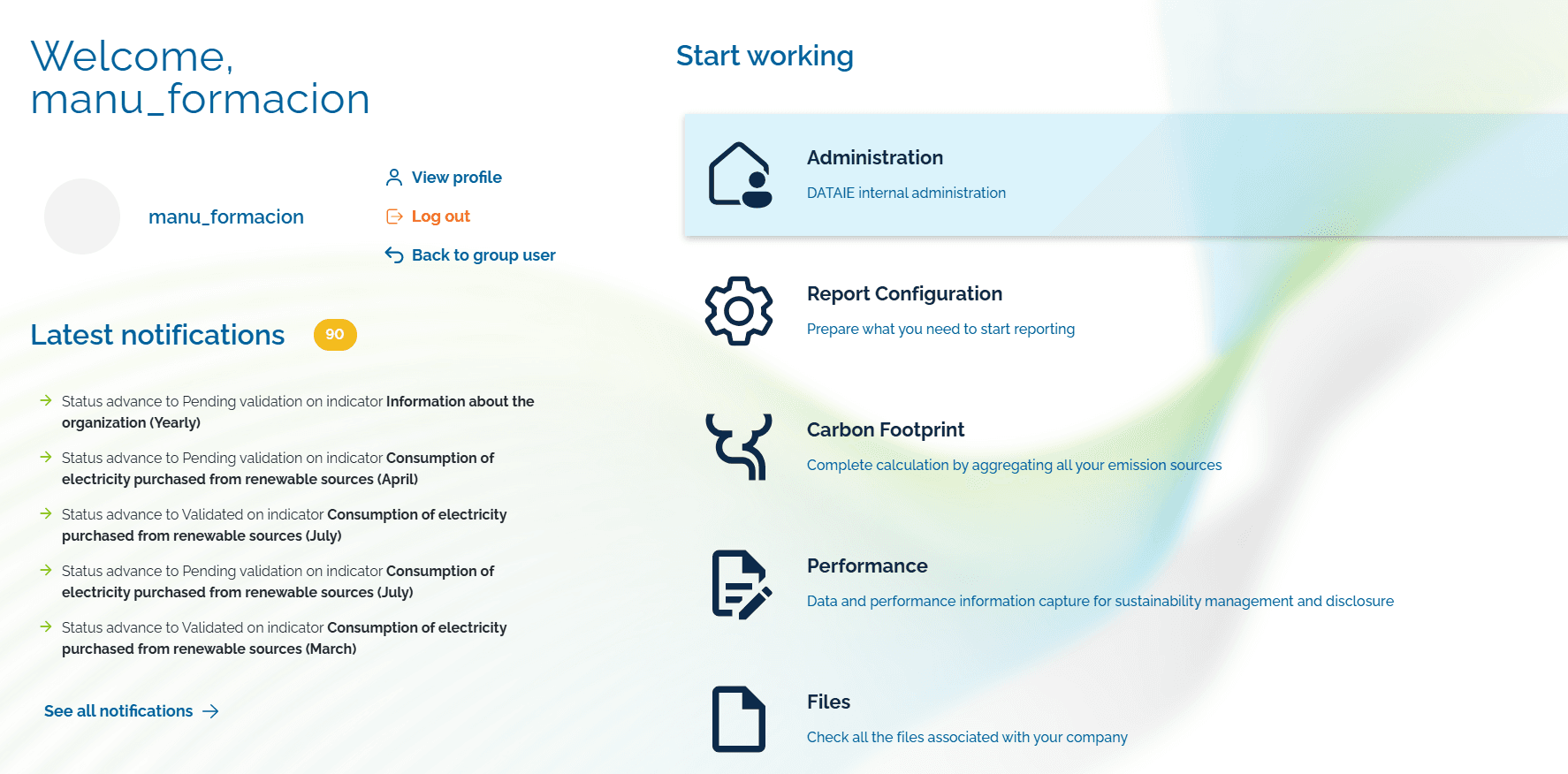
Click on the ‘Administration menu tab.
2
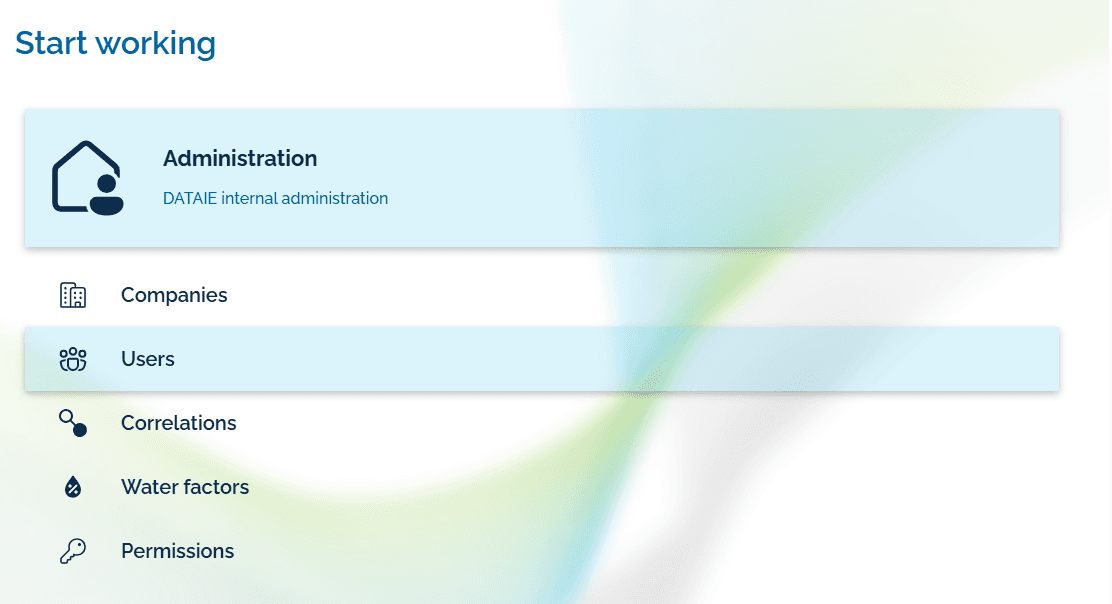
Click on Users in the administration menu.
3
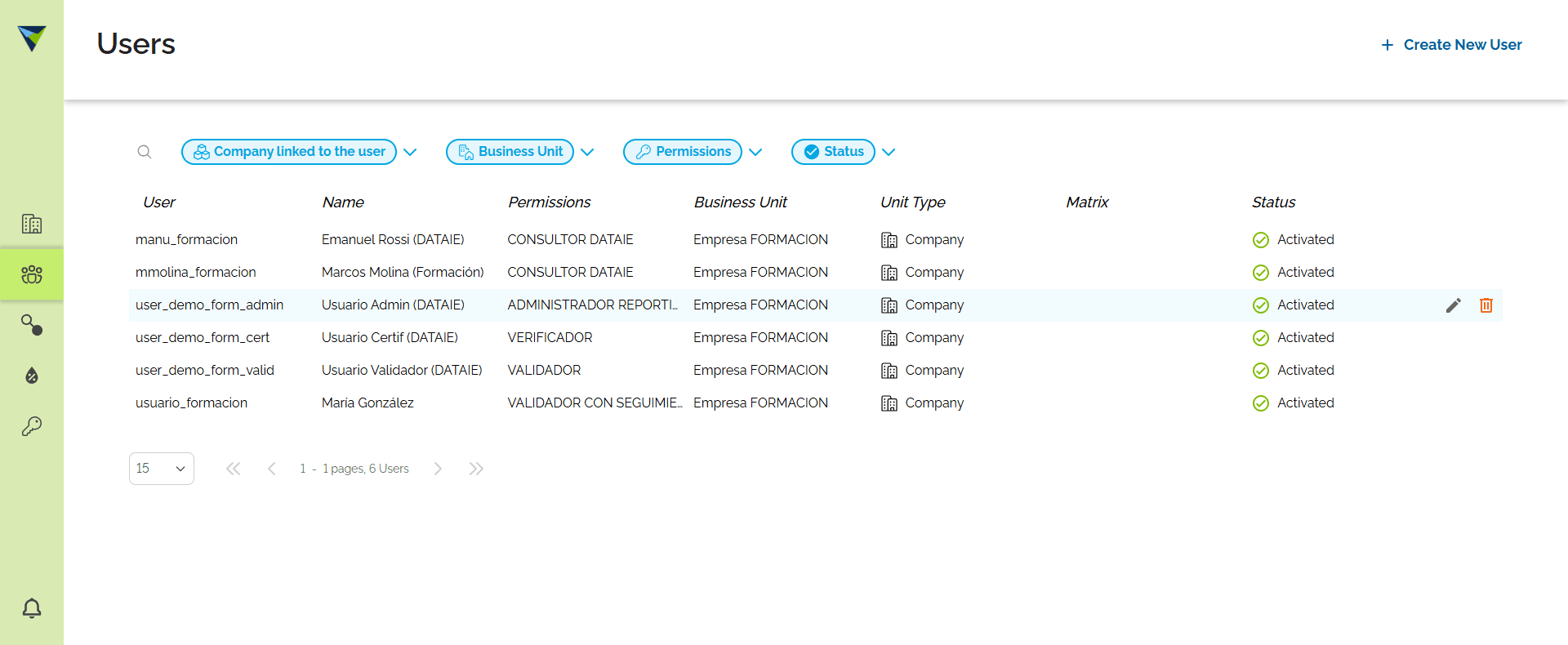
Click the edit icon on the user row you want to modify.
4
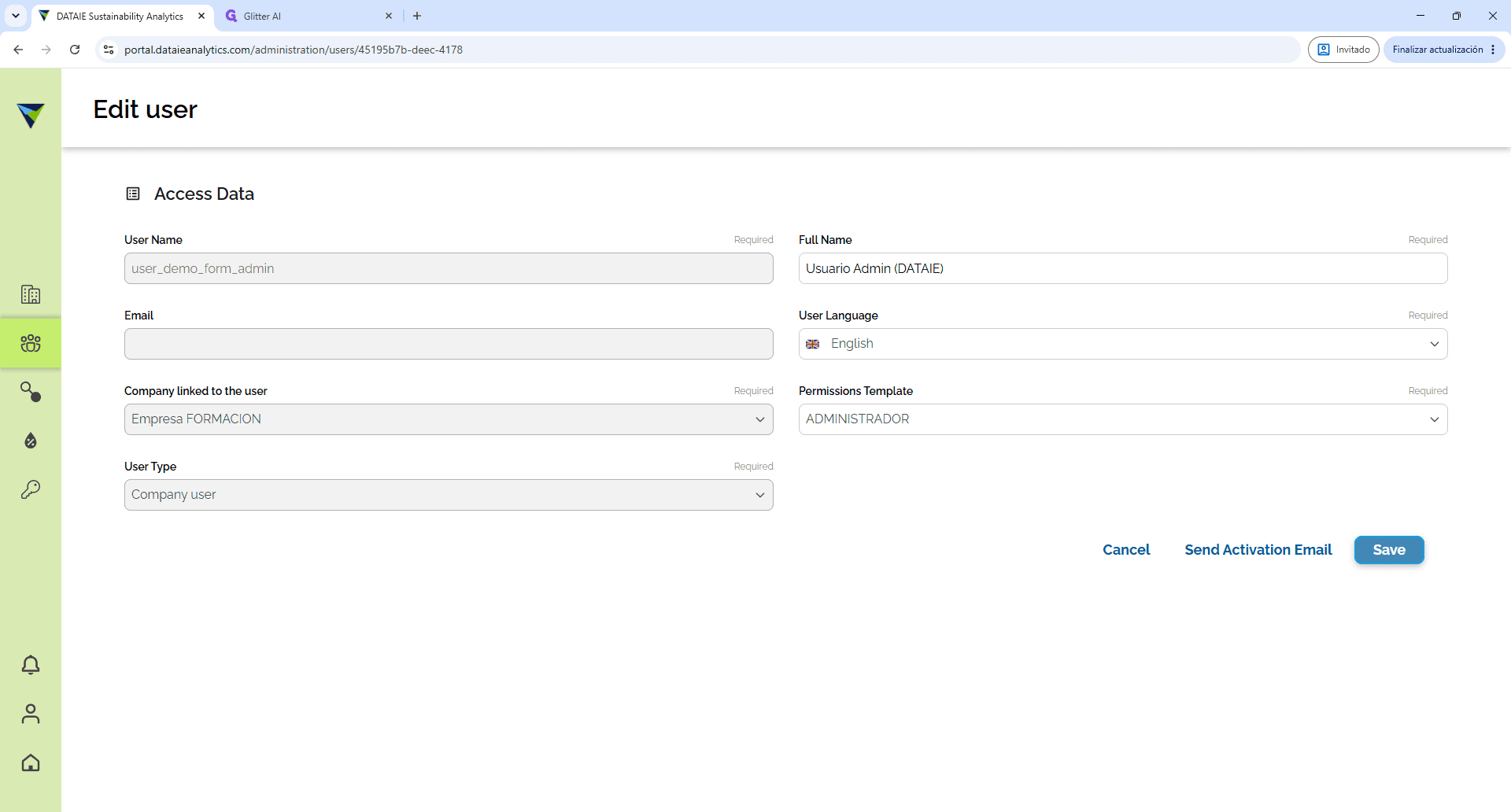
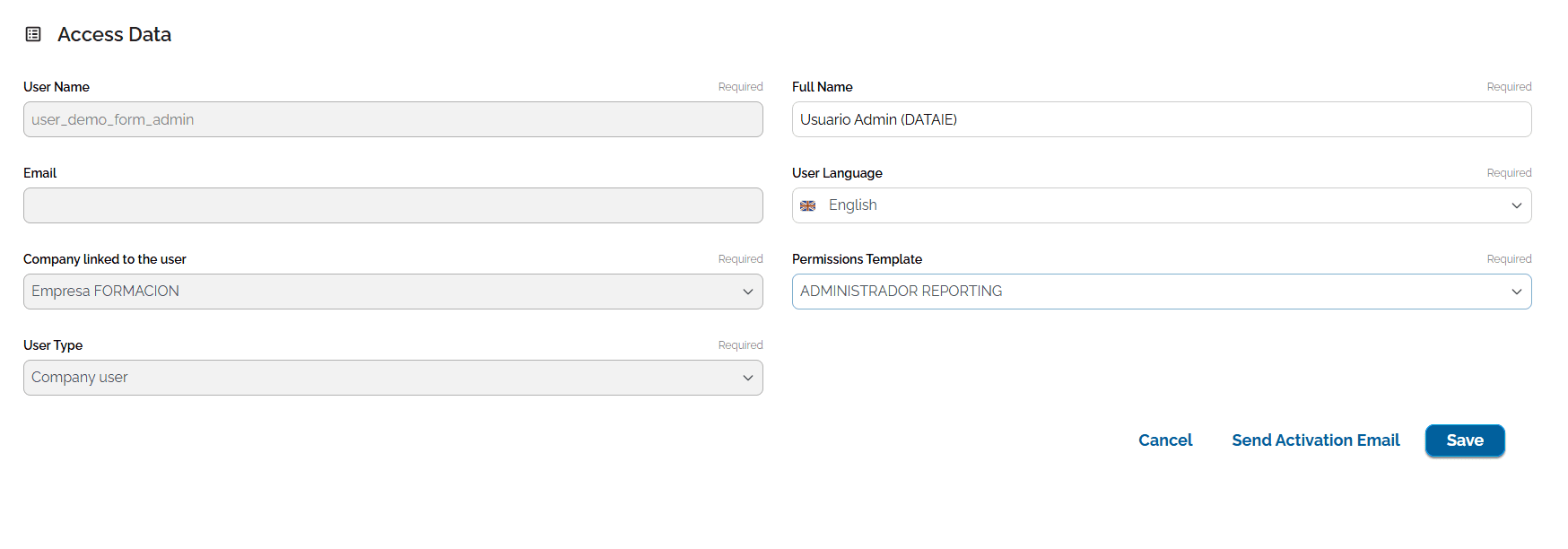
Click the Permission Template dropdown field.
5
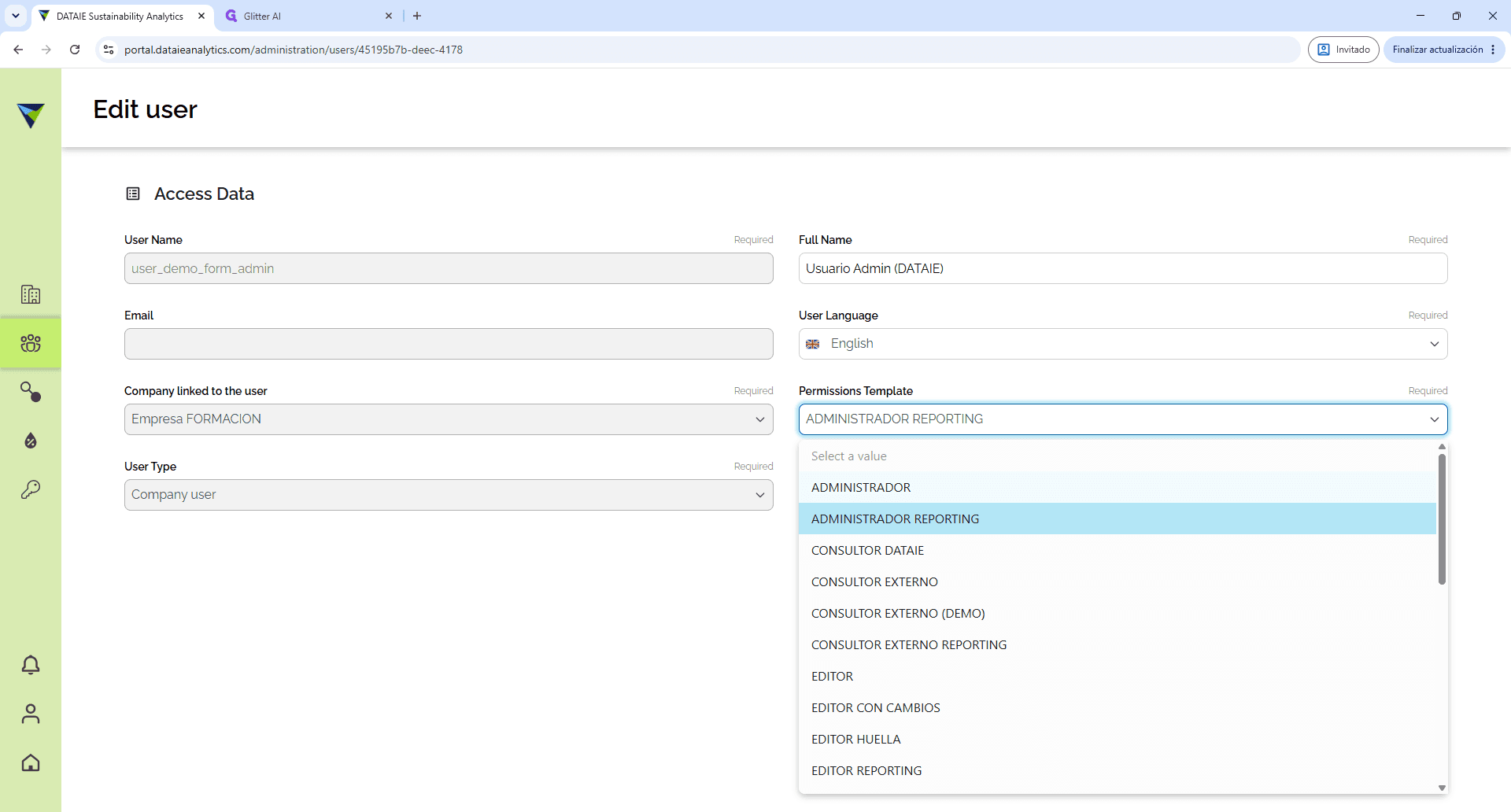
Click on ADMINISTRADOR in the dropdown list.
6
Click on Save to apply the updated permissions.