
How to Assign Admin Roles and Issue Cards in Weel
Learn how to update user roles to Admin, create budgets, and issue corporate cards to team members in Weel.
This guide explains how to elevate a team member's account role to Admin, configure a dedicated budget, and issue corporate cards. Completing these steps ensures the correct users have administrative access and appropriate spending permissions in Weel.
This workflow is designed for account administrators and finance managers who need to manage team permissions and distribute corporate cards to employees.
Update User to Admin Role
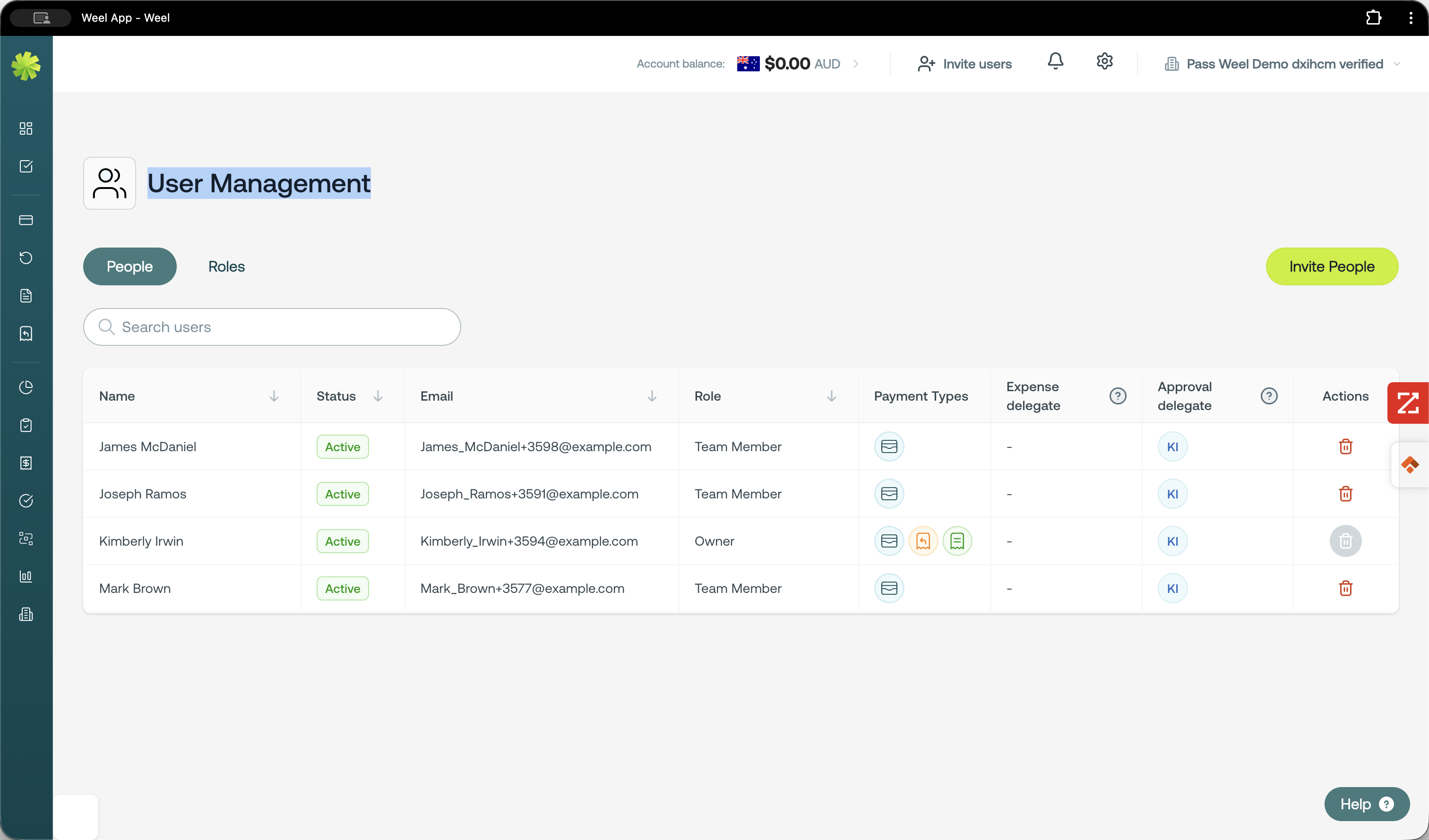
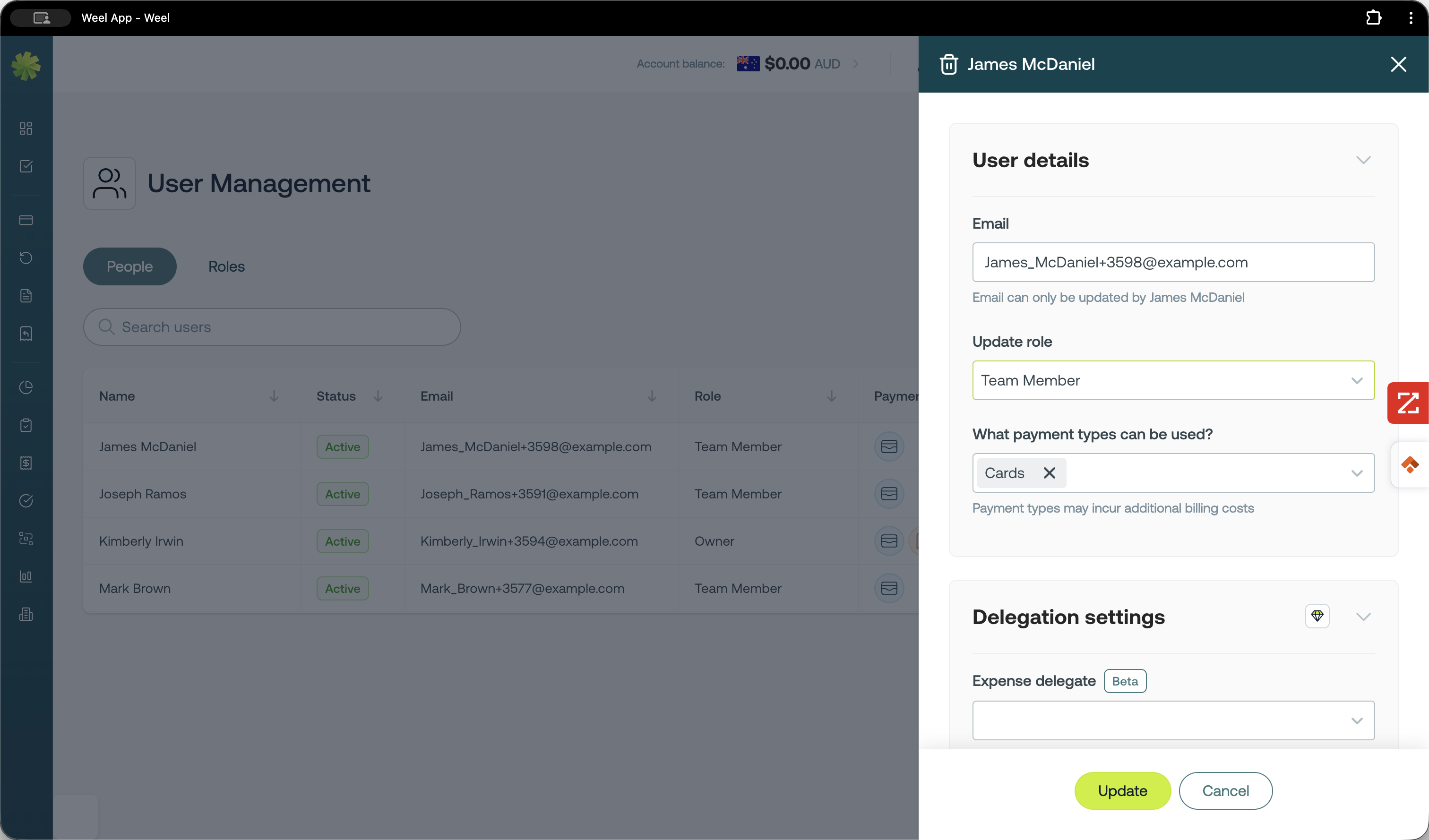
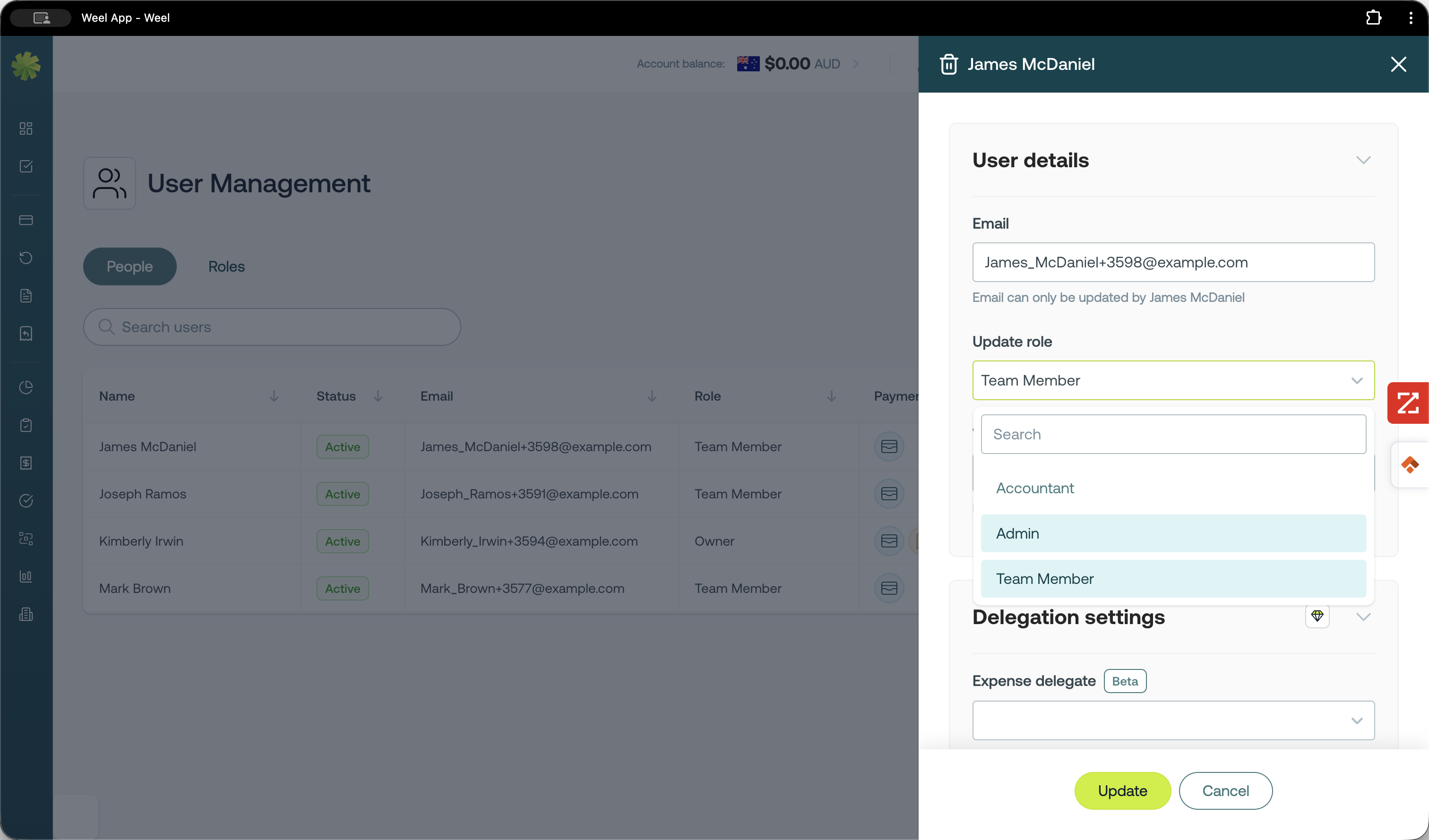
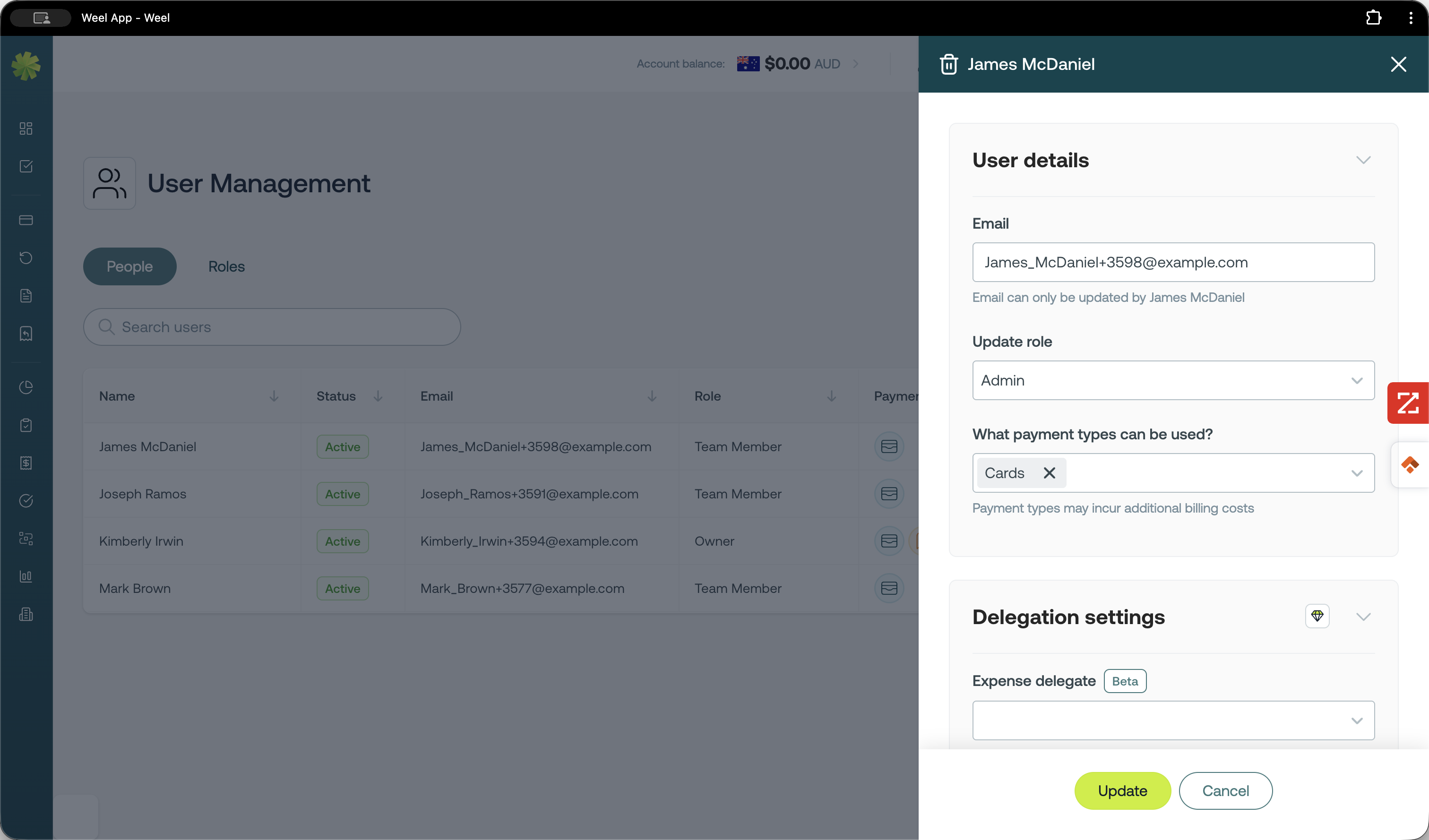
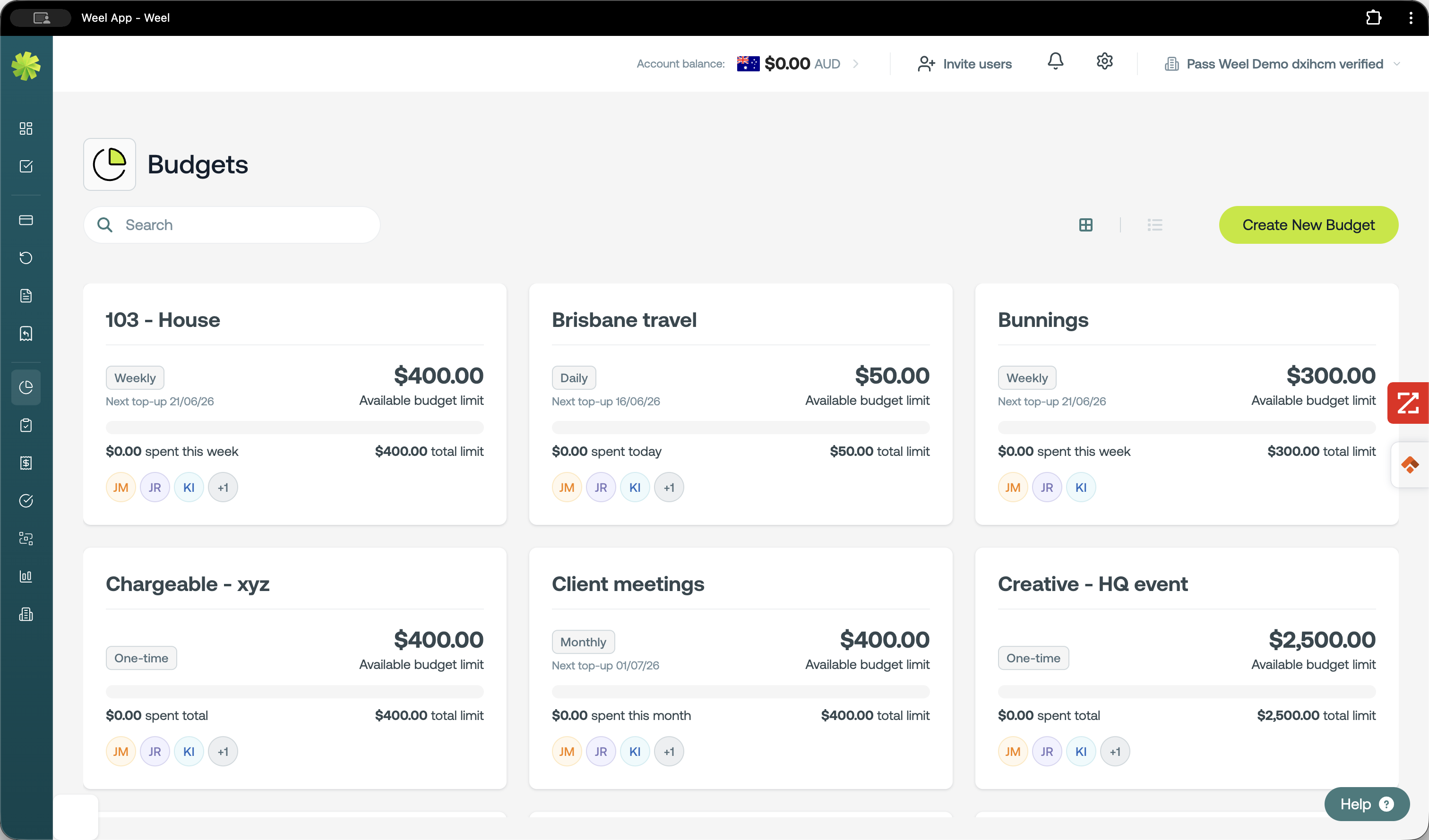
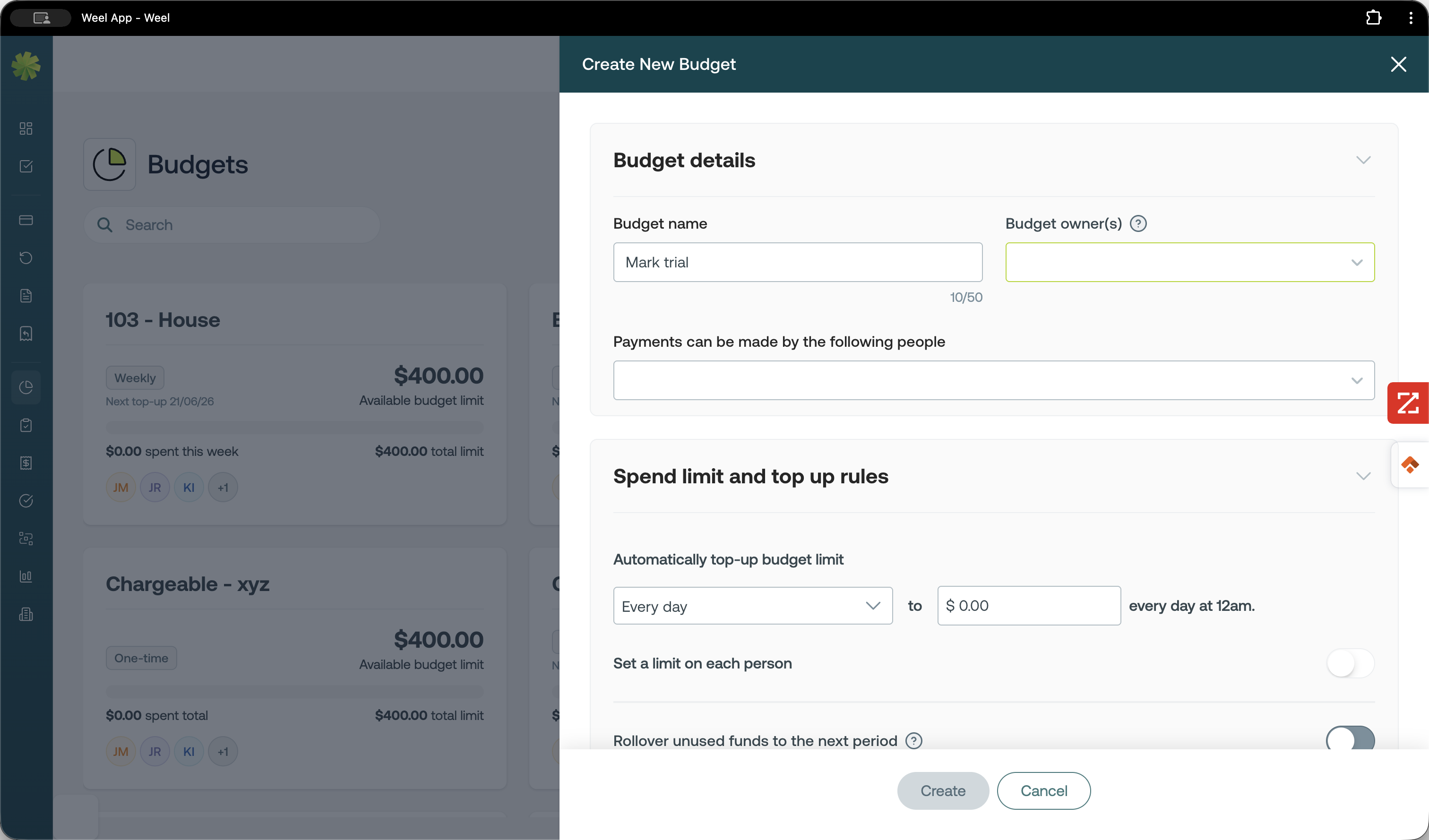
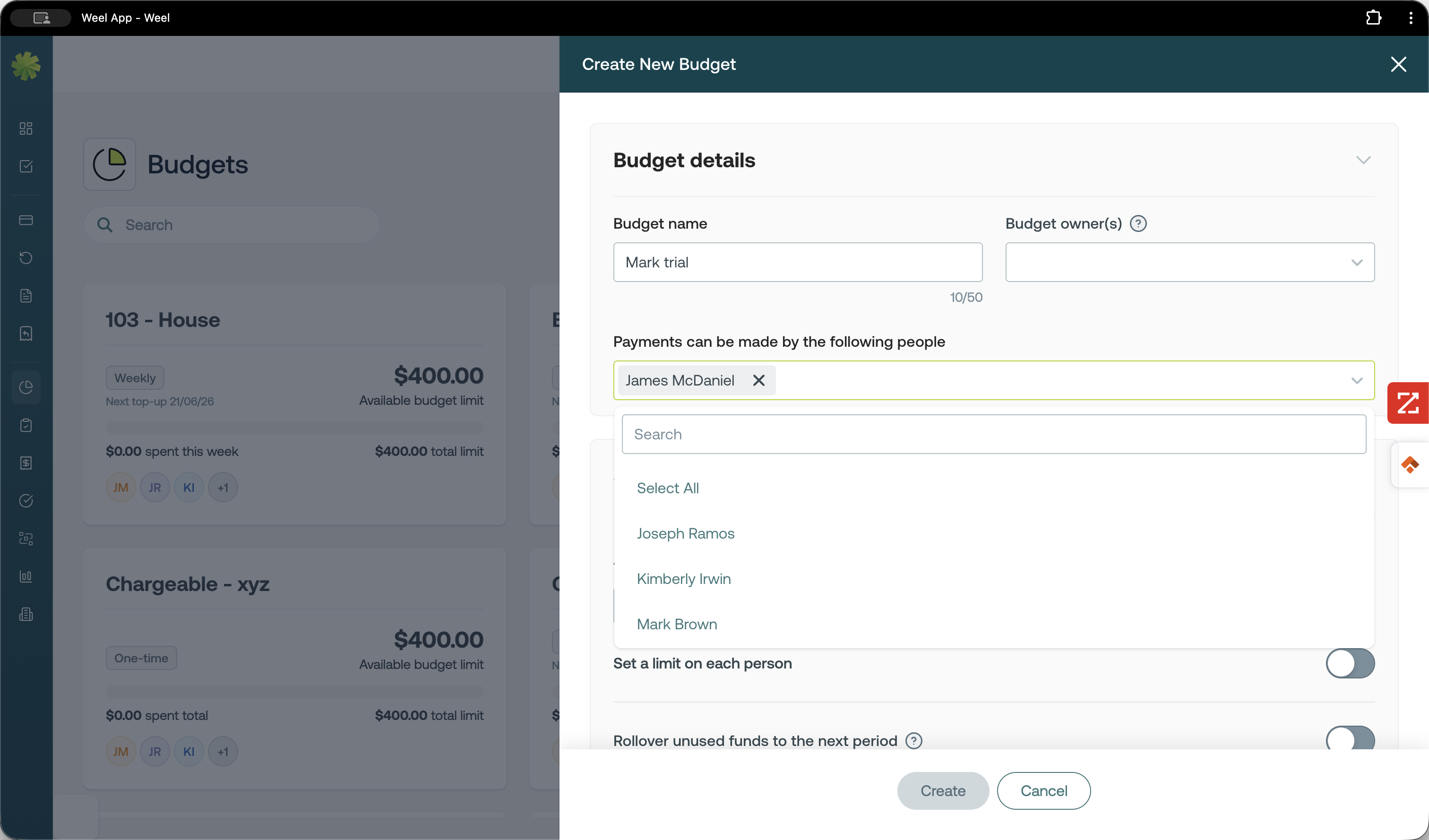
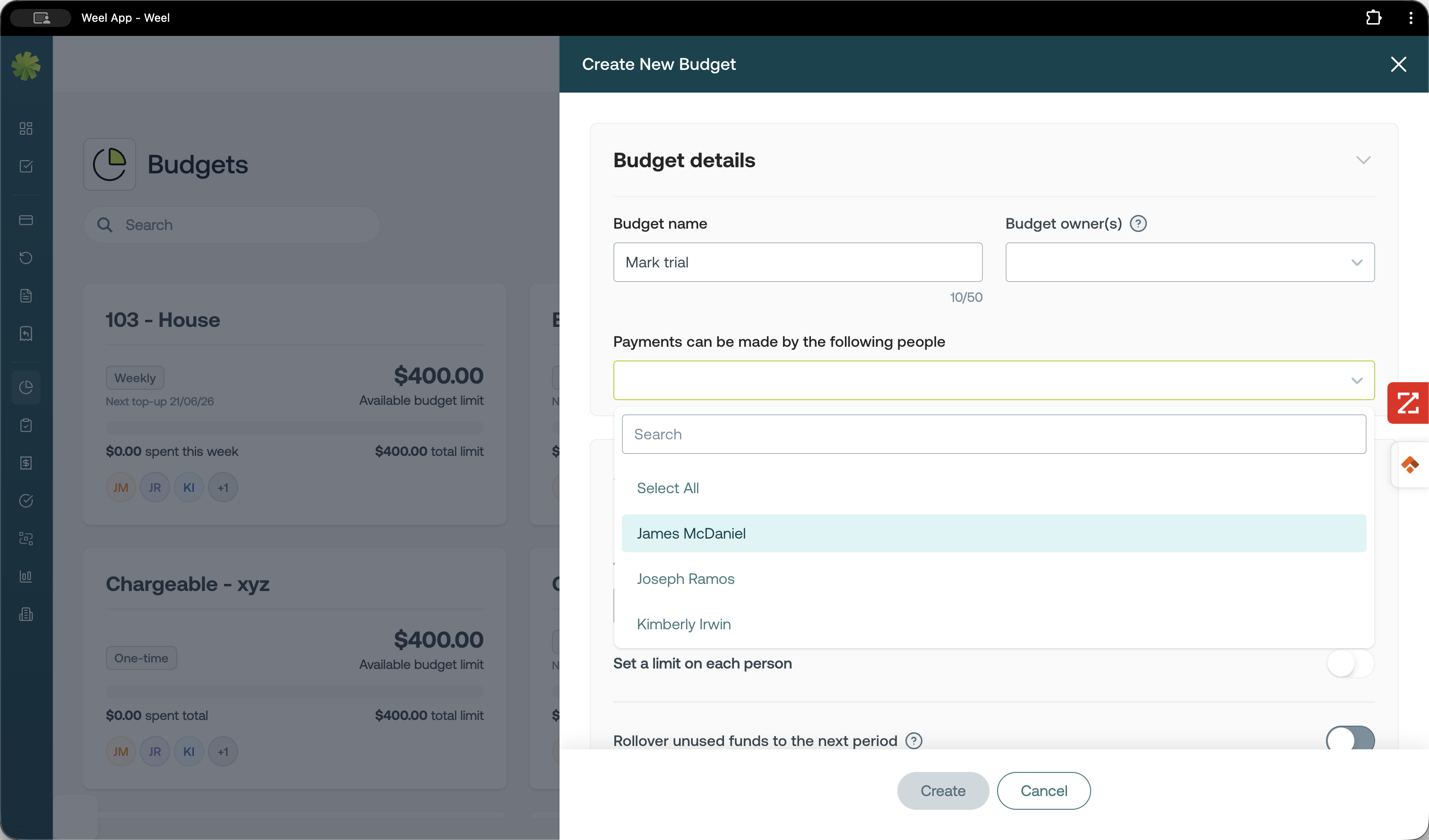
Create a Budget
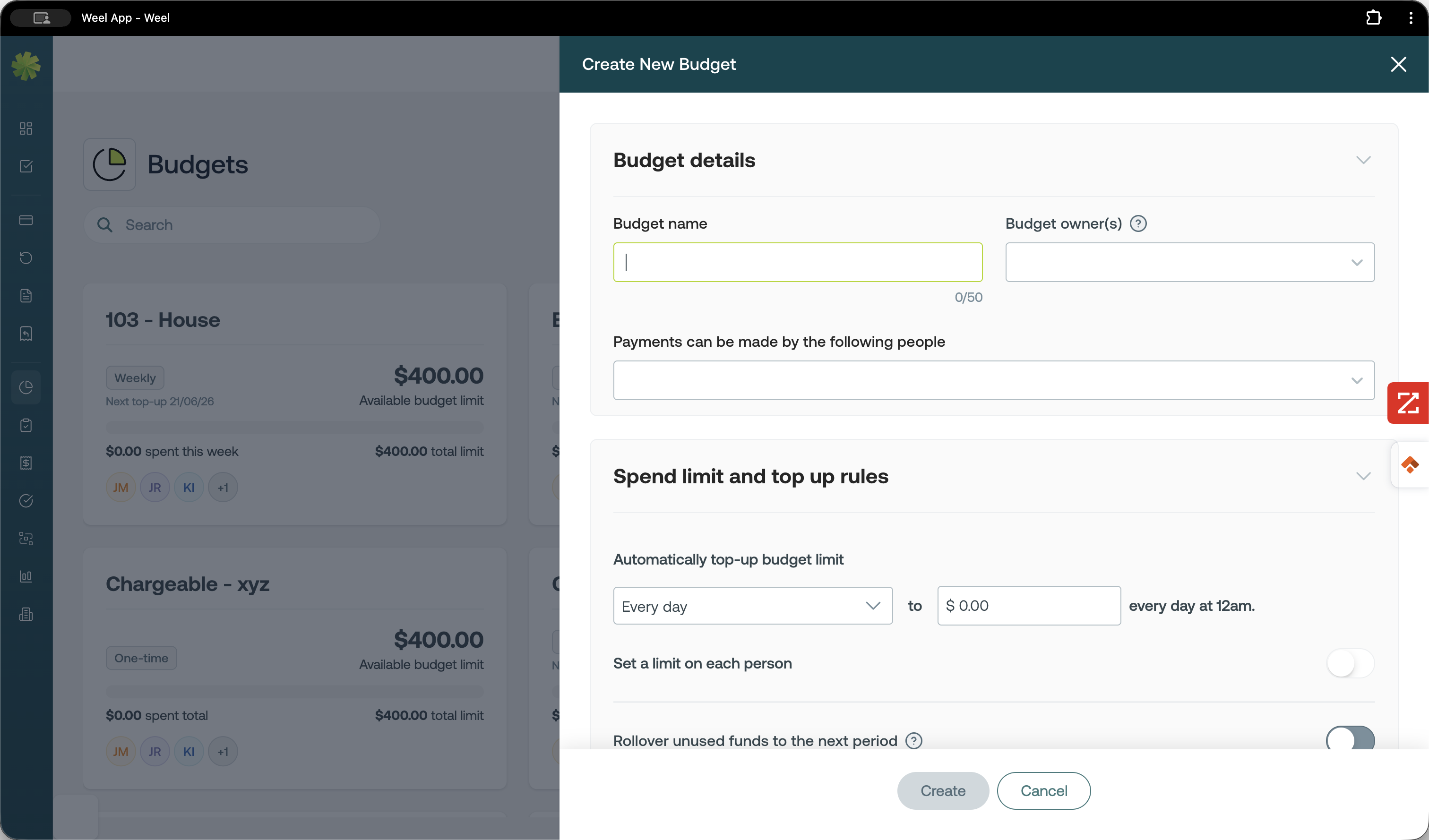
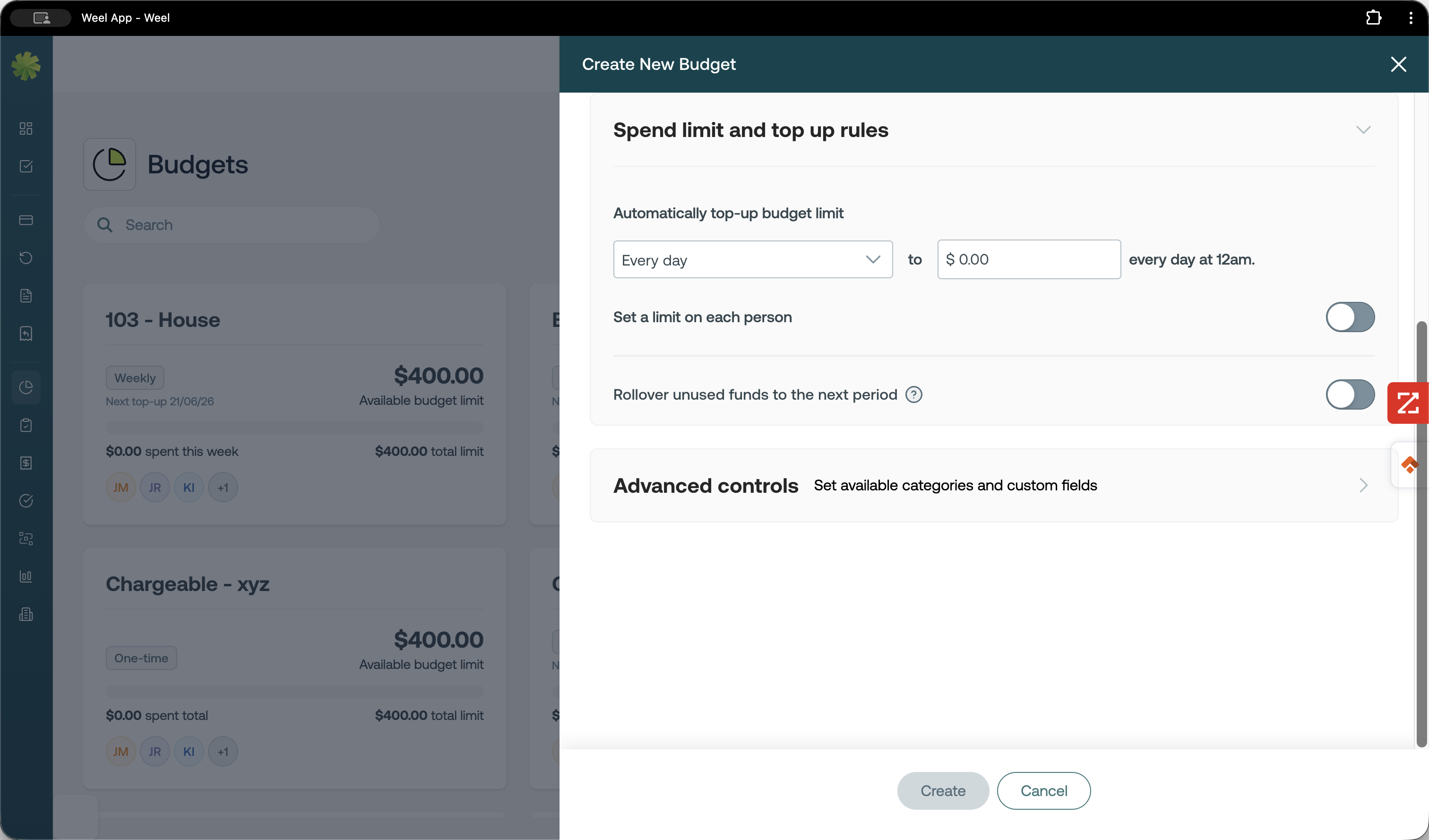
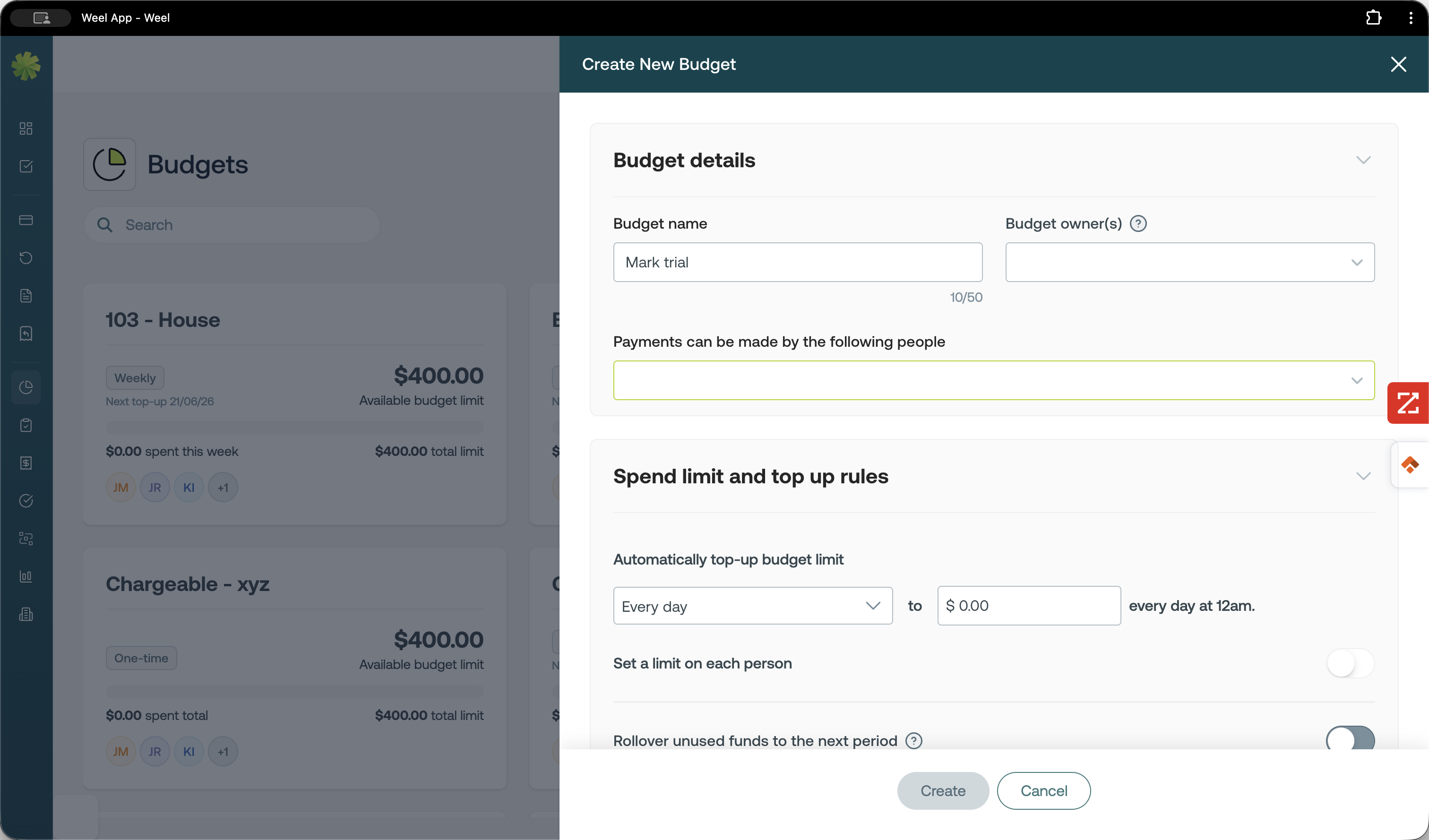
Issue a New Card
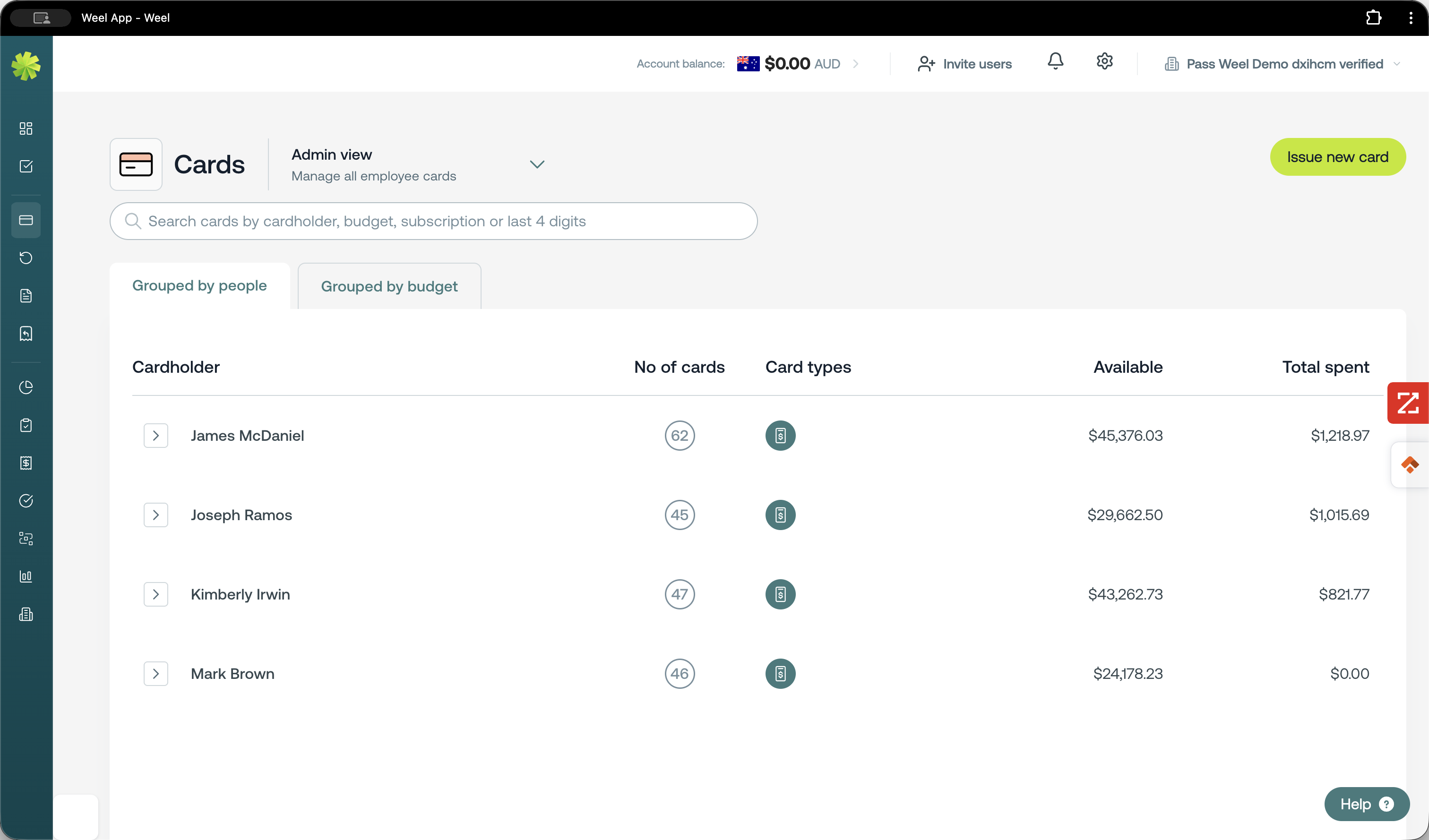
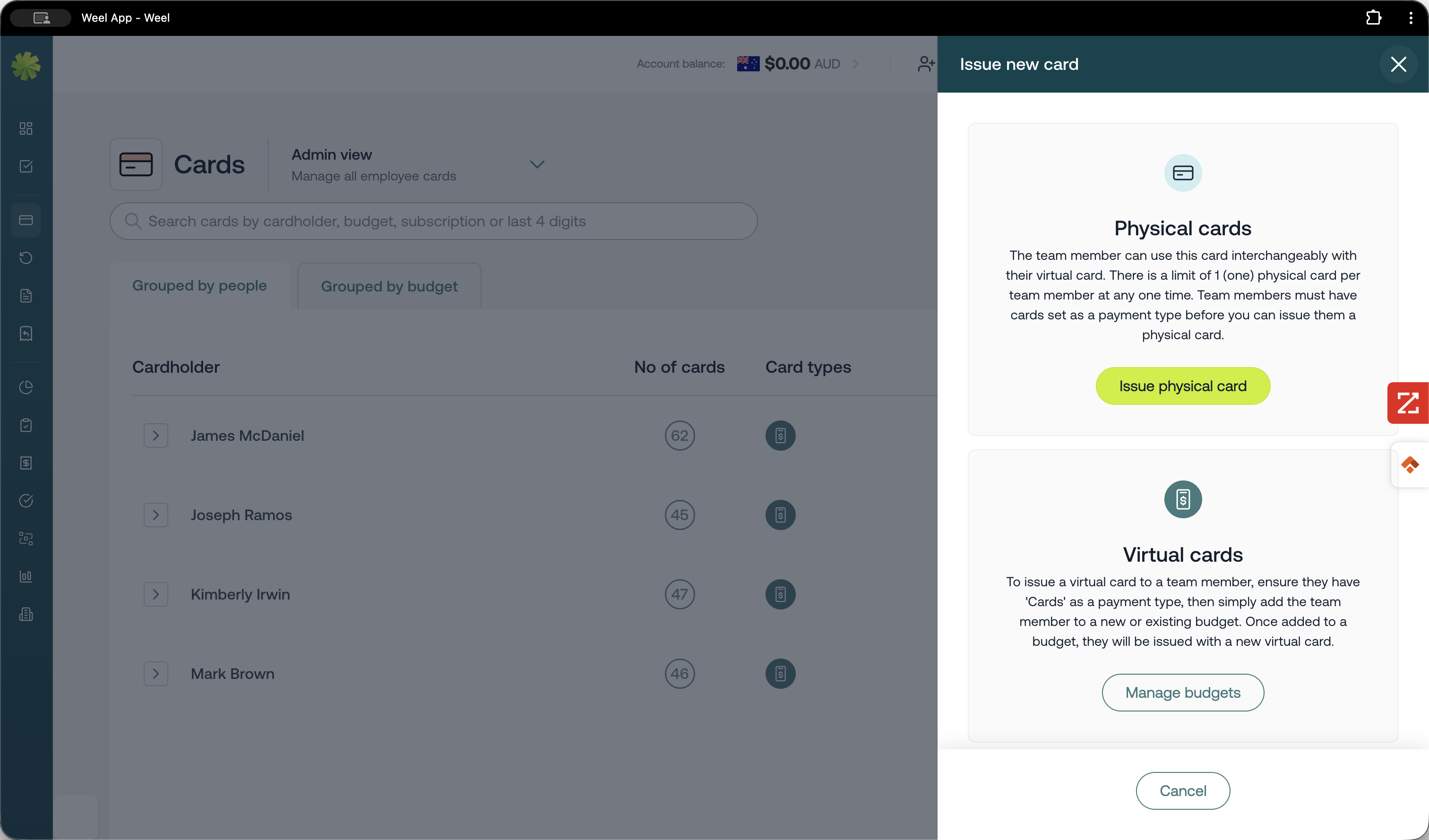
Q: How do I provide a team member with spending capabilities?
A: To give a team member spending capabilities, you must create a budget, add them as an authorized payment maker, and issue a card to them.
Q: Where do team members view their available budget?
A: Authorized team members can view their exact available spending limits and balances directly on their mobile phone through the Weel application.
Term | Definition |
|---|---|
Admin Role | A user permission level that grants full access to account and team management features. |
Budget Owner | The primary user responsible for overseeing and managing a specific financial budget. |
Spend Limit | A restricted monetary cap placed on a budget or individual card to control expenses. |