
Assign Apple Devices to Intune MDM Server
Learn how to assign devices to an Intune MDM server in Apple Business Manager and initiate a sync in the Microsoft Intune admin center.
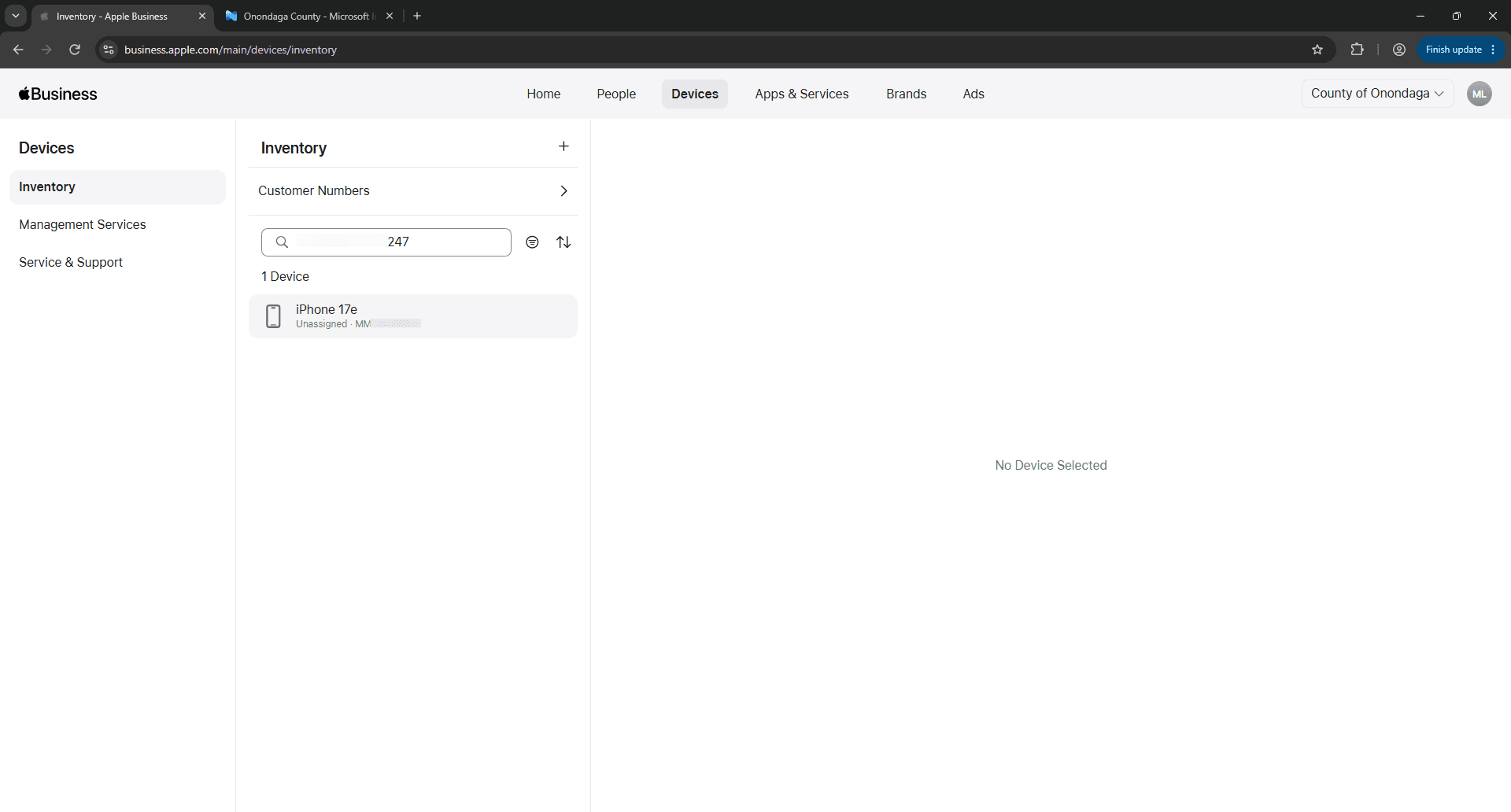
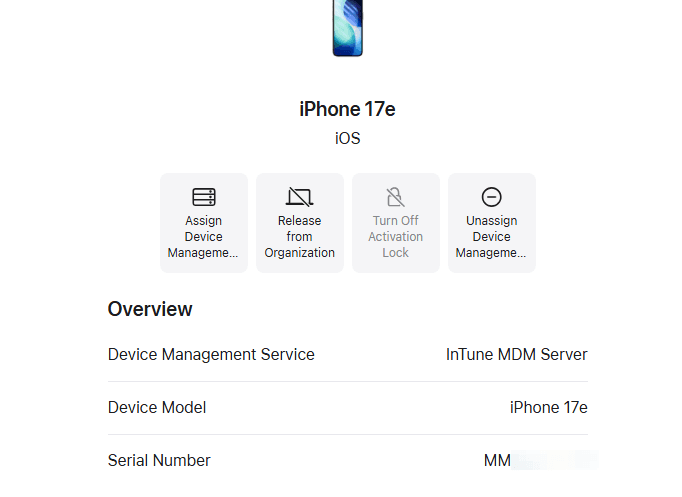
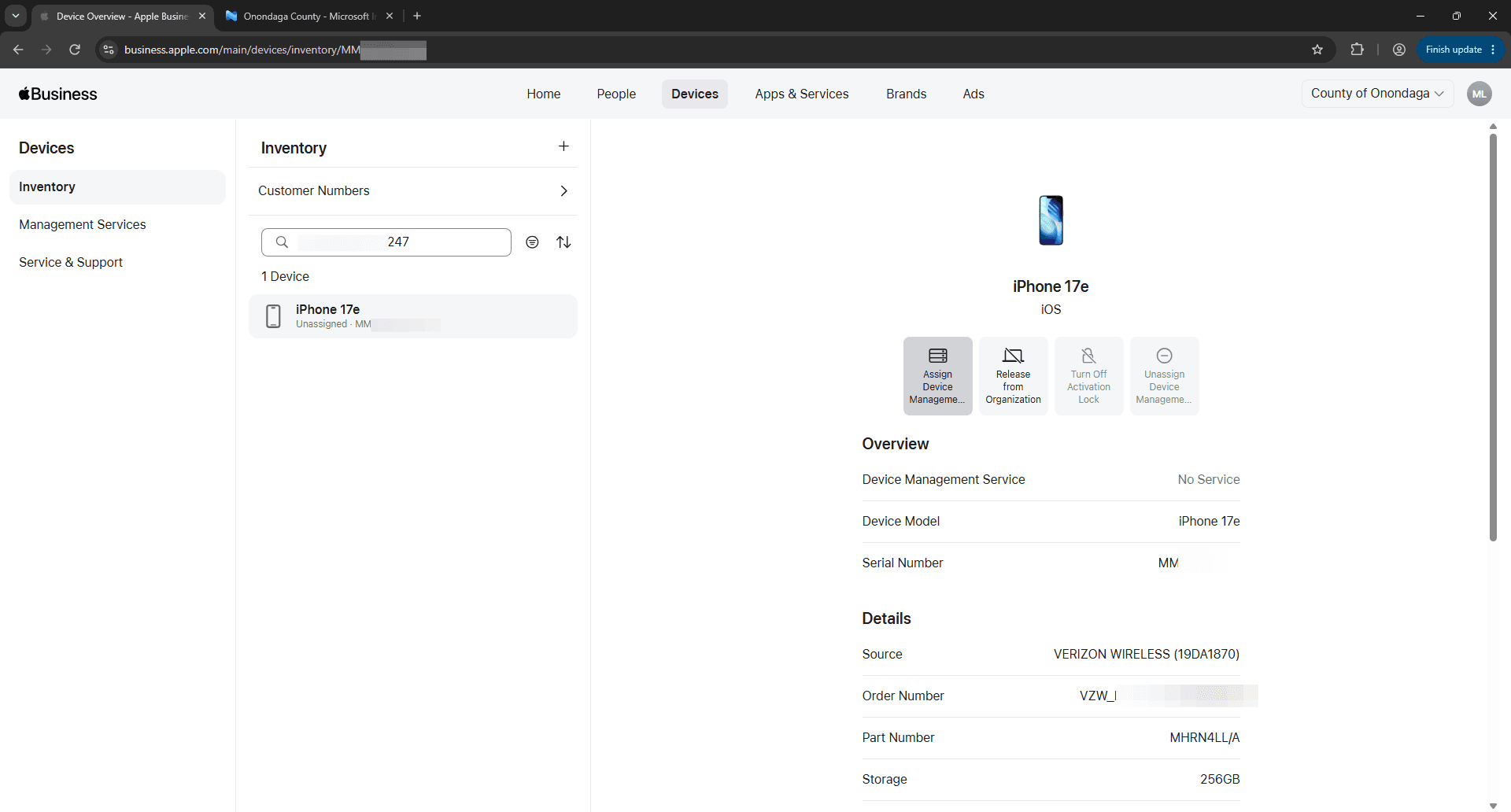
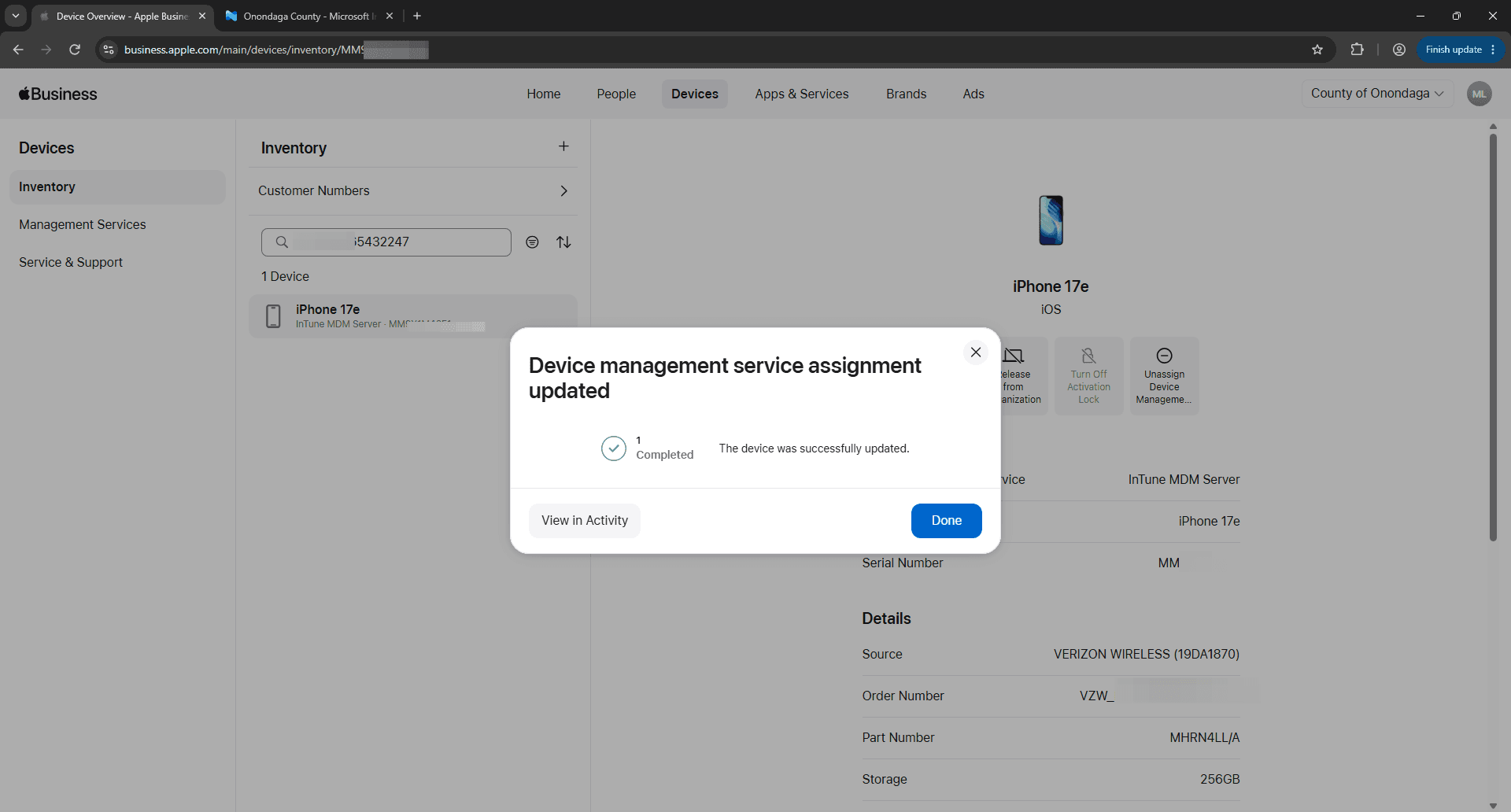
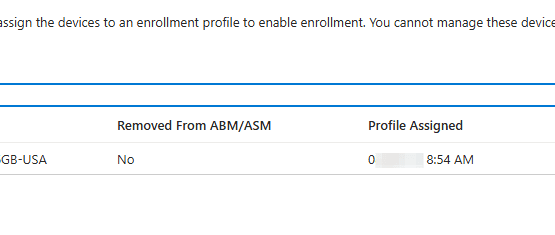
This guide walks through verifying if hardware in Apple Business Manager is assigned to Intune, and if not, then assigning it to a Microsoft Intune MDM server. If assigned, it is then followed by triggering a device sync in Intune so the device is ready for automated enrollment.
This procedure applies to IT administrators managing iOS, iPadOS, or macOS deployments using Apple Business Manager integrated with Microsoft Intune.
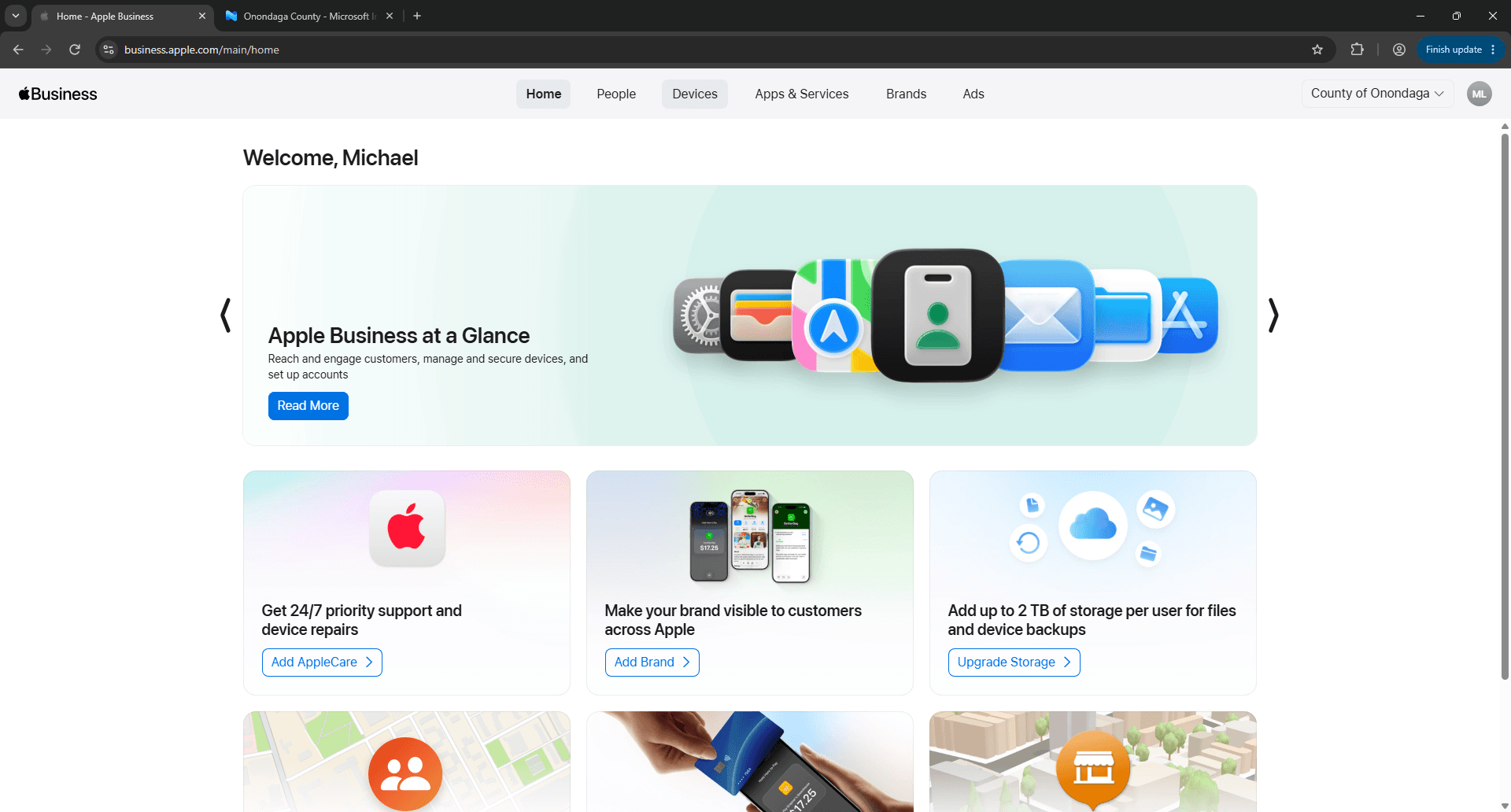
Assign Device in Apple Business Manager
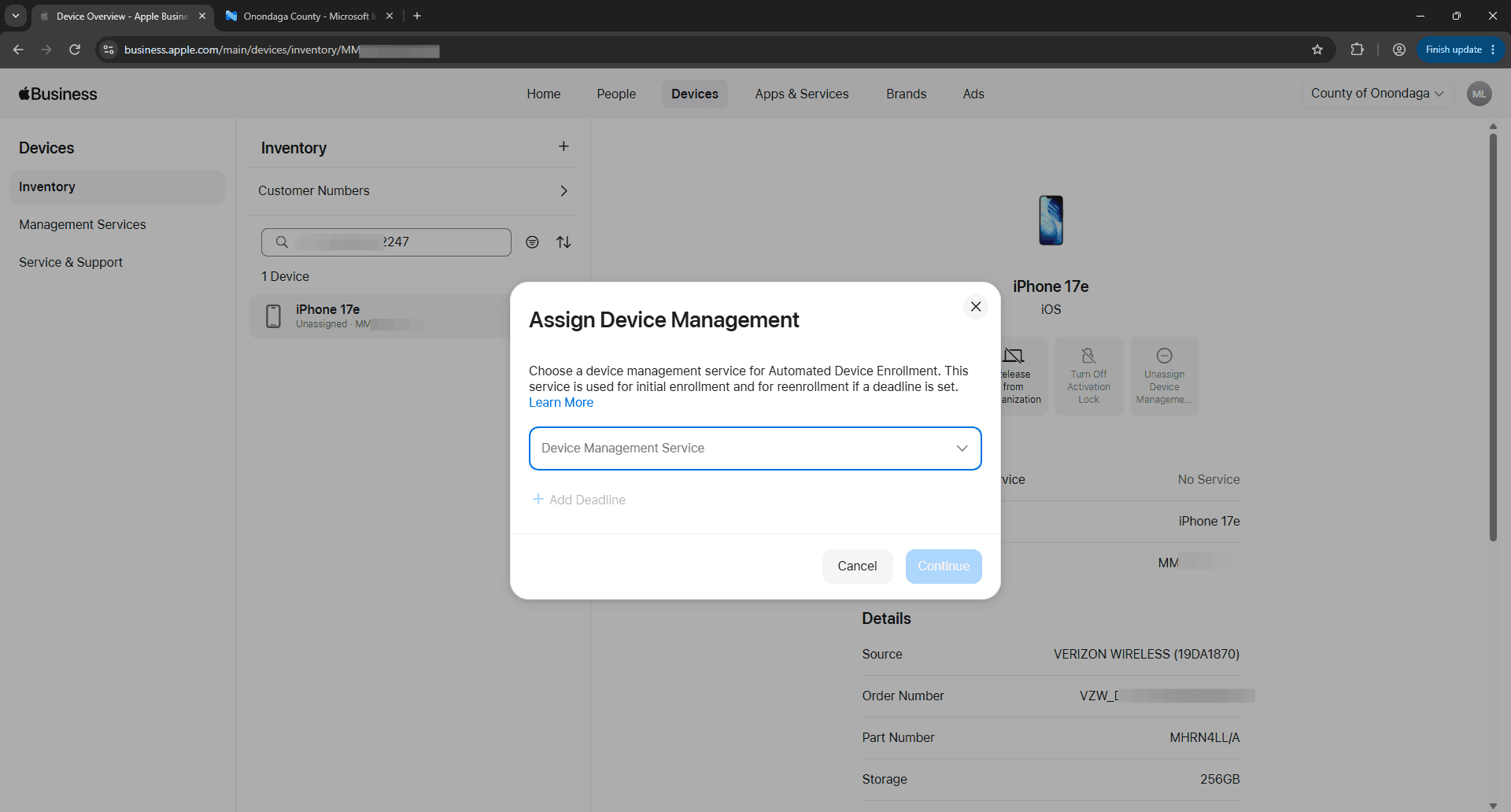
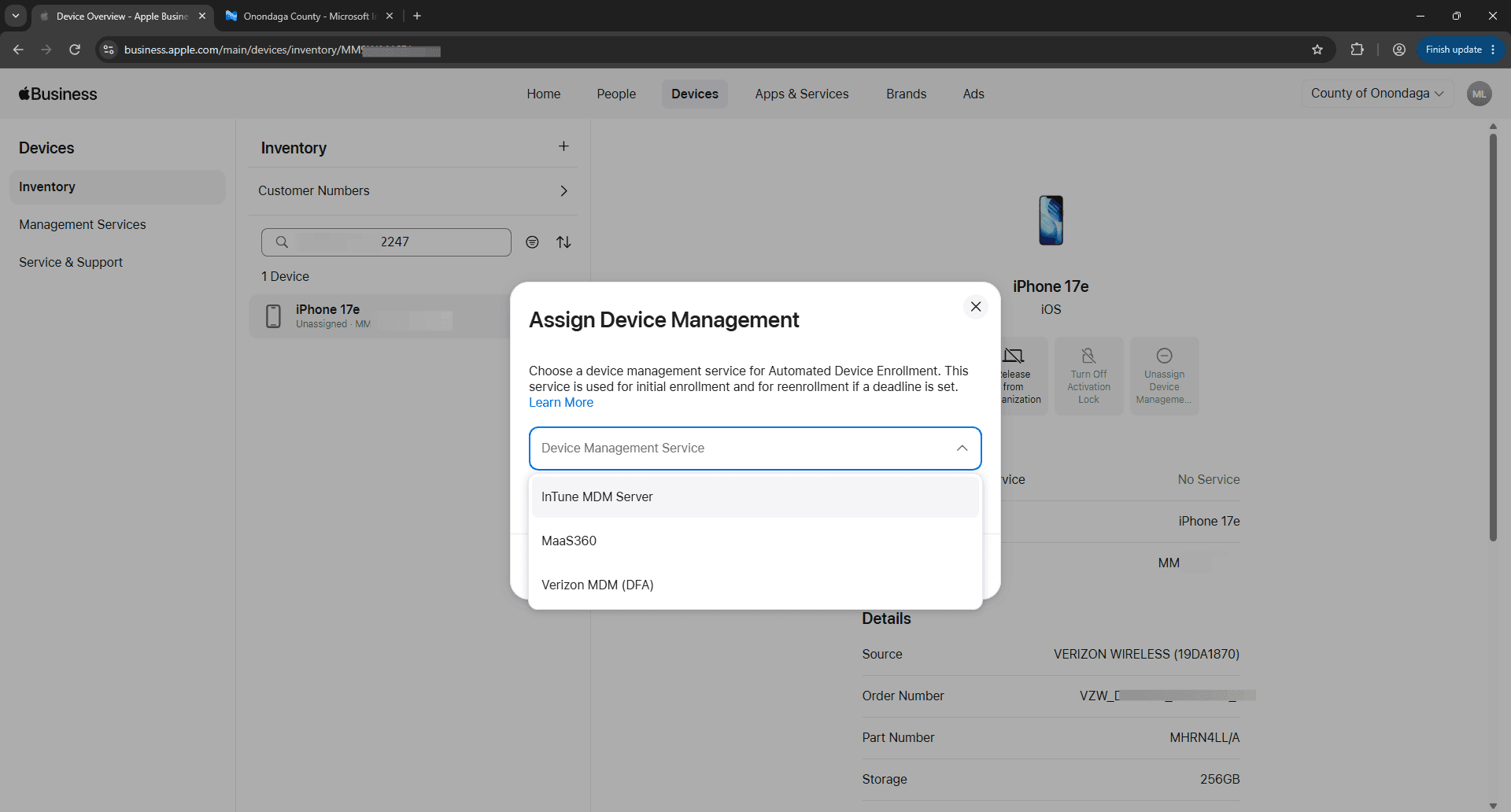
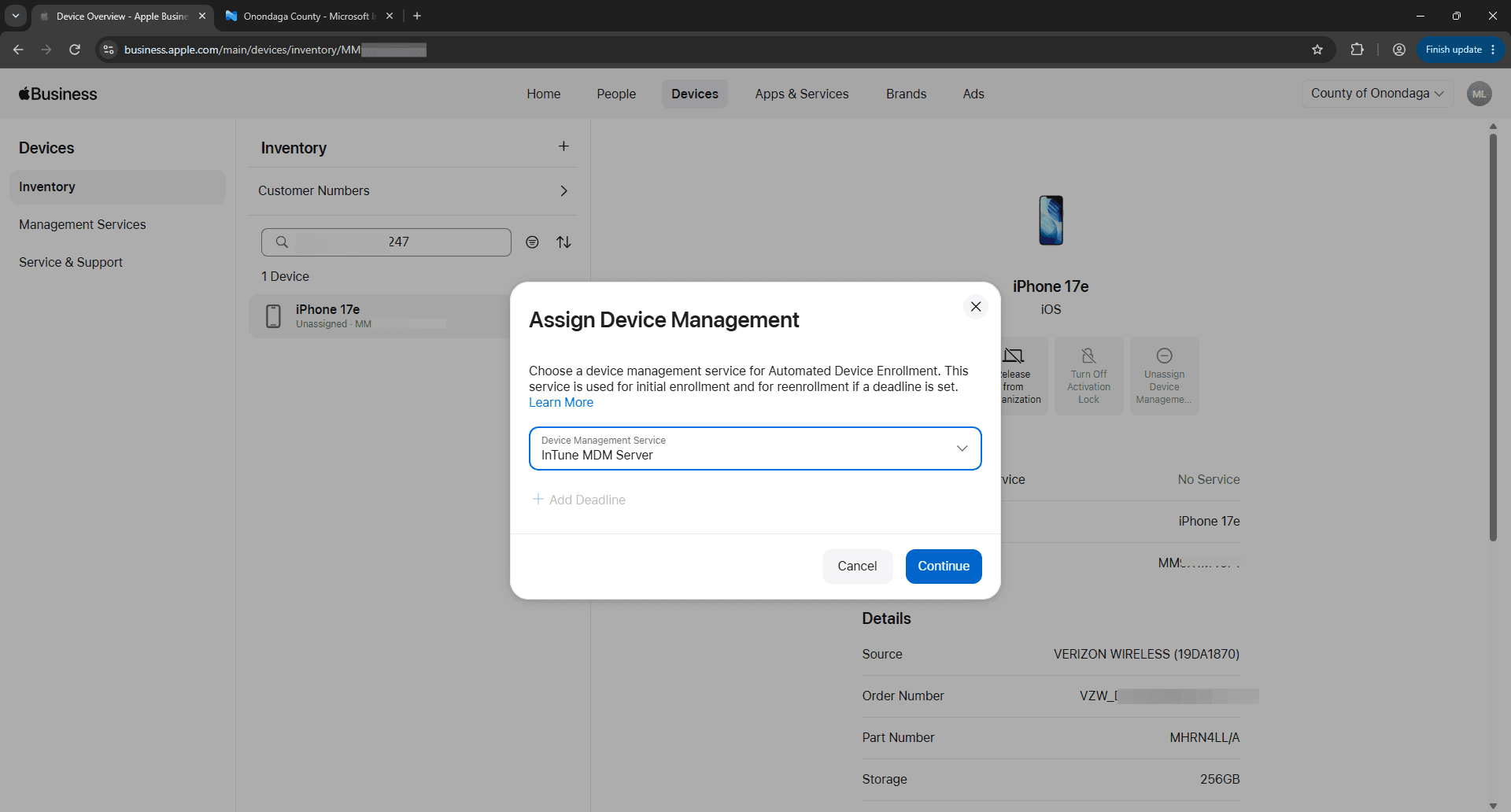
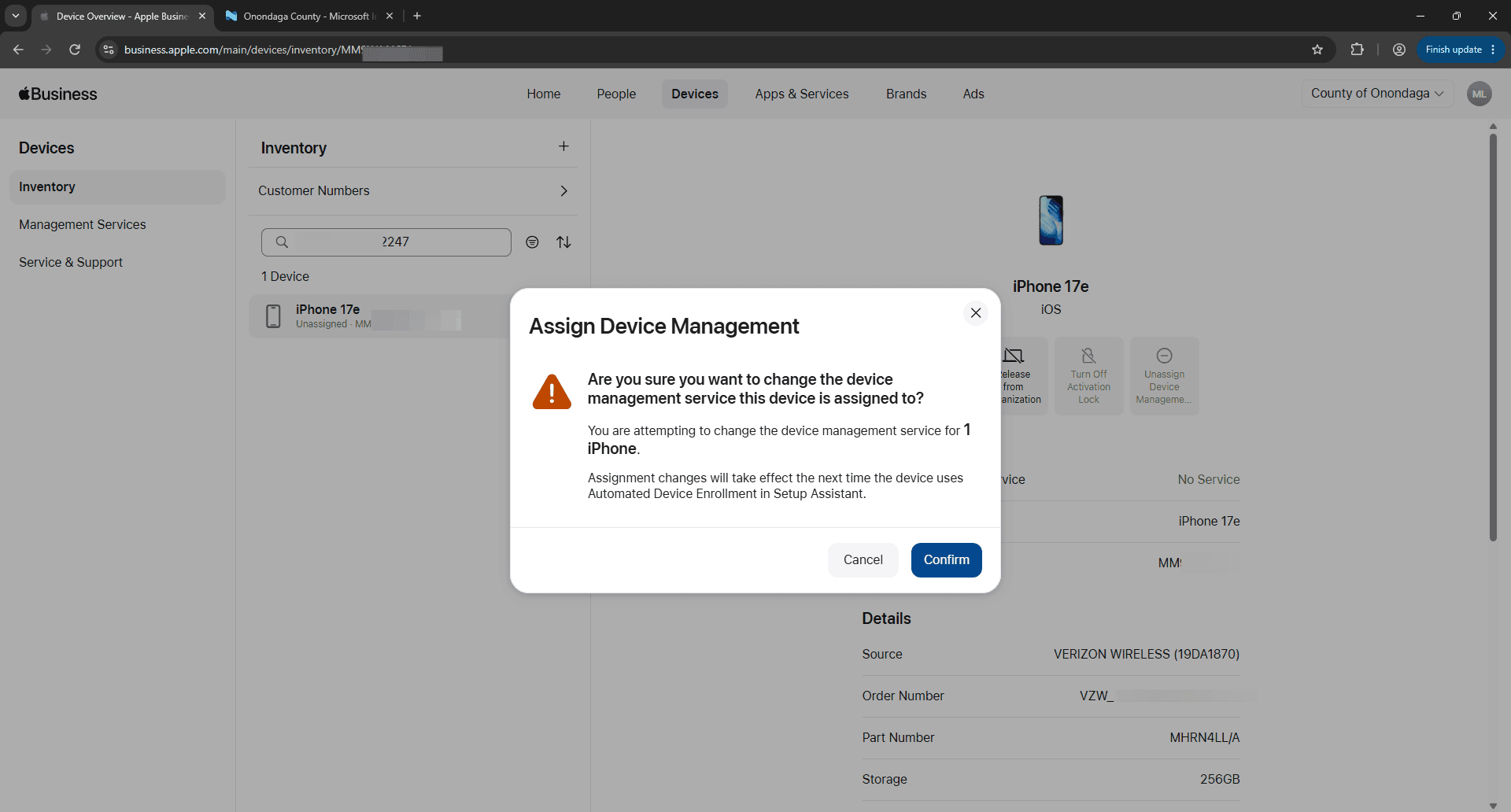
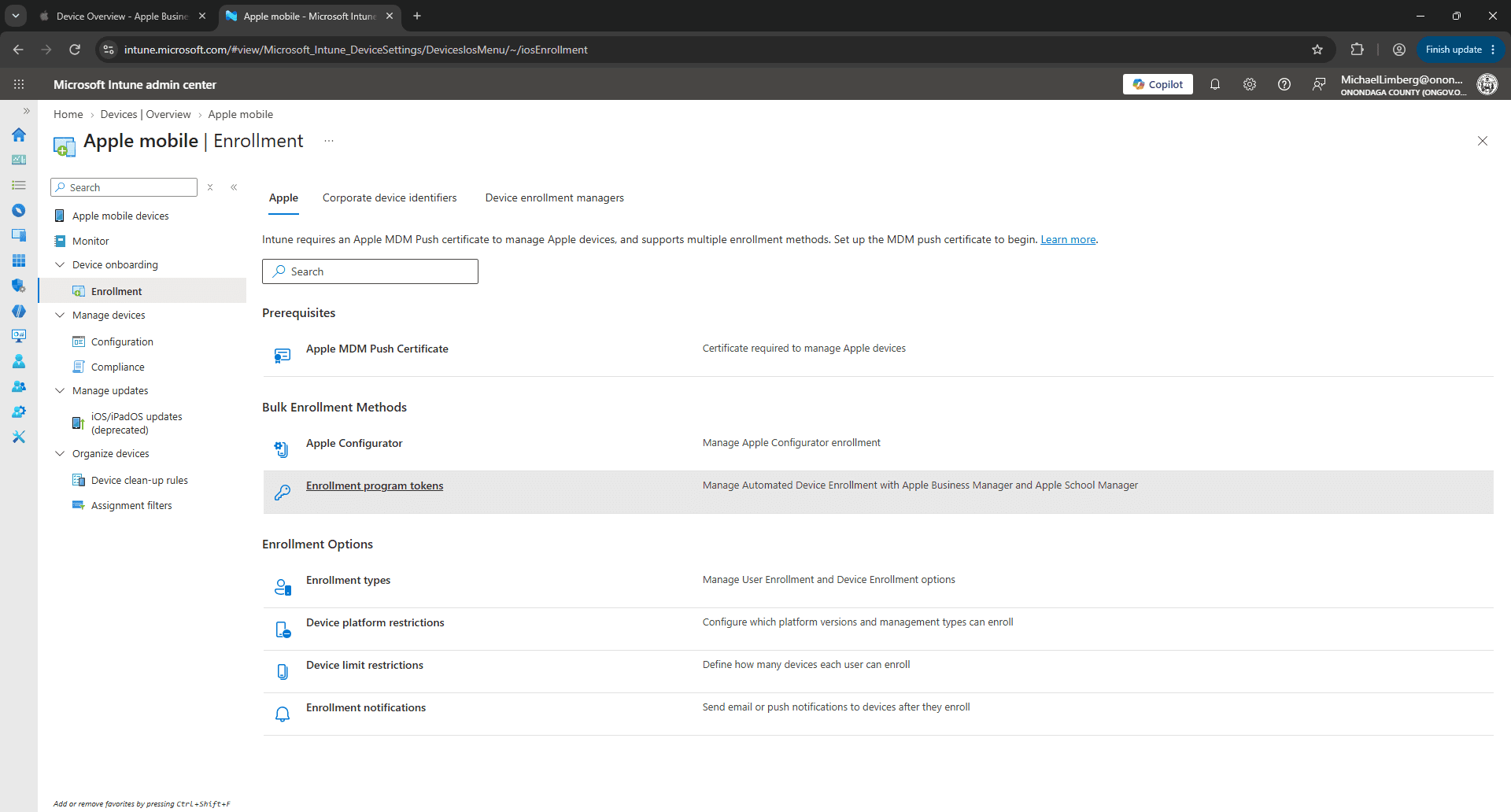
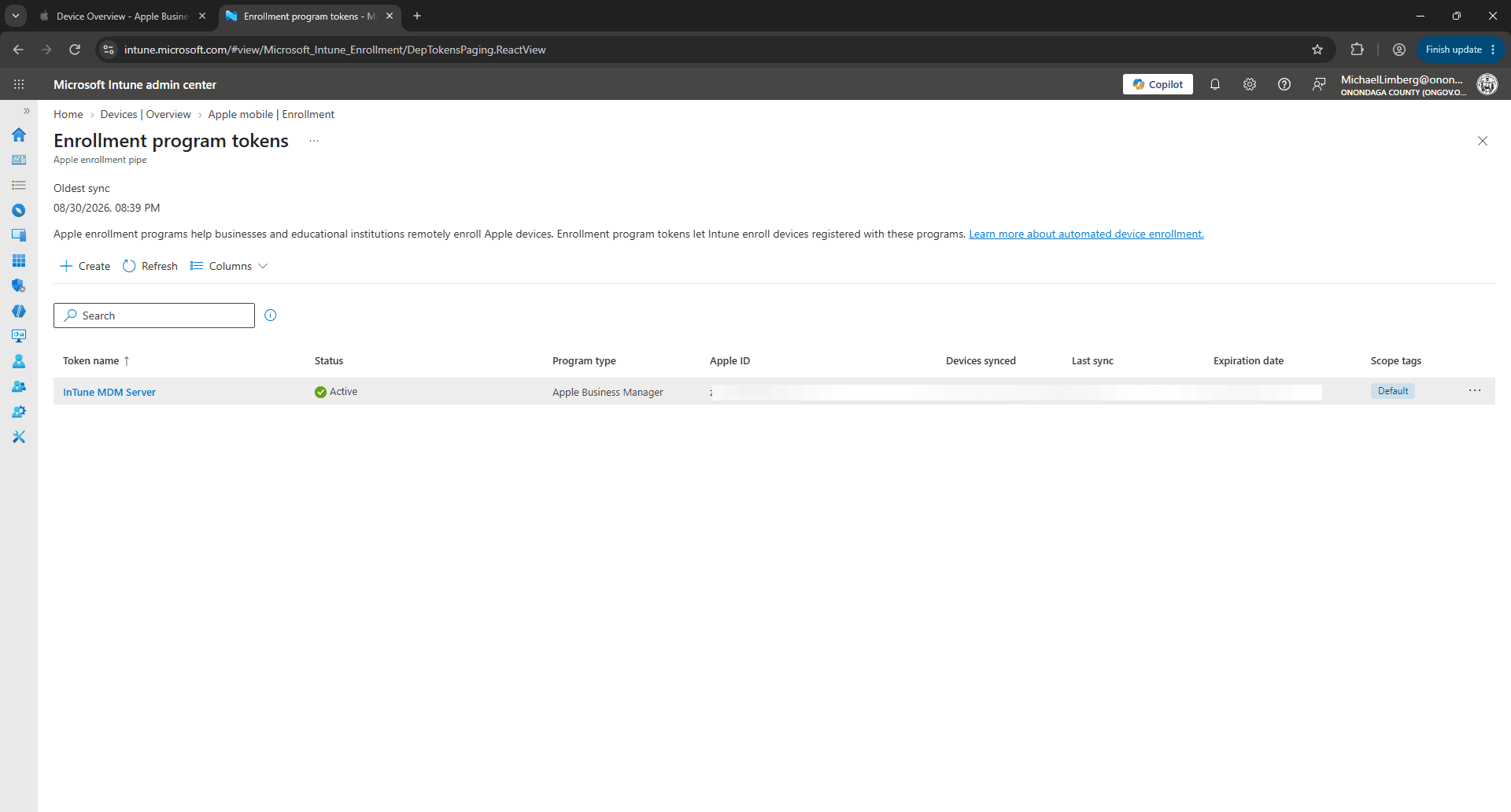
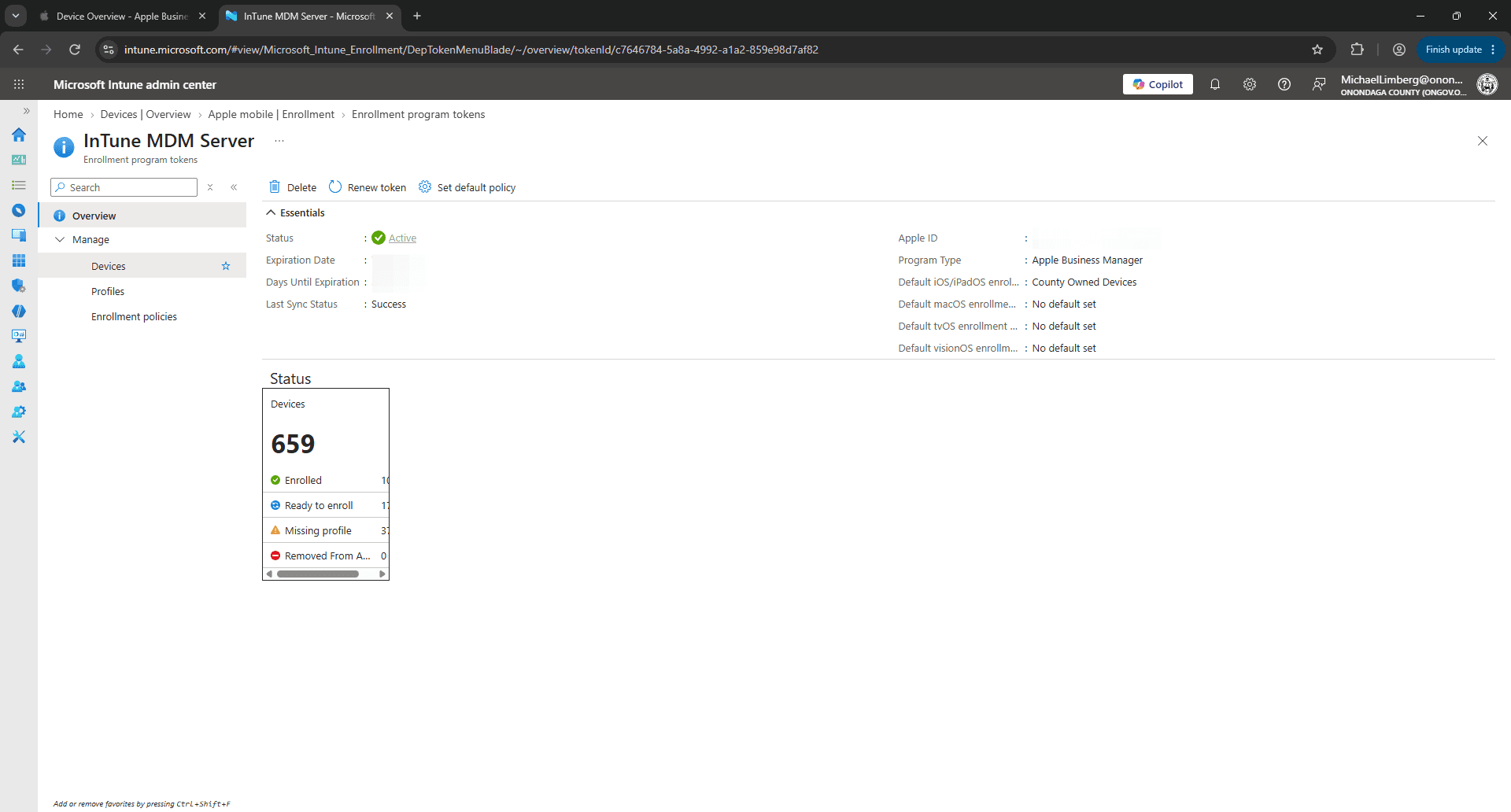
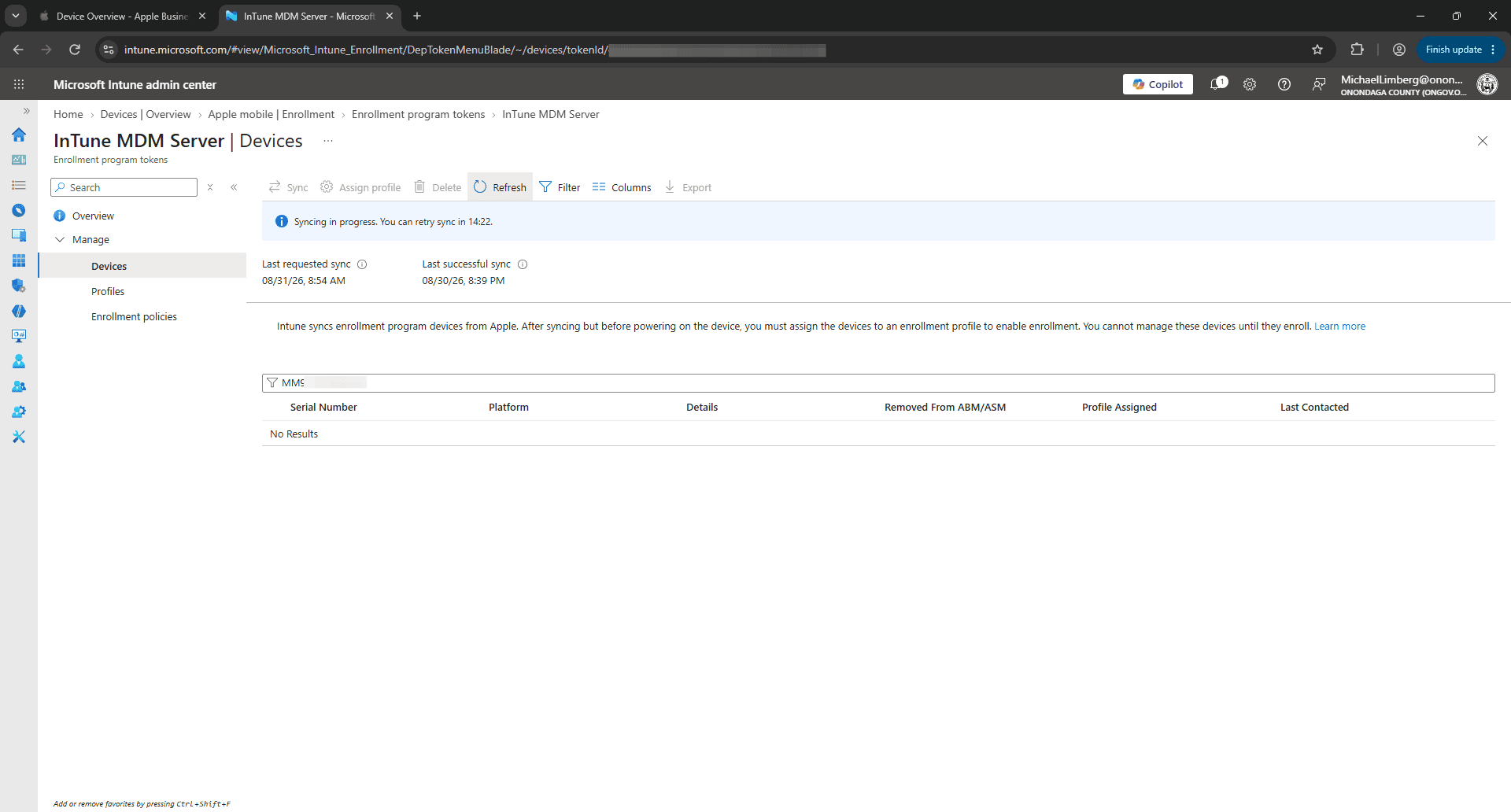
Sync Device in Microsoft Intune
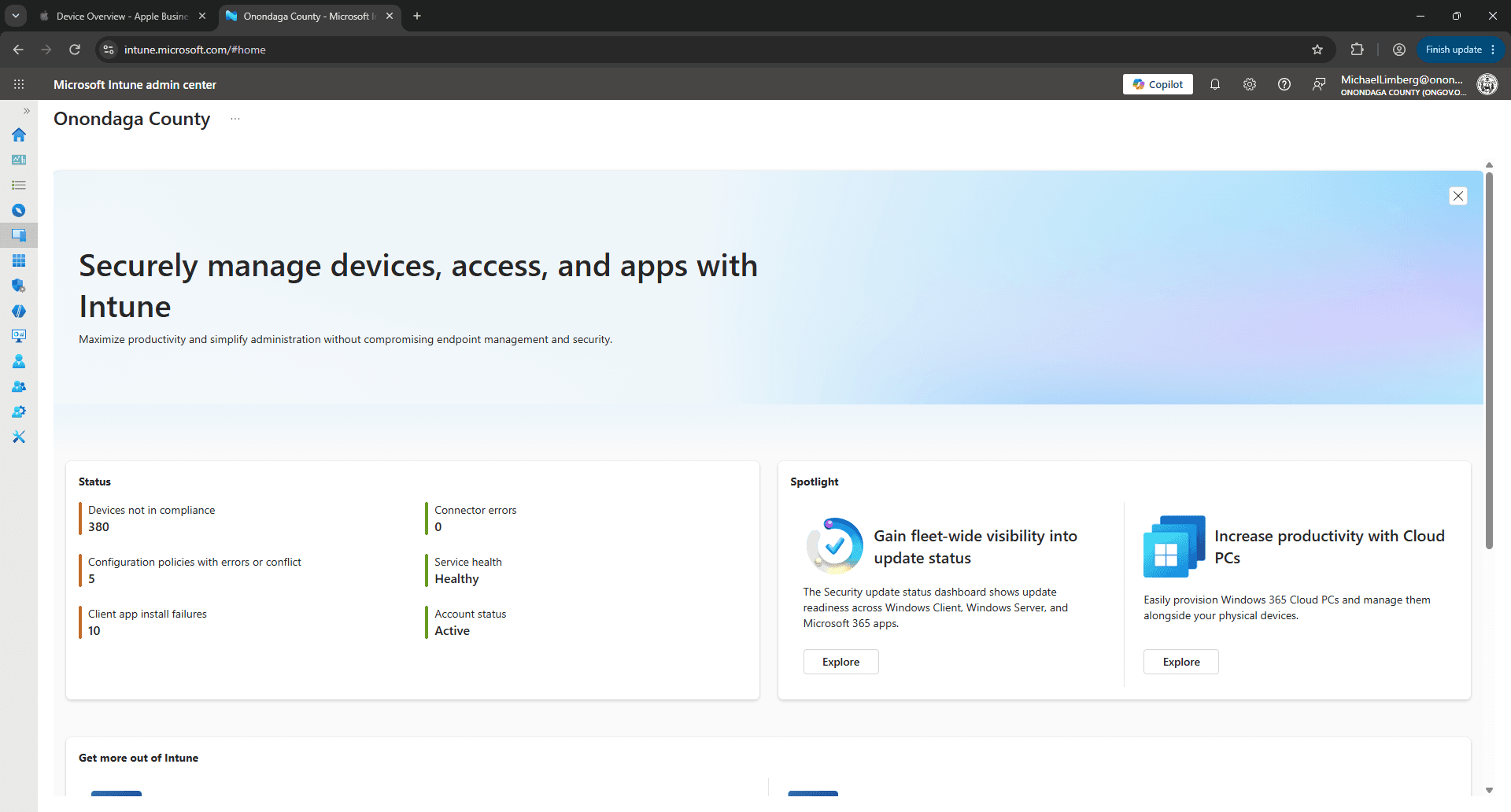
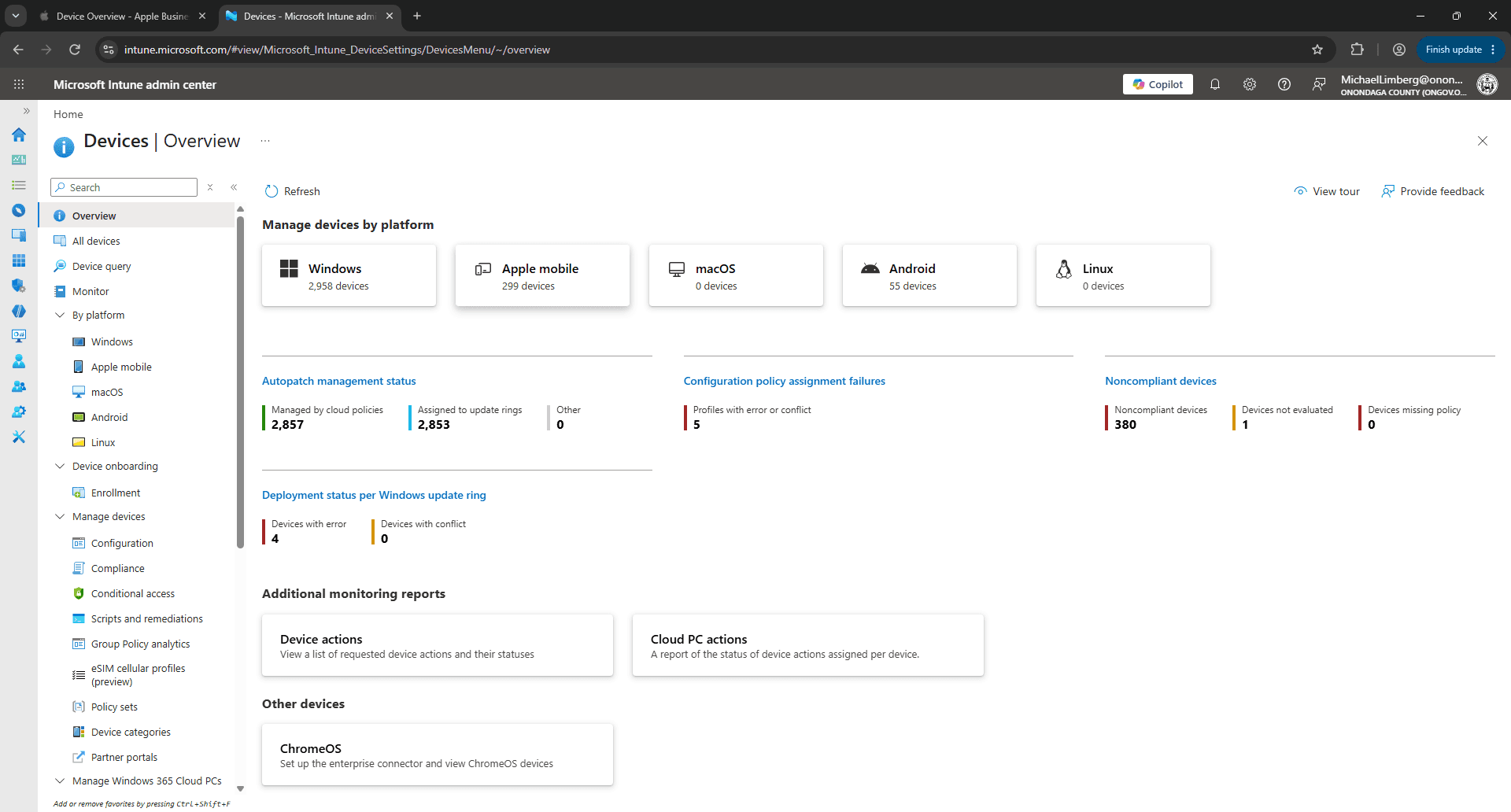
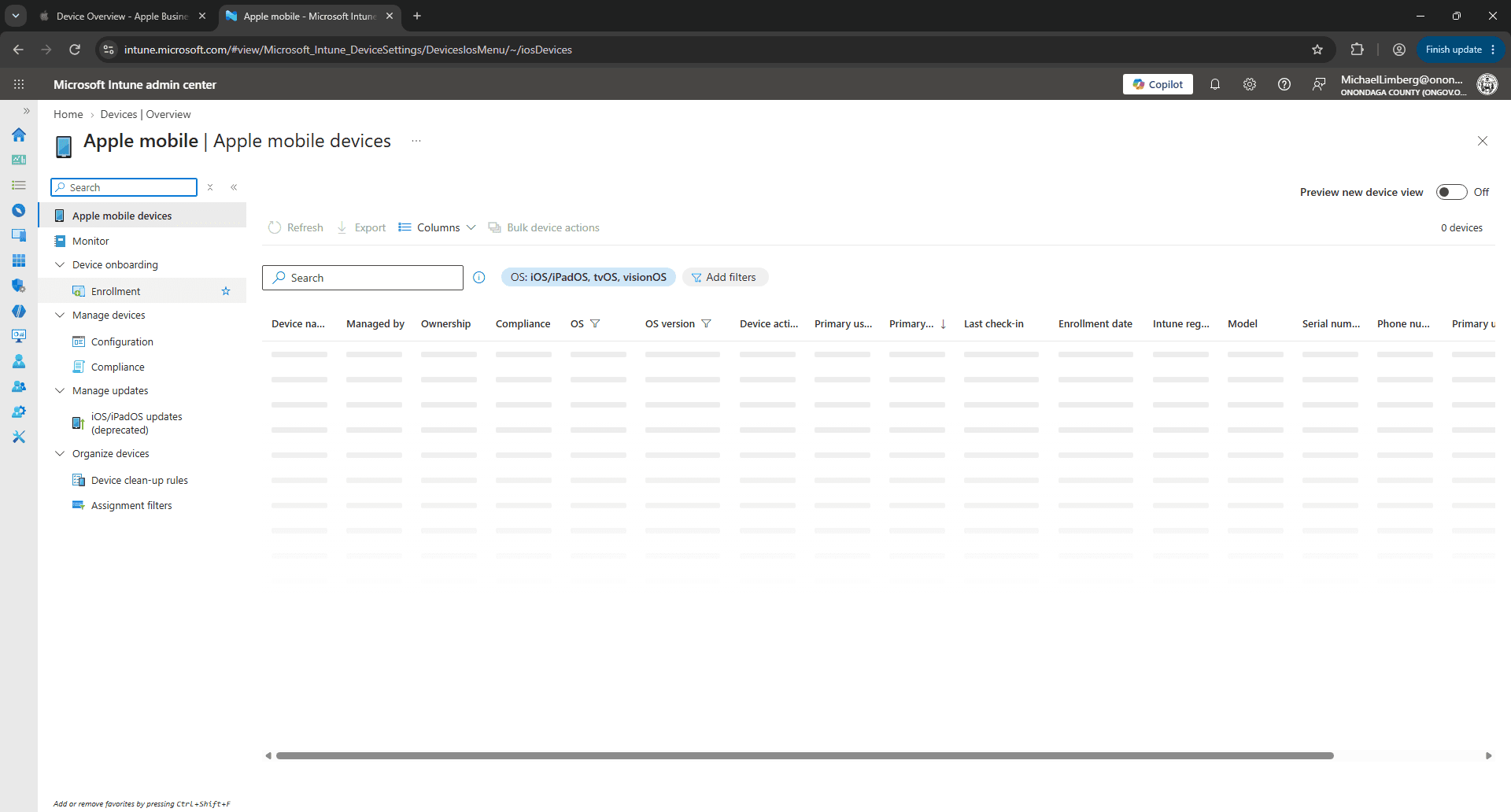
After assigning the device in Apple Business Manager, trigger a sync in Microsoft Intune to import the device record immediately.
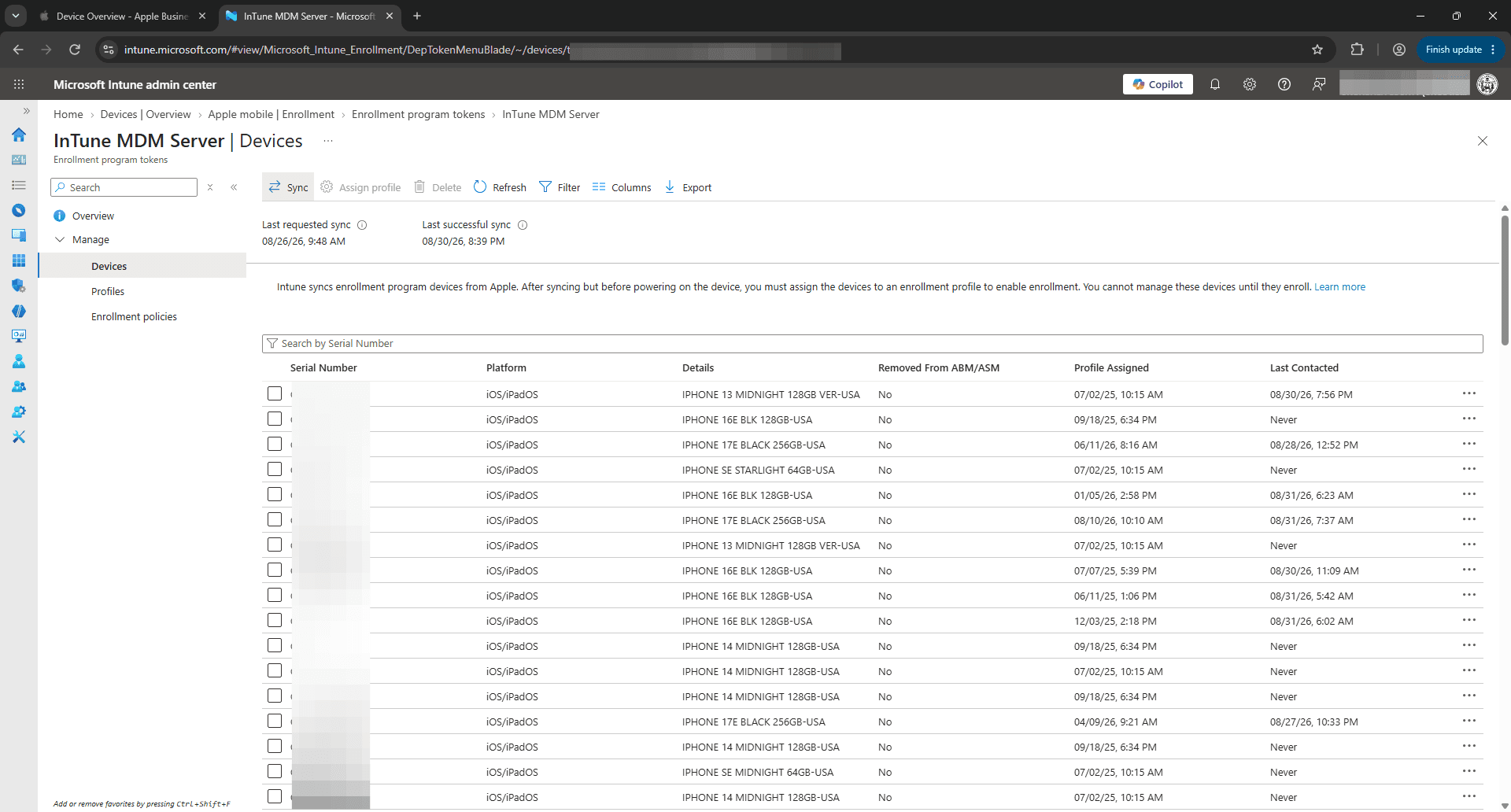
Q: How often does Intune automatically sync with Apple Business Manager?
A: Intune automatically synchronizes token assignments with Apple Business Manager once every 24 hours. You can manually trigger a sync at any time if you need immediate assignment.
Q: Why is the Sync button unavailable or showing a countdown timer?
A: Microsoft Intune enforces a cooldown period (typically 15 minutes) between manual sync requests for the same enrollment token to avoid rate limits with Apple servers.
Term | Definition |
|---|---|
Apple Business Manager (ABM) | Apple's web-based portal that lets IT administrators deploy Apple devices, manage apps, and integrate with MDM solutions. |
Mobile Device Management (MDM) | Software used by IT to monitor, manage, and secure employee mobile devices such as laptops, tablets, and smartphones. |
Enrollment Program Token | A secure certificate token that connects an Apple Business Manager account to a specific MDM server such as Microsoft Intune. |
Automated Device Enrollment (ADE) | An Apple deployment method that automatically enrolls corporate-owned devices into MDM out of the box during initial setup. |