Assign Captains to a Vessel from your Fleet
Step-by-step guide for Barge Dispatchers to determine which captains may manage a vessel's voyages.
By Marion Lasfargues
RPIS users with the "Barge Dispatcher" role can assign captains to a vessel that has already been added in the fleet. This requires that these captains have already been added as team members.
Here's how:
1
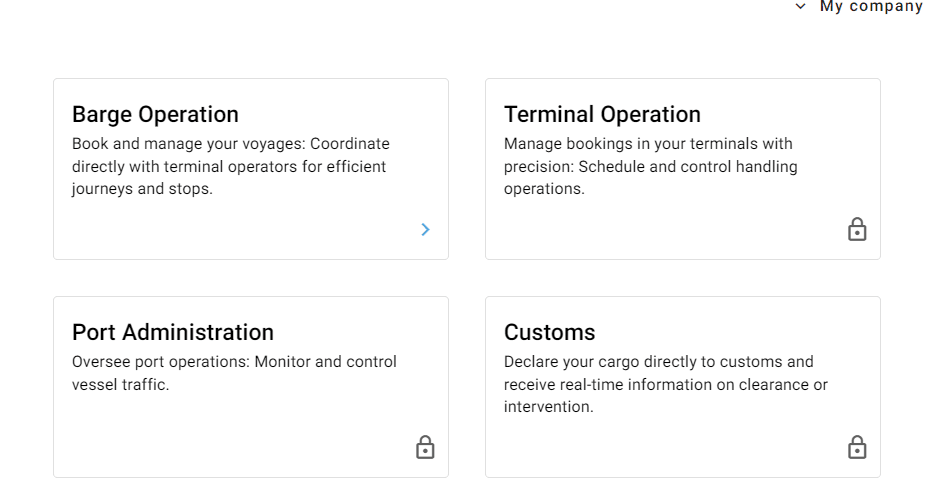
On the RPIS Platform, select the “Barge Operation” section.
2
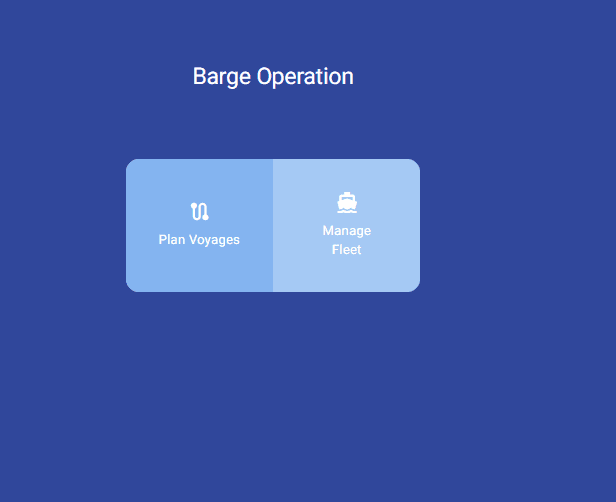
Go to the "Manage Fleet" section.
3
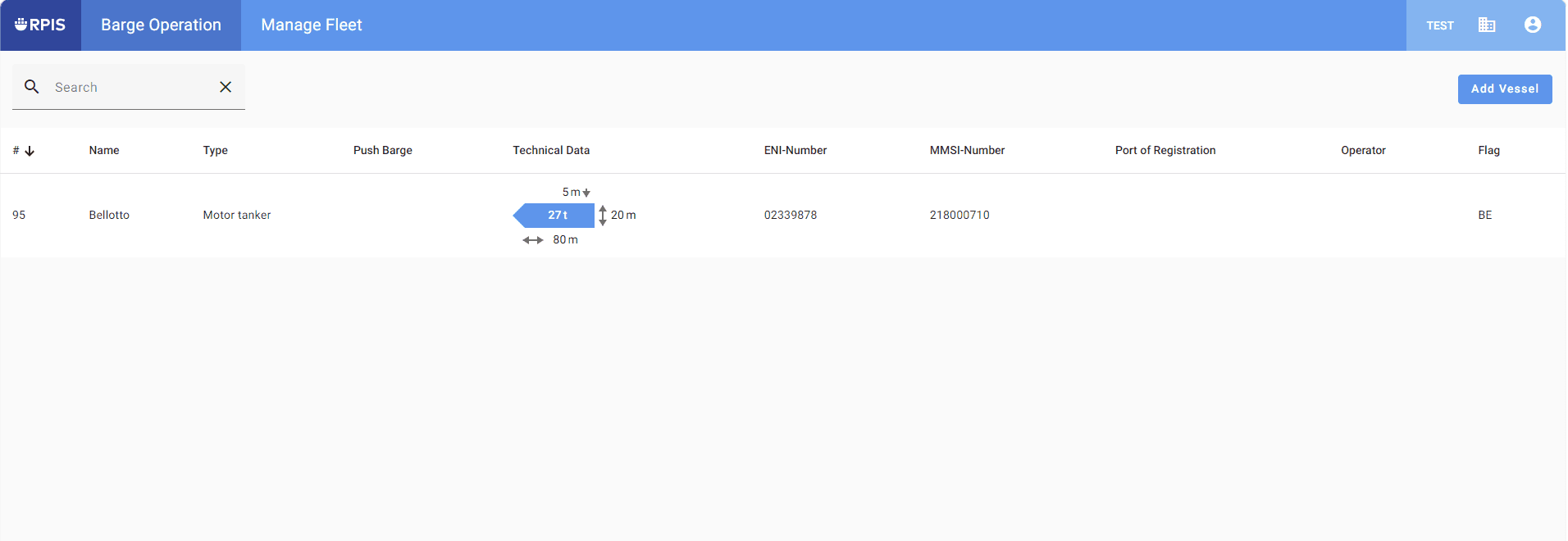
Select the vessel you want to assign captains to.
4
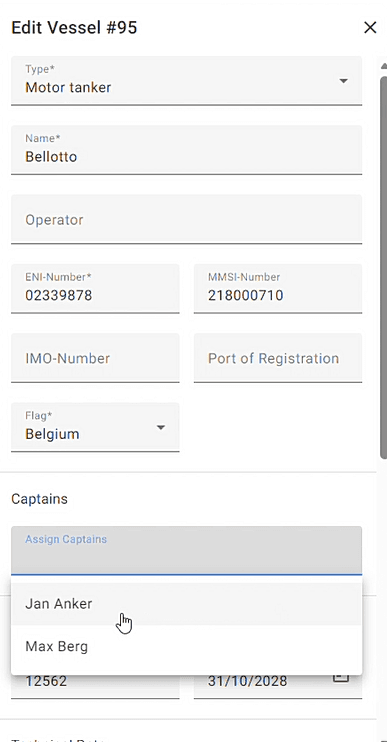
In the "Edit Vessel" column, add the captains in the field provided.
5
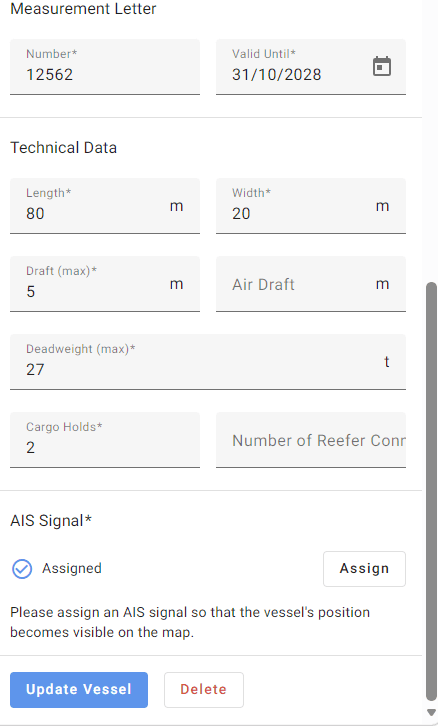
At the very bottom, click "Update Vessel".
6
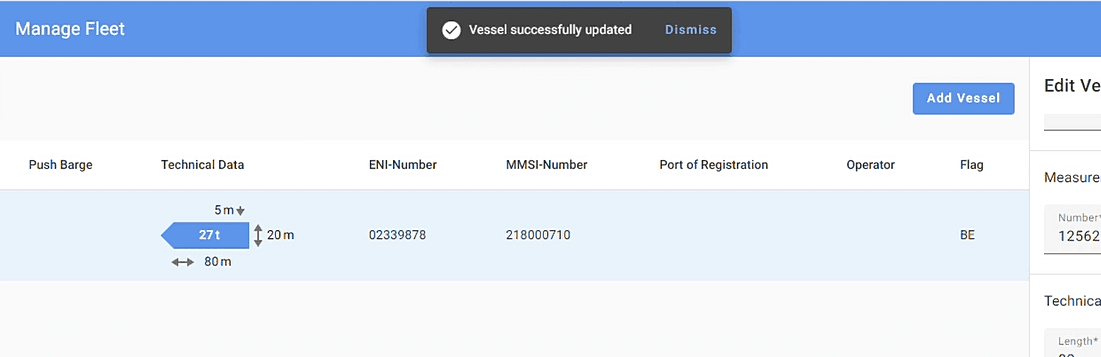
A confirmation message is displayed.