Associating All Incoming Emails with Contacts AND client on the CRM
Learn how to associate incoming emails with sender contacts and client referrals in Zoho CRM to centralize communications and eliminate manual uploads.
This guide demonstrates how to link incoming emails in Zoho Mail directly to records in Zoho CRM. By capturing email correspondence in the CRM, you consolidate client information automatically and eliminate the need to manually download and upload emails to external platforms.
This process is intended for administrative and consulting staff managing email communications from referrers, solicitors, and clients. It should be performed whenever an email related to a specific client case is received in the inbox.
The Two Layers of Association
To ensure our records are accurate, every email must be linked at two levels. Understanding the difference guarantees information is routed correctly:
Association Layer | What it links | Why it is important | Where it appears |
|---|---|---|---|
Layer 1: Contact | The sender (e.g., solicitor or referrer). | Groups all correspondence from this sender so you never have to search the inbox for their emails. | The contact's CRM profile. |
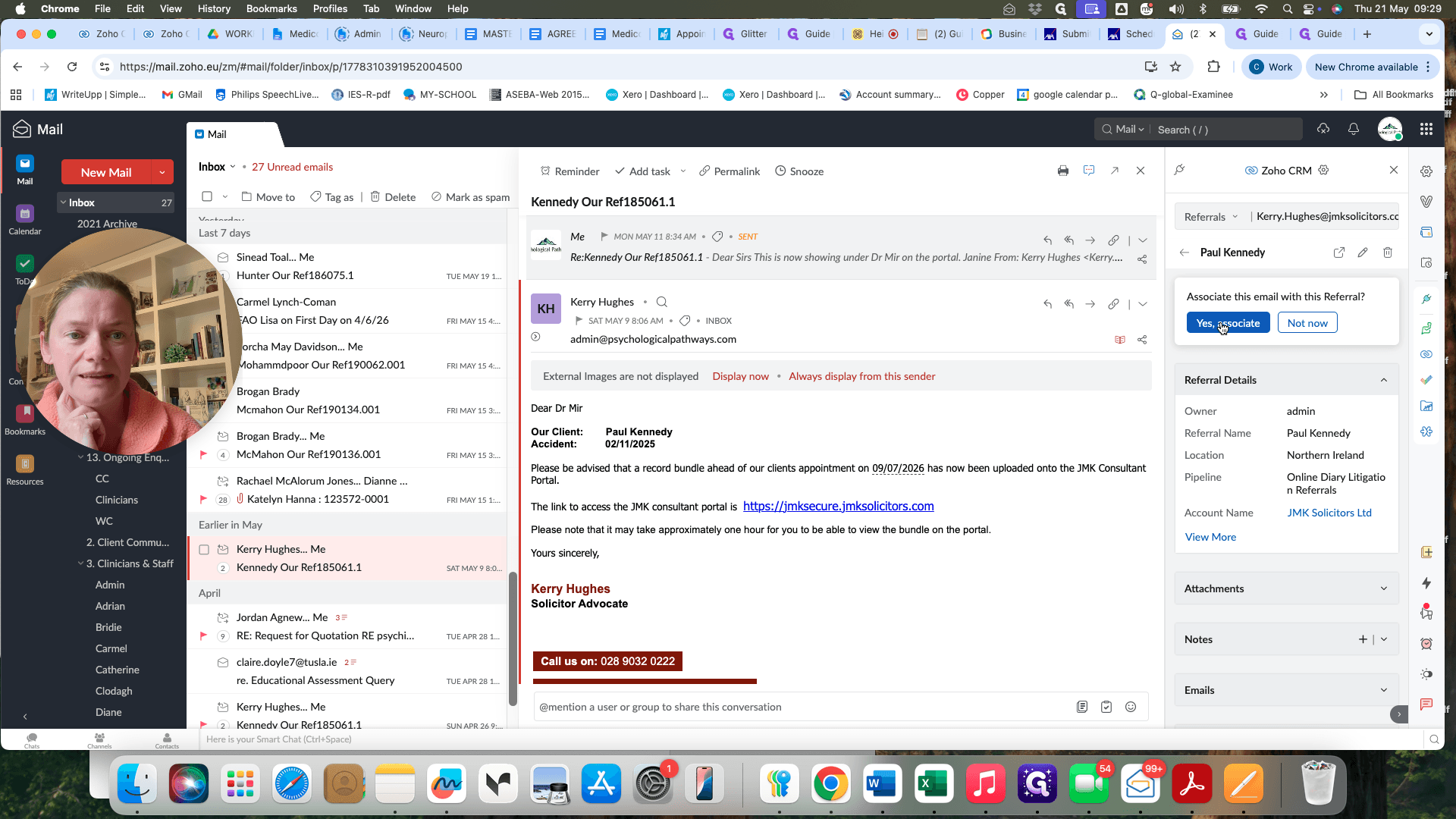
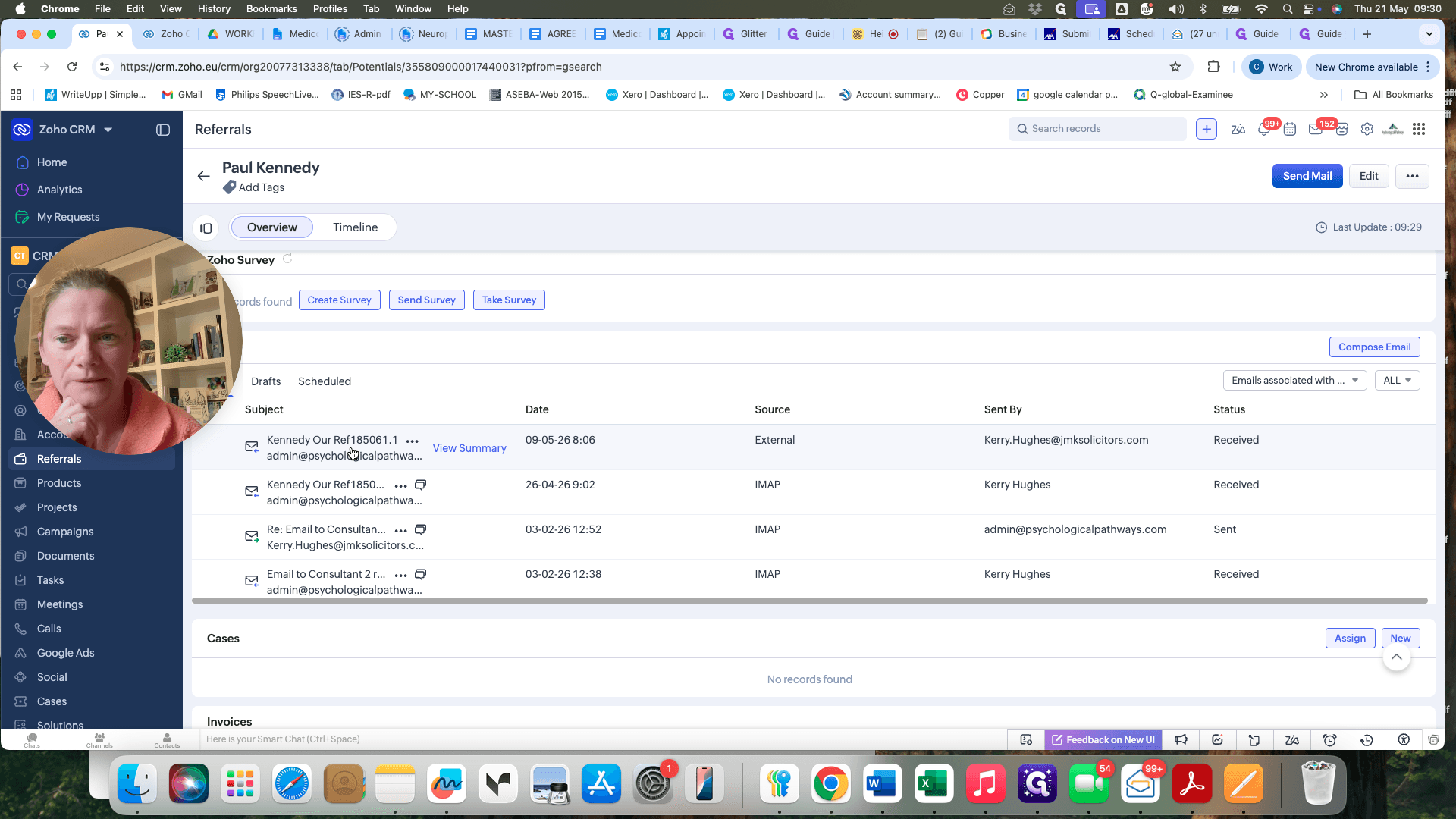
Layer 2: Referral | The specific client the email is about. | Centralizes case communications automatically, replacing manual uploads to Write-up. | The client's CRM tile under "Emails". |
Layer 1: Associating the Contact
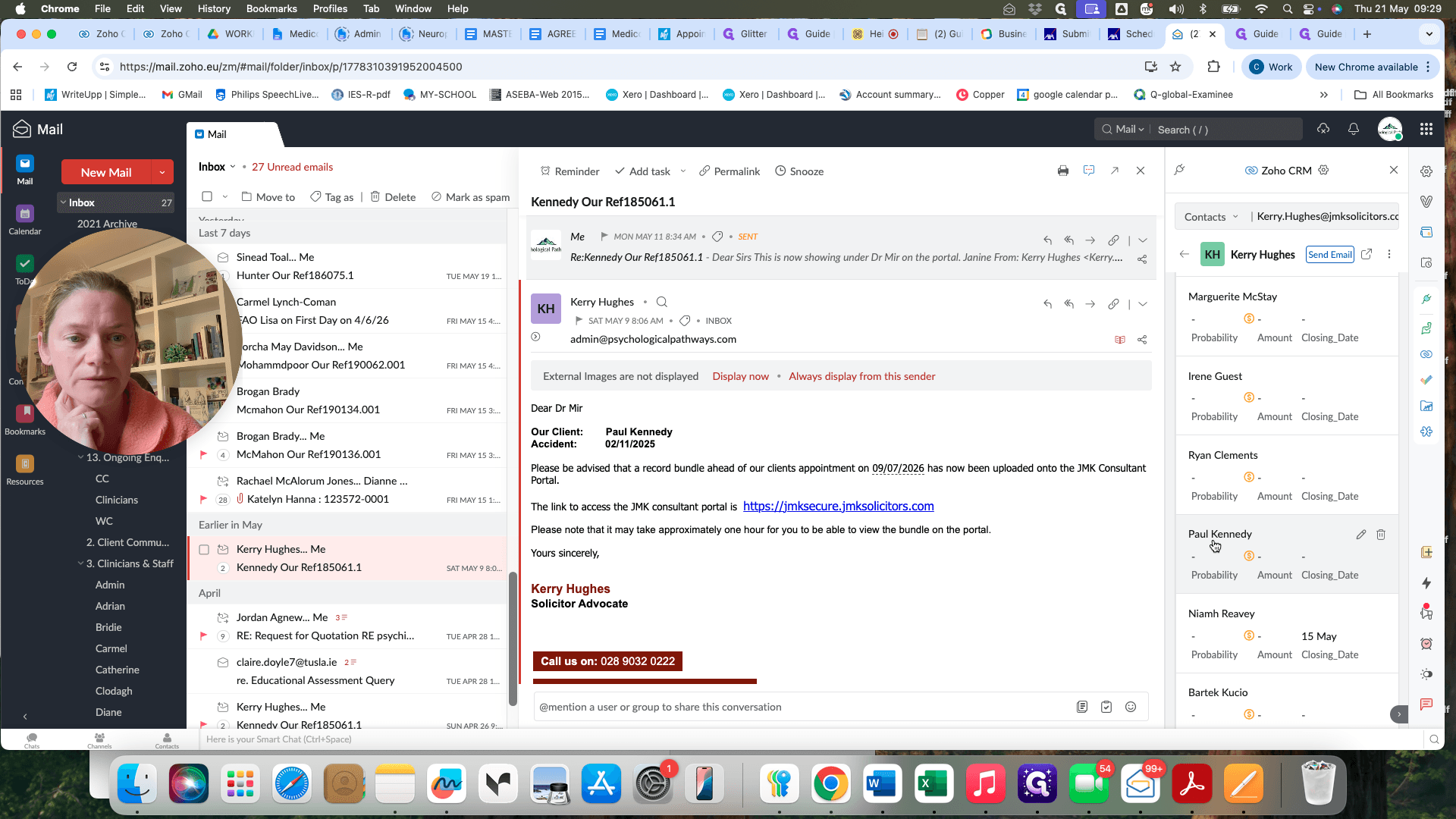
When you open an email in Zoho Mail, you first need to link it to the person who sent it.
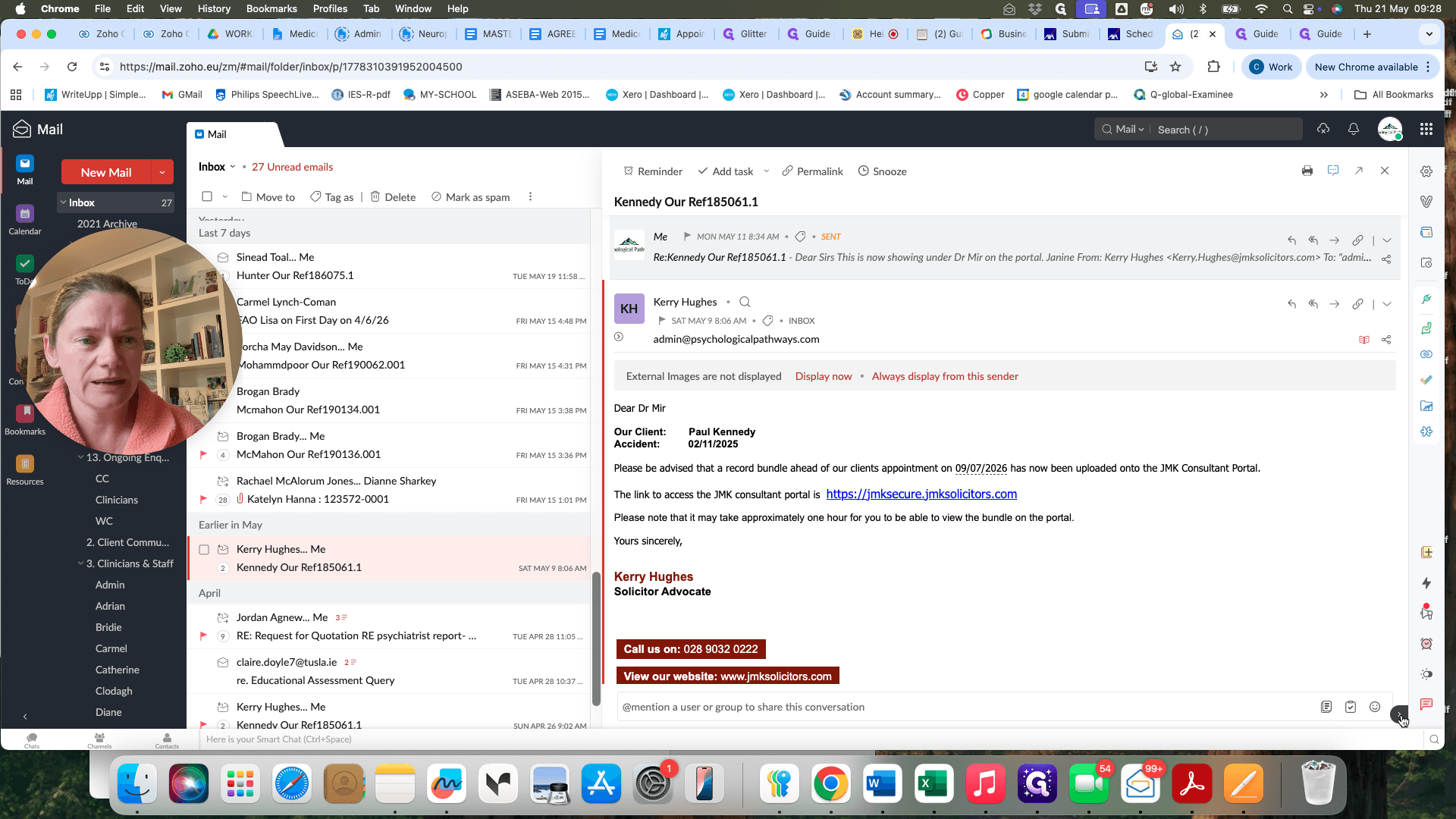
The system will automatically recognize if the sender is an existing contact in the CRM.
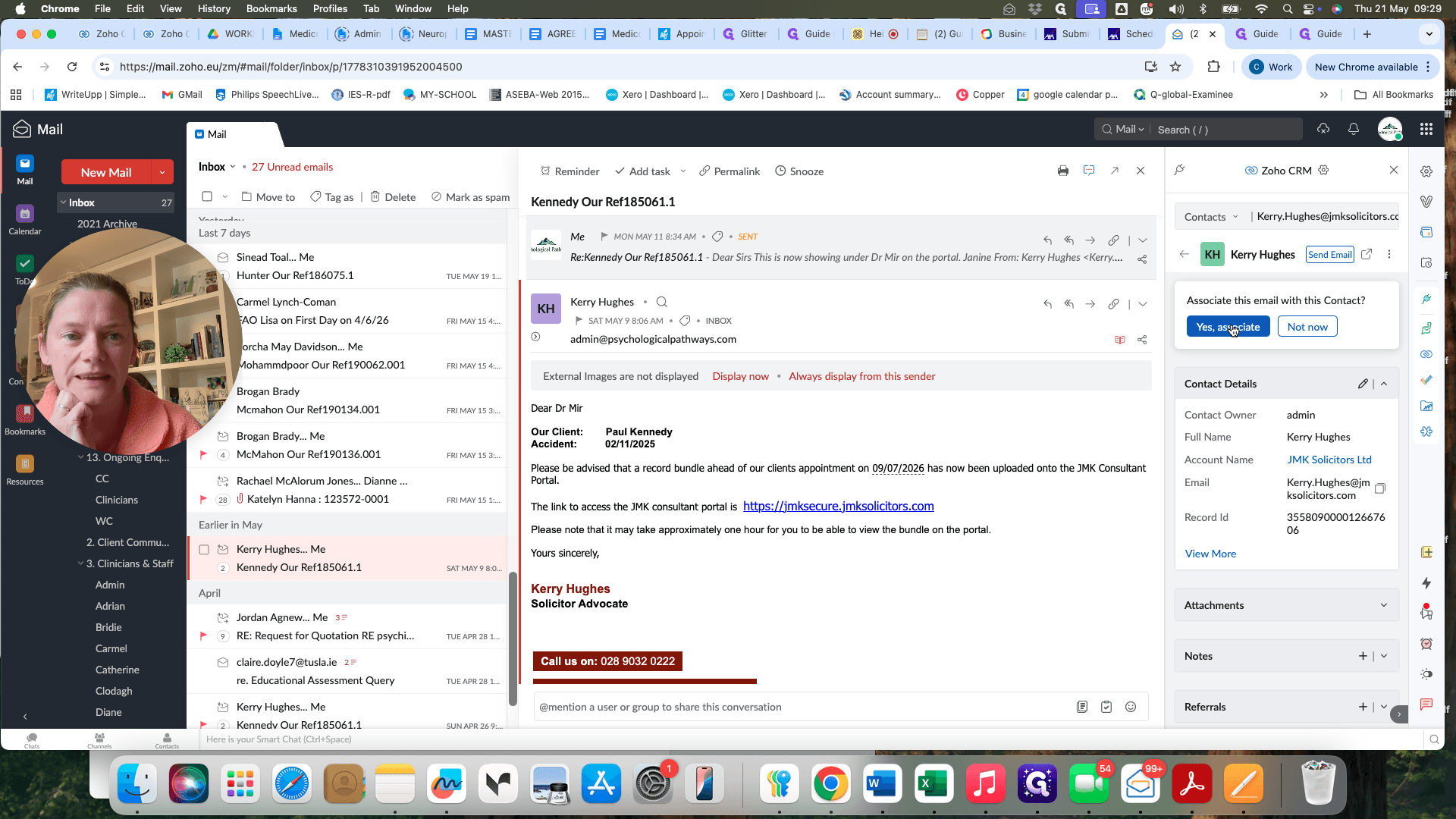
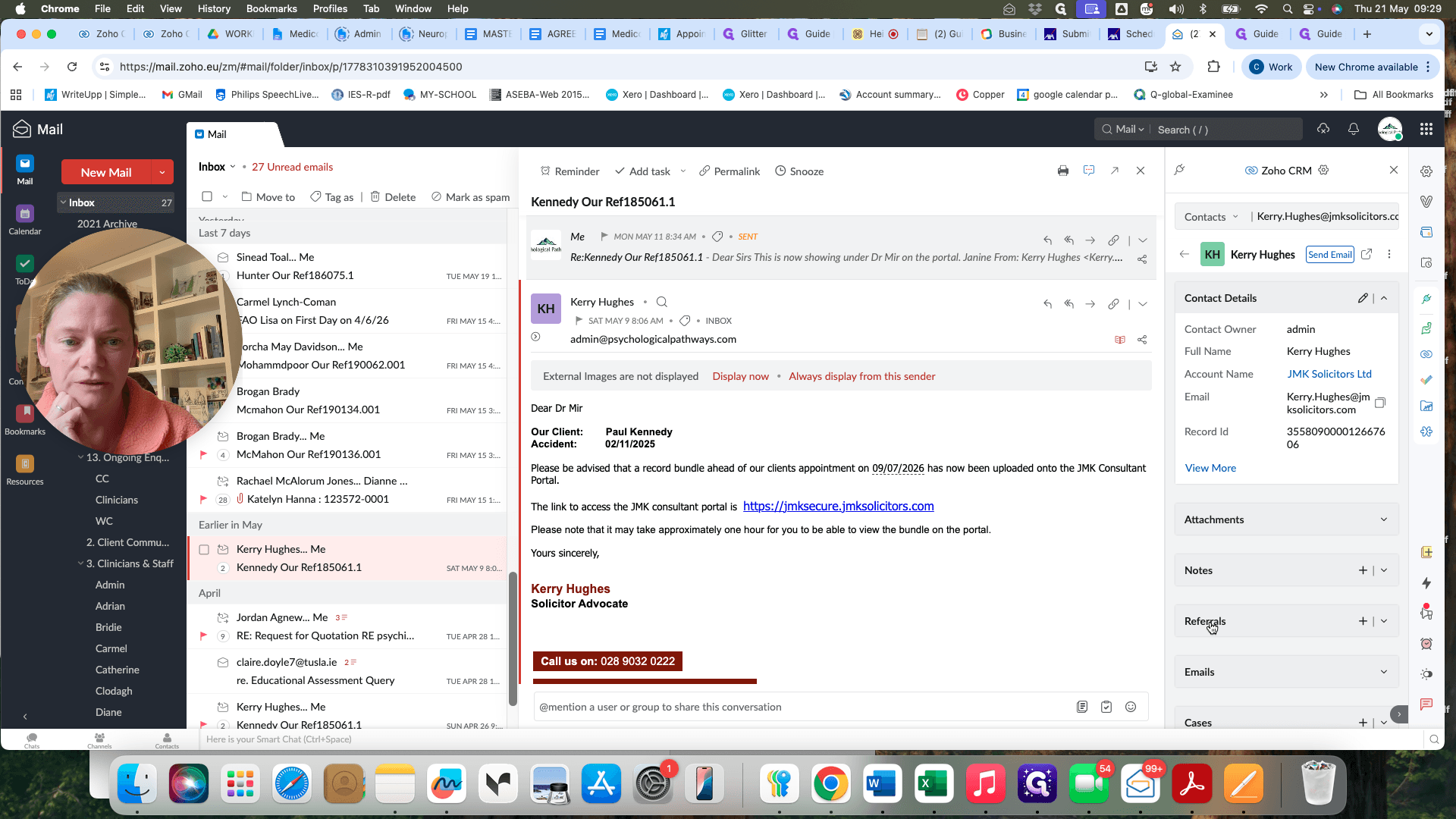
Layer 2: Associating the Client Referral
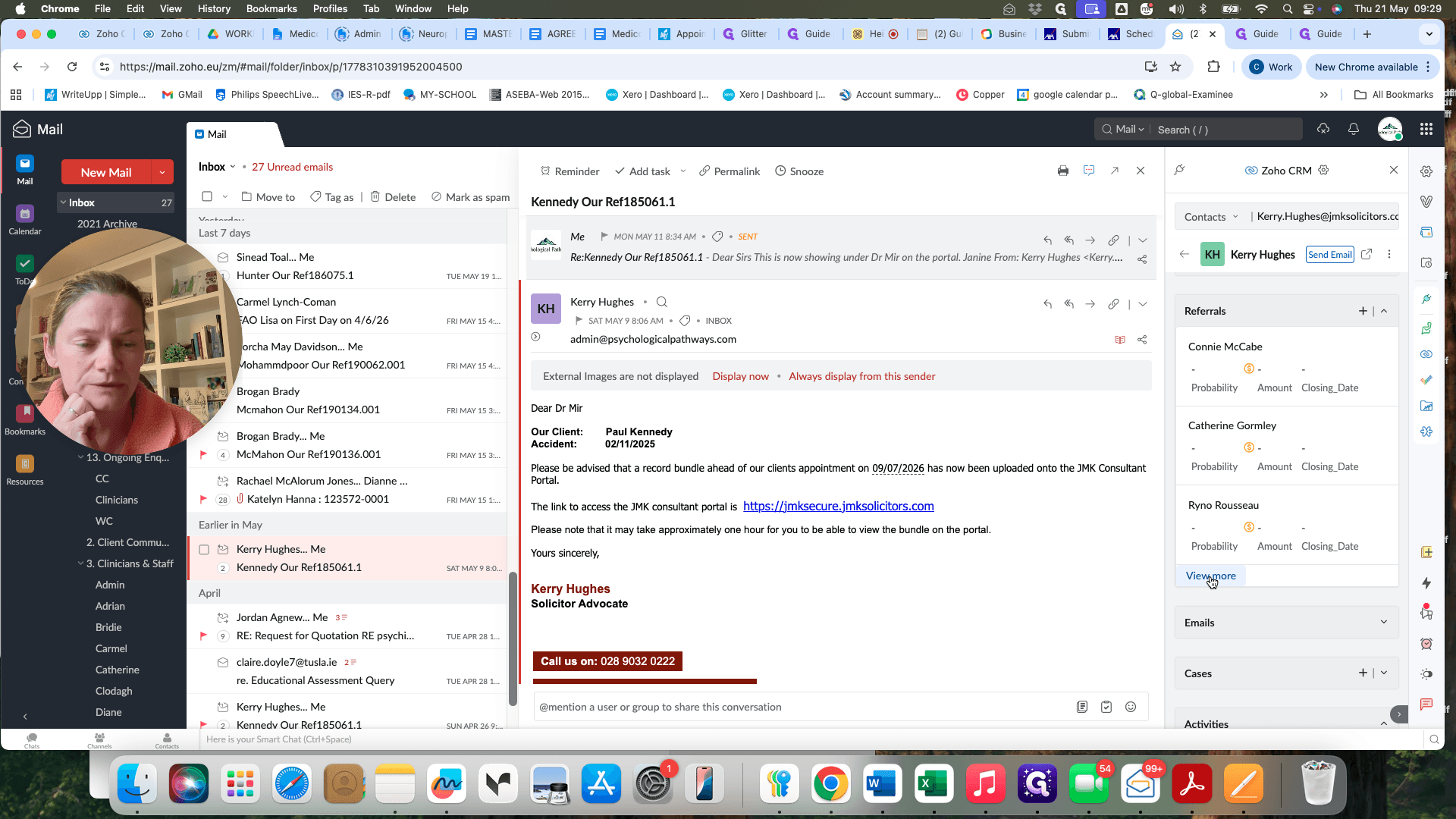
Next, you must link the email to the specific client case it discusses so it appears on their record.
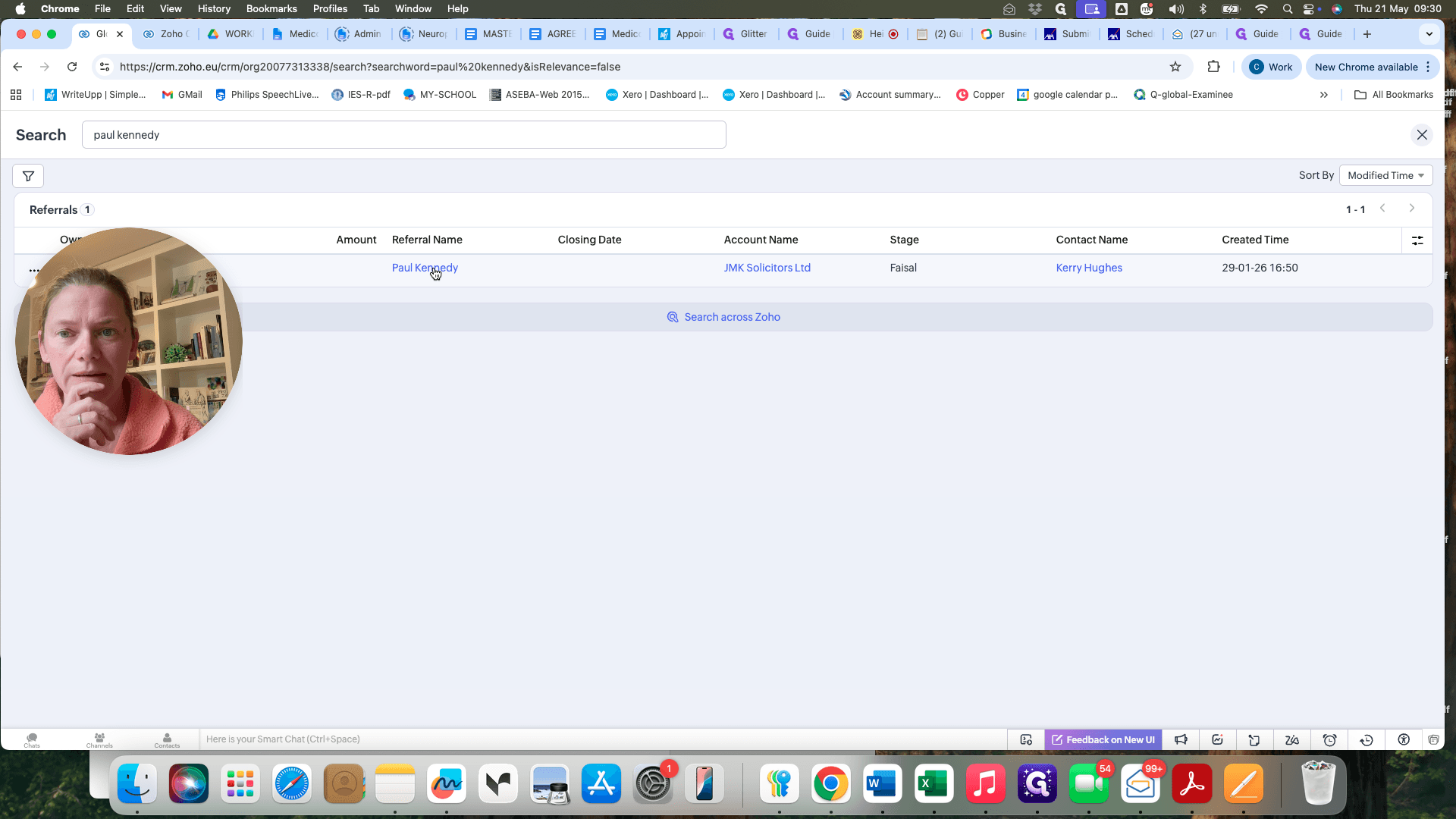
Verifying the Linked Email in Zoho CRM
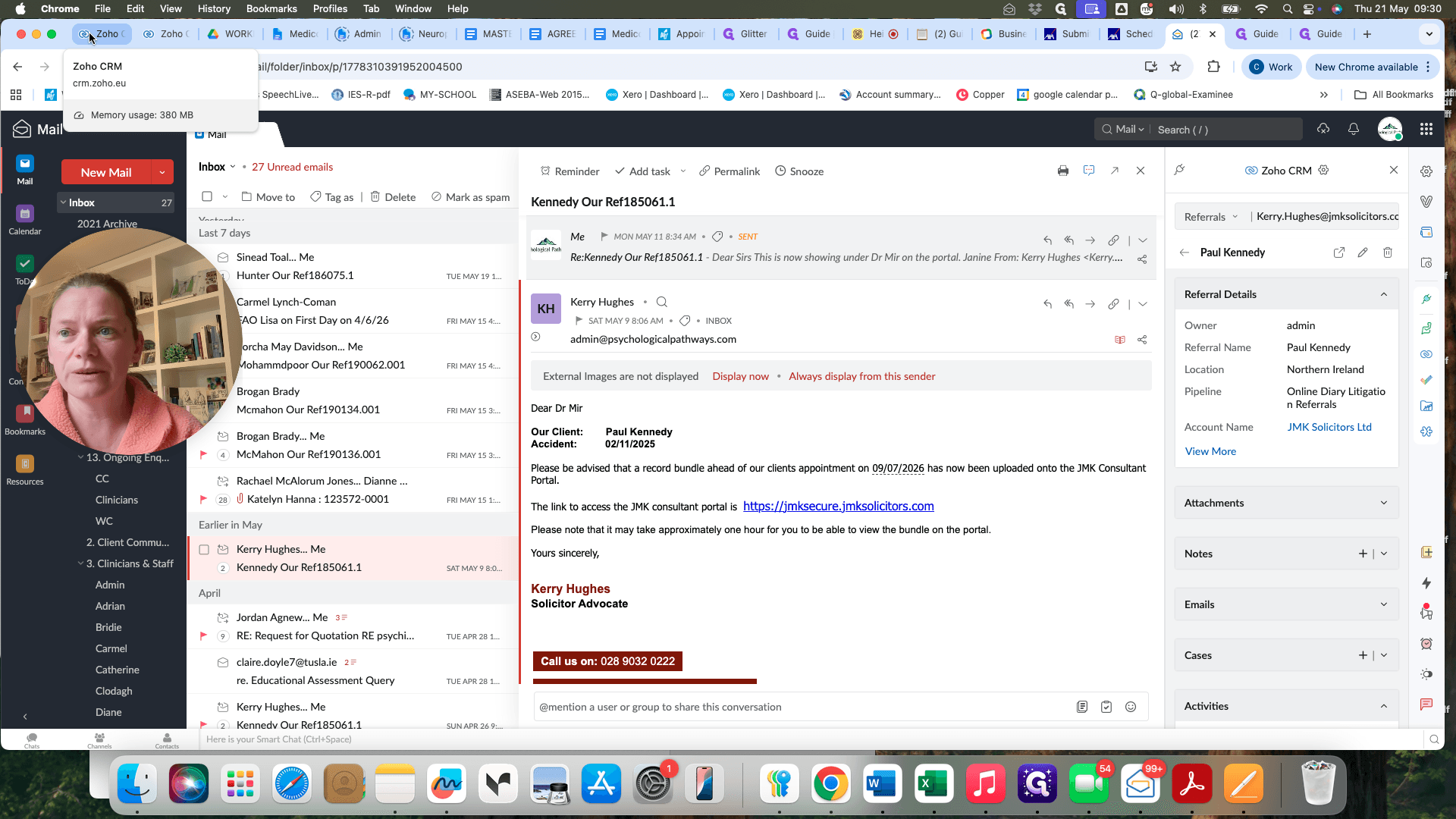
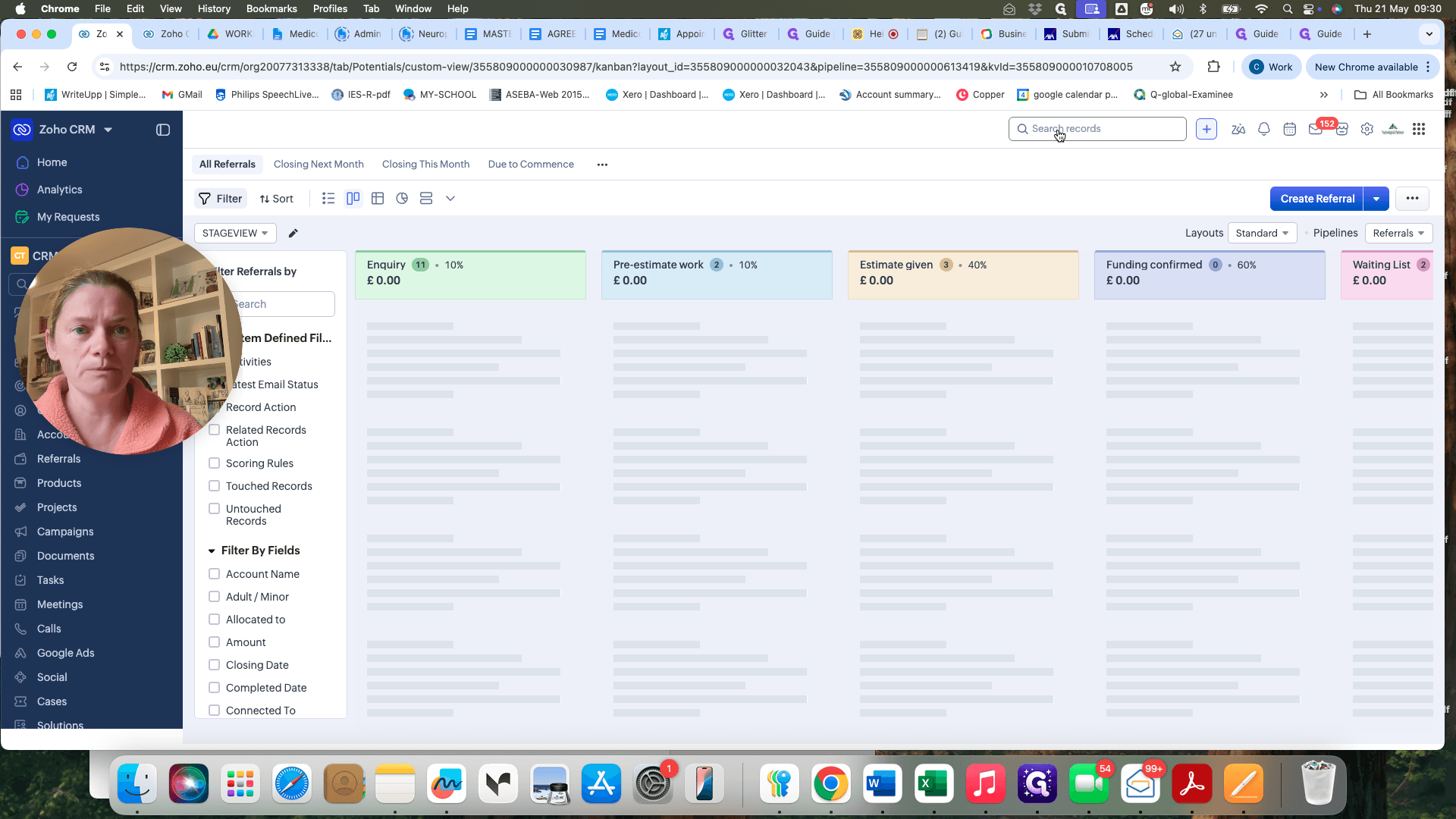
If you want to confirm the email was successfully attached to the client, you can check their CRM tile directly.
FAQ
Q: Why do I need to associate the email twice?
A: The first layer links the email to the sender, which creates a searchable history of their correspondence. The second layer links it to the specific client's referral record, which automatically displays the email on their CRM tile.
Q: Do I still need to upload emails to Write-up?
A: No. By associating emails with the client referral in Zoho CRM, the communication history is centralized, and you no longer need to duplicate the process by uploading files to Write-up manually.
Q: What if an email is about a different client than the ones automatically suggested?
A: You can use the search or "View more" functions within the Referrals sidebar to locate the correct client record before confirming the association.
Glossary
Term | Definition |
|---|---|
Association (Zoho) | The action of linking an email communication to a specific contact or referral record so it appears directly within the CRM system. |
CRM Tile | The comprehensive dashboard view for a specific client or contact within Zoho CRM, containing all their related data and communications. |
Write-up | The legacy platform previously used for manually uploading, storing, and tracking client emails and documents. |