
BakeDesk Tutorial
Learn how to navigate BakeDesk to manage orders, schedule production, control inventory, generate documents, and analyze business performance.
Navigate and utilize BakeDesk to manage bakery orders, organize daily production workflows, control ingredient inventory, send customer communications, and analyze business revenue.
This guide applies to bakery owners, kitchen managers, and baking staff managing day-to-day bakery workflows, order fulfillment, and client invoicing.
Navigating the Dashboard & Creating Orders
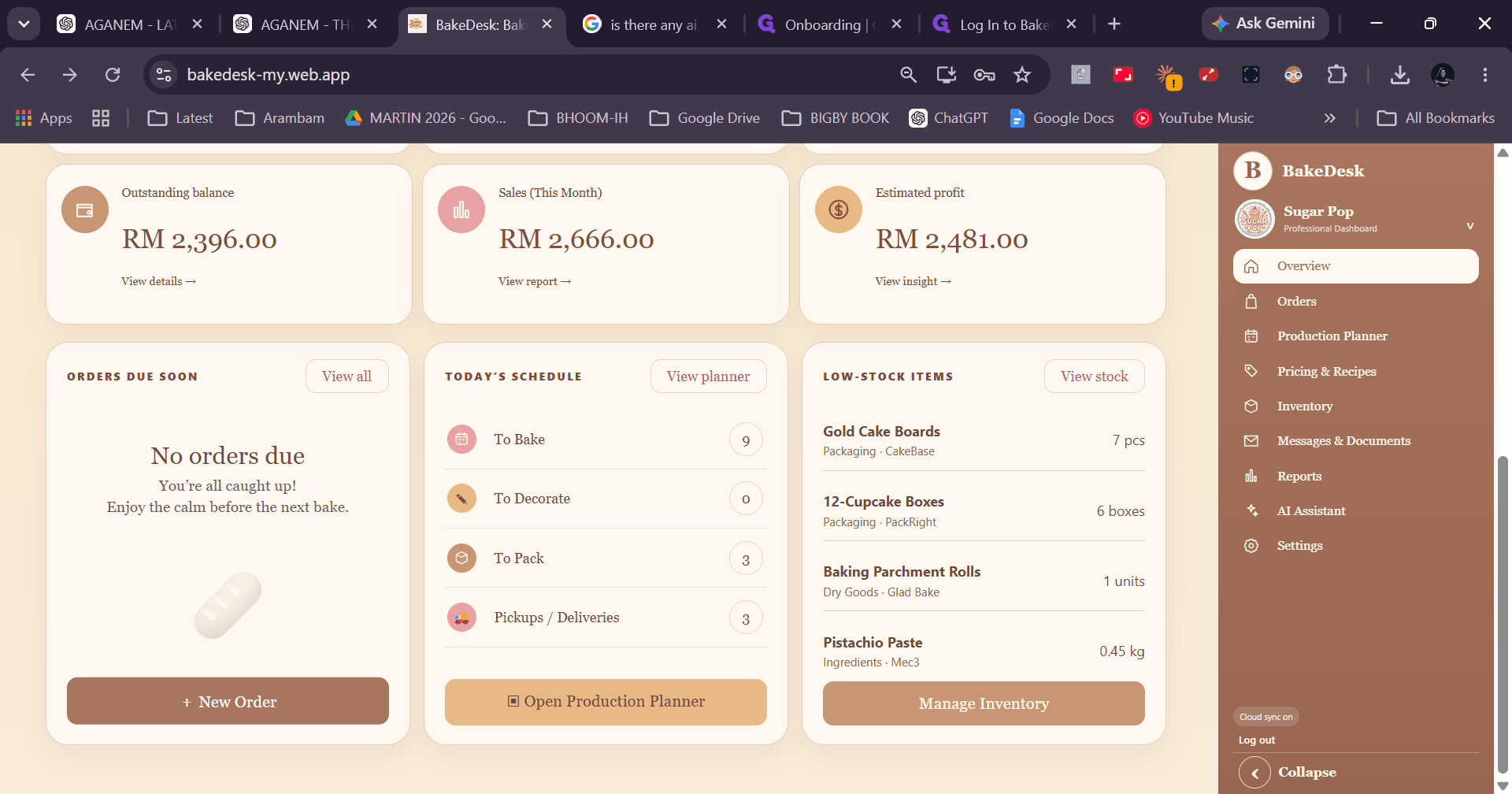
The BakeDesk homepage provides high-level visibility into upcoming orders, pickup and delivery schedules, outstanding customer balances, monthly sales, and estimated profits.
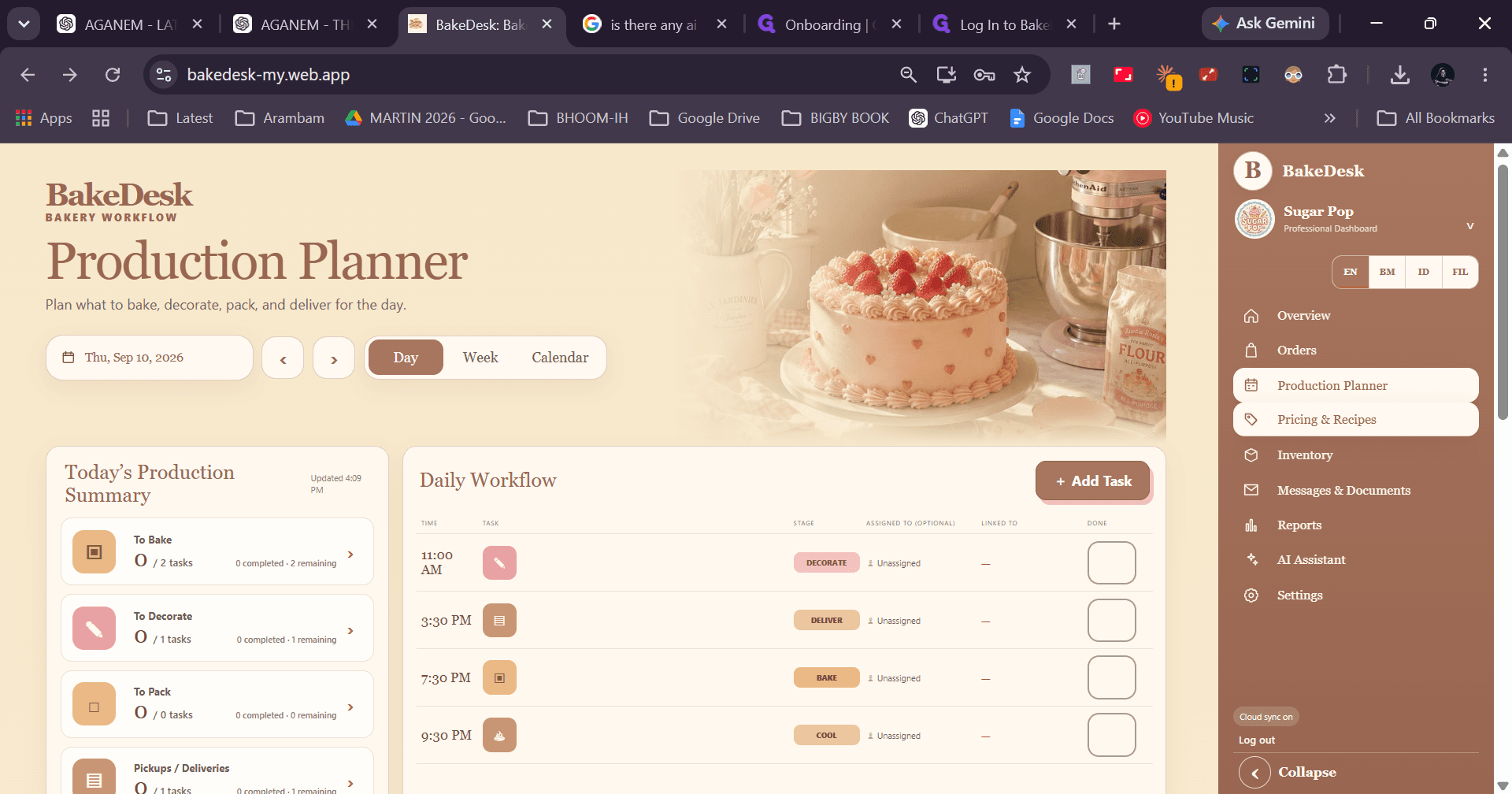
Managing Daily Workflow with the Production Planner
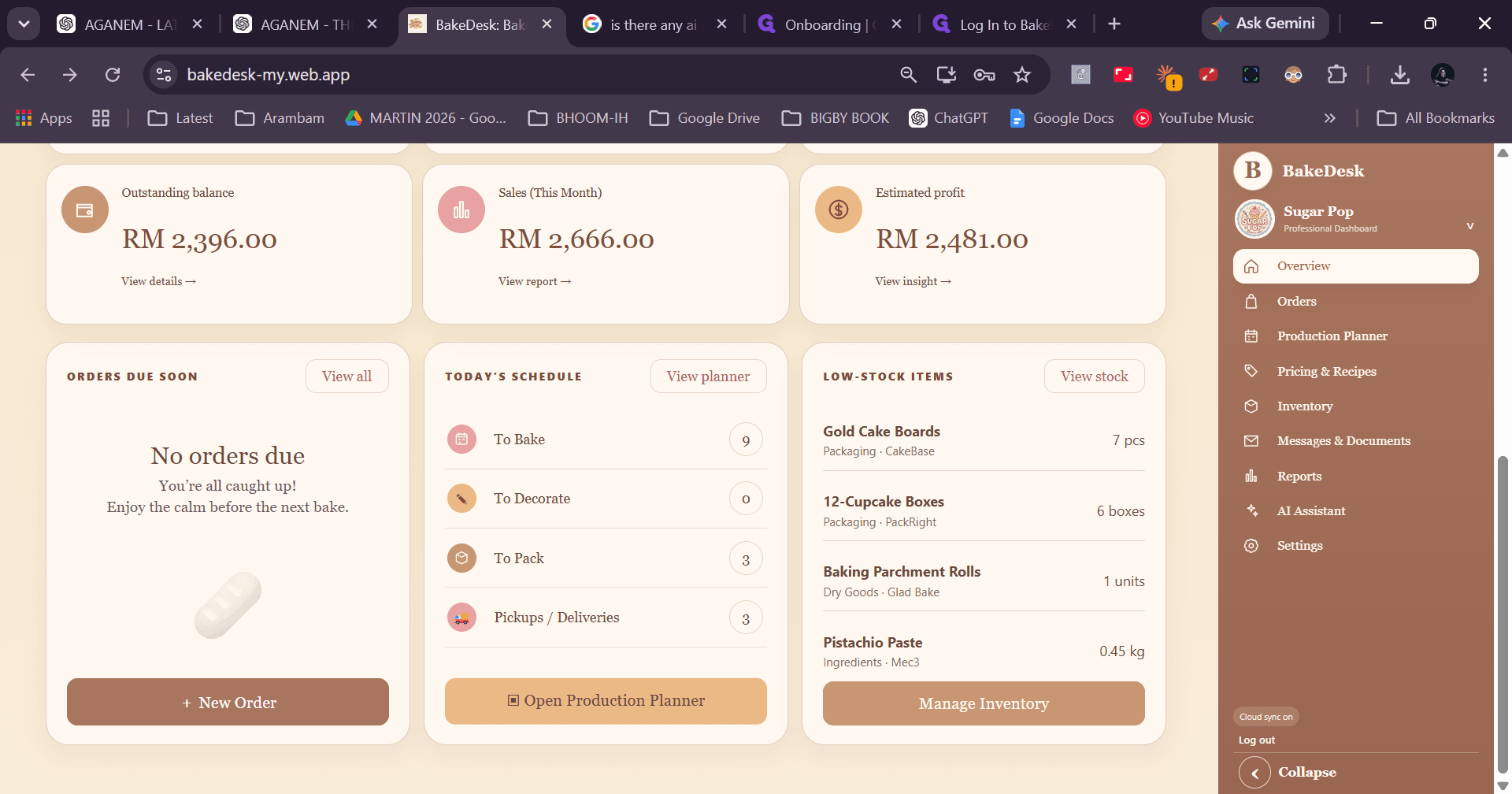
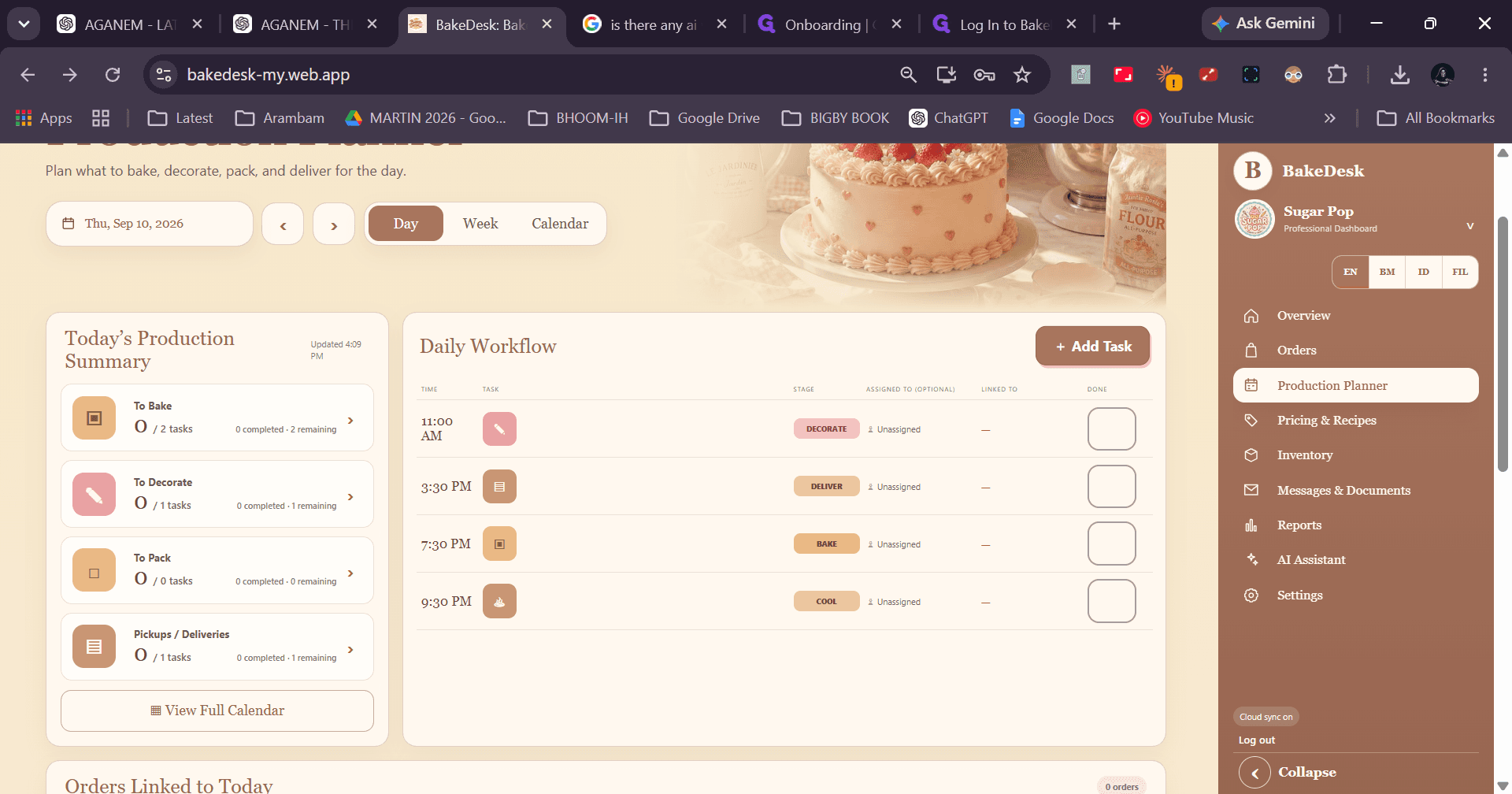
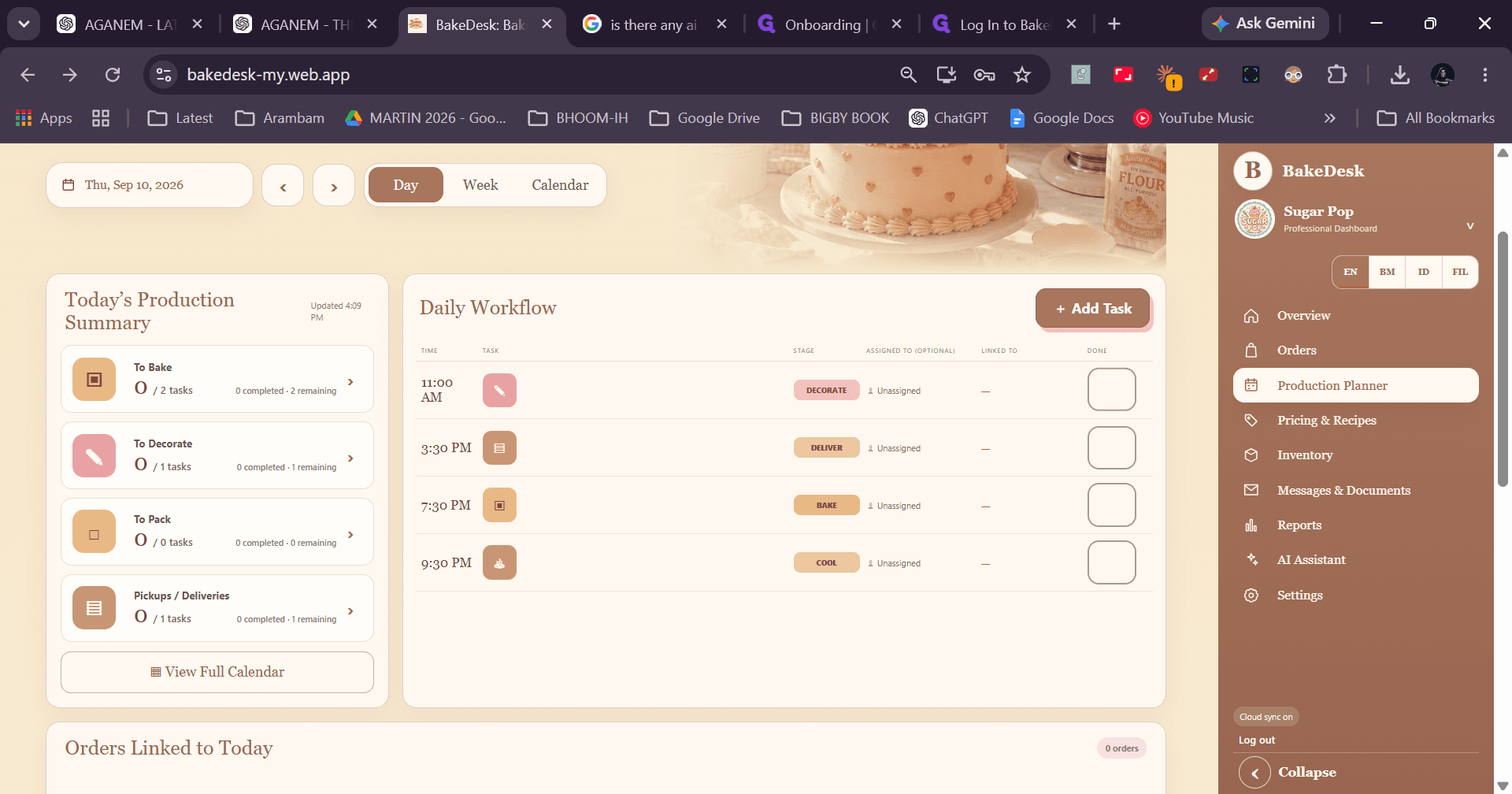
The Production Planner helps you organize daily baking tasks, prep checklists, ingredient and equipment prep, and preview upcoming tasks for the next day.
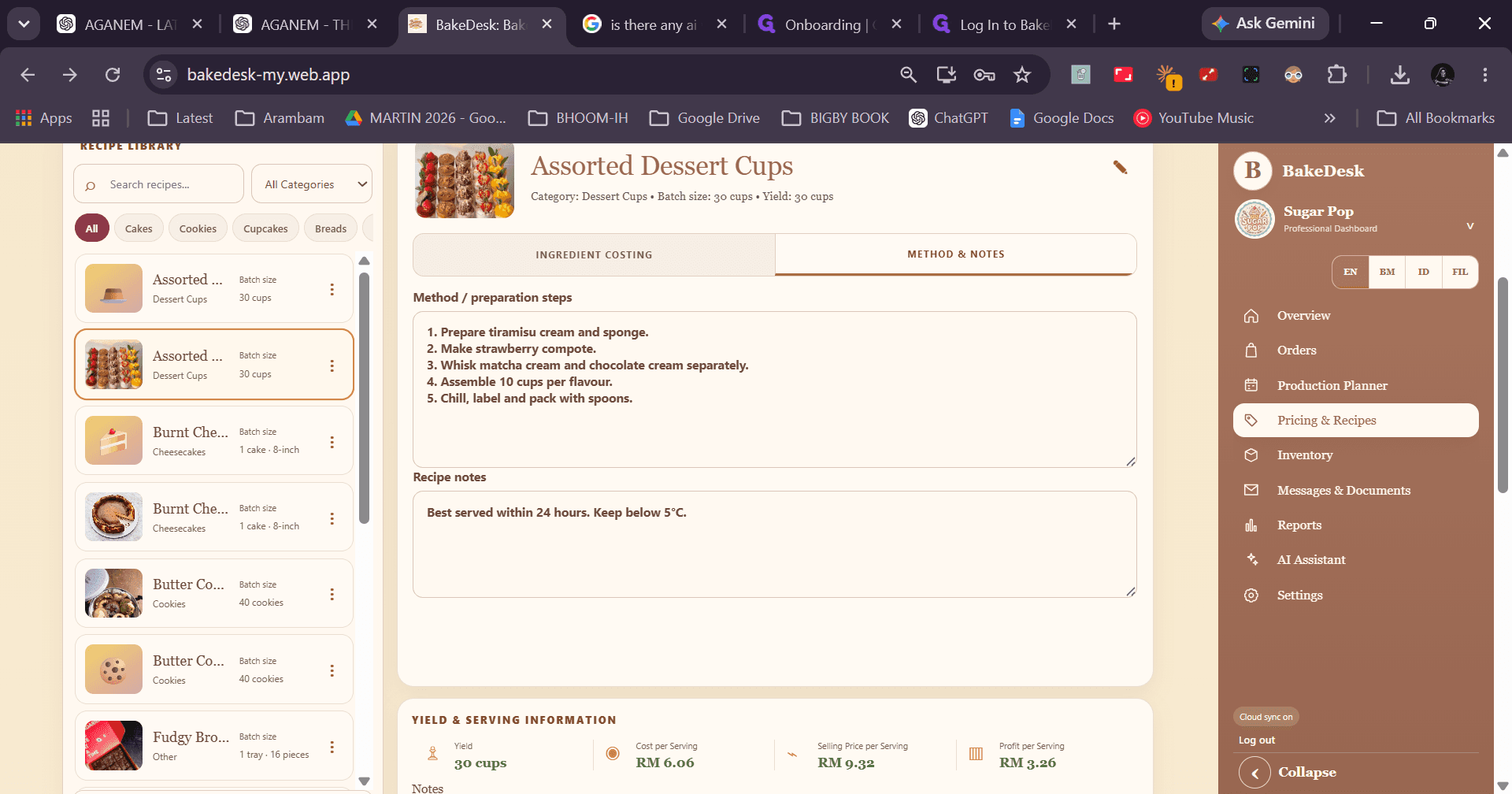
Viewing Recipes and Sharing with Staff
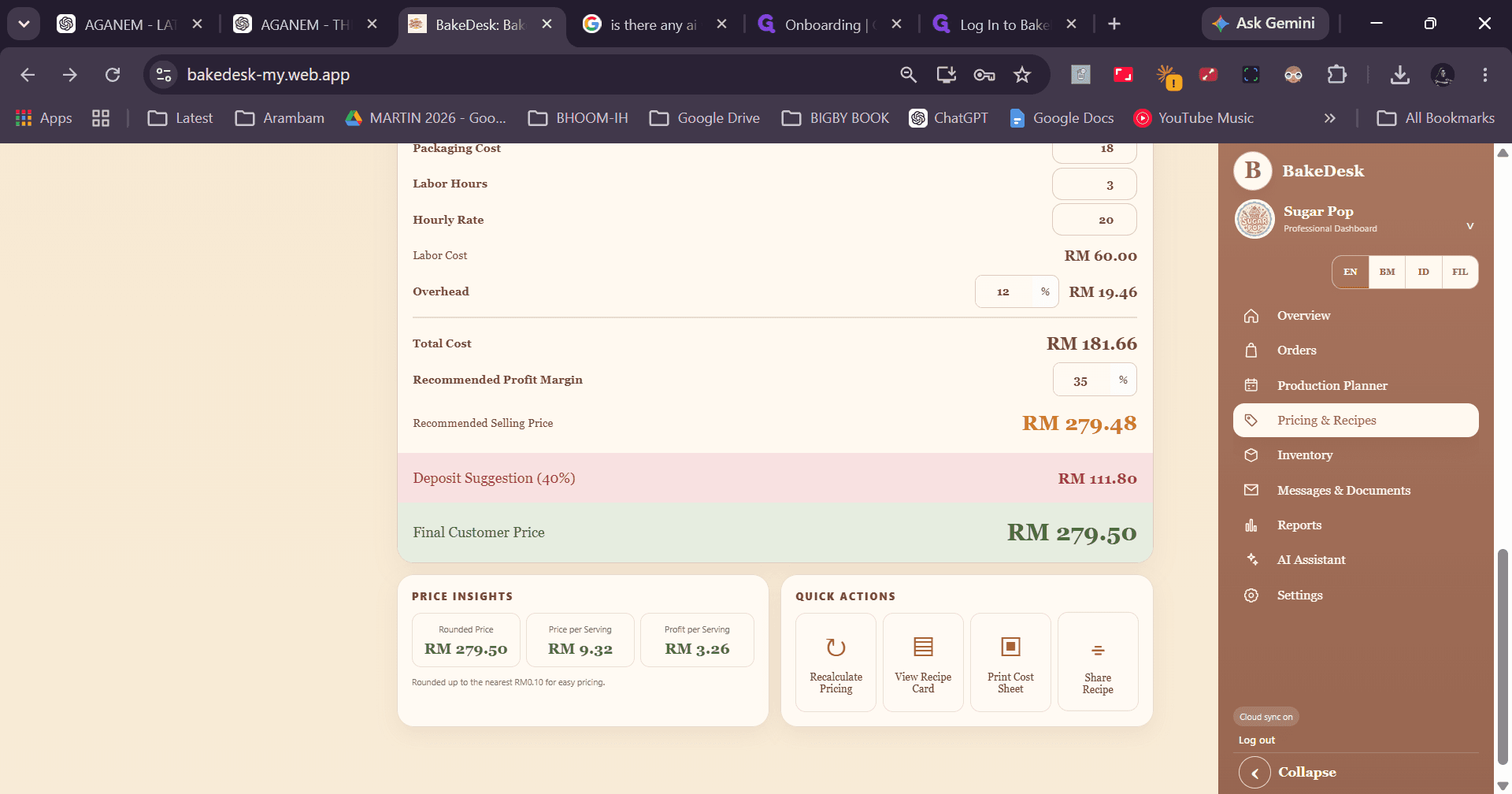
The Pricing & Recipes section allows you to manage recipe instructions, calculate ingredient costing, and share procedures with kitchen staff without displaying internal cost margins.
Monitoring Inventory and Categories
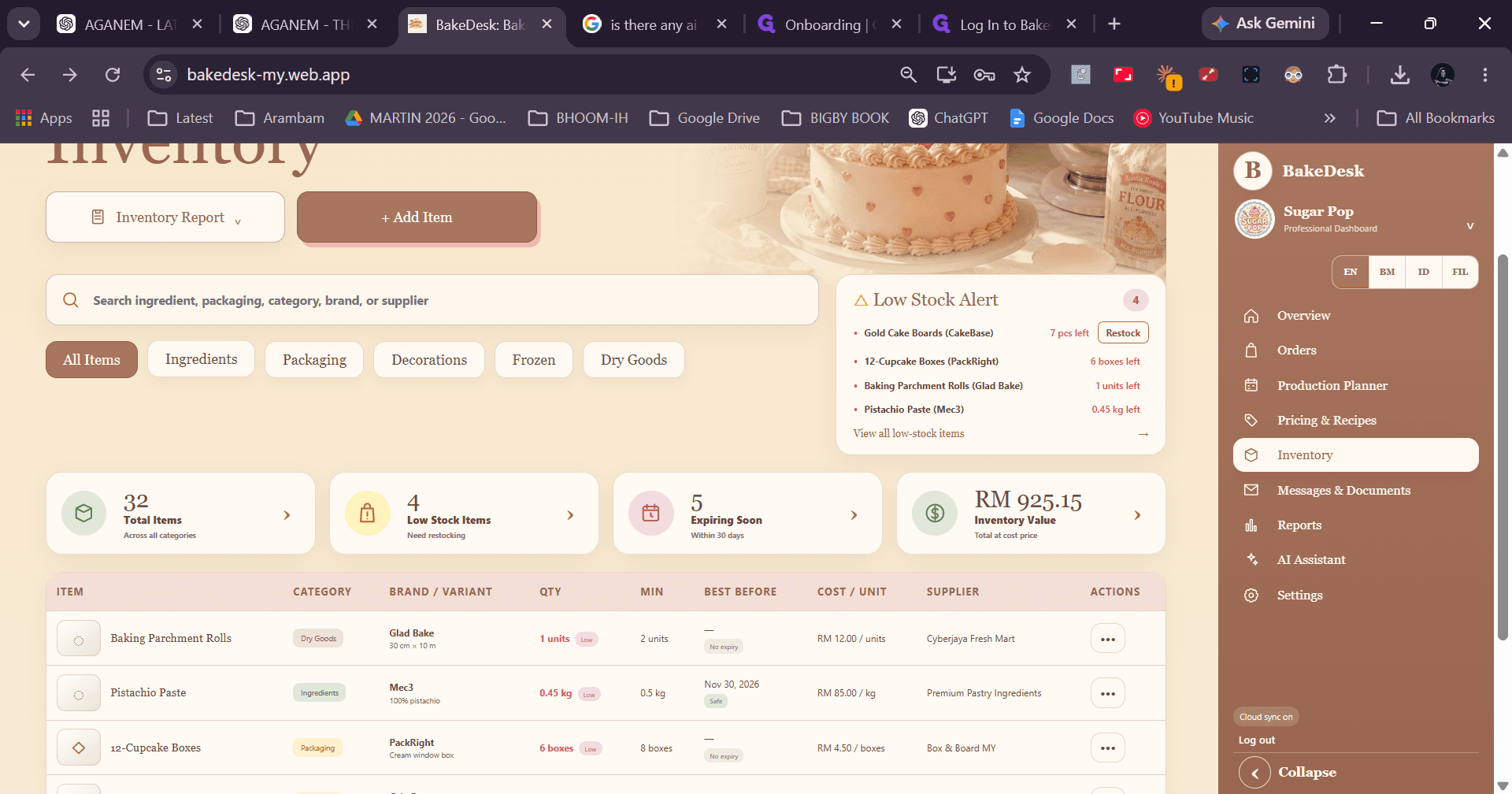
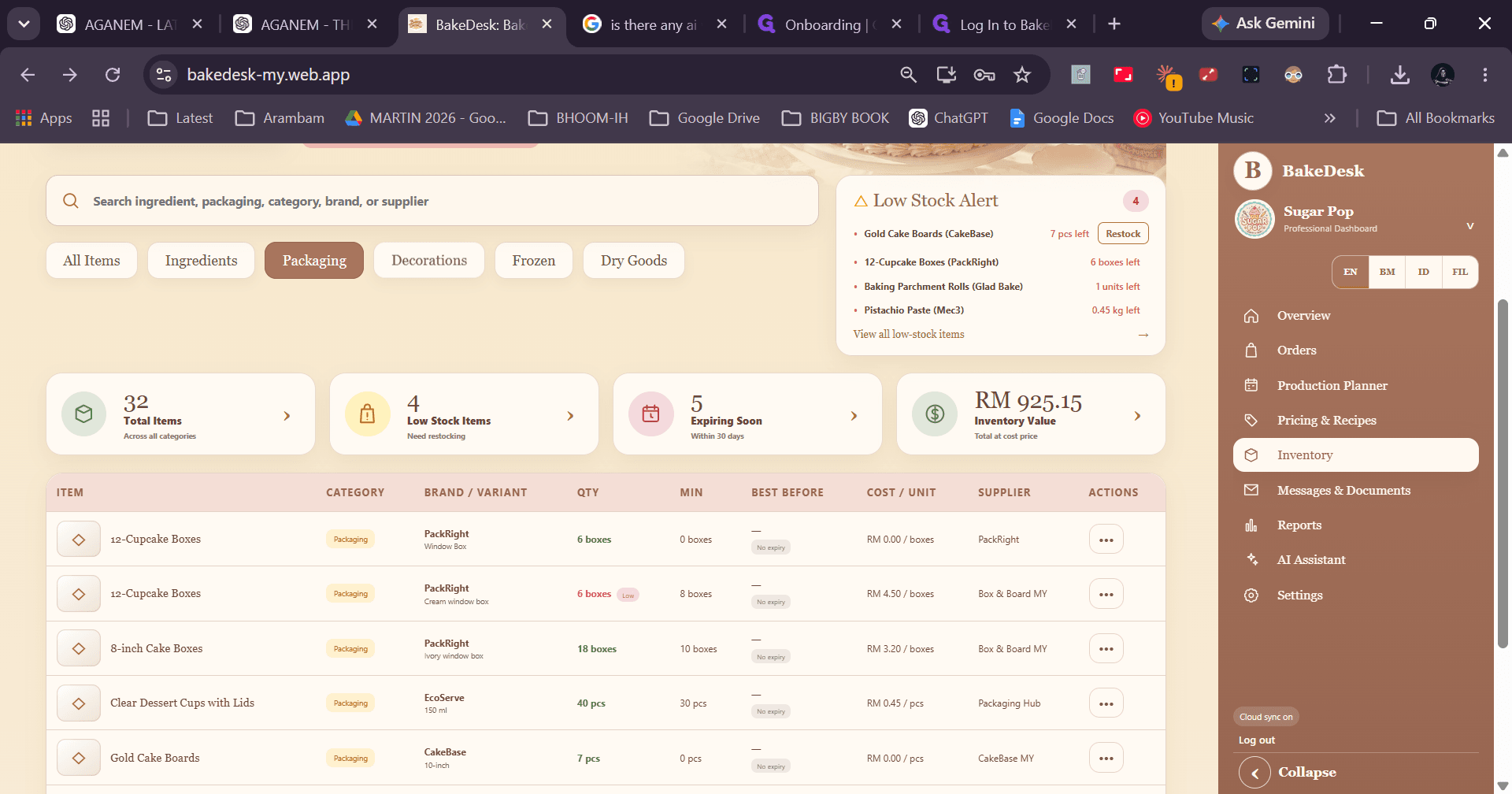
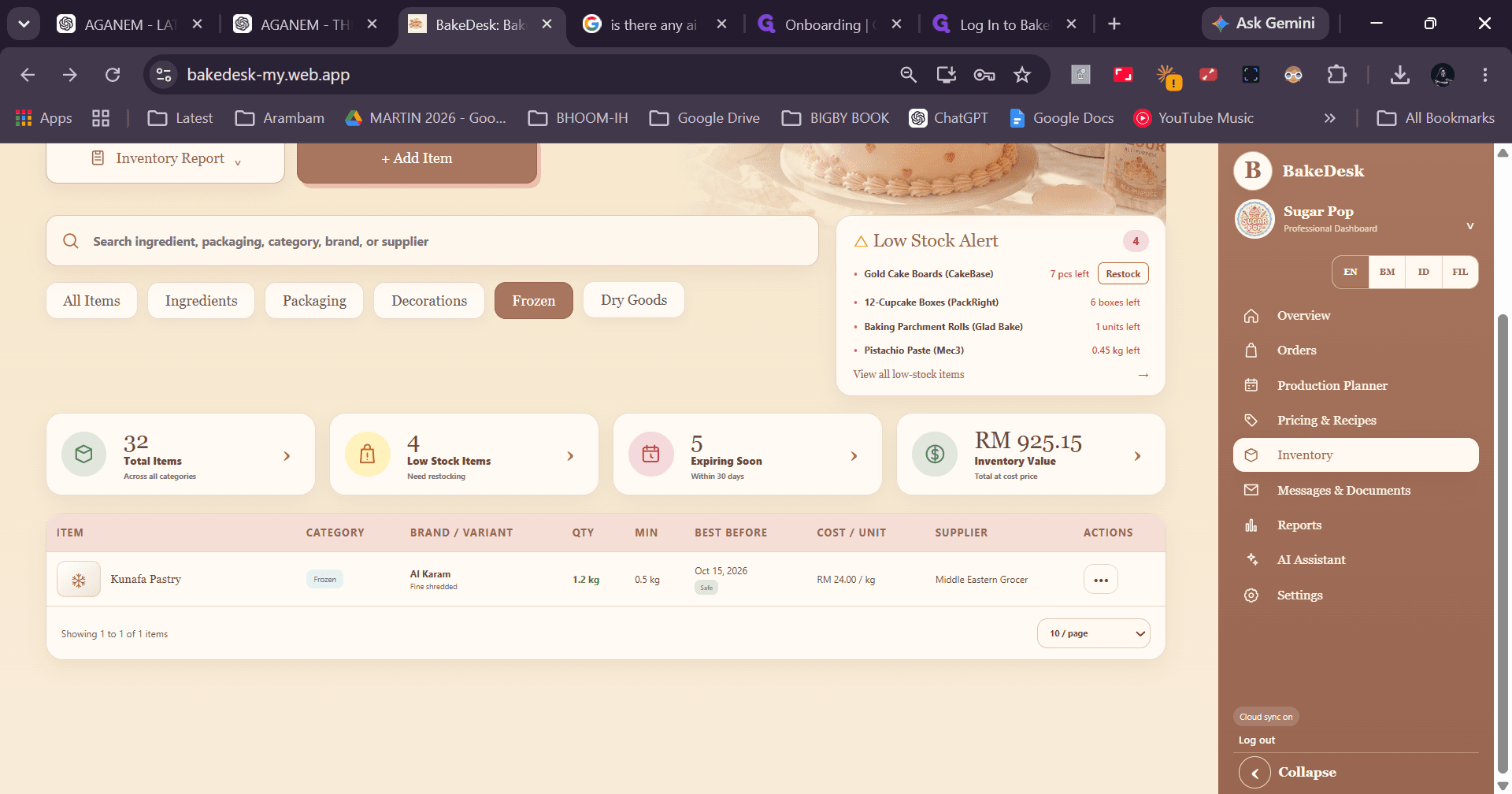
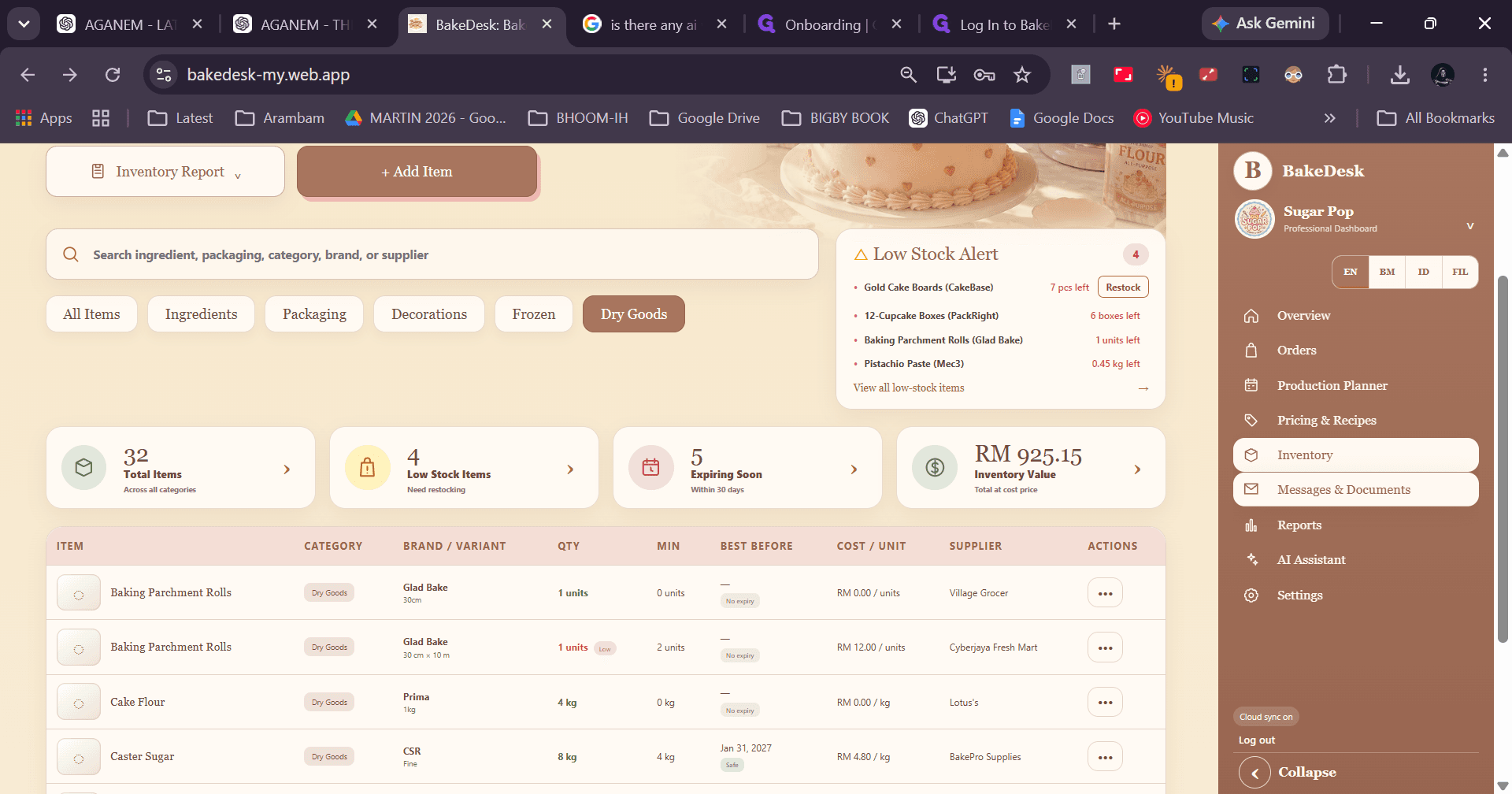
Track low stock alerts, supplier information, and item costs across different inventory categories.
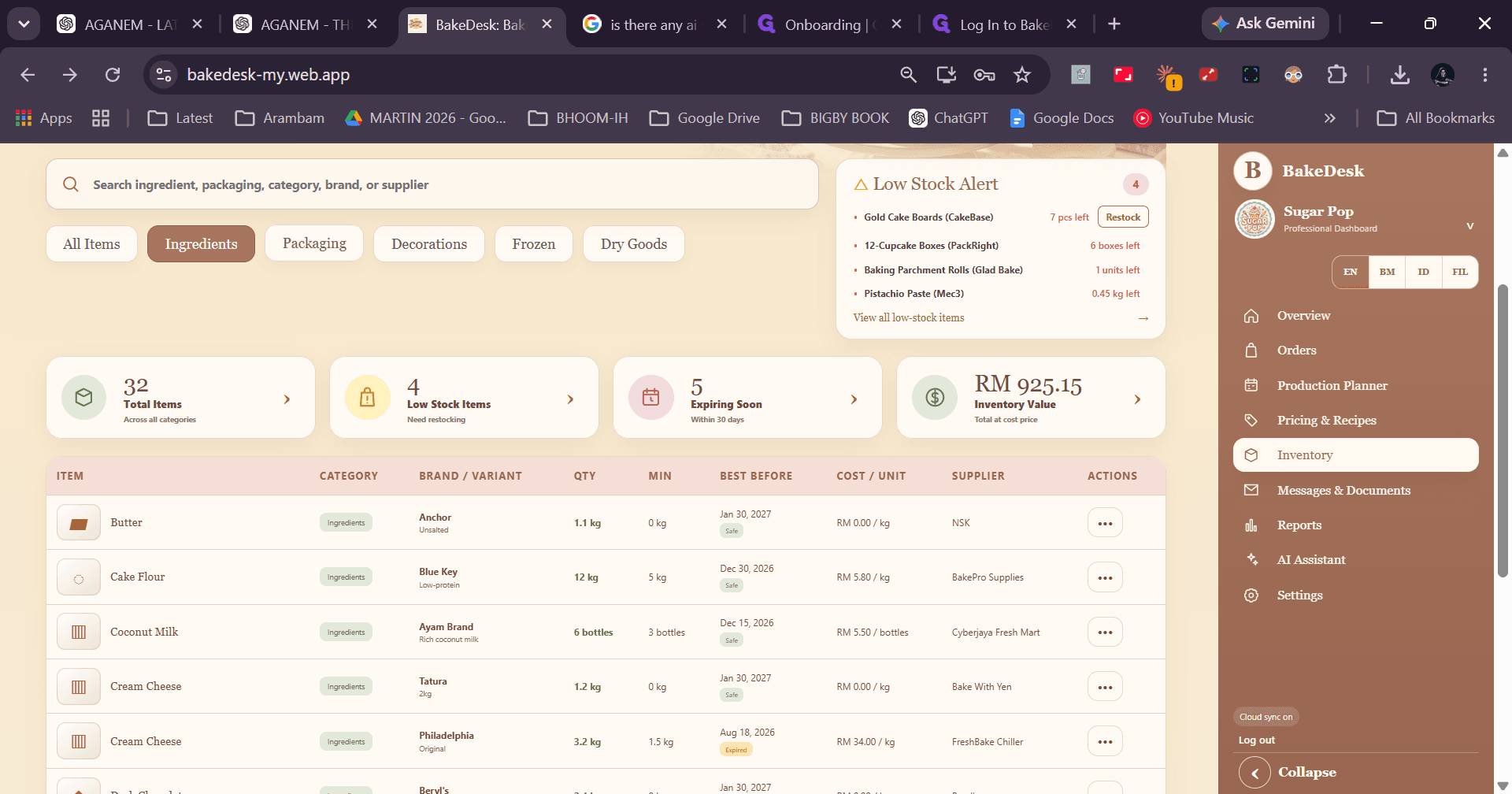
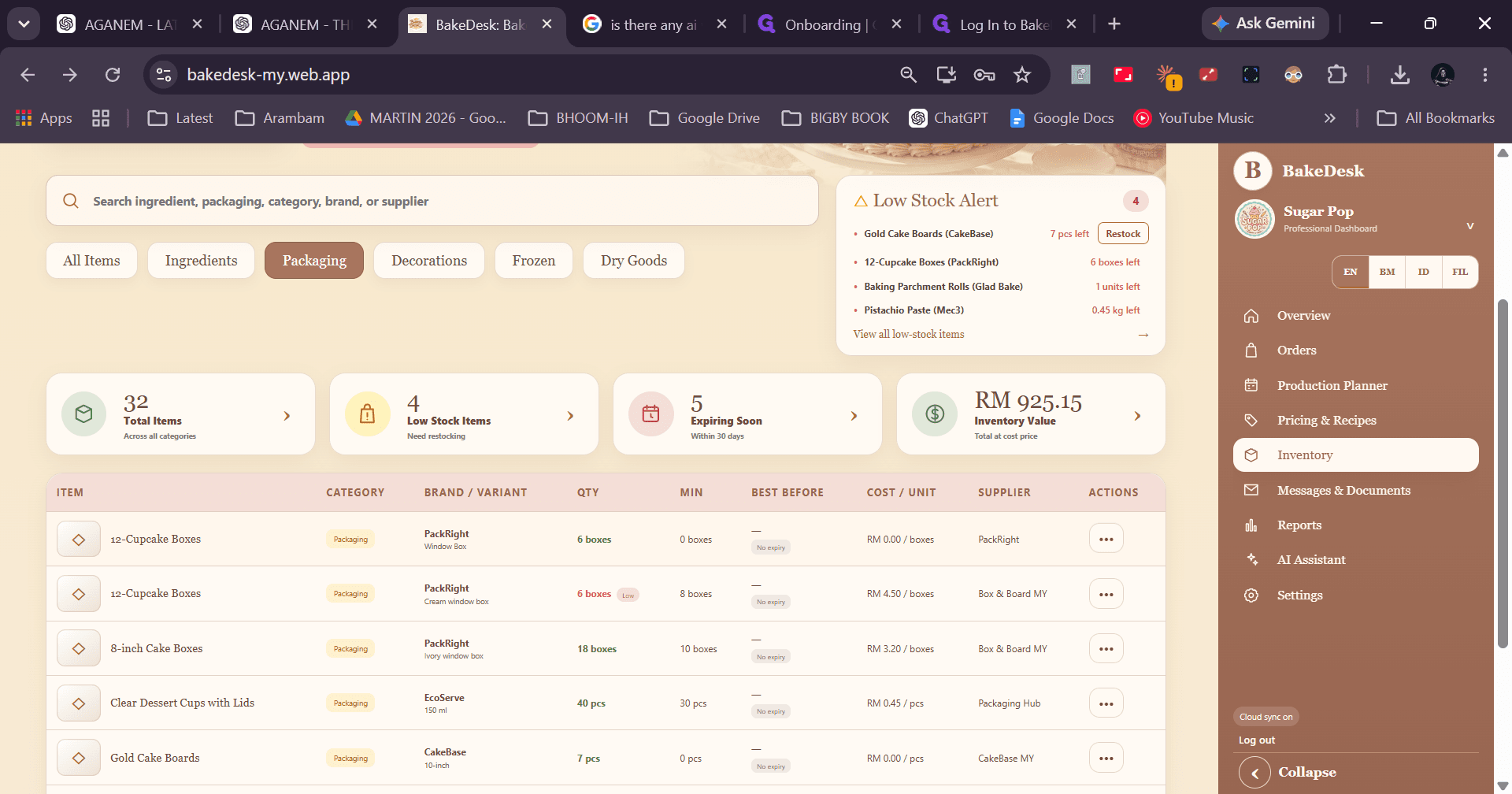
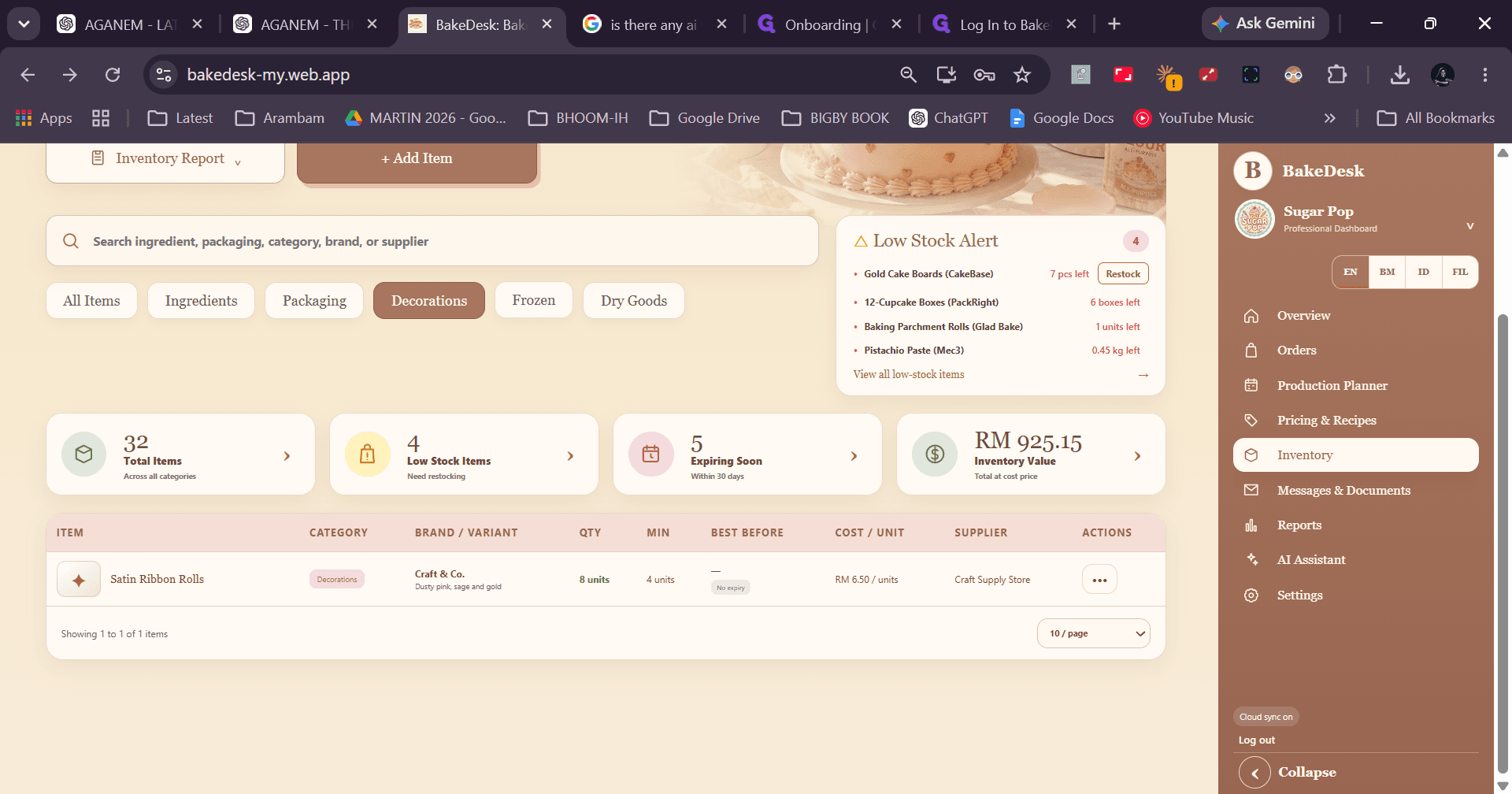
Sending Customer Messages & Accessing Documents
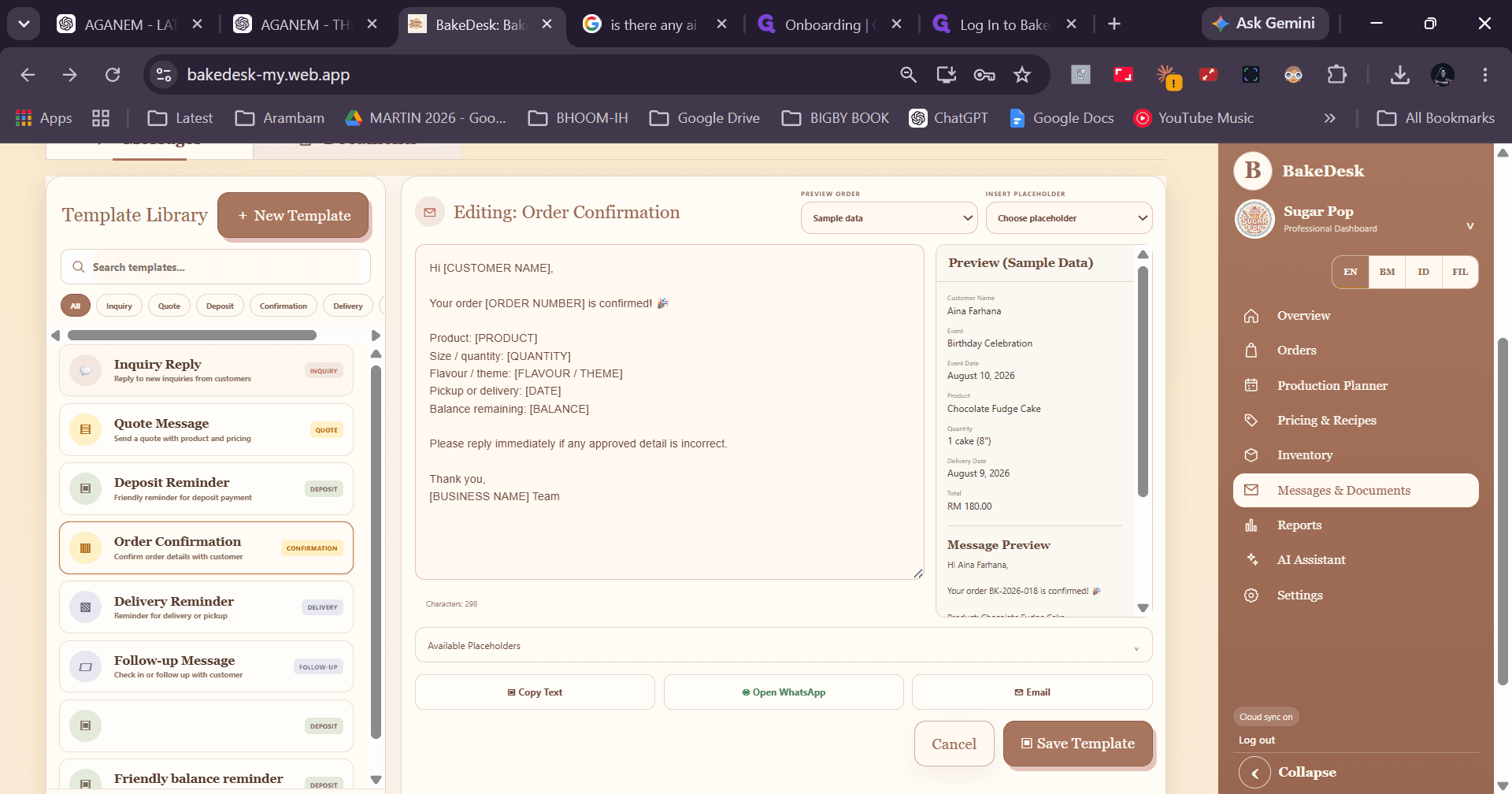
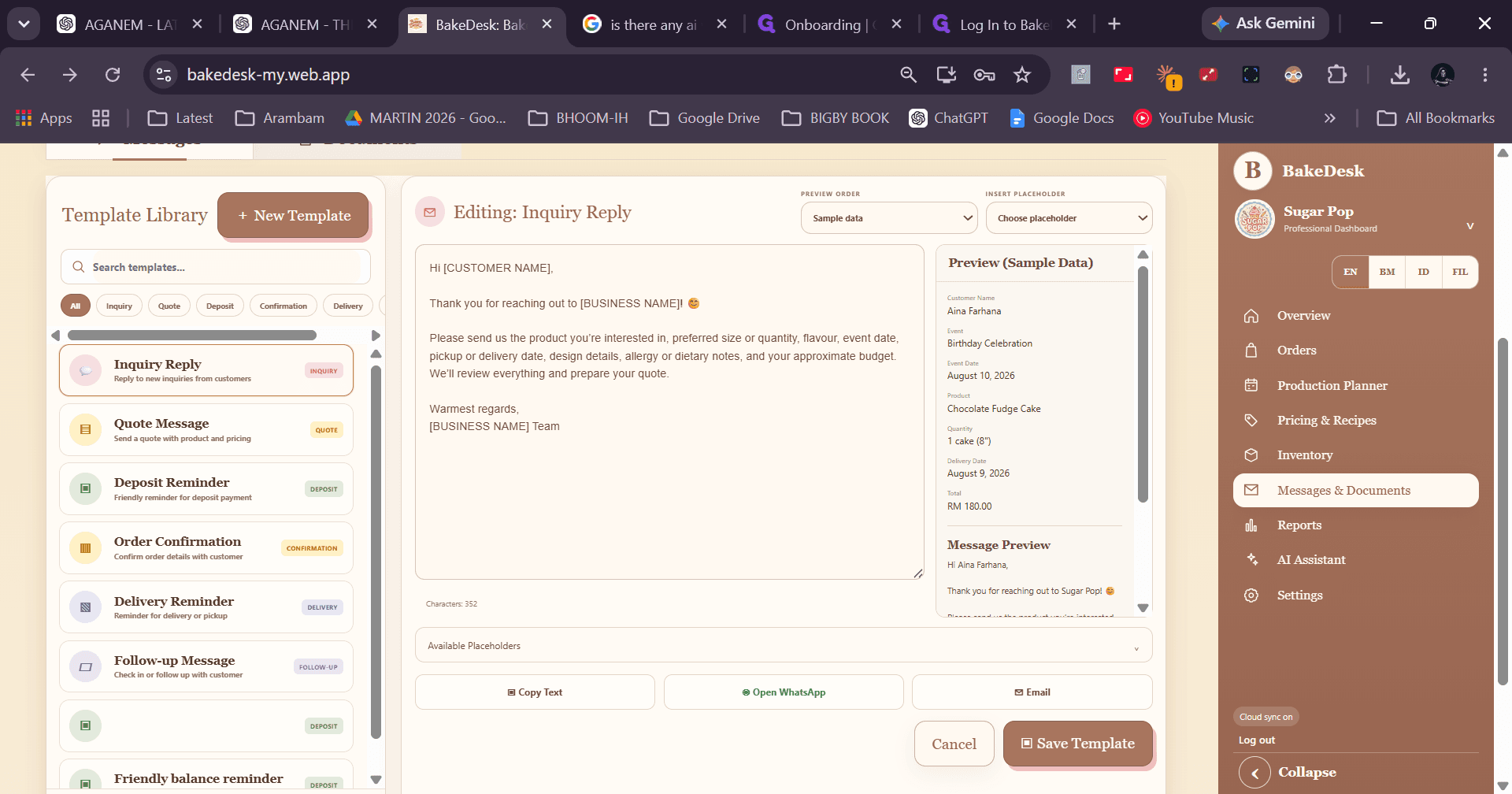
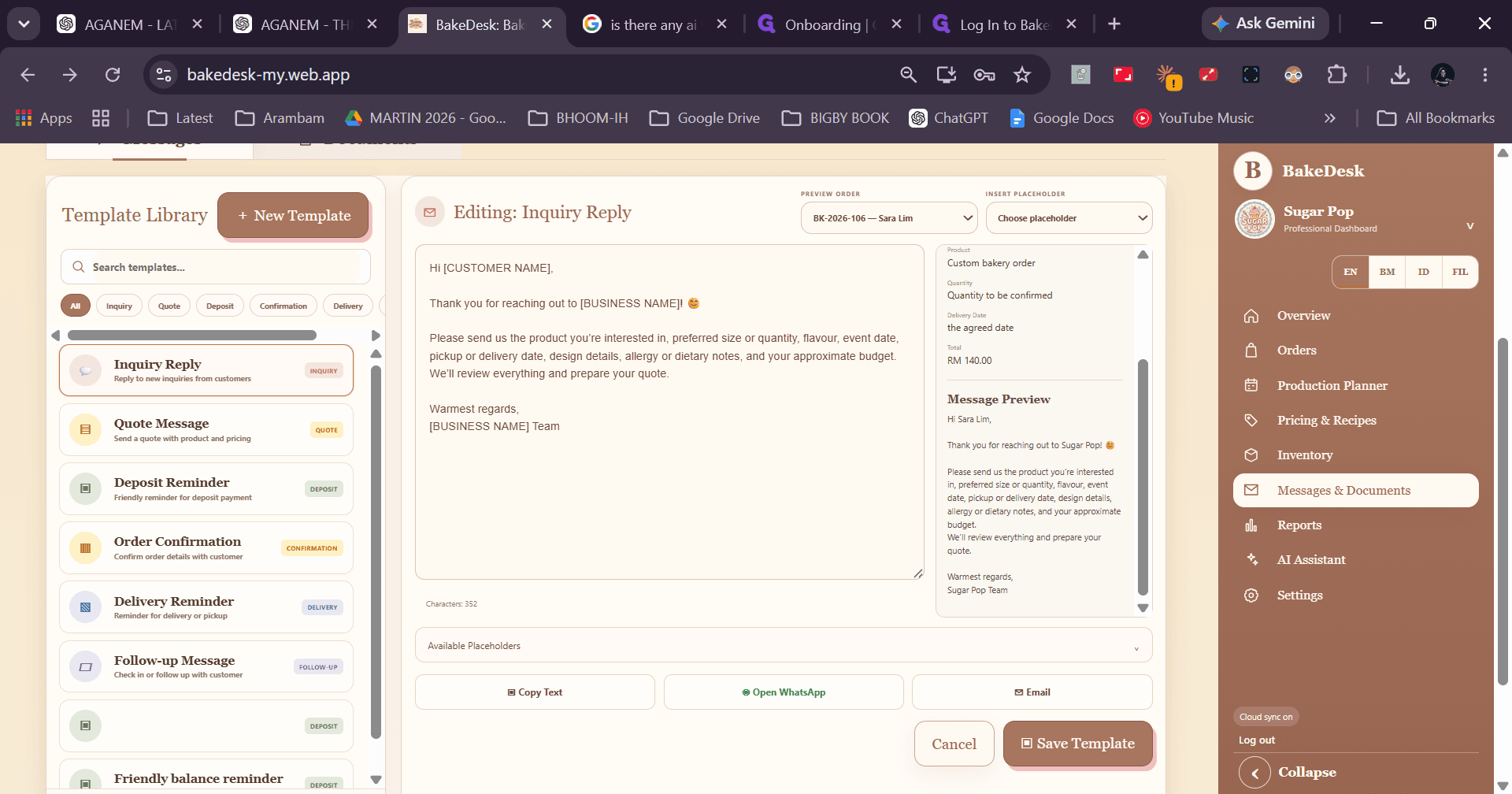
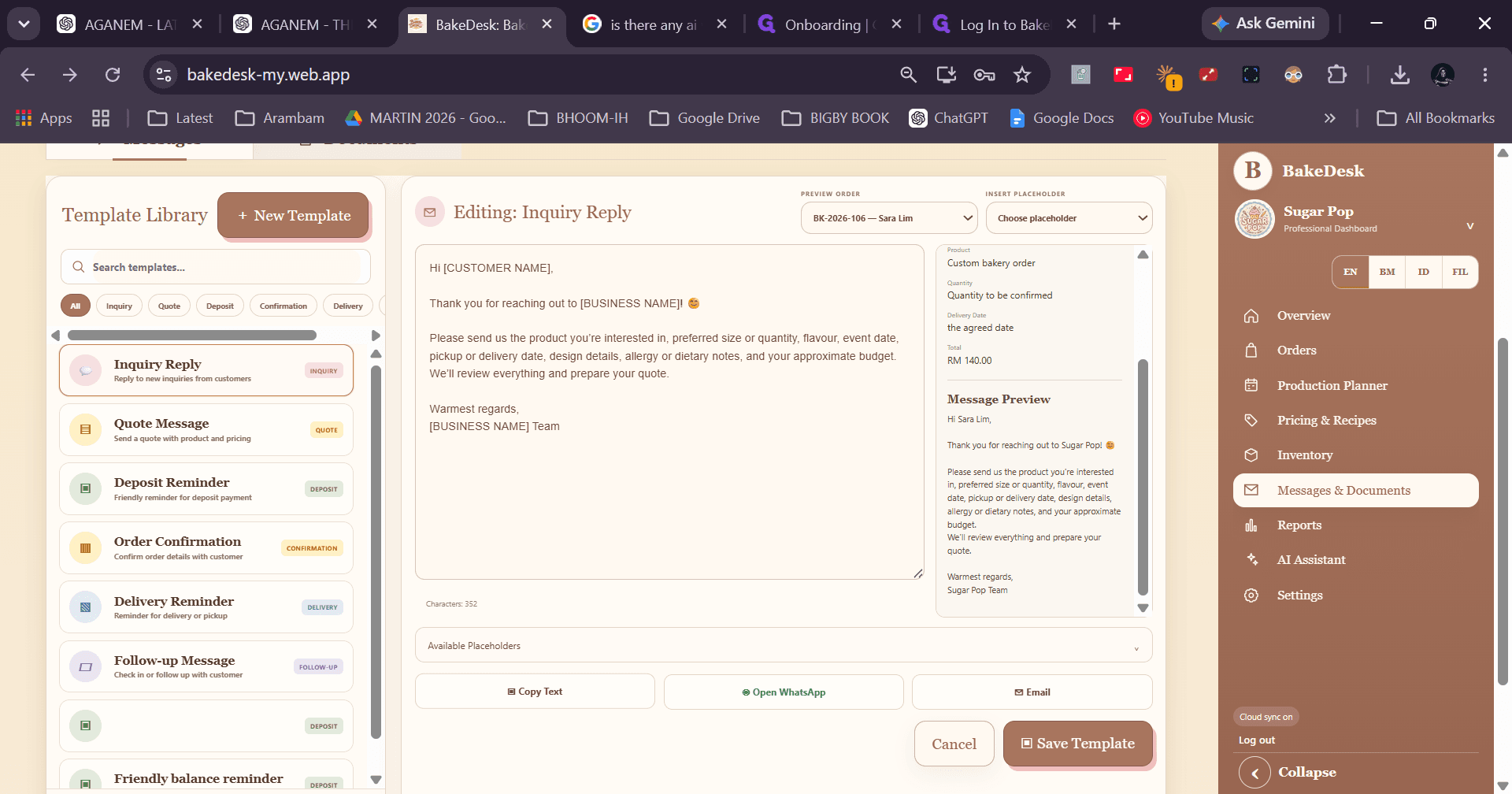
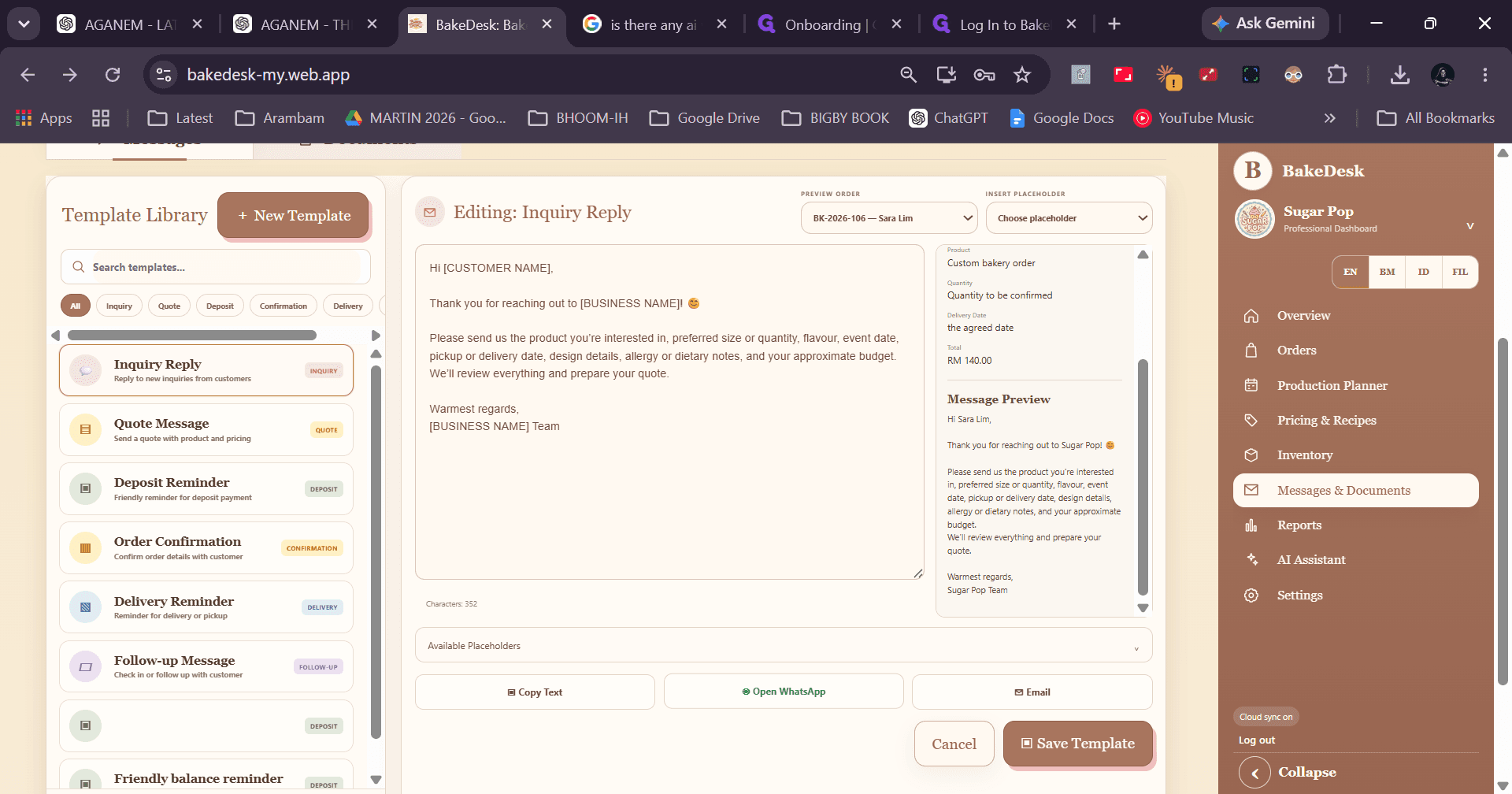
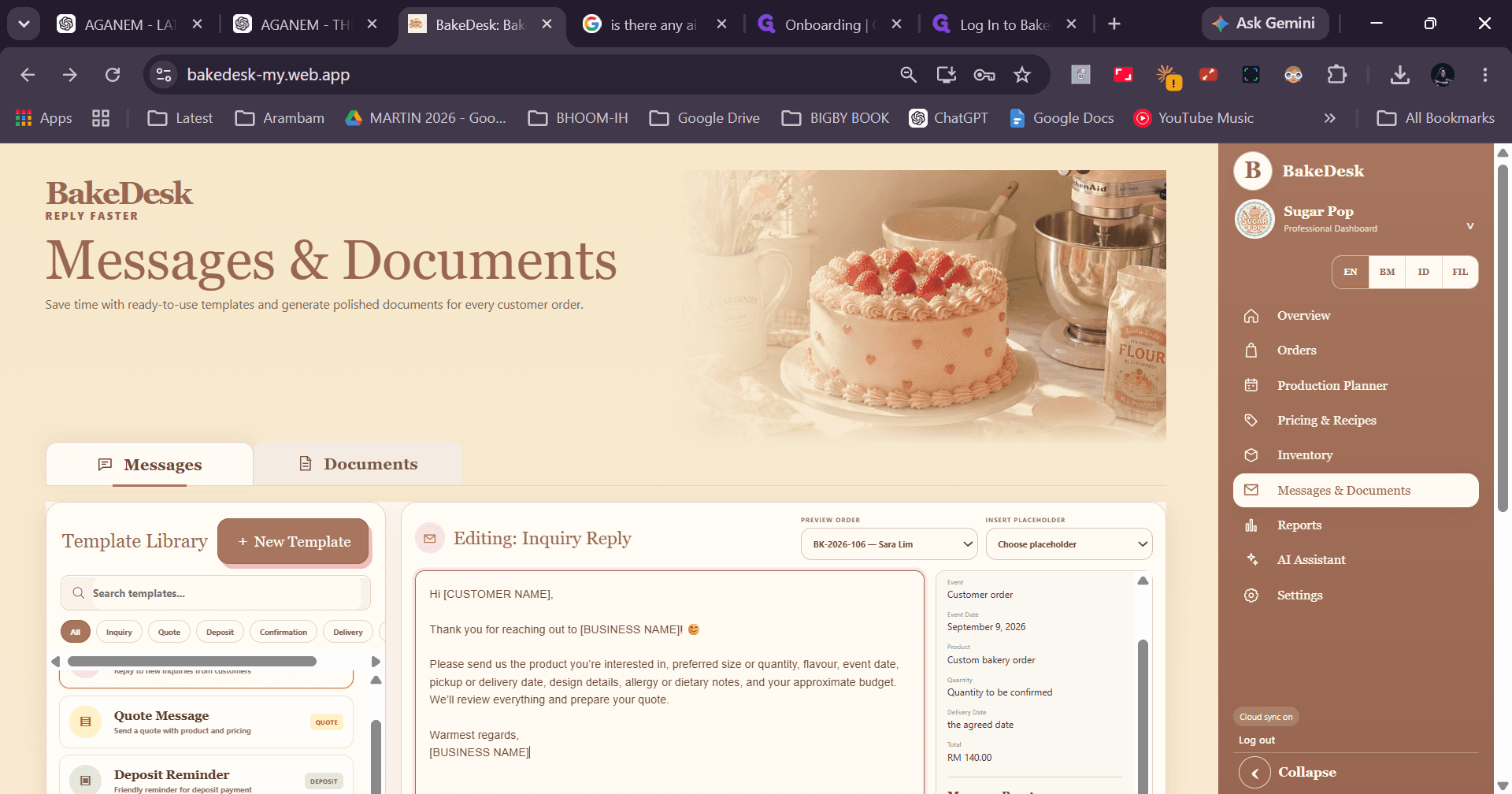
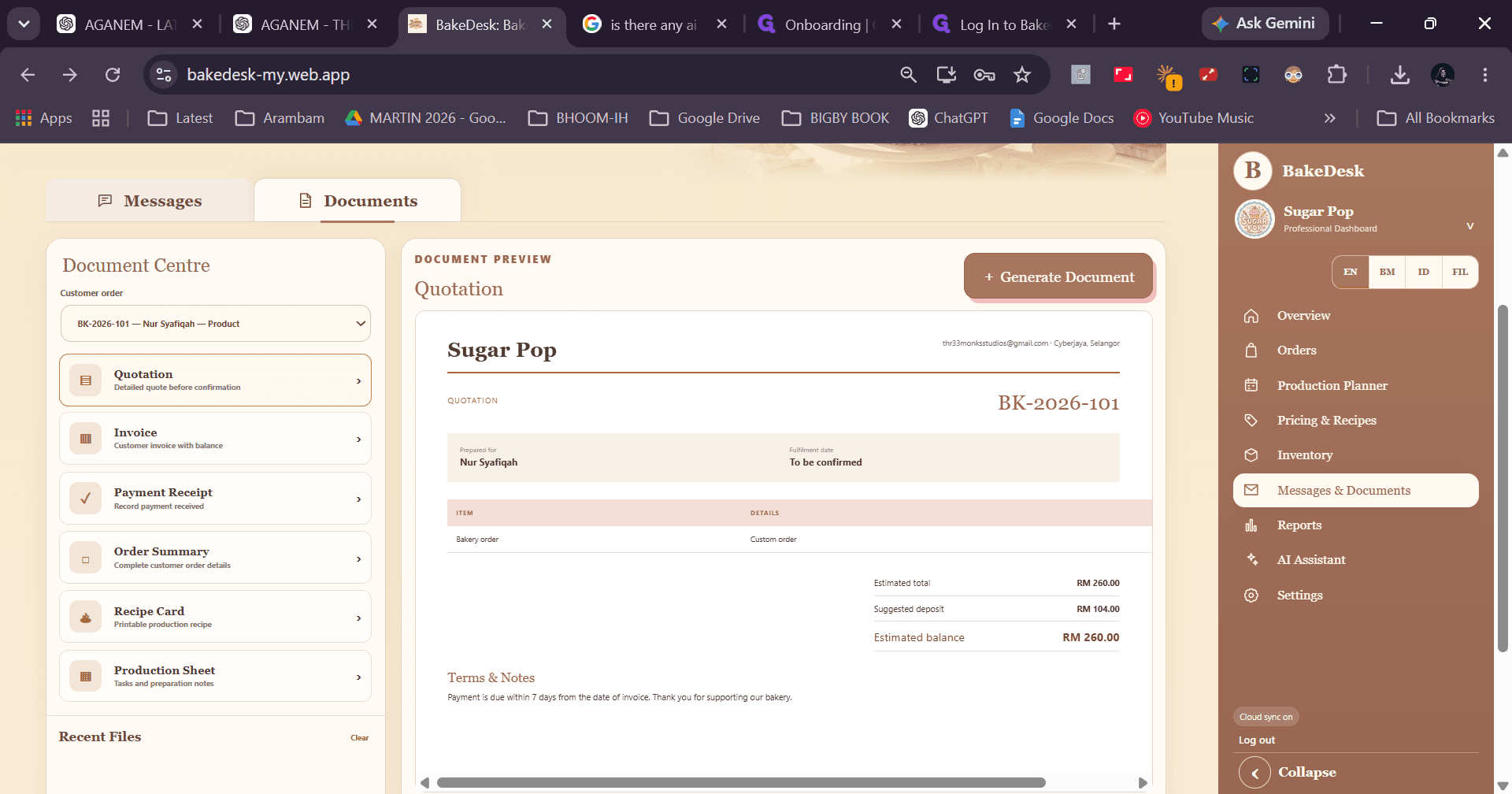
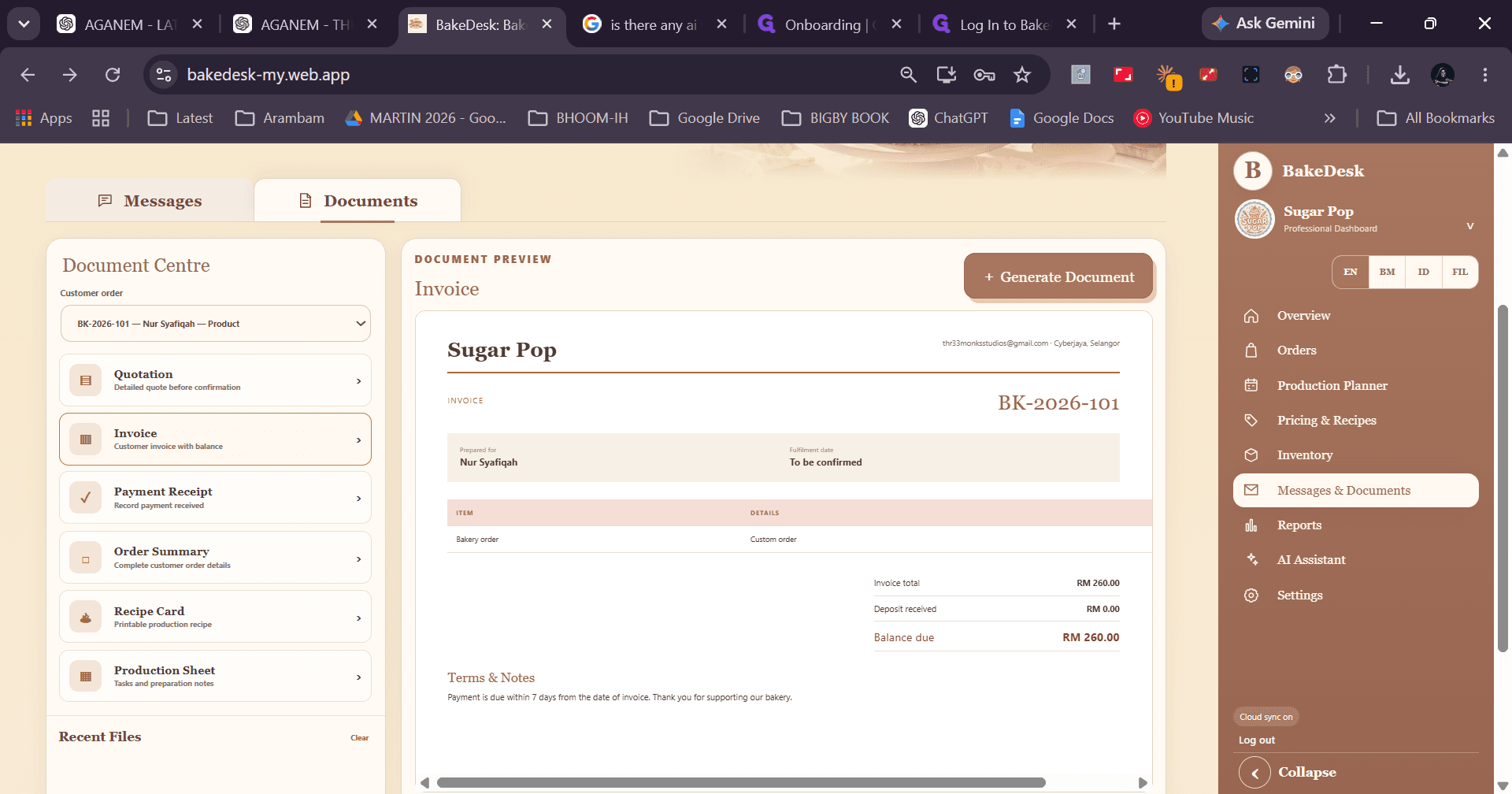
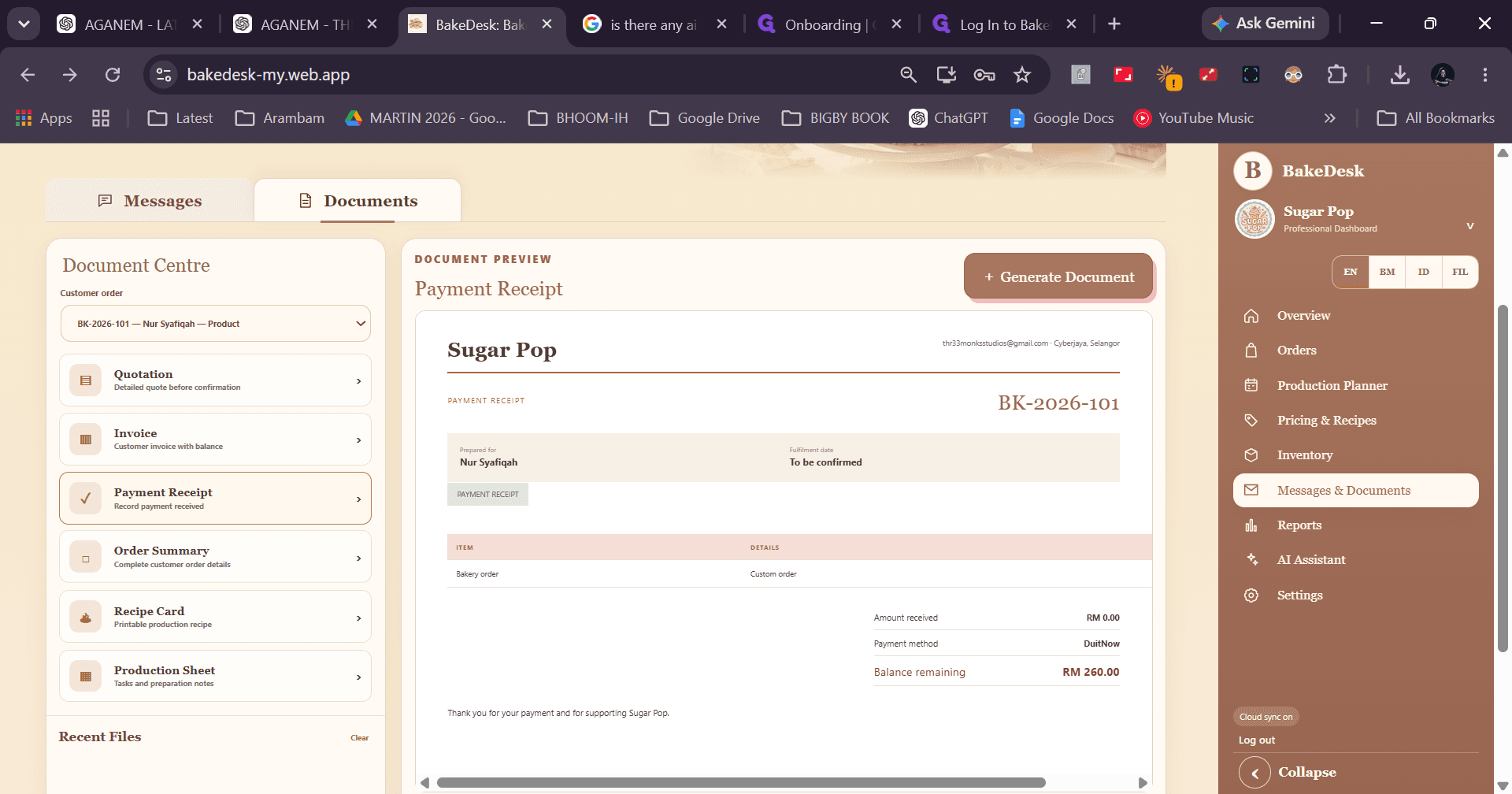
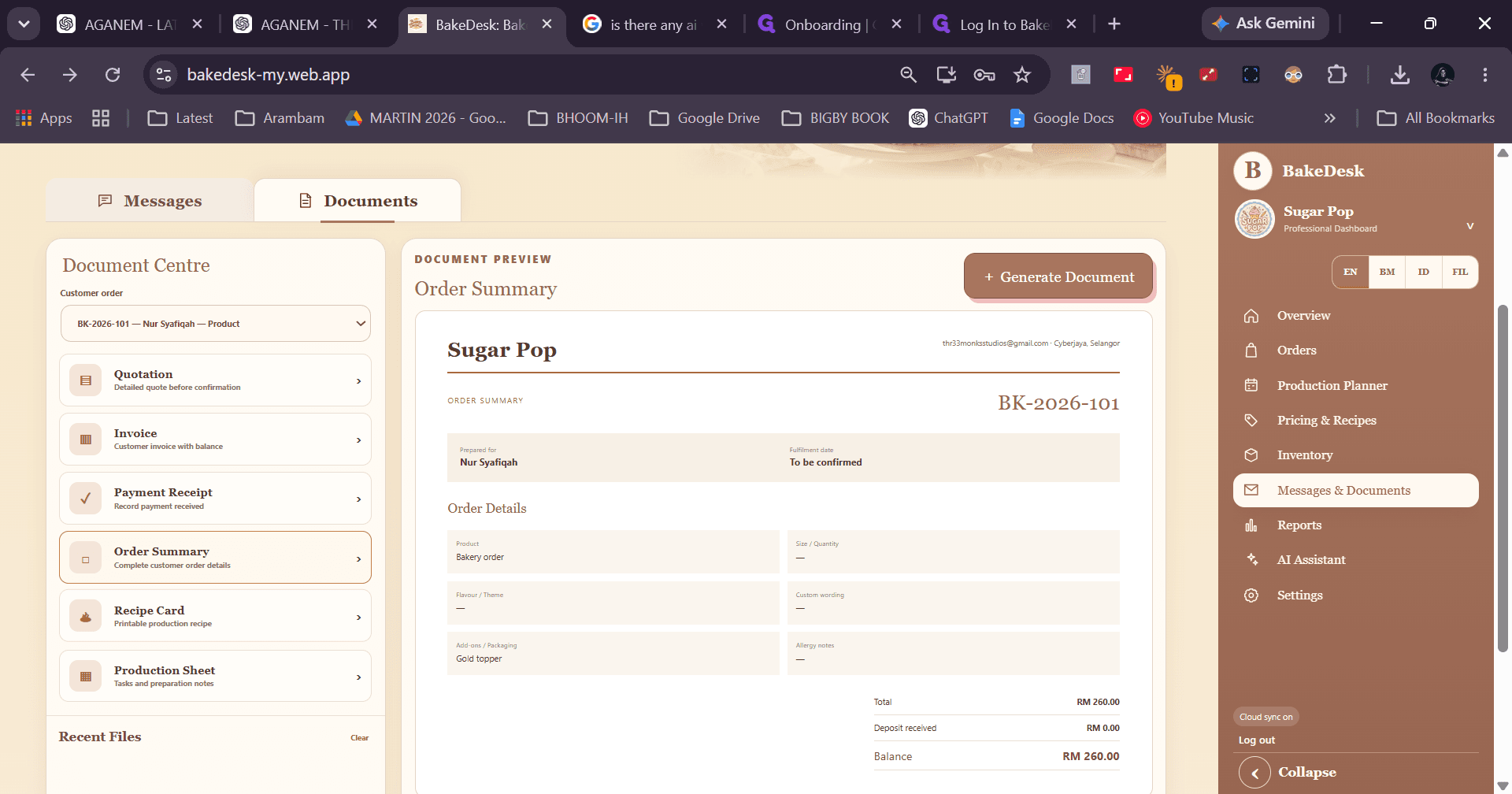
Use pre-built message templates with dynamic placeholders to send order updates directly to customers or generate business documents.
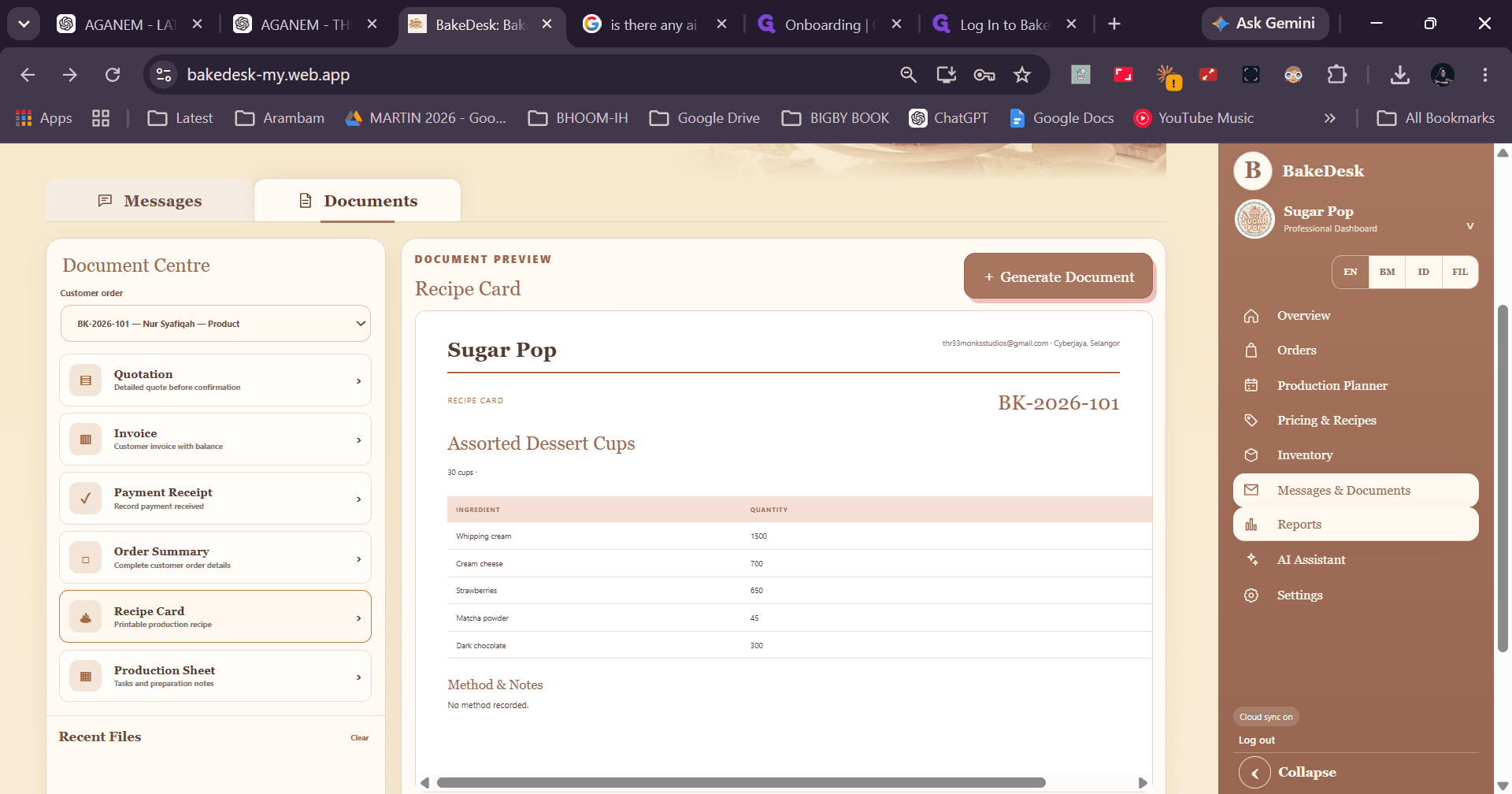
Document Types in BakeDesk
Document Type | Purpose | Use Case |
|---|---|---|
Invoice | Itemized billing statement | Requesting customer payment for placed orders |
Payment Receipt | Payment confirmation | Providing proof of settlement to clients |
Order Summary | Comprehensive order overview | Internal and client fulfillment verification |
Recipe Card | Kitchen instruction sheet | Printable guide for kitchen staff preparation |
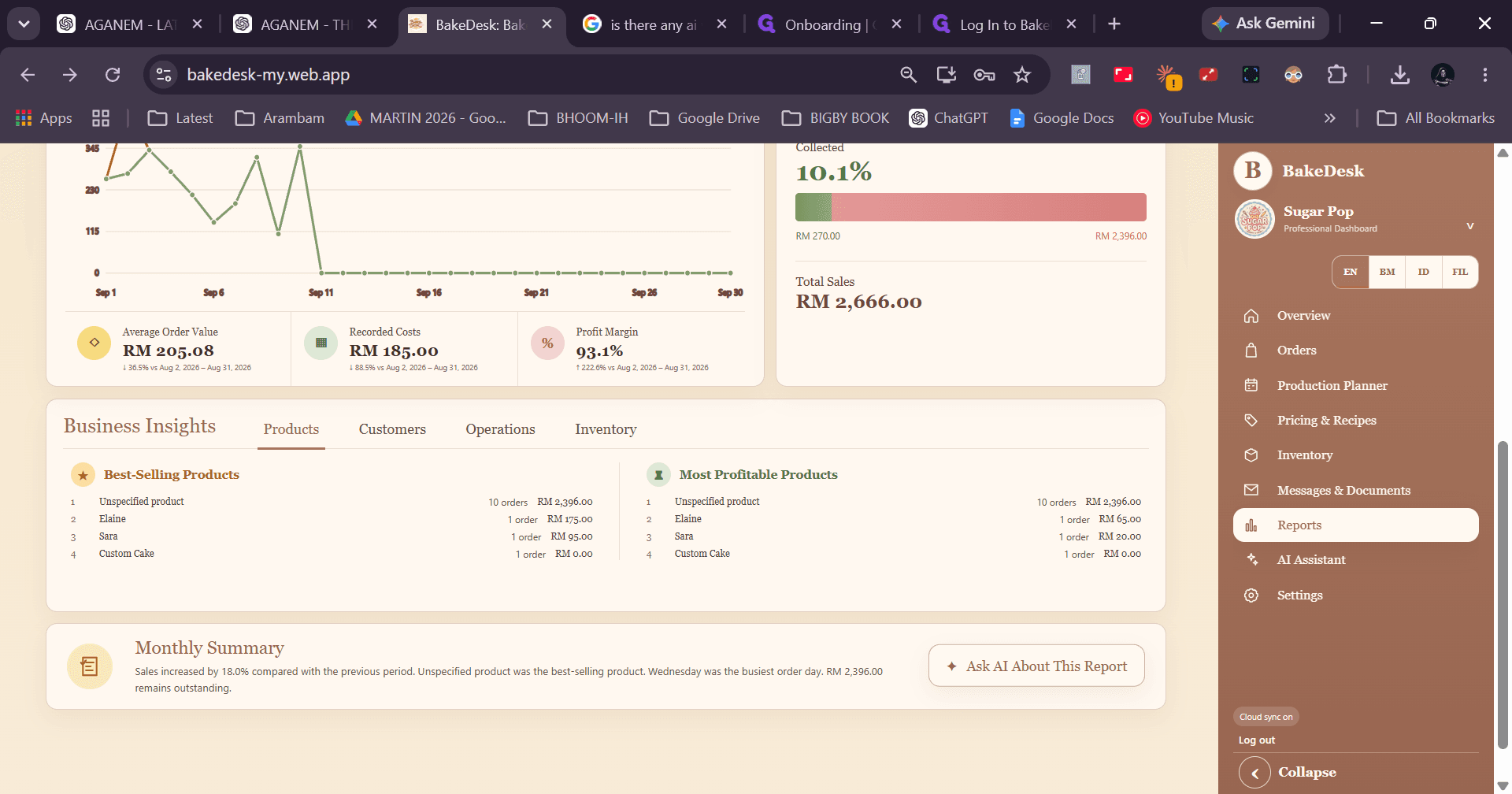
Viewing Reports & Using the AI Assistant
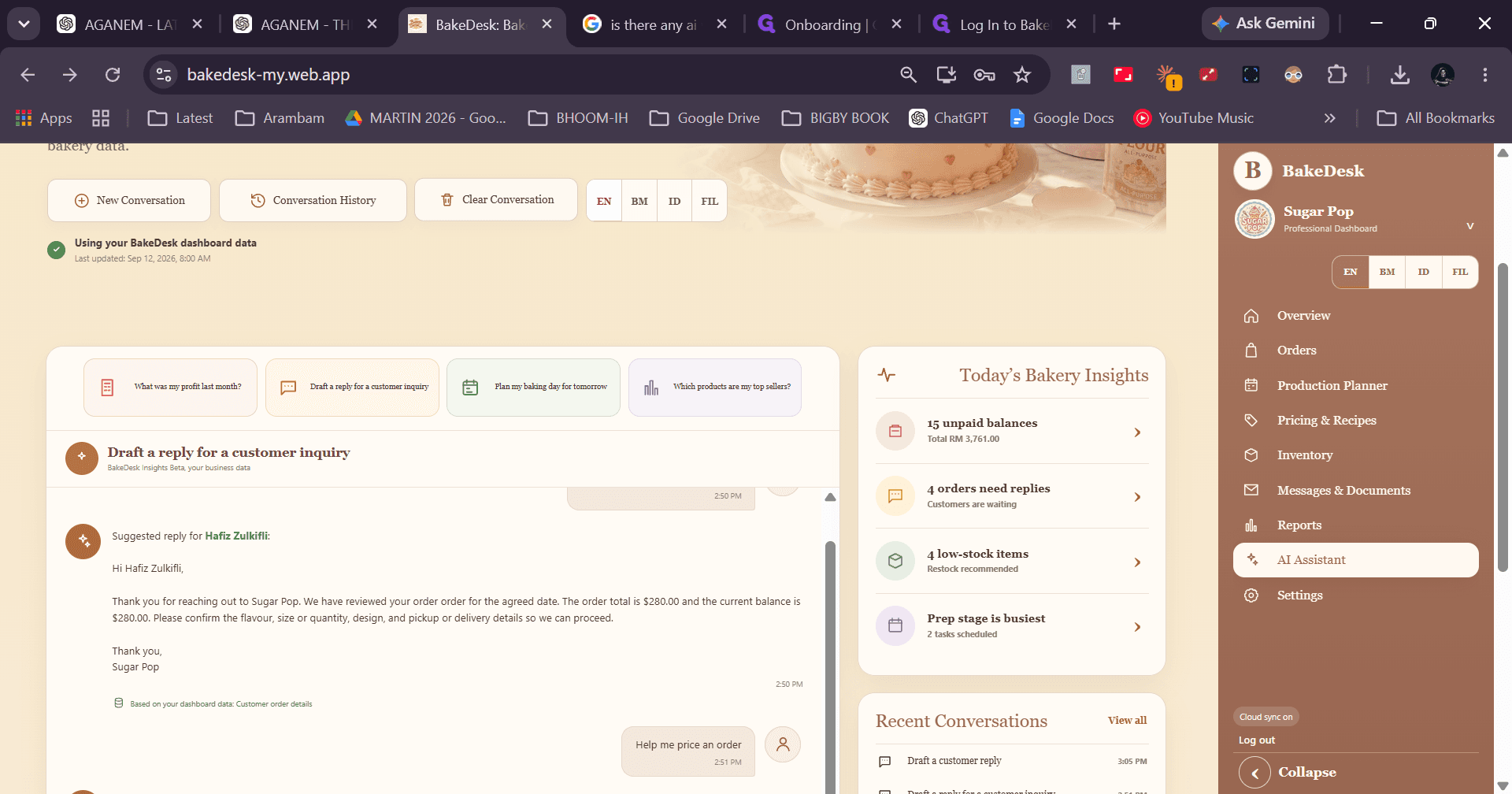
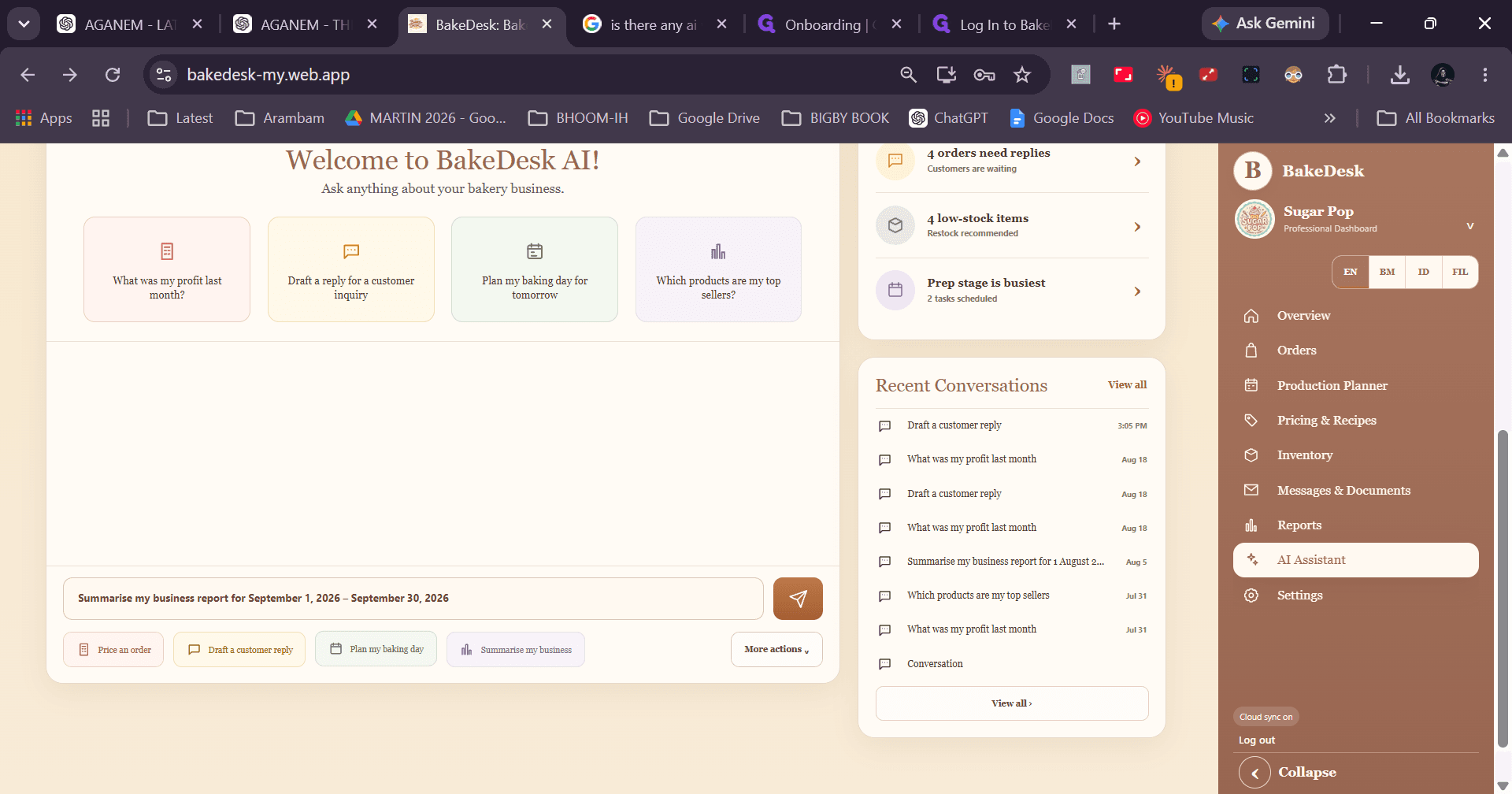
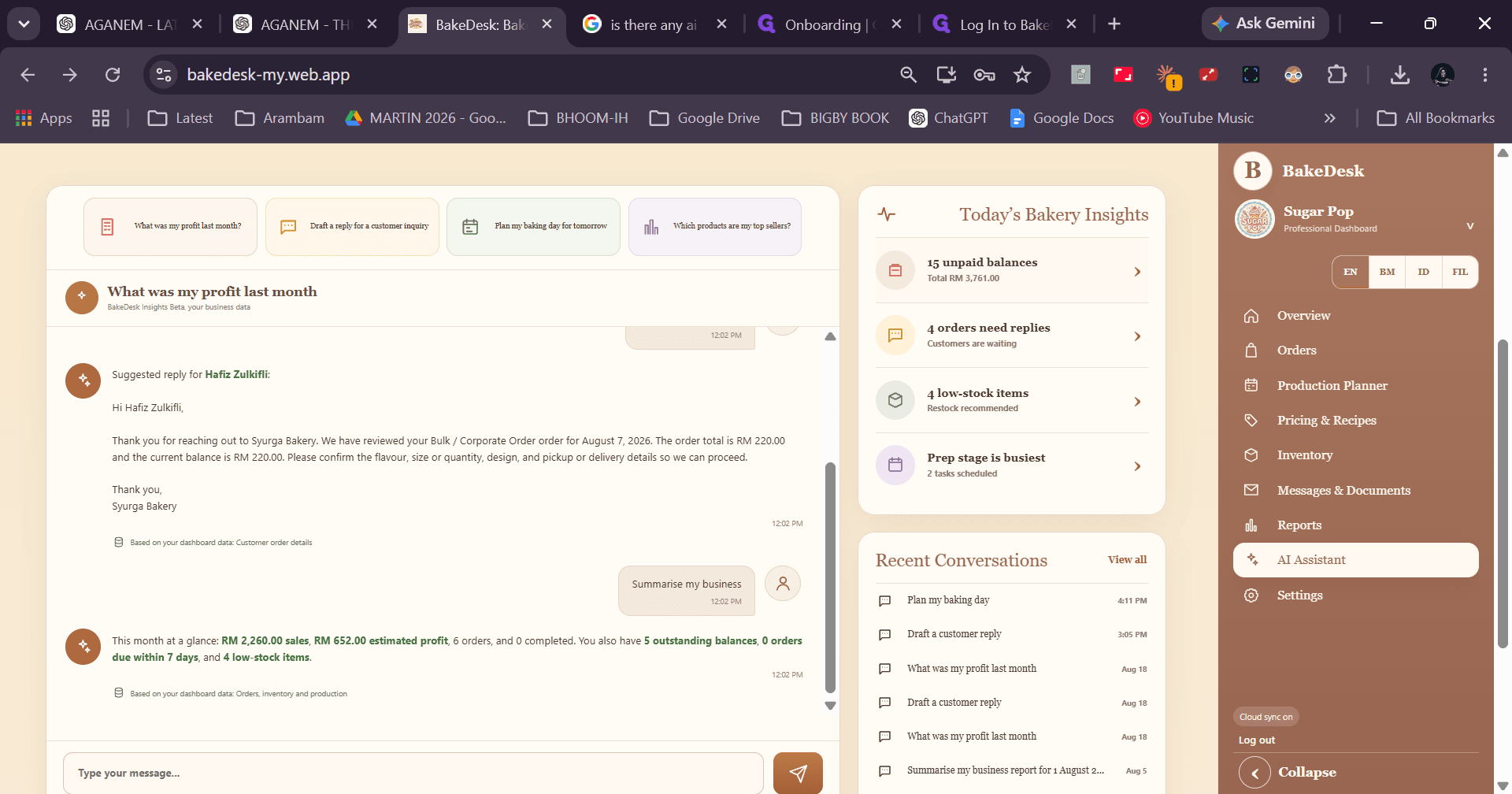
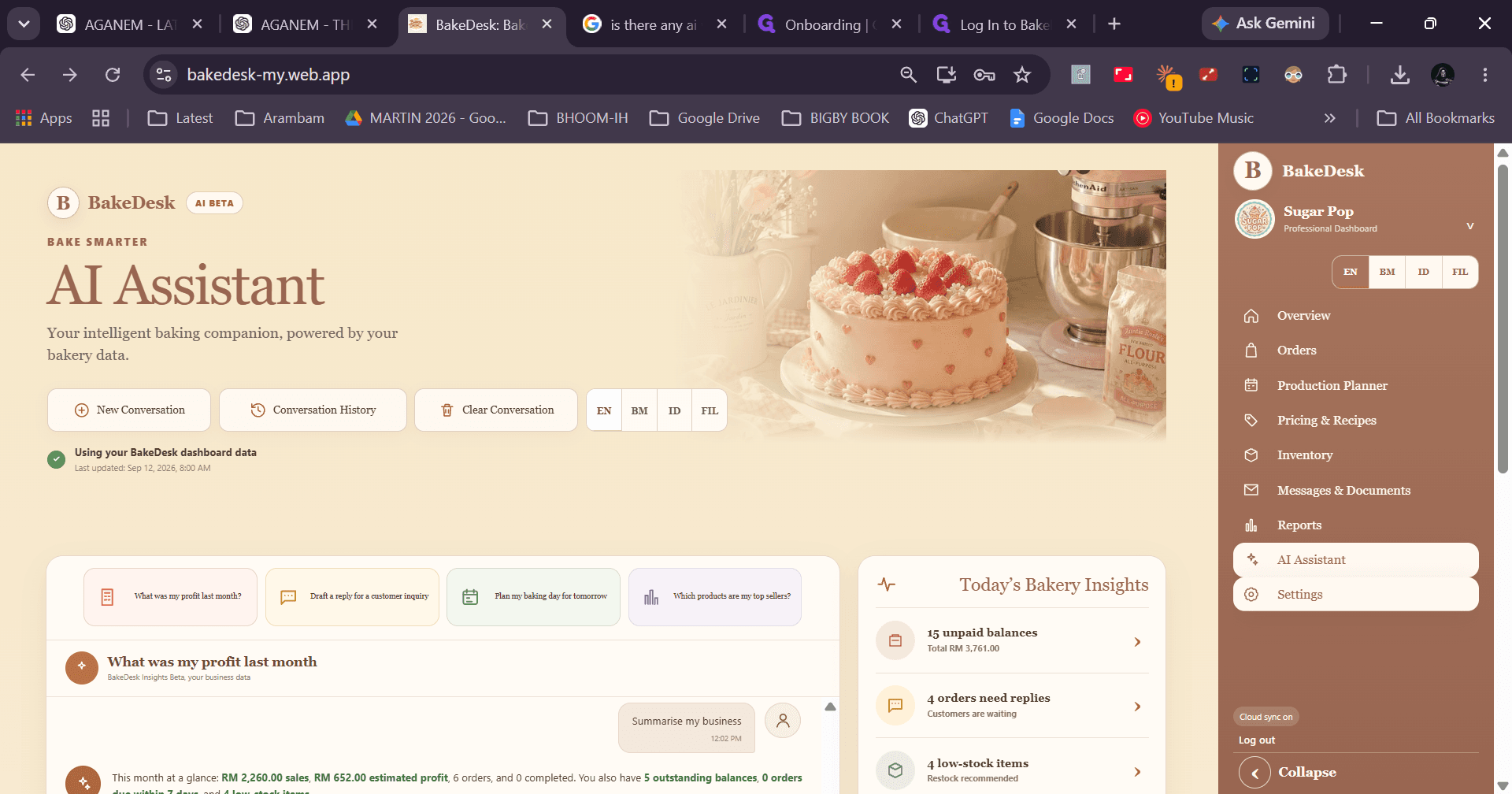
Review business performance trends and use AI prompts to plan your production schedules and review financial data.
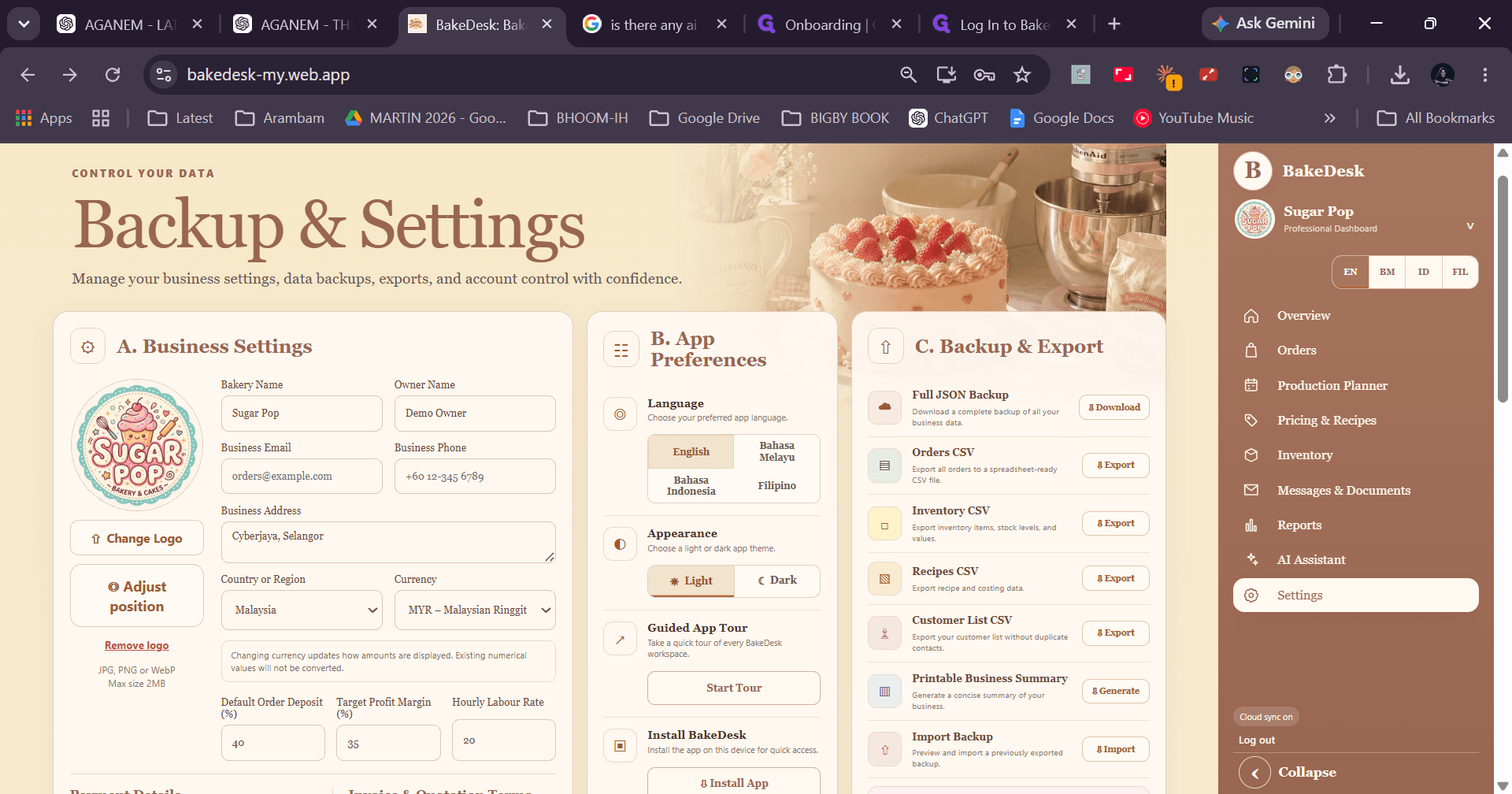
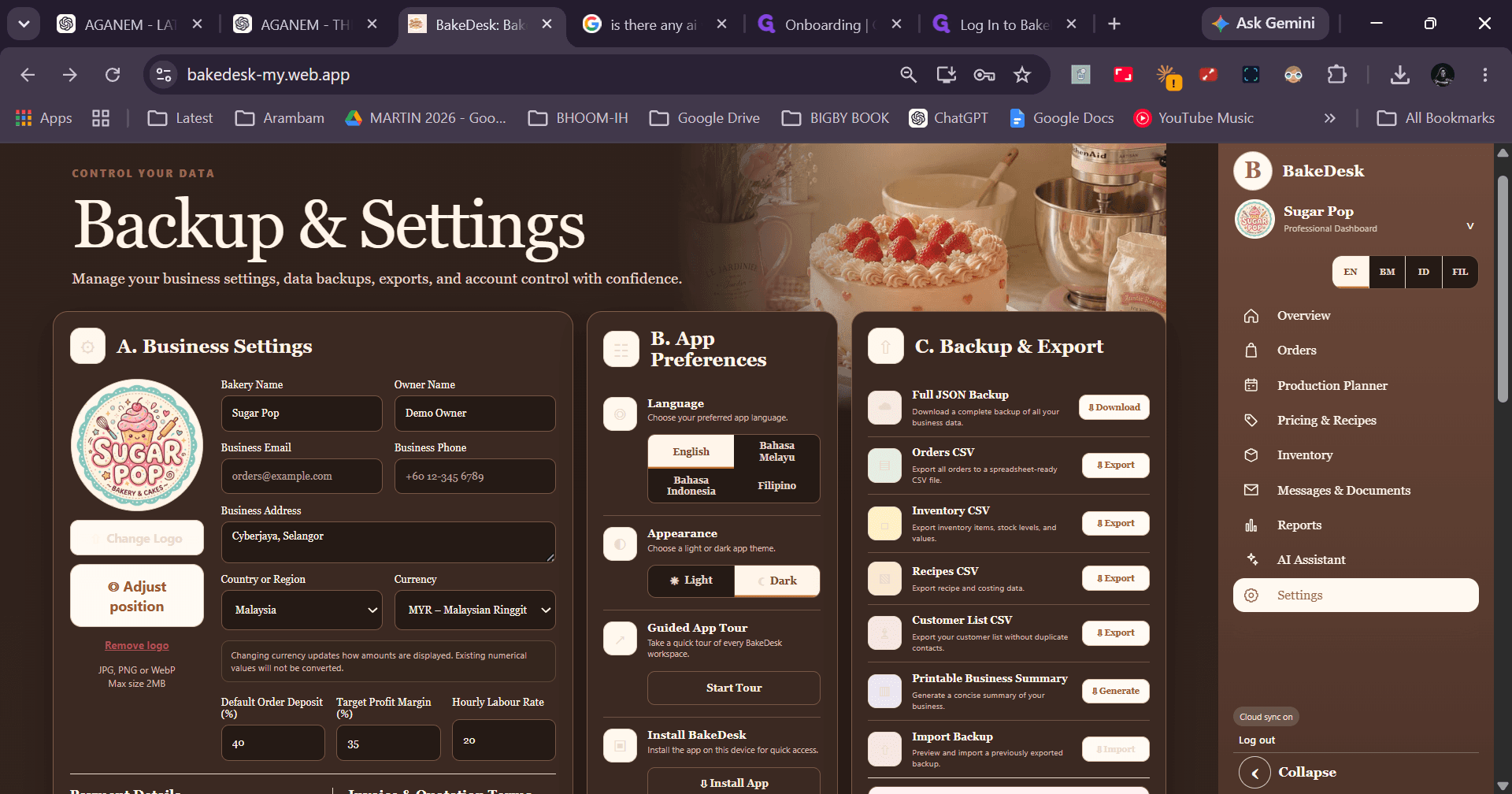
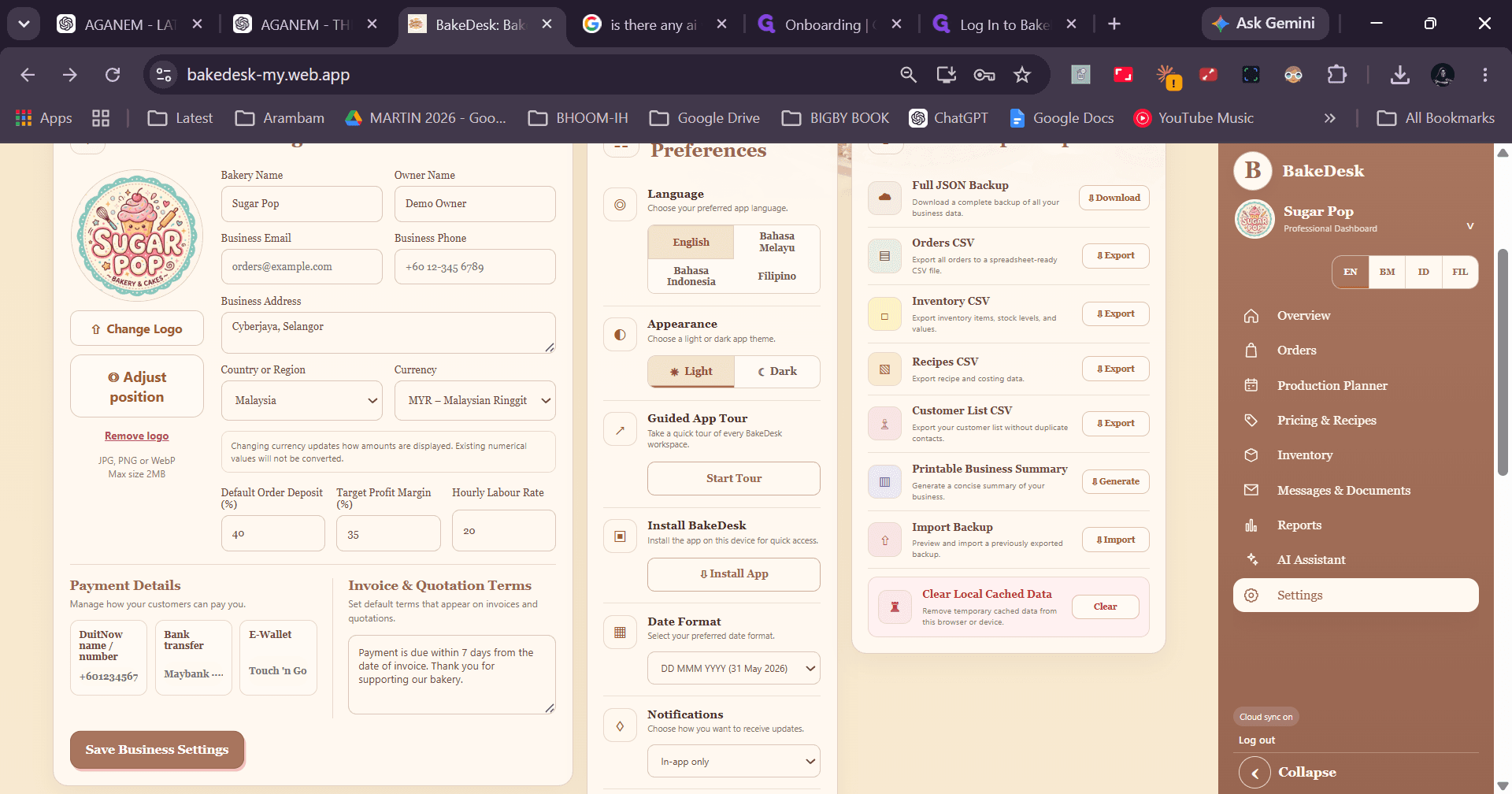
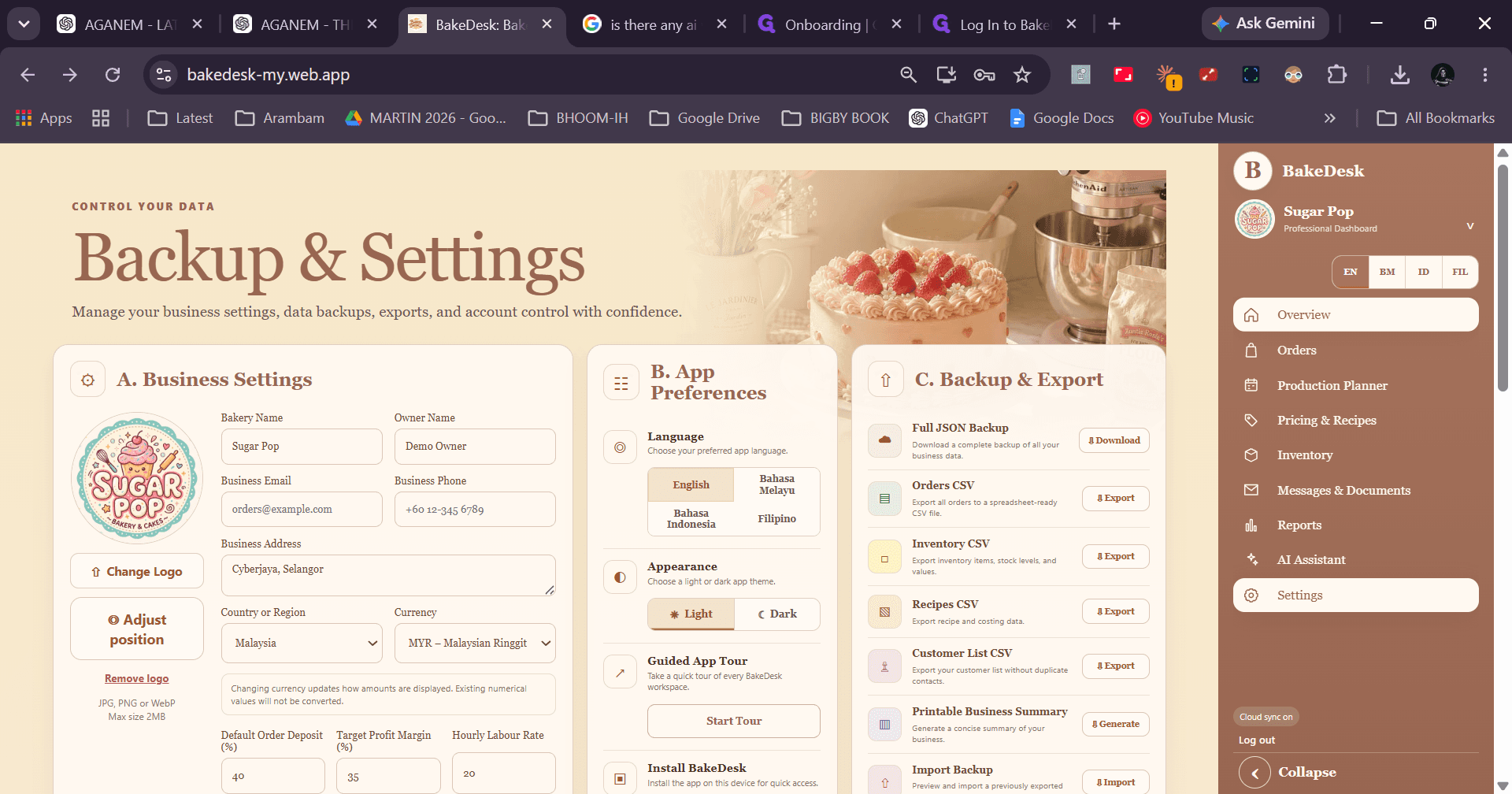
Configuring App Preferences and Business Settings
Q: Can I share recipe instructions with staff without exposing product costs?
A: Yes. In the Pricing & Recipes section, click Share Recipe to provide bakers with preparation steps while keeping ingredient costing hidden.
Q: How do message template placeholders work when contacting customers?
A: Placeholders automatically populate order-specific data such as customer names and business details. Once generated, you can copy the text or launch WhatsApp directly.
Q: How do I reset the AI Assistant prompt history?
A: Open the AI Assistant interface and click Clear Conversation, then confirm when prompted by the browser dialog.
Term | Definition |
|---|---|
Production Planner | A scheduling module used to assign, track, and complete daily baking tasks and prep workflows. |
Ingredient Costing | A calculation view detailing the unit costs and total expense of raw ingredients for a recipe. |
Document Centre | A centralized tool for creating and exporting operational records like invoices, receipts, and recipe cards. |
Template Library | A collection of customizable, reusable message scripts for standardized customer communication. |