
How to Book an Urgent Reactive Service Job
Learn how to convert a client email request into an urgent reactive service job, update site contacts, and assign a contractor in your job management platform.
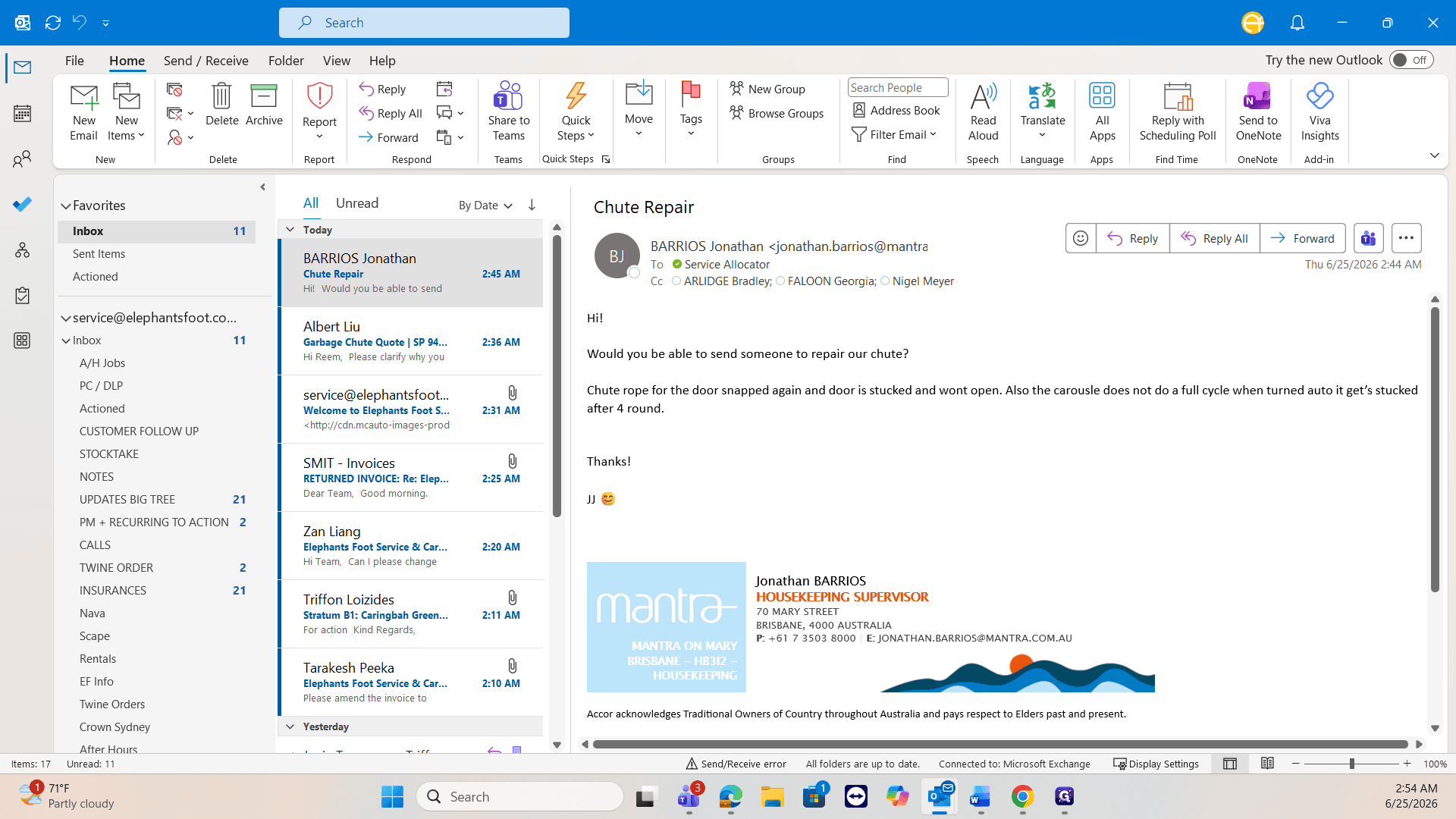
This guide walks you through creating an urgent reactive service job based on an inbound client request. Completing this ensures a contractor is promptly dispatched to the site with all the necessary contact information and context to resolve the breakdown.
This workflow is intended for service coordinators and dispatchers handling incoming urgent maintenance requests. Use it when an internal technician is unavailable and you need to rapidly escalate a repair to an external contractor.
Update Site and Contact Information
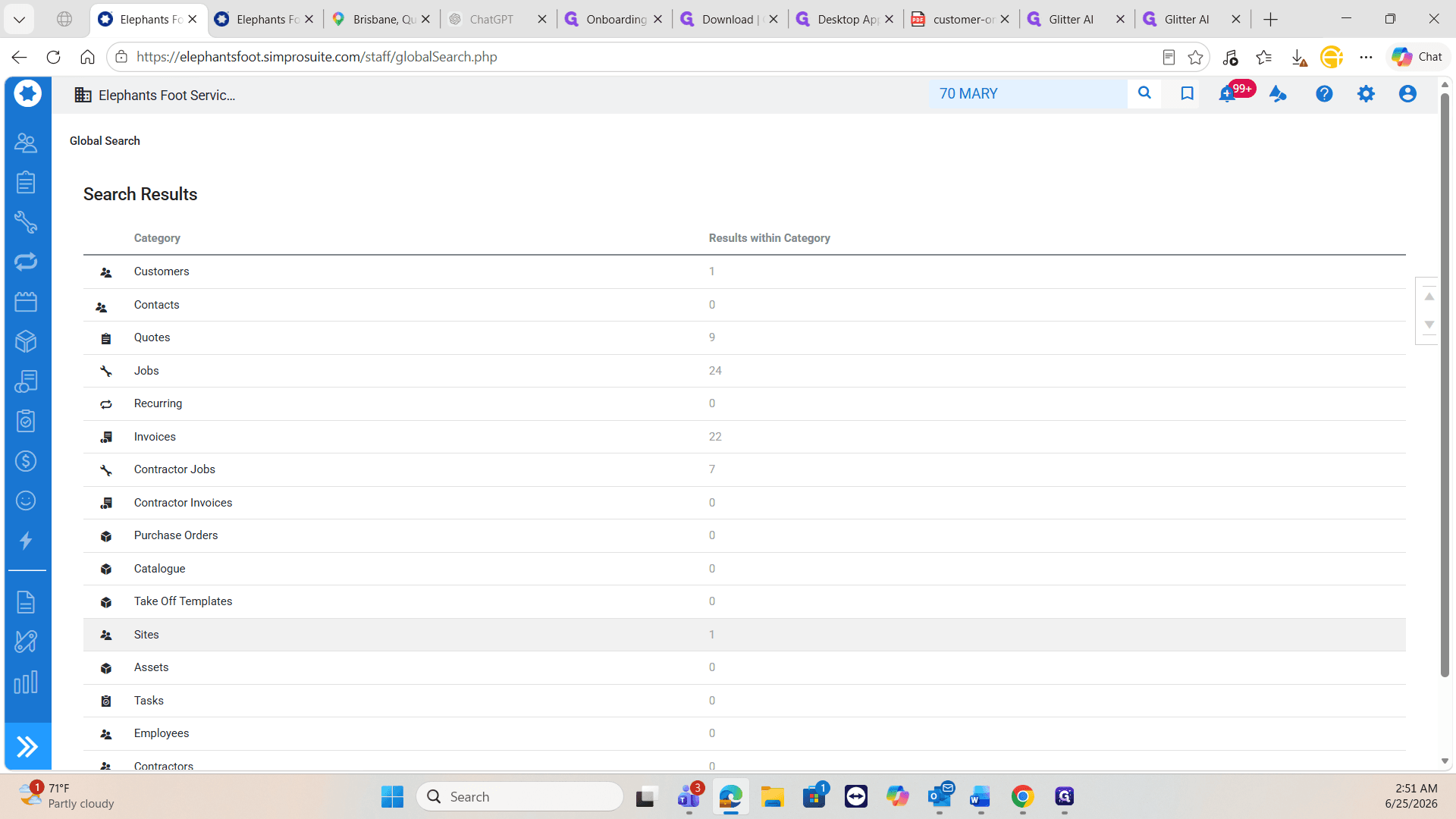
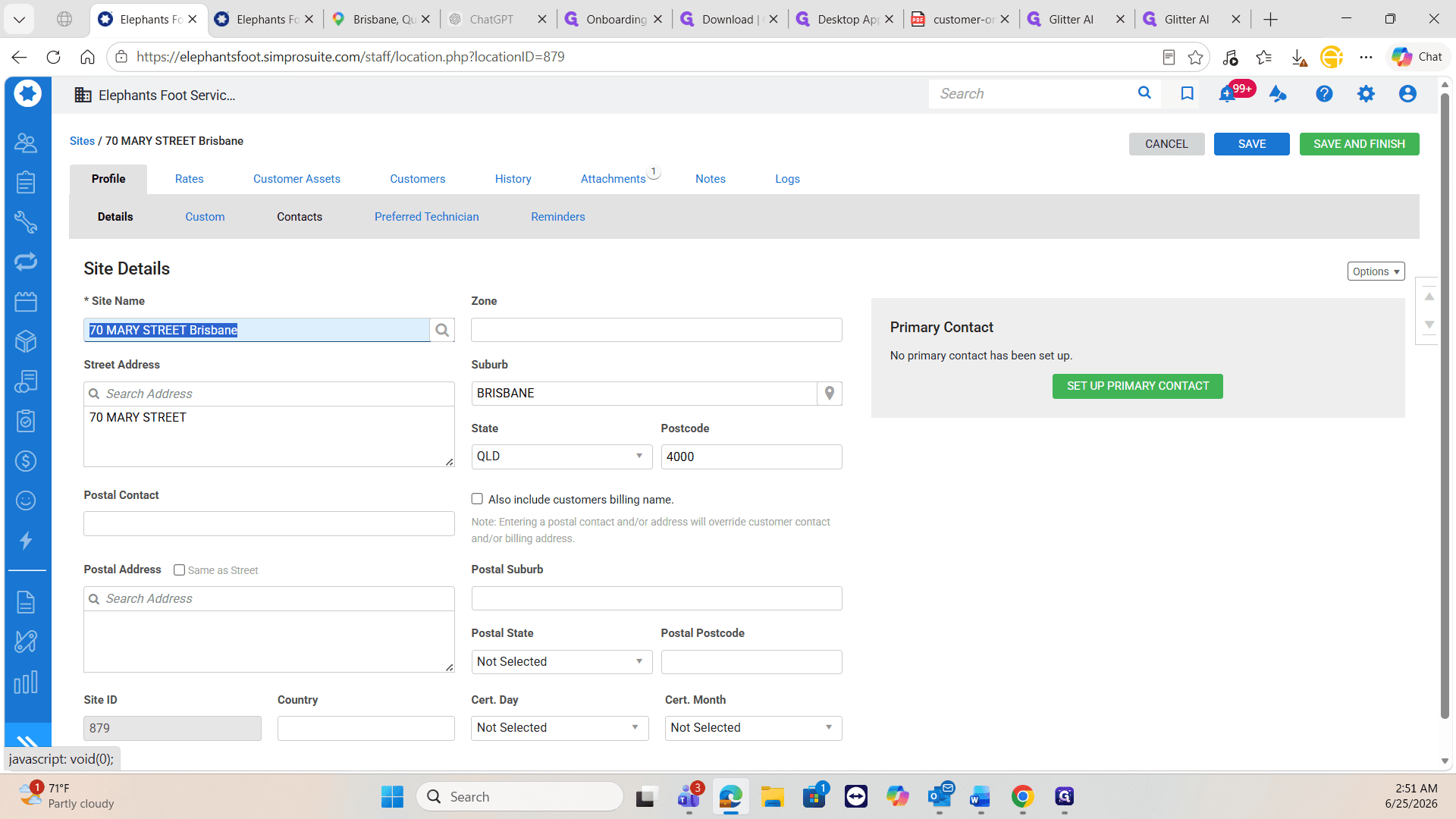
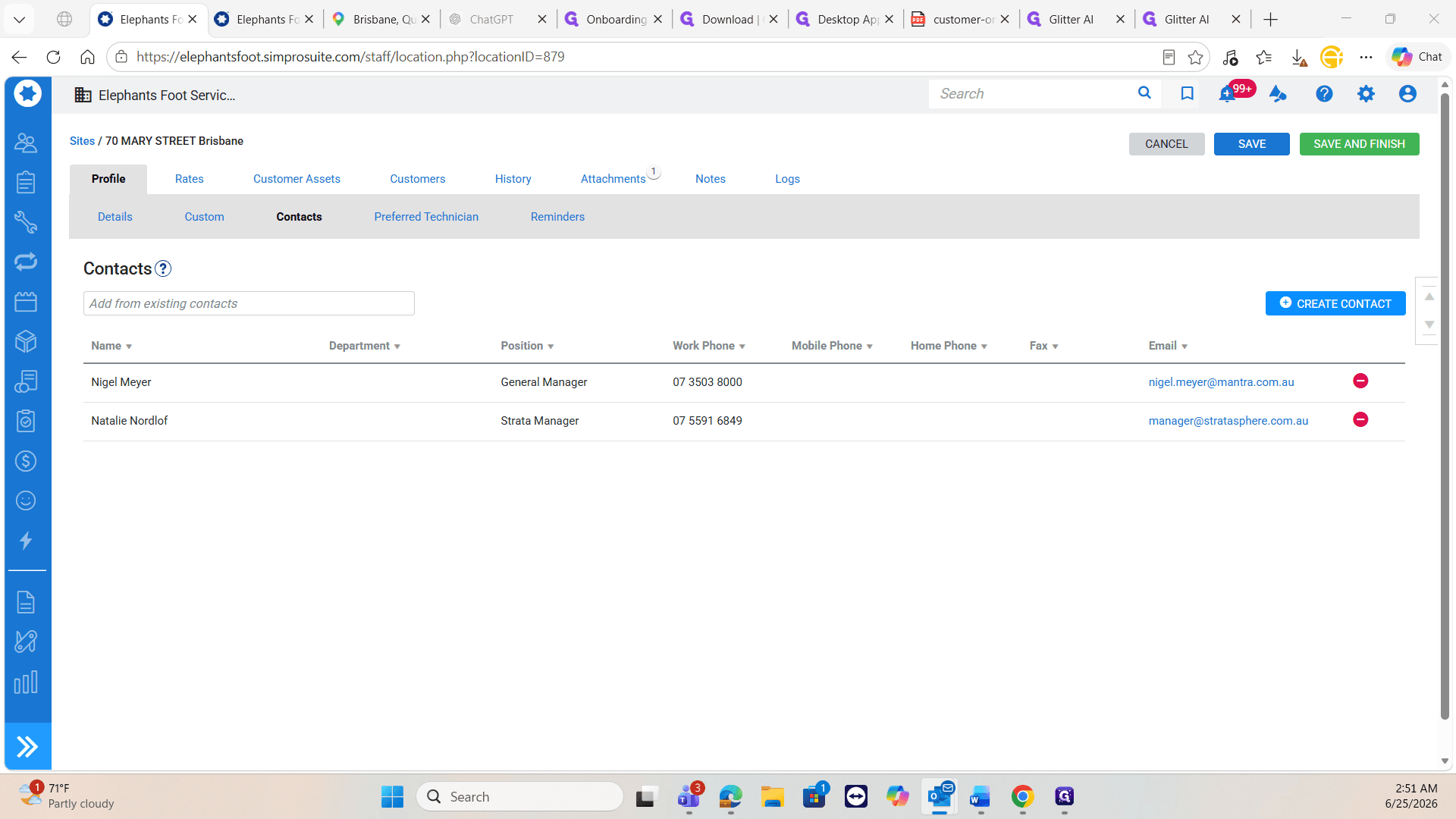
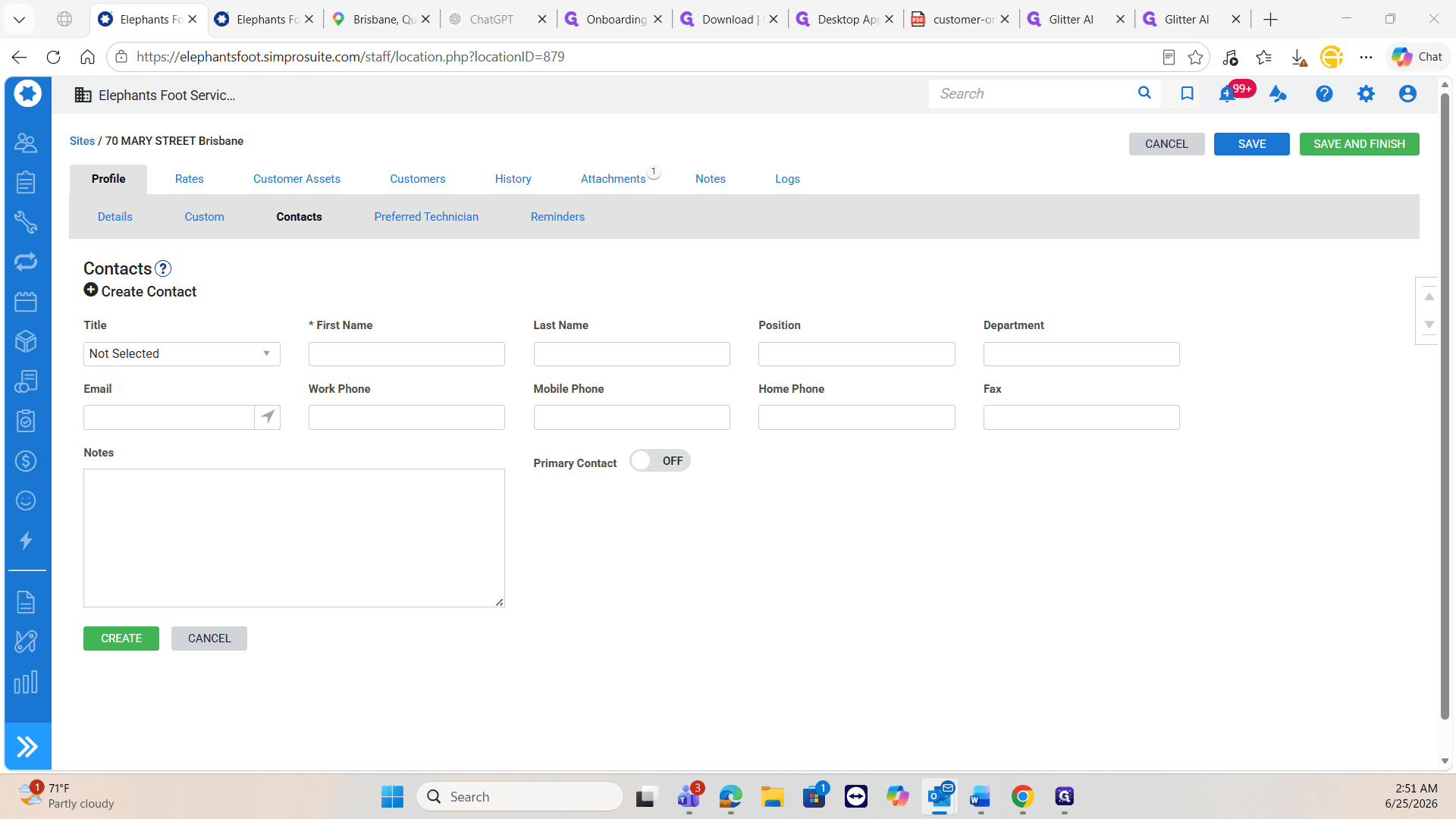
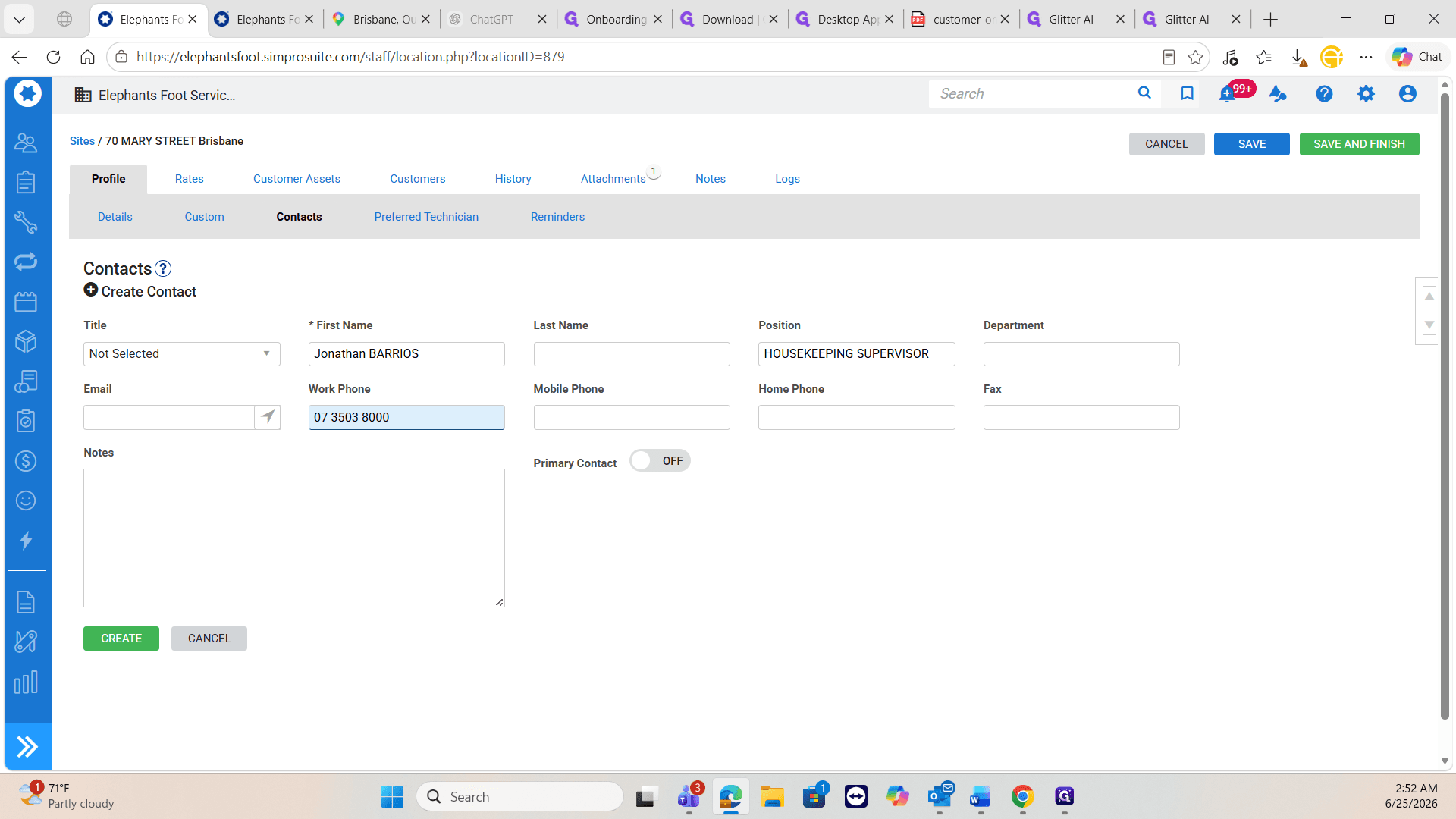
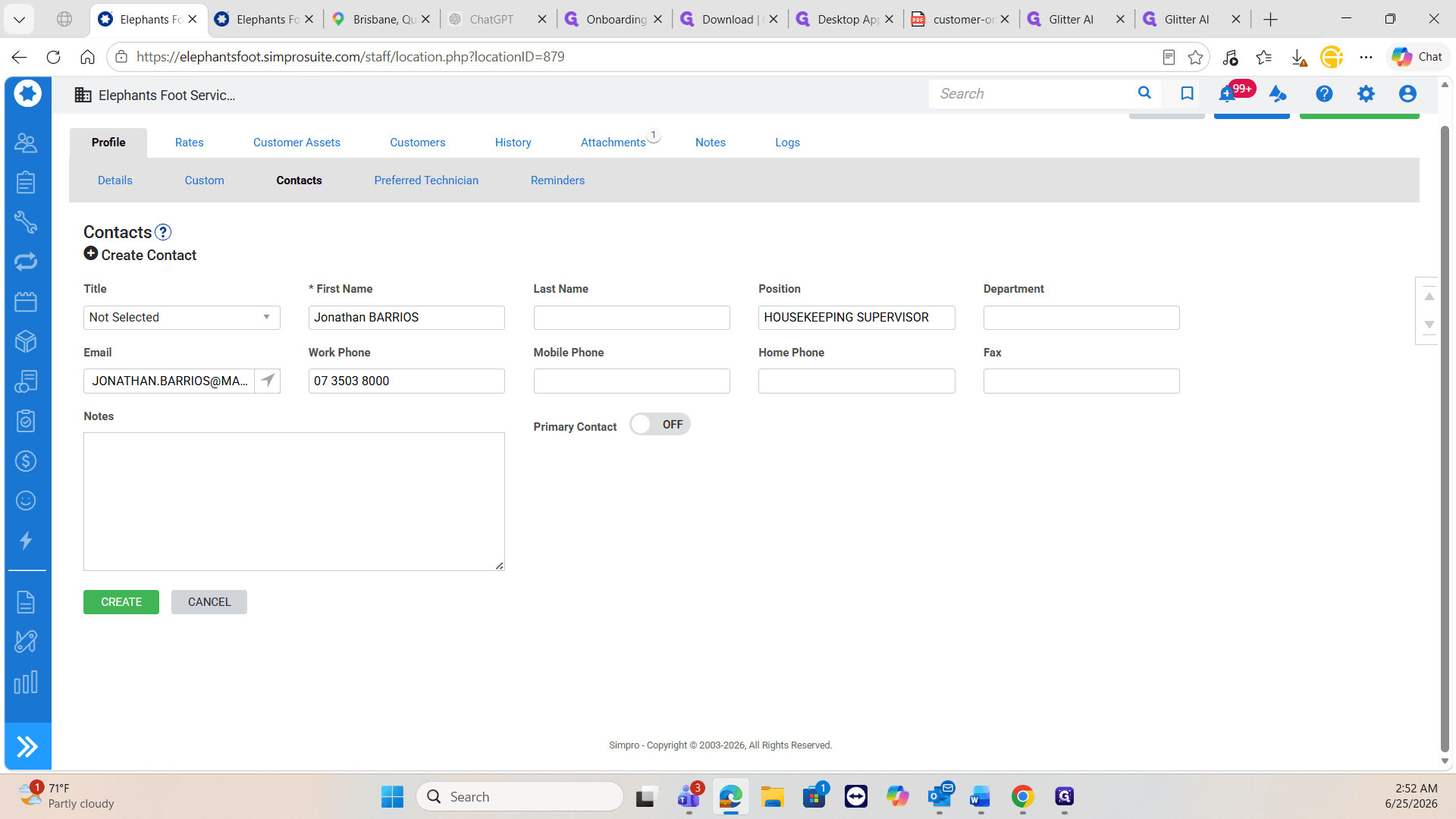
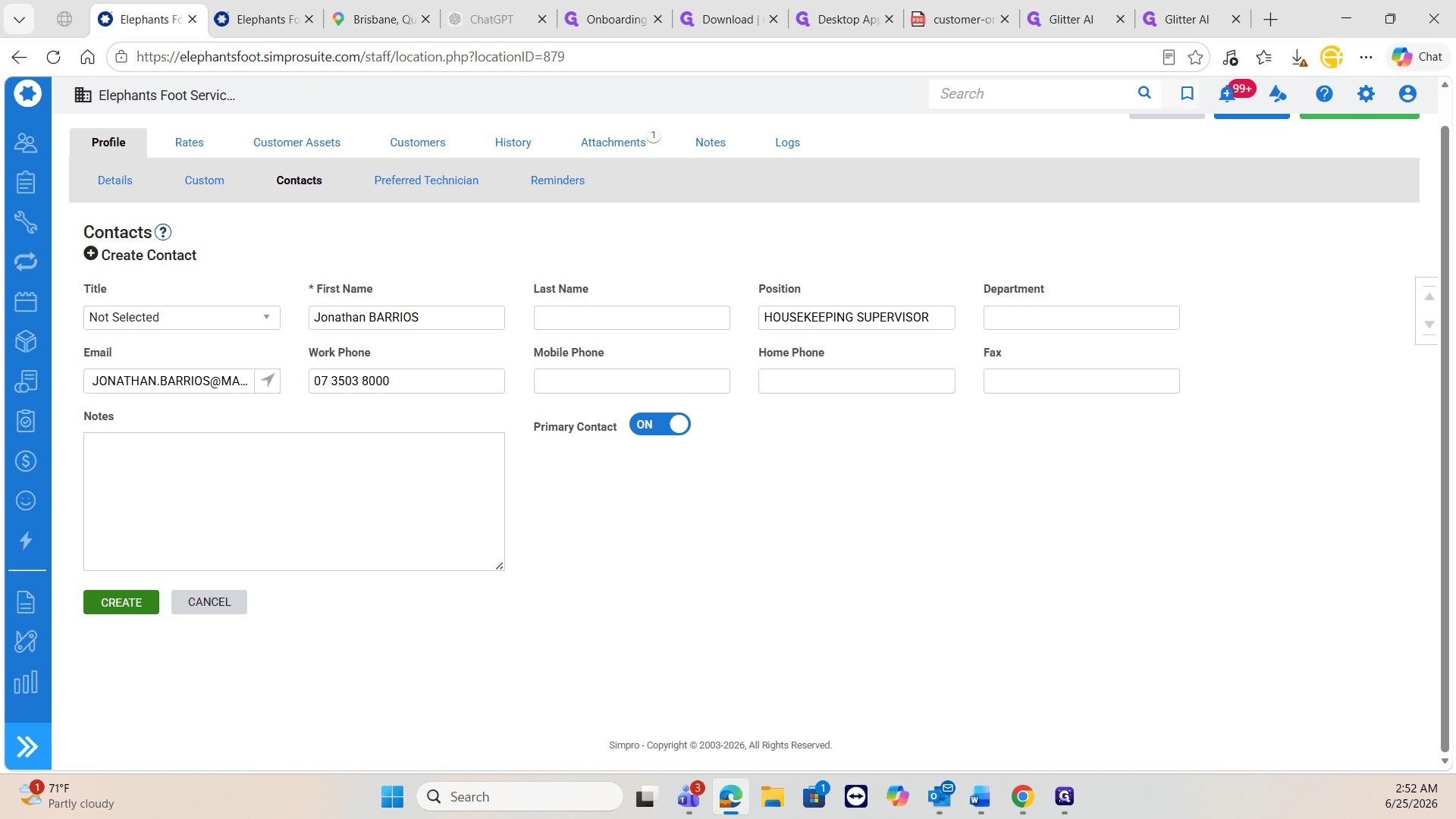
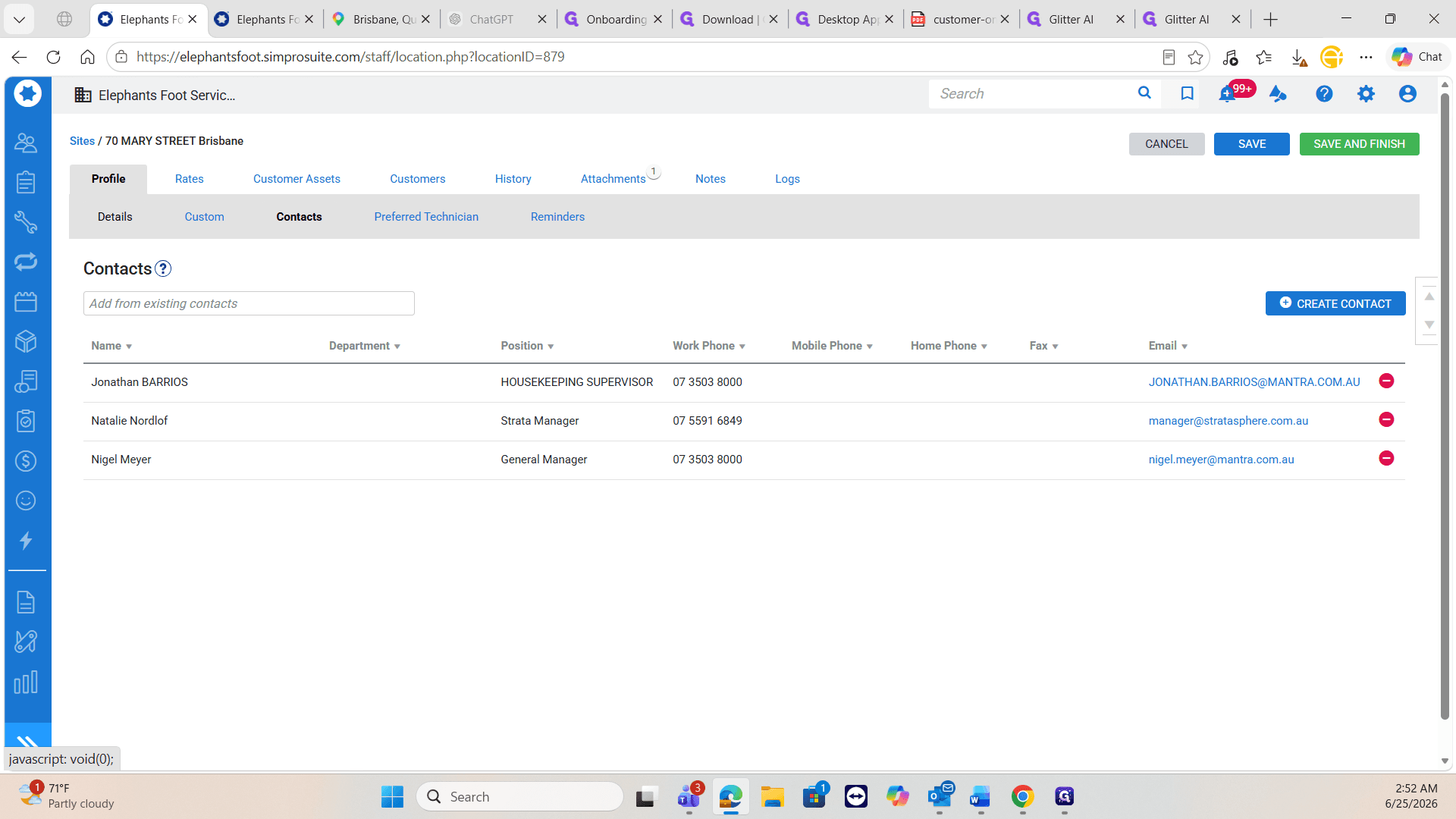
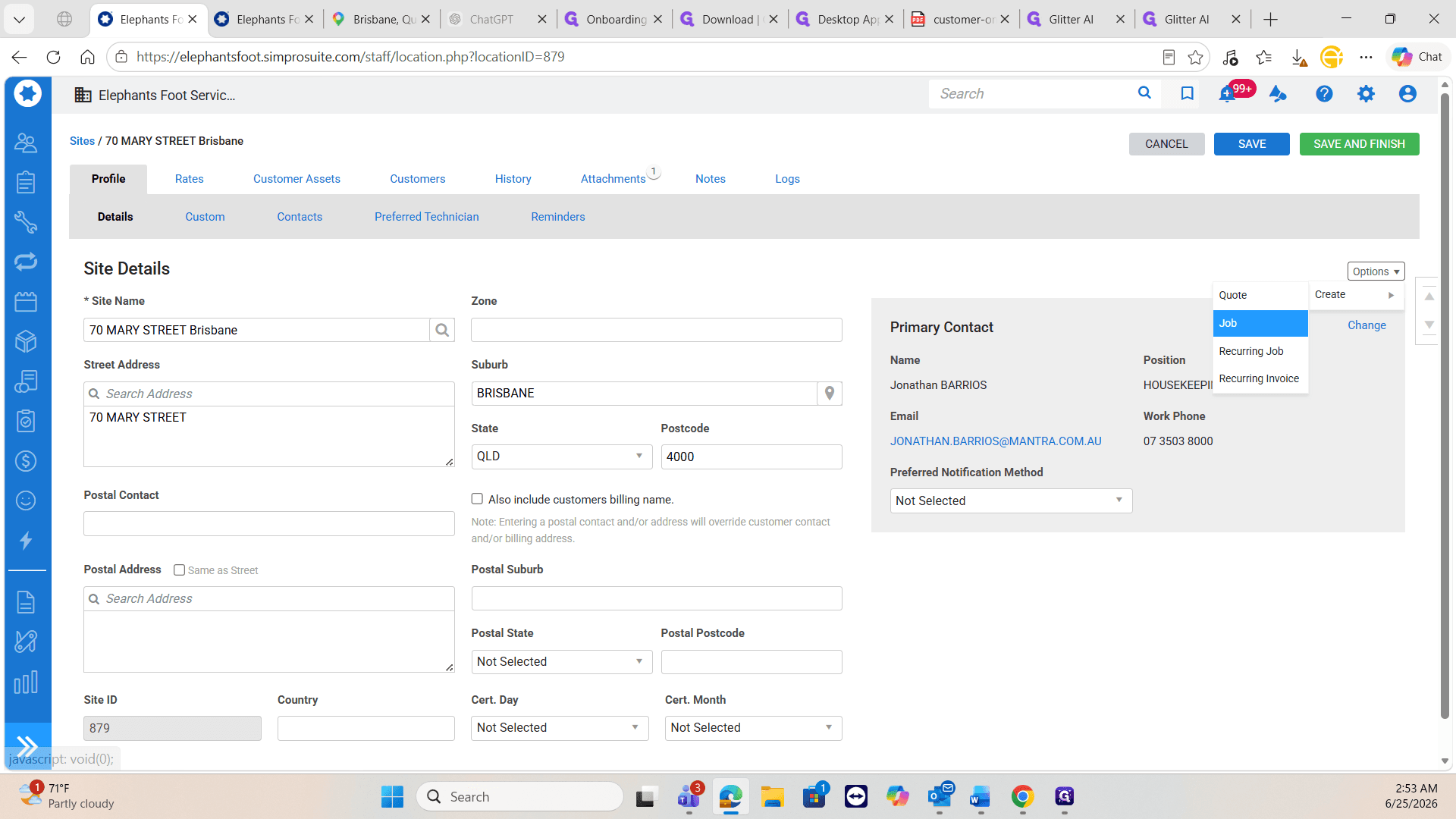
When a client emails an urgent request, begin by locating their site in the system and verifying that the requester is listed as a contact.
Create the Service Job
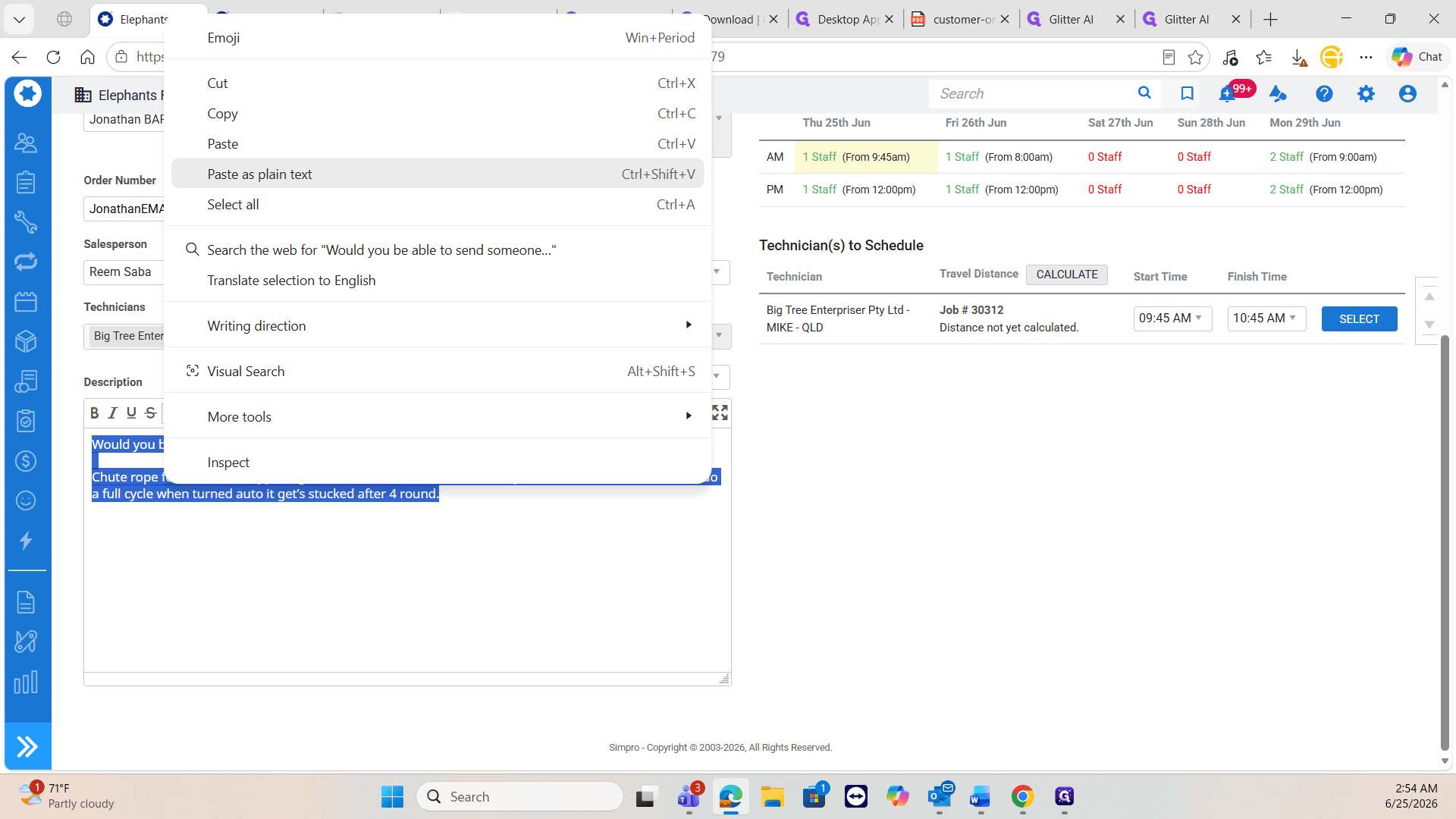
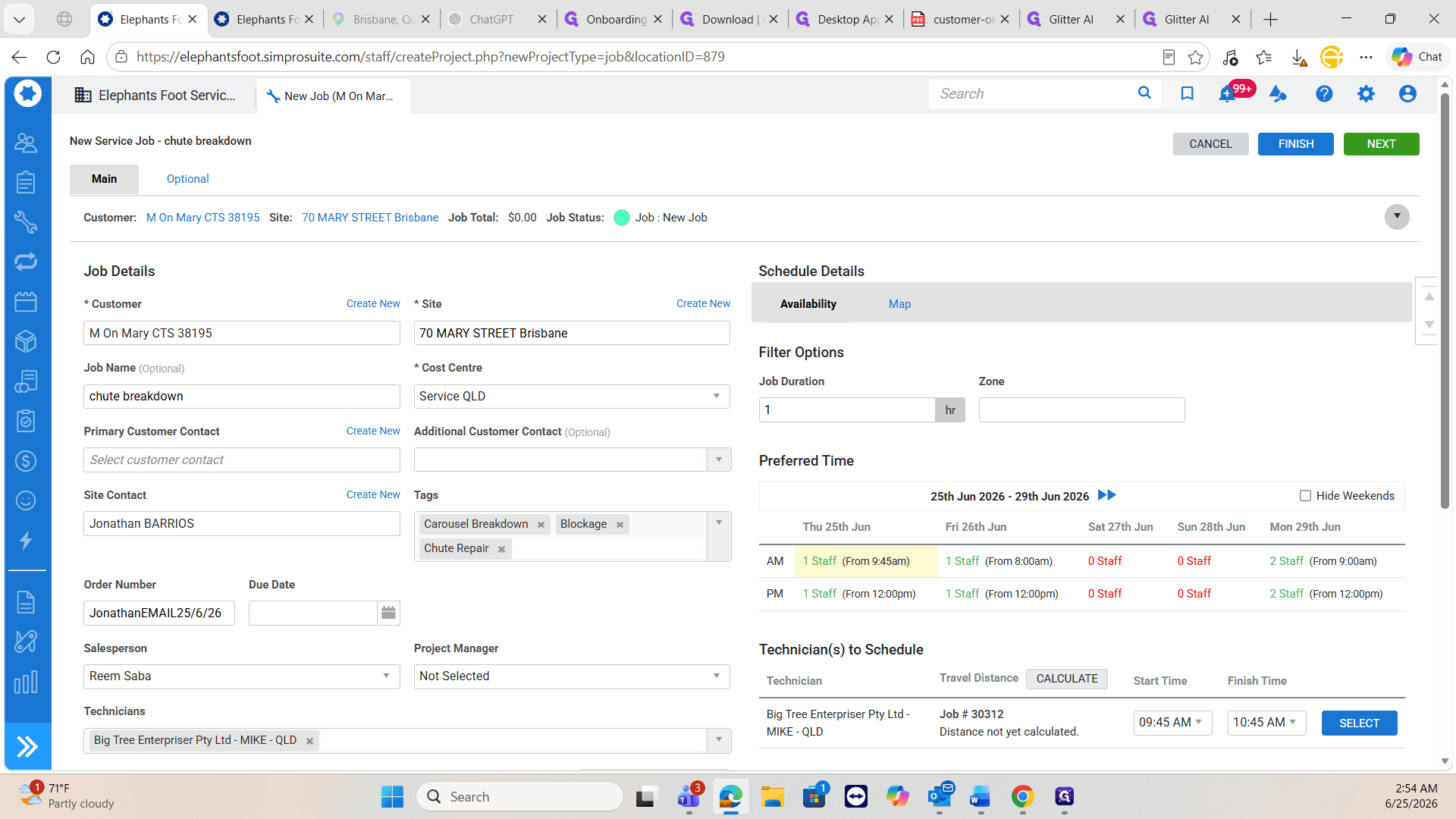
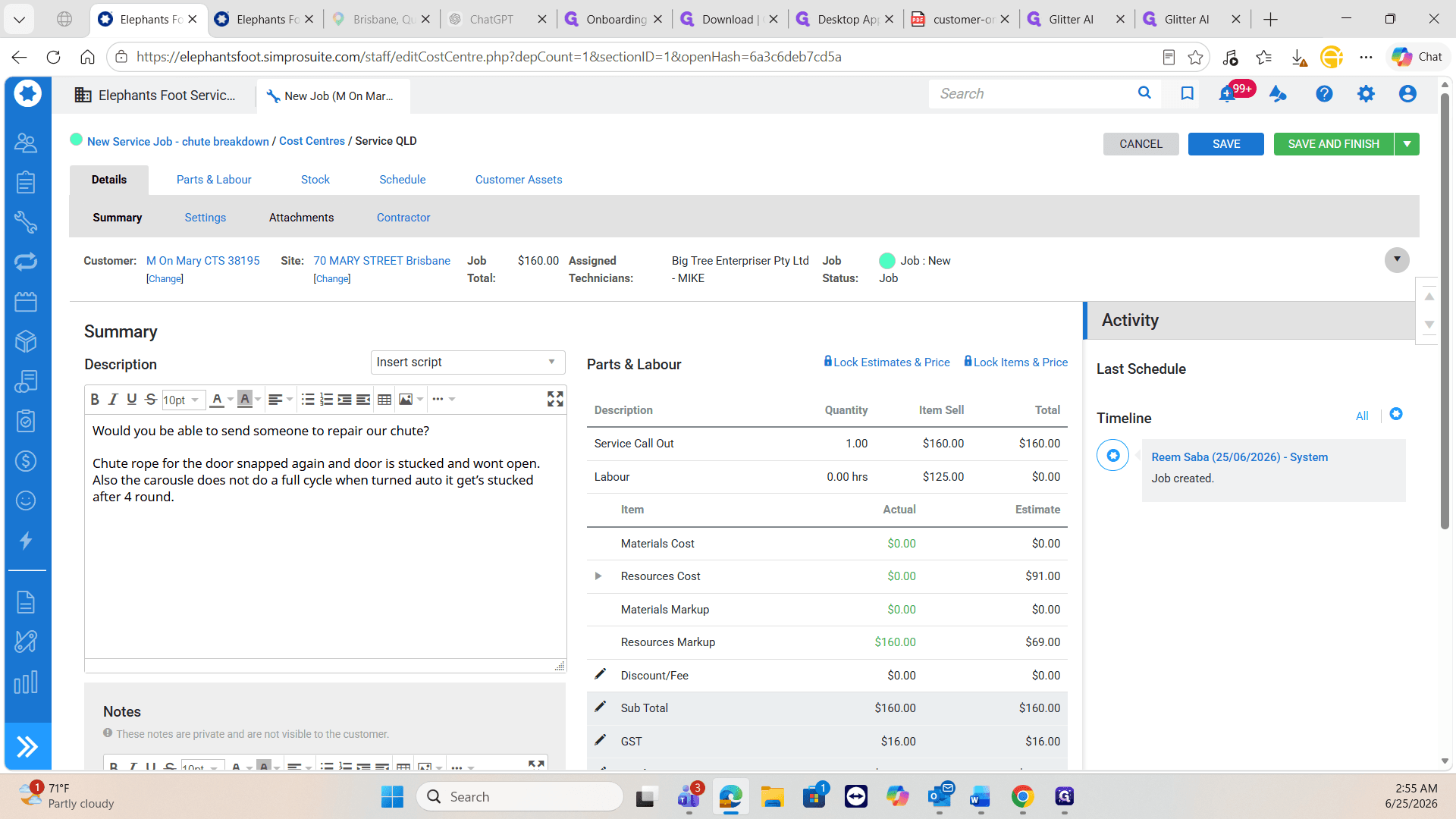
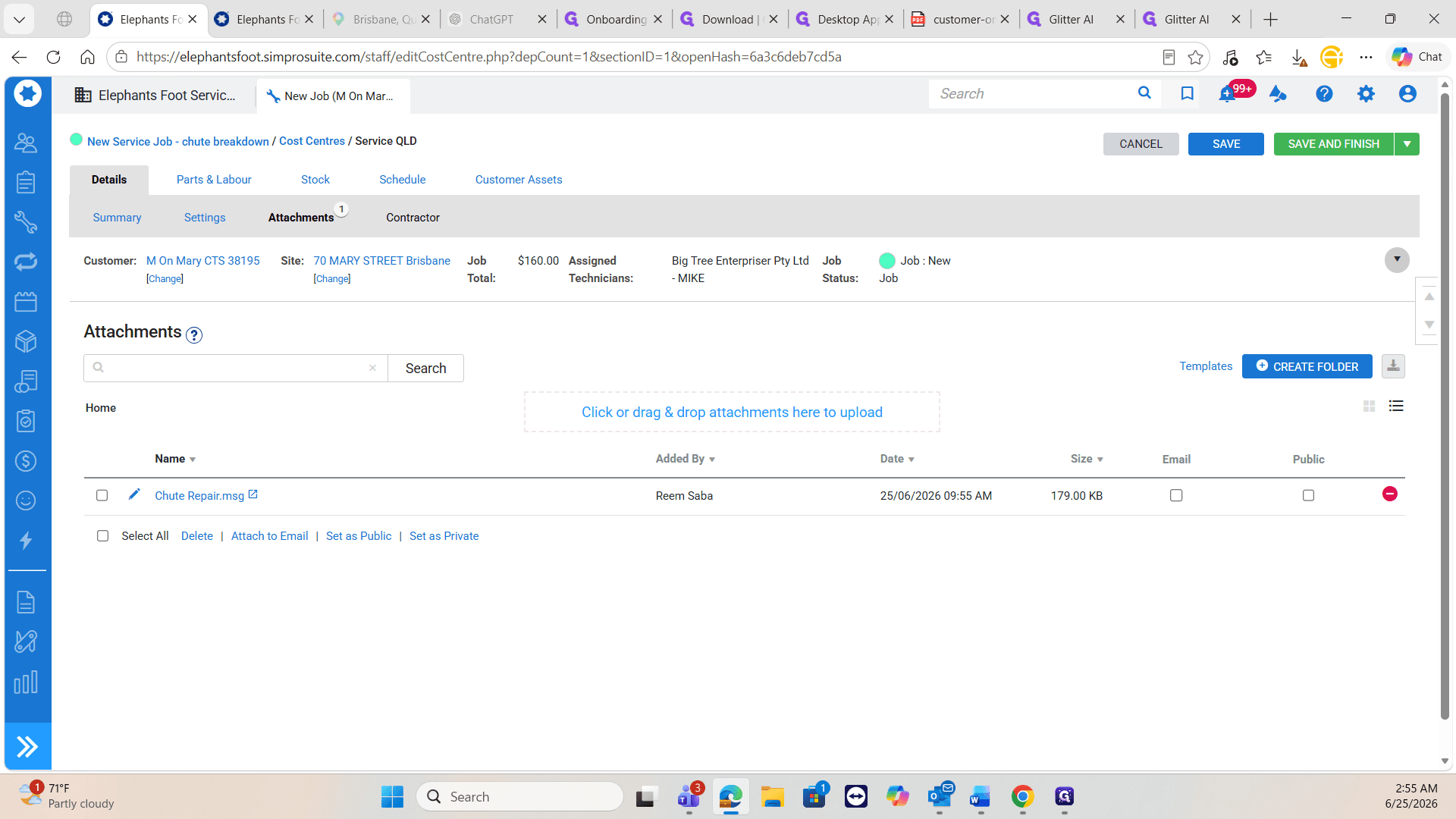
Next, convert the request into a formal job profile detailing the breakdown and required skills.
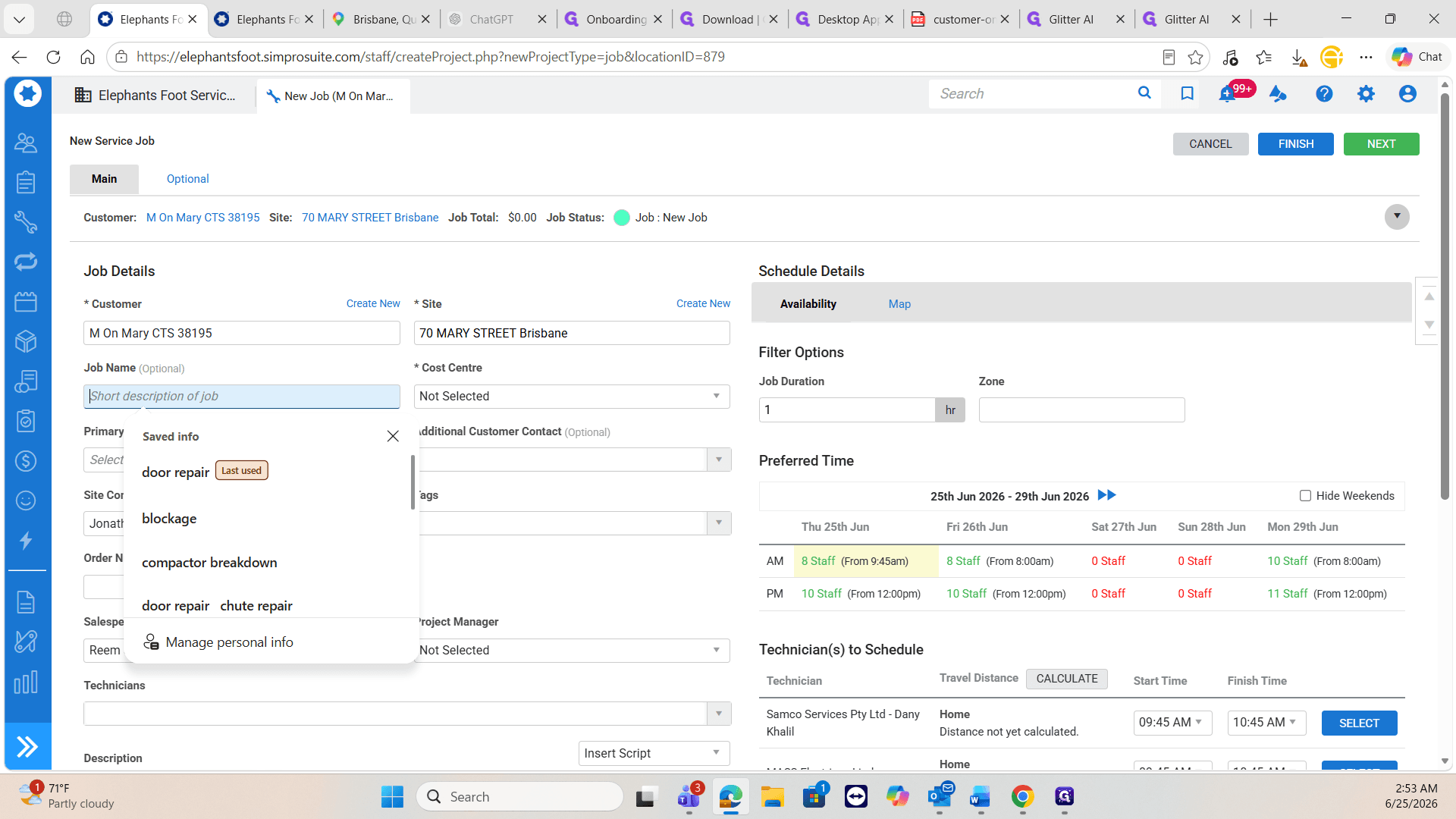
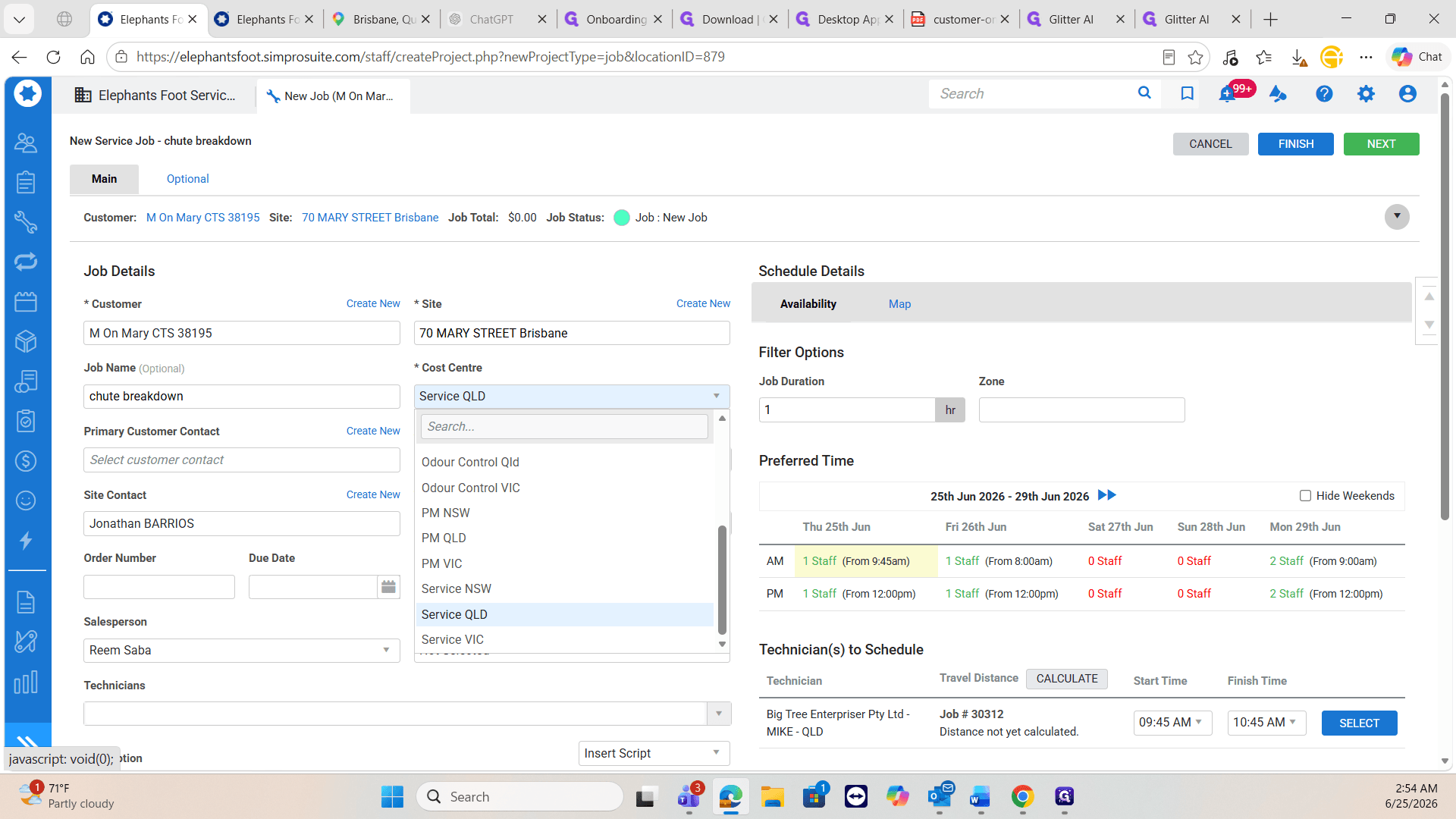
When booking jobs, you must assign the correct Cost Centre so accounting can properly categorize the work. Use the following guide to determine the correct Cost Centre for the incoming request:
Job Request Type | Correct Cost Centre |
|---|---|
Standard upkeep | Preventative Maintenance (PM) |
Cleaning requests | Chute Cleaning |
Routine door checks | Door Inspection |
Urgent / On-the-spot breakdowns | Service |
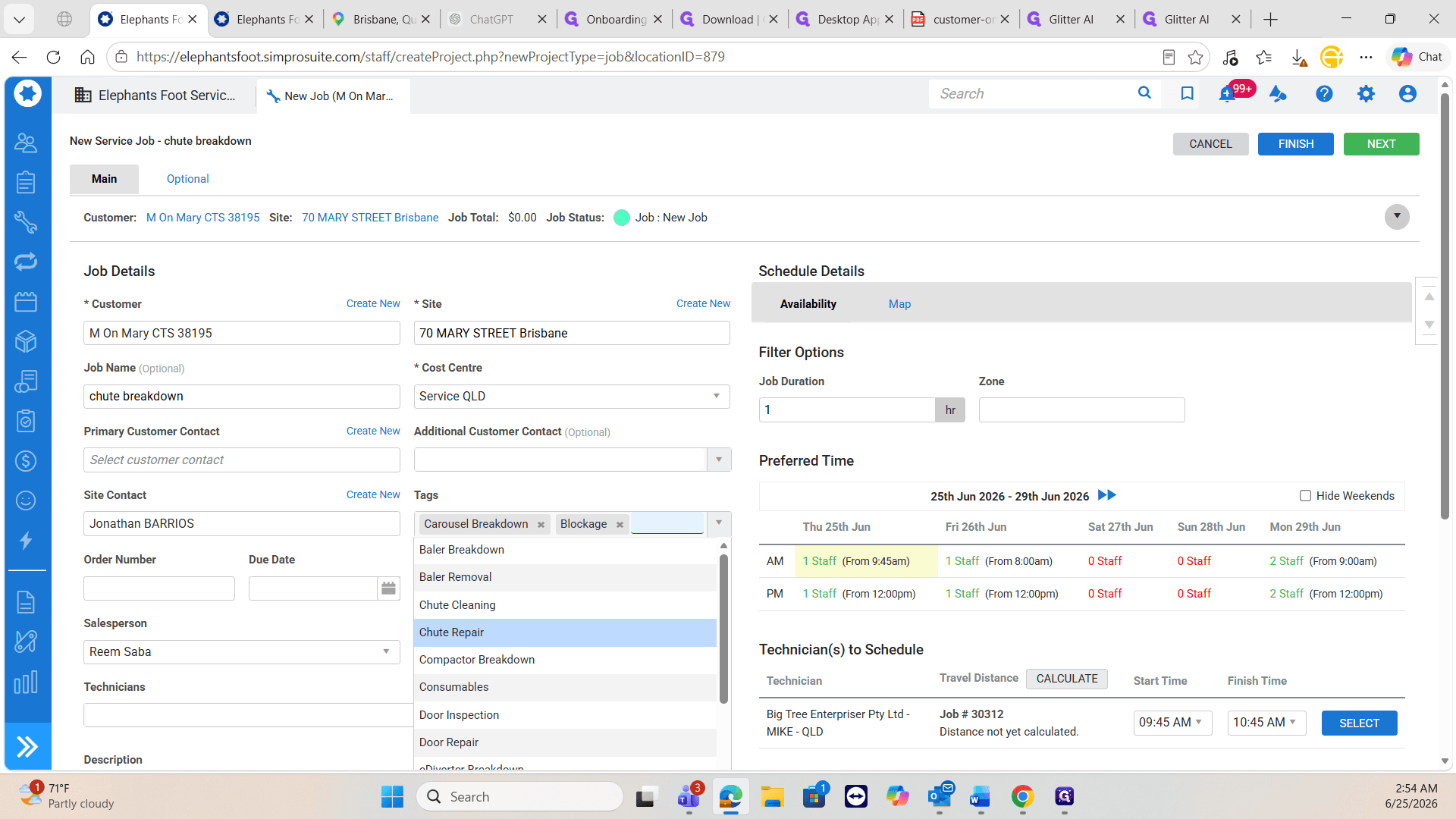
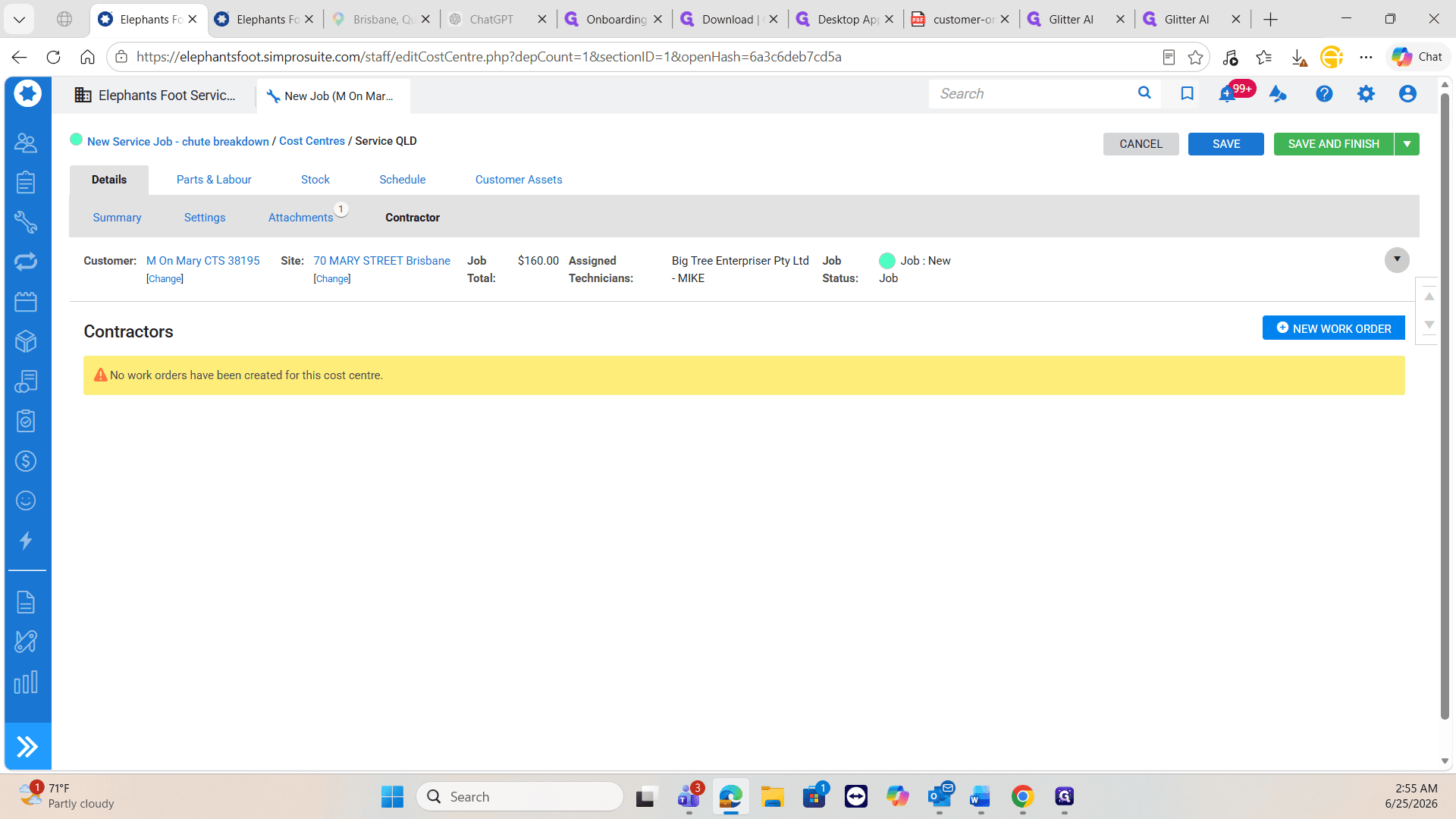
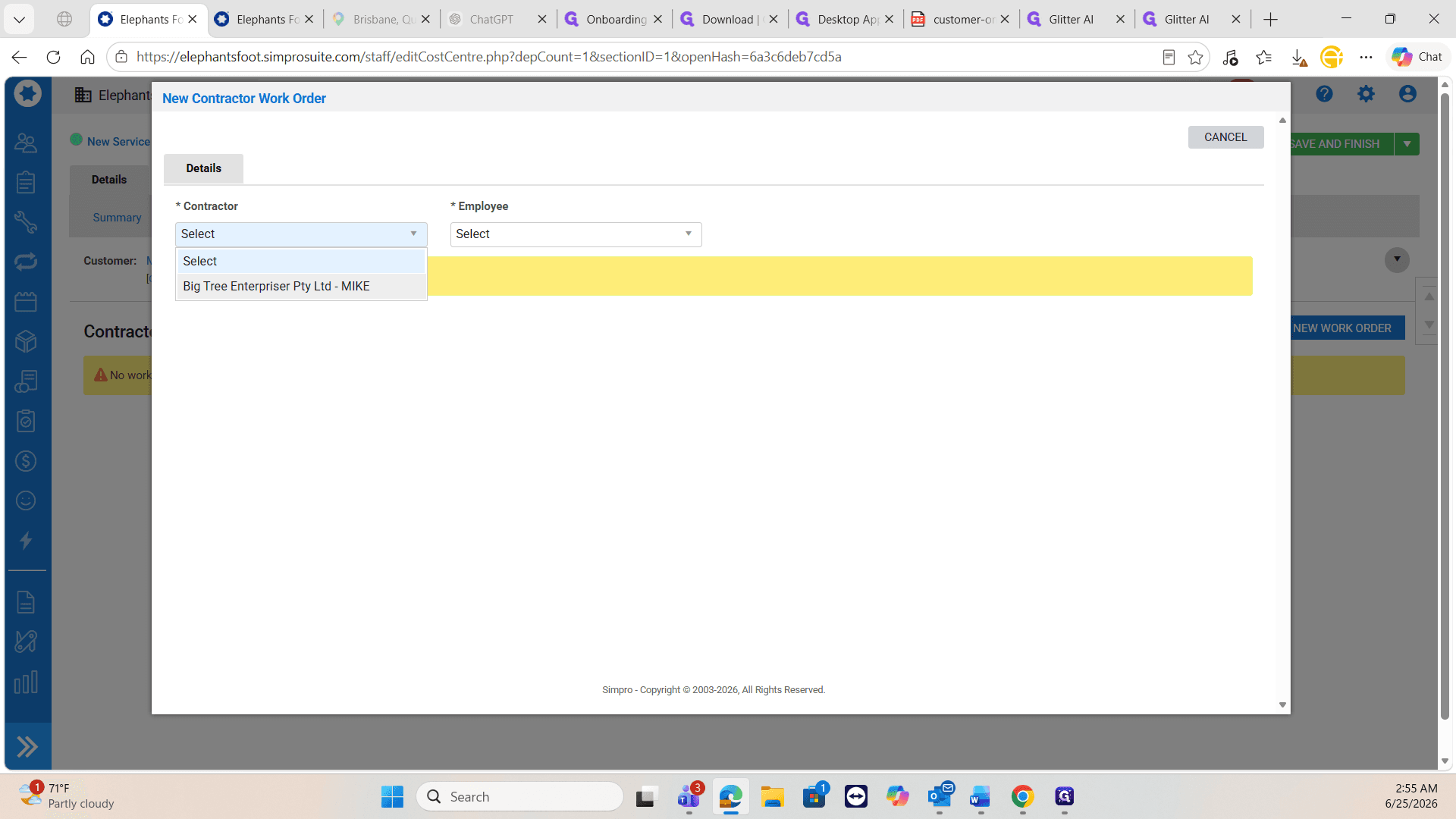
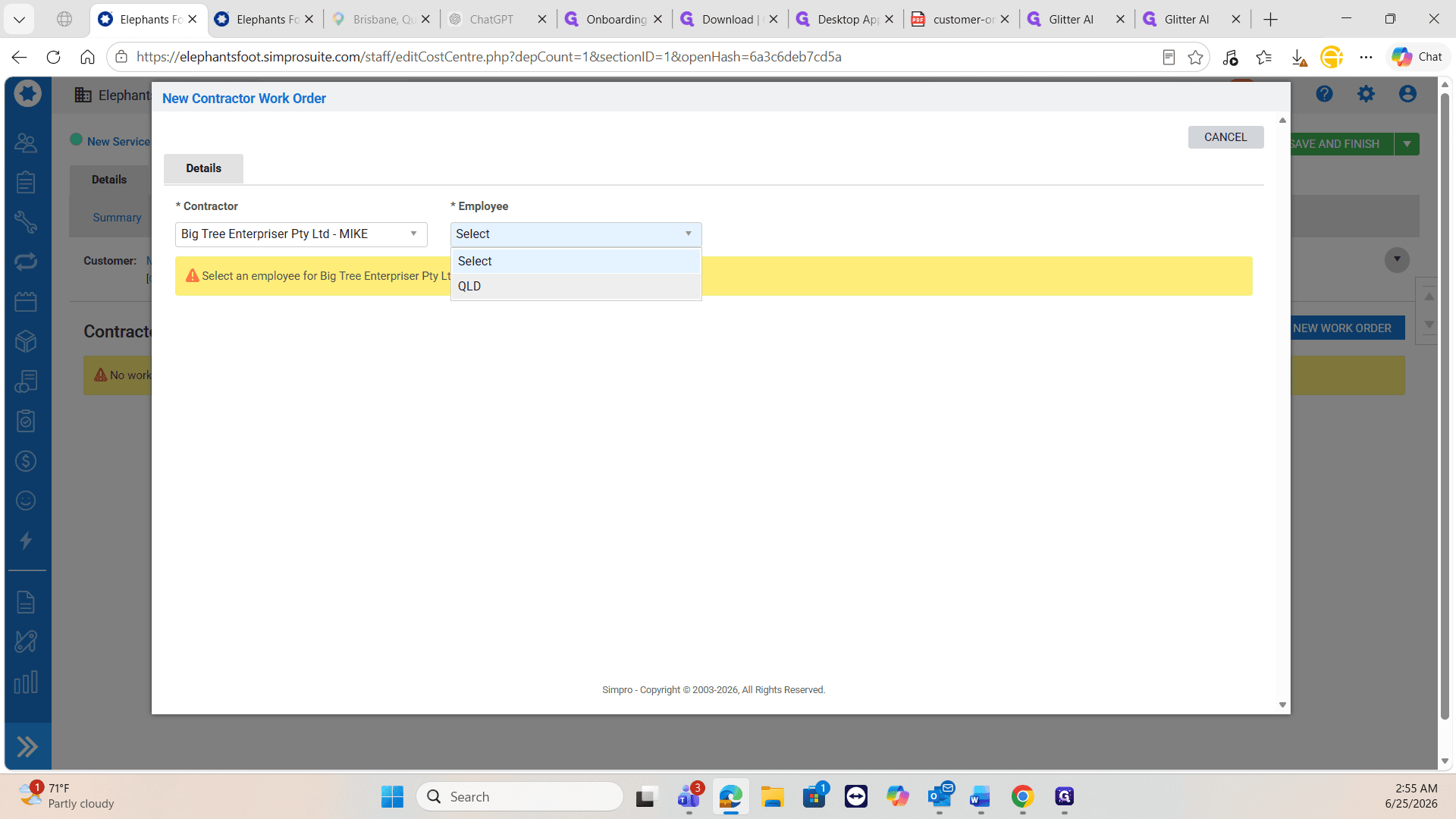
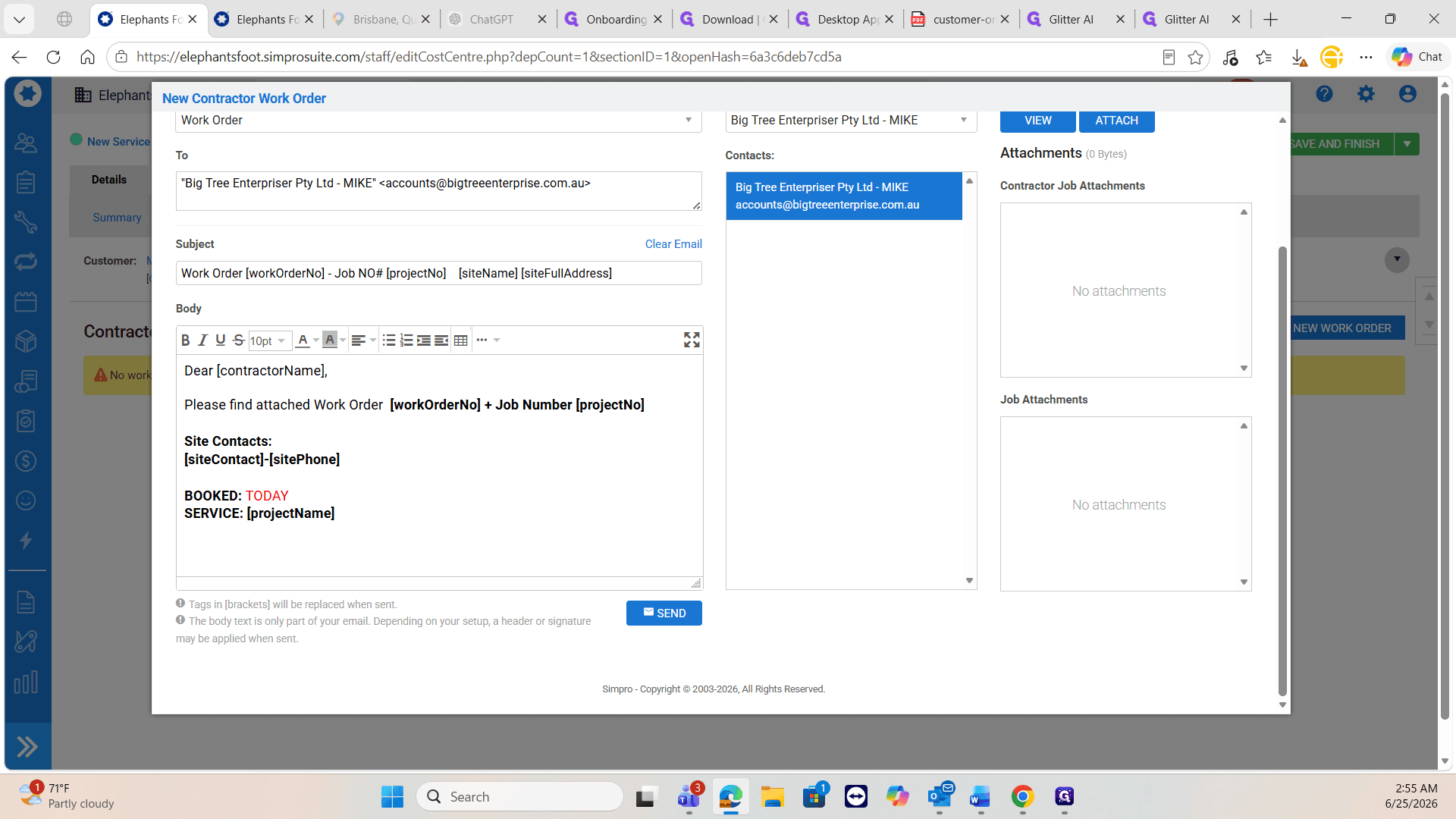
Schedule the Contractor and Send the Work Order
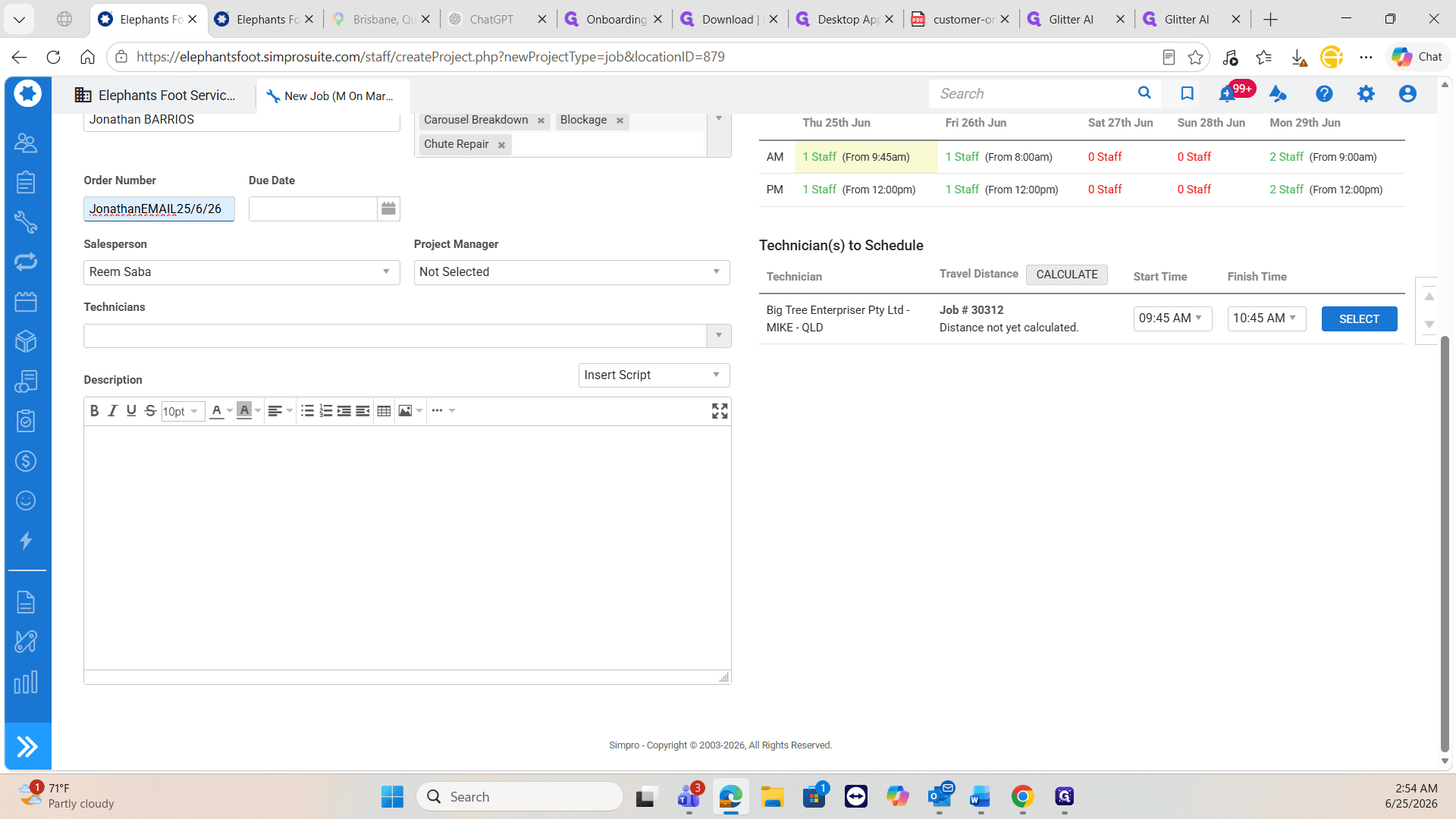
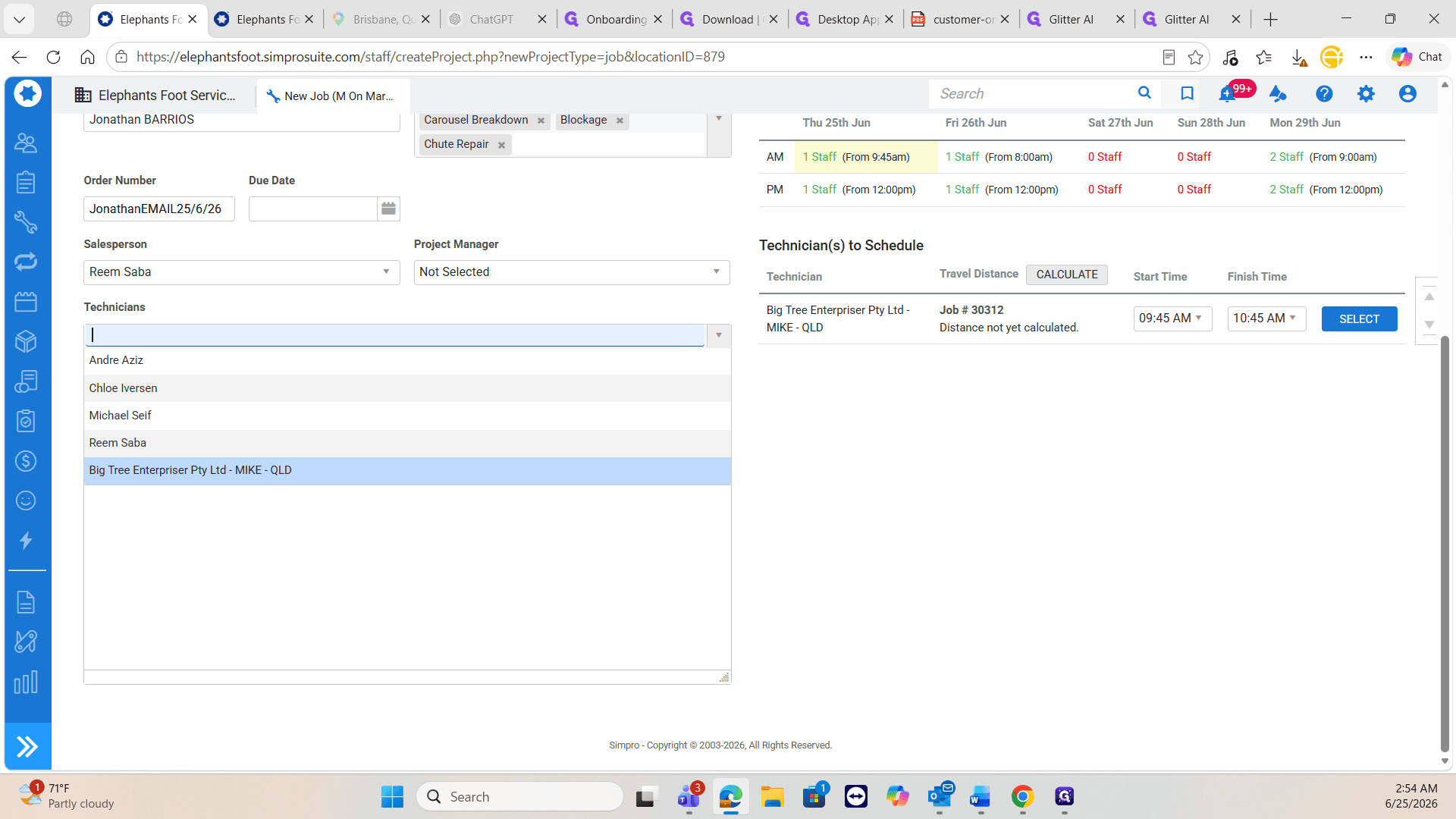
If internal staff are unavailable or lack capacity for an urgent same-day request, dispatch the job to a vetted external contractor.
Q: What if the person requesting the repair isn't listed as a site contact?
A: You must create a new contact profile for them and set them as the primary contact. This ensures the technician knows exactly who to look for and call when they arrive on site.
Q: What should I use for the order number if the client doesn't provide one?
A: If the client's email does not include a formal work order number in the subject or body, enter the requester's name as a reference.
Q: What should I do if our primary internal technician is unavailable?
A: Check the schedule for available external contractors in the region. Assign the job to a trusted contractor to ensure the urgent maintenance request is completed on time.
Term | Definition |
|---|---|
Cost Centre | A category used to track the revenue and costs associated with different types of service jobs. |
Reactive Job | An unscheduled, urgent service call created in response to a sudden breakdown or issue. |
Work Order | A formal document sent to a technician or contractor outlining the details and authorization for a specific task. |