Bulk Enroll Students via CSV in Edusua SMS
Learn how to import and enroll multiple students at once using a CSV file in Edusua SMS.
Purpose
This guide outlines how to bulk enroll students into Edusua SMS using a CSV upload. Completing this process allows administrators to validate student lists and register multiple student profiles simultaneously into the school database.
Scope
This procedure applies to school administrators, registrars, and admissions staff managing batch student admissions in Edusua SMS. It covers uploading student rosters from a prepared CSV file through final enrollment confirmation. Manual single-student enrollment and pre-enrollment CSV template preparation are outside the scope of this document.
Upload and Enroll Students
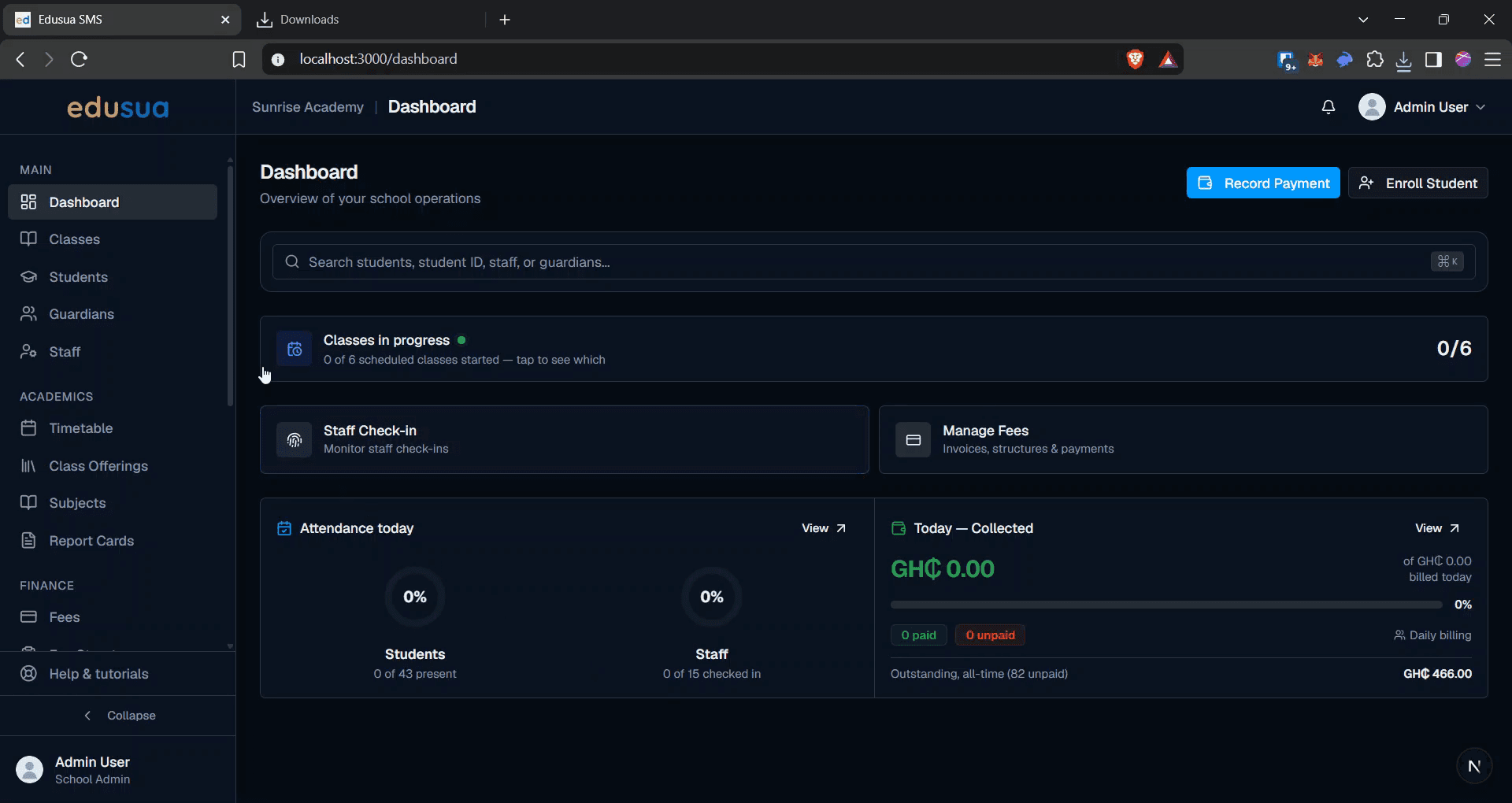
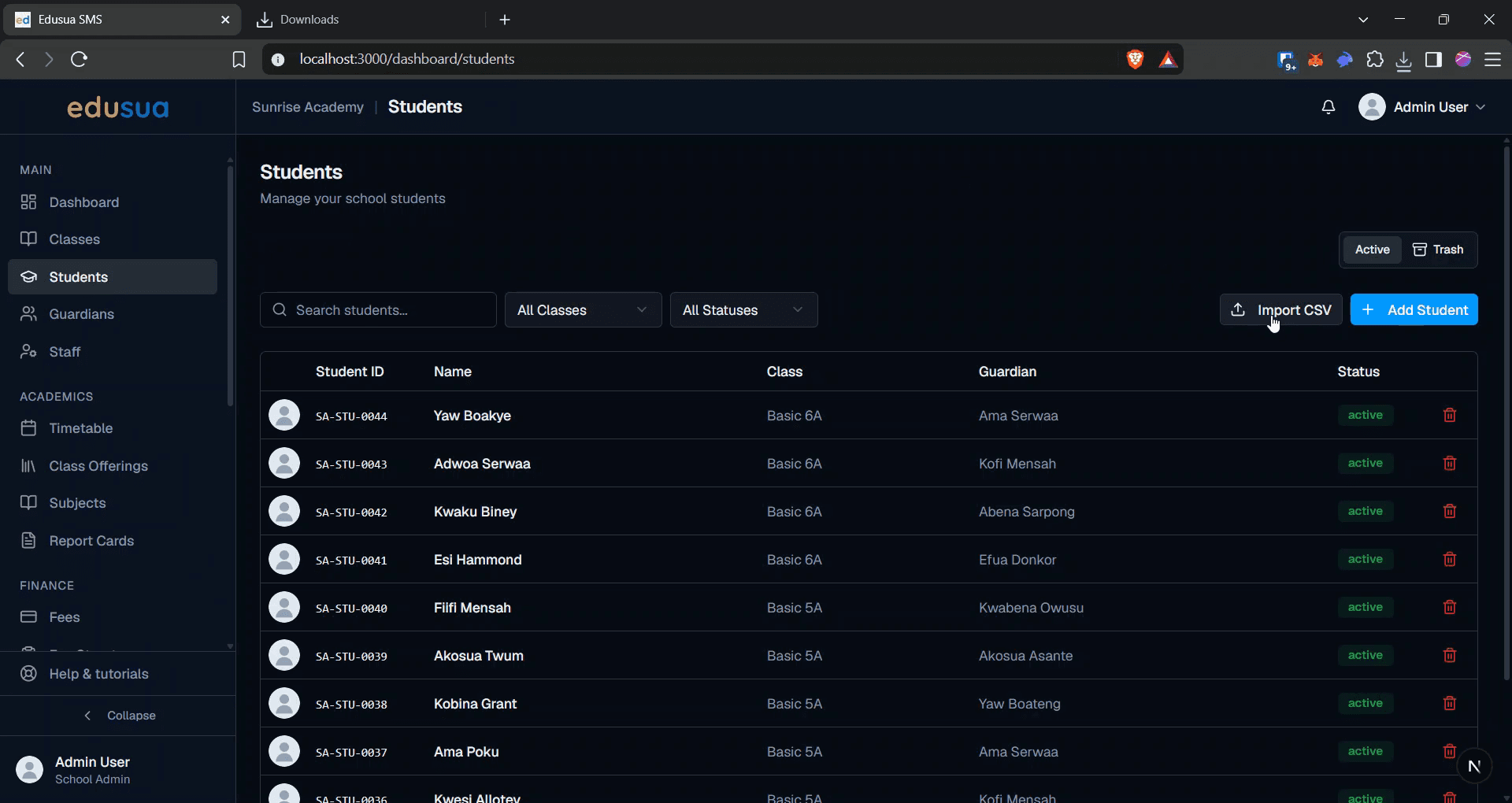
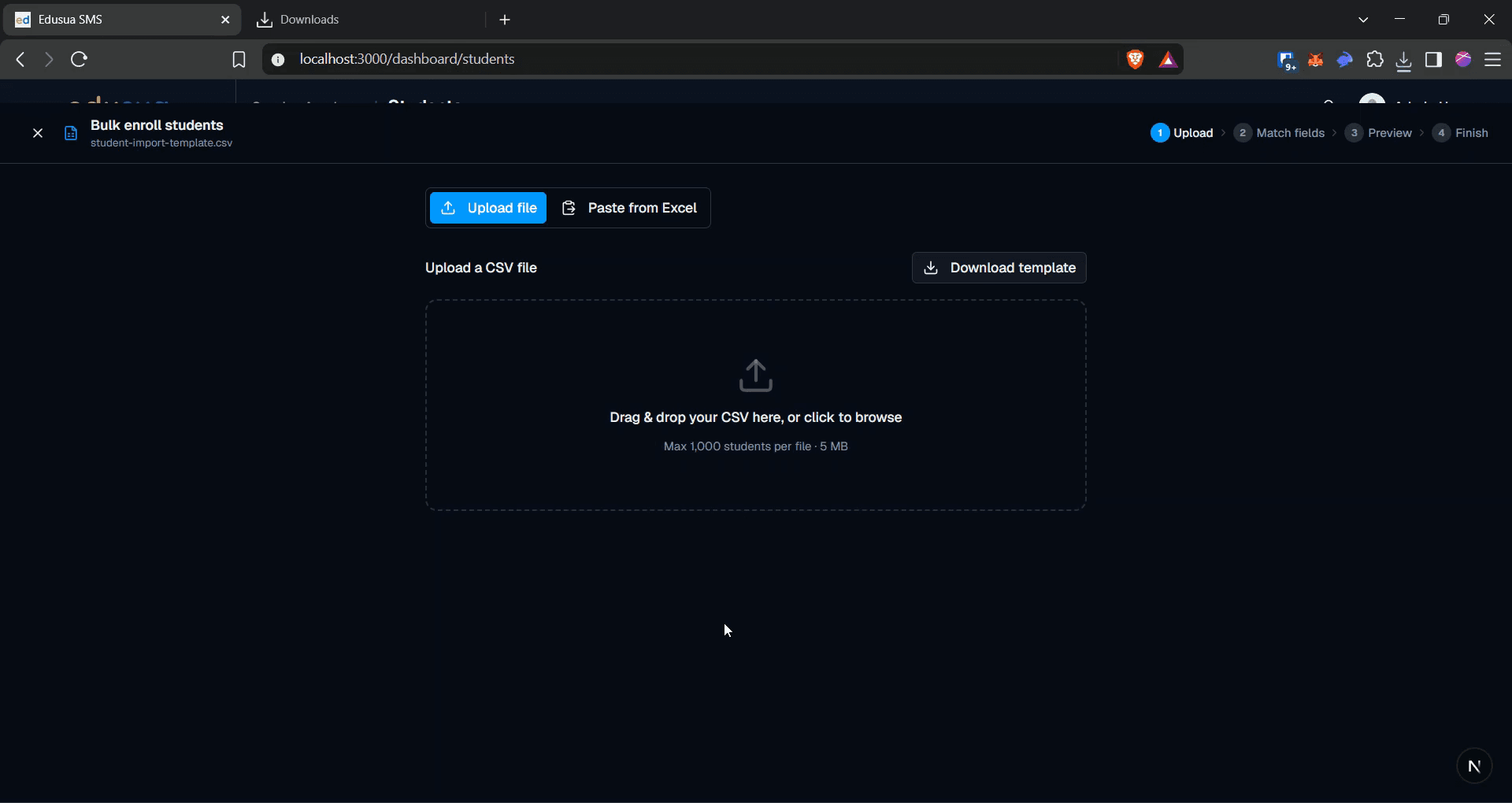
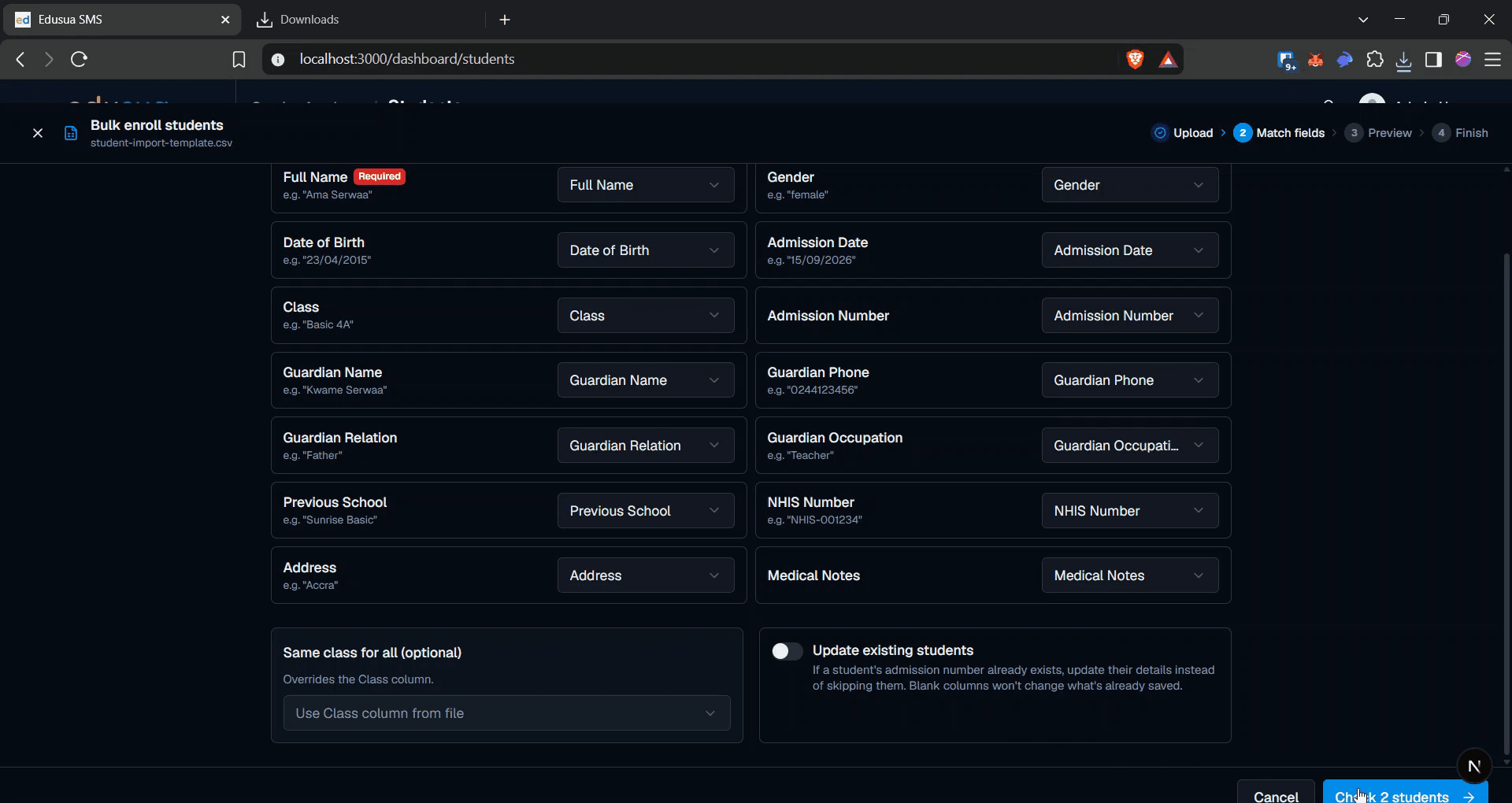
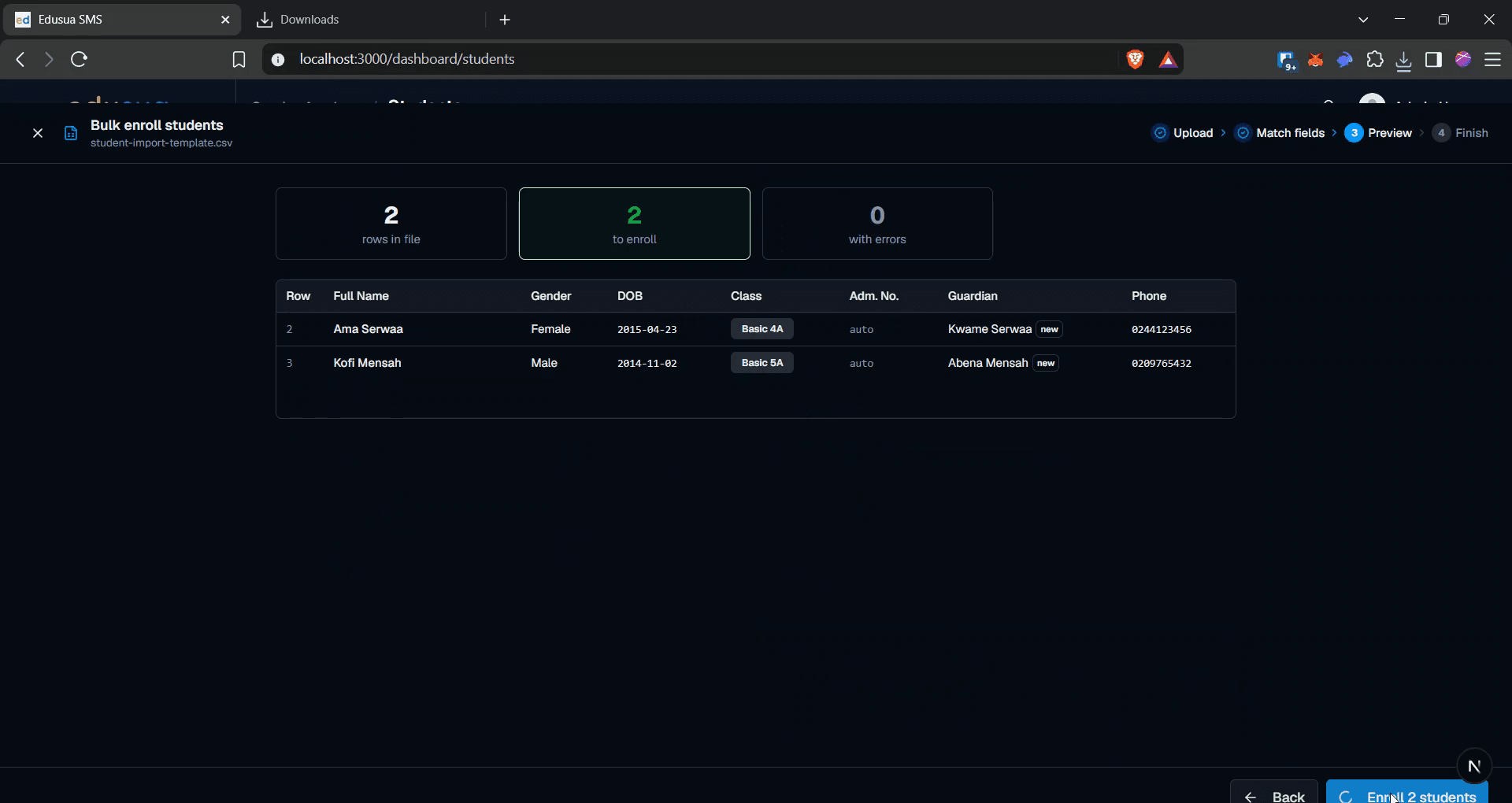
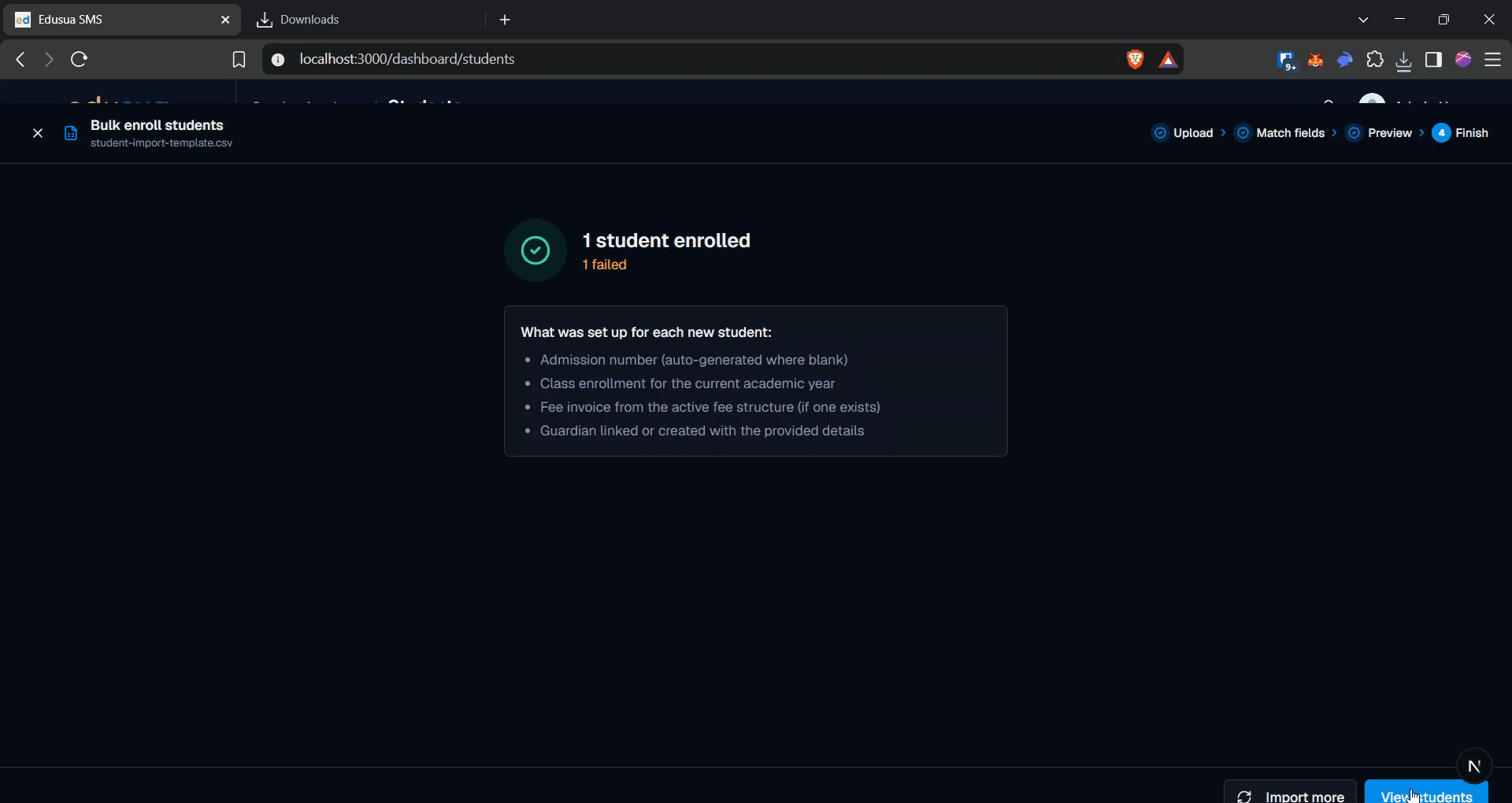
Follow these steps to import and process your student list using the bulk enrollment tool.
FAQ
Q: What format must the uploaded file use?
A: The bulk enrollment tool requires a valid CSV formatted with the required student data columns.
Q: What does the "Check students" action do?
A: It validates the imported CSV records to verify field formatting and ensure the list is ready for enrollment before submitting.