
Figma Guide
This is a step-by-step guide for Figma
By Hilit Egozi
1
Click here

2
Double-click "Observe any unusual pa"cvbcvbcvbcvbvcb

3
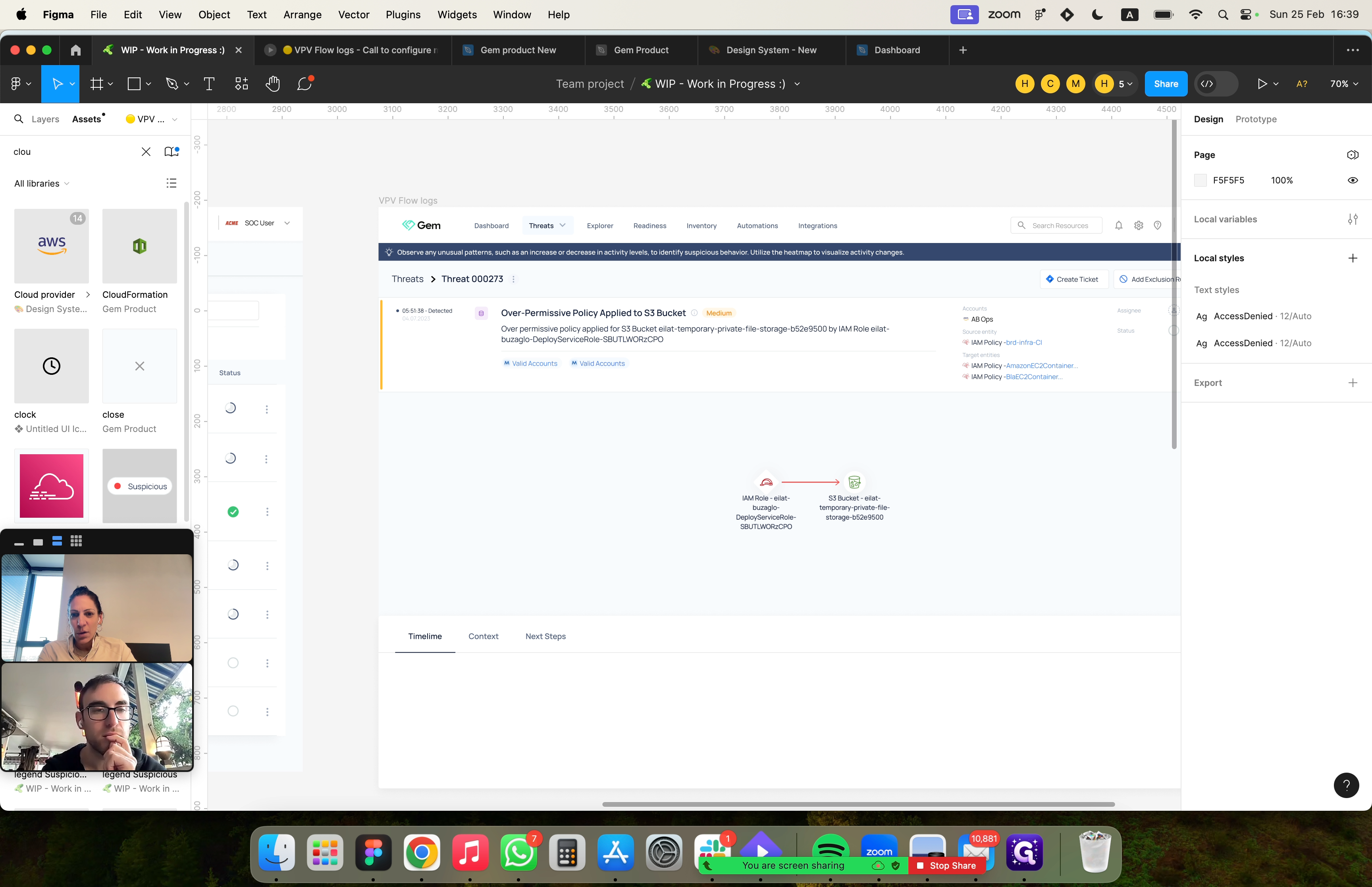
Click "Assets"

4
Click "Search assets ..."

5
Type "clou"
xgdfgdfg
6
Drag "zoom floating video window"

7
Drag "aws"
8
Drag "aws"

9
Drag "aws"

10
Click "AWS"

11
Click here

12
Click here
