How to Capture Photos and Submit Projects for AI Review in SiteCapture
Learn how to locate projects, capture customer and survey photos, review AI validations, and complete project statuses in the SiteCapture app.
This guide provides instructions on how to locate a project in the SiteCapture mobile app, document it with required photos, process those images through automated validation, and finalize the project's status. Completing these steps ensures all required site data is accurately collected and automatically reviewed for quality assurance.
This workflow is primarily used by field technicians, site surveyors, and contractors. It applies when they are on-site and need to capture required documentation and clear automated review checks before closing out a job.
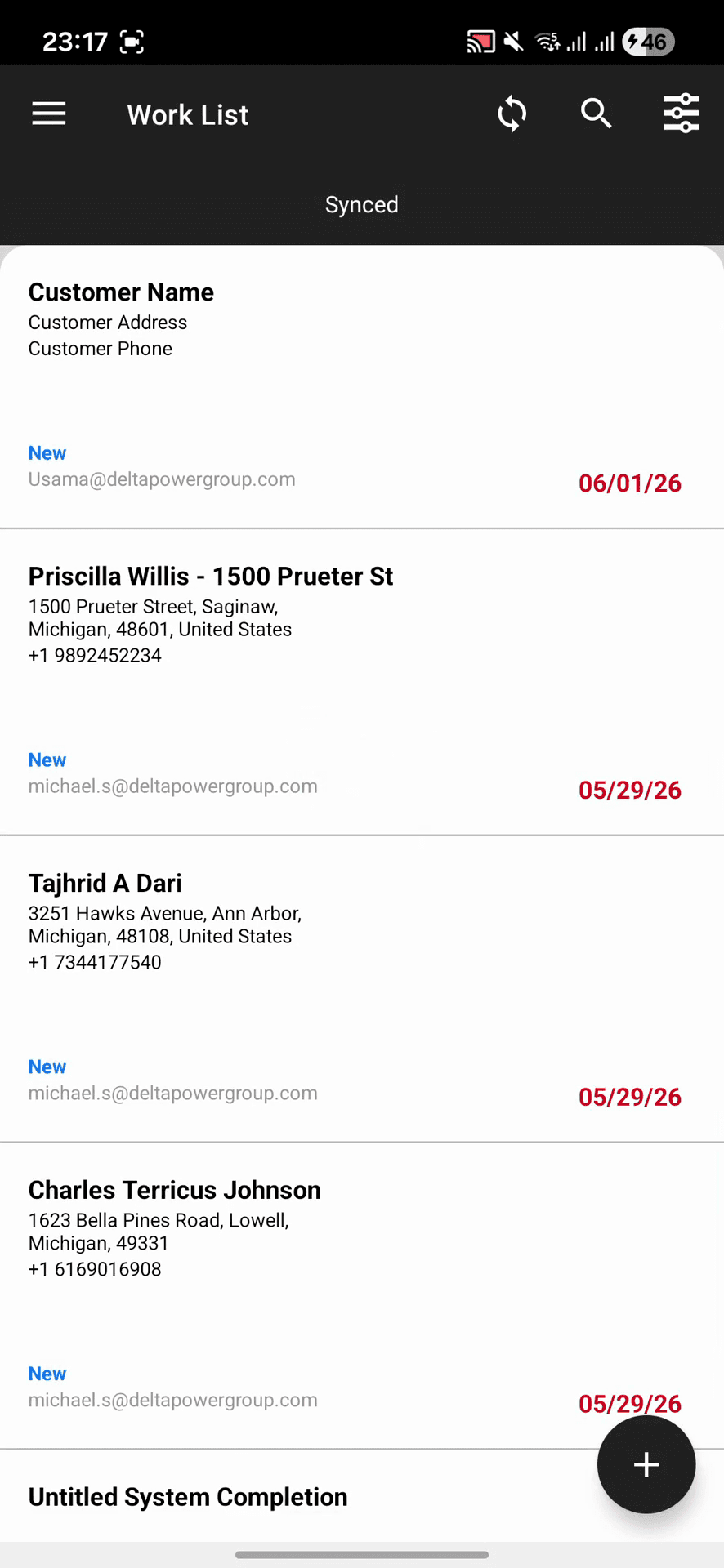
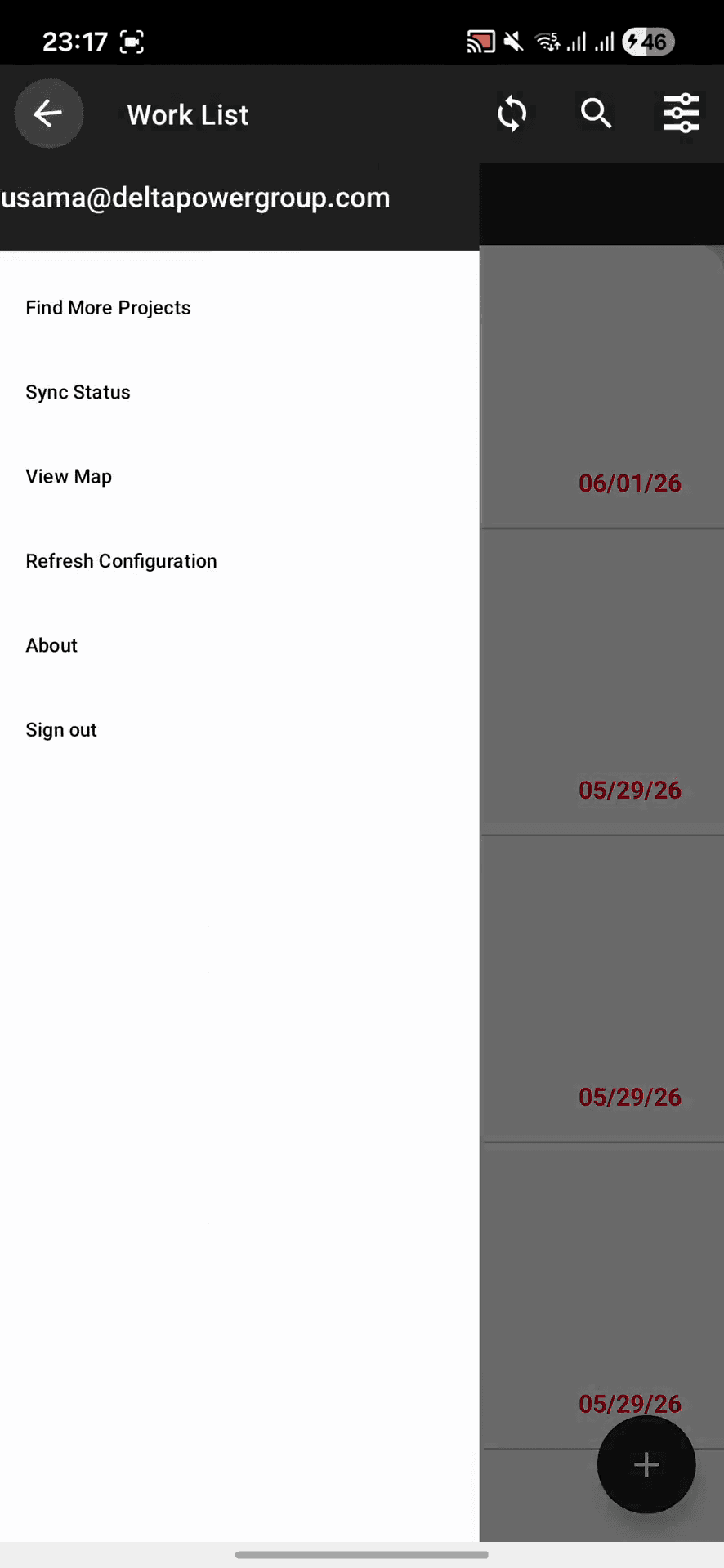
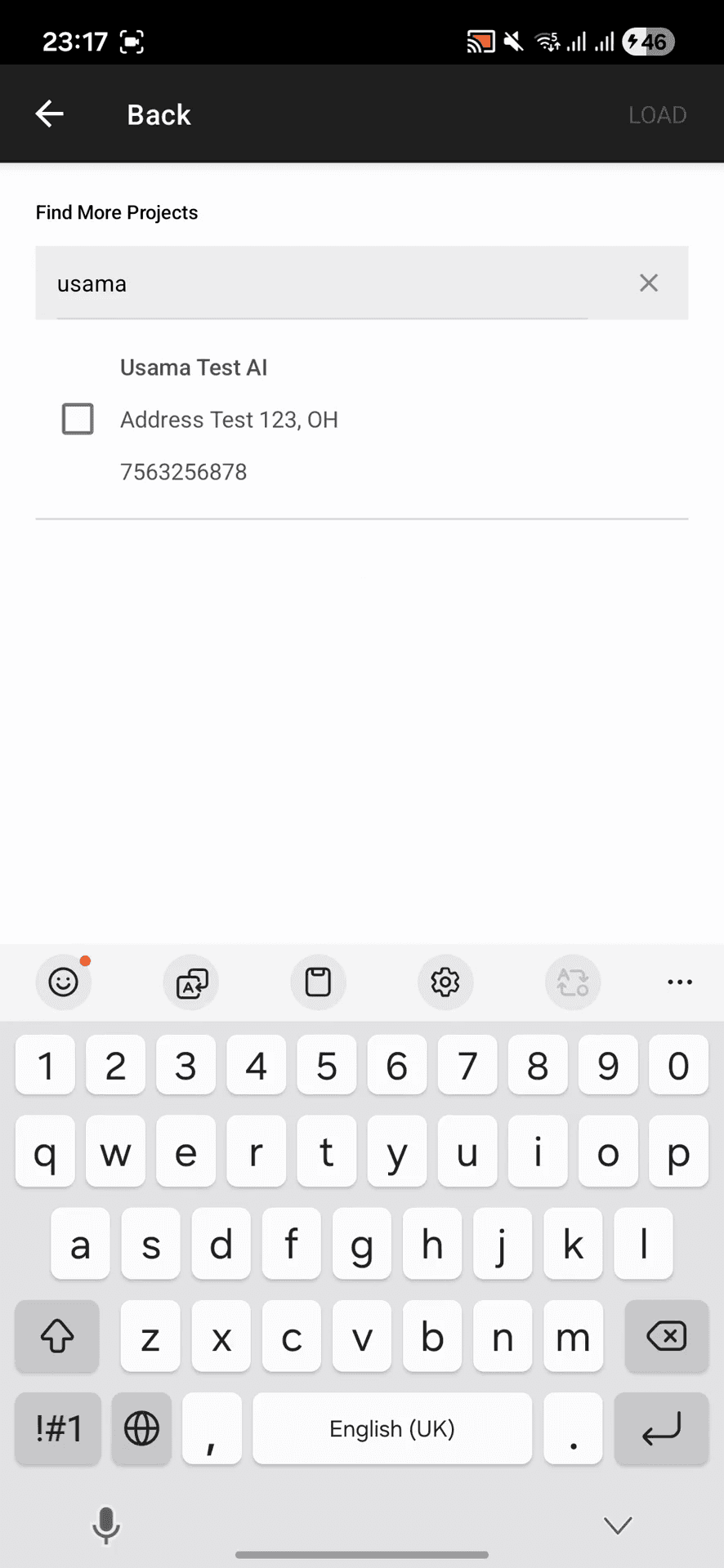
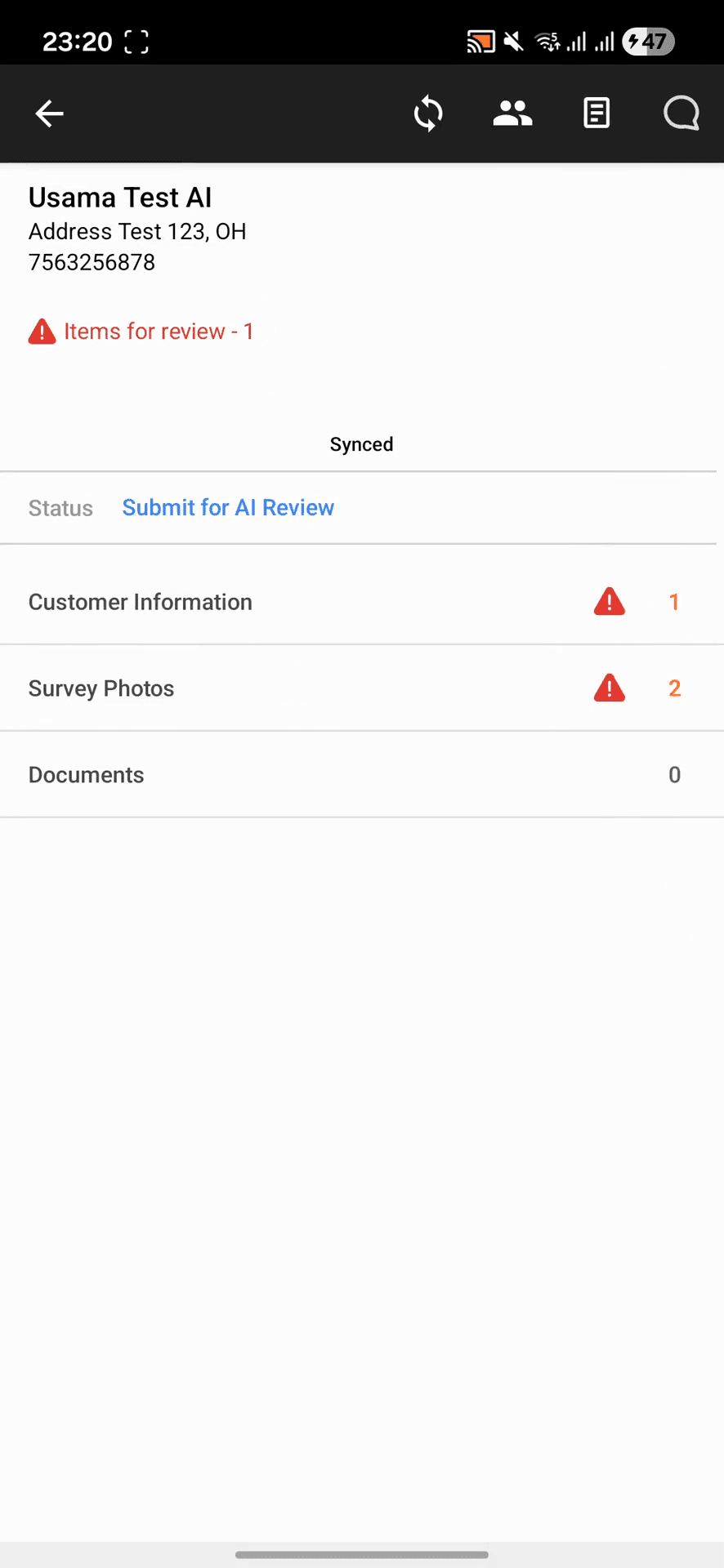
Locate the Project

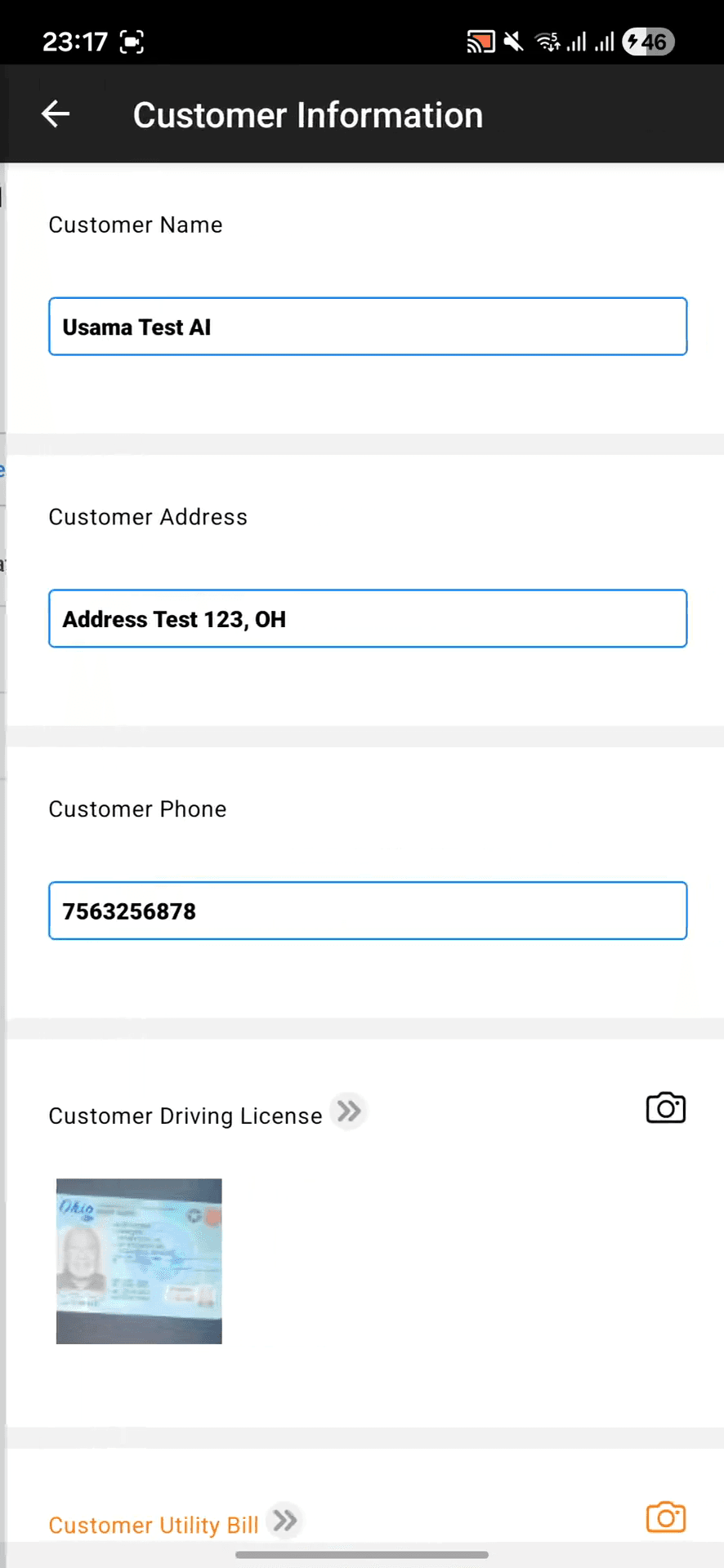
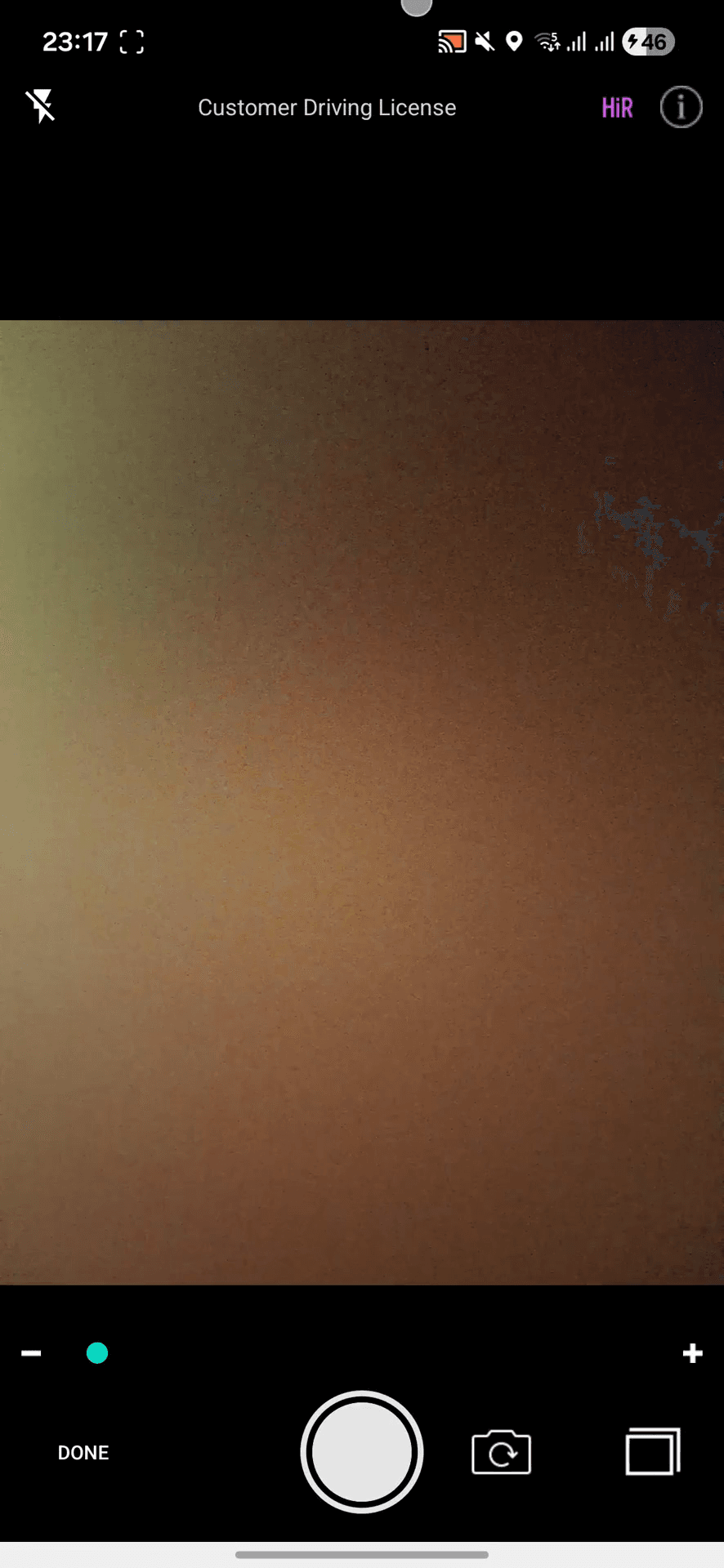
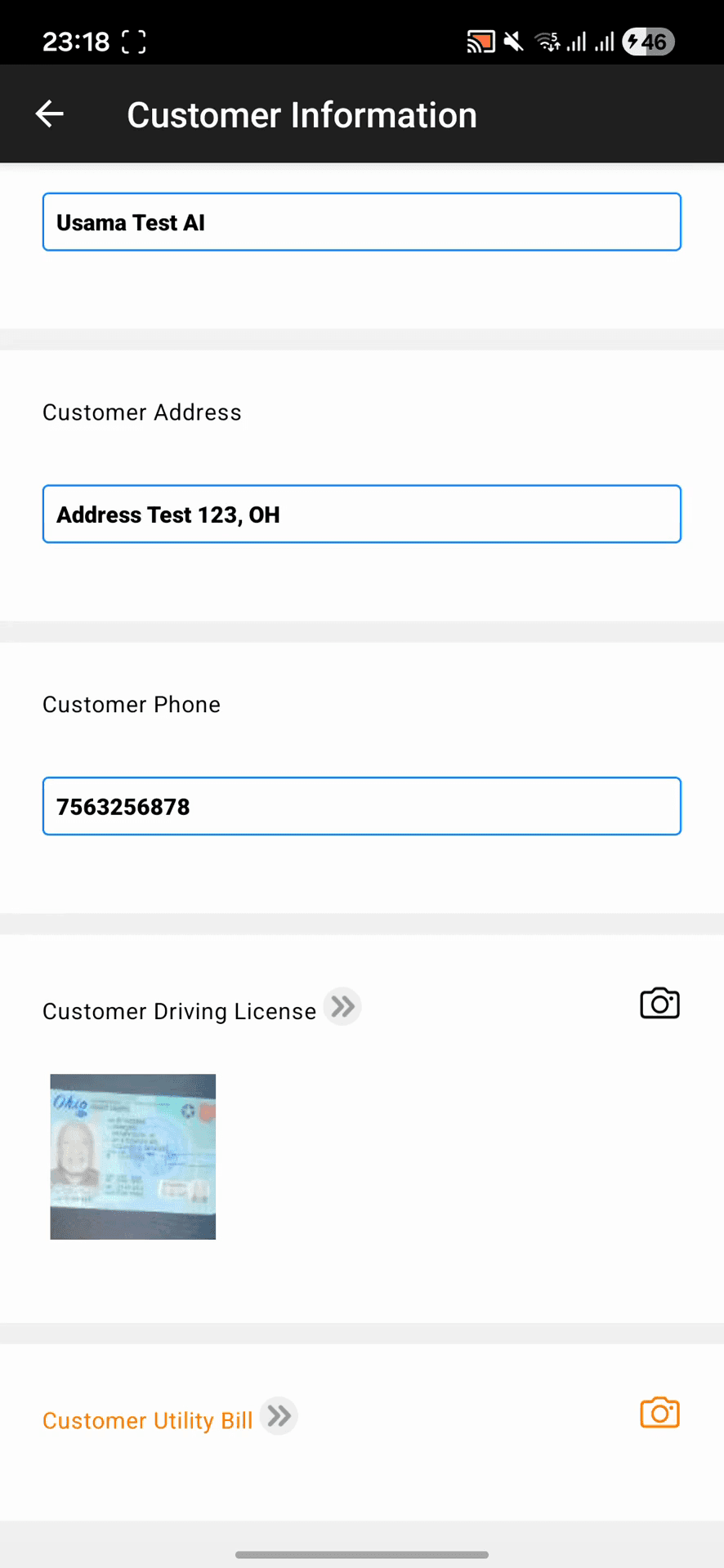
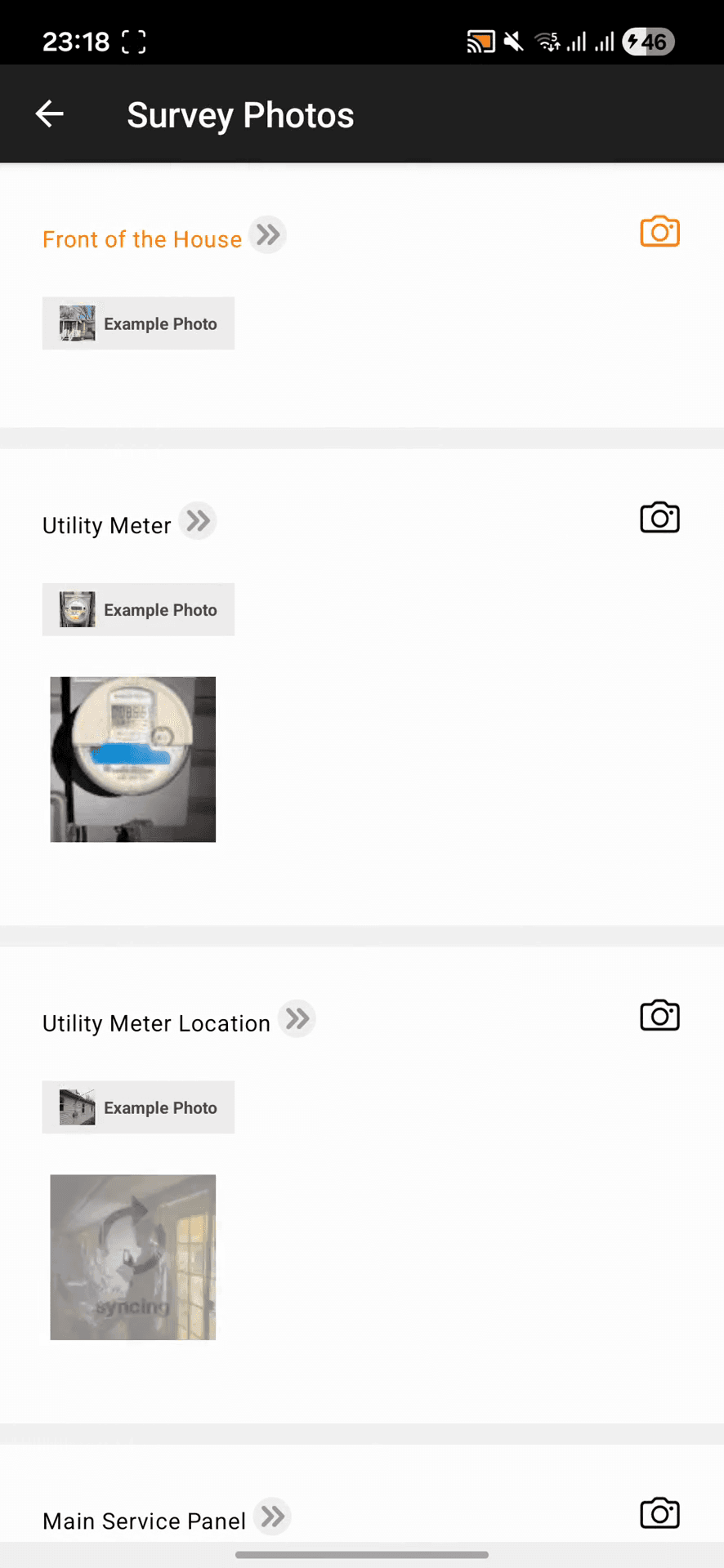
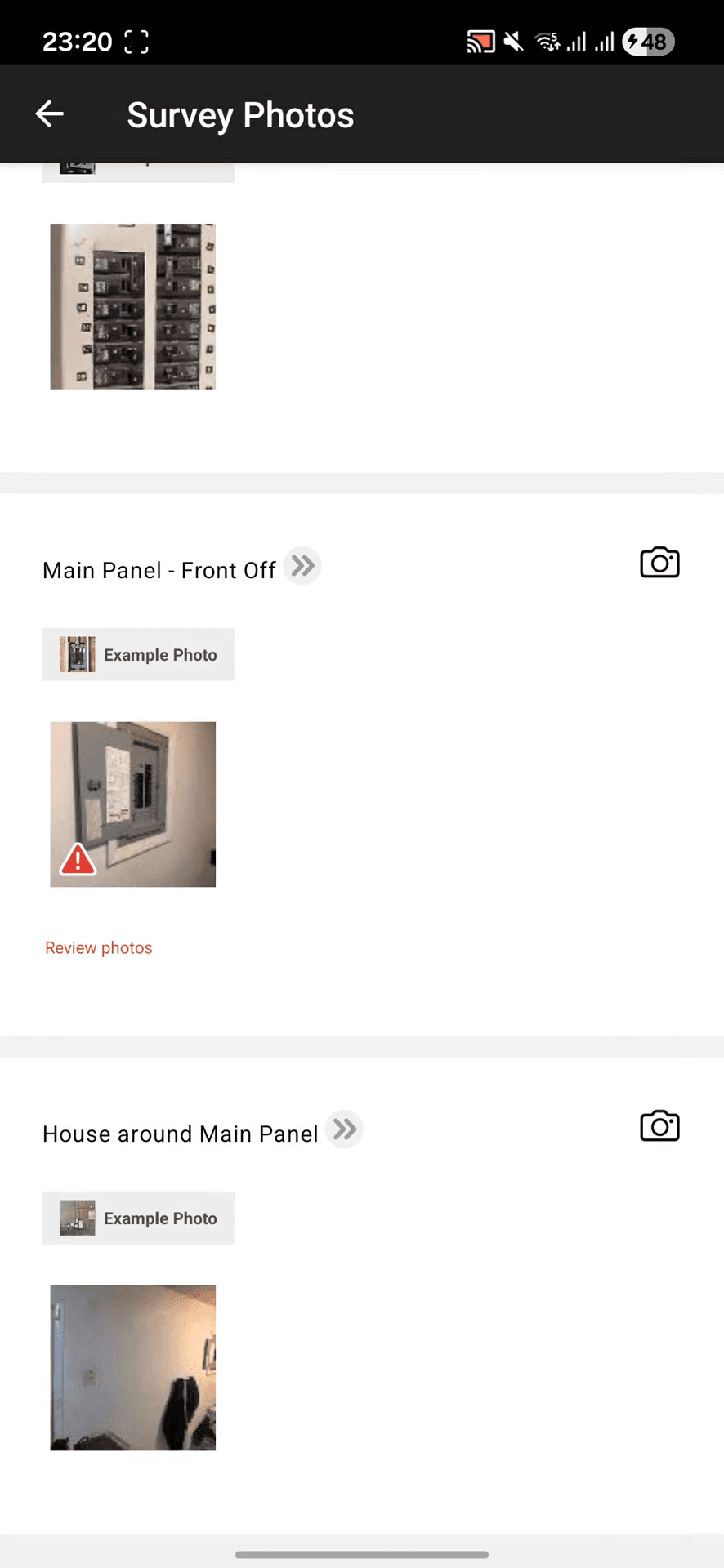
Capture and Sync Photos
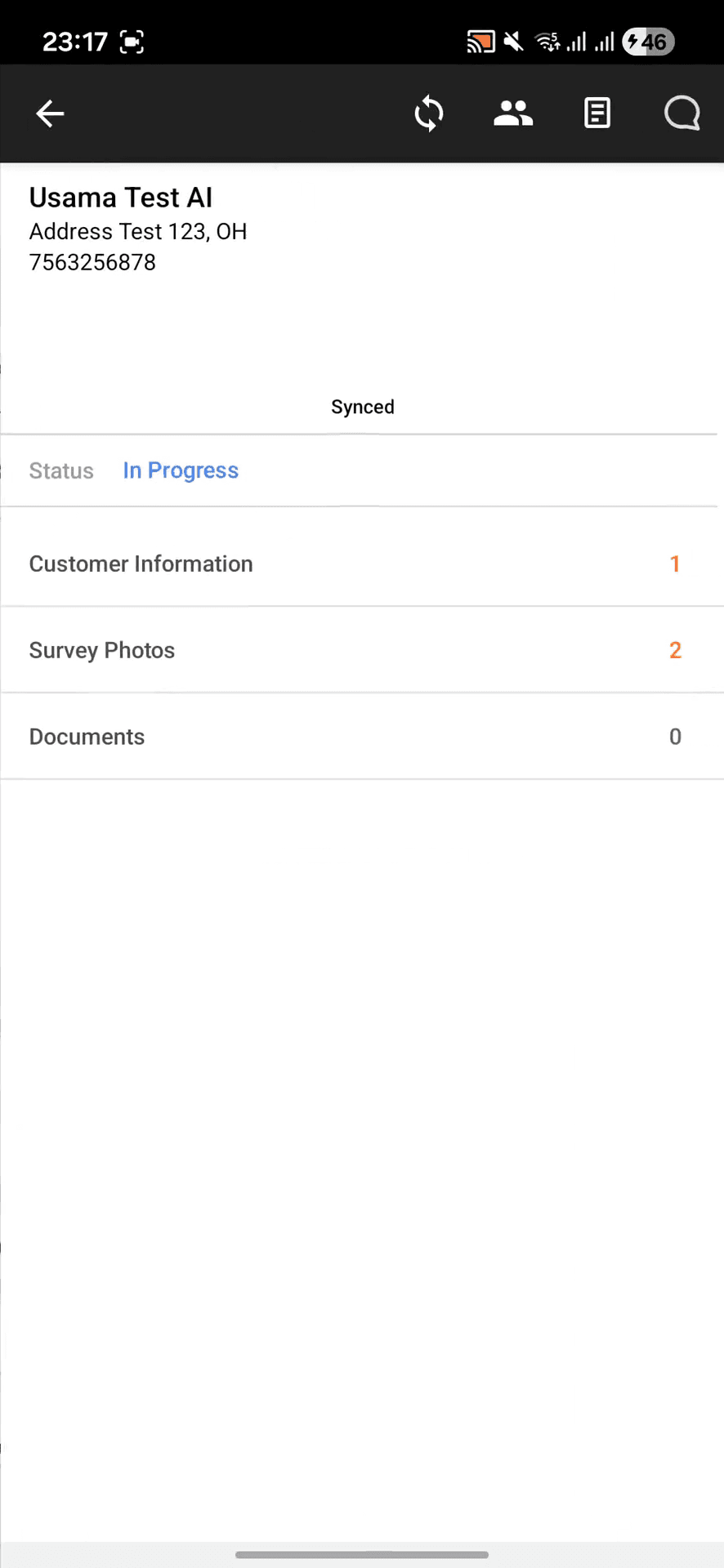

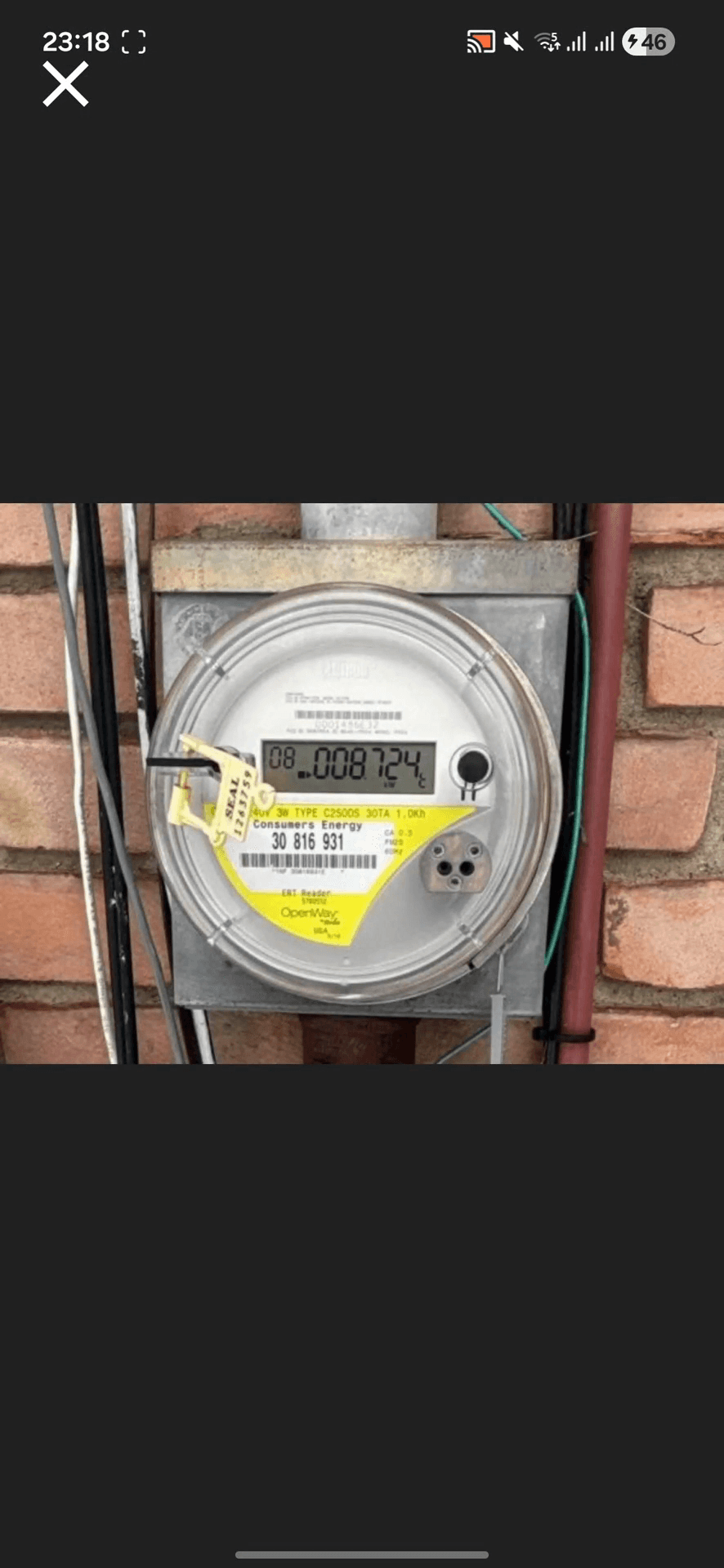
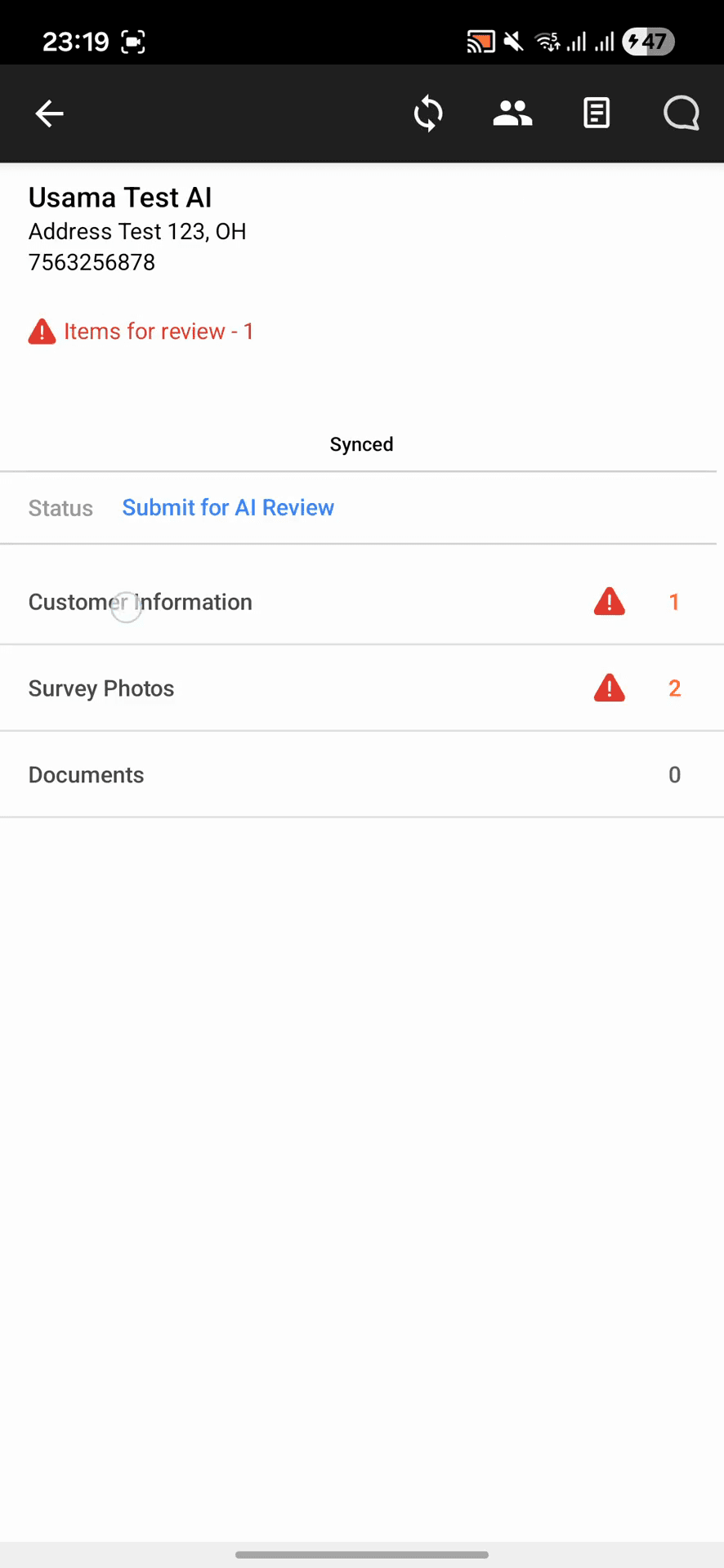
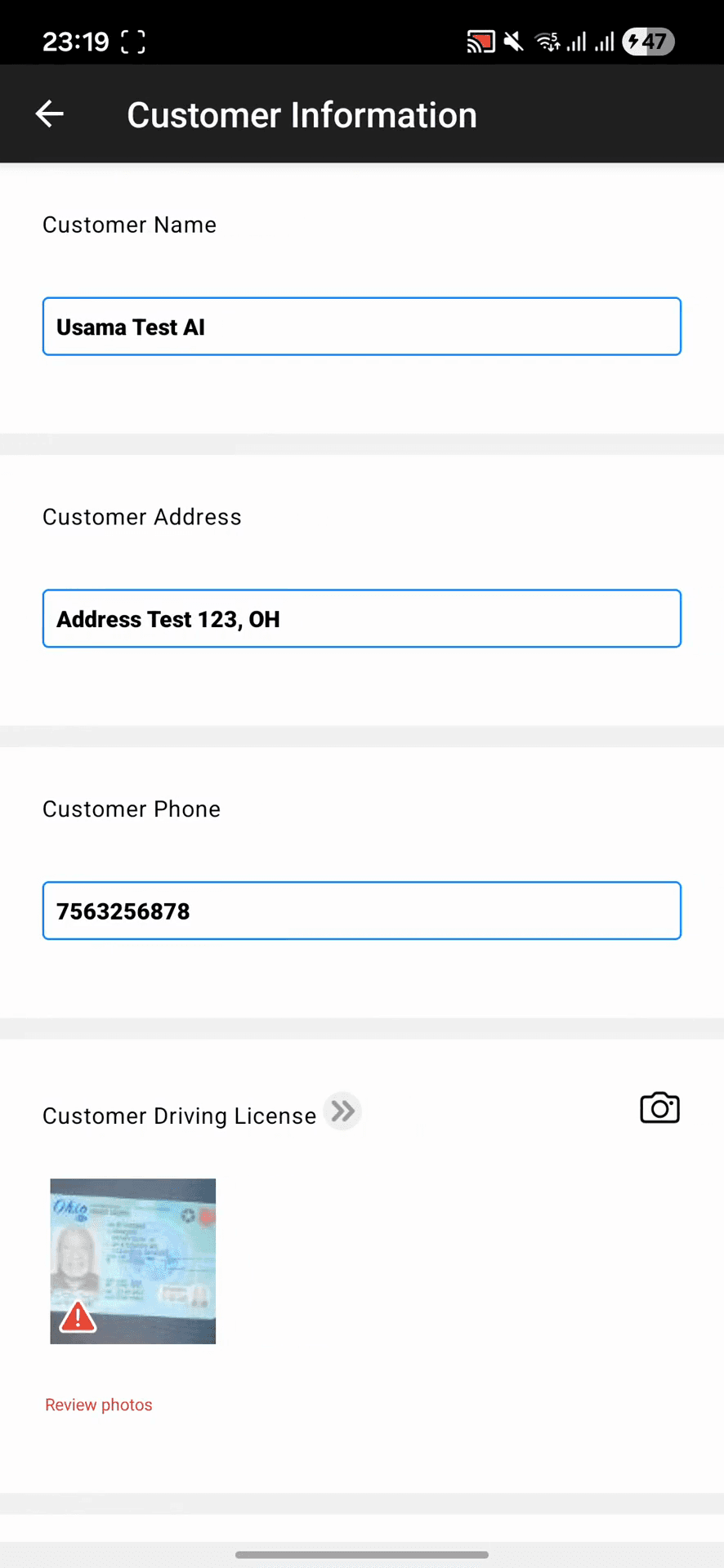
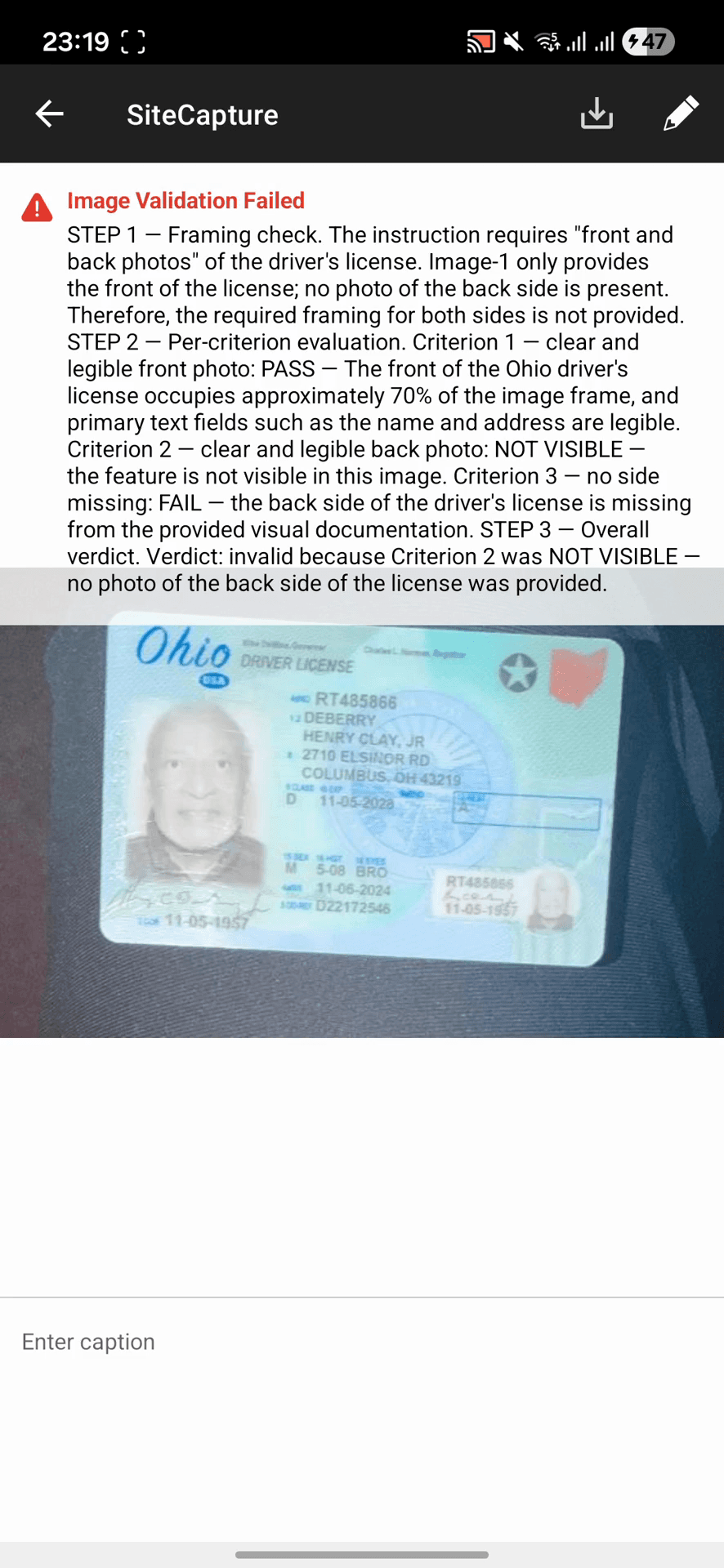
Review and Resolve AI Validations
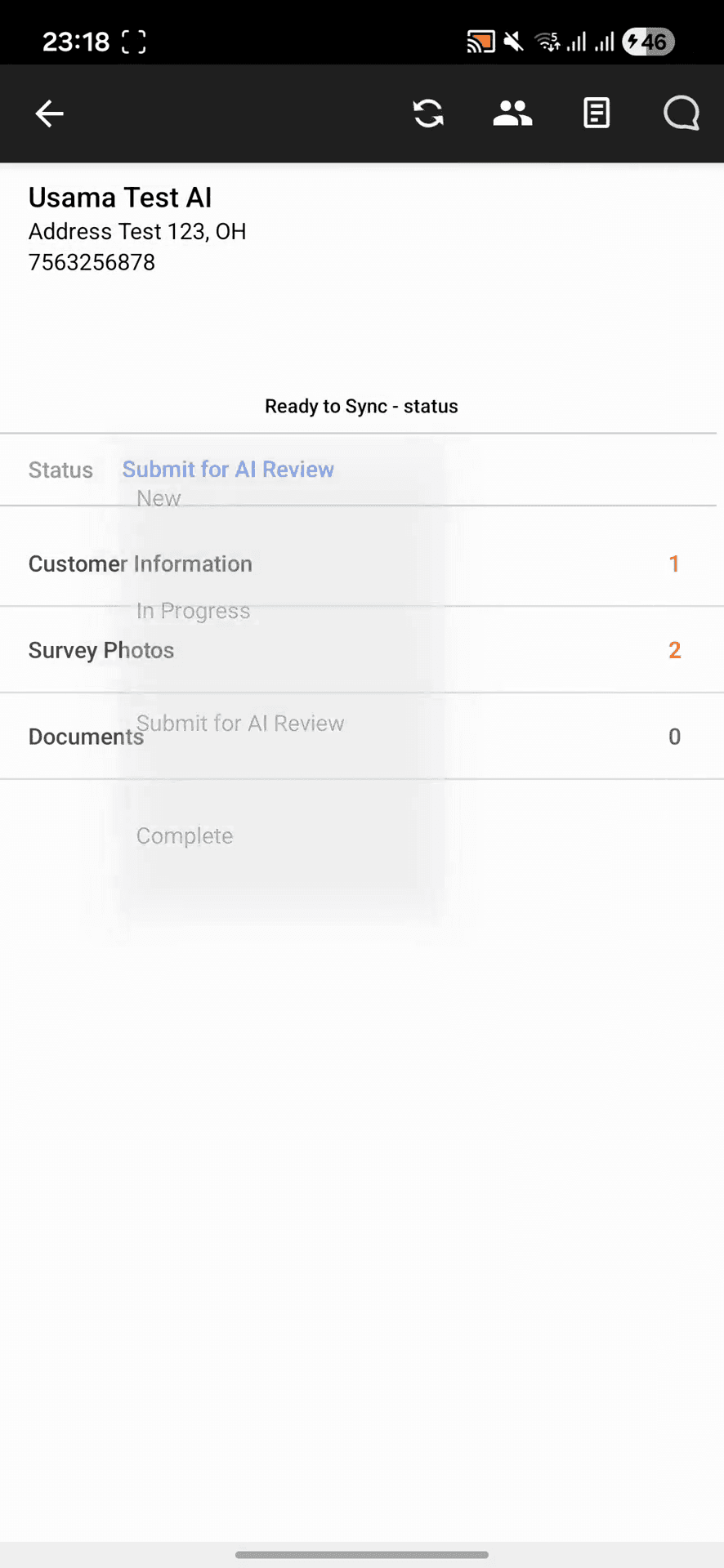
Complete the Project
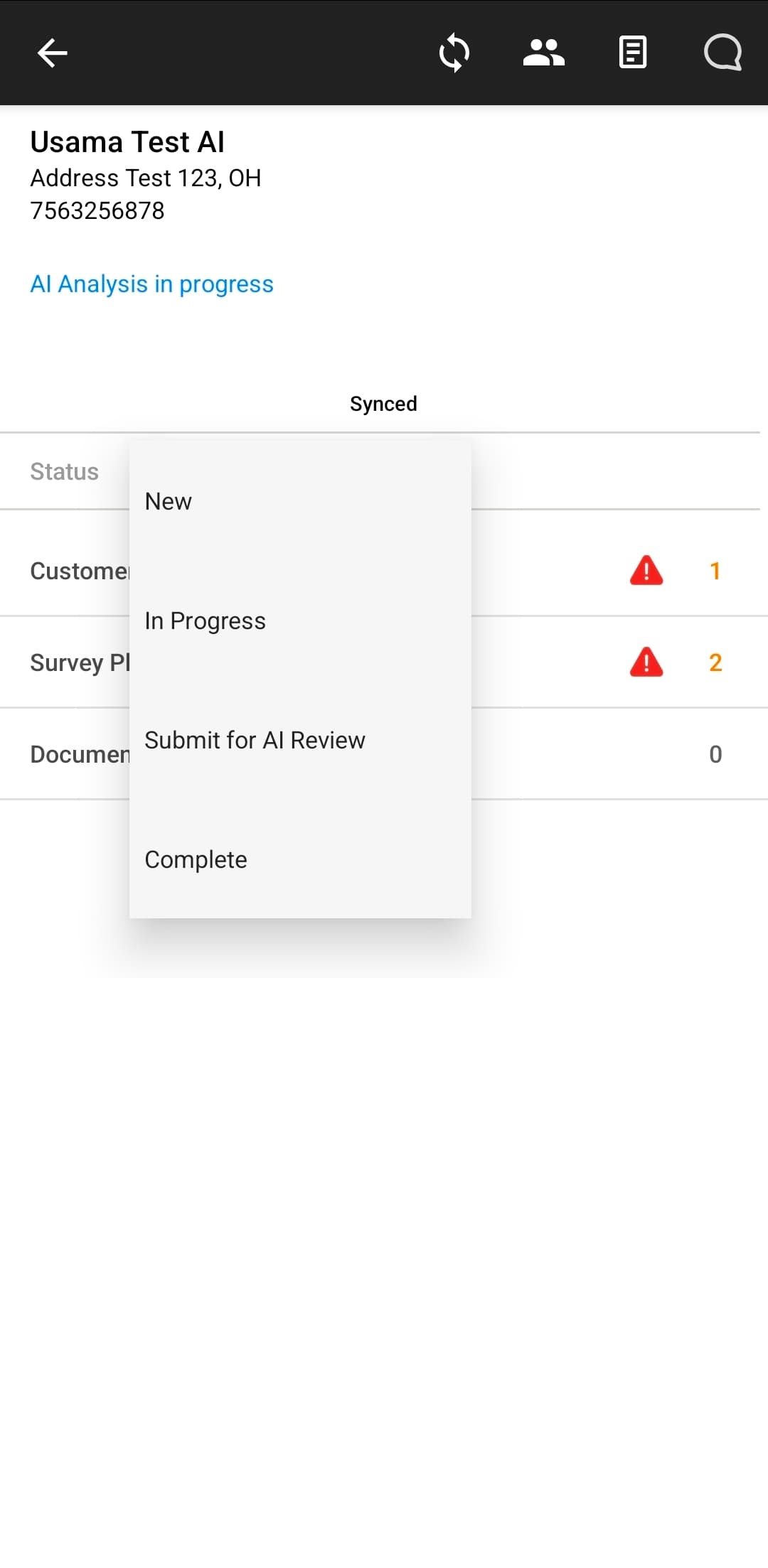
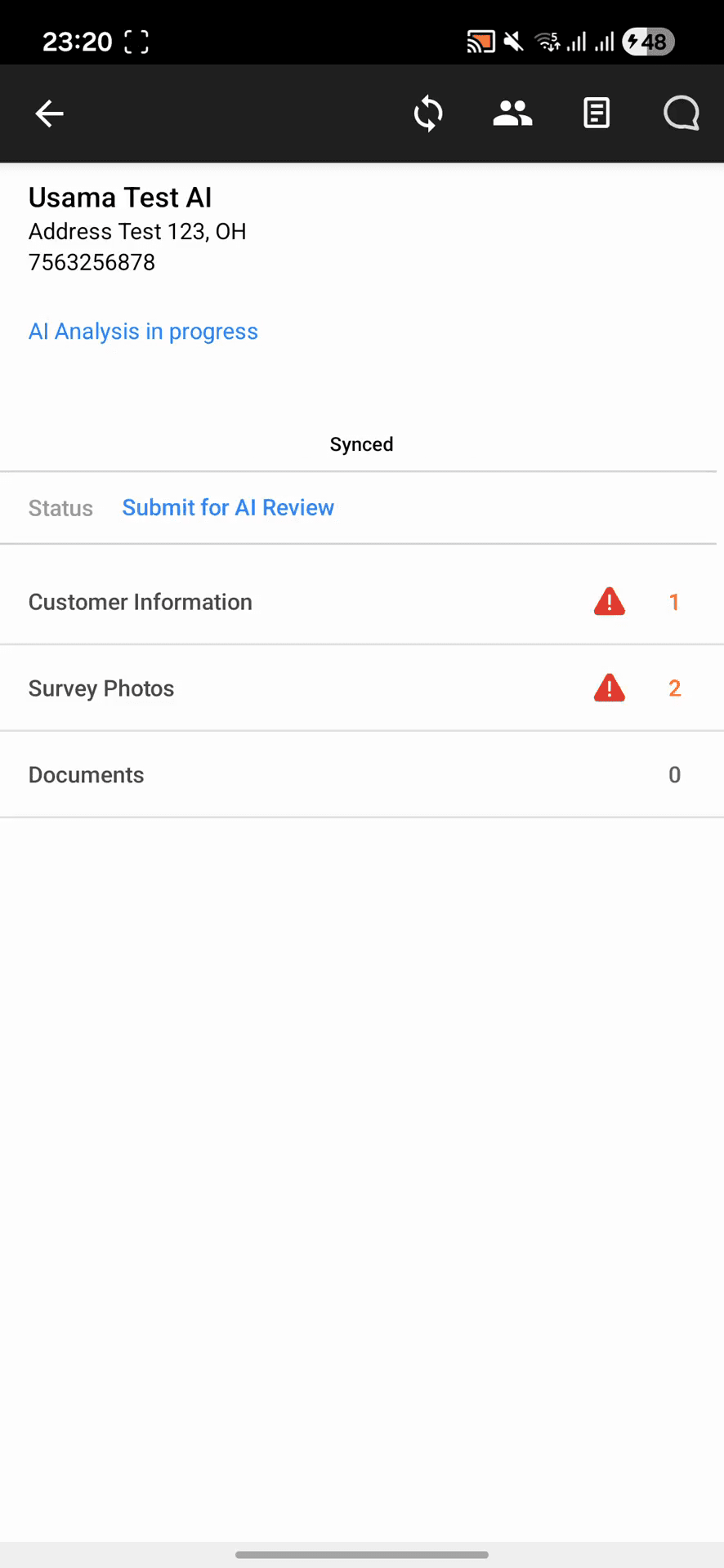
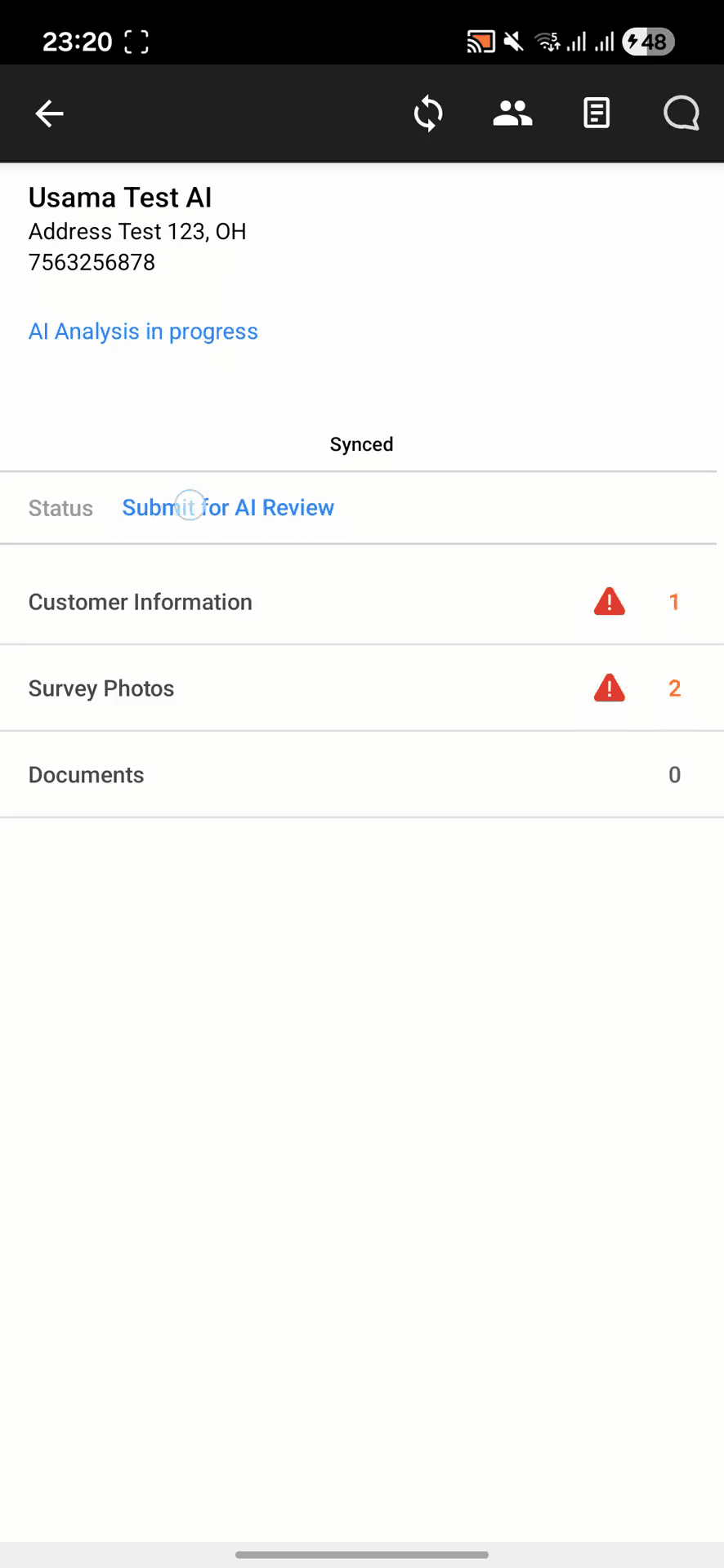
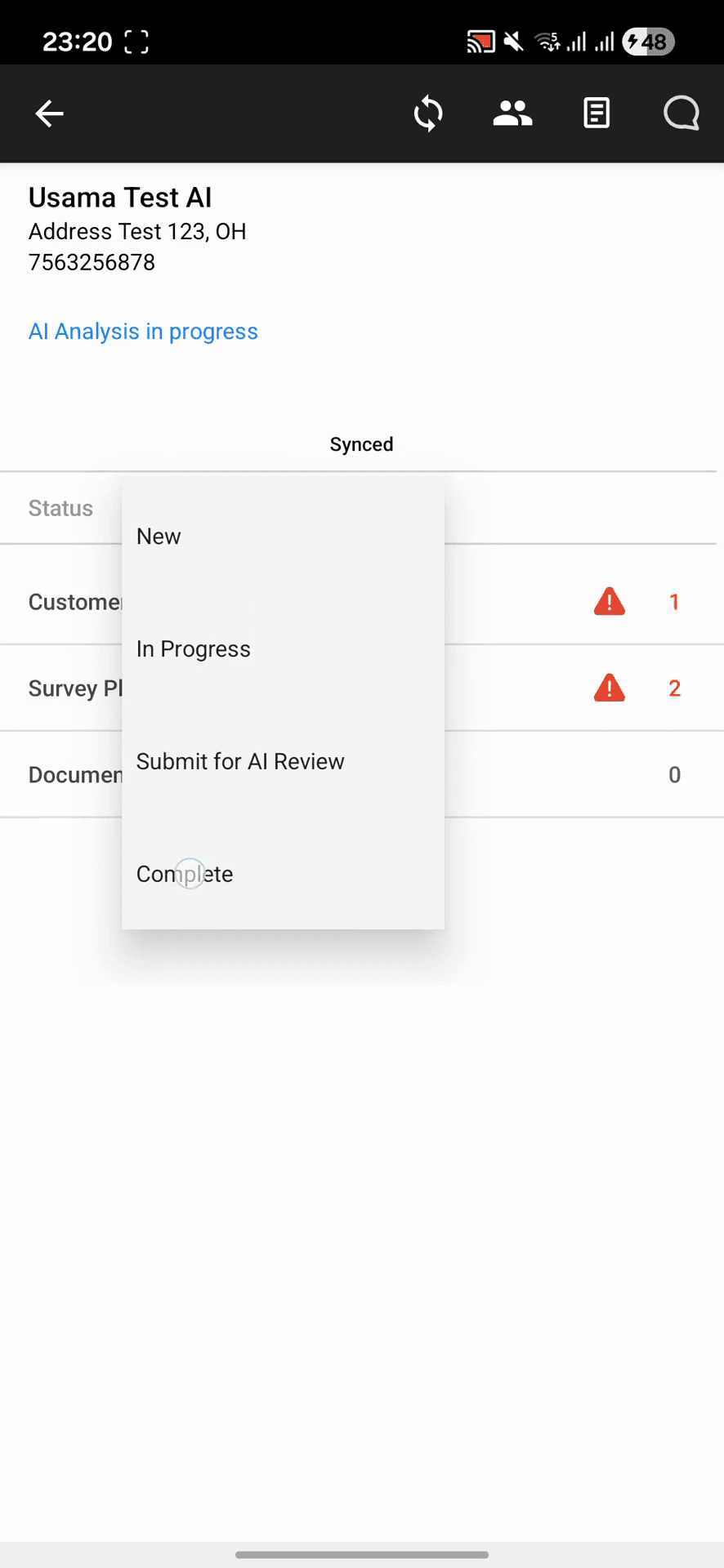
When managing a project, you can update its status through several phases in the dropdown menu:
Status | Description |
|---|---|
New | The project is assigned but work hasn't started. |
In Progress | Data collection and photo capture are actively occurring. |
Submit for AI Review | All data is collected and sent for automated validation checks. |
Complete | Validations are resolved and the job is finished. |
Q: Why can't I mark the project as "Complete" immediately after taking photos?
A: You must submit the photos for AI review first. Any resulting validation failures must be reviewed and resolved before the system will allow you to close out the project.
Q: How do I fix a validation failure on an image if the image is actually correct?
A: Open the flagged image to review the AI alert. You can add an explanatory caption (such as "This is approved") to justify the photo, which allows you to override the warning and proceed.
Term | Definition |
|---|---|
AI Review | An automated system process that scans uploaded project photos to ensure they meet required quality and content standards. |
Validation Failure | An alert triggered when a captured image does not pass the automated criteria, requiring manual review or retaking of the photo. |
Sync | The action of uploading local device data and captured photos to the central project database. |