How to Change a Client's Proposition
Learn how to update a client's service status and adjust individual plan propositions.
By Elliott Potter
Updating a client's proposition requires modifying their overall service status and verifying that their individual plans reflect the correct proposition.
Update Client Service Status
Navigate to the specific client's profile before starting.
1
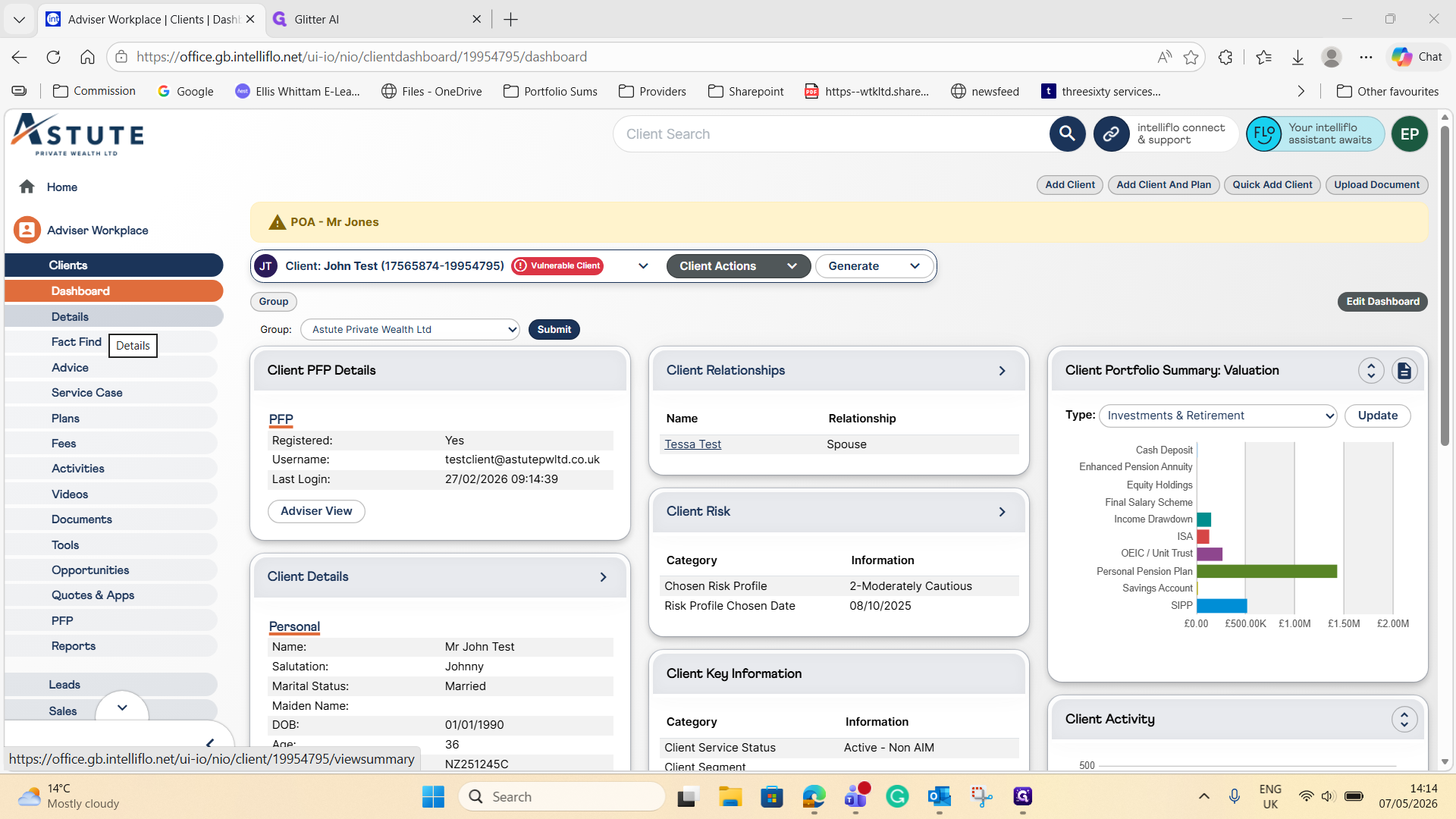
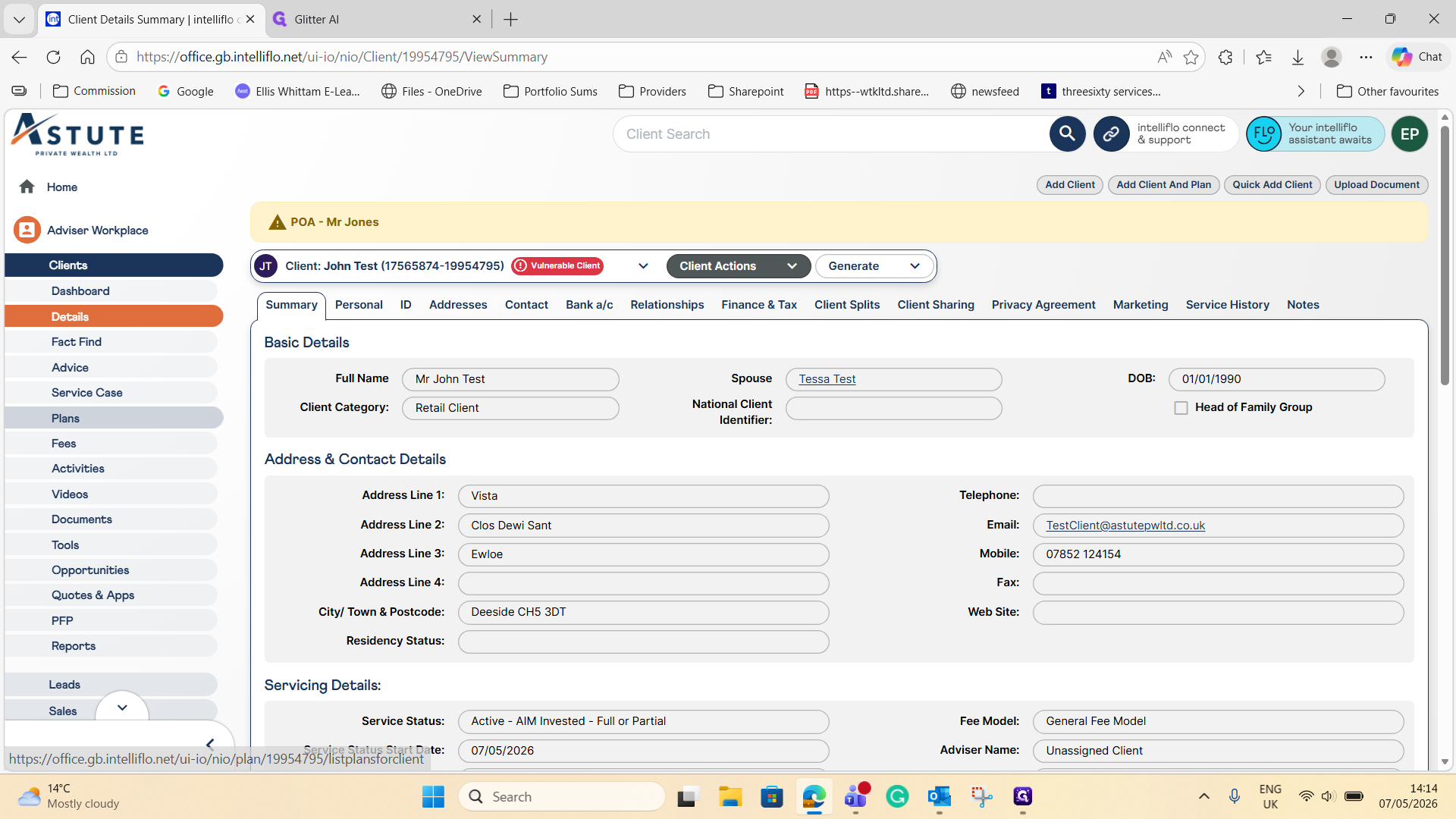
Click Details in the left-hand navigation pane.
2
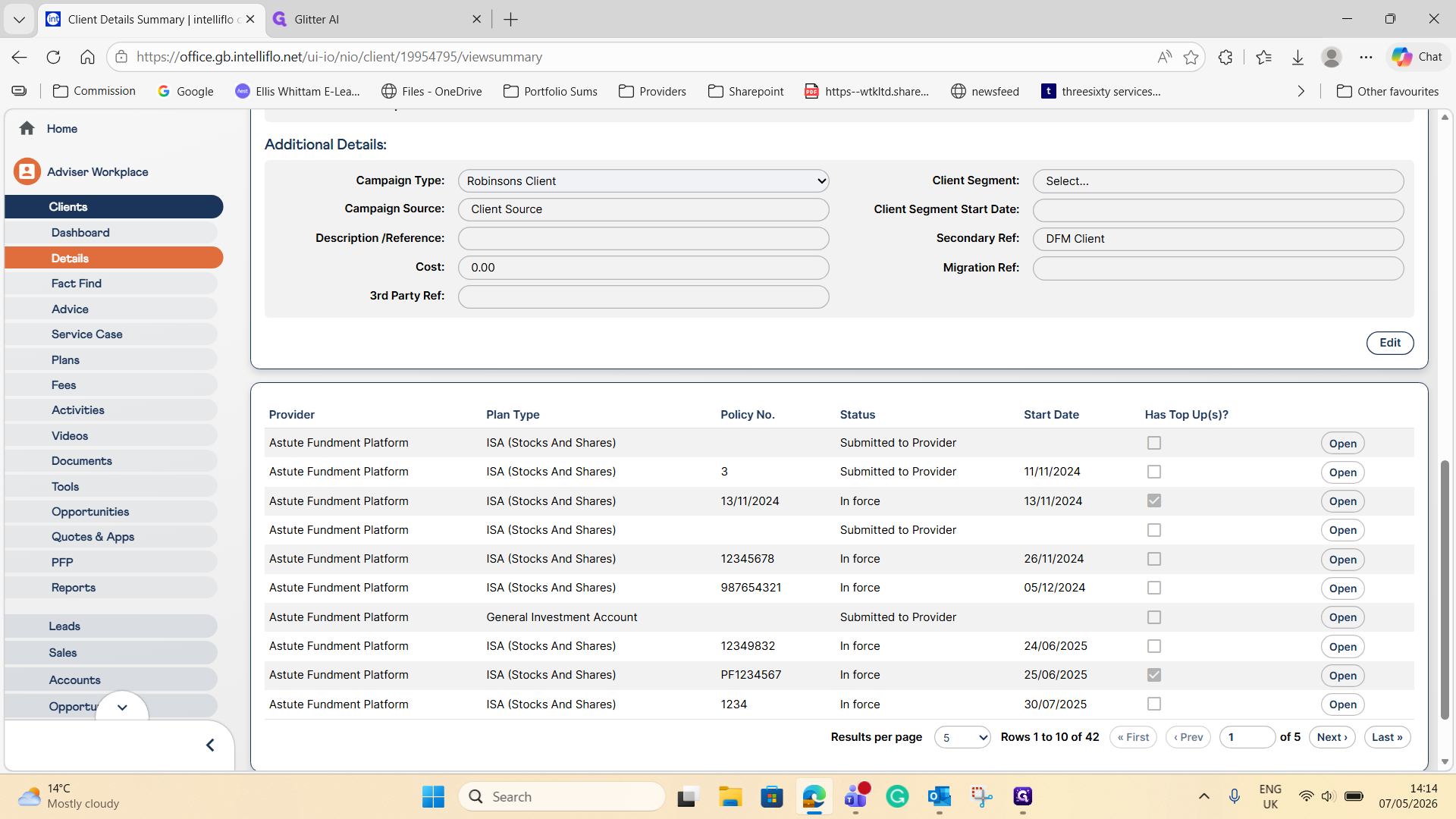
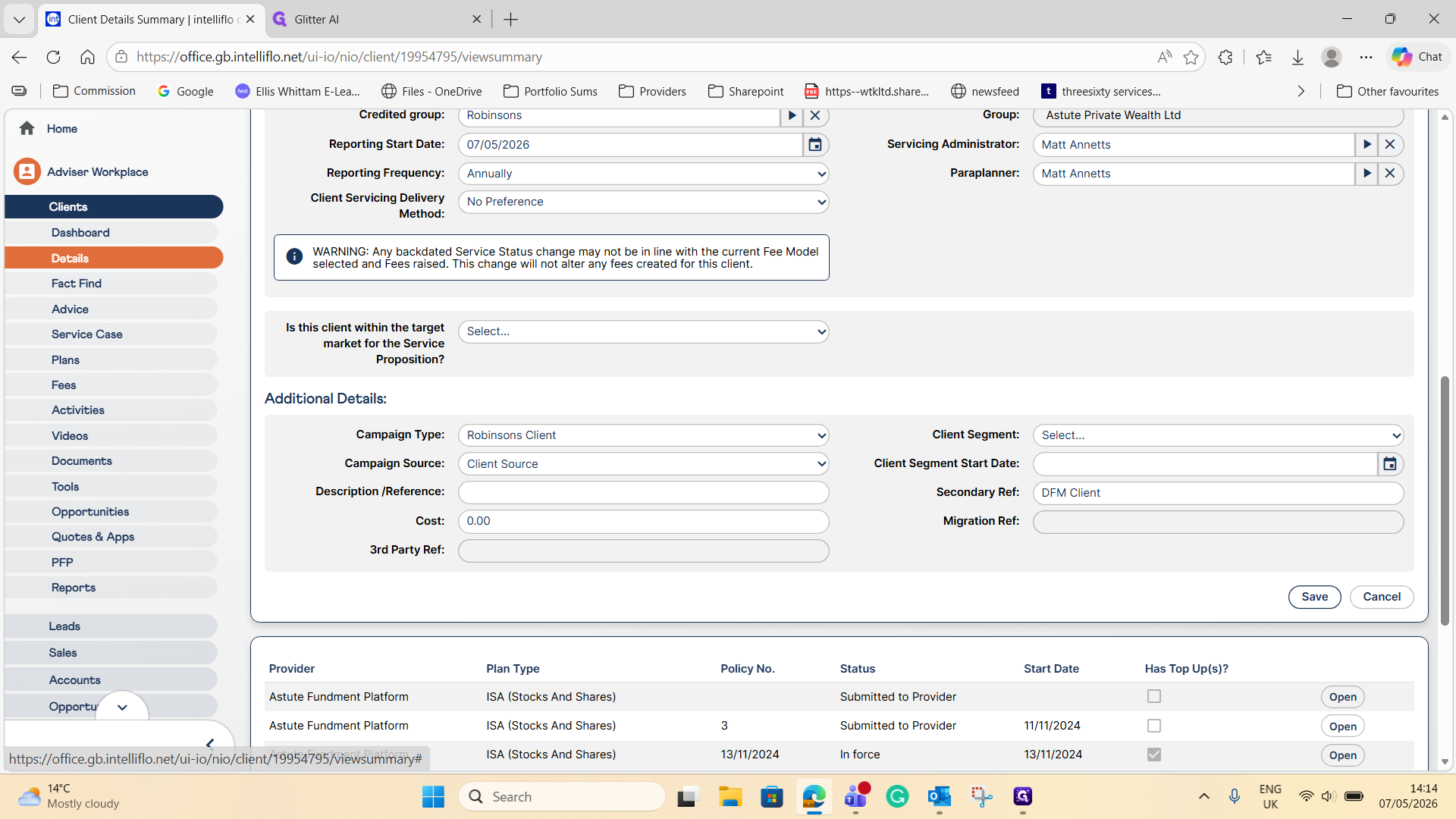
Click Edit on the Client Details Summary page to enable the grayed-out fields.
3
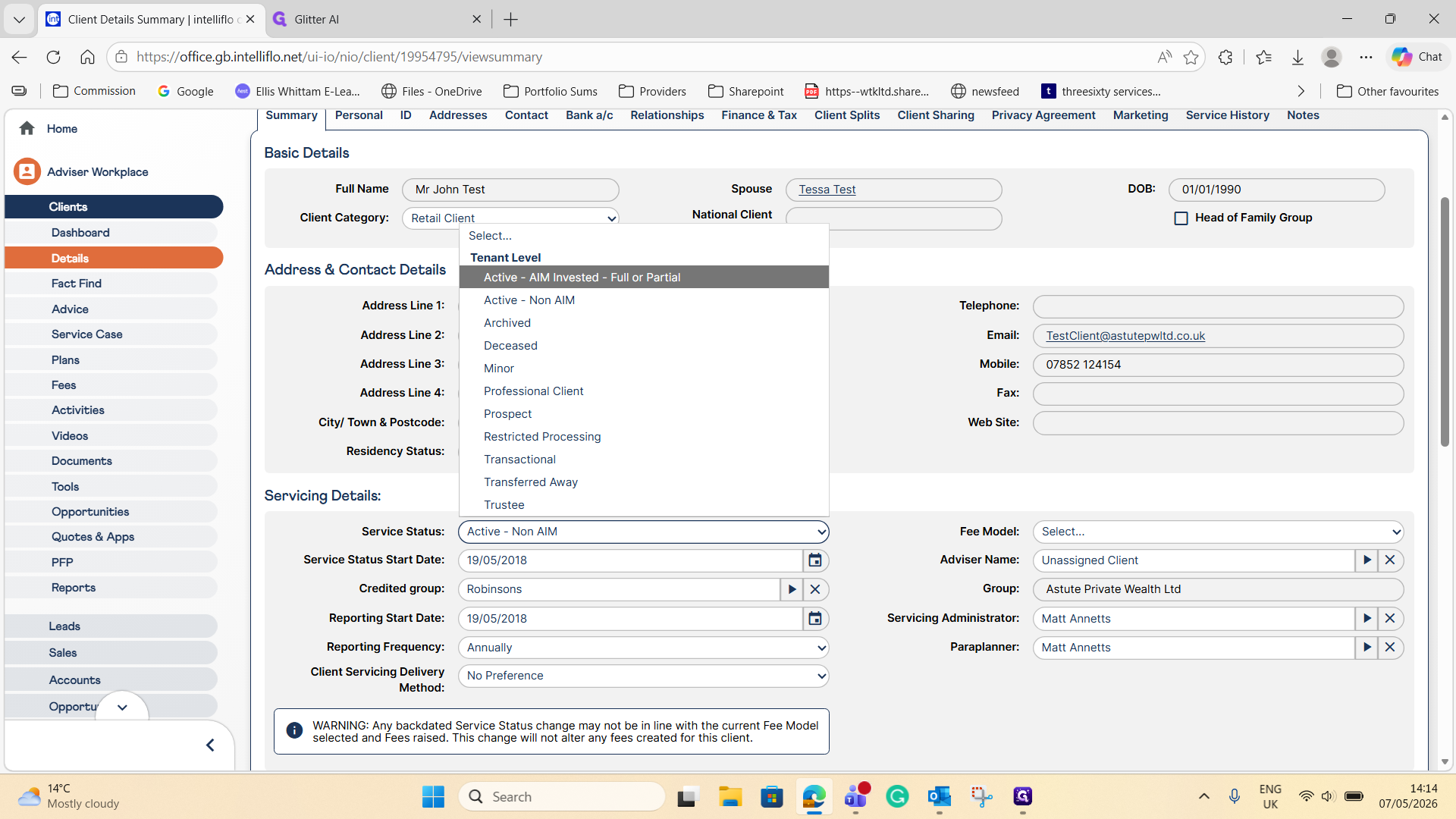
Open the Service Status dropdown and select Active - AIM Invested - Full or Partial.
4
Click Save to apply the new service status.
Update Plan Proposition
You may also need to update the proposition within the client's individual plans.
5
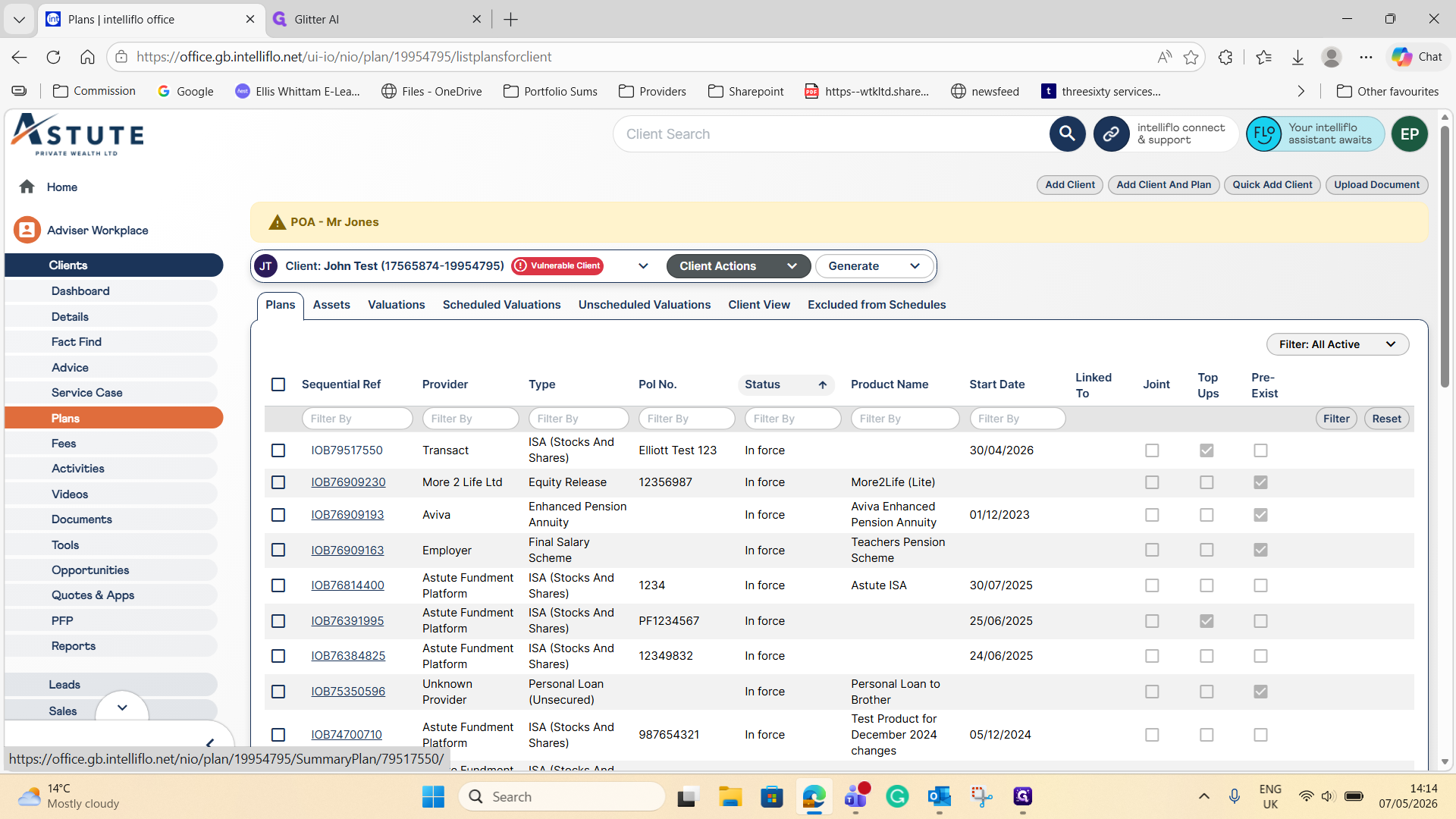
Click Plans in the left-hand navigation pane.
6
Select the specific plan that needs updating (for example, IOB79517550).
7
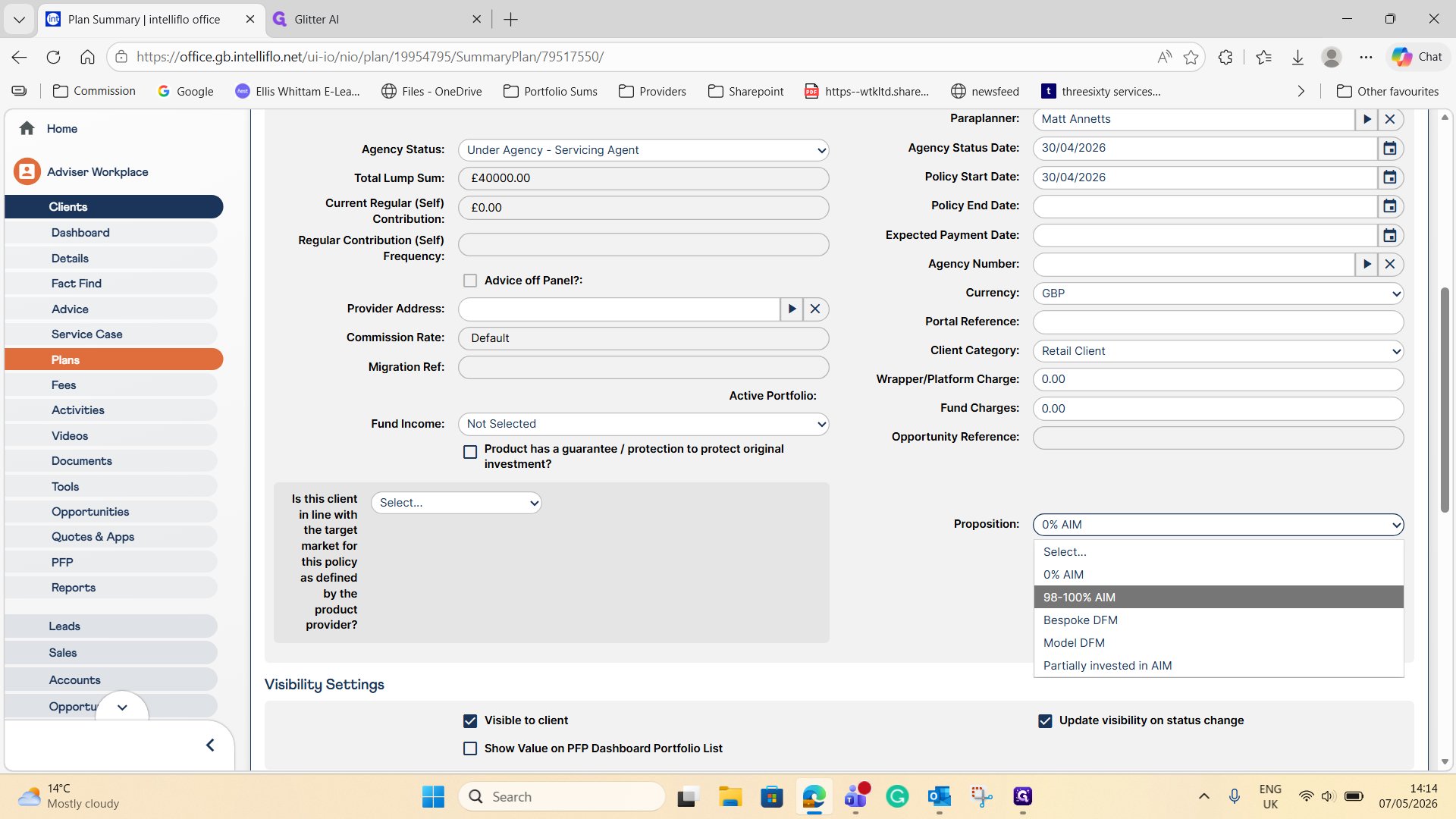
Locate the Proposition dropdown on the right-hand side and select the appropriate option, such as 98-100 % AIM.
8
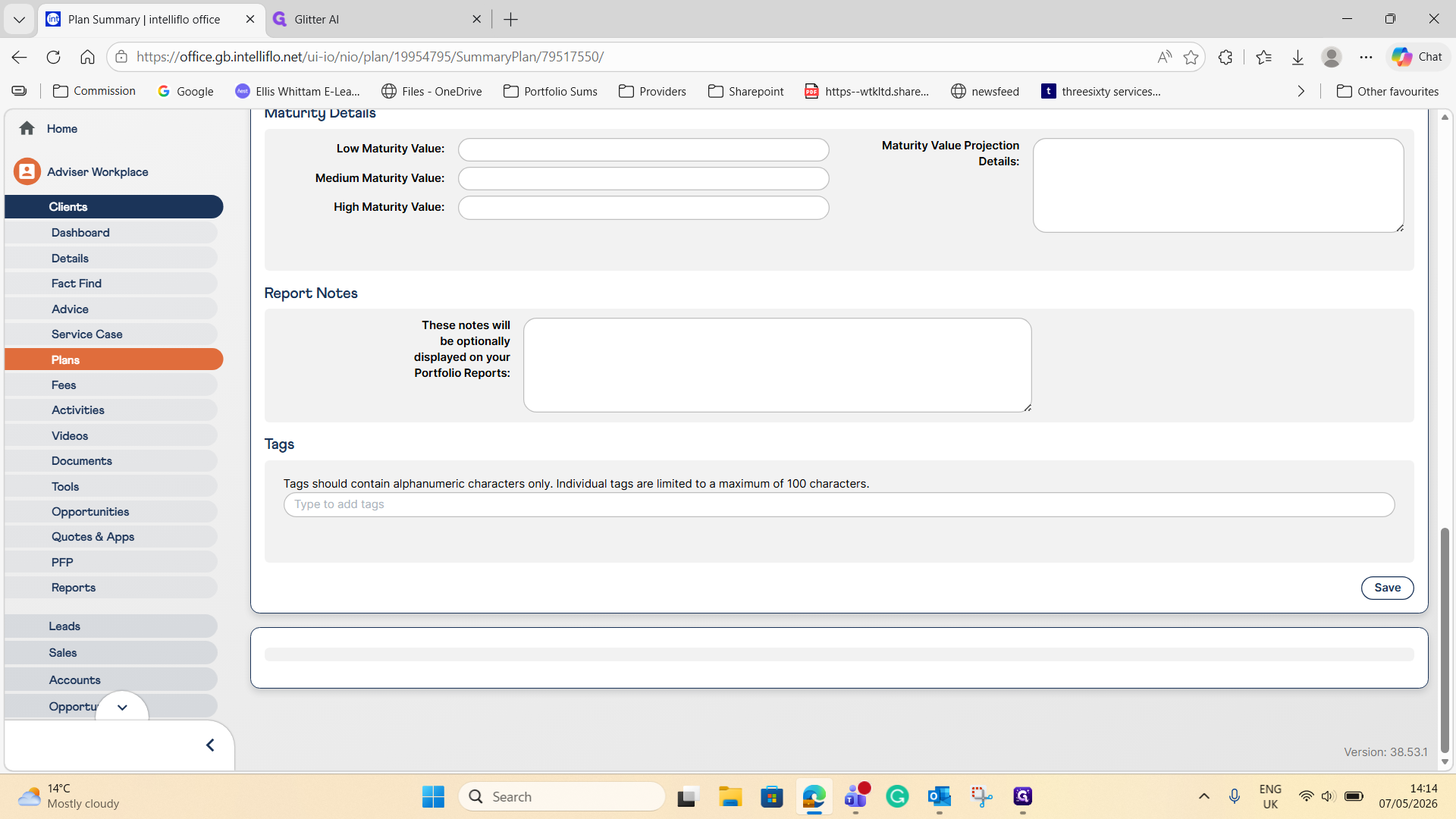
Click Save at the bottom of the form.