
How to Change the Retail Selling Price of a Variant
Learn how to easily update the net and gross Retail Selling Price (RSP) of a product variant in your inventory management system.
This guide explains how to update the Retail Selling Price (RSP) of a product variant. Completing this ensures your sales system reflects the most accurate and up-to-date pricing for both net and gross amounts.
This applies to inventory managers and sales administrators who need to adjust product pricing during catalog updates or routine price changes.
Navigate to the stock menu to view your product variants.
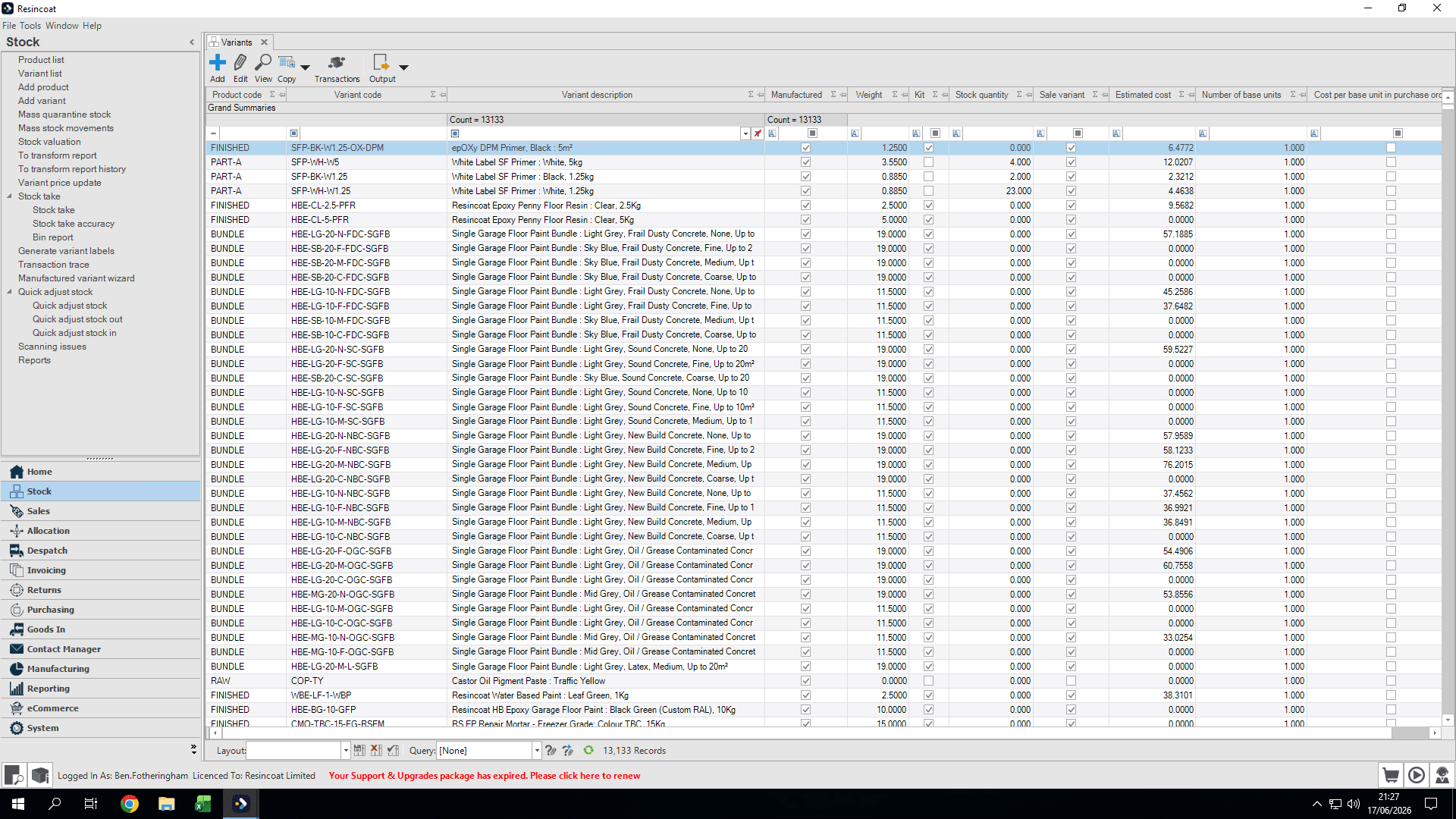
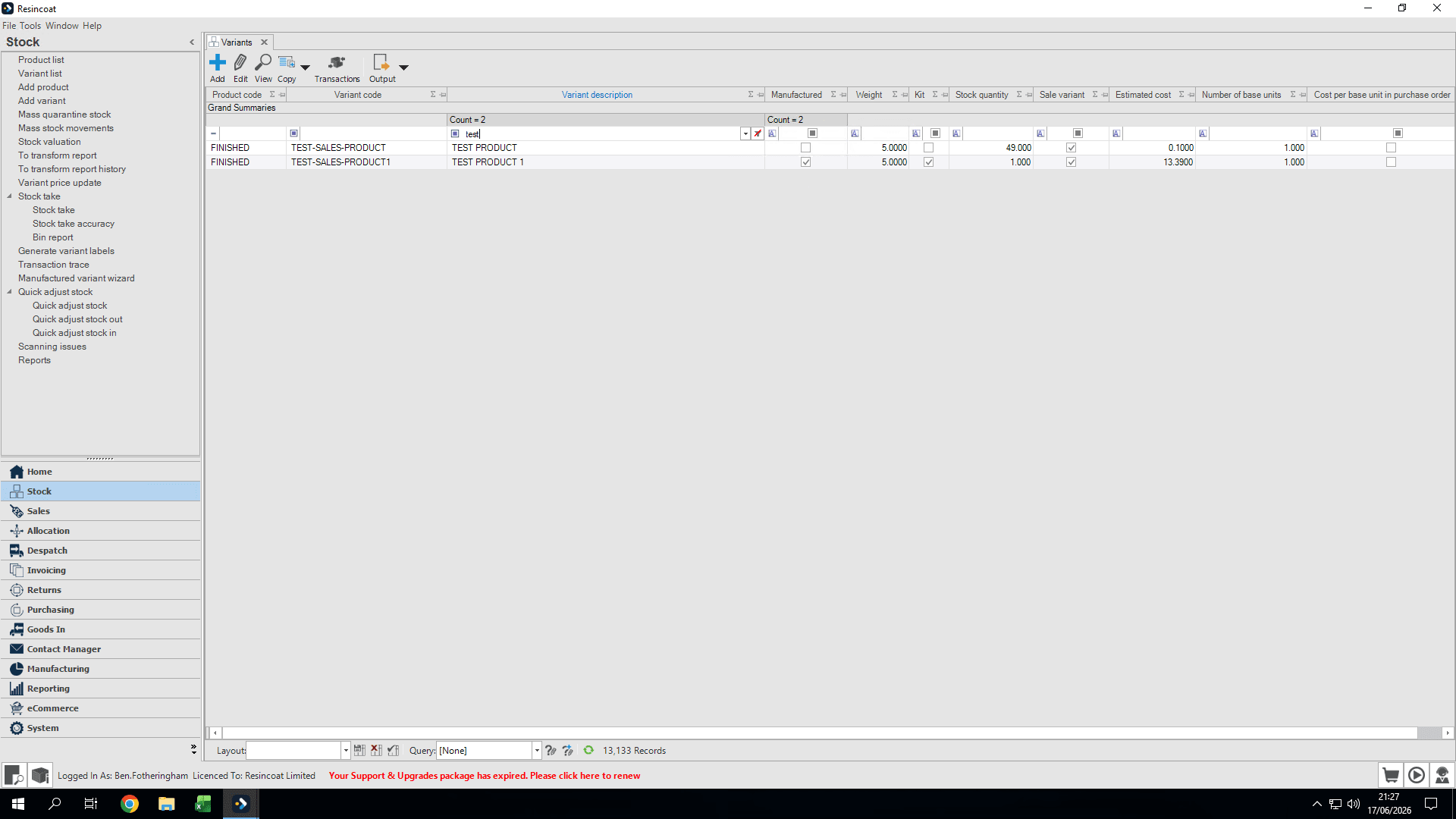
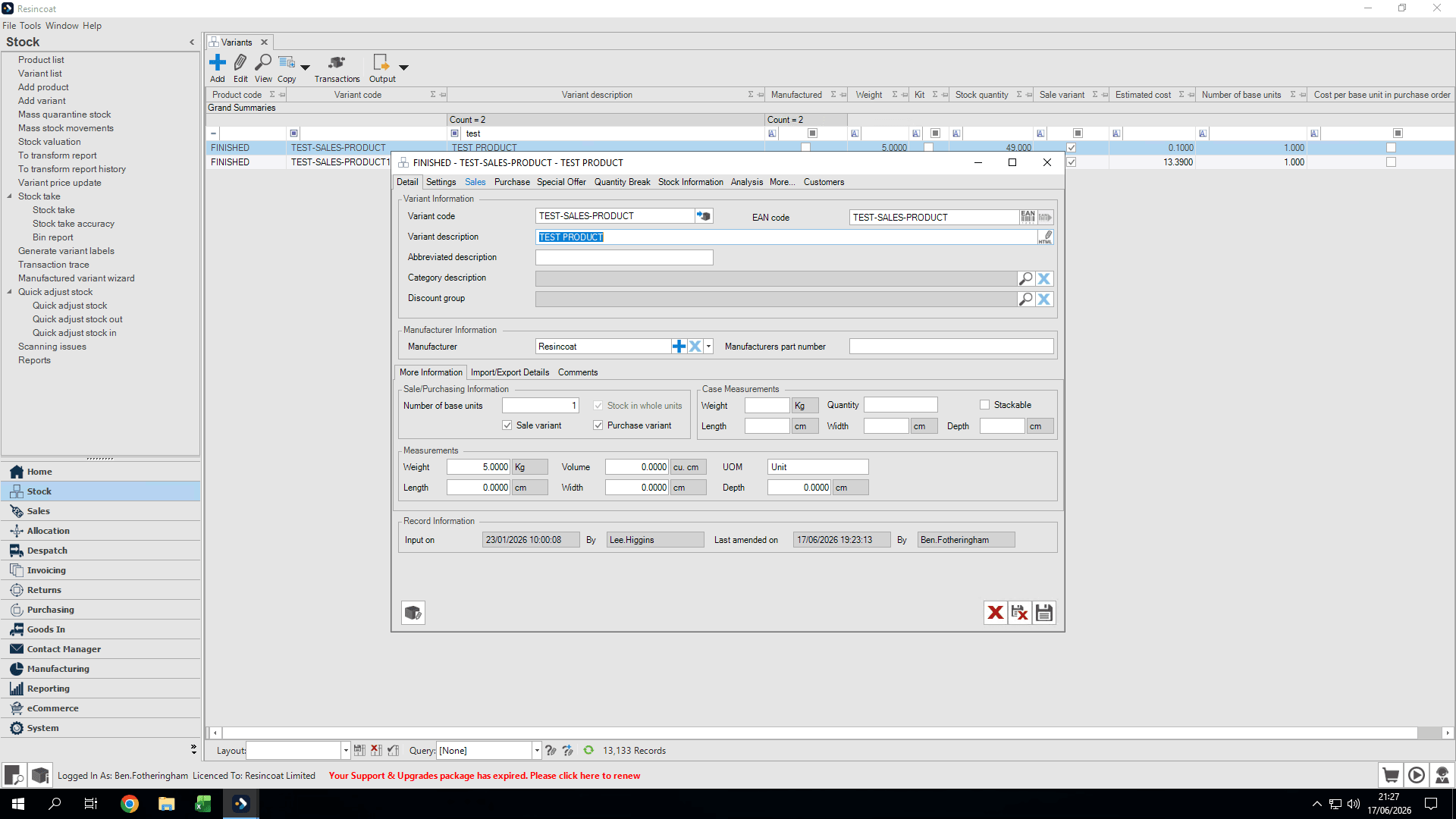
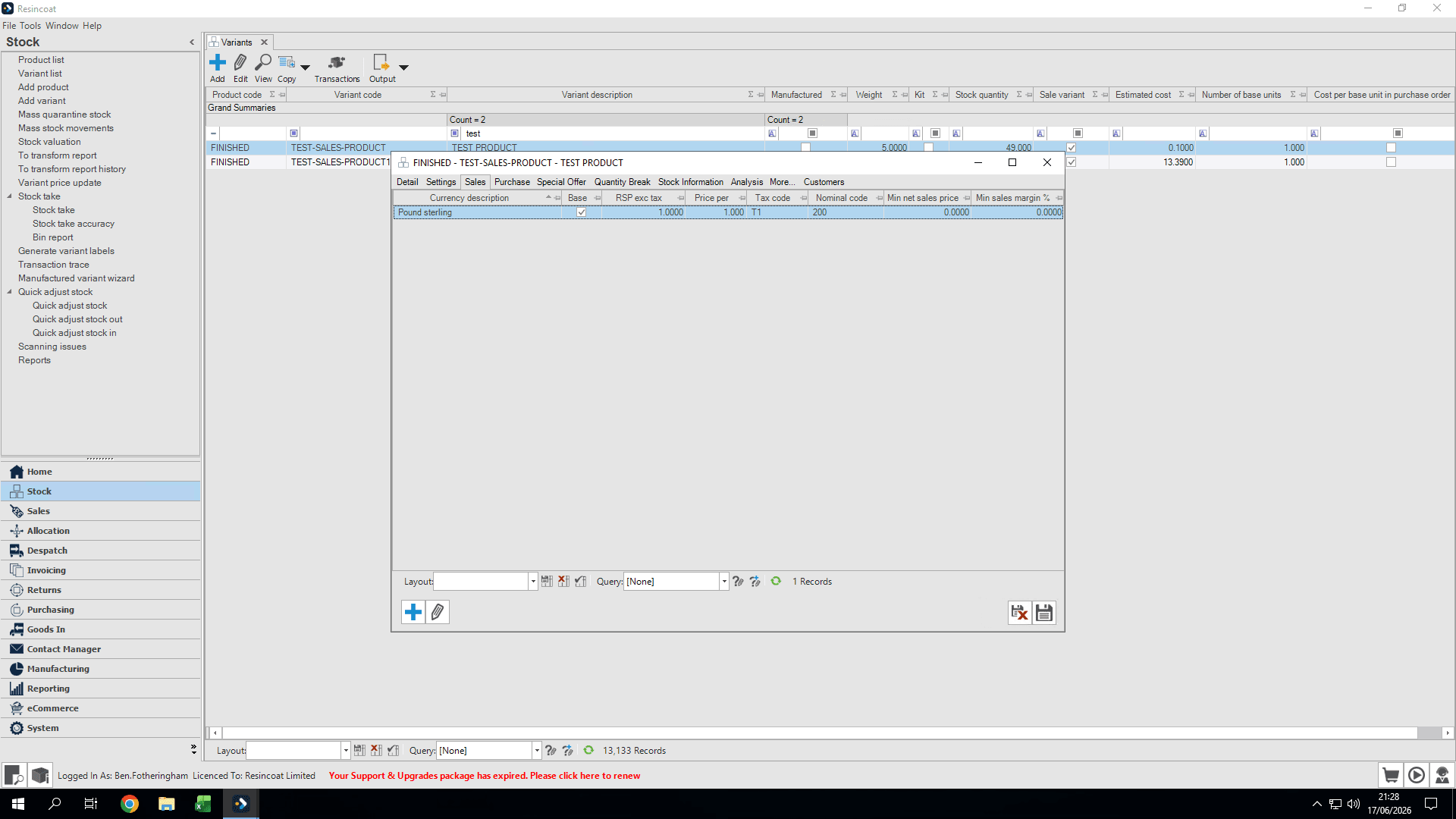
You can update either the net (ex-VAT) or gross (inc-VAT) price. The system will automatically calculate the other value based on your settings.
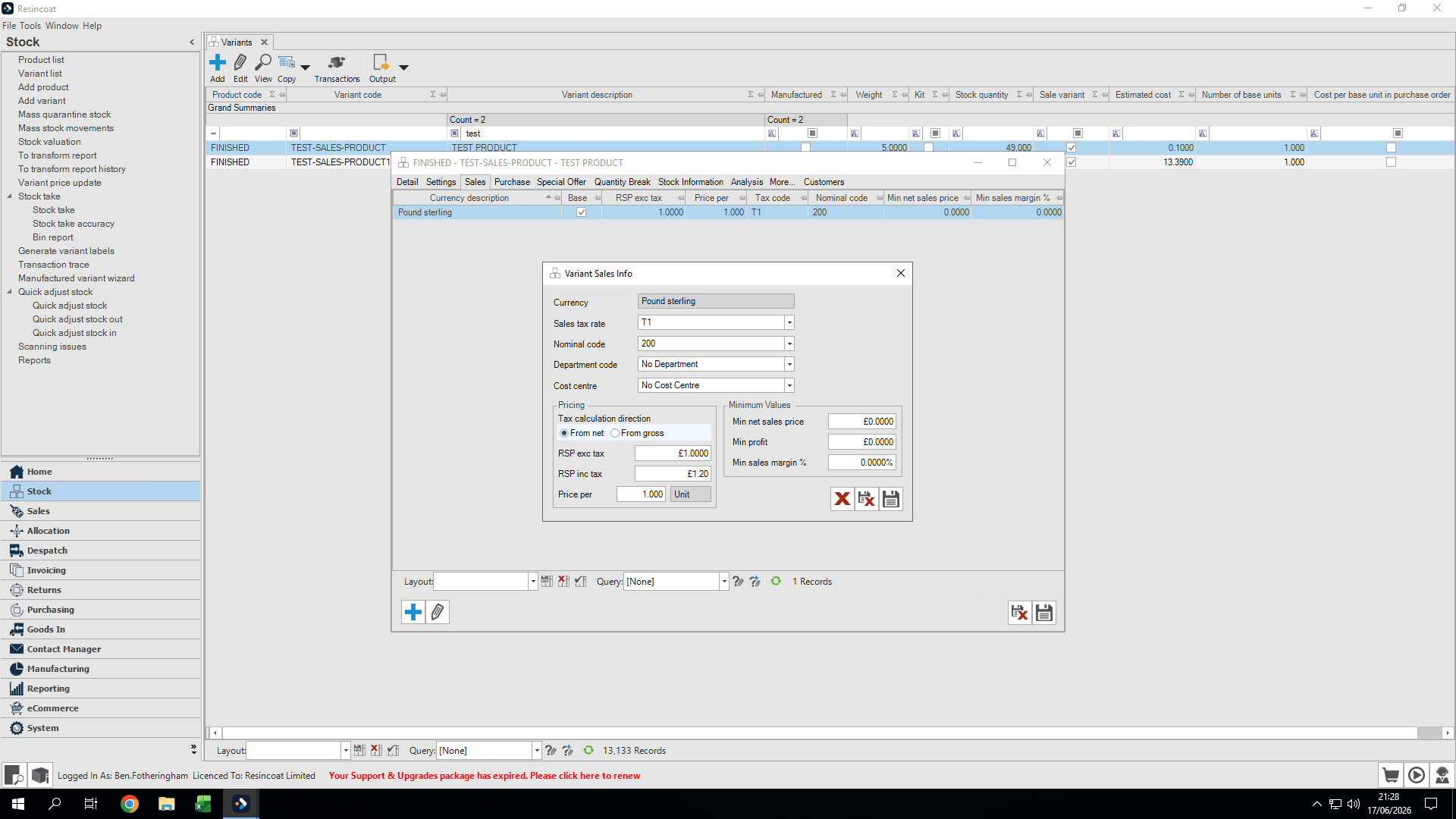
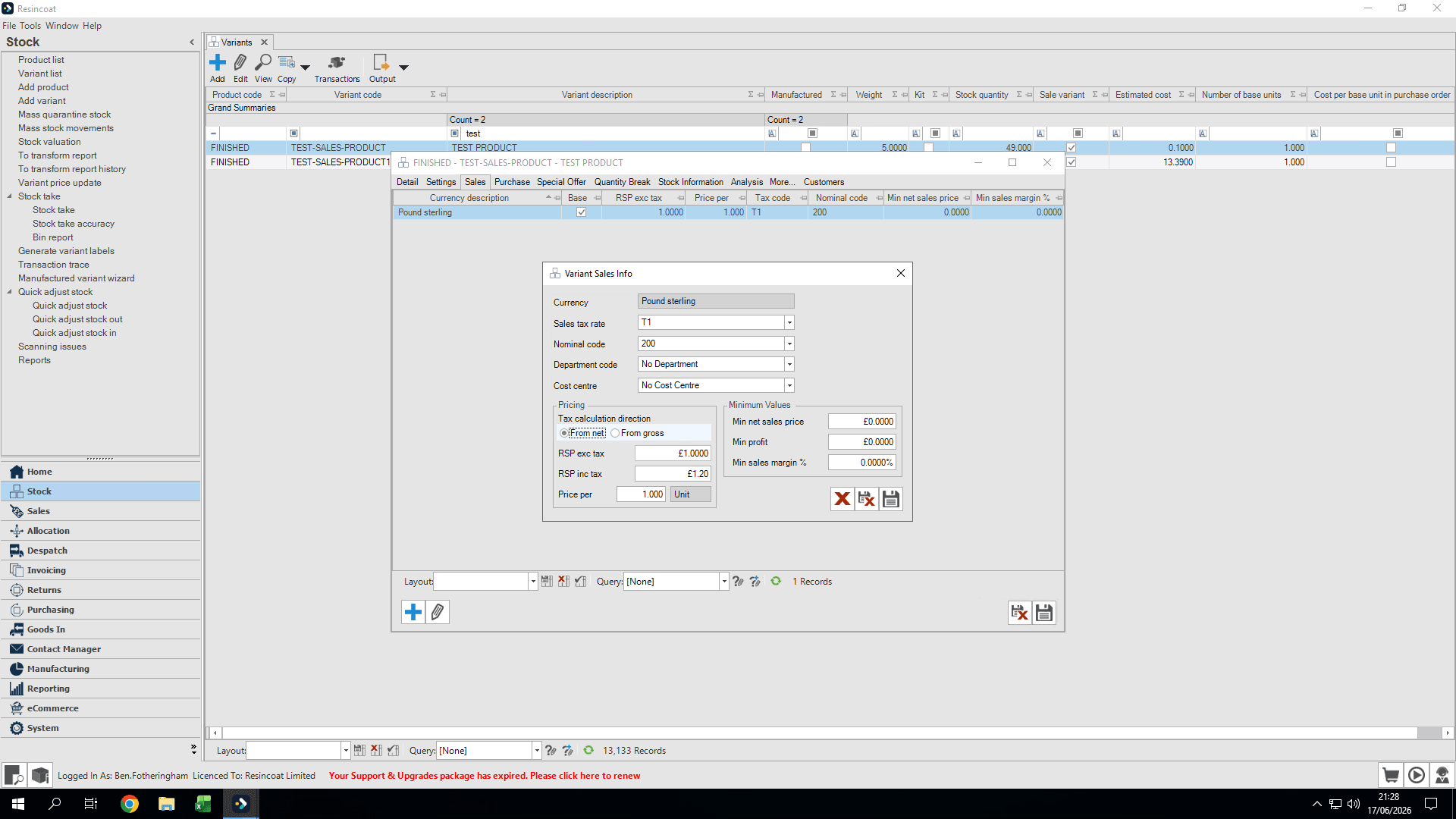
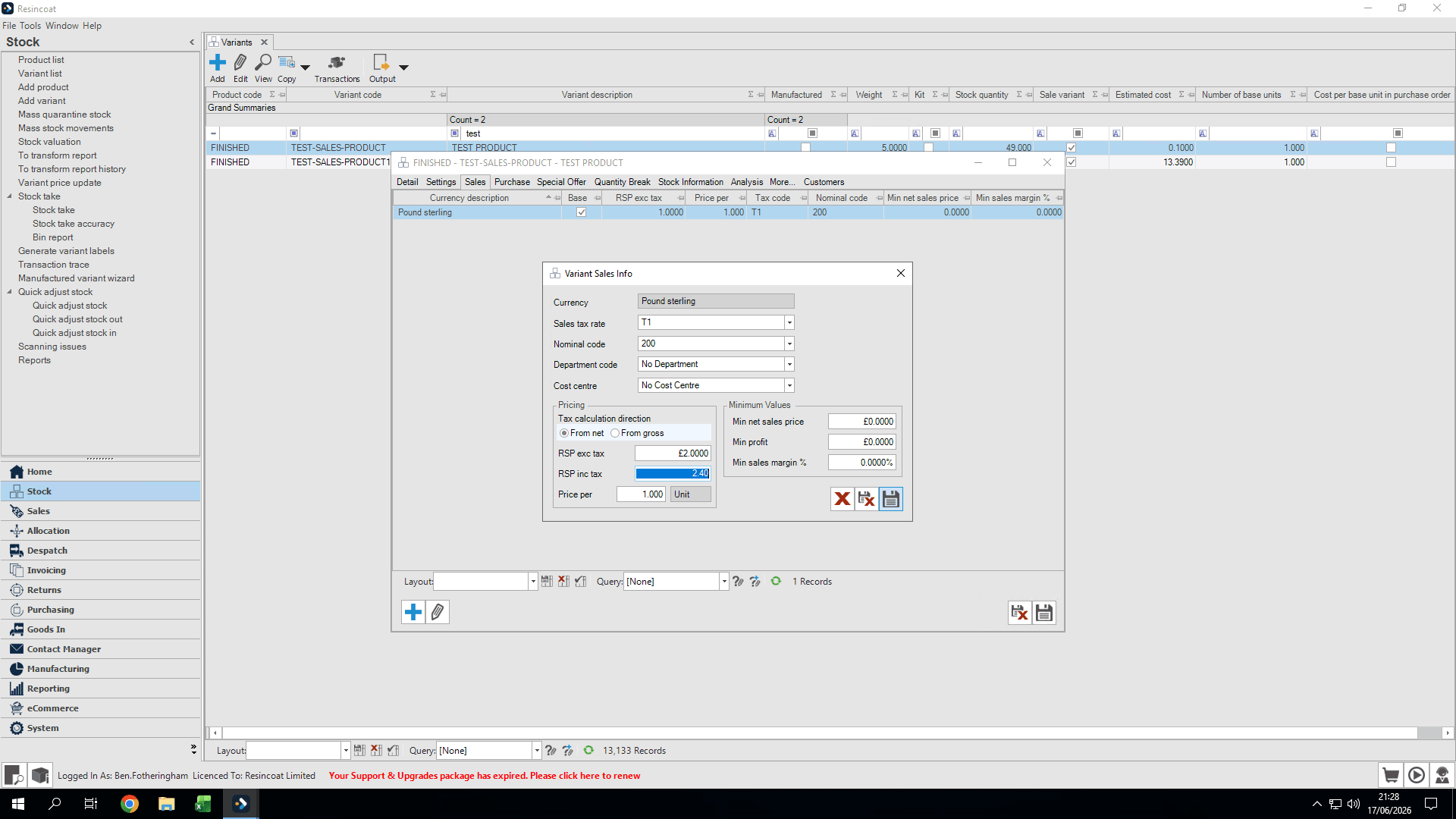
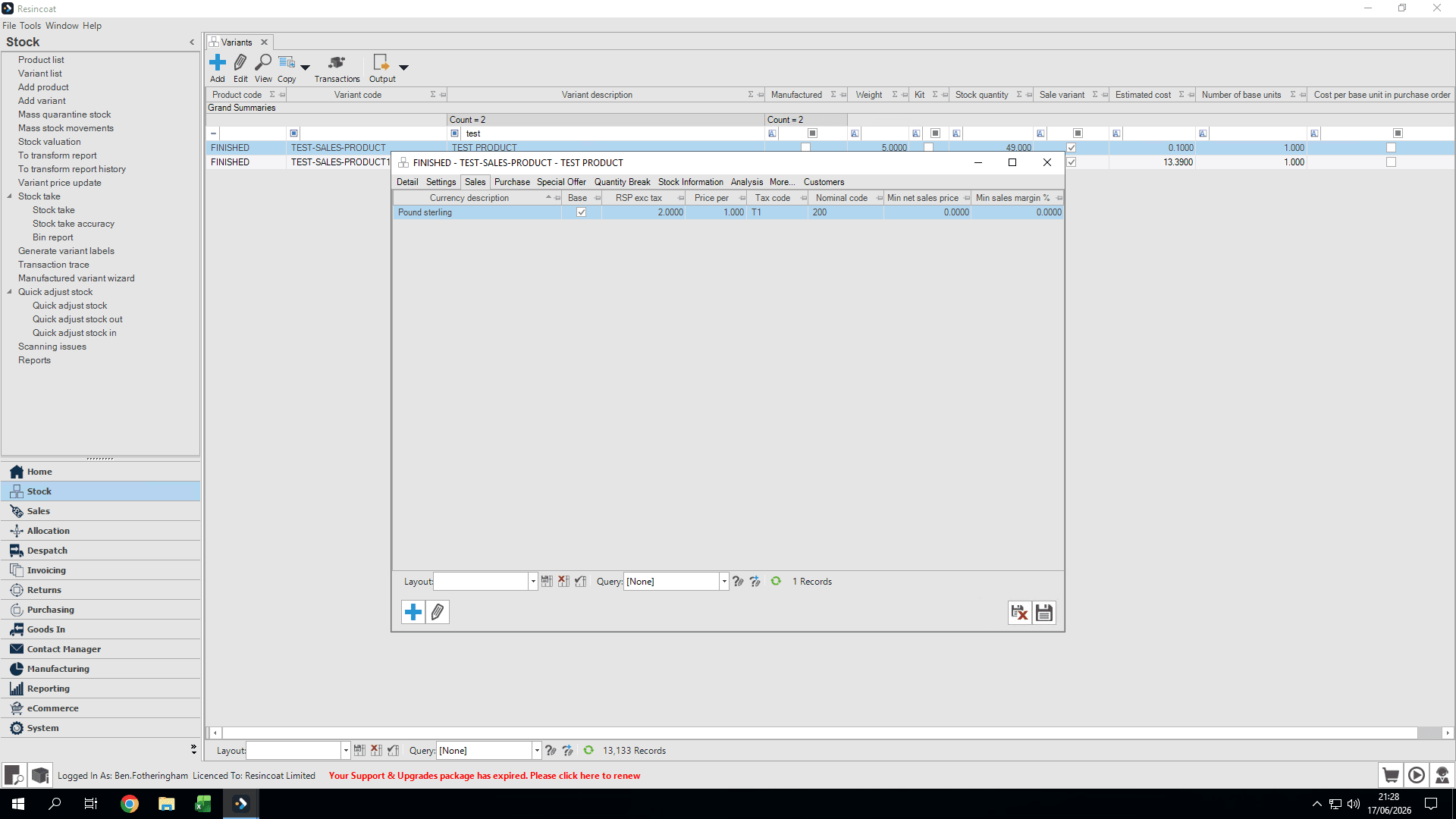
Verify the updated price in the summary on the main variant page.
Q: Do I need to manually calculate the price with VAT?
A: No, the system will automatically calculate the gross (inc-VAT) price if you enter the net price and set the calculation method to "From net".
Term | Definition |
|---|---|
RSP | Retail Selling Price, which is the final price a product is sold for. |
Variant | A specific version of a product in inventory, often varying by attributes like size or color. |
Ex-VAT (Net Price) | The selling price of a product before Value Added Tax is applied. |
Inc-VAT (Gross Price) | The final selling price of a product including Value Added Tax. |