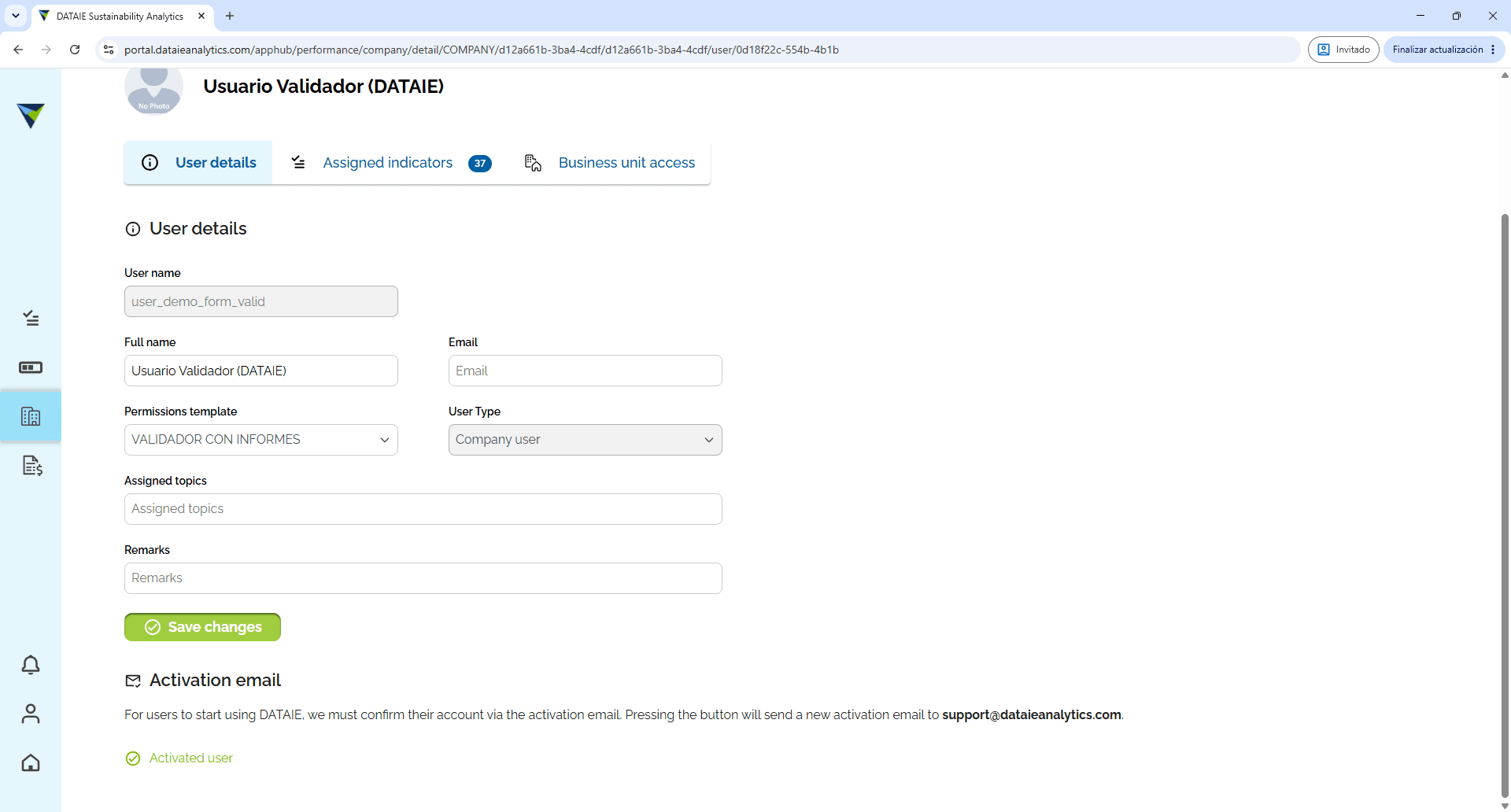
Changing the template for an existing user
Learn how to update user permissions and role templates in DATAIÉ Sustainability Analytics.
By Soporte DATAIE
Purpose
This guide explains how to modify the permissions template for a user who is already active in DATAIE and has the ADMINISTRATOR and DATAIE CONSULTANT profiles. Once this procedure has been completed, the template assigned to the user is updated and the new access permissions are saved.
1
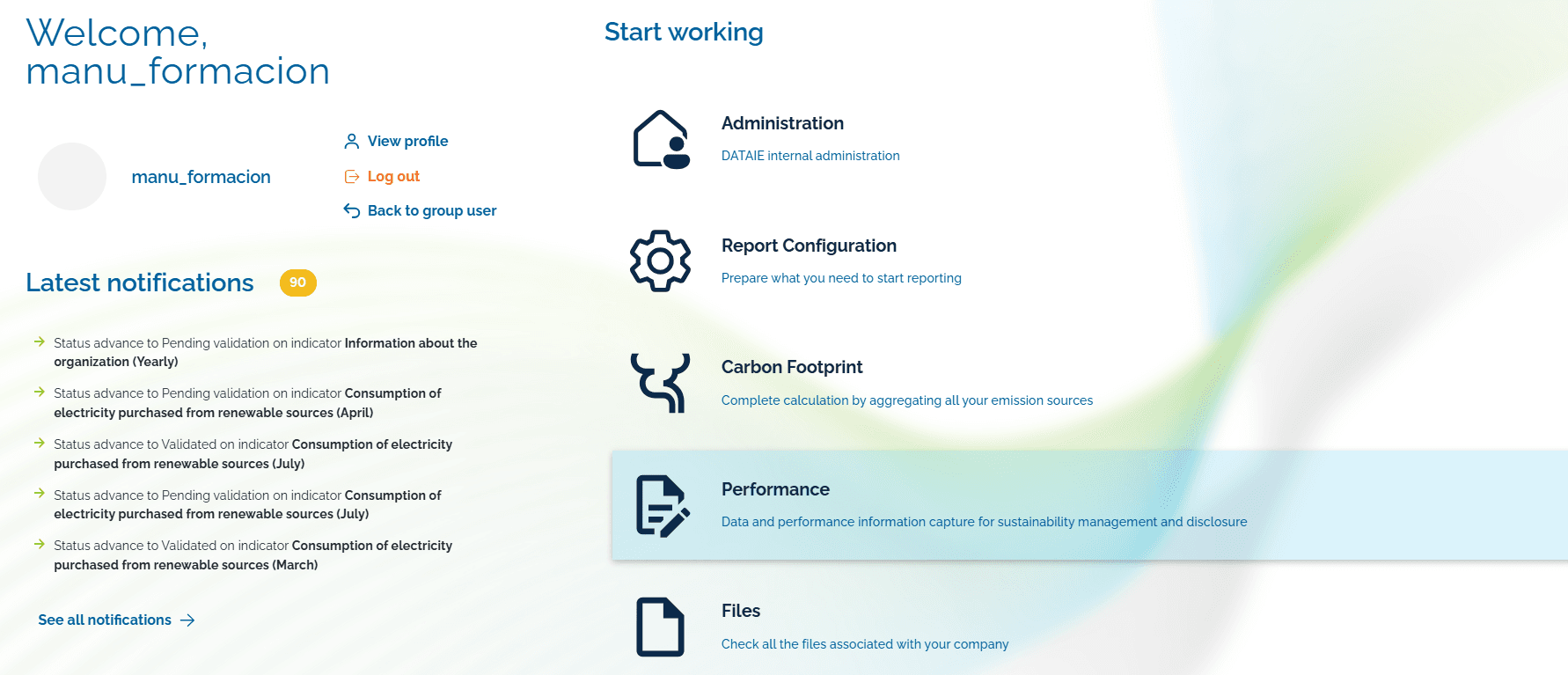
Click on Performance.
2
3
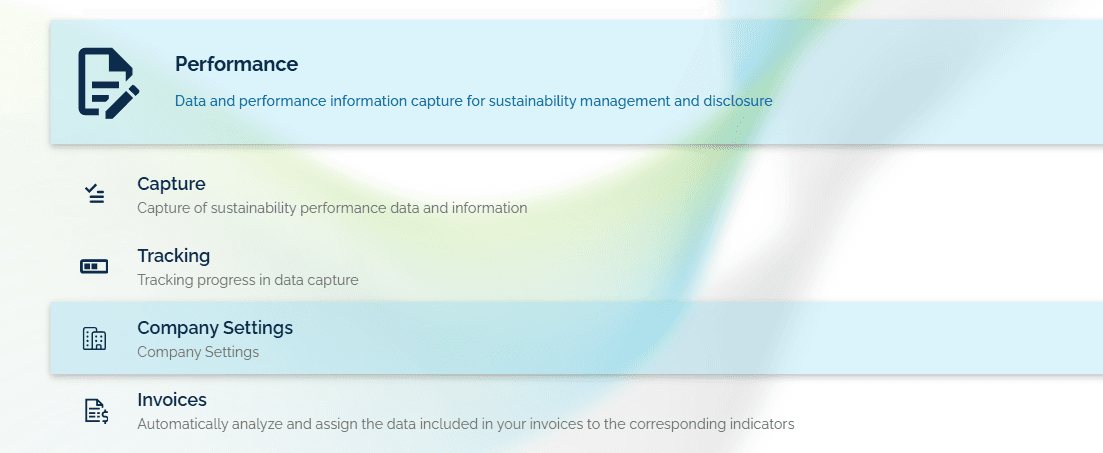
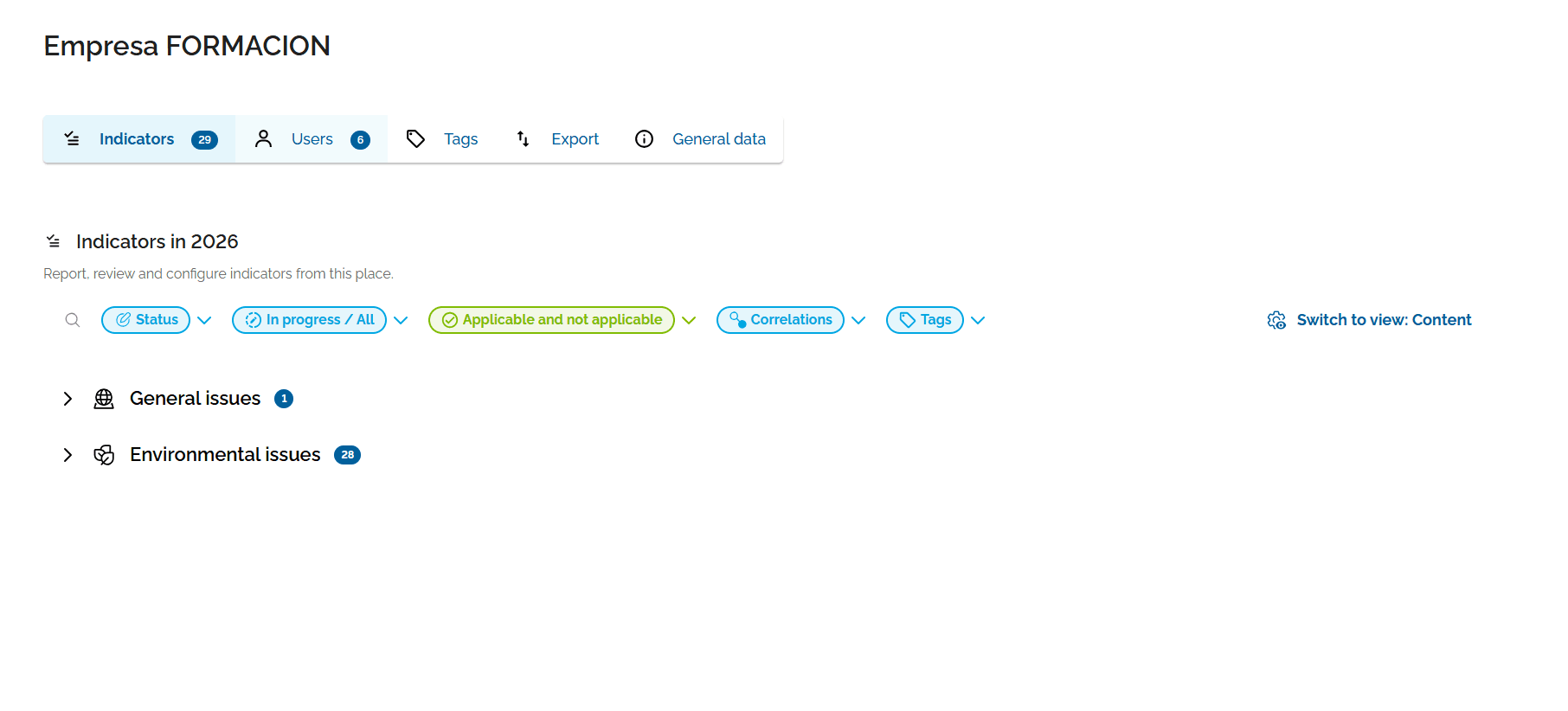
Click on the Company tab to open the company settings.
4
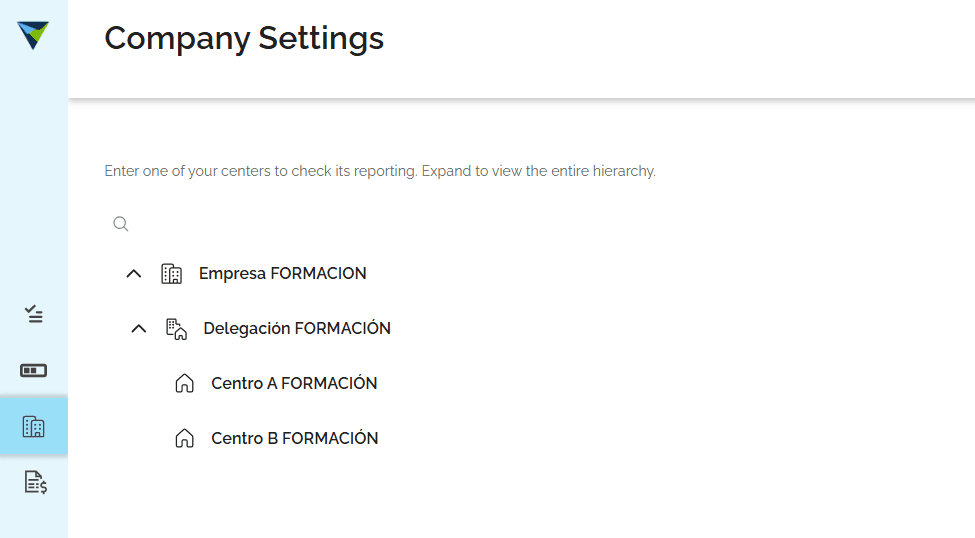
Click on the Users tab.
5
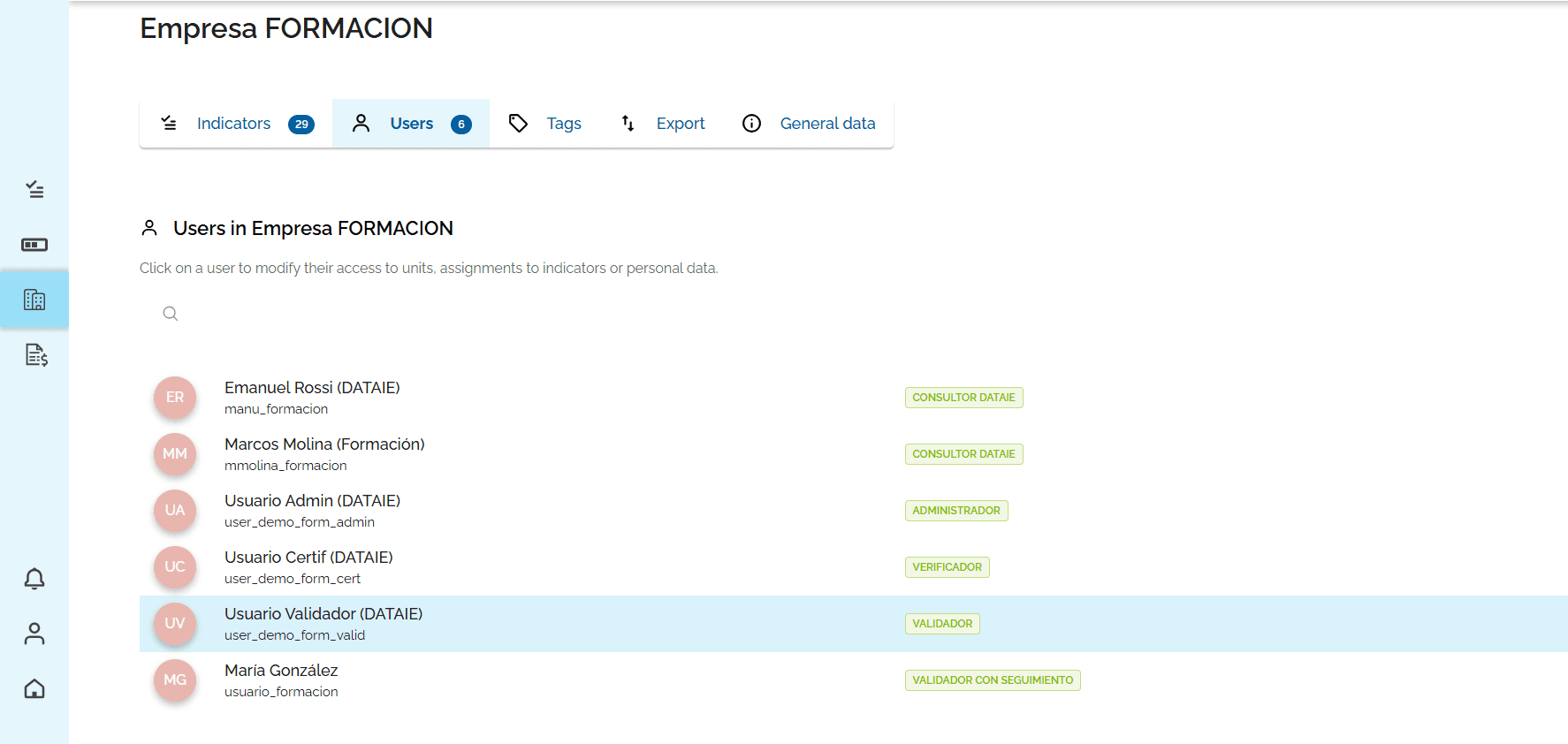
Click the user row to open their user details form.
6
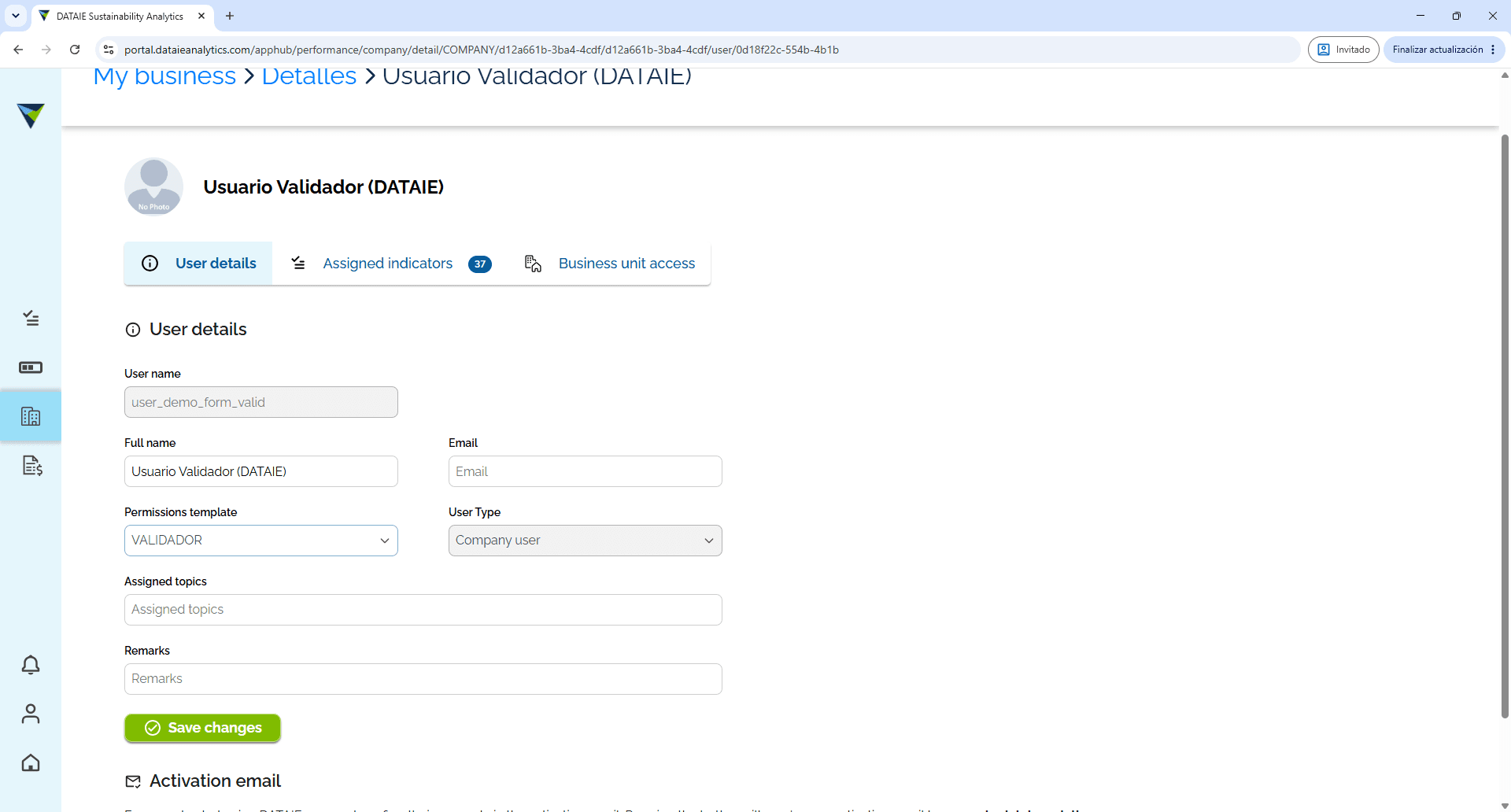
Click the Permissions template dropdown menu.
7
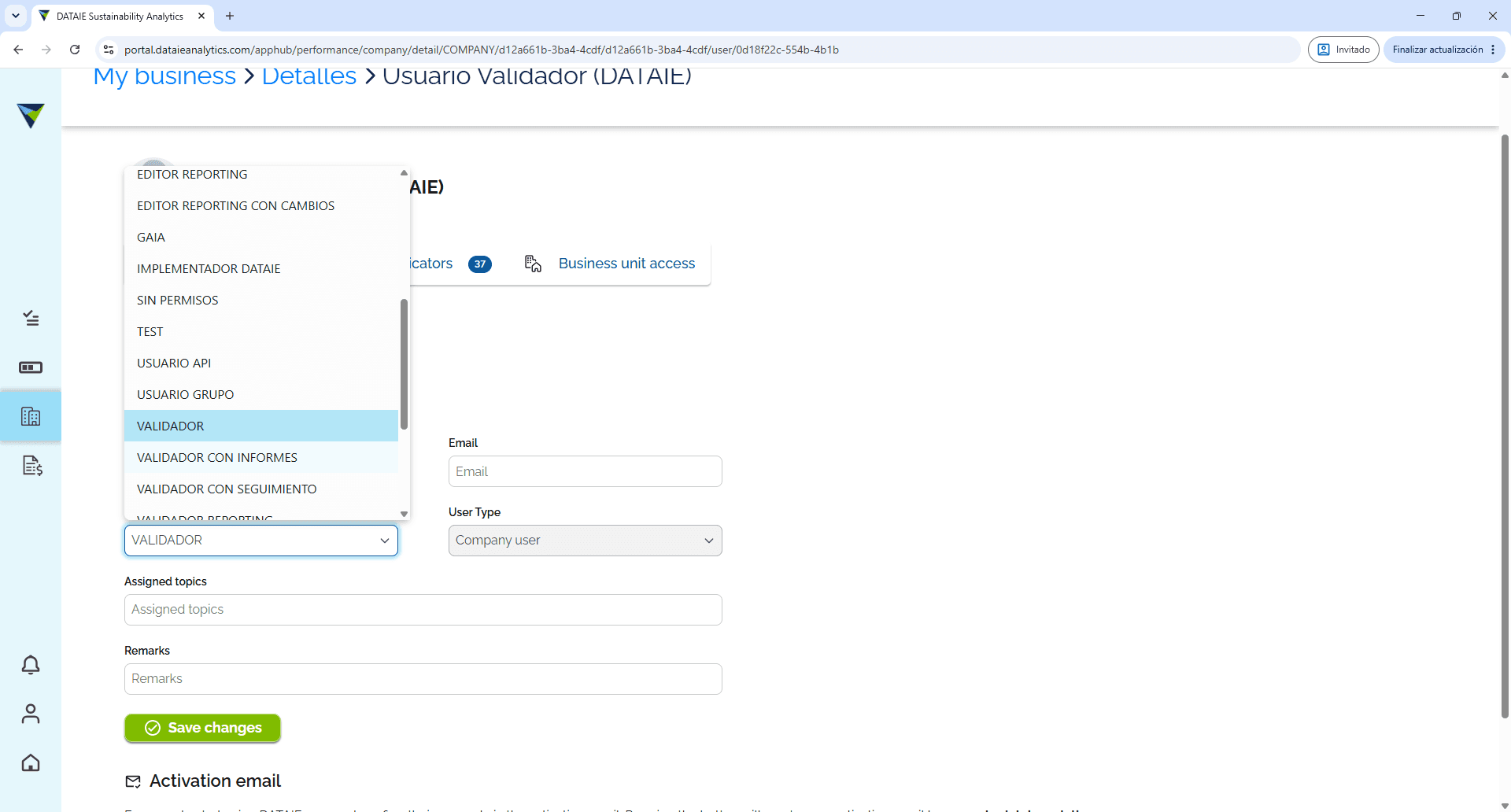
Select the relevant template from the drop-down menu.
8
Click Save changes to apply the updated permissions.