CivilSafe 2.3. How to Add Additional Costs to a Purchase Order in Cin7 Core
Learn how to record additional expenses like shipping and attach supporting documentation to your purchase orders in Cin7 Core.
This guide demonstrates how to add extra expenses such as shipping, cartage, or brokerage fees to an existing purchase order and attach the corresponding invoice. Properly recording these costs ensures accurate landed cost calculations and precise inventory valuation.
This workflow applies to purchasing managers, inventory controllers, and accounting staff responsible for reconciling purchase orders and updating expense records in Cin7 Core.
Before you start you need
Final supplier Commercial Invoice (already on the PO)
Freight forwarder invoice (sea freight)
Customs broker invoice (duty + broker fee + port charges, with GST line itemised)
Cartage invoice (port-to-warehouse transport)
Add the cost lines BEFORE you receipt the stock
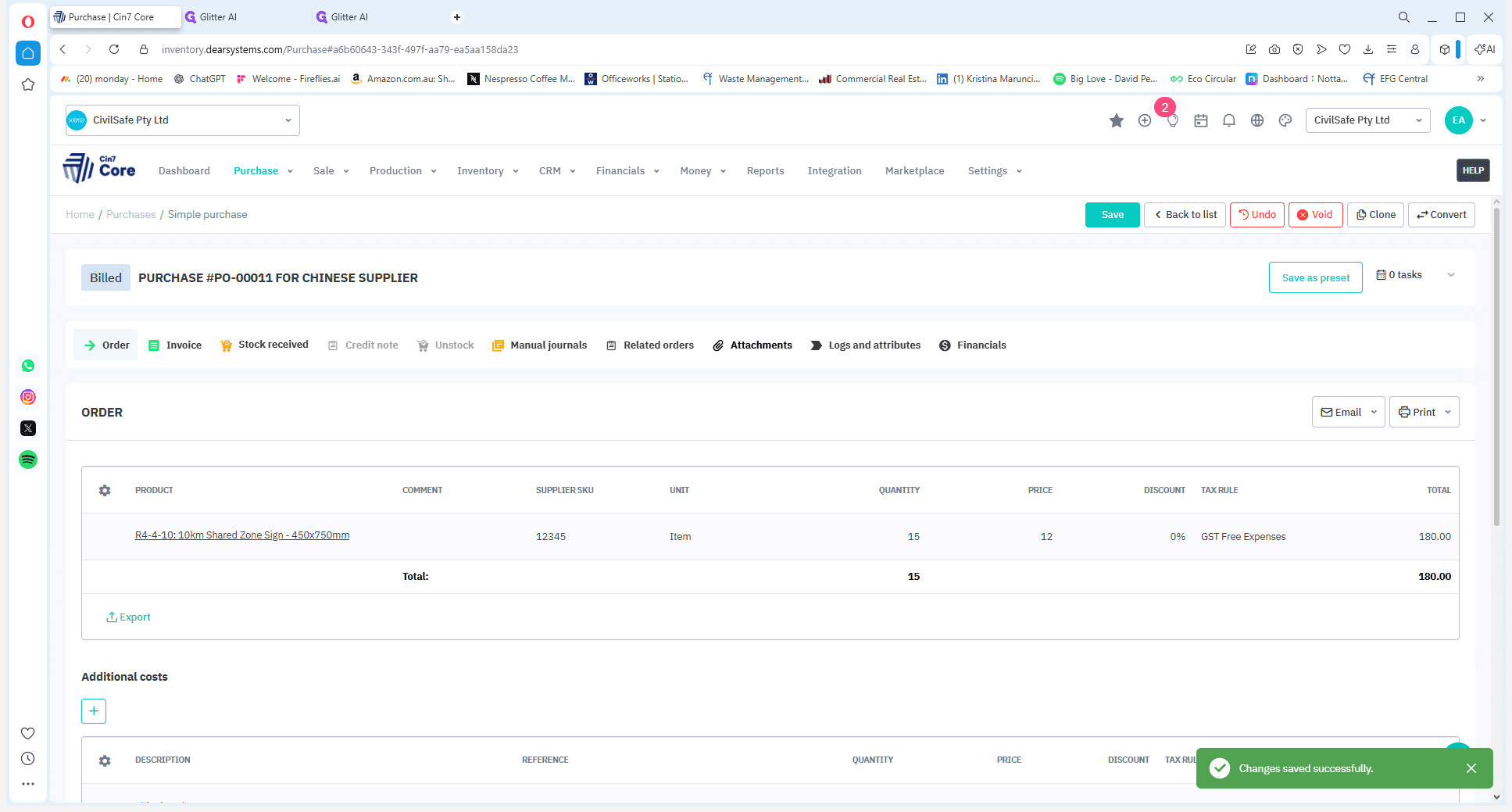
Navigate to the Purchase Order
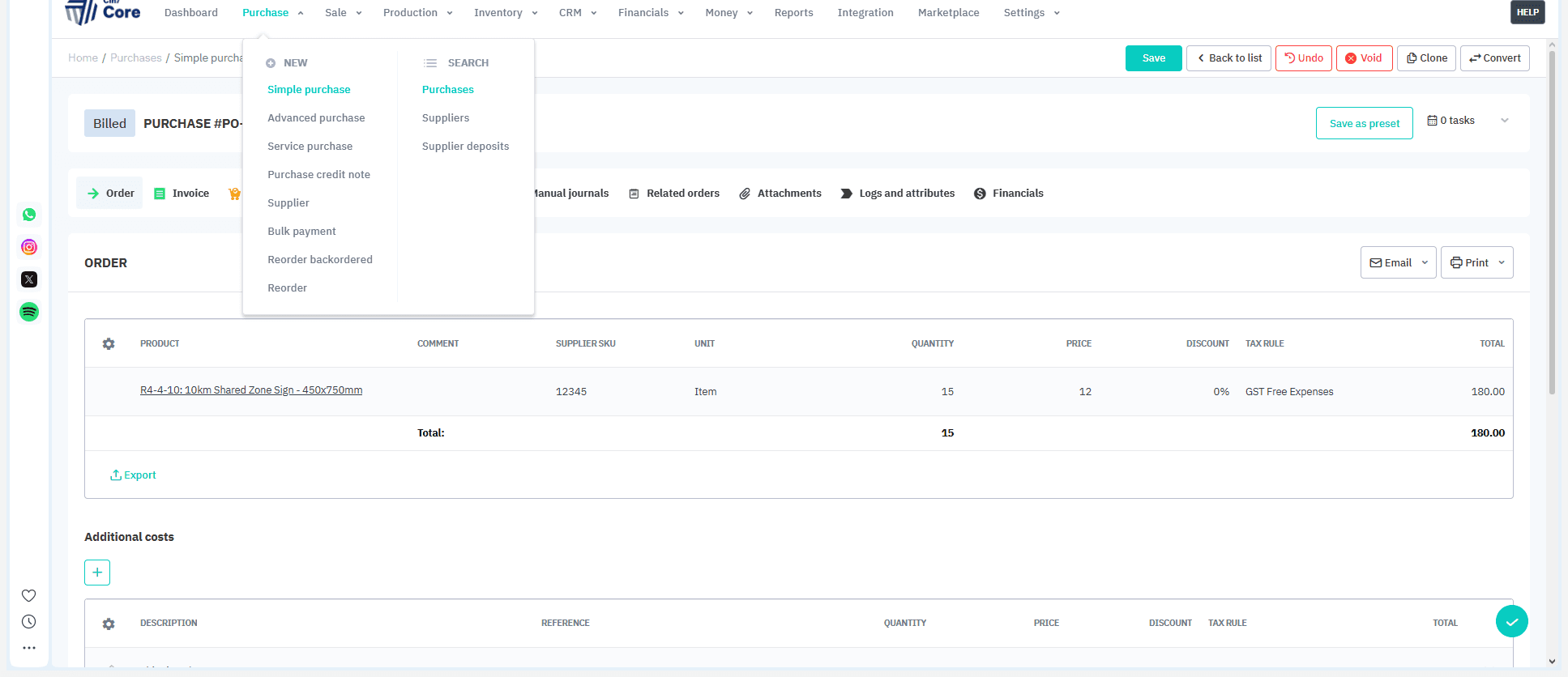
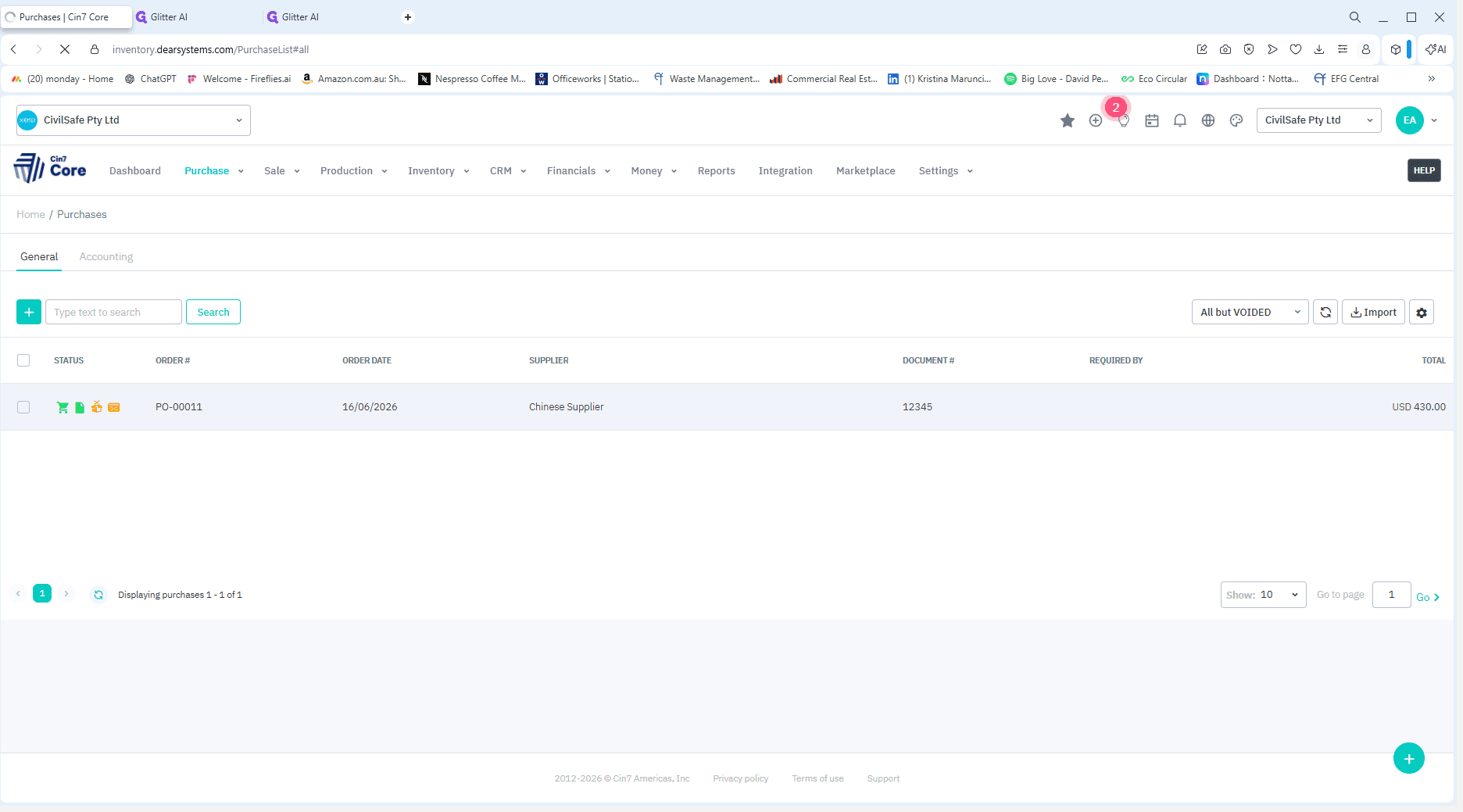
Record Additional Costs
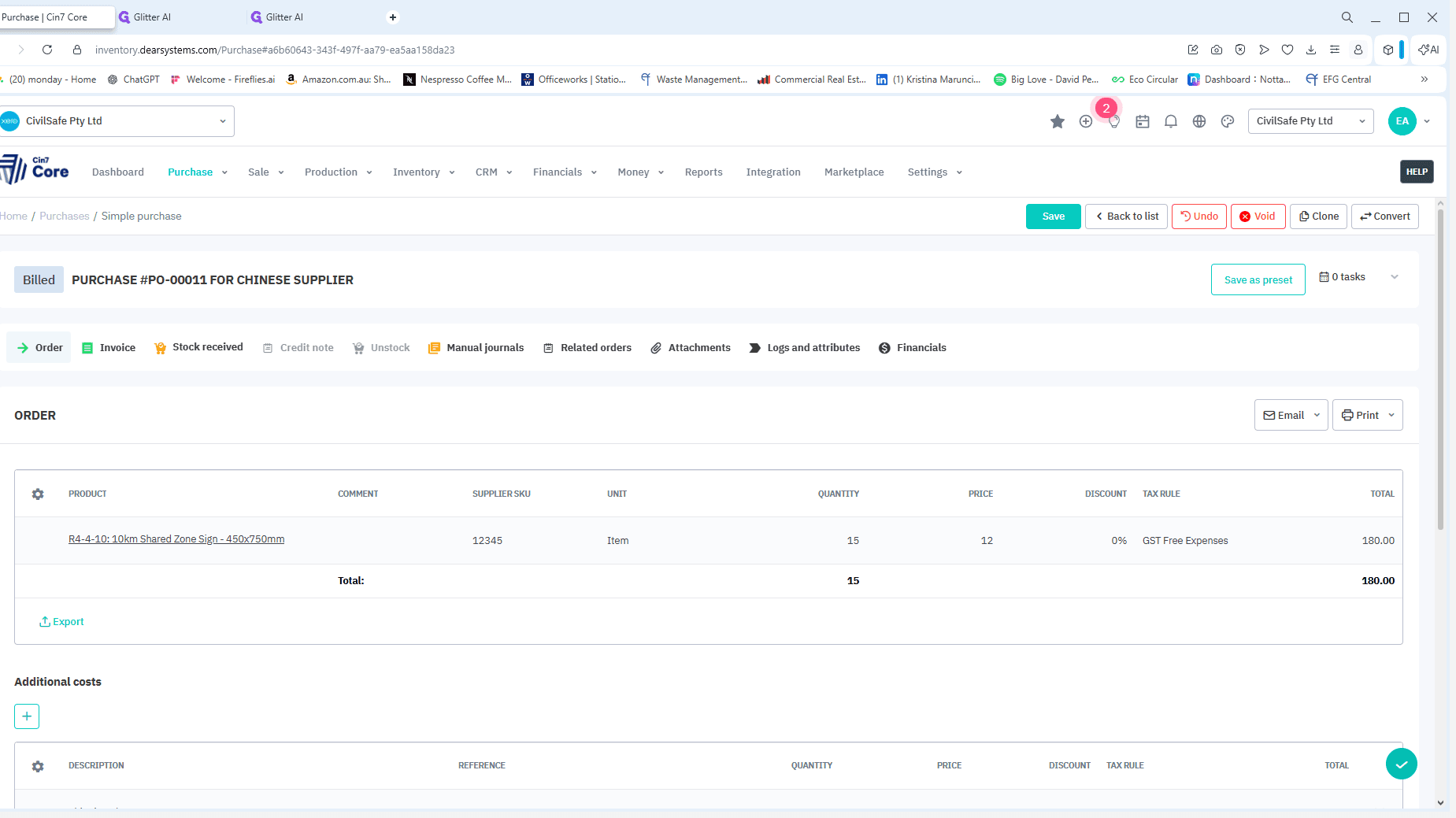
Click the + for each invoice; shipping, duty, broker, cartage.
Enter: Description (e.g. "Shipping Charge", "Broker Charge")
Reference (the invoice number)
Quantity (usually 1), Price (the amount ex GST)
Tax Rule (see the tax note below).
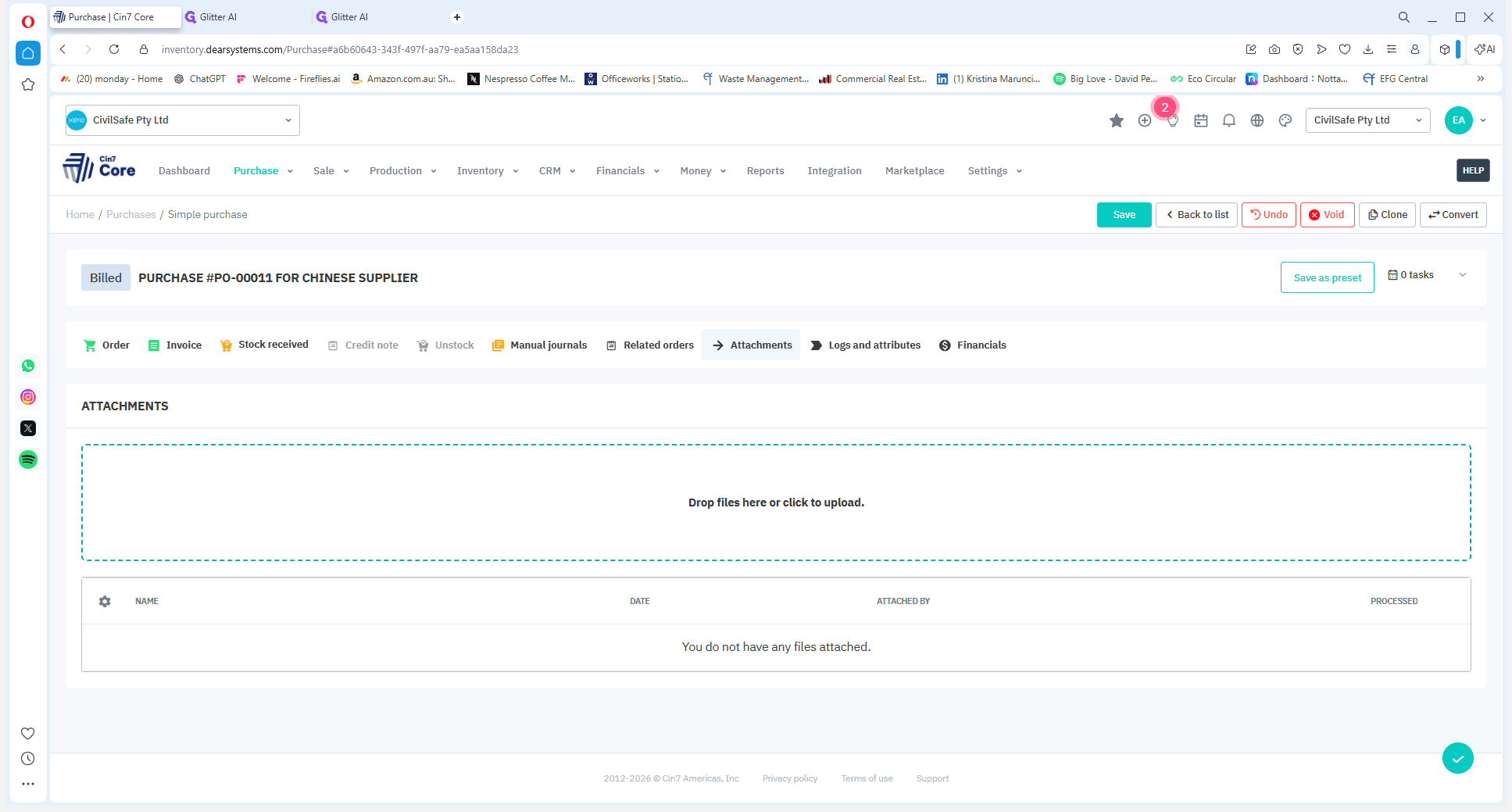
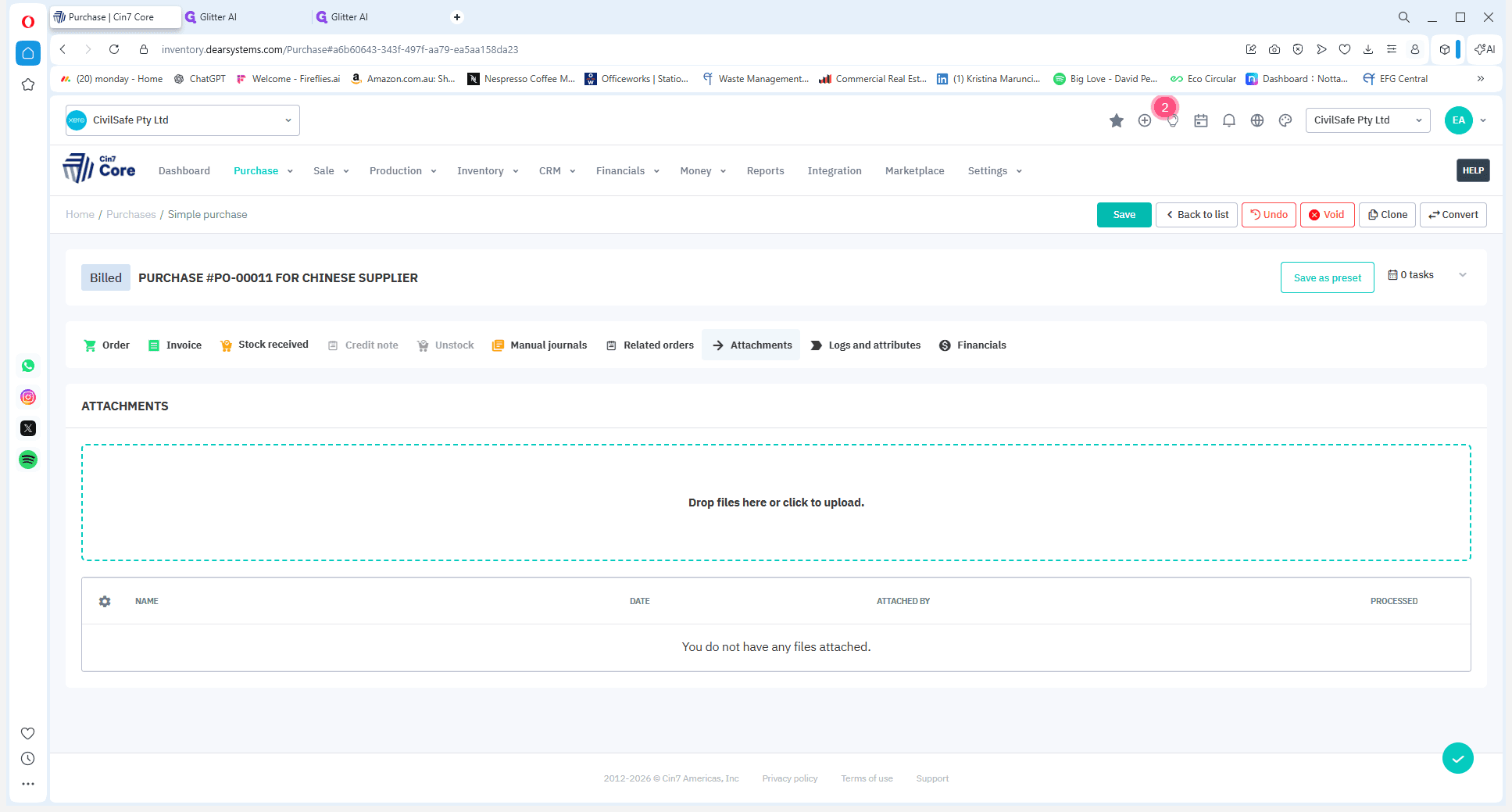
Upload Supporting Documents
It's best practice to attach the physical or digital invoice verifying the additional cost directly to the purchase order for auditing purposes.