
Configure Call Queue Wait Settings in RingCentral
Learn how to manage and configure wait settings for call queues in the RingCentral Admin Portal.
This guide explains how to configure wait settings for call queues in the RingCentral Admin Portal. By following these steps, you can optimize the caller experience and ensure wait times are handled efficiently.
This guide is intended for RingCentral administrators and IT managers responsible for phone system configurations. It is used when setting up new call queues or adjusting call handling behavior for existing departments.
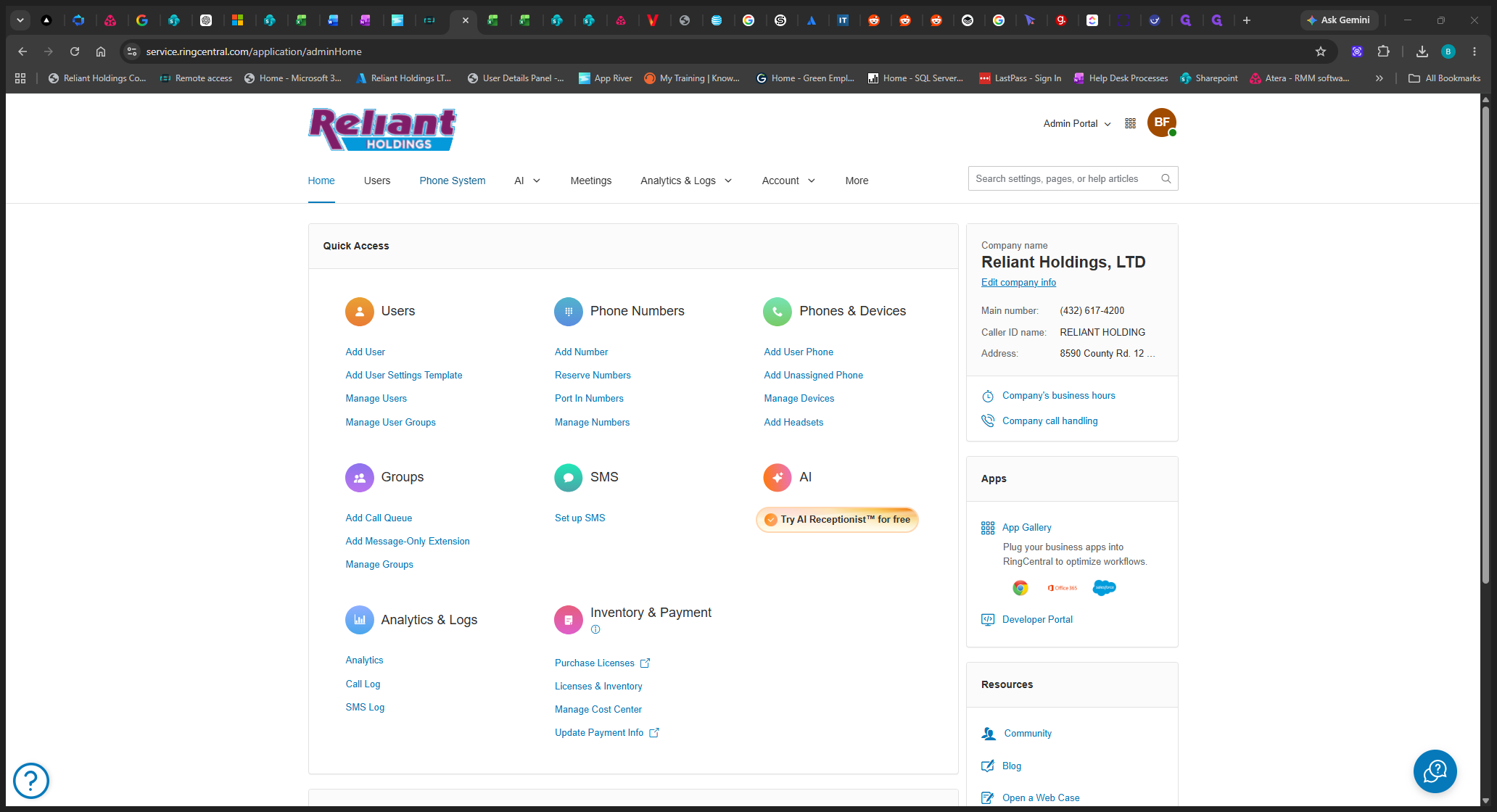
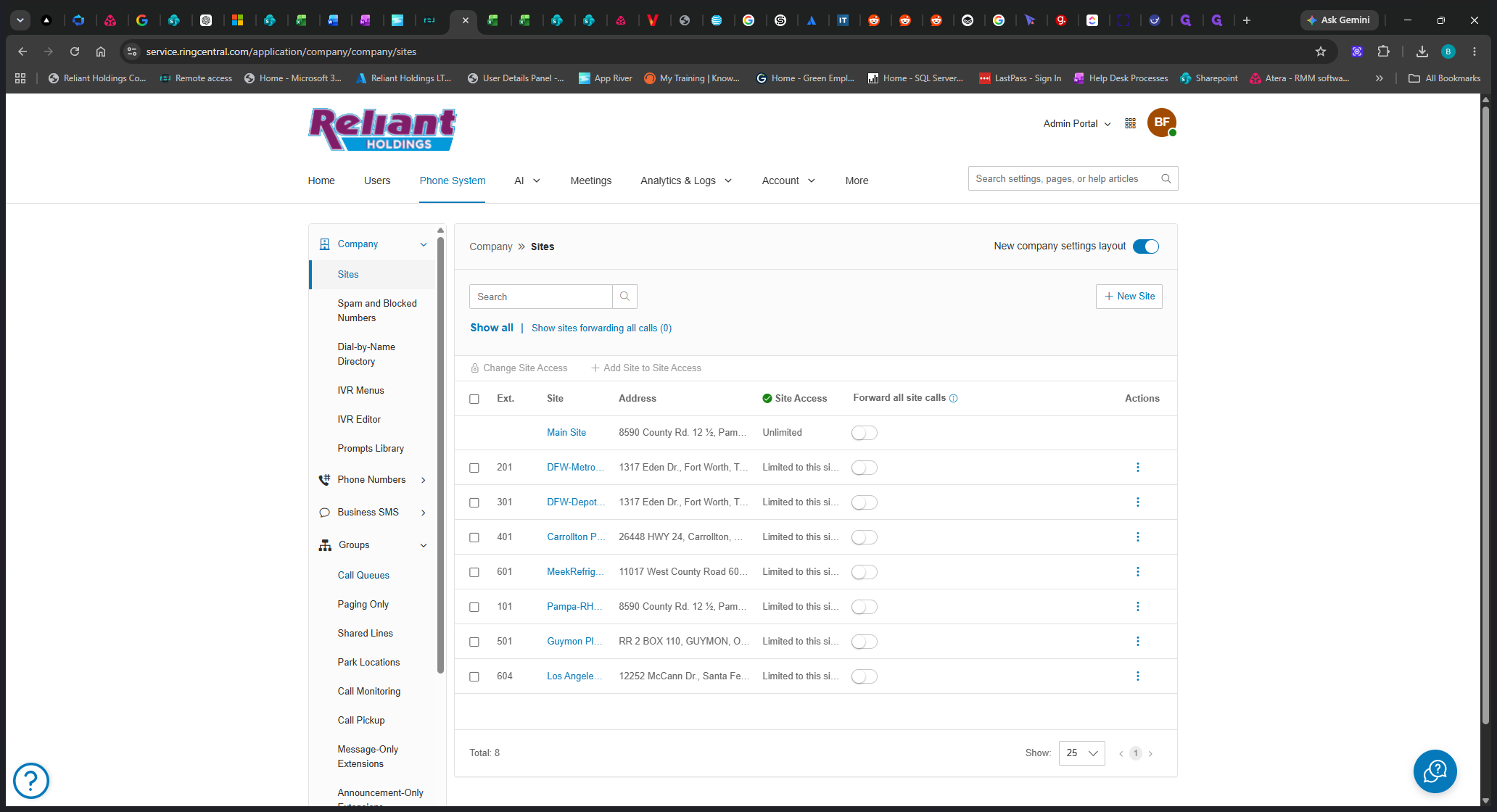
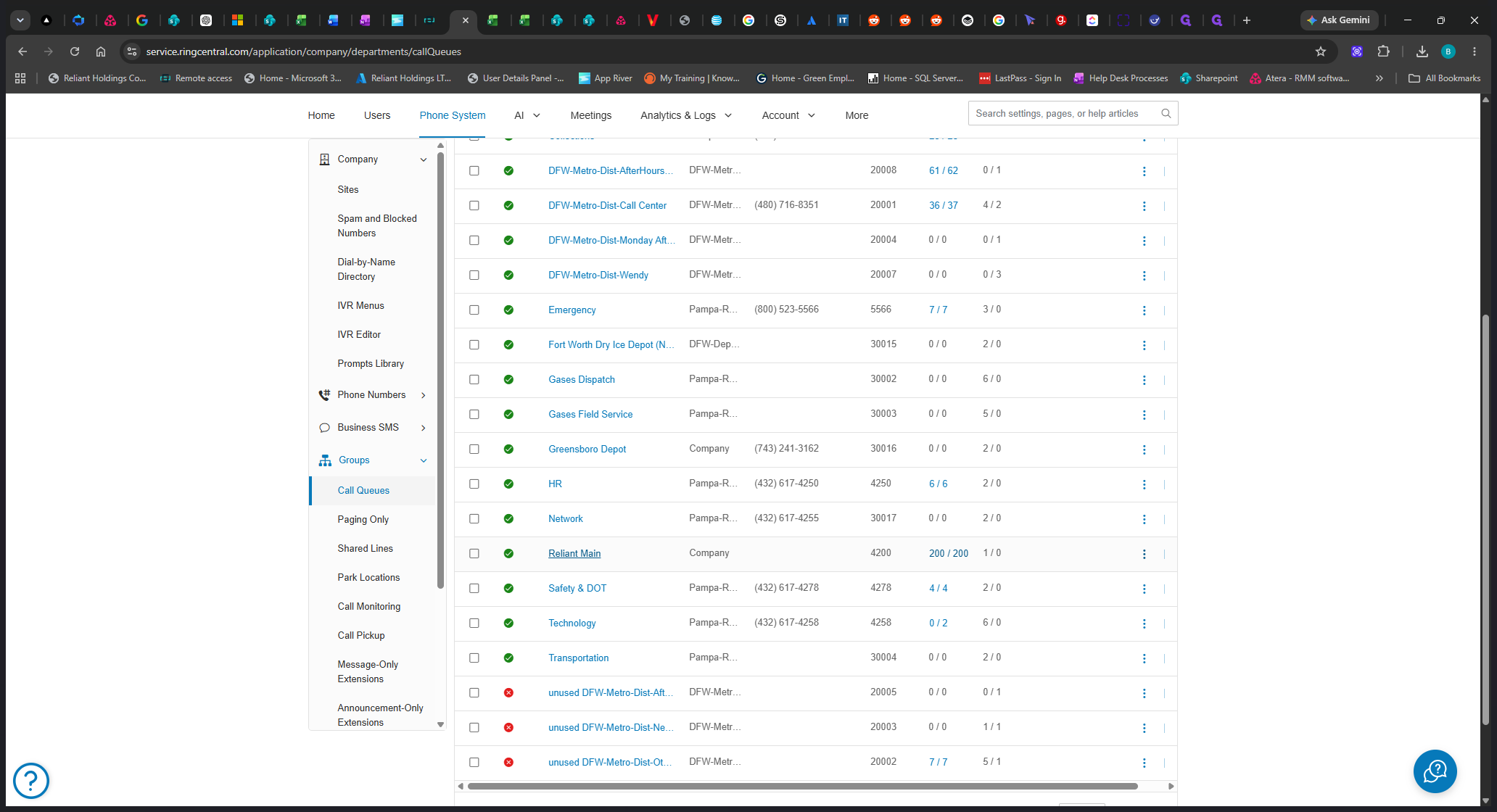
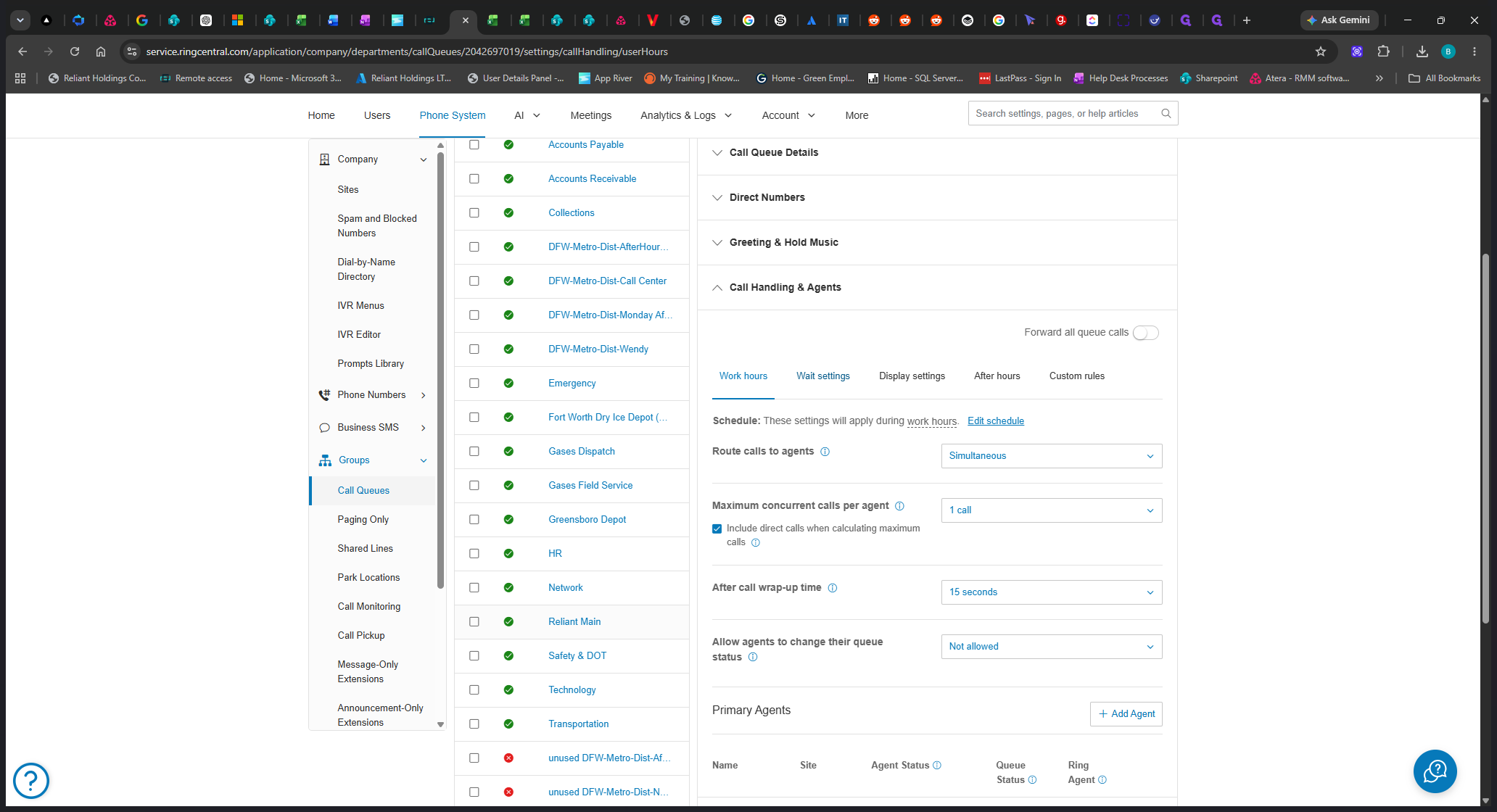
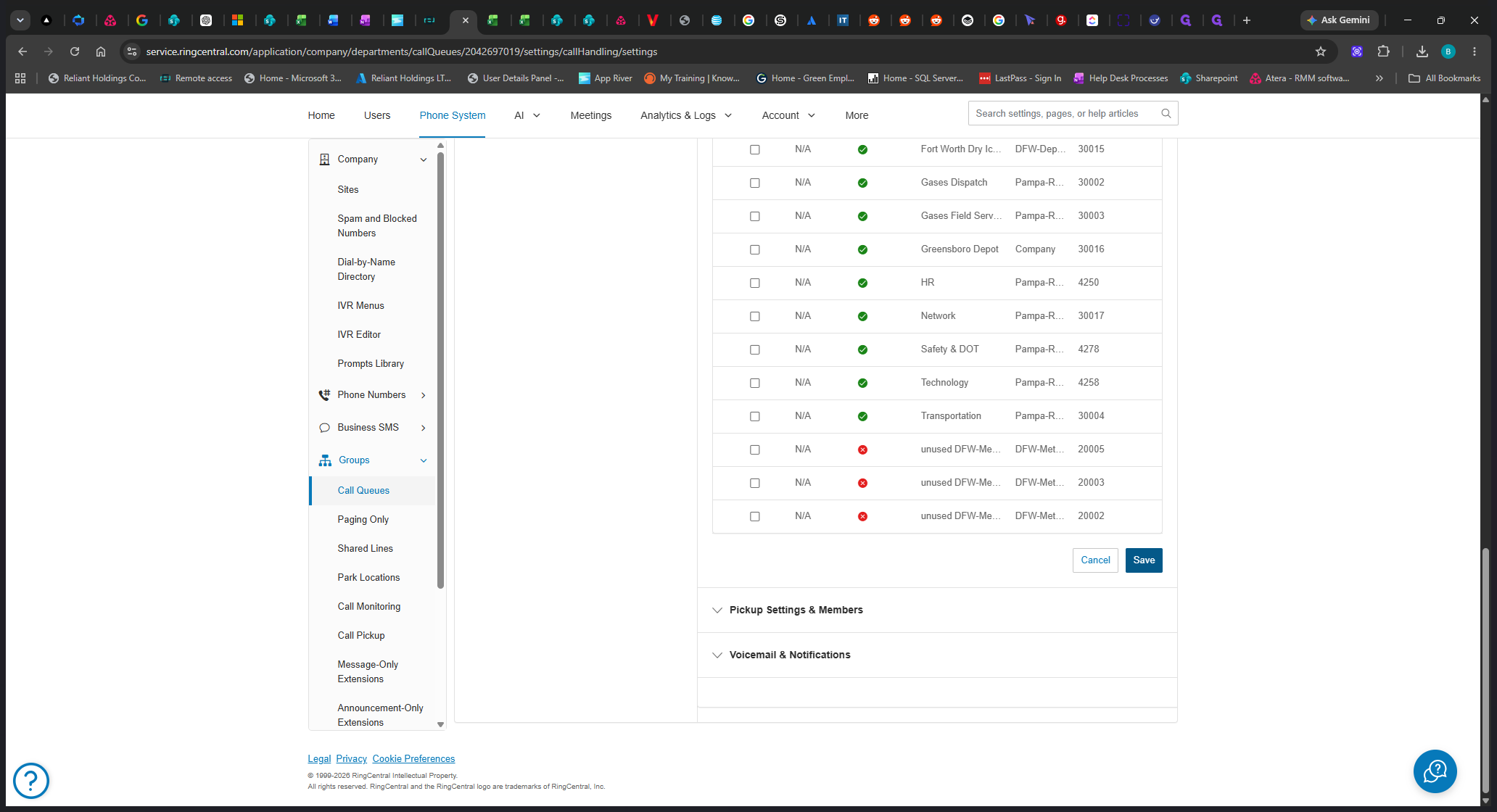
Once expanded, configure your wait settings as required. You can adjust how long a caller waits before being routed to a different destination or sent to voicemail.
Term | Definition |
|---|---|
Call Queue | A routing system that holds incoming calls in a line while they wait to be answered by the next available agent. |
Call Handling | A set of rules defining how incoming calls are routed, transferred, or sent to voicemail. |
Wait Settings | The specific rules determining what a caller experiences and how long they stay in a queue before being redirected. |