
Configure Scanner Modes in the Mobile App
Learn how to access scanner configuration and enable Intent Scanning and Keycode Scanning modes.
By Ben Fotheringham
This guide walk you through configuring scanner modes, including Intent Scanning and Keycode Scanning, to enable accurate barcode data capture on your device.
This guide applies to field technicians, warehouse personnel, and administrators setting up or troubleshooting barcode scanner inputs on mobile devices.
Access Scanner Configuration
1
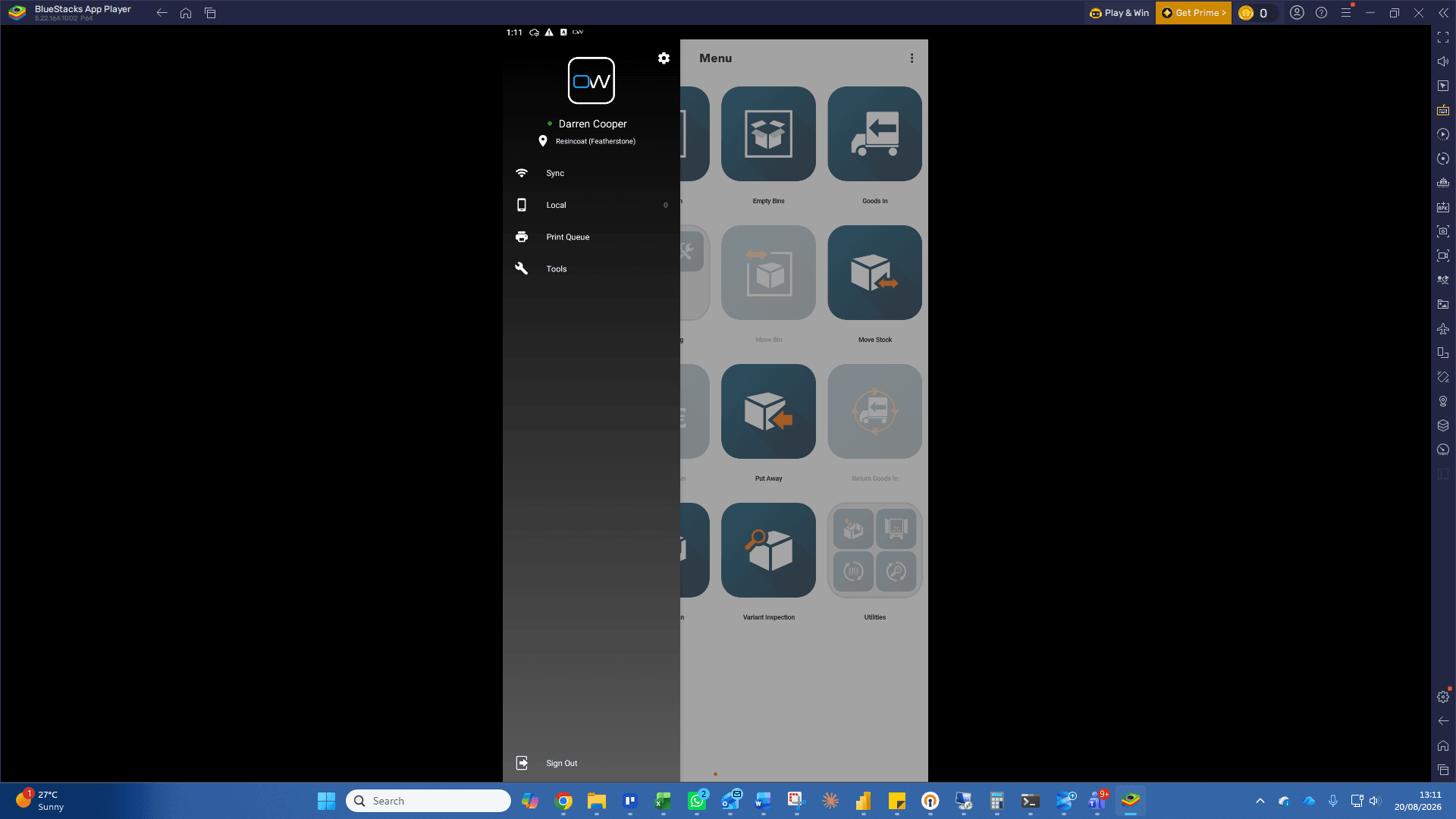
Click the Settings gear icon in the navigation menu.
2
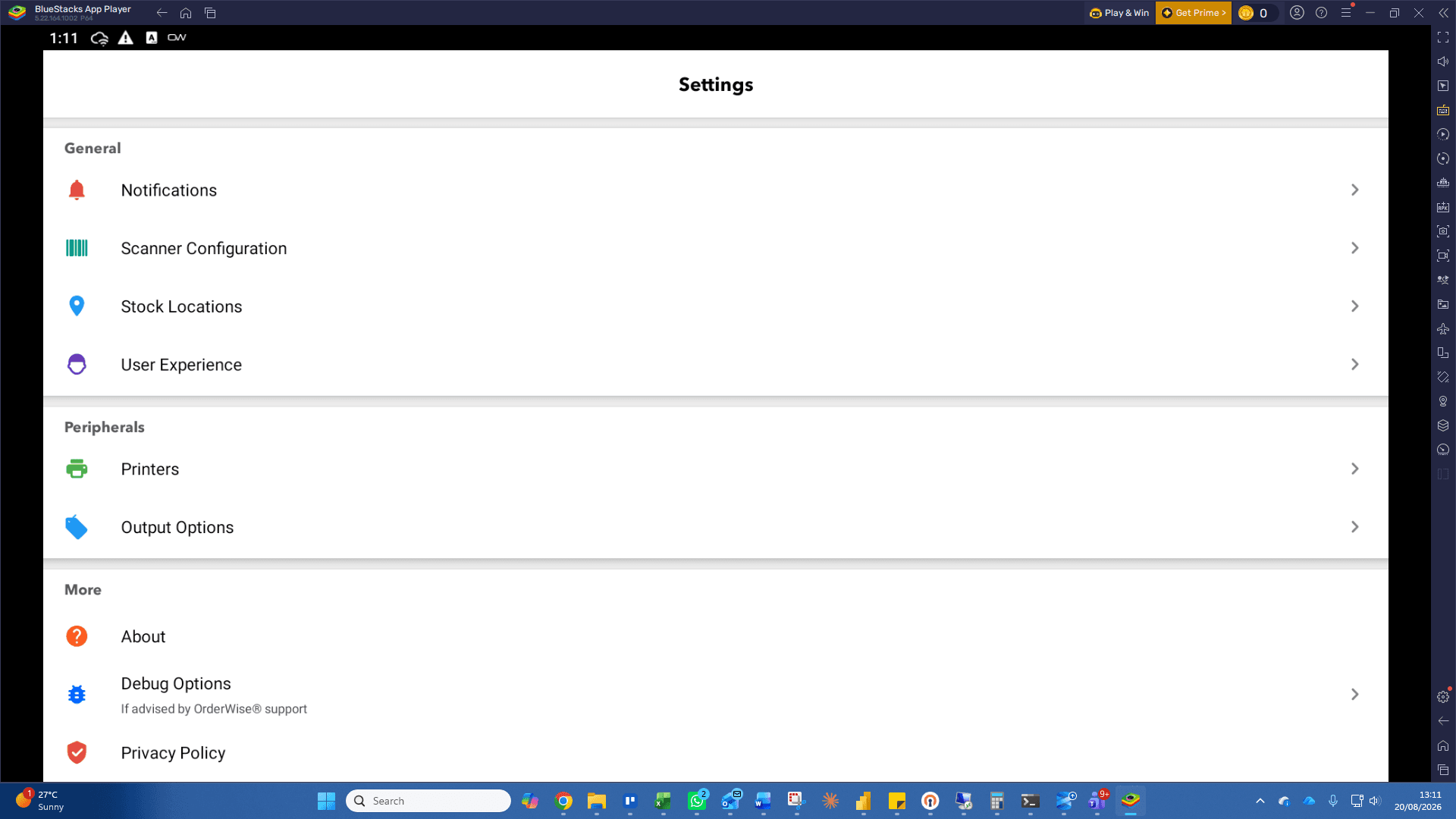
Click Scanner Configuration under the General settings section.
Configure Intent Scanning
3
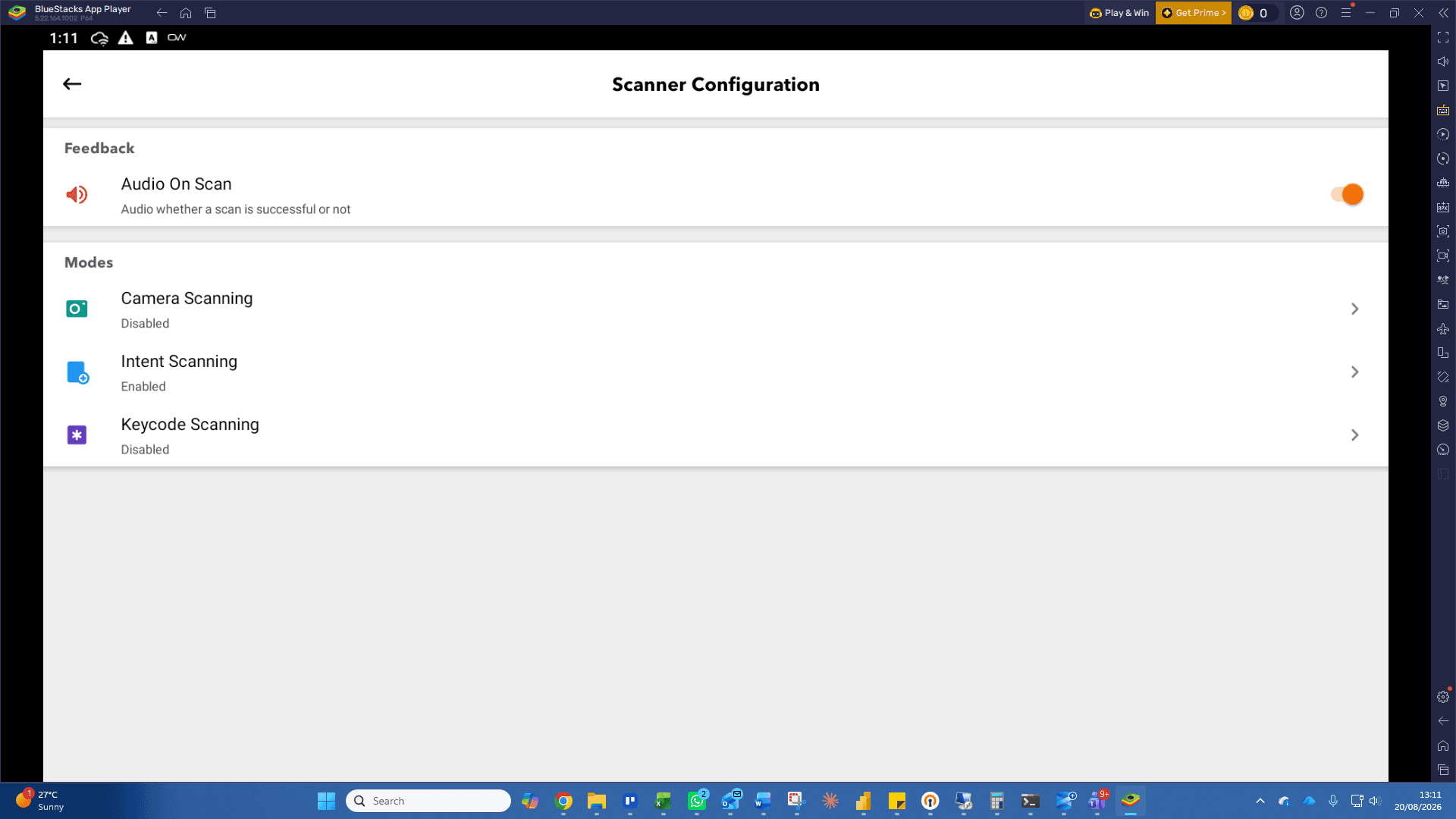
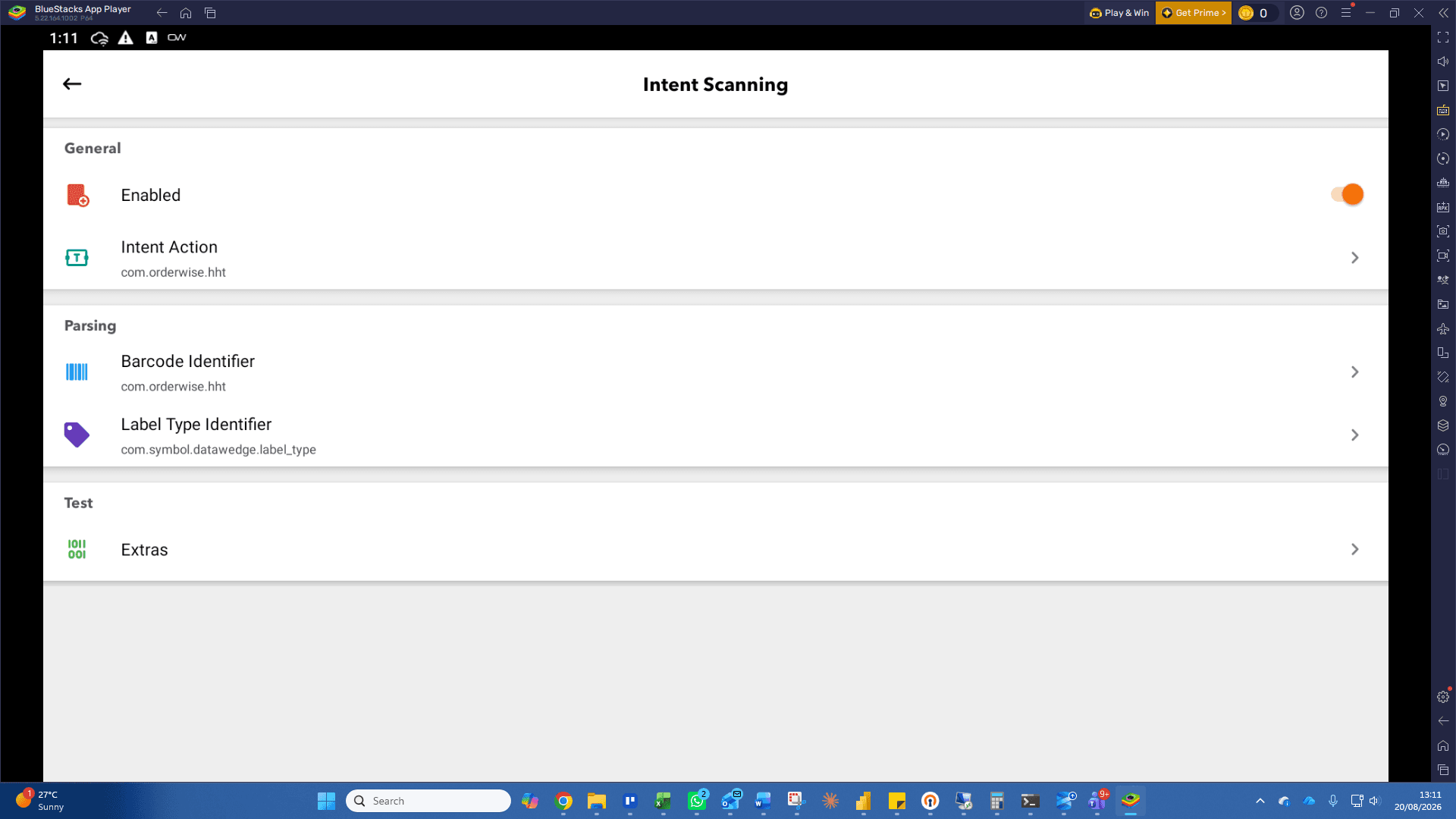
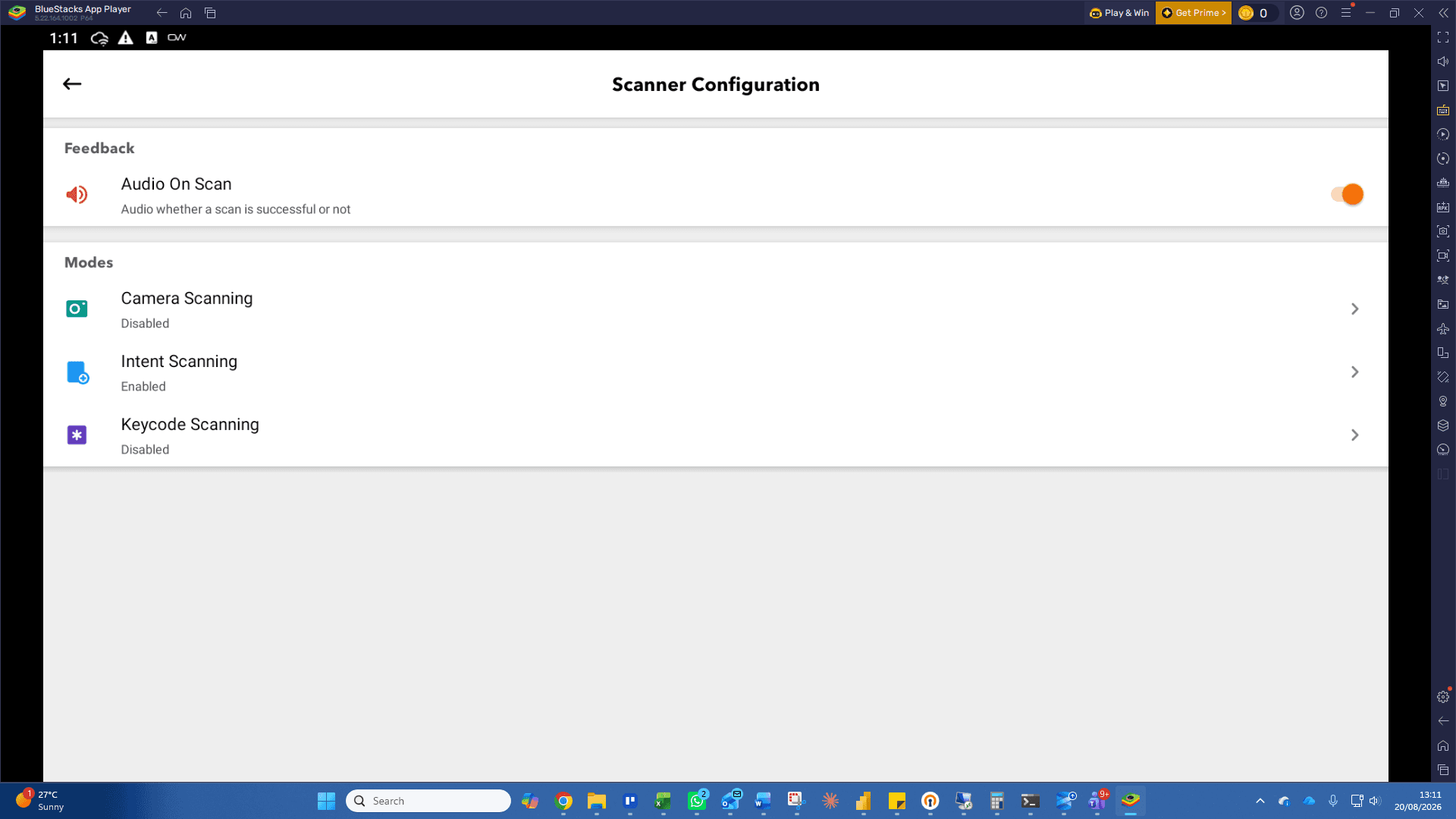
Click Intent Scanning under the Modes section.
4
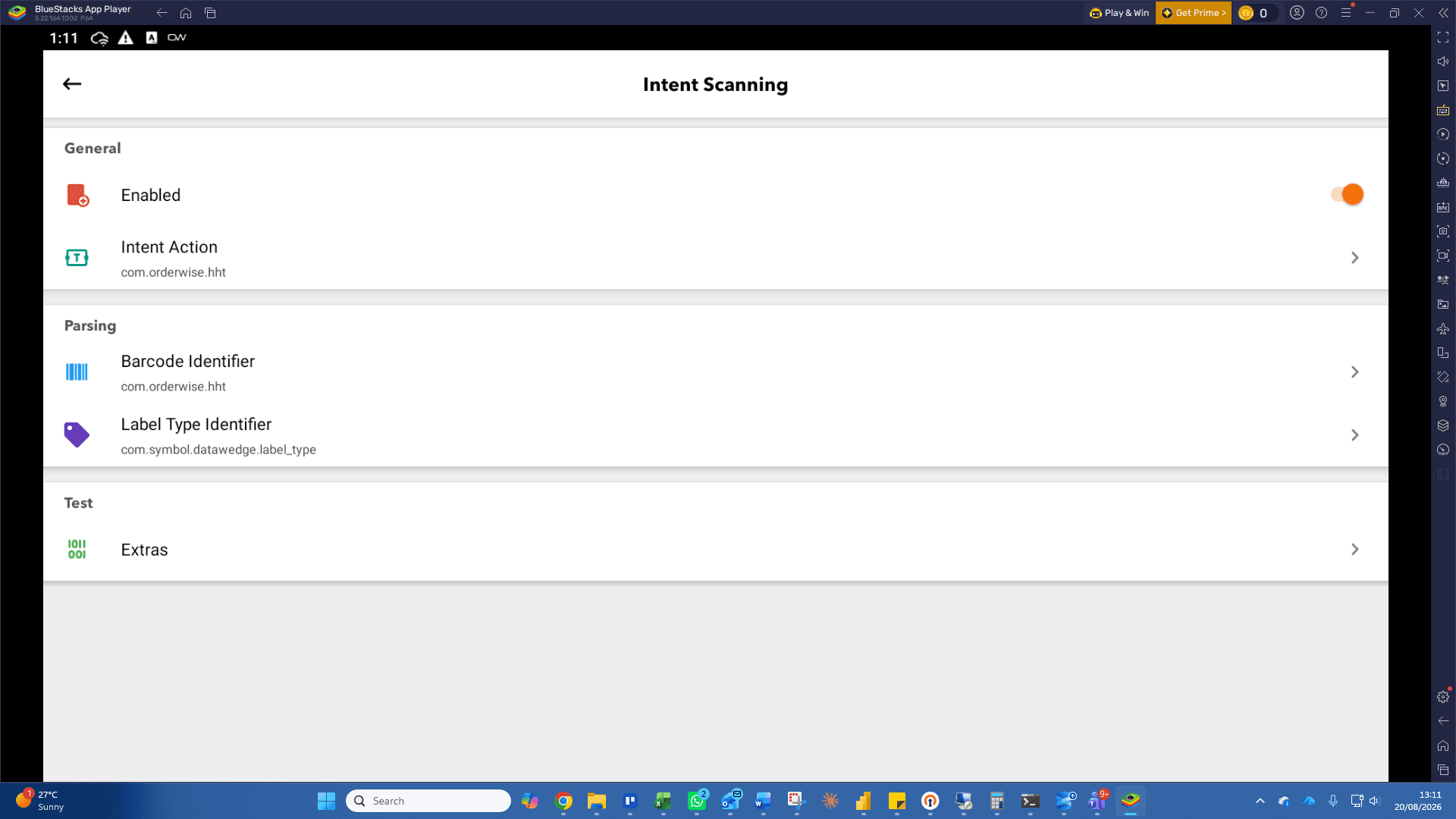
Ensure Intent Scanning is ENABLED and Configured as below.
5
Click the back arrow button to return to the Scanner Configuration menu.
Configure Keycode Scanning
6
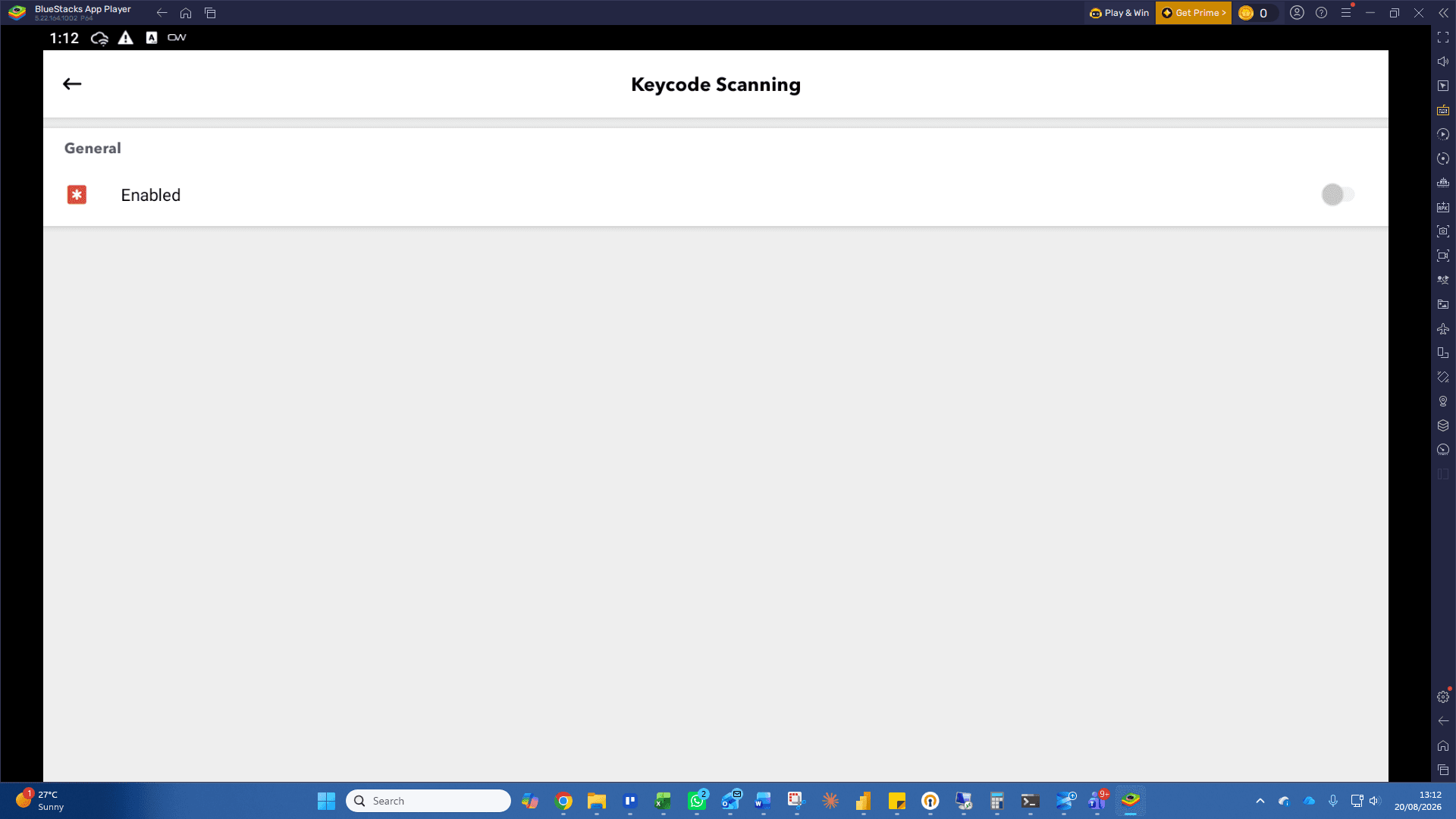
Click Keycode Scanning under the Modes section.
7
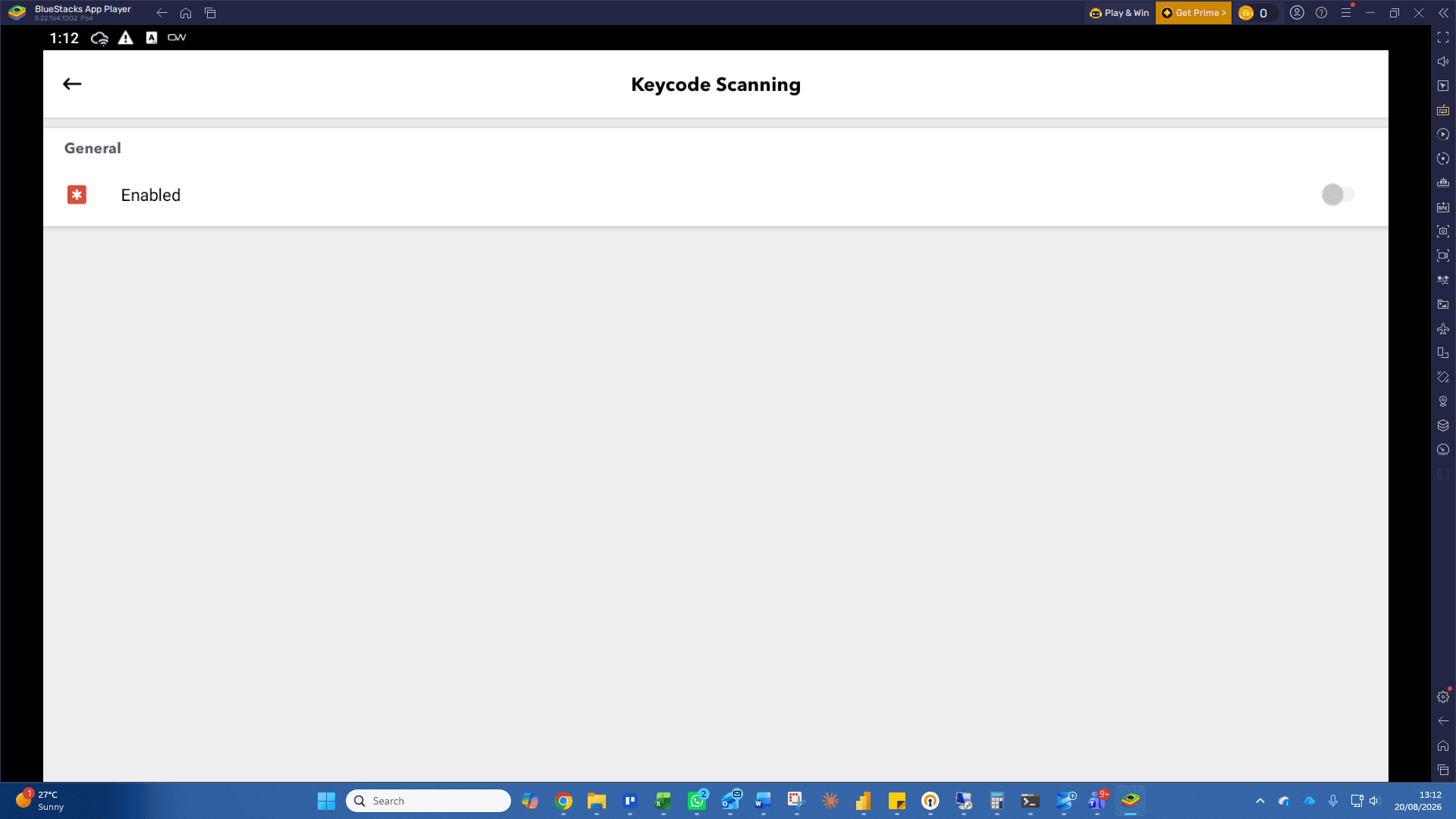
Ensure Keycode Scanning is disabled with the toggle
8
Click the back arrow button to save changes and return to the previous screen.
Term | Definition |
|---|---|
Intent Scanning | An Android data-capture method that broadcasts scanned barcode information through system intents. |
Keycode Scanning | A barcode capture mode that processes scanned inputs as simulated key events or keystrokes. |
Scanner Configuration | The mobile application settings section used to manage hardware scanning integration modes. |