
Connect Google Ad Grants to Ad Grants Pilot
Learn how to link your Google Ad Grants account to Ad Grants Pilot to push campaigns live and manage spend and performance data.
Connect your Google Ad Grants account to Ad Grants Pilot to enable automated campaign publishing and sync spend and performance reporting.
This guide applies to account administrators setting up Ad Grants Pilot for the first time before launching their initial ad campaigns.
Before you can push any campaign live, Ad Grants Pilot requires permission to interact with your Google Ads account. While you can also connect Google Analytics 4 and Google Tag Manager to track post-click impact, Google Ad Grants is the only strictly required connection.
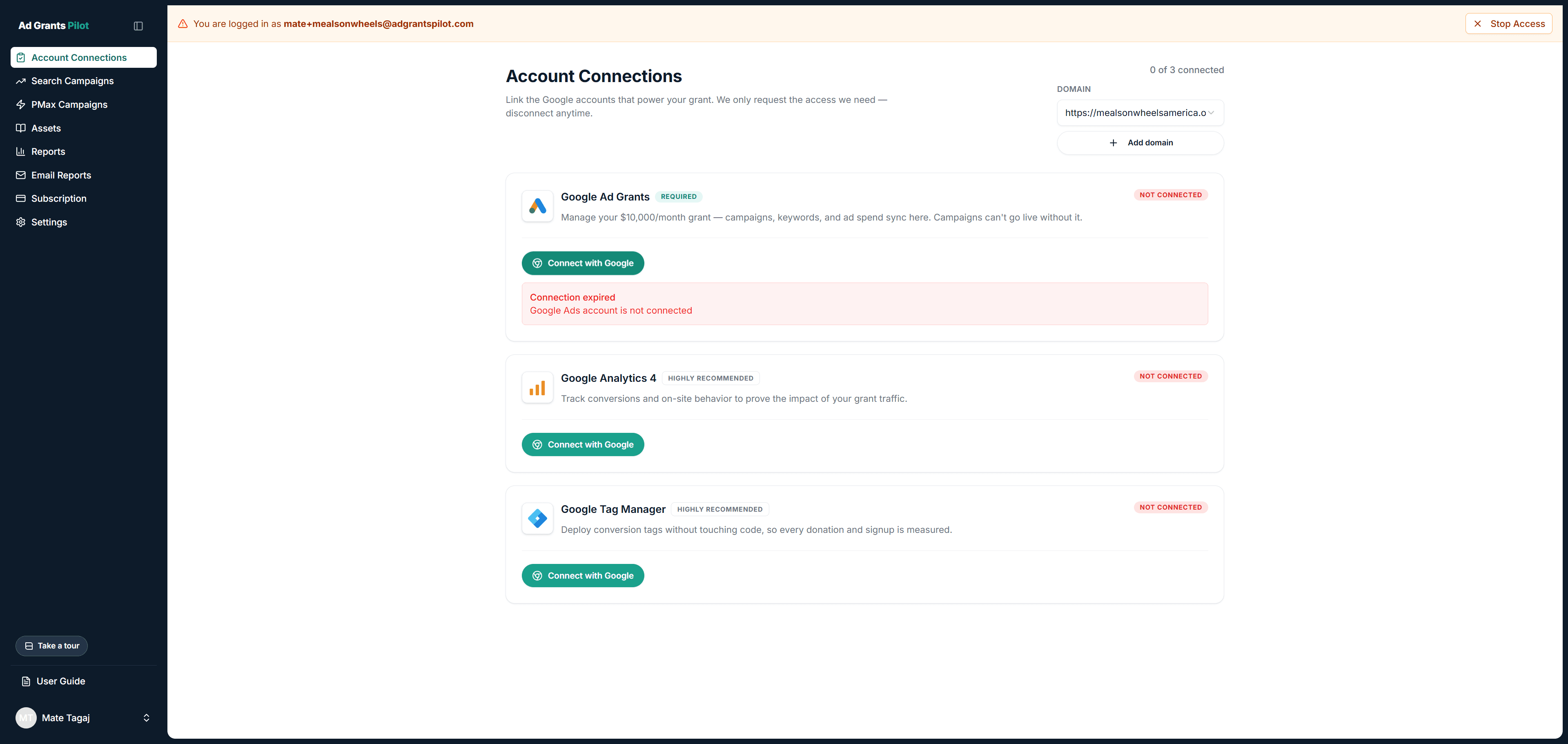
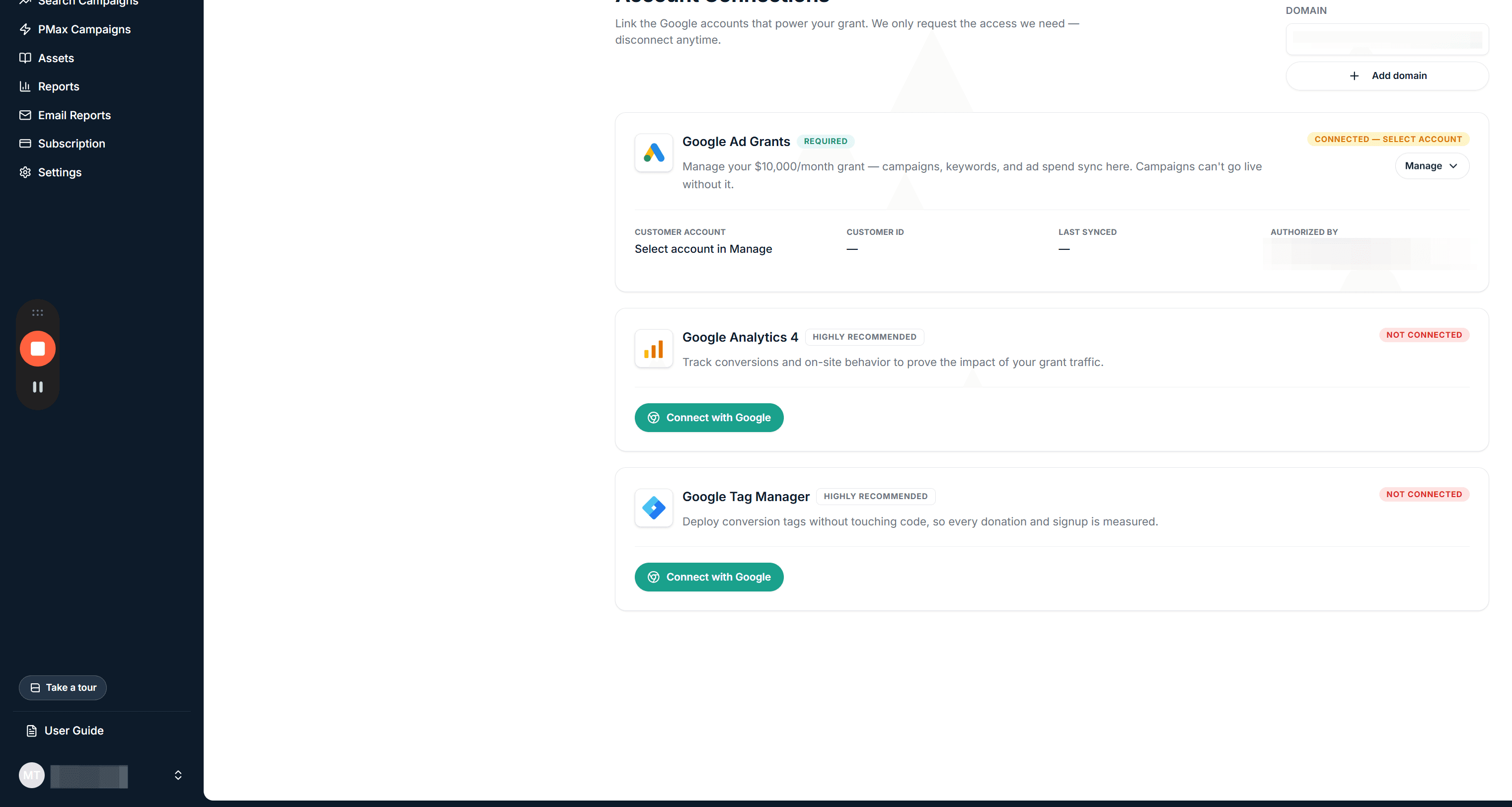
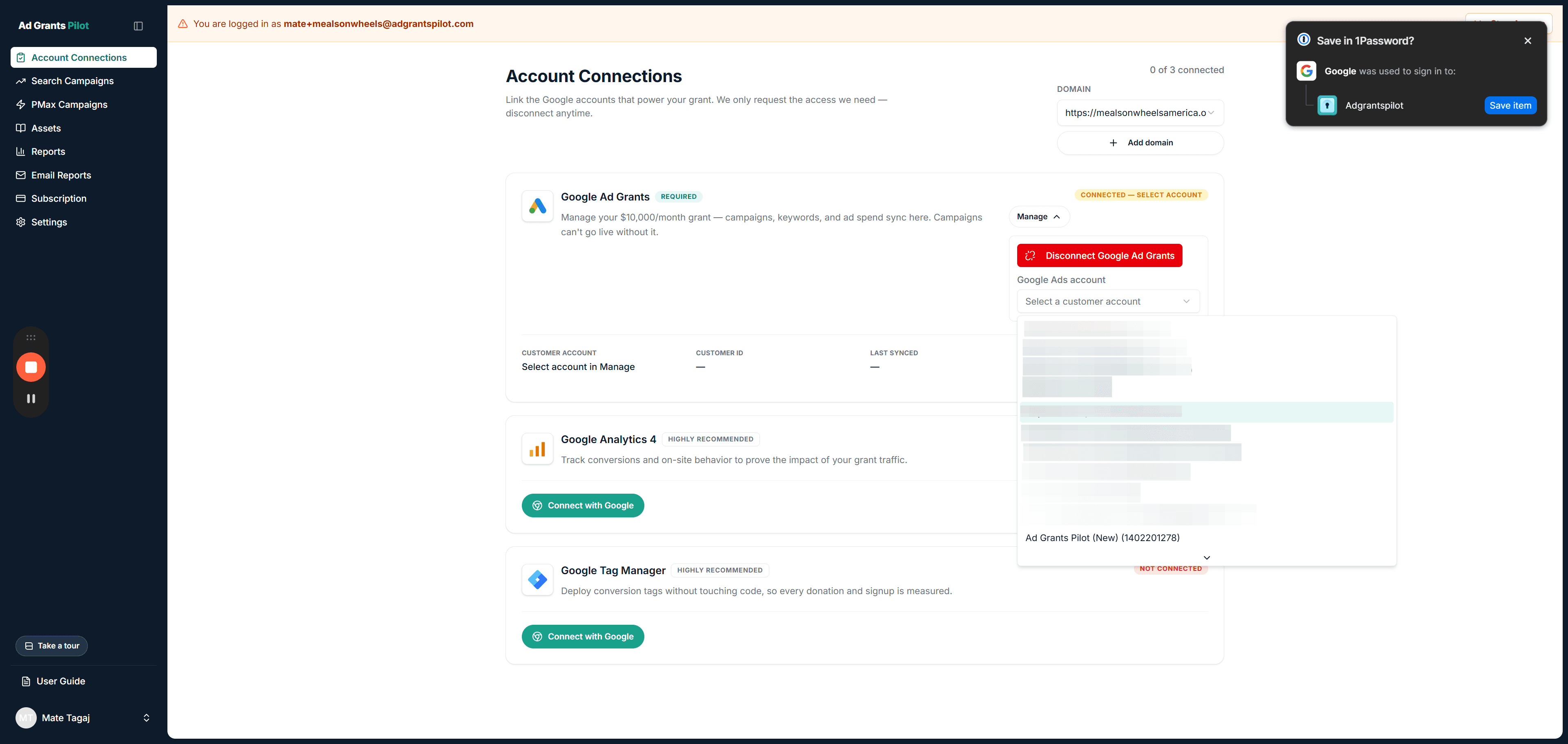
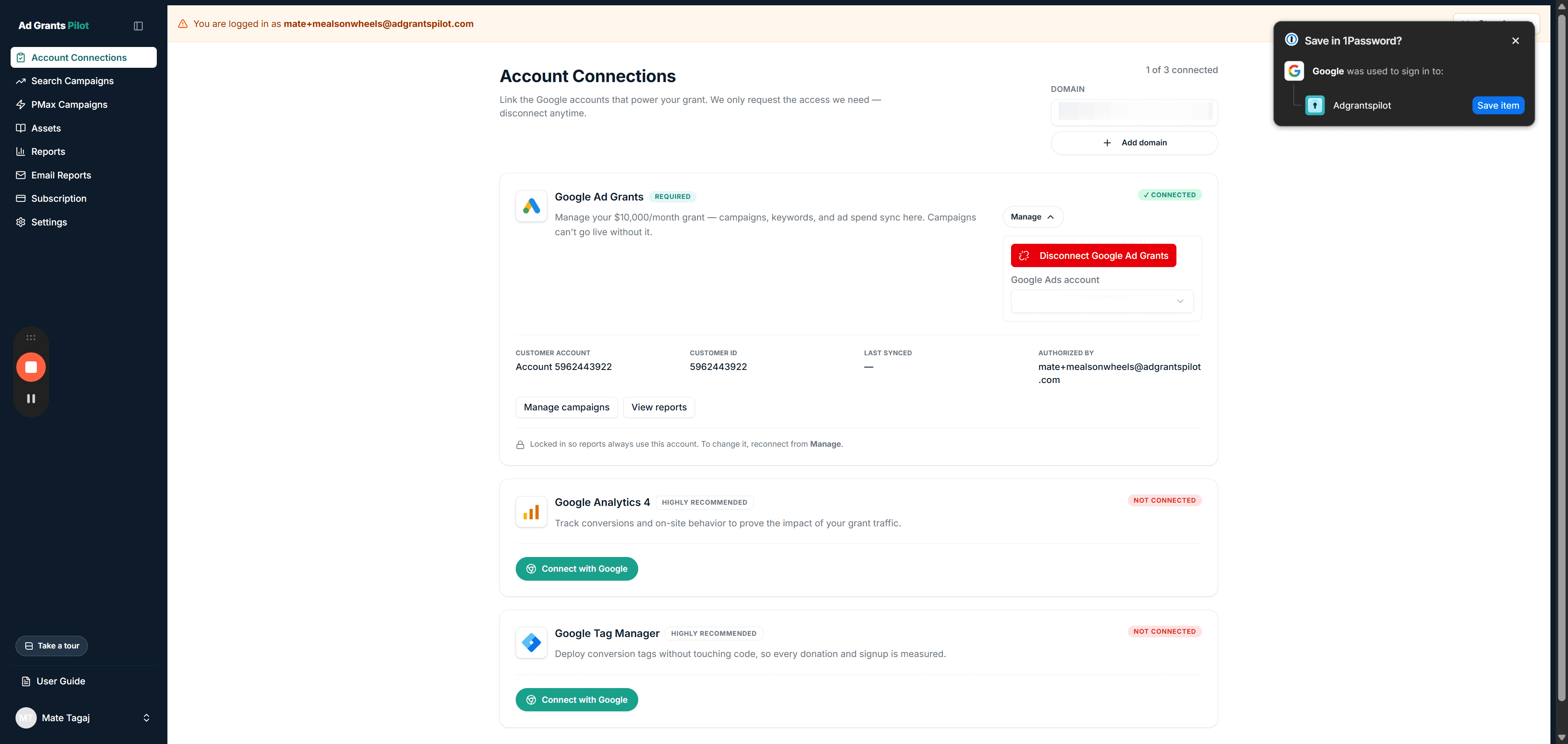
Once connected, the card displays four verification details:
The managed account name
The customer ID
The authorizing user
The timestamp of the last sync
If you ever need to make changes, clicking Manage provides two options: Reconnect to switch accounts or Disconnect to revoke integration access completely.
Q: Which Google account should I use during sign-in?
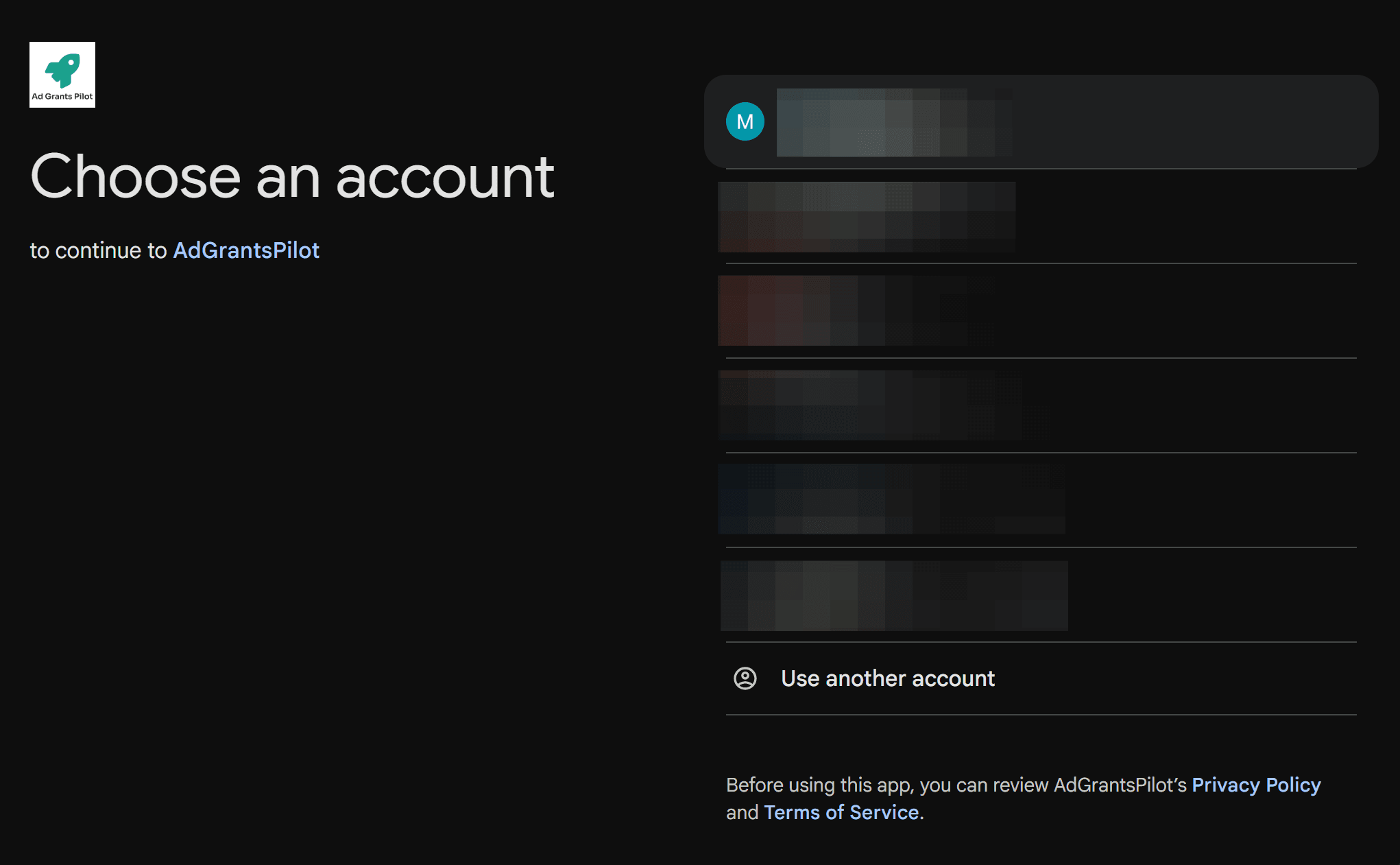
A: Use the exact email address that administers your approved Google Ad Grant, which is the email that receives official Google Ad Grants notifications, rather than a personal Gmail account.
Q: Can Ad Grants Pilot see my organization's banking or payment details?
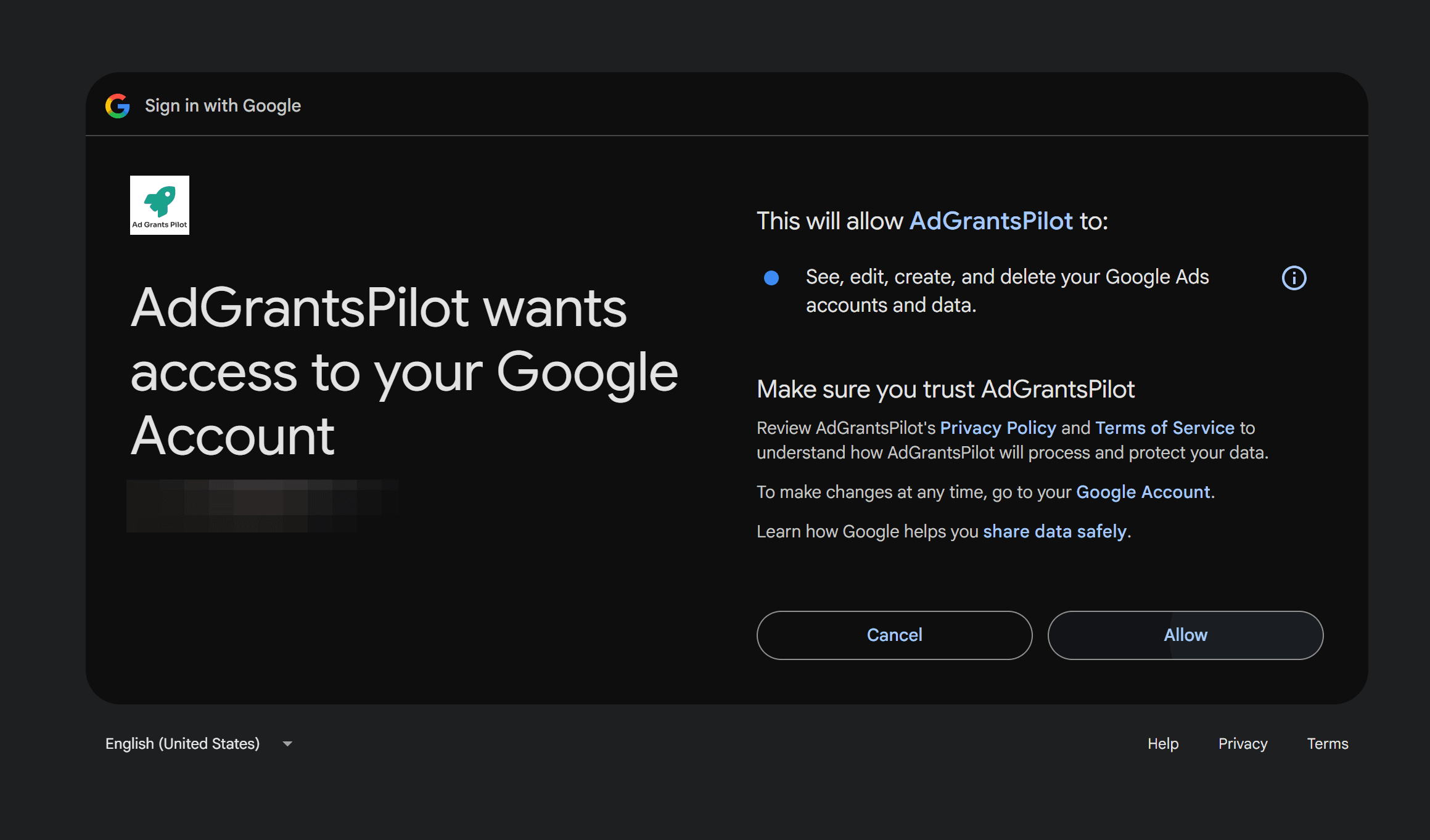
A: No. Ad Grants Pilot only requests permissions to manage campaigns and read spend and performance metrics, and it cannot view your banking details.
Q: How do I change or disconnect the linked Google Ads account later?
A: Click Manage on the Google Ad Grants card in Account connections, where you can select Reconnect to choose a different customer account or Disconnect to remove access entirely.
Term | Definition |
|---|---|
Google Ad Grants | A Google program providing eligible non-profit organizations with up to $10,000 per month in search advertising credit. |
Customer ID | A unique 10-digit number assigned by Google Ads to identify a specific advertising account. |
Google Analytics 4 | Google's web analytics platform used to measure traffic, engagement, and post-click events on a website. |
Google Tag Manager | A tag management system that allows users to quickly deploy and update tracking codes and measurement tags. |