
How to Create a Client Onboarding Workflow in Karbon
Learn how to use initial client details from Microsoft Teams Planner to generate a standardized onboarding workflow from a template in Karbon.
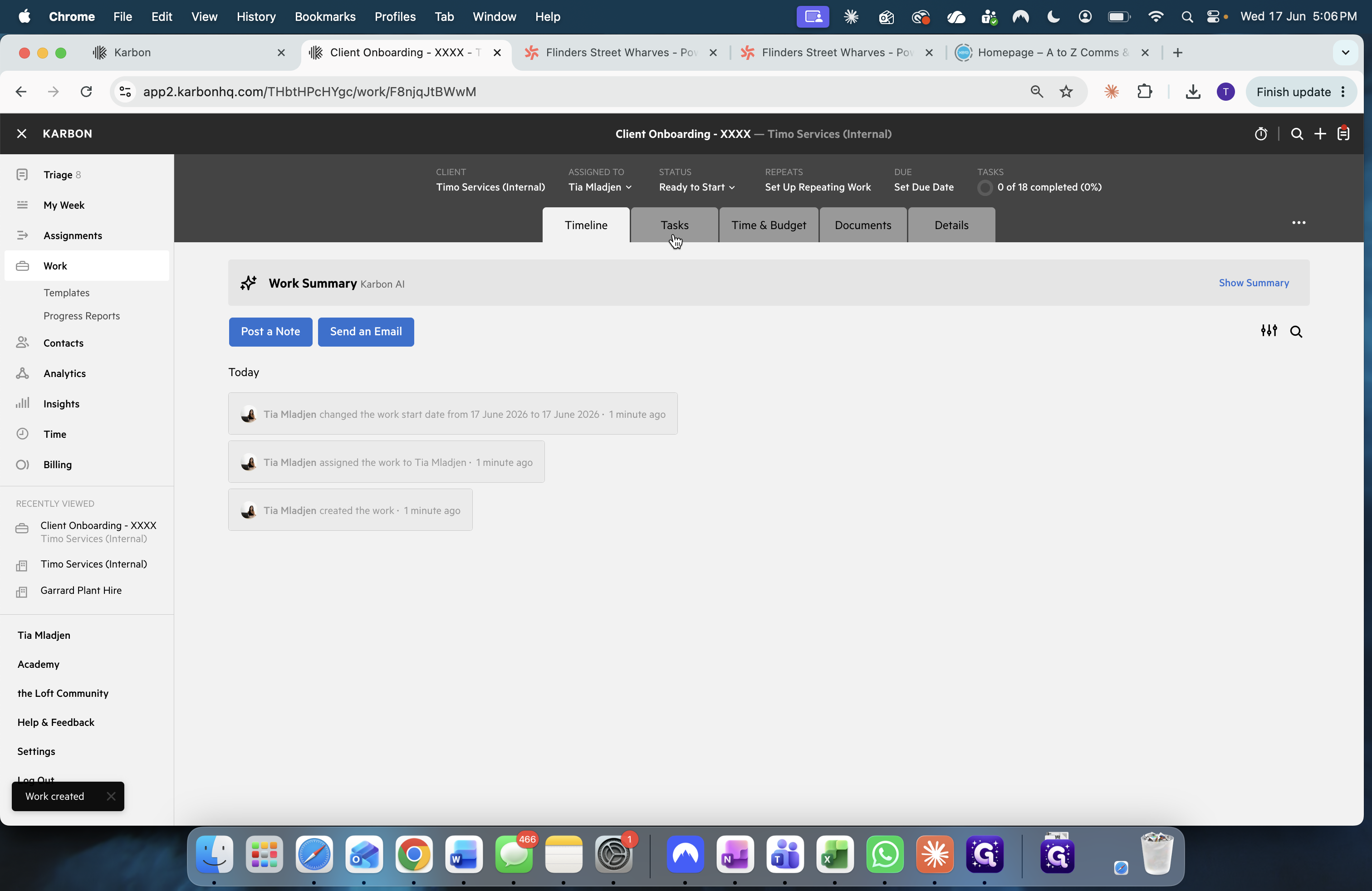
This guide walks you through extracting initial client details from Microsoft Teams Planner and using them to spin up a standardized onboarding workflow in Karbon. Completing this process ensures that all setup tasks for a new client are properly tracked and assigned automatically.
This workflow is intended for onboarding specialists, project managers, or administrative staff responsible for initiating a new client's integration into the company's tracking systems.
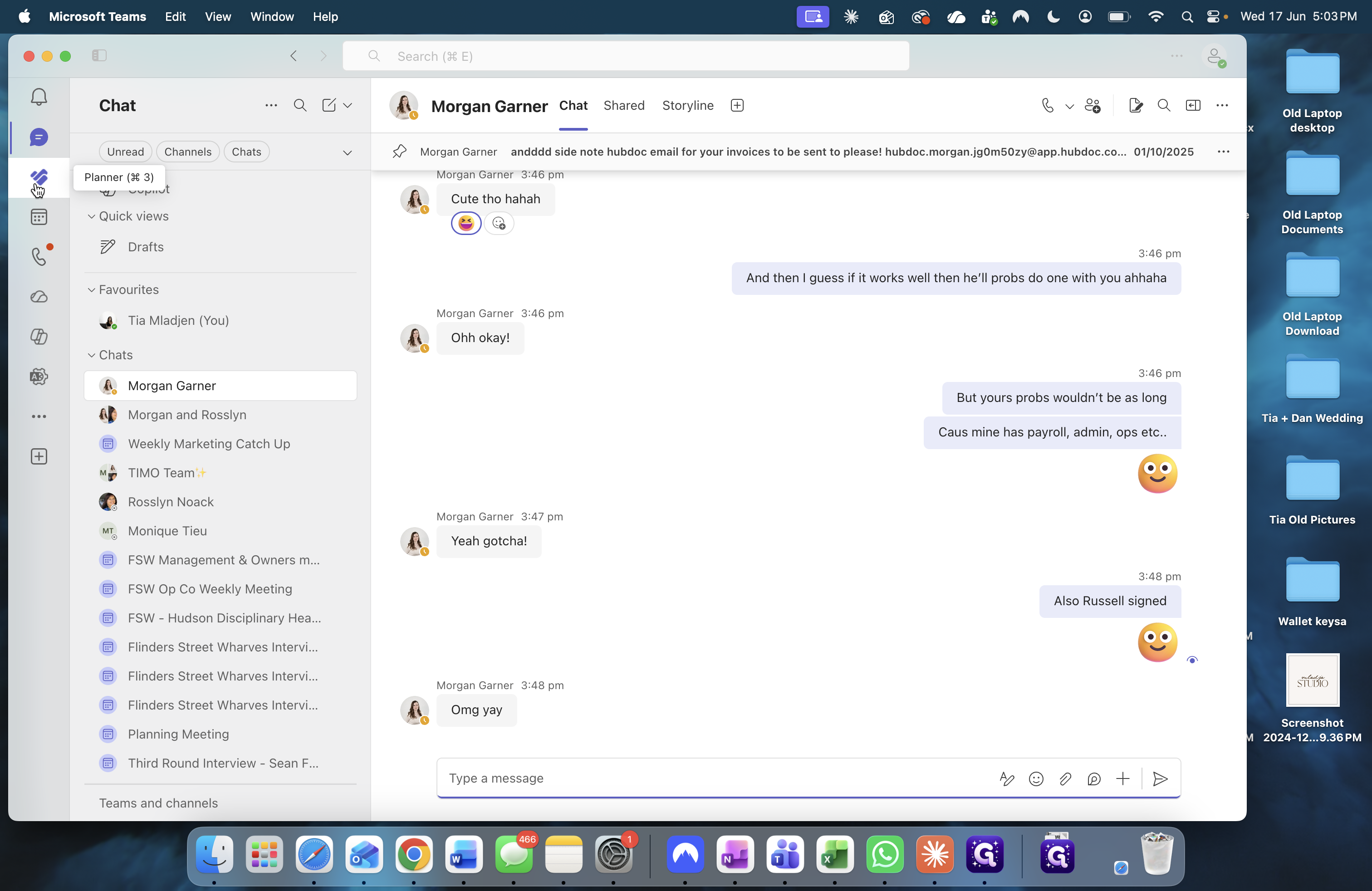
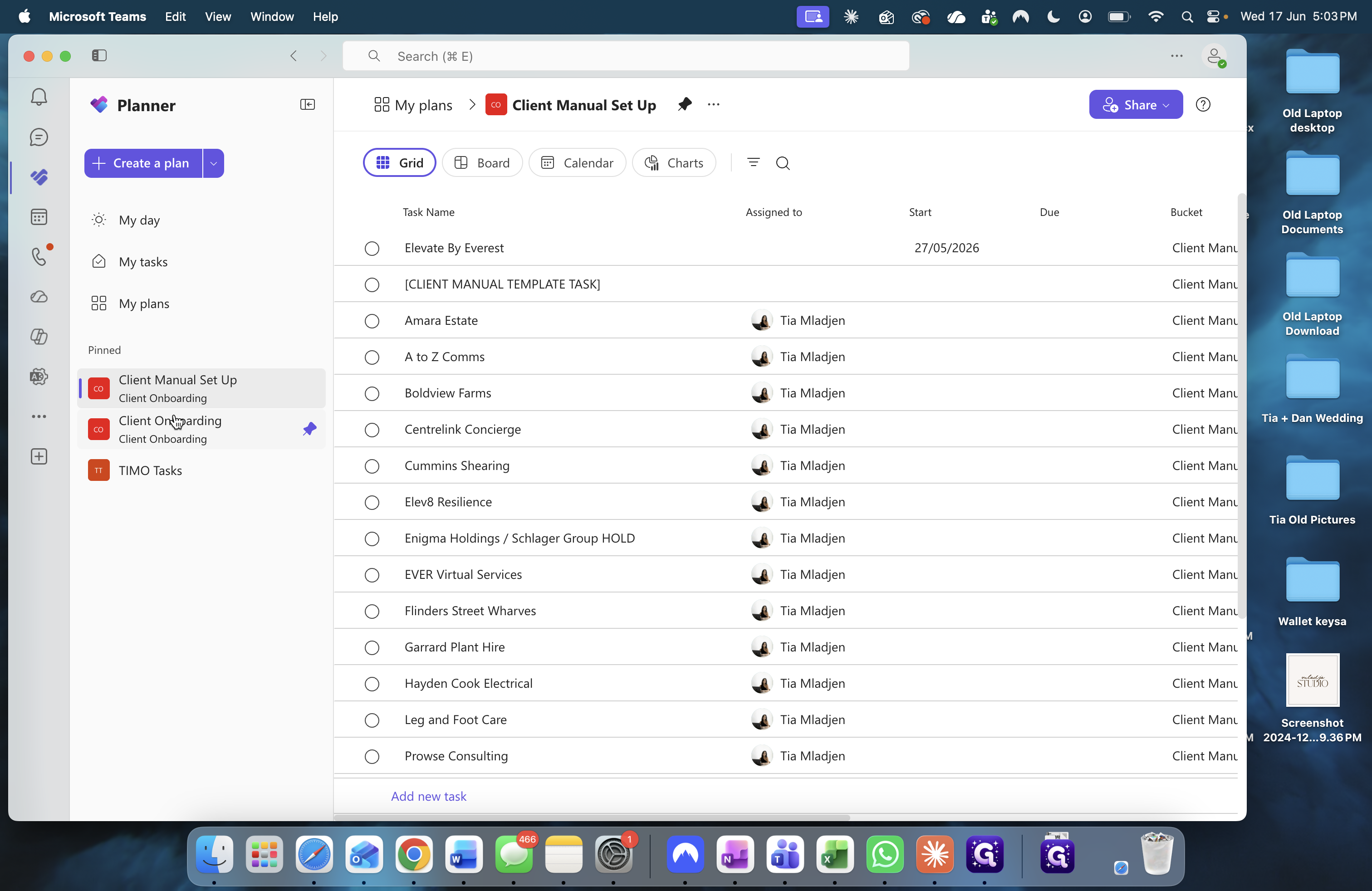
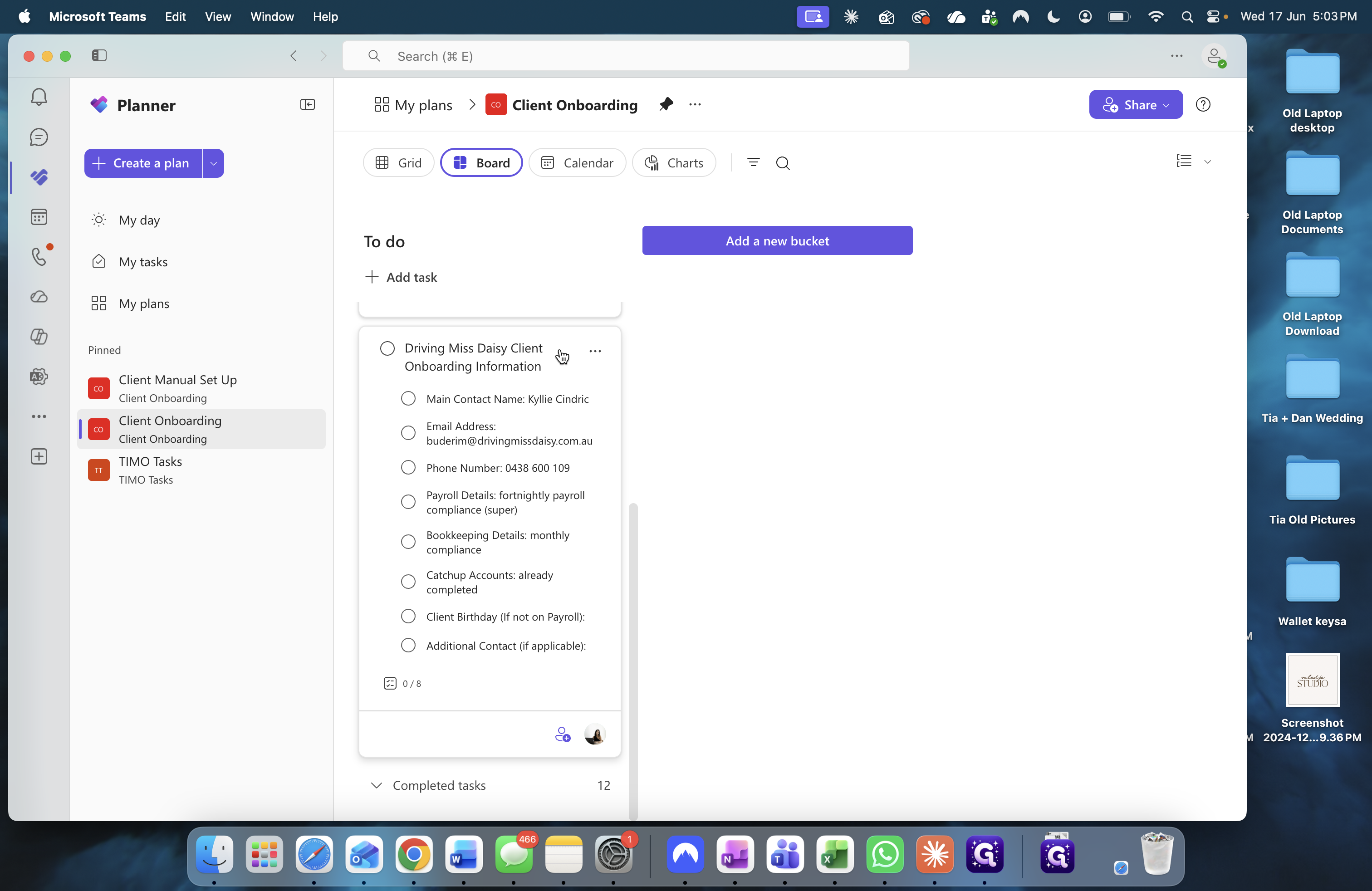
Review the Client Details in Planner
Before creating the workflow, retrieve the incoming client information provided by your team.
Create the Workflow in Karbon
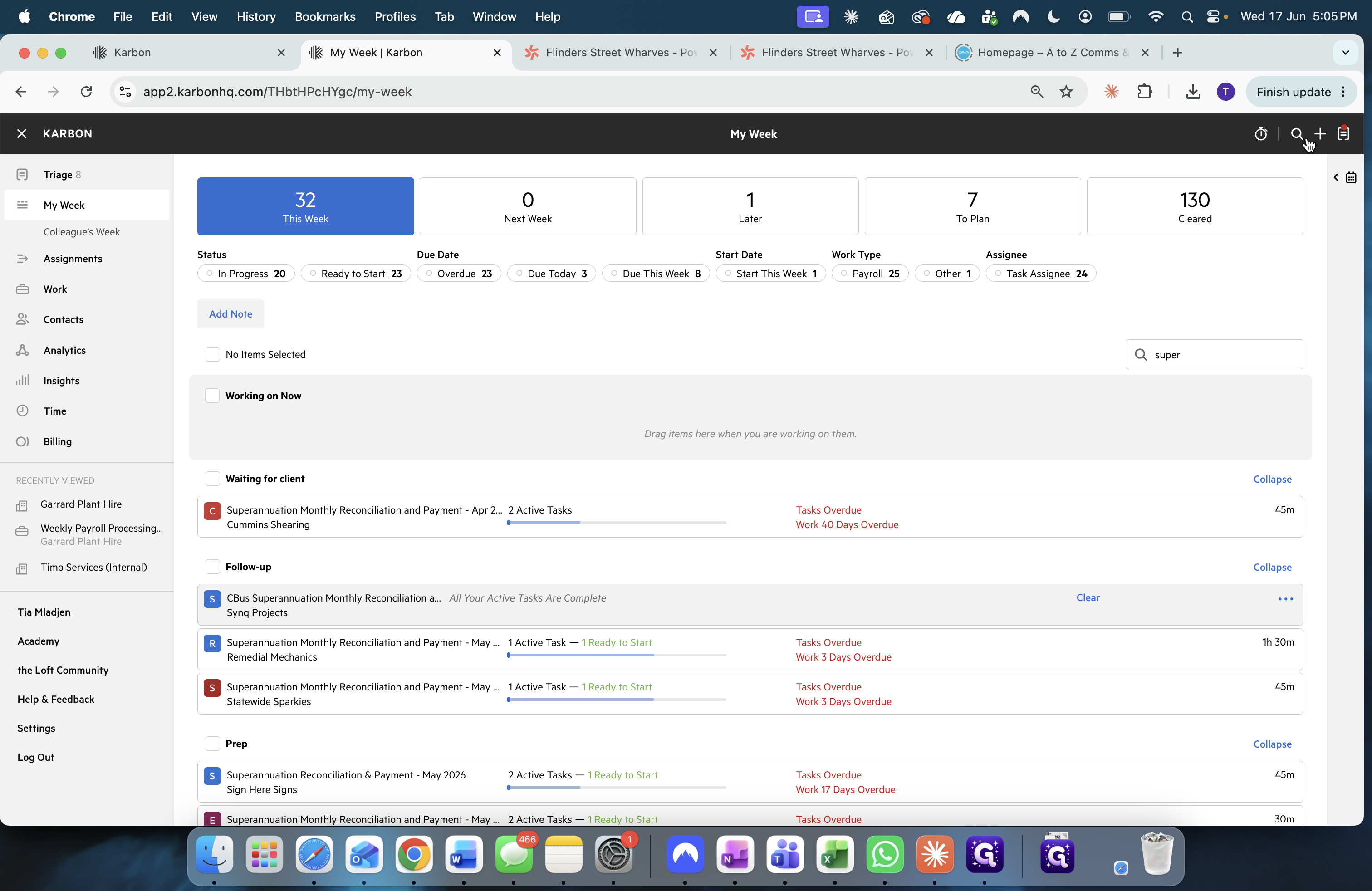
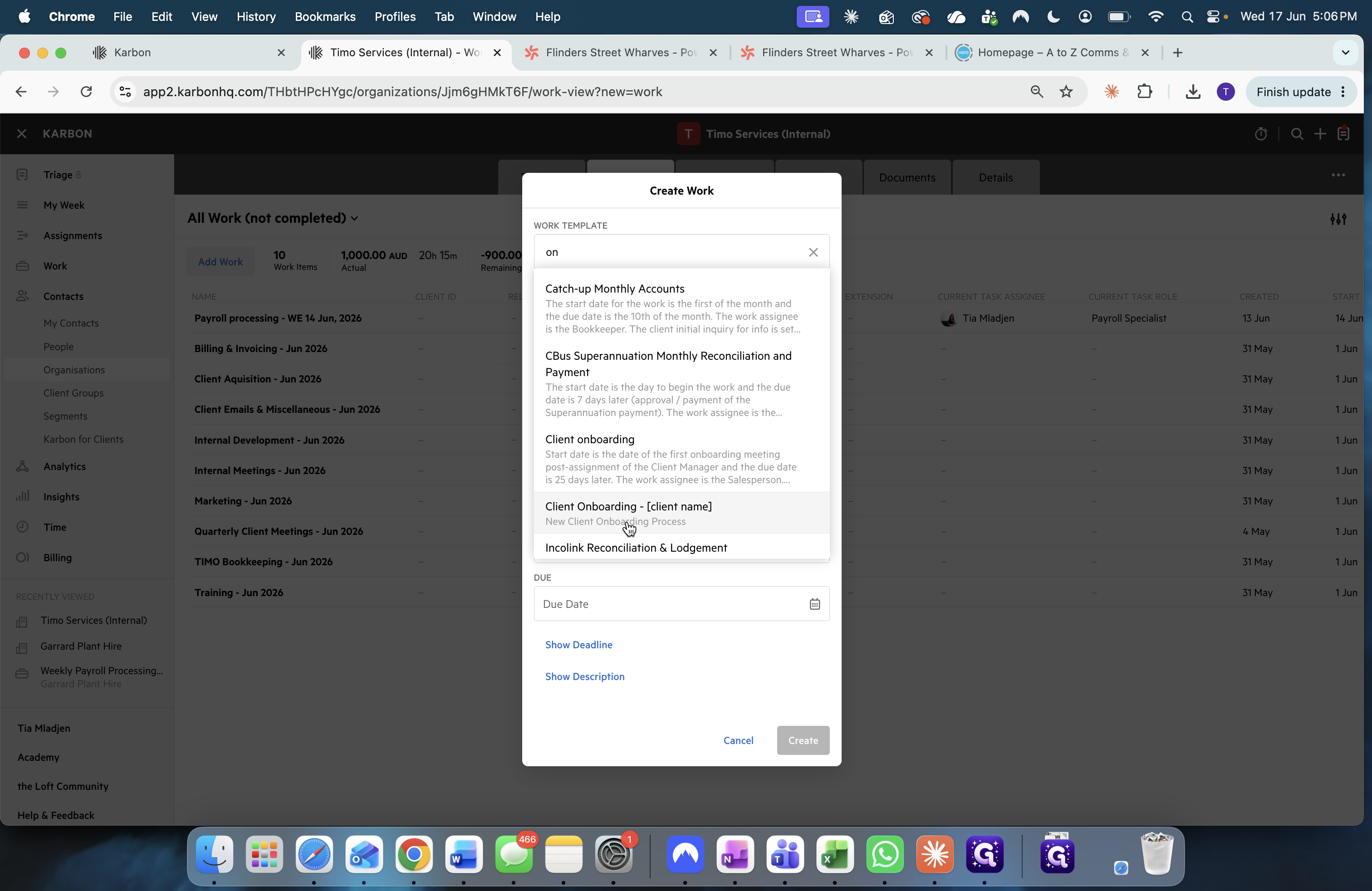
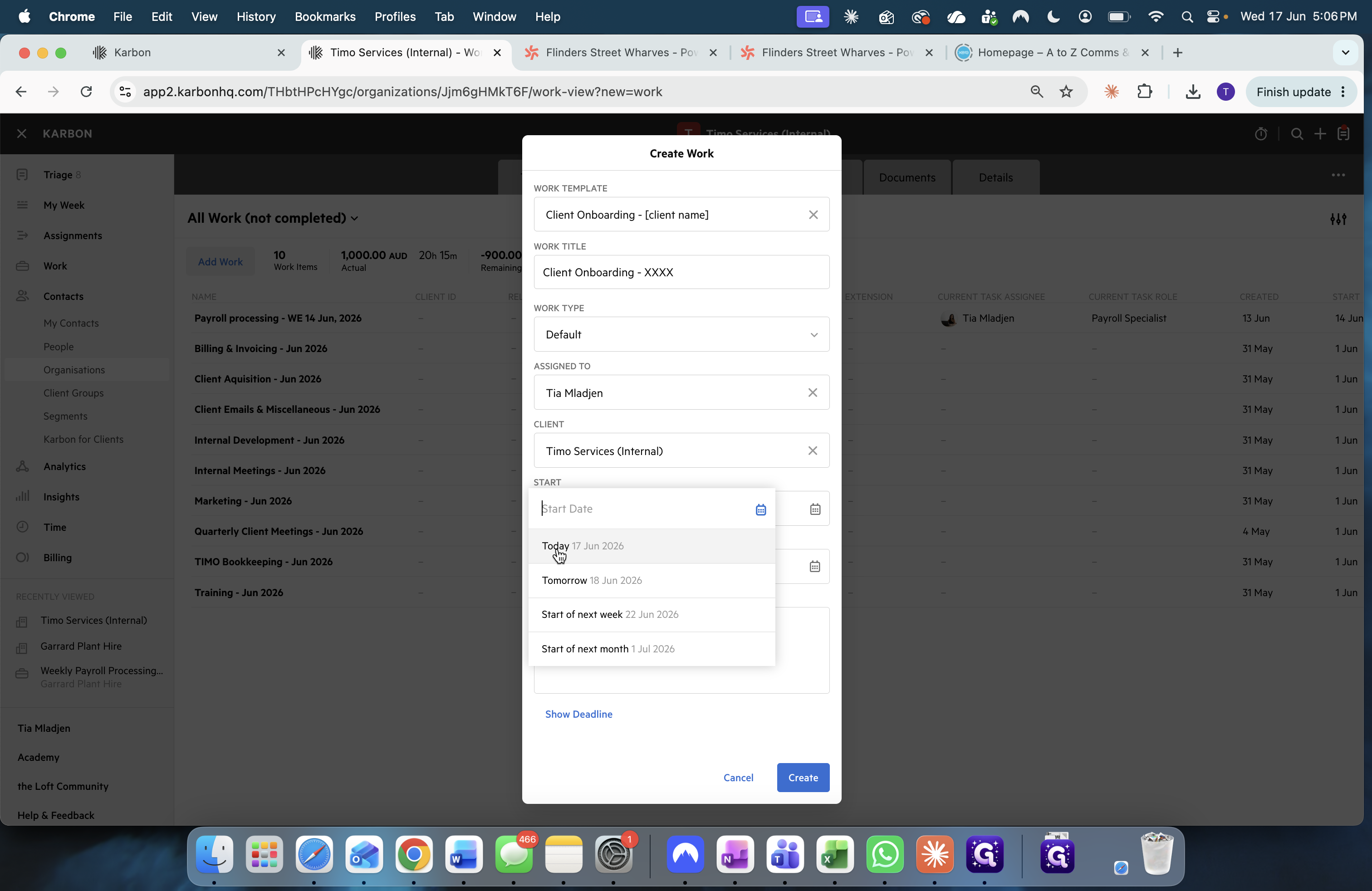
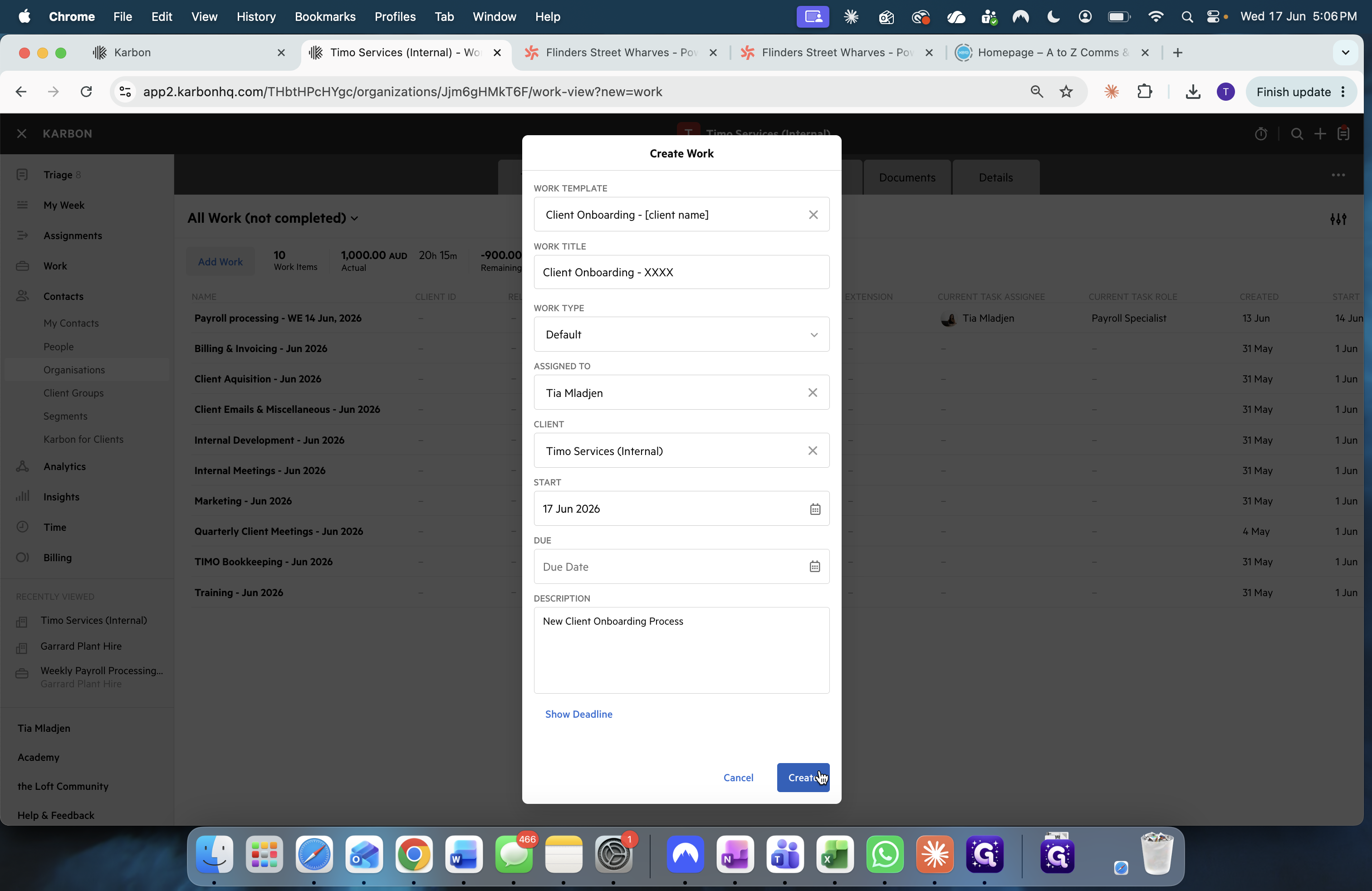
Once you have the necessary details from Planner, move over to Karbon to initialize the project.
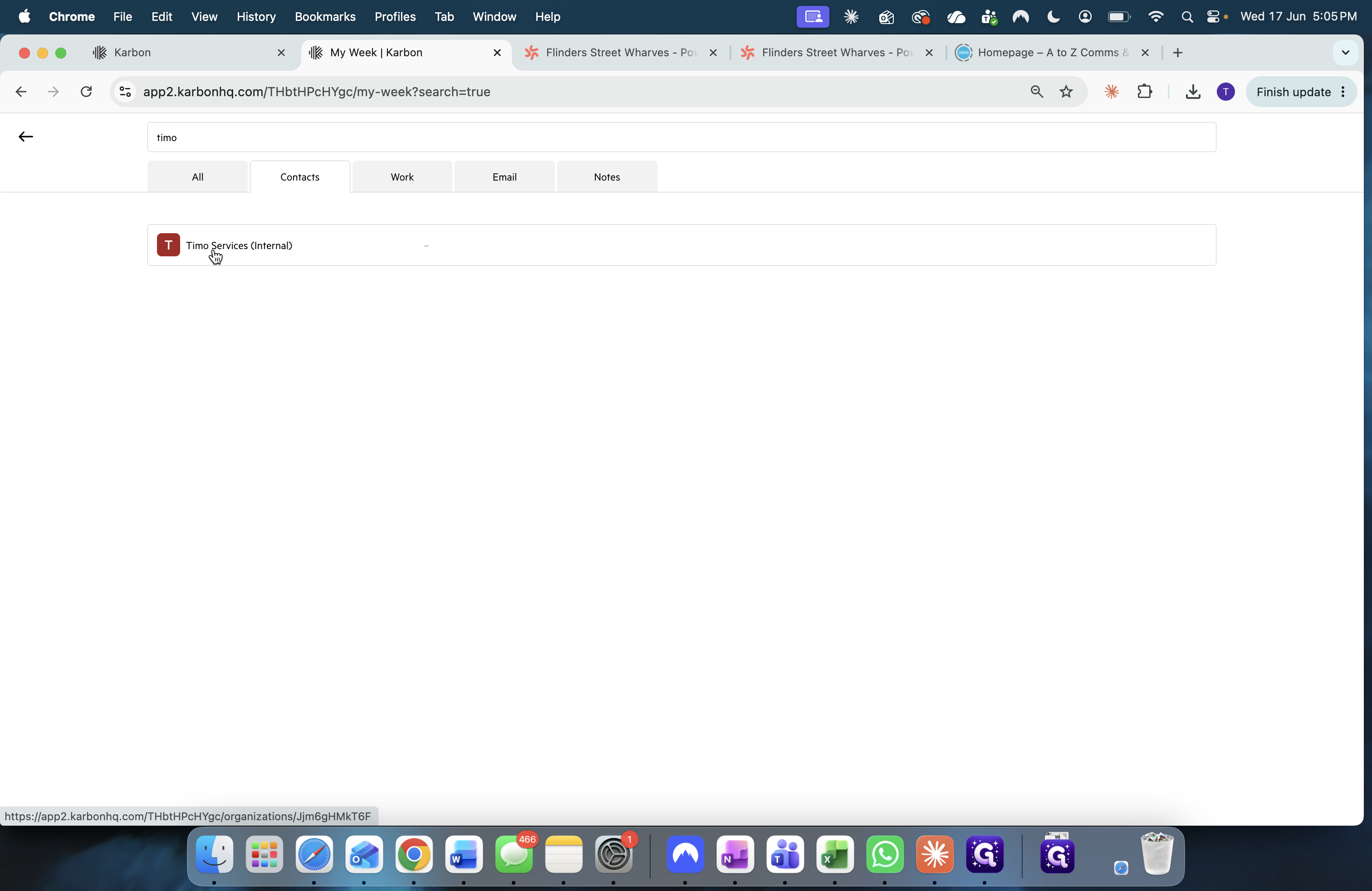
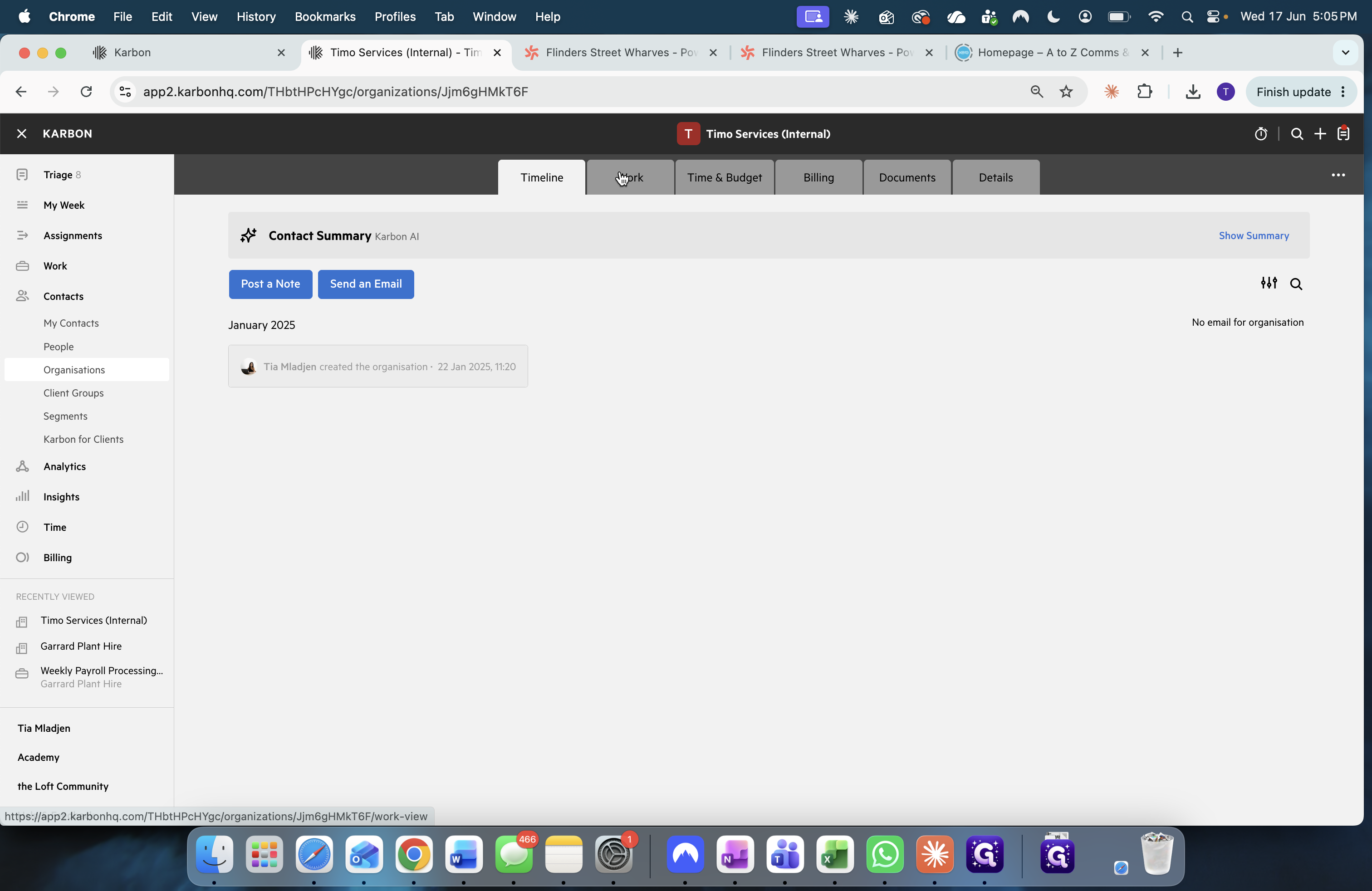
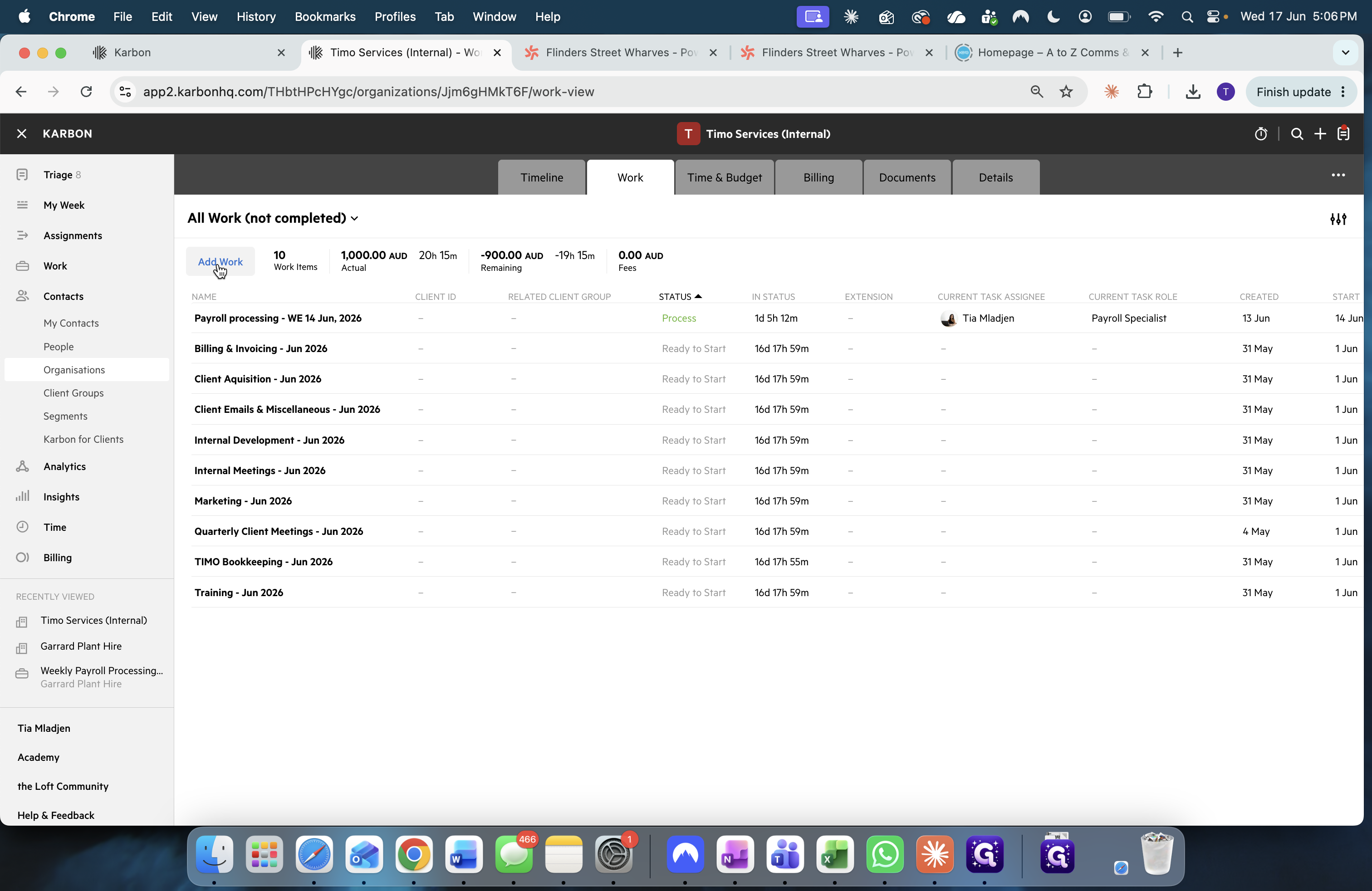
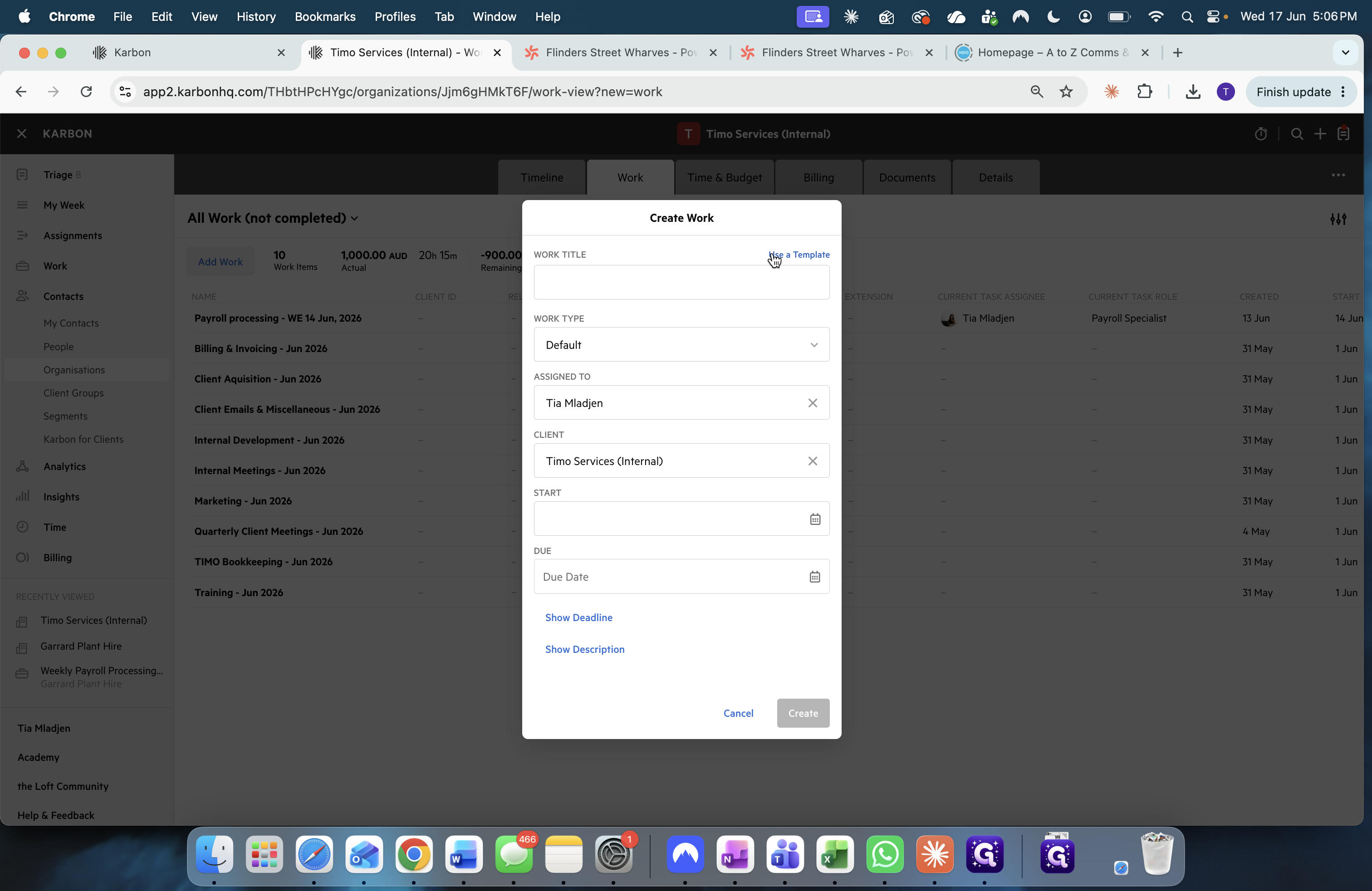
Q: Where does the initial client data come from?
A: The client data, such as billing dates and contact info, is submitted into Microsoft Teams Planner as a to-do list task by the team member handling the initial intake.
Q: Do I need to build the Karbon onboarding workflow from scratch?
A: No, the step-by-step workflow is populated automatically by selecting a pre-built template named "New Client Onboarding Process" when you create the work item in Karbon.
Term | Definition |
|---|---|
Karbon | A practice management platform used by firms to track work, manage clients, and streamline communications. |
Microsoft Teams Planner | A task management tool within Microsoft Teams used to organize teamwork, create lists, and track project notes. |
Work Template | A pre-configured checklist and timeline of tasks used in Karbon to standardize recurring processes. |