
How to Create and Configure Templates in DocHub
Learn how to upload a document, configure template ownership and privacy, place assigned fillable fields, and publish templates in DocHub.
This guide walks through setting up a reusable agreement template in DocHub, including configuring organization permissions, adding fillable client fields, and finalizing the document for repeated sending.
This applies to operations teams, property managers, and leasing administrators preparing standard lease or membership agreements for client signatures.
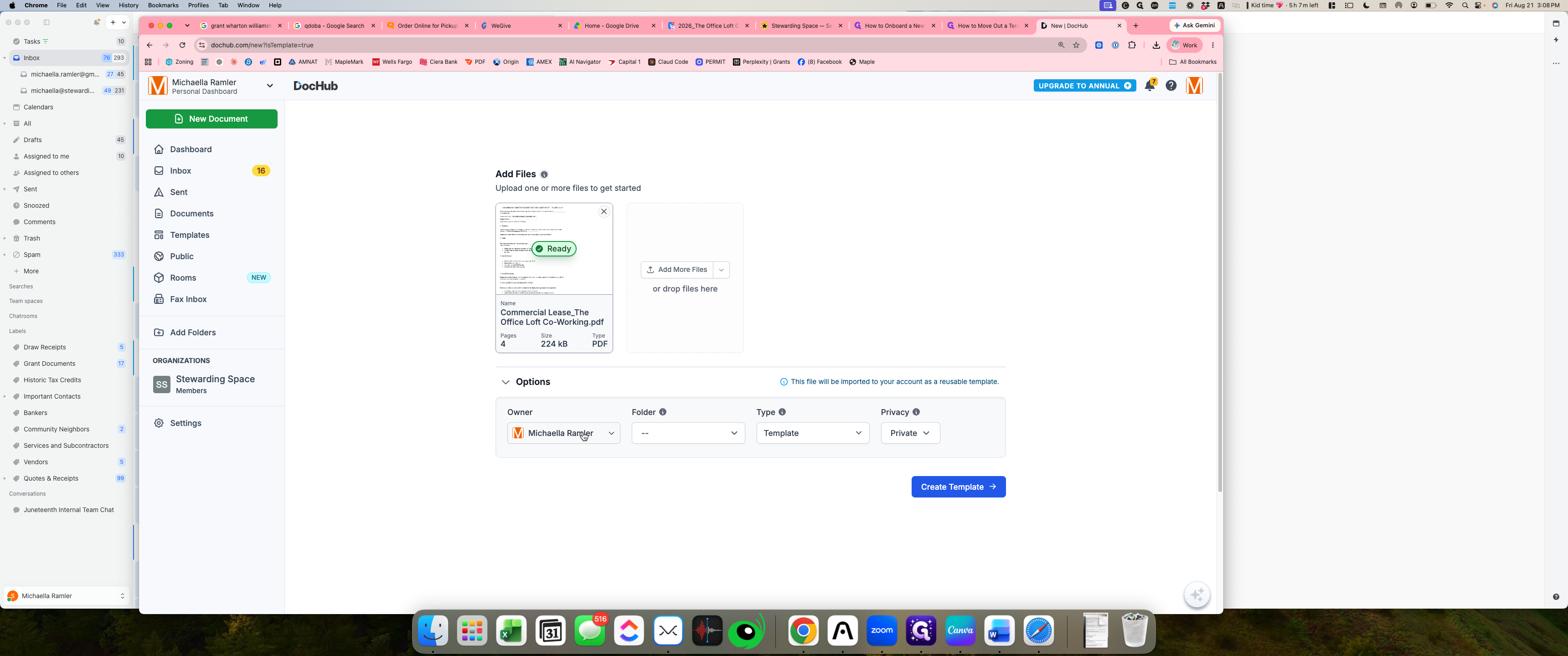
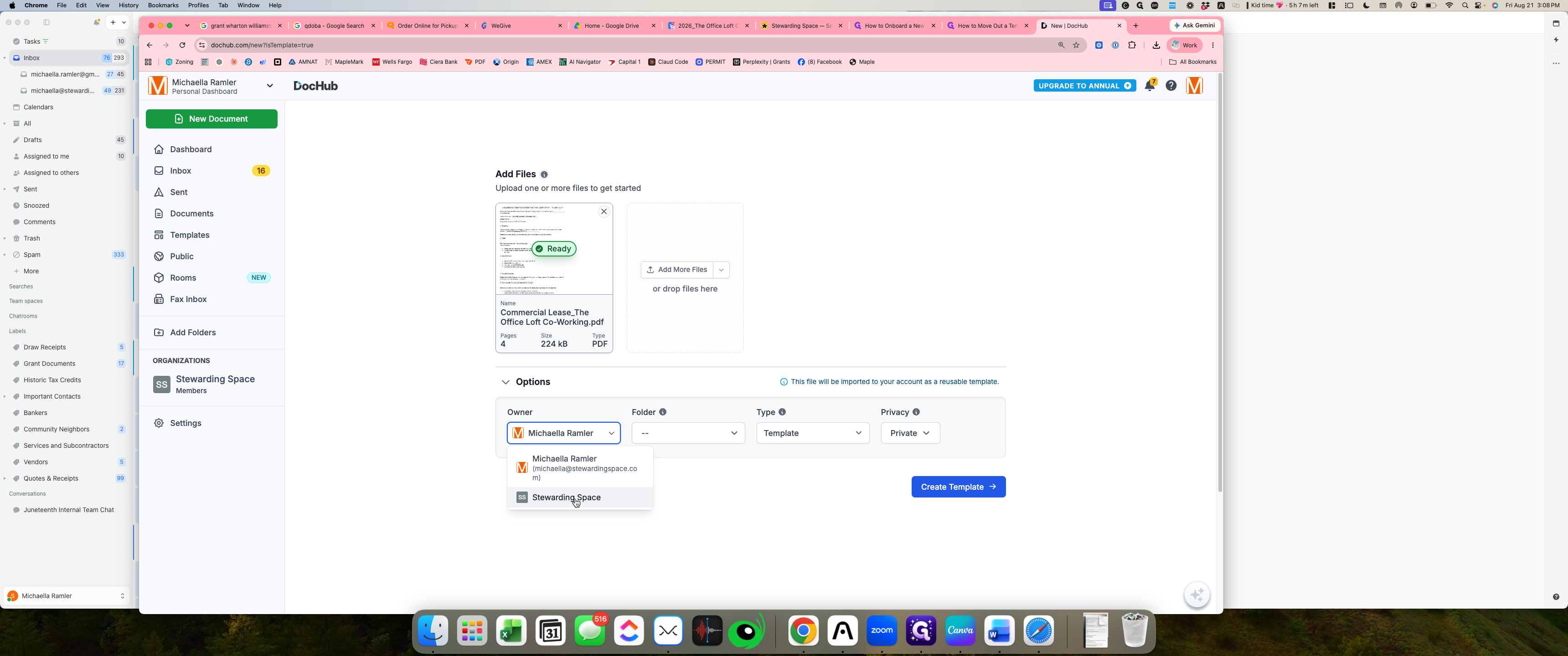
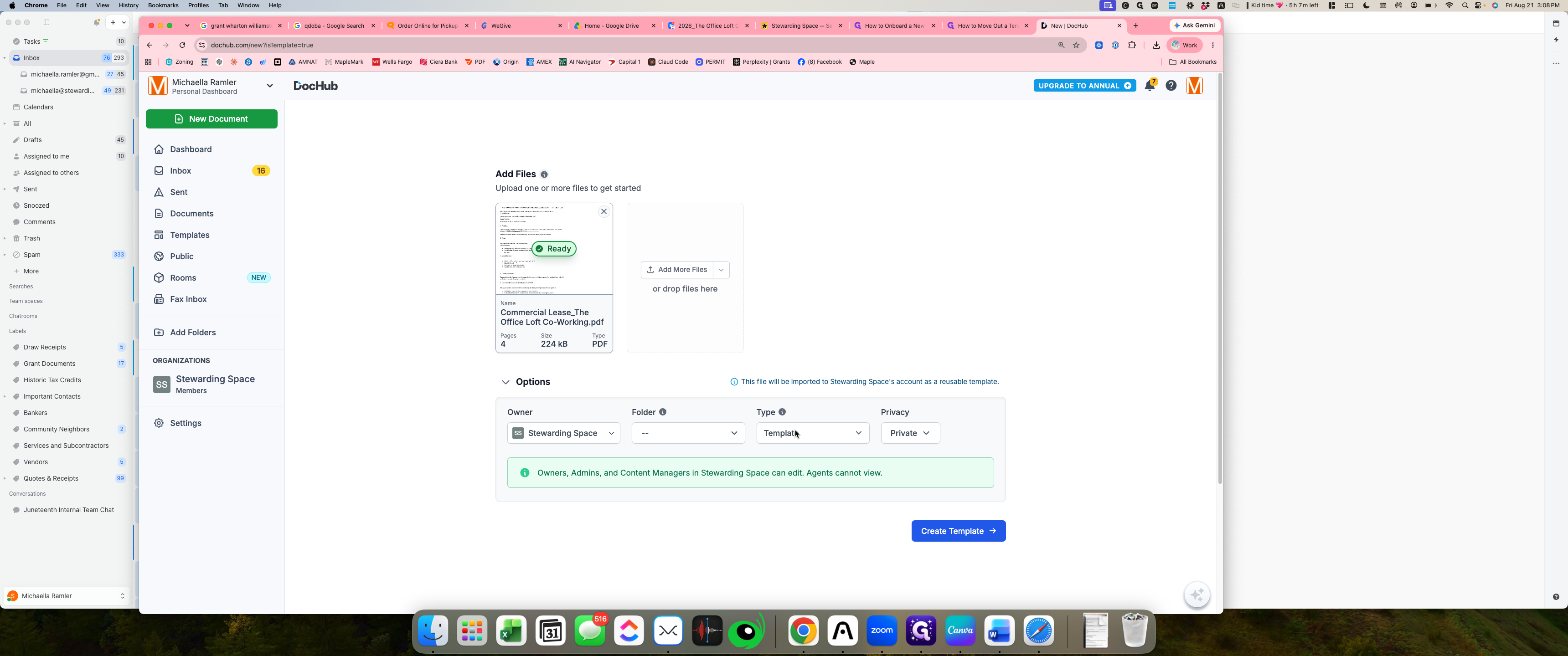
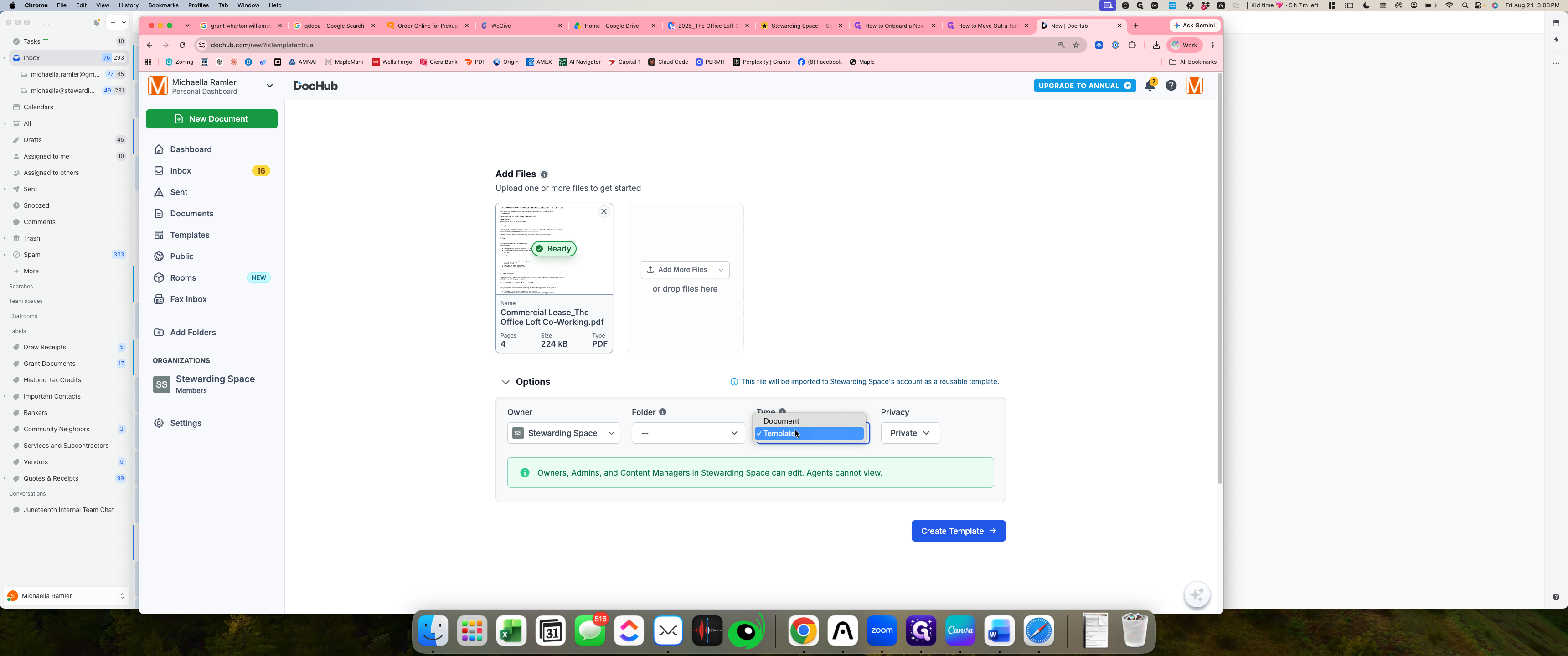
Configure Template Properties
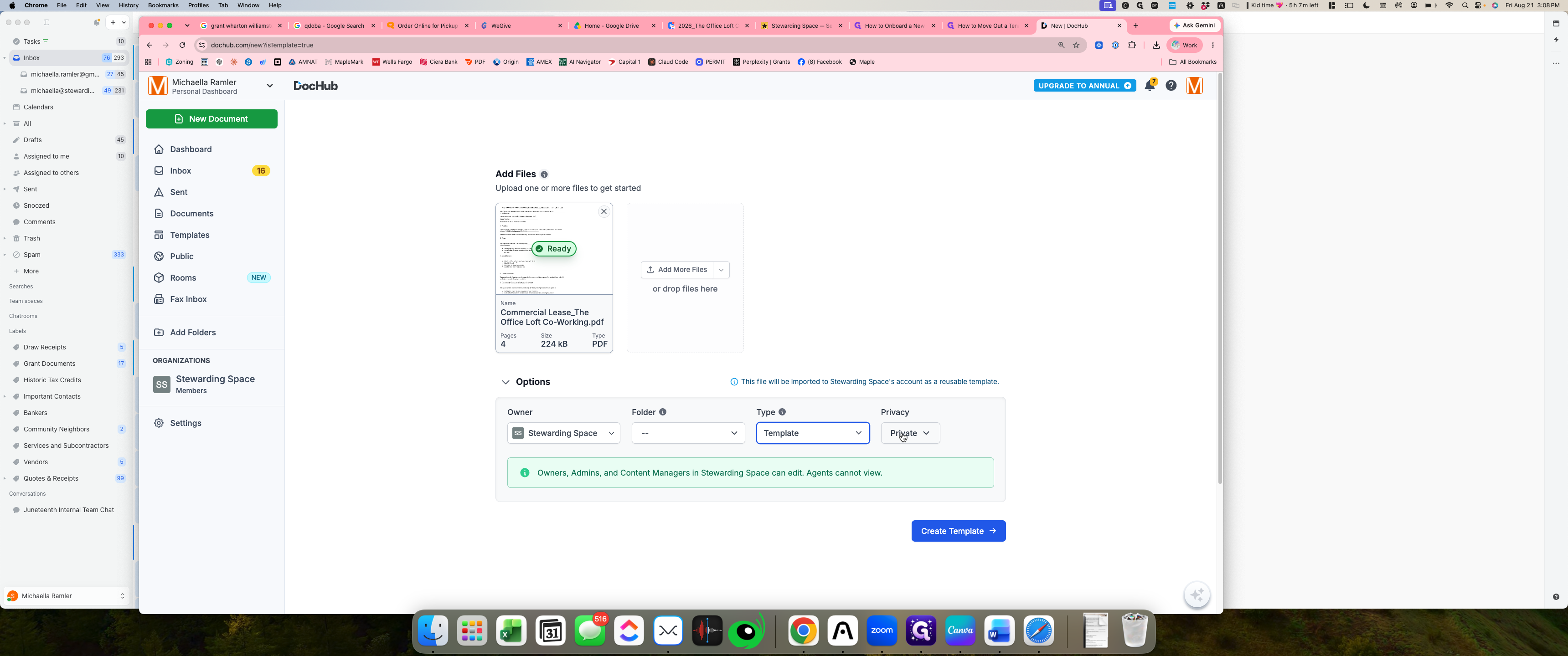
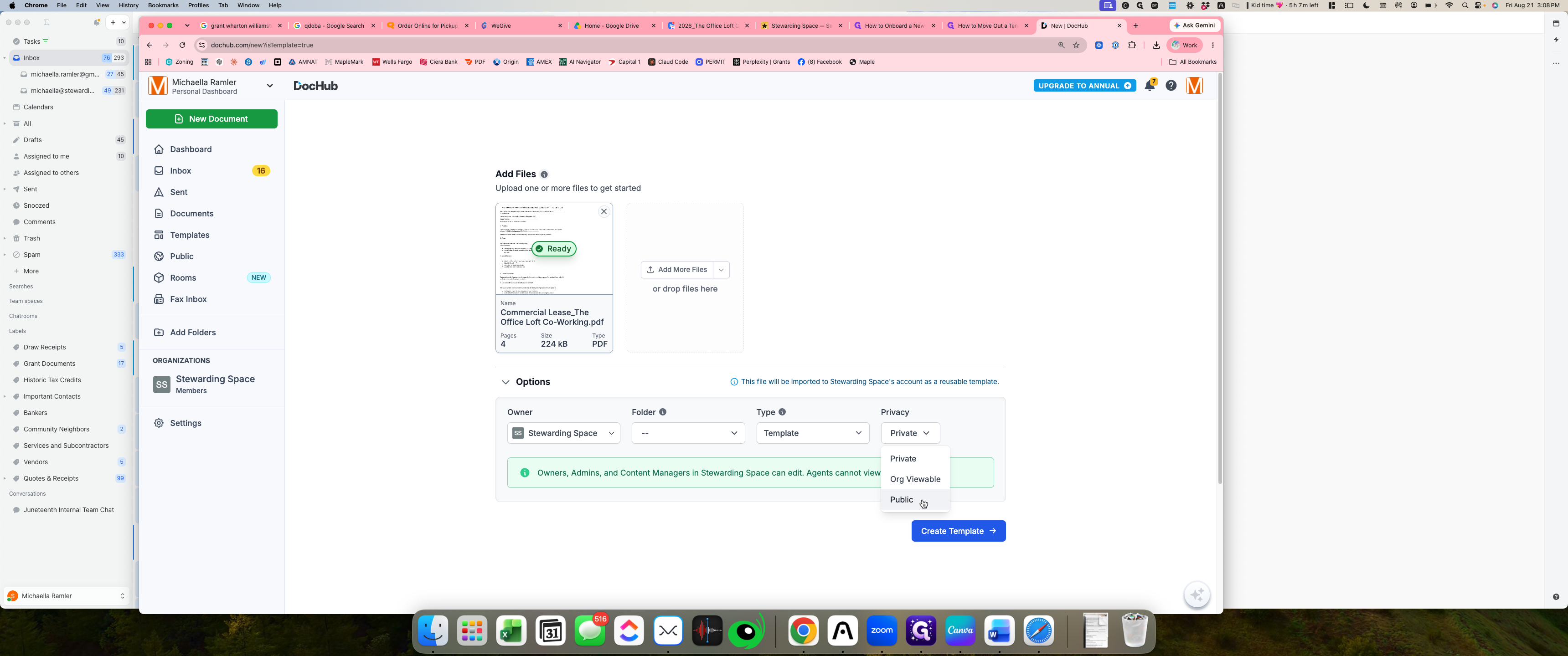
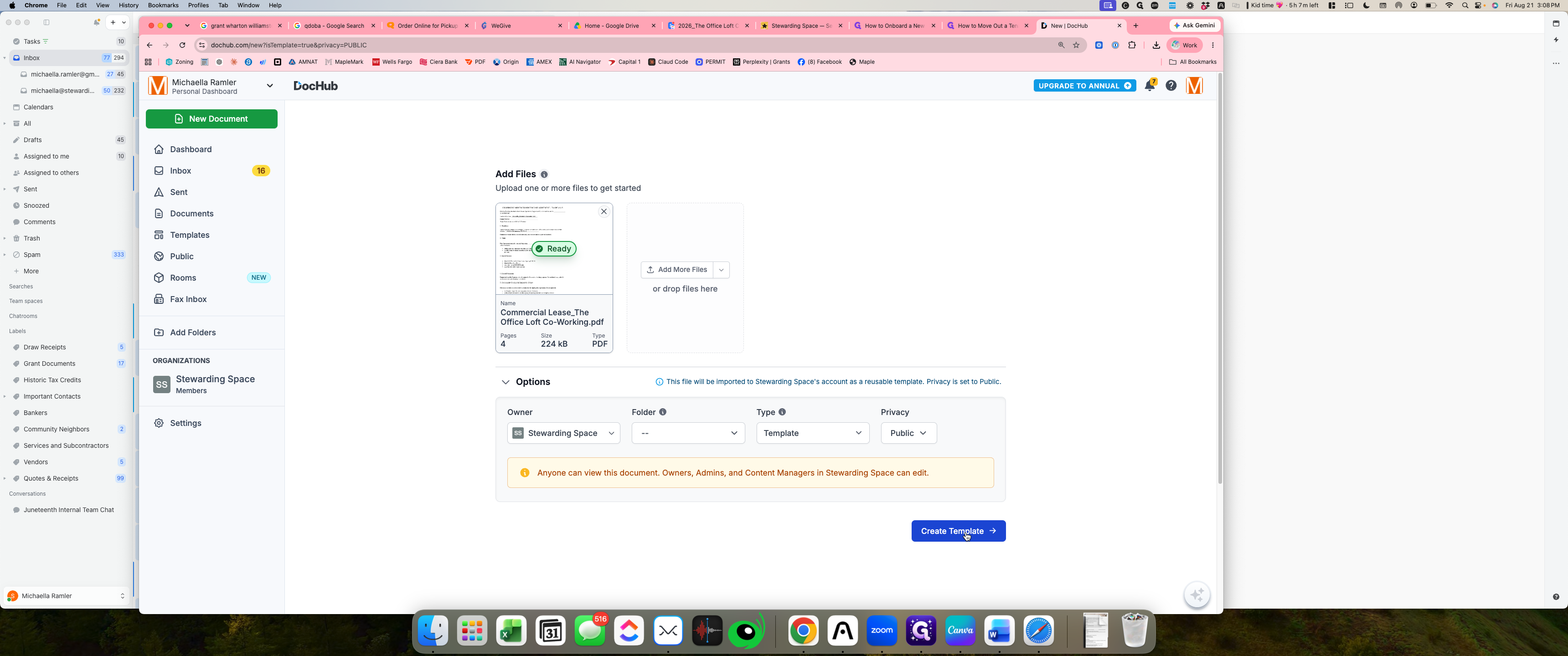
Before adding interactive form fields, establish the document's ownership, file type, and organization privacy settings.
Add and Assign Form Fields
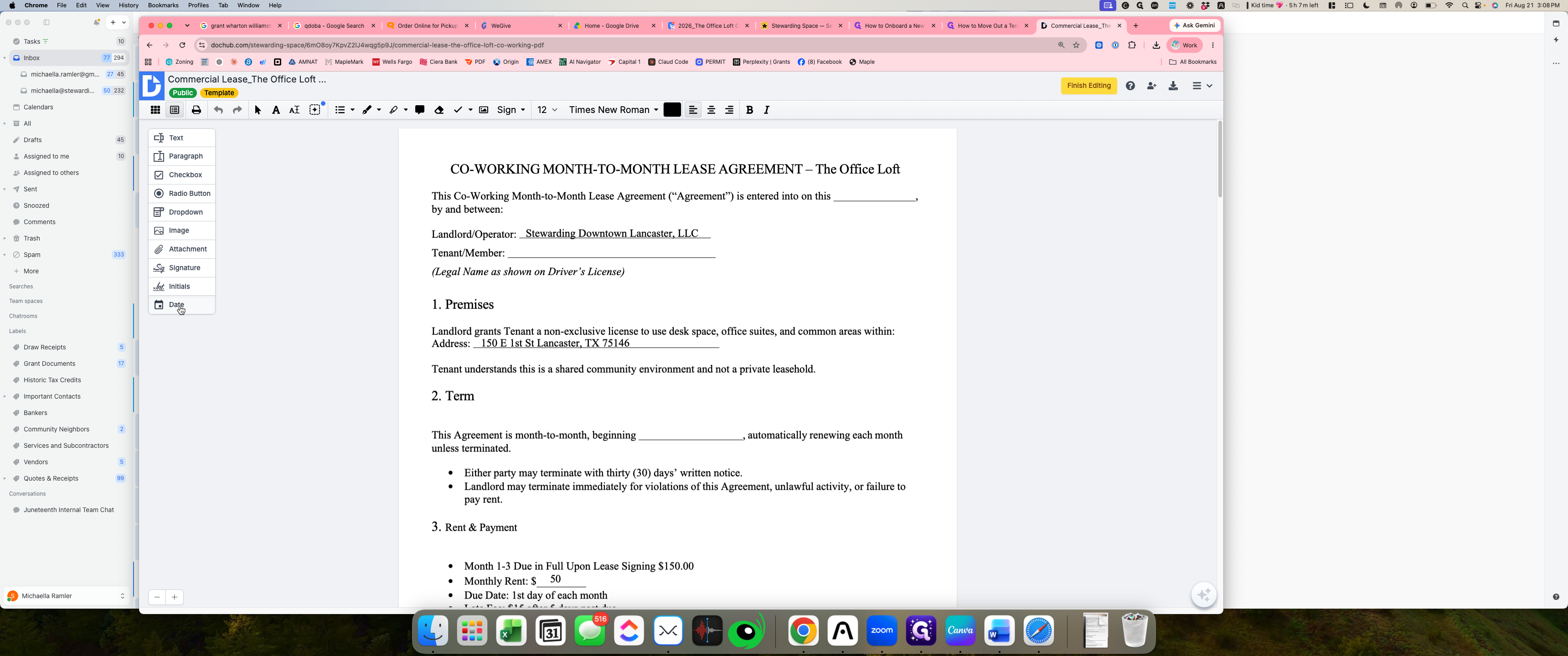
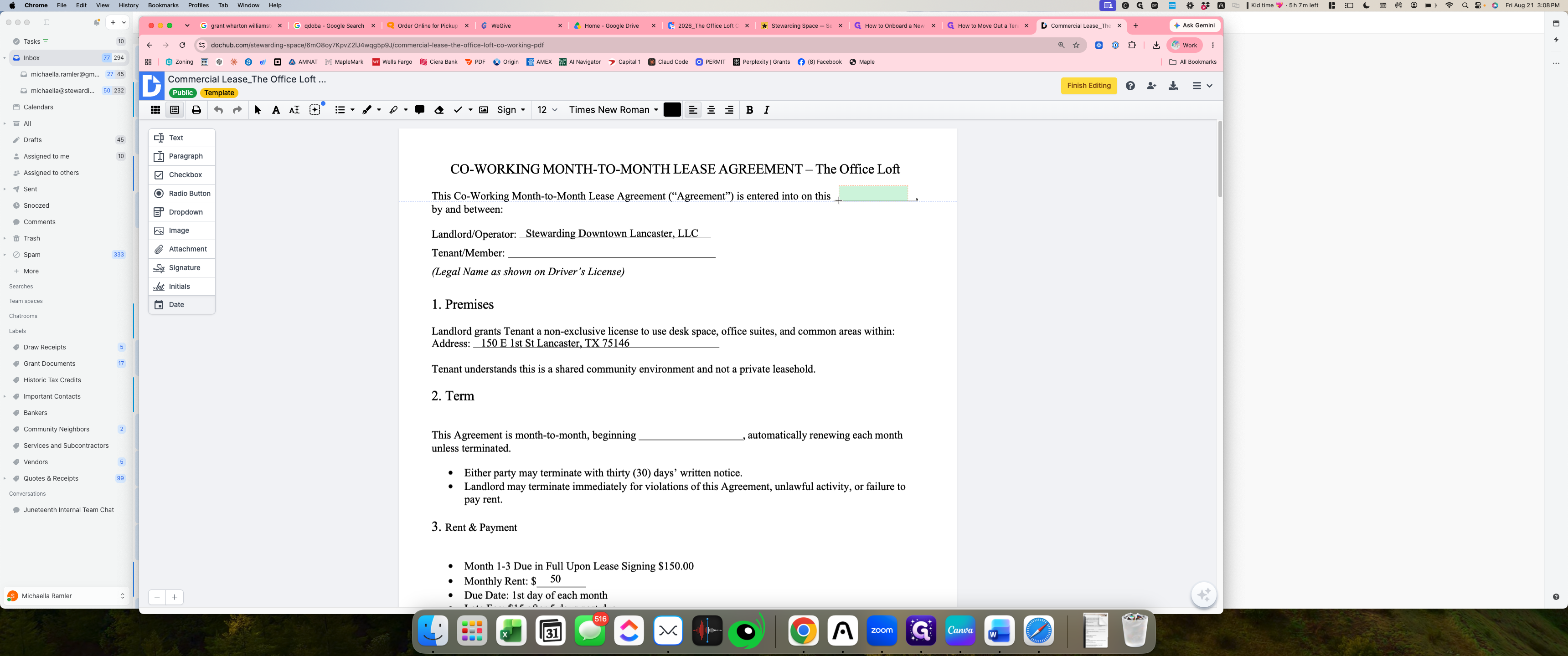
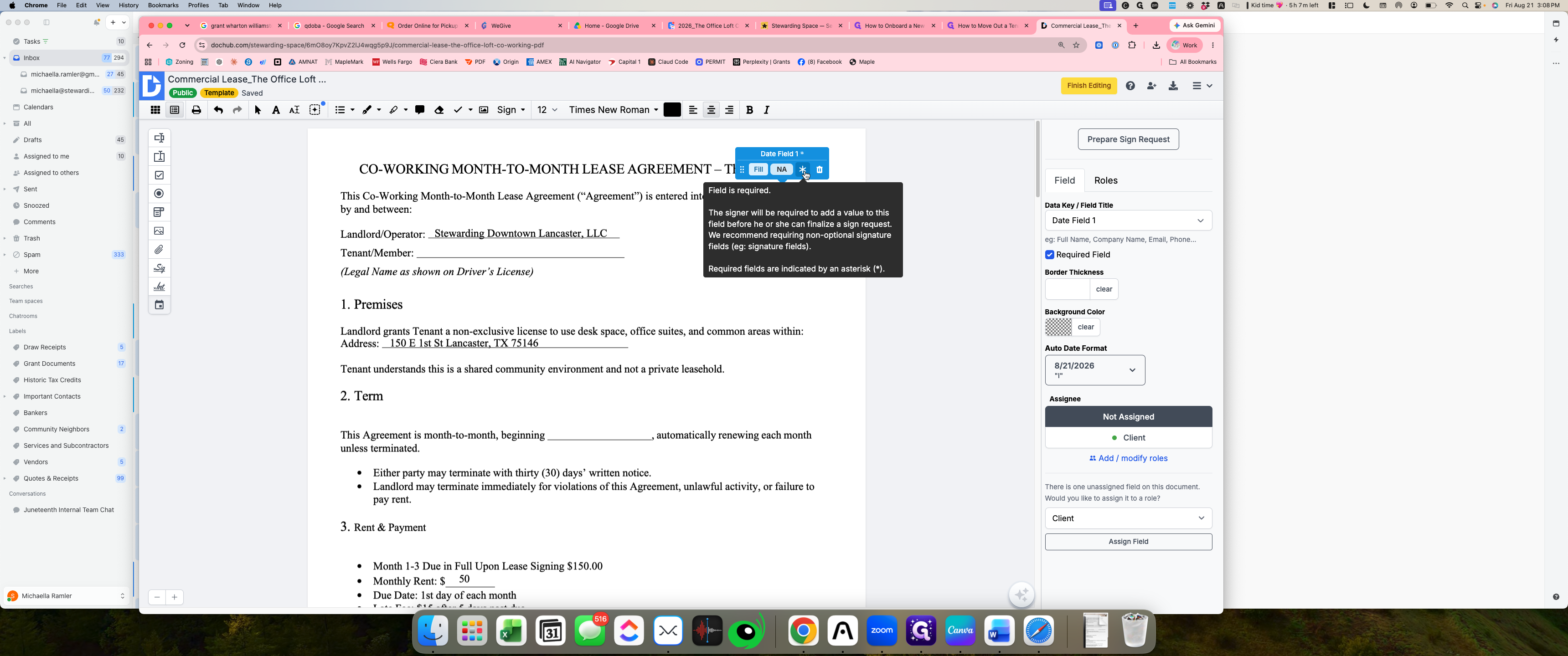
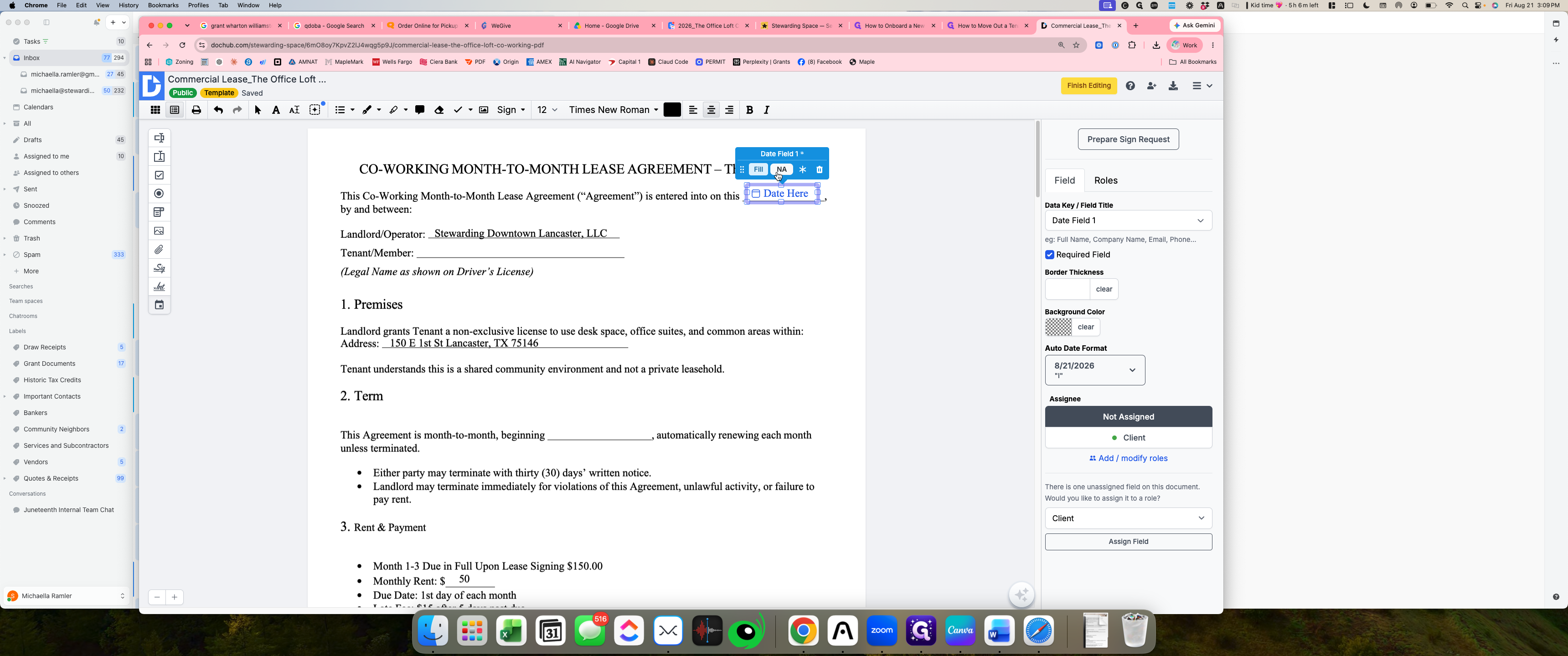
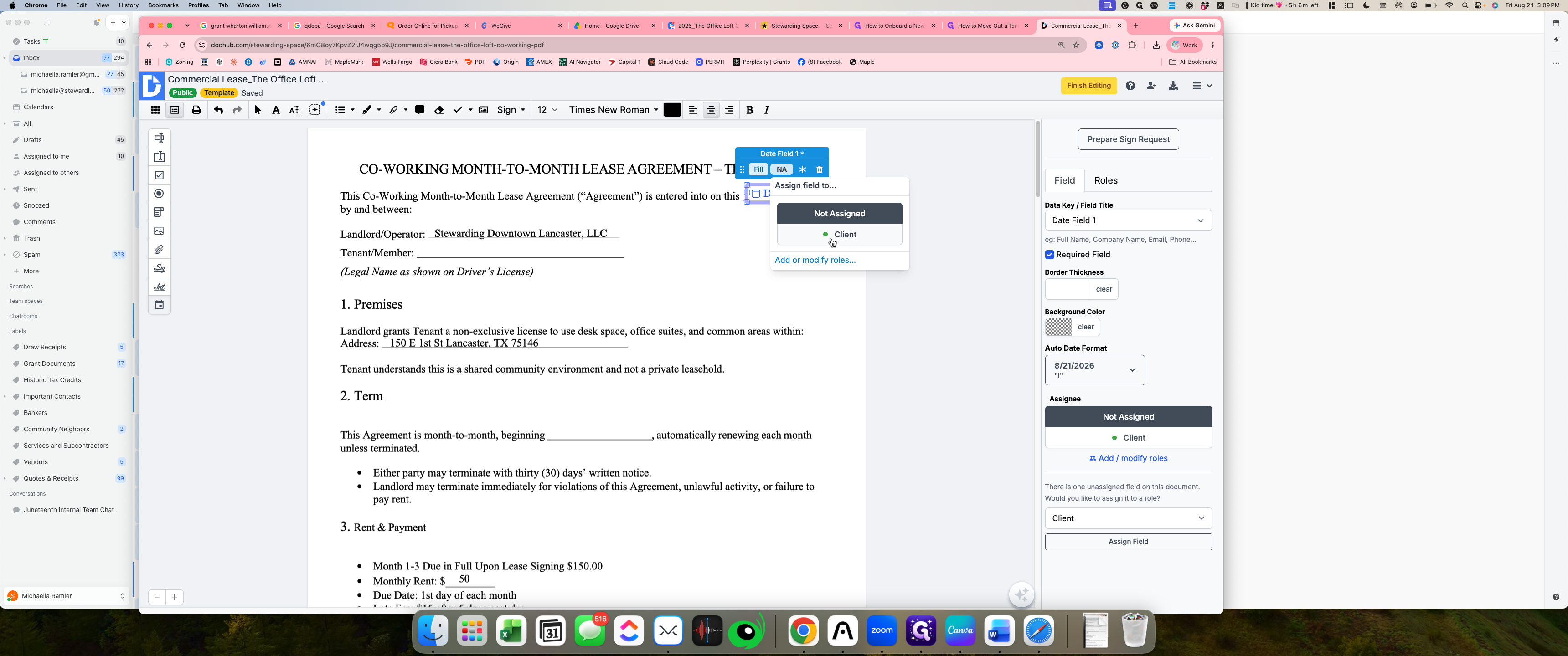
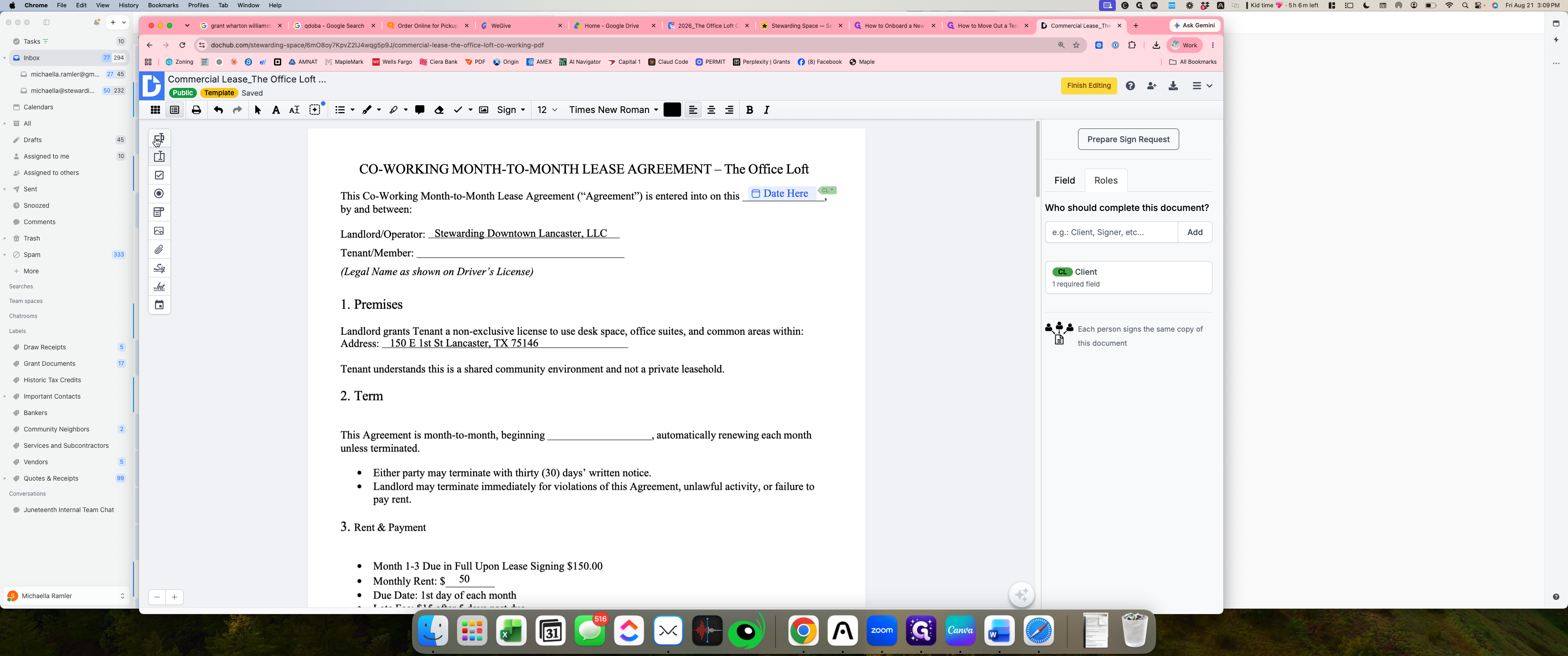
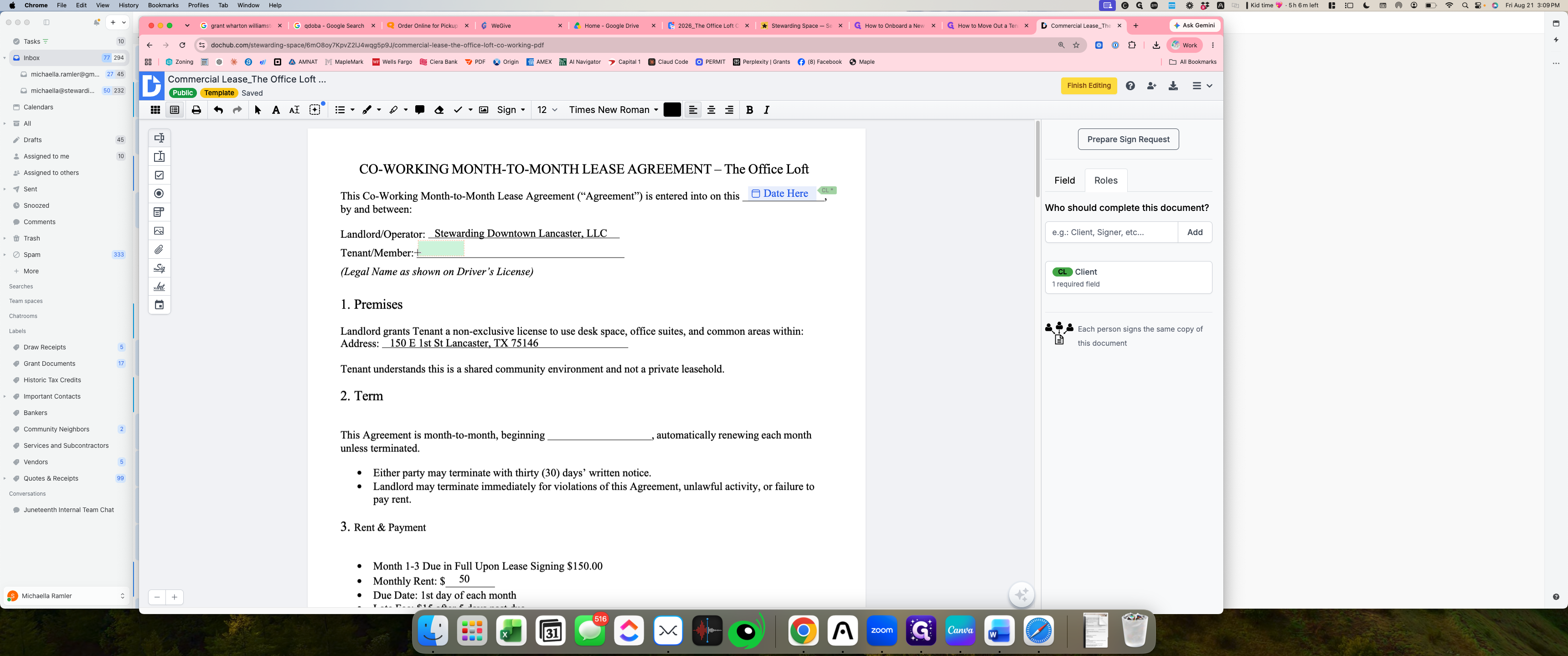
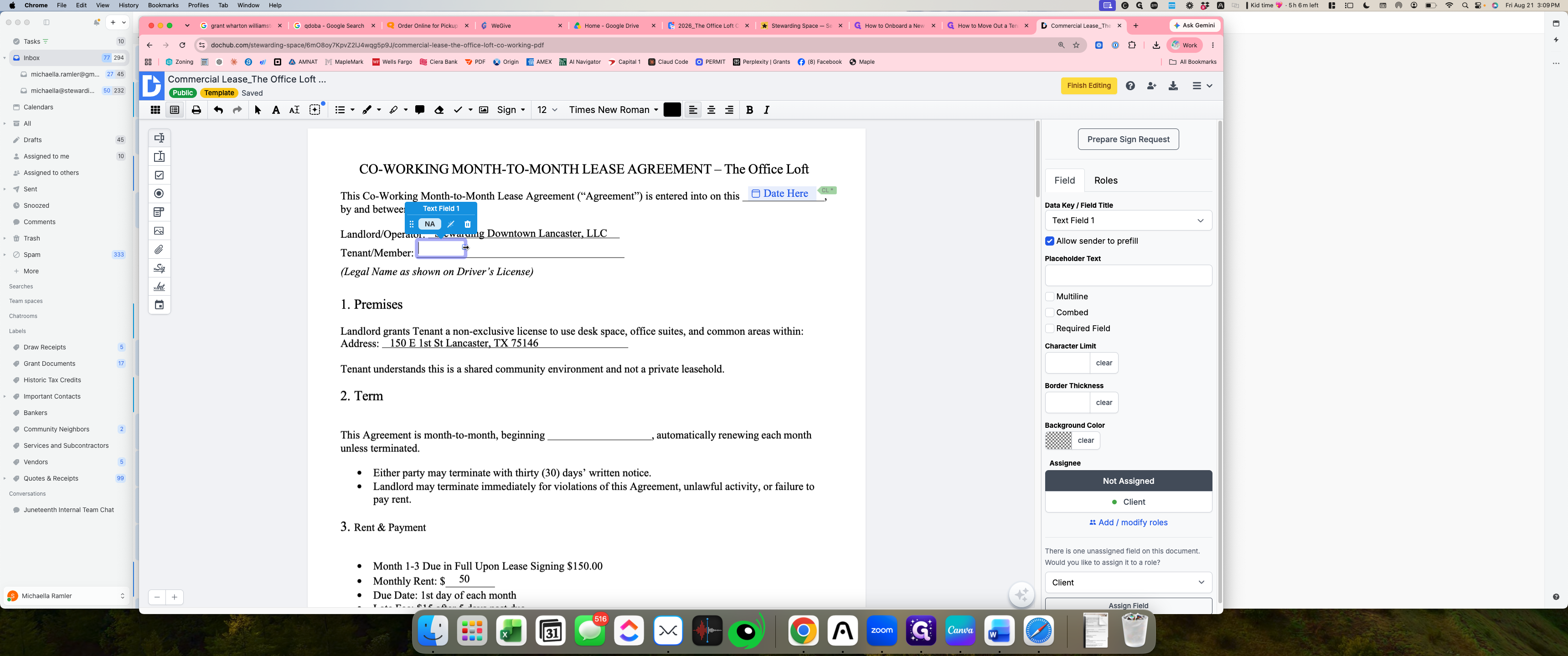
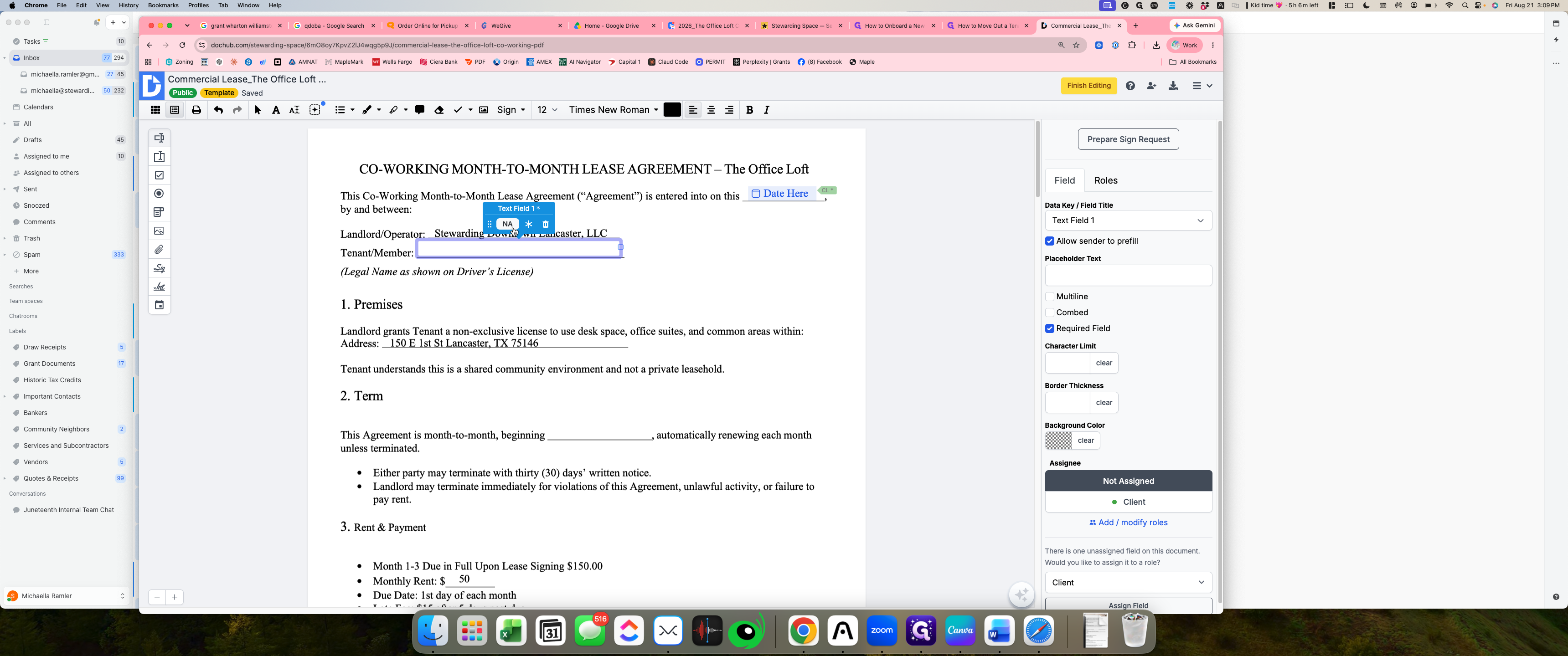
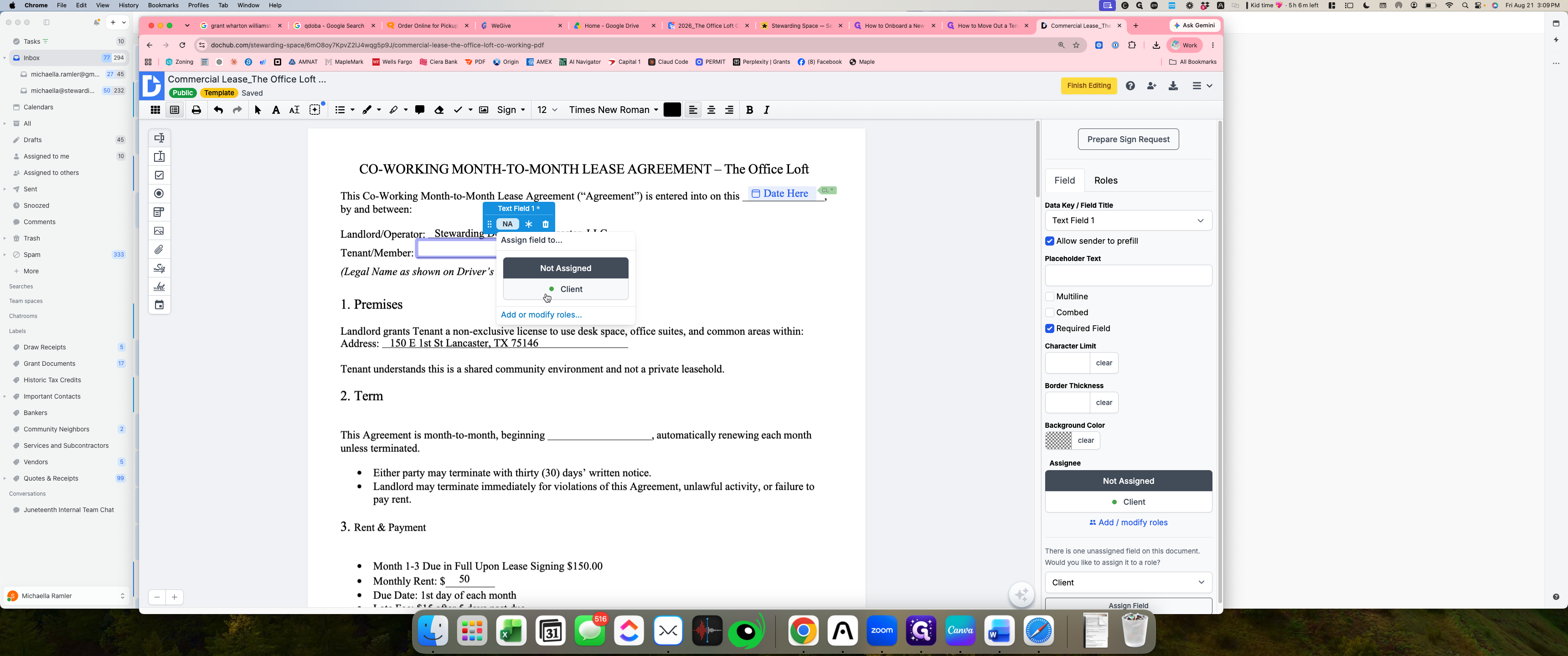
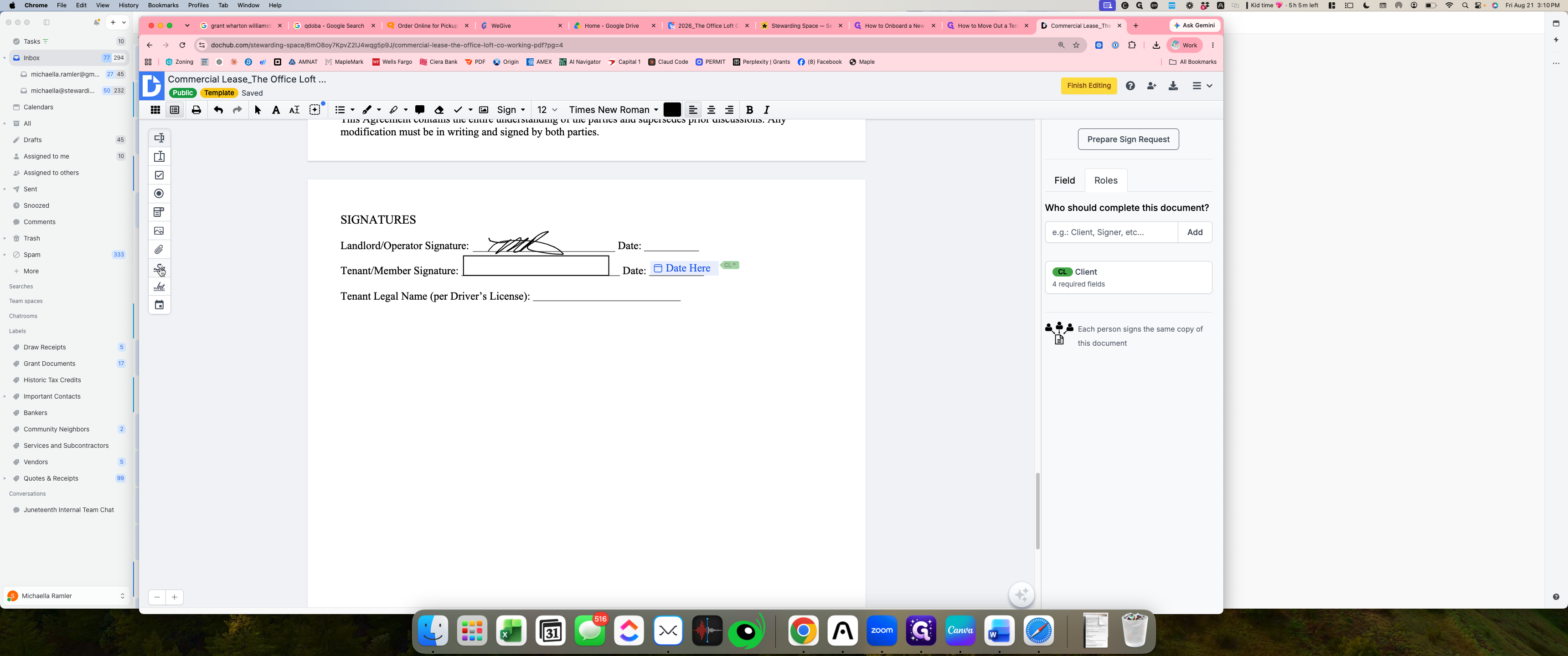
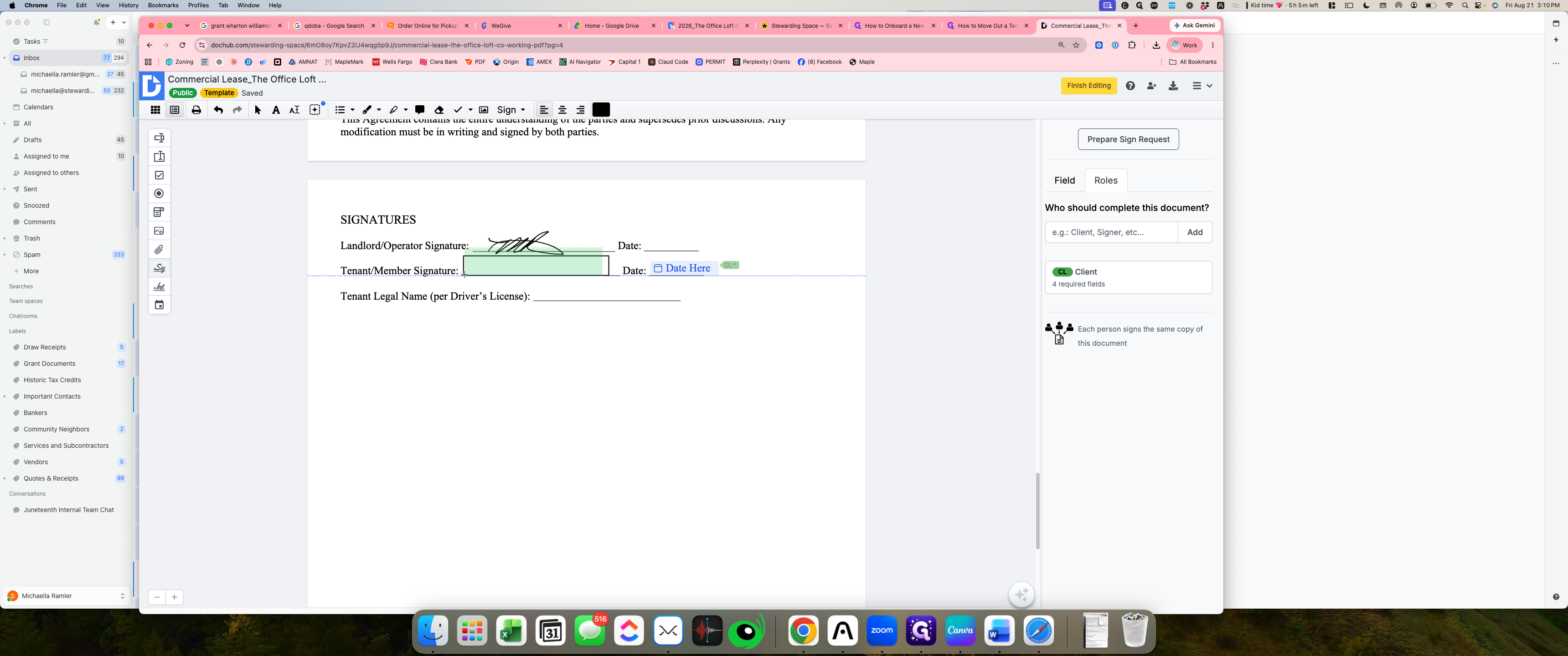
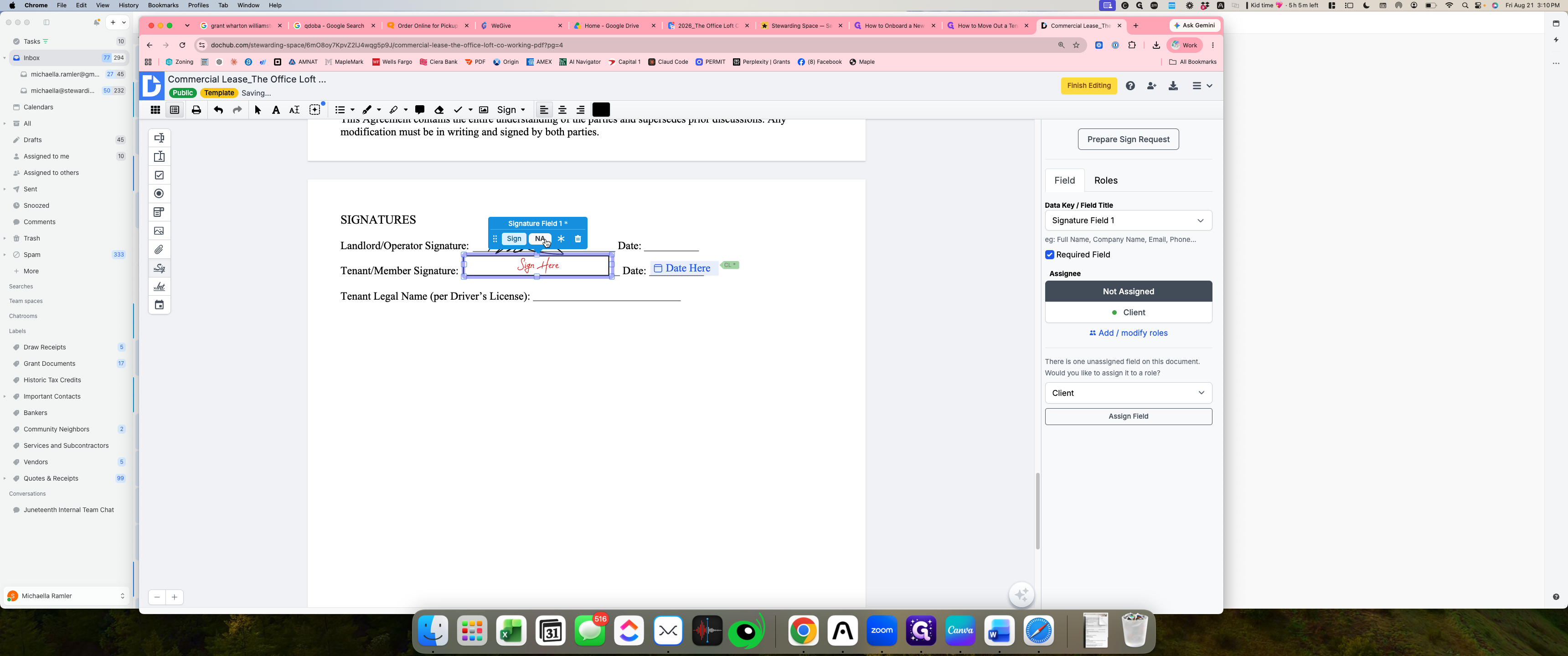
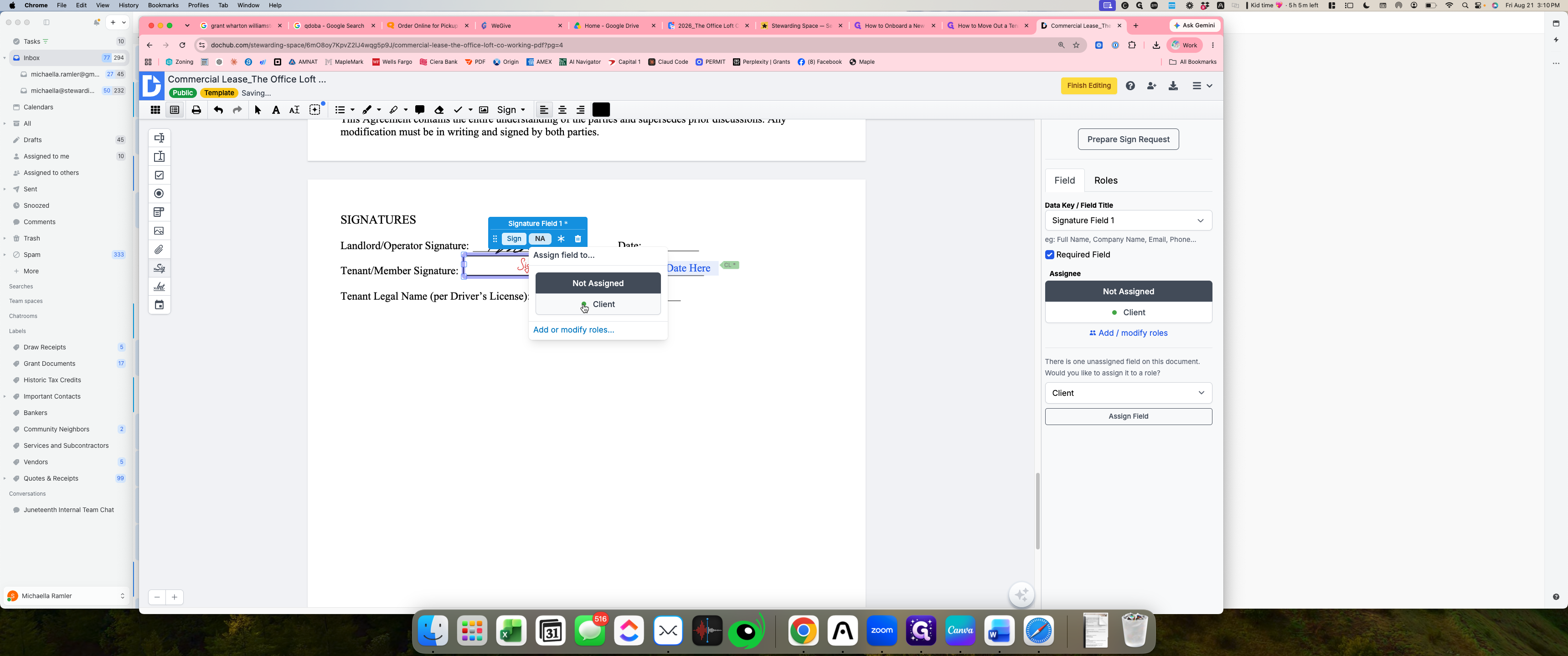
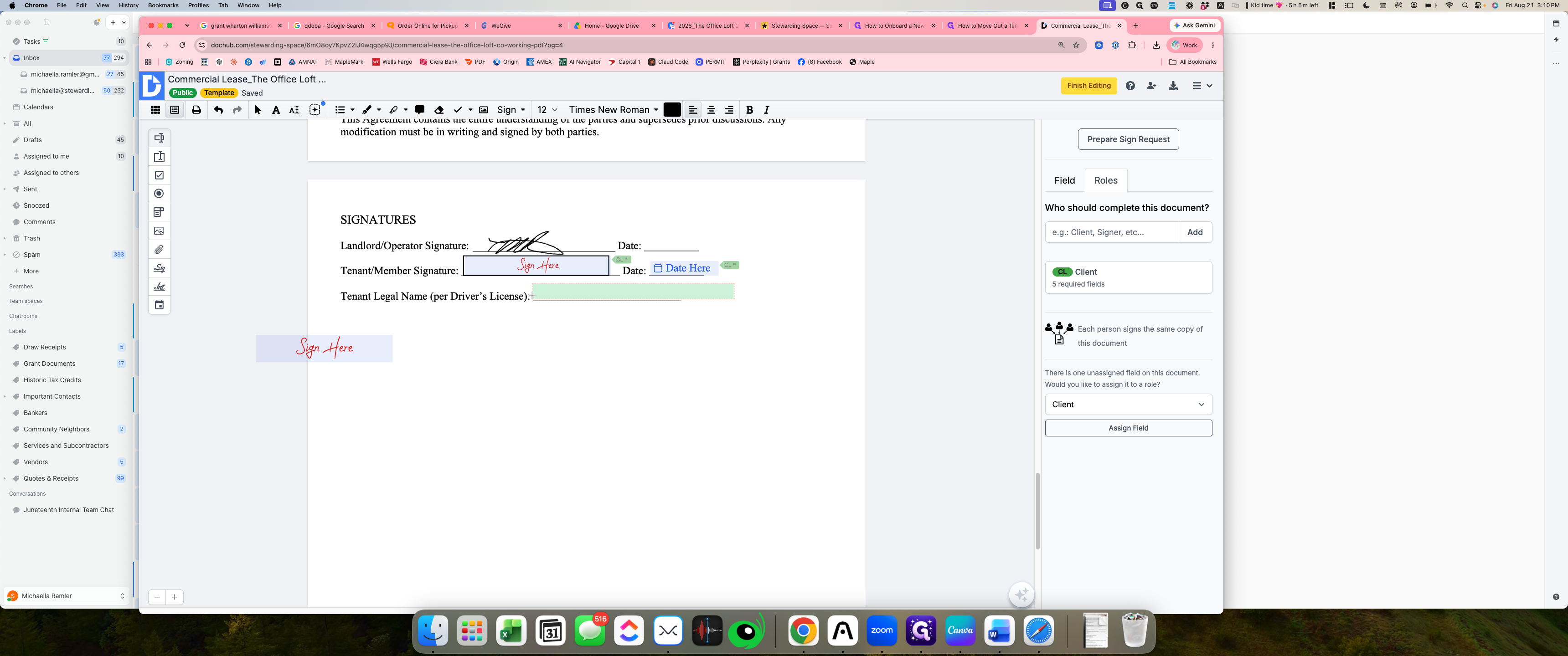
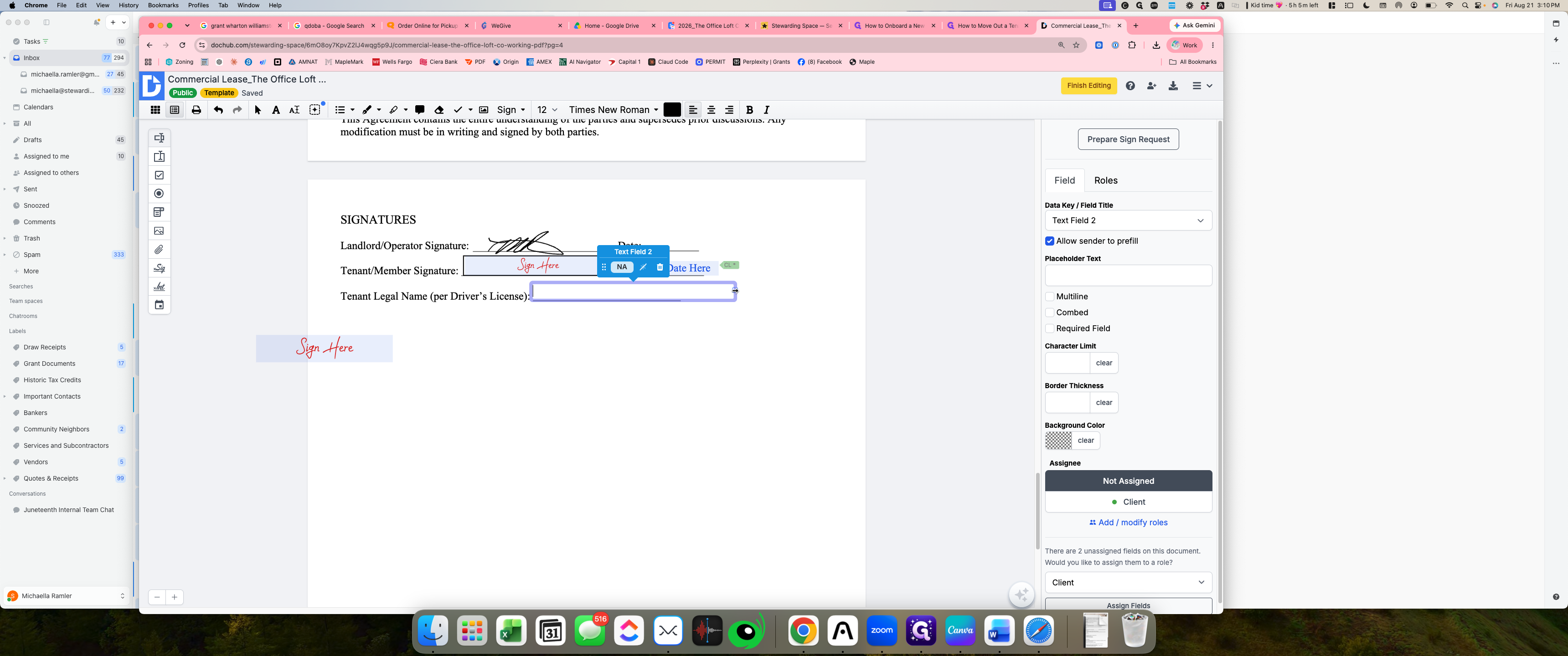
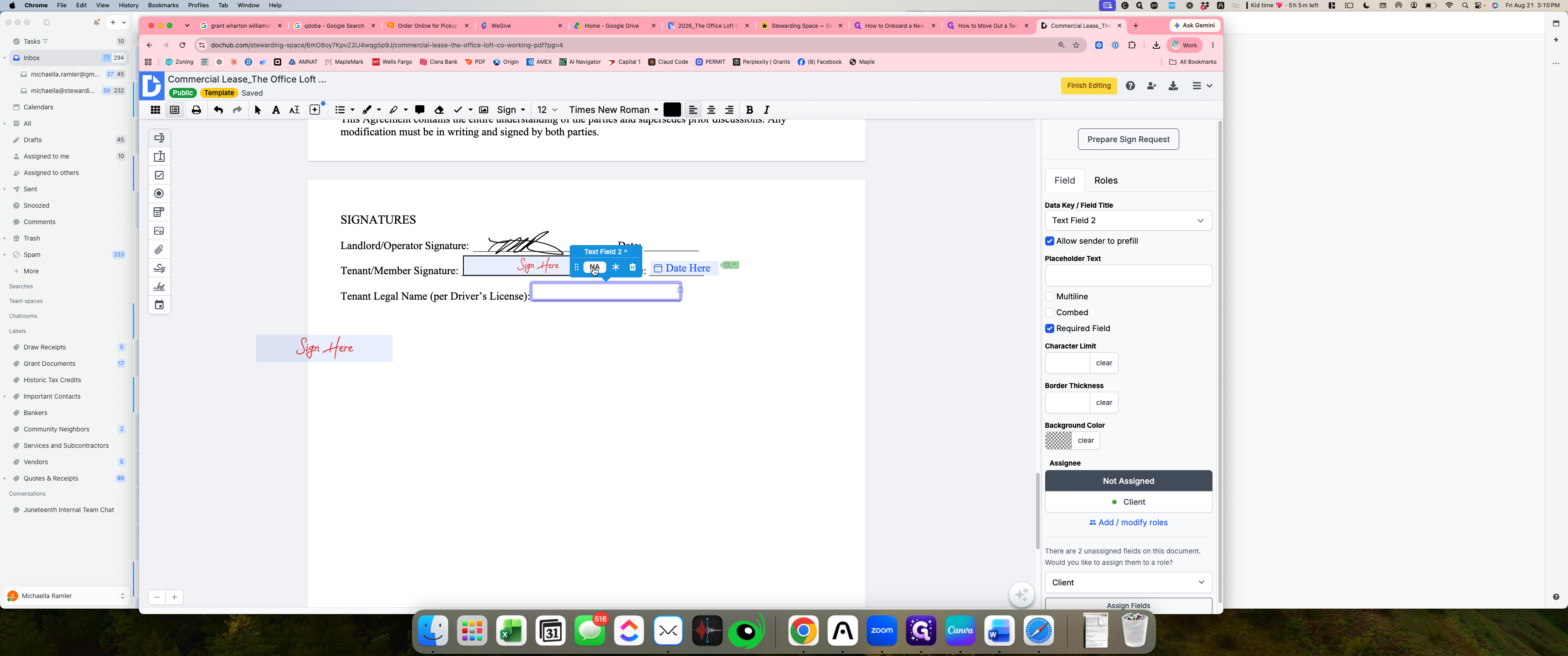
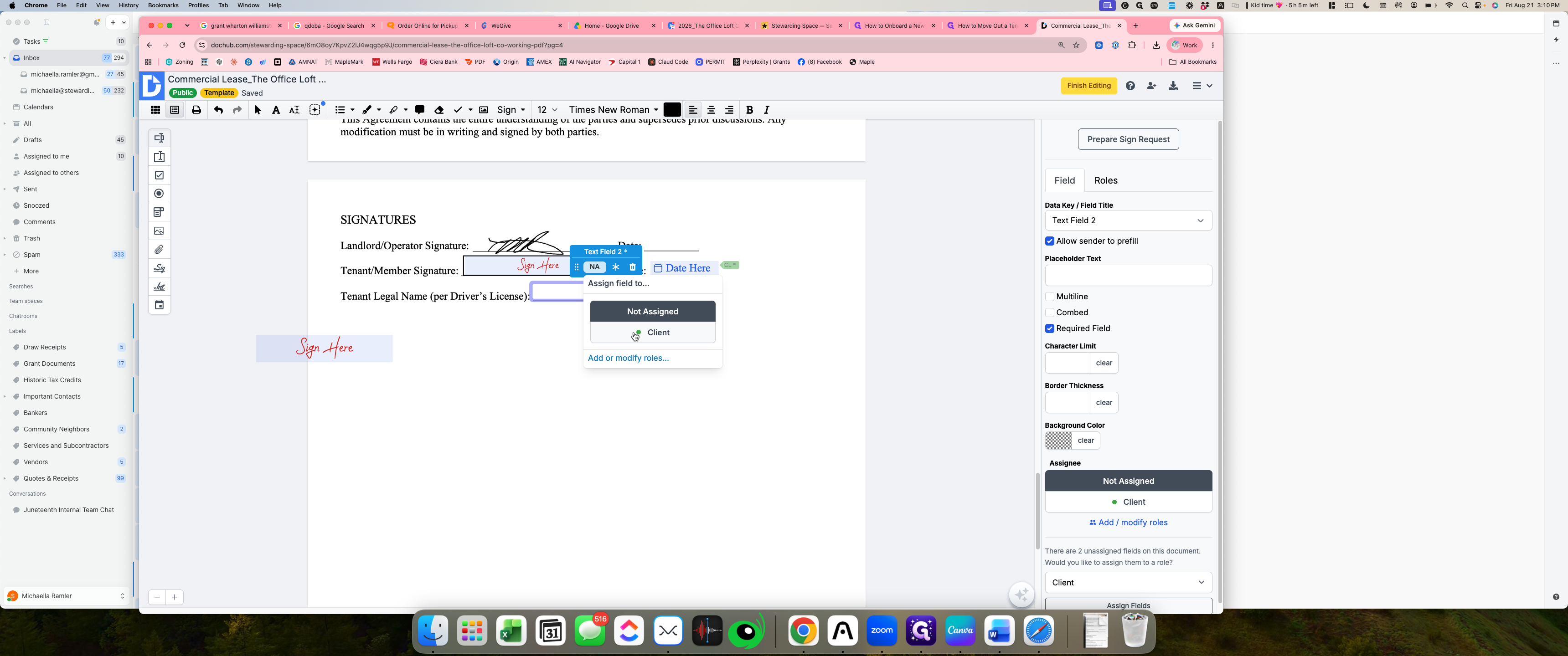
Open the template editor to add interactive form fields such as text inputs, dates, and signature areas, and assign each field to the signer role.
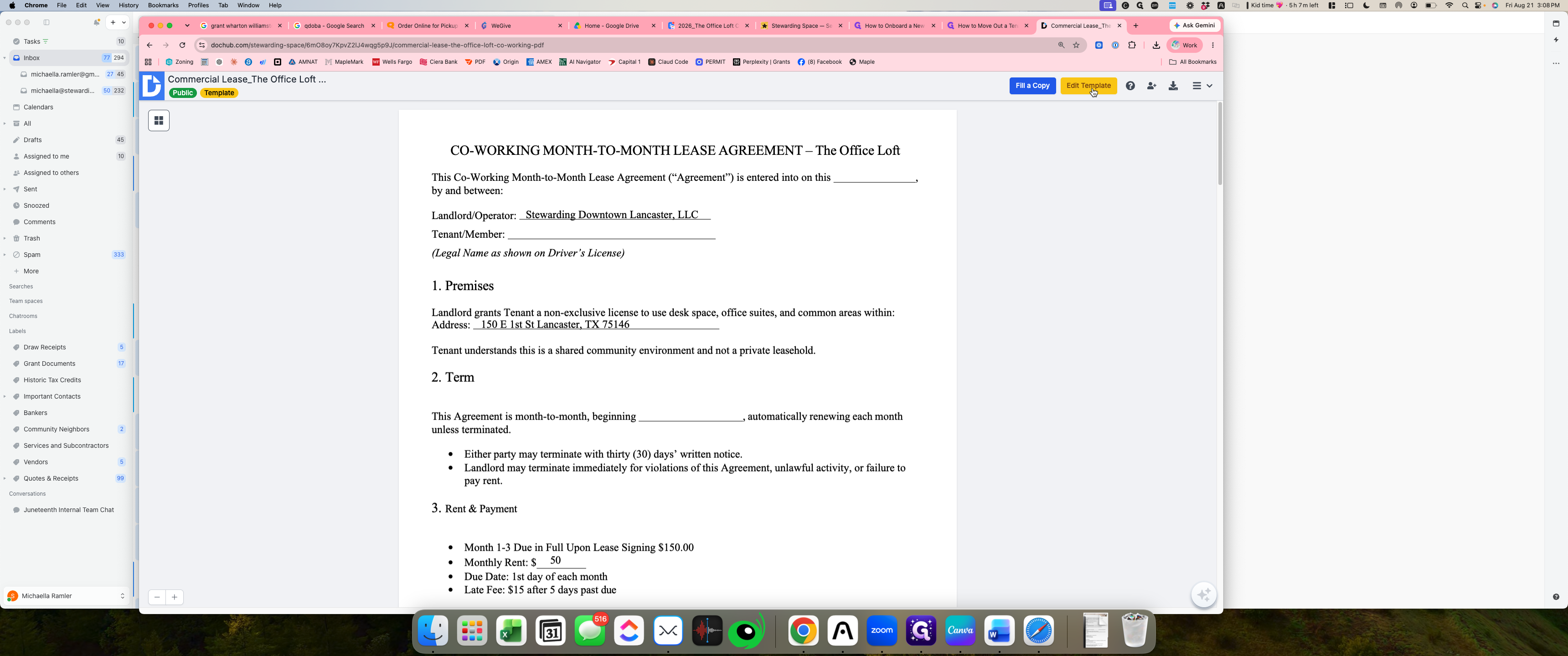
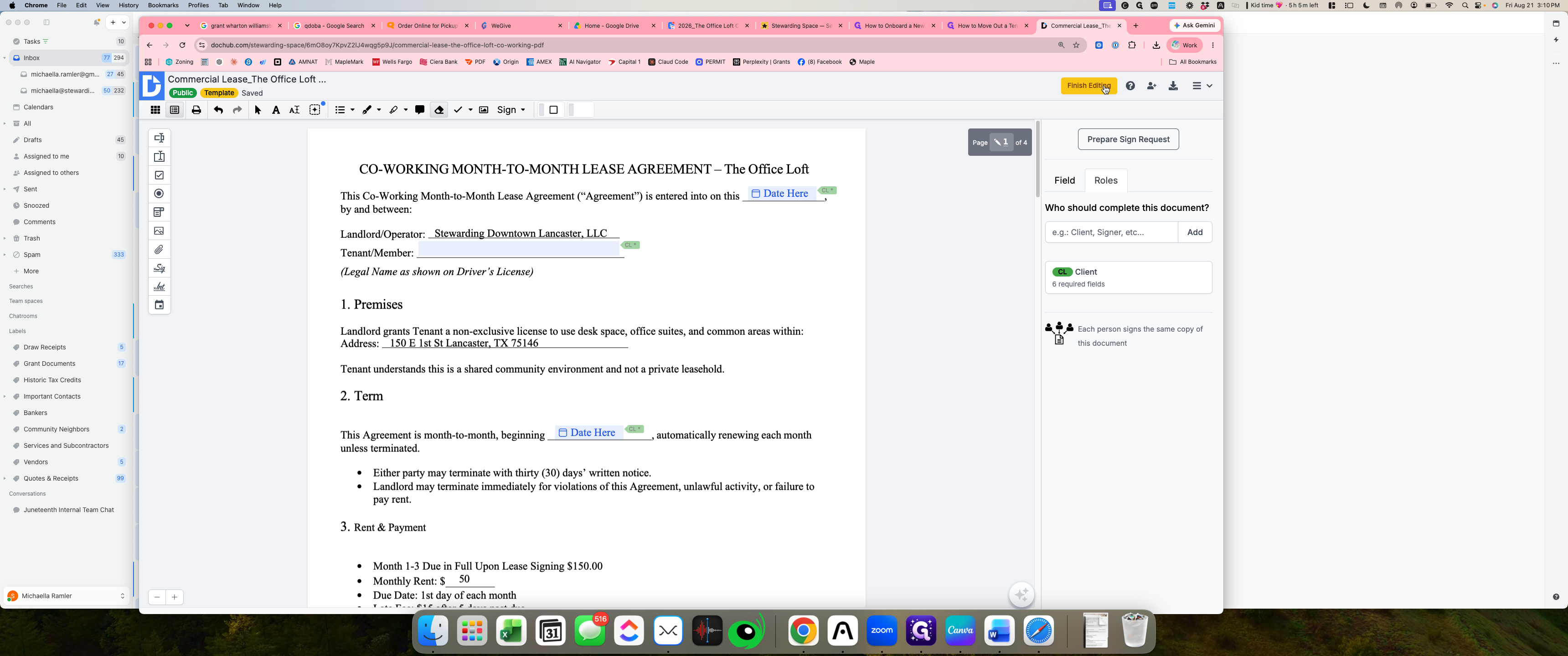
Add Agreement Date Fields
Add Tenant Name Text Fields
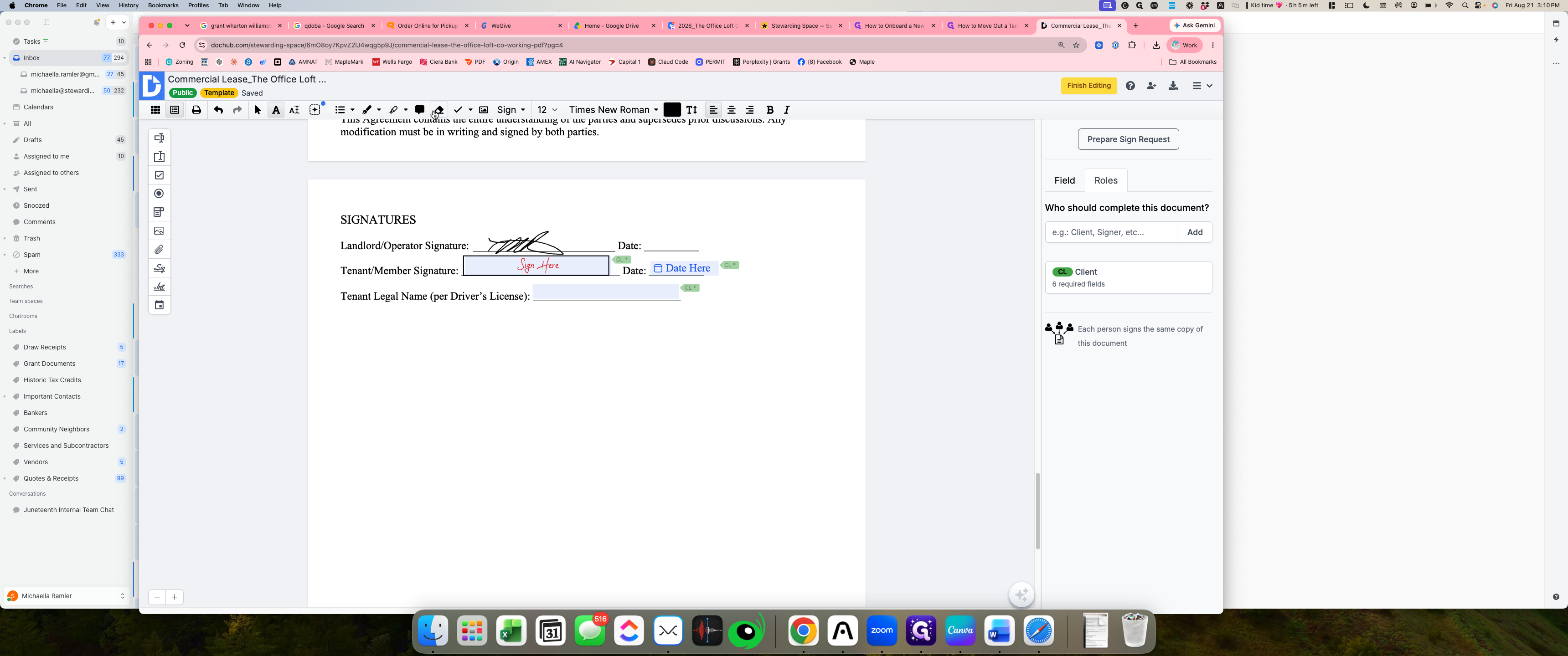
Add Signature Fields
Add Additional Legal Fields and Finalize
Q: Why should date fields be assigned to the client rather than preset by the sender?
A: Assigning the date field to the client allows the document to automatically capture the date at the time of signing or lets the client designate their start date, reducing manual preparation steps when sending out agreements.
Q: What happens when fields are marked with the required asterisk toggle?
A: Marking a field as required forces the recipient to complete that specific input before they are allowed to submit and complete the signing workflow.
Term | Definition |
|---|---|
Template | A reusable master document containing predefined form fields and roles that can be dispatched repeatedly to different recipients. |
Field Assignment | The configuration that links a specific form field to a designated signer role (such as Client or Landlord). |
Whiteout Tool | An editor feature used to mask or erase preexisting text and visual elements from an uploaded PDF. |