
How to Create Contacts and Send Email Campaigns in Brevo
Learn how to manually create a contact list, add new clients to your CRM, and send templated email campaigns using Brevo.
This guide walks you through setting up a contact list, manually adding a new client, and dispatching a targeted email campaign using customized templates in Brevo. Completing these steps ensures that your personalized client communications are accurately addressed and delivered.
This process is designed for marketing teams, financial advisors, and relationship managers who need to send one-off, templated communications to new clients or individual prospects during their onboarding workflow.
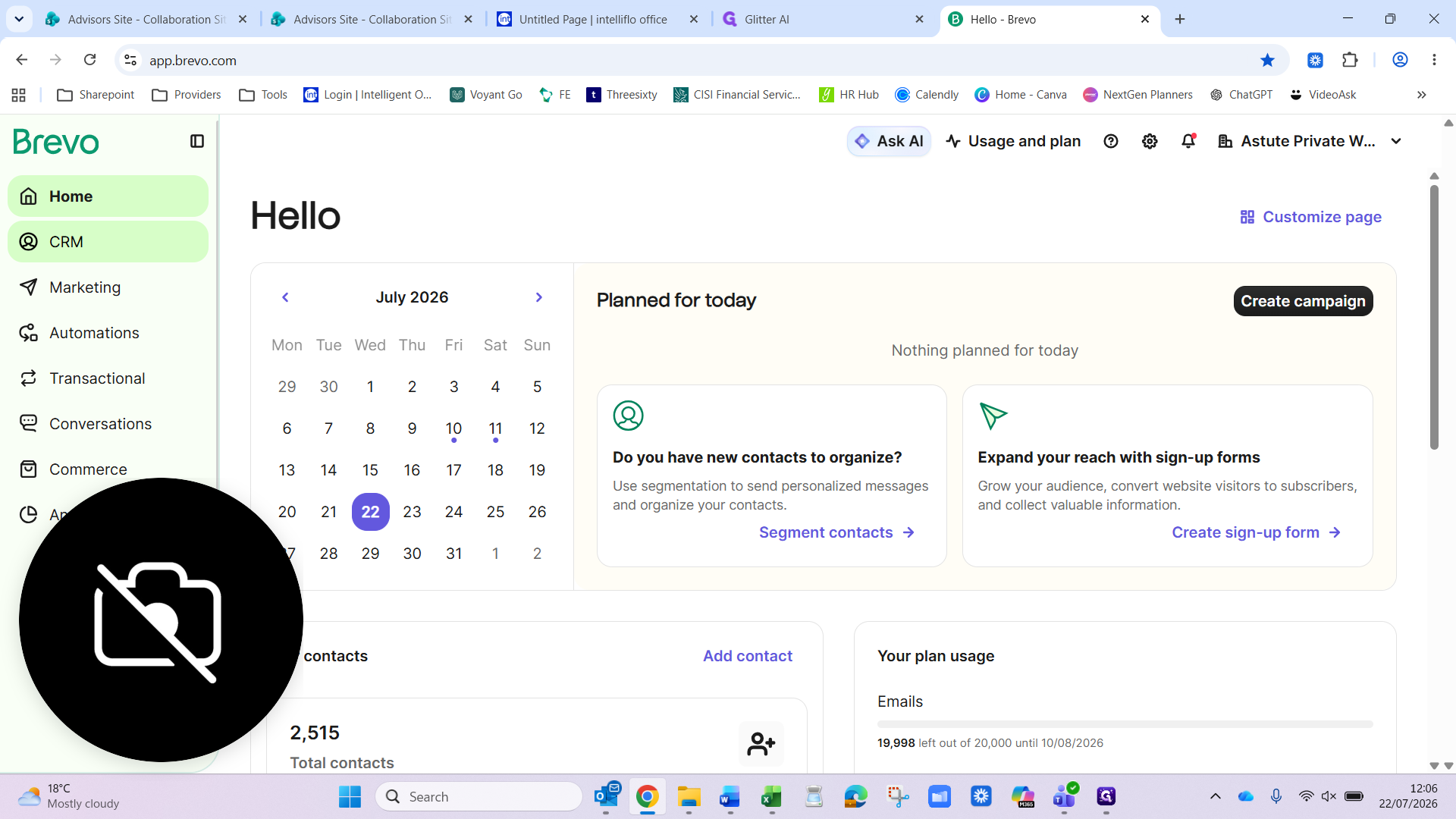
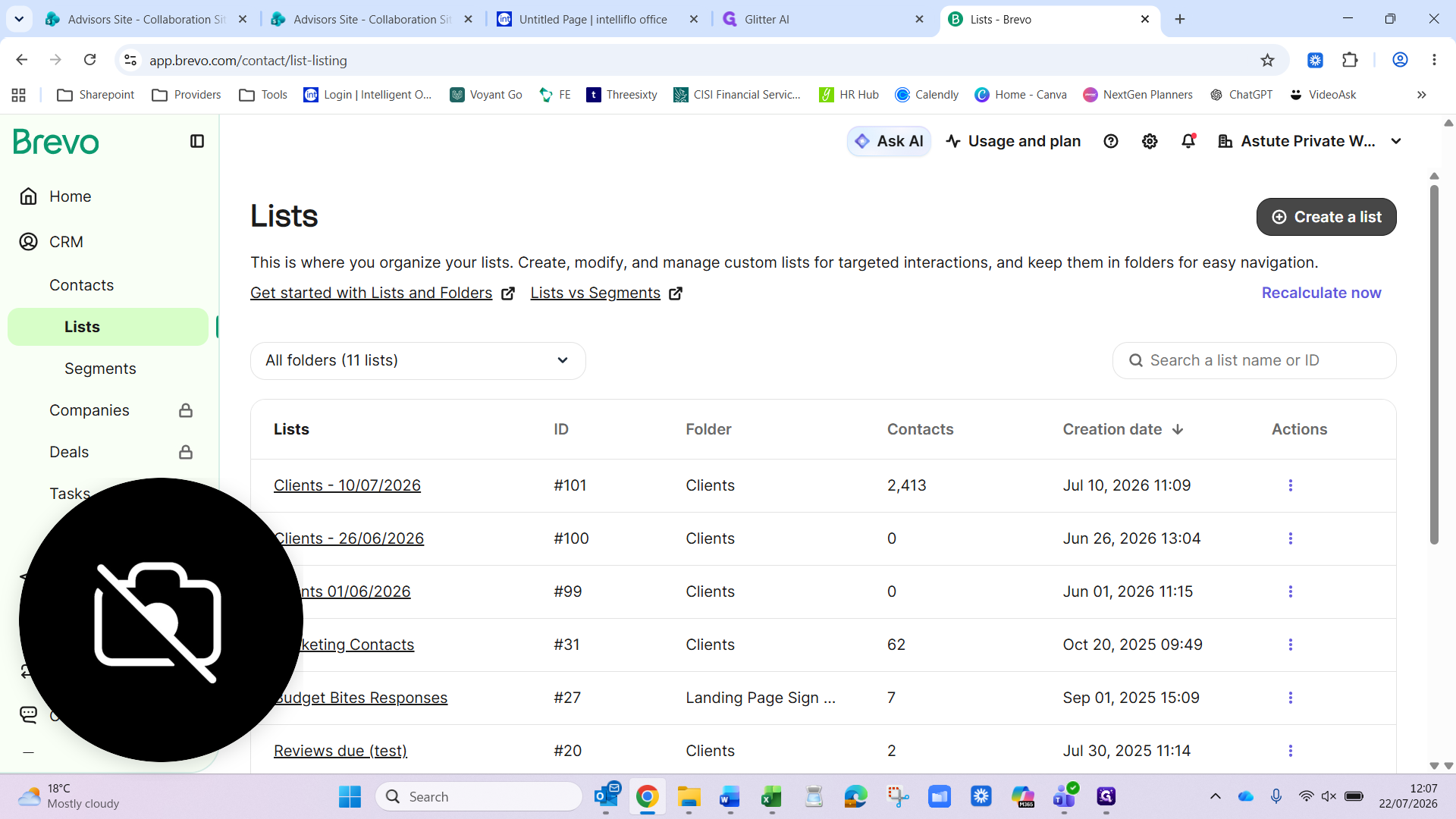
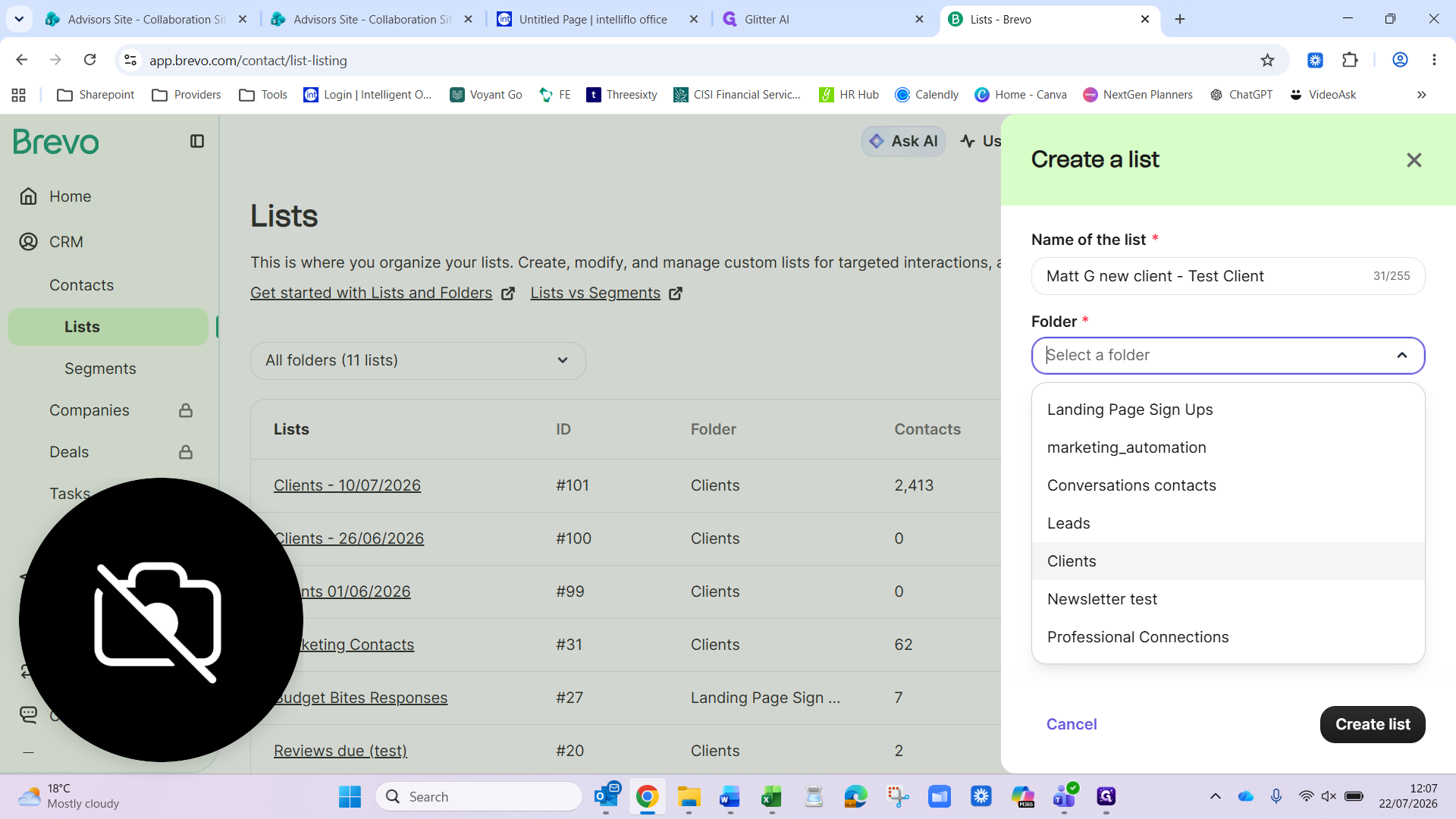
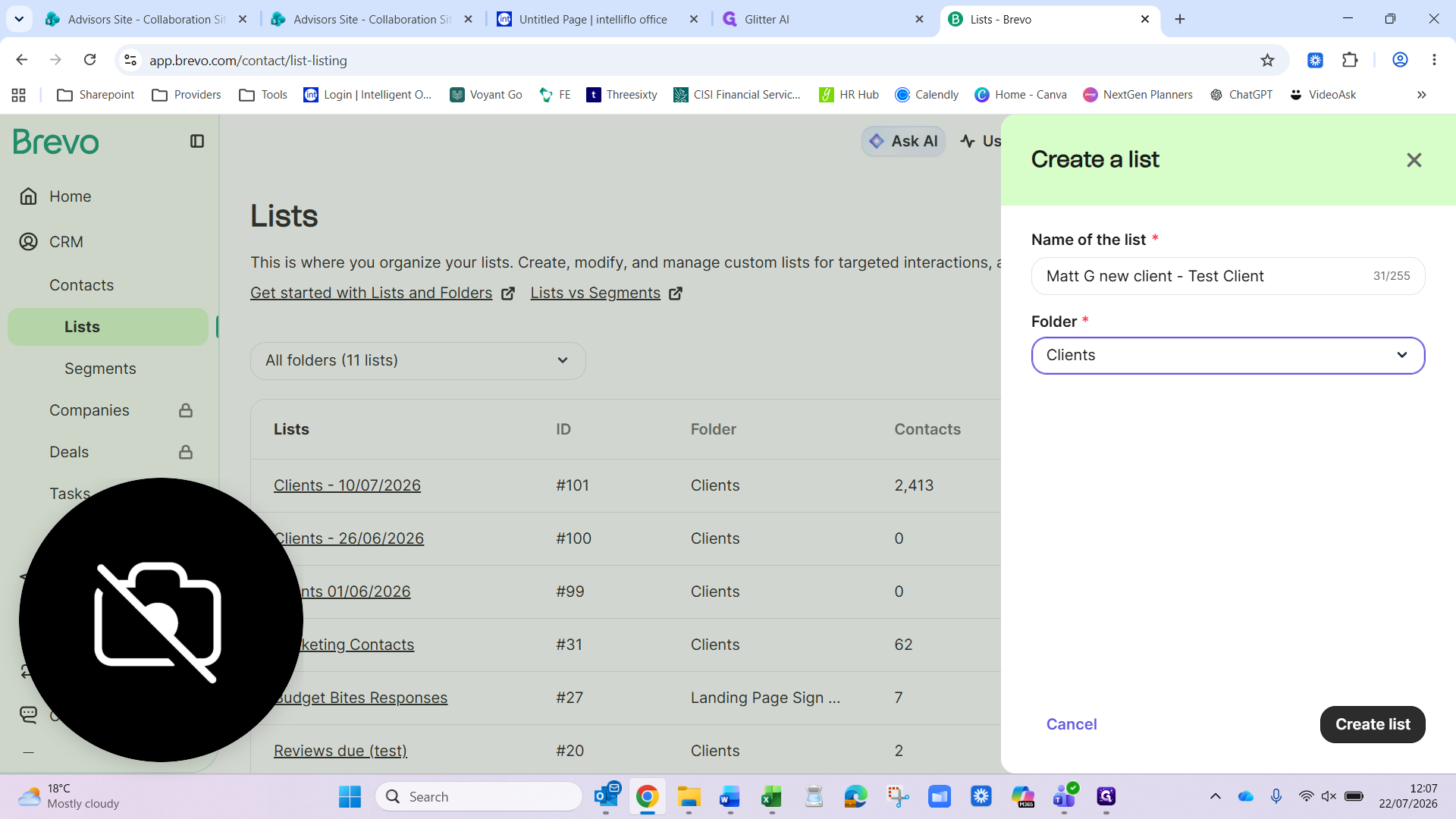
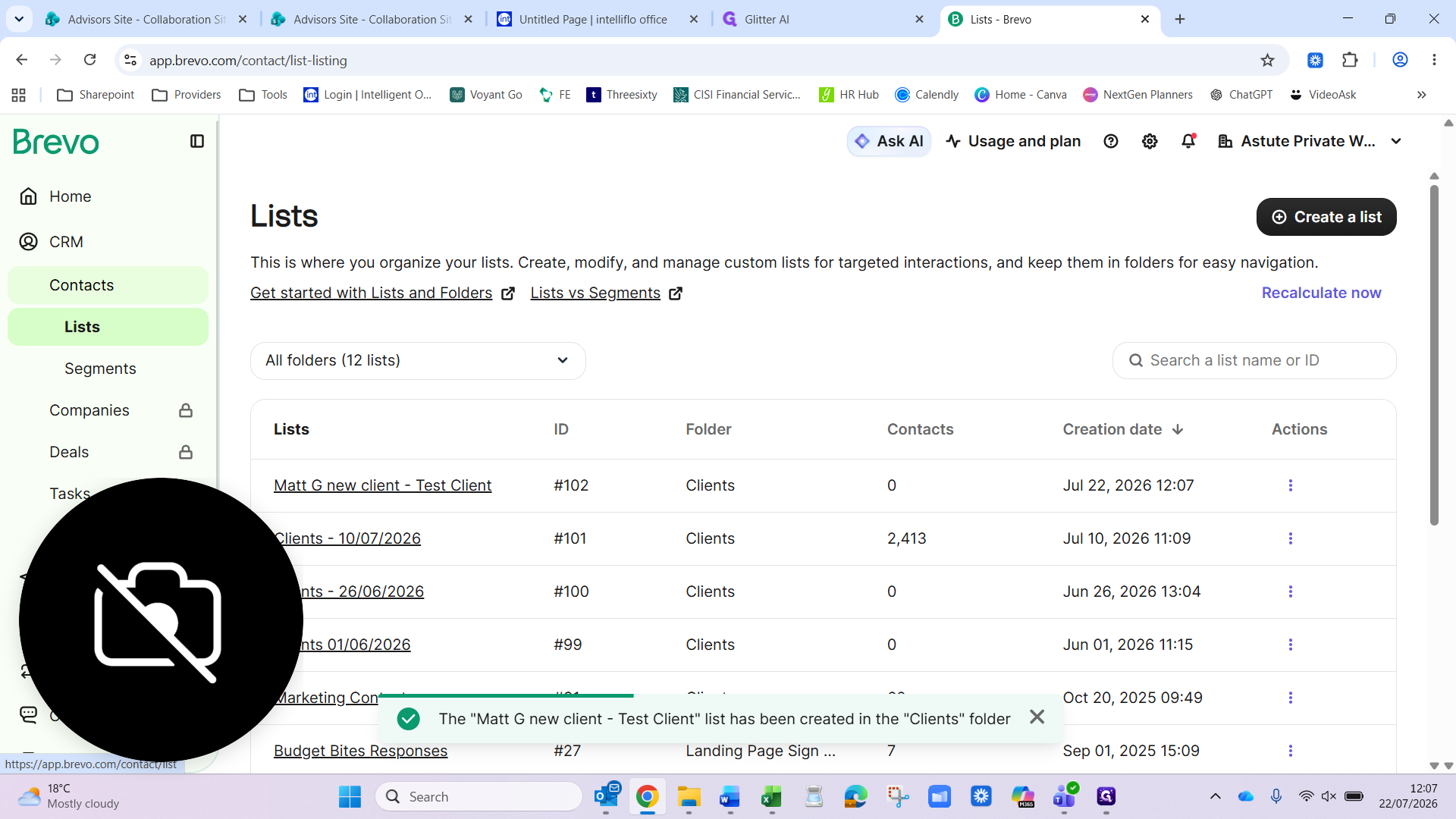
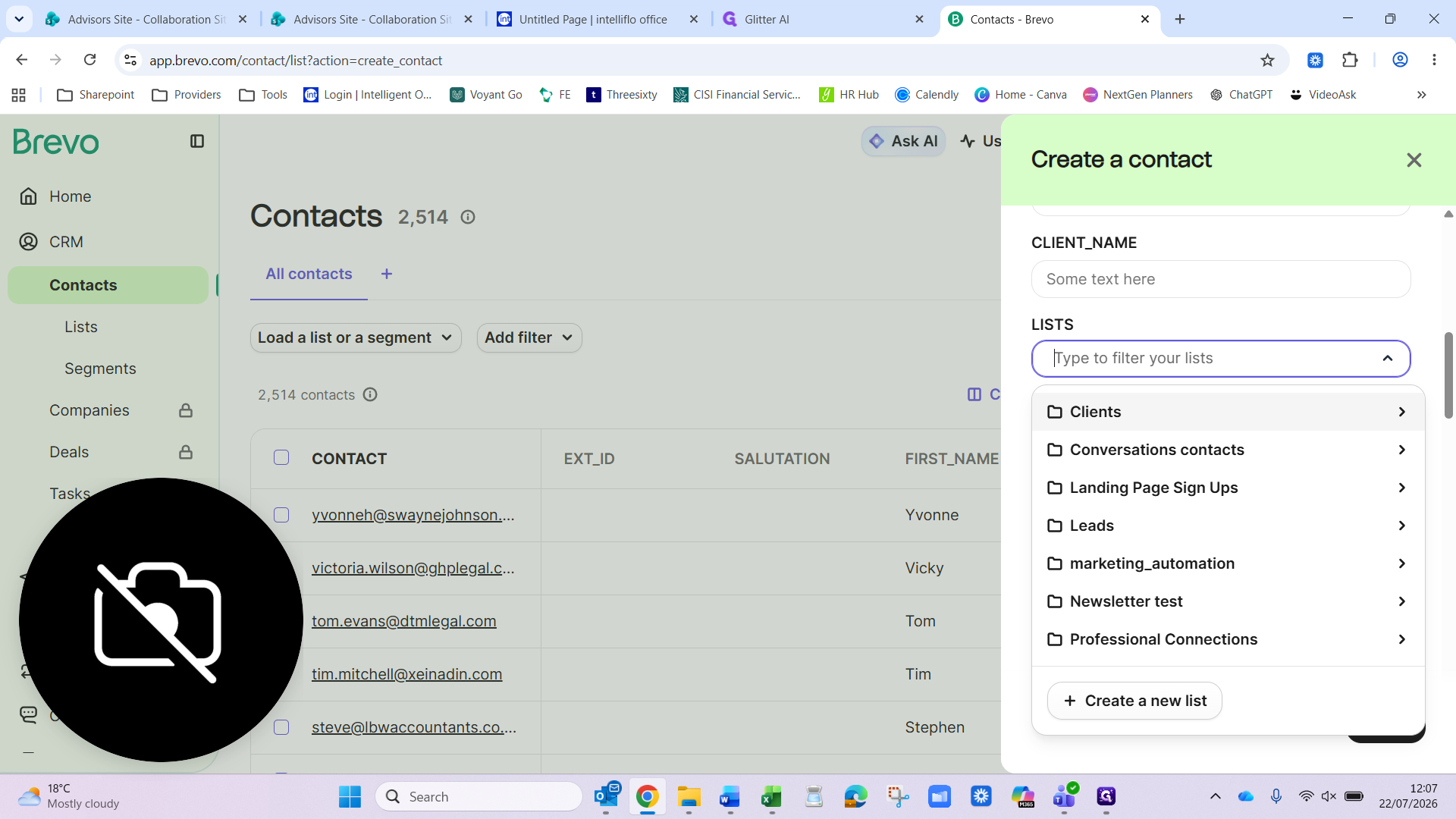
1. Create a contact list
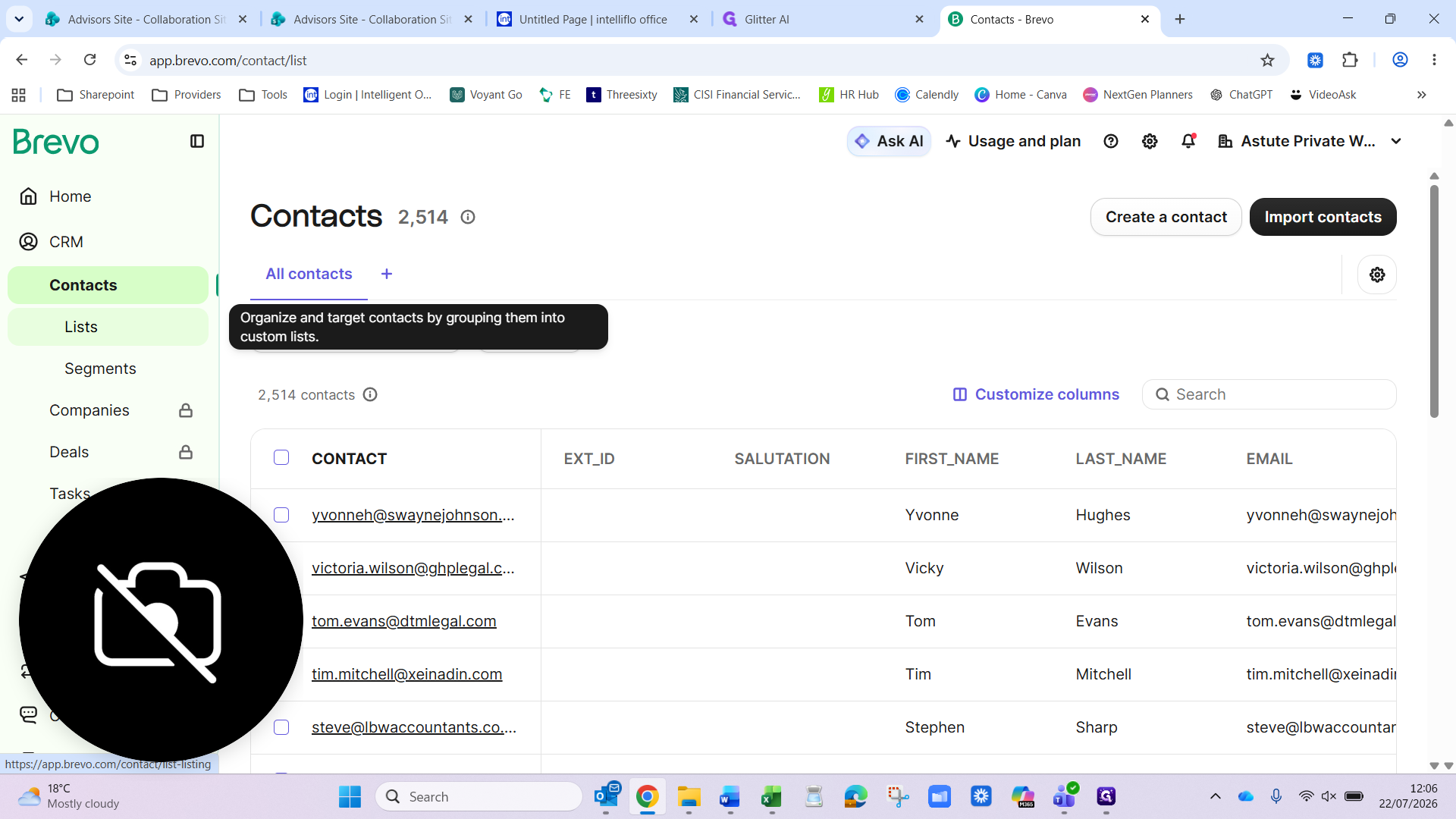
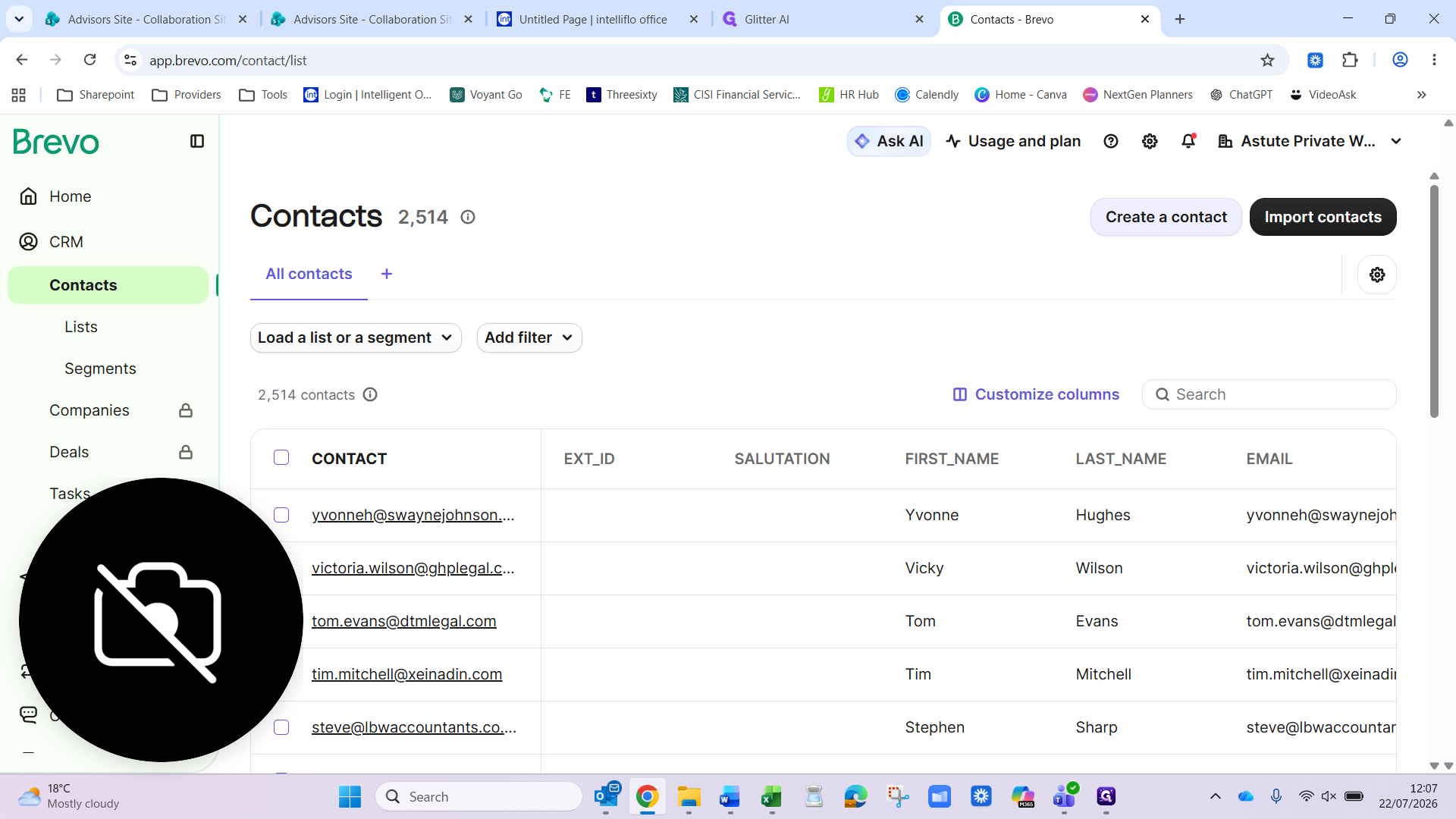
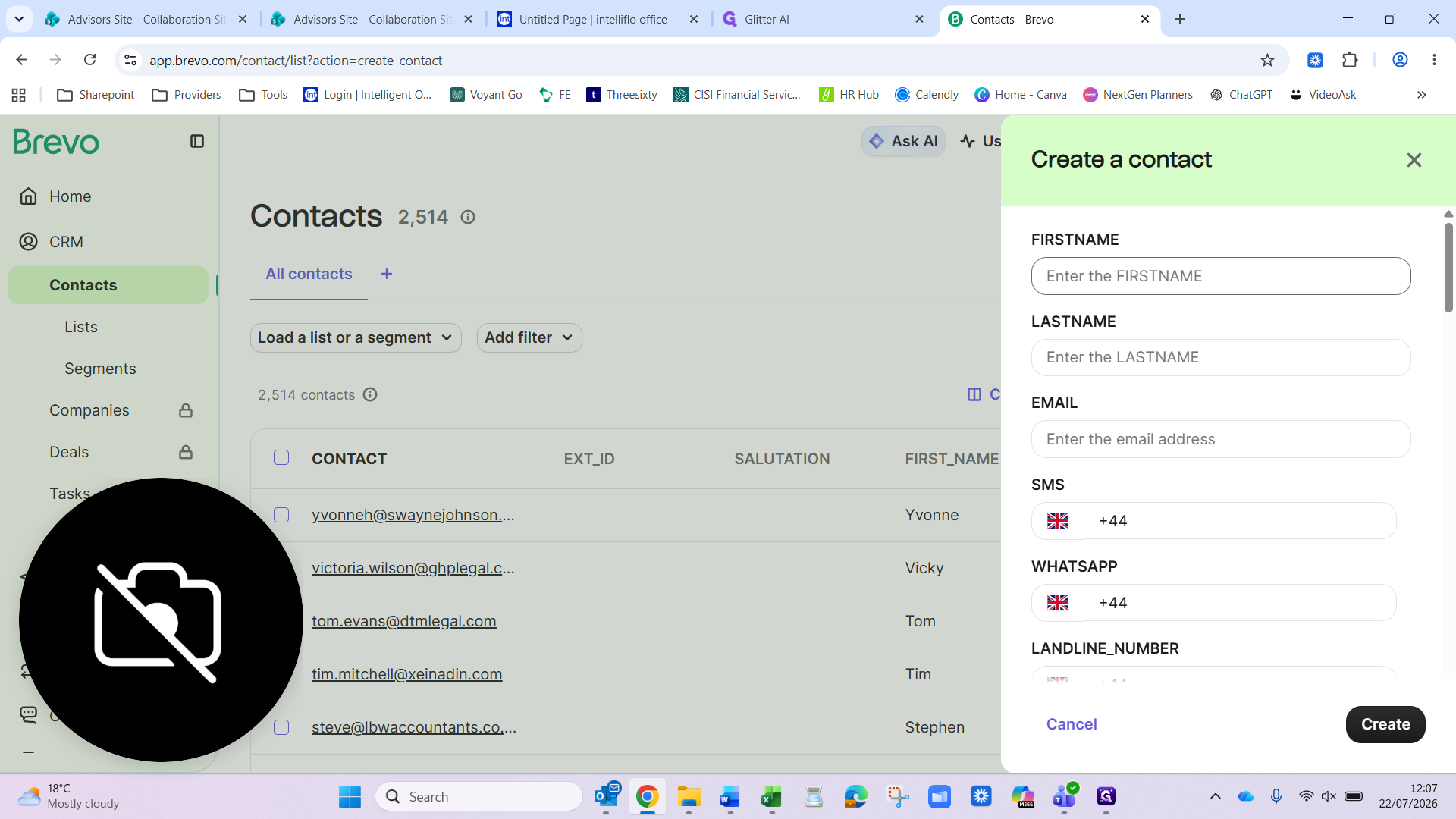
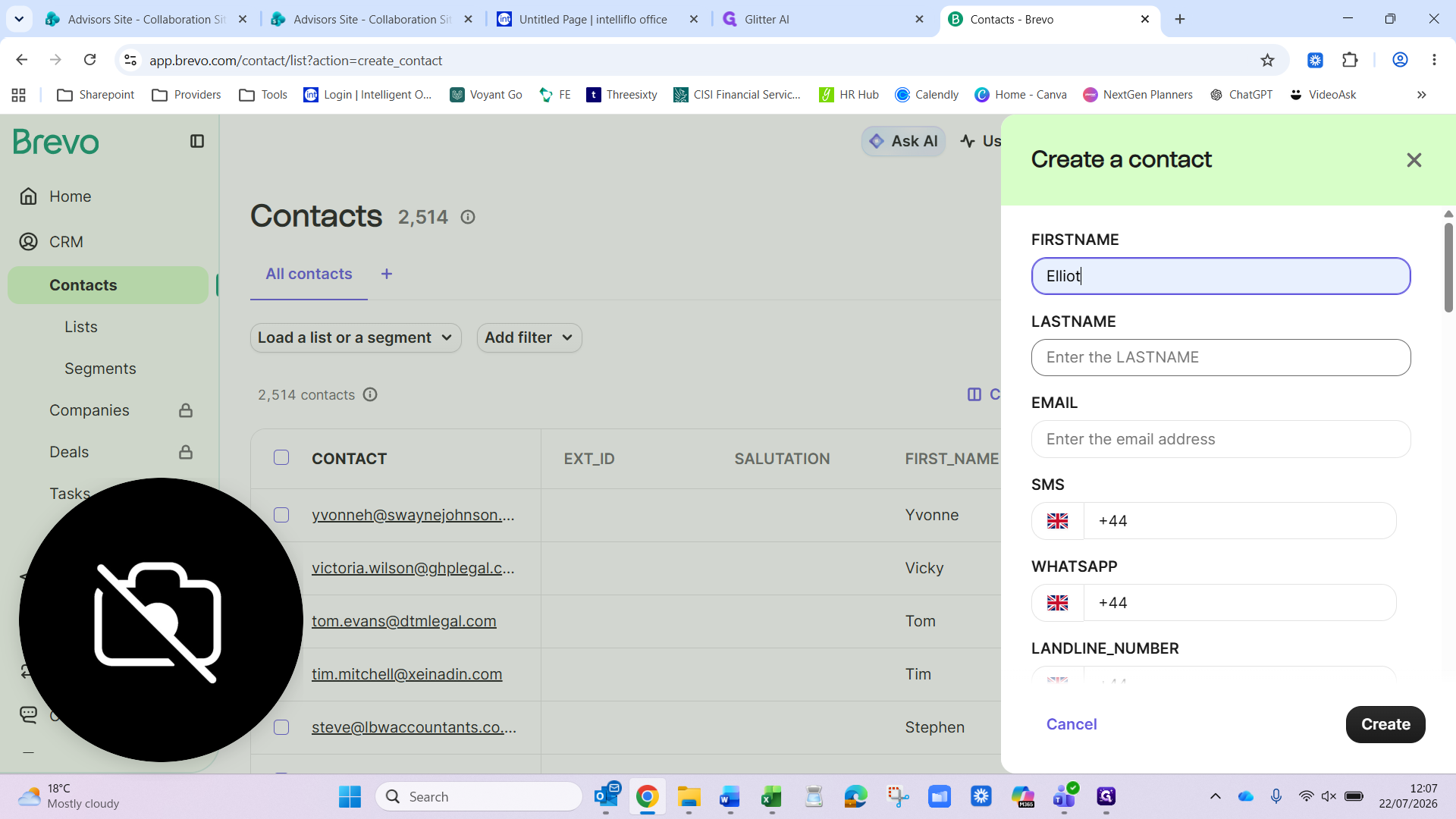
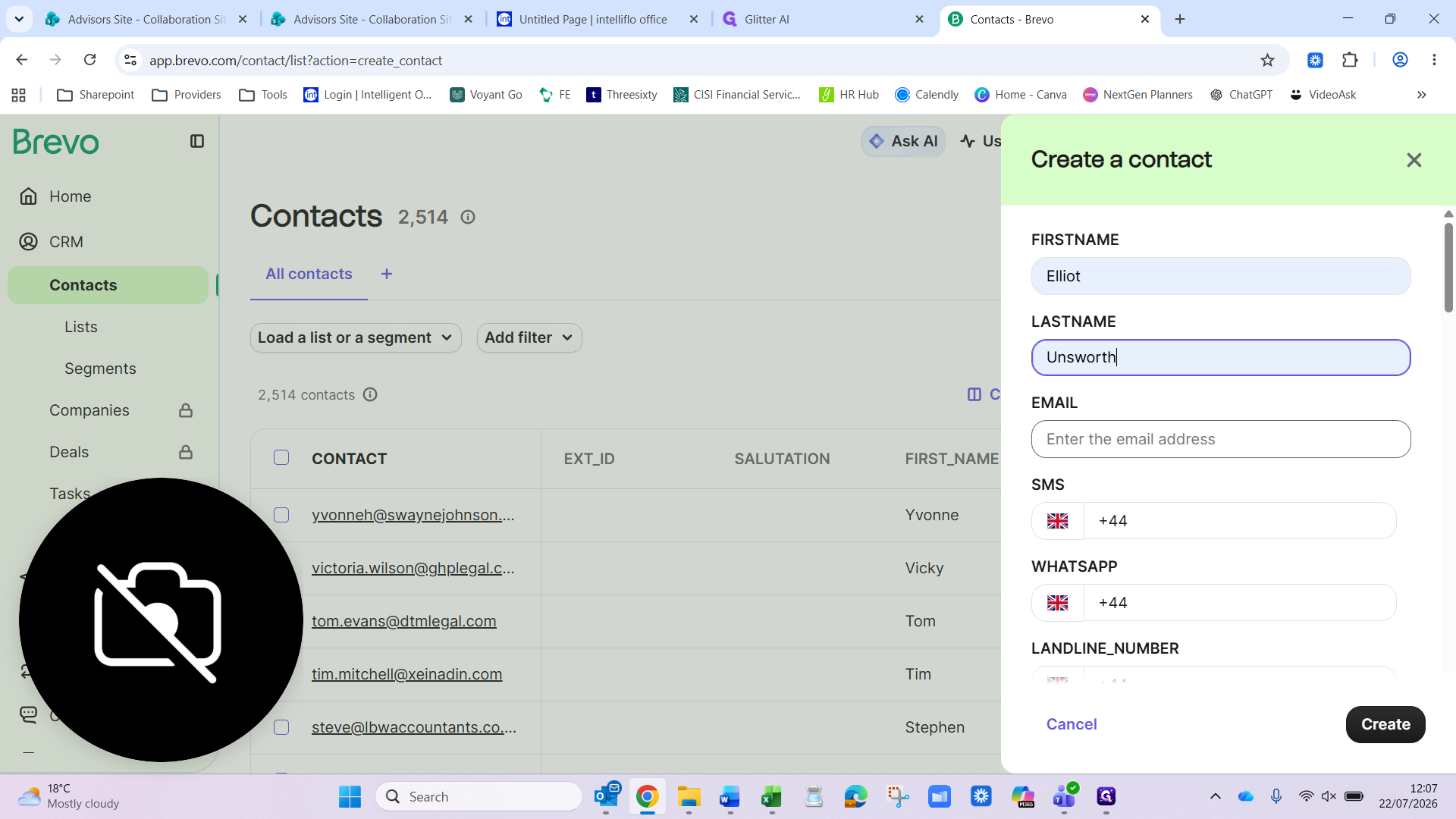
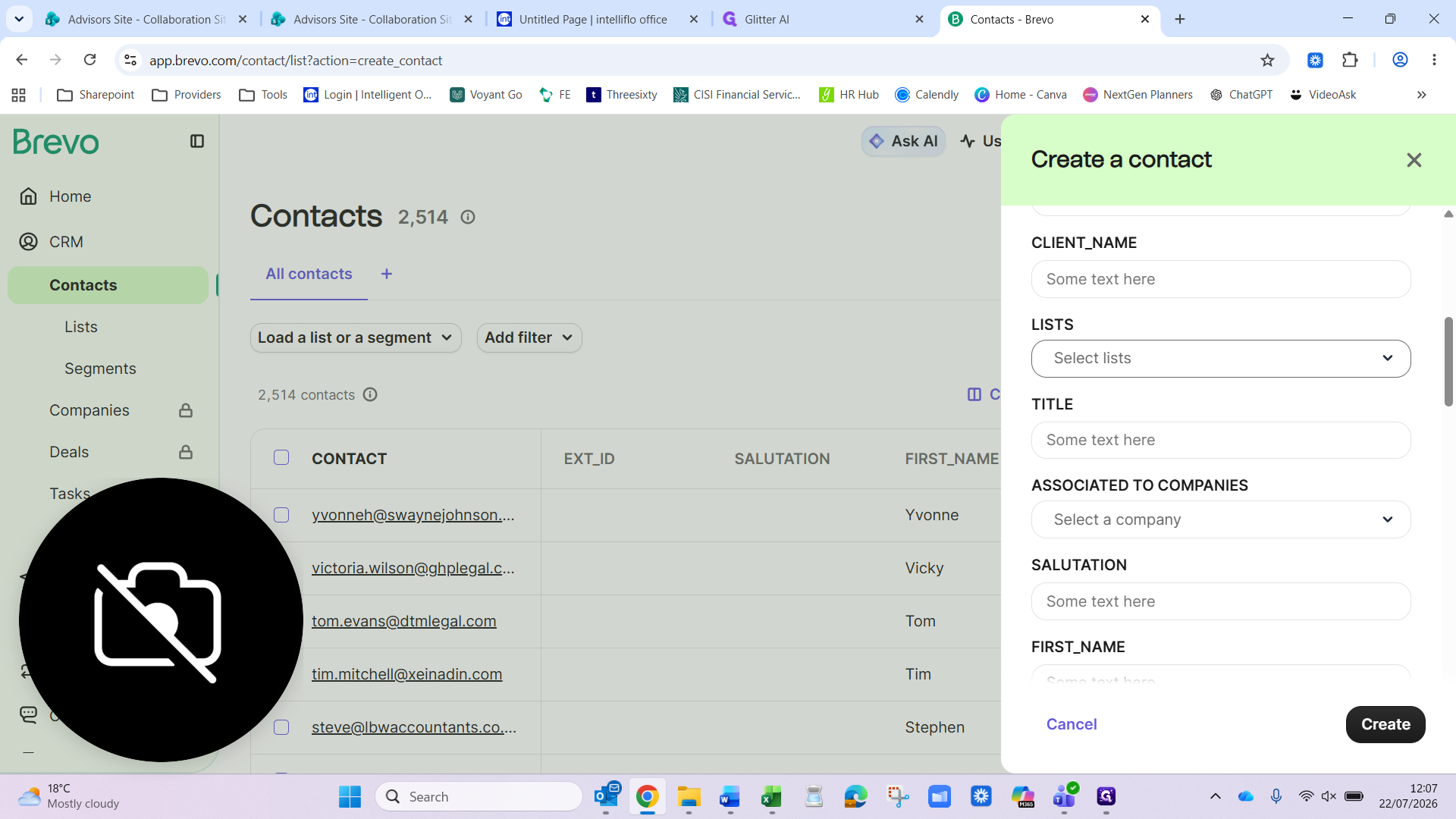
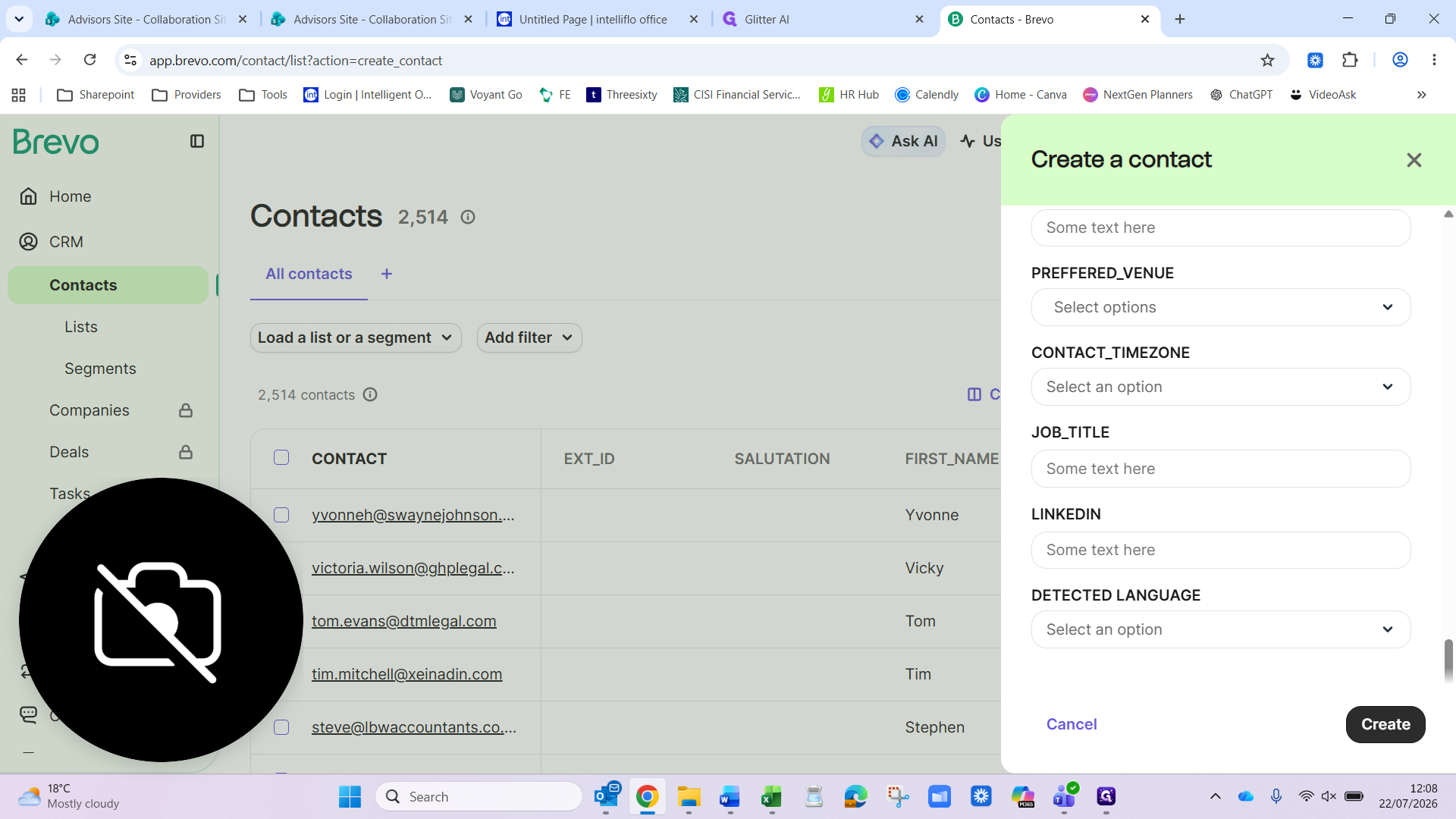
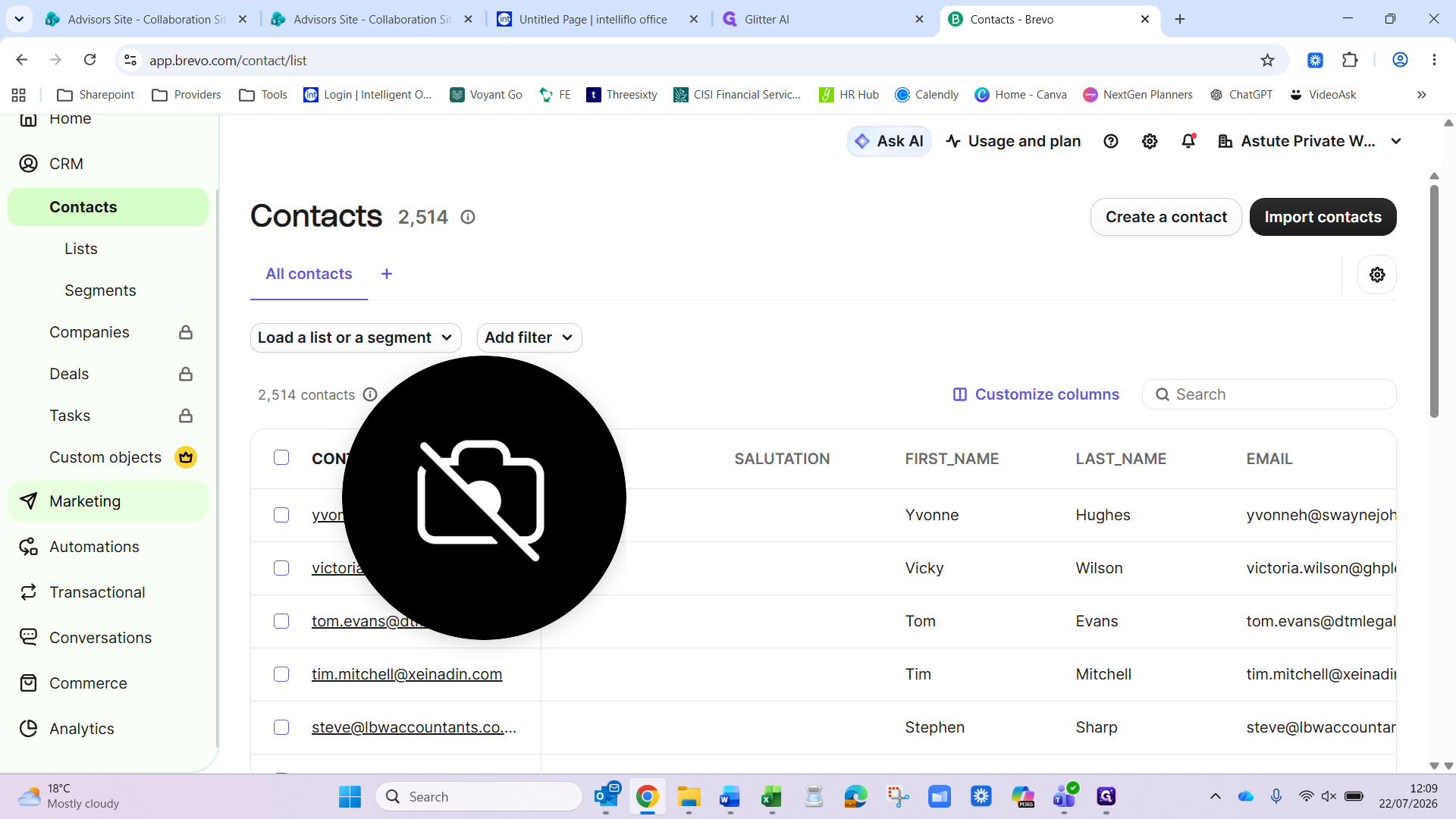
2. Add a contact to the list
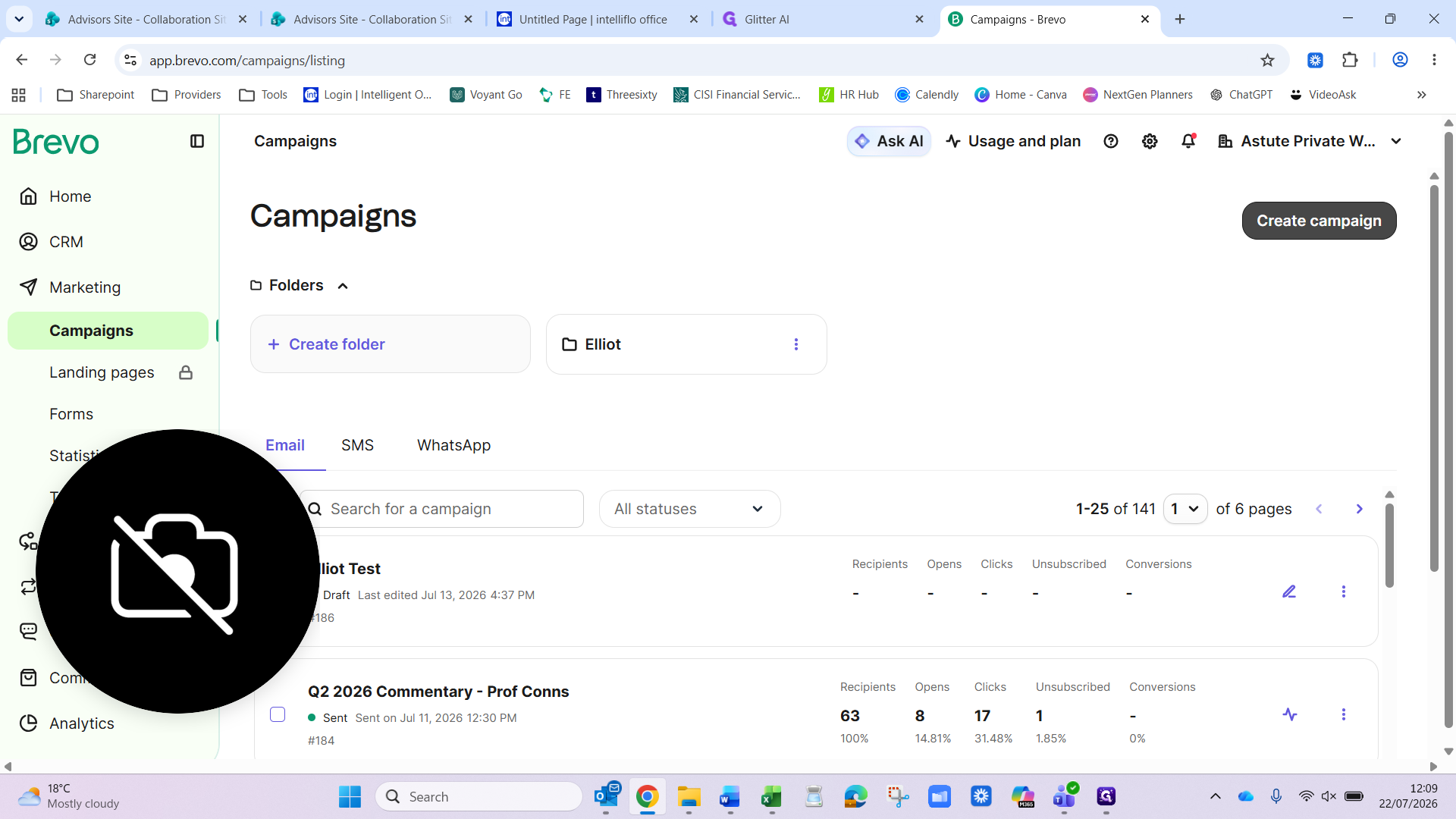
3. Create an email campaign
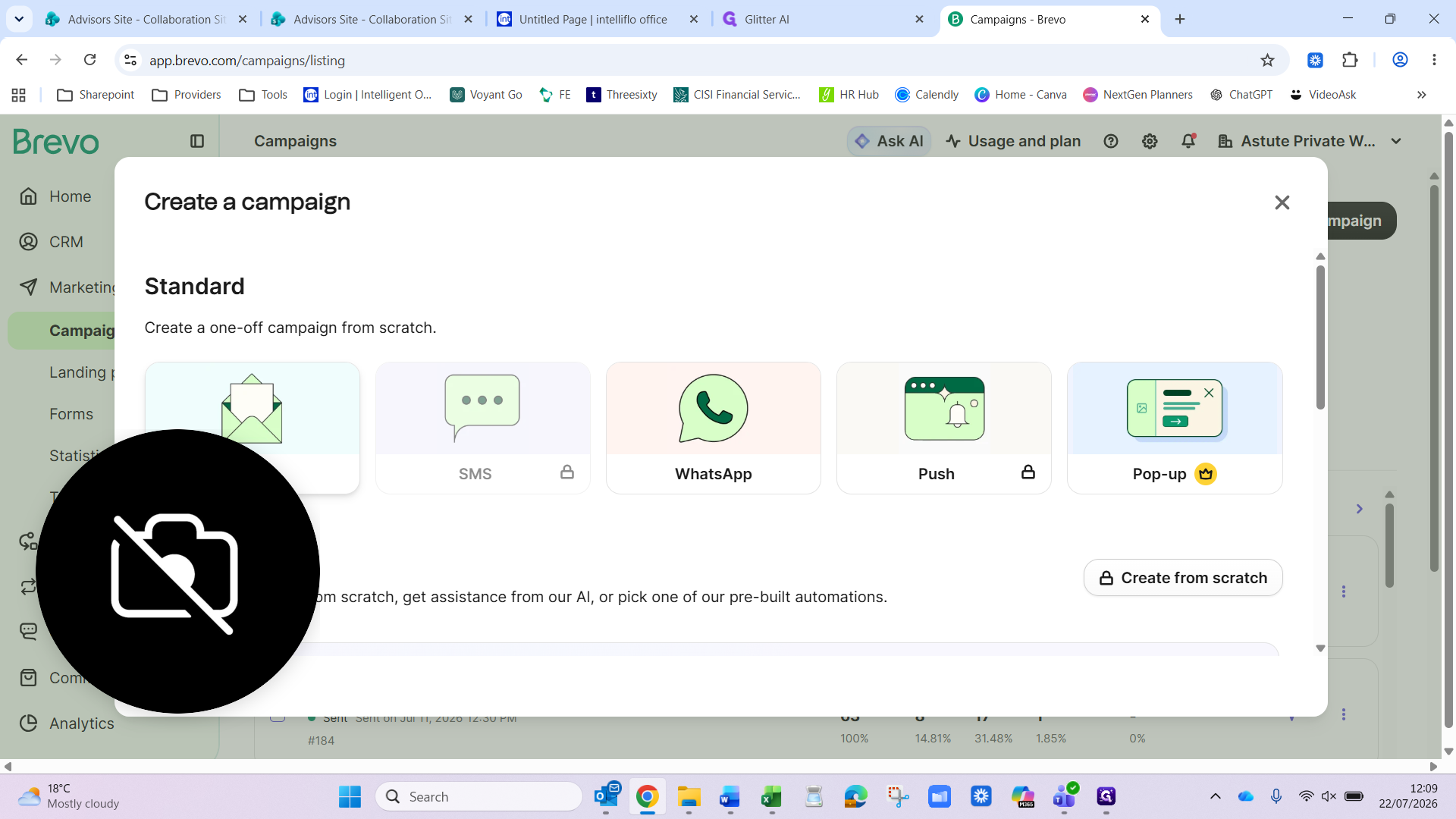
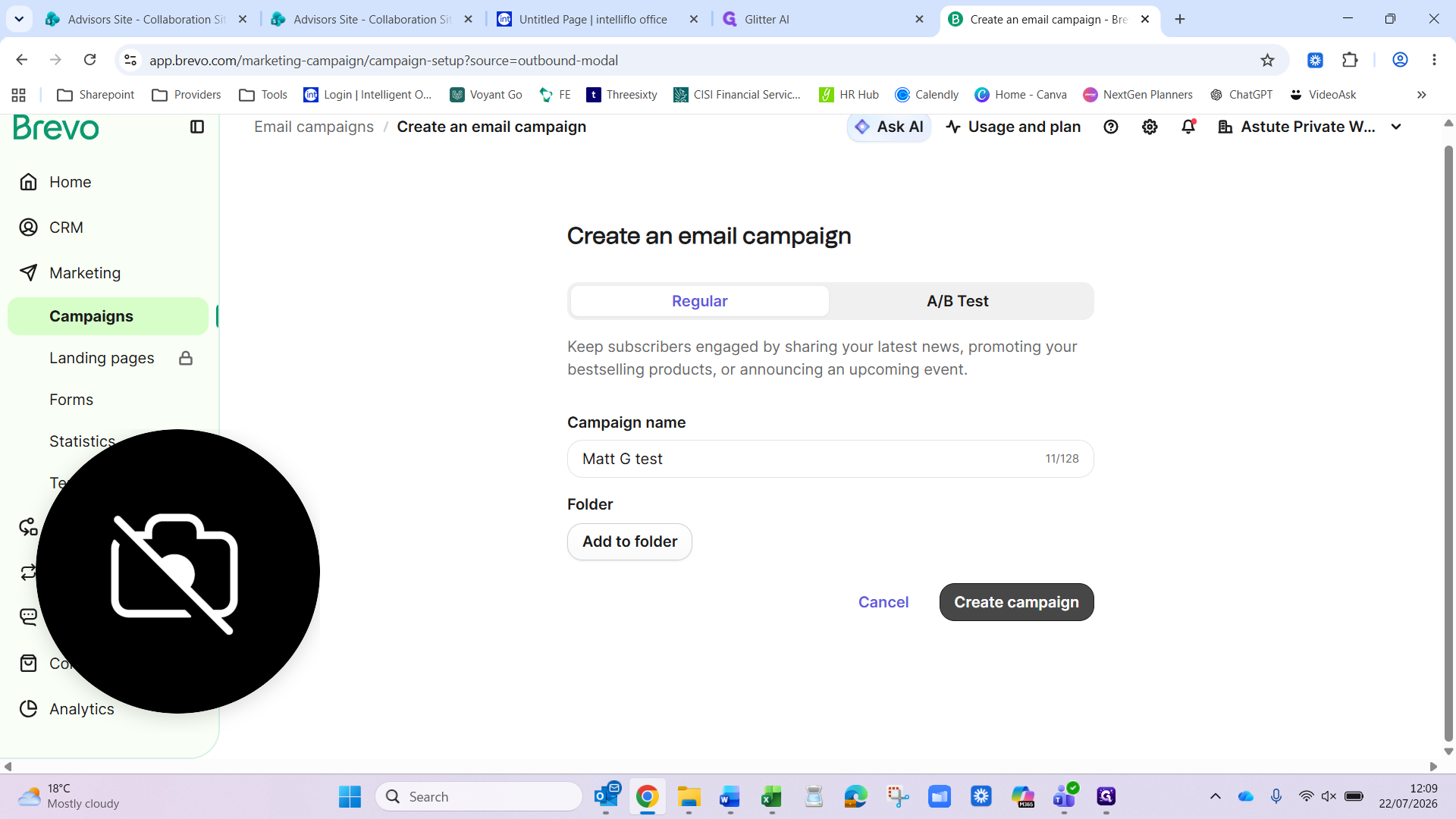
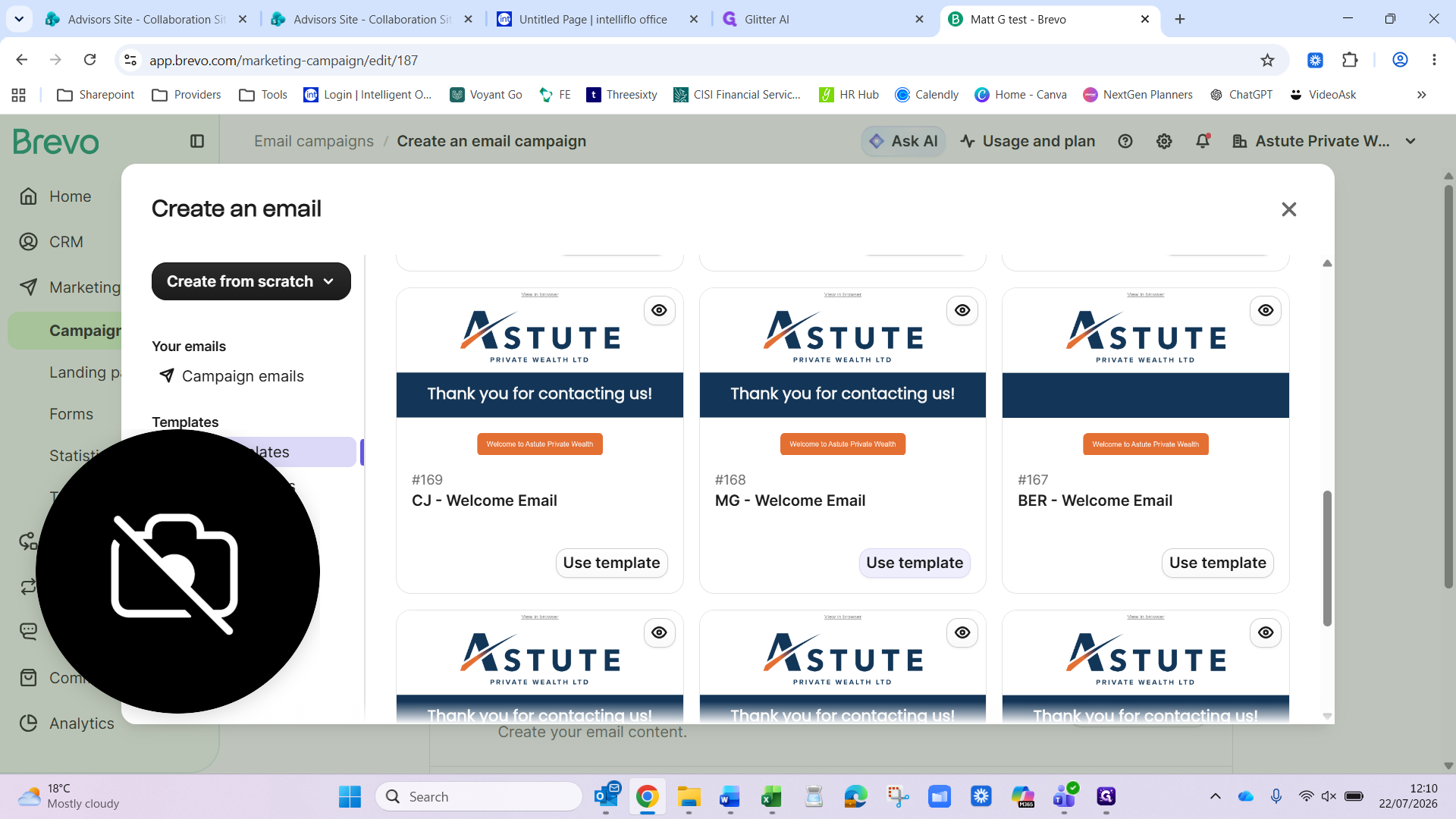
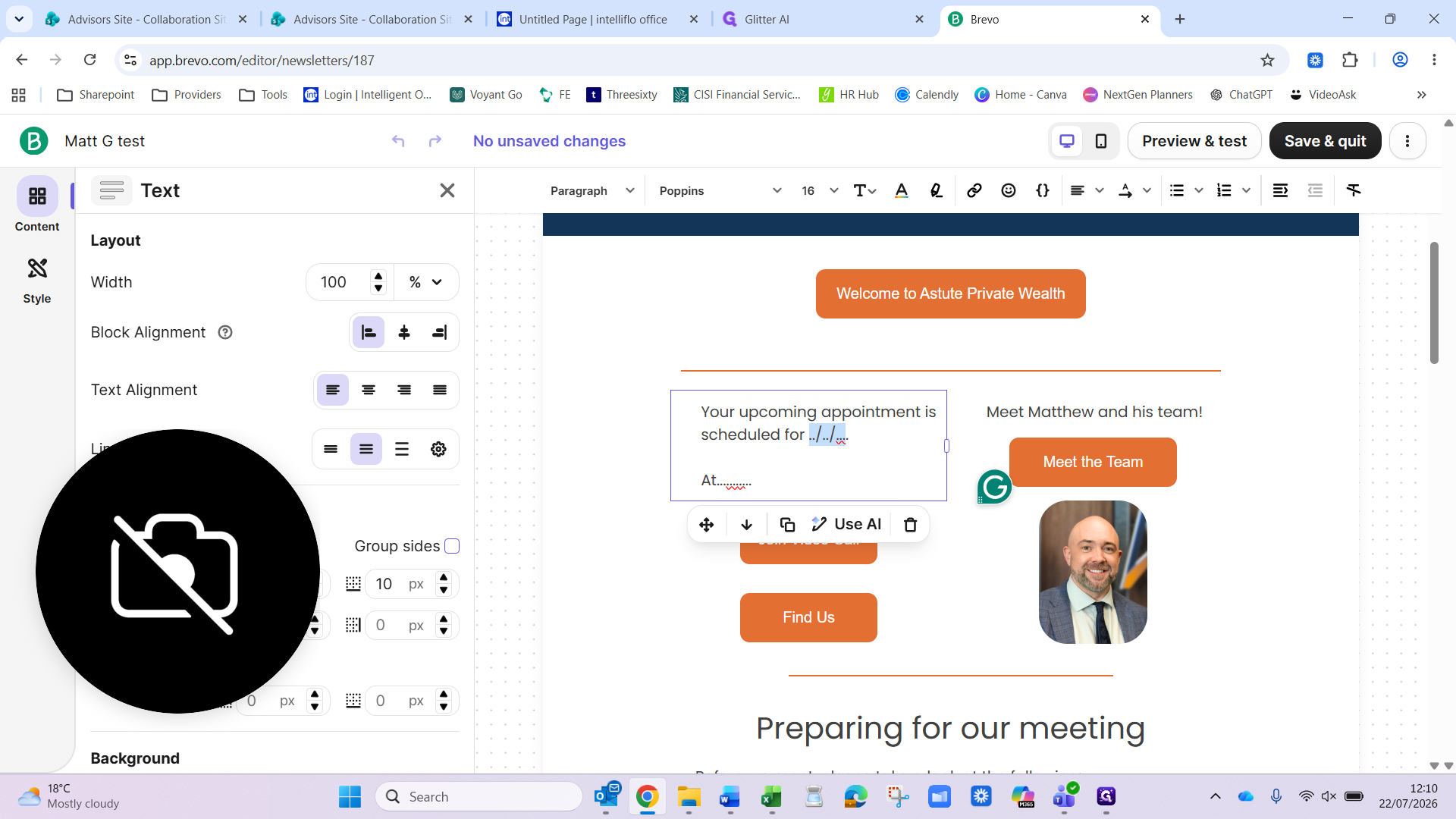
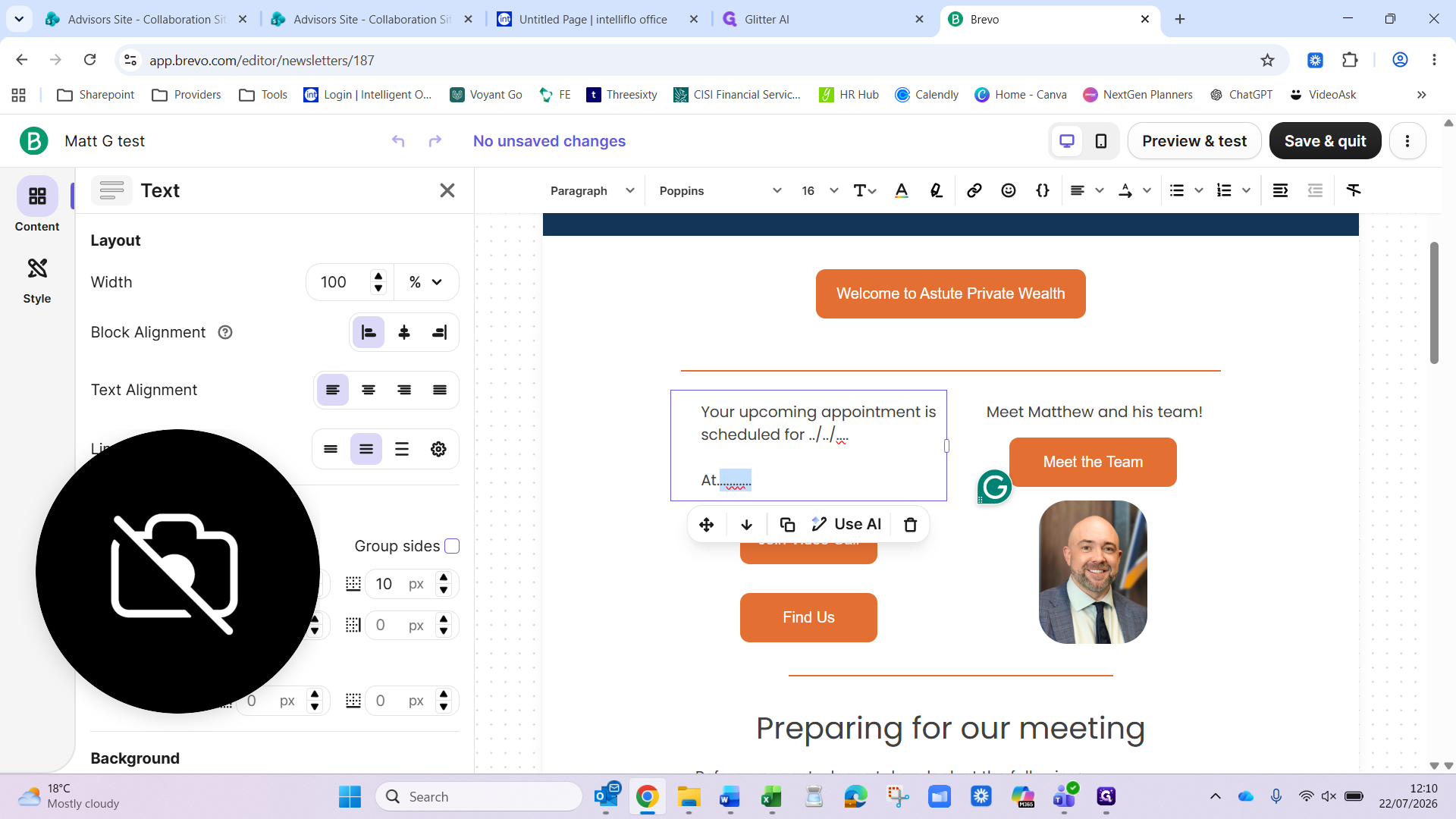
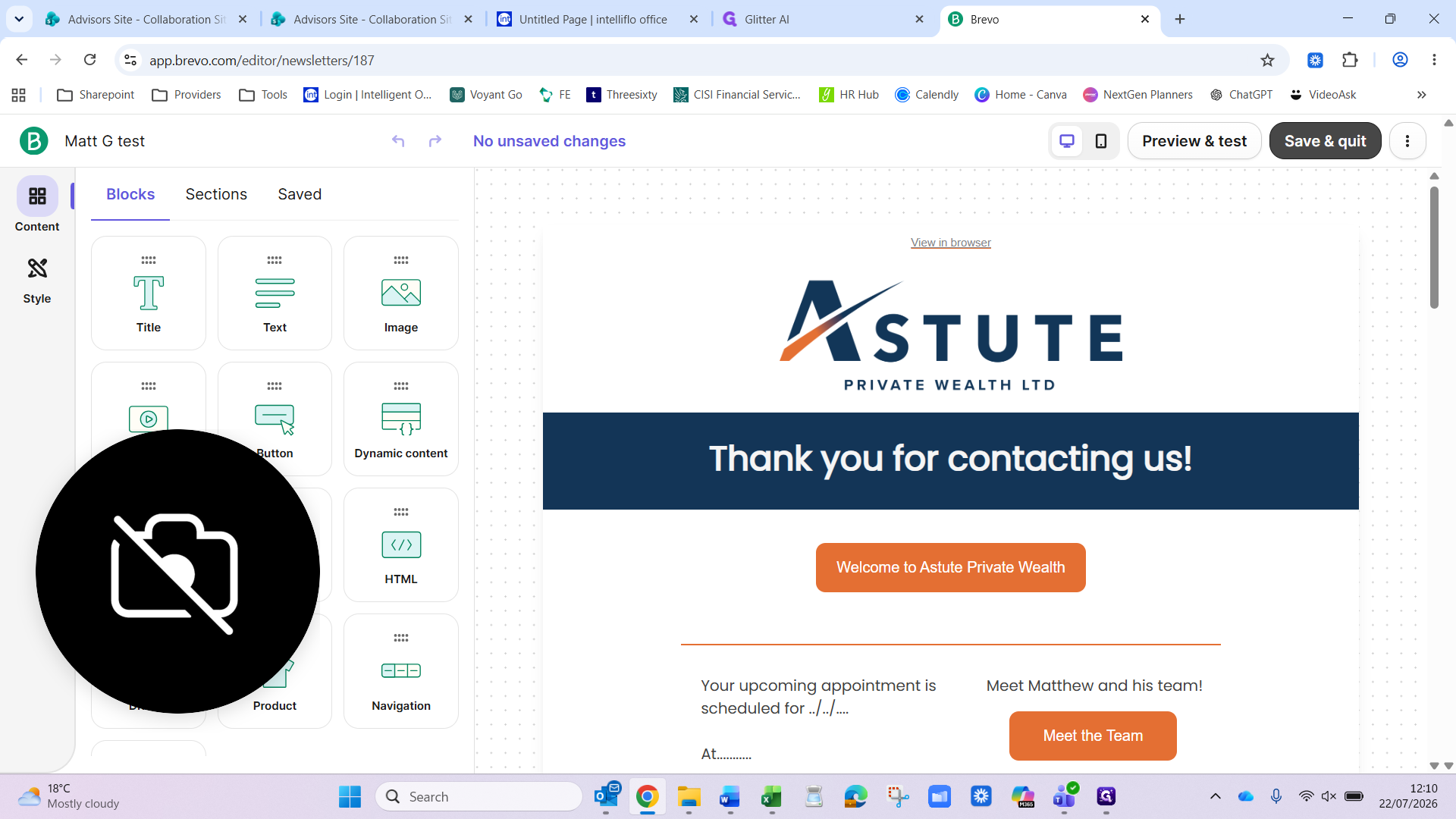
4. Design the email
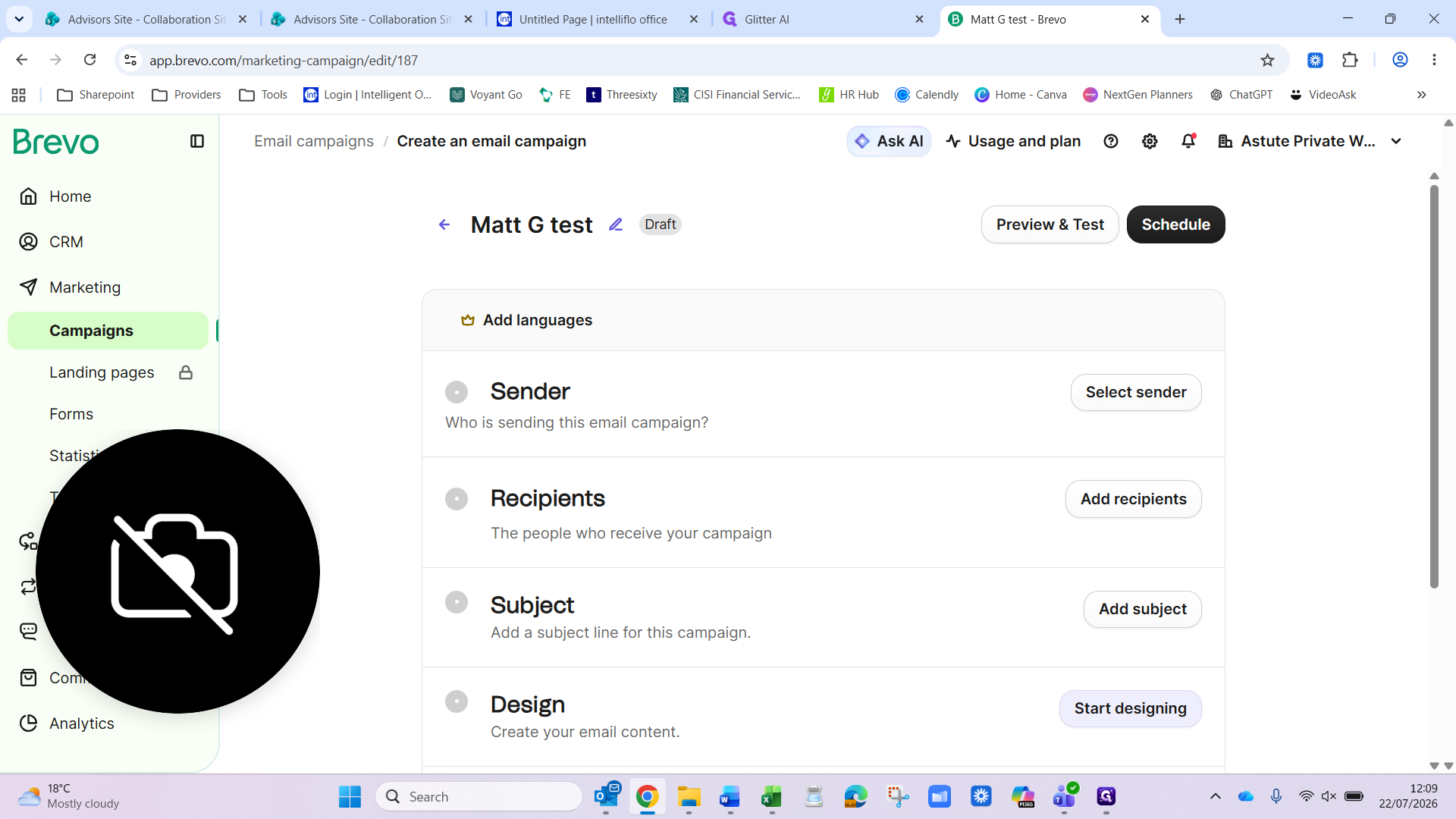
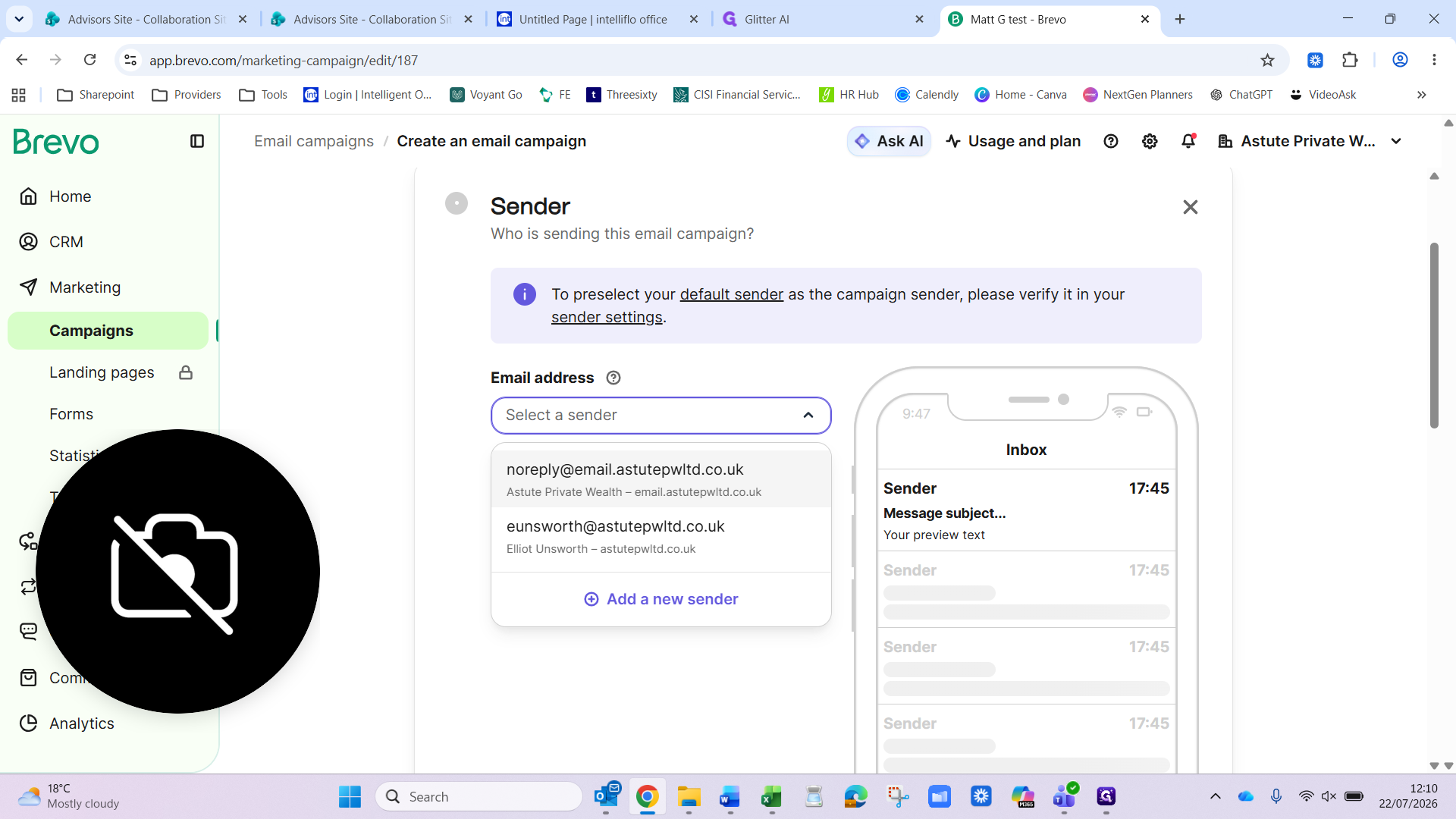
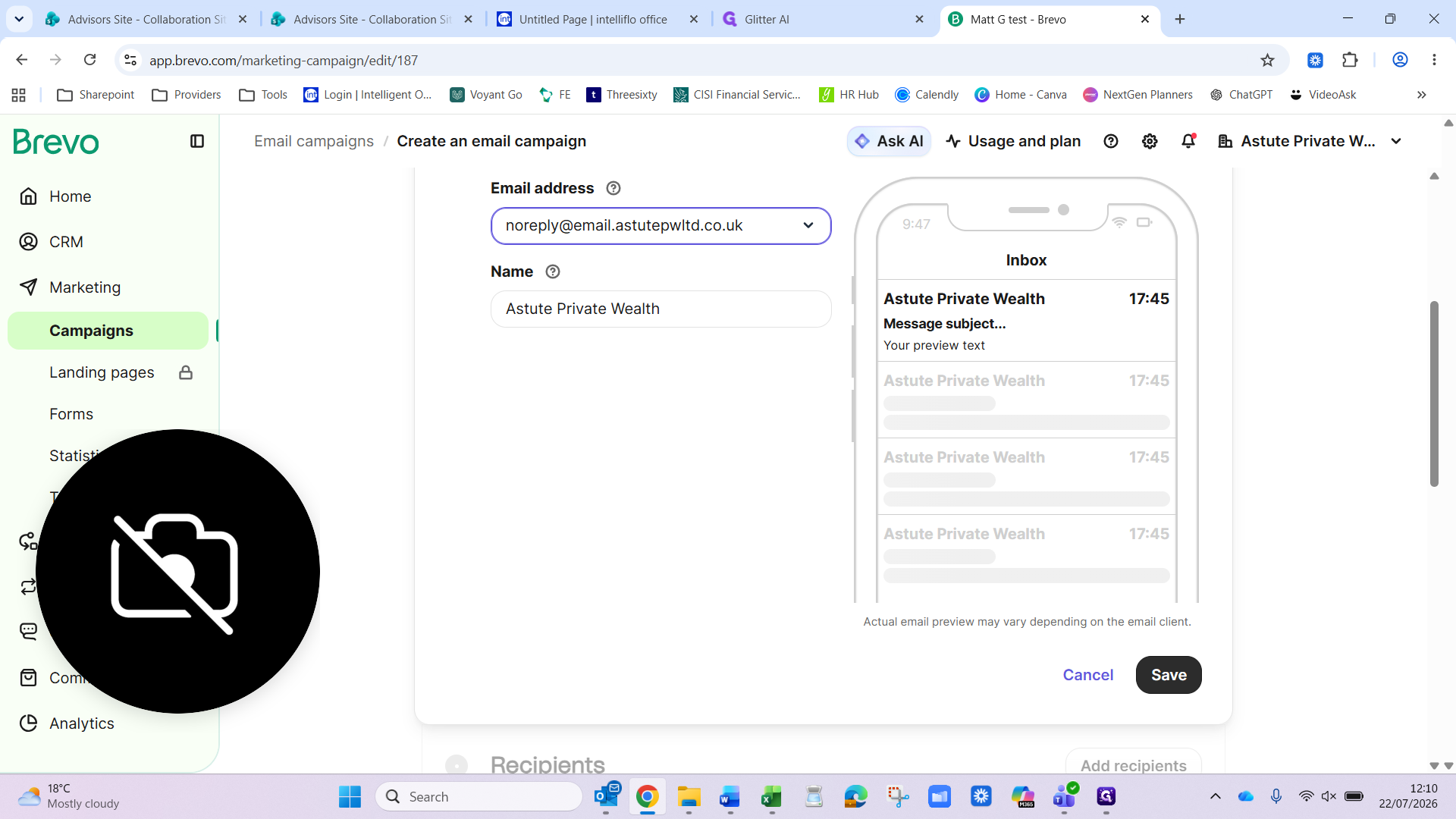
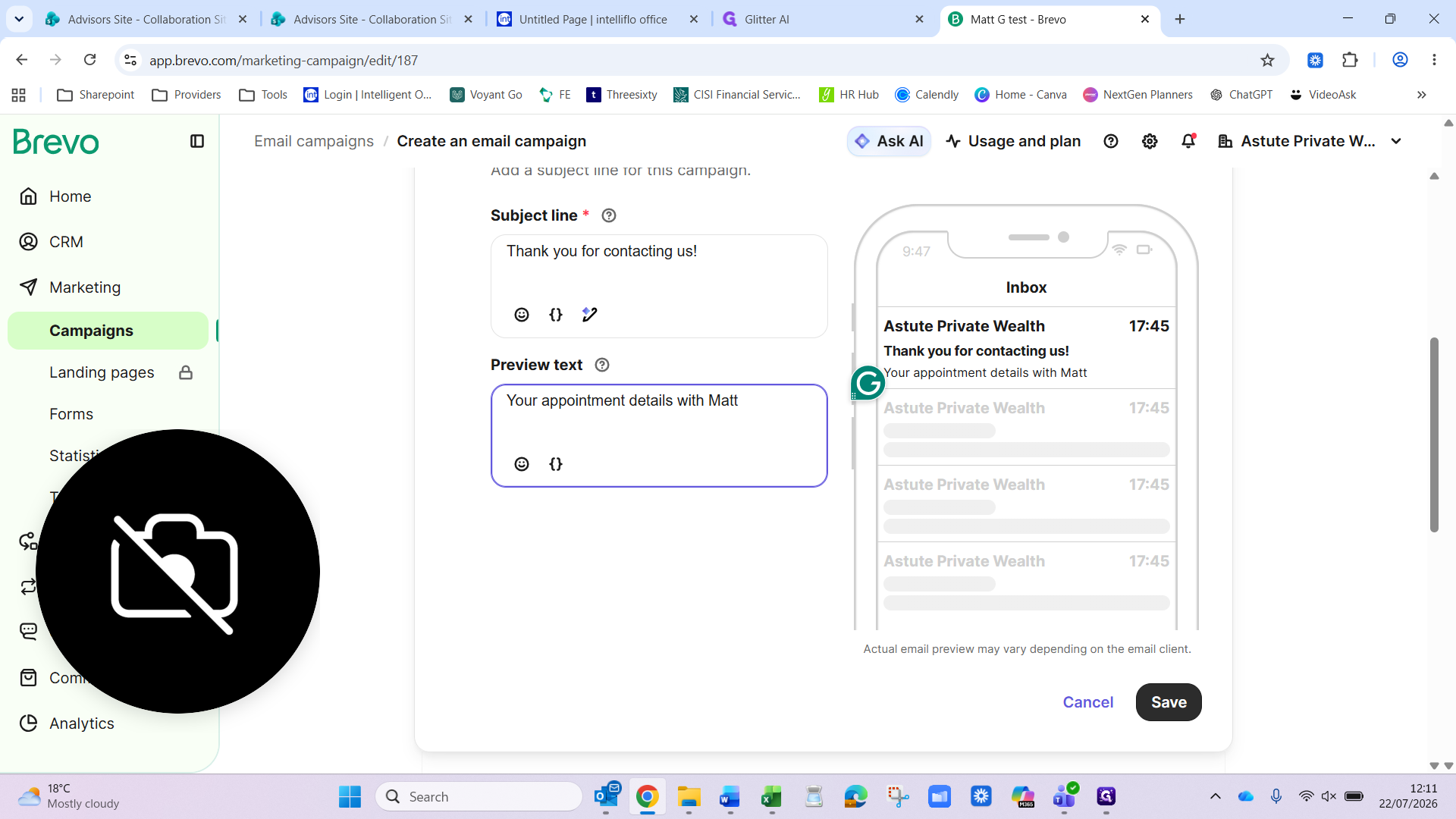
5. Configure sender and subject
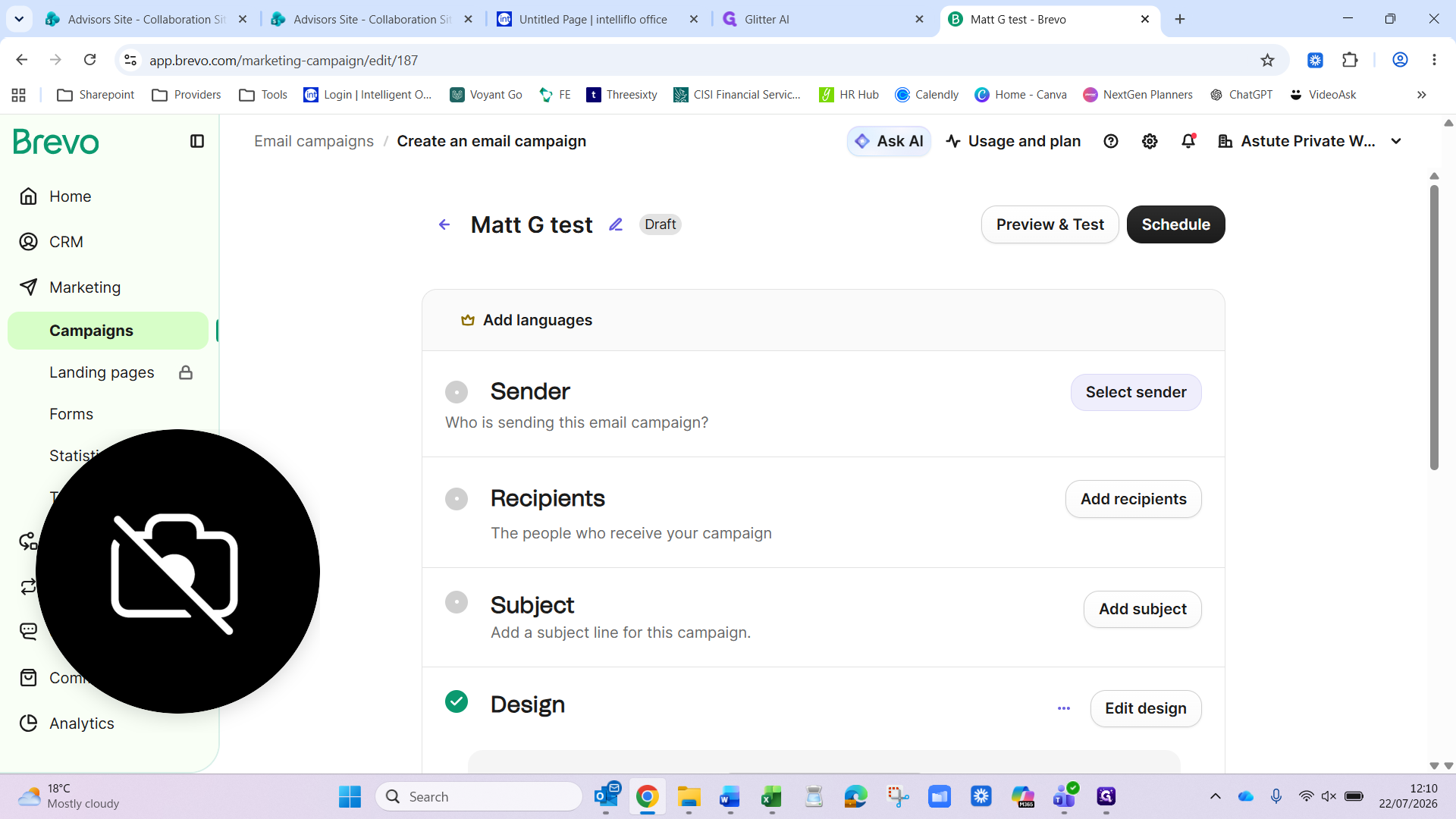
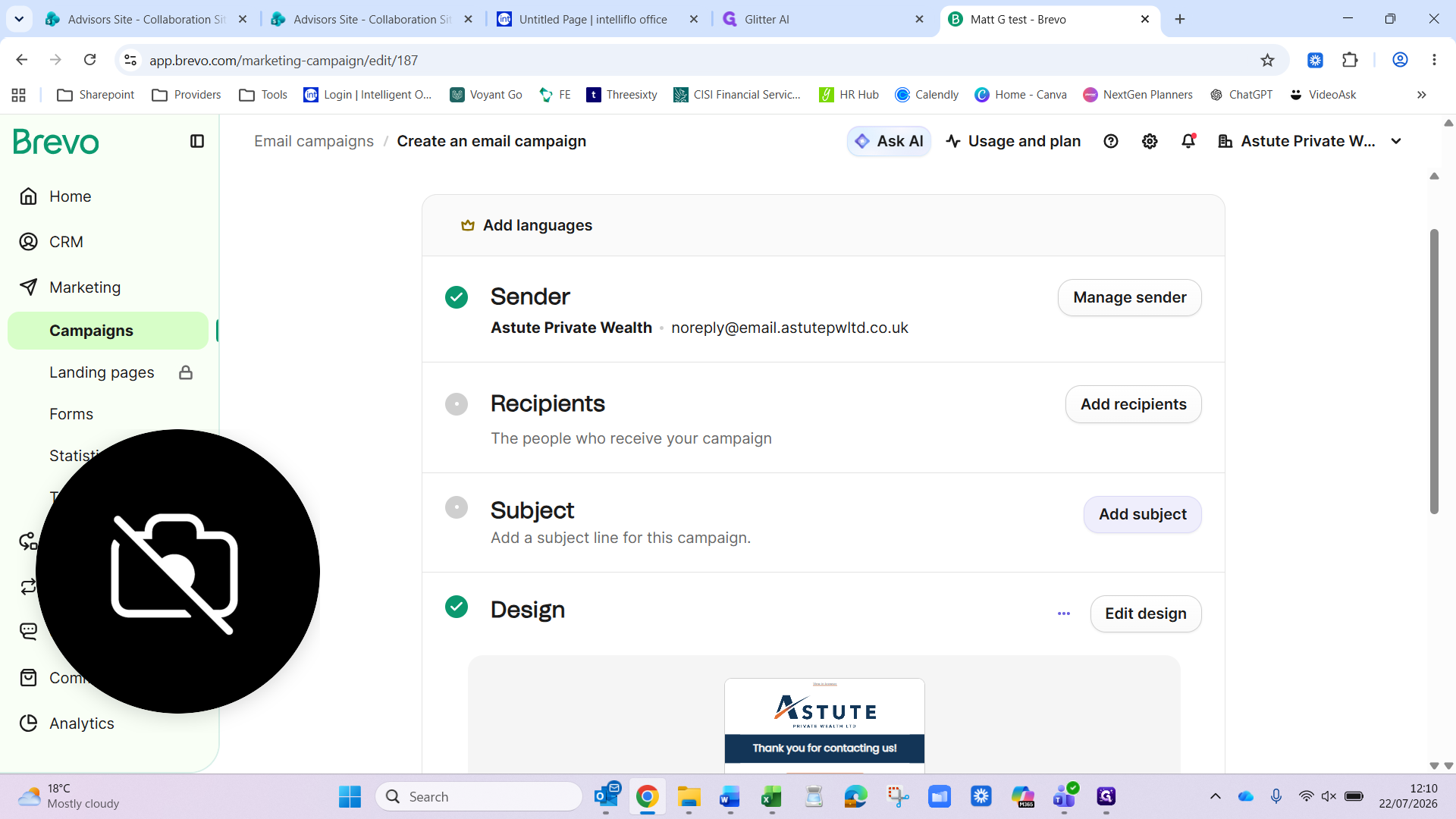
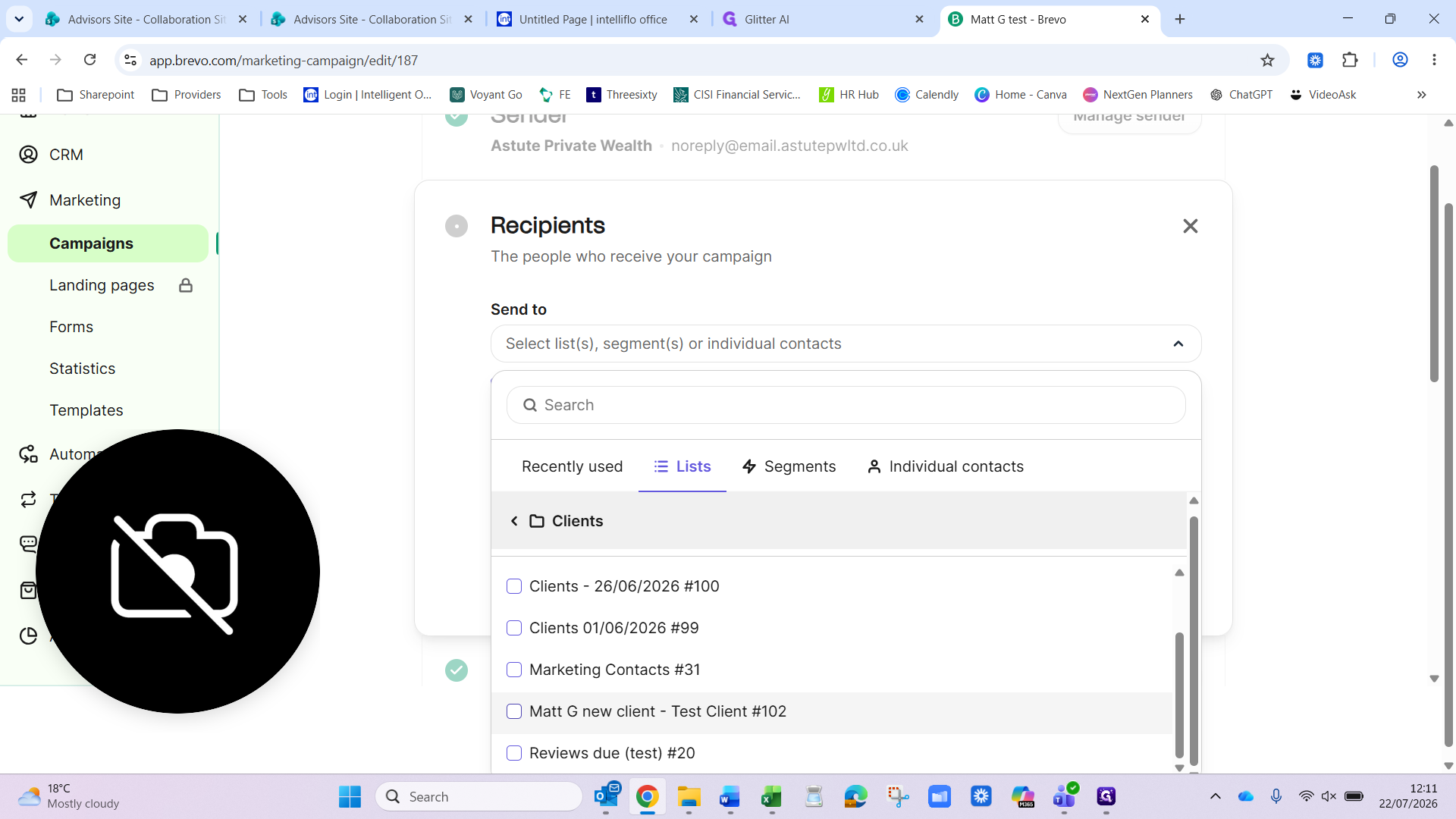
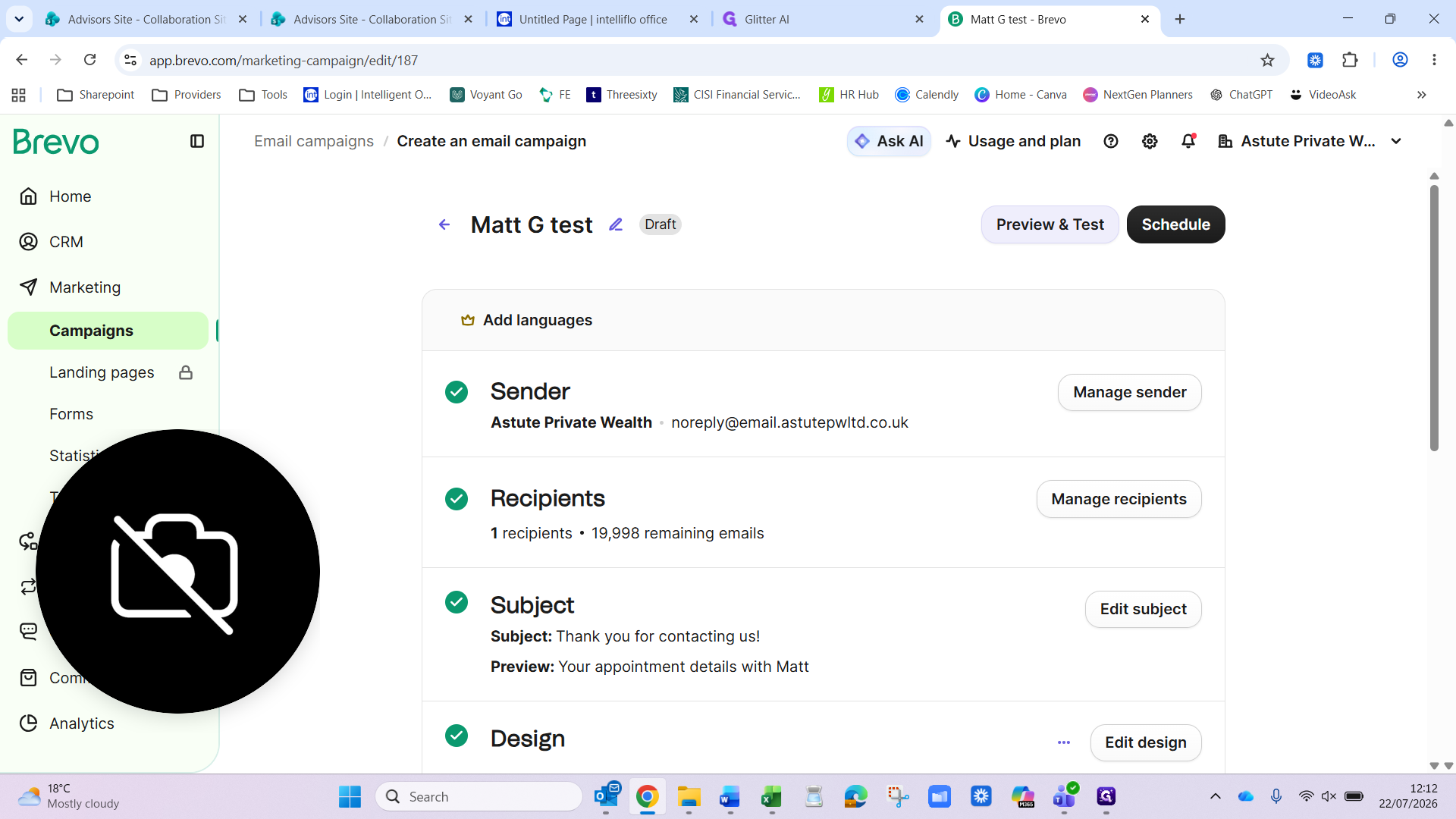
6. Select recipients and finalize settings
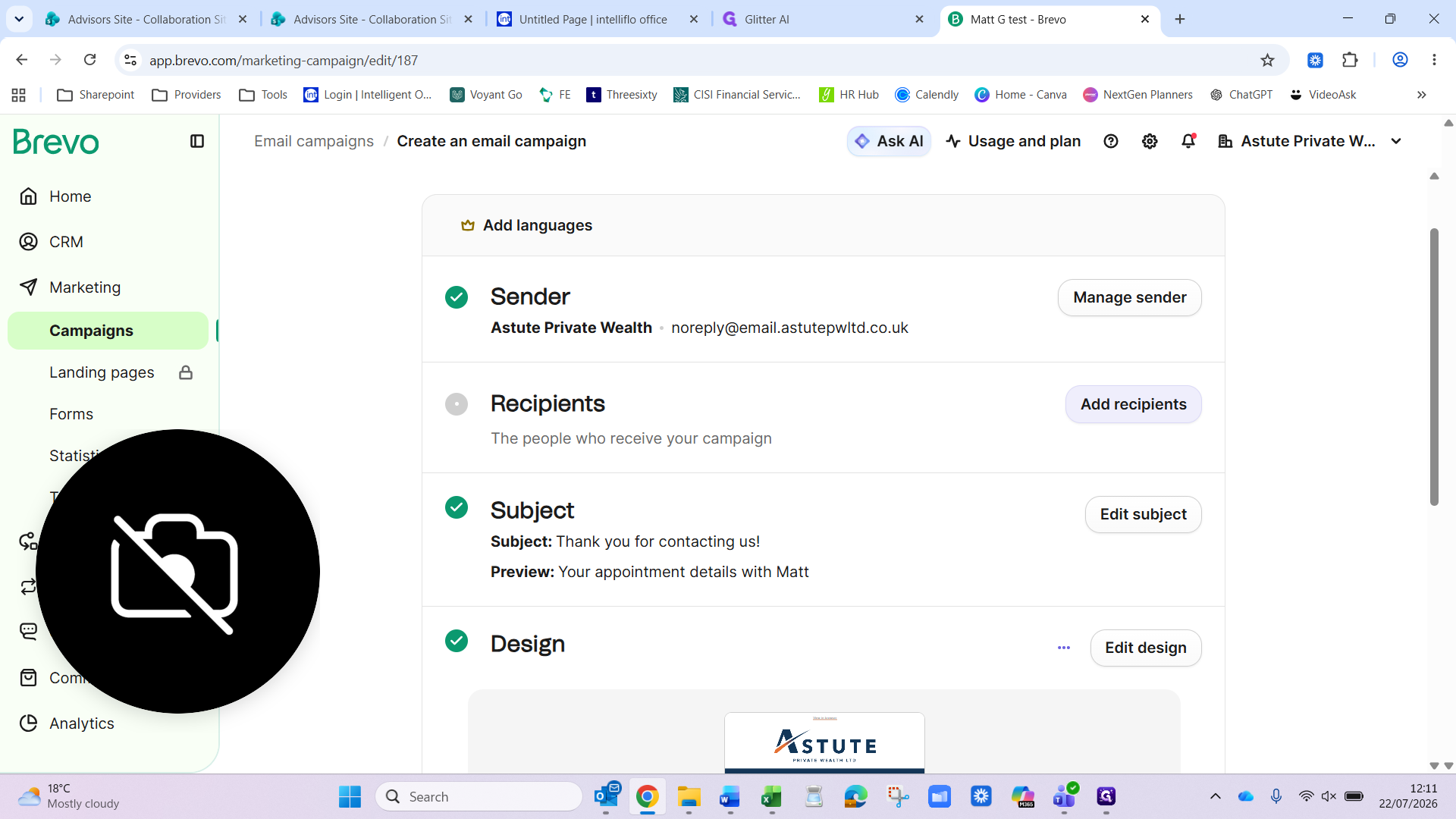
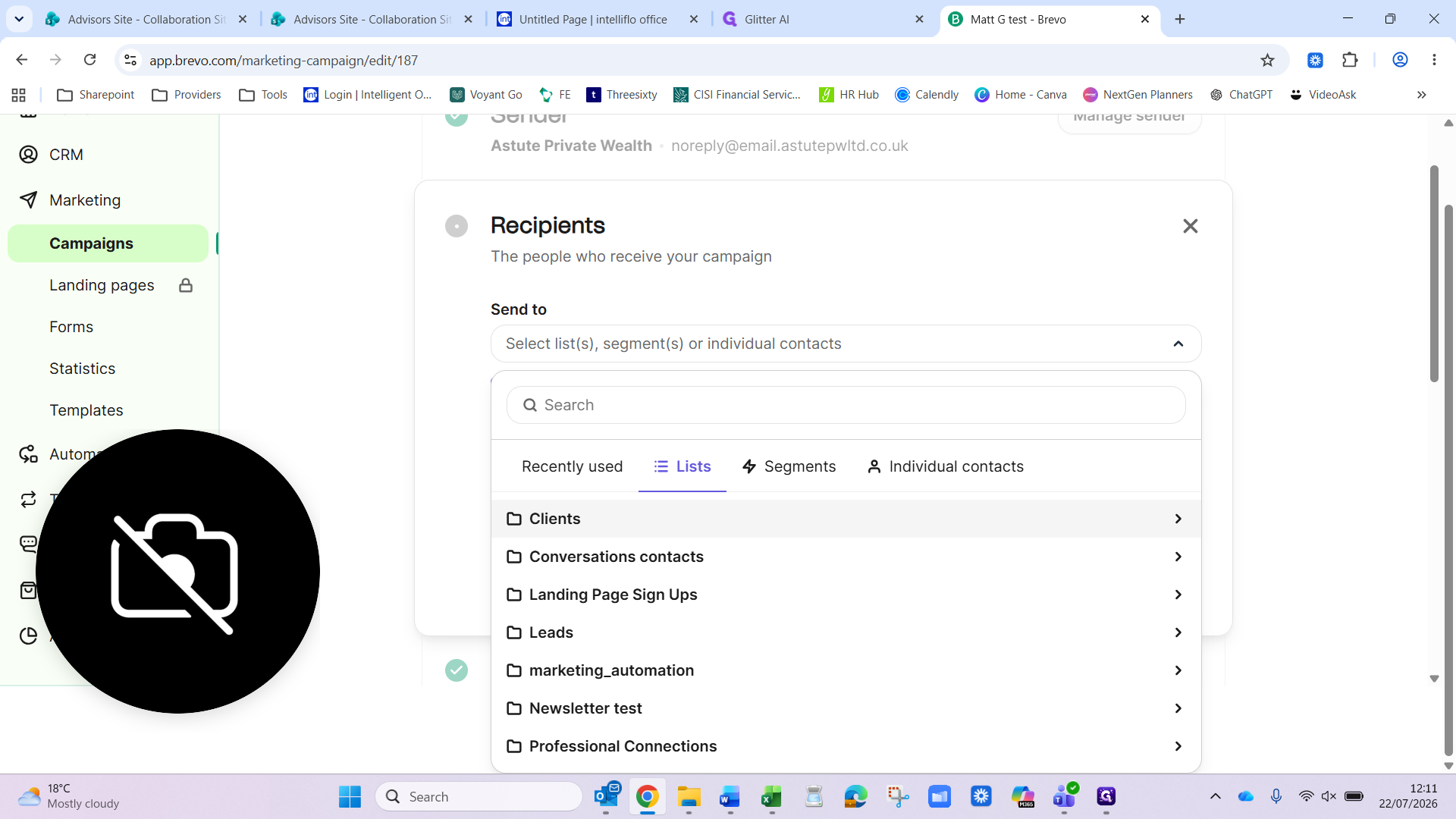
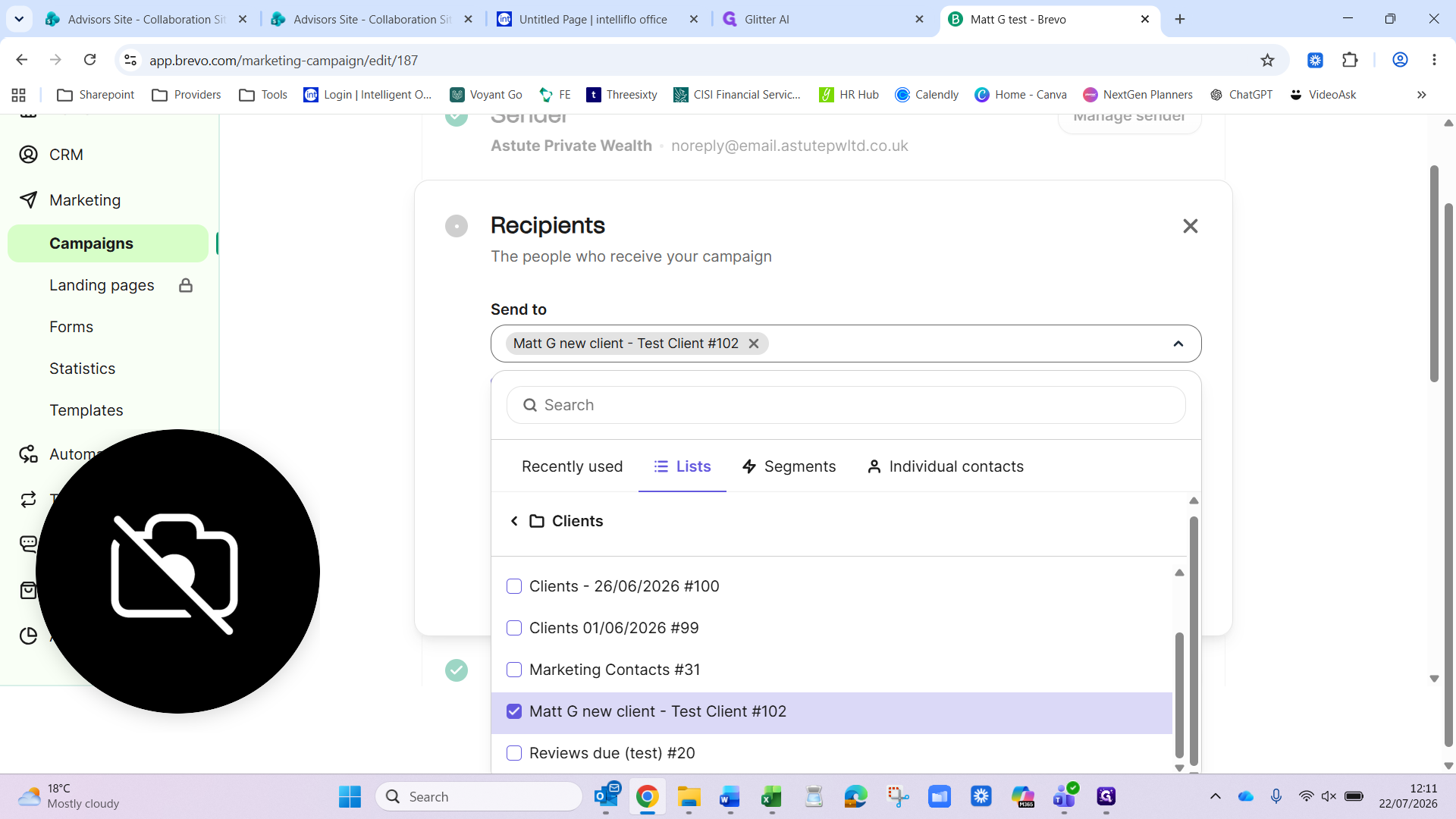
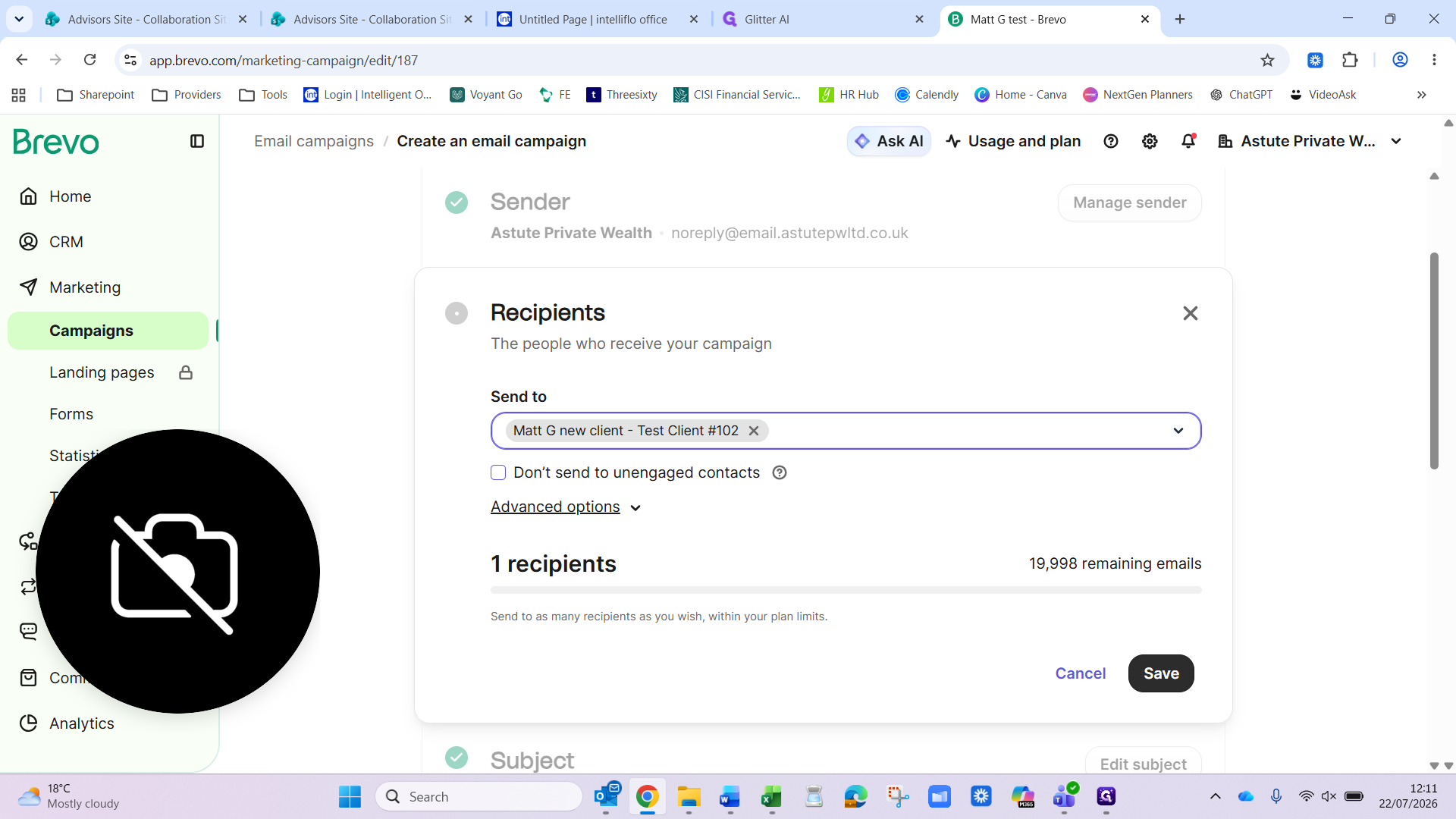
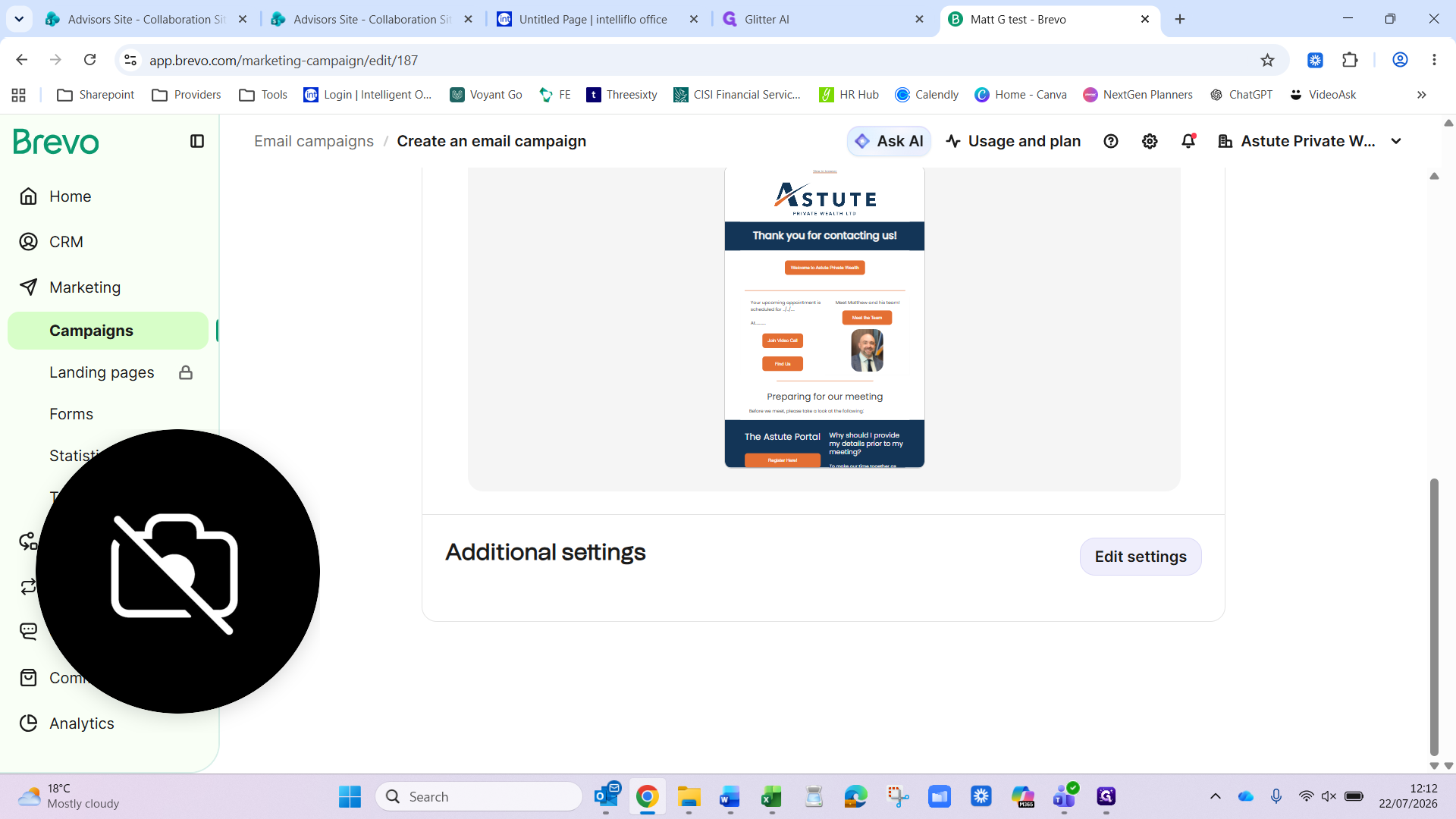
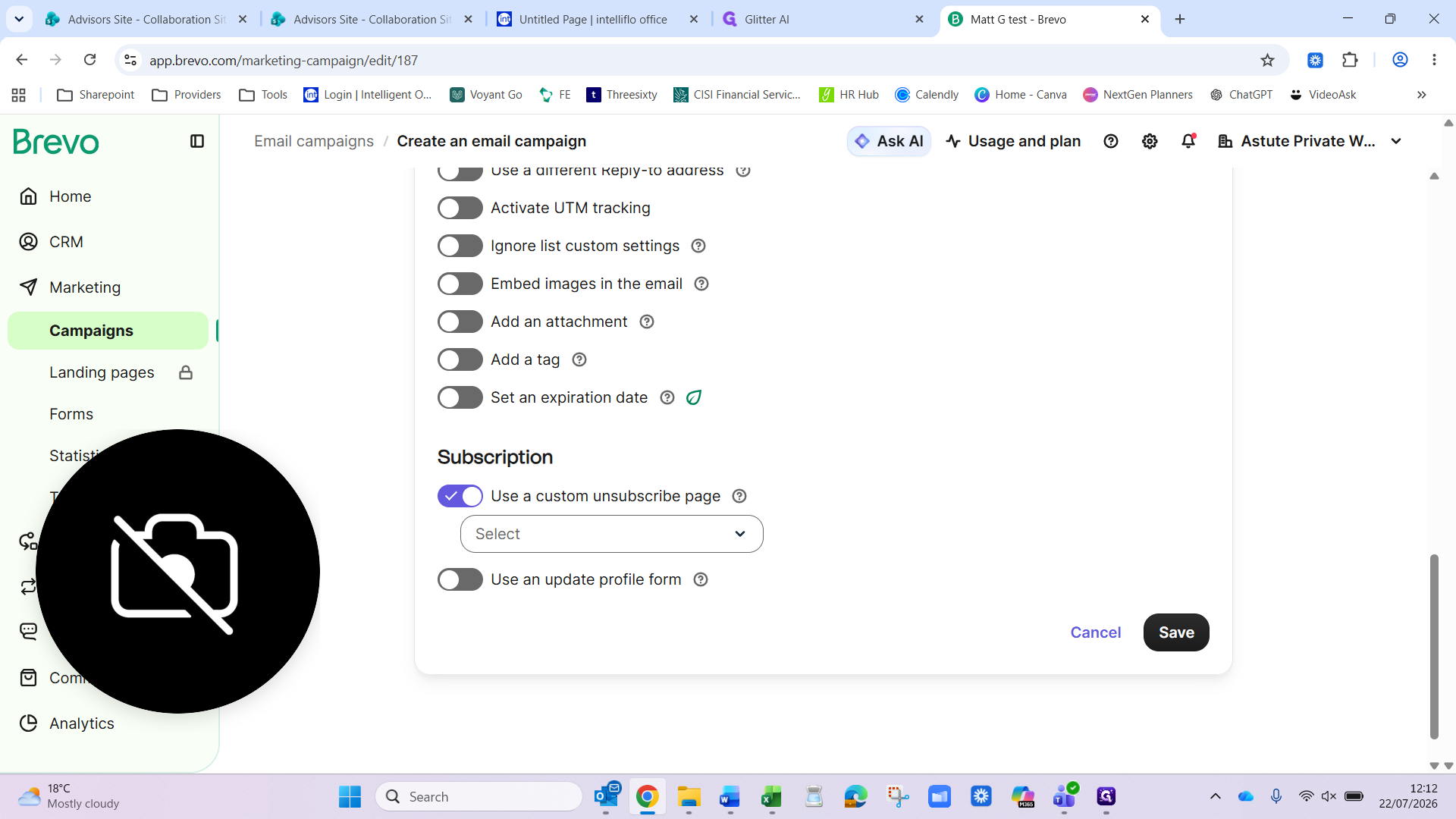
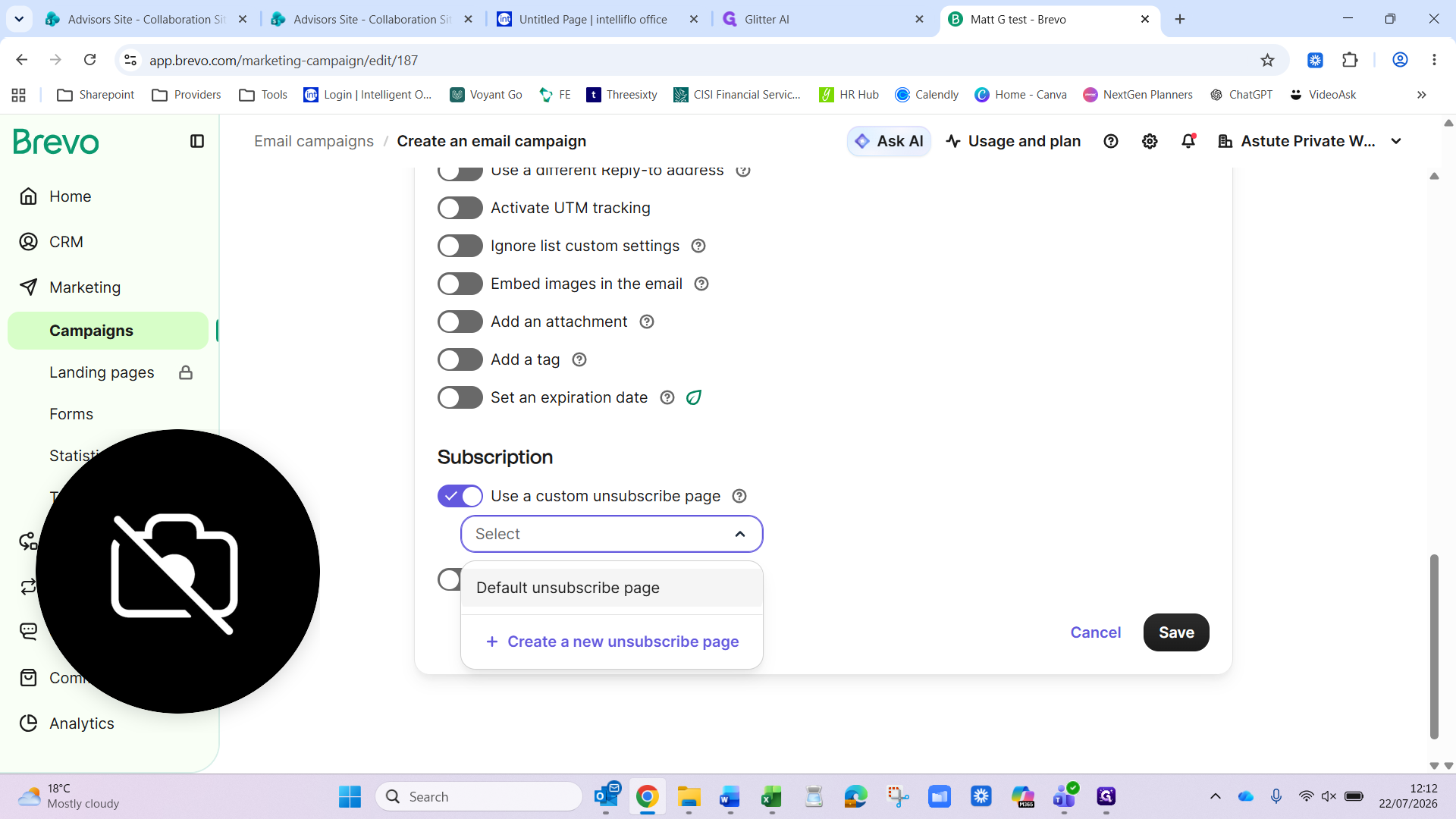
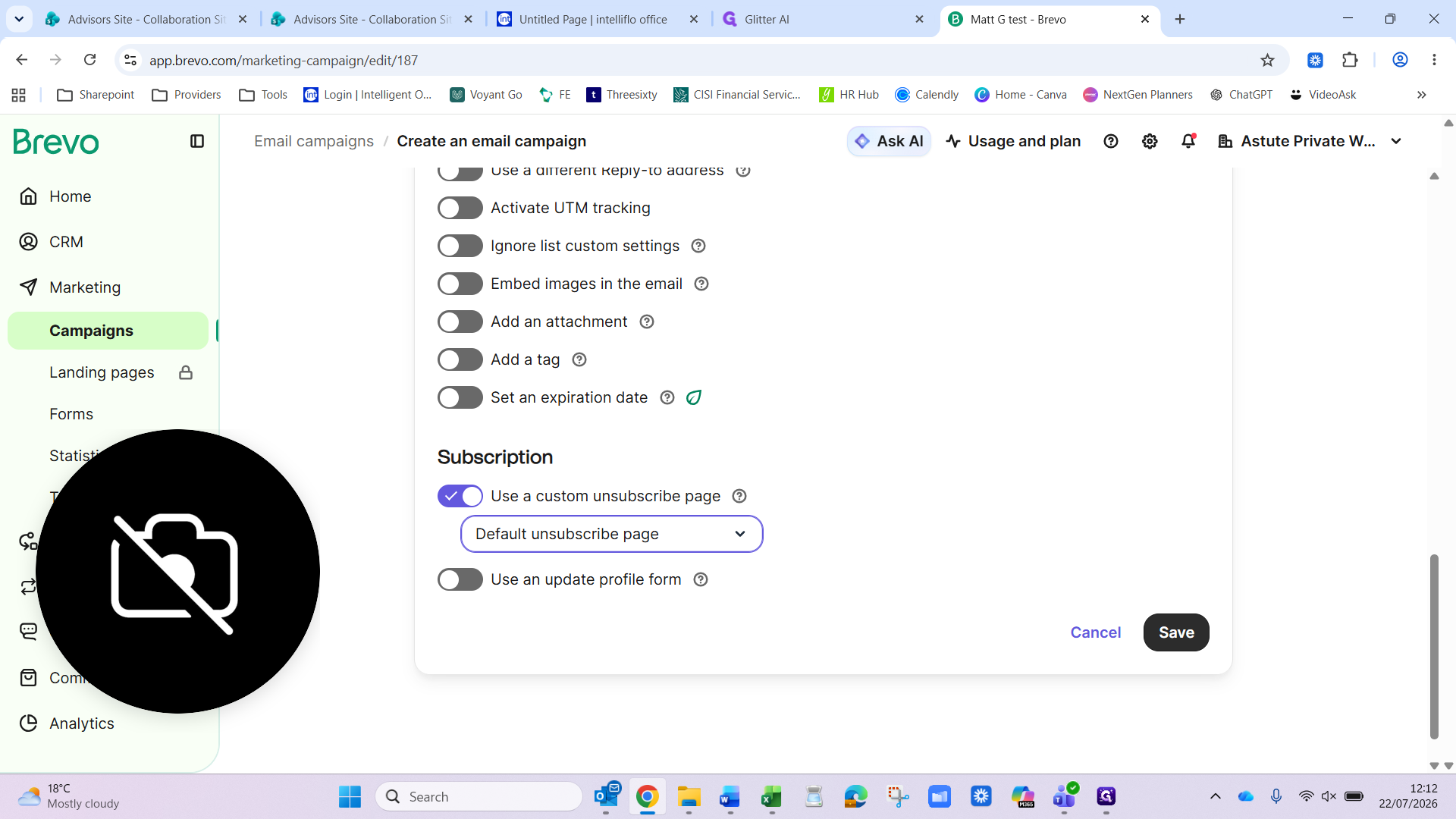
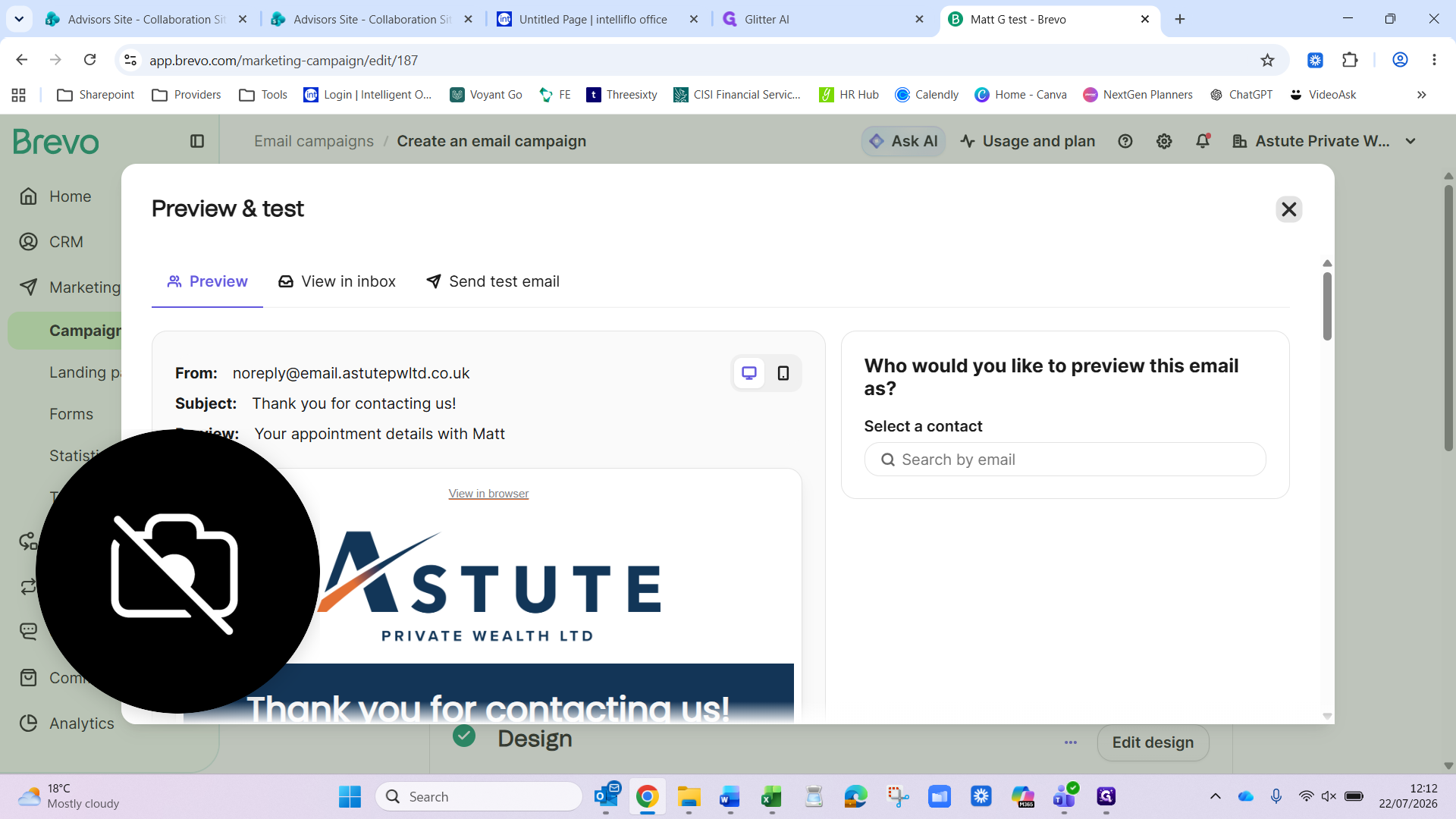
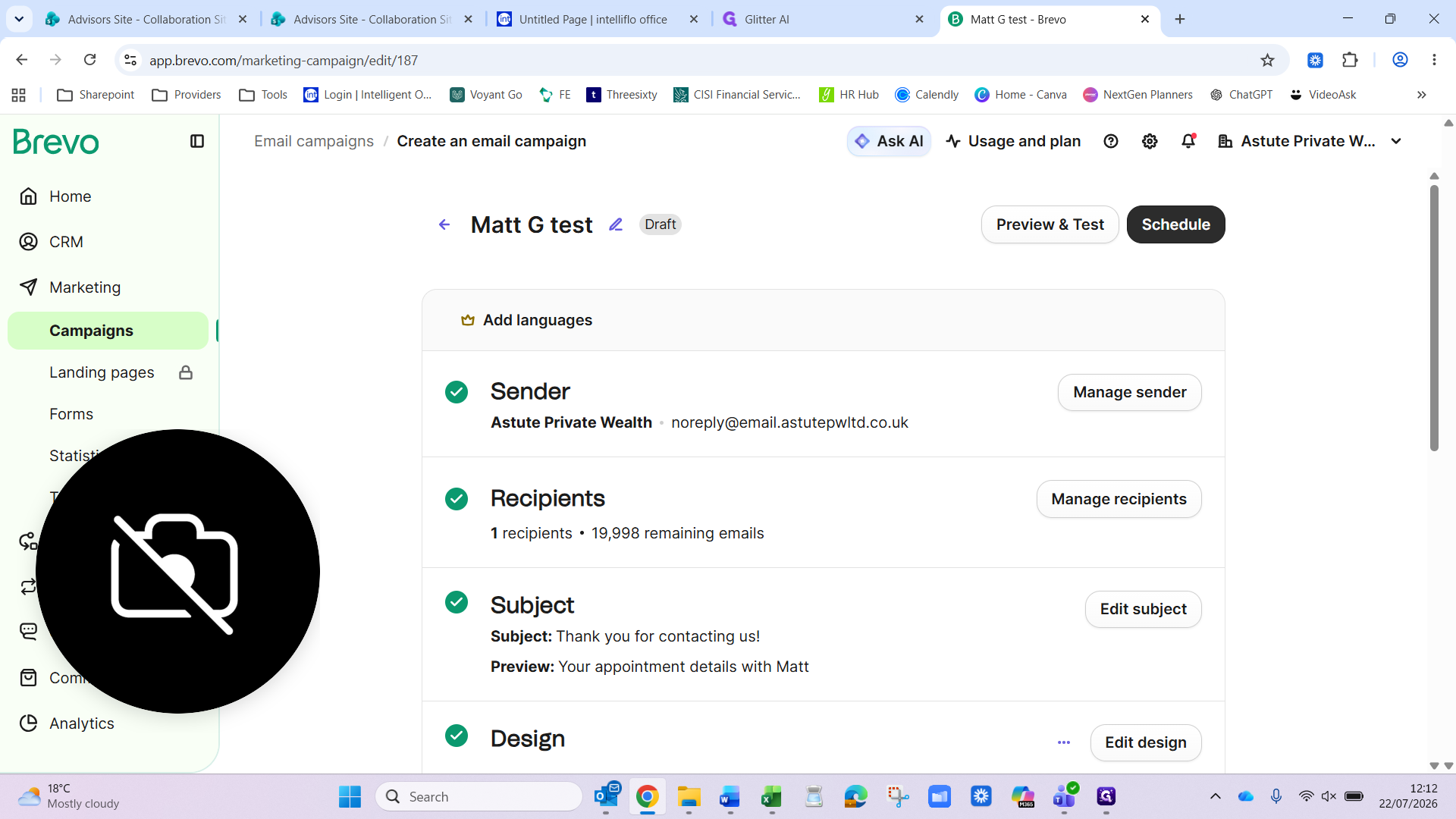
7. Preview and schedule the campaign
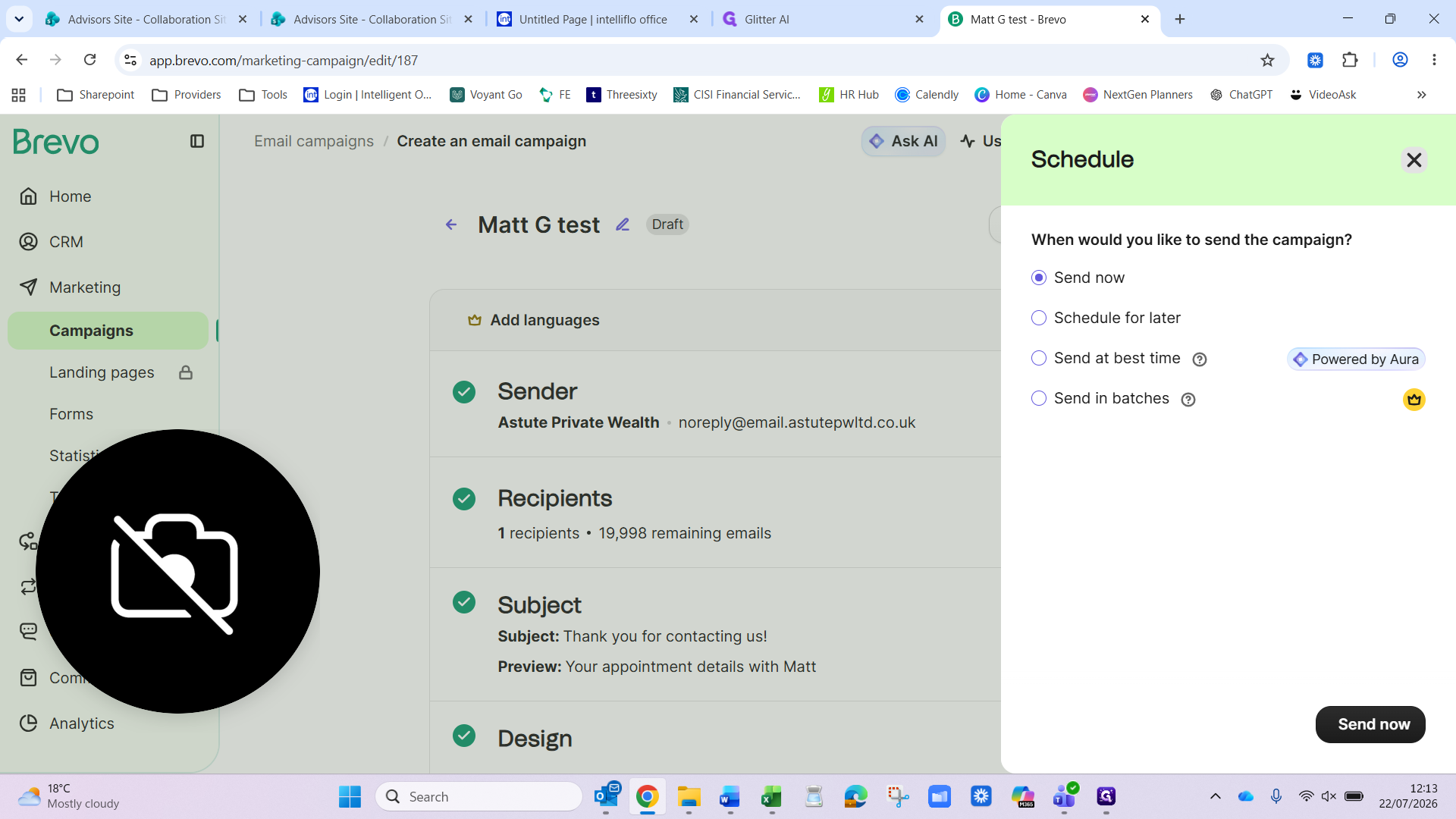
When scheduling a campaign, Brevo provides multiple delivery options. Choose the one that best suits your communication style:
Option | Description |
|---|---|
Send now | Immediately dispatches the email to your recipient list. |
Schedule for later | Allows you to select a specific date and time for the email to be sent. |
Send at best time | Automatically sends the campaign at the optimal time for engagement. |
Send in batches | Staggers delivery over time to improve deliverability and manage response volume. |
Q: How do I add multiple contacts at once?
A: If you have multiple contacts to import, you can format them into an Excel spreadsheet and use the Import feature. However, if you only have one or two contacts, it is easier and faster to create them manually using the "Create a contact" button.
Q: What happens if I try to add an email address that is already in my CRM?
A: Brevo will recognize duplicate email addresses and display an error message alerting you that the contact already exists in your database.
Term | Definition |
|---|---|
Brevo | A software platform used for managing marketing campaigns, contact databases, and client communications. |
CRM | Customer Relationship Management platform used to manage interactions with clients and prospects. |
Campaign | An organized email marketing effort sent to a targeted list of recipients. |