
How to Create a .gitignore File in GitHub
Learn how to quickly create and commit a .gitignore file directly within a GitHub repository using the web interface.
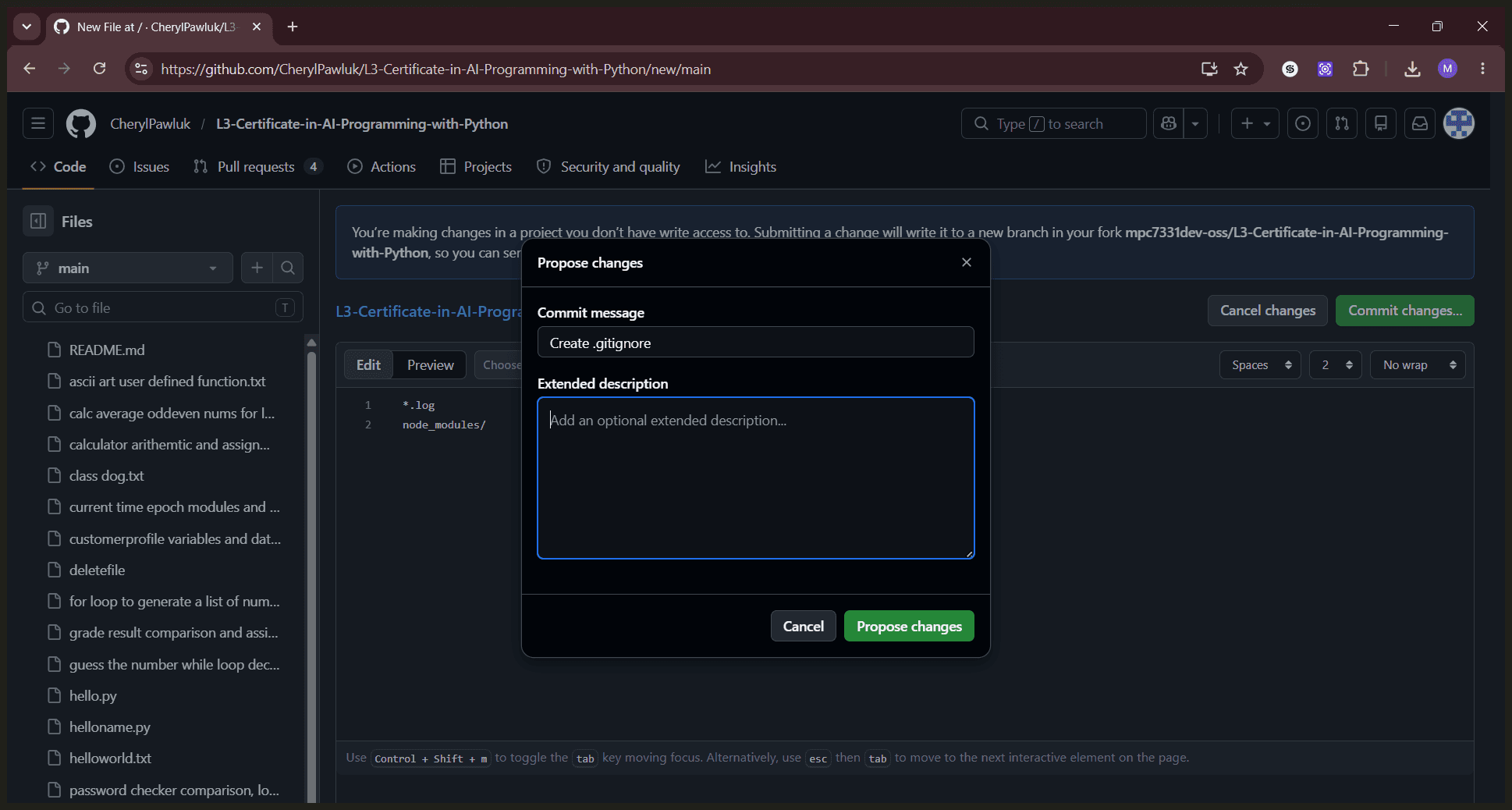
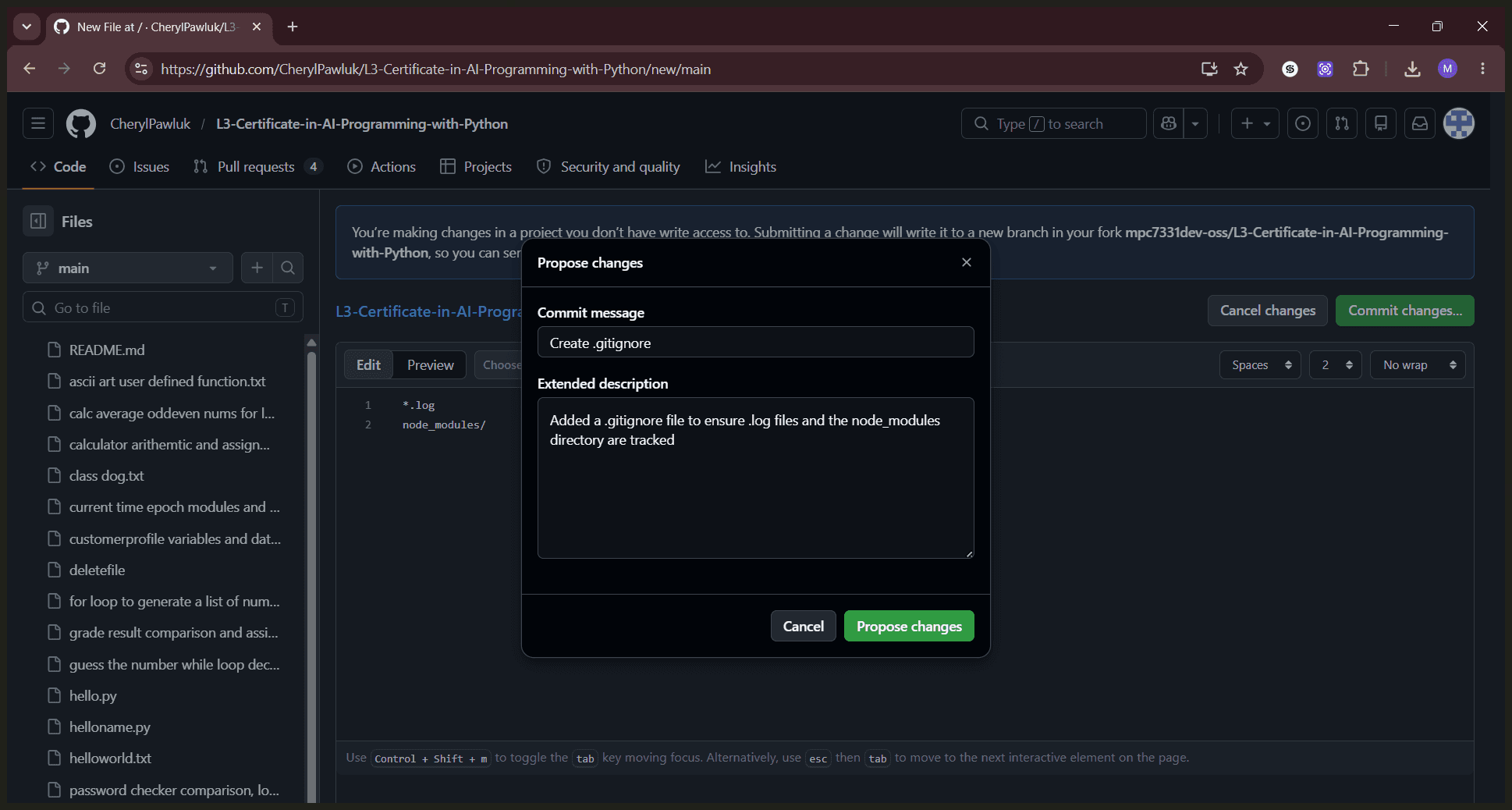
This guide explains how to create and commit a .gitignore file directly from the GitHub web interface. Adding this file ensures that unwanted files or directories are excluded from your version control tracking.
This workflow applies to software developers and open-source contributors who need to manage ignored files in a GitHub repository without using the local command line.
Ensure you are signed in to your GitHub account before beginning.
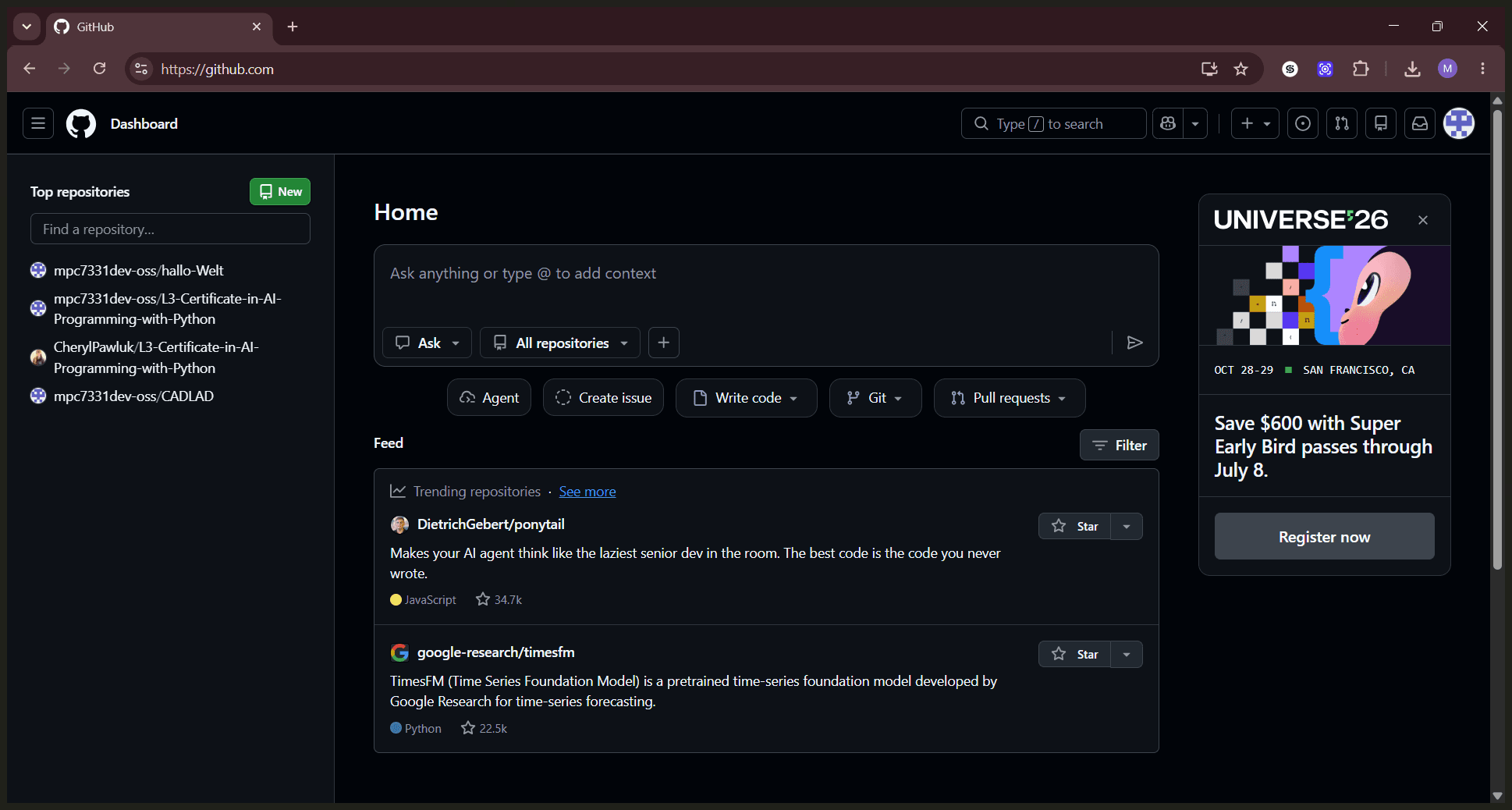
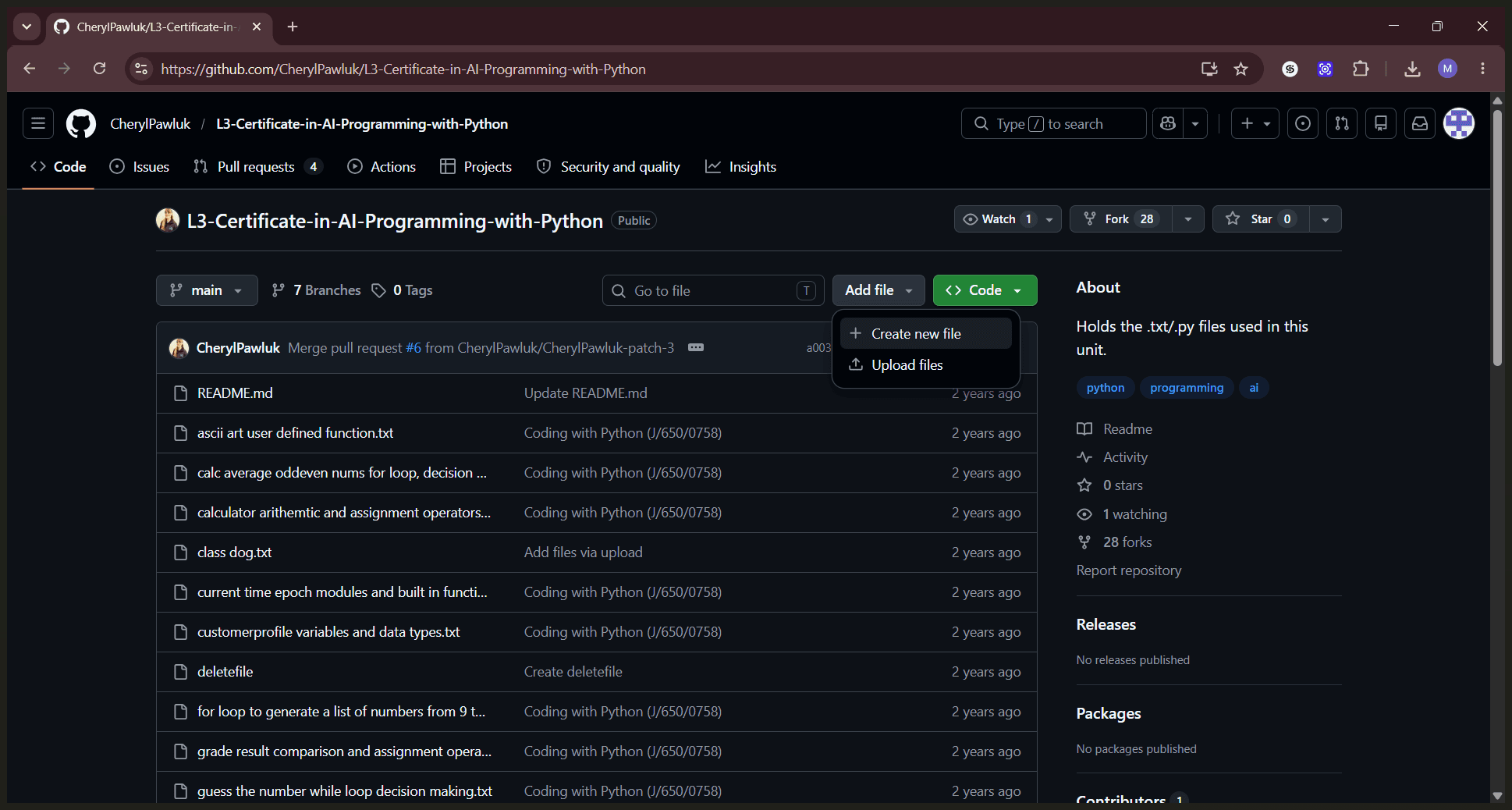
.gitignore as the file name and add your specific ignore rules into the main text editor.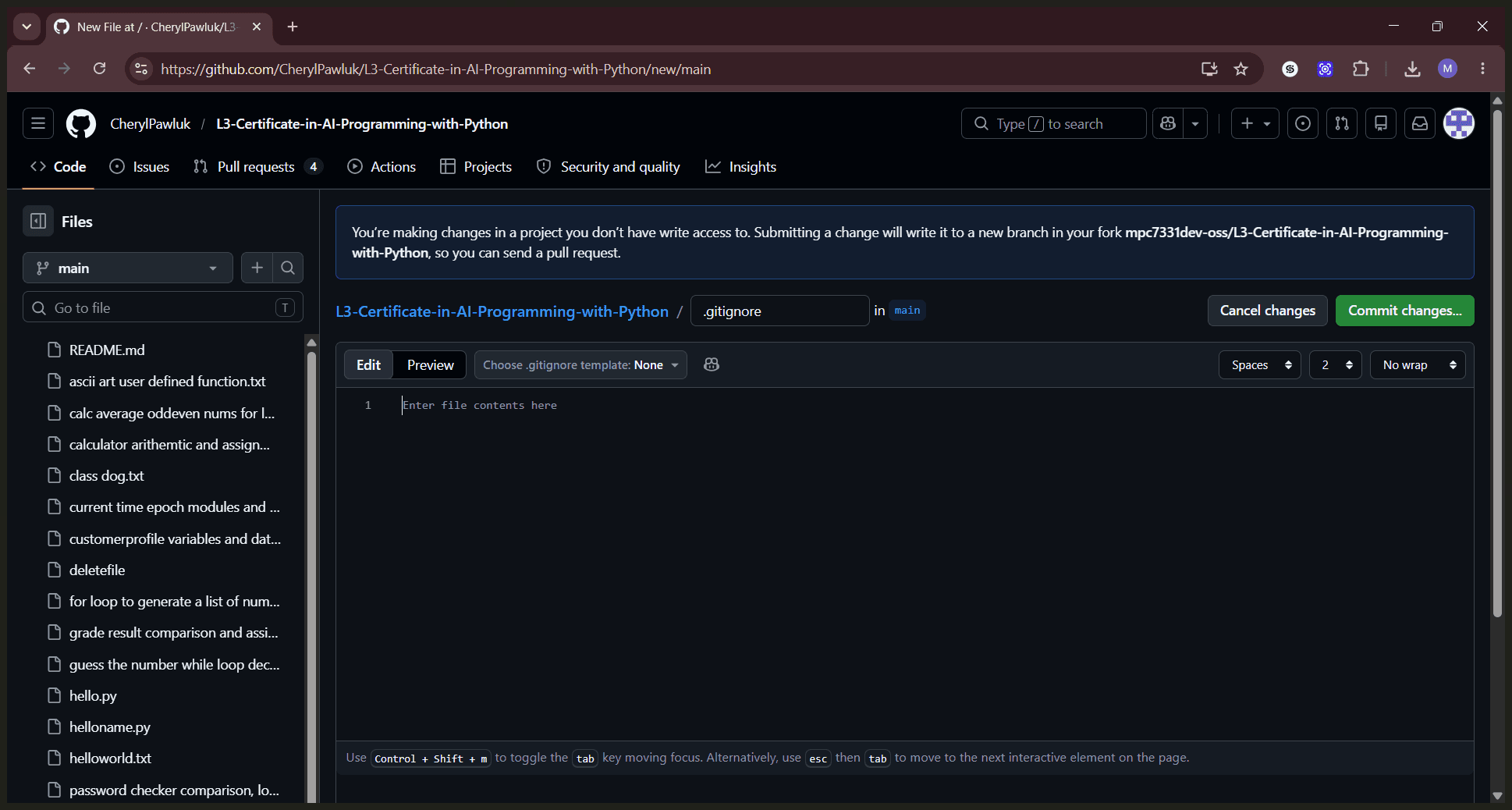
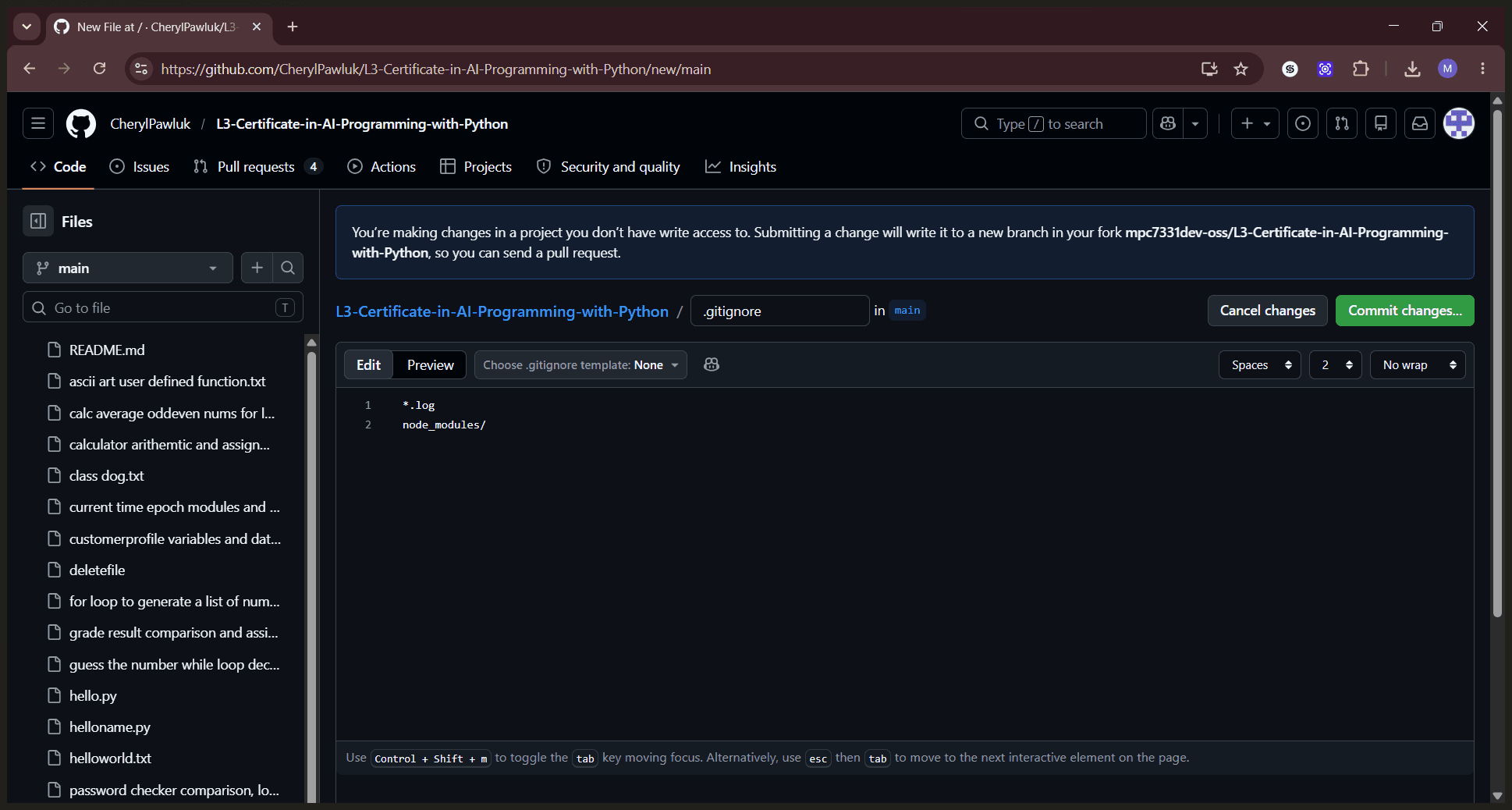
Term | Definition |
|---|---|
Repository | A central location on GitHub where your project files, history, and collaborations are stored. |
.gitignore | A configuration file that specifies which files or directories Git should intentionally leave untracked. |
Commit | A saved record of changes made to the files within your version control system. |