How to Create an SEO Keyword and Prompt Mapping Sheet with AI
Learn how to use Claude AI to scan your website, analyze context, and generate a comprehensive SEO keyword and prompt mapping sheet for your business.
This guide explains how to generate a comprehensive keyword and prompt mapping sheet using Claude AI. By feeding the AI your website, existing data, and client transcripts, you can quickly produce targeted SEO keywords and seller intent-based prompts.
This workflow is for SEO specialists, content strategists, and marketers who need to build structured keyword strategies early in a project.
Context Provisioning Methods
When mapping out your keyword strategy, you can use several methods to give the AI the context it needs to generate accurate results.
Method | When to use | How it works |
|---|---|---|
Website URL Scanning | Starting a fresh analysis | The AI reads the provided URL to understand positioning and offerings. |
Existing Keyword Sheets | A previous SEO analysis exists | Uploading a spreadsheet guides the AI to align with established target terms. |
Client Transcripts | Customizing based on client meetings | Pasting transcript text refines the suggestions with direct client preferences and tone. |
Step 1: Scan the Website for Context
First, prompt the AI to analyze the target website to understand the business positioning.
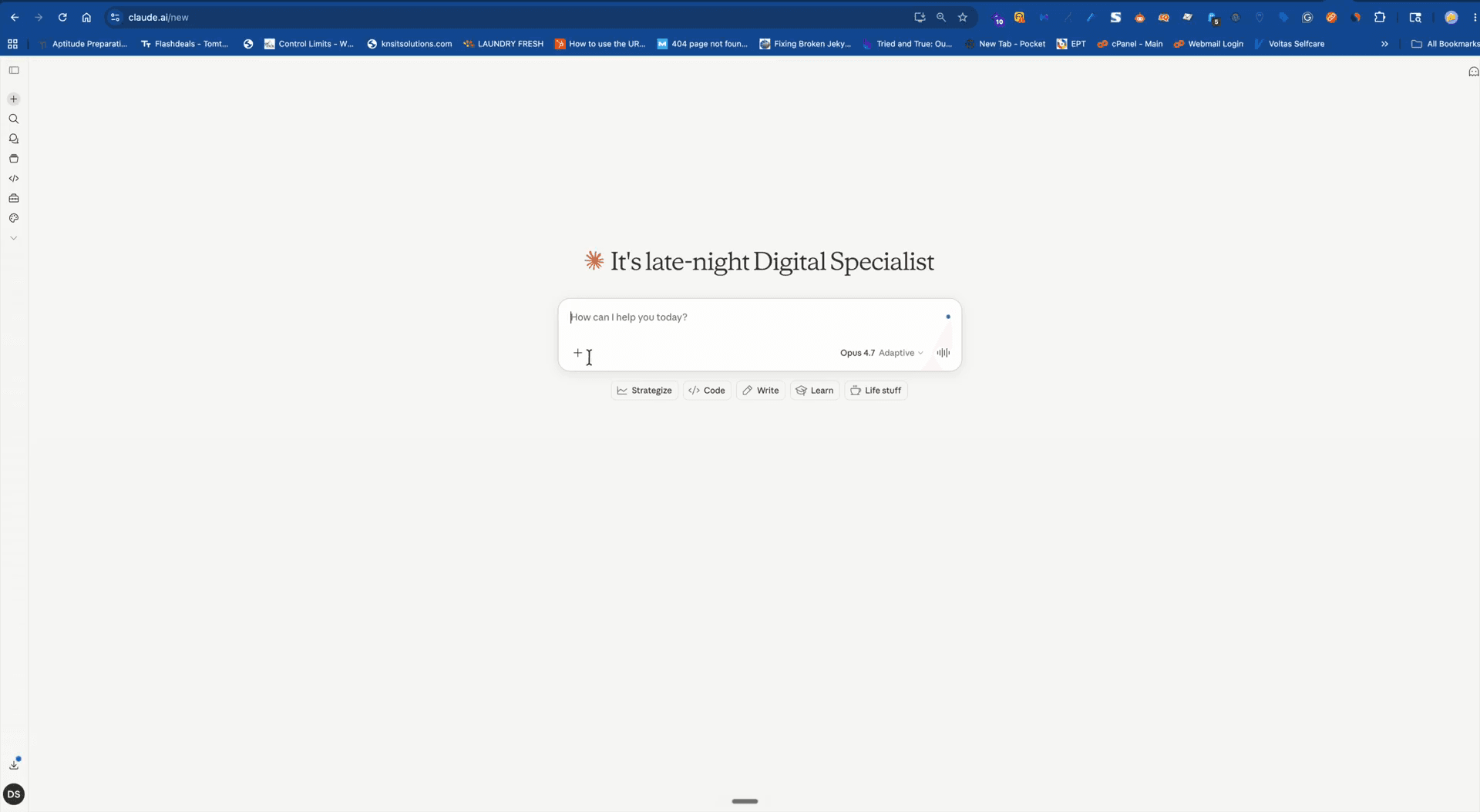
Scan the website https://[your-website]/ and understand its positioning, offerings and all of its content. Then help me with the questions I have about it. into the input field.Step 2: Upload Existing Keyword Context (Optional)
If you already have a parent keyword list from a previous SEO analysis, you can upload it to inspire the AI's output.
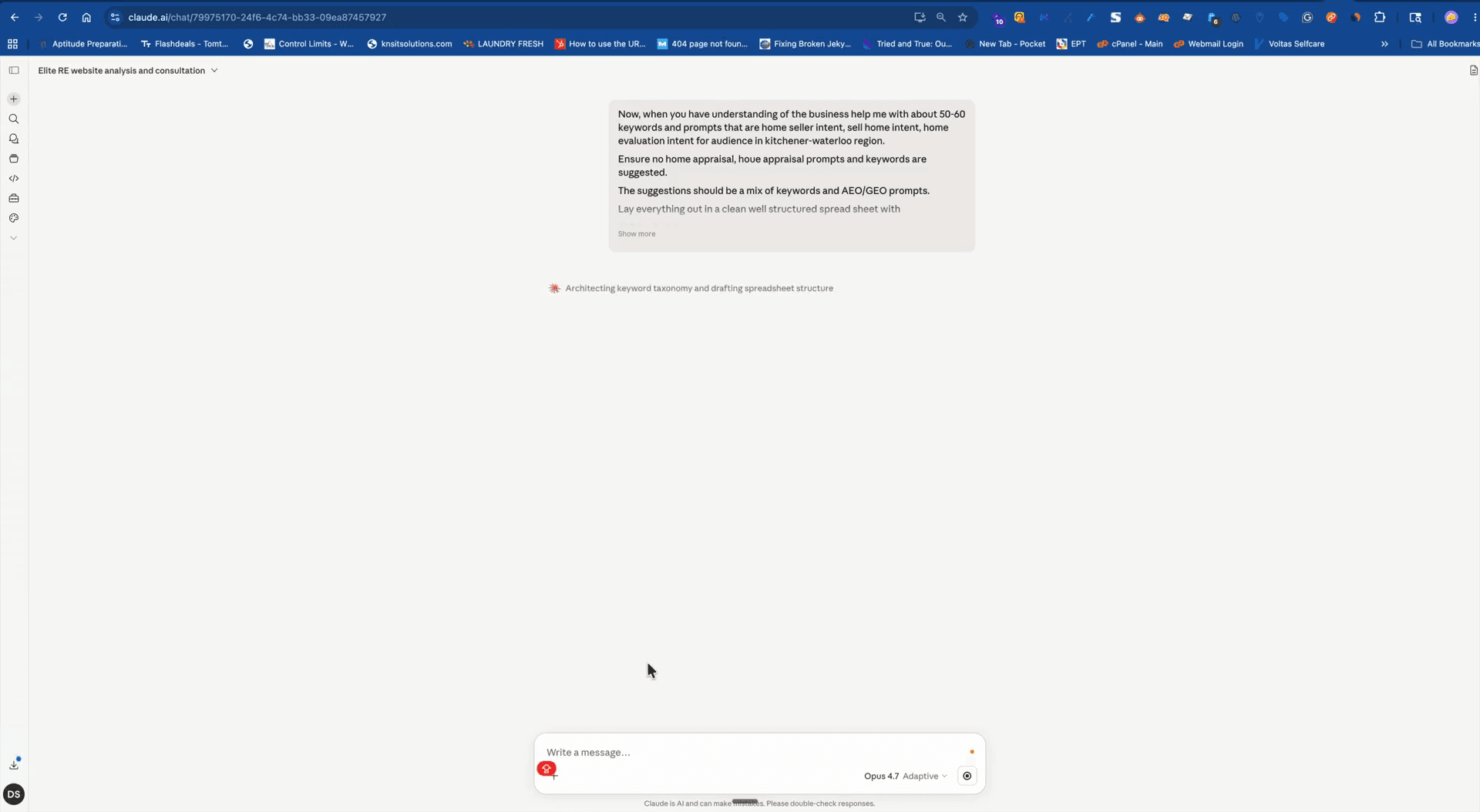
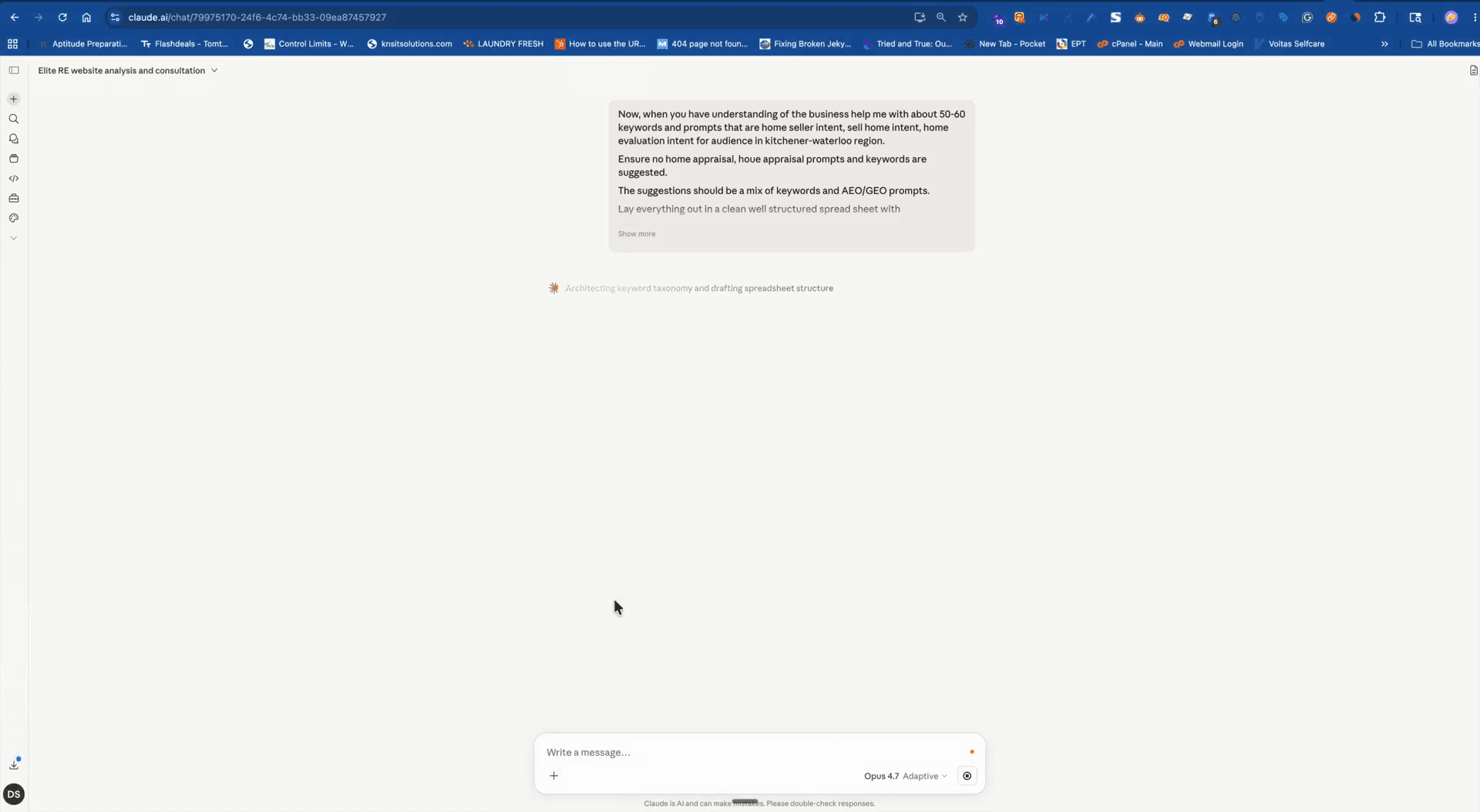
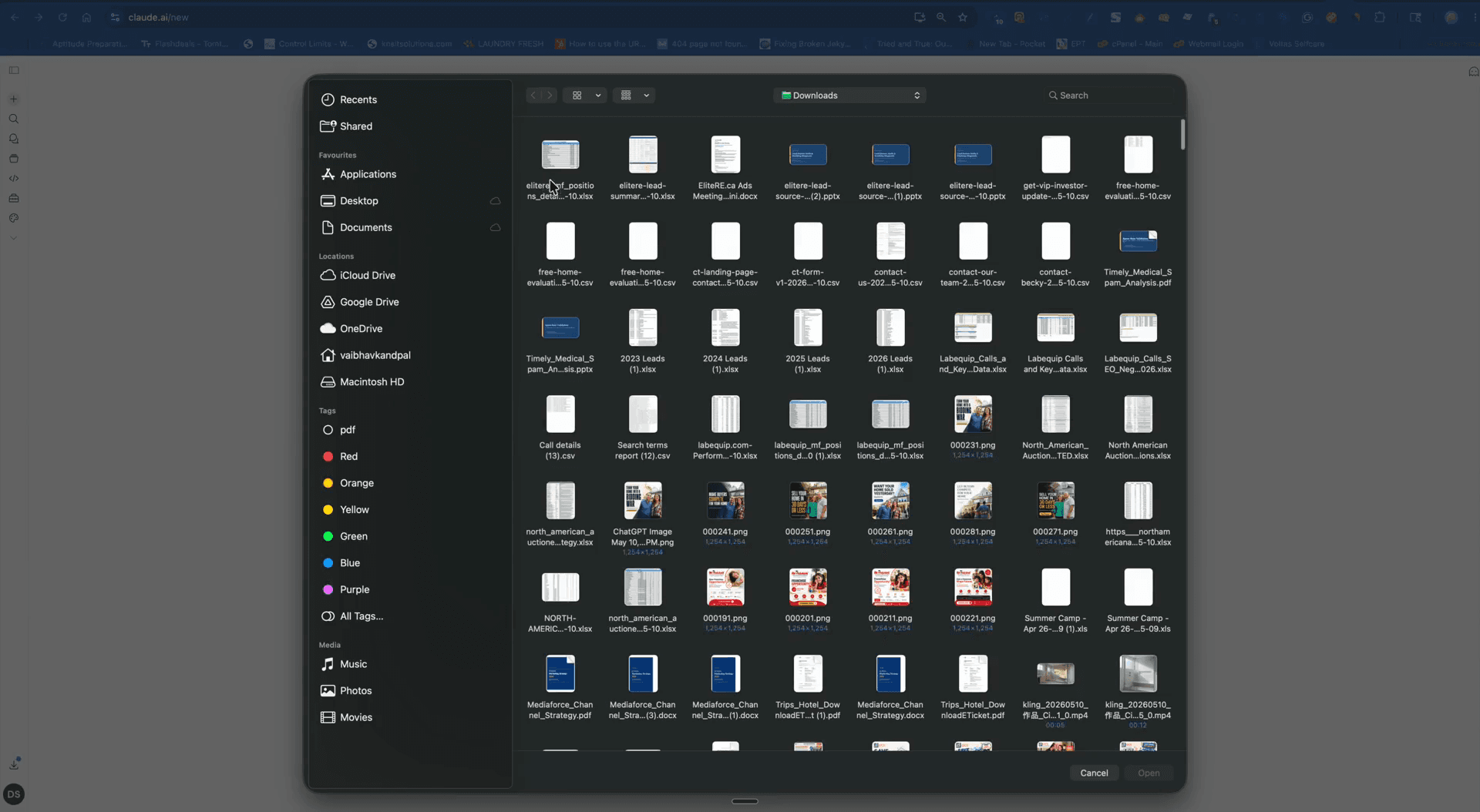
Step 3: Generate the Core SEO Keywords
Now, instruct the AI to generate a targeted list of keywords, explicitly filtering out unwanted terms.
Now that you have an understanding of the business, help me with about 50 SEO keywords.Ensure no home appraisal, provide a mix of SEO keywords, and lay everything out in a table.Analyze the competitors to expand the scope of the keyword research if necessary.Step 4: Refine Using Client Transcripts
To align the generated keywords closely with client preferences, feed the AI relevant meeting transcripts or strategy documents.
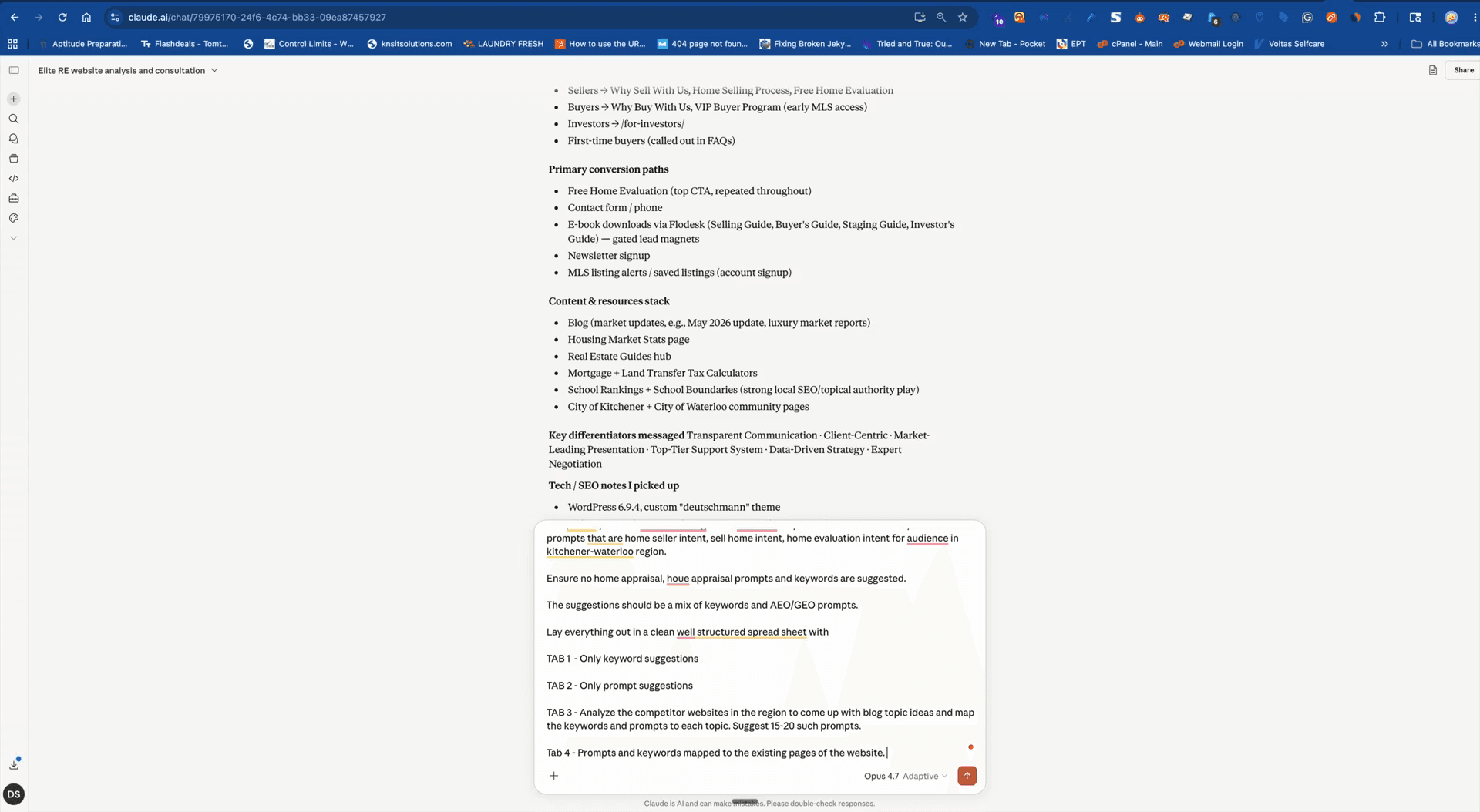
Refine the keyword and prompt suggestions based on this transcript: and paste the copied text.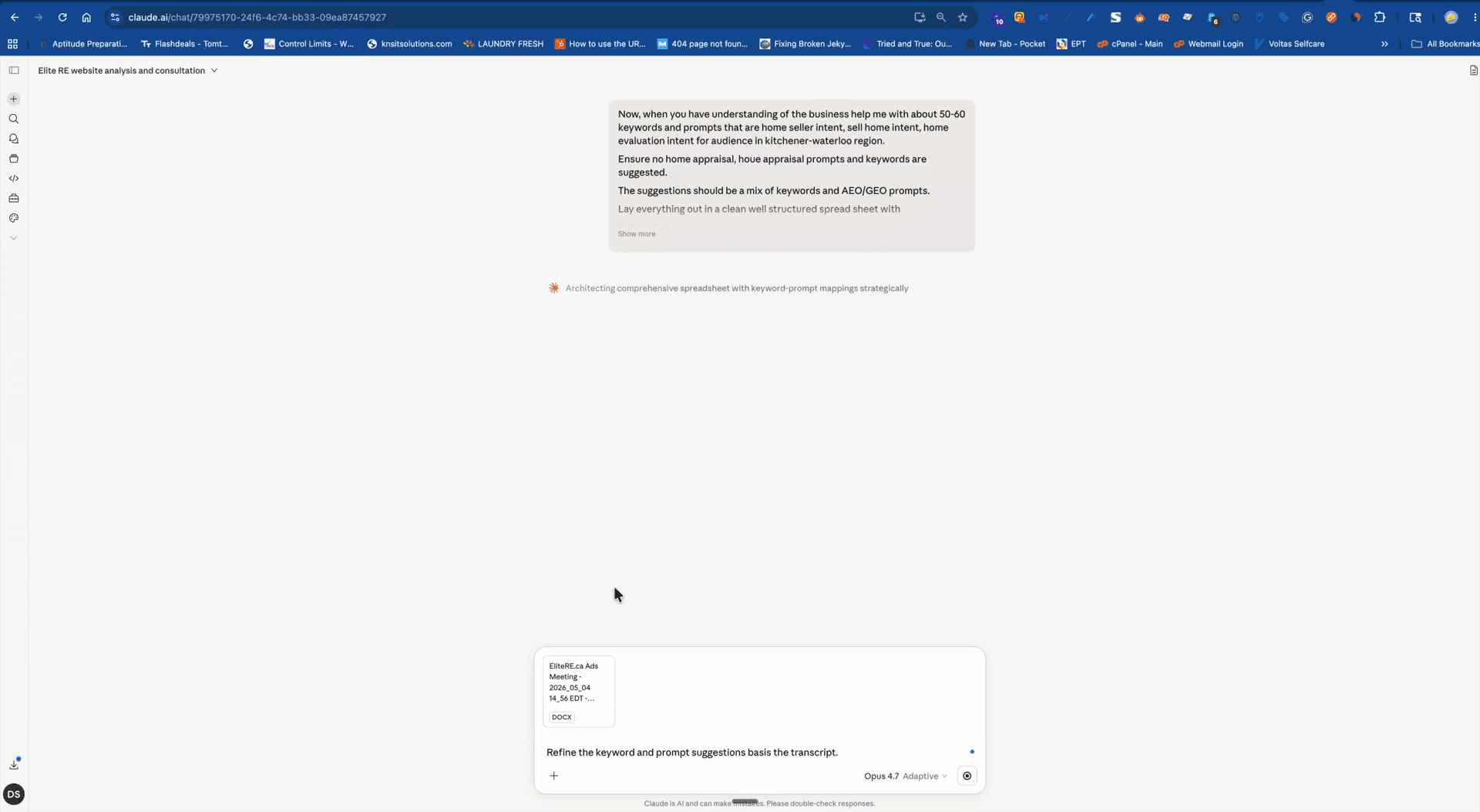
Step 5: Export the Mapping Sheet
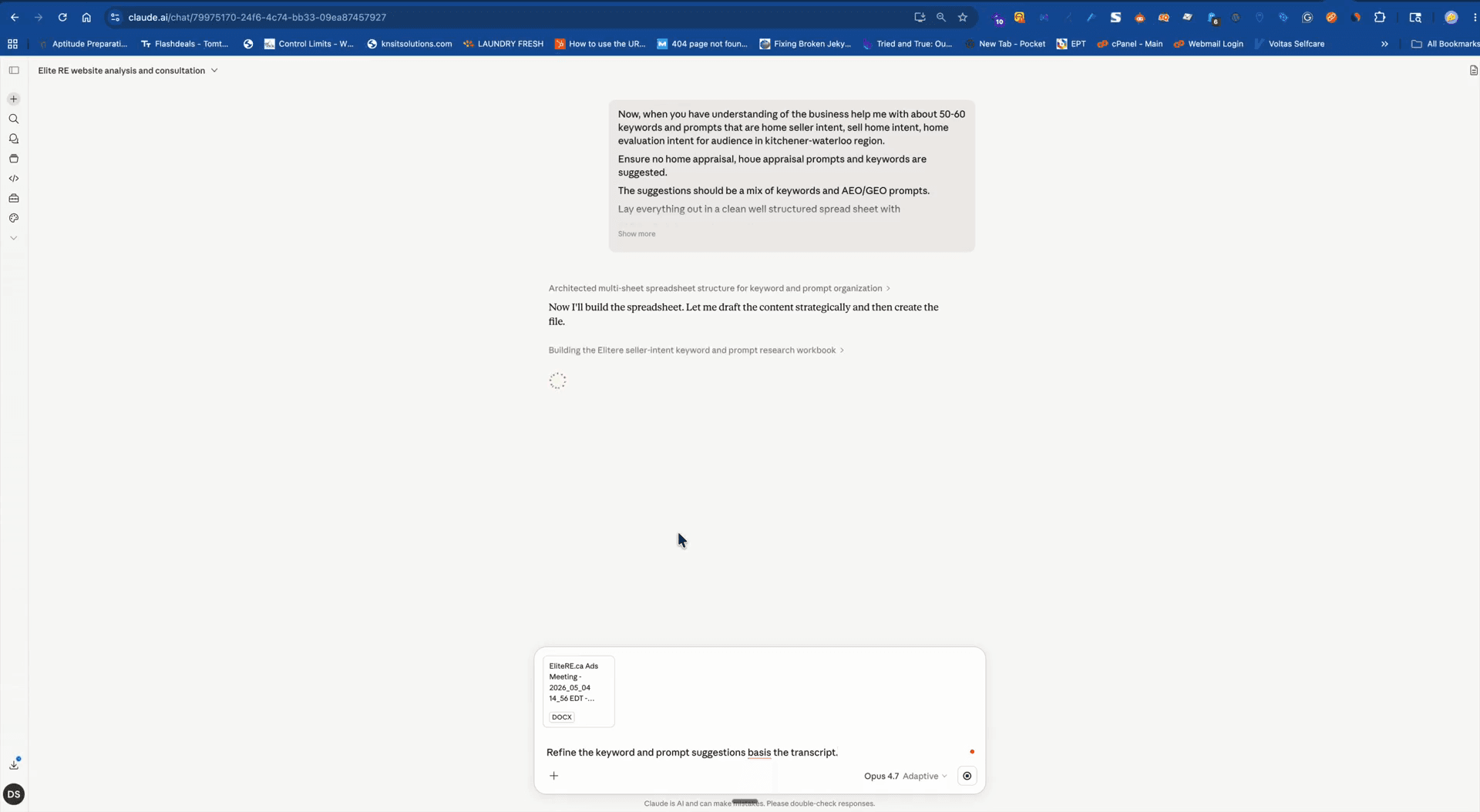
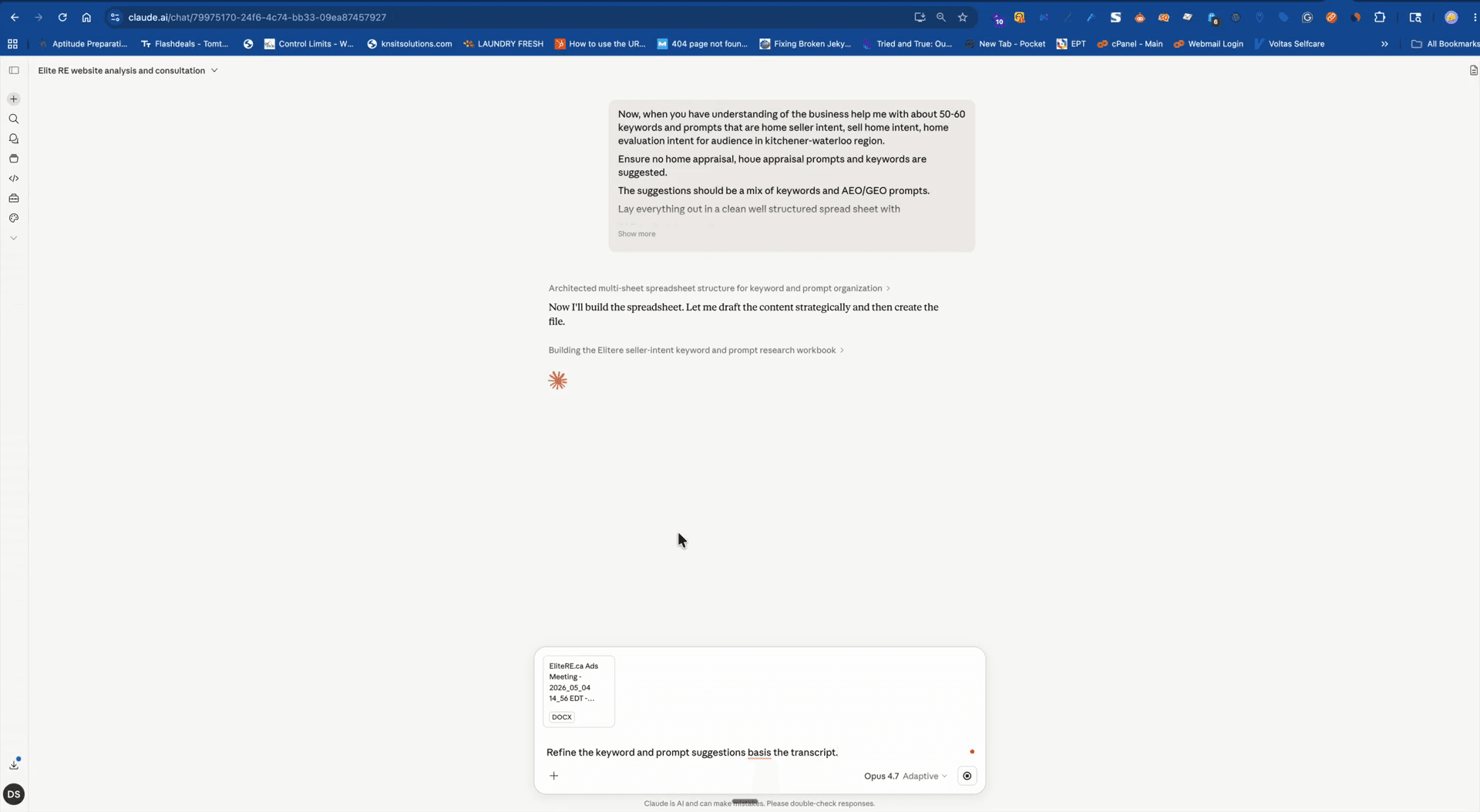
Once the output is refined to your liking, format and copy the final mapping sheet.
FAQ
Q: Do I need an existing keyword sheet to do this?
A: No, providing an existing keyword sheet is entirely optional. The AI can still scan your site and generate keywords from scratch if you do not have one.
Q: What if the AI generates keywords irrelevant to my business?
A: Include negative keywords in your prompt (e.g., "Ensure no home appraisal") to explicitly filter out unwanted terms and focus the results on your target audience.
Glossary
Term | Definition |
|---|---|
SEO Keywords | Words or phrases that users enter into search engines, targeted to improve search visibility. |
Negative Keywords | Specific terms you instruct the AI (or an ad platform) to explicitly exclude from its suggestions. |
Prompt Mapping | The process of designing and structuring prompts based on target keywords and user intent to generate relevant AI outputs. |