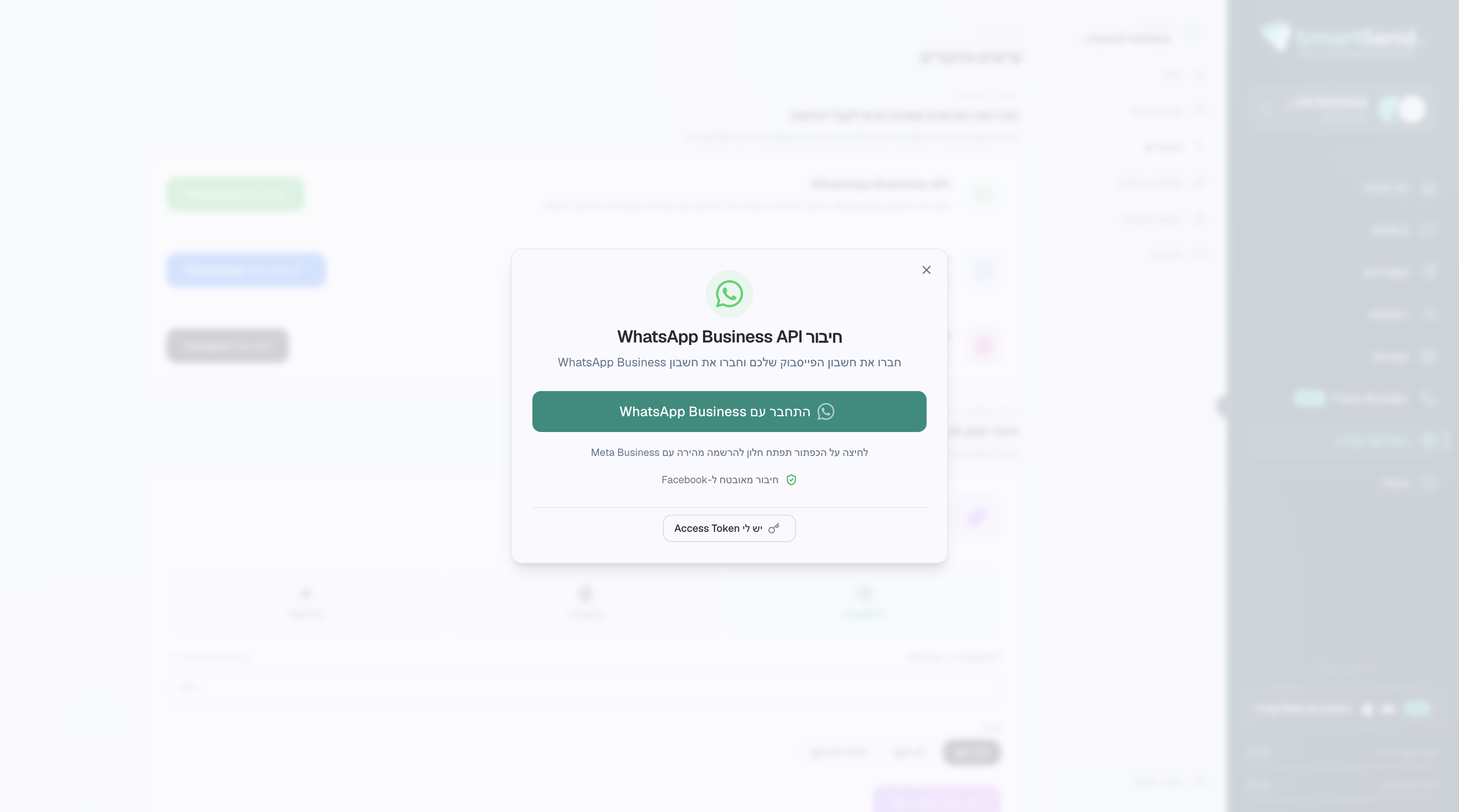
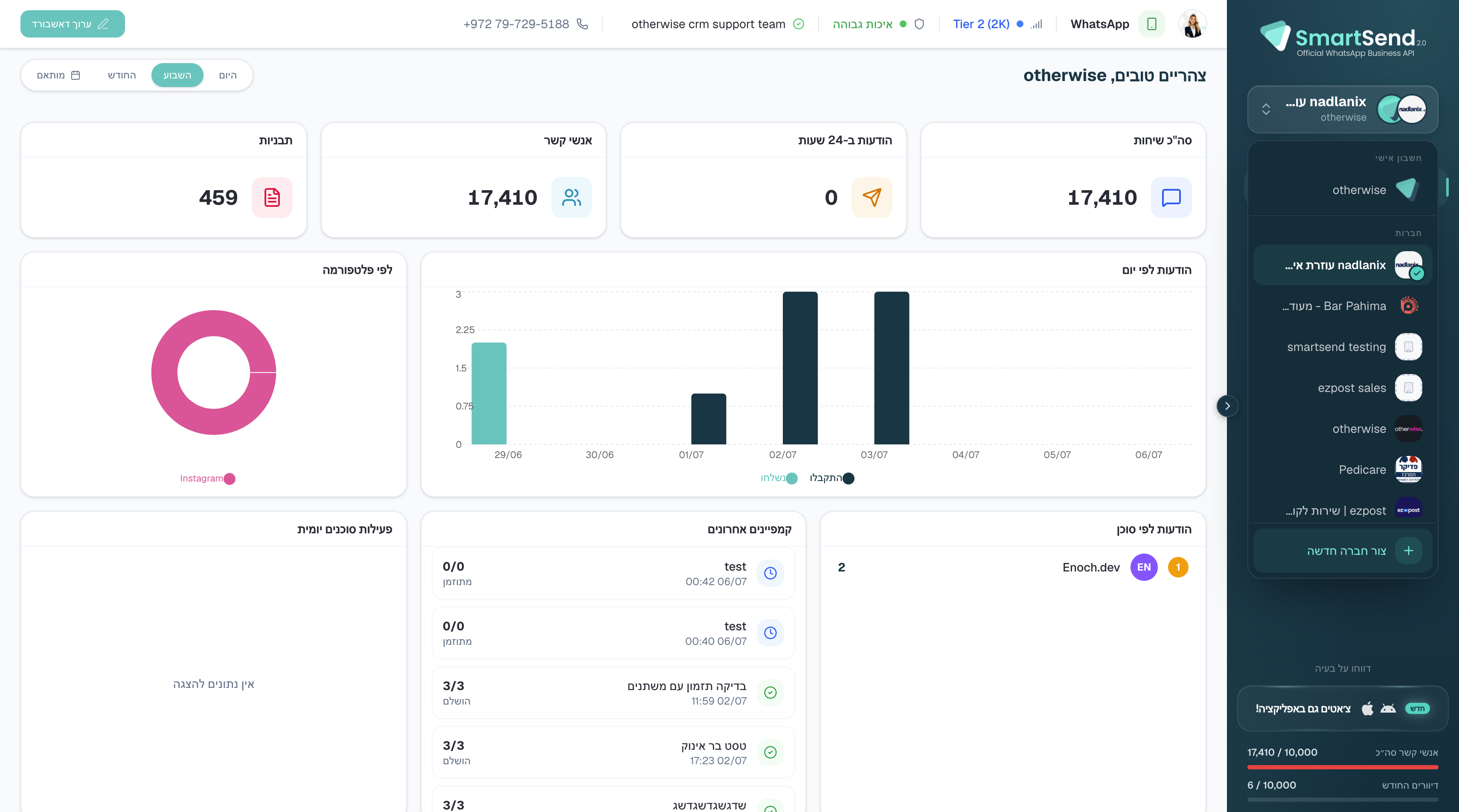
How to Create a New Company and Connect a WhatsApp Number
Learn how to set up a new company profile, fill out billing information, and connect a verified WhatsApp Business API number.
This guide explains how to create a new company profile and configure a new WhatsApp Business number. Completing this process allows you to manage messaging activity and seamlessly integrate your verified WhatsApp account.
This workflow is intended for administrators and account managers setting up a new business workspace. It should be used during the initial onboarding phase when adding a new brand or subsidiary to the platform.
Getting Started
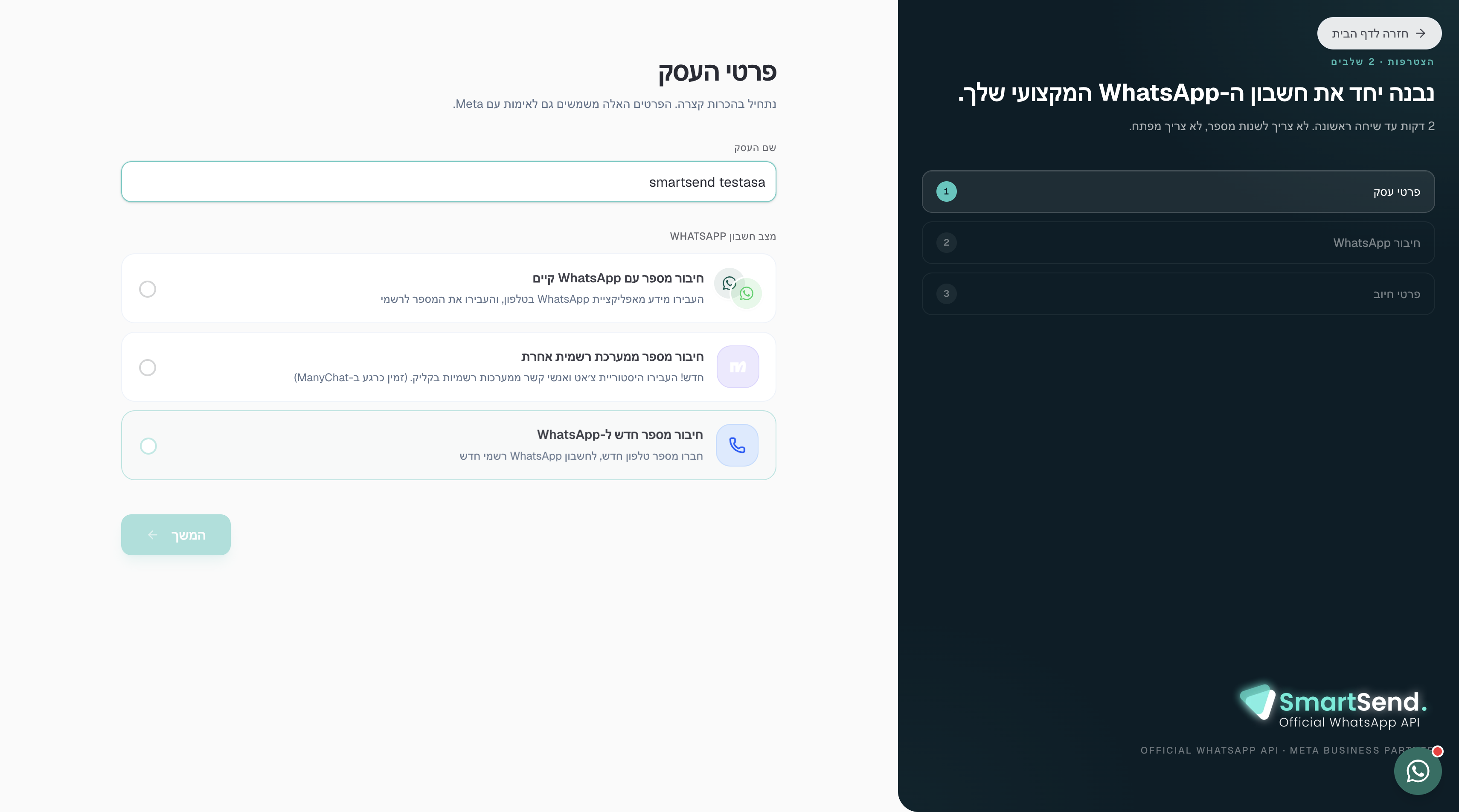
Company Details
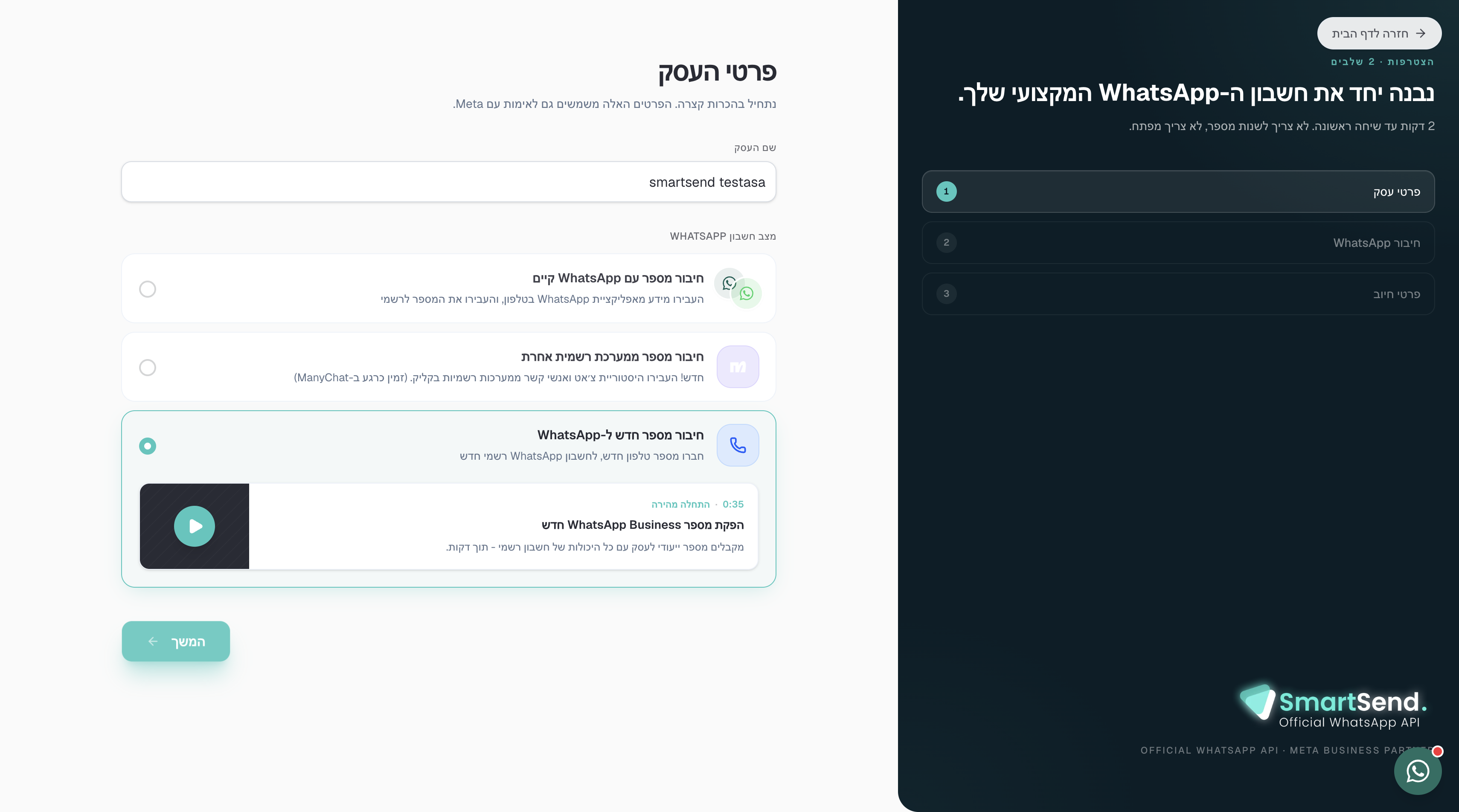
When prompted to configure your WhatsApp connection, you will see the following options:
Connection Option | Description |
|---|---|
Existing WhatsApp account | Connect a WhatsApp Business account that is already active. |
Official provider number | Use a number provided by another official Meta partner. |
New WhatsApp number | Provision and connect a completely new number for your business. |
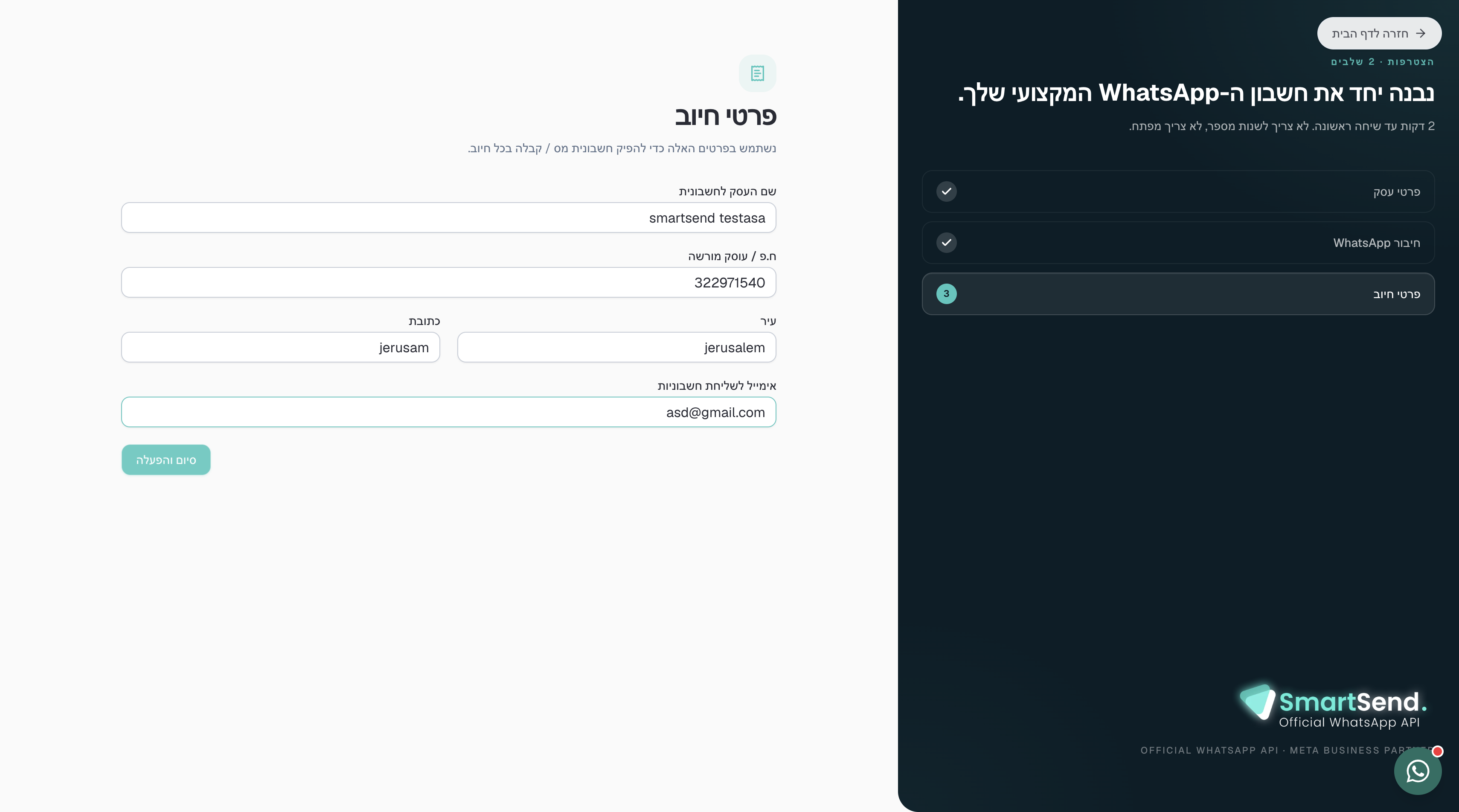
Billing Information
Connecting Meta and Activating