
How to Create a New Product Listing in Amazon Seller Central
Learn how to manually build a new product listing from scratch in Amazon Seller Central, including category selection and entering authentic GS1 UPCs.
This guide explains how to manually build a new product listing on Amazon Seller Central from a blank form. Completing this process allows you to properly launch your brand's unique items into the Amazon catalog.
This guide applies to Amazon Sellers and brand managers who need to add private label or newly registered products individually rather than via bulk spreadsheet uploads.
When adding products to the Amazon catalog, you can use a few different methods depending on your inventory.
Listing Method | Best For | Description |
|---|---|---|
Existing ASIN | Resellers & Arbitrage | Search for a product already active on Amazon to attach your offer to the existing page. |
Spreadsheet | Bulk Uploads | Upload a flat file template to create multiple listings or complex variations at once. |
Blank form | Private Label / New Brands | Create a brand new product listing from scratch for an item not yet in the catalog. |
This guide will focus on creating a listing using the Blank form method.
Getting Started
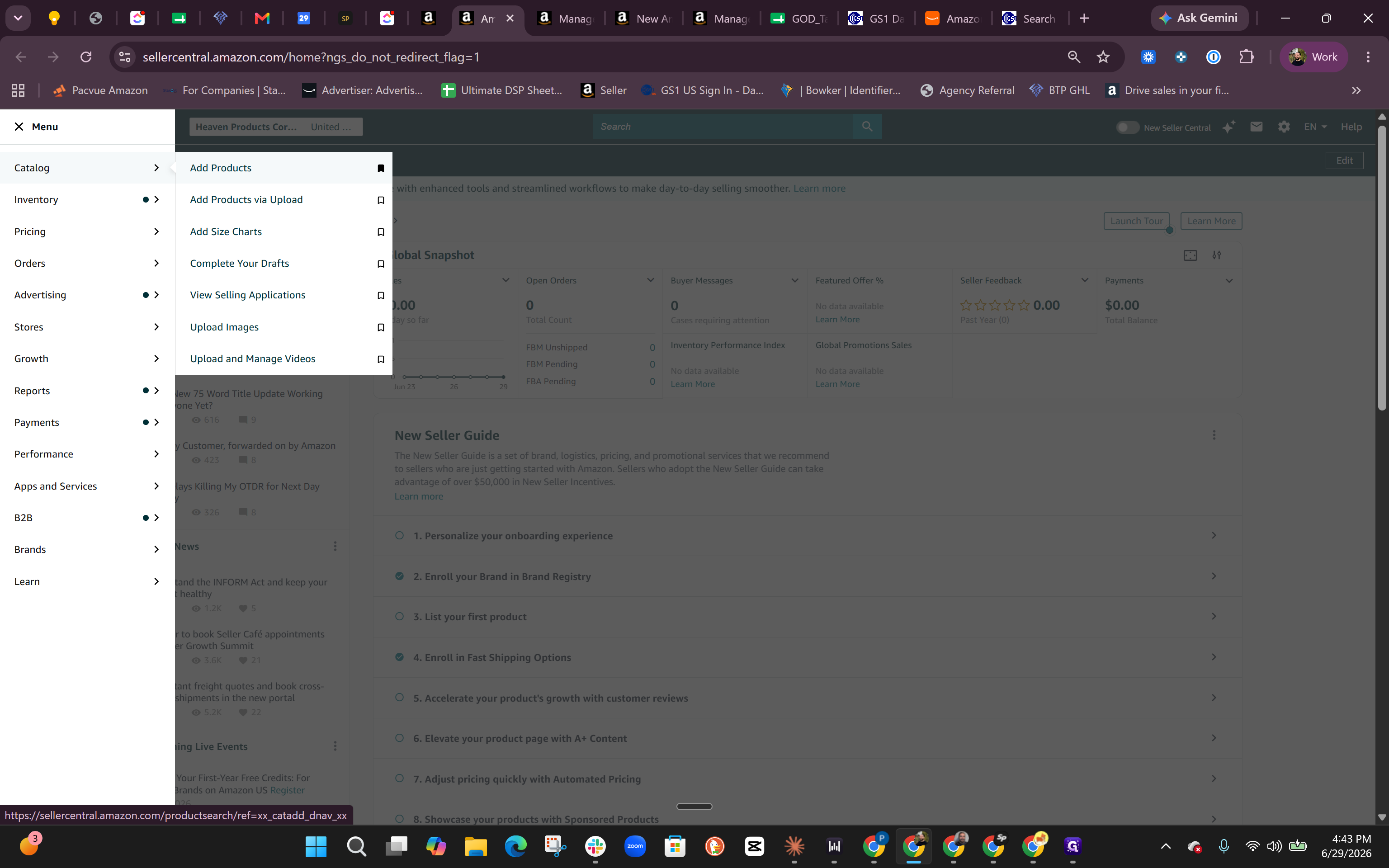
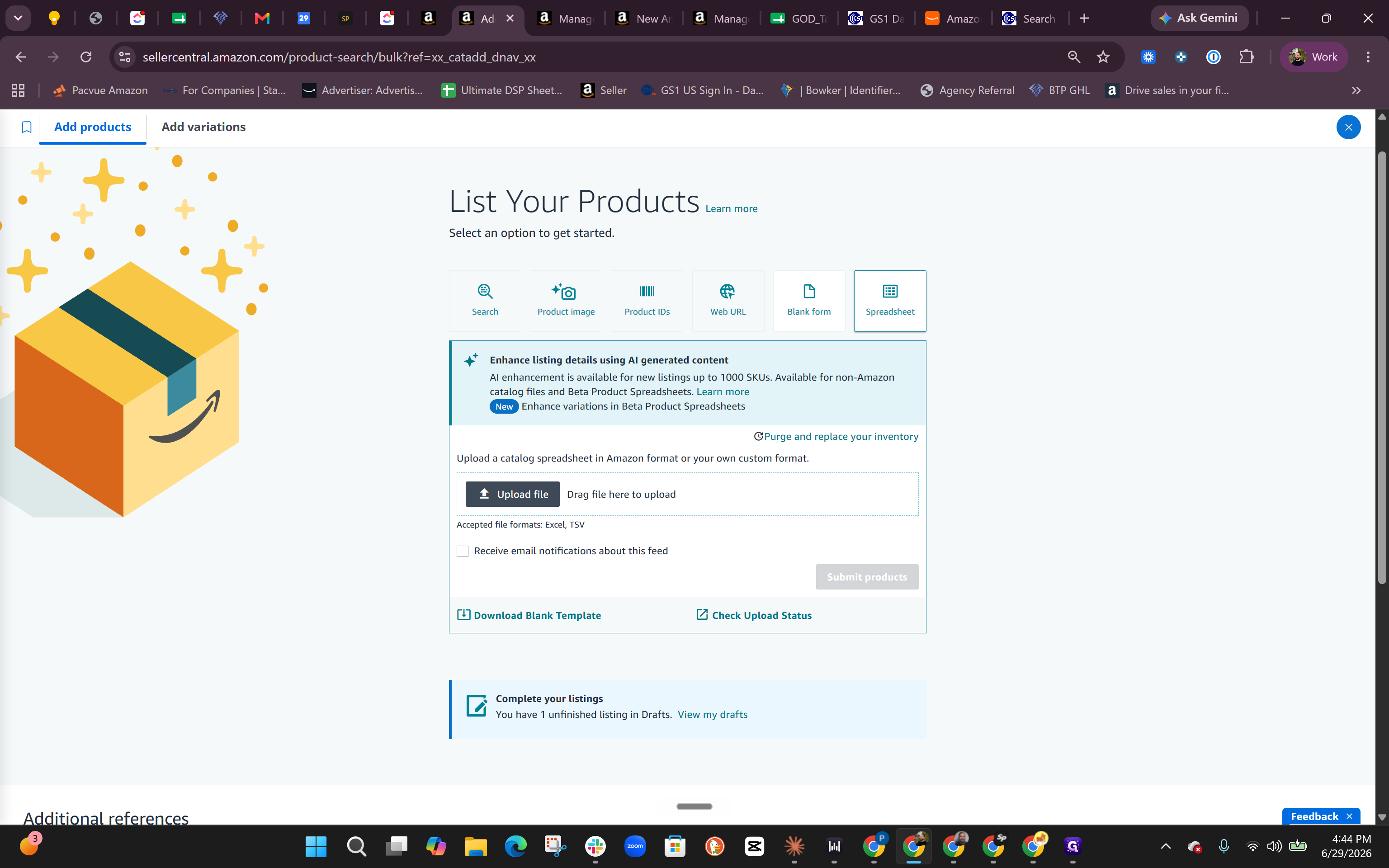
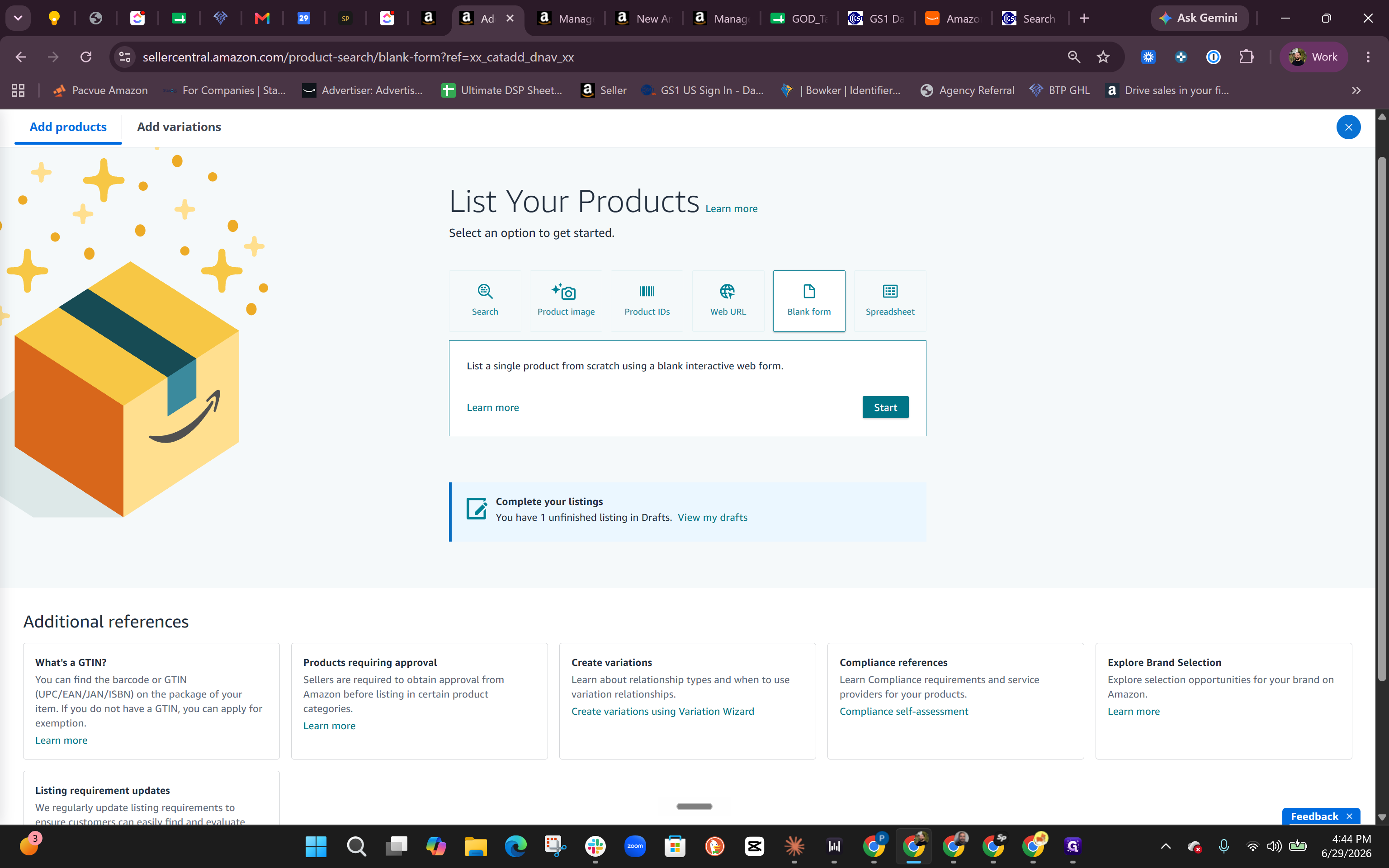
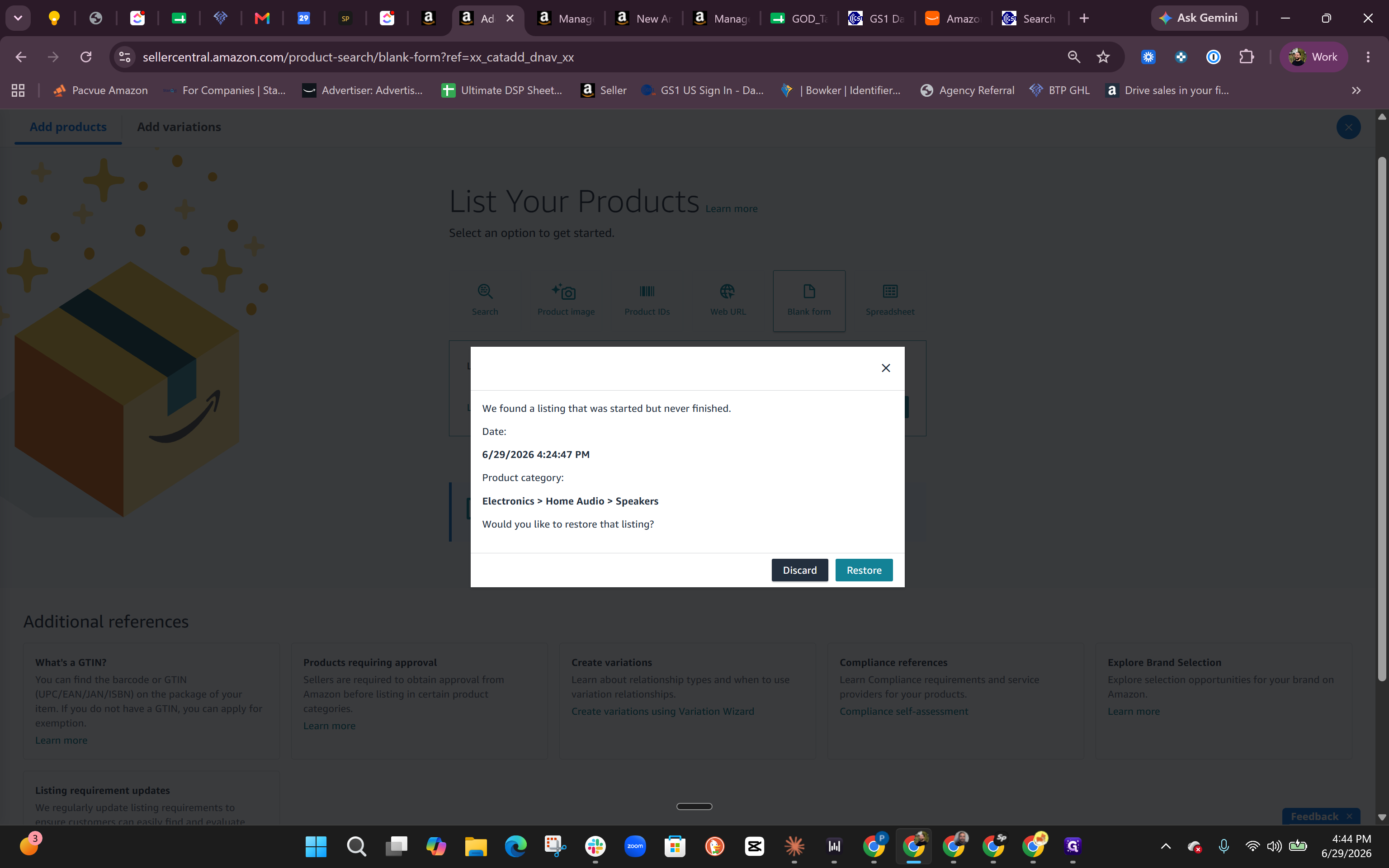
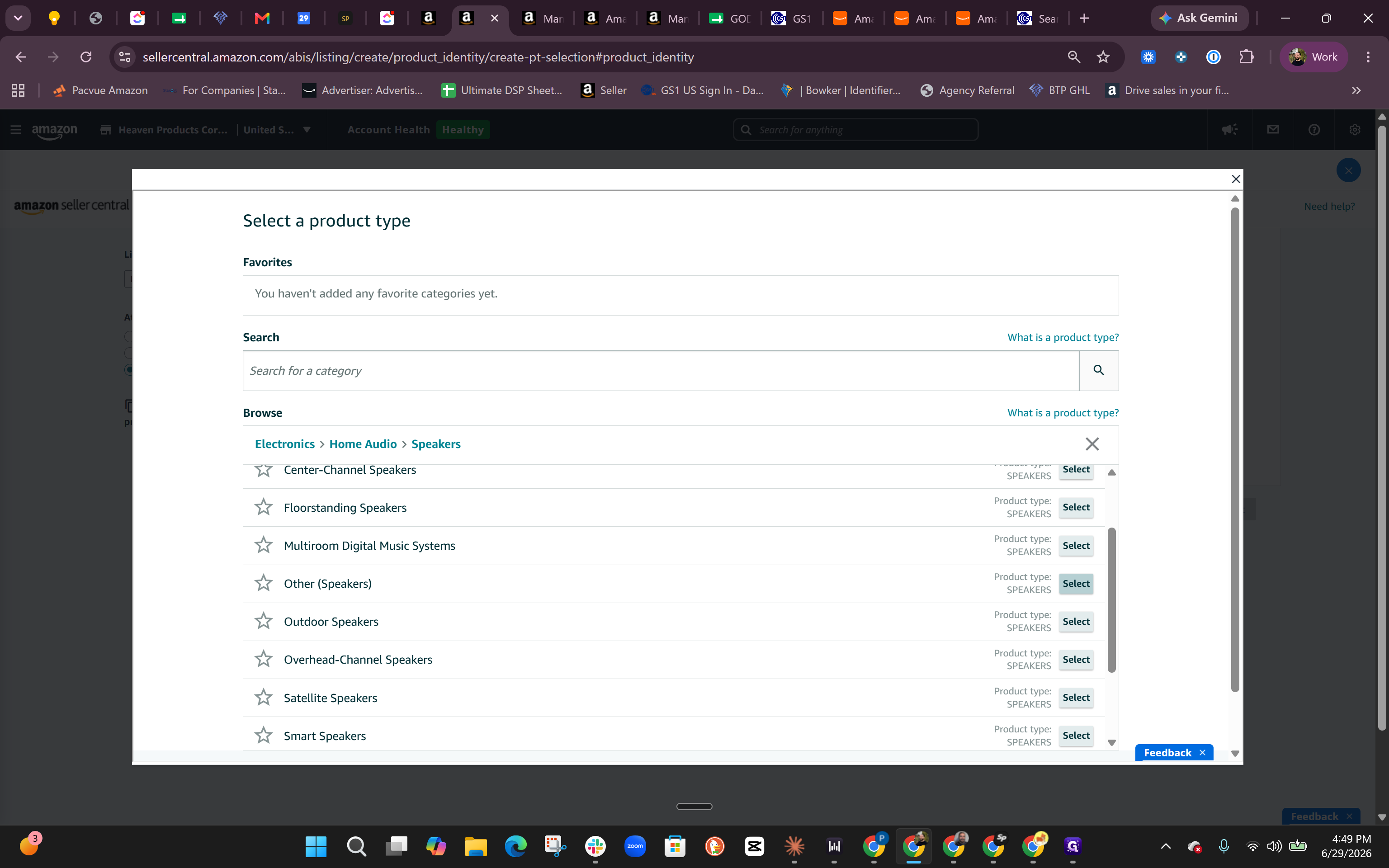
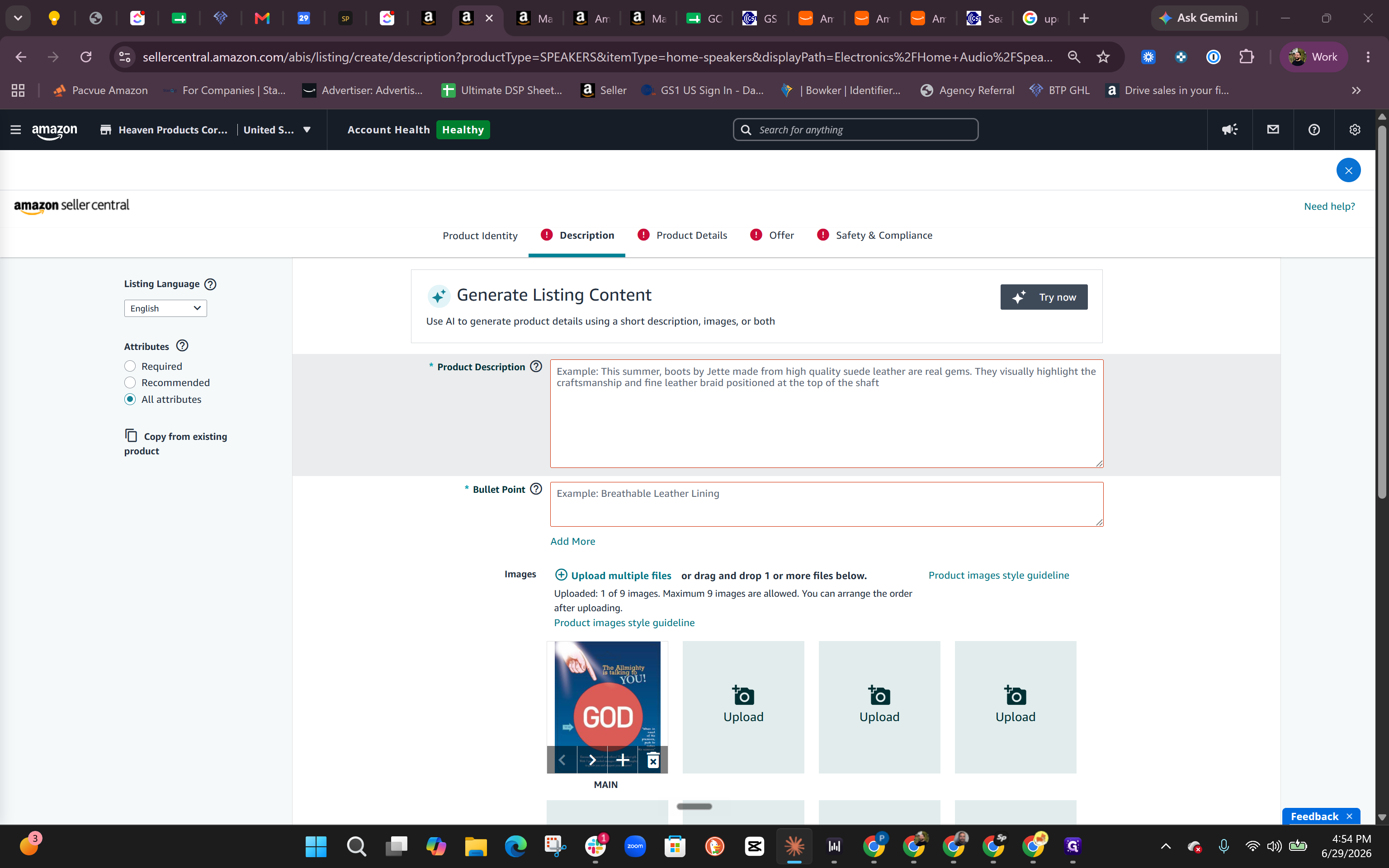
Selecting a Product Category
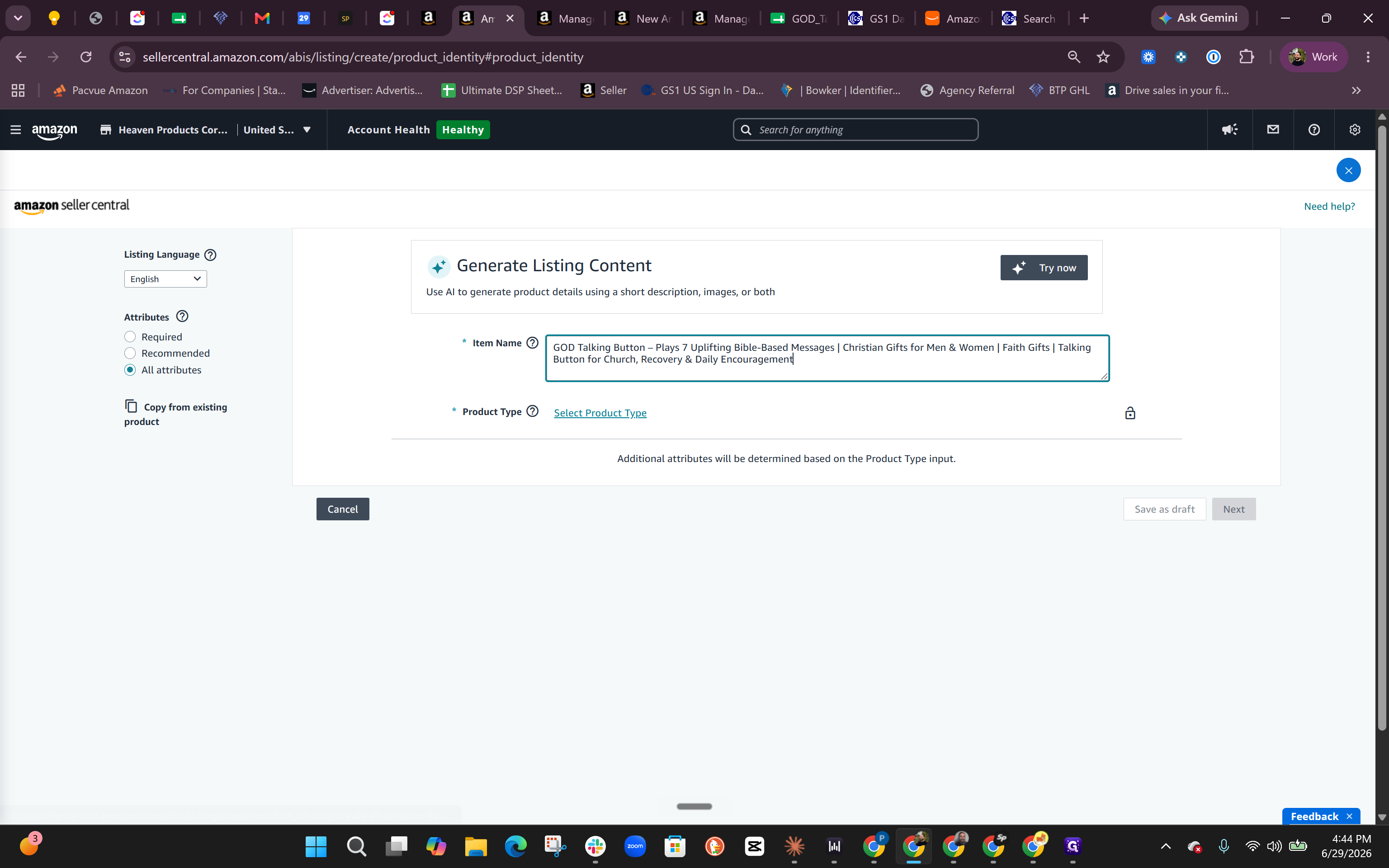
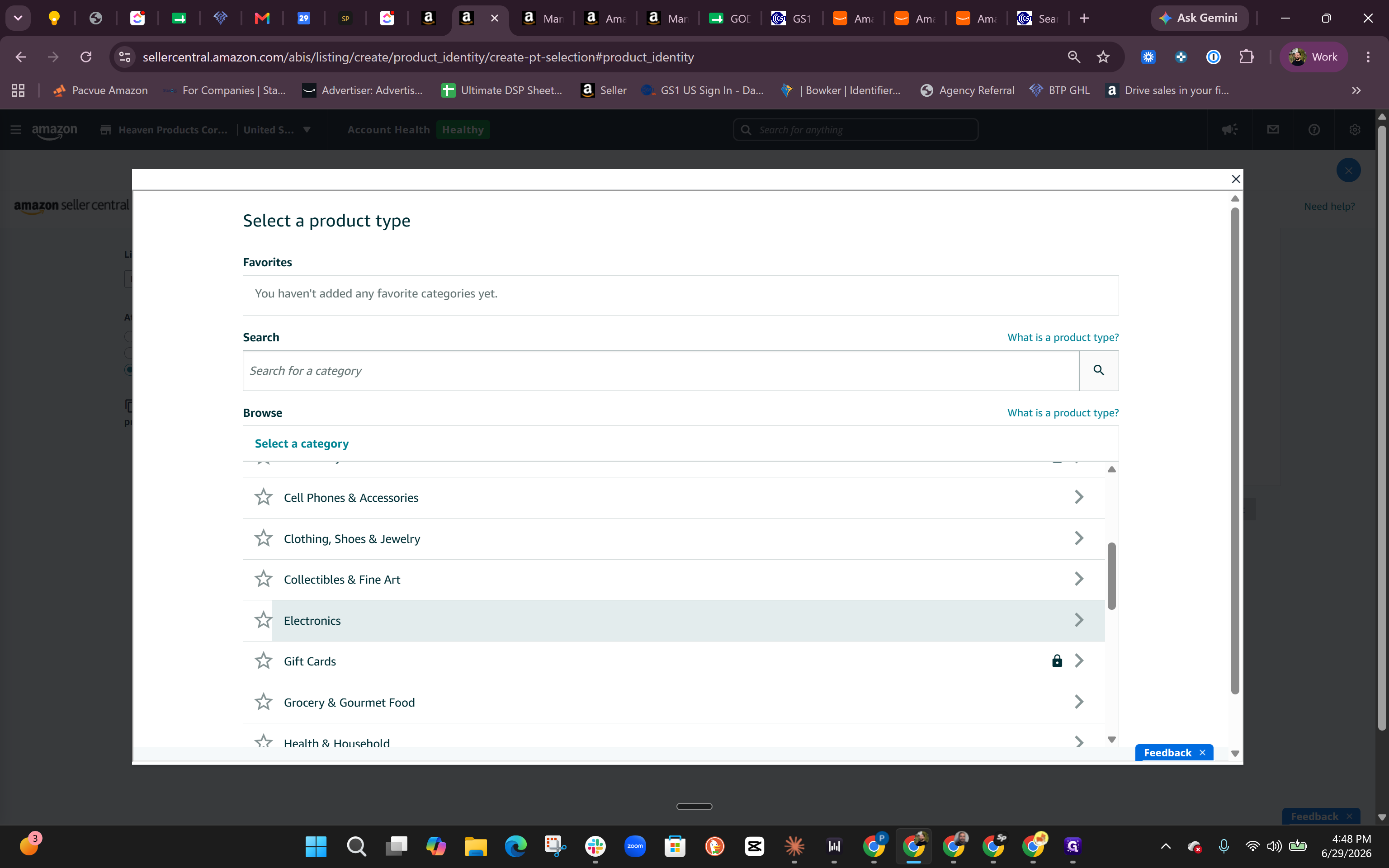
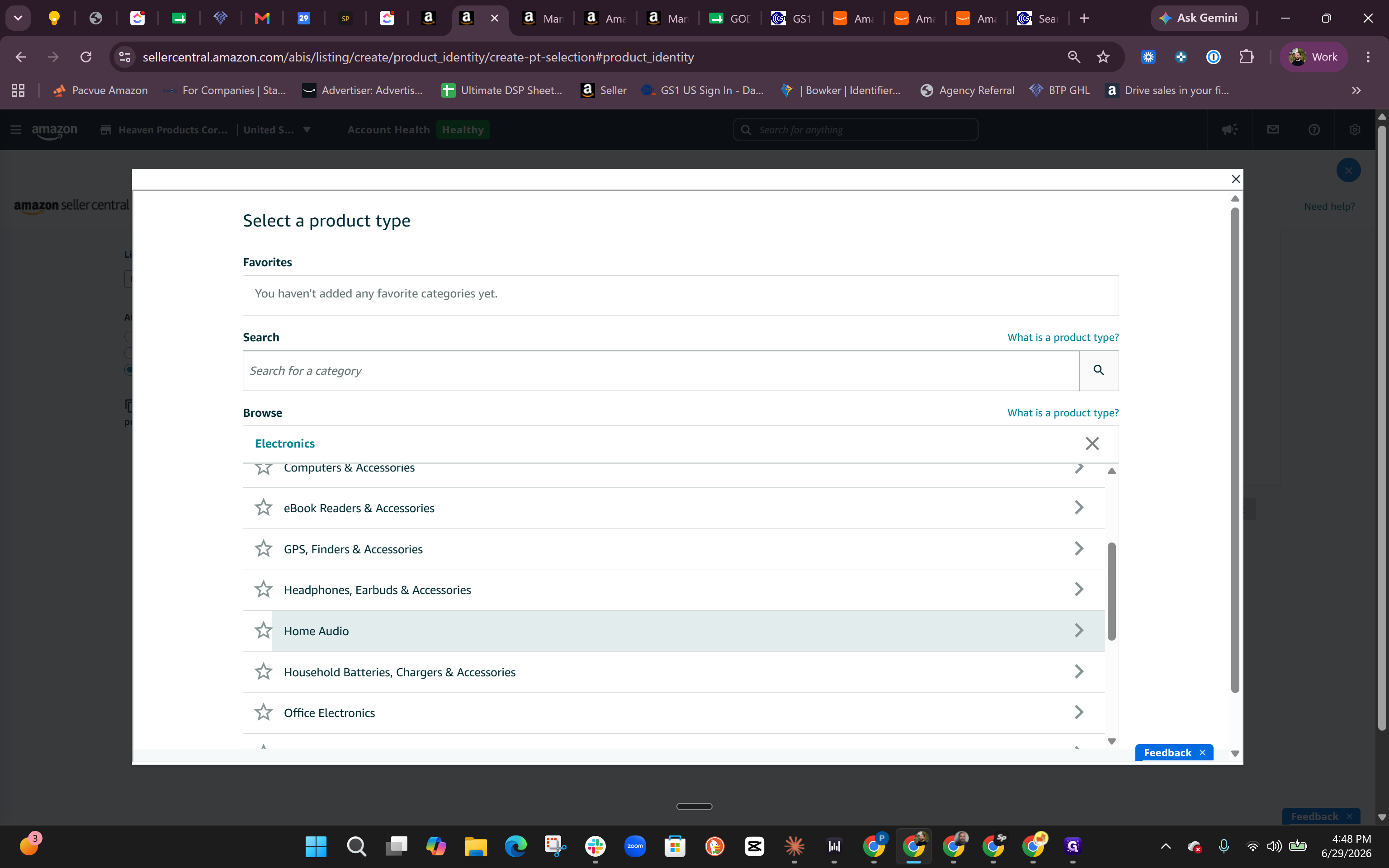
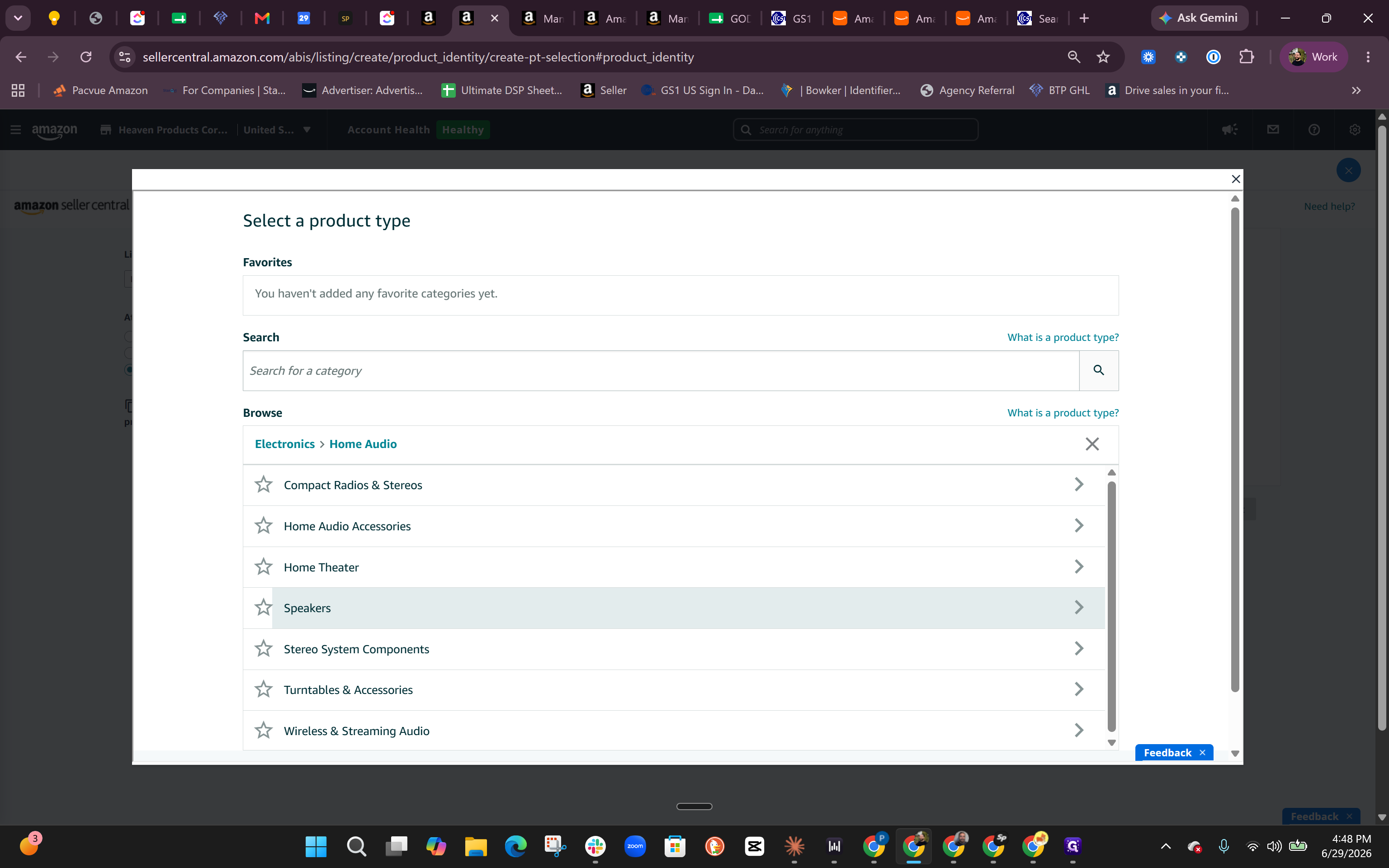
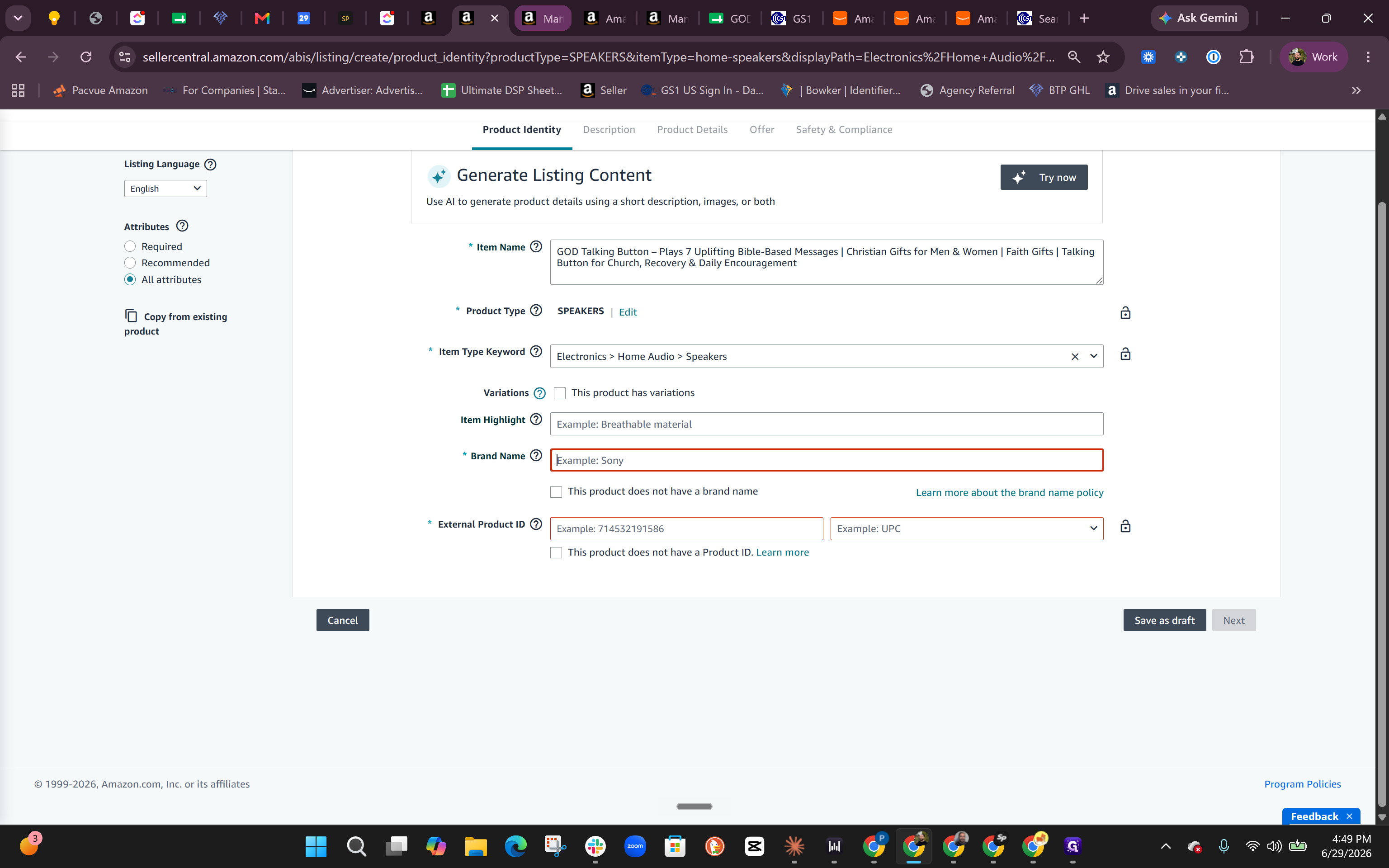
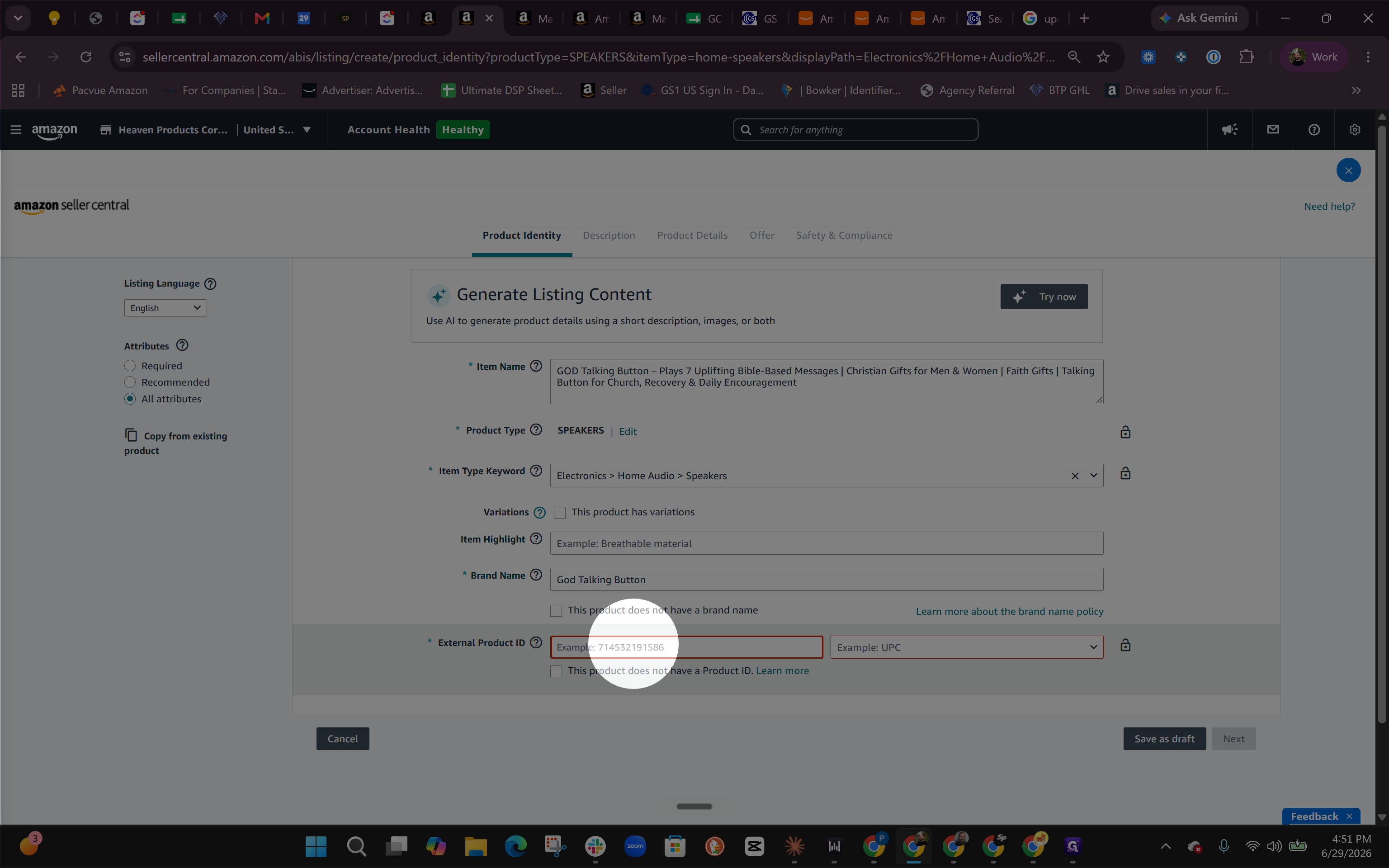
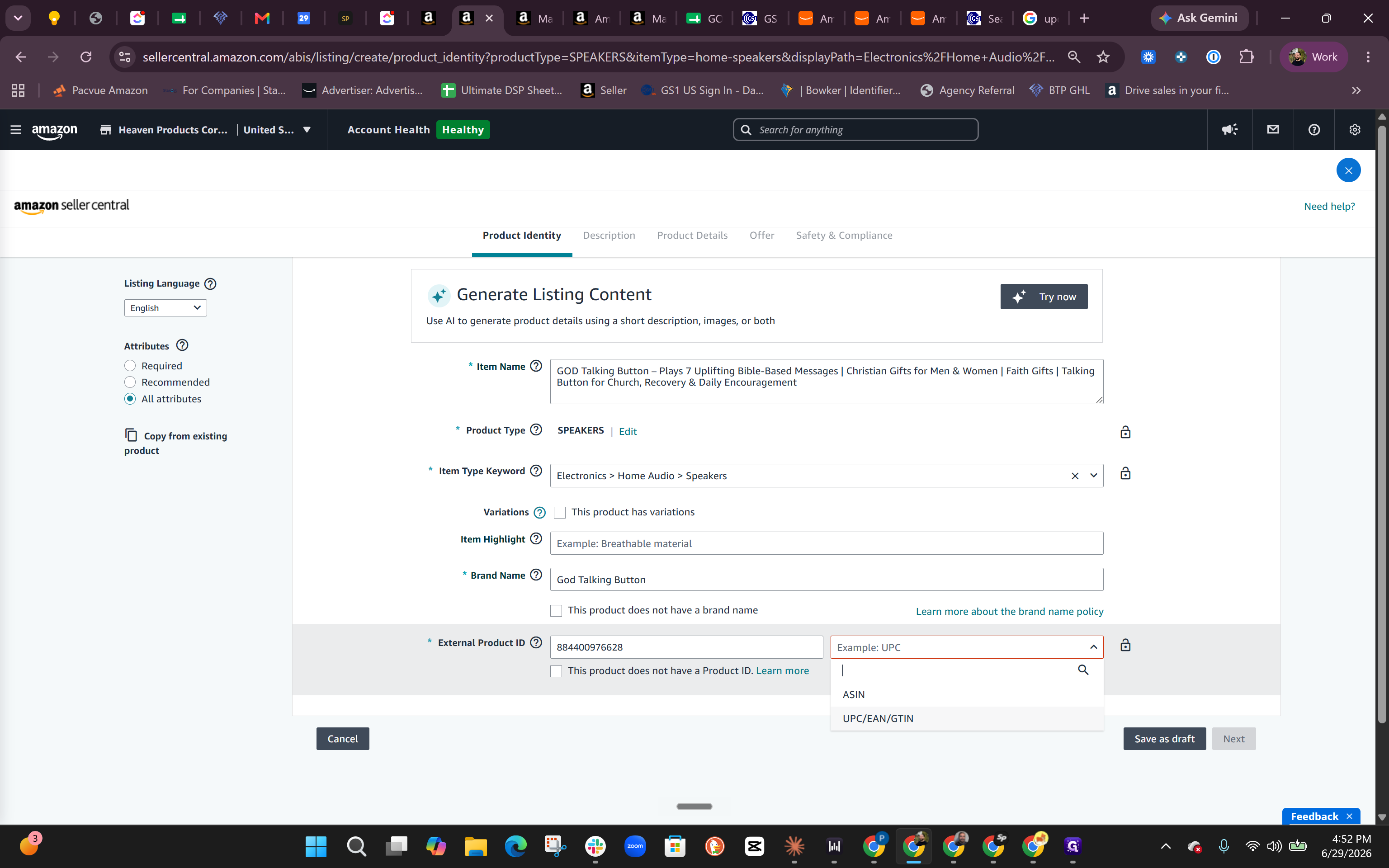
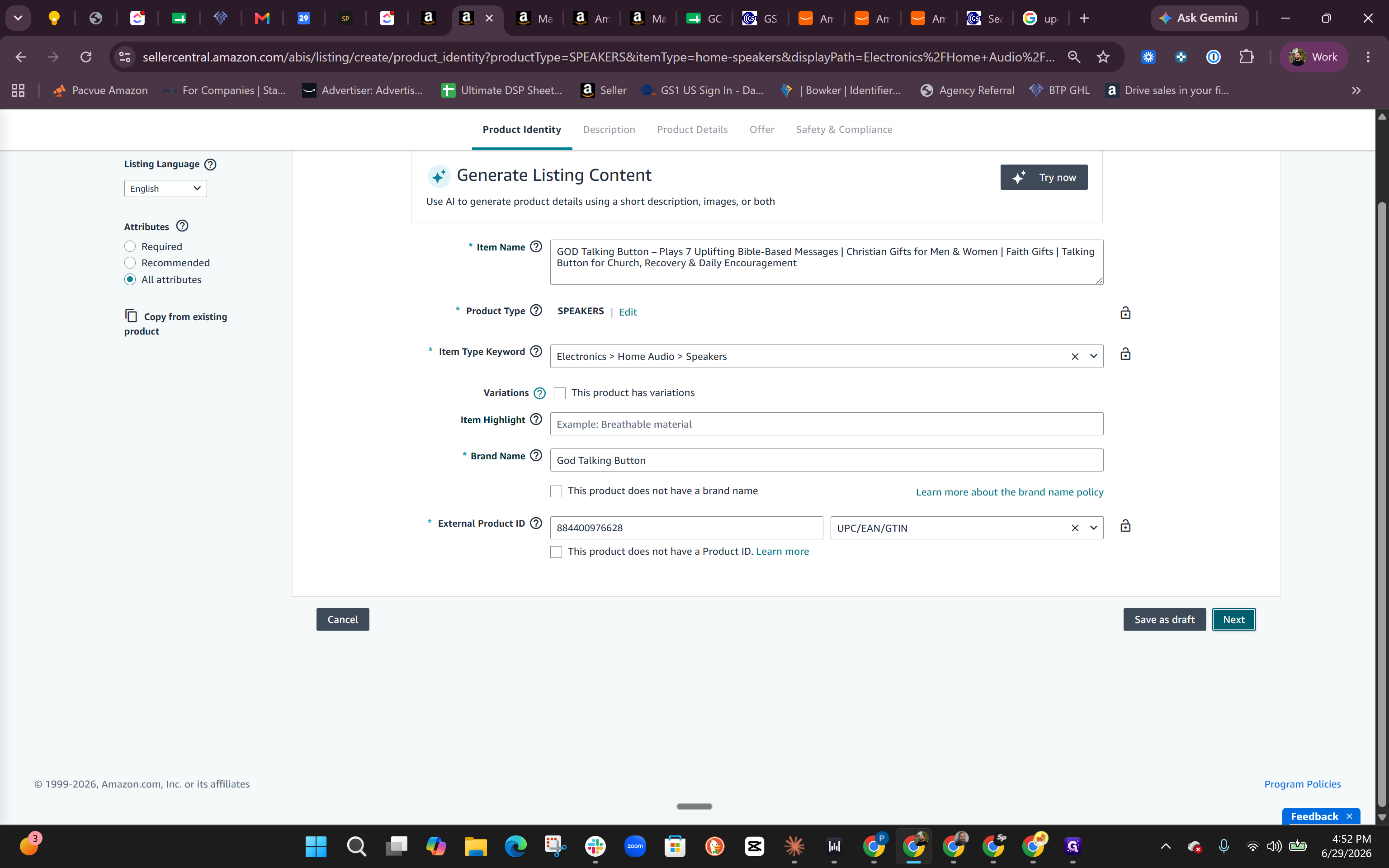
Product Identity and Details
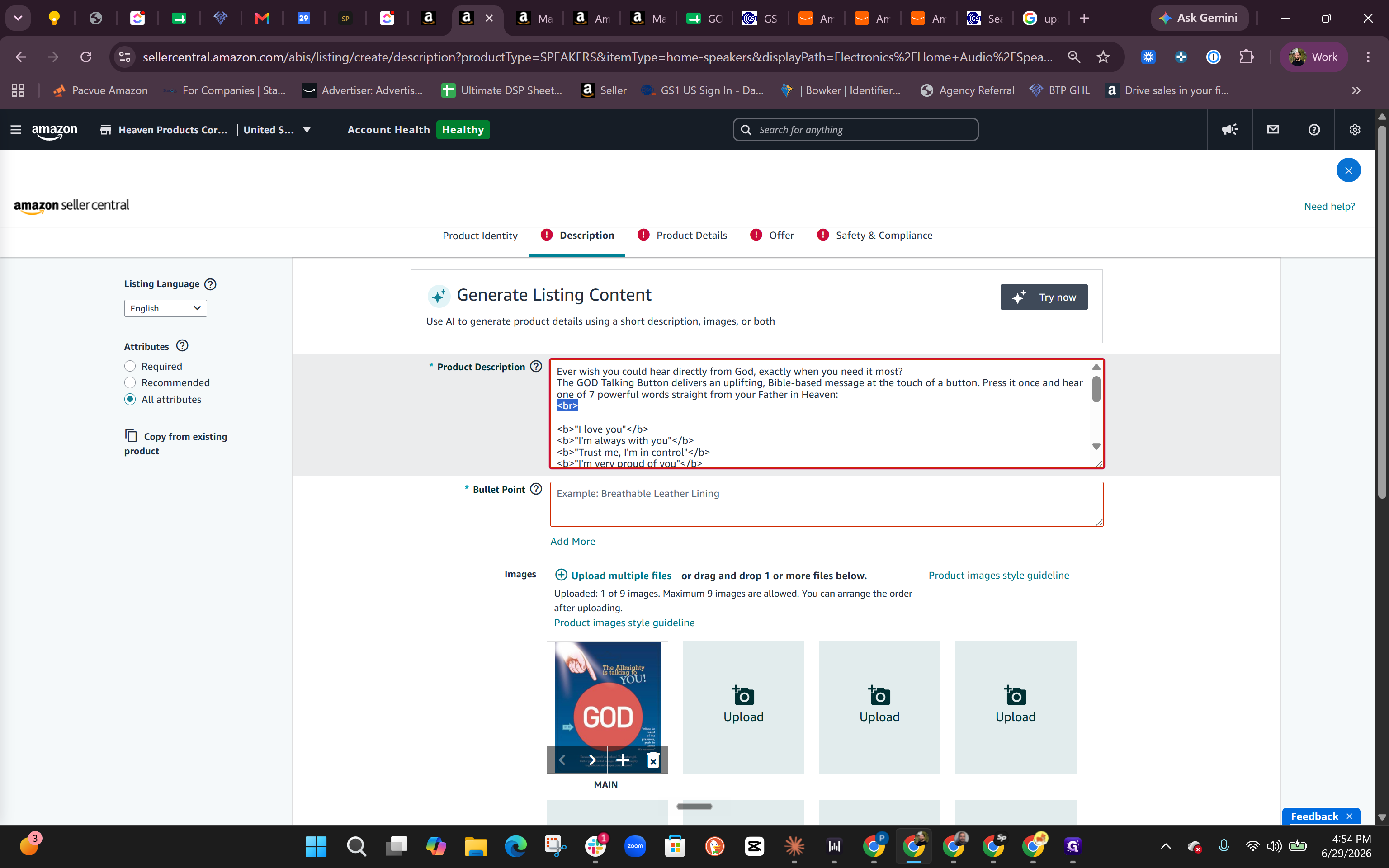
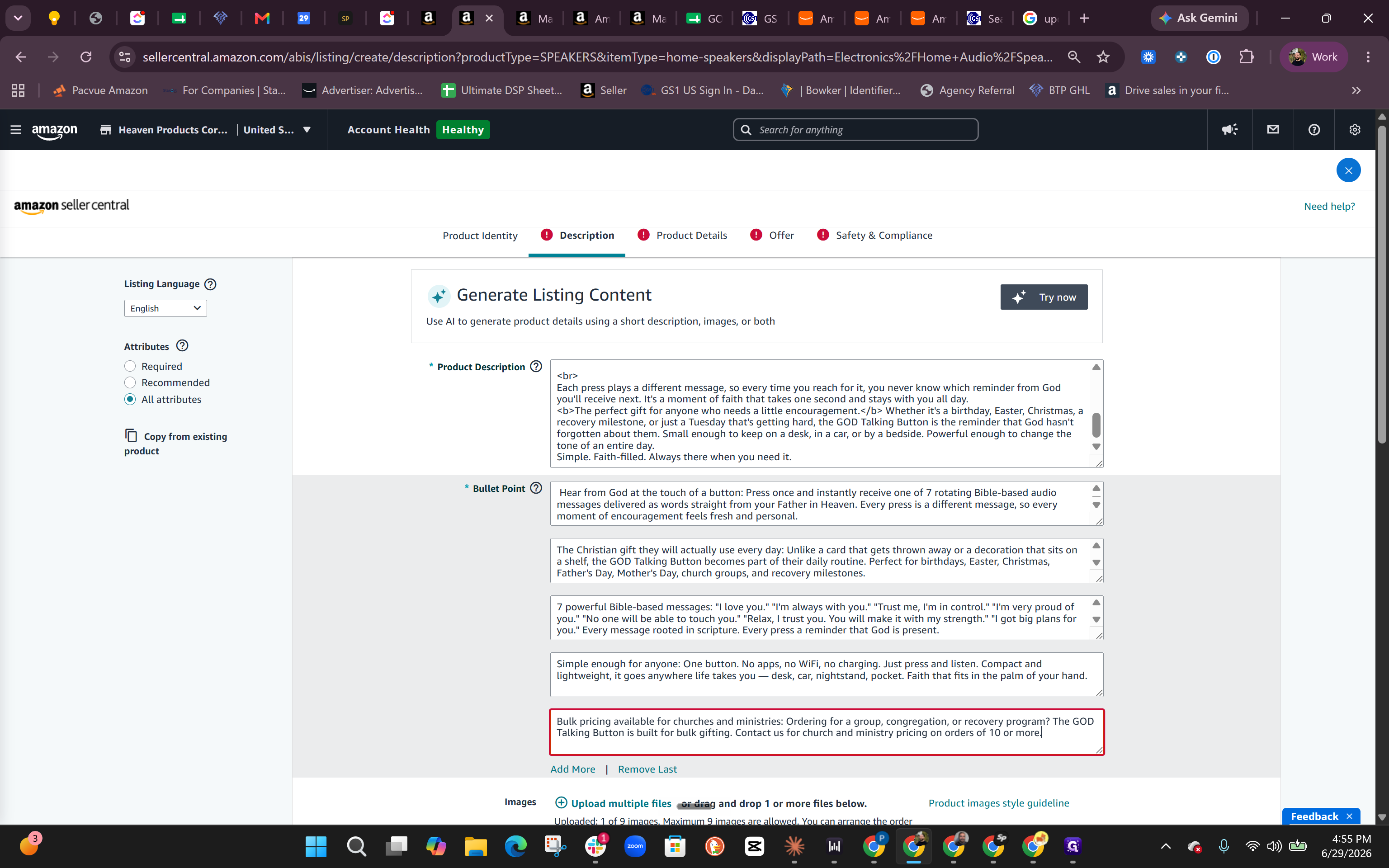
Formatting Listing Content
Q: Can I buy cheap UPC codes from third-party resellers online?
A: No. You must purchase official UPCs directly from GS1. Amazon cross-references barcodes with the GS1 database, and using a third-party reseller's barcode will show up under a different, random company, causing your listing to be invalidated.
Q: Does the product category I choose affect my Amazon fees?
A: Yes, each category on Amazon has a specific referral fee commission. For example, Consumer Electronics might charge an 8% fee, whereas Toys & Games typically charges 15%.
Q: Why is my listing showing an error for my brand name?
A: The brand name field is highly case-sensitive and must perfectly match the brand name exactly as it appears on your Amazon Brand Registry (Manage Your Brands page).
Q: Can I use HTML formatting in my product description text?
A: While technically against strict Amazon policy, many sellers still use basic HTML tags (like <br> for line breaks) to space out description text before they have A+ Content ready. Note that A+ Content eventually overrides the standard product description anyway.
Q: Do I have to add all five bullet points when first creating a listing?
A: No. To successfully create and save the initial listing shell, only one bullet point is strictly required, though you should return to add all five to fully optimize the product later.
Term | Definition |
|---|---|
ASIN | Amazon Standard Identification Number, a unique 10-character alphanumeric identifier assigned to every product in Amazon's catalog. |
GS1 | The global authority and official standard-setting organization that provides authentic, verifiable UPC barcodes. |
UPC | Universal Product Code, a standardized 12-digit barcode used to uniquely identify retail products worldwide. |
Referral Fee | A commission paid to Amazon based on each sale, calculated as a percentage that varies by product category. |
Item Type Keyword | The sub-category classification on Amazon that acts as the digital "shelf" determining where a product lives. |
Brand Registry | An Amazon program that helps brand owners protect their intellectual property and gain greater control over their product listings. |
A+ Content | Enhanced brand content on Amazon that allows sellers to replace standard text descriptions with rich image and text modules. |