
Create a New Project in Asana
Learn how to create a new project in Asana using templates, establish proper naming conventions, and configure project ownership for your team.
This guide explains how to create a new project in Asana using predefined templates. Completing this process ensures new workspaces are standardized and properly configured for your team.
This process applies to project managers and team members responsible for onboarding new clients or initiating new work streams within Asana.
Initiate a New Project
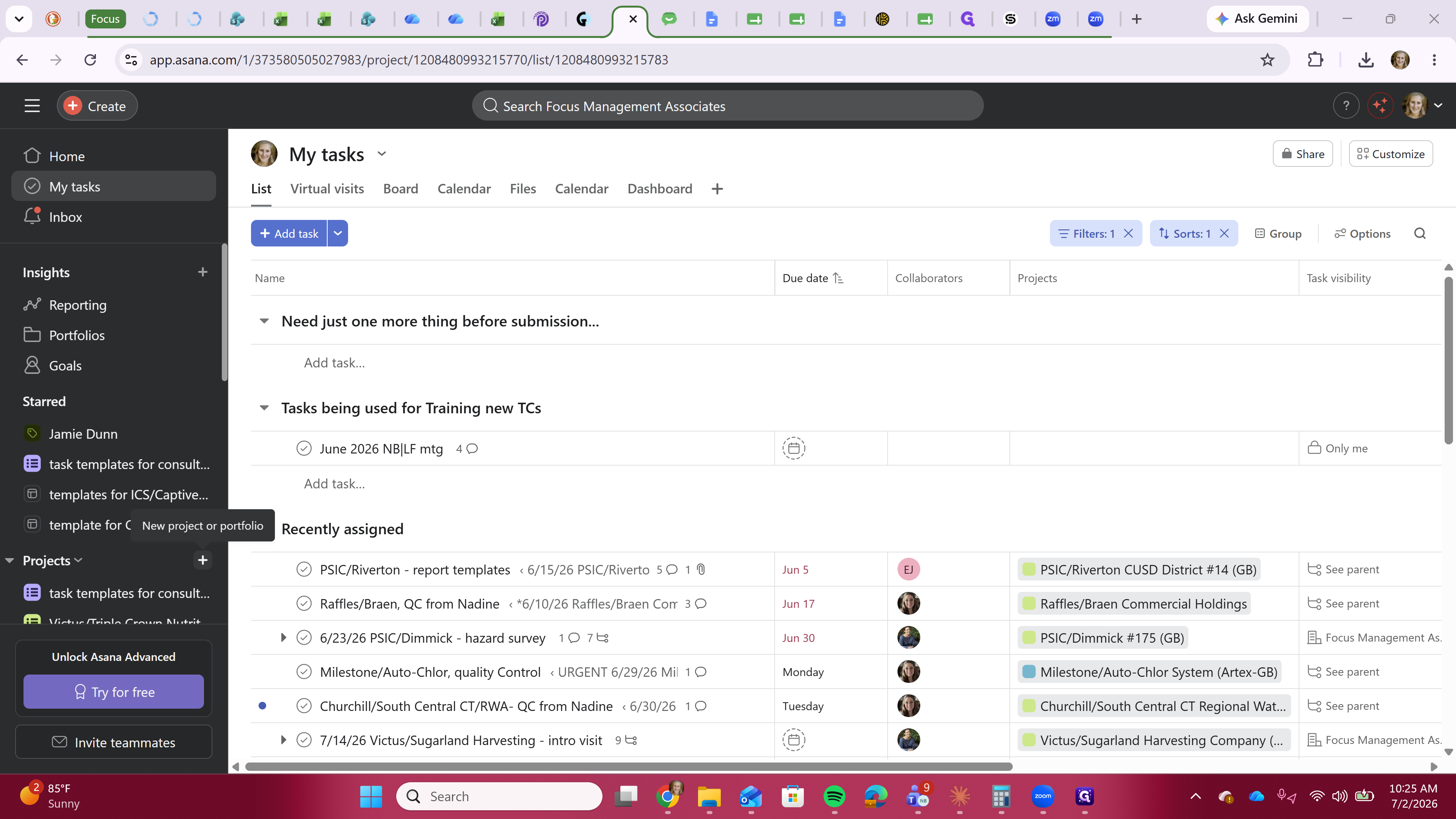
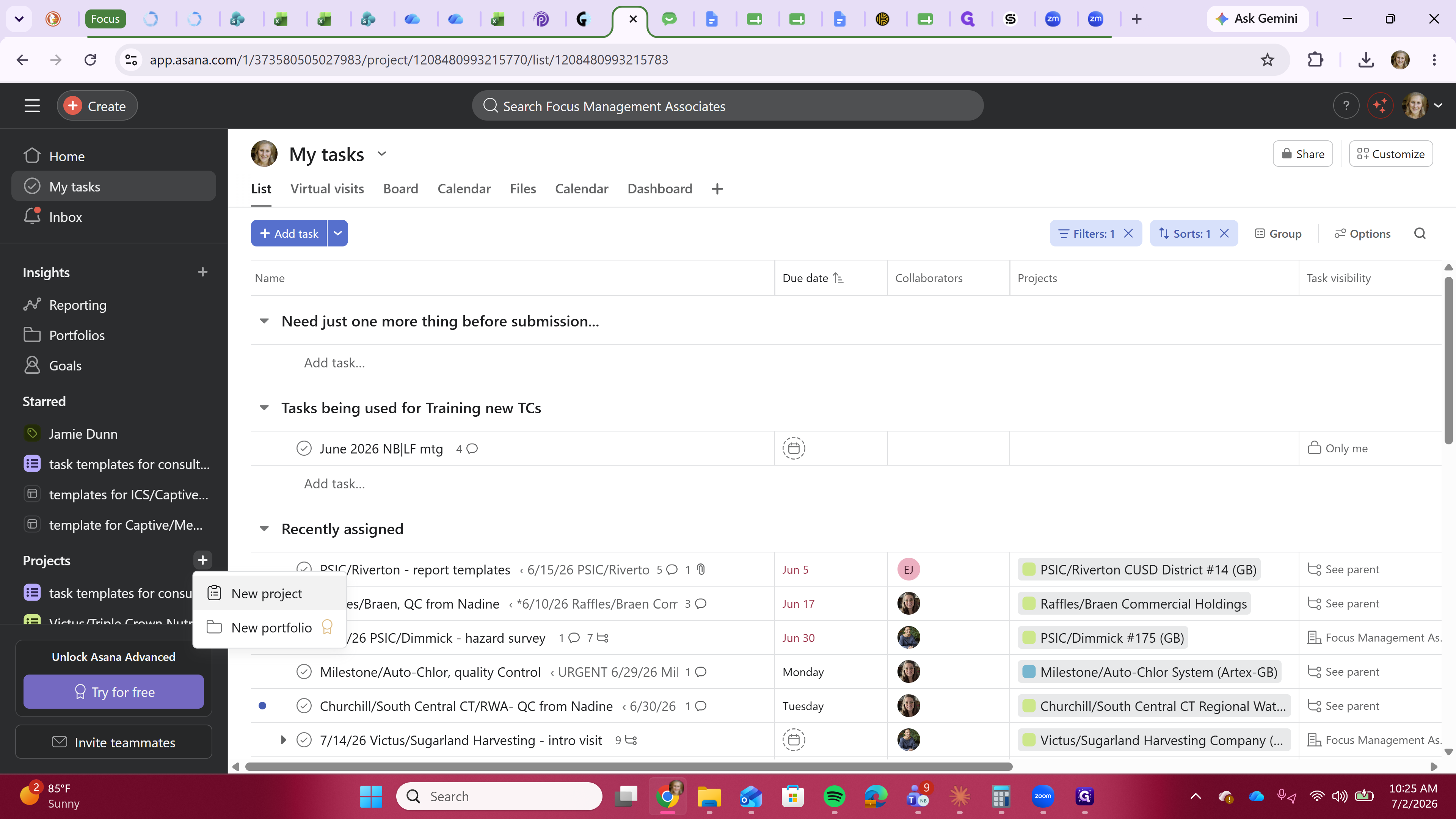
When creating a project, you must choose the correct template. Your workspace contains different templates depending on the member type:
Template | Description |
|---|---|
For ICS | Use this template for ICS members. It is identifiable by a yellow puzzle icon and requires a specific naming convention. |
Traditional Members | Use this template for all other traditional members. |
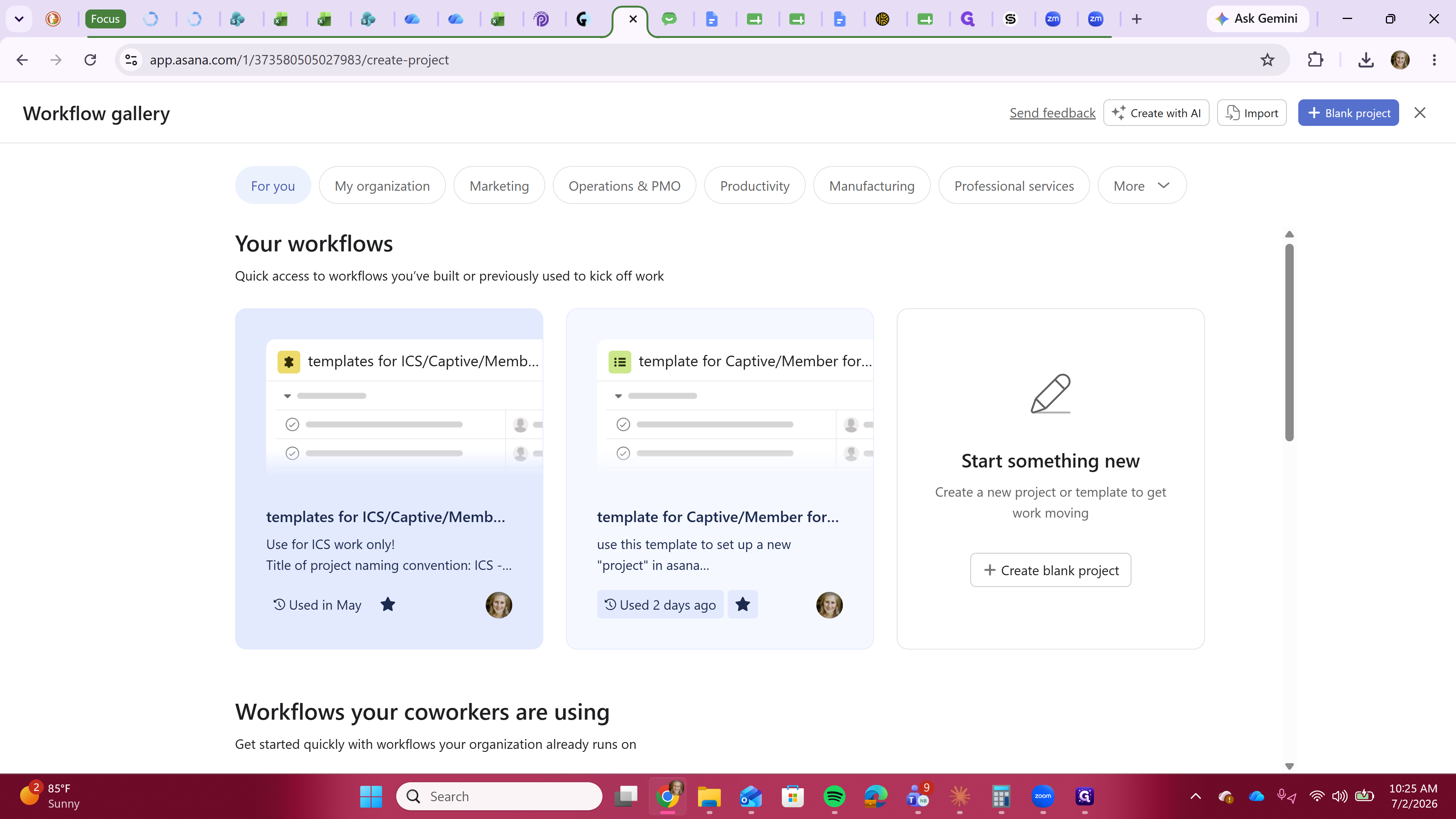
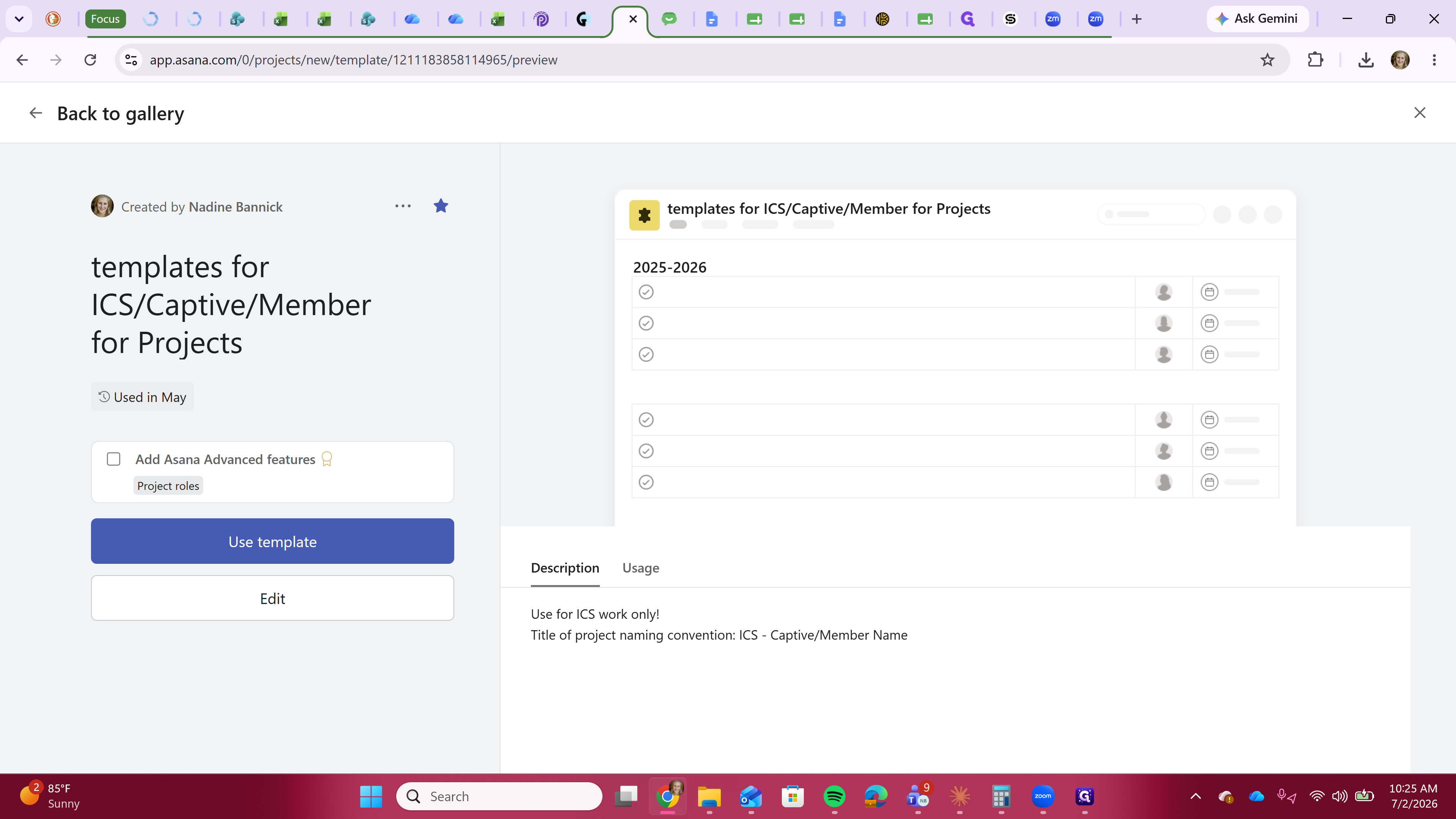
ICS / [Captive Name] / [Member Name].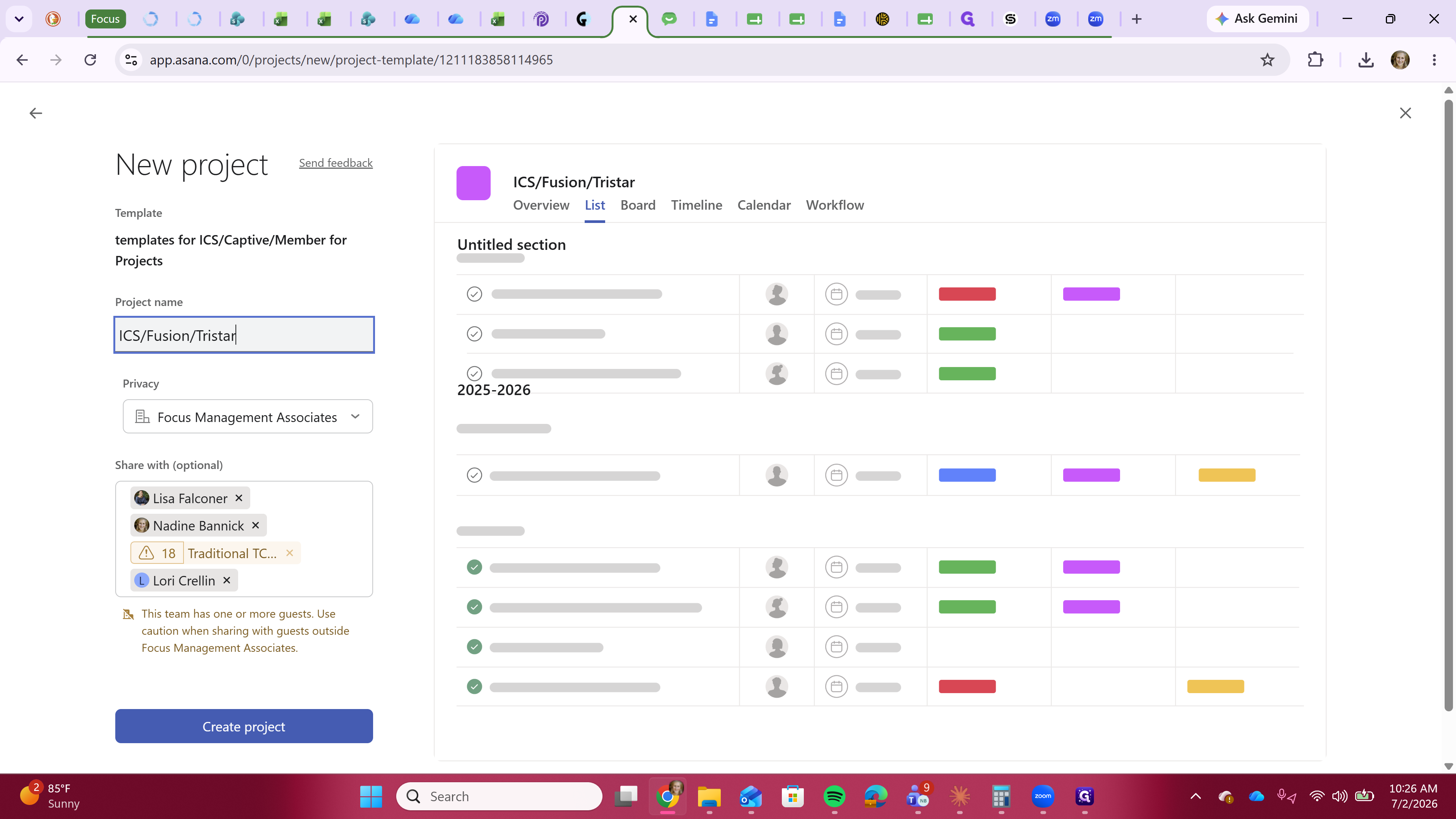
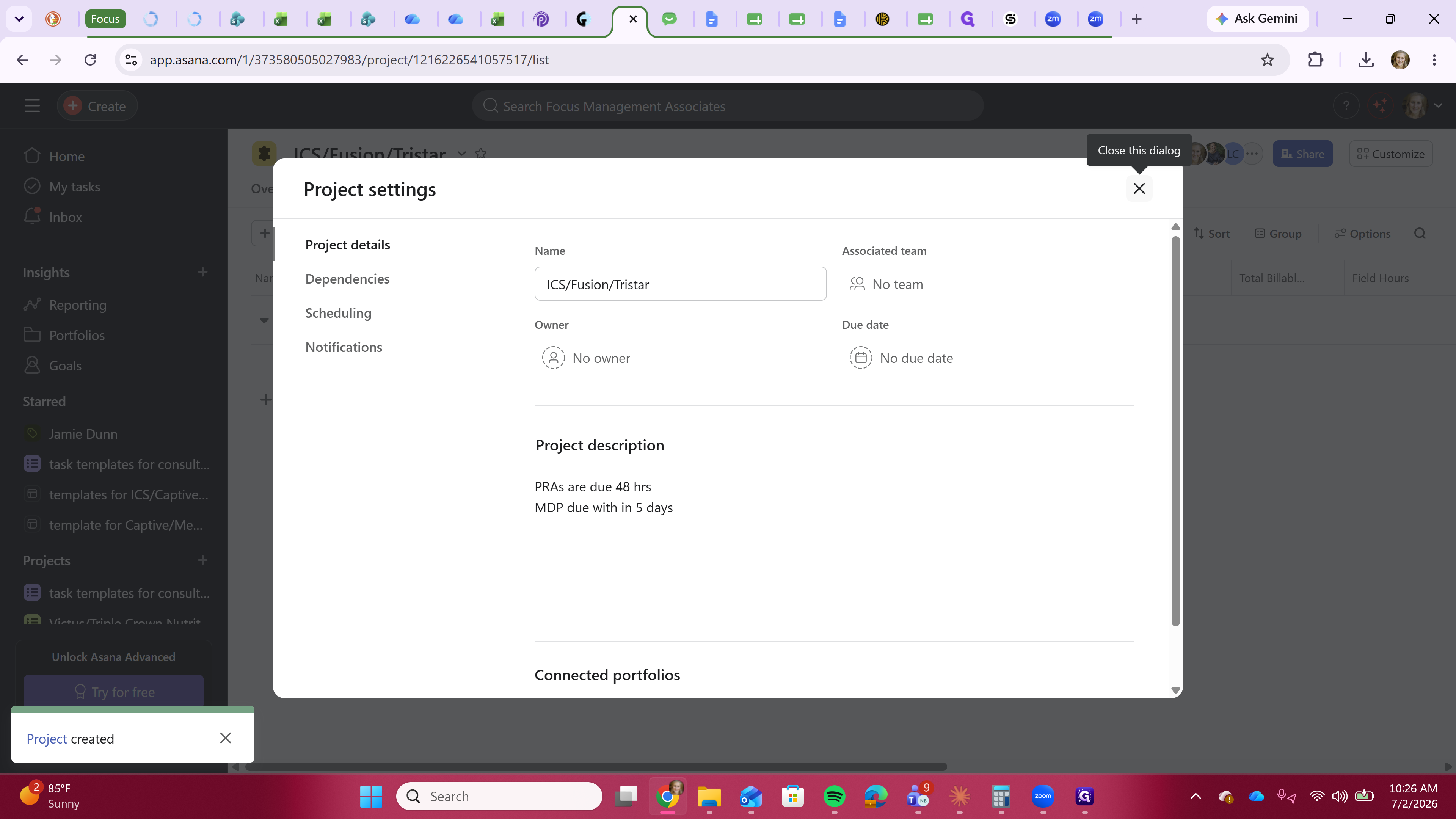
Adjust Project Ownership
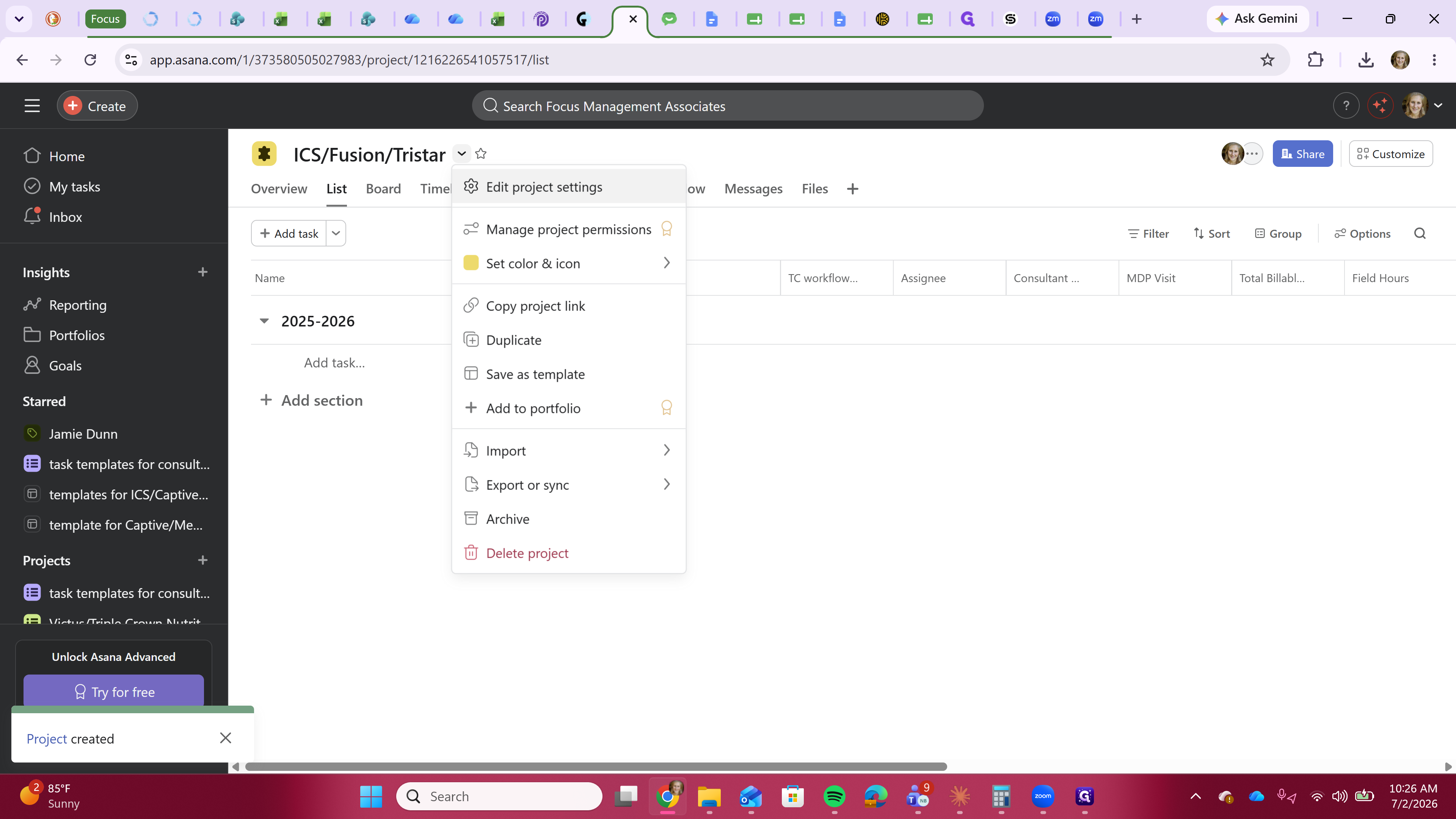
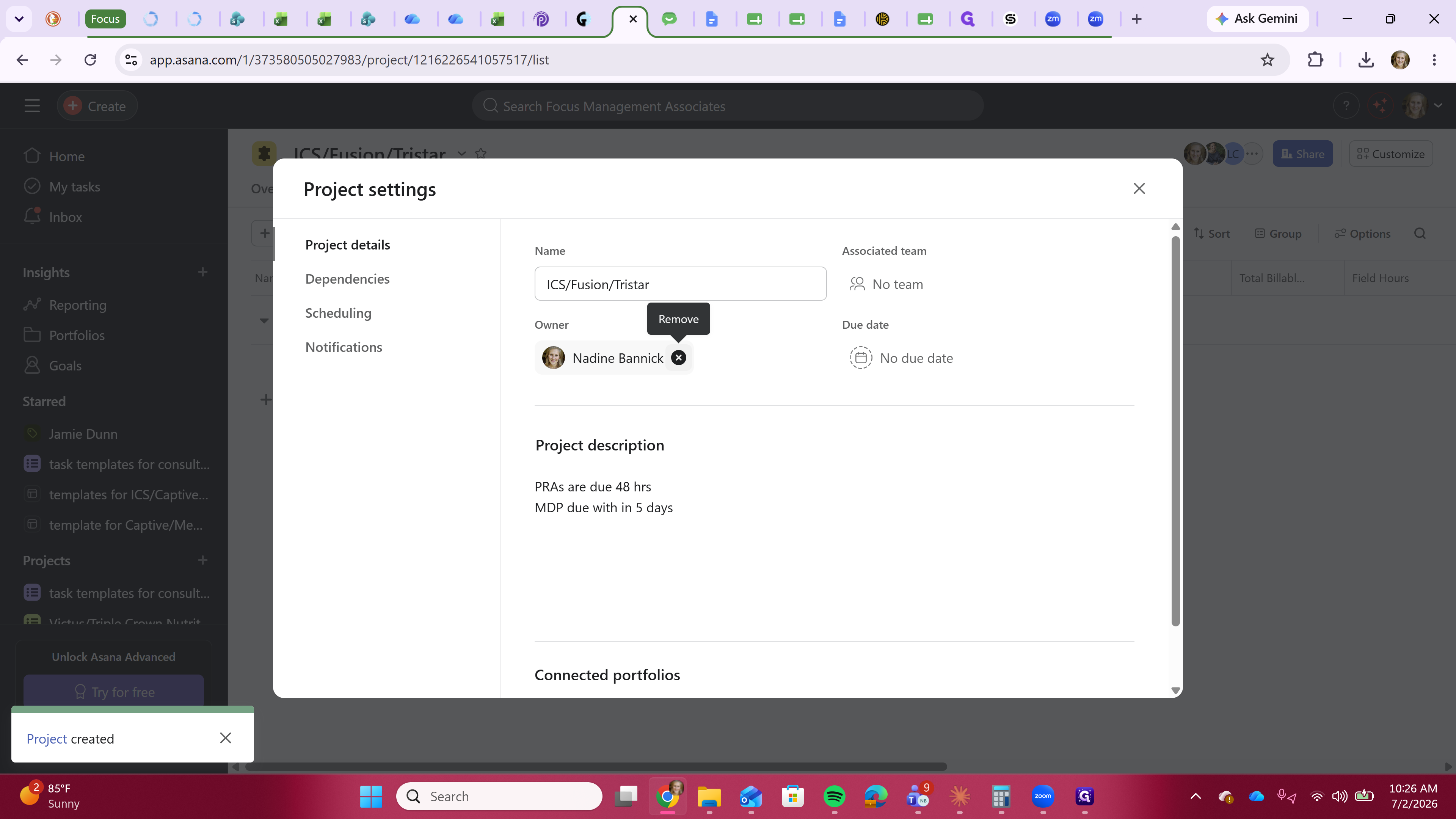
After creating the project, you may need to remove yourself as the project owner if you are simply setting it up for the team.
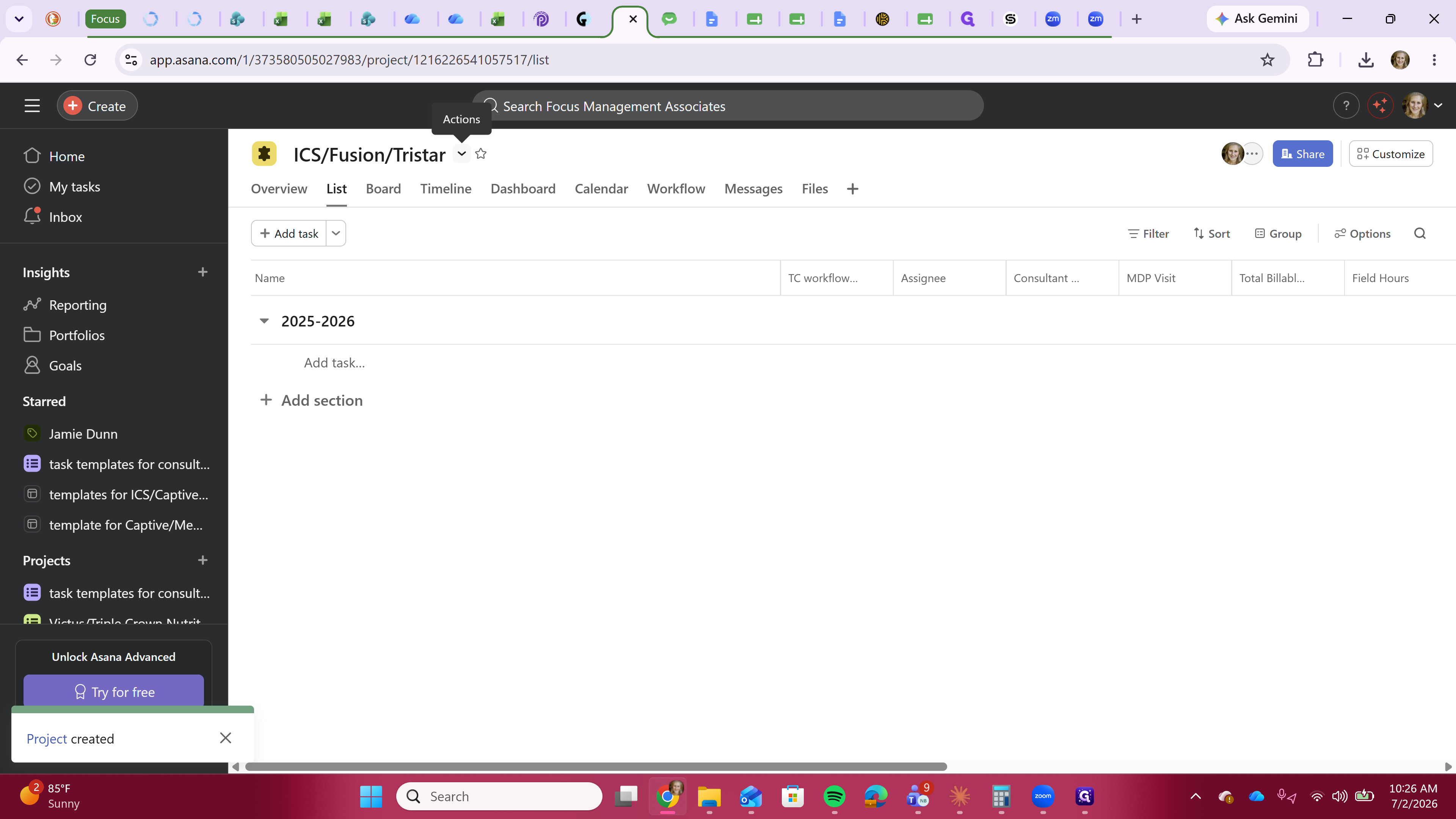
Q: What if I make a typo in the project name during creation?
A: You can easily adjust the project name after creation by clicking directly on the project title at the top of the board and typing your corrections.
Q: How should I organize sections within a project?
A: Sections typically correspond to the captive contract year. You can add as many sections as you need to organize your tasks effectively.
Term | Definition |
|---|---|
Template | A pre-configured project structure used as a starting point for new work to ensure consistency. |
Section | A grouping within an Asana project used to organize related tasks and milestones. |
Project Owner | The primary user responsible for managing and overseeing a specific project in Asana. |