
Create a Prime Exclusive Discount in Amazon Seller Central
Learn how to configure campaign details, upload product spreadsheets, and submit a Prime Exclusive Price Discount in Amazon Seller Central.
Purpose
This guide demonstrates how to configure and enroll a Prime Exclusive Price Discount for promotional events in Amazon Seller Central. You will walk through setting campaign parameters, preparing and uploading the product template file, and reviewing discounted items until the promotion is submitted.
Scope
This procedure applies to Amazon marketplace managers and e-commerce specialists managing brand promotions within Amazon Seller Central. It covers creating price discounts for events such as Prime Big Deal Days or Black Friday using bulk spreadsheet upload. Resolving ASIN listing suppressions or external pricing compliance issues prior to discount submission is out of scope.
Navigate to Price Discounts
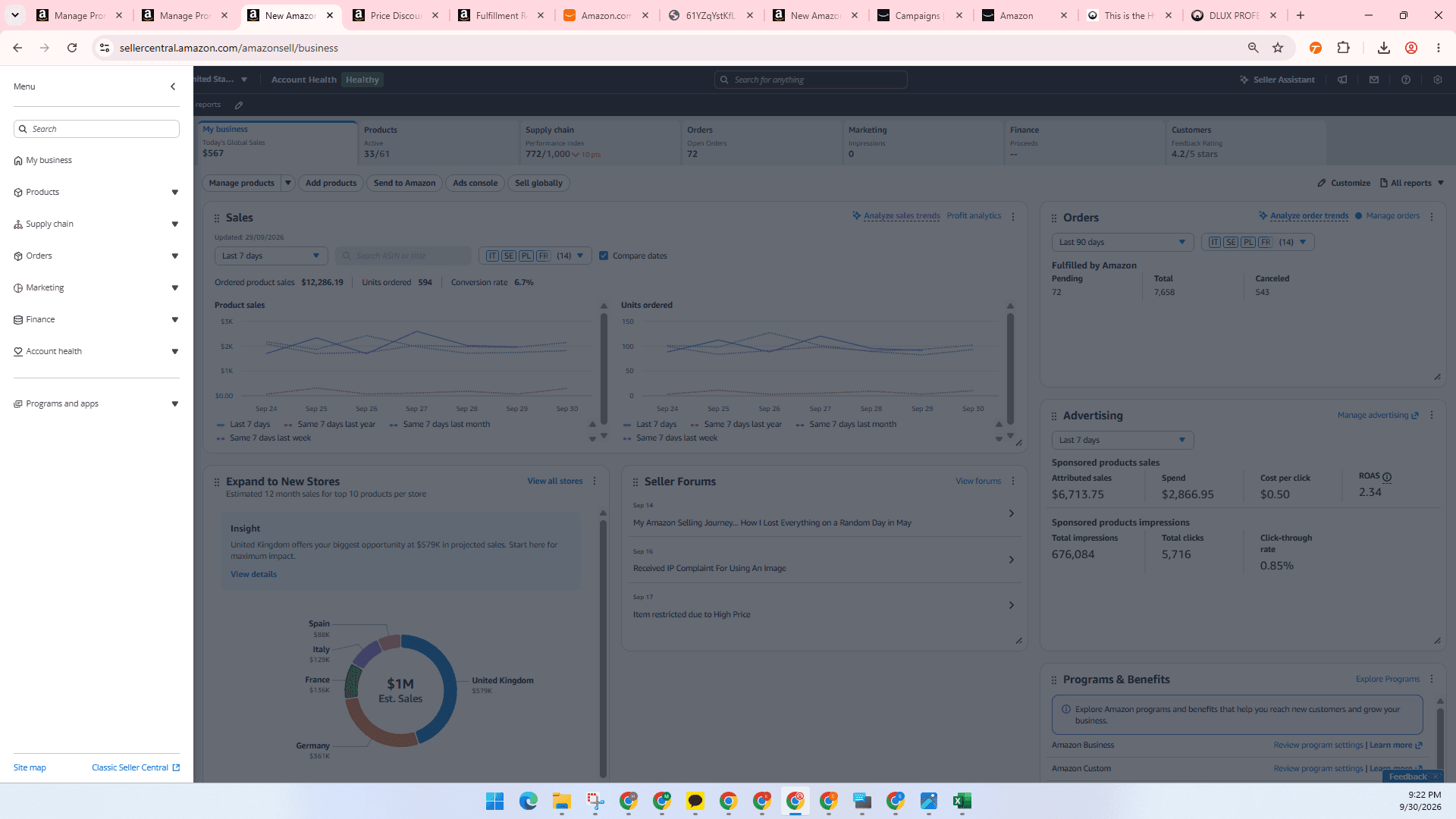
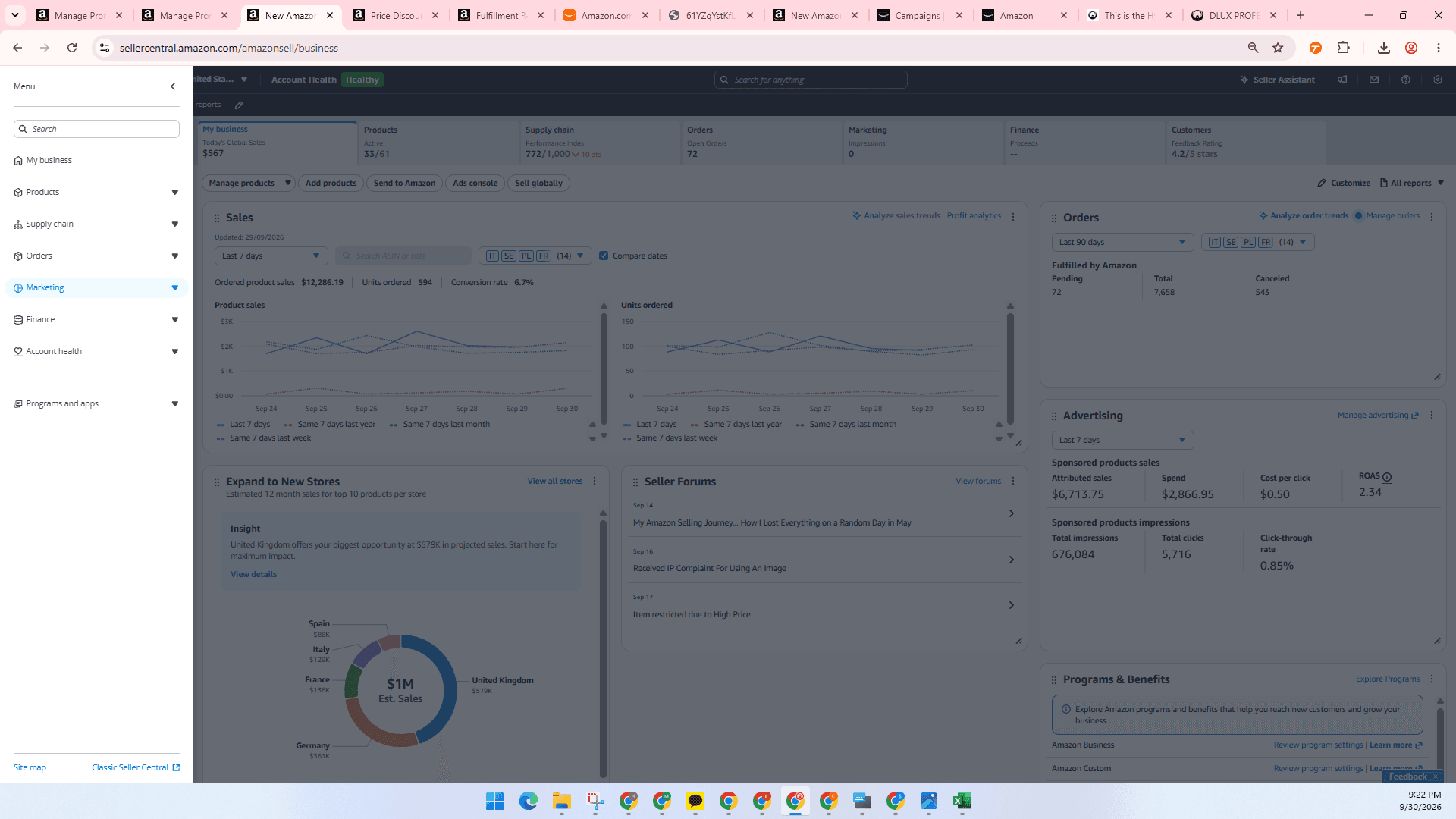
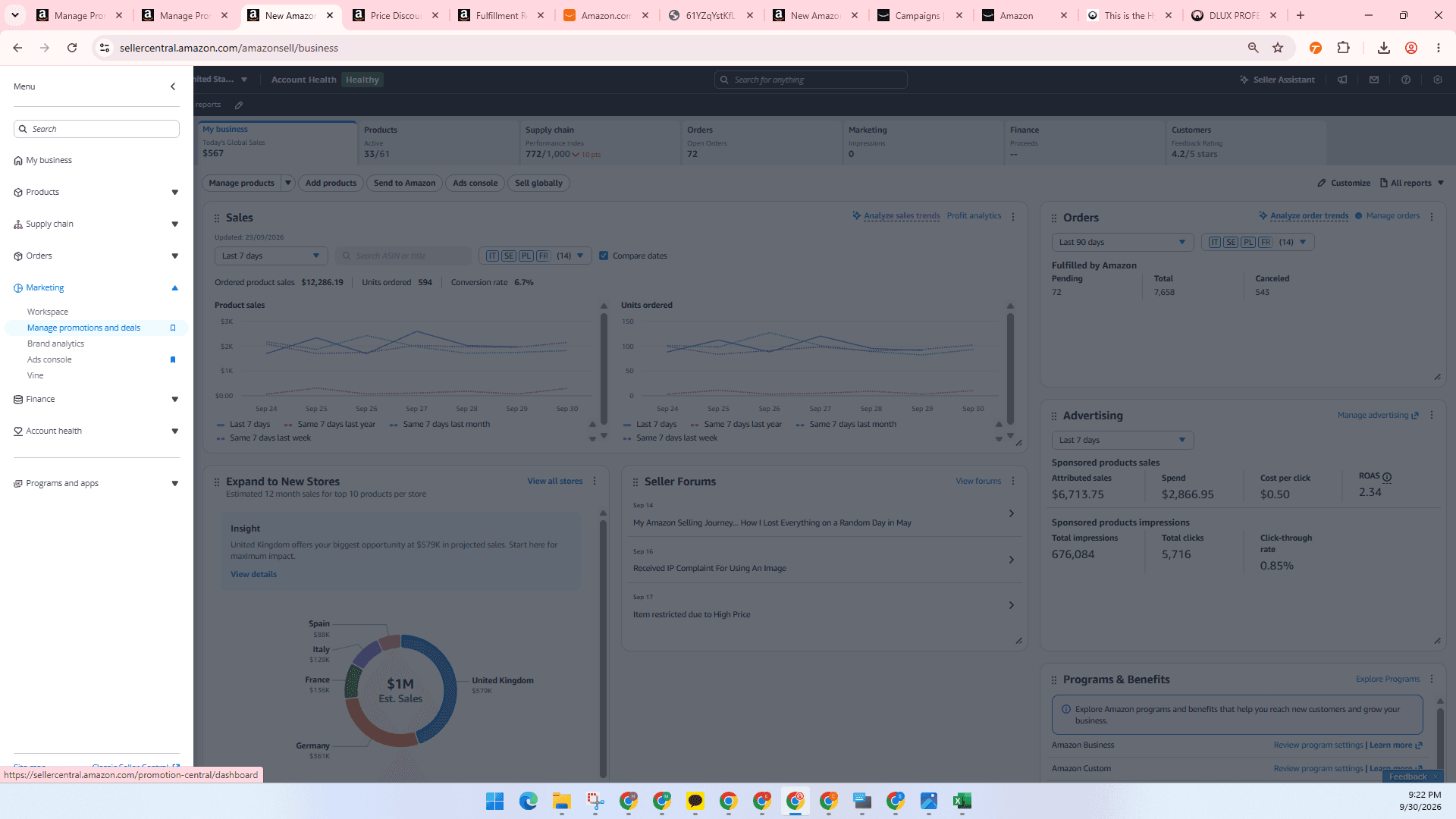
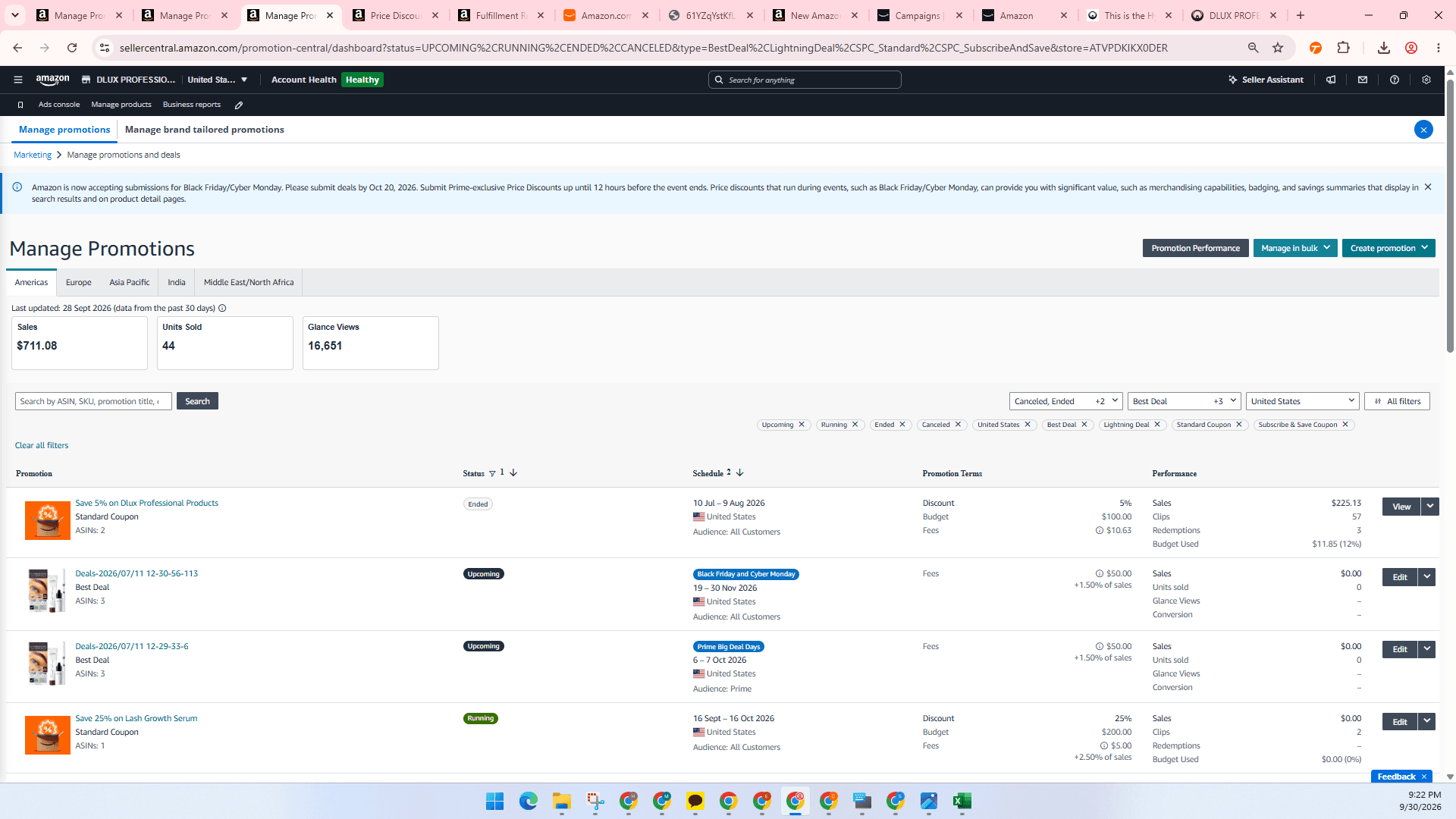
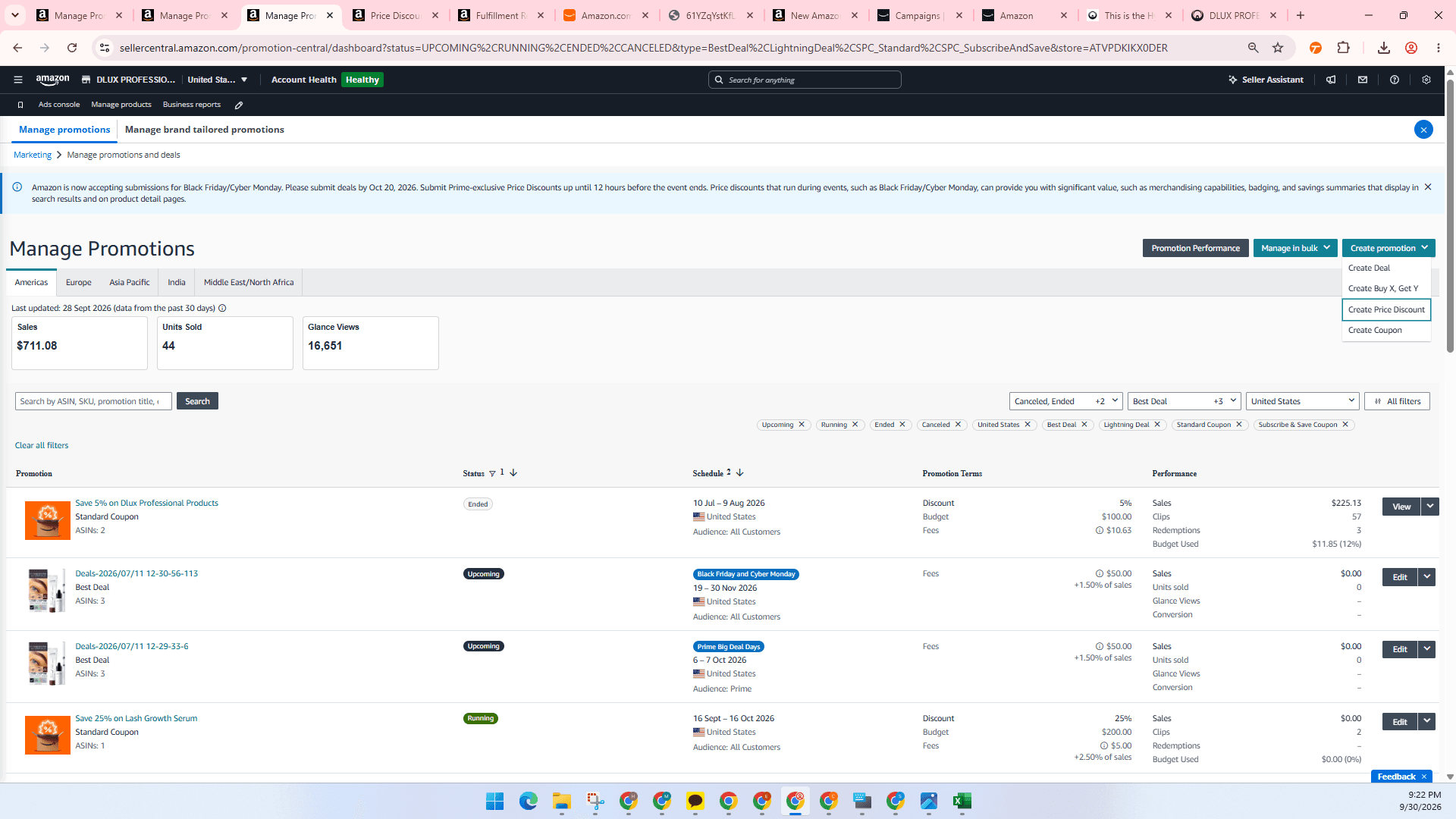
Configure Discount Details
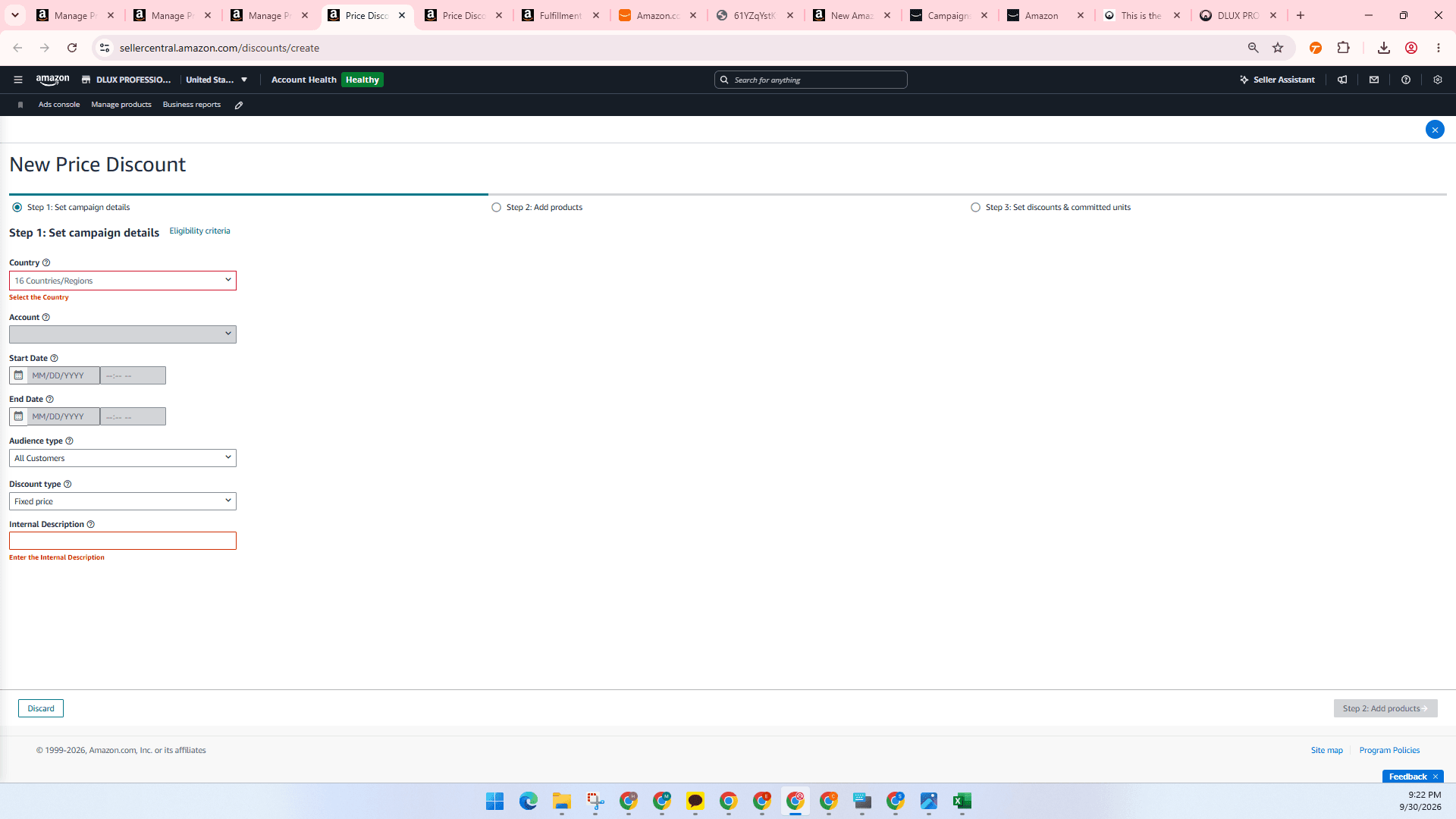
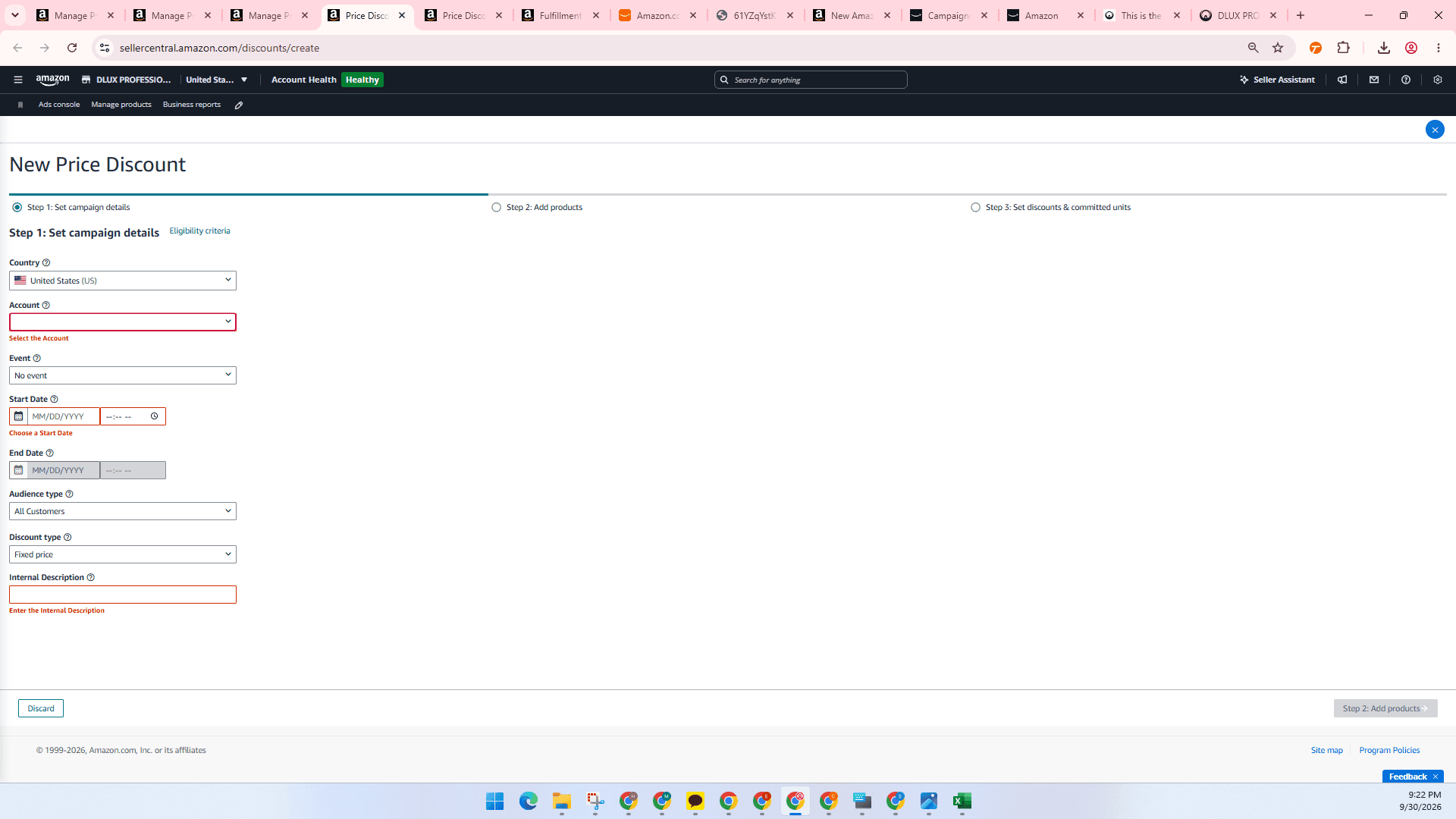
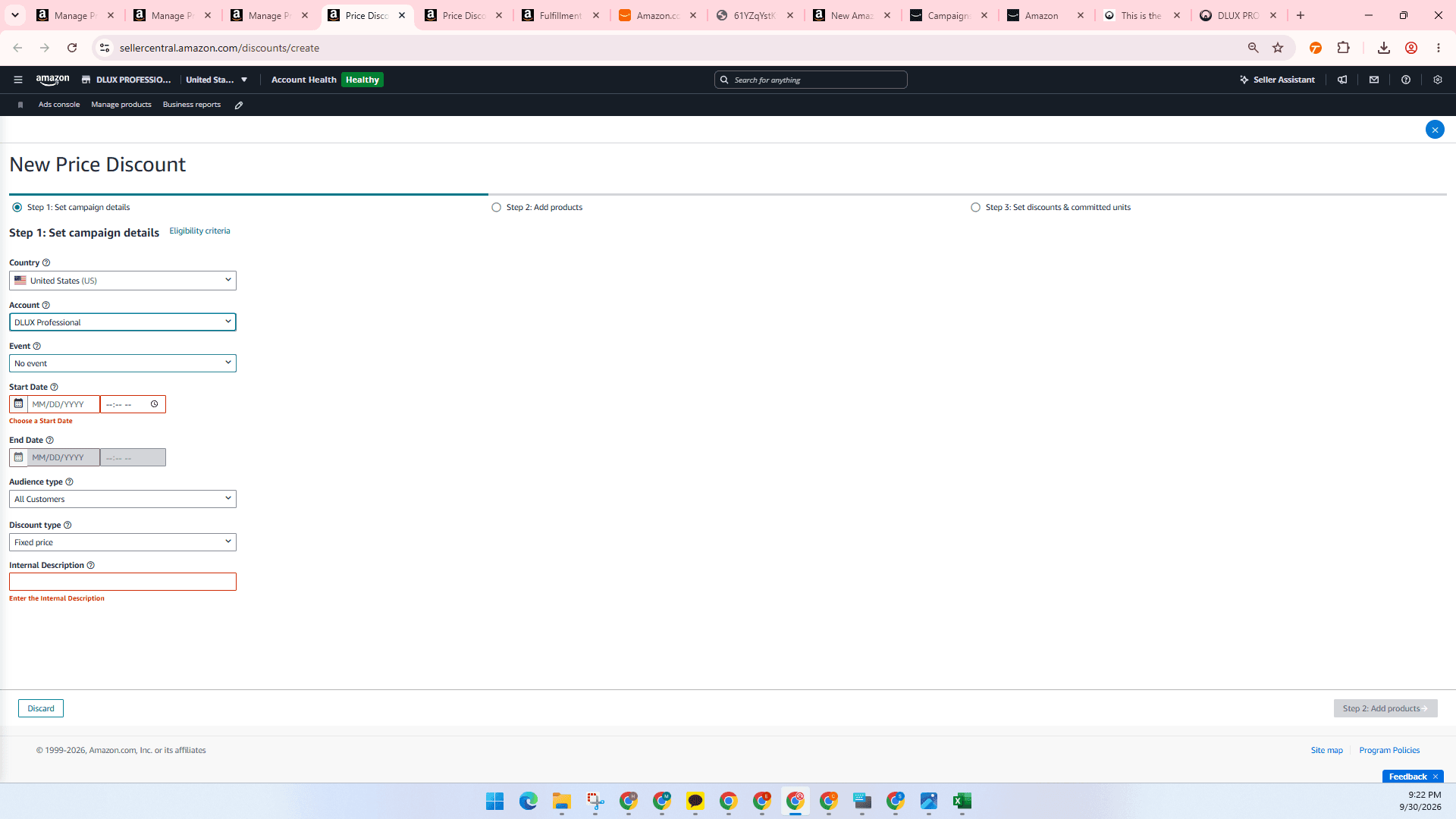
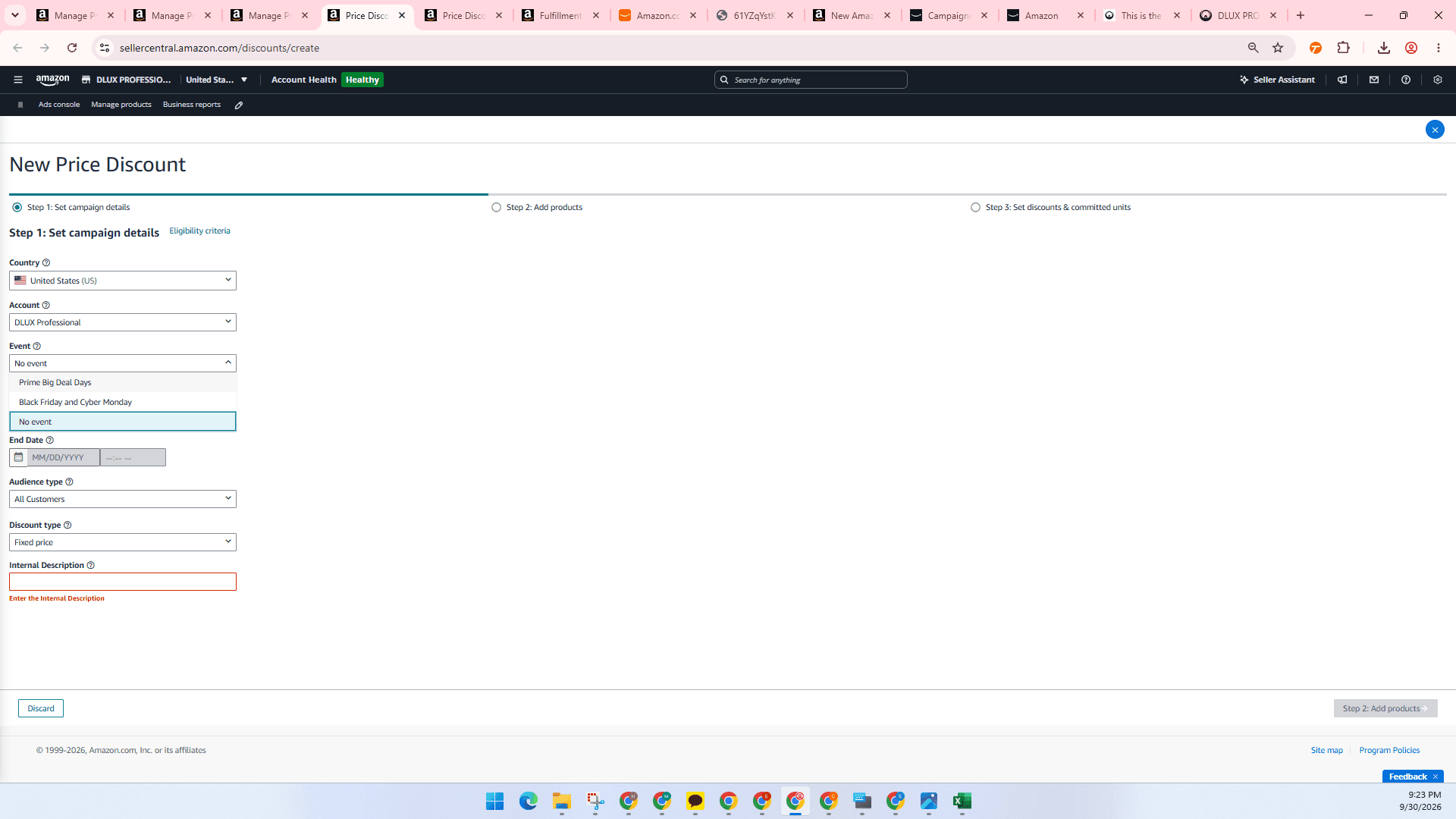
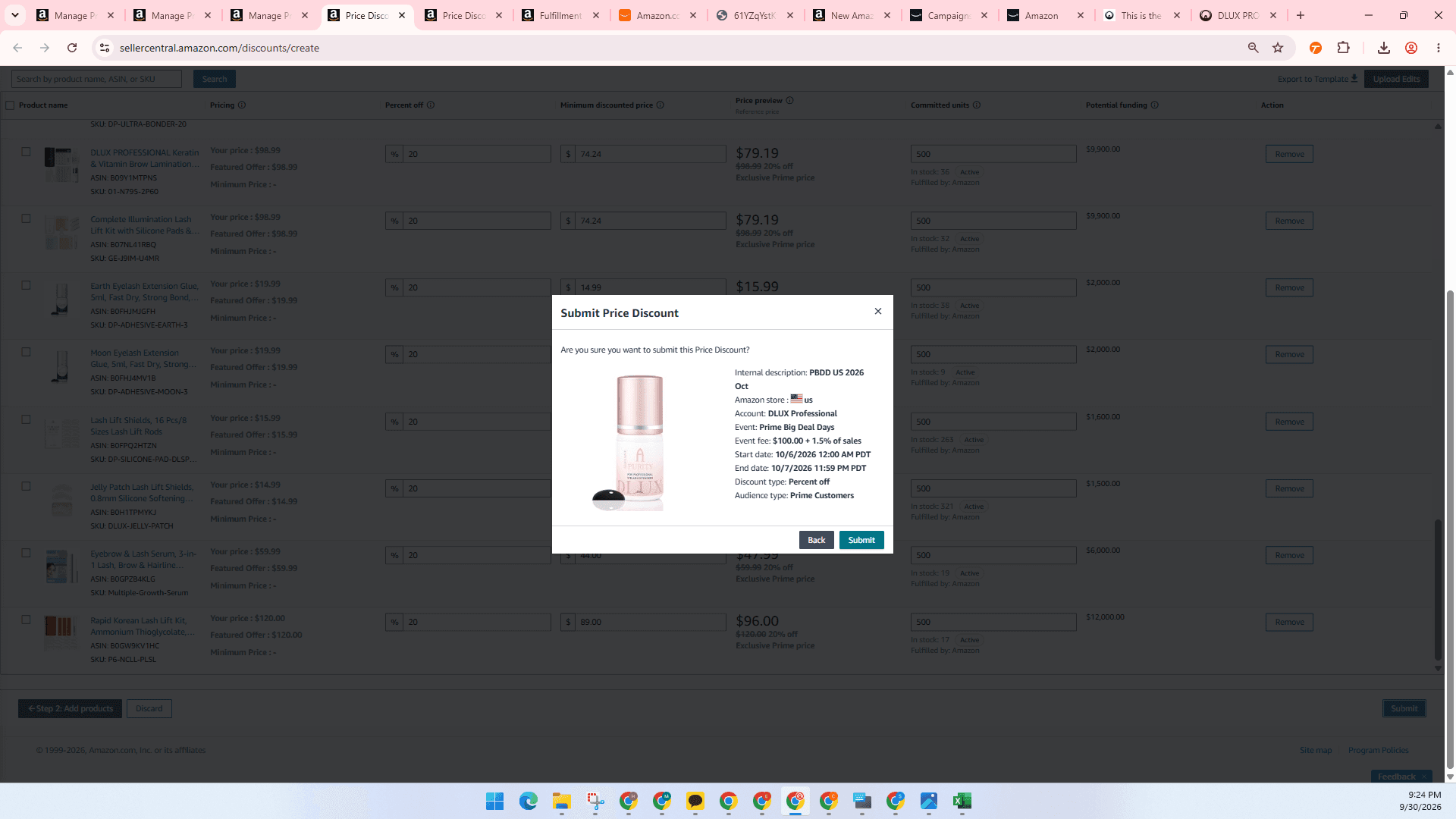
Select your intended event, such as Prime Big Deal Days, Black Friday, or choose no event for standard promotions. Event start and end dates are automatically scheduled by Amazon based on the selected event.
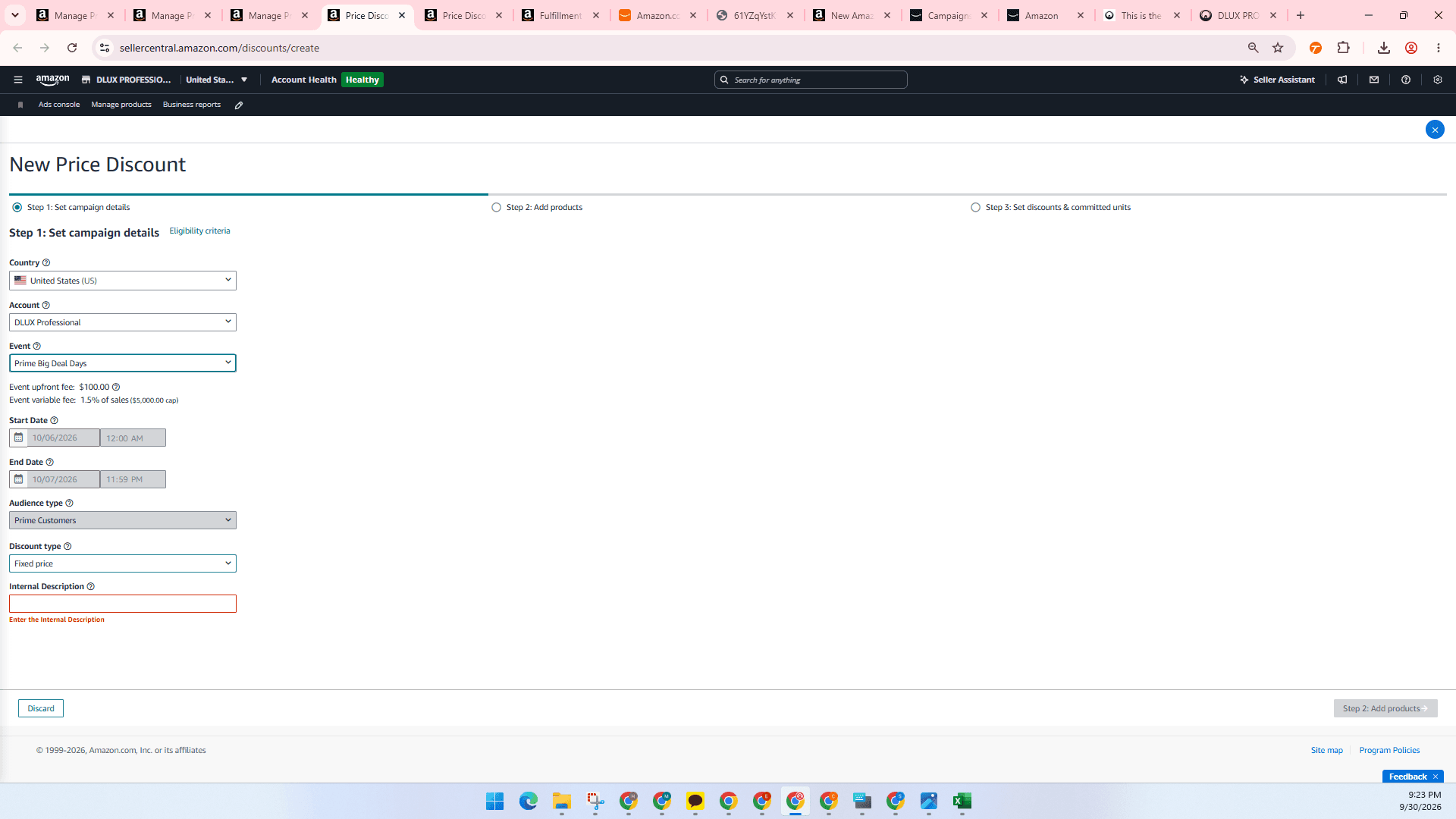
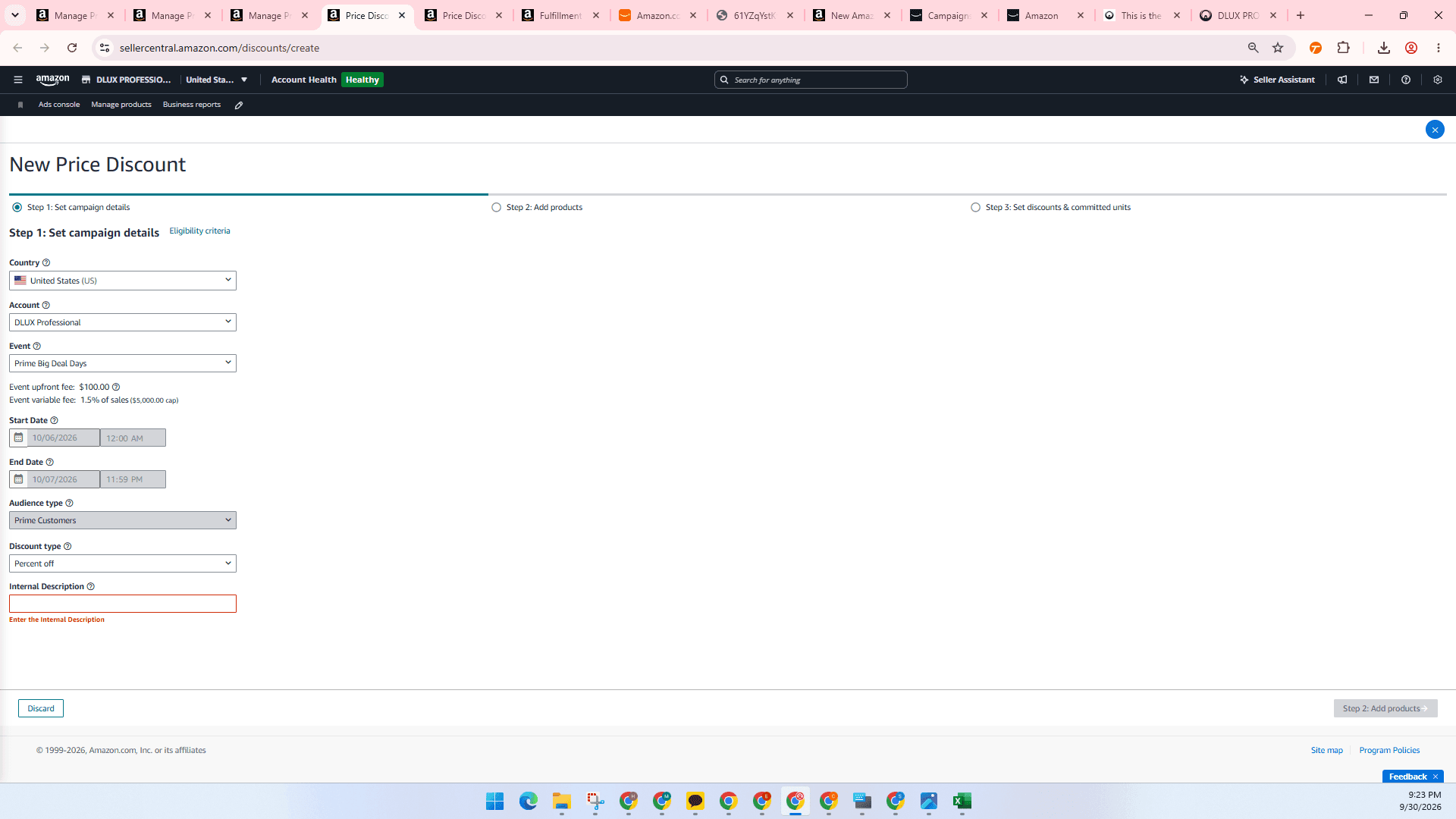
Enter any descriptive identifier you prefer to track the promotion internally.
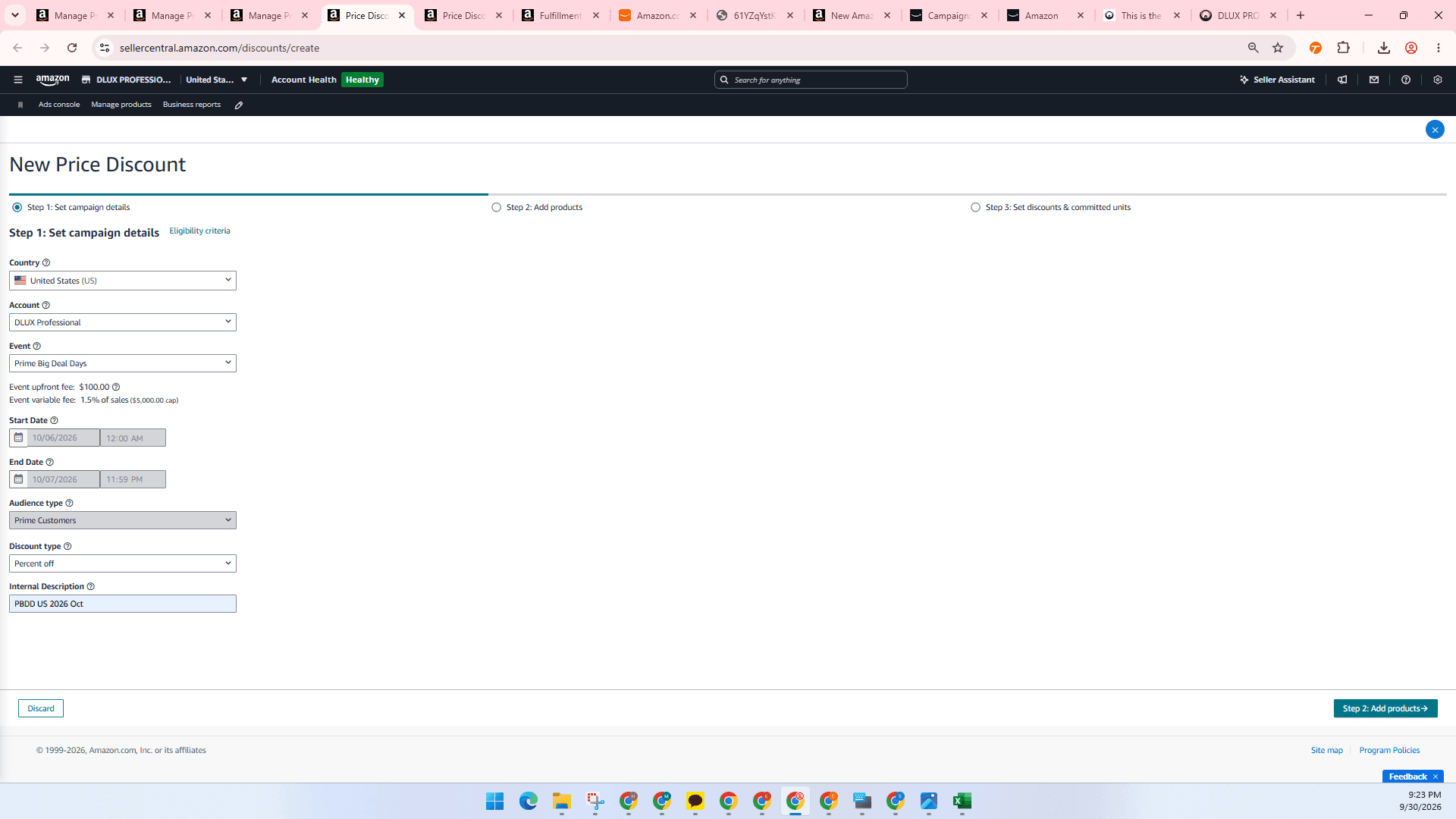
Upload Product Template
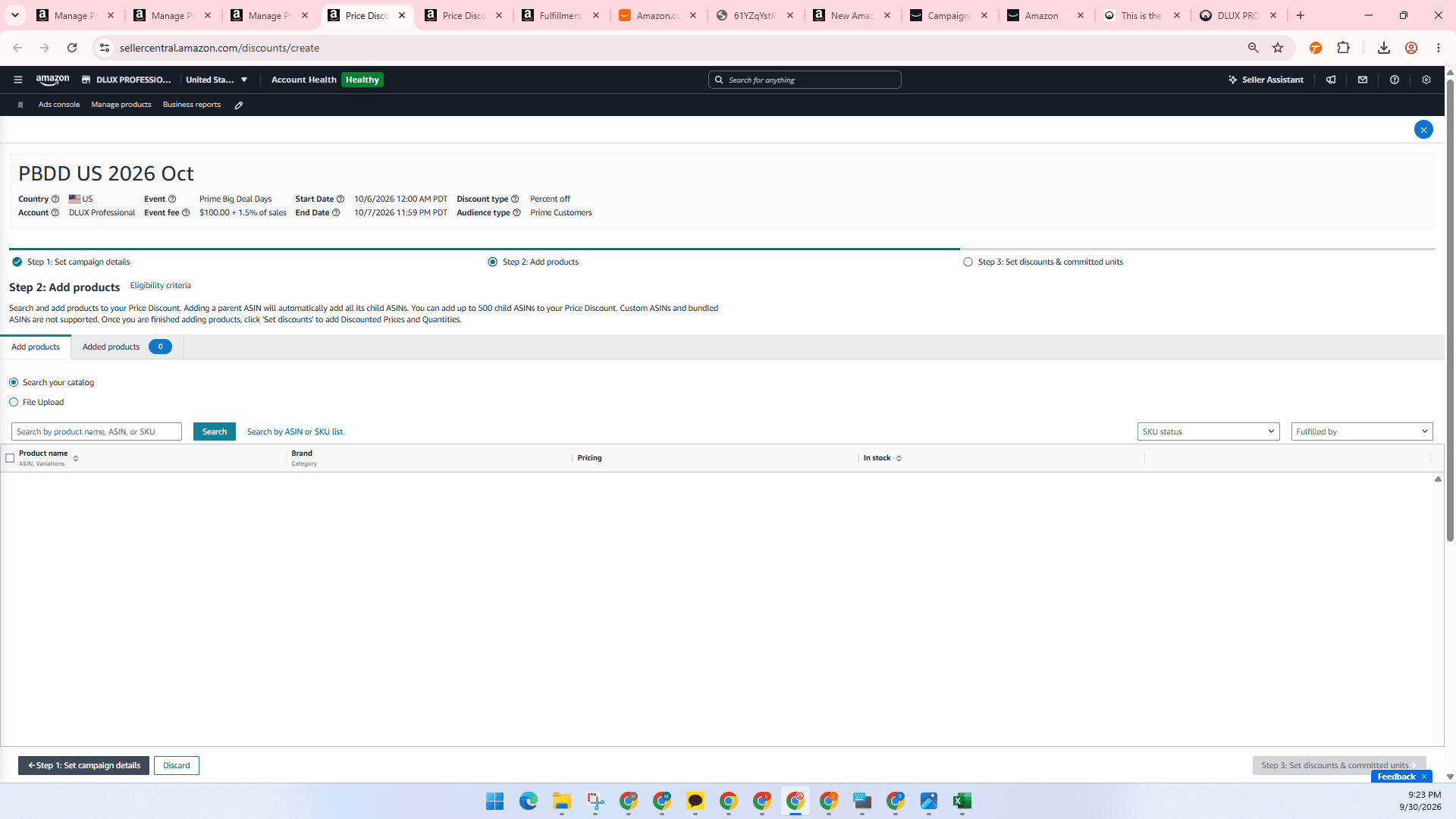
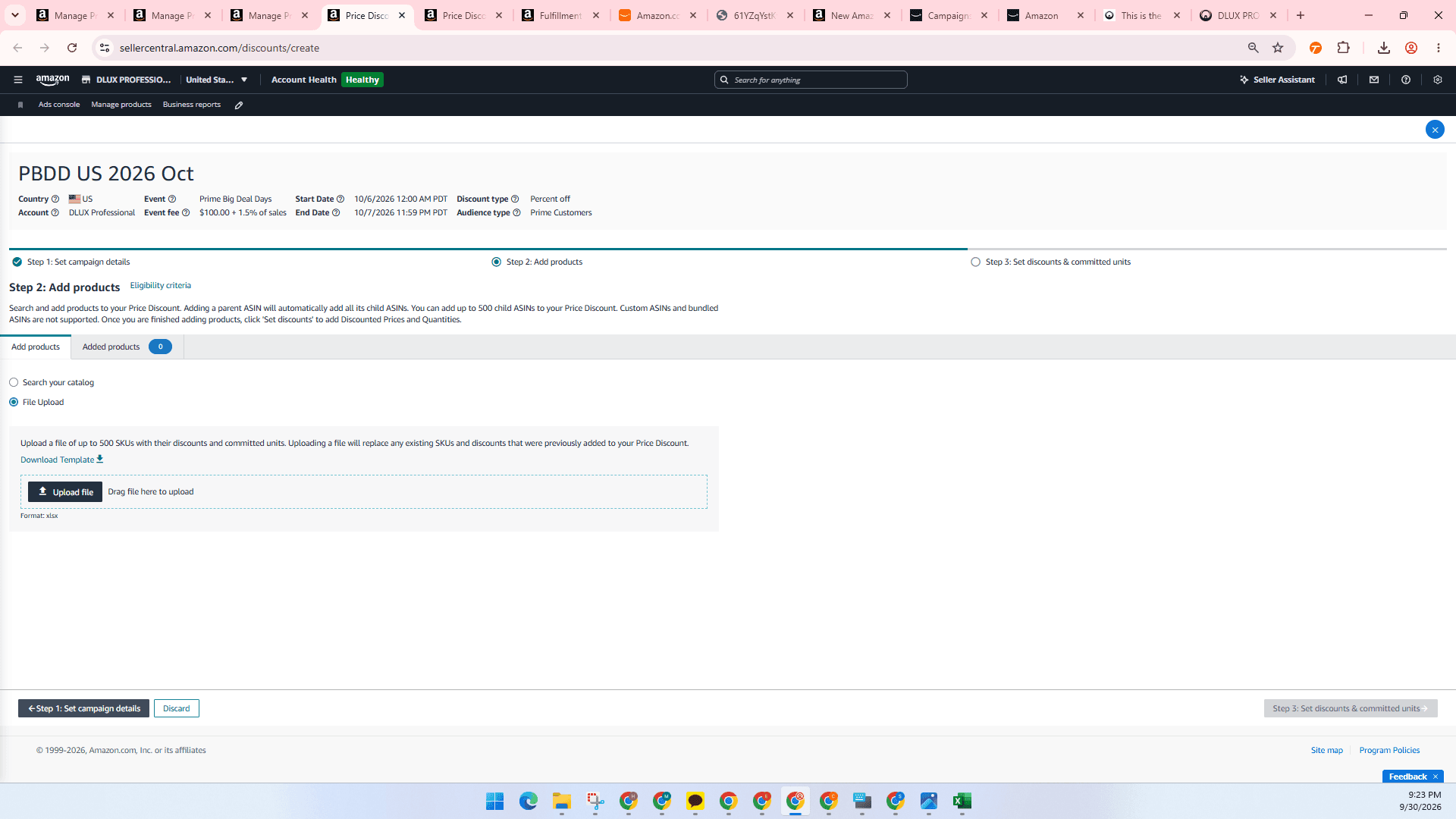
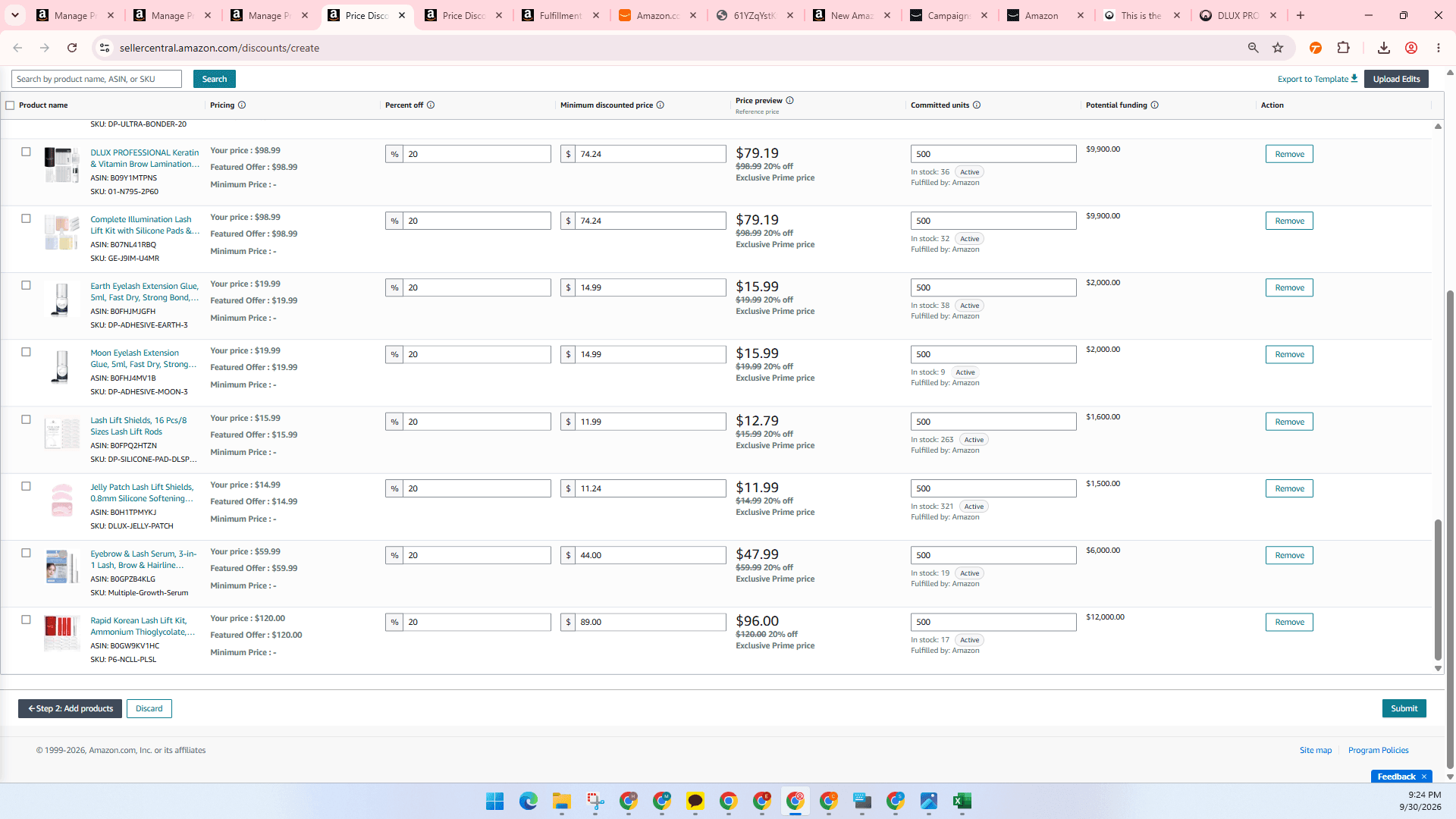
Download the template to review instructions and data definitions. Fill in required product columns including SKU, discount percentage, minimum discounted price, and committed units before uploading.
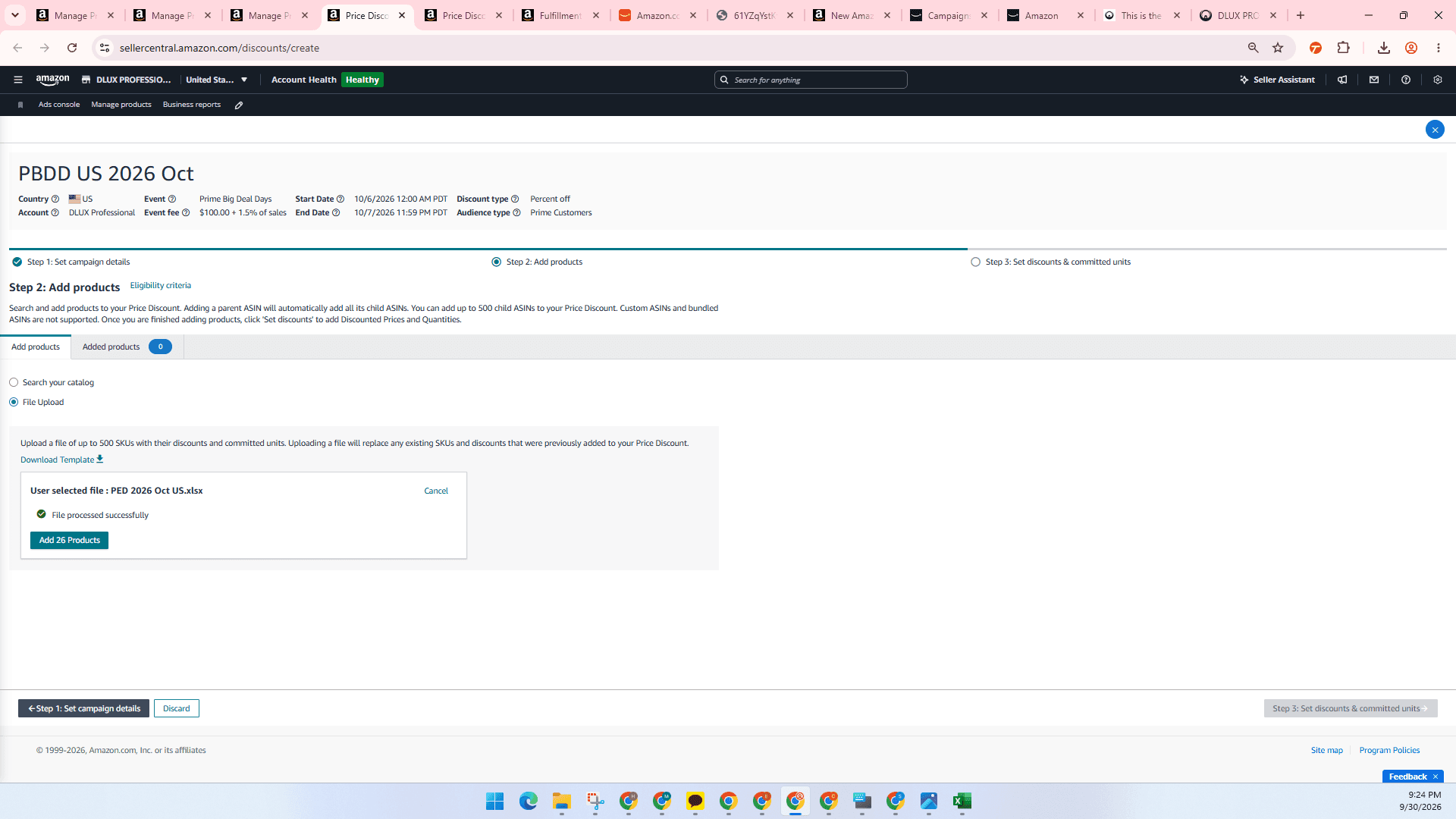
Review and Submit Promotion
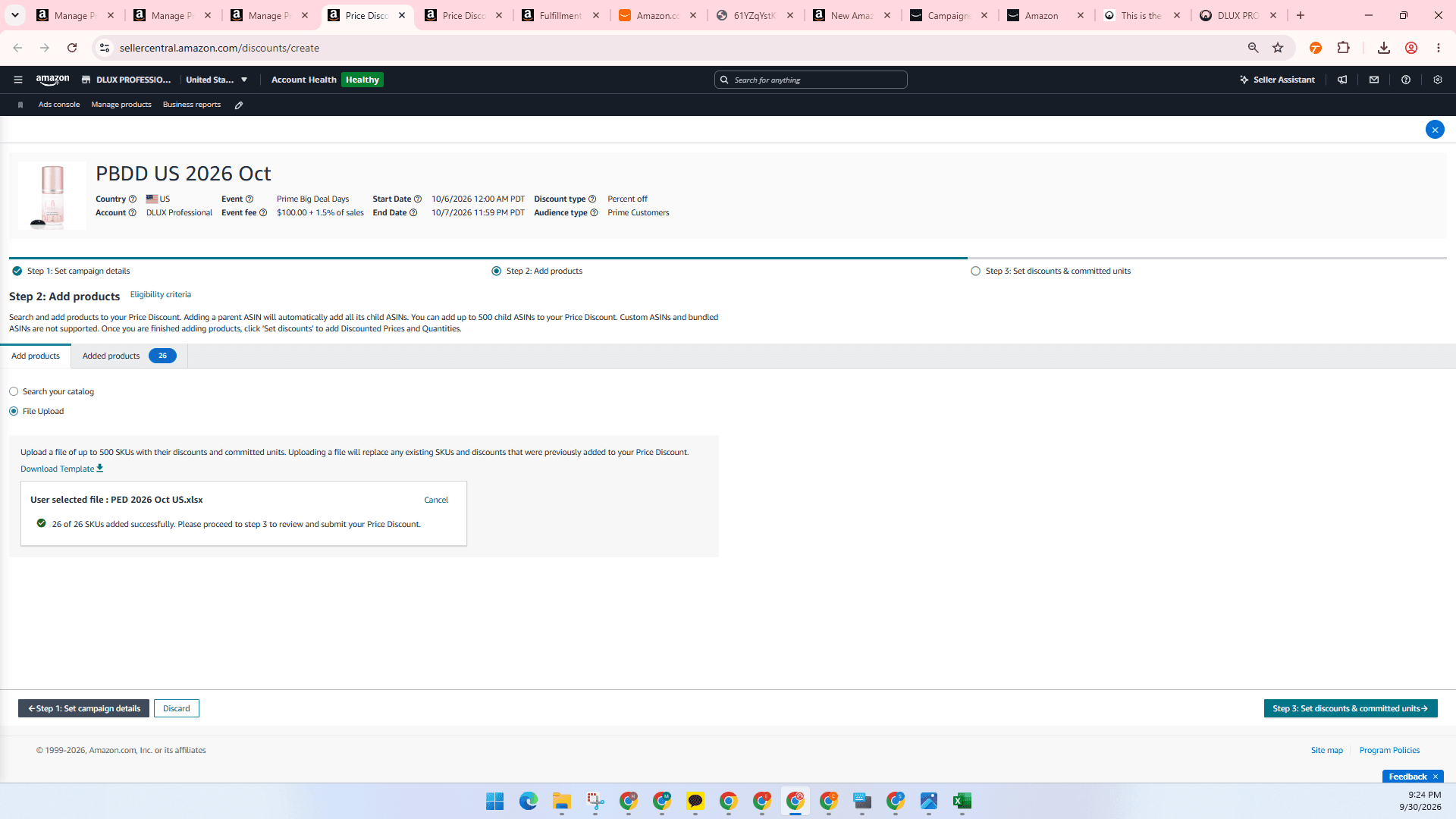
Review the applied discounts and committed inventory levels across all listed products to ensure values are accurate.
FAQ
Q: Can I manually set the start and end dates for event-based discounts?
A: No, when selecting an event like Prime Big Deal Days, the start and end dates are auto-scheduled by Amazon.
Q: What should I enter in the Internal Description field?
A: You can enter any custom naming convention to help identify the promotion internally, such as the event abbreviation, country, and date.
Q: What should I check if there are issues submitting certain products?
A: Check for product eligibility requirements such as ASIN review ratings and valid reference prices, as these often trigger submission warnings.
Glossary
Term | Definition |
|---|---|
Prime Big Deal Days | An Amazon-scheduled promotional sales event providing exclusive discounts to Prime members. |
Internal Description | A custom identifier used by the seller to name and track a promotion internally. |
Committed Units | The quantity of product inventory allocated to support sales during the promotion window. |