
How to Create a Product Listing on TikTok Shop
Learn how to list a product manually in TikTok Shop Seller Center, including basic info, attributes, compliance, and shipping.
This guide demonstrates how to manually create and configure a new product listing in TikTok Shop Seller Center to publish inventory for sale.
This procedure applies to TikTok Shop sellers, ecommerce catalog managers, and store operators adding new catalog items or porting existing listings from other marketplaces.
Navigate to Product Creation
Access the product management console within TikTok Shop Seller Center to start a new listing.
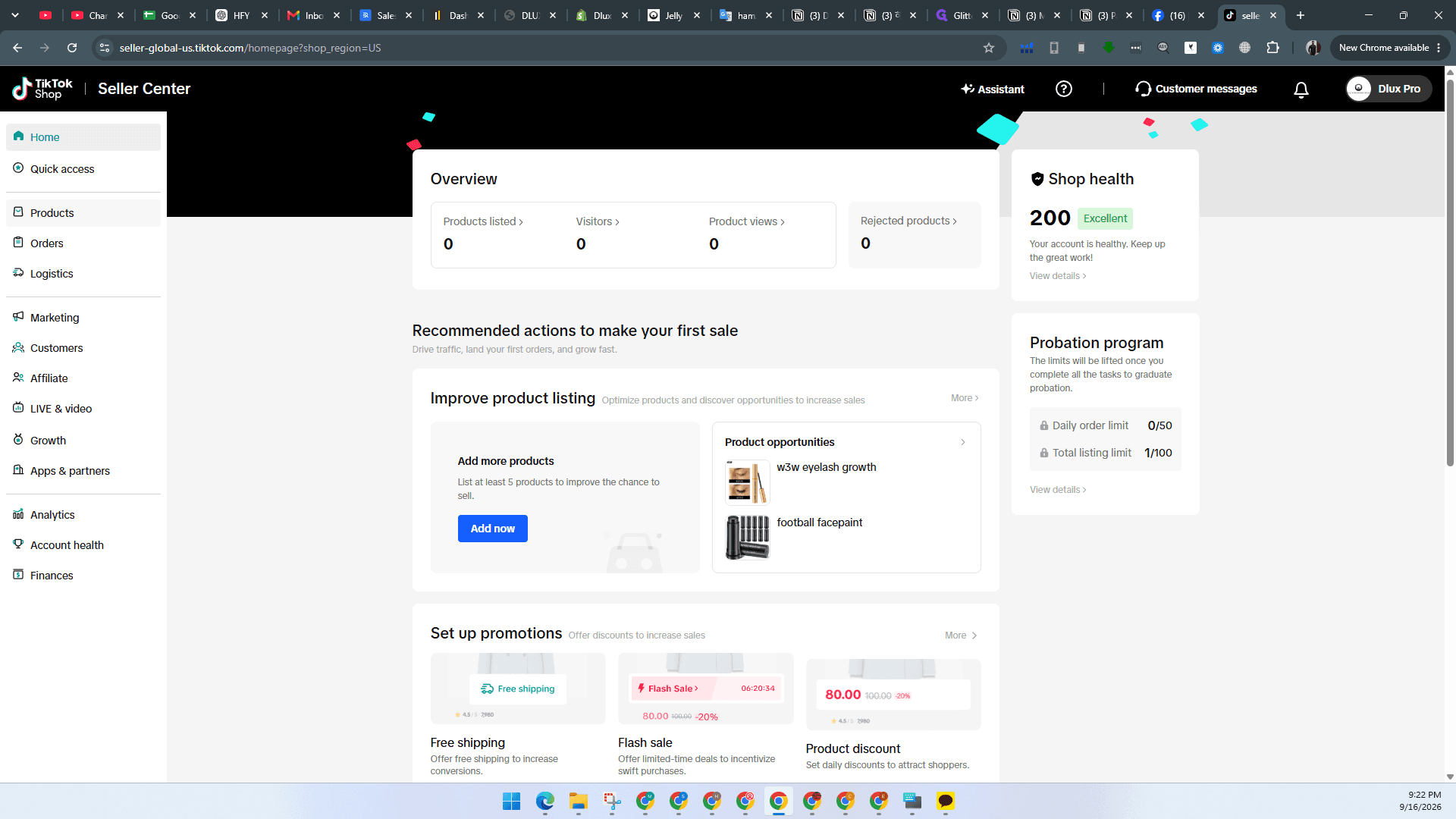
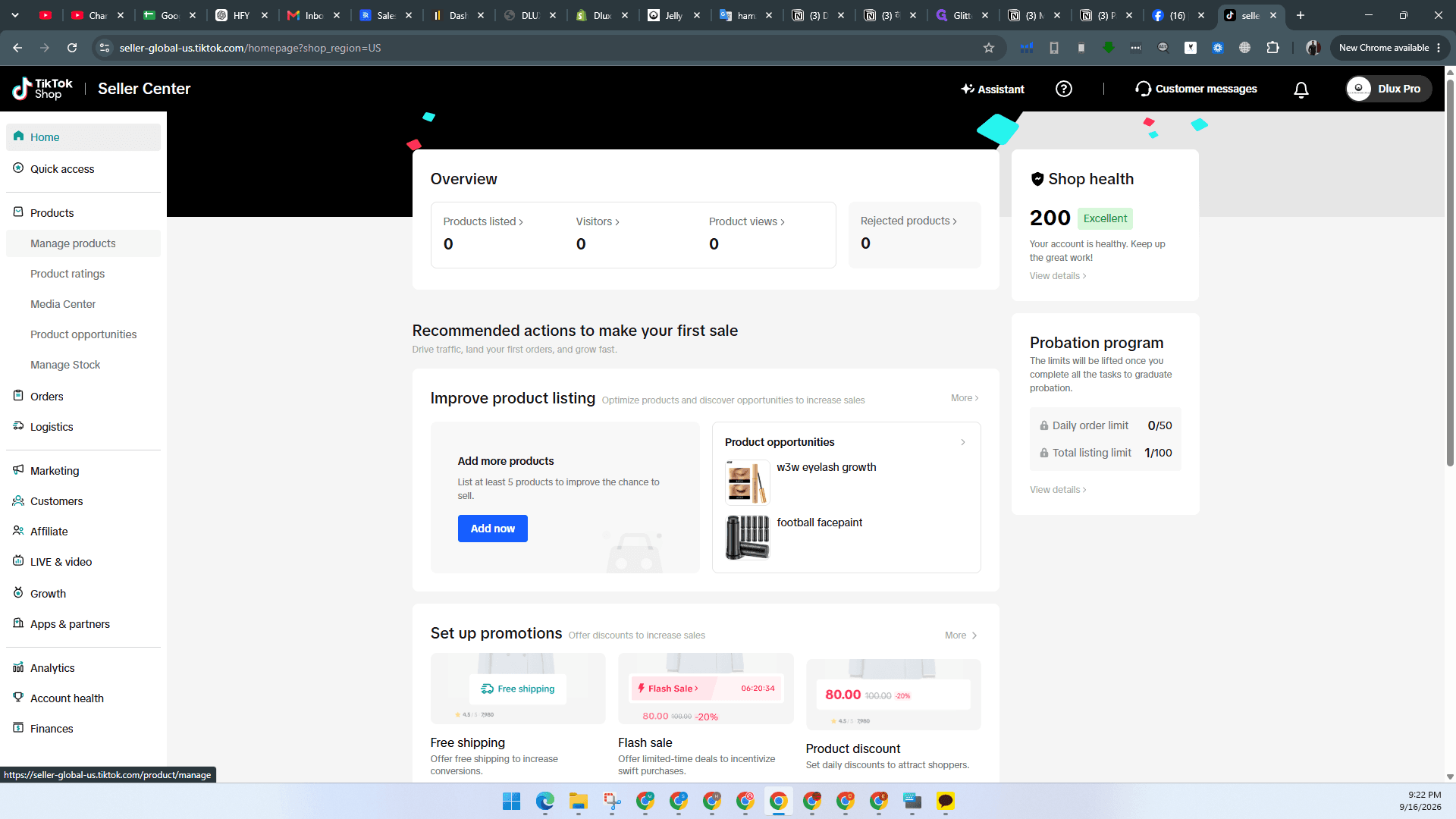
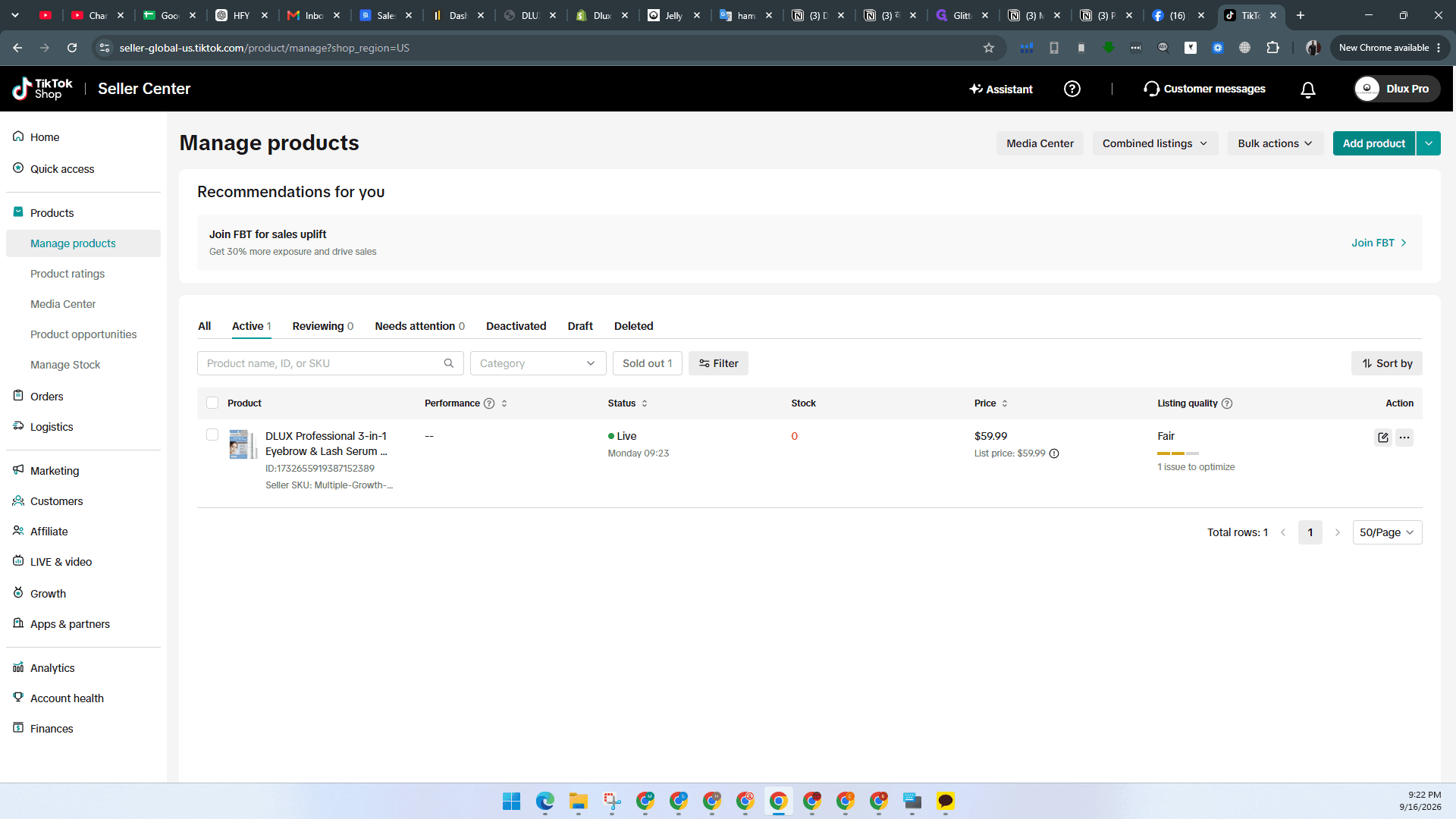
If the AI draft generator popup appears, dismiss it to continue with manual entry.
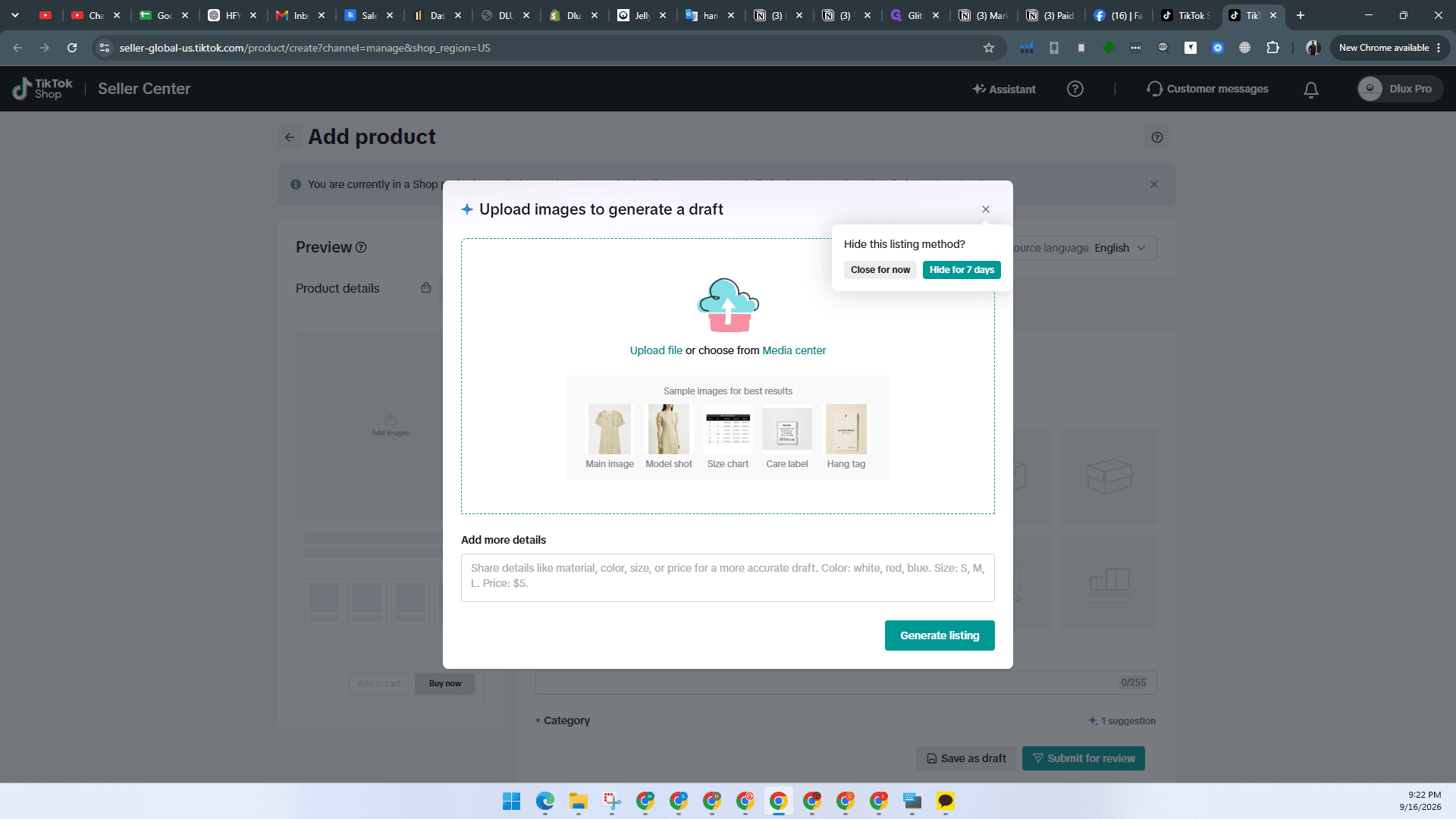
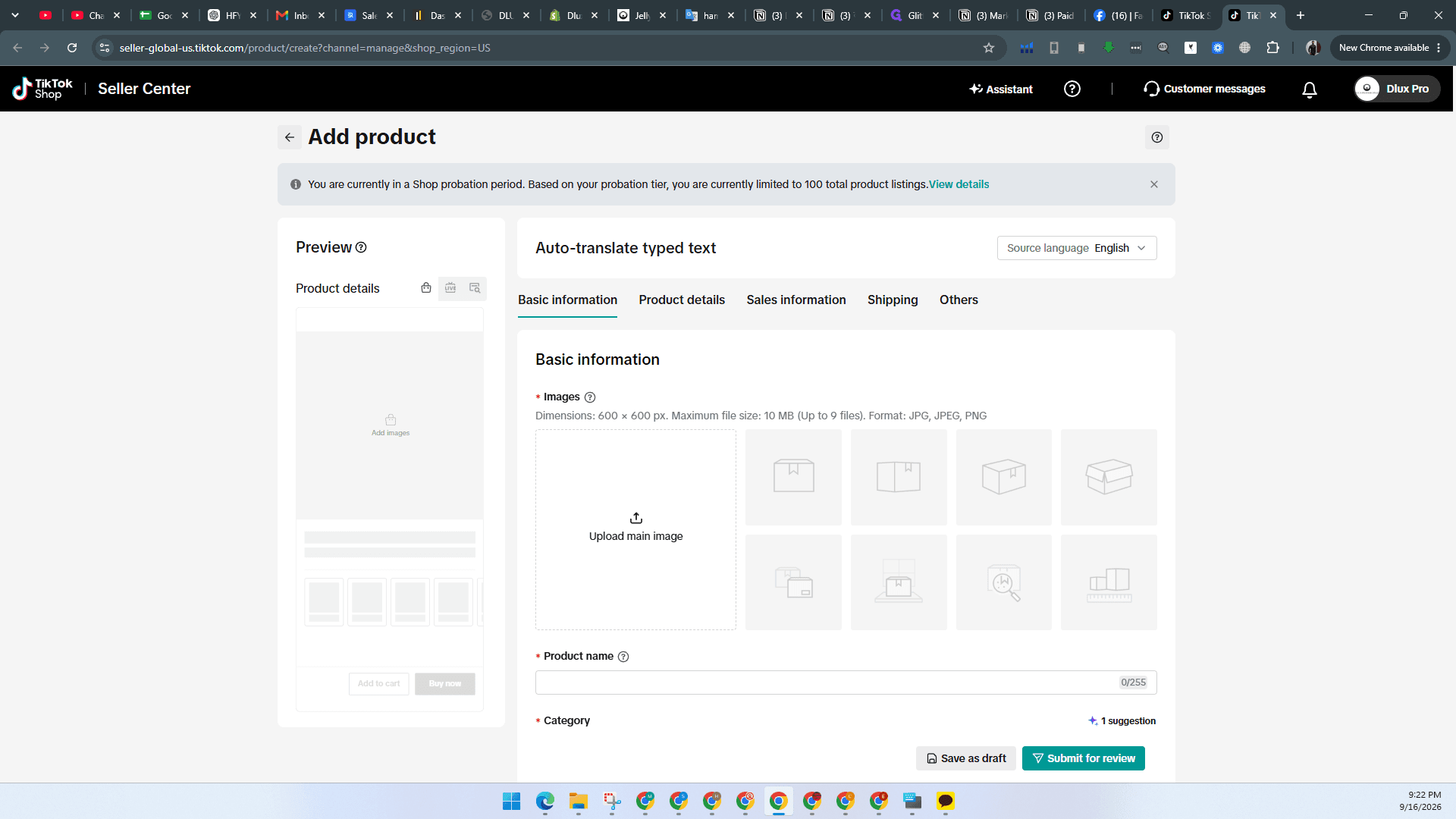
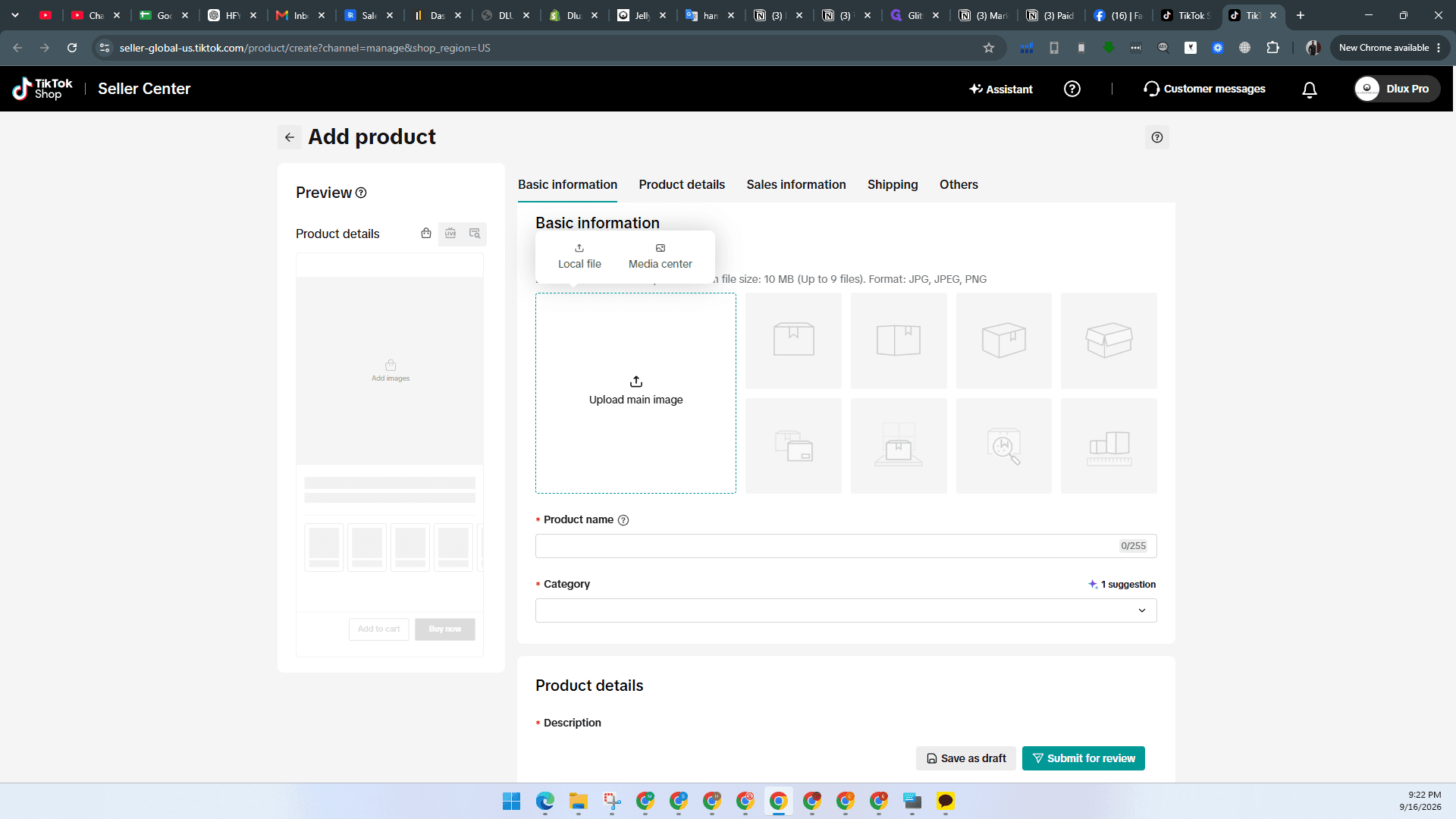
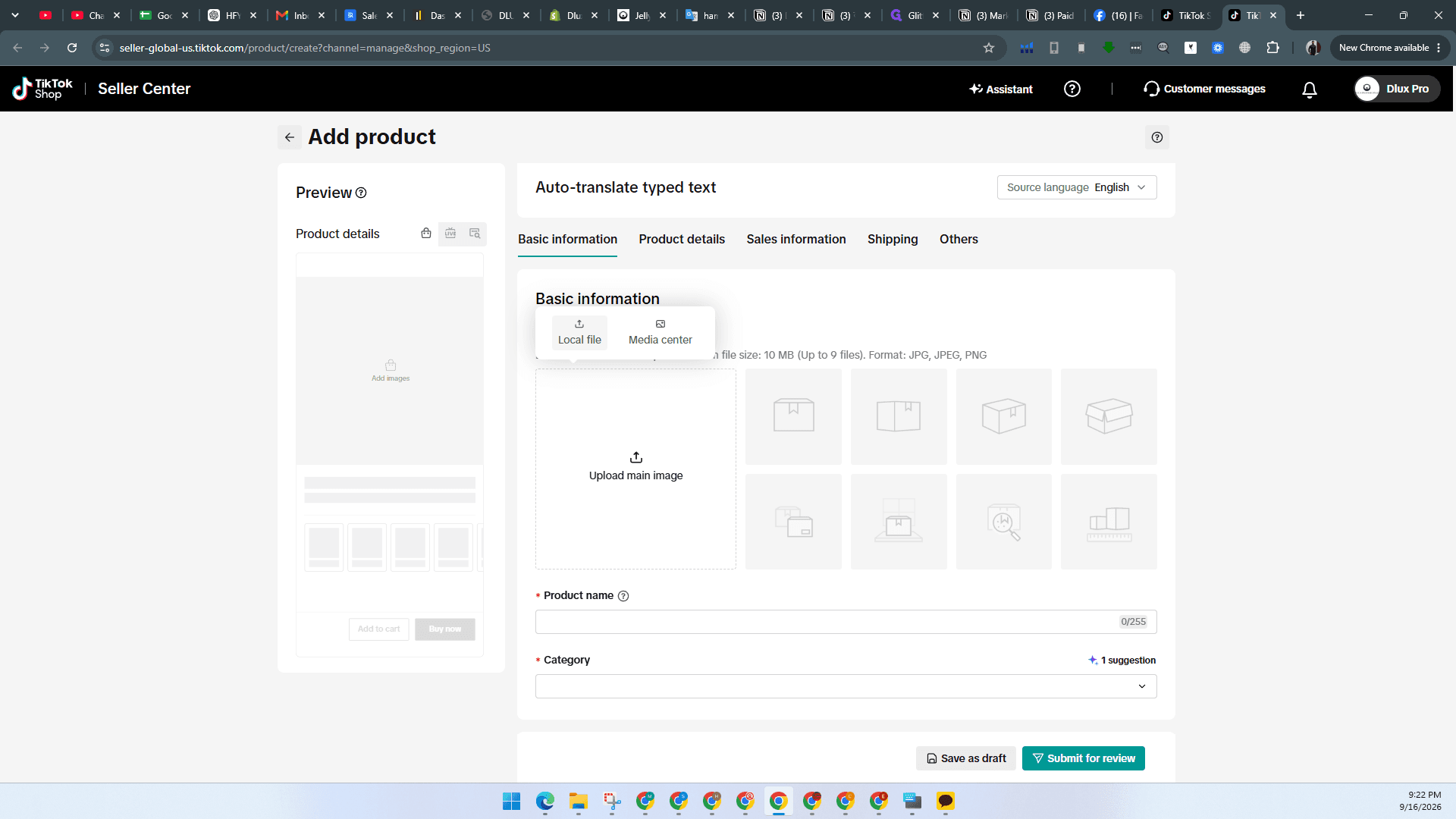
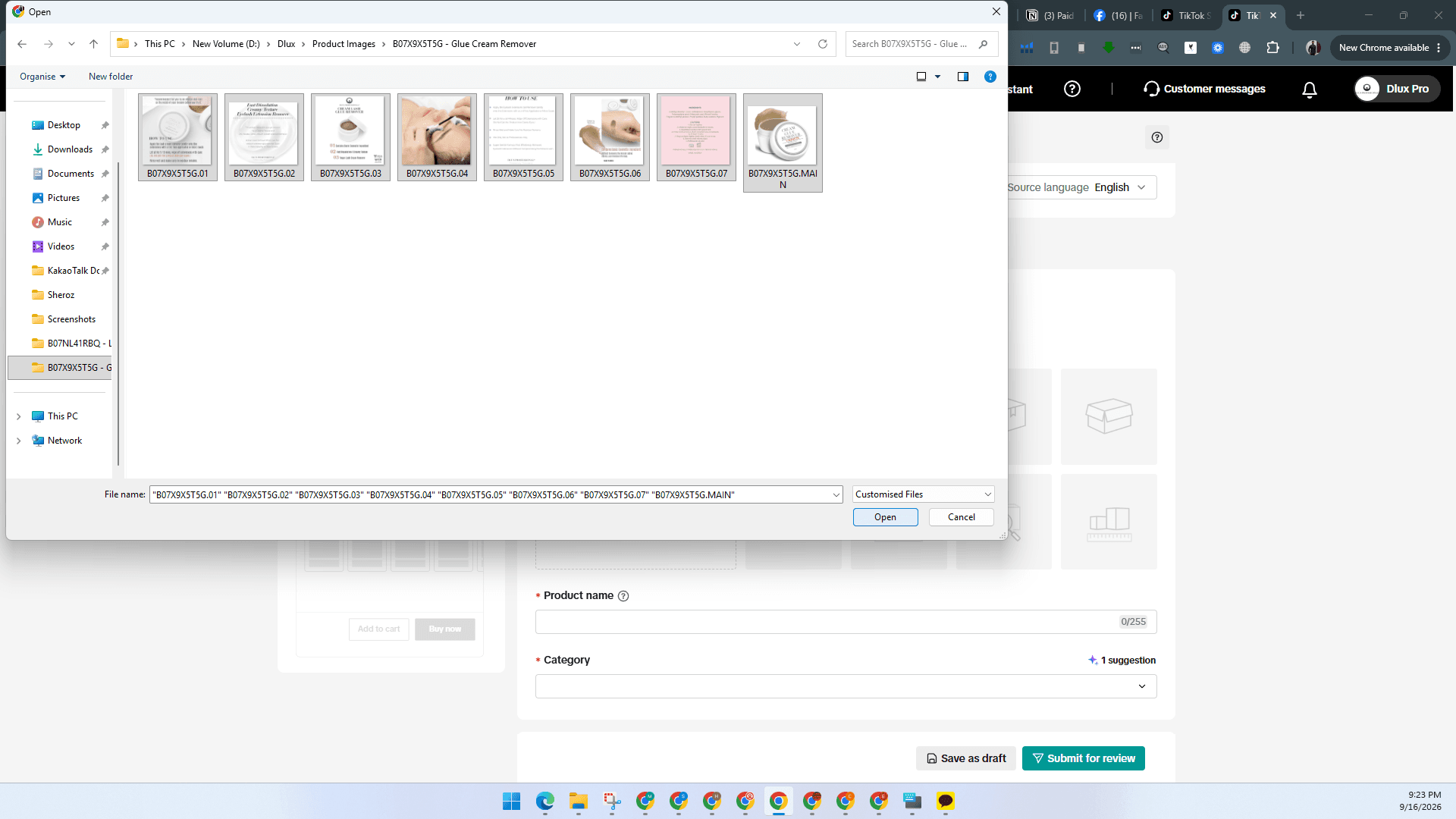
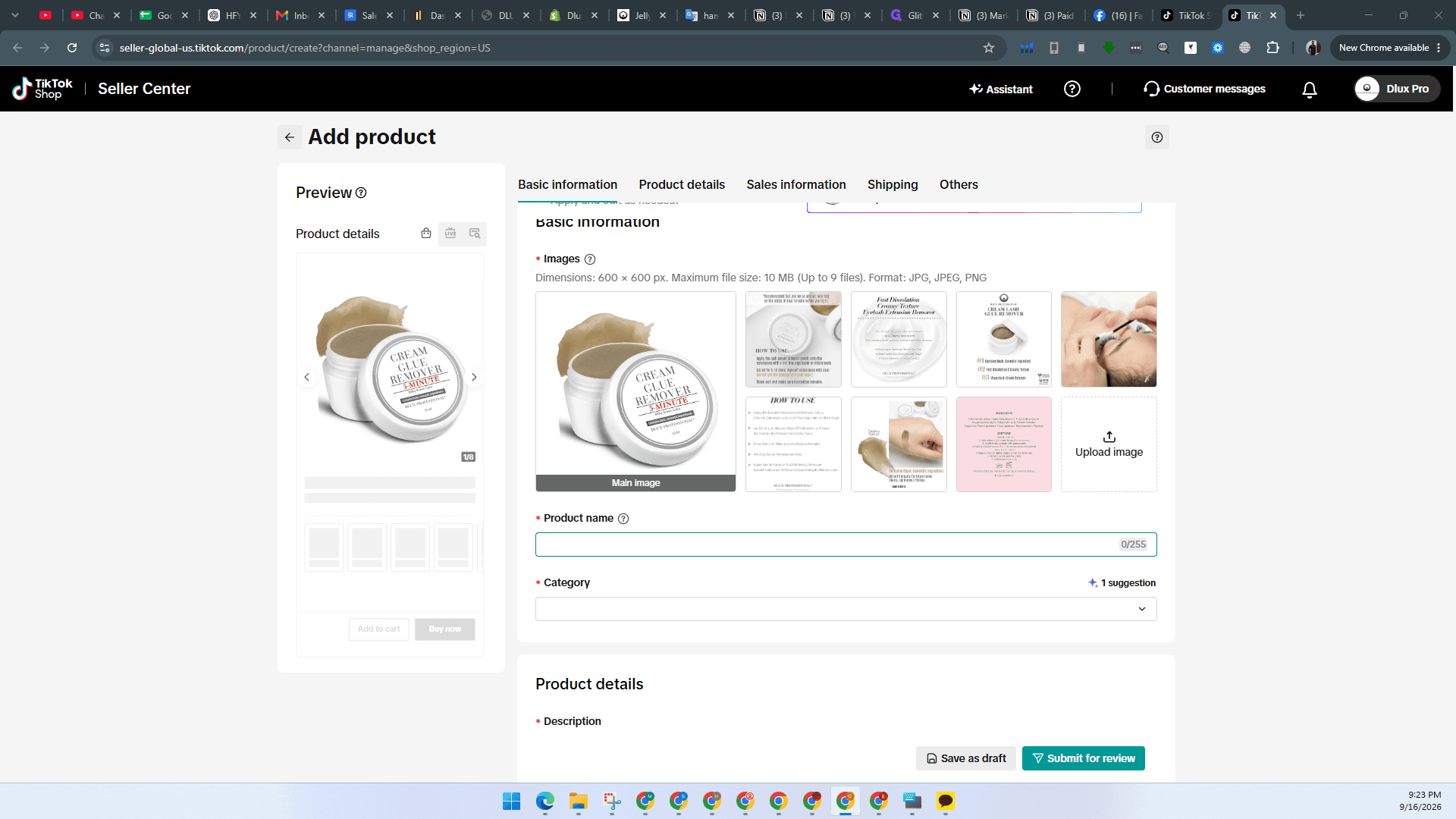
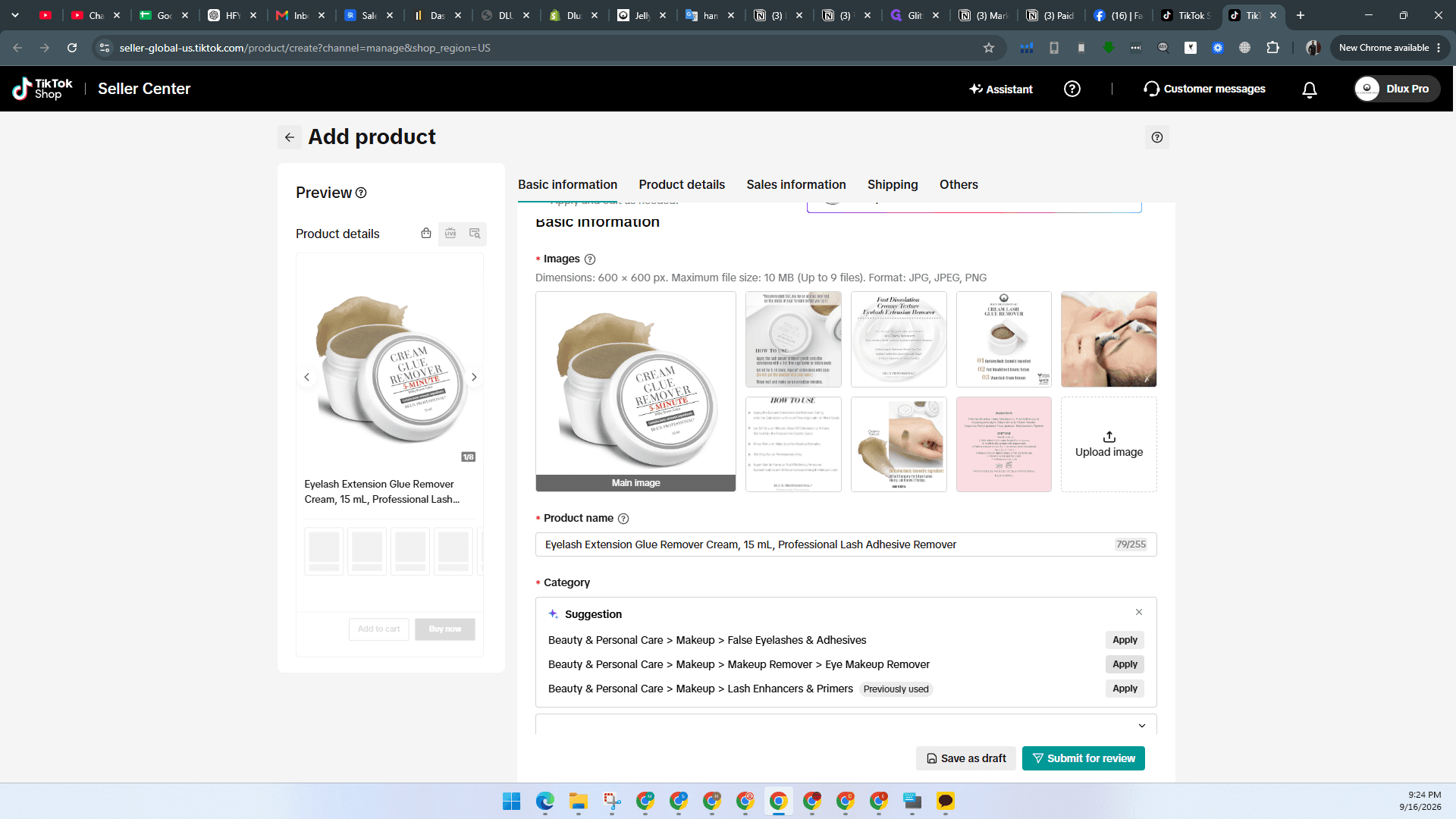
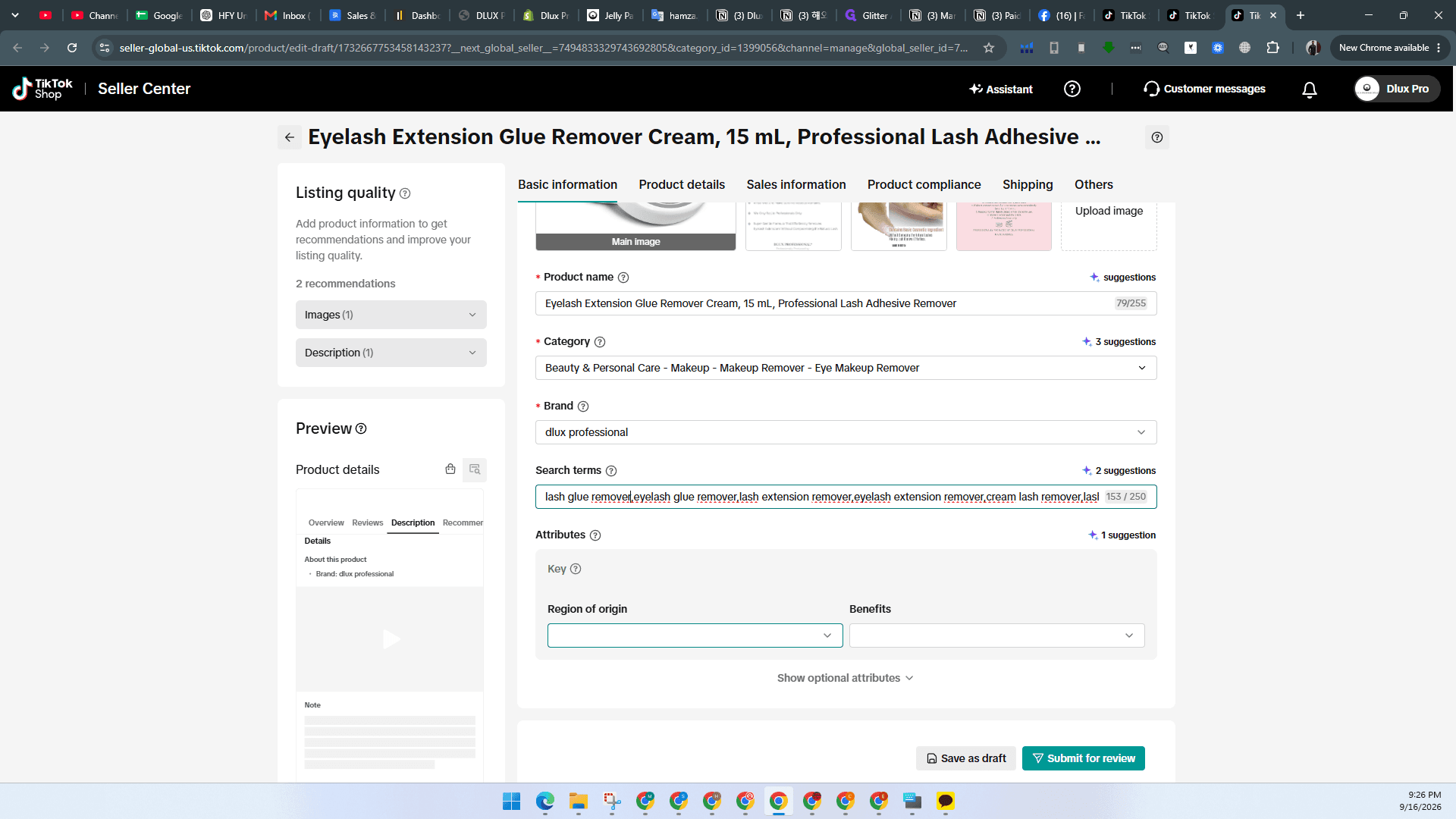
Enter Basic Information and Upload Media
Provide the main imagery, product title, and category selection.
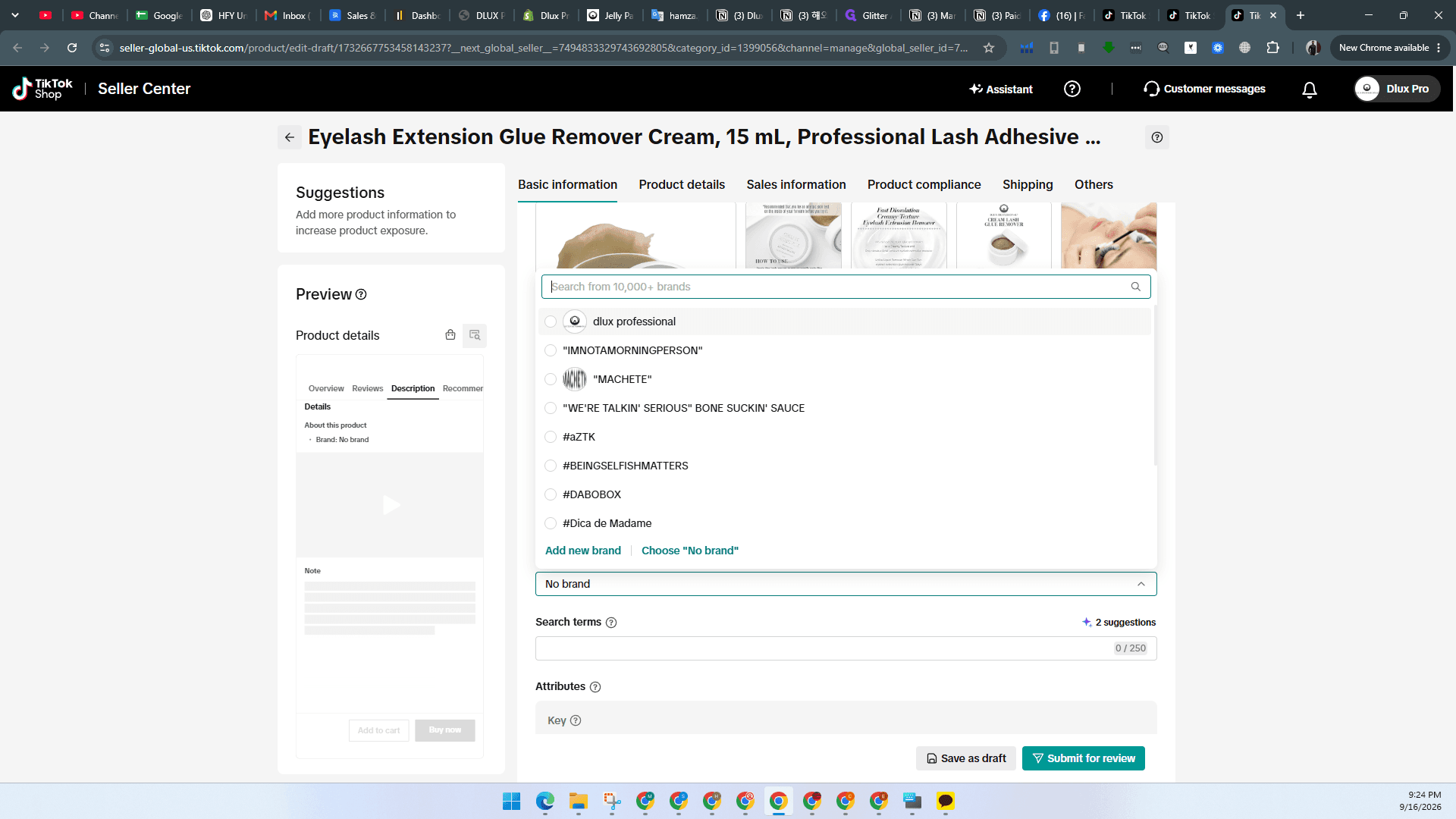
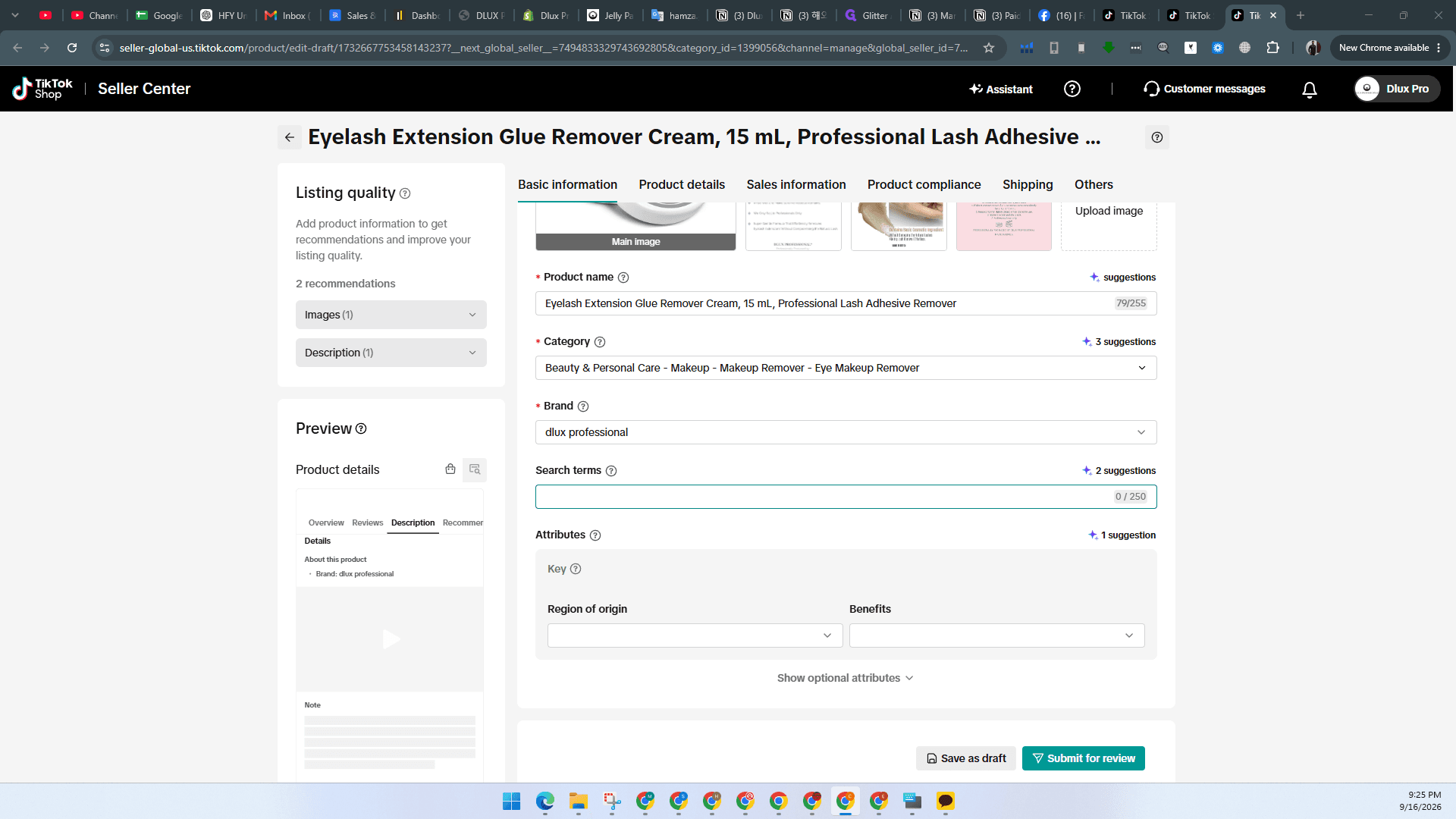
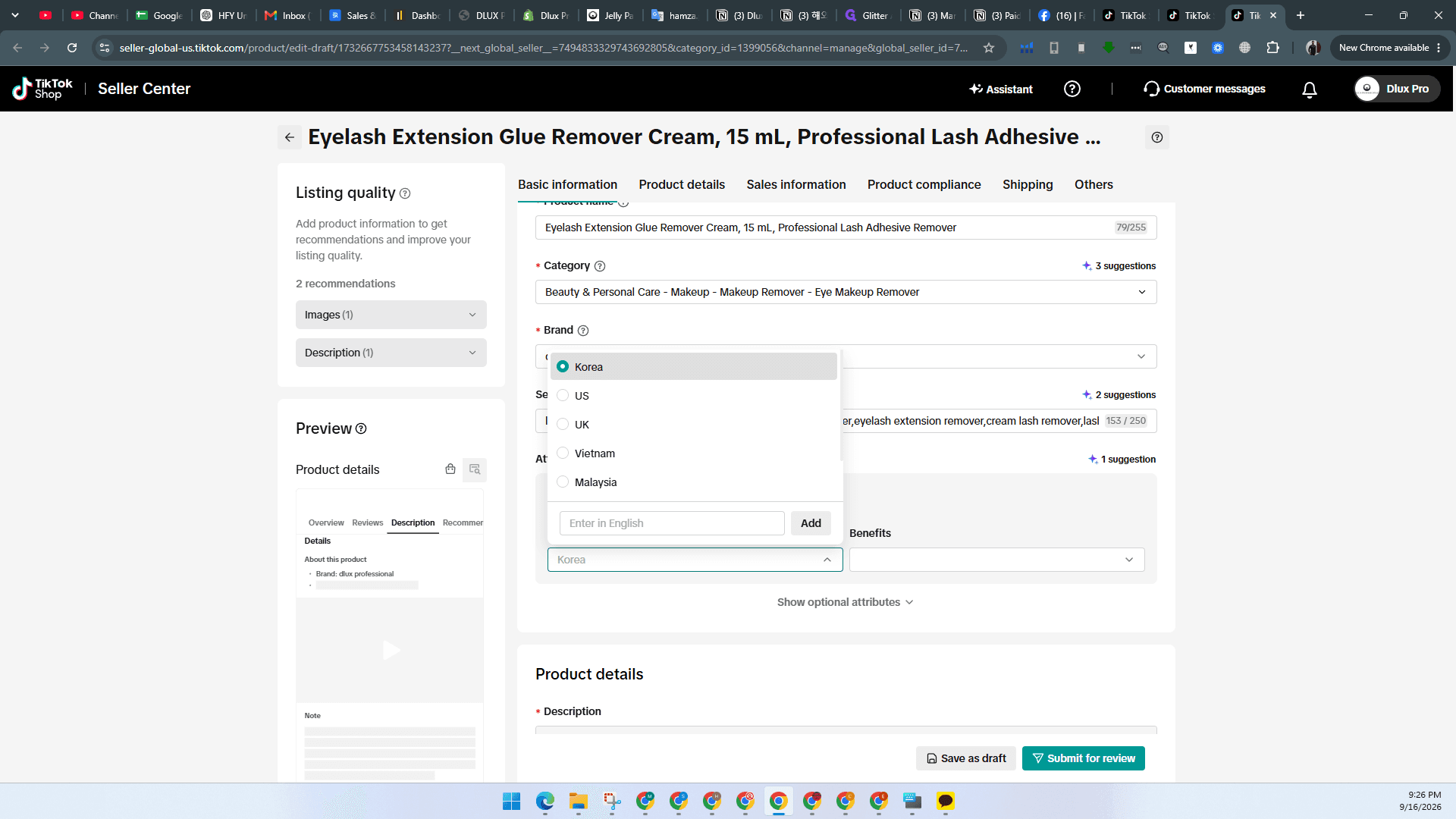
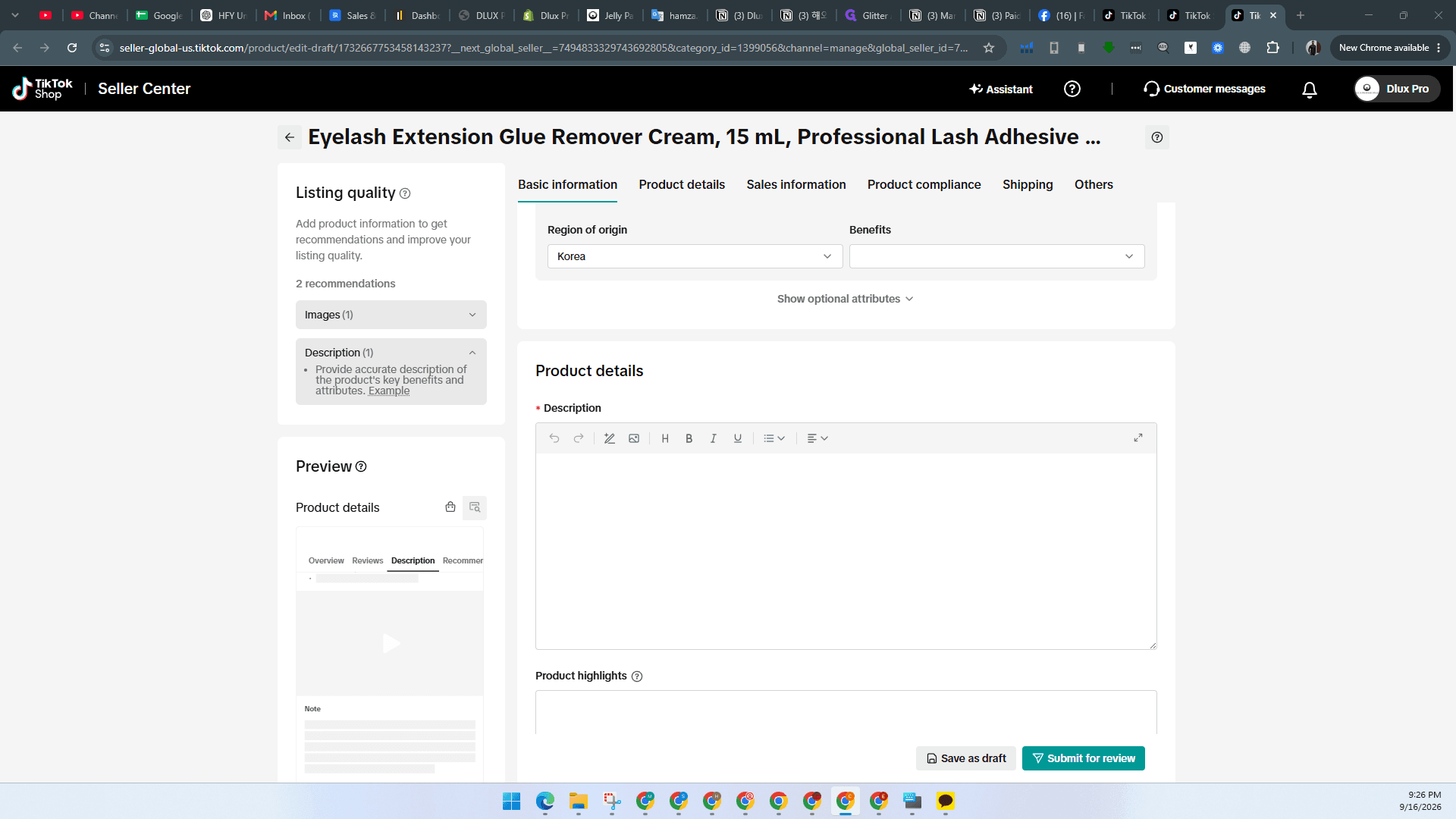
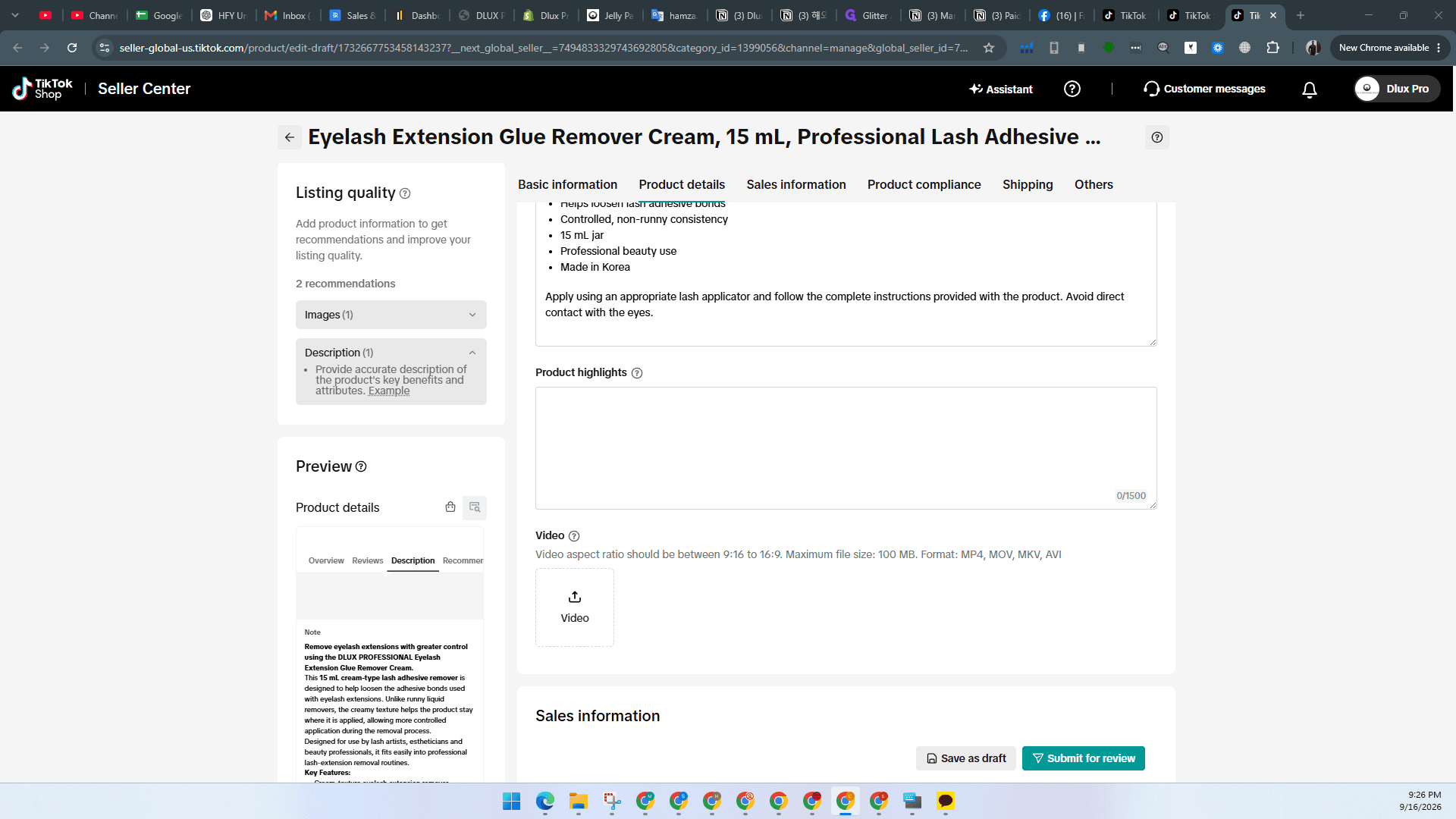
Specify Product Attributes and Details
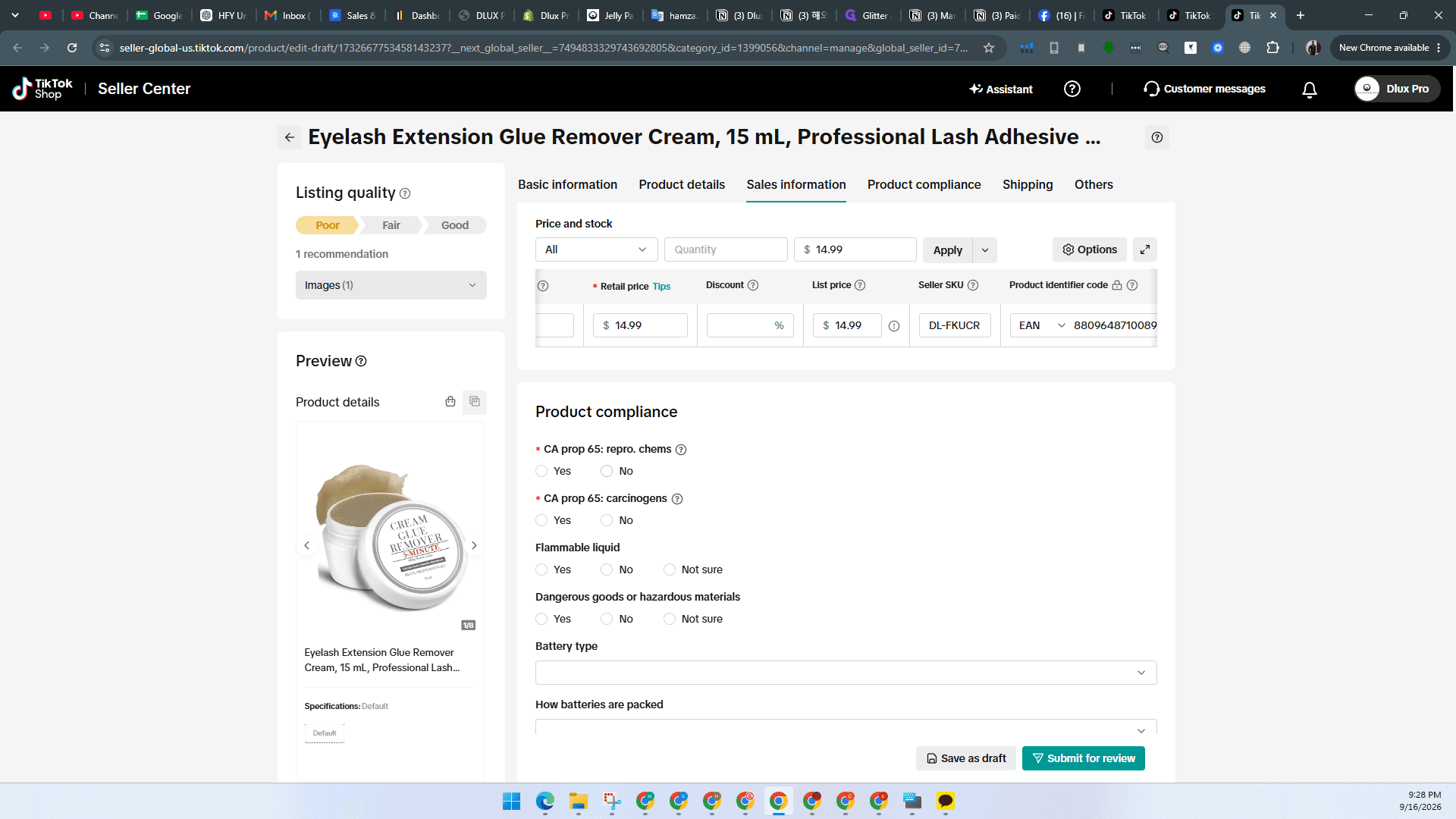
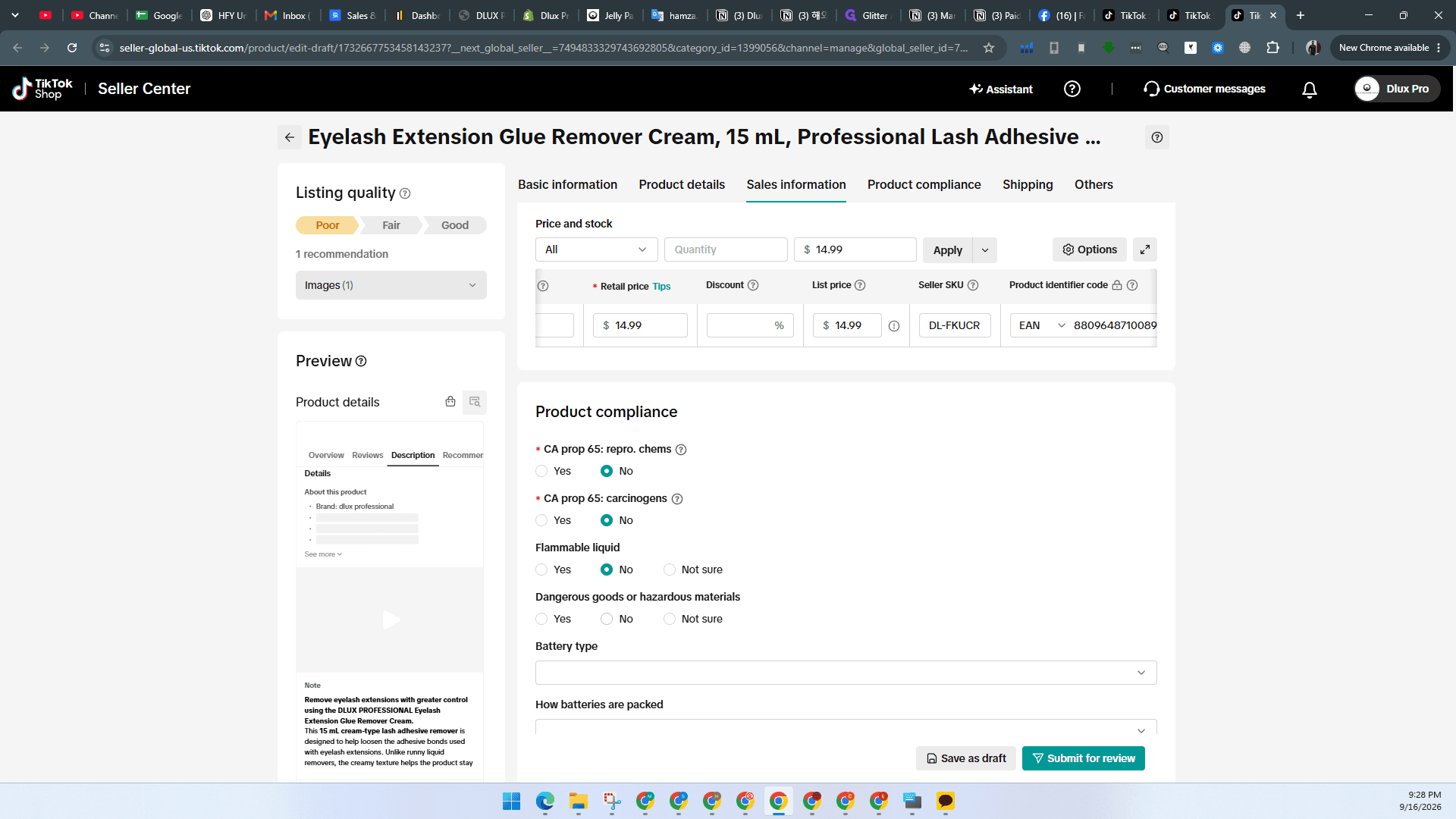
Configure Pricing and Product Identifiers
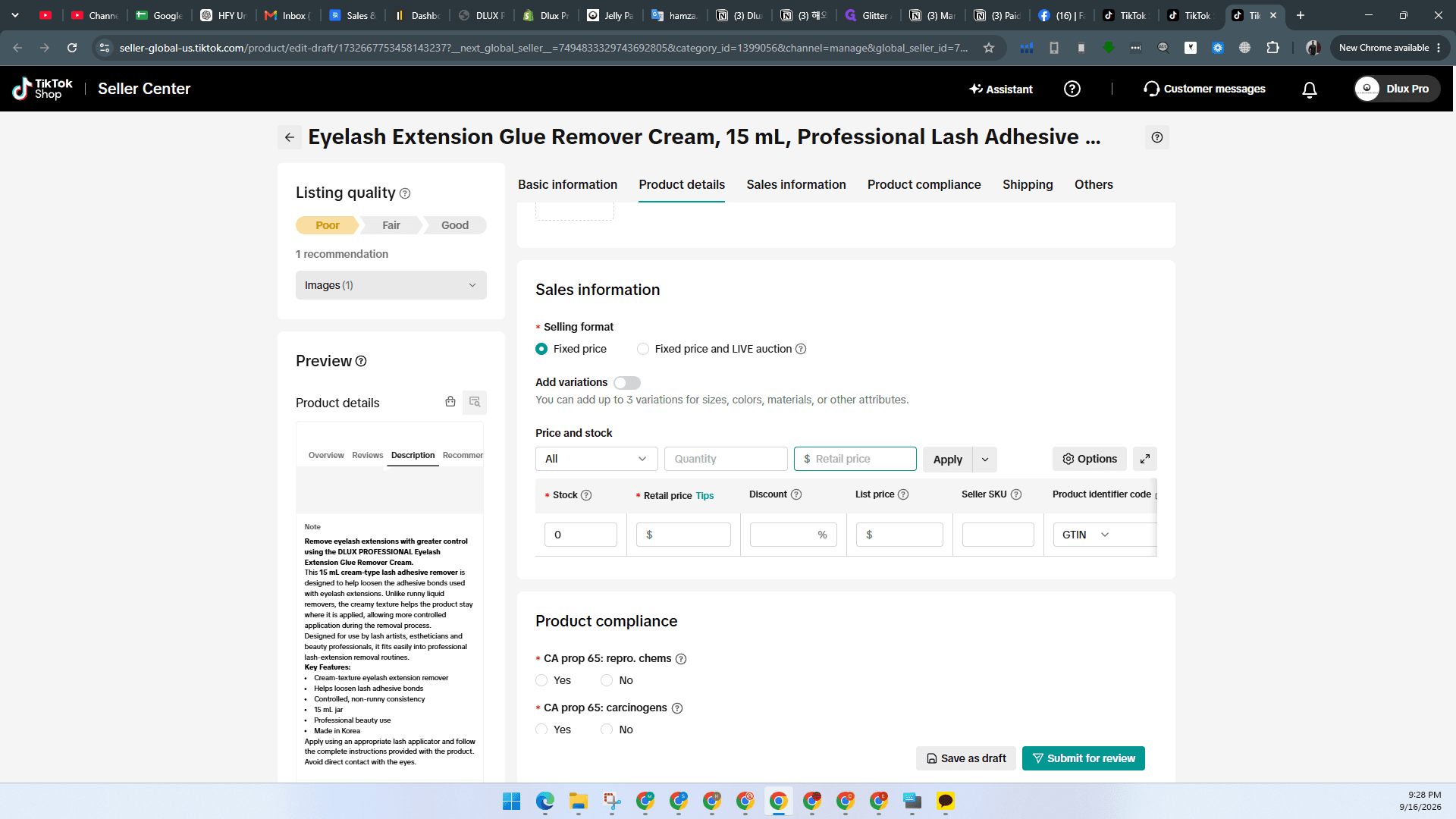
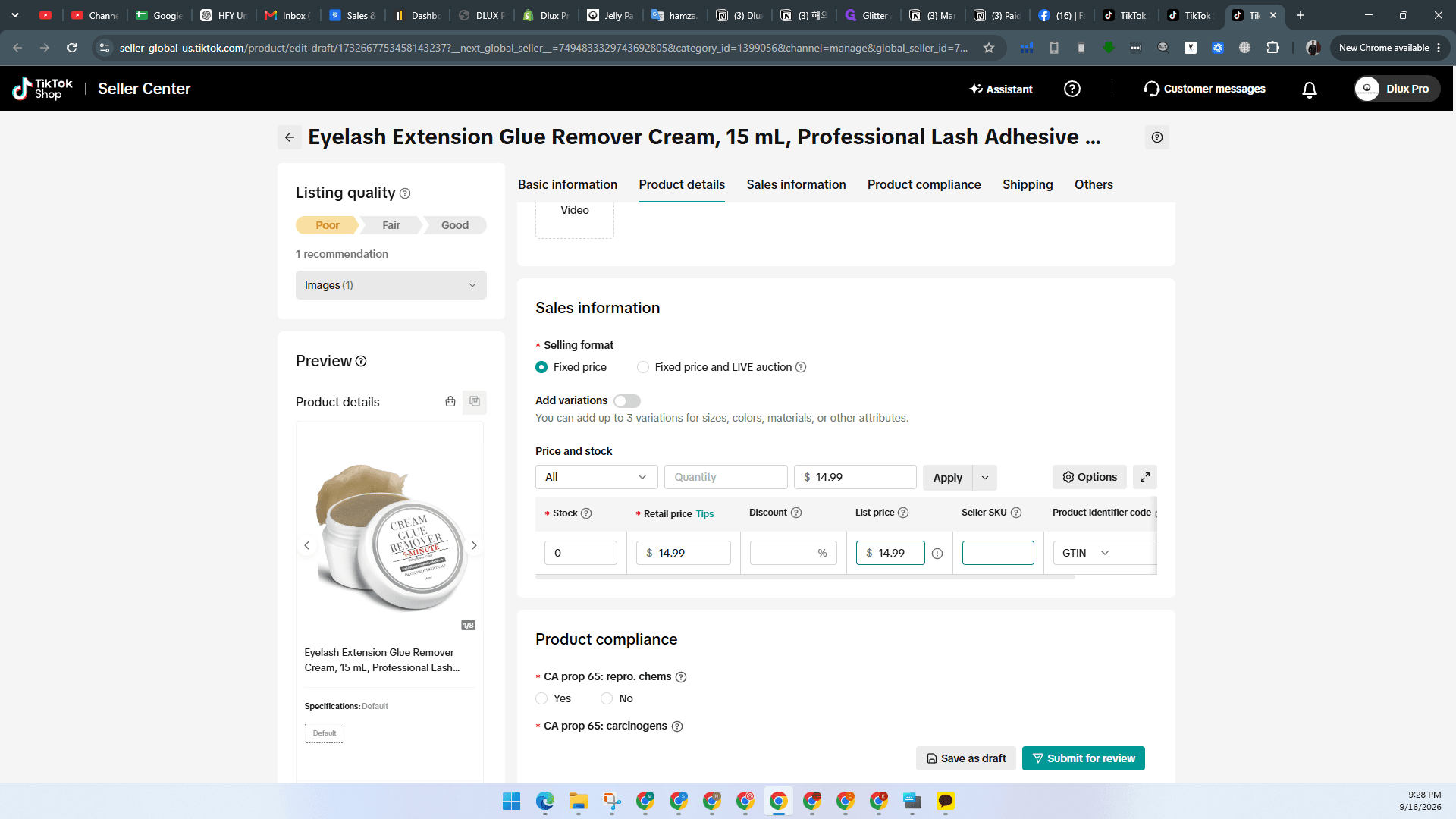
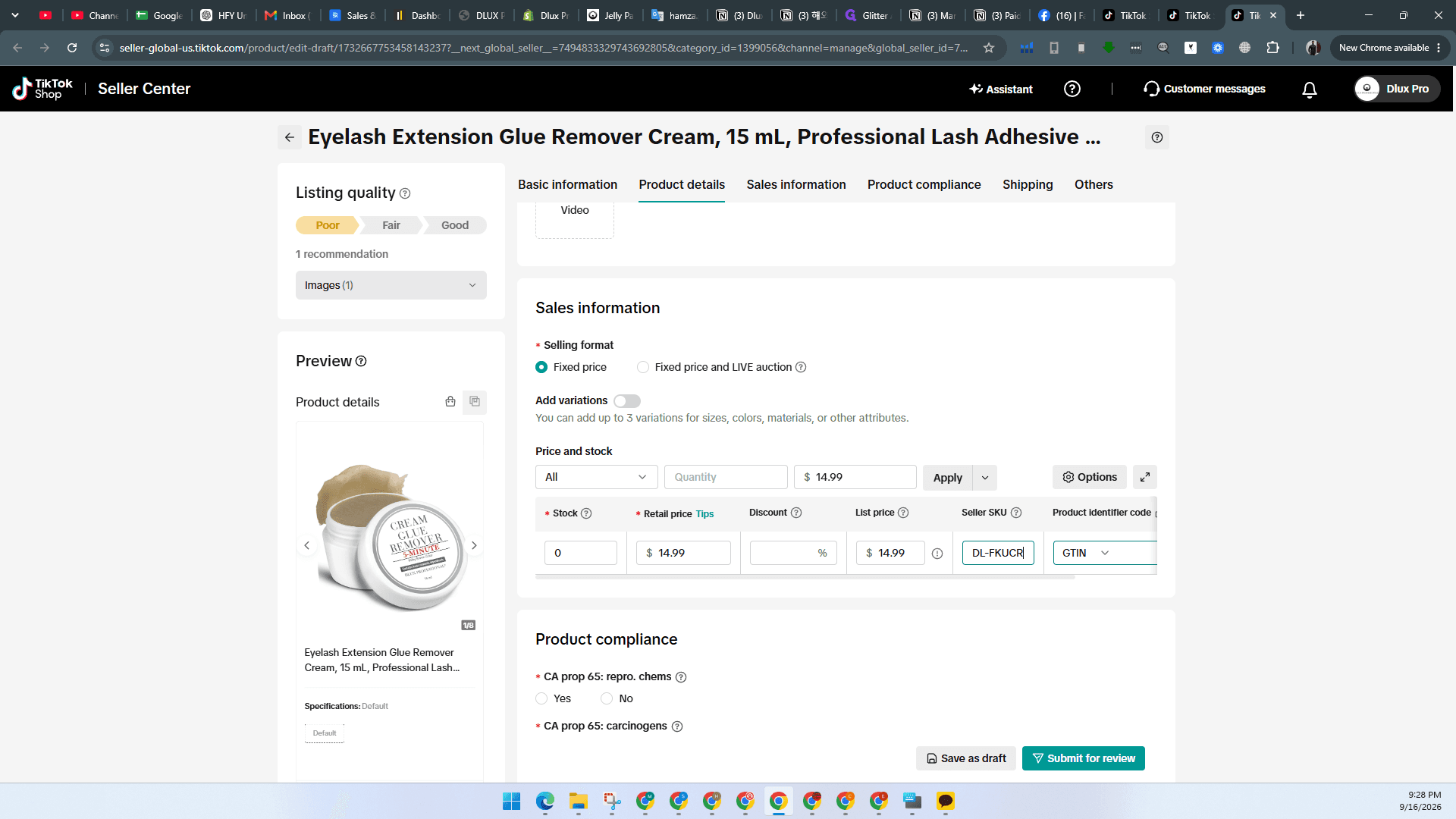
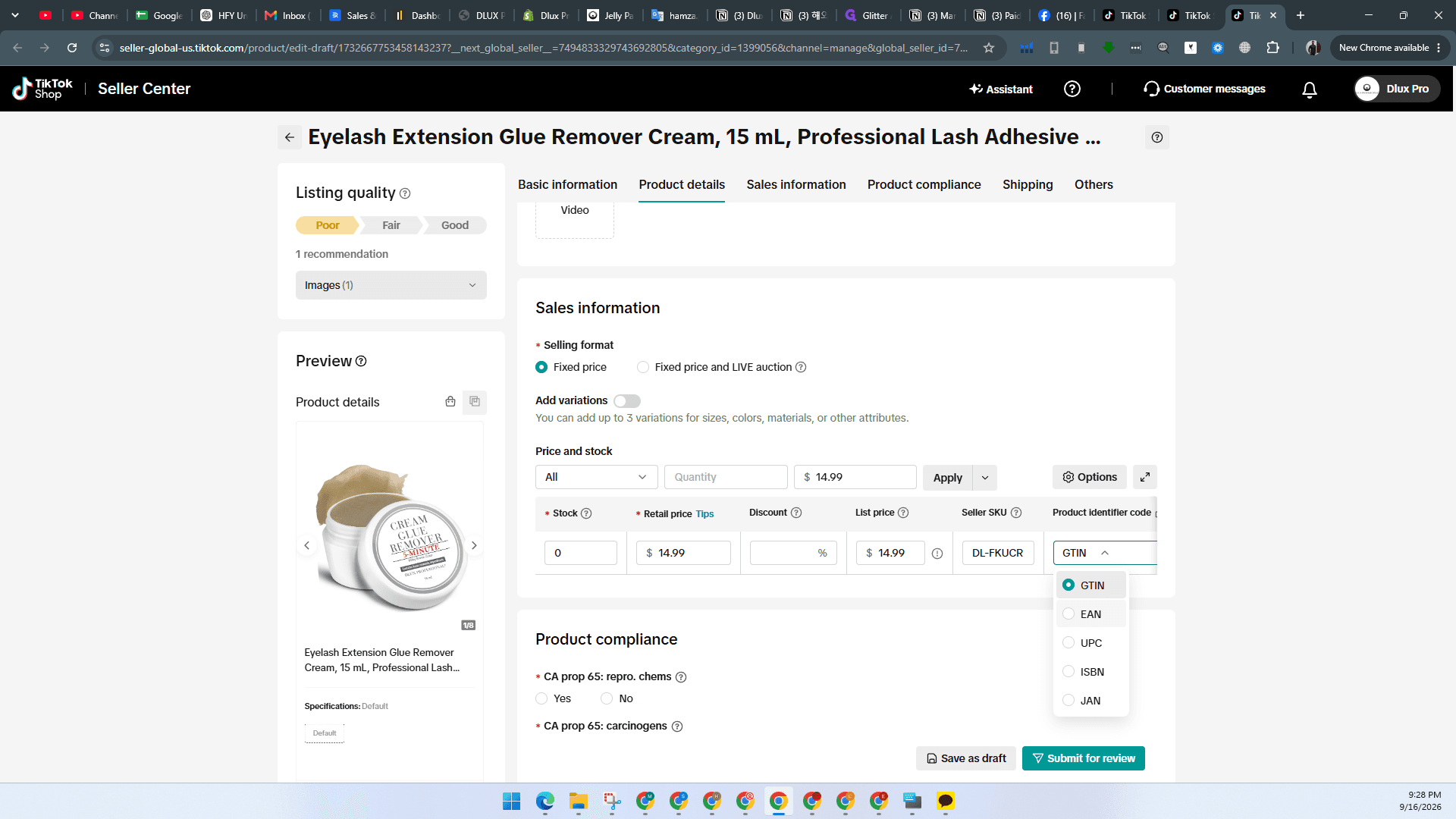
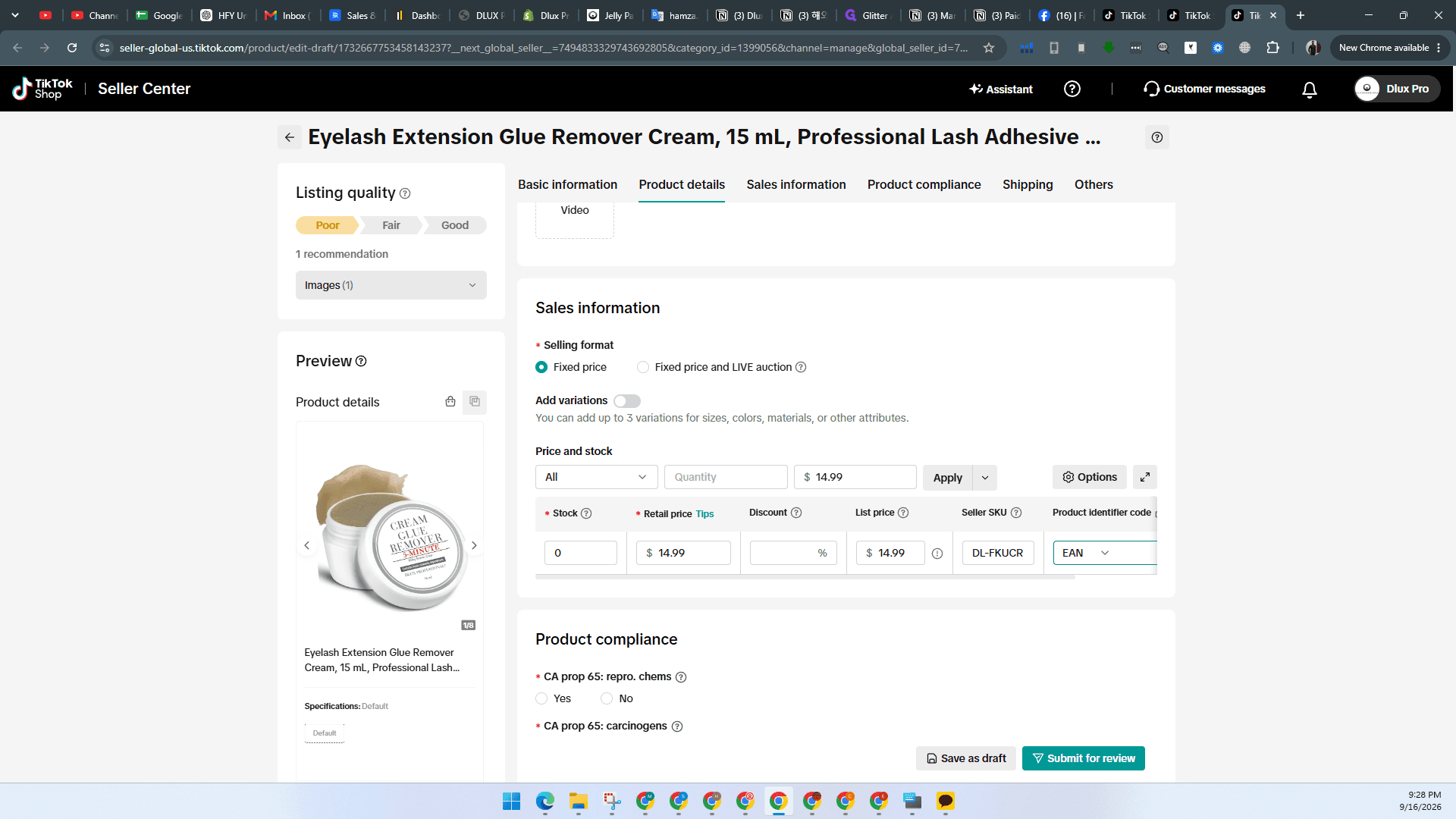
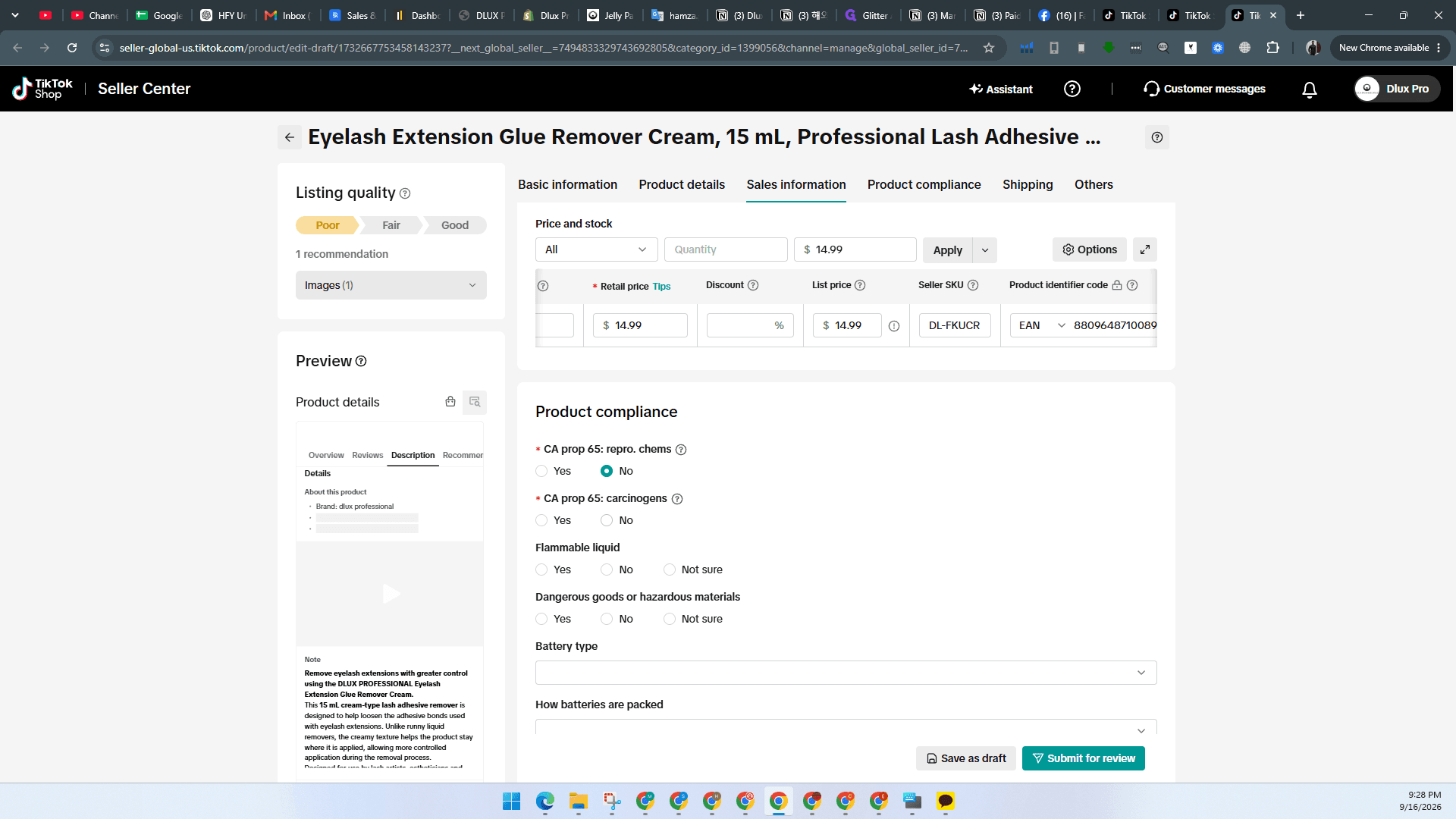
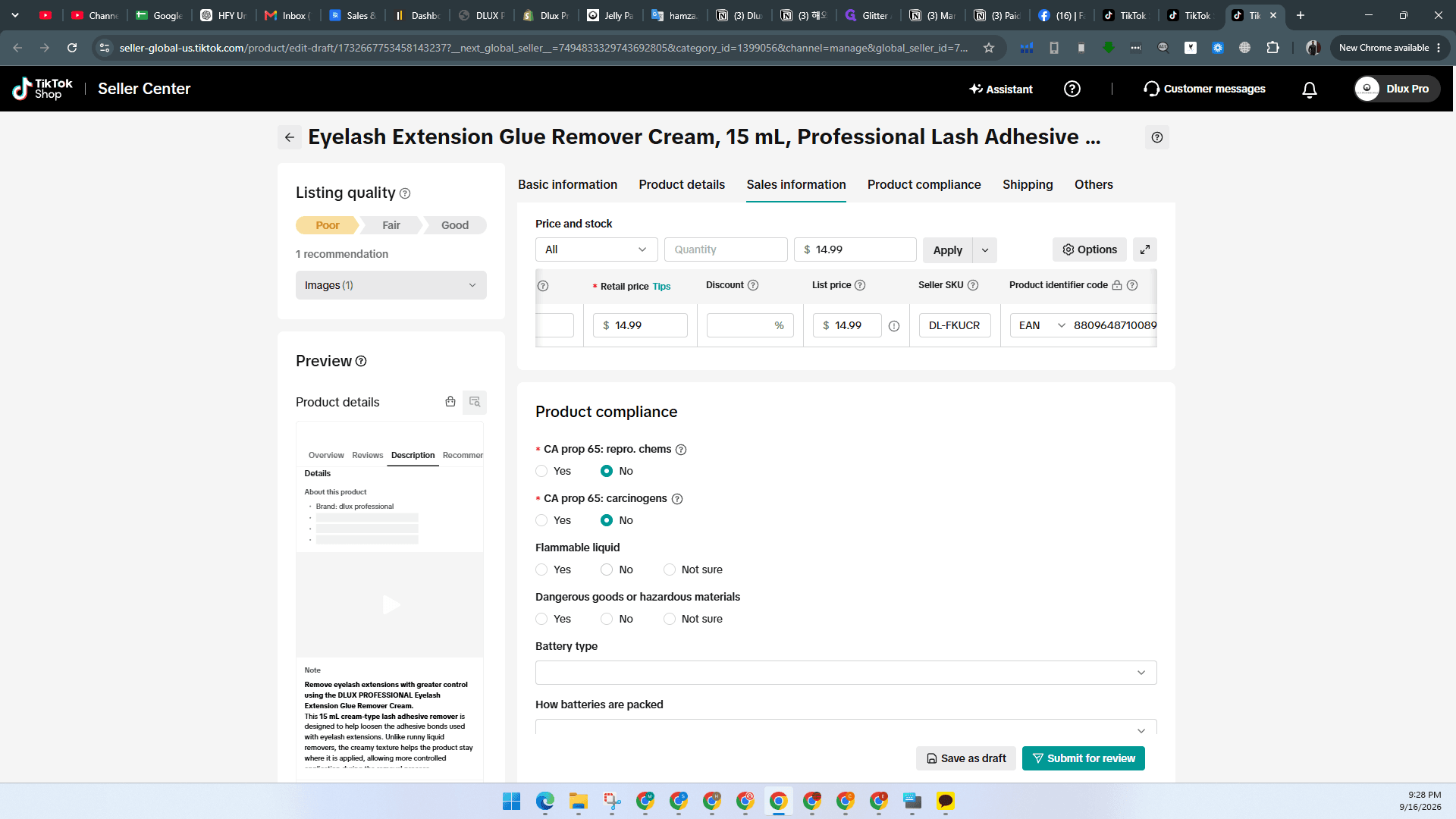
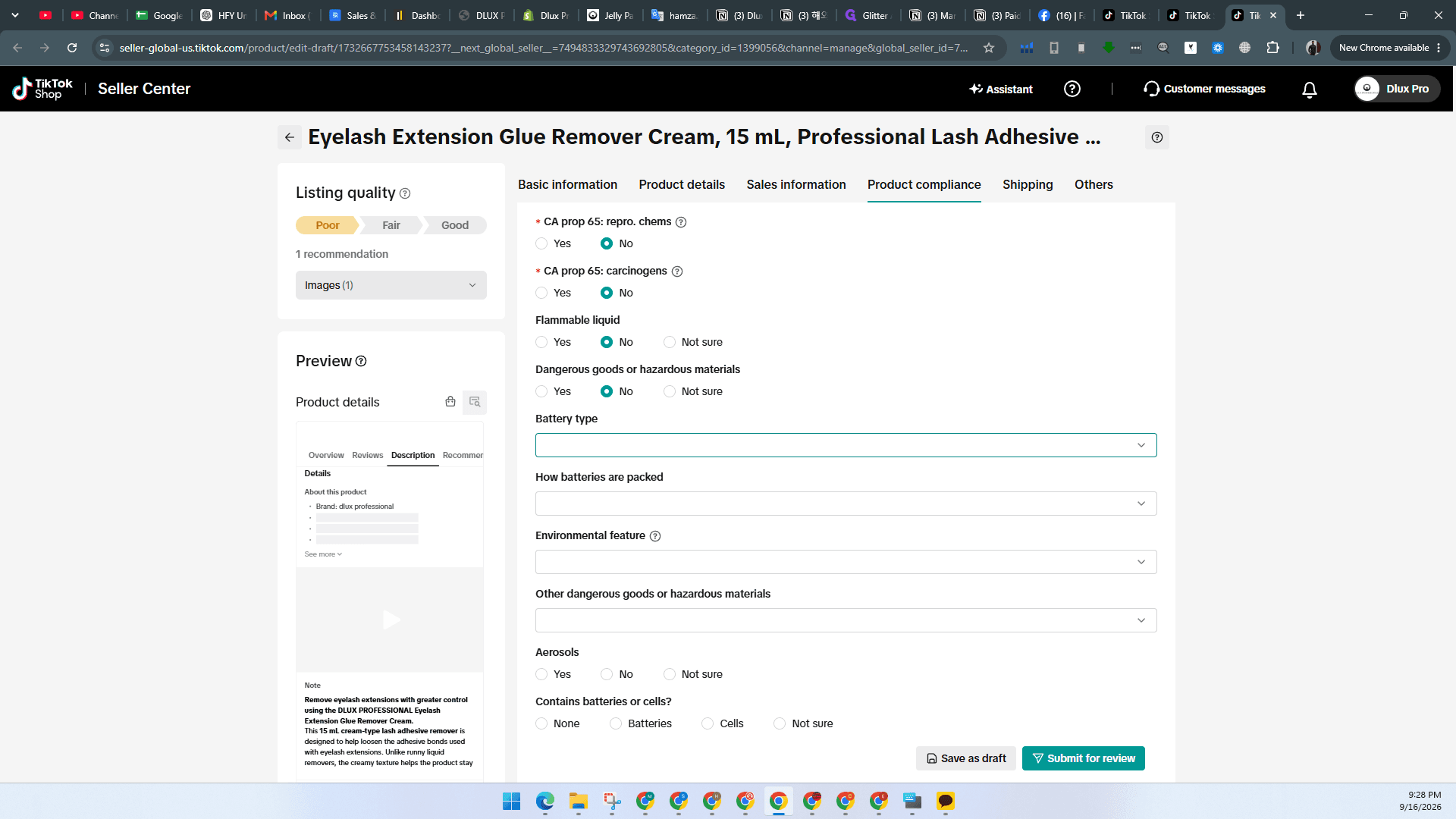
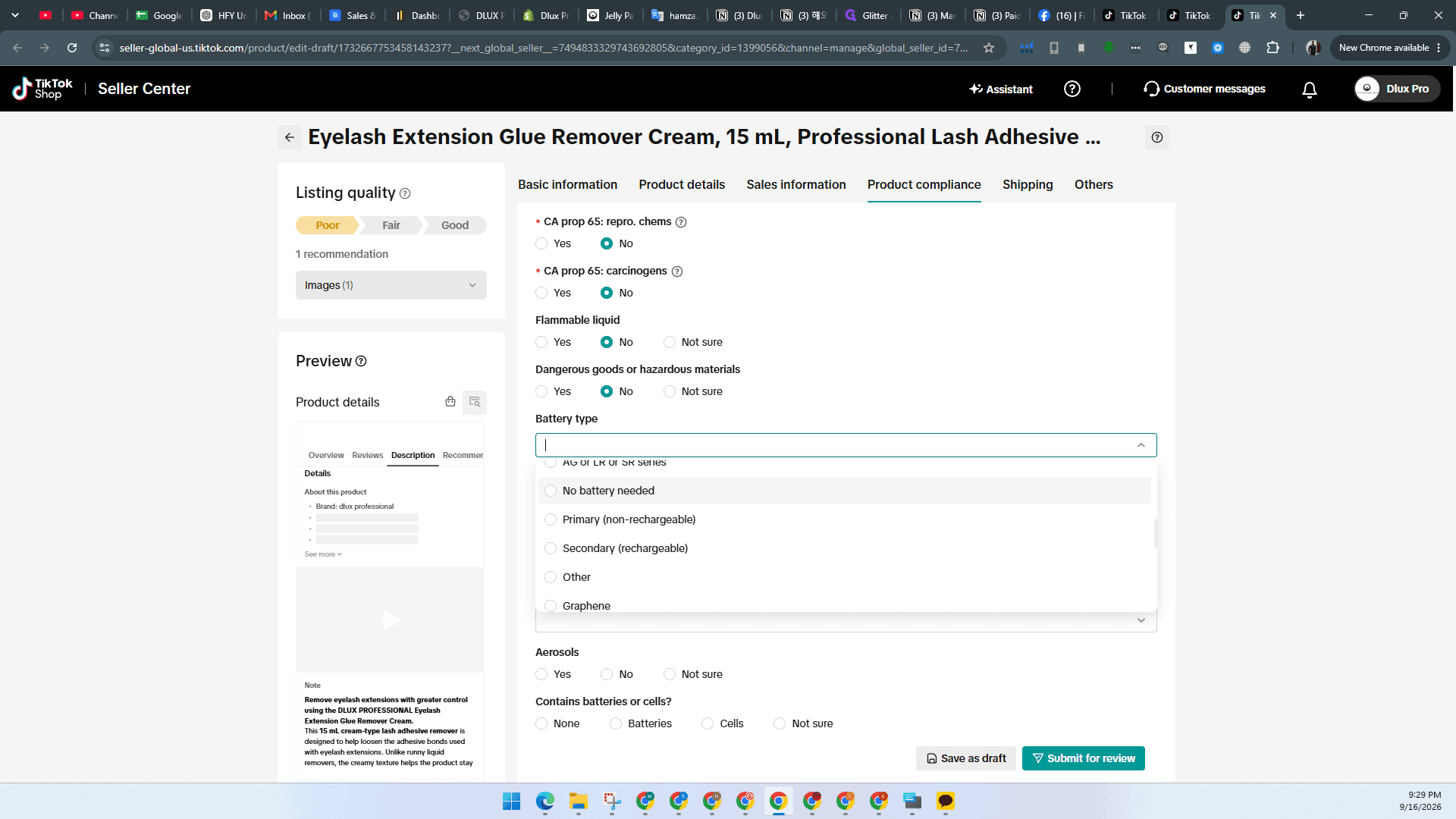
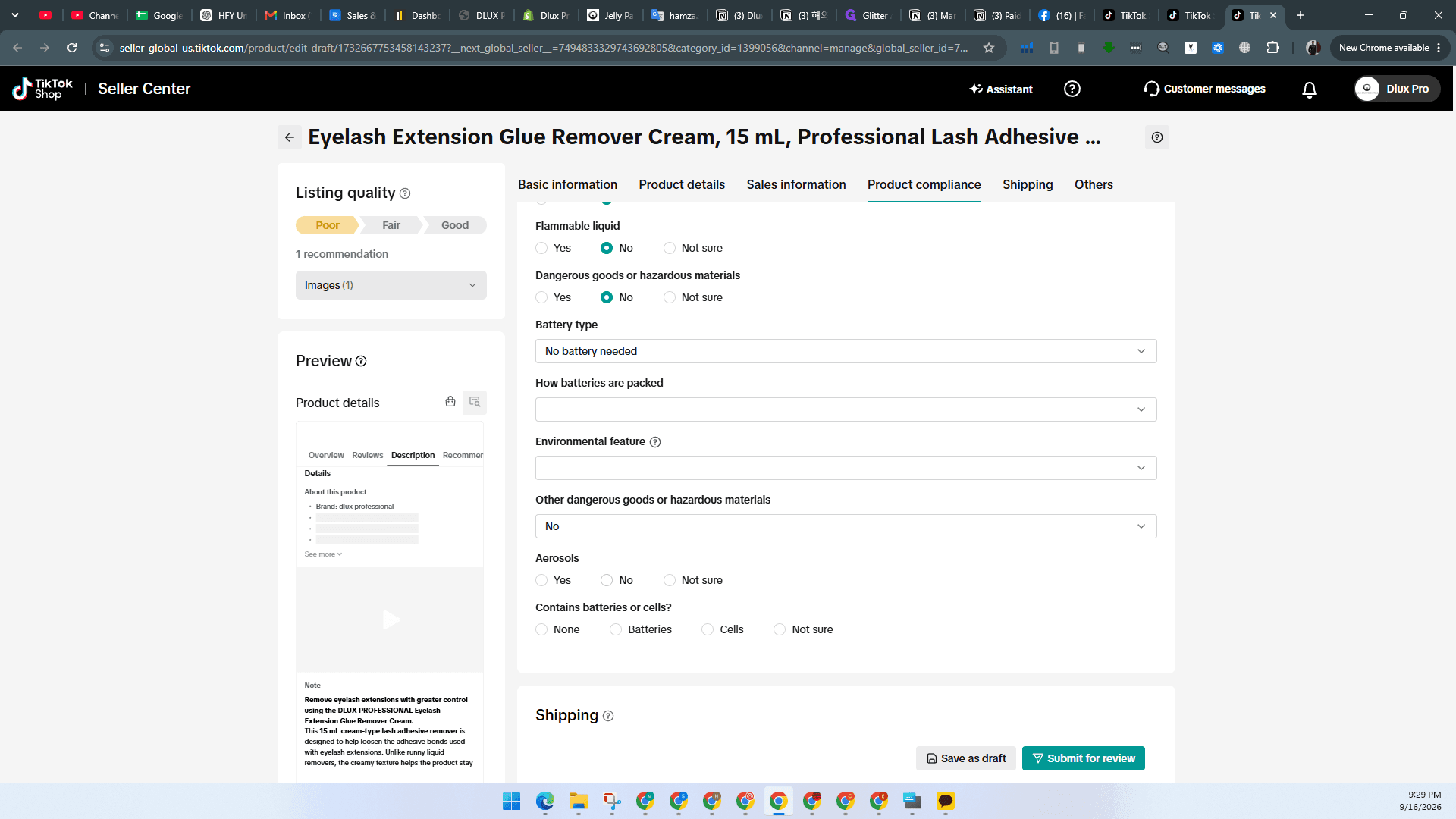
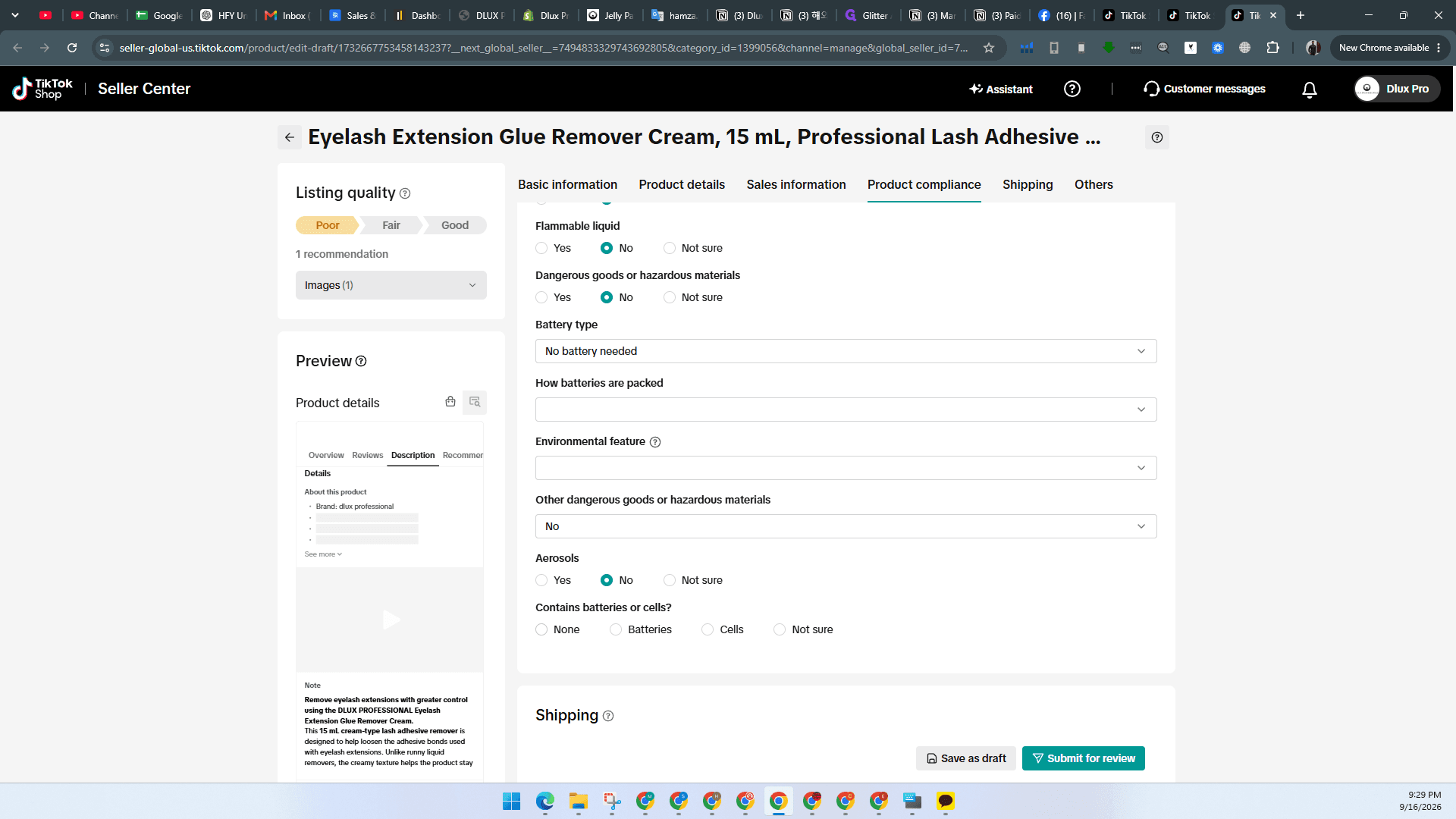
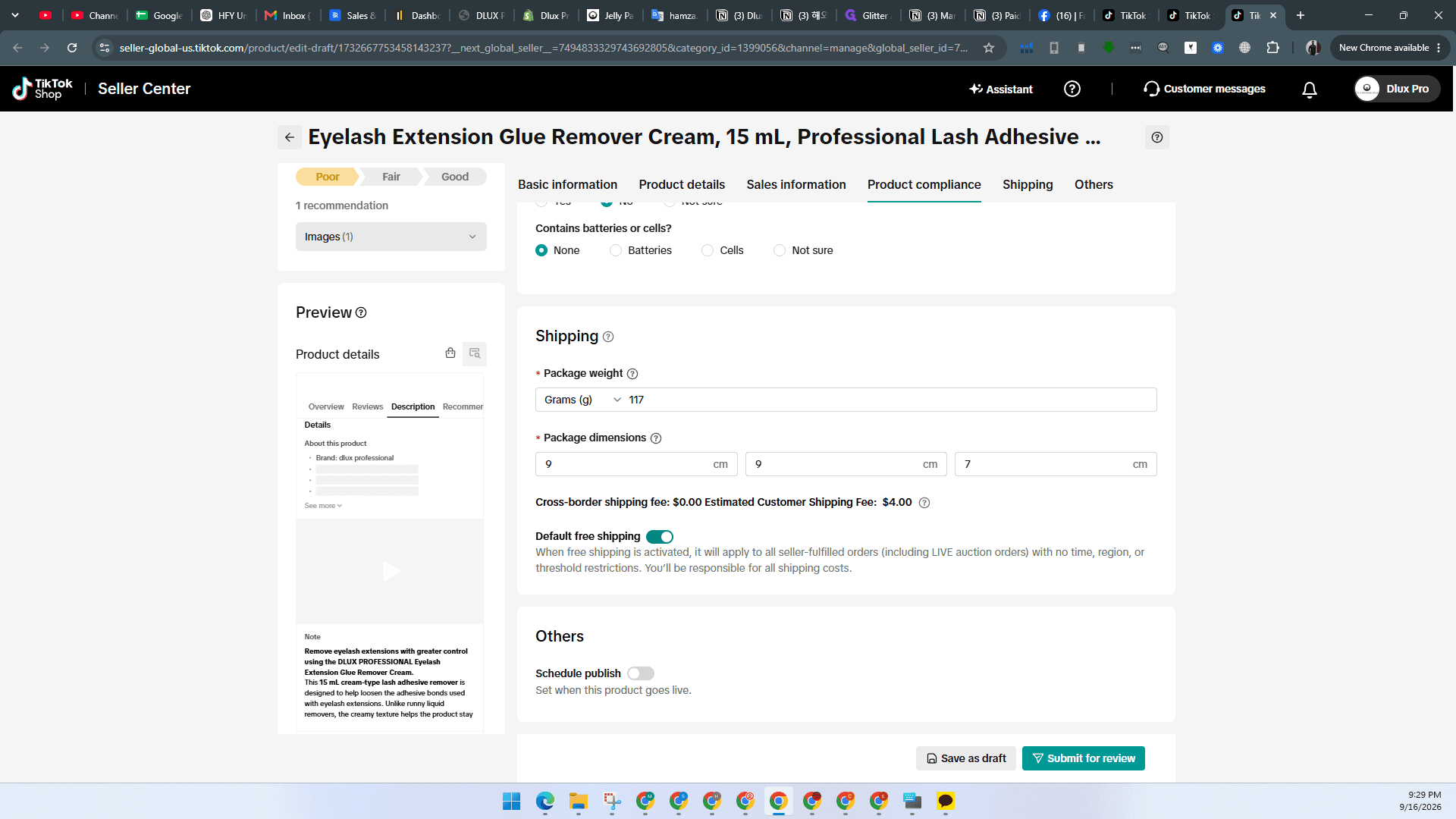
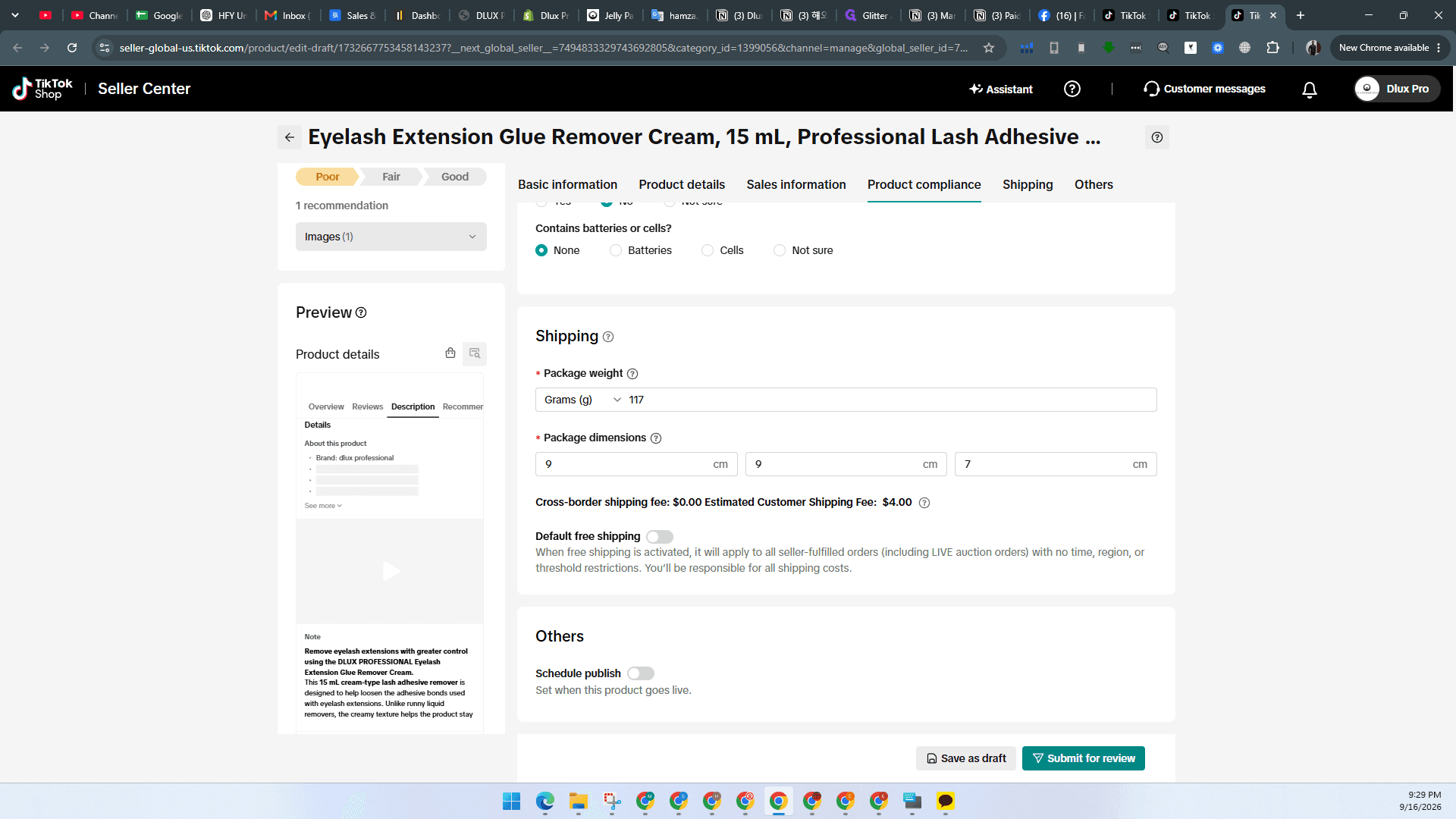
Complete Product Compliance and Submit
Verify all regulatory compliance declarations for the listing.
Q: How should search terms be formatted in the listing form?
A: Search terms must be entered as separate keyword phrases divided by commas.
Q: Where can product identifiers and SKUs be retrieved if porting from Amazon?
A: You can copy the Seller SKU and EAN directly from the Manage Inventory dashboard in Amazon Seller Central.
Term | Definition |
|---|---|
Seller SKU | A unique merchant-assigned code used for internal tracking and inventory management. |
EAN | European Article Number, a standardized barcode format used internationally to uniquely identify retail items. |
CA Prop 65 | California Proposition 65 statutory disclosures identifying chemicals known to cause cancer or reproductive toxicity. |