How to Create a Purchase Order Recommendation
Learn how to generate a purchase order recommendation, filter by supplier, review minimum order thresholds, and create a new purchase order.
By Jordan Royal
Generating a purchase order (PO) recommendation automatically calculates what you need to reorder based on your system's minimum and maximum inventory levels. Follow this guide to filter your recommendations, review minimum order thresholds, and create a new PO.
Generate Recommendations
1
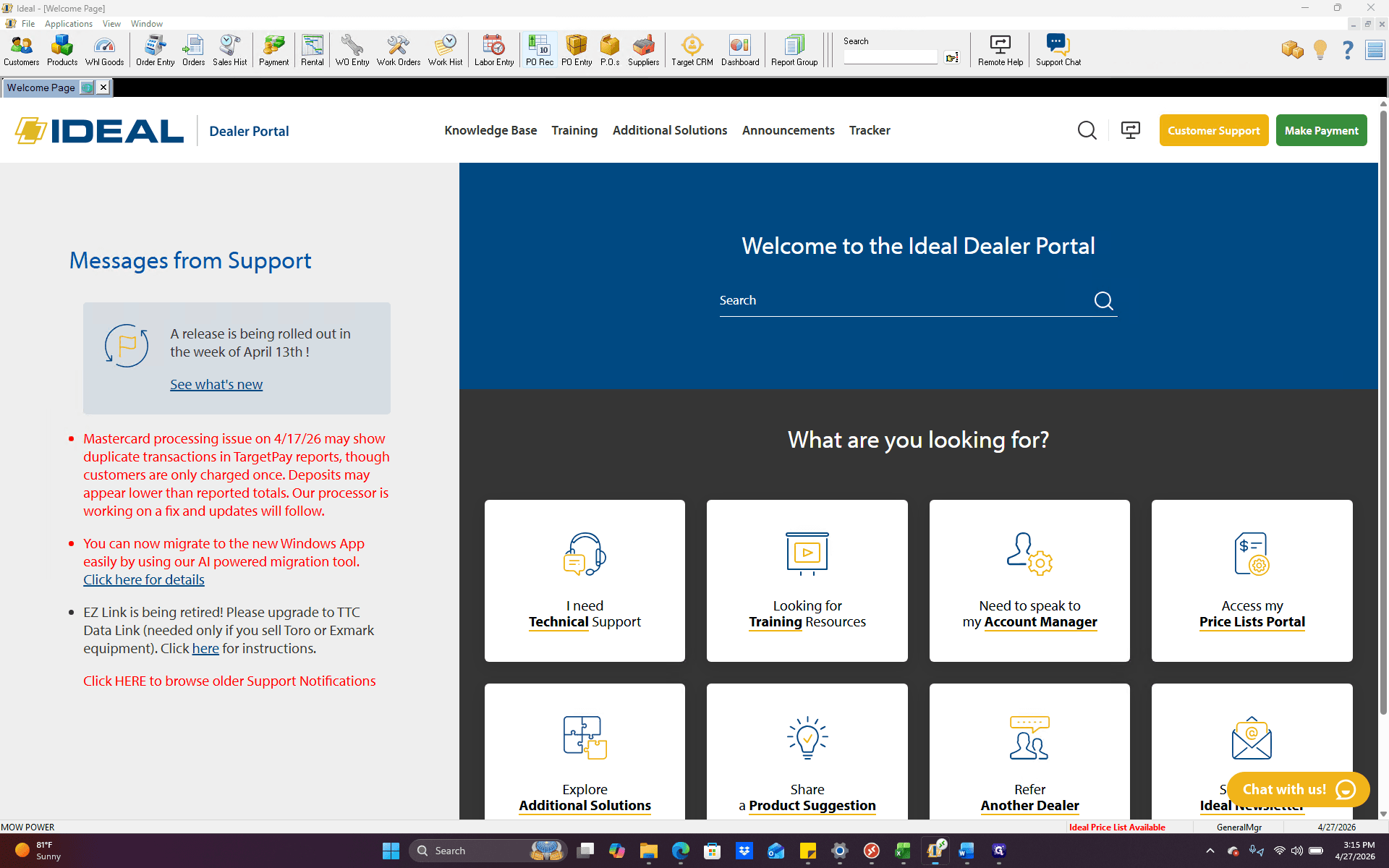
Click PO Rec in the top navigation toolbar.
2
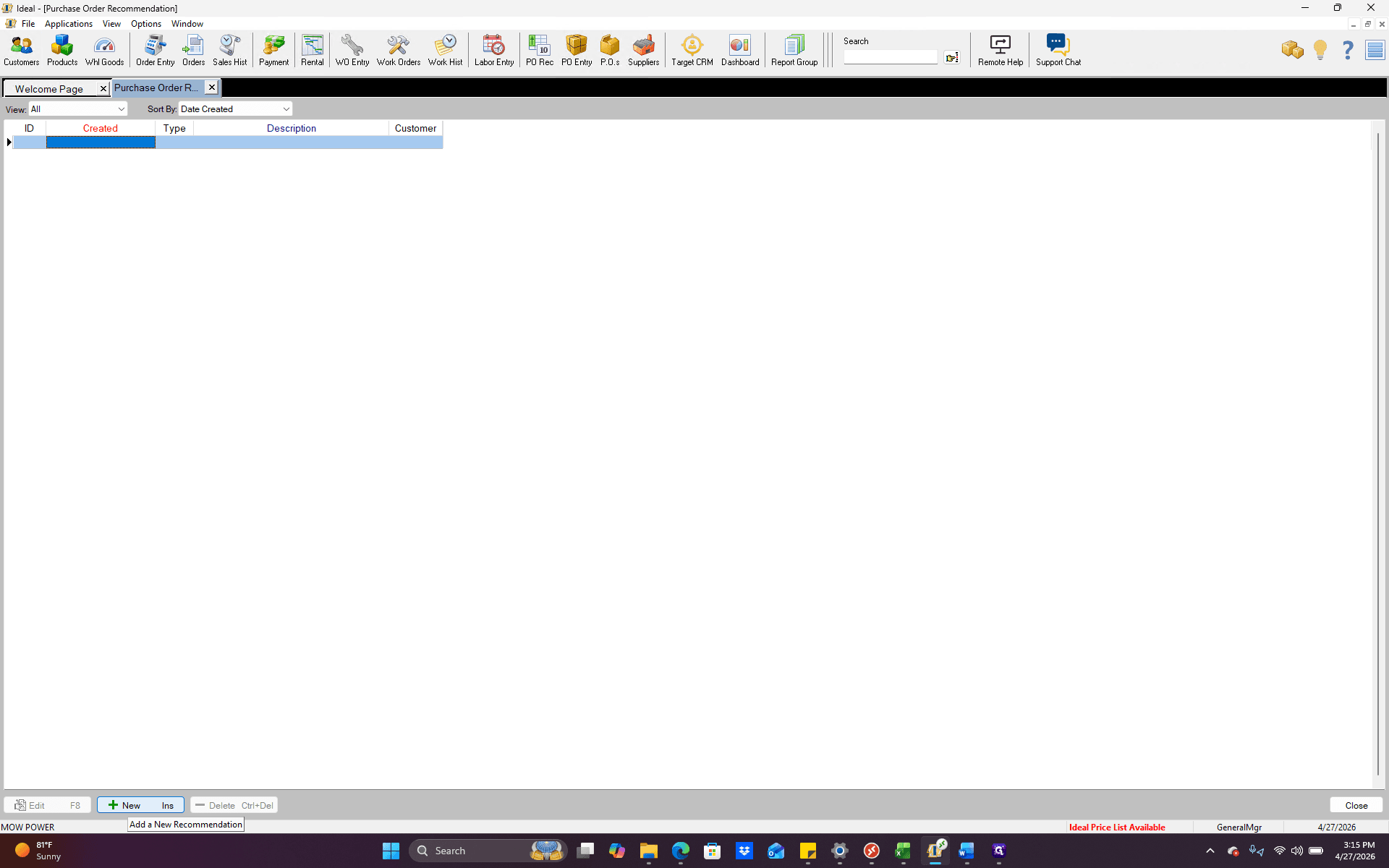
Click + New to start a new recommendation.
3
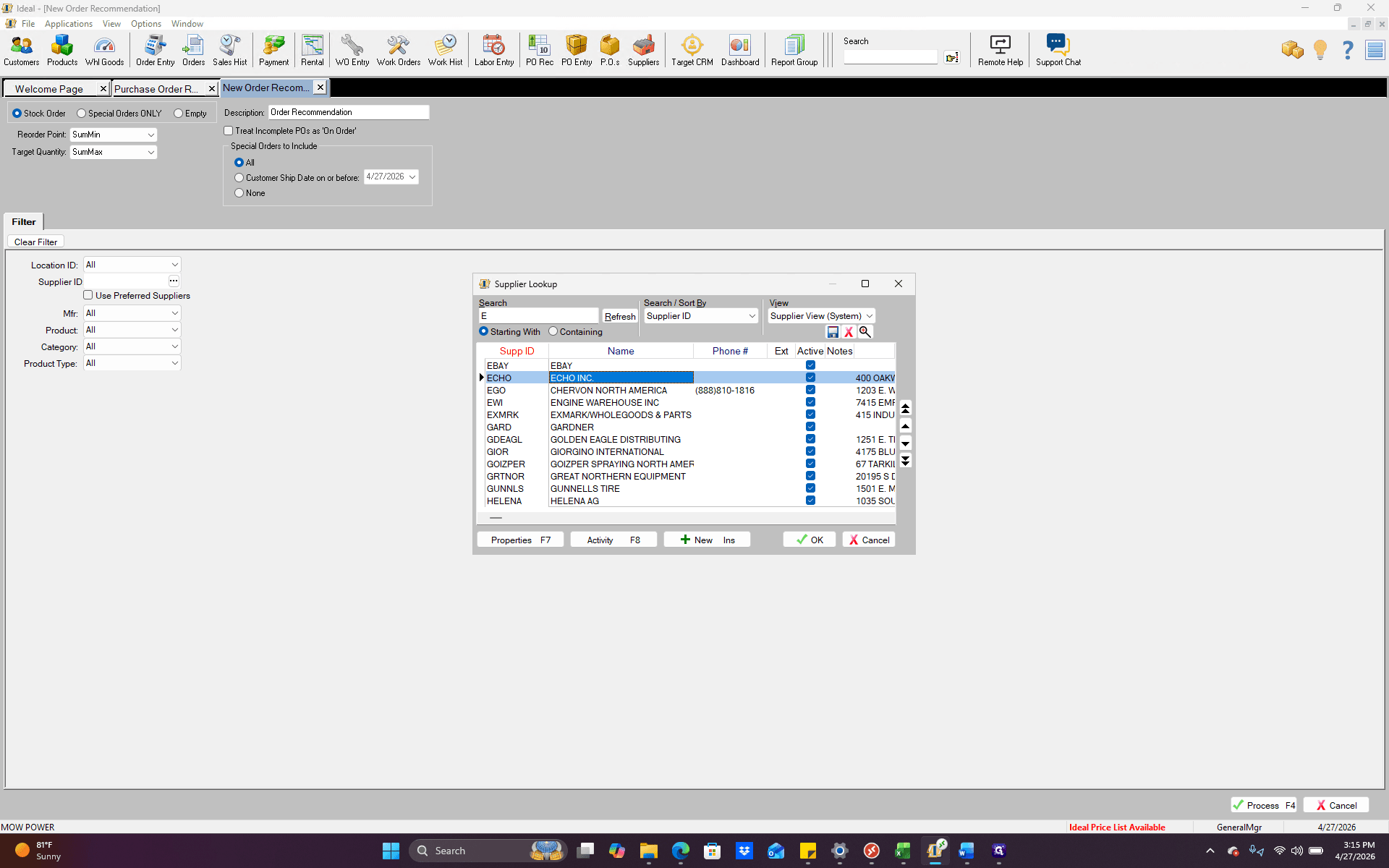
Click the ellipsis next to the Supplier field to open the supplier lookup window.
4
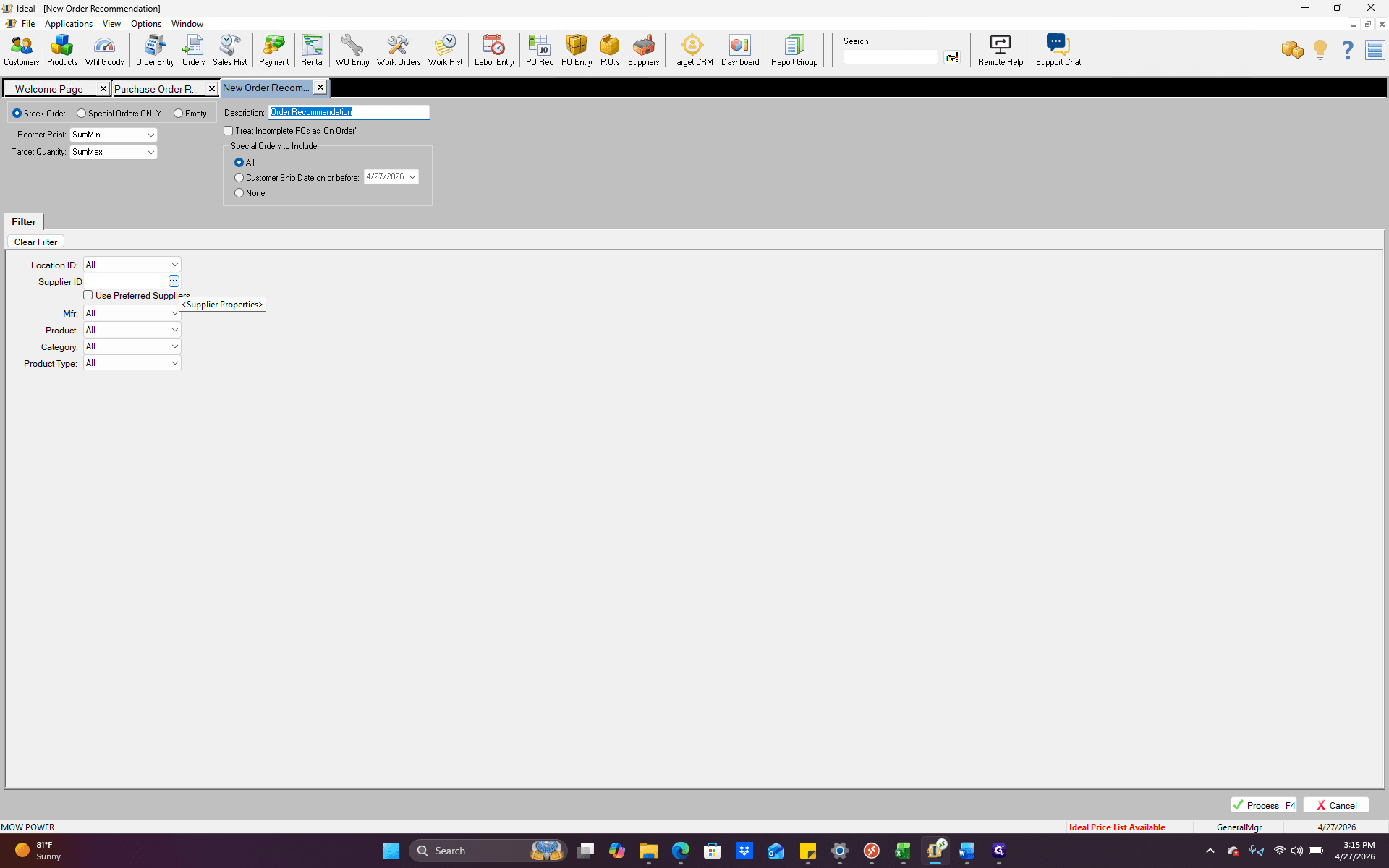
Search for your vendor and double-click their name to select them (e.g., ECHO INC.).
5
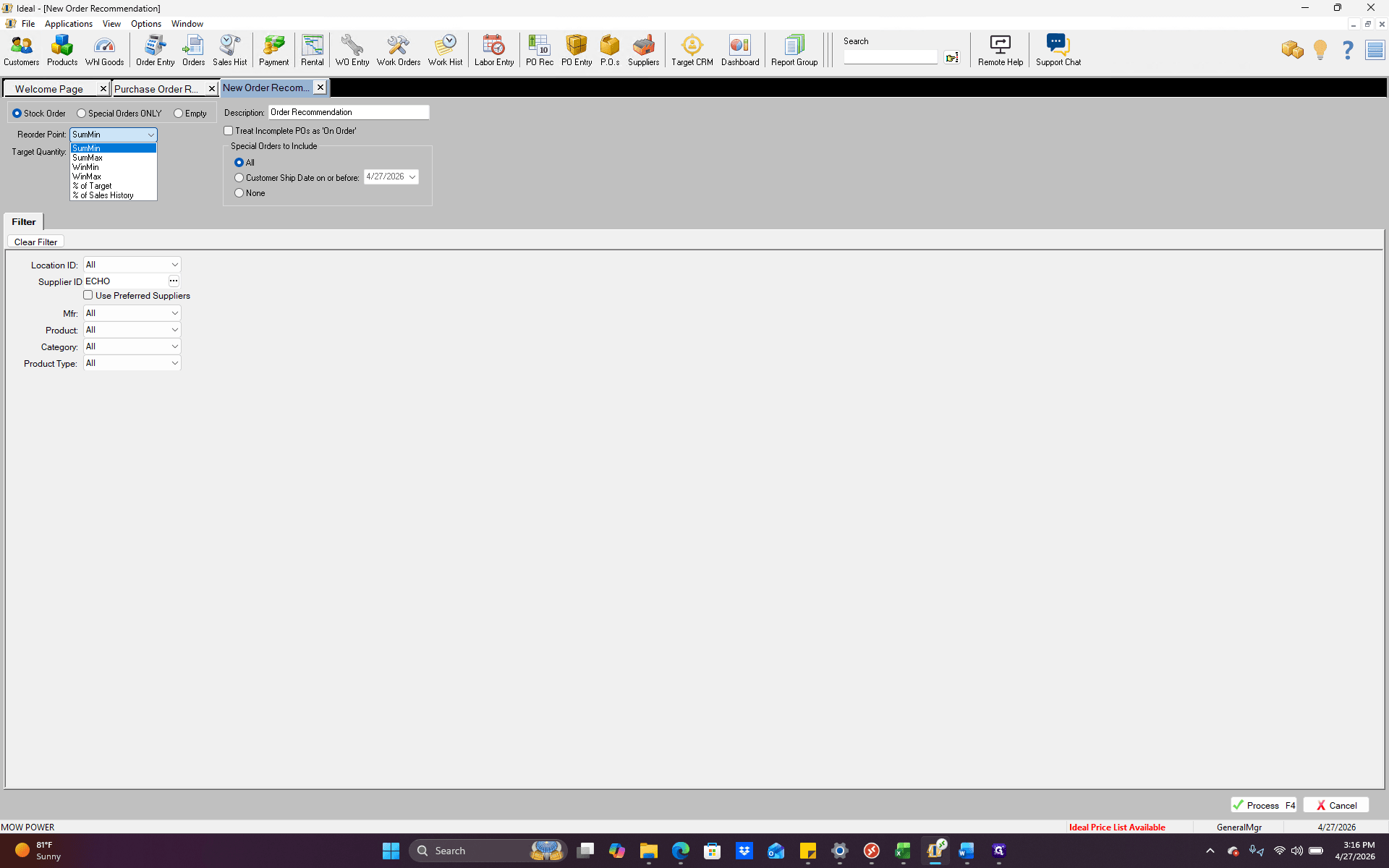
Select your preferred Reorder Point from the dropdown menu to calculate recommendations based on specific seasonal values, such as Summer or Winter min/maxes.
6
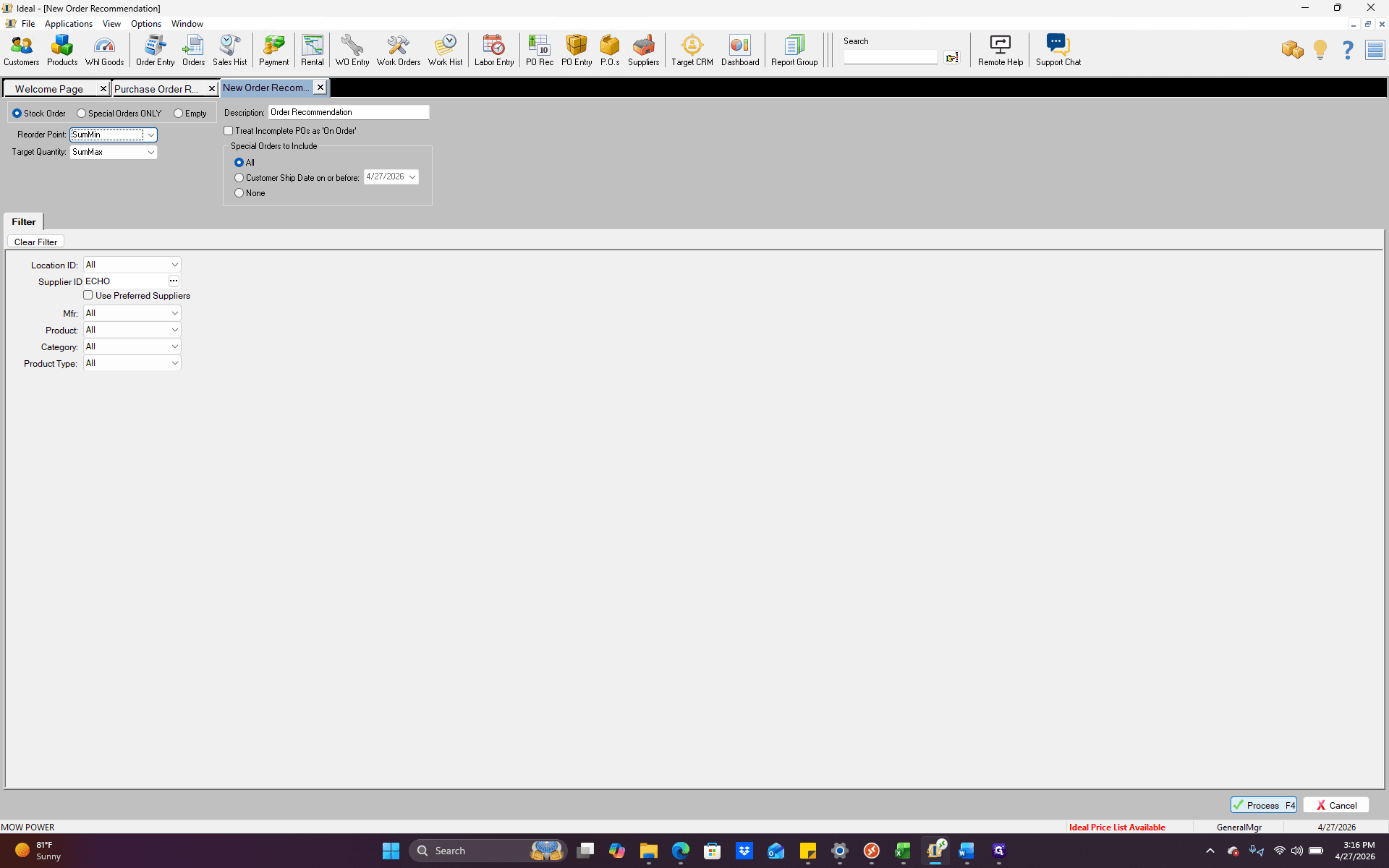
Click Process to generate the recommendation list based on your criteria.
Review and Create Purchase Order
7
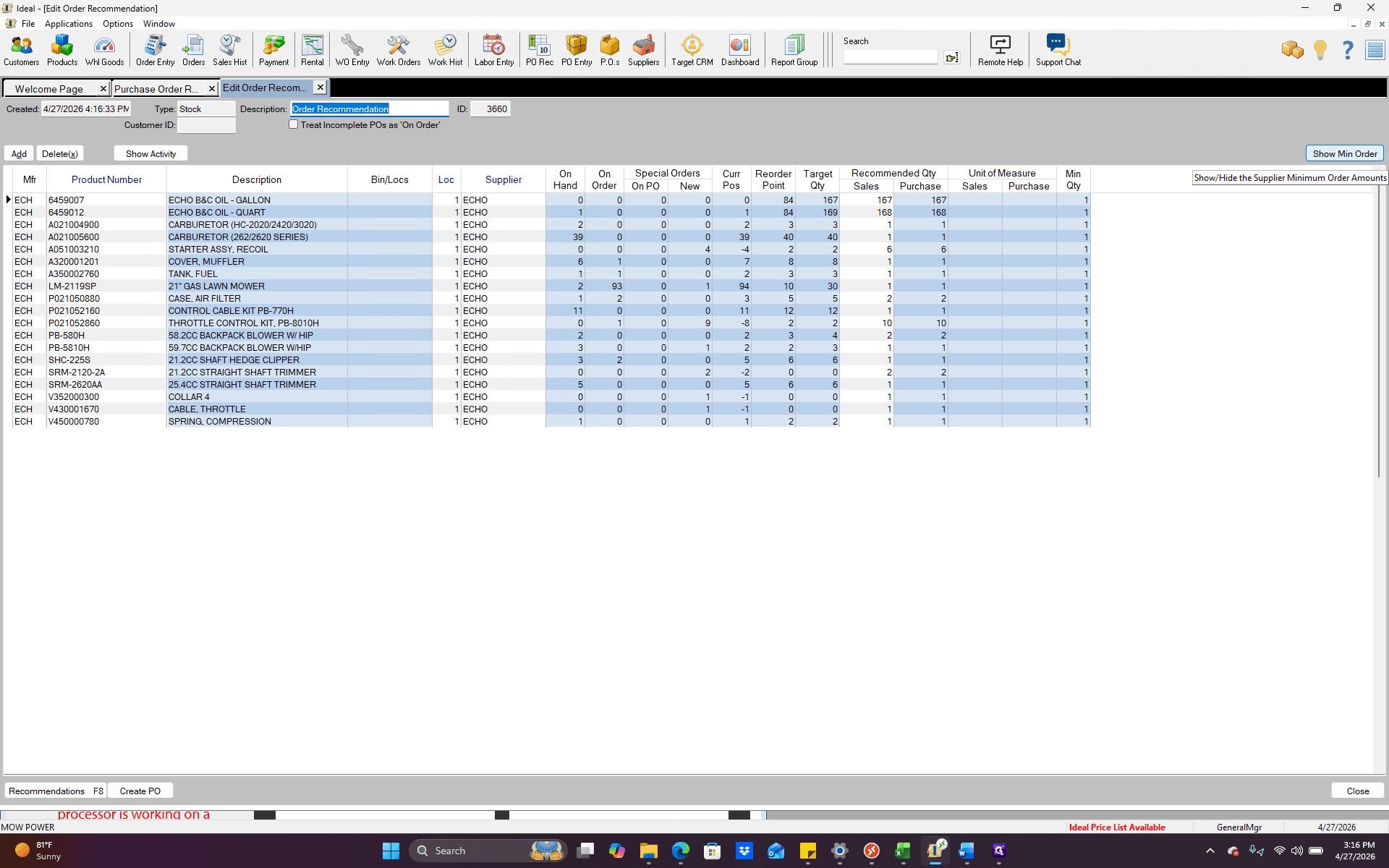
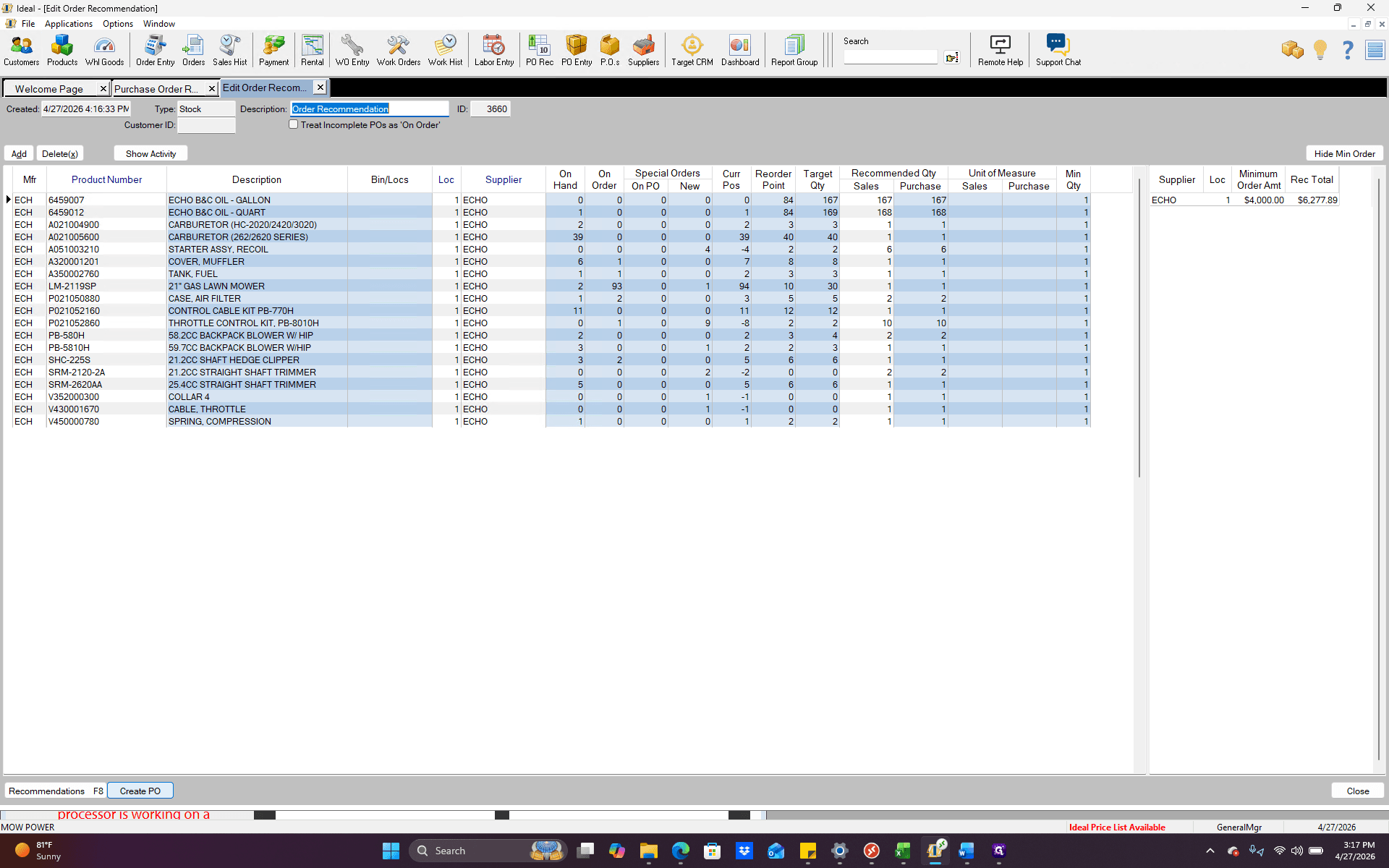
Click Show Min Order to view your actual dollar amount compared to the minimum required to qualify for free freight.
8
When your order quantities are finalized, click Create PO.
9
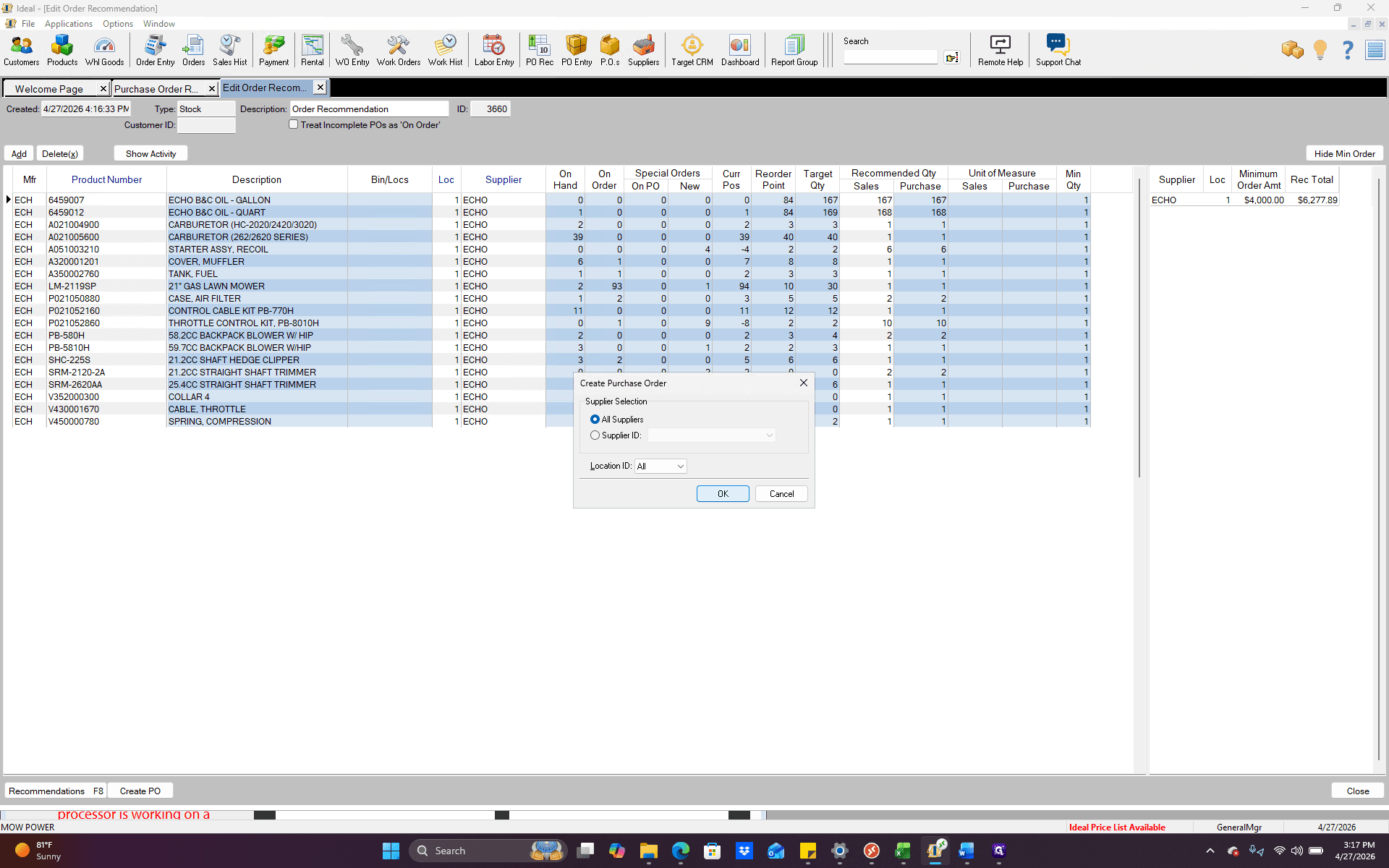
Leave All suppliers selected and click OK.
10
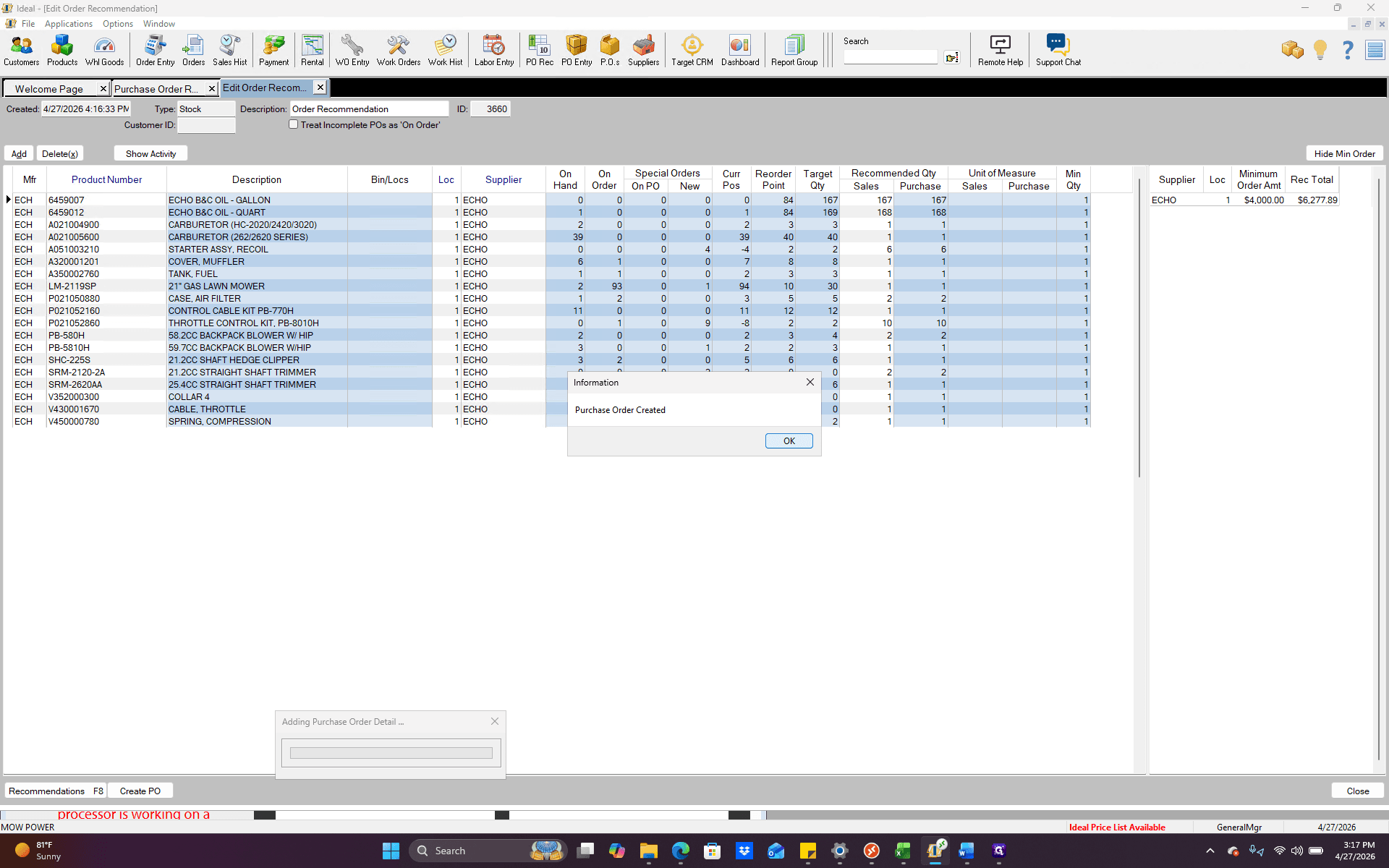
Click OK on the success prompt. Your purchase order has now been created.