
Create a Referral Agreement in RE-Sure
Learn how to access and generate a native referral agreement document with auto-populated agent and brokerage details in RE-Sure.
By Ali Romero
Learn how to create and generate a standardized referral agreement in RE-Sure to quickly draft agreements pre-filled with your account and brokerage details.
This guide applies to real estate agents and transaction coordinators using RE-Sure when initiating client referral paperwork.
Accessing Document Templates
Navigate to the tools area to locate and create standard form templates.
1
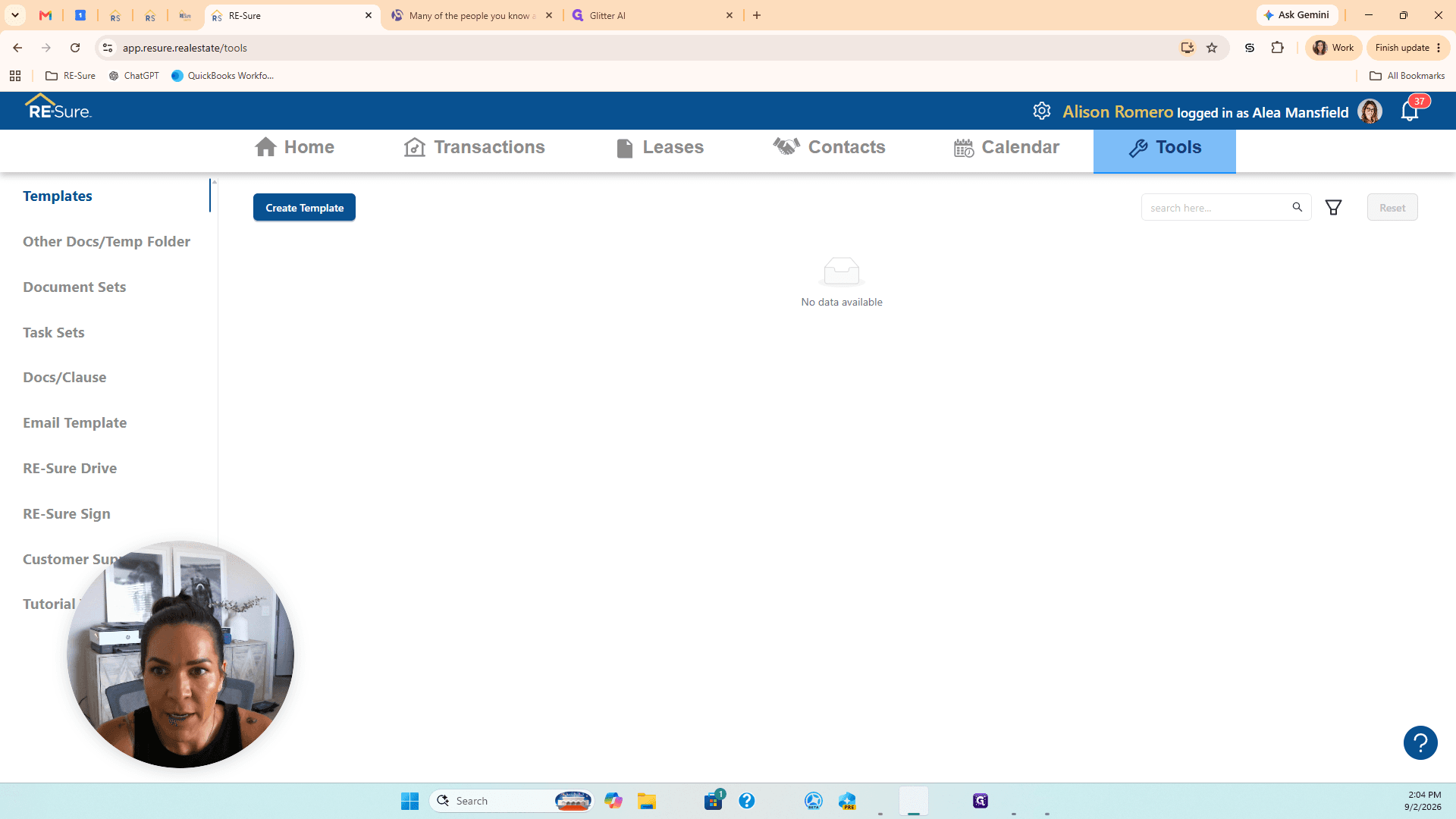
Click Tools in the upper-right corner of the top navigation bar.
2
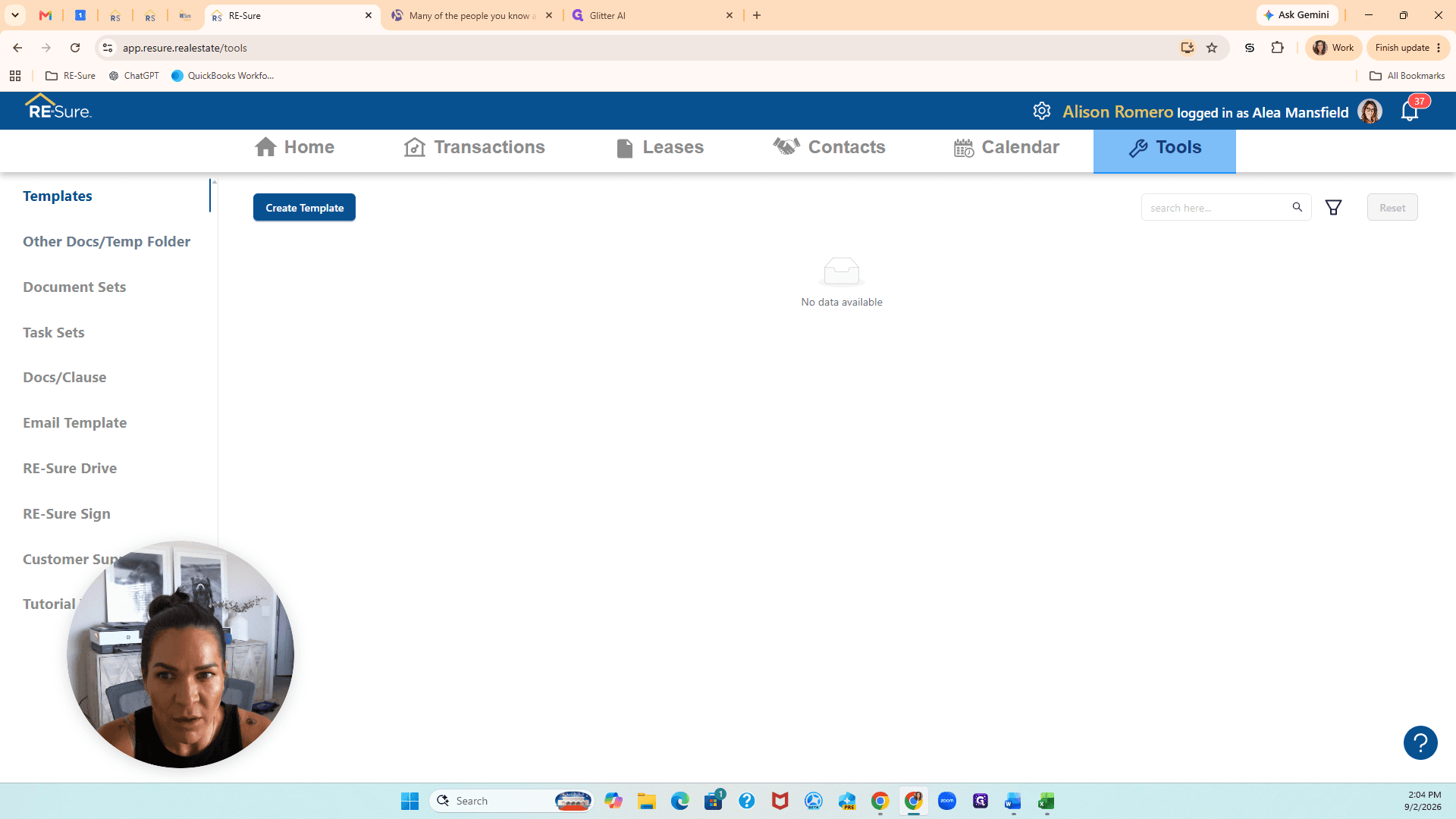
Click Other Docs / Temp Folder in the left-hand navigation sidebar.
3
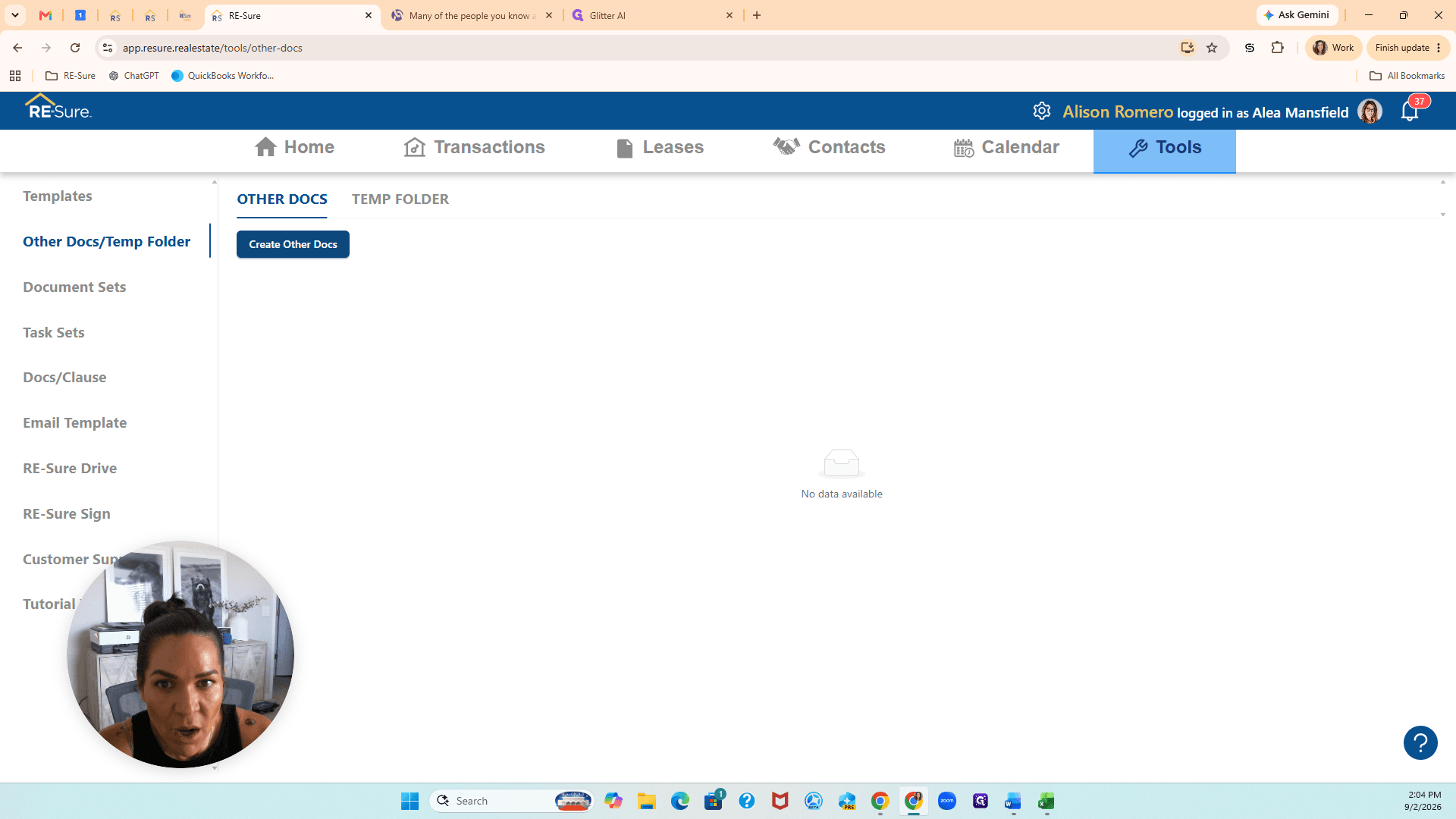
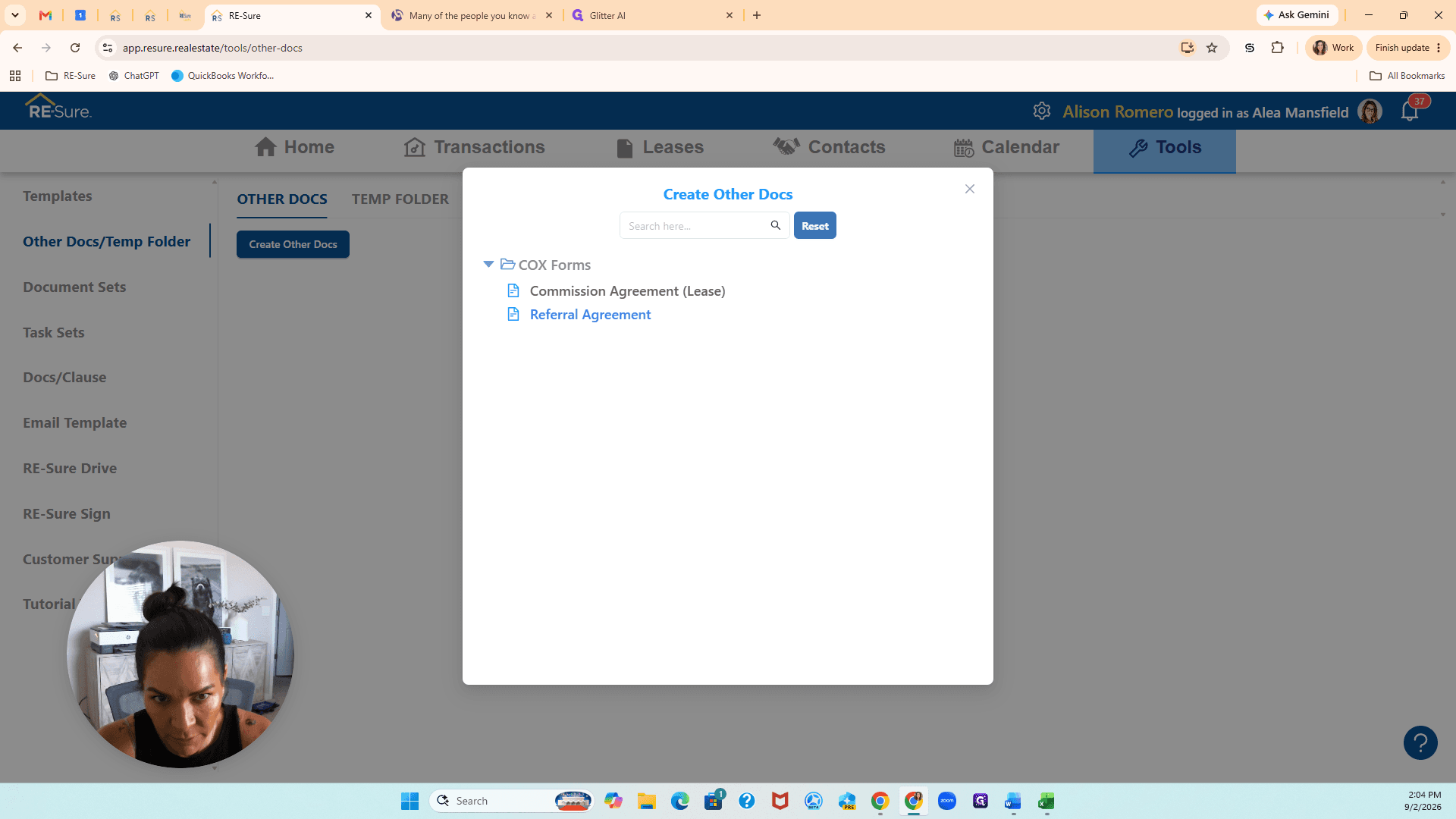
Click Create Other Docs.
Creating the Referral Agreement
4
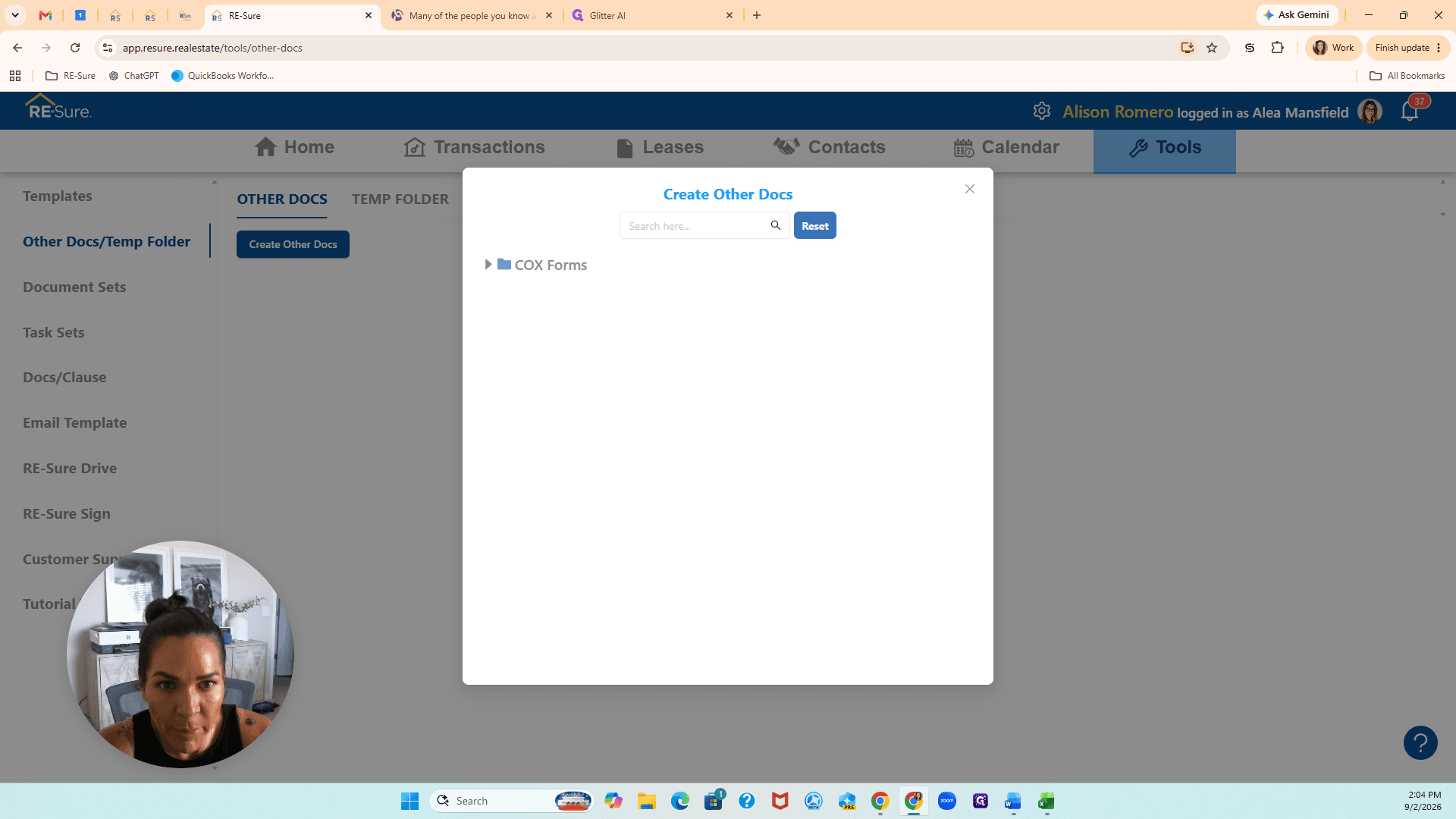
Click COX Forms to open the folder.
5
Click Referral Agreement.
6
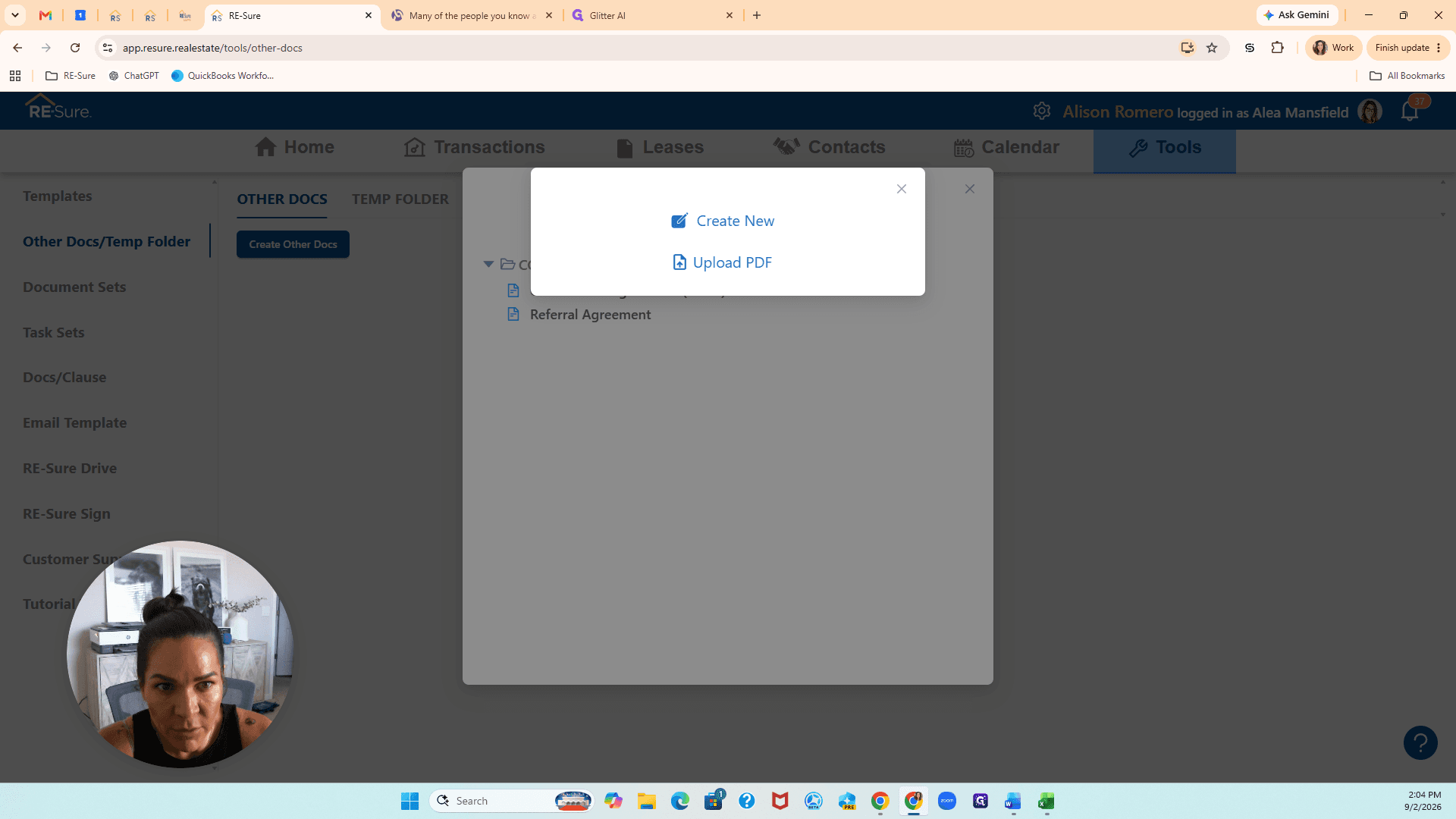
Click Create New.
Q: Does the agreement include my agent and brokerage details automatically?
A: Yes. When created under your account, the document automatically populates your account information and brokerage data.
Q: How do signature blocks populate on the referral agreement?
A: RE-Sure natively generates the appropriate signature blocks as you enter the relevant party names and information into the document.