How to Create and Release Production Orders
Learn how to initiate, configure, and release a new production order in your ERP system, including managing inventory IDs and move transactions.
By Michael Seif
This guide demonstrates the steps required daily to to create, configure, and release a new production order within your ERP system. Completing this workflow ensures accurate tracking of manufacturing quantities, inventory allocation, and production scheduling.
Create a New Production Order
1
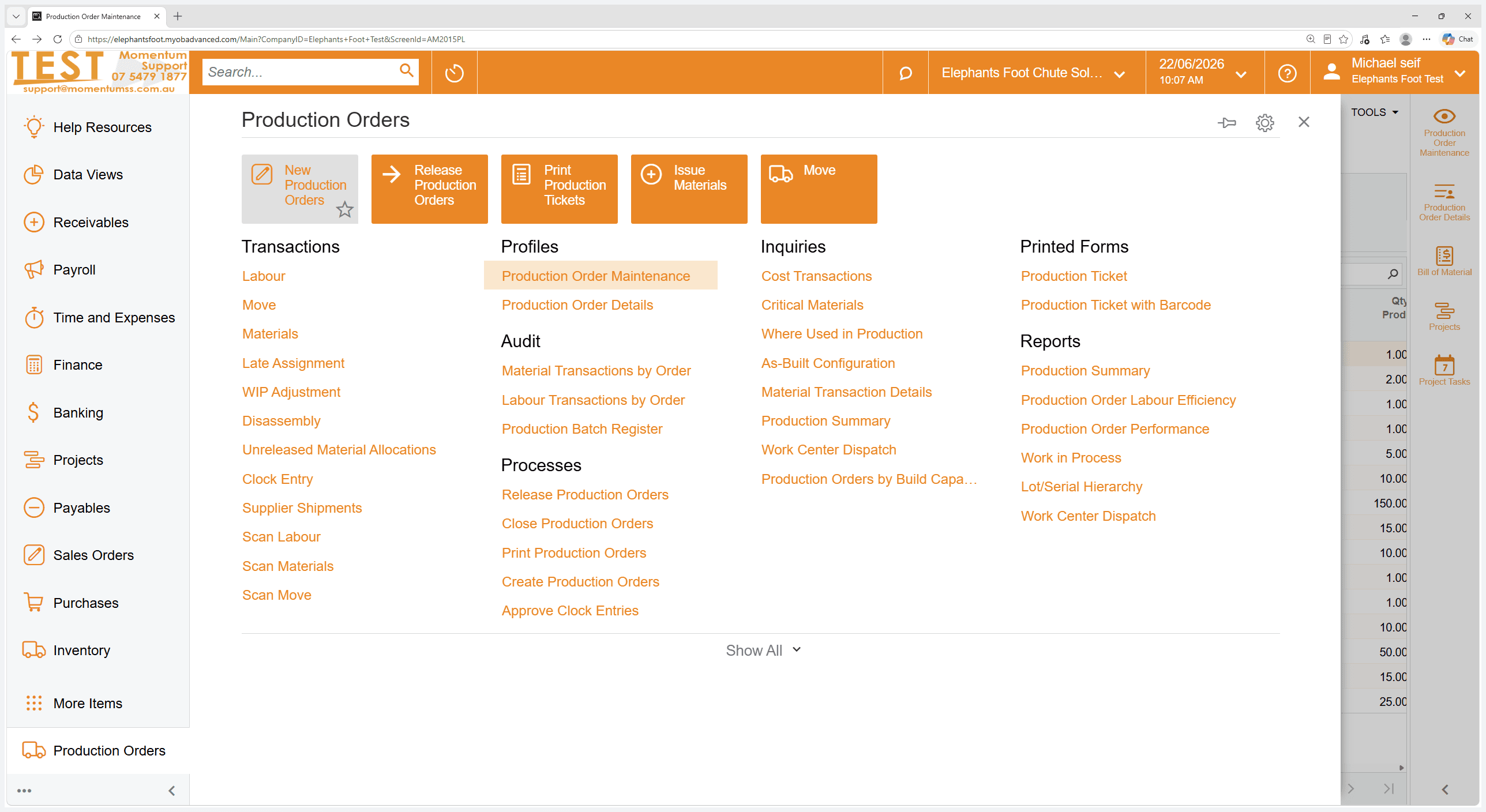
Navigate to the Production module and click New Production Orders.
2
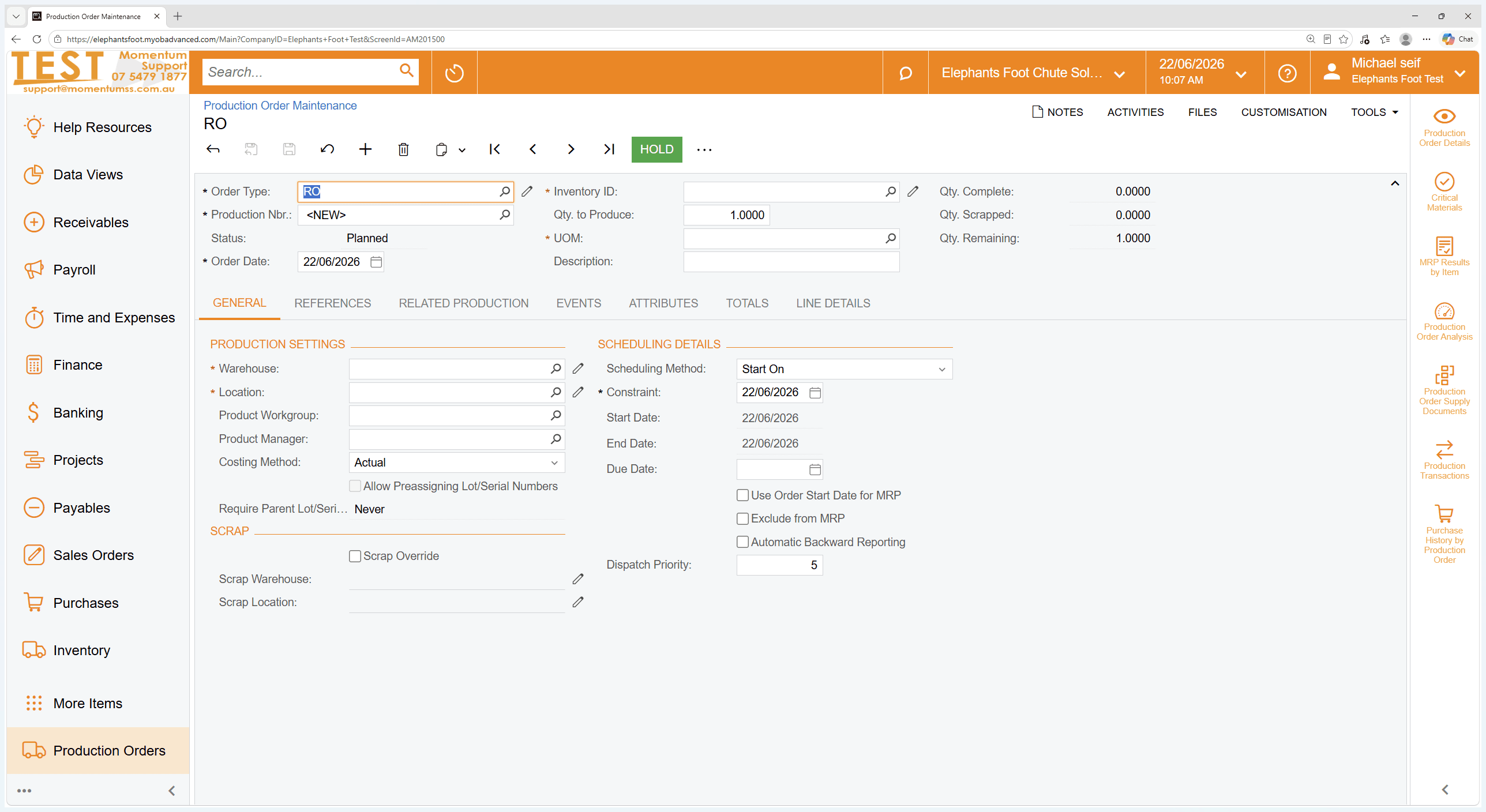
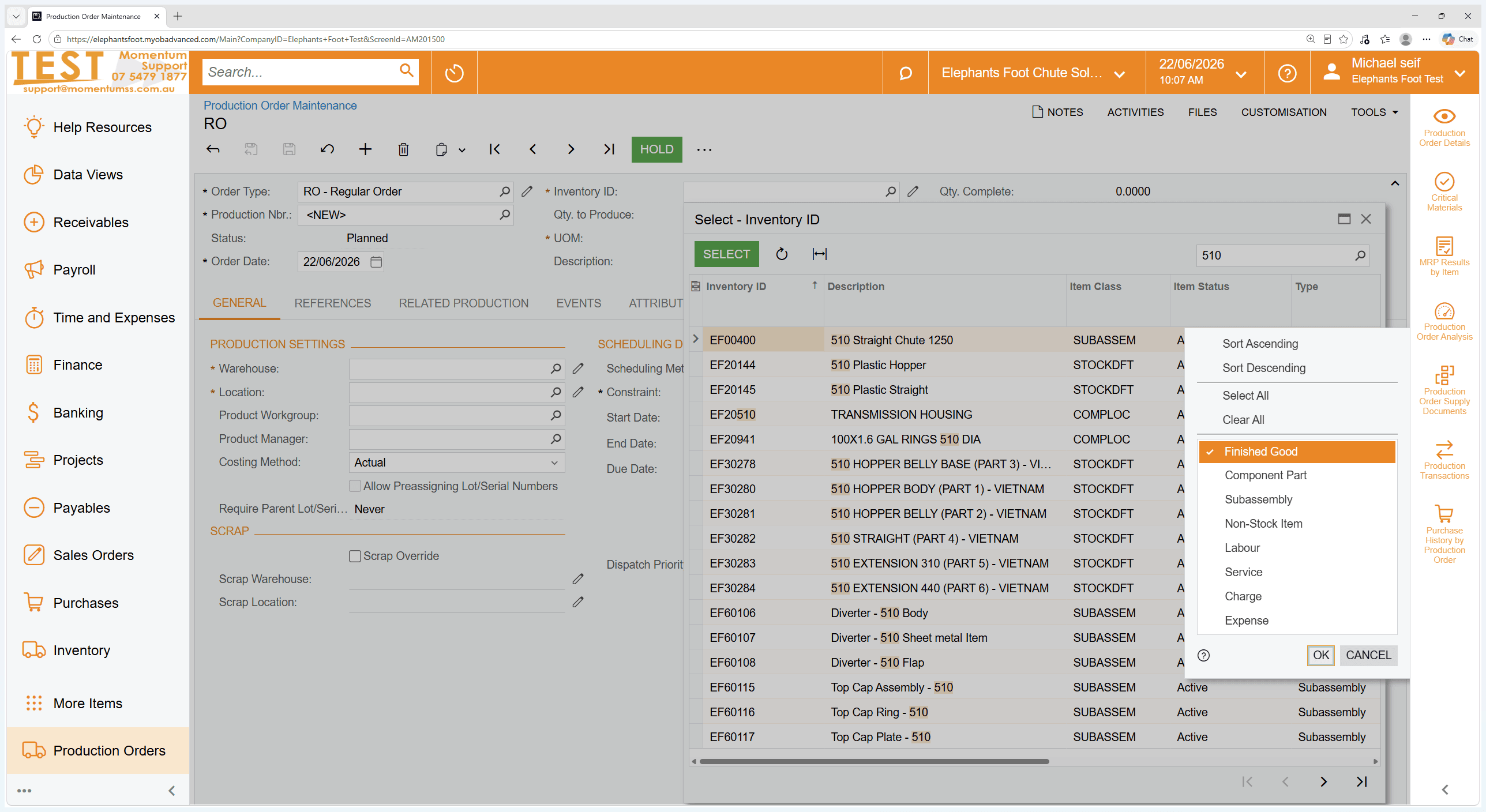
Click the search icon within the Inventory ID field to open the lookup window.
3
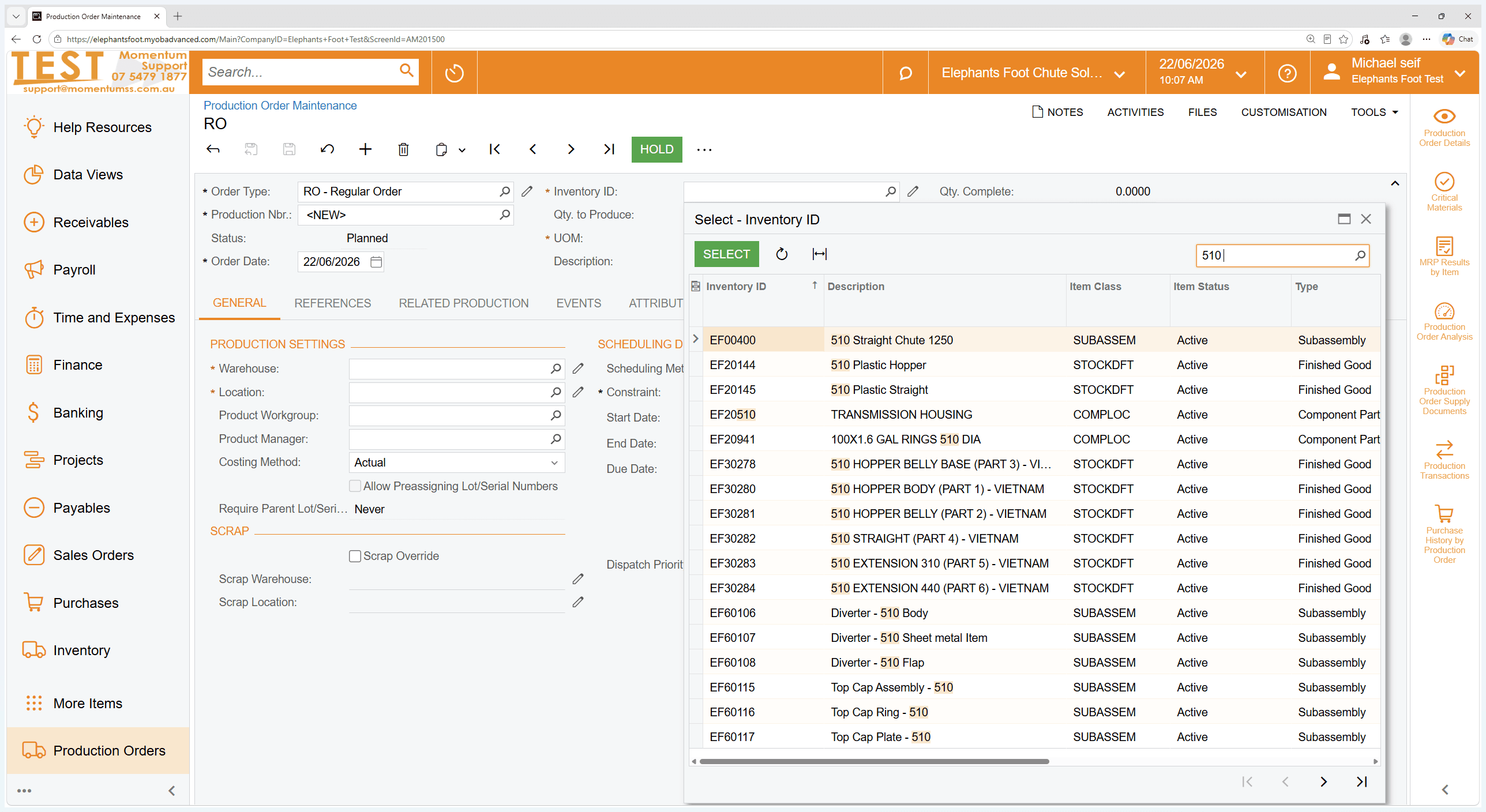
Search for your specific inventory item.
4
Double-click the Finished Good option to select the item.
5
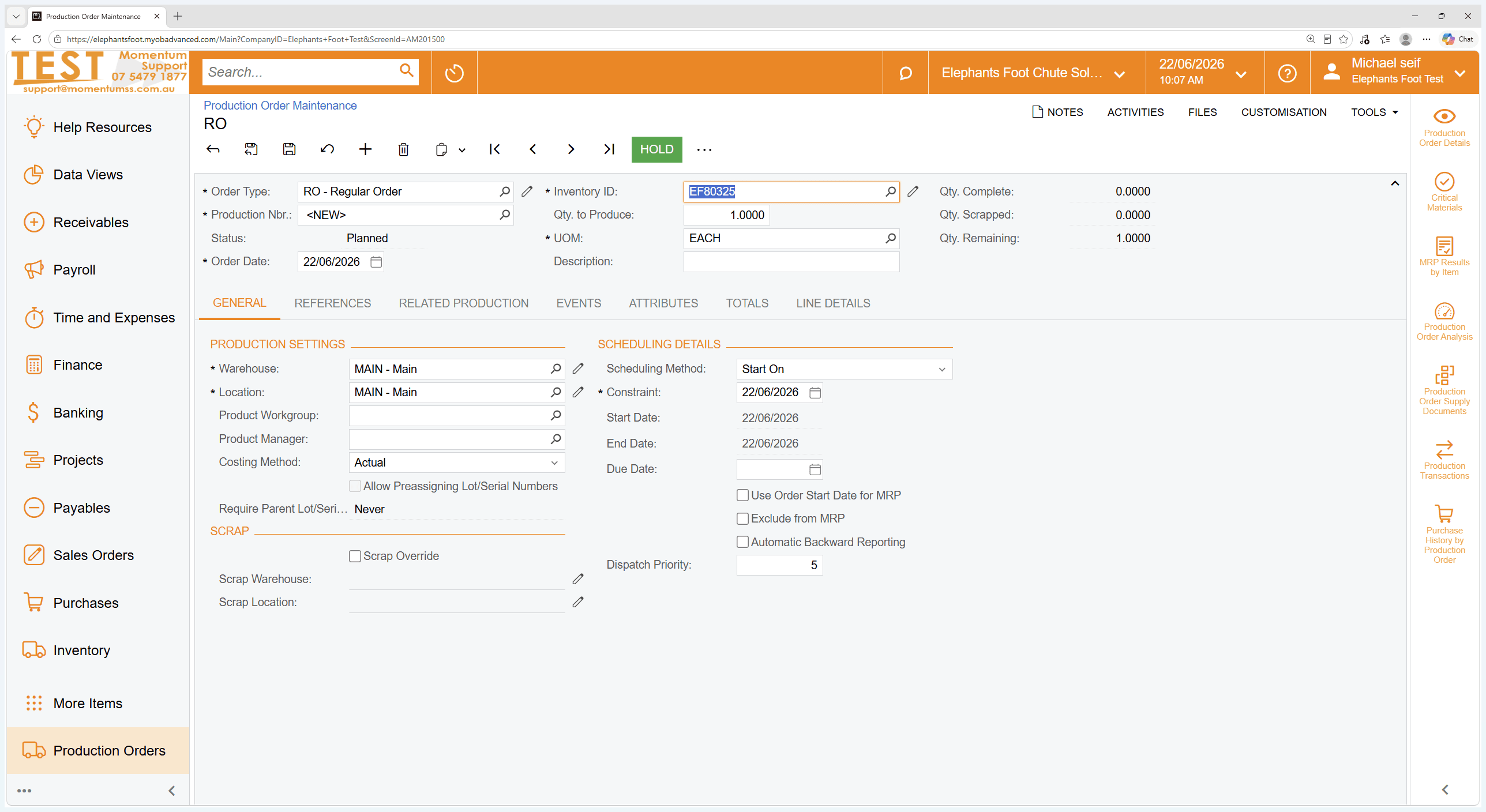
Enter your desired production quantity in the quantity field.
Release the Order
6
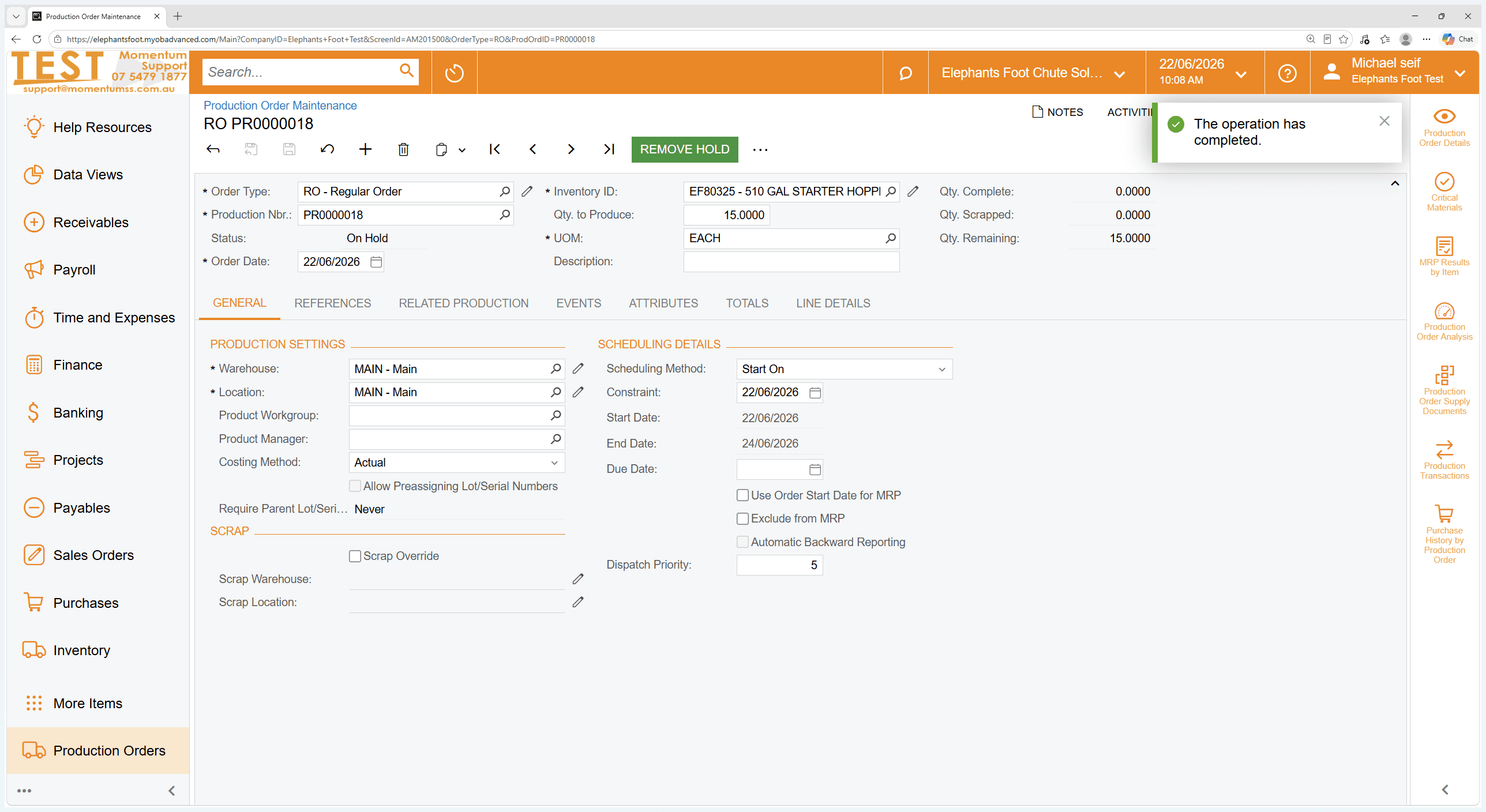
Click REMOVE HOLD in the top action toolbar to change the order's status to active.
7
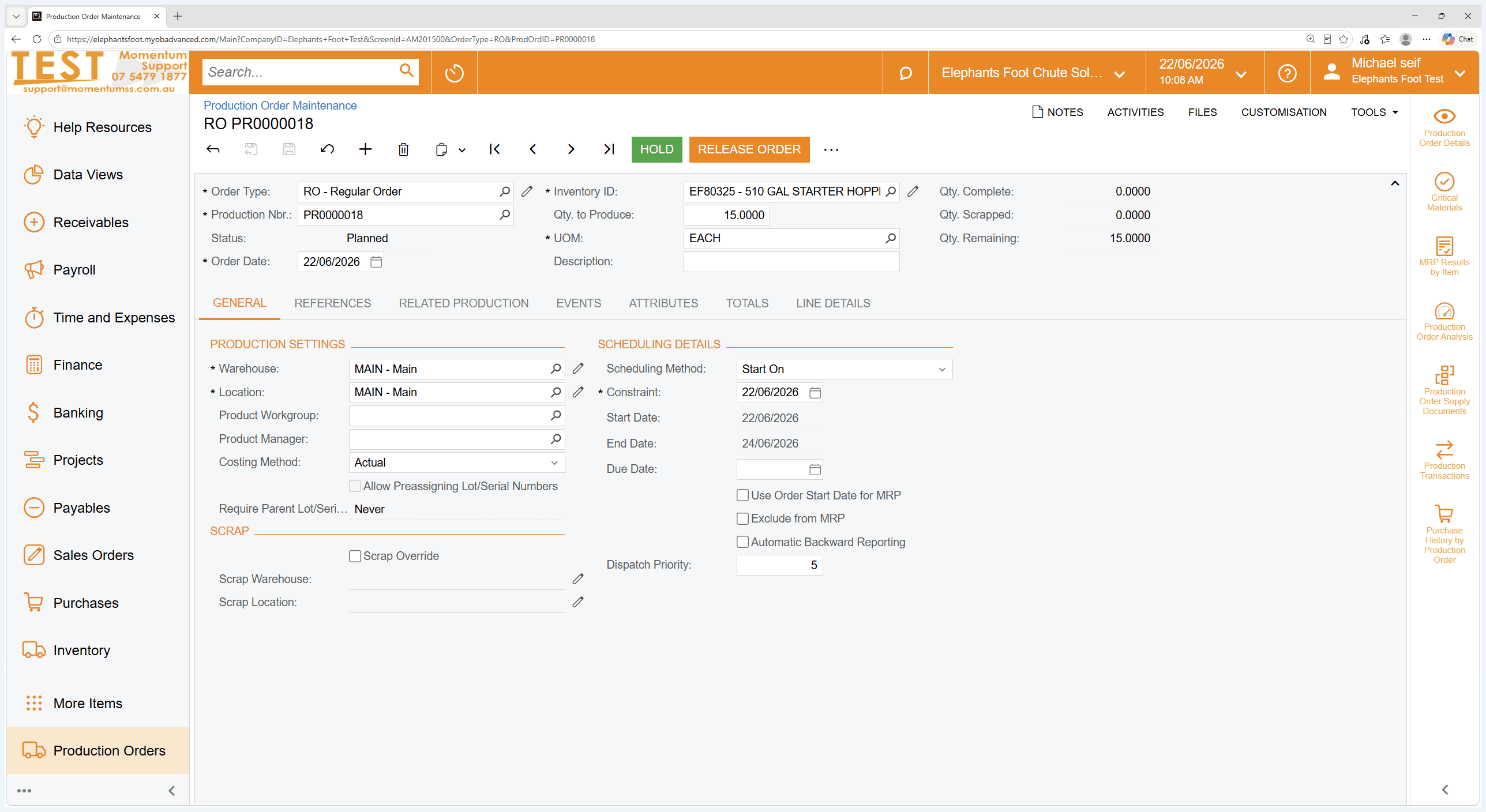
Click RELEASE ORDER to officially dispatch the order to the production floor.
8
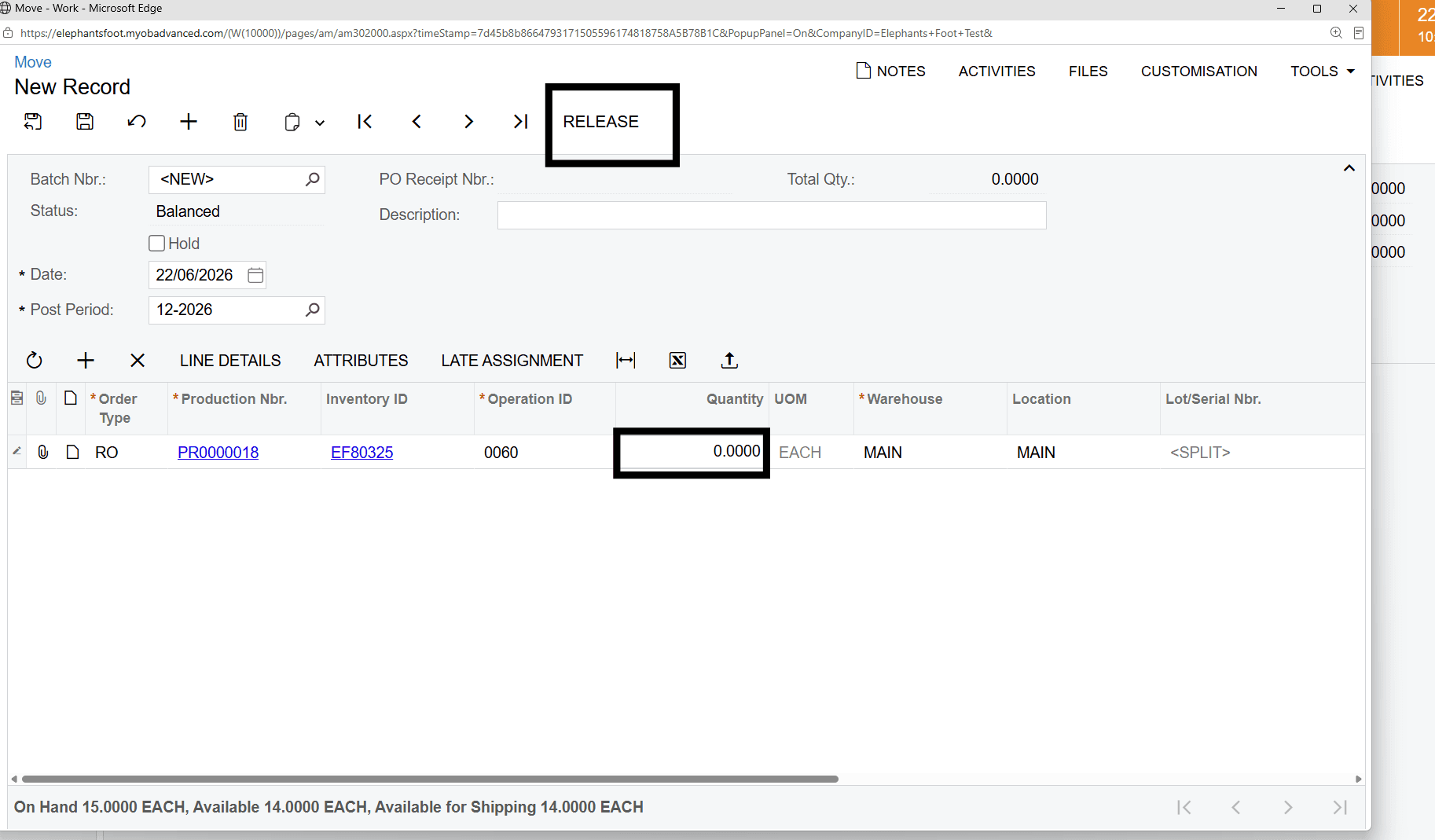
Click CREATE MOVE TRANSACTION
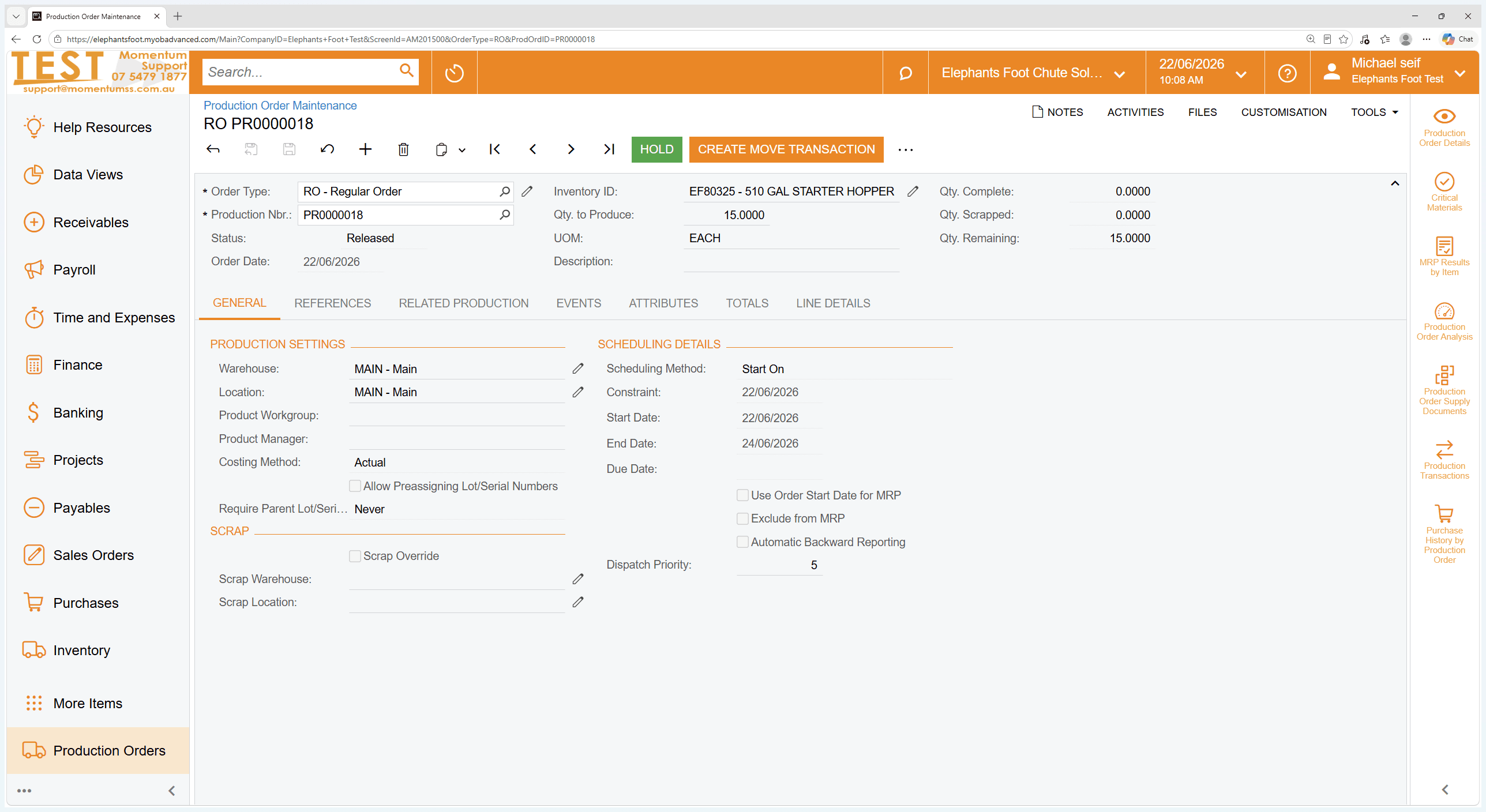
9
Select Operation
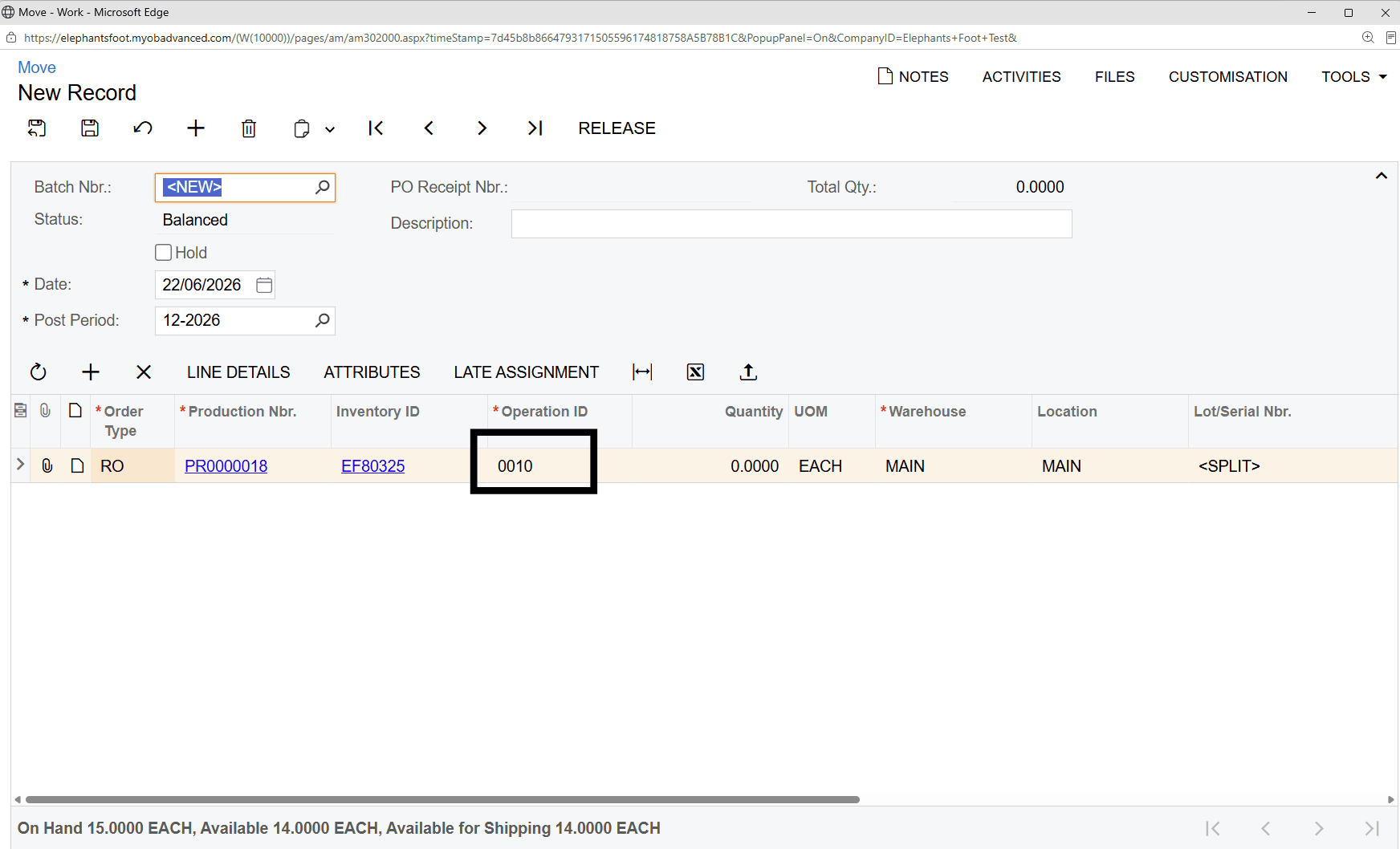
10
Select the Final Operation
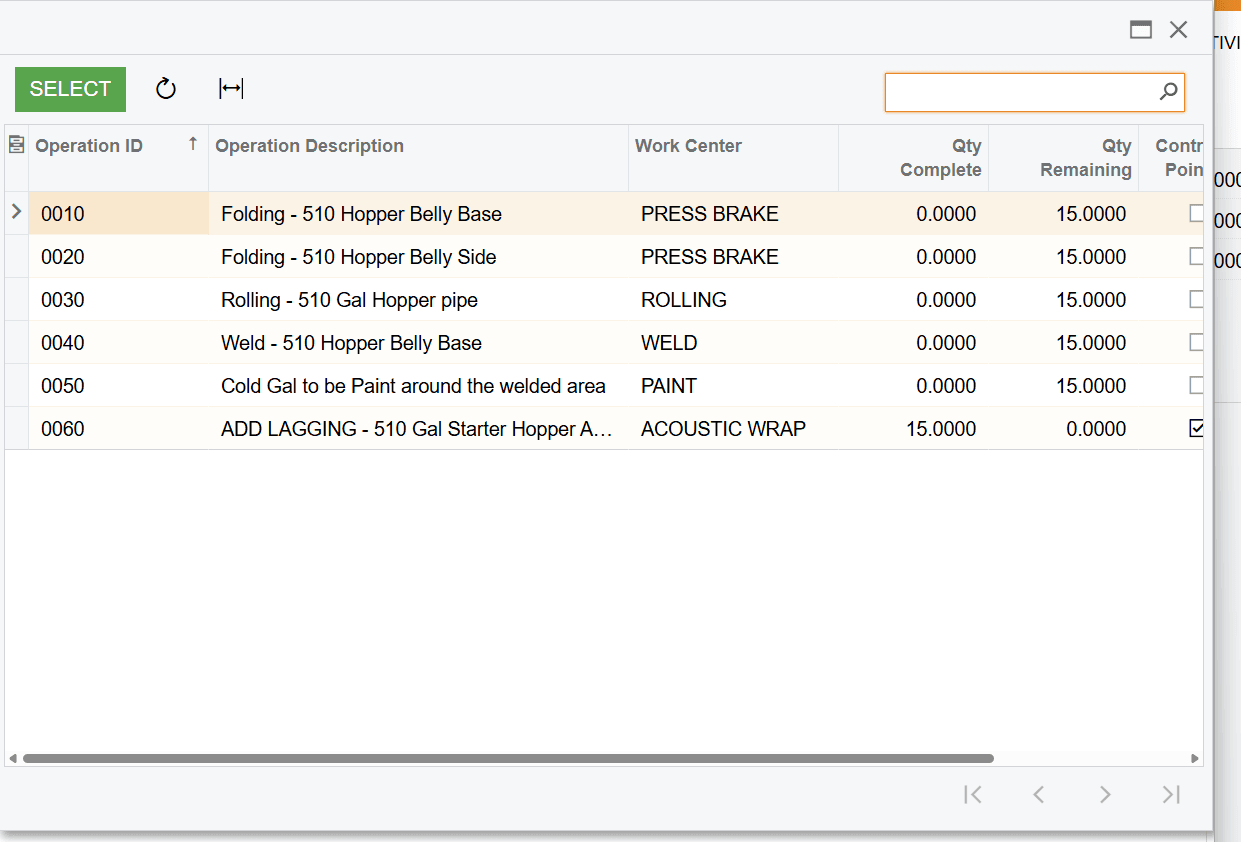
11
Enter Quantity produced and select Release