
Create a New Sales Order in Microsoft Dynamics 365
Learn how to quickly create a new sales order and assign a customer invoice account in Microsoft Dynamics 365 Finance and Operations.
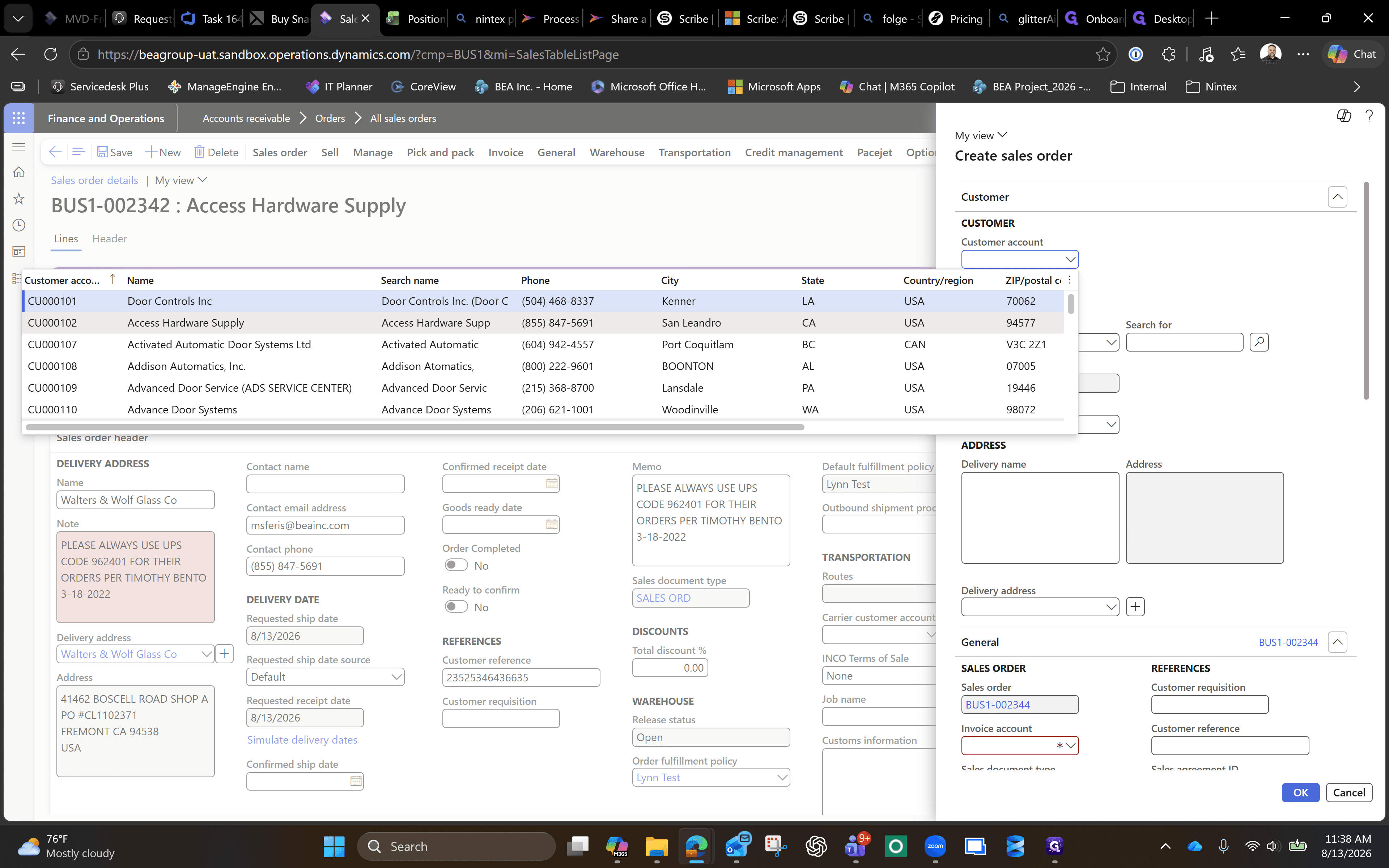
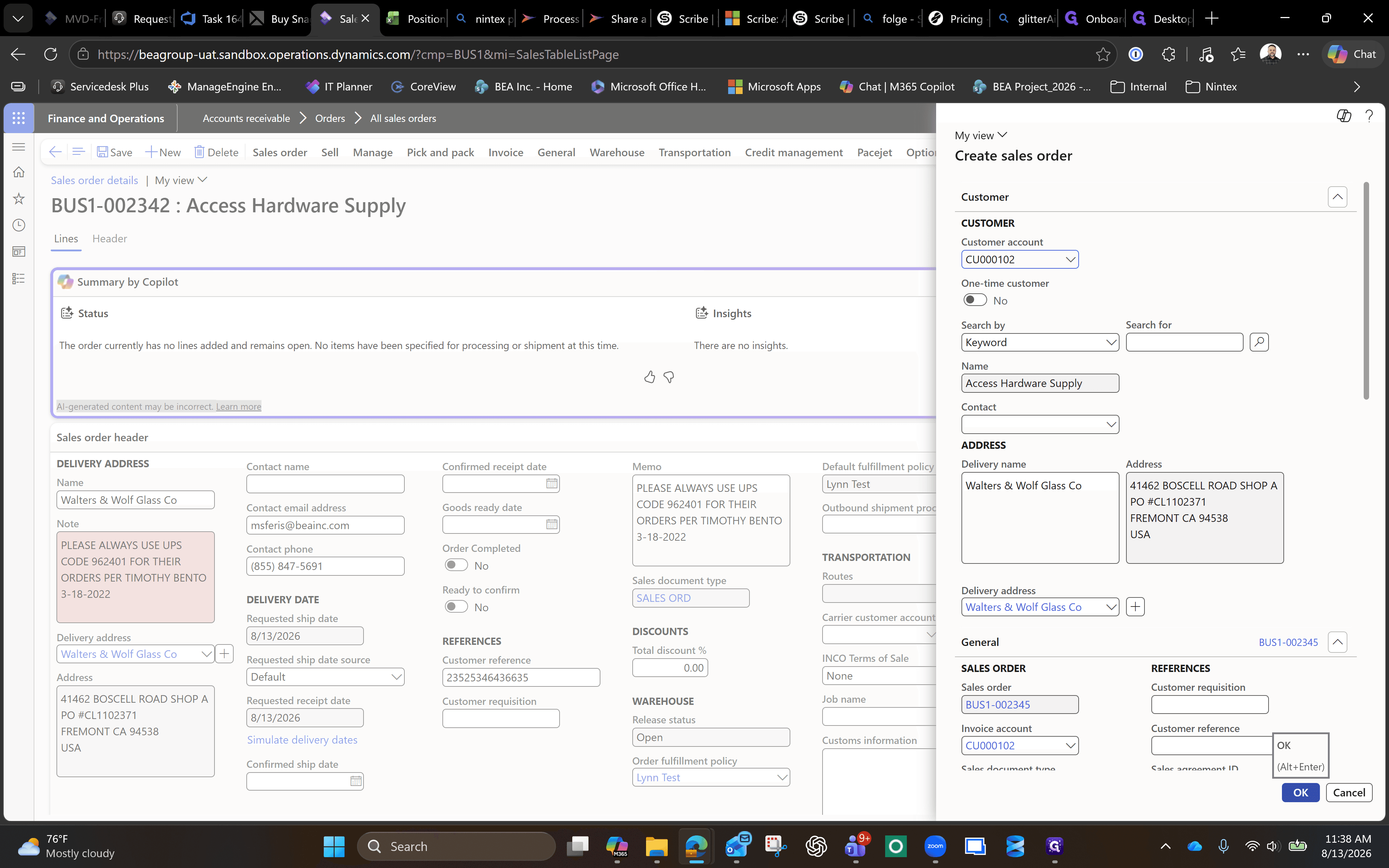
This guide walks you through the process of creating a new sales order in Microsoft Dynamics 365 Finance and Operations. By following these steps, you can efficiently initiate a customer order and assign the correct billing details to keep your sales pipeline moving.
This workflow is primarily intended for sales representatives, order processing staff, and accounts receivable personnel who are responsible for managing customer orders and initiating billing workflows.
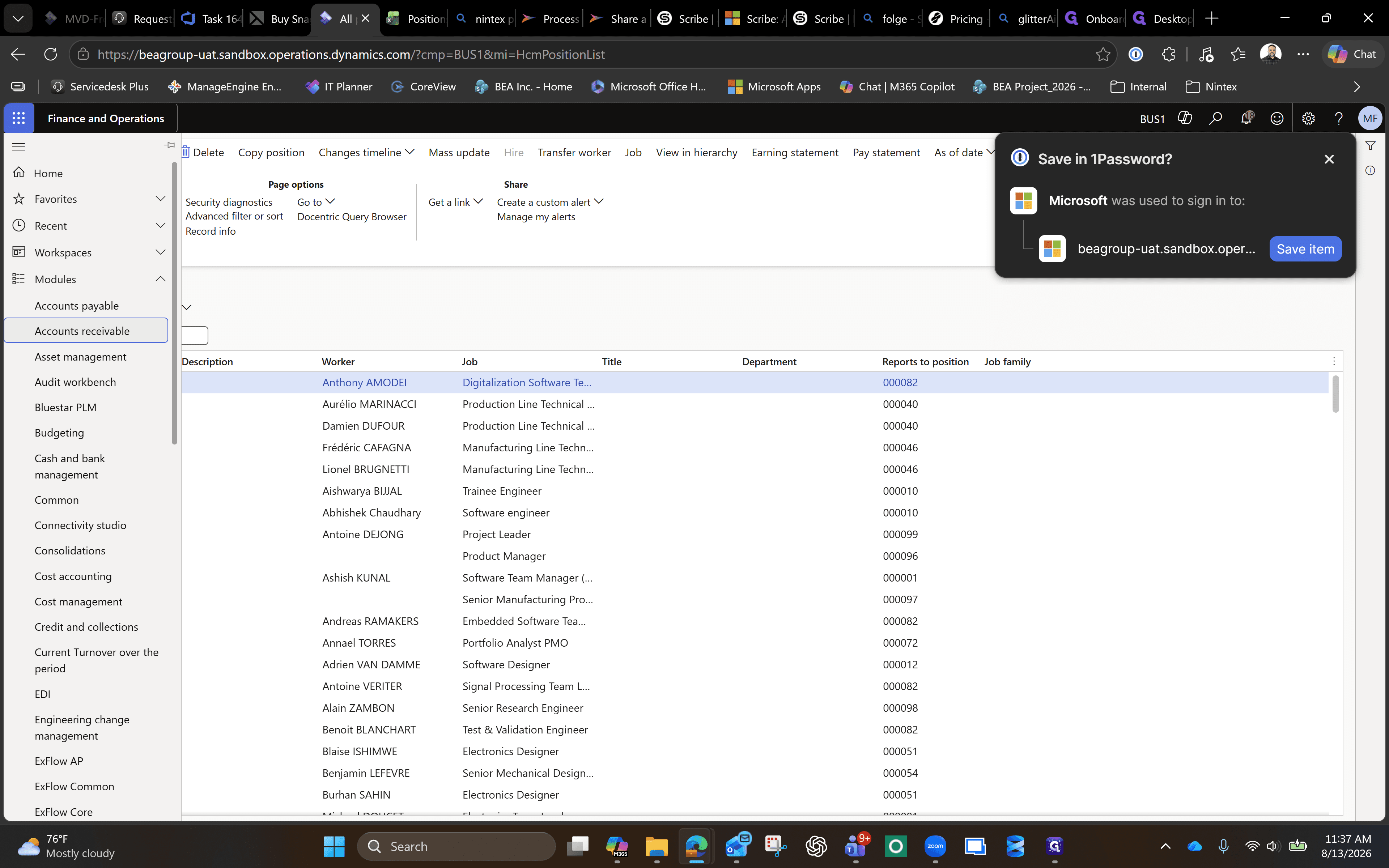
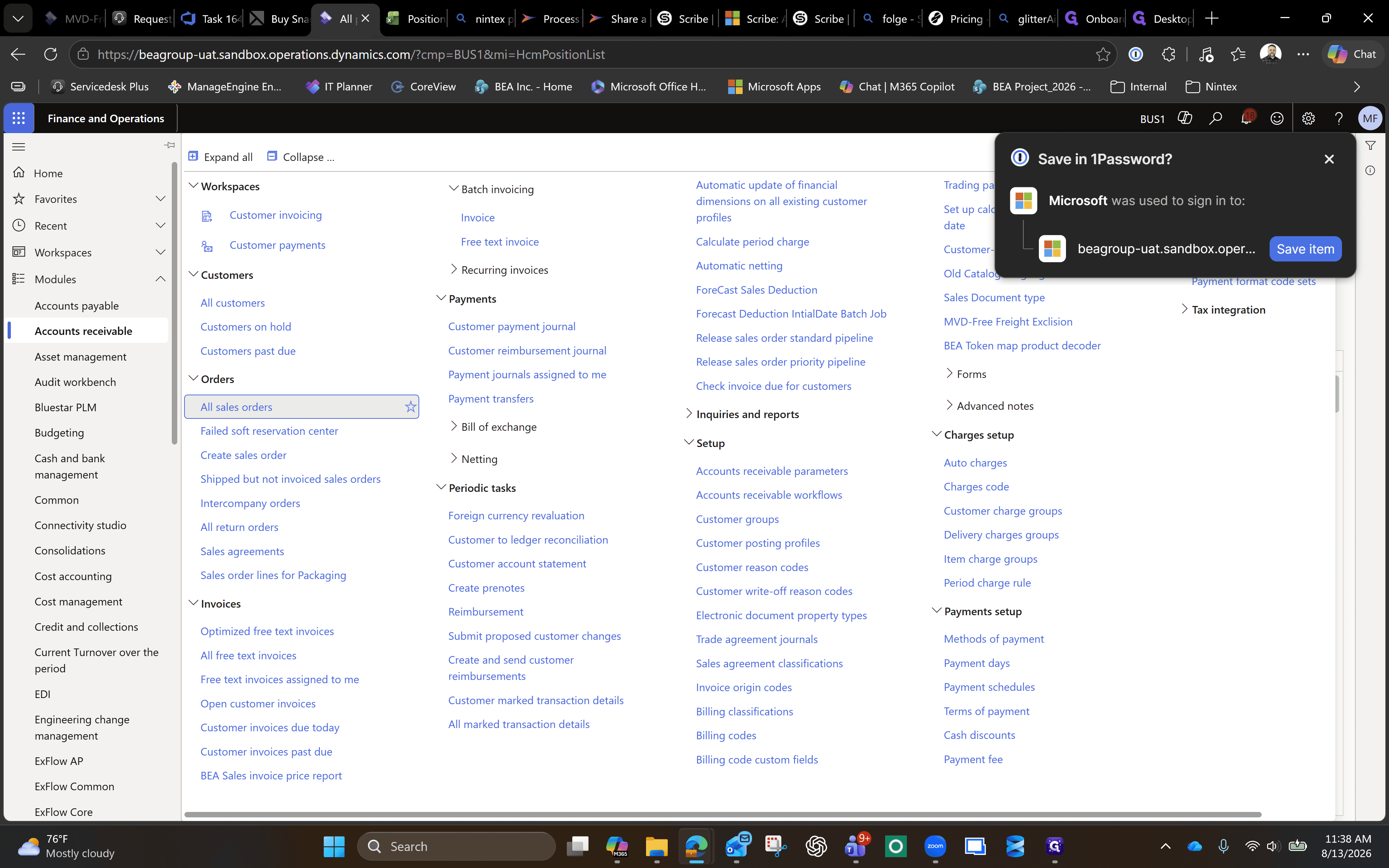
Navigate to Sales Orders
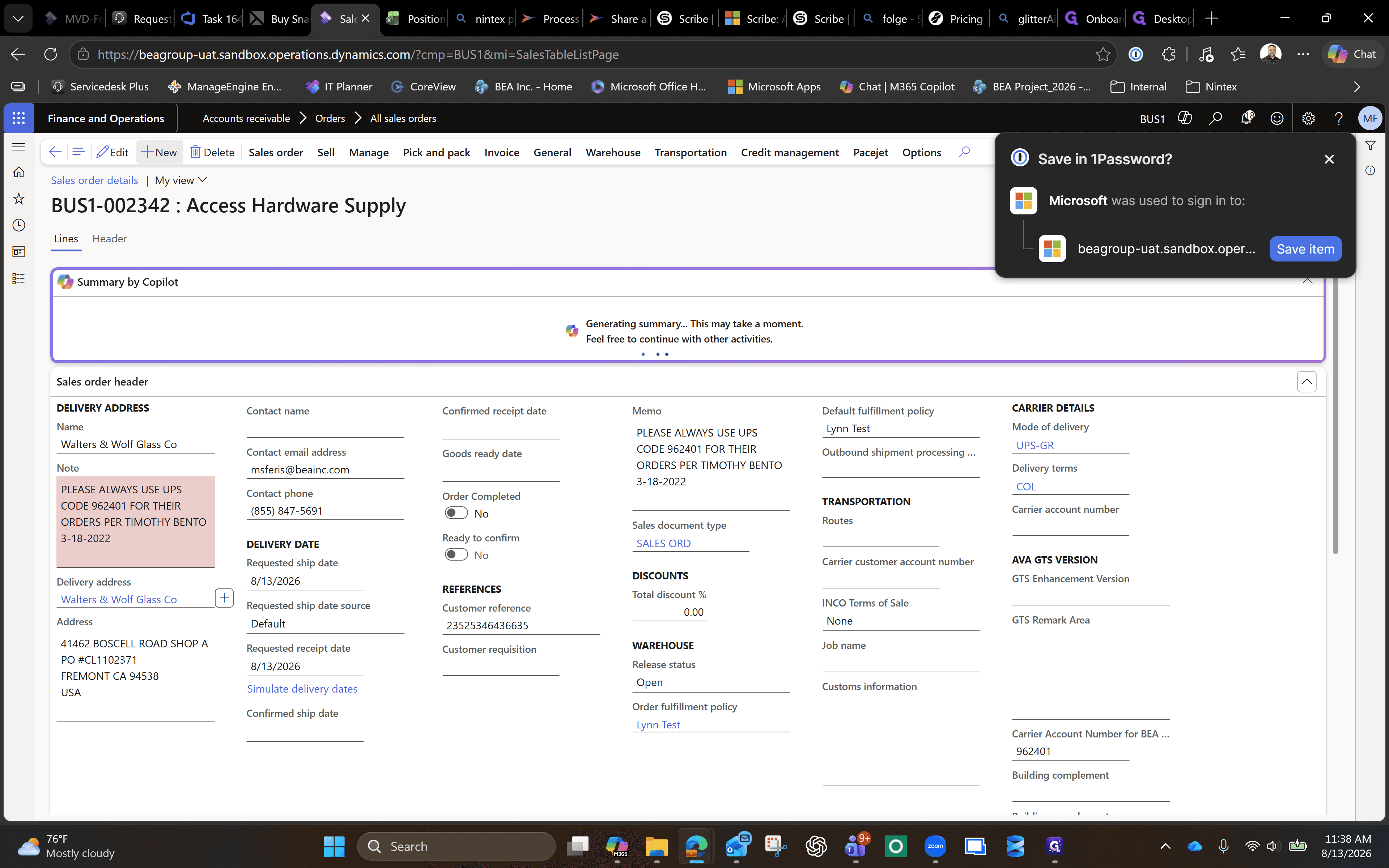
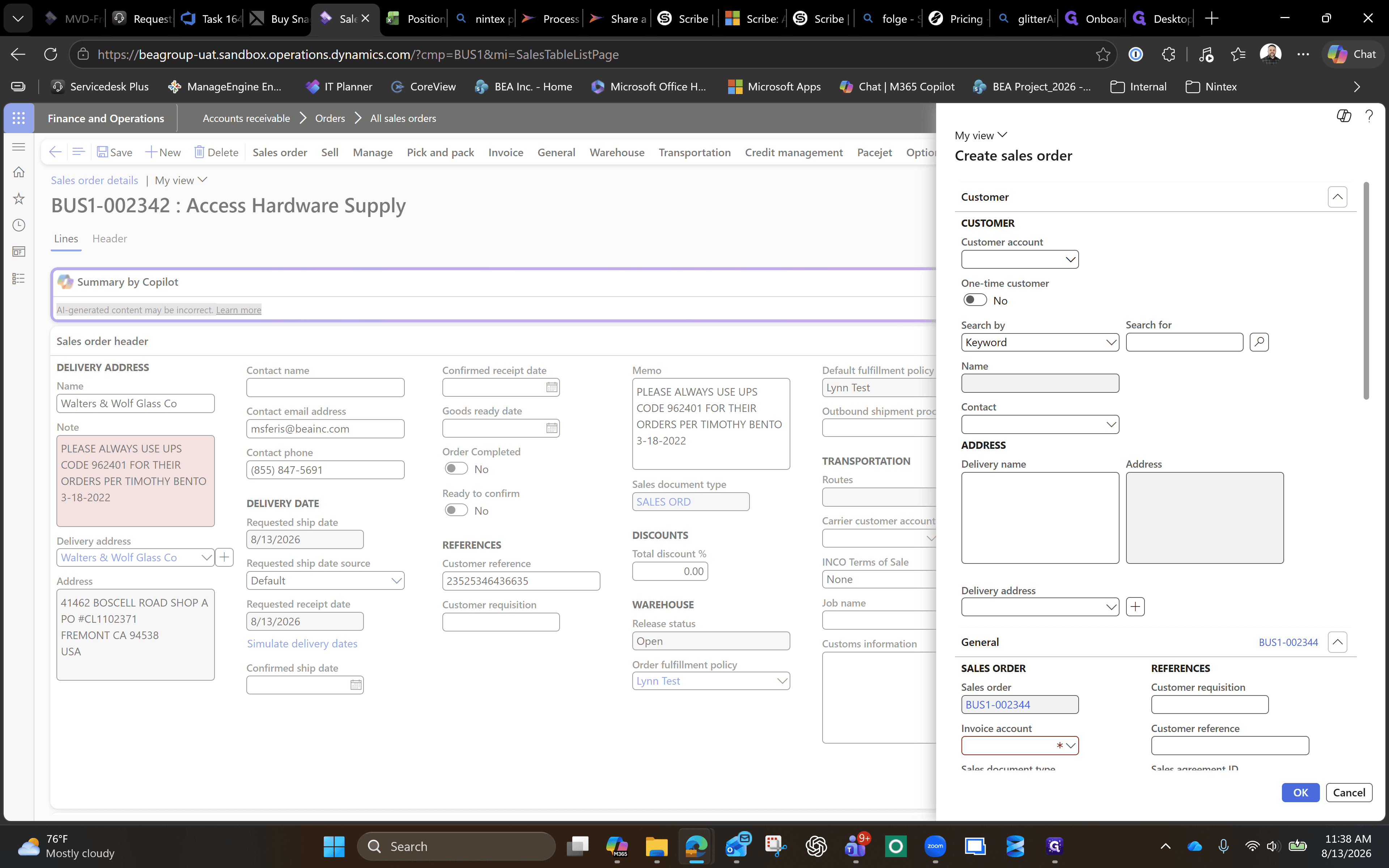
Assign Customer and Confirm
Q: What should I do if my screen displays a "Session ended" message?
A: Click the "Start new session" button on the modal message to refresh your connection. This will reload your environment so you can resume working.
Term | Definition |
|---|---|
Accounts receivable | The balance of money due to a firm for goods or services delivered or used but not yet paid for by customers. |
Sales order | A document generated by a seller upon receiving a purchase order from a buyer, specifying the details of the requested products or services. |
Invoice account | The specific customer account profile in the system that will be billed and held financially responsible for the order. |