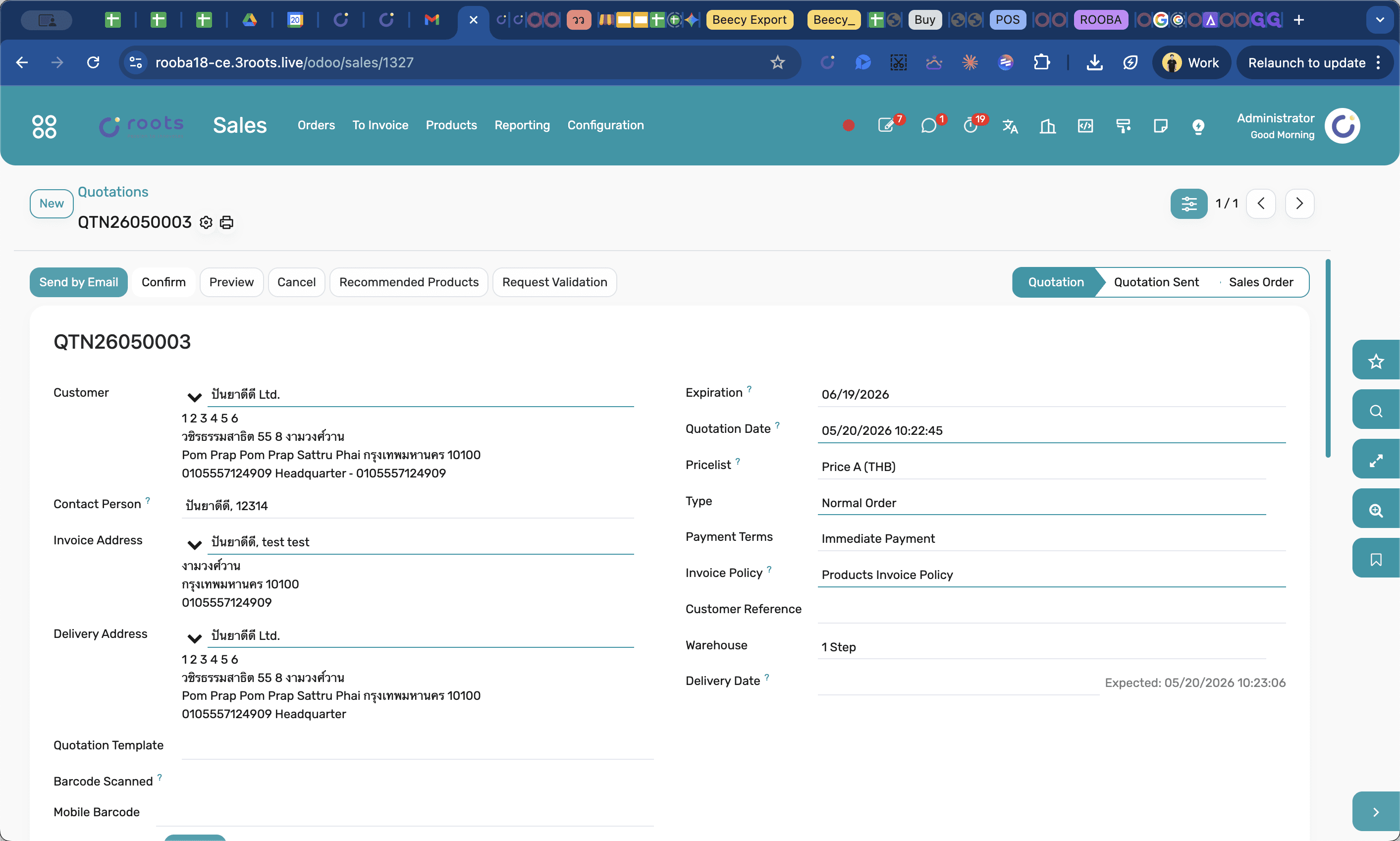
How to Create a Sales Quotation in Odoo
Learn how to quickly generate and confirm a new sales quotation in Odoo by assigning customers, selecting warehouses, and adding product lines.
This guide walks you through the process of creating a new sales quotation in Odoo, from selecting the customer and fulfillment warehouse to adding specific products and confirming the final order.
This workflow is intended for sales representatives and order management teams who use the Odoo Sales module to capture and process customer requests.
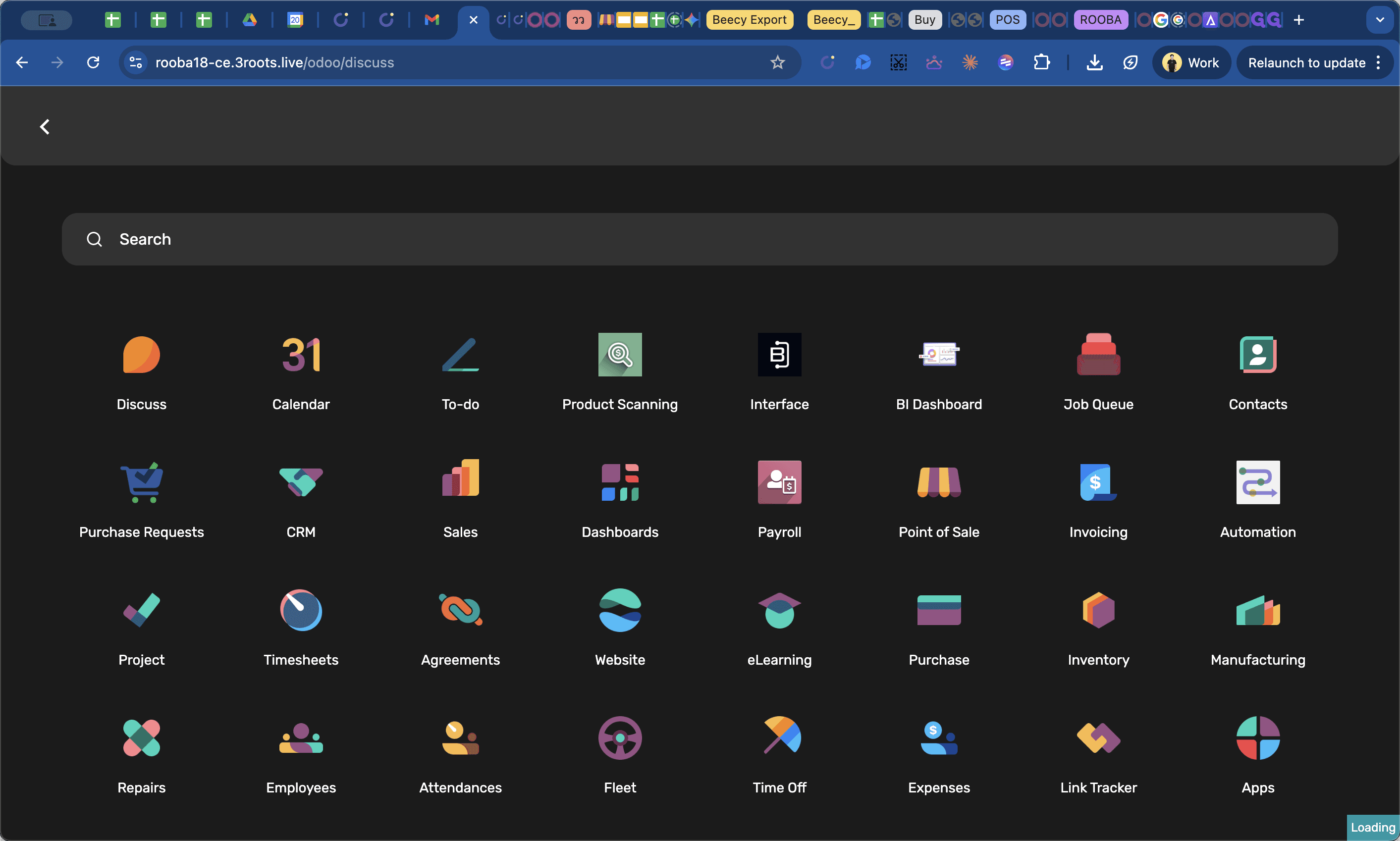
Navigate to Sales Quotations
Begin by accessing the central sales dashboard where all quotations are managed.
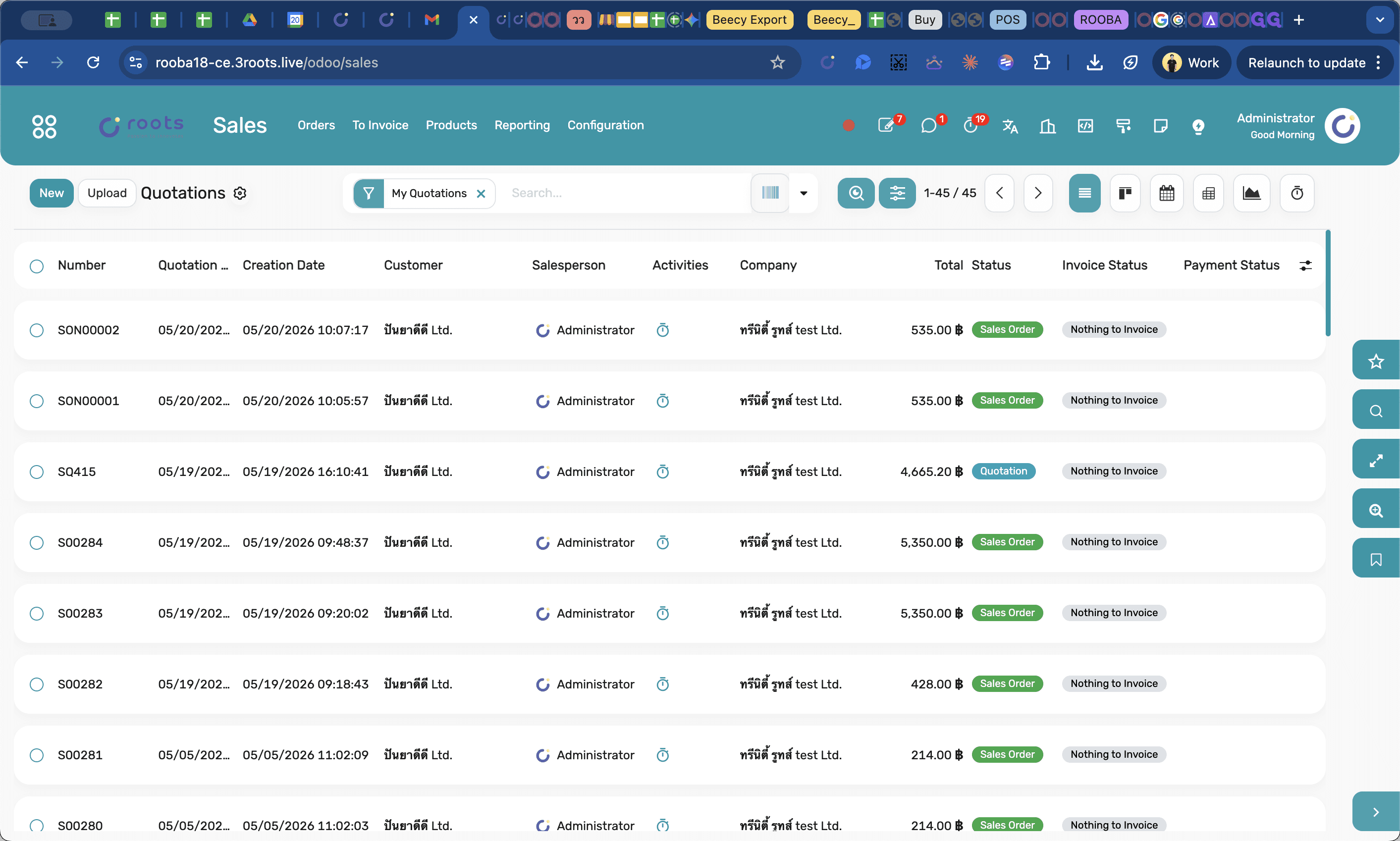
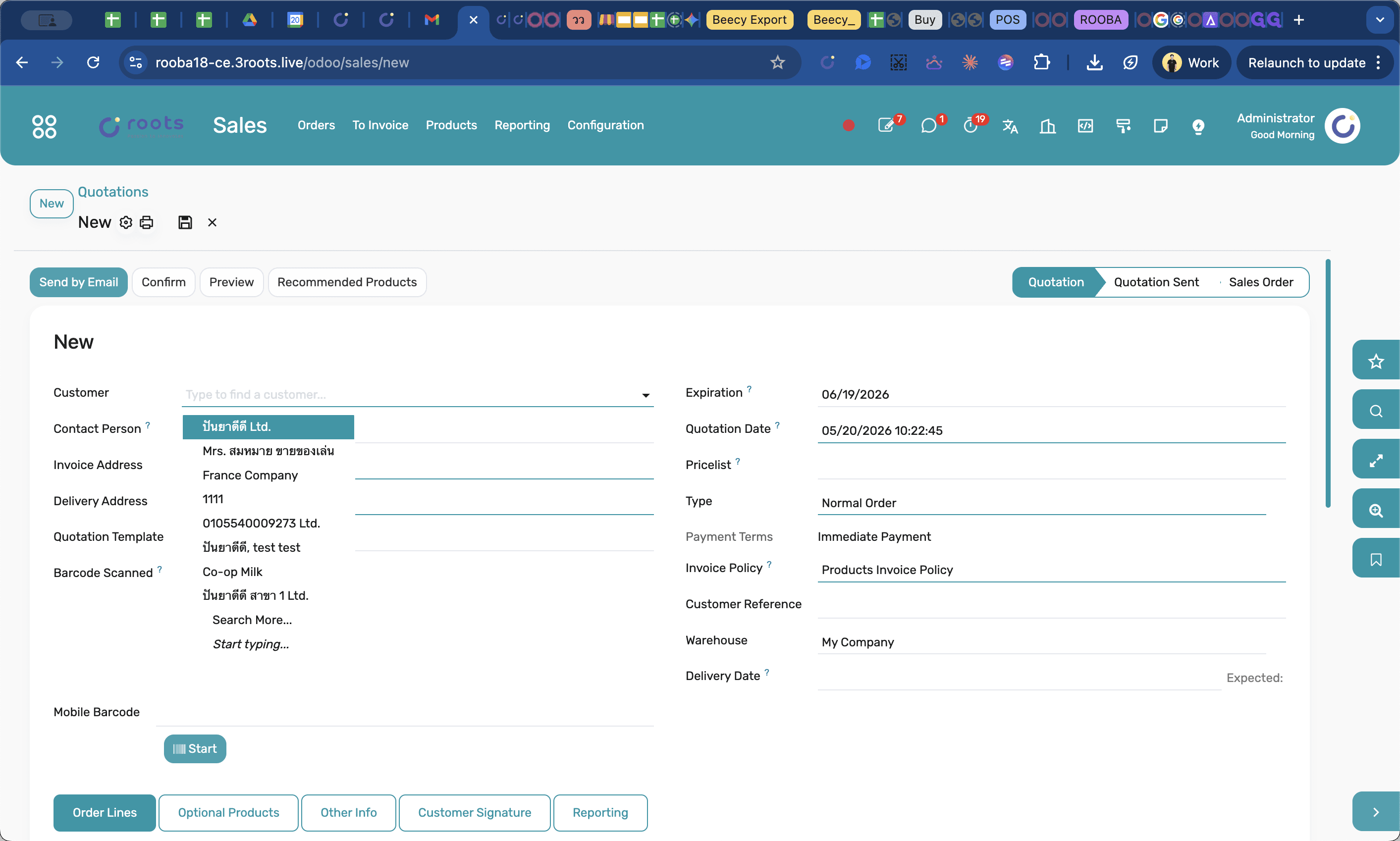
Configure Order Details
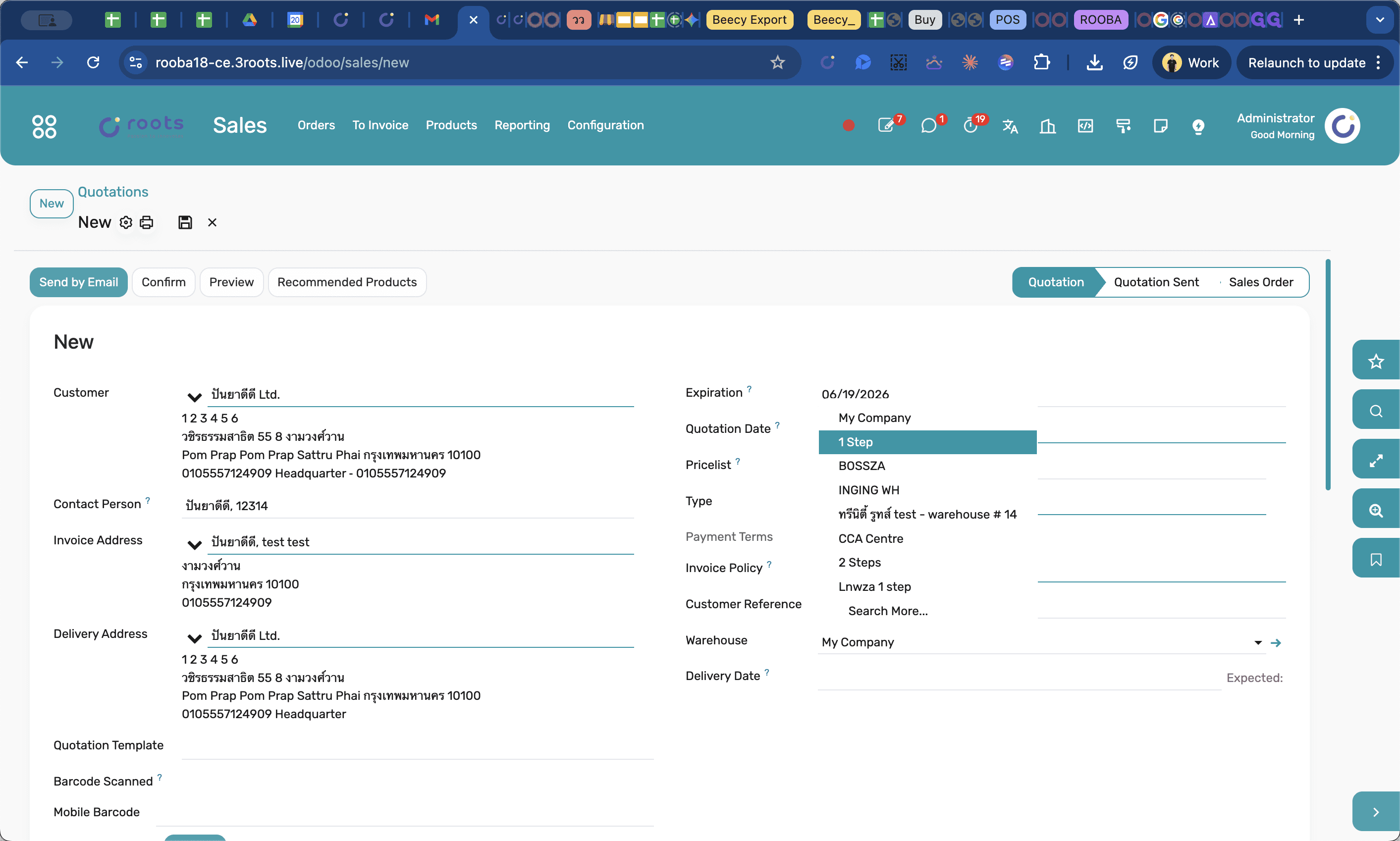
Set up the high-level information for the quote, determining who the order is for and where the inventory will be pulled from.
Add Product Lines
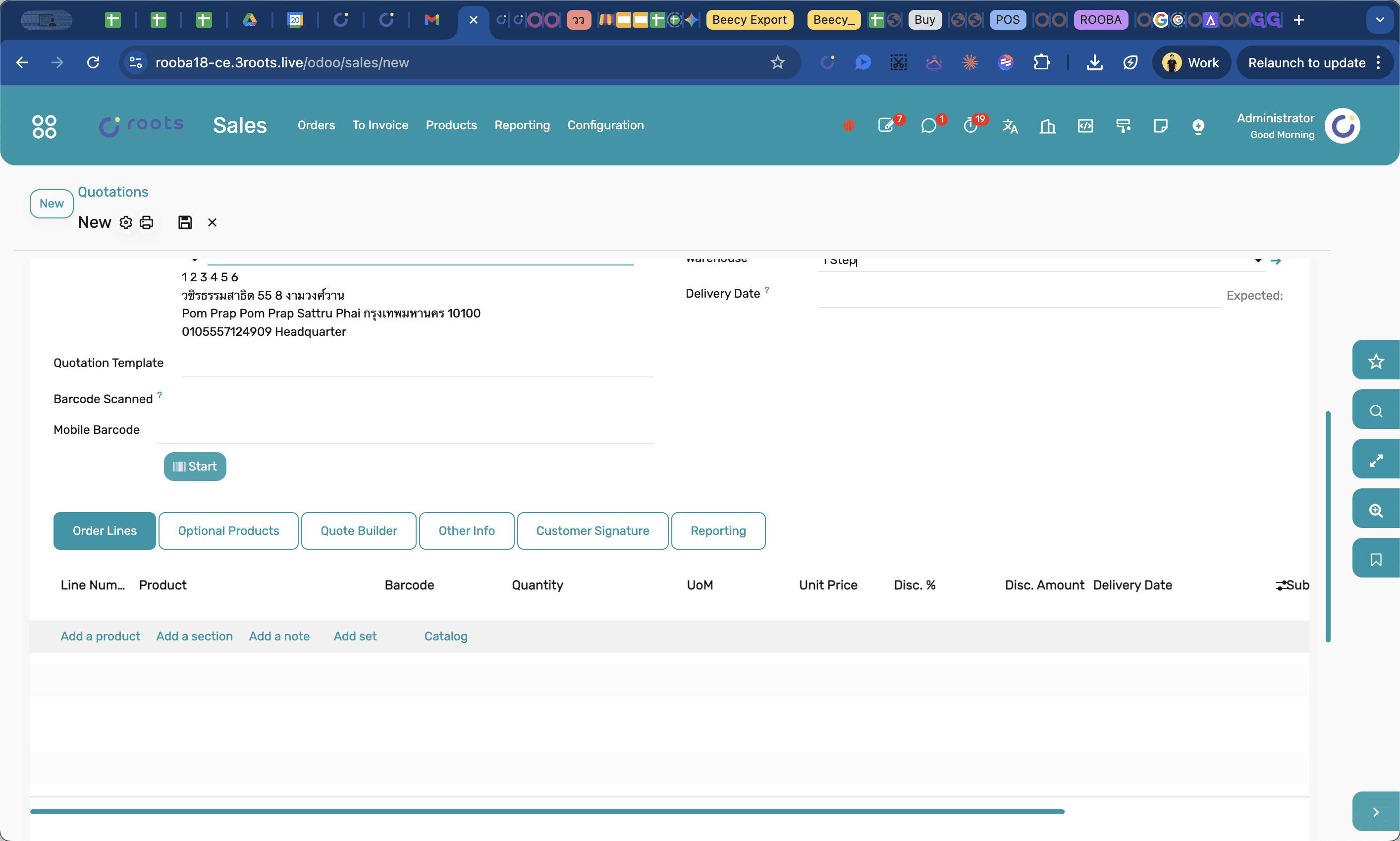
Once the header information is populated, specify what the customer is purchasing.
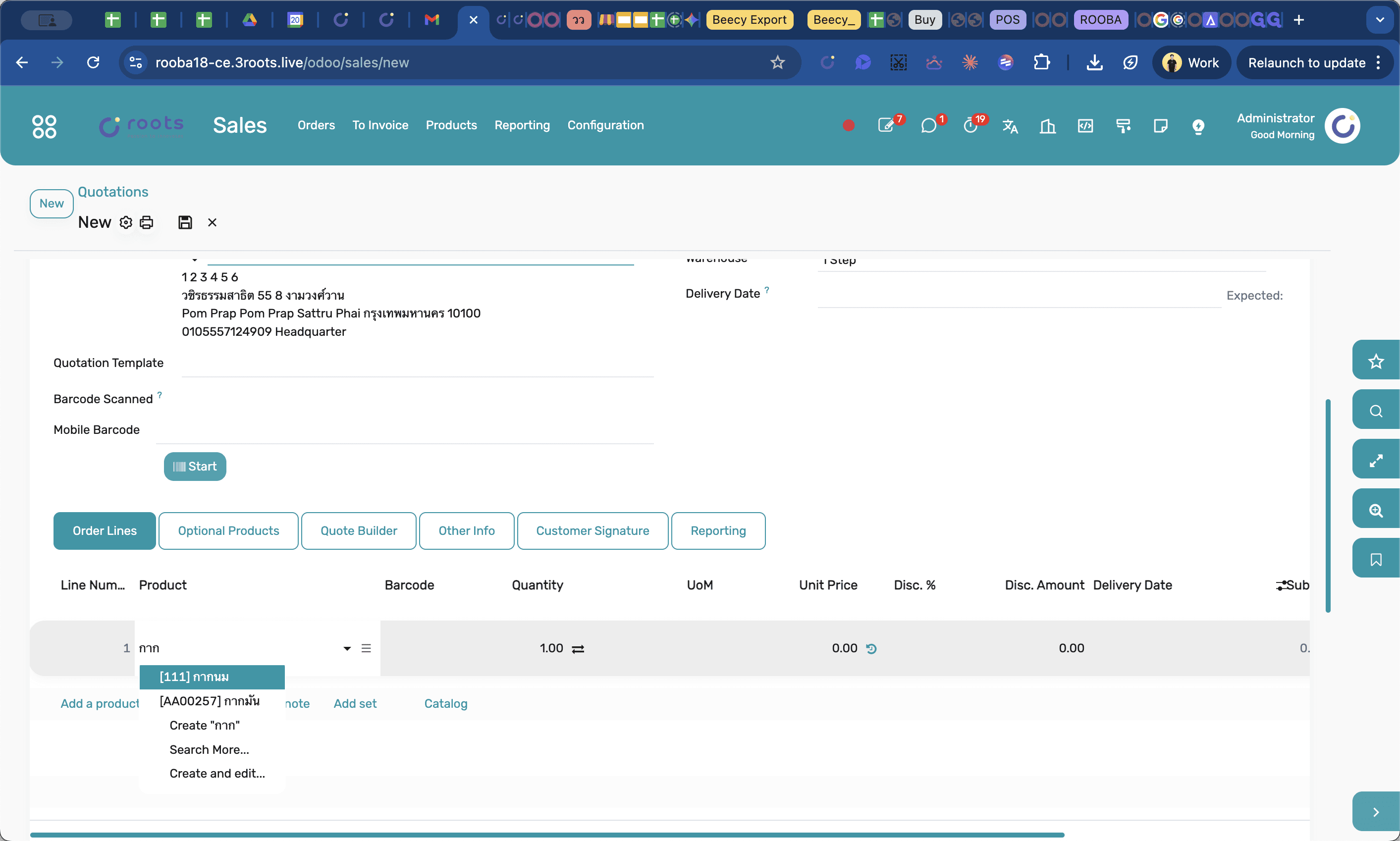
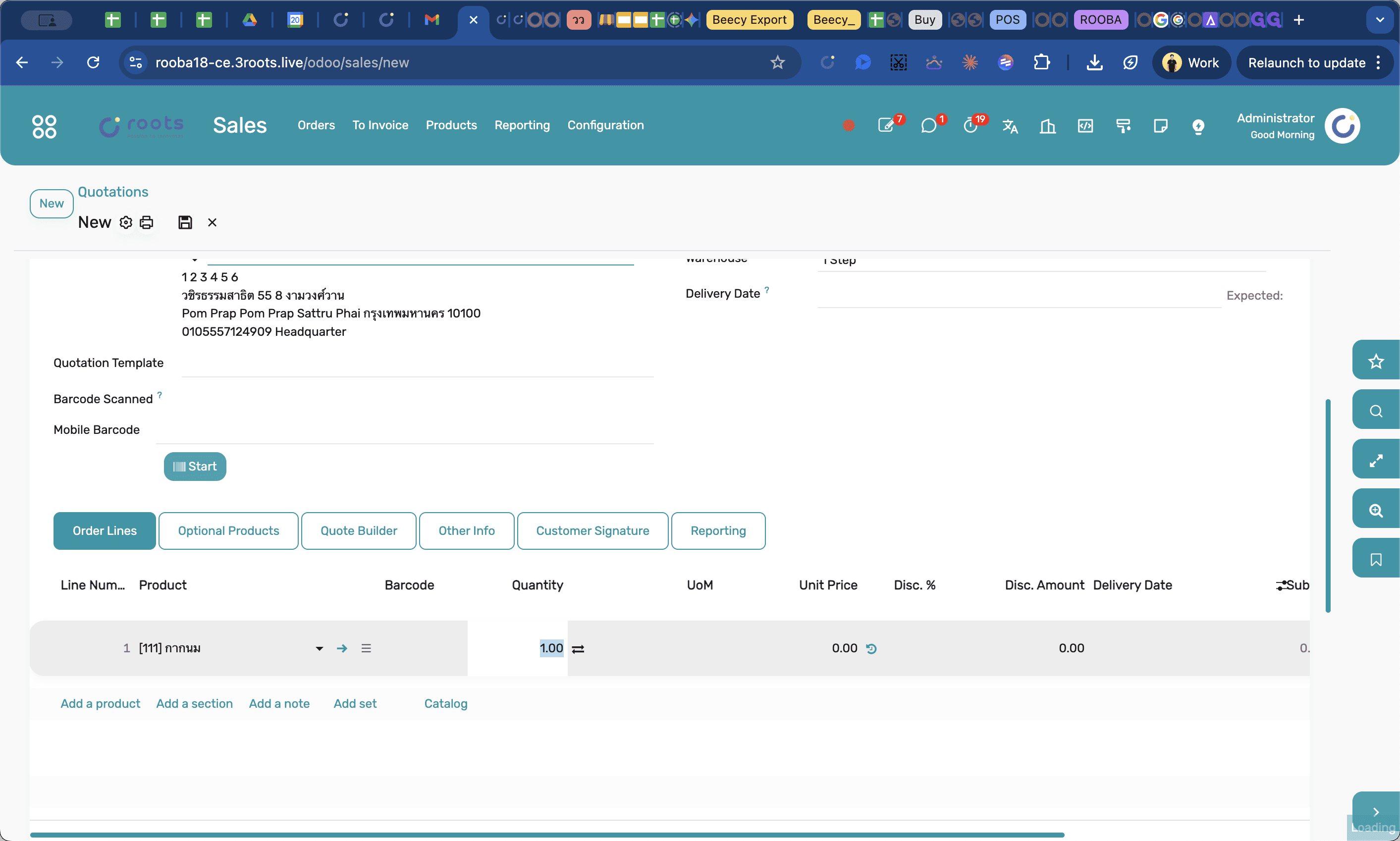
Repeat these steps for any additional products the customer wishes to order.
Finalize the Quotation
Review the order lines, taxes, and totals to ensure everything is correct before locking in the document.