
Download Drivers and Print Tags with Munbyn Printers
Learn how to download and install Munbyn printer drivers and print custom tags directly from Smartsheet on your laptop.
This guide provides instructions on downloading drivers for a Munbyn printer and configuring it to print tags from your laptop. Completing this ensures you can seamlessly print custom labels directly from Smartsheet without relying on a mobile device.
This guide is for team members who need to print orange, purple, or other custom tags using a Munbyn printer. It is used during initial setup or whenever a new laptop needs to be connected to the printer for Smartsheet workflows.
https://www.bing.com/search?qs=AS&pq=munbyn+printer+driver+&sk=CSYN1&sc=14-22&pglt=297&q=munbyn+printer+driver+download&cvid=6eec61af24b3401ba9d2e6d2570b6012&gs_lcrp=EgRlZGdlKgYIARAAGEAyBggAEEUYOTIGCAEQABhAMgYIAhAAGEAyBggDEAAYQDIGCAQQABhAMgYIBRAAGEAyBggGEAAYQDIGCAcQABhAMgYICBAAGEDSAQg3MjczajBqN6gCALACAA&FORM=ANSPA1&PC=LCTS&ntref=1
Download and Install Printer Drivers
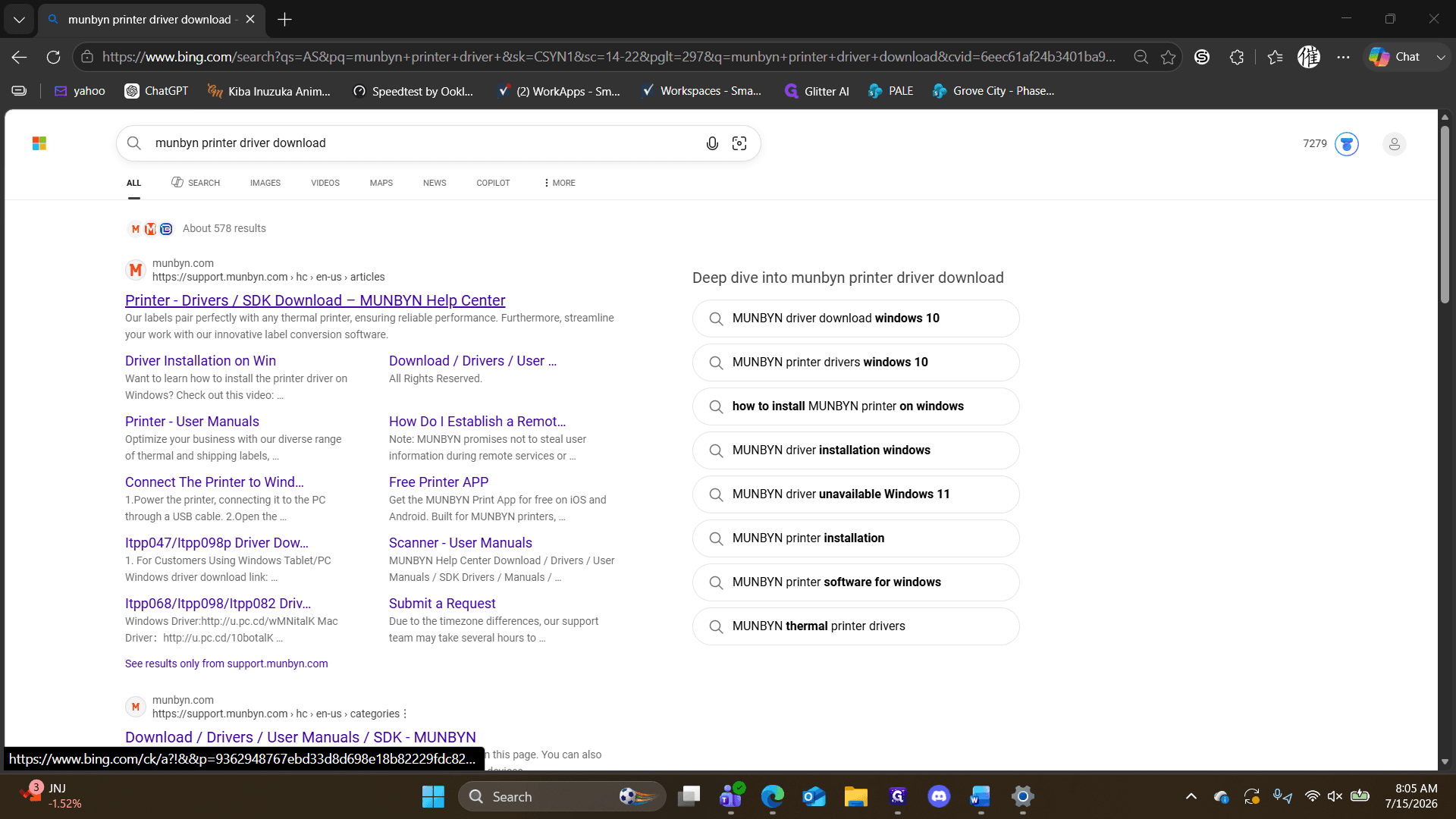
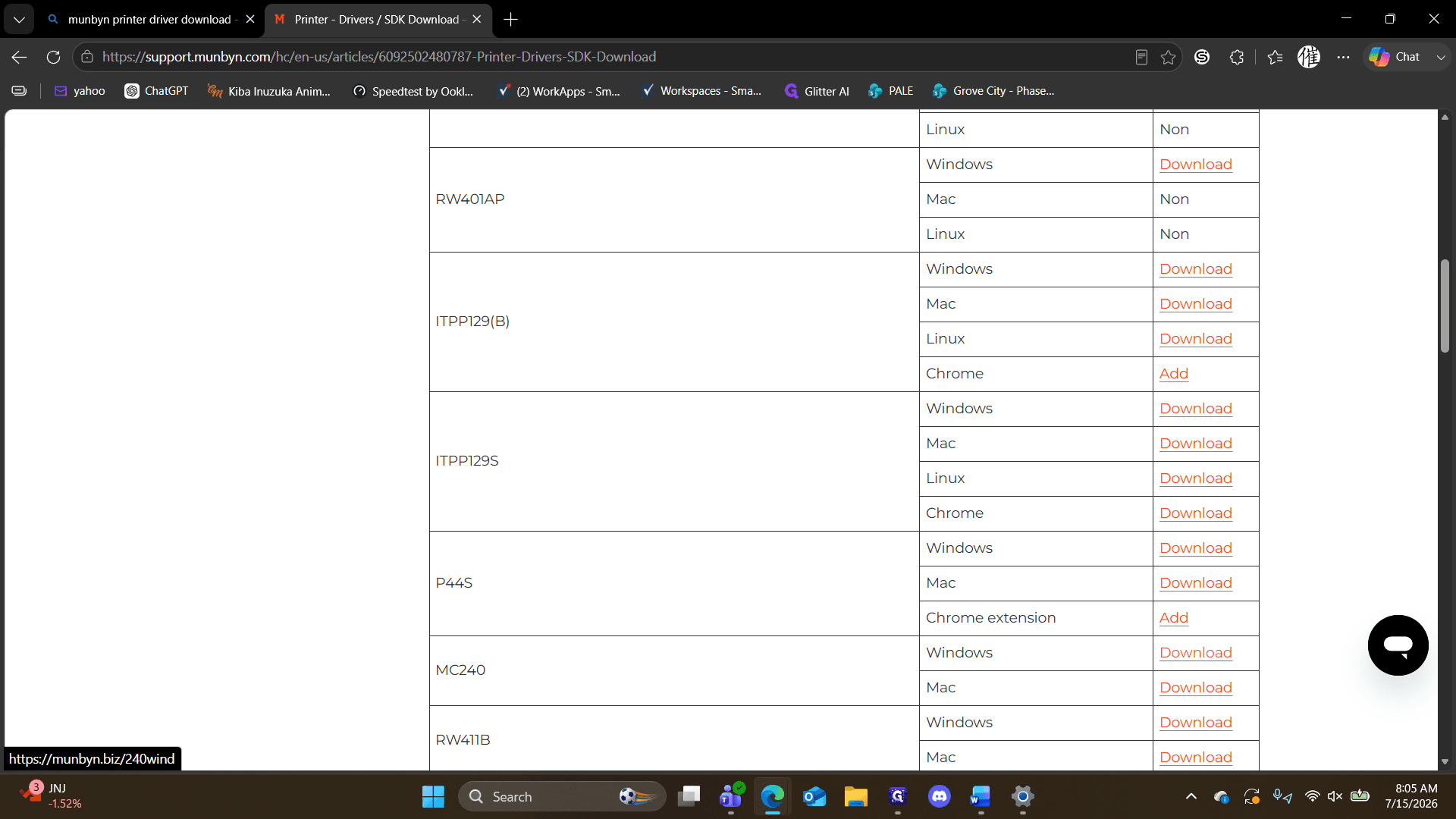
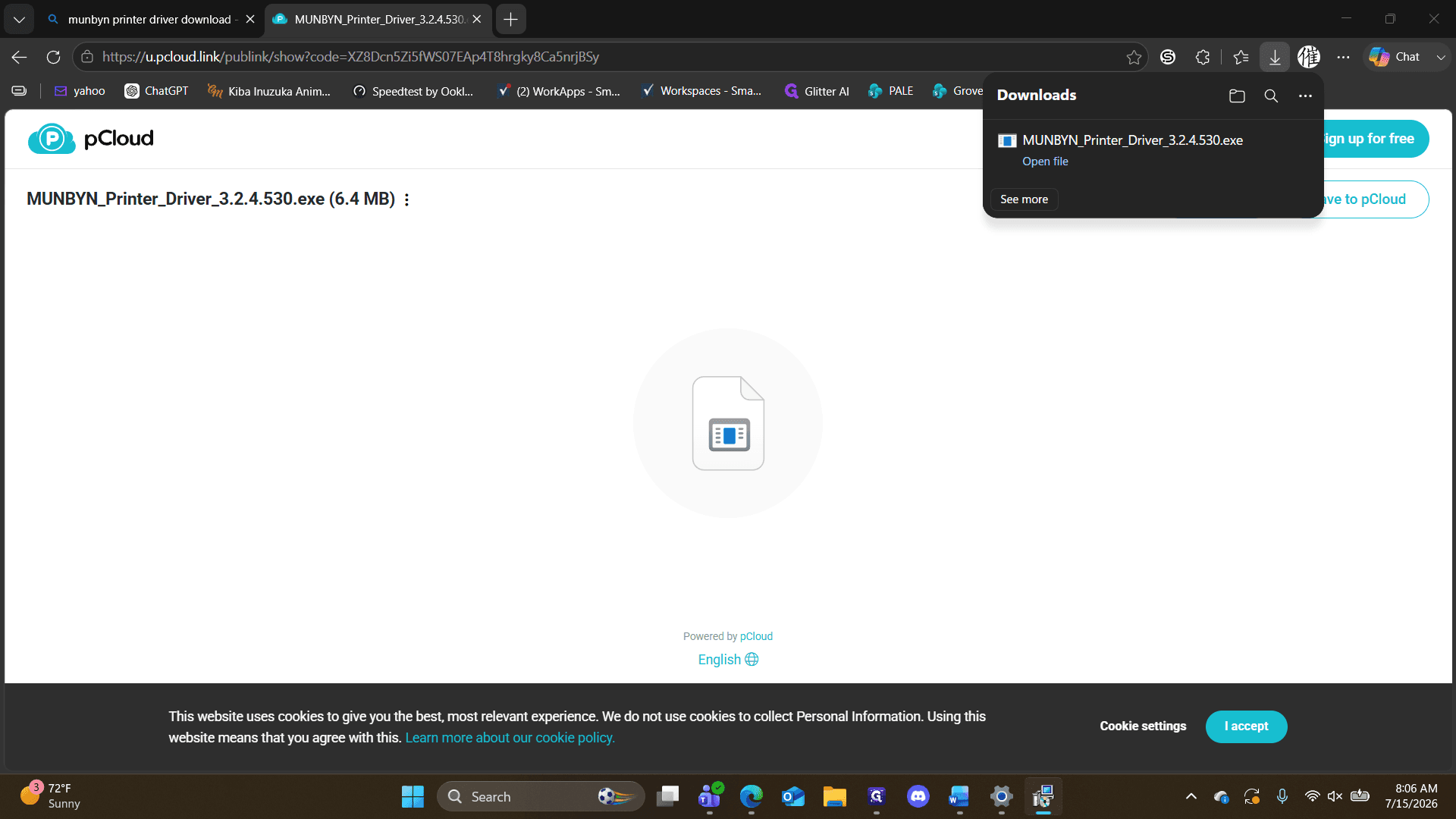
Ctrl + J to open your browser's download manager.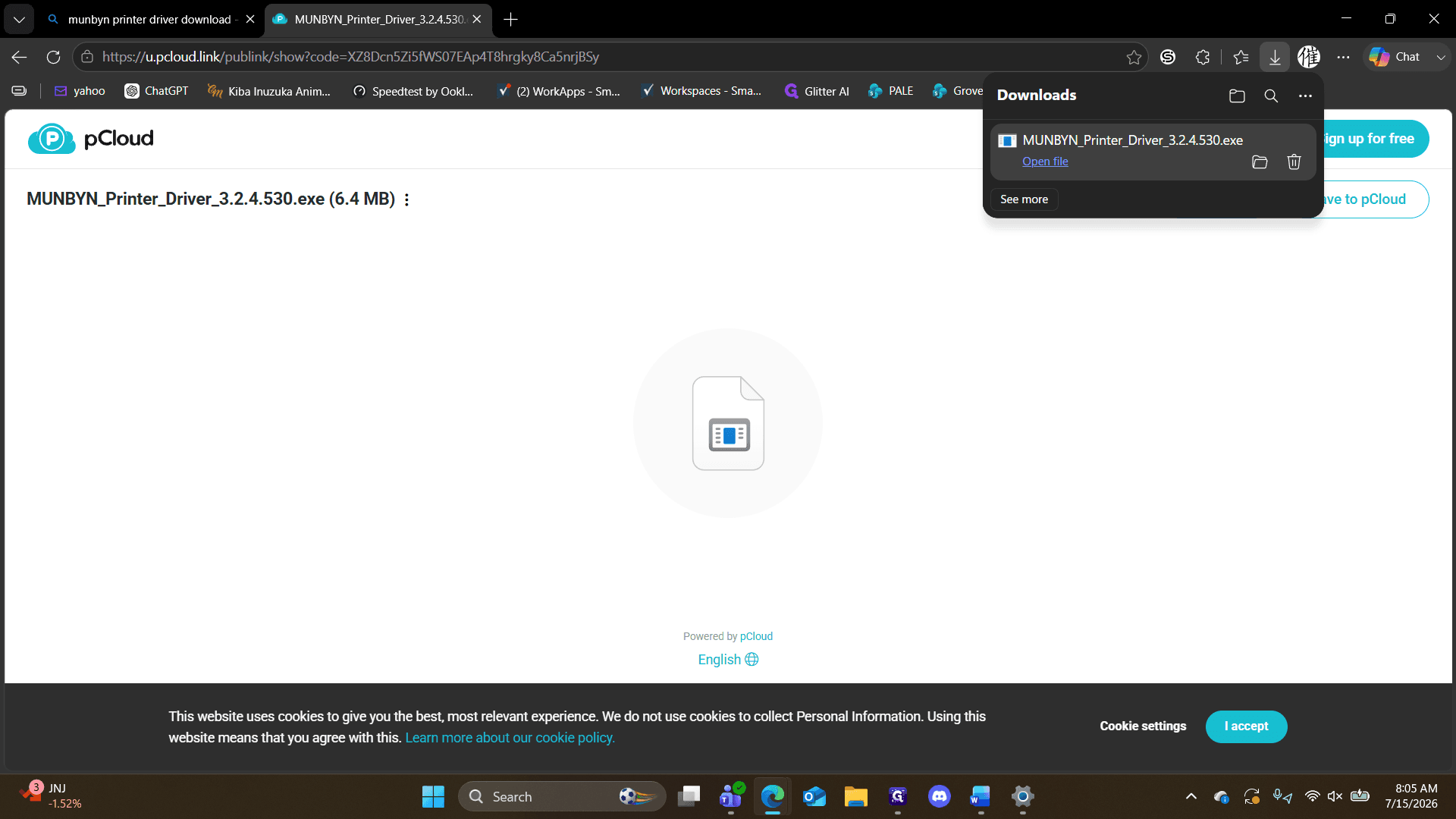
Follow the on-screen installer prompts. Select USB wireless, choose the MC240 model, and set your default paper size to 4 inches by 2 inches in the printer preferences.
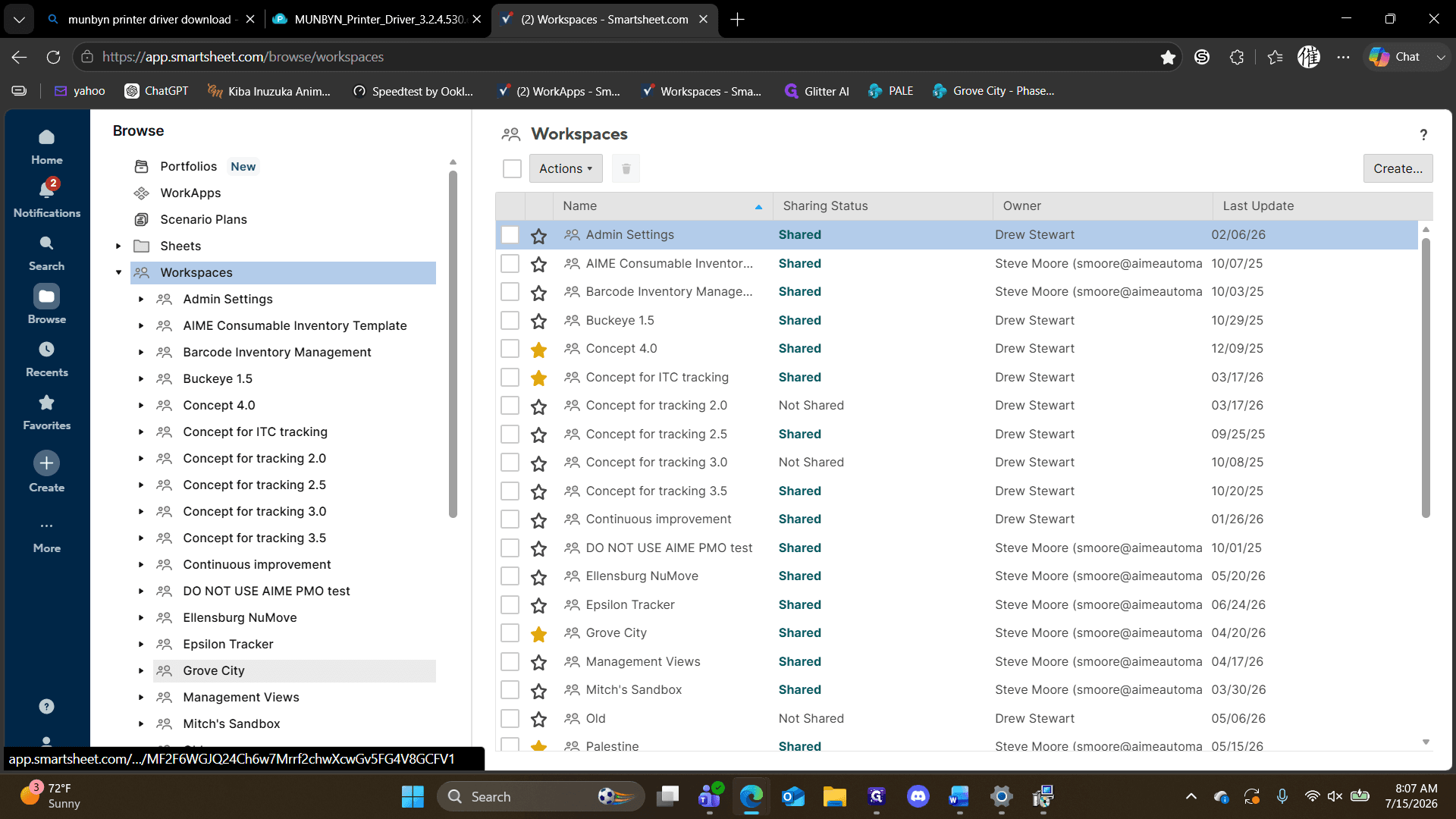
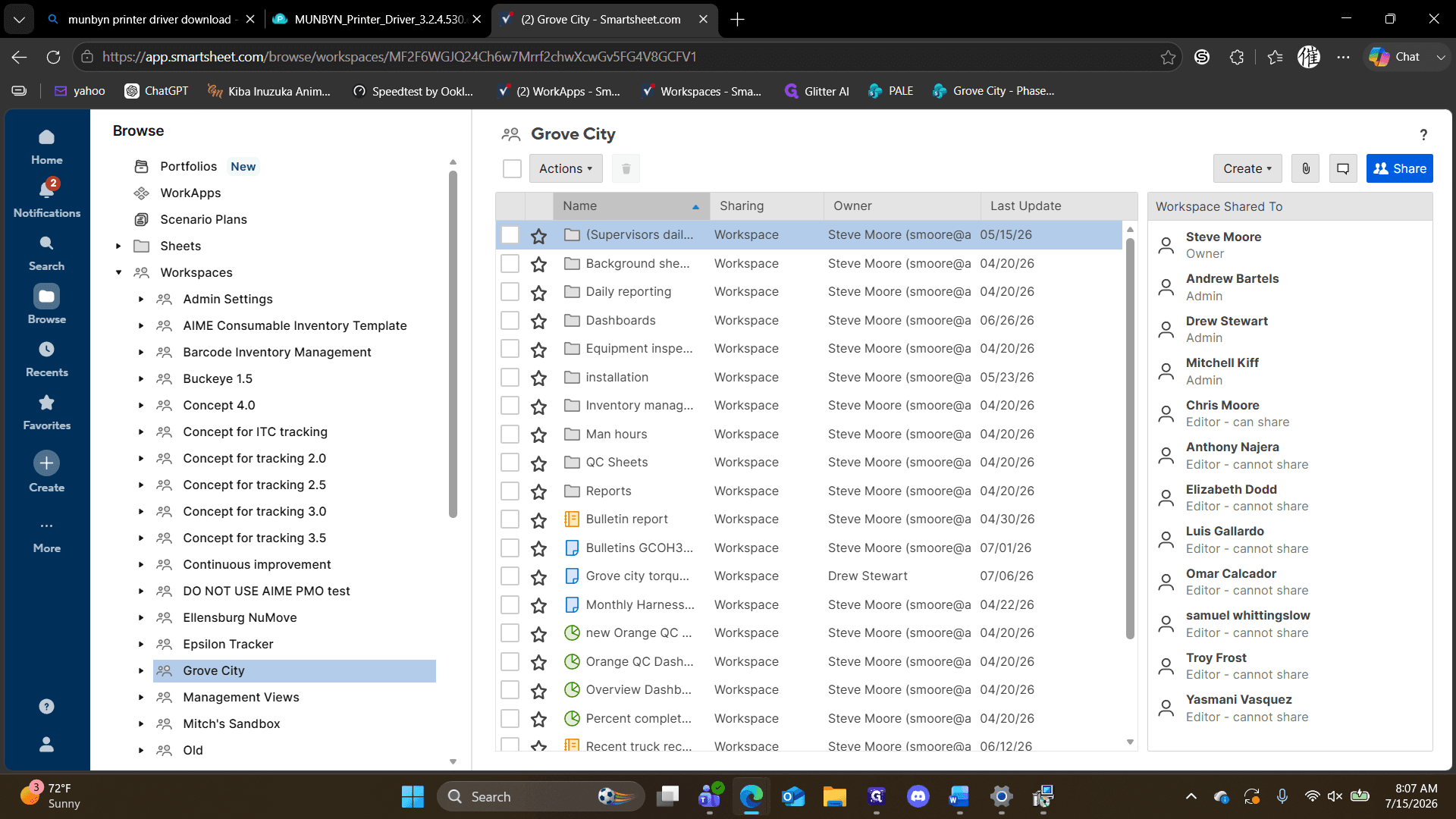
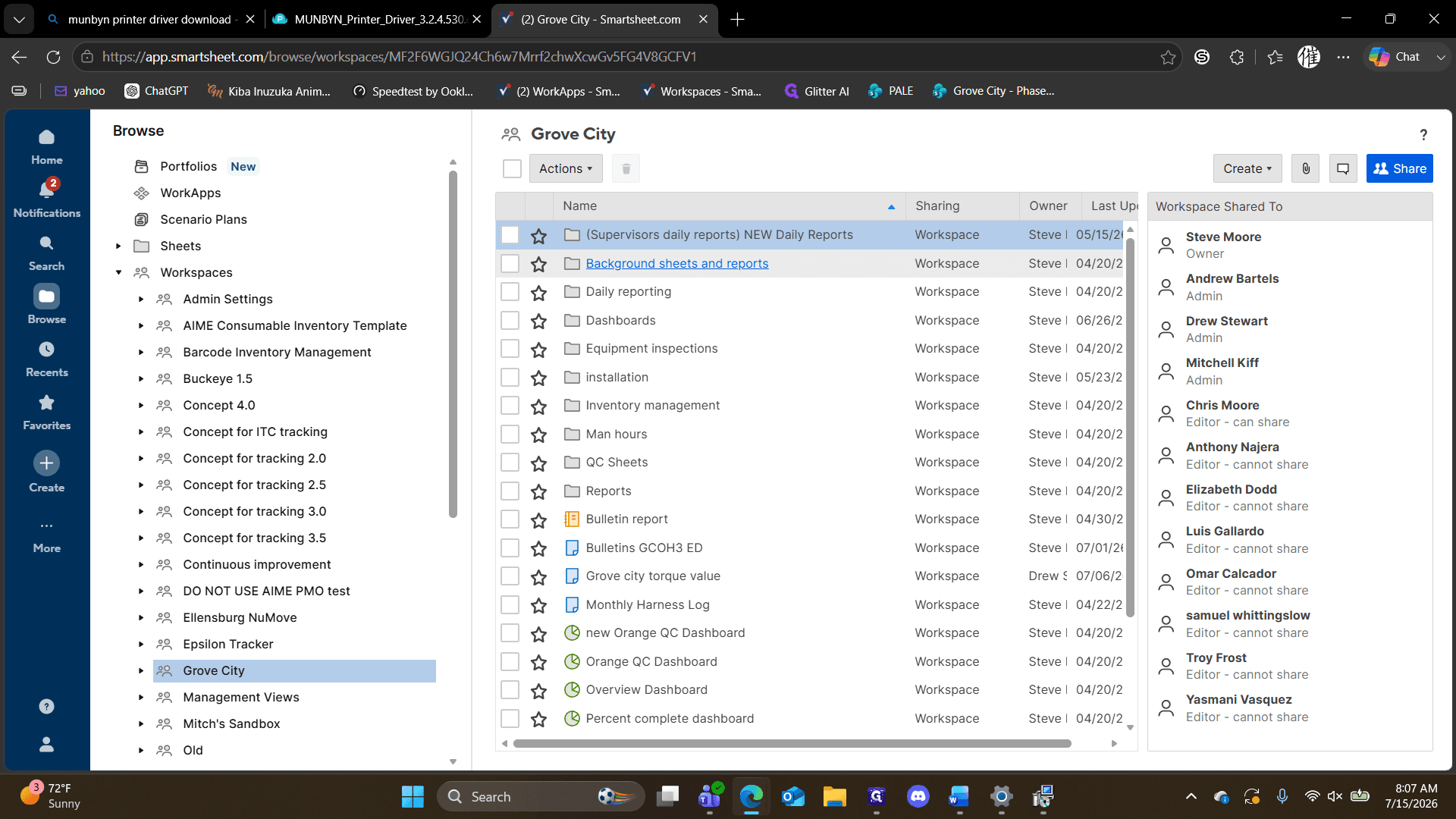
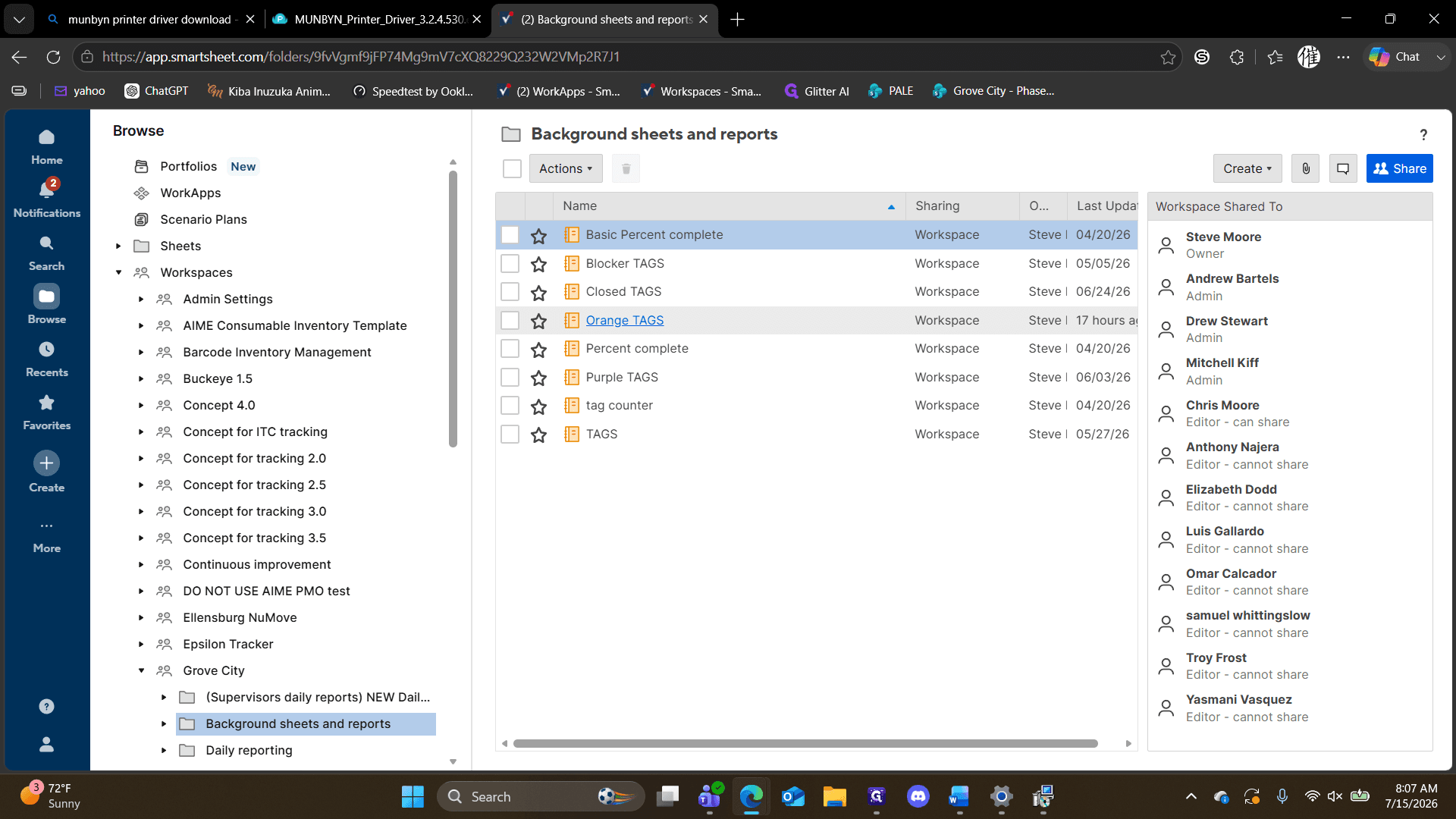
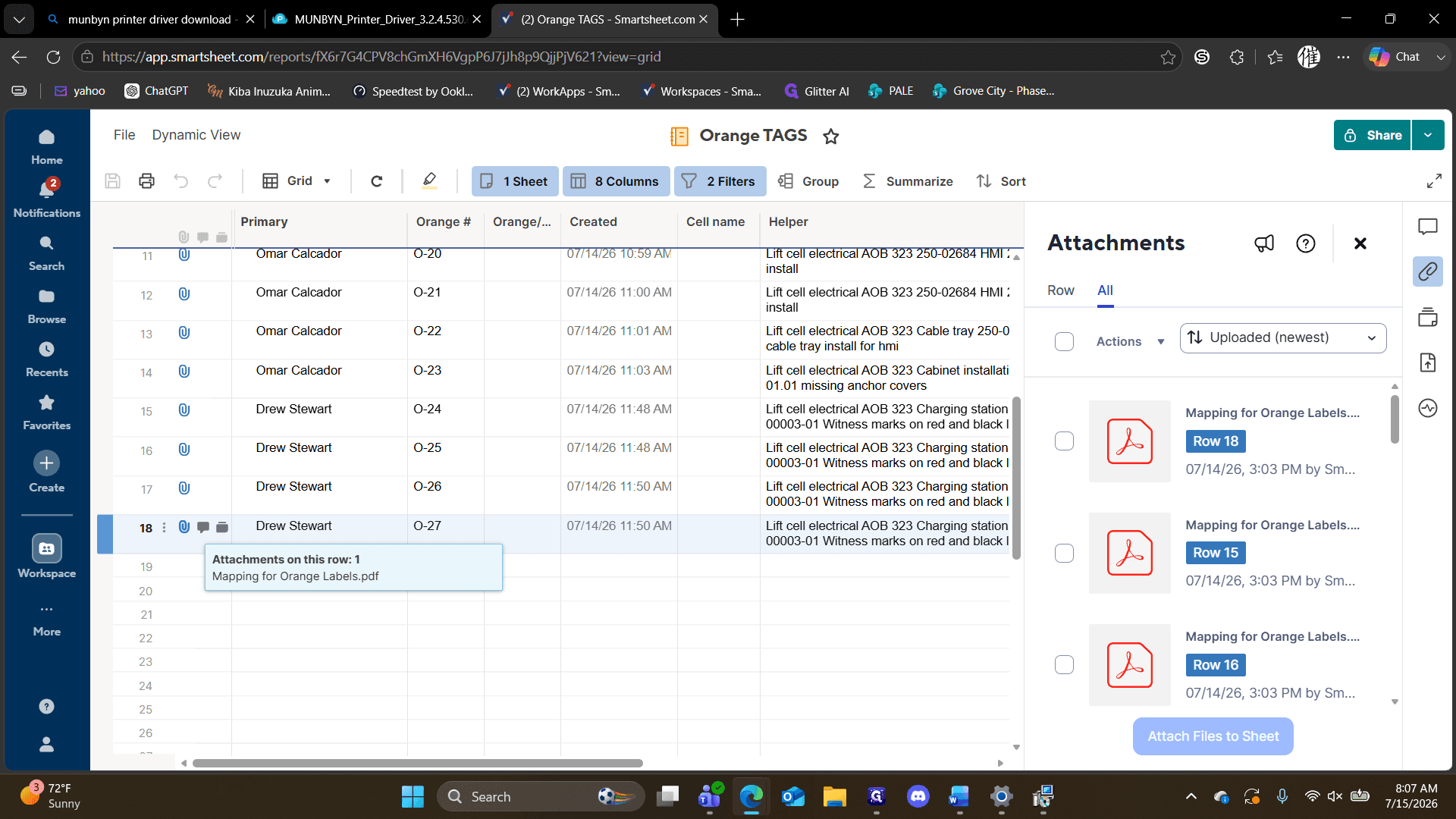
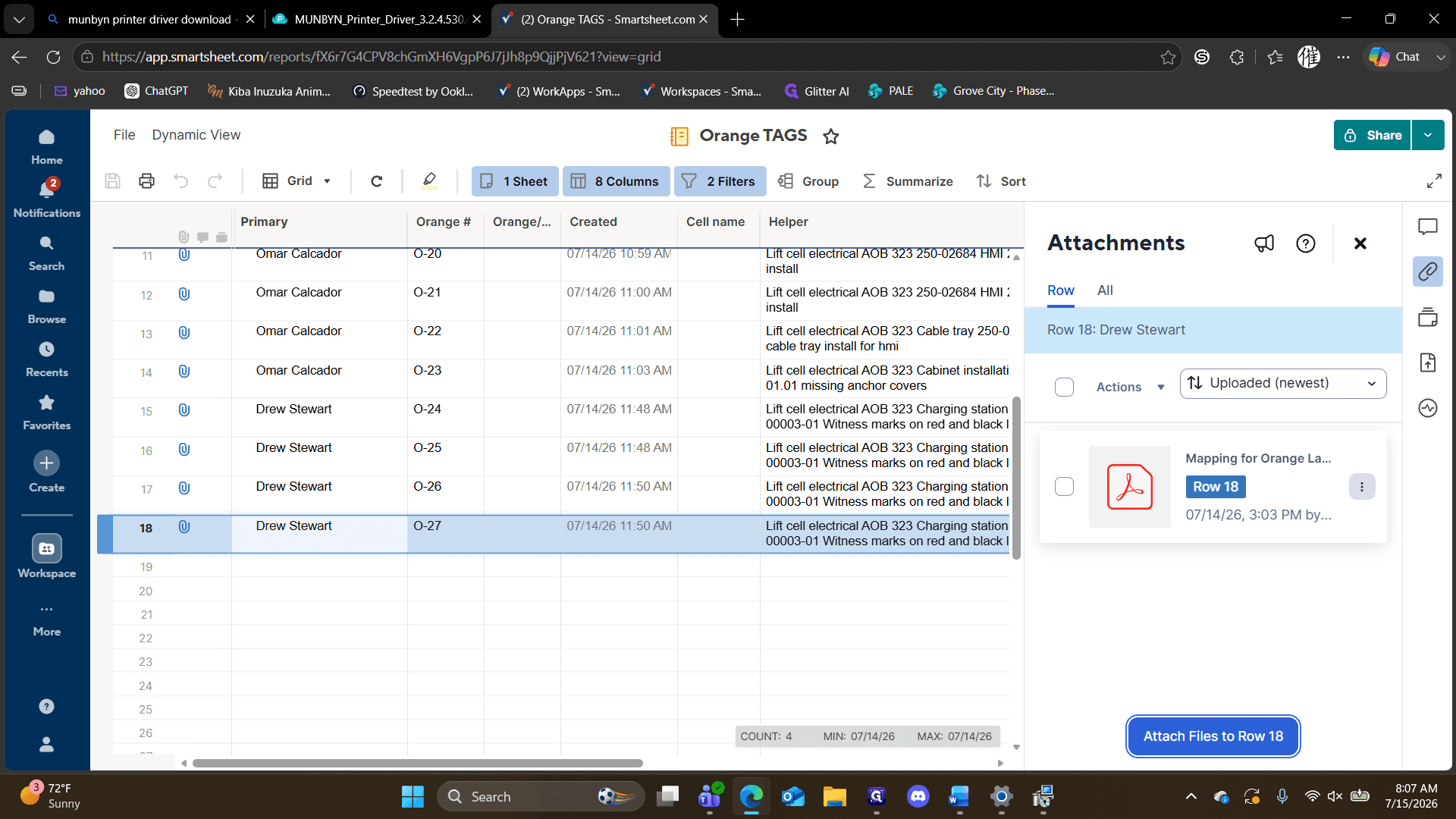
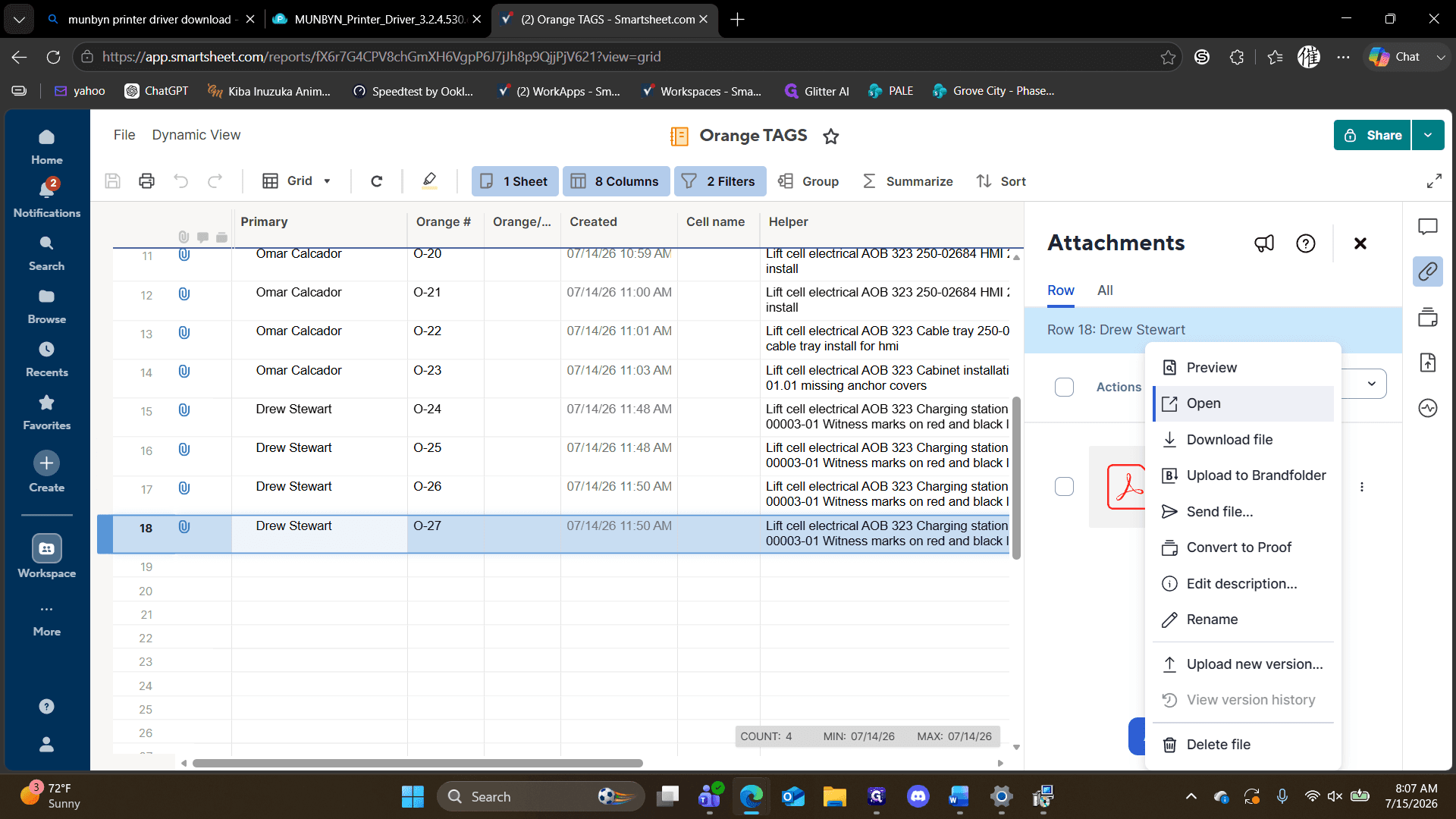
Print Tags from Smartsheet
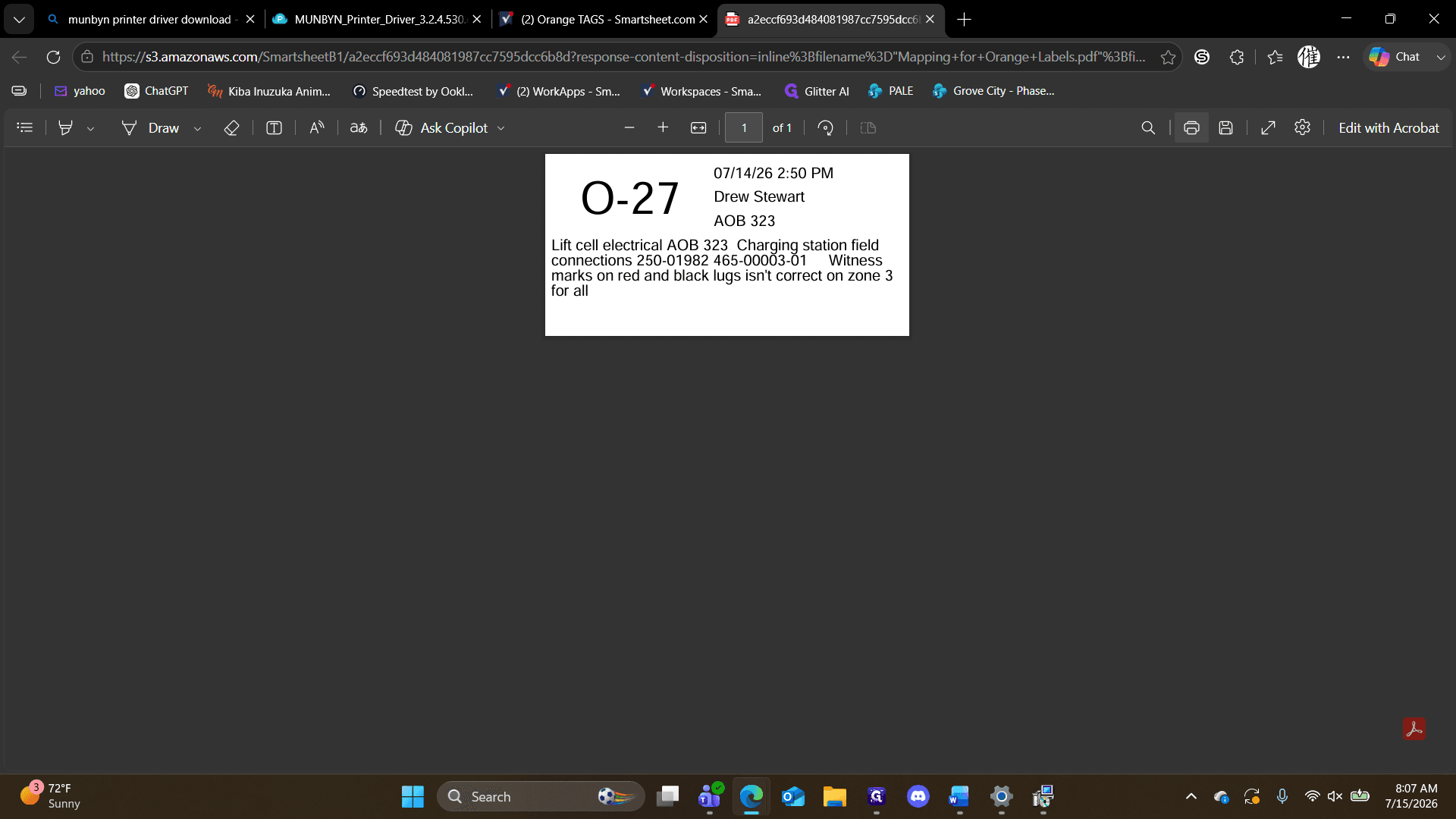
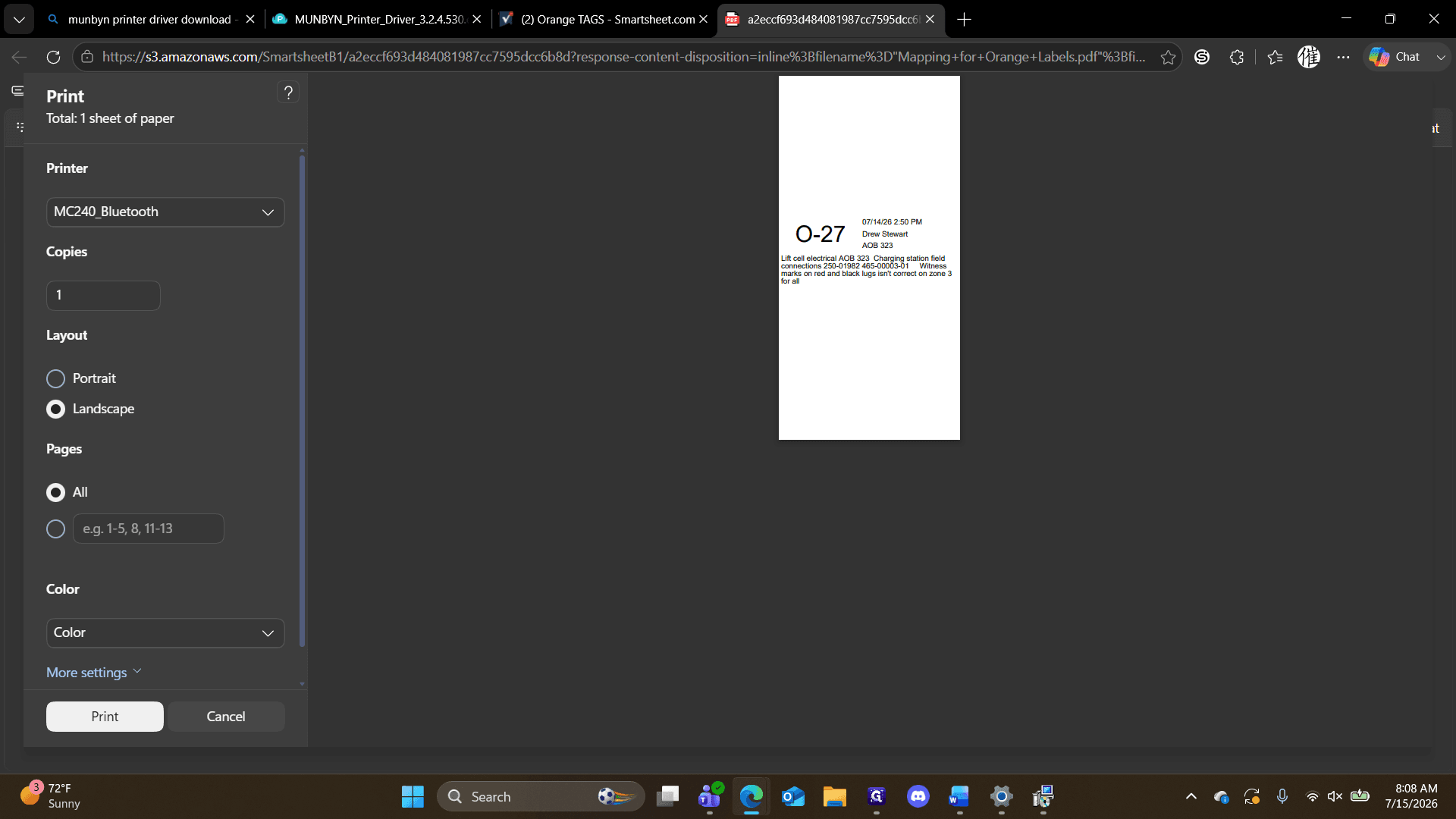
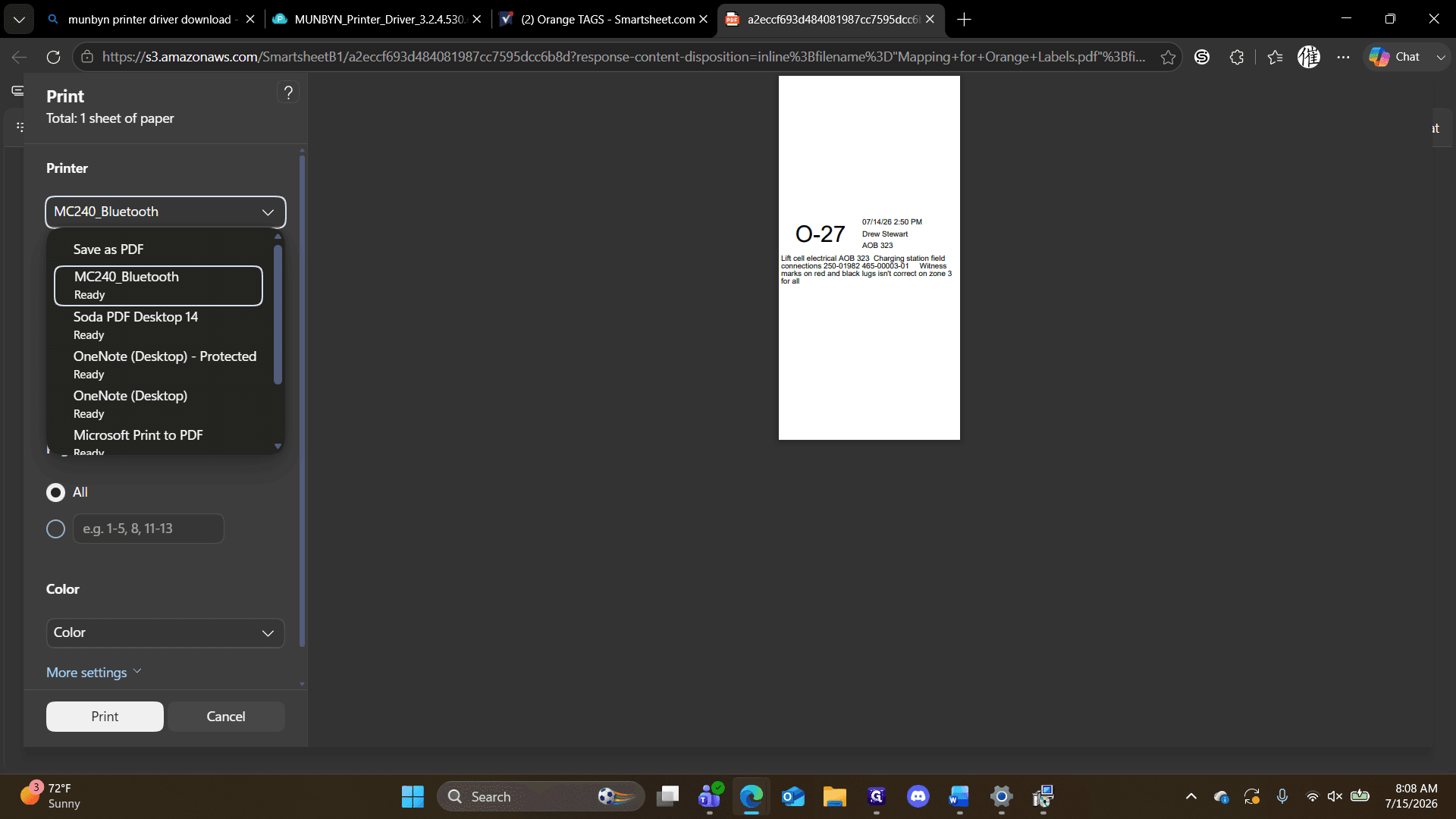
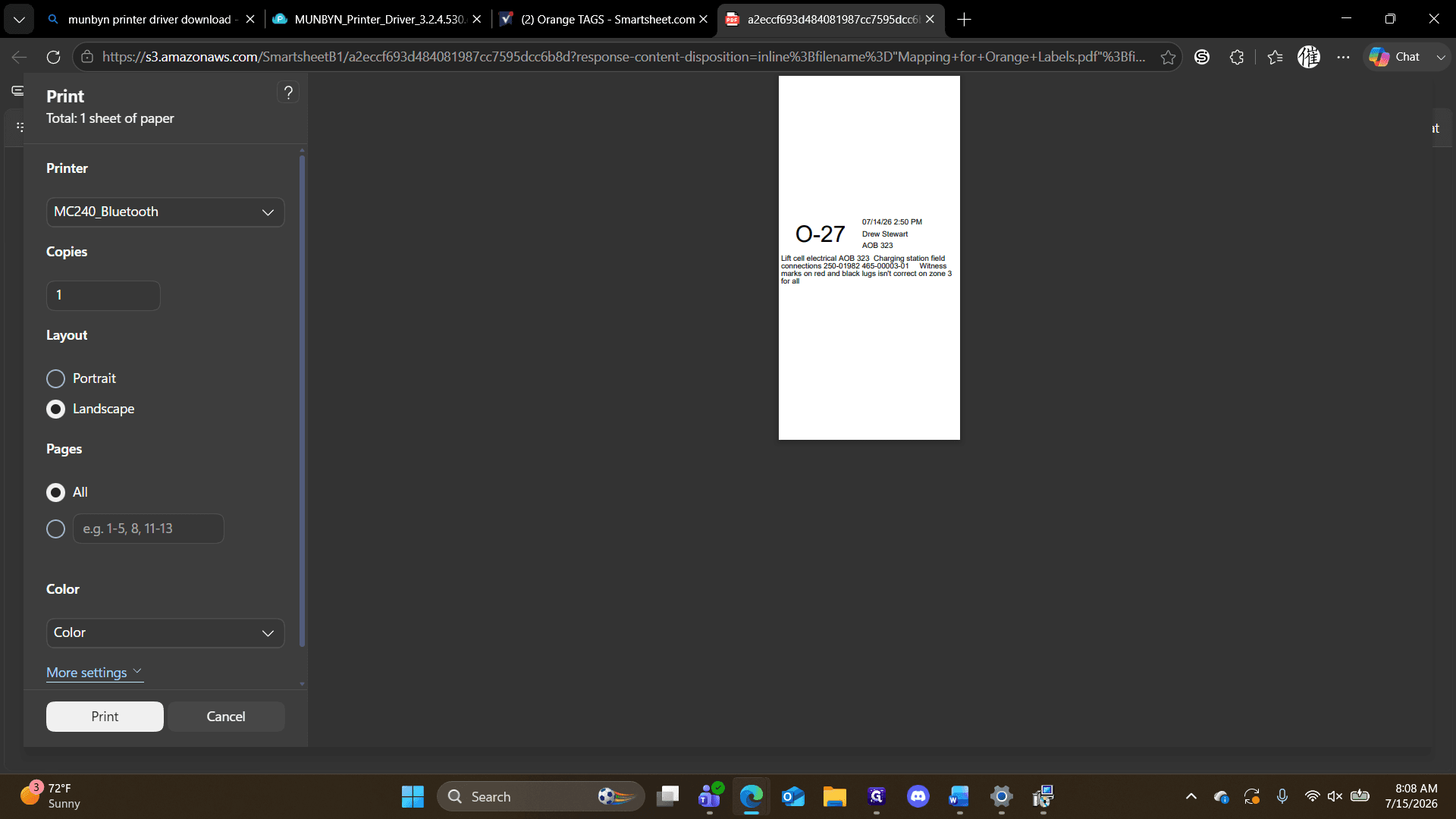
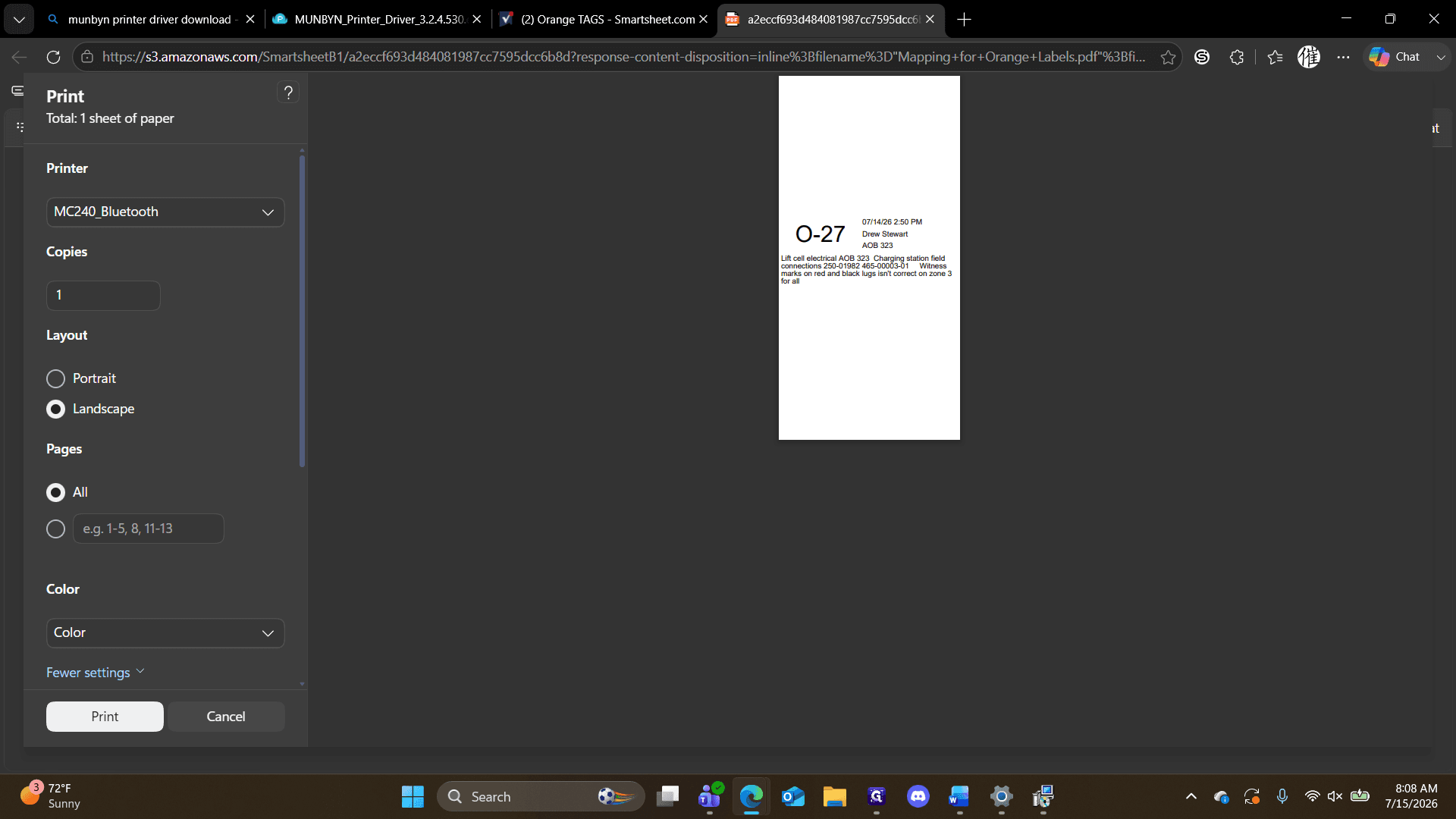
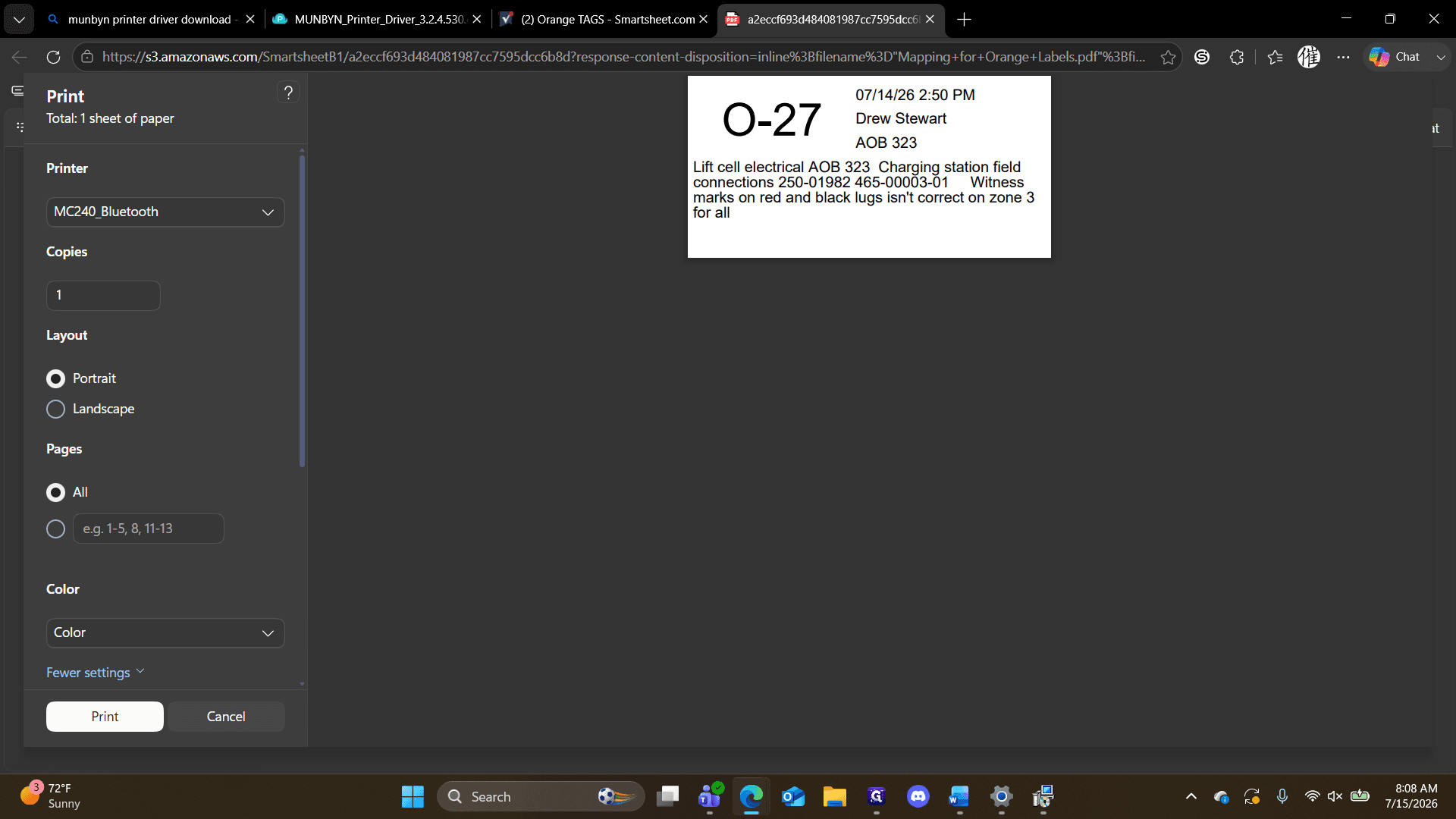
Q: Why is the blue Bluetooth light on the printer solid?
A: A solid blue light indicates the printer is already connected to another device. It must be flashing to pair successfully with your laptop.
Q: What paper size should I use for the tags?
A: During the printer configuration, set the default paper size to 4 inches by 2 inches in the printer preferences.
Q: How do I know which row to select for printing?
A: Look for a row that displays a blue attachment icon, which indicates that mapping data or a printable document is attached.
Term | Definition |
|---|---|
Munbyn | A brand of thermal printers commonly used for printing labels and tags. |
Smartsheet | A software application used for collaboration and work management where the tag data is stored. |
Driver | A software component that allows the operating system and a device, like a printer, to communicate with each other. |