Enter indicator values for the reporting period
Learn how to enter data for the indicators assigned to you. This guide also explains how to navigate the platform and add the required information in different cases.
By Soporte DATAIE
In this guide, you will learn step by step how to report your indicators: select the right indicators and complete them with the required information.
Select the indicators to report
1
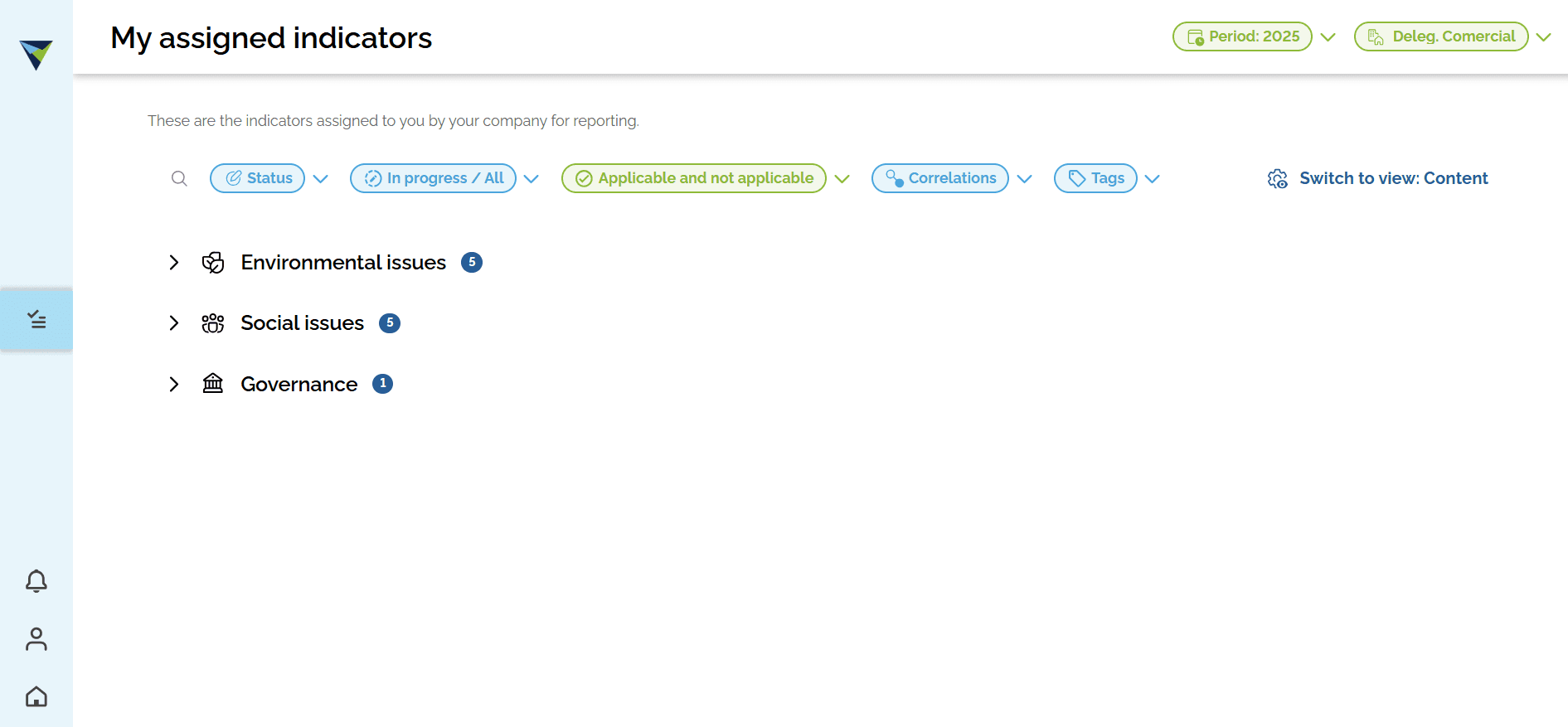
Browse the platform. You can search for an indicator by name using the search bar, or choose it from the full list.
2
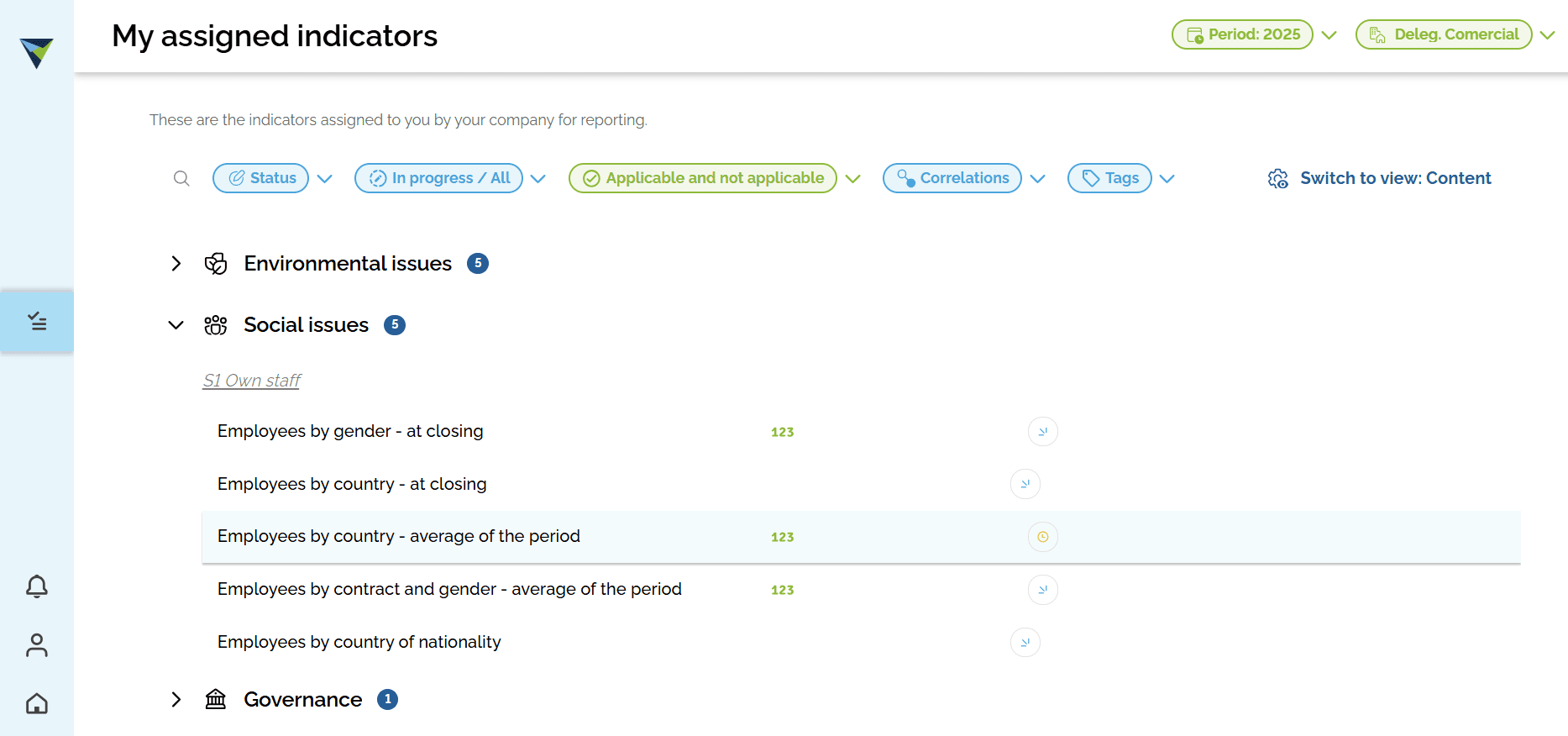
Click the indicator you want to complete.
3
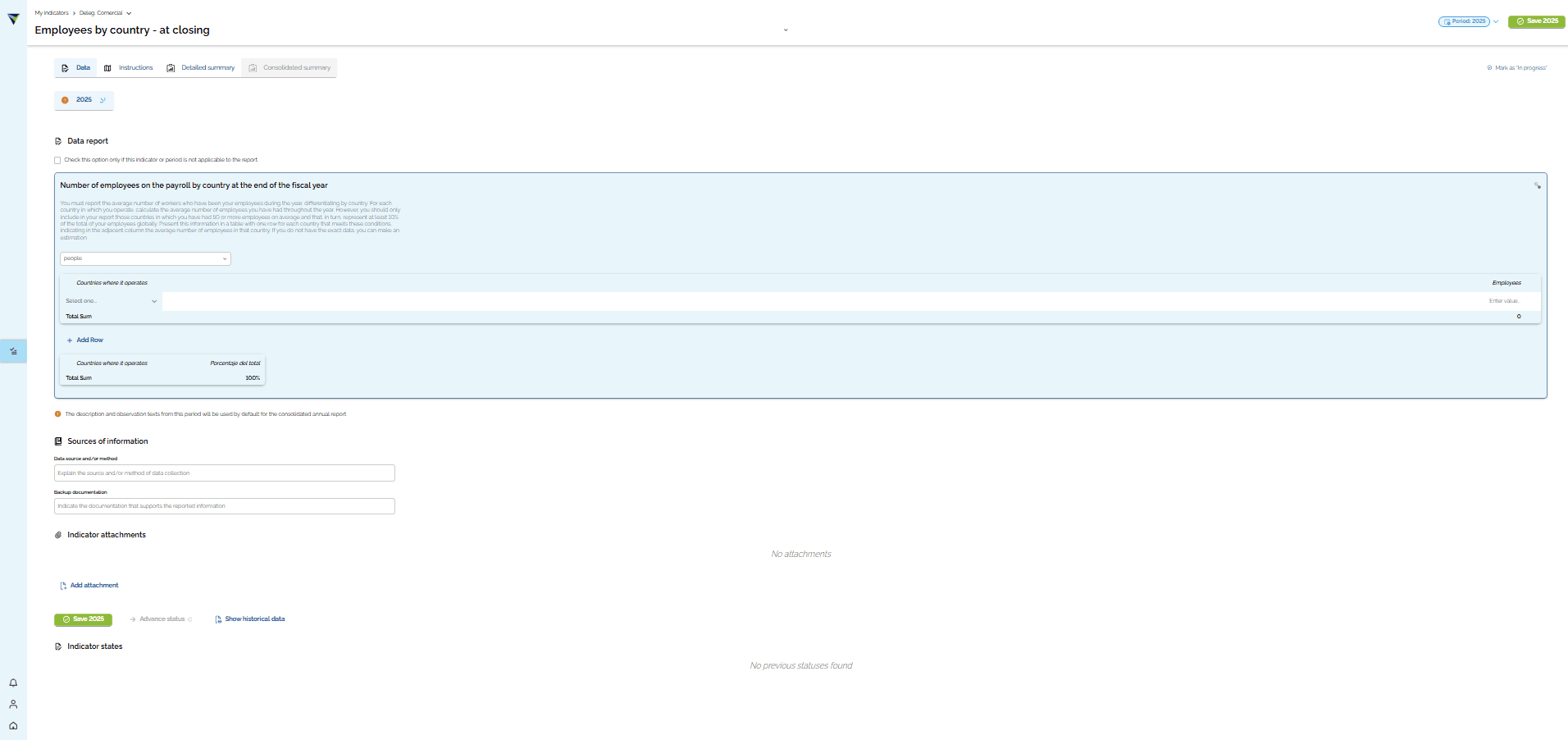
Review the data you need to complete.
4
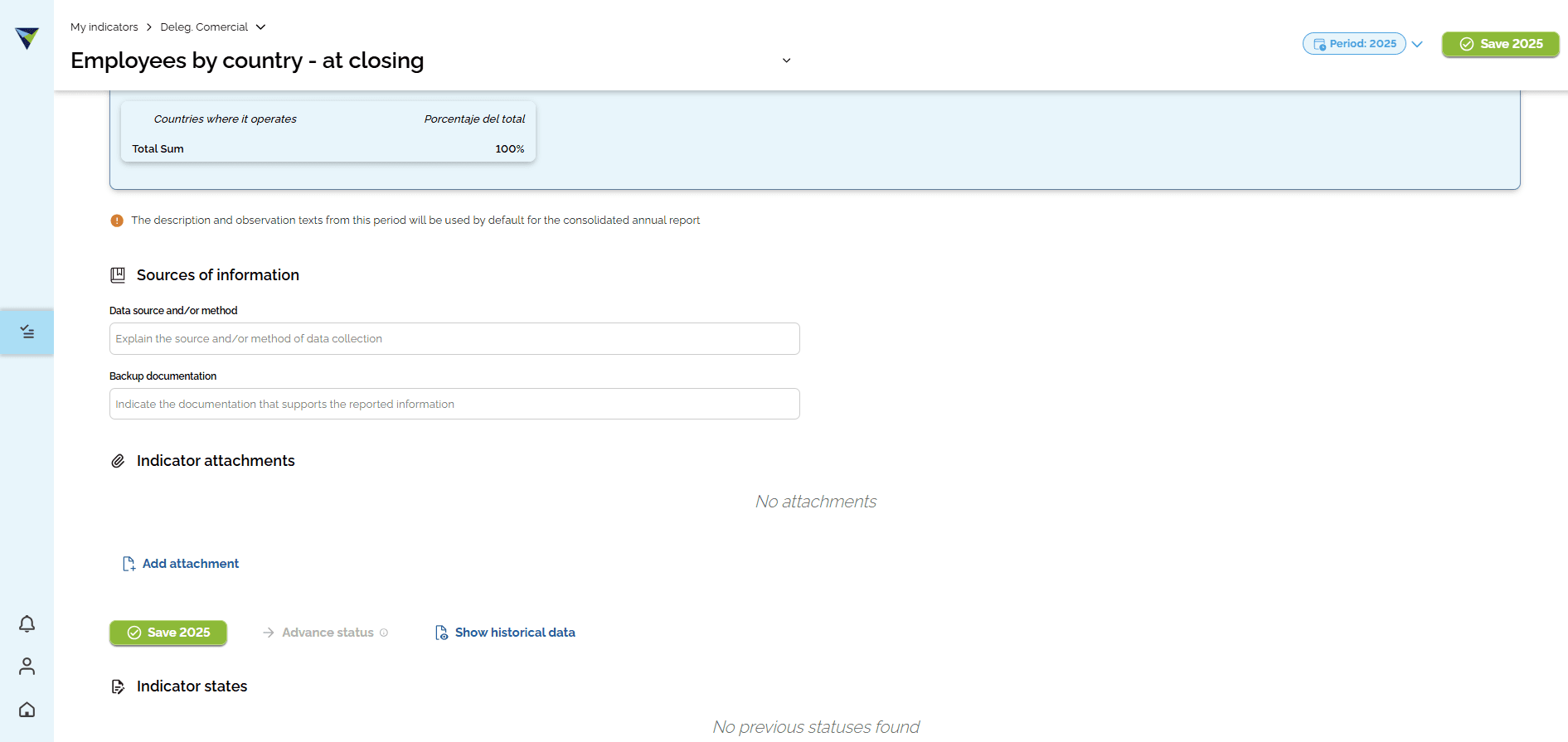
It is important to complete the "Source and/or method" and "Bdocumentation" fields.
You must also attach the evidence or supporting documents for the data you report. To do this, click "Add attachment".
You must also attach the evidence or supporting documents for the data you report. To do this, click "Add attachment".
5
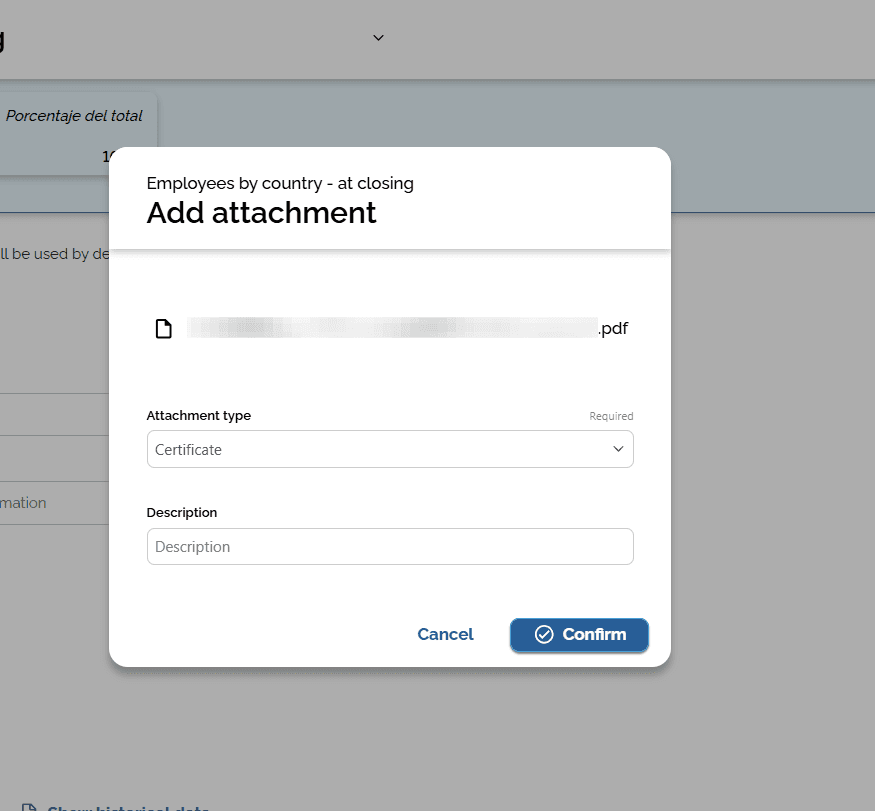
Select the file you want to add. Choose the "Attachment type" and write a short description in the field provided. Then click "Confirm".
6
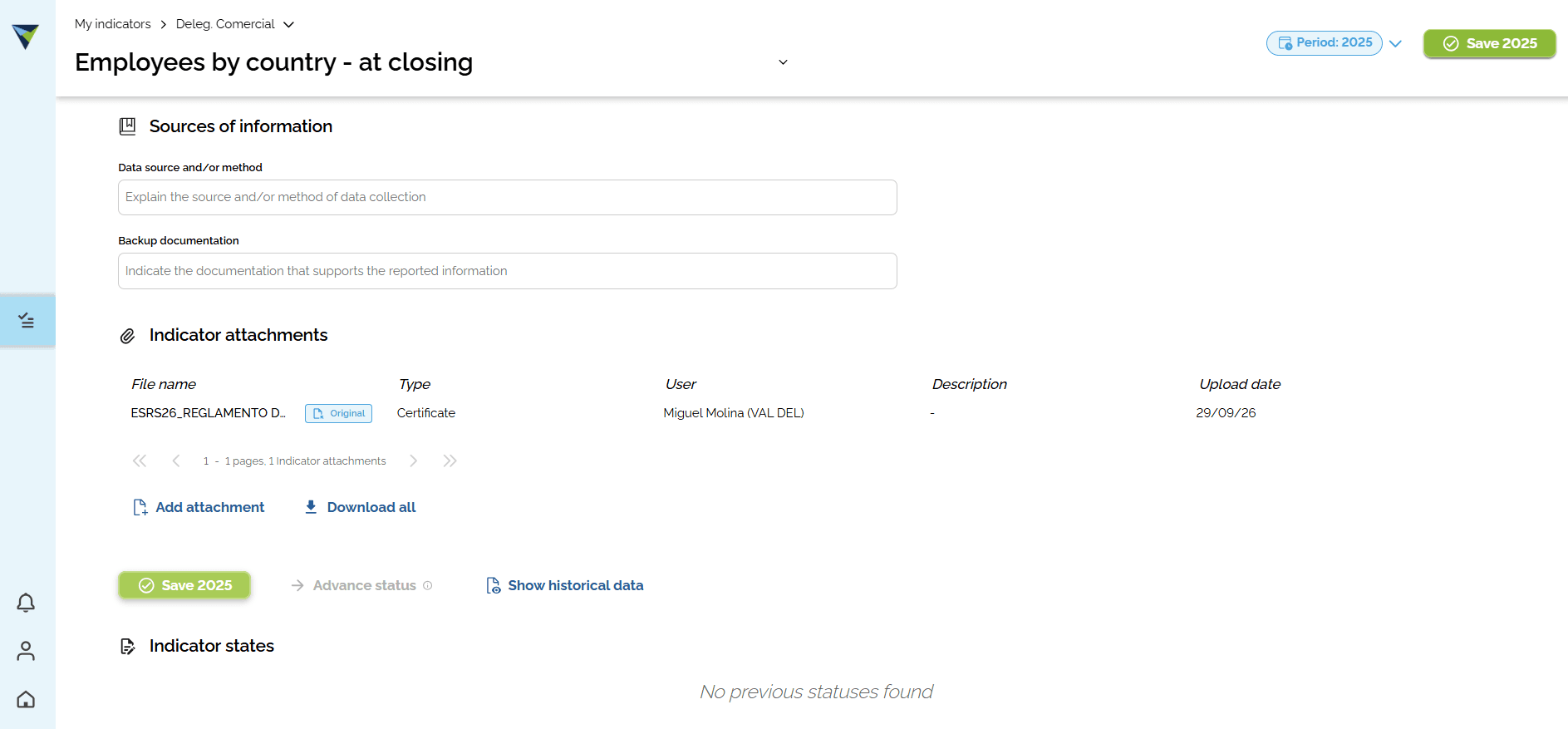
Finally, click "Save" so the data is recorded correctly.
7
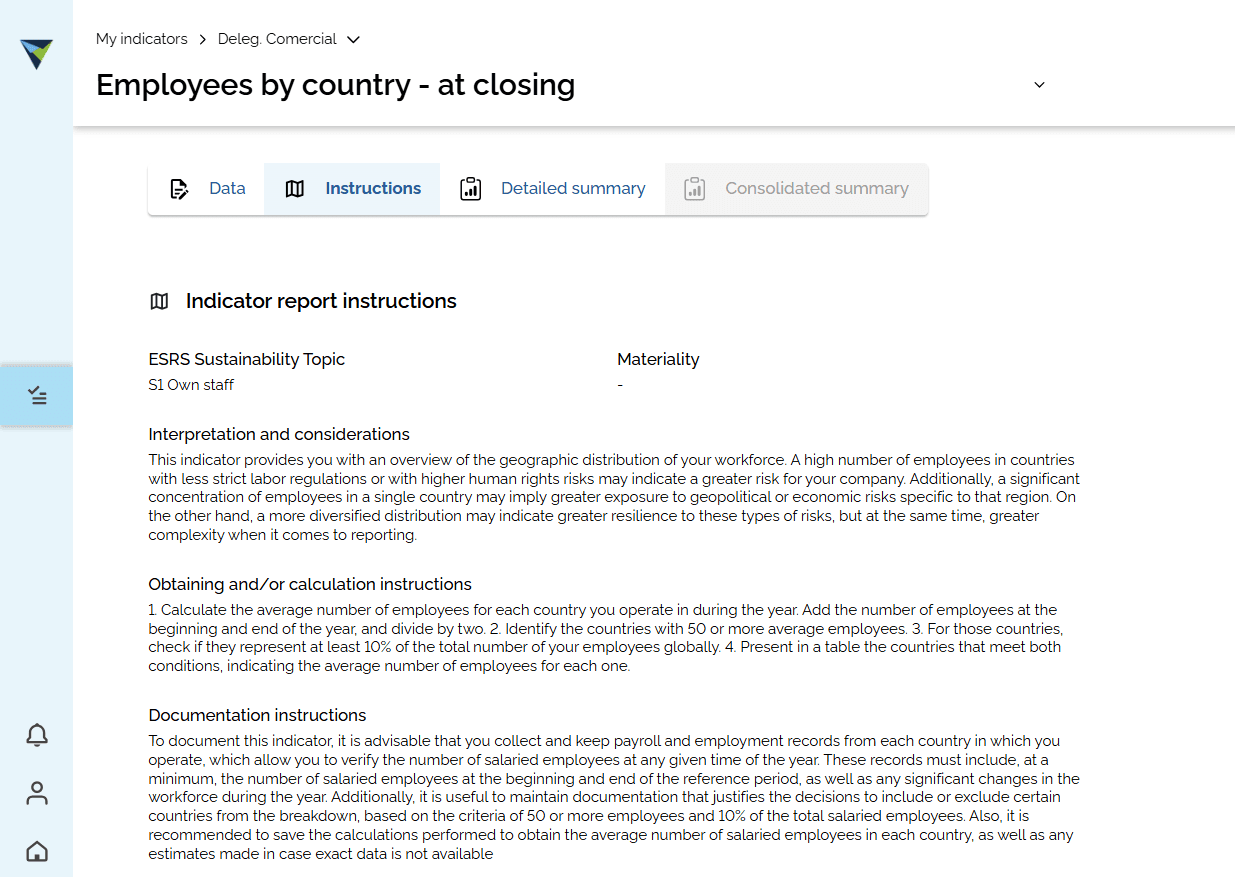
Click "Instructions" to see details about the indicator and instructions on how to get the data.
8
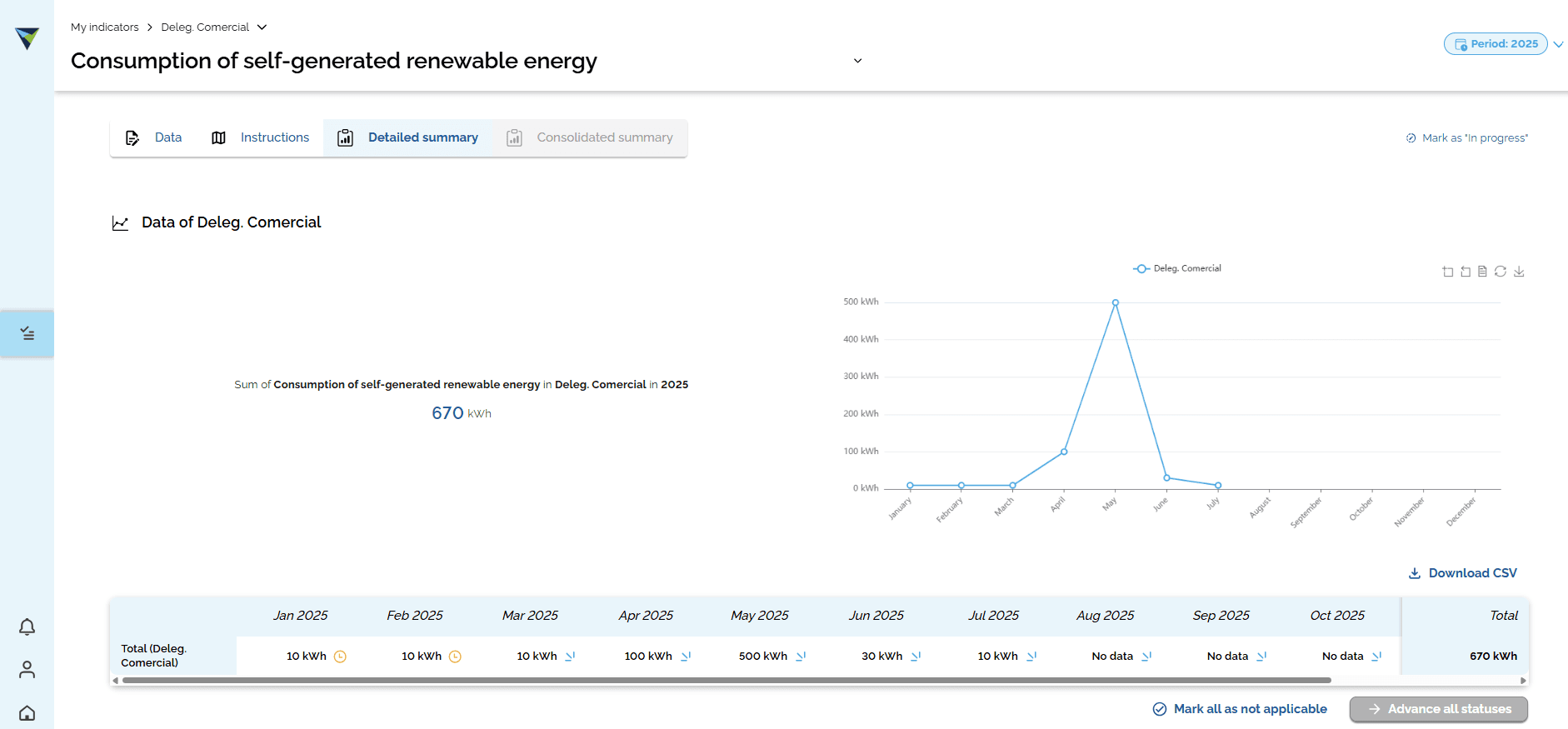
You can also go to "Detailed summary" to see the details of the data reported for the indicator.